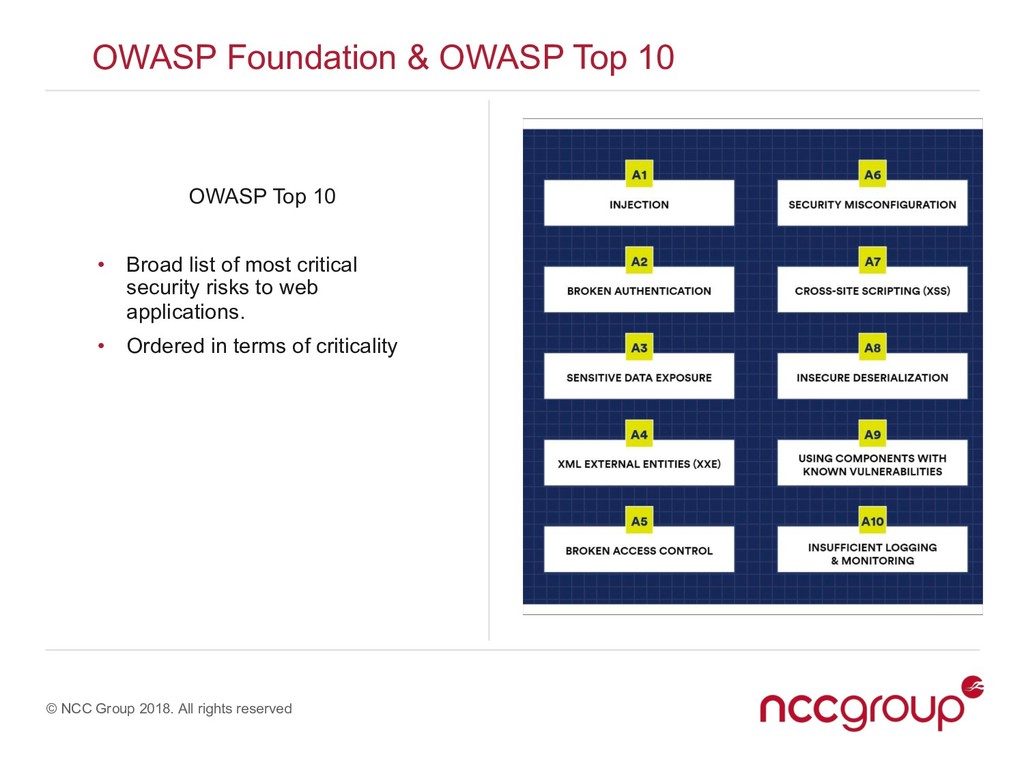
OWASP Foundation & OWASP Top 10 • The Open Web Application Security Project • Global non-for-profit established to help improve web security • “Our mission is to make software security visible, so that individuals and organizations are able to make informed decisions.”
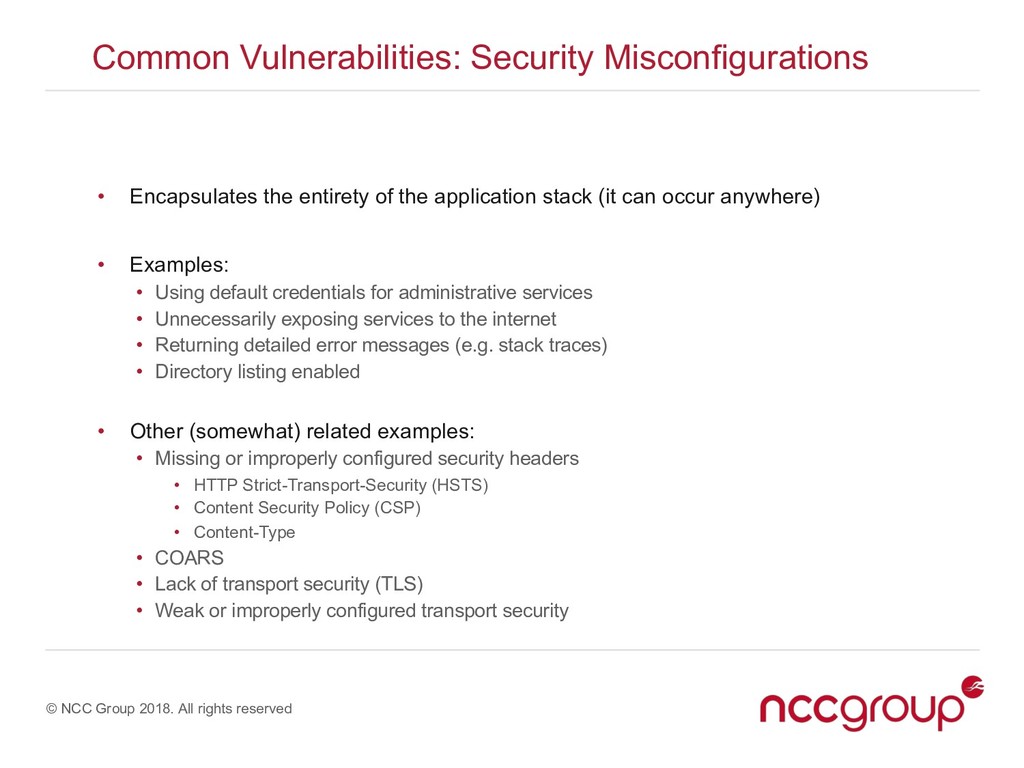
Misconfigurations • Encapsulates the entirety of the application stack (it can occur anywhere) • Examples: • Using default credentials for administrative services • Unnecessarily exposing services to the internet • Returning detailed error messages (e.g. stack traces) • Directory listing enabled • Other (somewhat) related examples: • Missing or improperly configured security headers • HTTP Strict-Transport-Security (HSTS) • Content Security Policy (CSP) • Content-Type • COARS • Lack of transport security (TLS) • Weak or improperly configured transport security
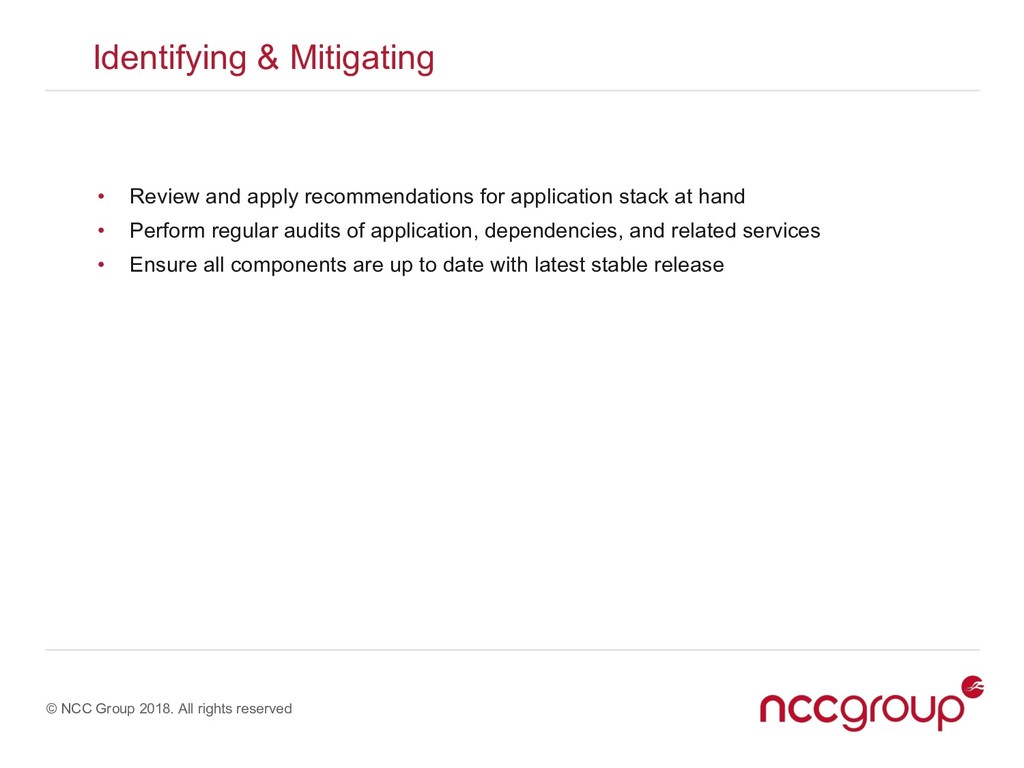
• Review and apply recommendations for application stack at hand • Perform regular audits of application, dependencies, and related services • Ensure all components are up to date with latest stable release
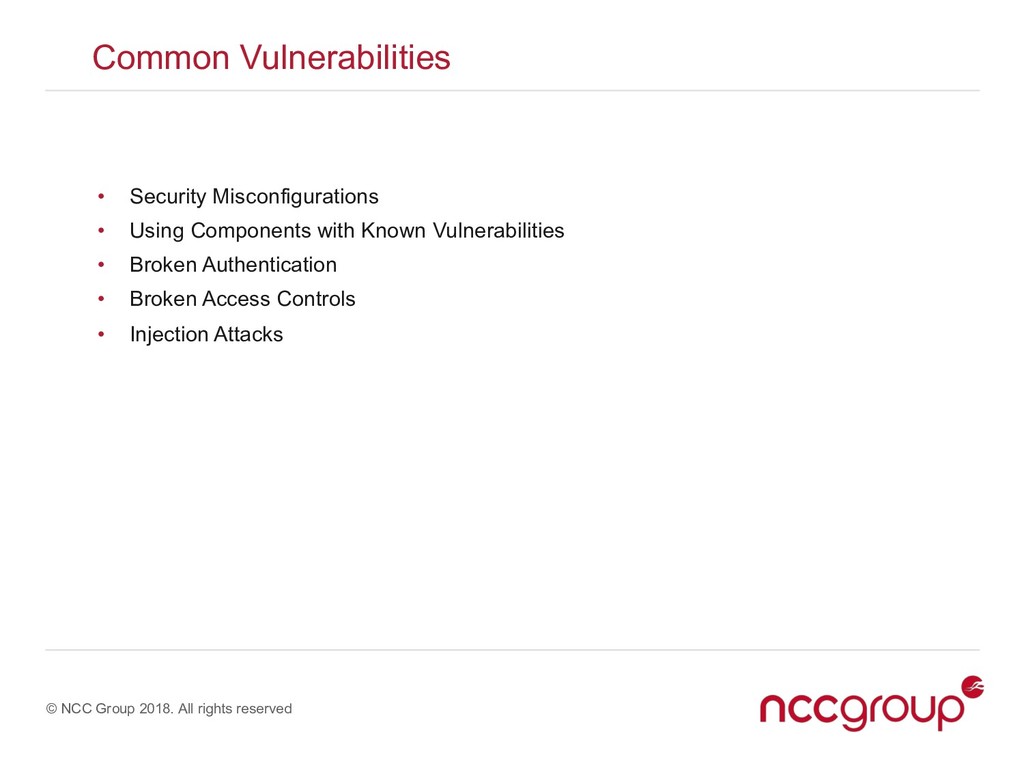
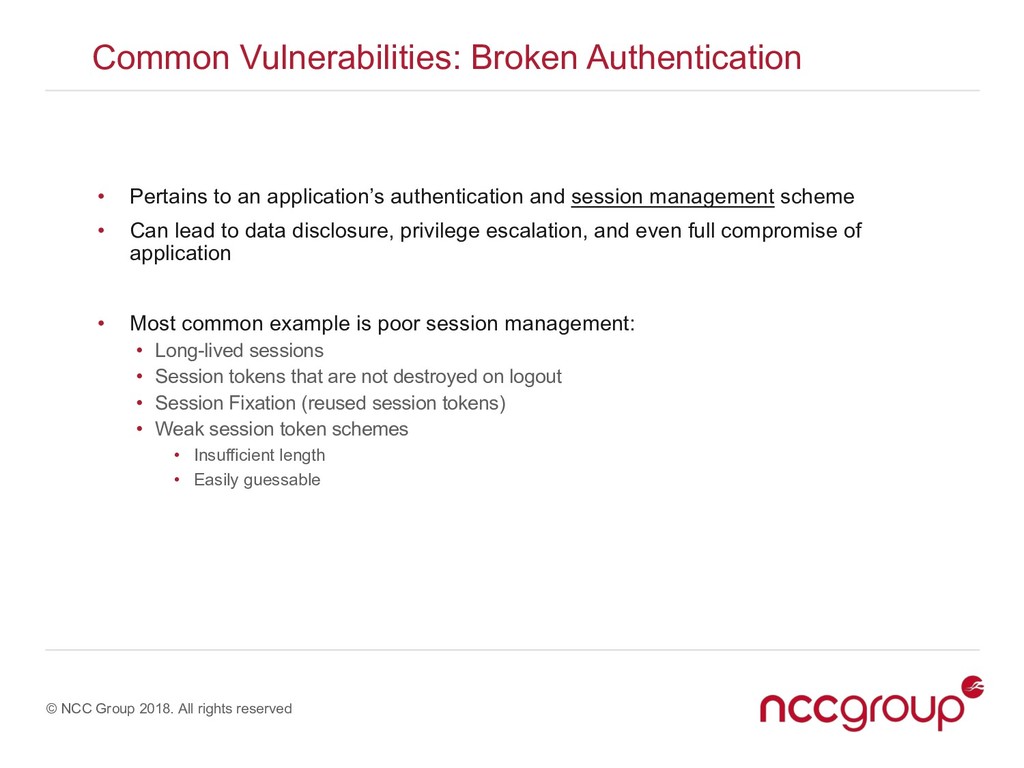
Authentication • Pertains to an application’s authentication and session management scheme • Can lead to data disclosure, privilege escalation, and even full compromise of application • Most common example is poor session management: • Long-lived sessions • Session tokens that are not destroyed on logout • Session Fixation (reused session tokens) • Weak session token schemes • Insufficient length • Easily guessable
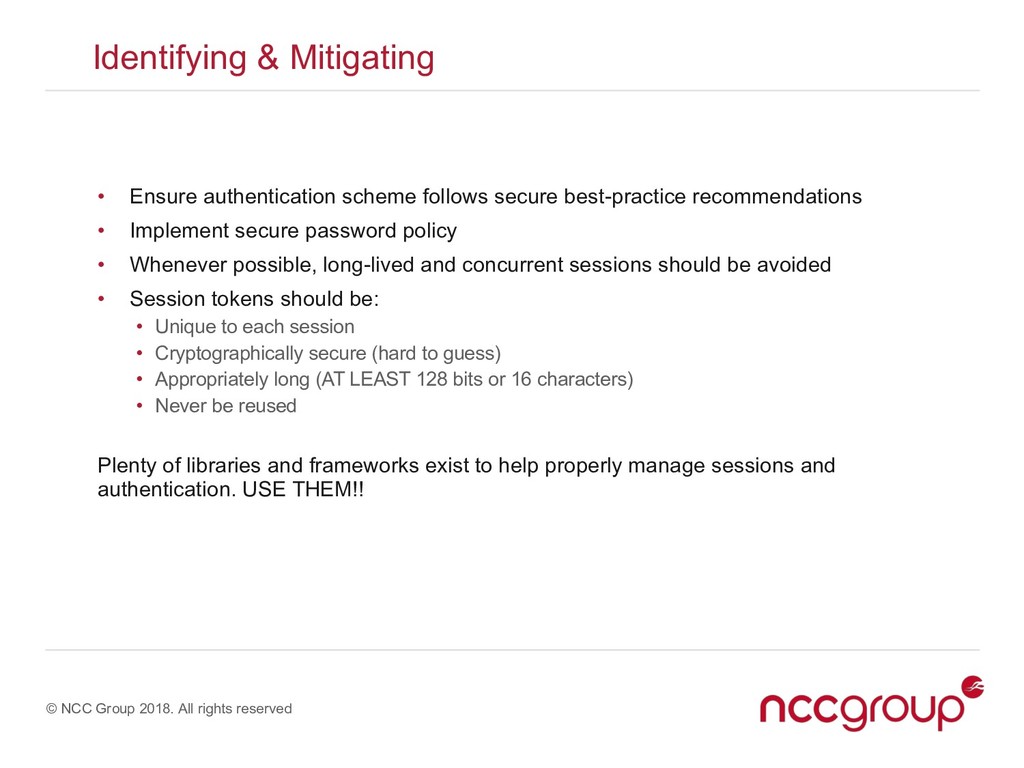
• Ensure authentication scheme follows secure best-practice recommendations • Implement secure password policy • Whenever possible, long-lived and concurrent sessions should be avoided • Session tokens should be: • Unique to each session • Cryptographically secure (hard to guess) • Appropriately long (AT LEAST 128 bits or 16 characters) • Never be reused Plenty of libraries and frameworks exist to help properly manage sessions and authentication. USE THEM!!
Access Controls • In a nutshell: users can access information or functionality they should not have access to. • Typically happens when user permissions, roles, or session state is not verified. • Can also happen when access controls occur client-side
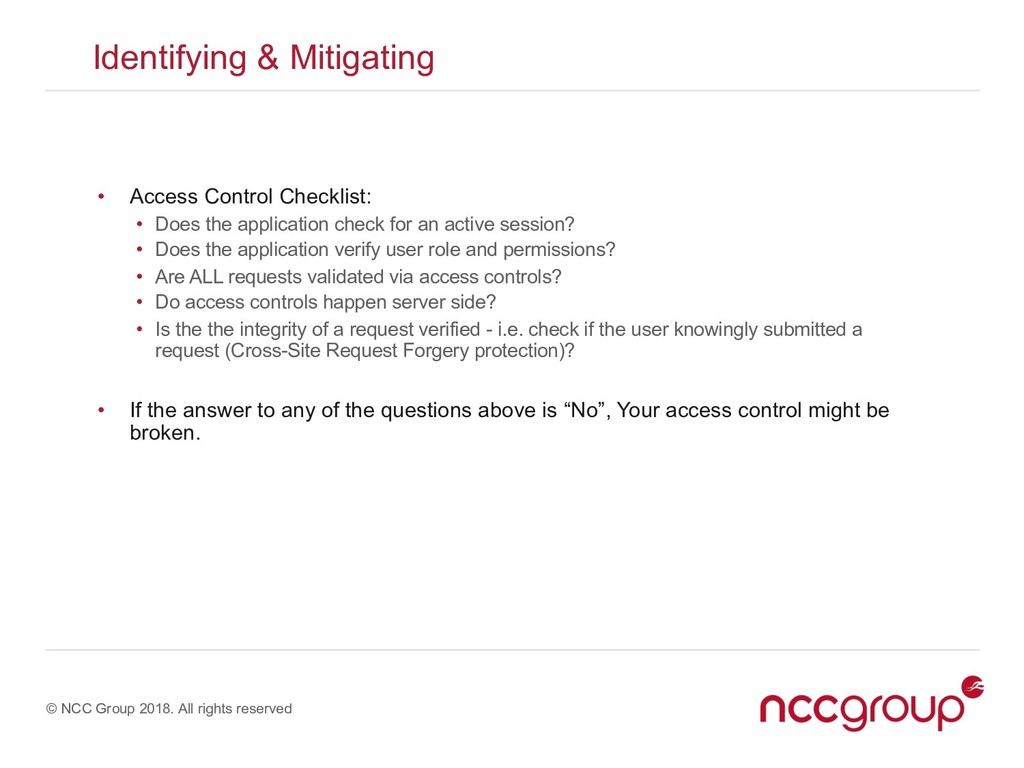
• Access Control Checklist: • Does the application check for an active session? • Does the application verify user role and permissions? • Are ALL requests validated via access controls? • Do access controls happen server side? • Is the the integrity of a request verified - i.e. check if the user knowingly submitted a request (Cross-Site Request Forgery protection)? • If the answer to any of the questions above is “No”, Your access control might be broken.
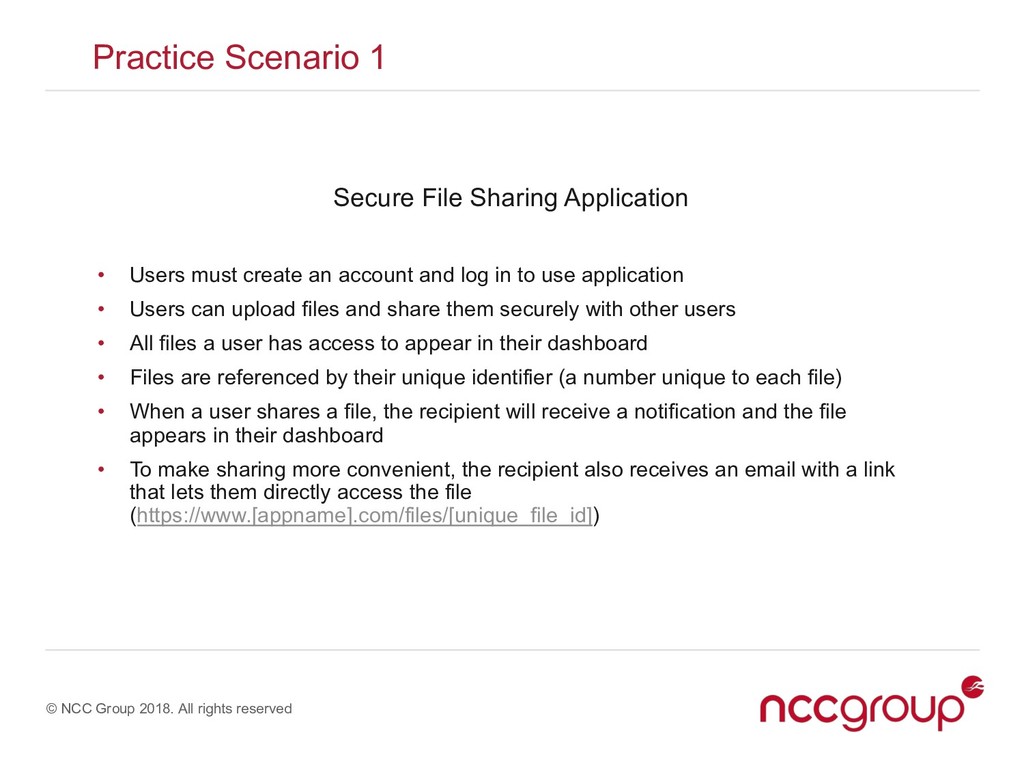
Secure File Sharing Application • Users must create an account and log in to use application • Users can upload files and share them securely with other users • All files a user has access to appear in their dashboard • Files are referenced by their unique identifier (a number unique to each file) • When a user shares a file, the recipient will receive a notification and the file appears in their dashboard • To make sharing more convenient, the recipient also receives an email with a link that lets them directly access the file (https://www.[appname].com/files/[unique_file_id])
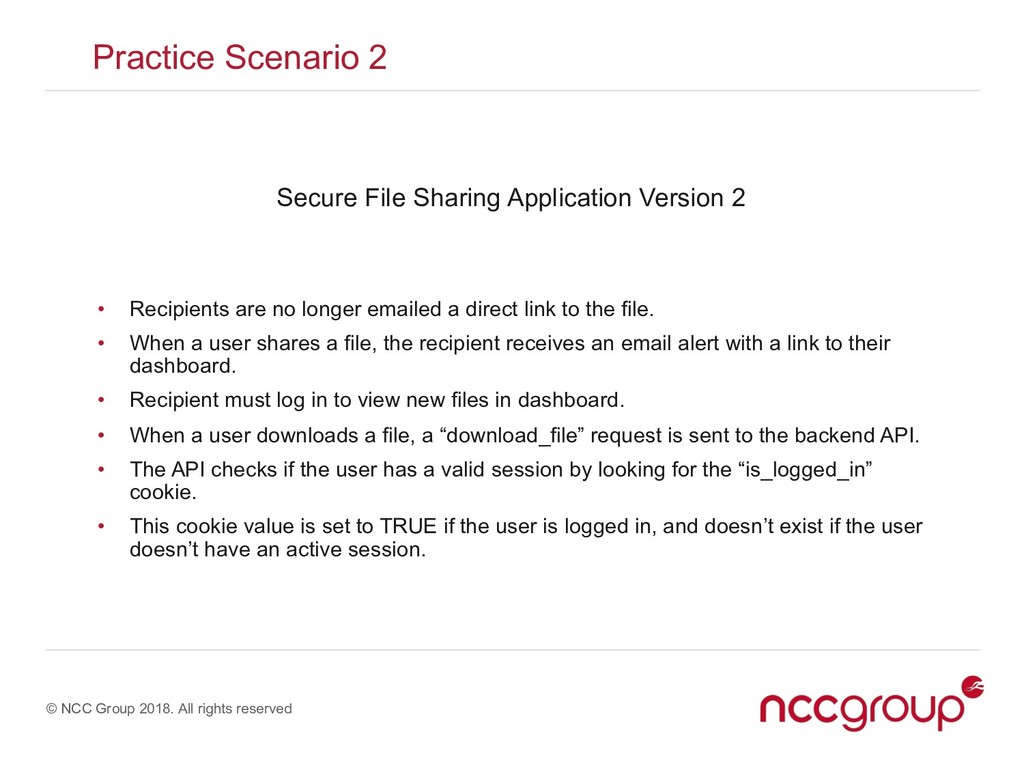
Secure File Sharing Application Version 2 • Recipients are no longer emailed a direct link to the file. • When a user shares a file, the recipient receives an email alert with a link to their dashboard. • Recipient must log in to view new files in dashboard. • When a user downloads a file, a “download_file” request is sent to the backend API. • The API checks if the user has a valid session by looking for the “is_logged_in” cookie. • This cookie value is set to TRUE if the user is logged in, and doesn’t exist if the user doesn’t have an active session.
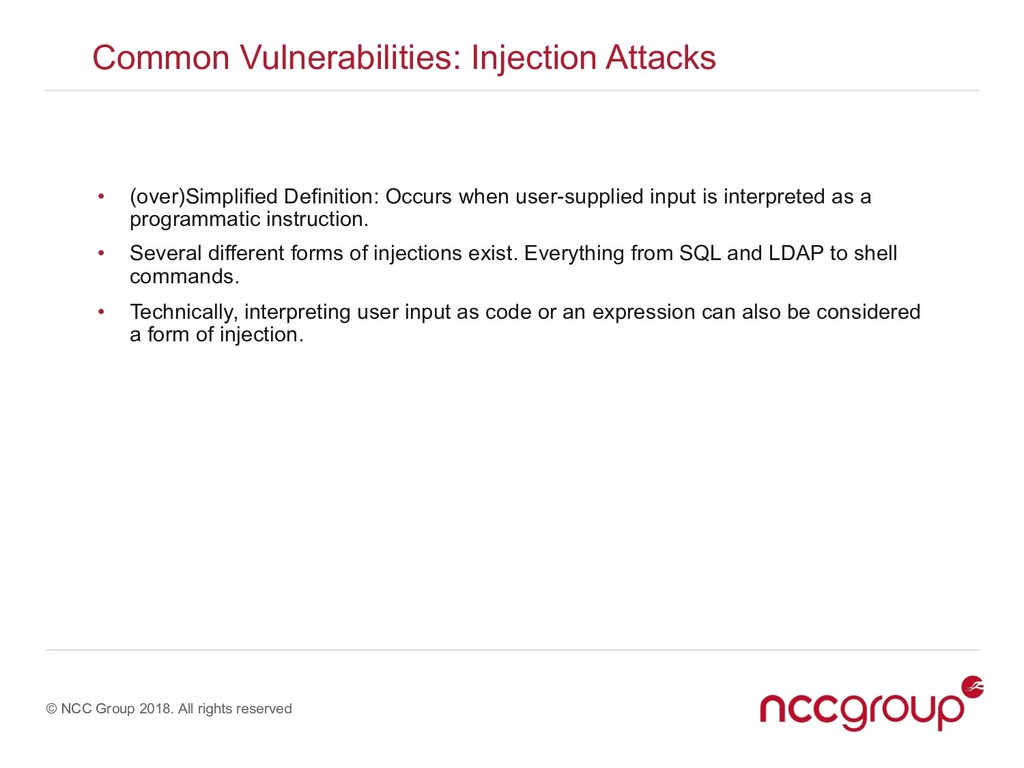
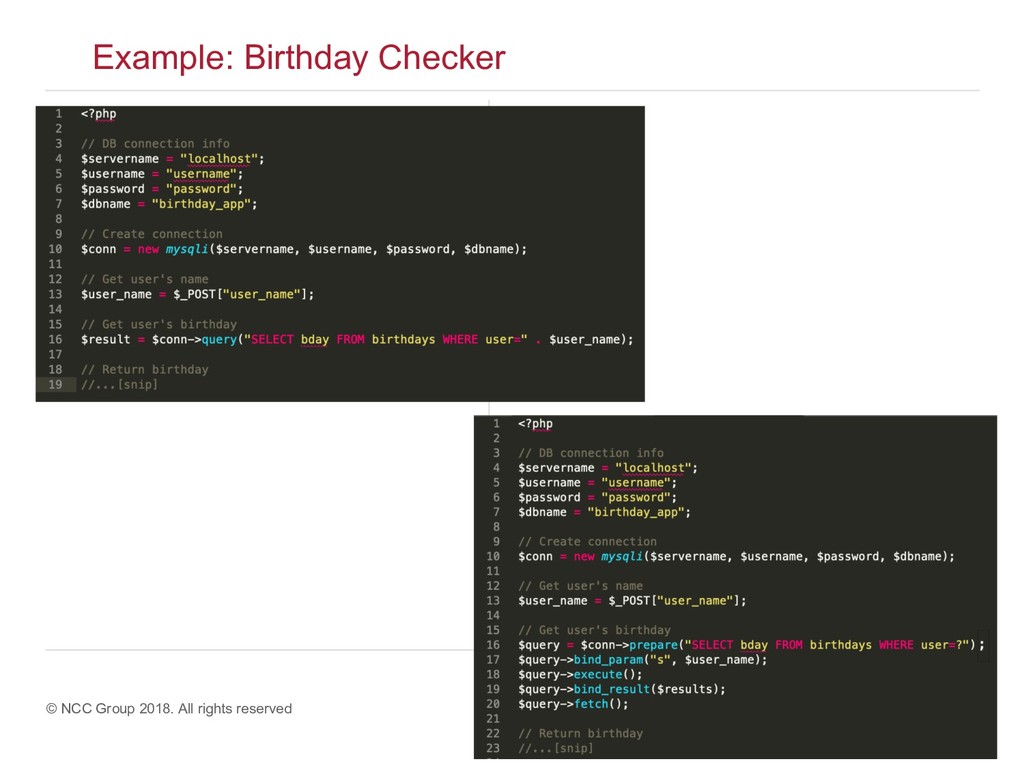
Attacks • (over)Simplified Definition: Occurs when user-supplied input is interpreted as a programmatic instruction. • Several different forms of injections exist. Everything from SQL and LDAP to shell commands. • Technically, interpreting user input as code or an expression can also be considered a form of injection.
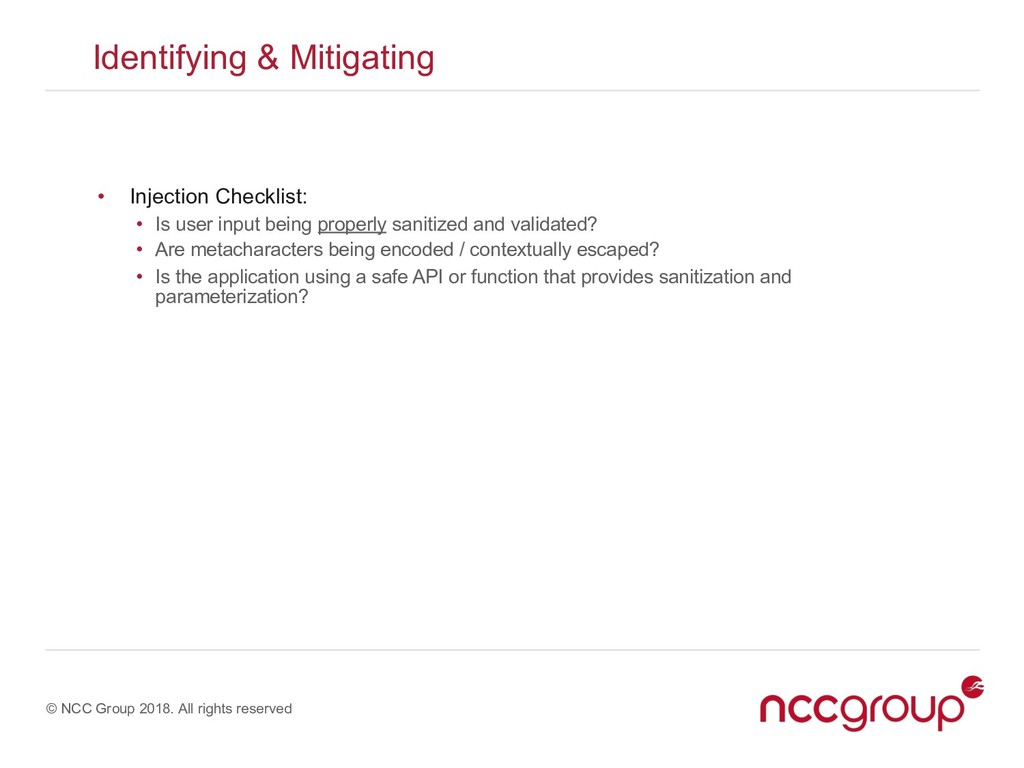
• Injection Checklist: • Is user input being properly sanitized and validated? • Are metacharacters being encoded / contextually escaped? • Is the application using a safe API or function that provides sanitization and parameterization?
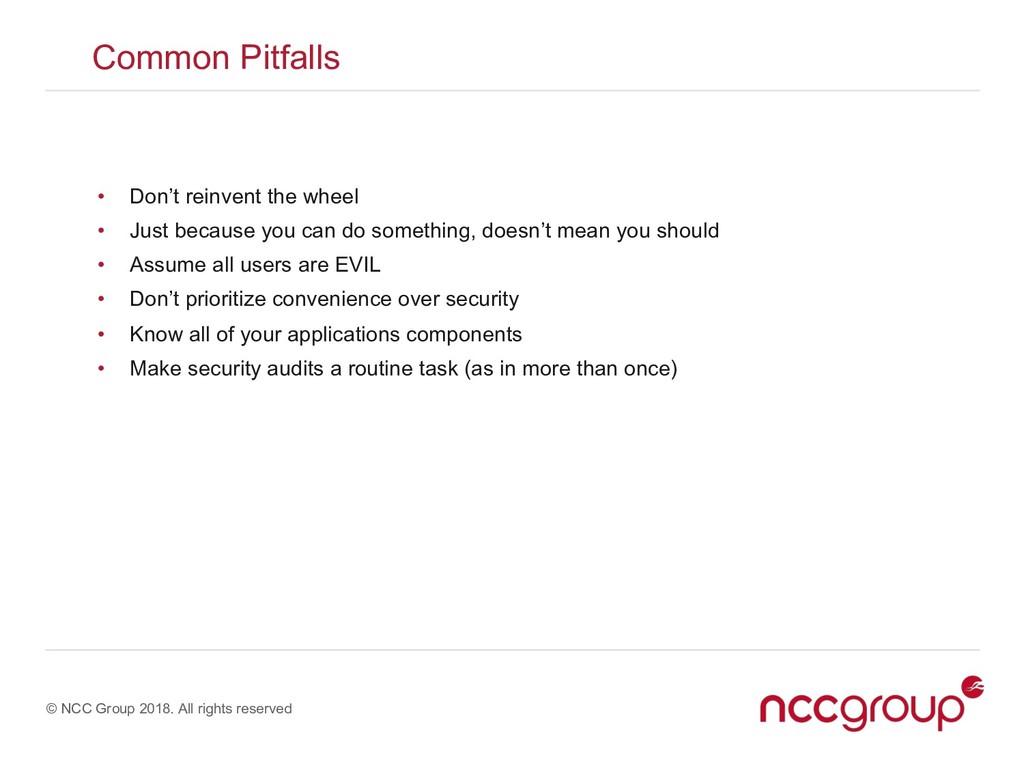
Don’t reinvent the wheel • Just because you can do something, doesn’t mean you should • Assume all users are EVIL • Don’t prioritize convenience over security • Know all of your applications components • Make security audits a routine task (as in more than once)


 tanahiro2010
 jame2408
 kawashimo0
 kishida
 sylph01
 optim
optim
 suneo3476
 deka_morita
 falcon8823
 nabondance
 ryu1013
 drumath2237
 chriscoyier
 erikaheidi
 sabderemane
 ryanjones
 jcasabona
 orderedlist
 soysaucechin
 skipperchong
 chrisshort
 marcduiker
 geshan
 lauravandoore
![© NCC Group 2018. All rights reserved Example: Hello [USER]](https://files.speakerdeck.com/presentations/31b7b9ee7ed14bcbb52d0363918bc618/slide_20.jpg)
![© NCC Group 2018. All rights reserved Example: Hello [USER]](https://files.speakerdeck.com/presentations/31b7b9ee7ed14bcbb52d0363918bc618/slide_21.jpg)