Upgrade to Pro — share decks privately, control downloads, hide ads and more …

How to separate frontend from a highload python...

How to separate frontend from a highload python project with no problems - PyCon Ukraine 2018

Everybody knows that it is hard to scale old highload monolithic projects that use pythonic templates for frontend. I am gonna tell how we transformed our product using trending and proper technologies like GraphQL, Apollo, Node.js with limited developer resources in a short period of time.

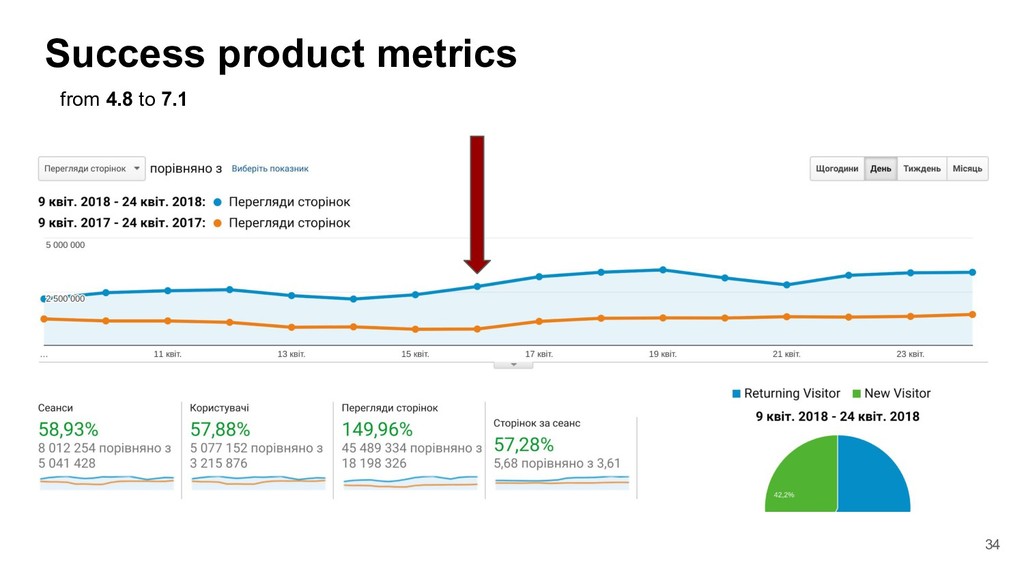
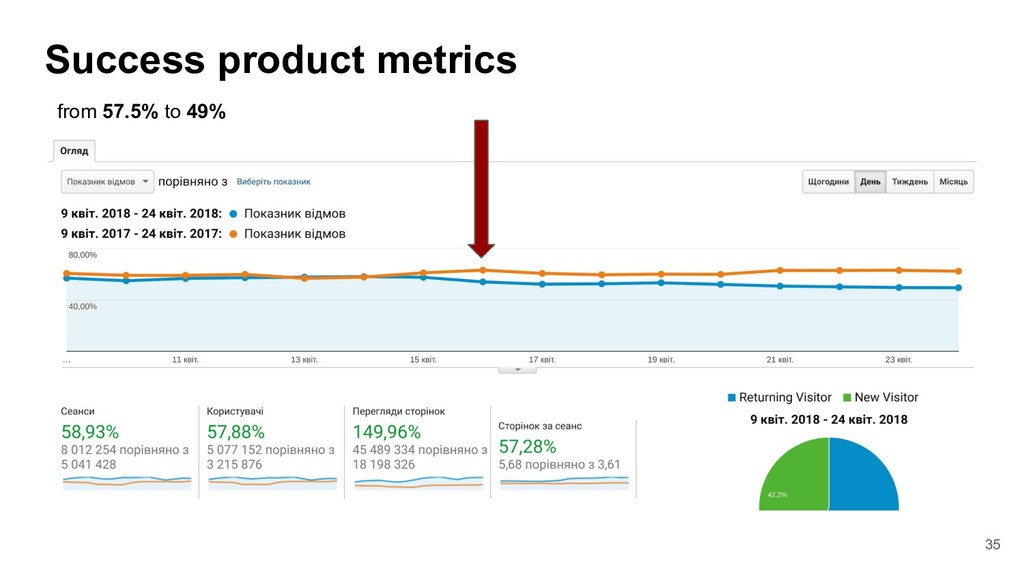
And how migration to SSR and GraphGL improved bounce rate and other business metrics.

Avatar for Oleksandr  Tarasenko

Oleksandr Tarasenko

April 28, 2018

Other Decks in Programming

Transcript

  1. How to separate frontend from a highload python project with

    no problems Oleksandr Tarasenko EVO.company / prom.ua
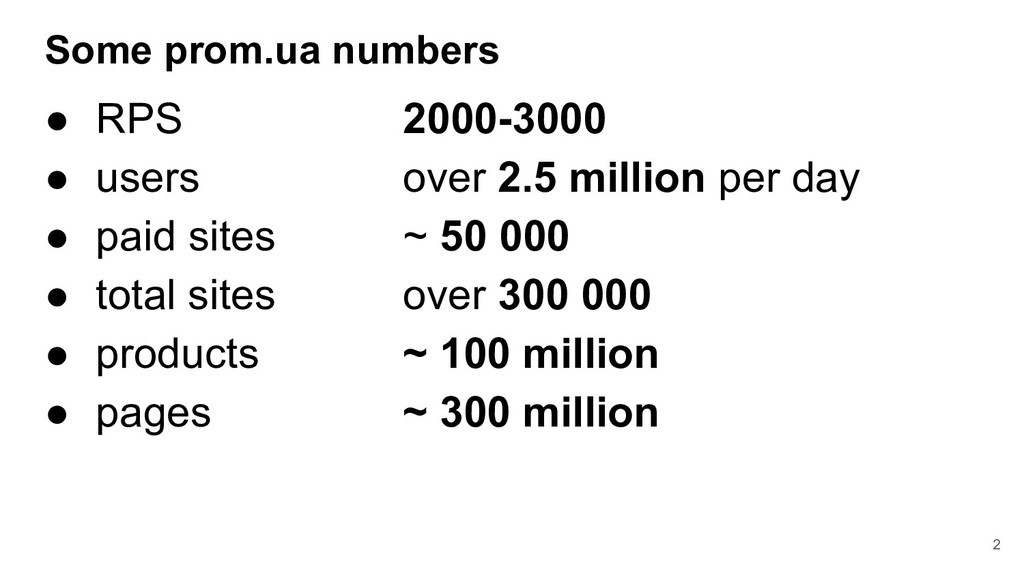
  2. Some prom.ua numbers • RPS 2000-3000 • users over 2.5

    million per day • paid sites ~ 50 000 • total sites over 300 000 • products ~ 100 million • pages ~ 300 million 2
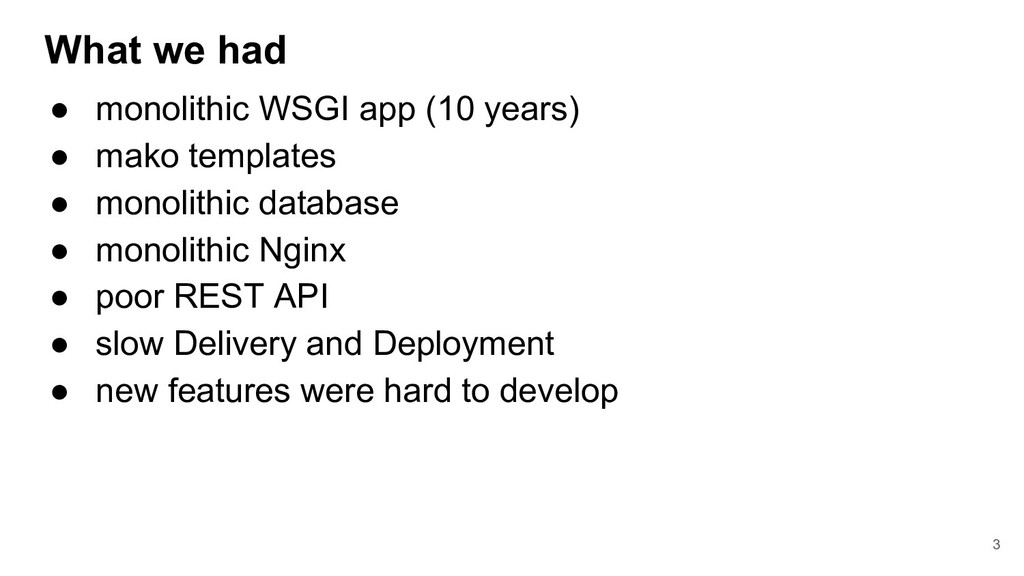
  3. What we had • monolithic WSGI app (10 years) •

    mako templates • monolithic database • monolithic Nginx • poor REST API • slow Delivery and Deployment • new features were hard to develop 3
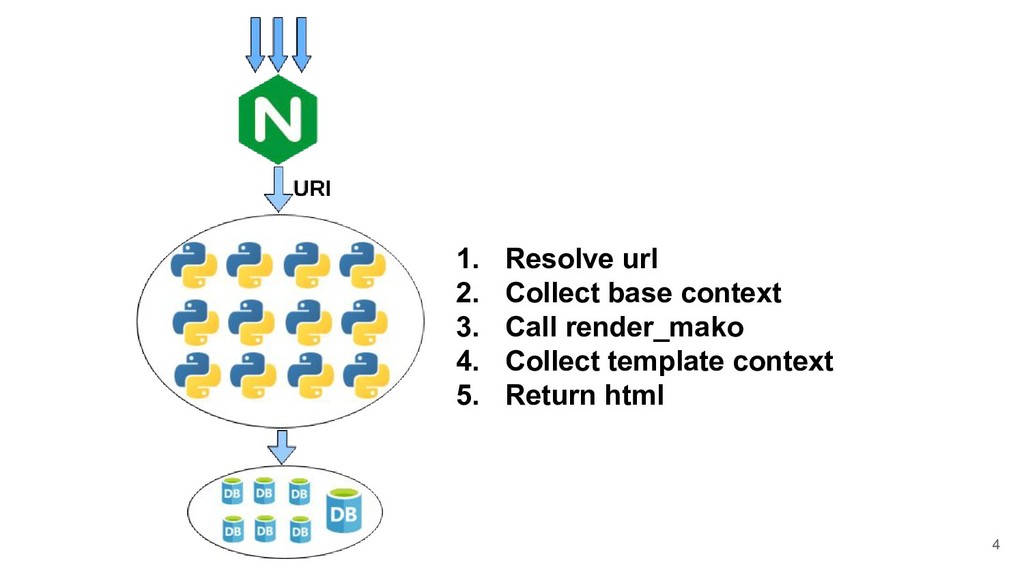
  4. 4 1. Resolve url 2. Collect base context 3. Call

    render_mako 4. Collect template context 5. Return html
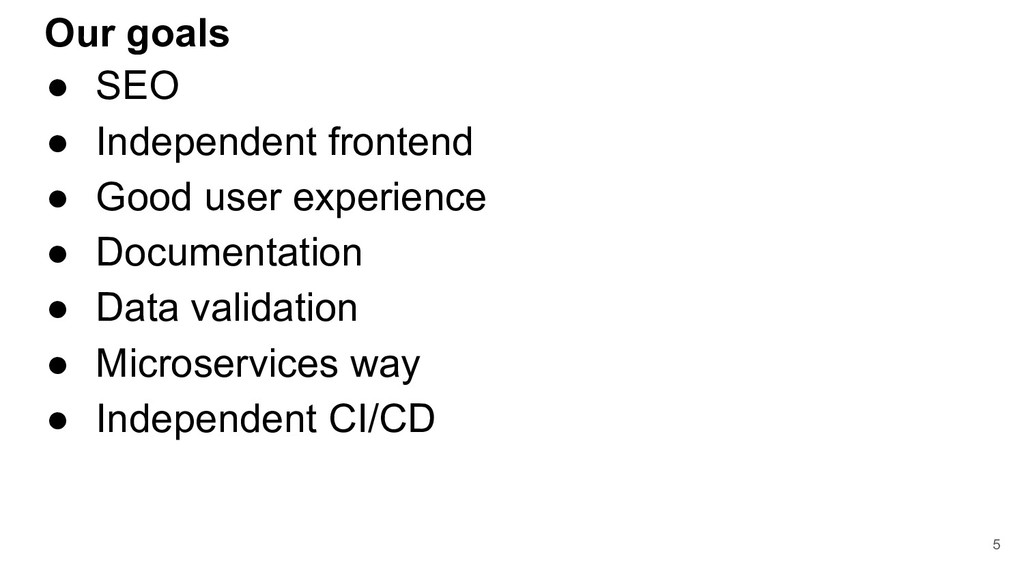
  5. Our goals • SEO • Independent frontend • Good user

    experience • Documentation • Data validation • Microservices way • Independent CI/CD 5
  6. Tools and expertise • ReactJS / Redux • GraphQL server

    (hiku) • Container system (vagga/lithos) • Metrics (grafana) • Logs (kibana) 6
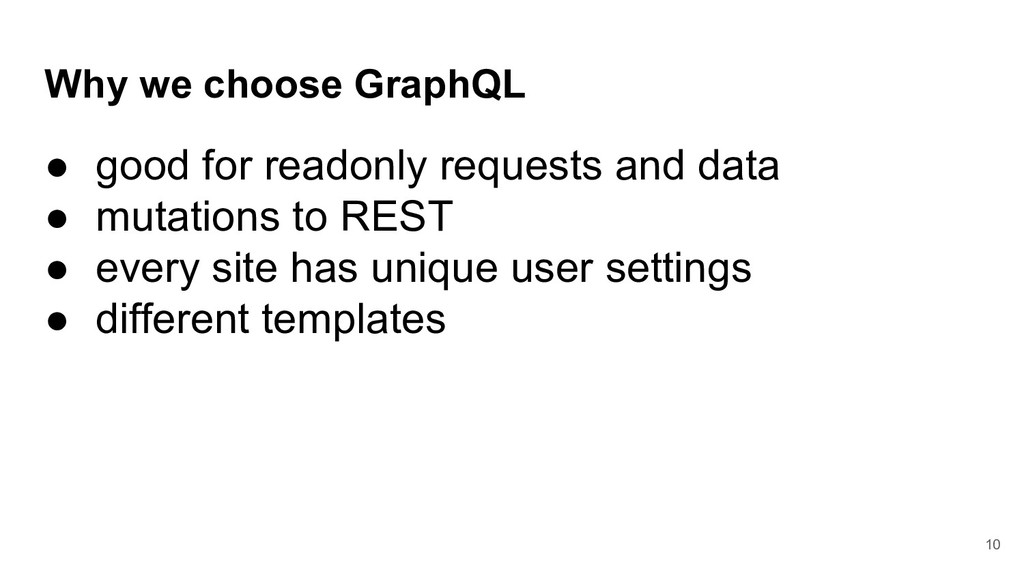
  7. Why we choose GraphQL • good for readonly requests and

    data • mutations to REST • every site has unique user settings • different templates 10
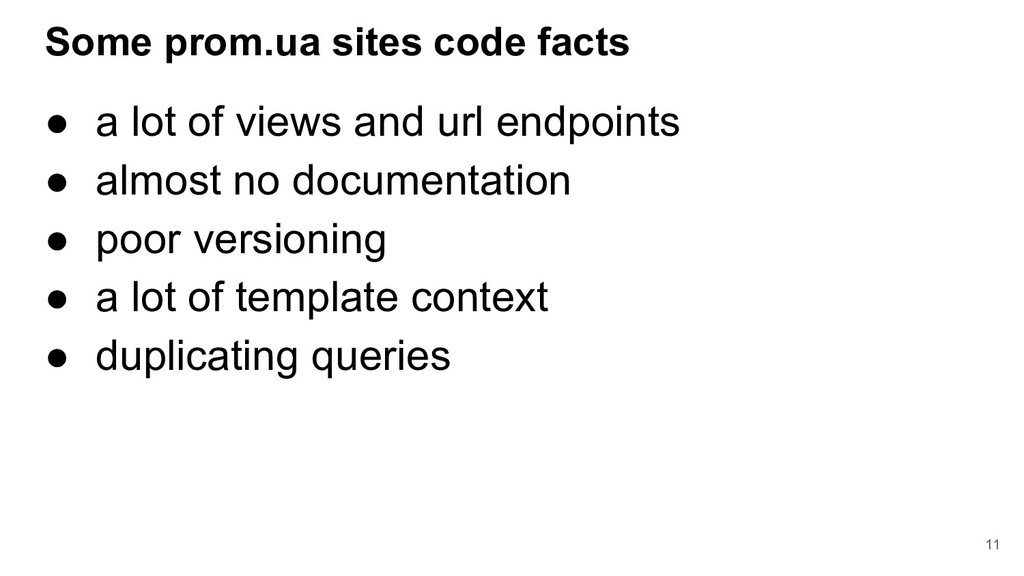
  8. Some prom.ua sites code facts • a lot of views

    and url endpoints • almost no documentation • poor versioning • a lot of template context • duplicating queries 11
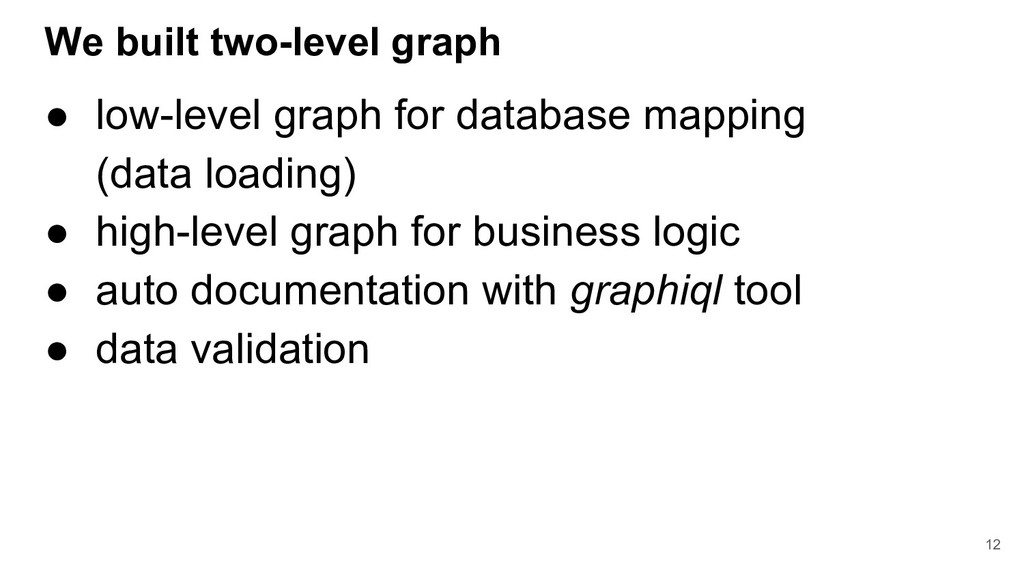
  9. We built two-level graph • low-level graph for database mapping

    (data loading) • high-level graph for business logic • auto documentation with graphiql tool • data validation 12
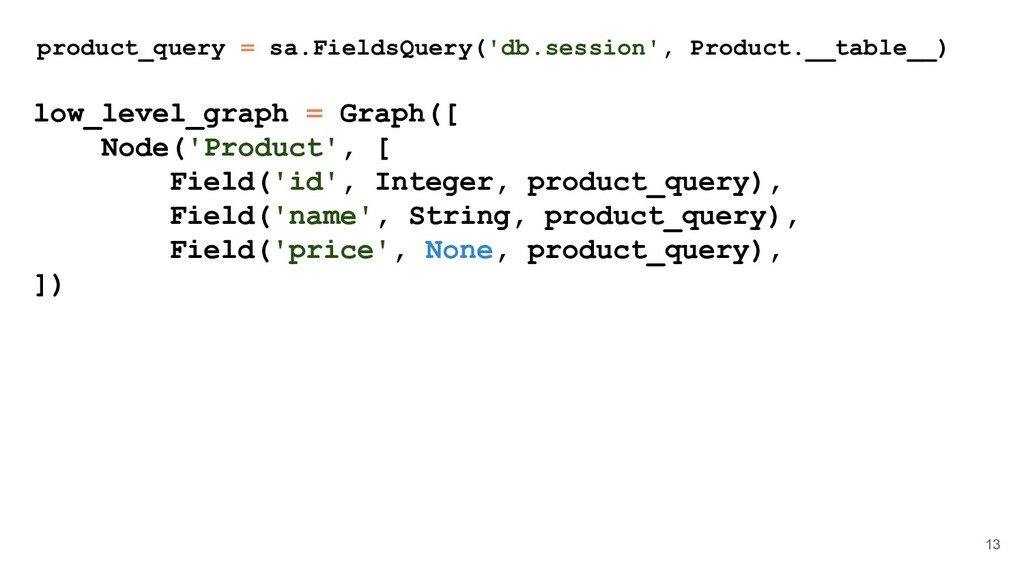
  10. product_query = sa.FieldsQuery('db.session', Product.__table__) low_level_graph = Graph([ Node('Product', [ Field('id',

    Integer, product_query), Field('name', String, product_query), Field('price', None, product_query), ]) 13
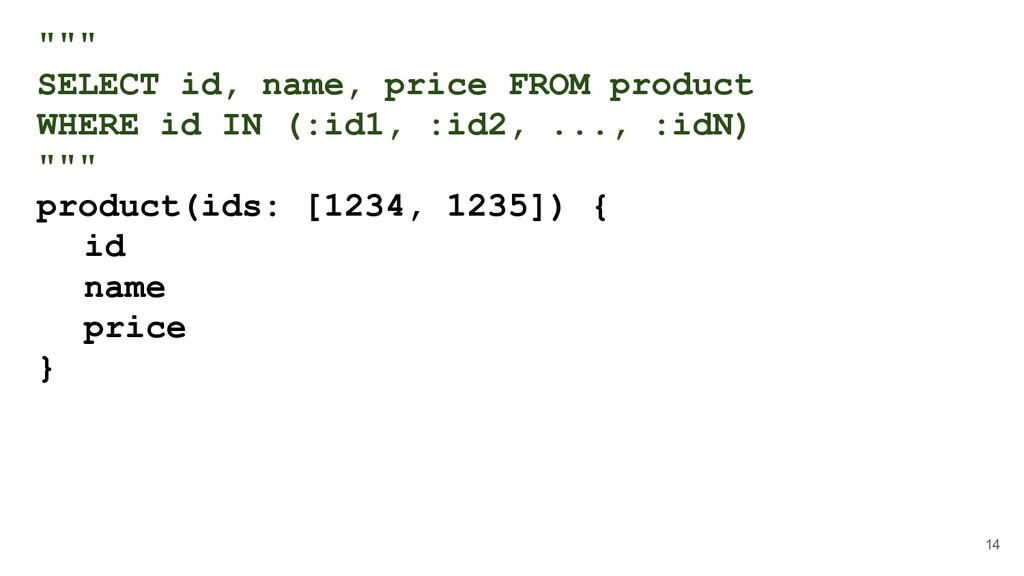
  11. """ SELECT id, name, price FROM product WHERE id IN

    (:id1, :id2, ..., :idN) """ product(ids: [1234, 1235]) { id name price } 14
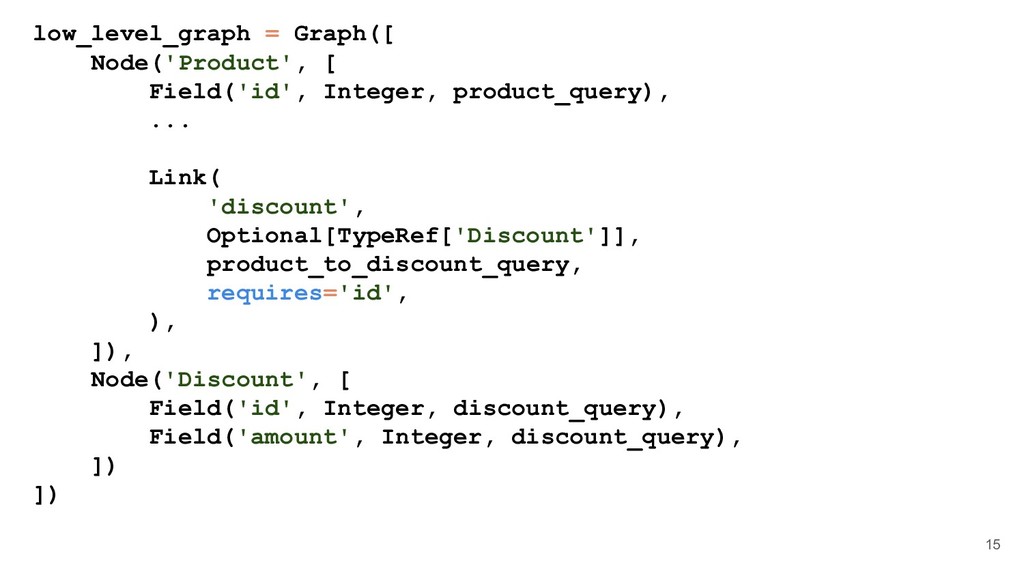
  12. low_level_graph = Graph([ Node('Product', [ Field('id', Integer, product_query), ... Link(

    'discount', Optional[TypeRef['Discount']], product_to_discount_query, requires='id', ), ]), Node('Discount', [ Field('id', Integer, discount_query), Field('amount', Integer, discount_query), ]) ]) 15
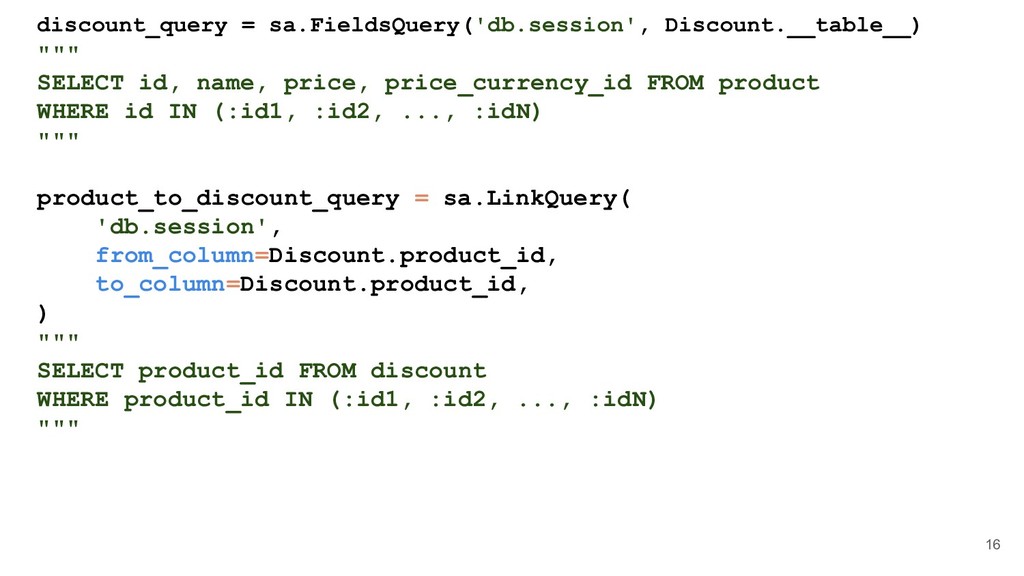
  13. 16 discount_query = sa.FieldsQuery('db.session', Discount.__table__) """ SELECT id, name, price,

    price_currency_id FROM product WHERE id IN (:id1, :id2, ..., :idN) """ product_to_discount_query = sa.LinkQuery( 'db.session', from_column=Discount.product_id, to_column=Discount.product_id, ) """ SELECT product_id FROM discount WHERE product_id IN (:id1, :id2, ..., :idN) """
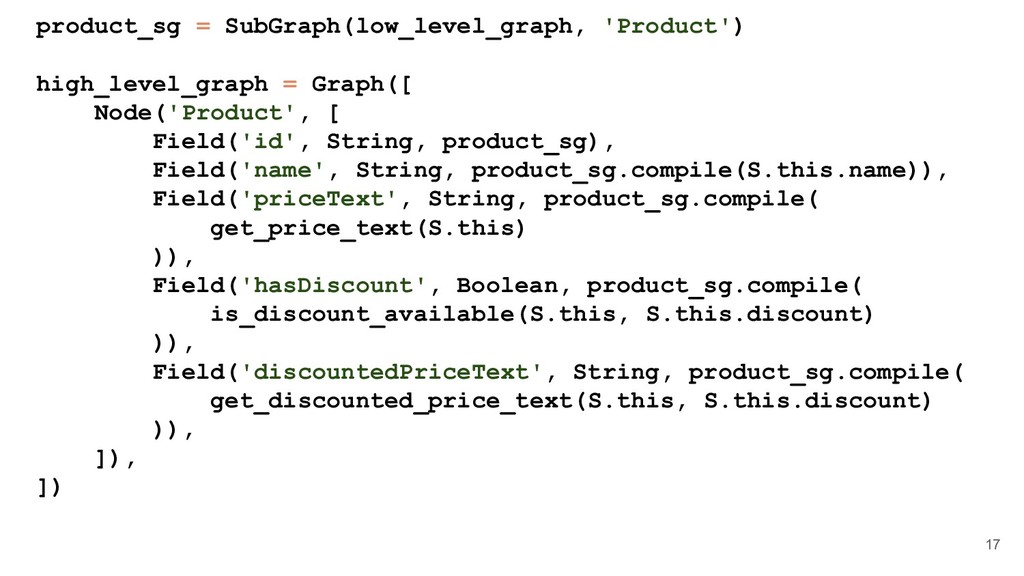
  14. 17 product_sg = SubGraph(low_level_graph, 'Product') high_level_graph = Graph([ Node('Product', [

    Field('id', String, product_sg), Field('name', String, product_sg.compile(S.this.name)), Field('priceText', String, product_sg.compile( get_price_text(S.this) )), Field('hasDiscount', Boolean, product_sg.compile( is_discount_available(S.this, S.this.discount) )), Field('discountedPriceText', String, product_sg.compile( get_discounted_price_text(S.this, S.this.discount) )), ]), ])
  15. 18 @define(Record[{ 'price': Float, 'price_currency_id': Integer, 'currency_settings': Any }]) def

    get_price_text(product): product_price_text = format_currency_data( product_price, product['price_currency_id'], ) return product_price_text.formatted_number
  16. Some facts of the new graph • number of fields:

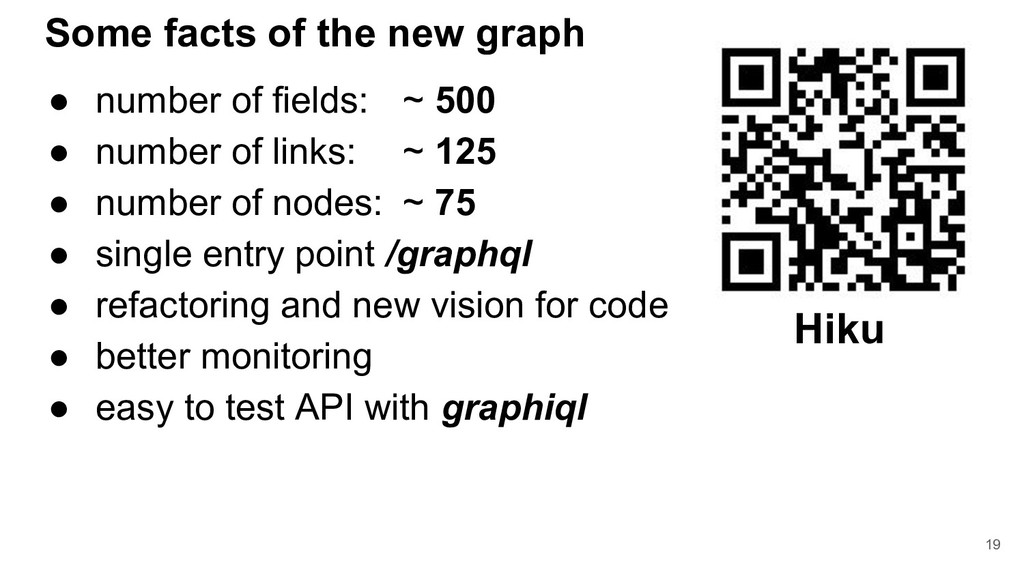
    ~ 500 • number of links: ~ 125 • number of nodes: ~ 75 • single entry point /graphql • refactoring and new vision for code • better monitoring • easy to test API with graphiql 19 Hiku
  17. Stateless ReactJS • React Apollo • React Router • React

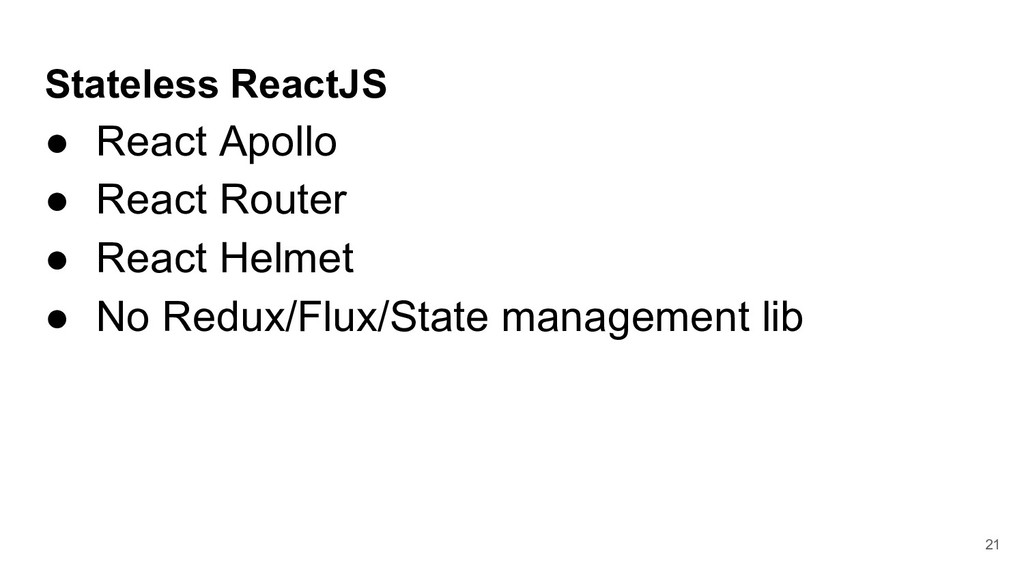
    Helmet • No Redux/Flux/State management lib 21
  18. Apollo client benefits • great GraphQL implementation • no sugar

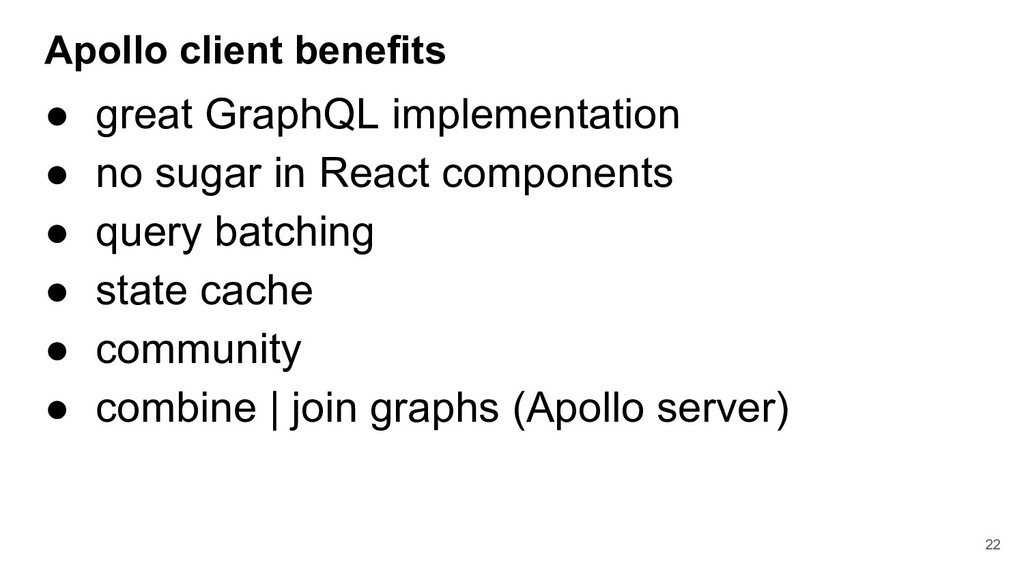
    in React components • query batching • state cache • community • combine | join graphs (Apollo server) 22
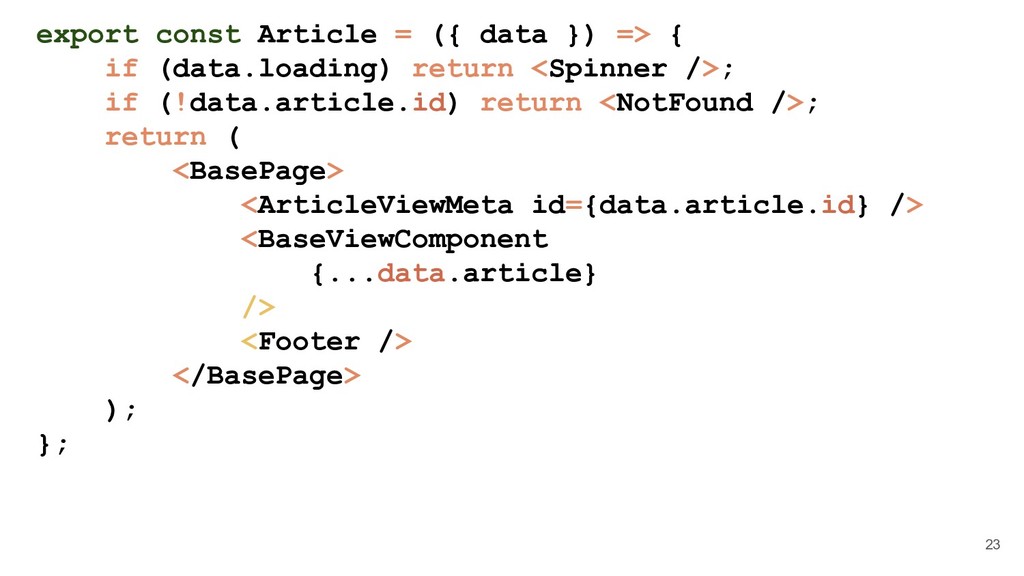
  19. 23 export const Article = ({ data }) => {

    if (data.loading) return <Spinner />; if (!data.article.id) return <NotFound />; return ( <BasePage> <ArticleViewMeta id={data.article.id} /> <BaseViewComponent {...data.article} /> <Footer /> </BasePage> ); };
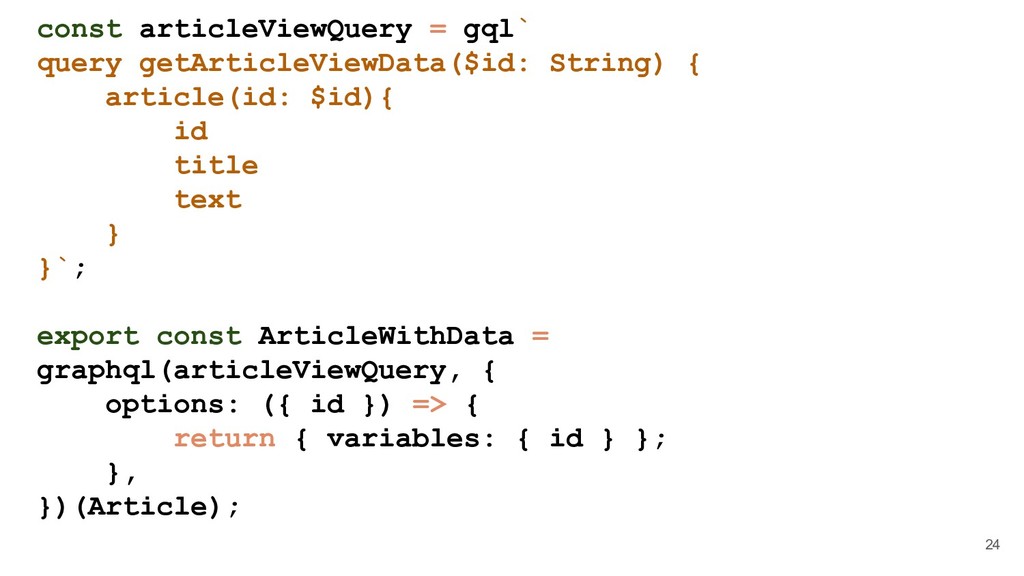
  20. 24 const articleViewQuery = gql` query getArticleViewData($id: String) { article(id:

    $id){ id title text } }`; export const ArticleWithData = graphql(articleViewQuery, { options: ({ id }) => { return { variables: { id } }; }, })(Article);
  21. Other javascript implementations • Relay modern / Relay classic •

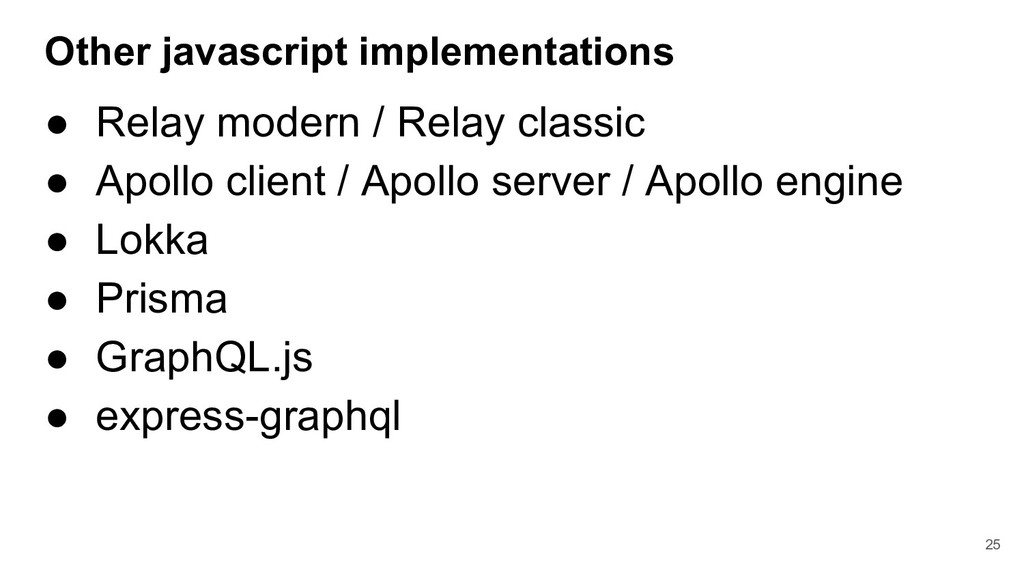
    Apollo client / Apollo server / Apollo engine • Lokka • Prisma • GraphQL.js • express-graphql 25
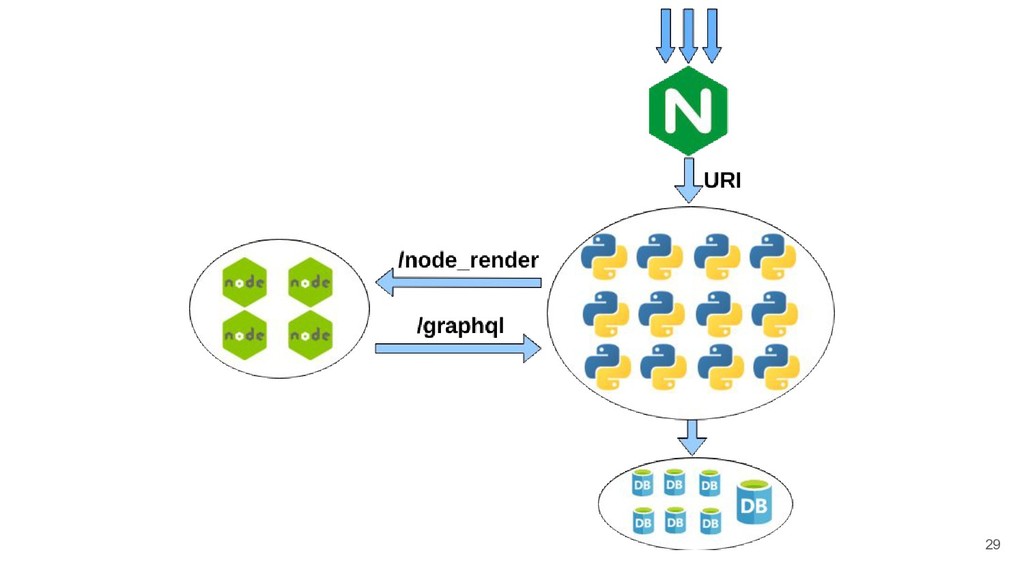
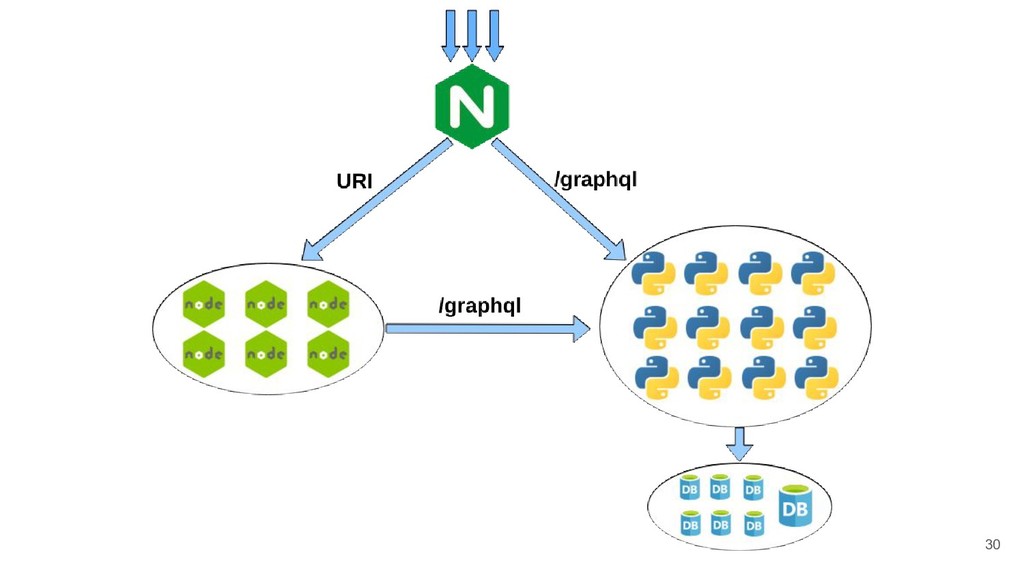
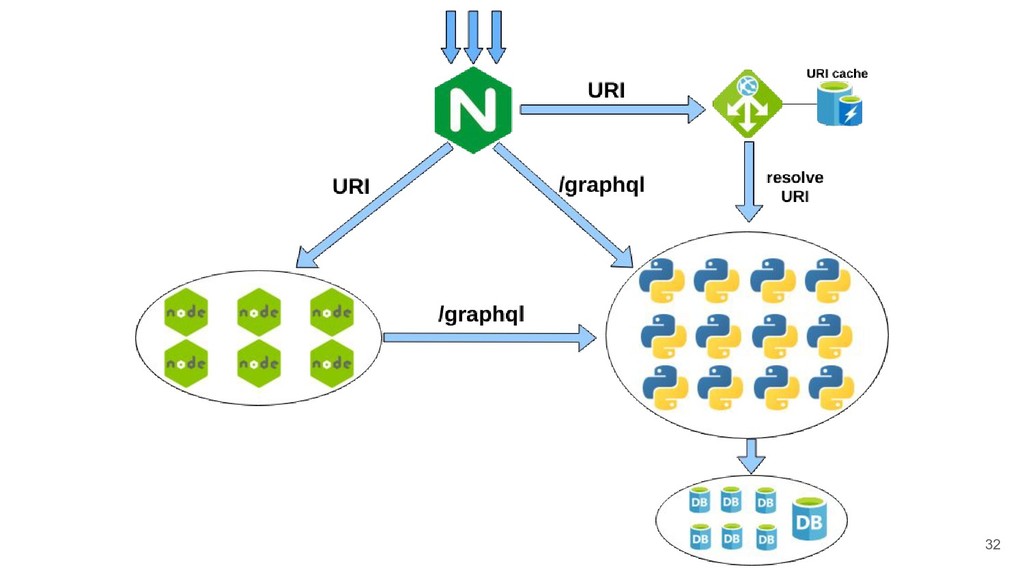
  22. Node.js implementation • Only for the first request (SSR) •

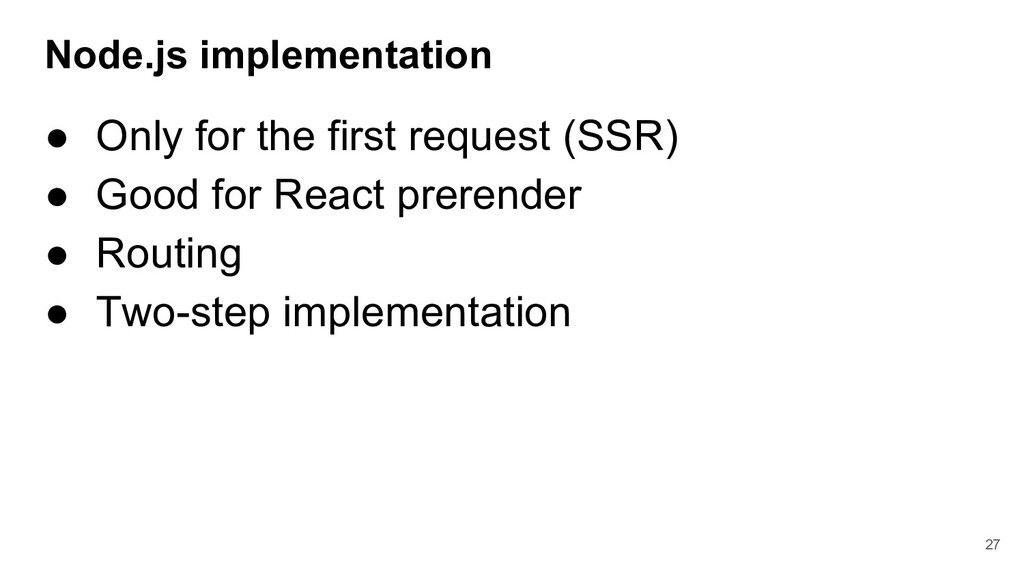
    Good for React prerender • Routing • Two-step implementation 27
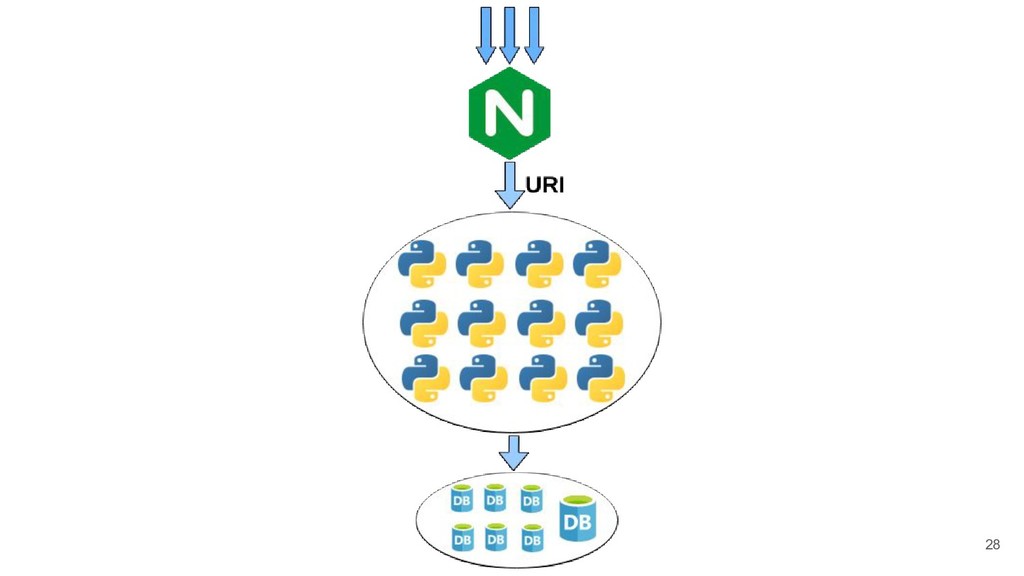
  23. 28

  24. 29

  25. 30

  26. 32

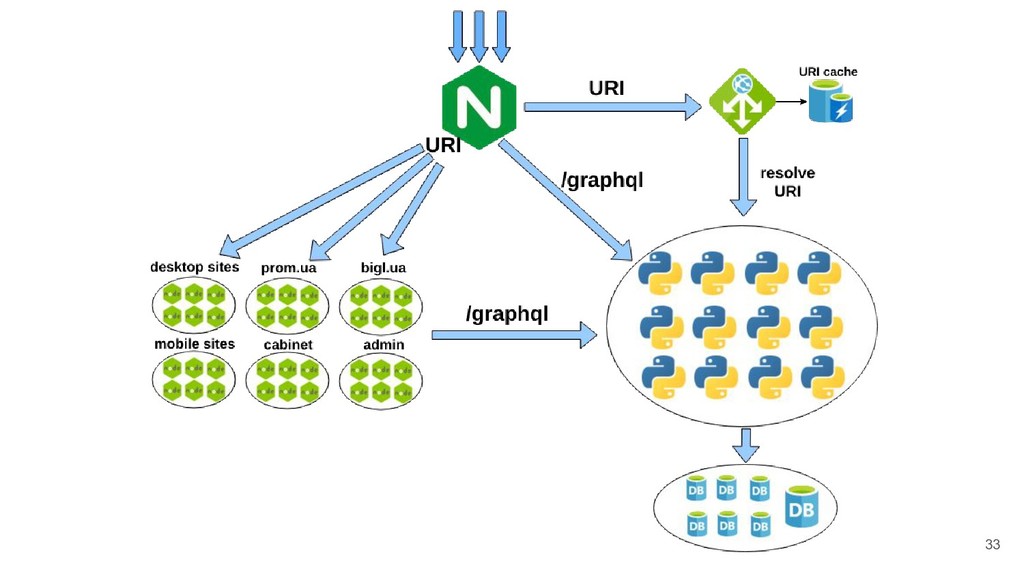
  27. 33

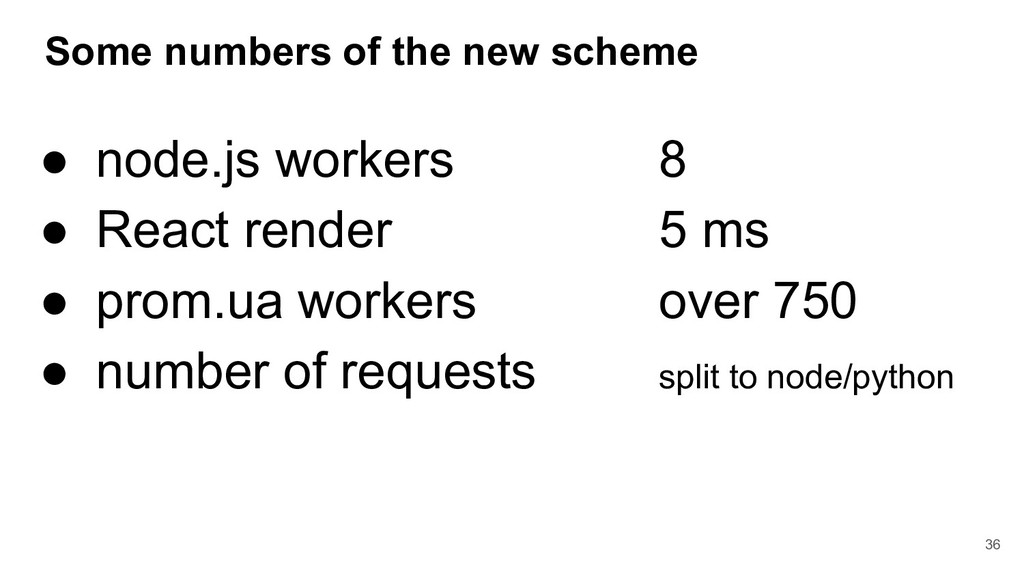
  28. Some numbers of the new scheme • node.js workers 8

    • React render 5 ms • prom.ua workers over 750 • number of requests split to node/python 36