Upgrade to Pro — share decks privately, control downloads, hide ads and more …

Introduction to docker

Introduction to docker

Docker overview, building blocks and tutorial.

Avatar for Justyna Ilczuk

Justyna Ilczuk

October 02, 2014

Other Decks in Programming

Transcript

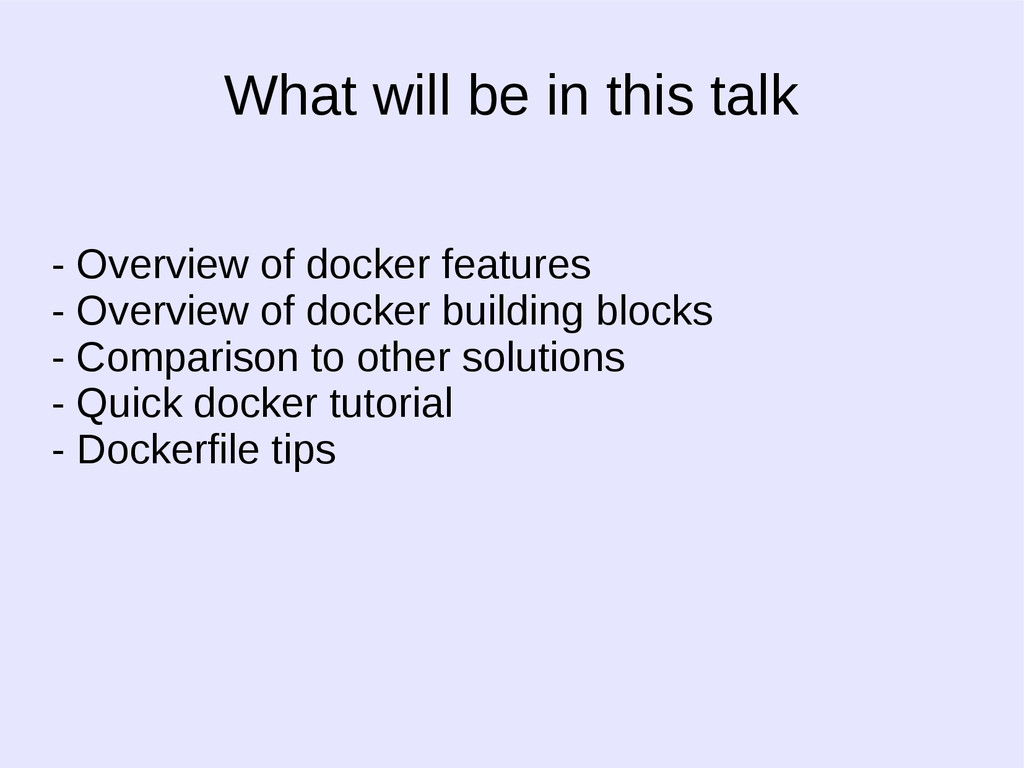
  1. What will be in this talk - Overview of docker

    features - Overview of docker building blocks - Comparison to other solutions - Quick docker tutorial - Dockerfile tips
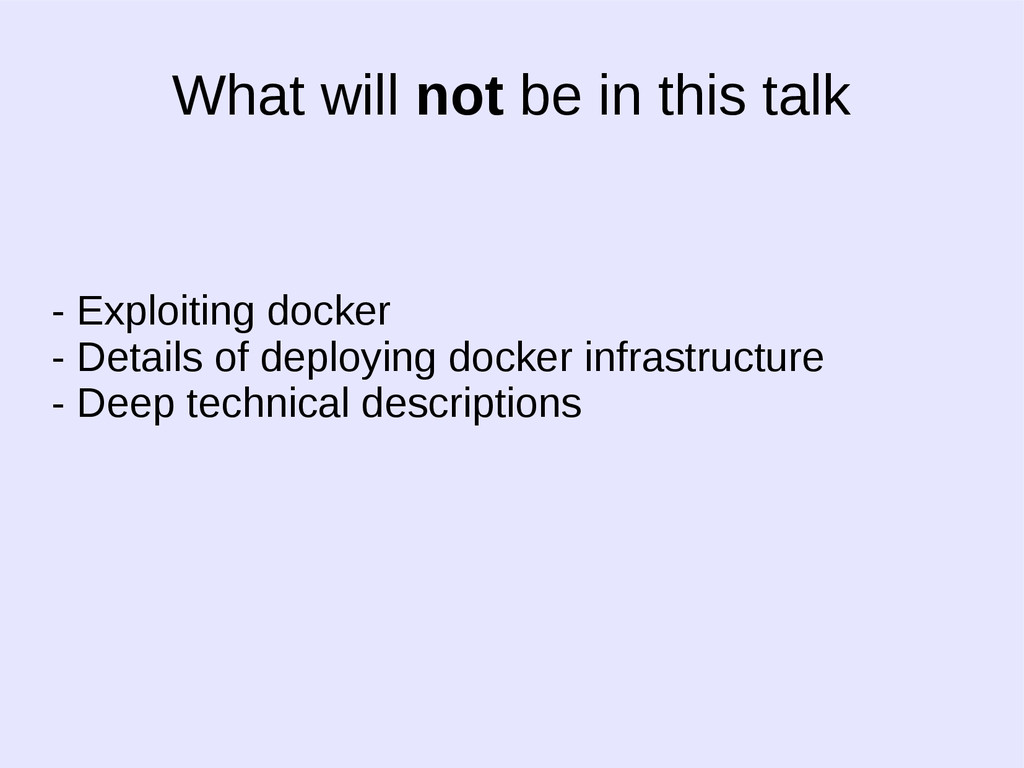
  2. What will not be in this talk - Exploiting docker

    - Details of deploying docker infrastructure - Deep technical descriptions
  3. - Easy to learn - Easy to learn - Cool

    whale - Cool whale - Written in go - Written in go
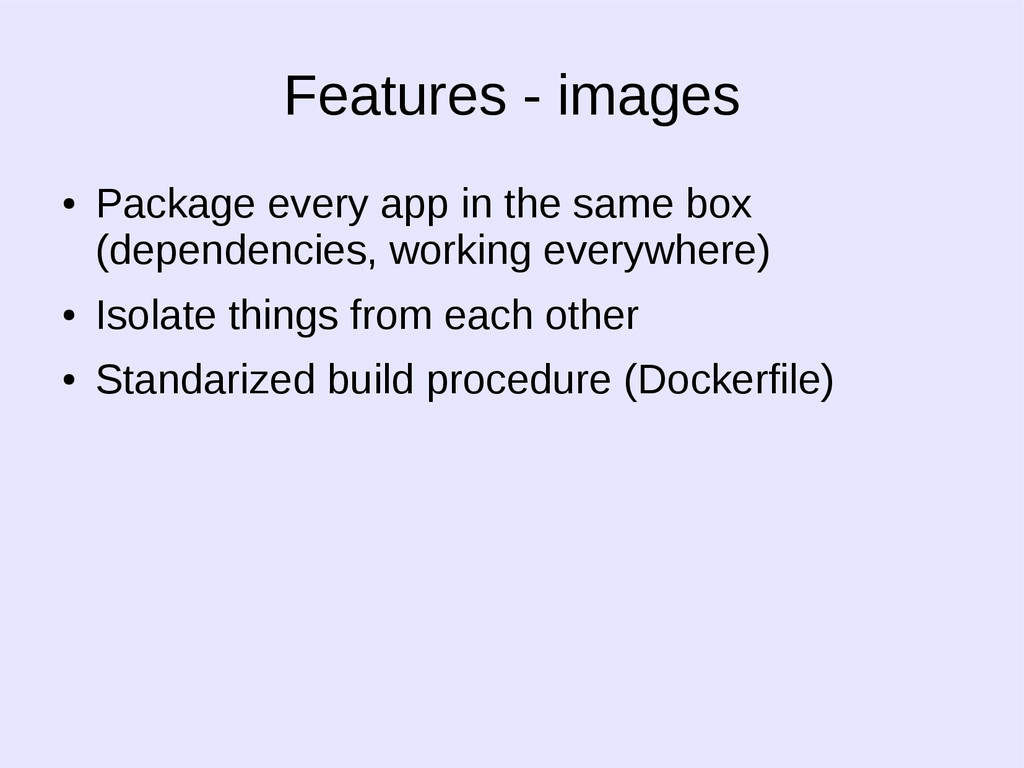
  4. Features - images • Package every app in the same

    box (dependencies, working everywhere) • Isolate things from each other • Standarized build procedure (Dockerfile)
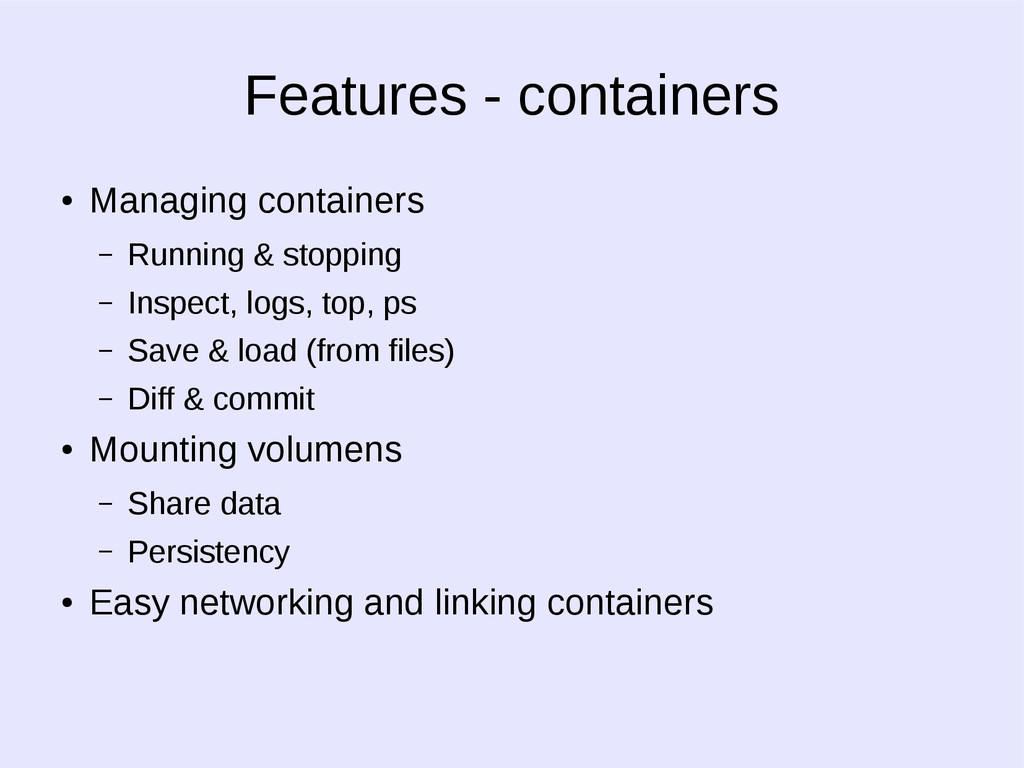
  5. Features - containers • Managing containers – Running & stopping

    – Inspect, logs, top, ps – Save & load (from files) – Diff & commit • Mounting volumens – Share data – Persistency • Easy networking and linking containers
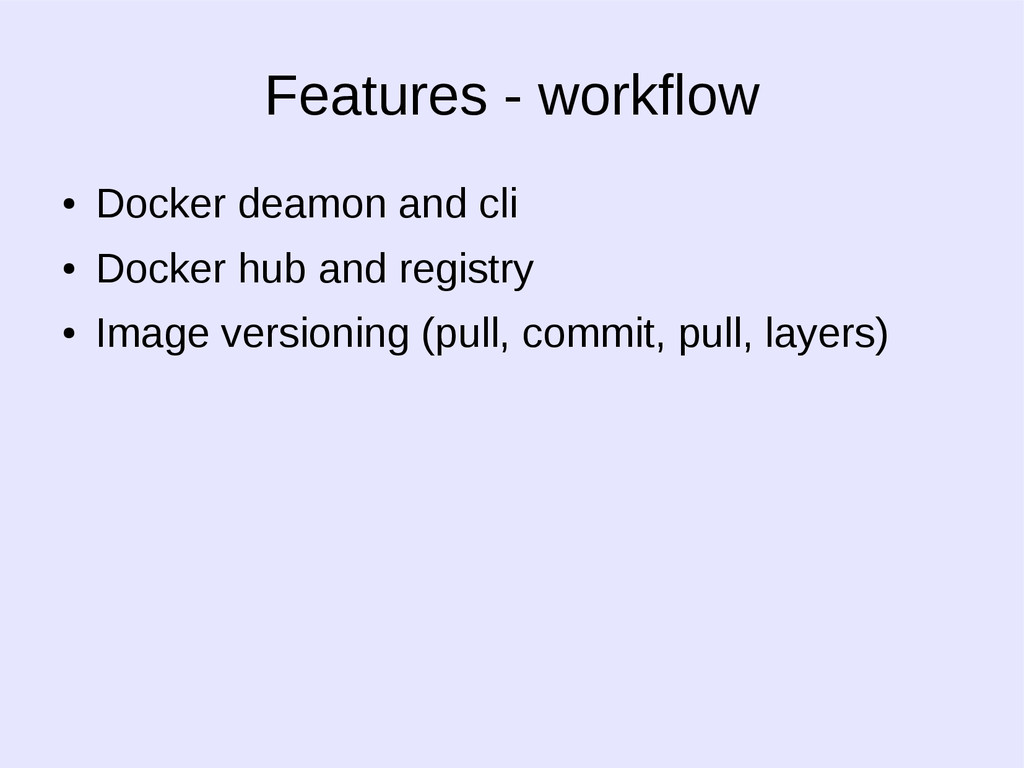
  6. Features - workflow • Docker deamon and cli • Docker

    hub and registry • Image versioning (pull, commit, pull, layers)
  7. One of the overall goals of namespaces is to support

    the implementation of containers, a tool for lightweight virtualization. Namespaces - GOAL
  8. Wrap a particular global system resource in an abstraction that

    makes it appear to the processes within the namespace that they have their own isolated instance of the global resource Namespaces - HOW
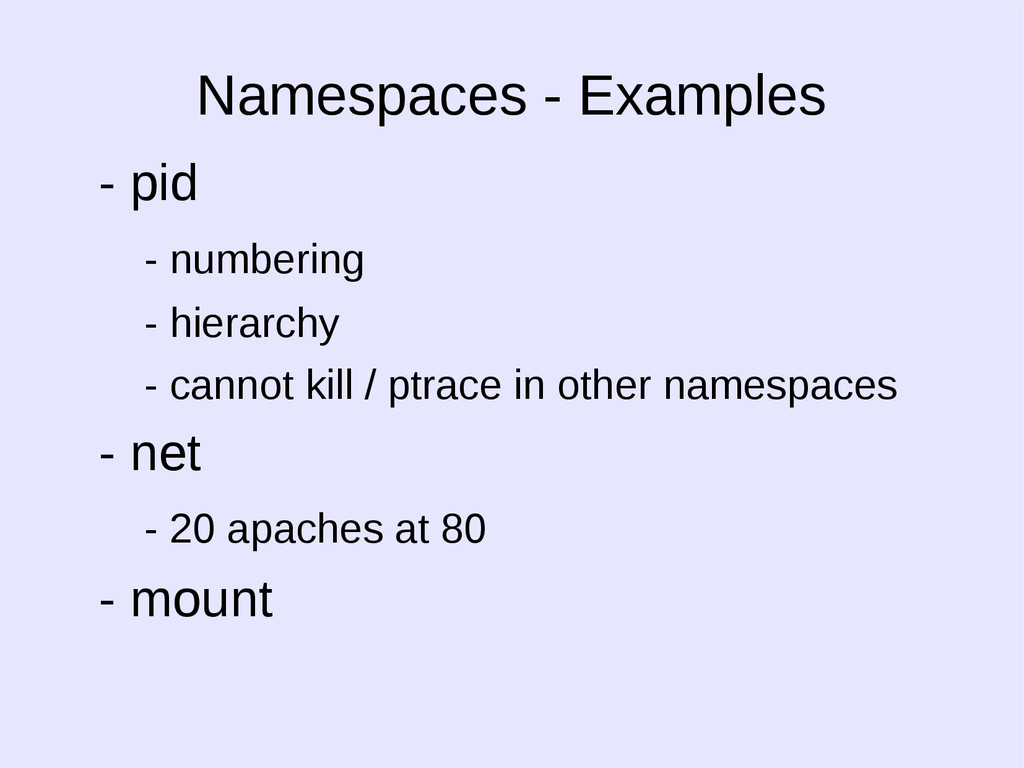
  9. - pid - numbering - hierarchy - cannot kill /

    ptrace in other namespaces - net - 20 apaches at 80 - mount Namespaces - Examples
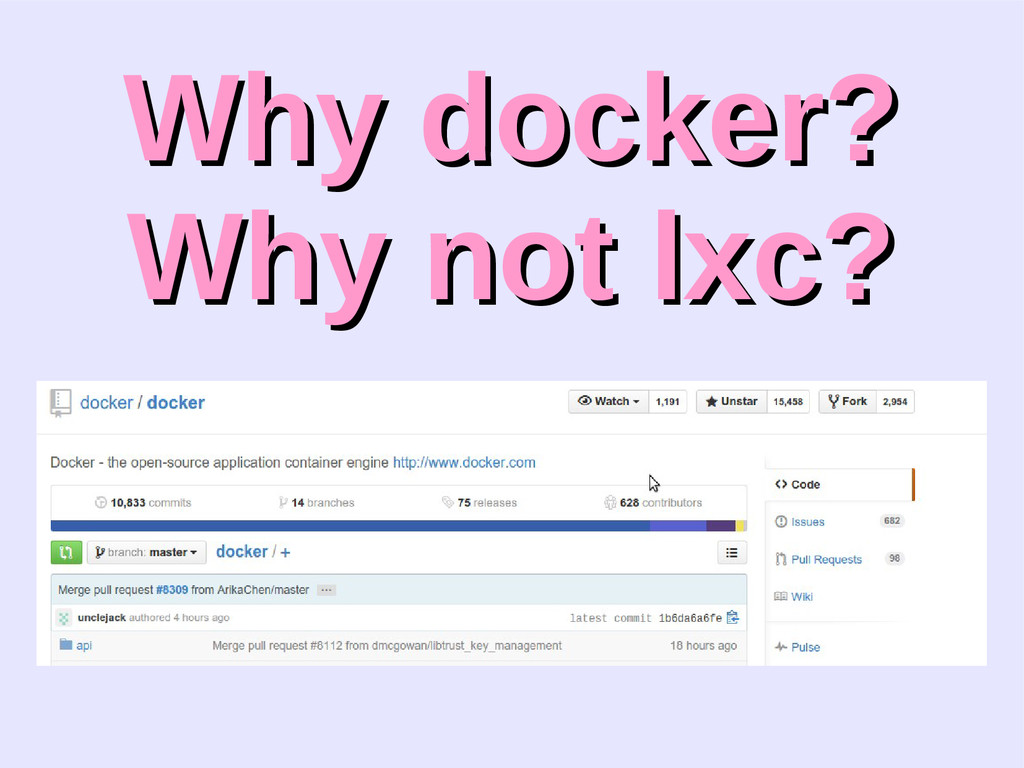
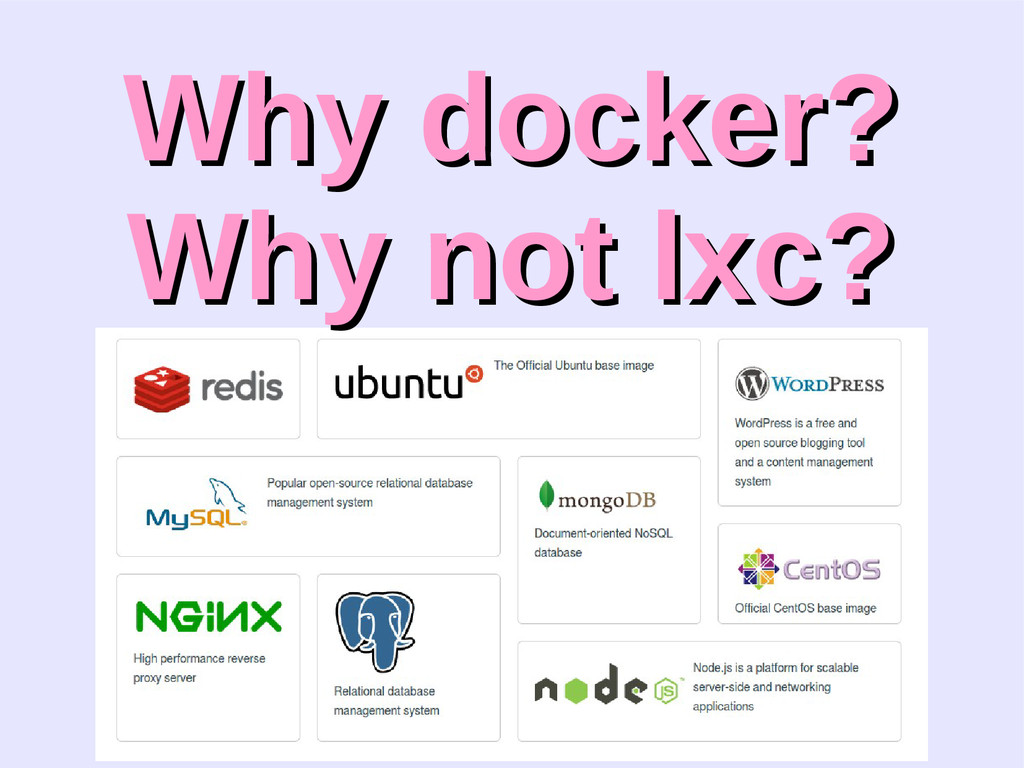
  10. Why docker? Why docker? Why not lxc? Why not lxc?

    http://stackoverflow.com/questions/17989306/what-does-docker-add-to-just-plain-lxc
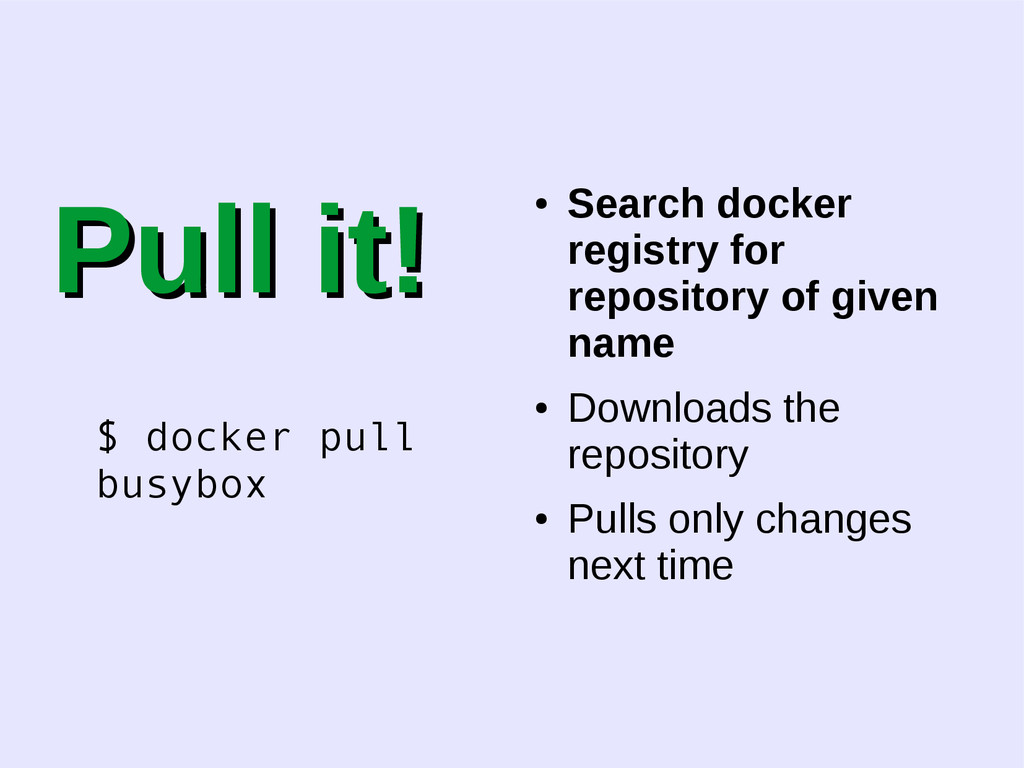
  11. Pull it! Pull it! $ docker pull busybox • Search

    docker registry for repository of given name • Downloads the repository • Pulls only changes next time
  12. Pull it! Pull it! $ docker pull busybox • Search

    docker registry for repository of given name • Downloads the repository • Pulls only changes next time
  13. Pull it! Pull it! $ docker pull busybox • Search

    docker registry for repository of given name • Downloads the repository • Pulls only changes next time
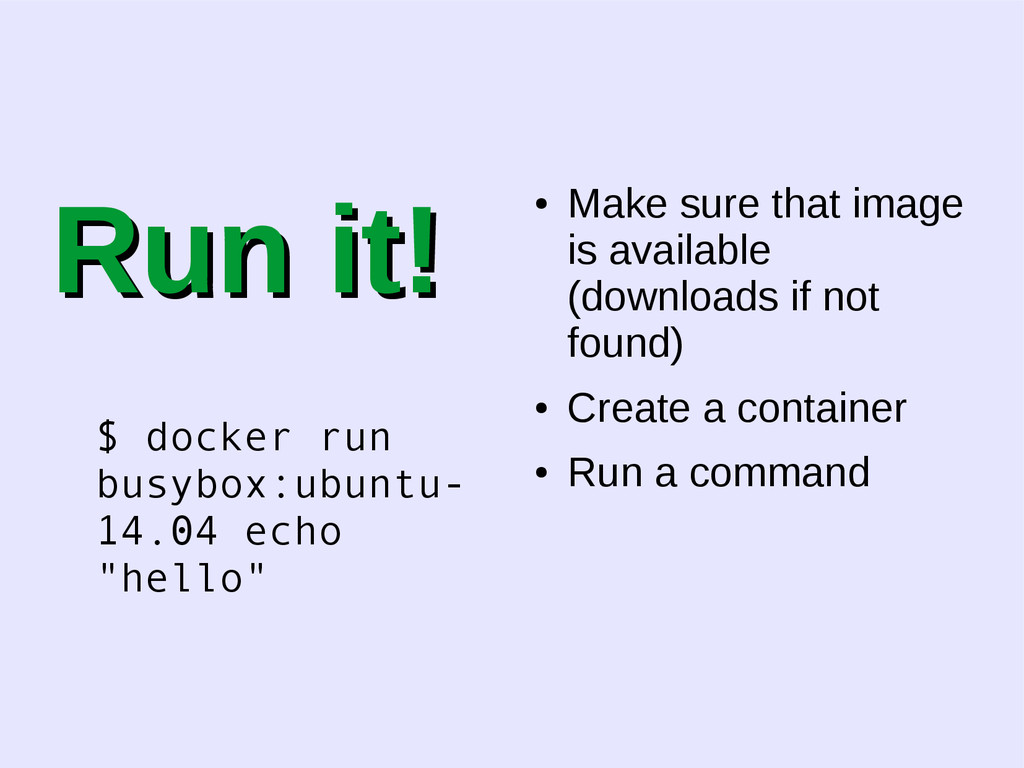
  14. Run it! Run it! $ docker run busybox:ubuntu- 14.04 echo

    "hello" • Make sure that image is available (downloads if not found) • Create a container • Run a command
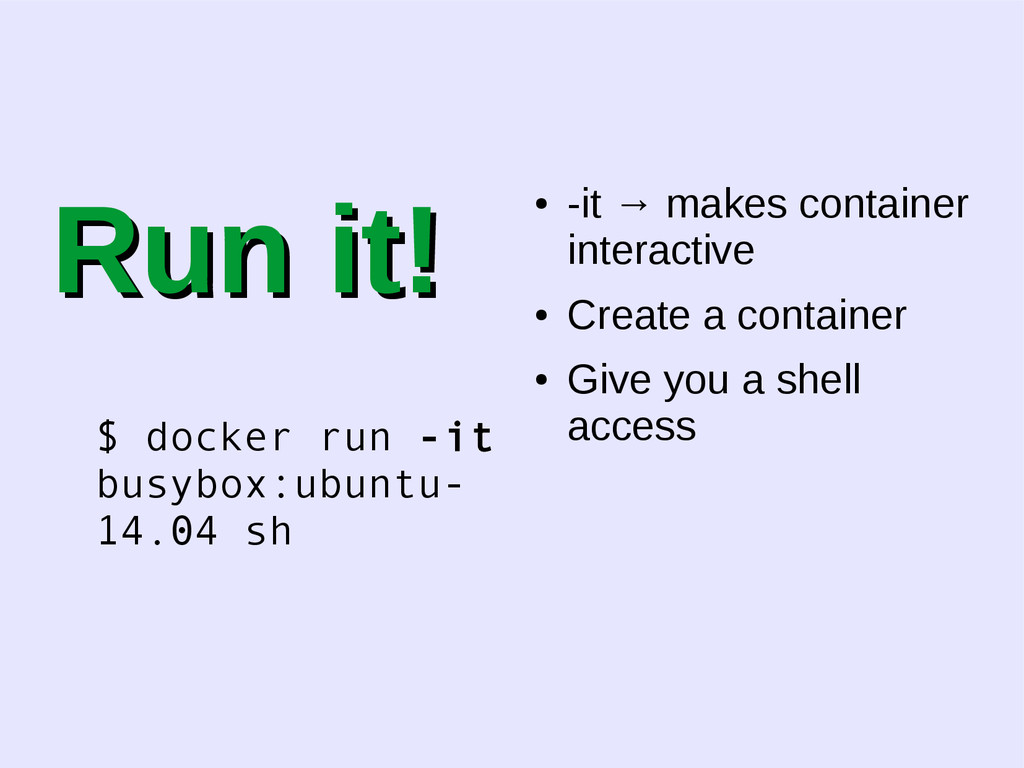
  15. Run it! Run it! $ docker run -it busybox:ubuntu- 14.04

    sh • -it → makes container interactive • Create a container • Give you a shell access
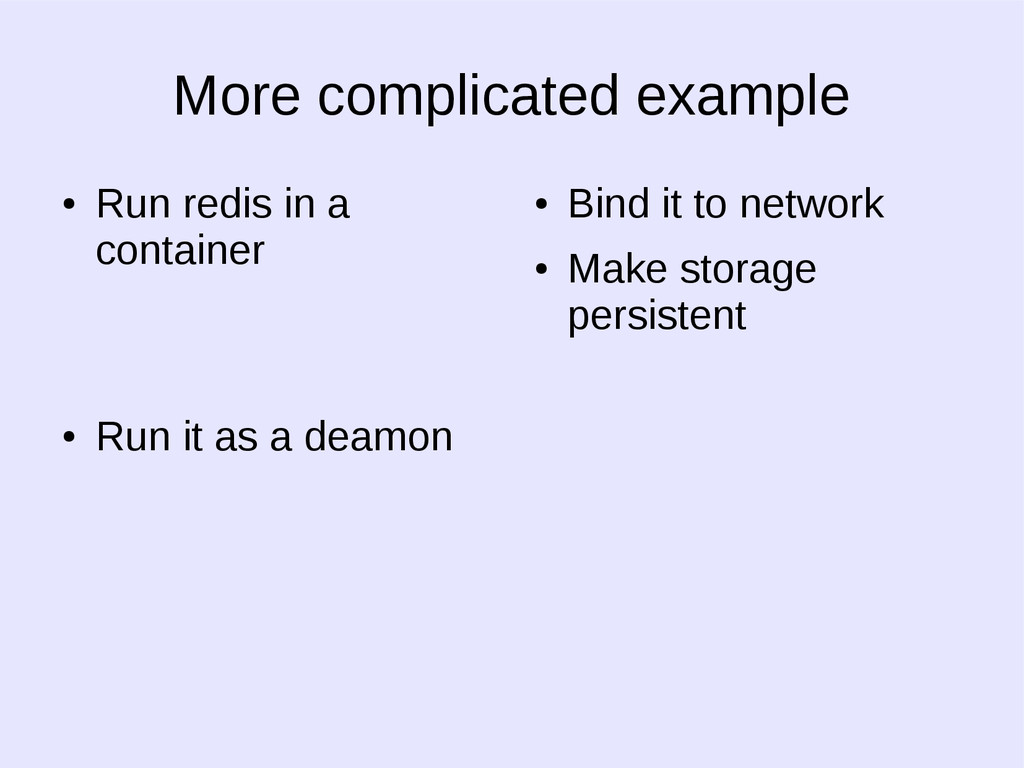
  16. More complicated example • Run redis in a container •

    Run it as a deamon • Bind it to network • Make storage persistent
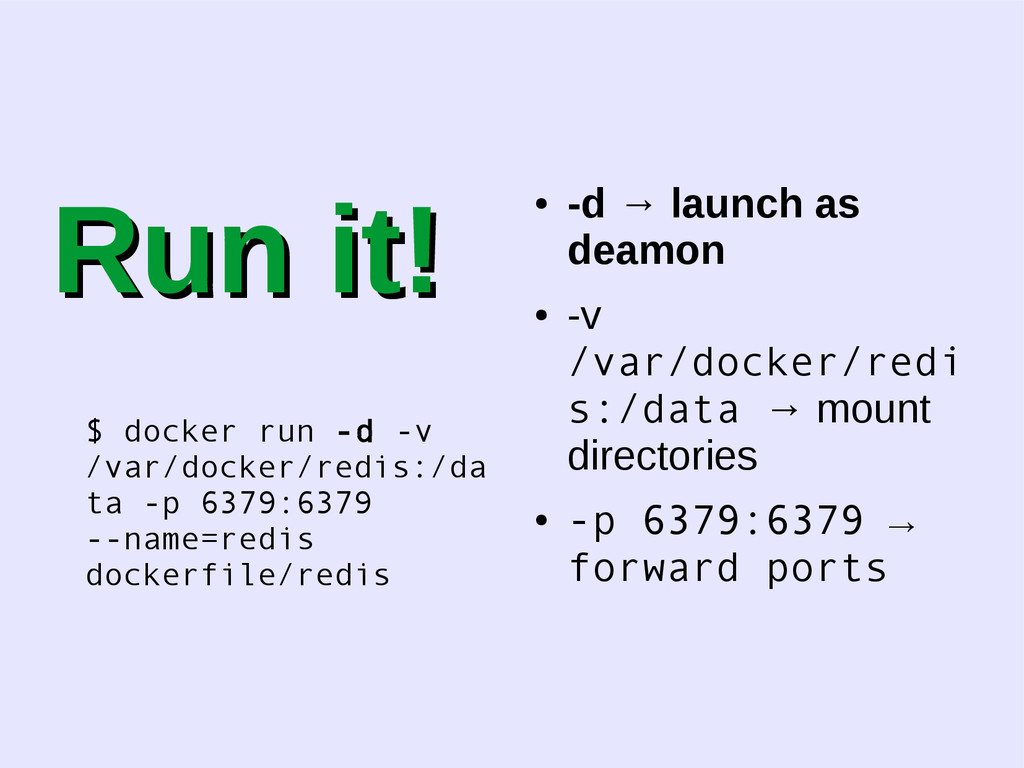
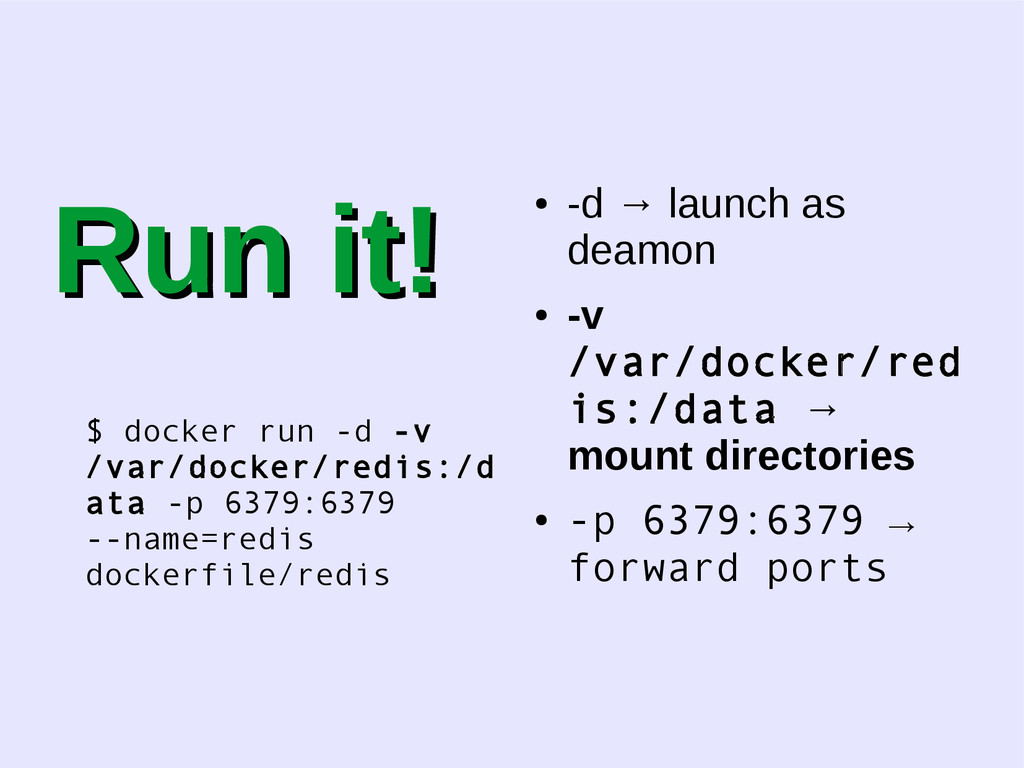
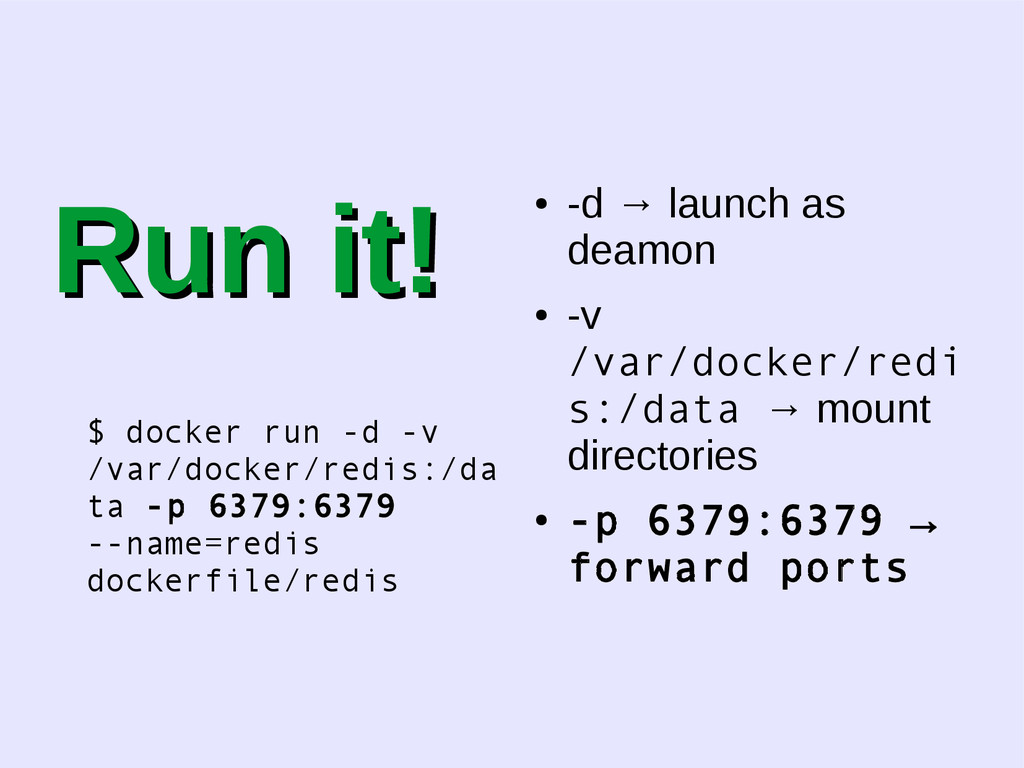
  17. Run it! Run it! $ docker run -d -v /var/docker/redis:/da

    ta -p 6379:6379 --name=redis dockerfile/redis • -d → launch as deamon • -v /var/docker/redi s:/data → mount directories • -p 6379:6379 → forward ports
  18. Run it! Run it! $ docker run -d -v /var/docker/redis:/d

    ata -p 6379:6379 --name=redis dockerfile/redis • -d → launch as deamon • -v /var/docker/red is:/data → mount directories • -p 6379:6379 → forward ports
  19. Run it! Run it! $ docker run -d -v /var/docker/redis:/da

    ta -p 6379:6379 --name=redis dockerfile/redis • -d → launch as deamon • -v /var/docker/redi s:/data → mount directories • -p 6379:6379 → forward ports
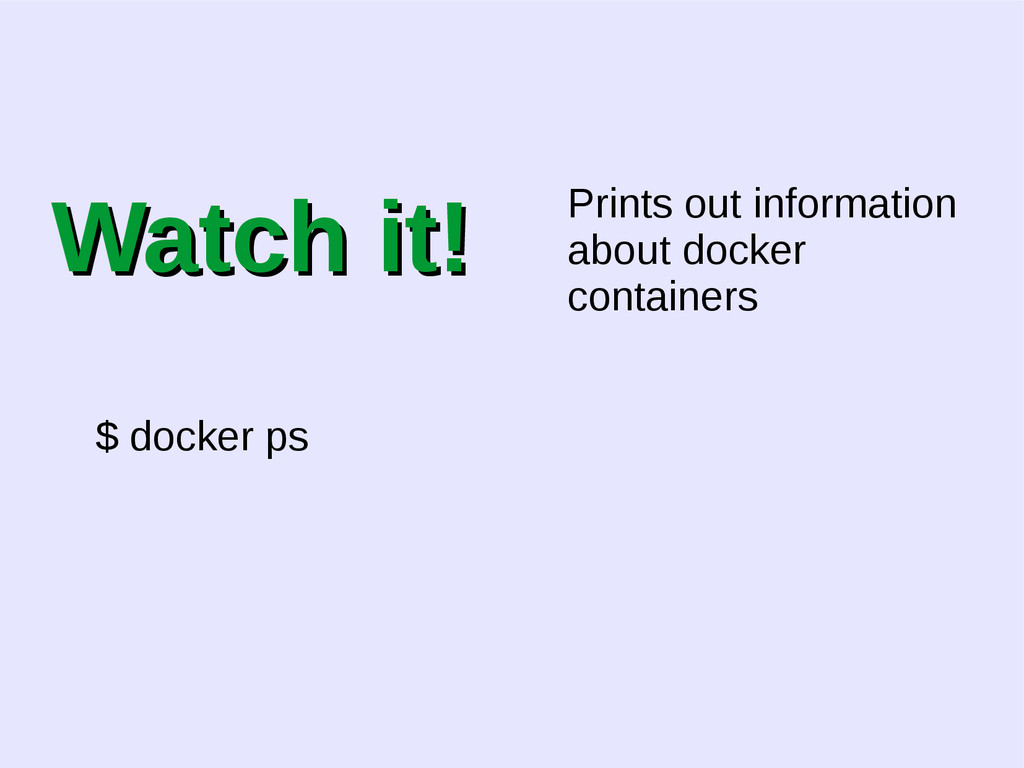
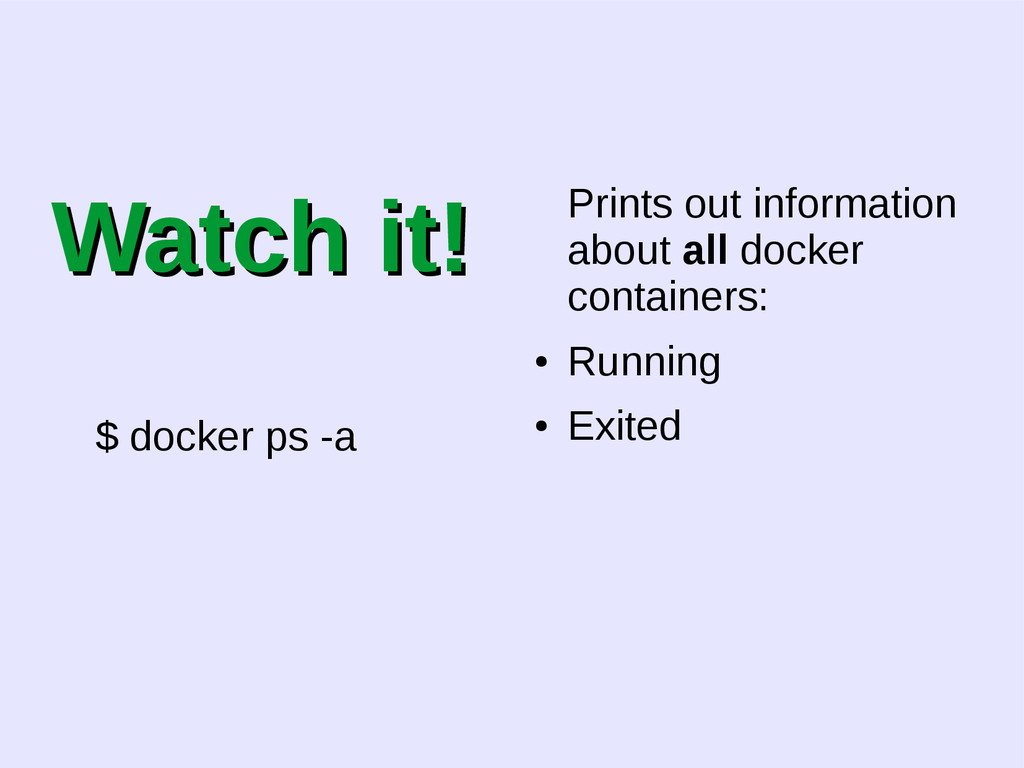
  20. Watch it! Watch it! $ docker ps -a Prints out

    information about all docker containers: • Running • Exited
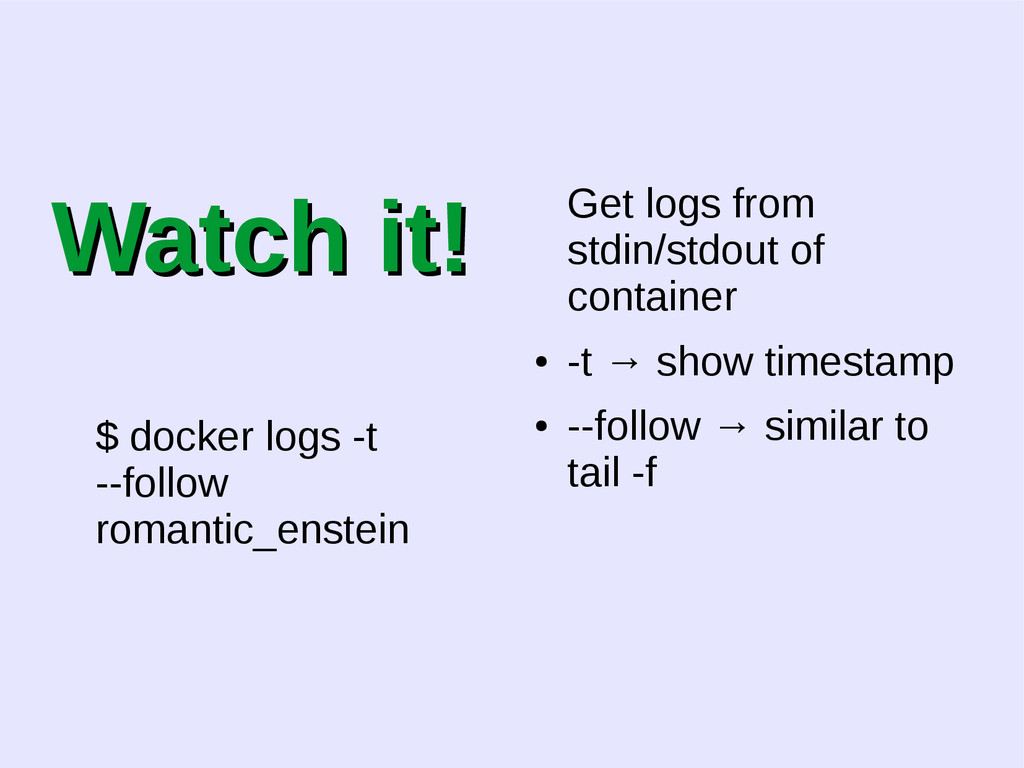
  21. Watch it! Watch it! $ docker logs -t --follow romantic_enstein

    Get logs from stdin/stdout of container • -t → show timestamp • --follow → similar to tail -f
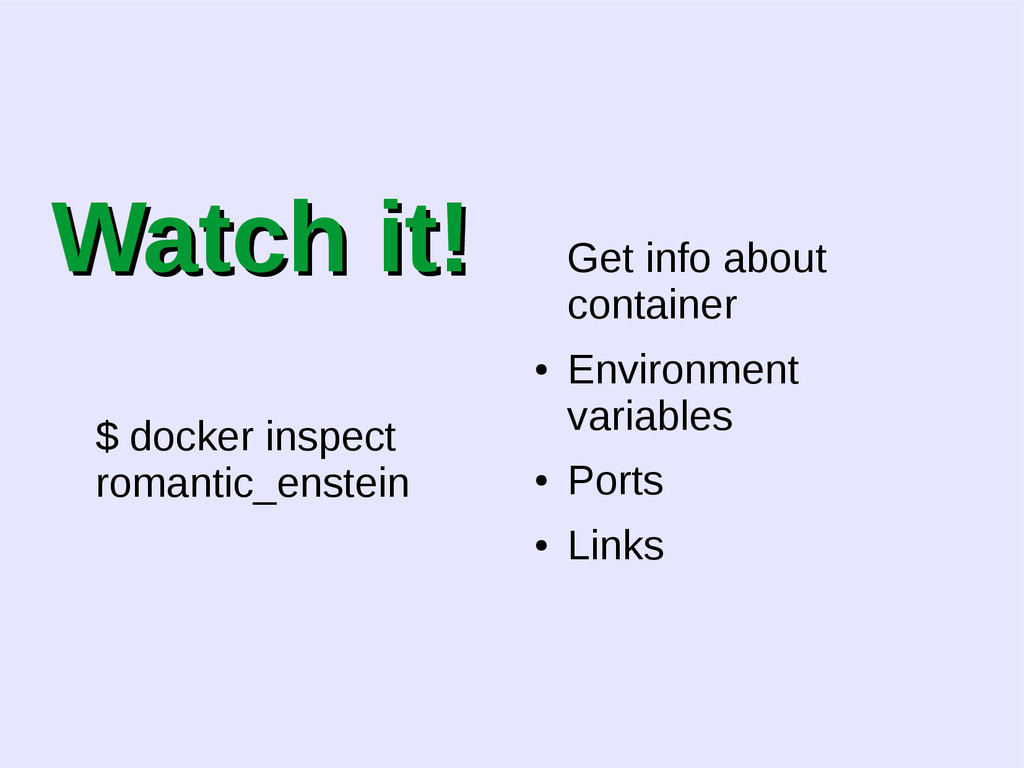
  22. Watch it! Watch it! $ docker inspect romantic_enstein Get info

    about container • Environment variables • Ports • Links
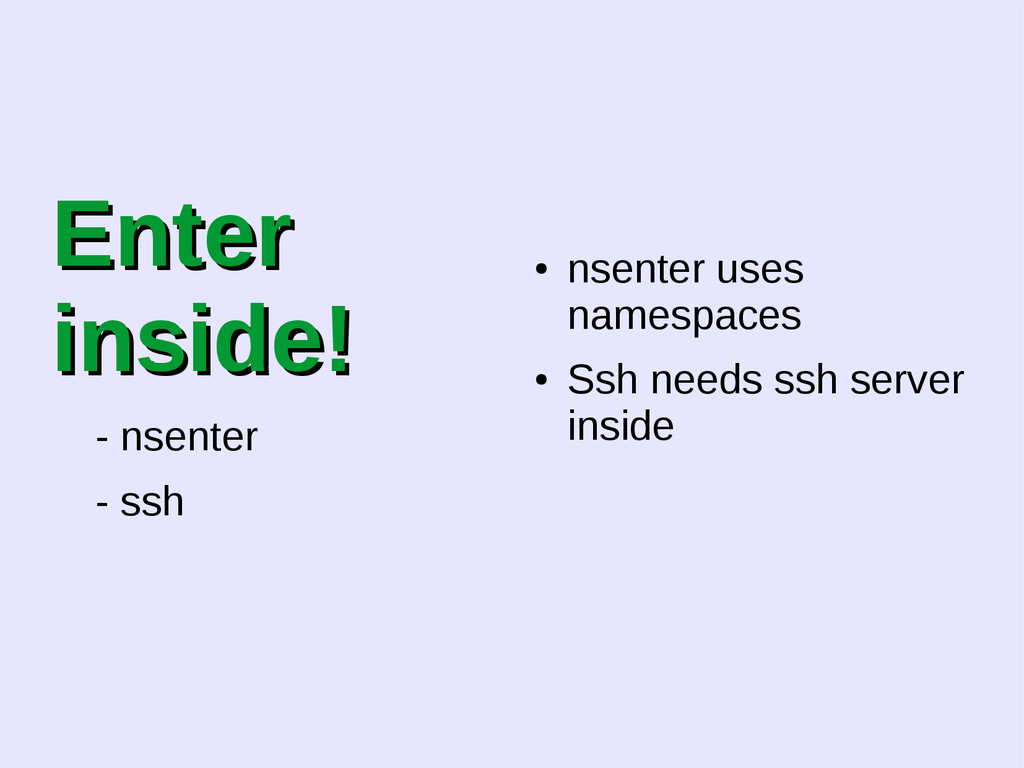
  23. Enter Enter inside! inside! - nsenter - ssh • nsenter

    uses namespaces • Ssh needs ssh server inside
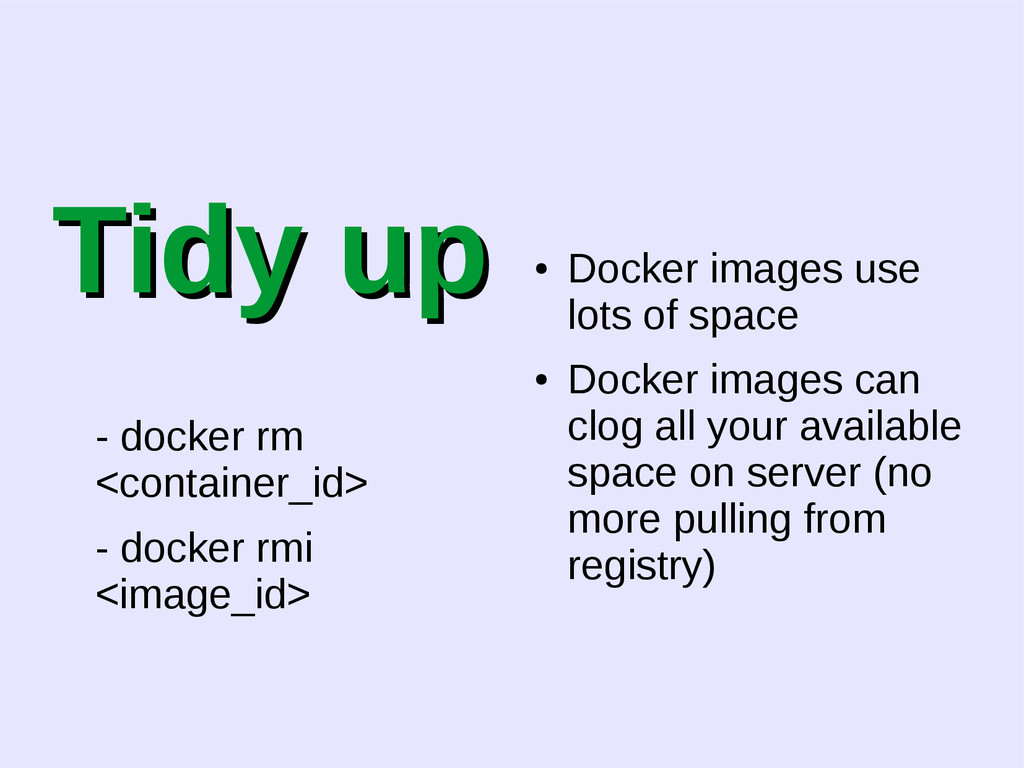
  24. Tidy up Tidy up - docker rm <container_id> - docker

    rmi <image_id> • Docker images use lots of space • Docker images can clog all your available space on server (no more pulling from registry)
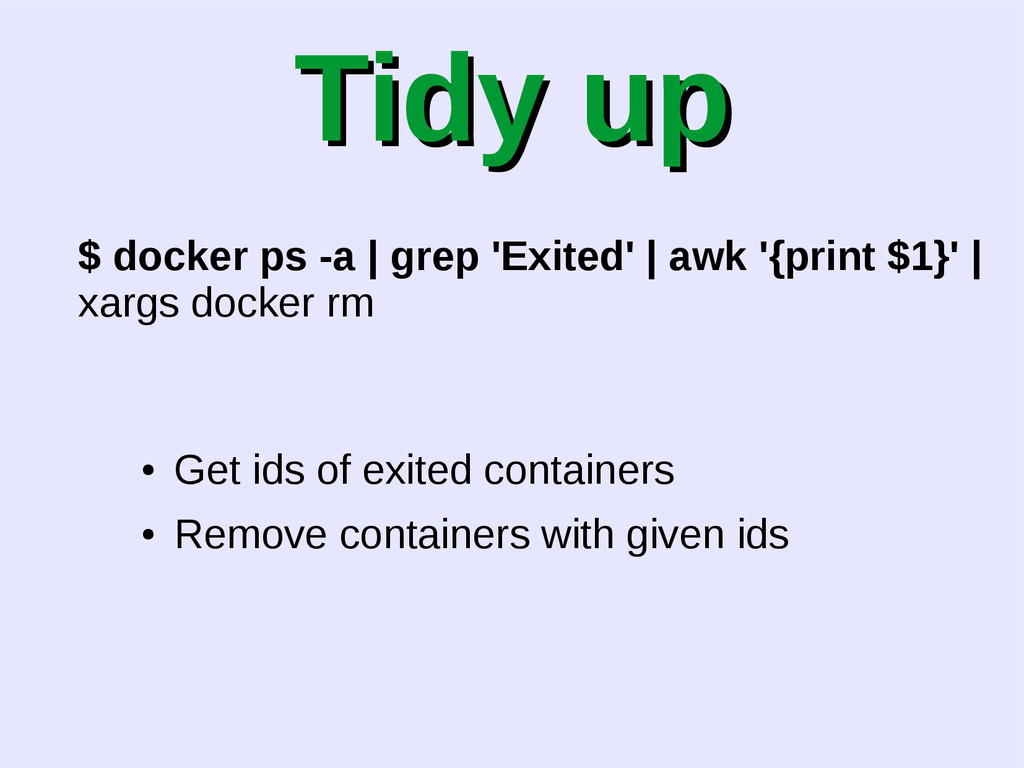
  25. Tidy up Tidy up $ docker ps -a | grep

    'Exited' | awk '{print $1}' | xargs docker rm • Get ids of exited containers • Remove containers with given ids
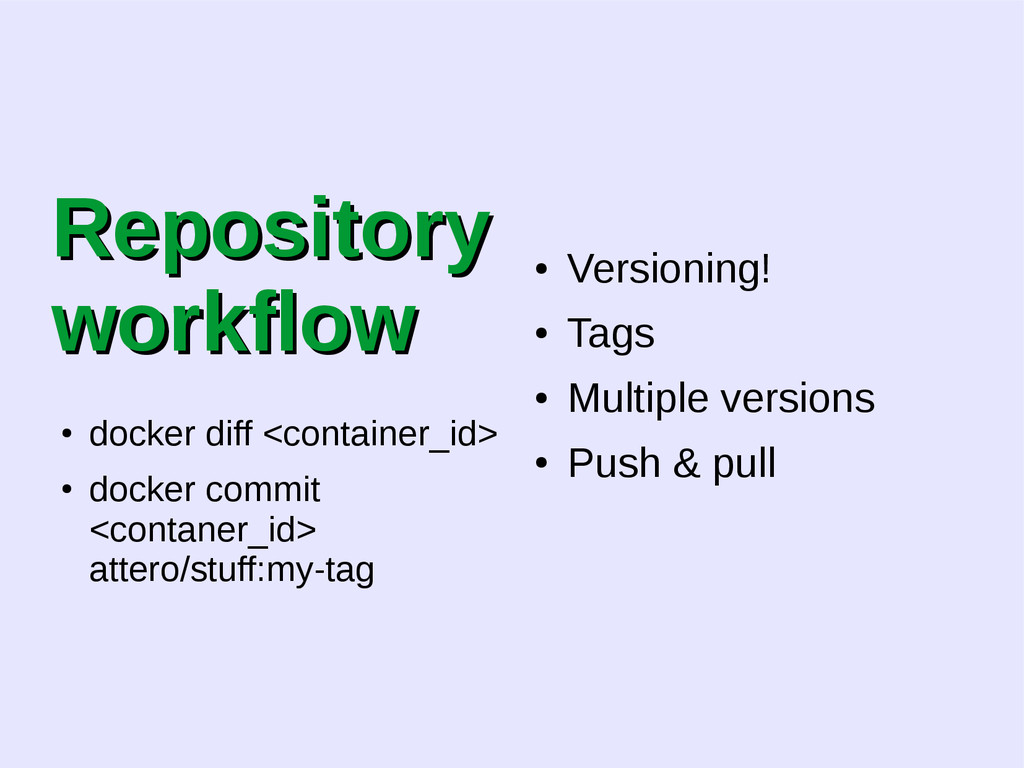
  26. Repository Repository workflow workflow • docker diff <container_id> • docker

    commit <contaner_id> attero/stuff:my-tag • Versioning! • Tags • Multiple versions • Push & pull
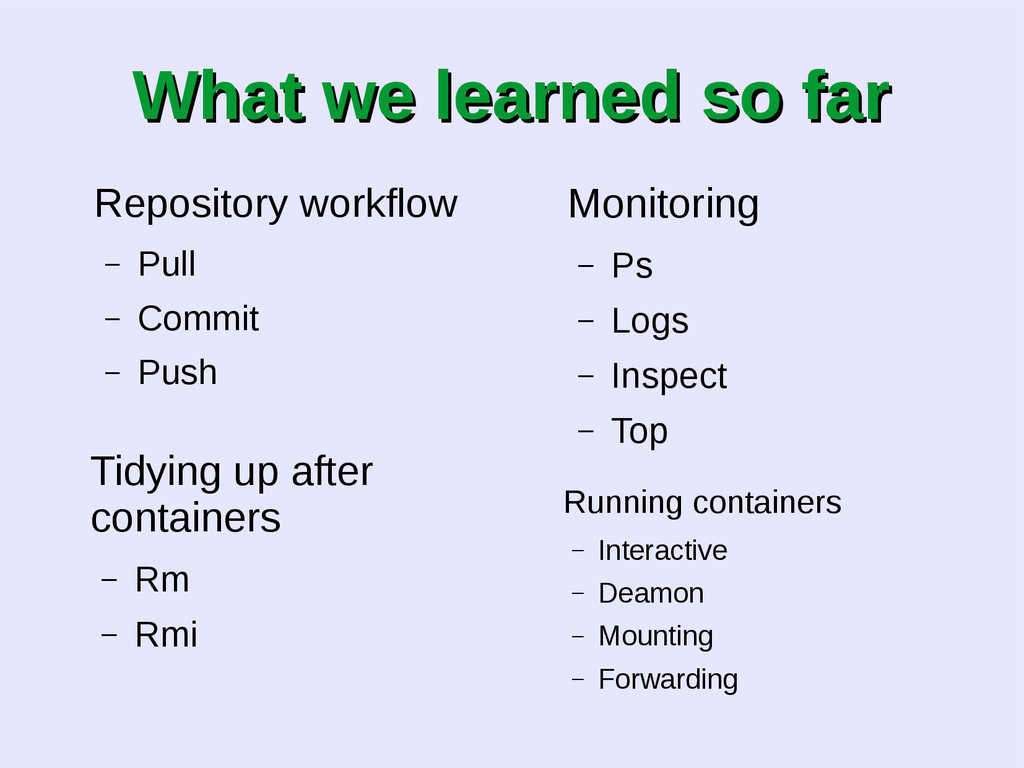
  27. What we learned so far What we learned so far

    Repository workflow – Pull – Commit – Push Tidying up after containers – Rm – Rmi Monitoring – Ps – Logs – Inspect – Top Running containers – Interactive – Deamon – Mounting – Forwarding
  28. DOCKERFILE FROM ubuntu MAINTAINER [email protected] # Install tmux RUN \

    apt-get update && apt-get install tmux RUN mkdir /home/hello # Define working directory. WORKDIR /home/hello # Define default command. CMD ["/bin/bash"]
  29. DOCKERFILE FROM ubuntu ← defines base imag MAINTAINER [email protected] ←

    who is reponsible # Install tmux RUN \ apt-get update && apt-get install tmux RUN mkdir /home/hello ← let's run some commands # Define working directory. WORKDIR /home/hello ← let's start here # Define default command. CMD ["/bin/bash"] ← default command to run without arguments in run
  30. DOCKERFILE Cache! - use it - save lots of time

    - not changed layers are reused

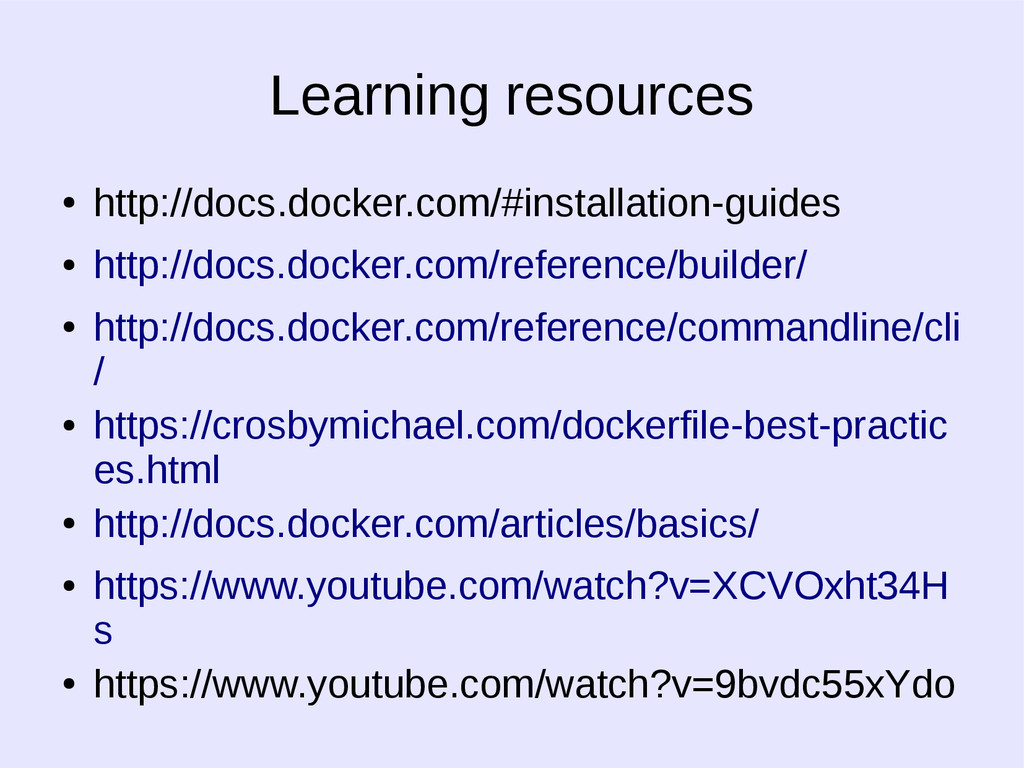
  31. Learning resources • http://docs.docker.com/#installation-guides • http://docs.docker.com/reference/builder/ • http://docs.docker.com/reference/commandline/cli / •

    https://crosbymichael.com/dockerfile-best-practic es.html • http://docs.docker.com/articles/basics/ • https://www.youtube.com/watch?v=XCVOxht34H s • https://www.youtube.com/watch?v=9bvdc55xYdo
  32. Q&A