Upgrade to Pro — share decks privately, control downloads, hide ads and more …

Hands-on React Application Architecture

Avatar for Aurora Scharff Aurora Scharff
May 09, 2026
16

Hands-on React Application Architecture

In this workshop, we will explore how to build and improve a React app inside a monorepo. Learn how to structure app features, add routing with React Router, handle client and server state, fetch and update API data with TanStack Query, and create robust forms with React Hook Form and Zod.

Designed for developers who know the basics of React and want more practice with real application structure, this workshop provides practical skills for building maintainable React applications that can grow across apps and shared packages.

Avatar for Aurora Scharff

Aurora Scharff

May 09, 2026

More Decks by Aurora Scharff

Transcript

  1. Aurora Scharff Oslo, Norway DX Engineer, Next.js team @ Vercel

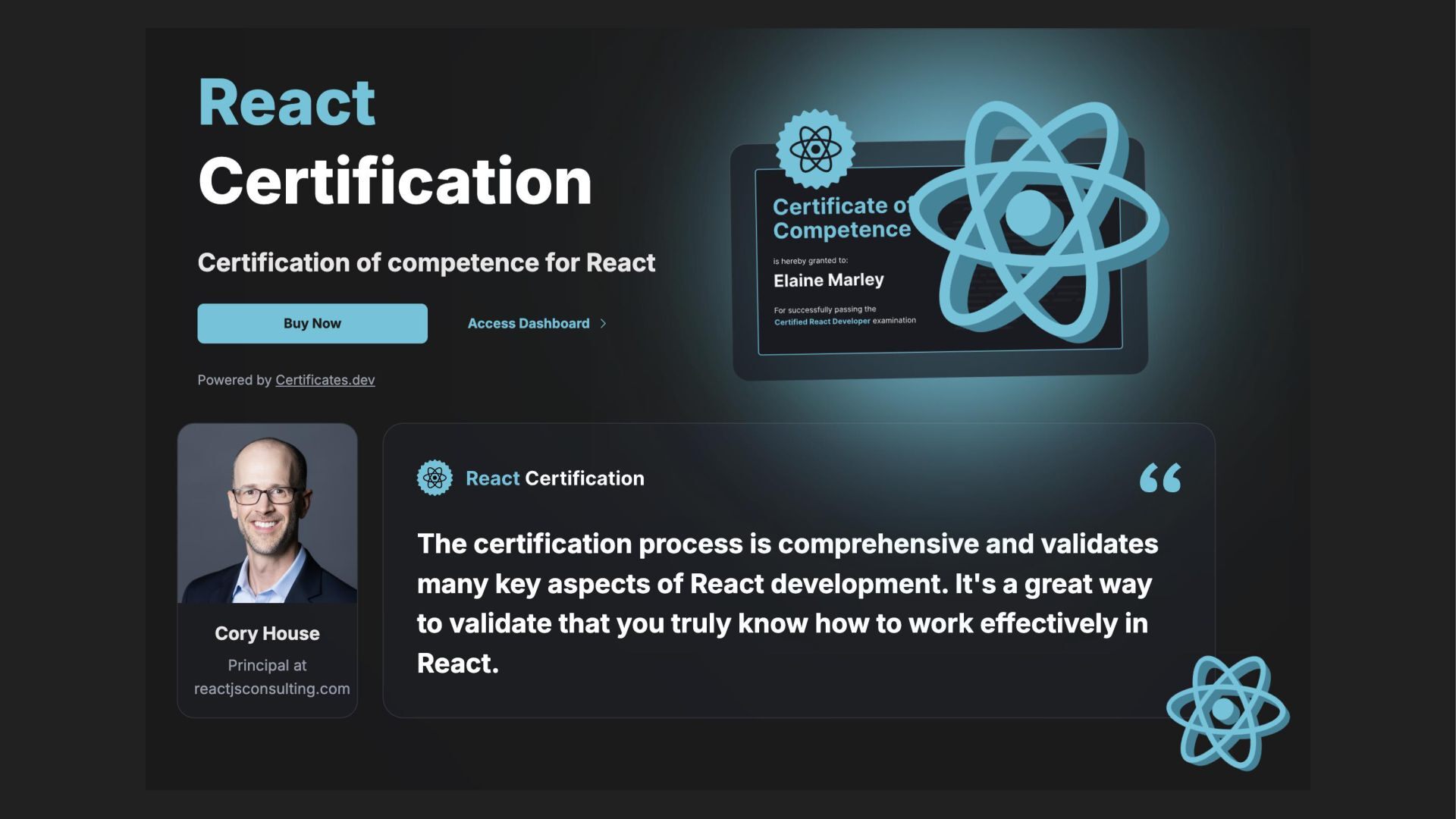
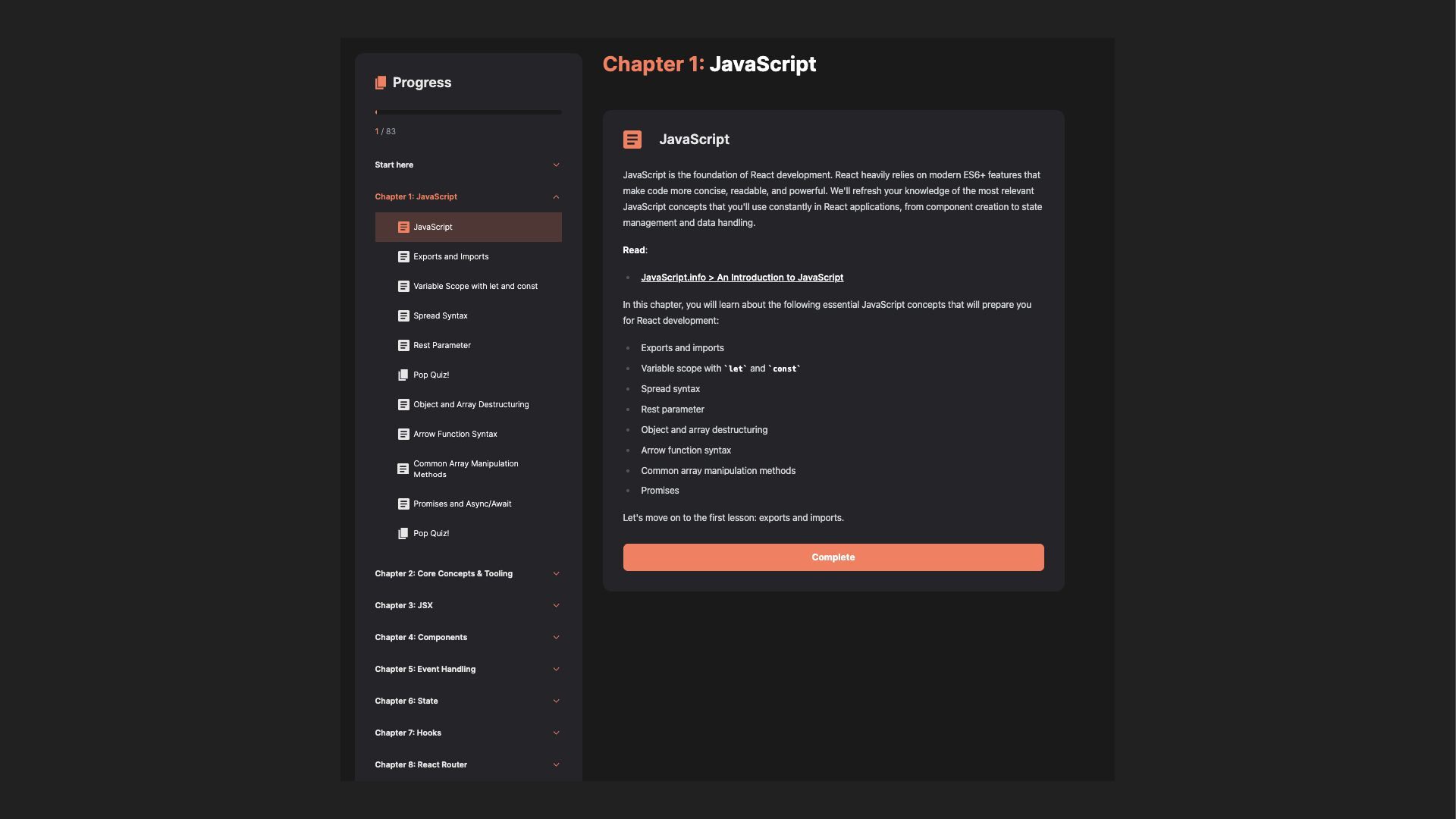
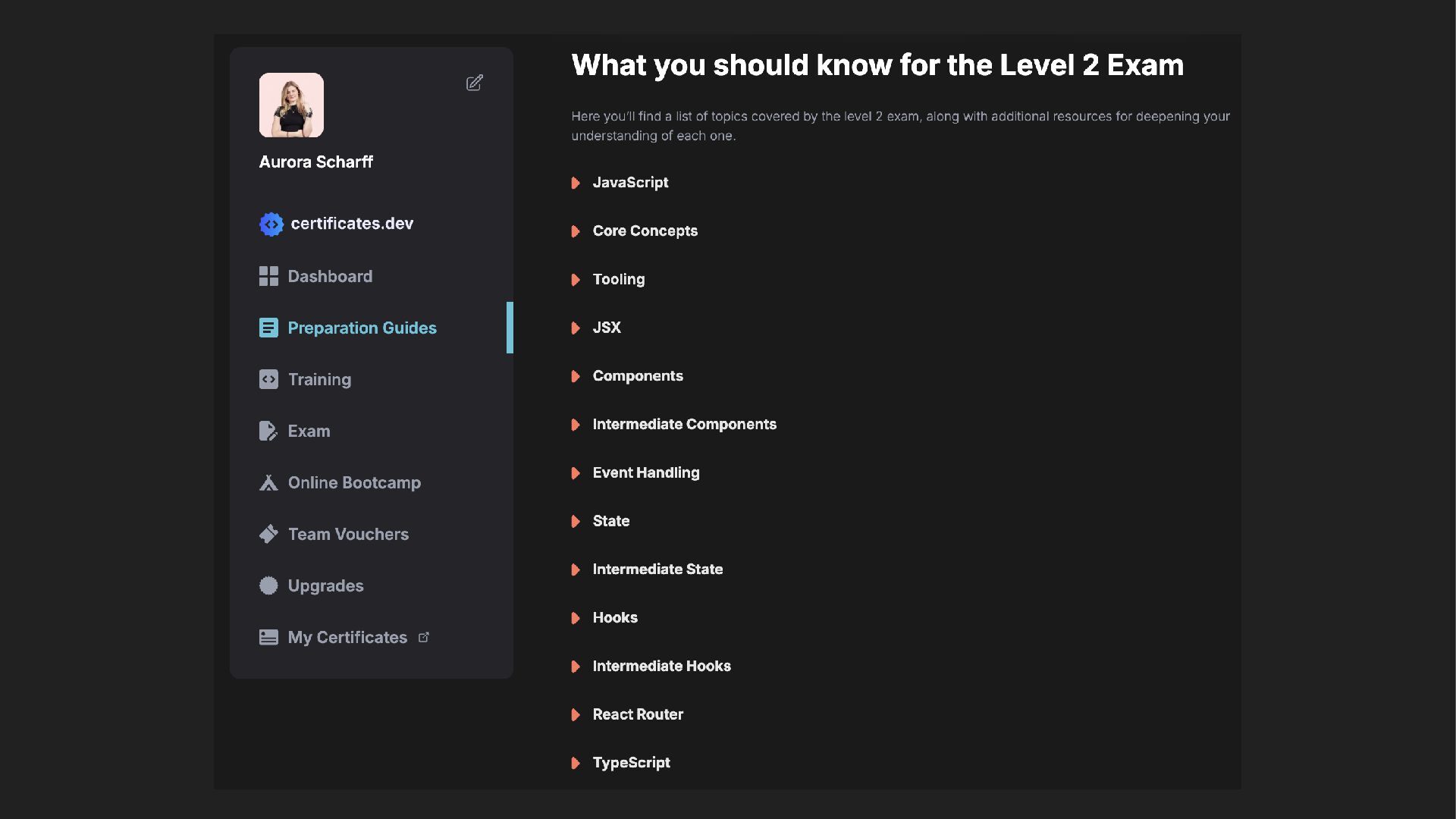
    React Certification Lead @ certificates.dev
  2. In this workshop, we will explore how to build and

    improve the architecture of a React app inside a monorepo. Learn how to structure app features, add routing with React Router, handle client and server state, fetch and update API data with TanStack Query, and create robust forms with React Hook Form and Zod. Designed for developers who know the basics of React and want more practice with real application structure, this workshop provides practical skills for building maintainable React applications that can grow across apps and shared packages.
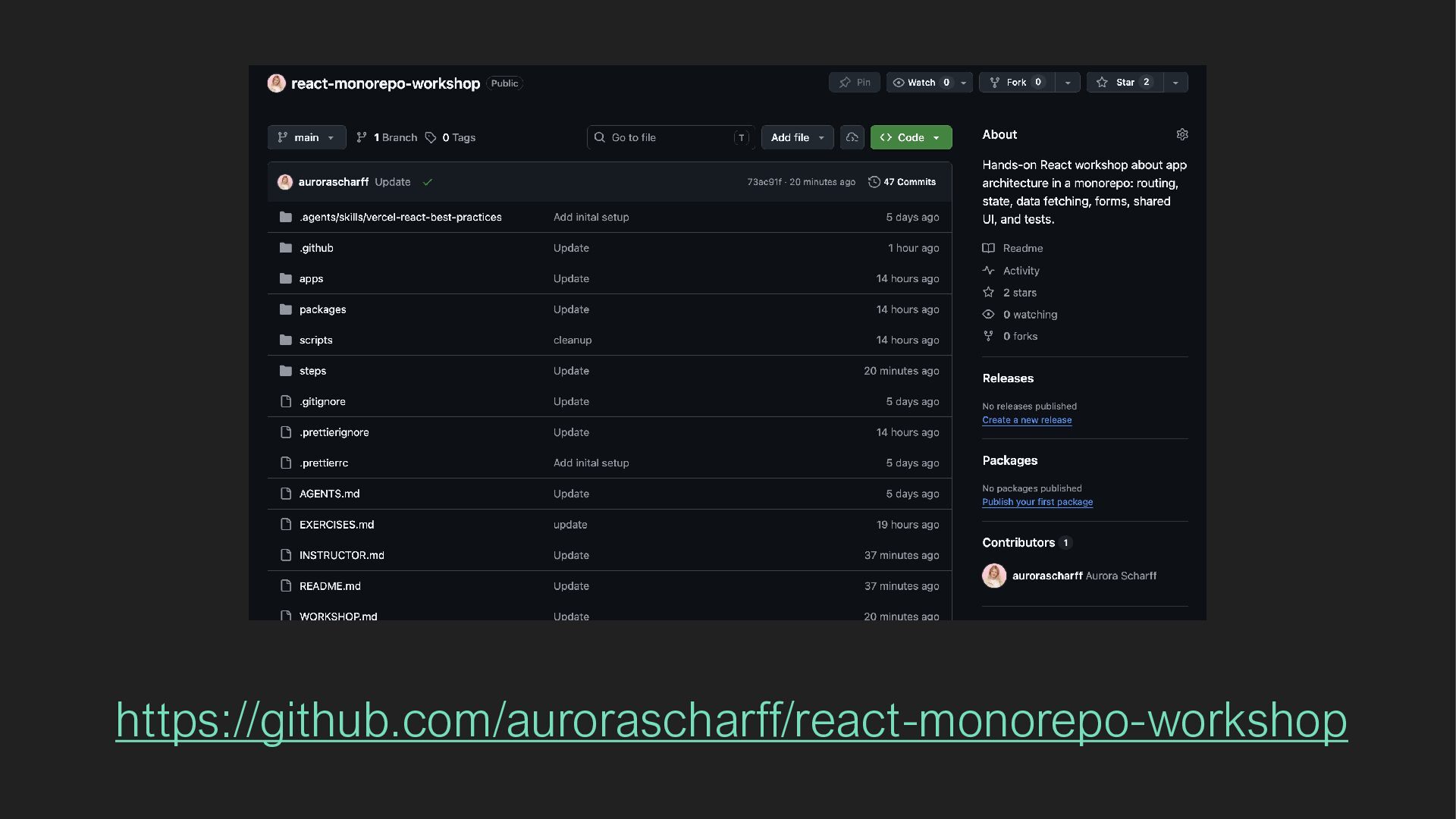
  3. Technical requirements • Your own laptop with Nodejs LTS version

    installed: https://nodejs.org/en. You can verify the installation in your terminal with “node —version”. • Chrome extension React Devtools: https://chromewebstore.google.com/detail/react-developer- tools/fmkadmapgofadopljbjfkapdkoienihi • VSCode: https://code.visualstudio.com/ • A GitHub-account and Git installed on your machine
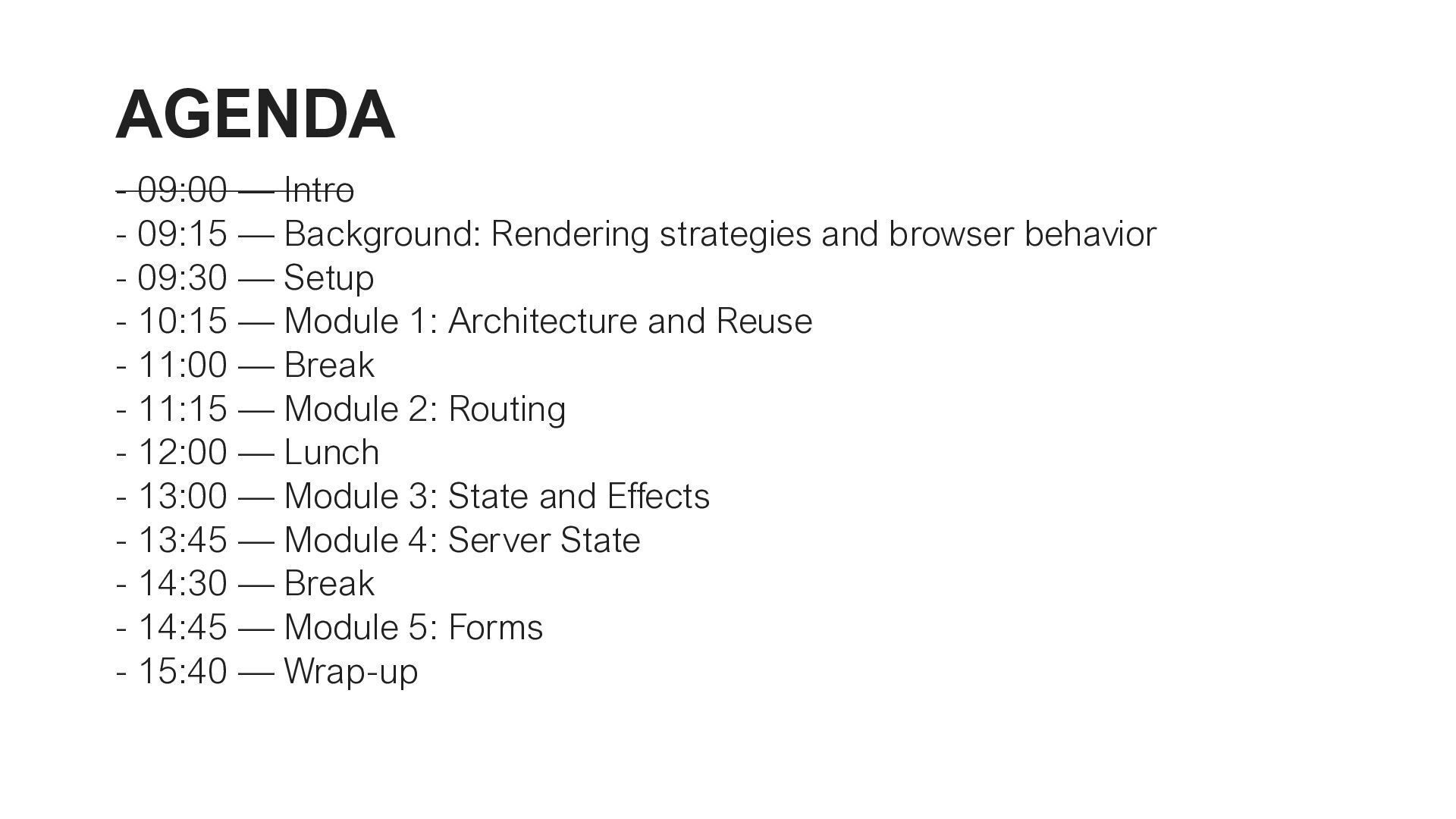
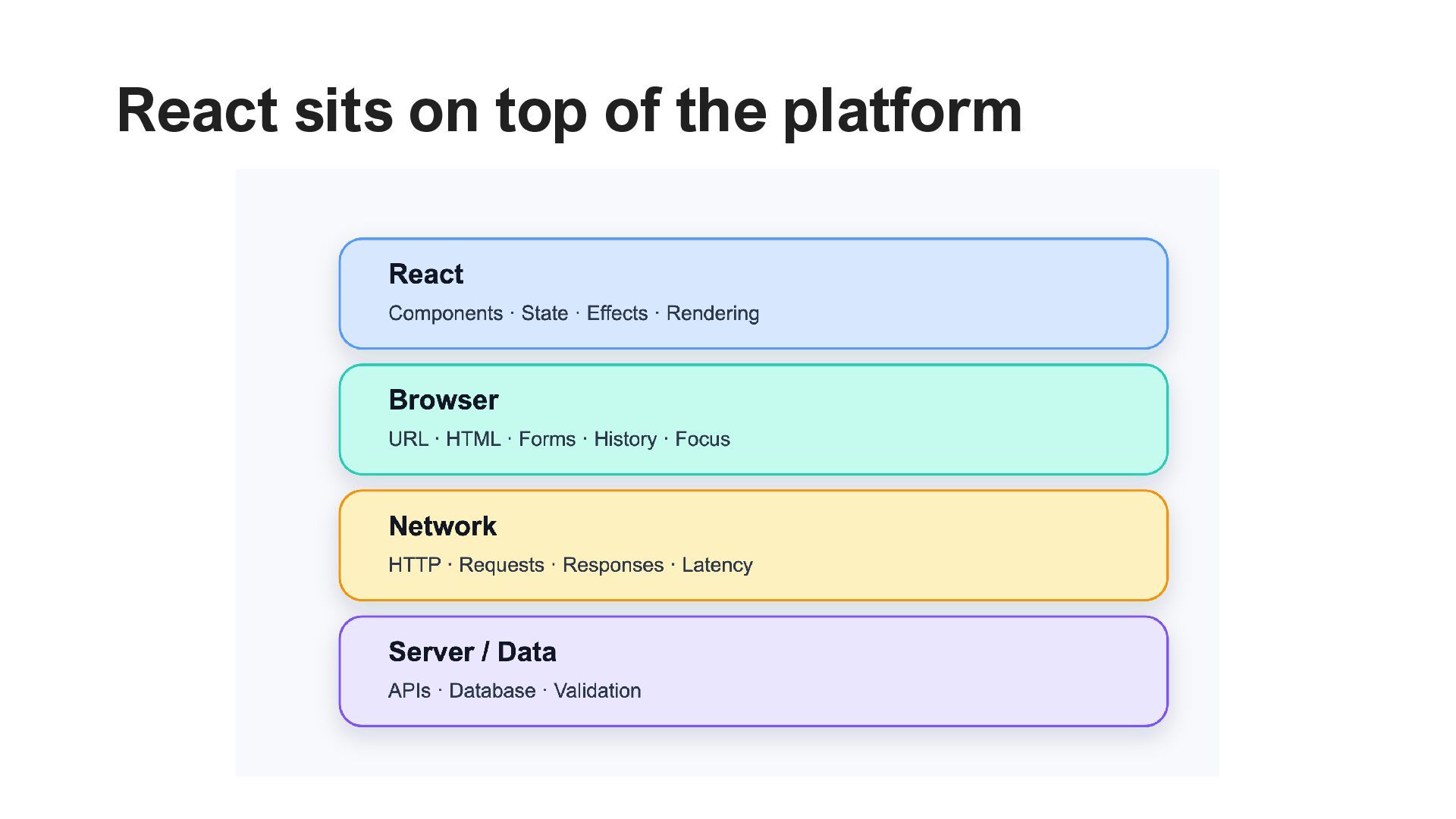
  4. AGENDA - 09:00 — Intro - 09:15 — Background: Rendering

    strategies and browser behavior - 09:30 — Setup - 10:15 — Module 1: Architecture and Reuse - 11:00 — Break - 11:15 — Module 2: Routing - 12:00 — Lunch - 13:00 — Module 3: State and Effects - 13:45 — Module 4: Server State - 14:30 — Break - 14:45 — Module 5: Forms - 15:40 — Wrap-up
  5. Static website rendering > Pages are pre-assembled and uploaded to

    a static host > Simple and efficient > Struggles with dynamic data and impractical to maintain
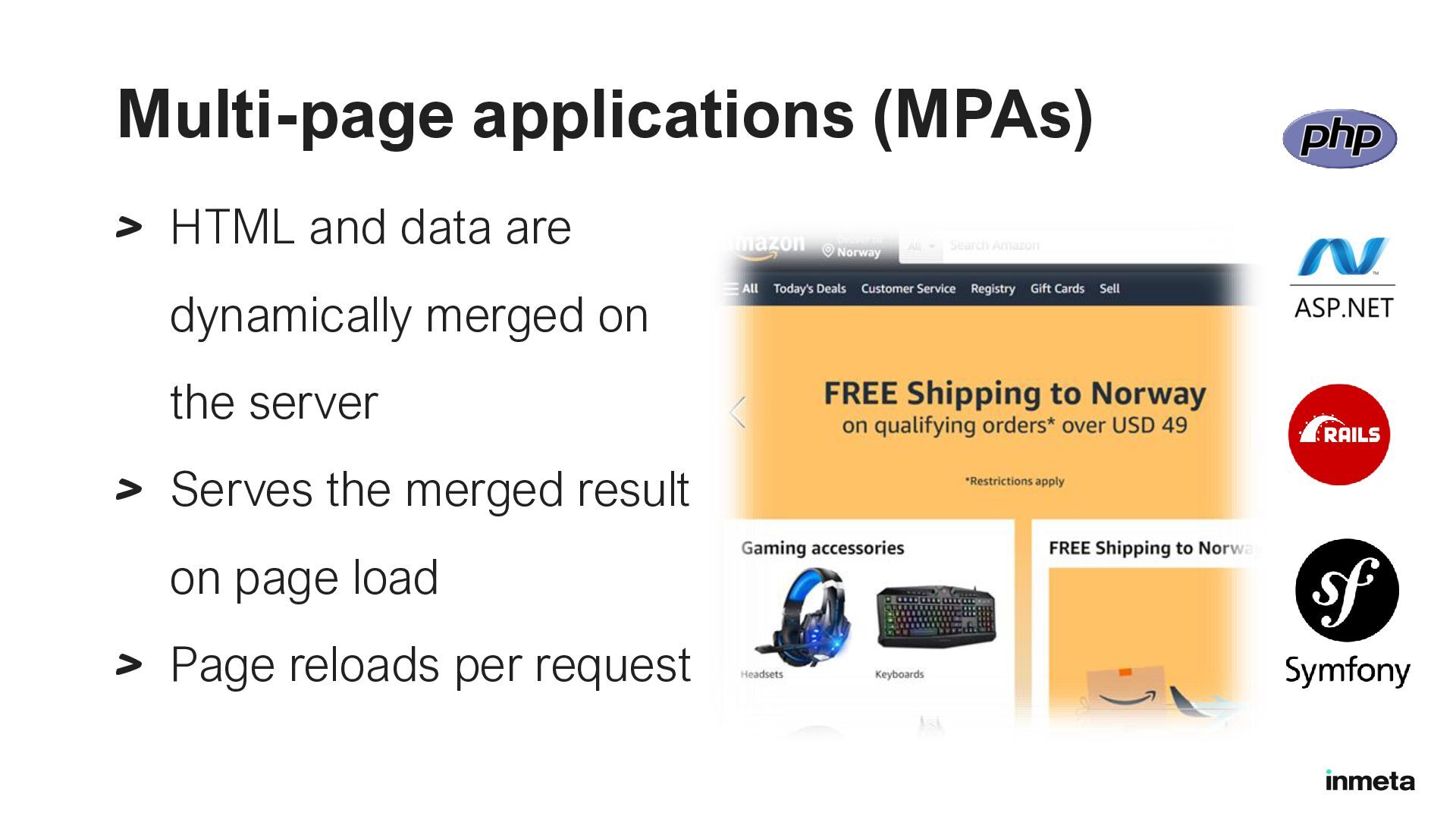
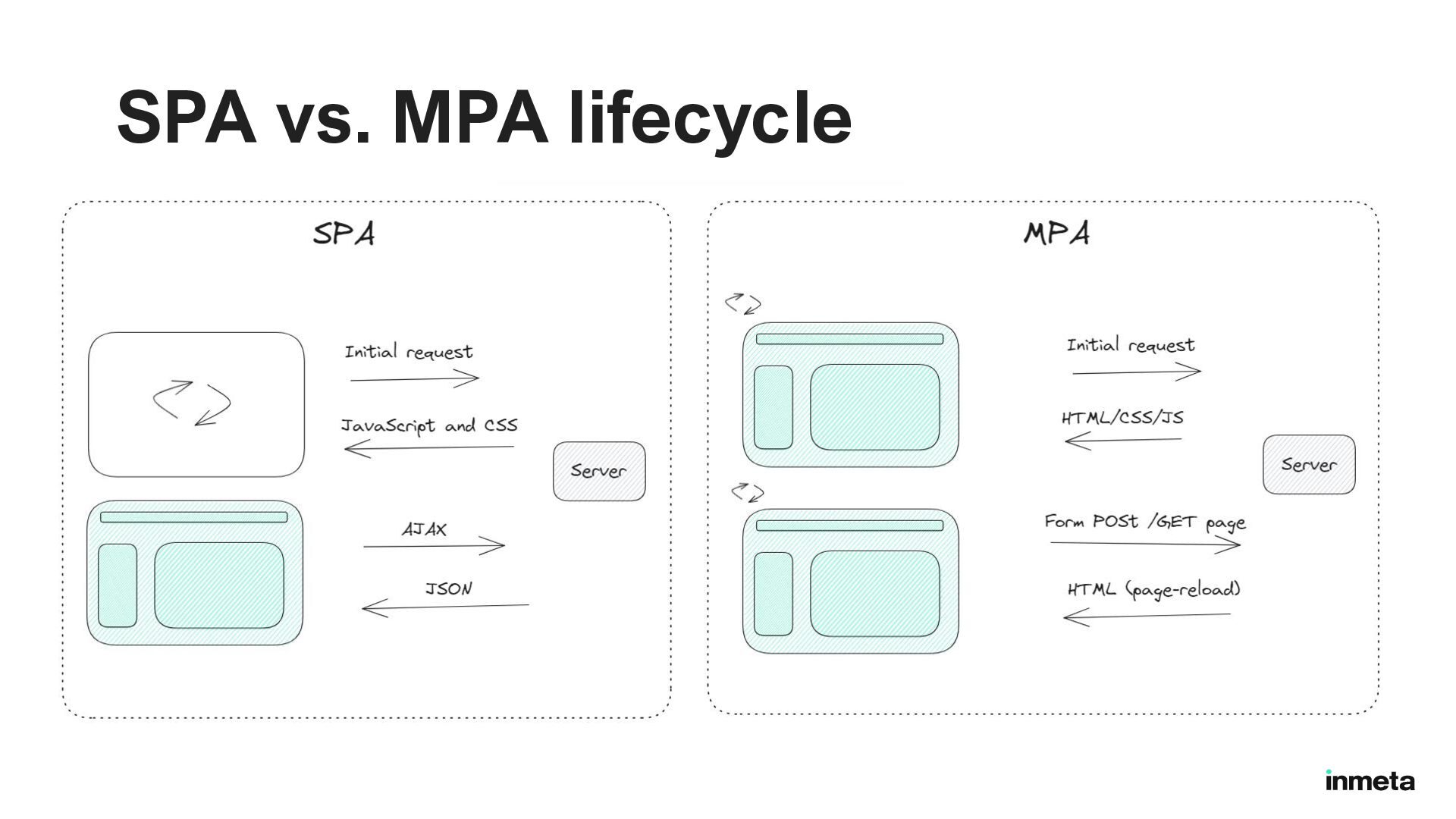
  6. Multi-page applications (MPAs) > HTML and data are dynamically merged
    on the server > Serves the merged result on page load > Page reloads per request


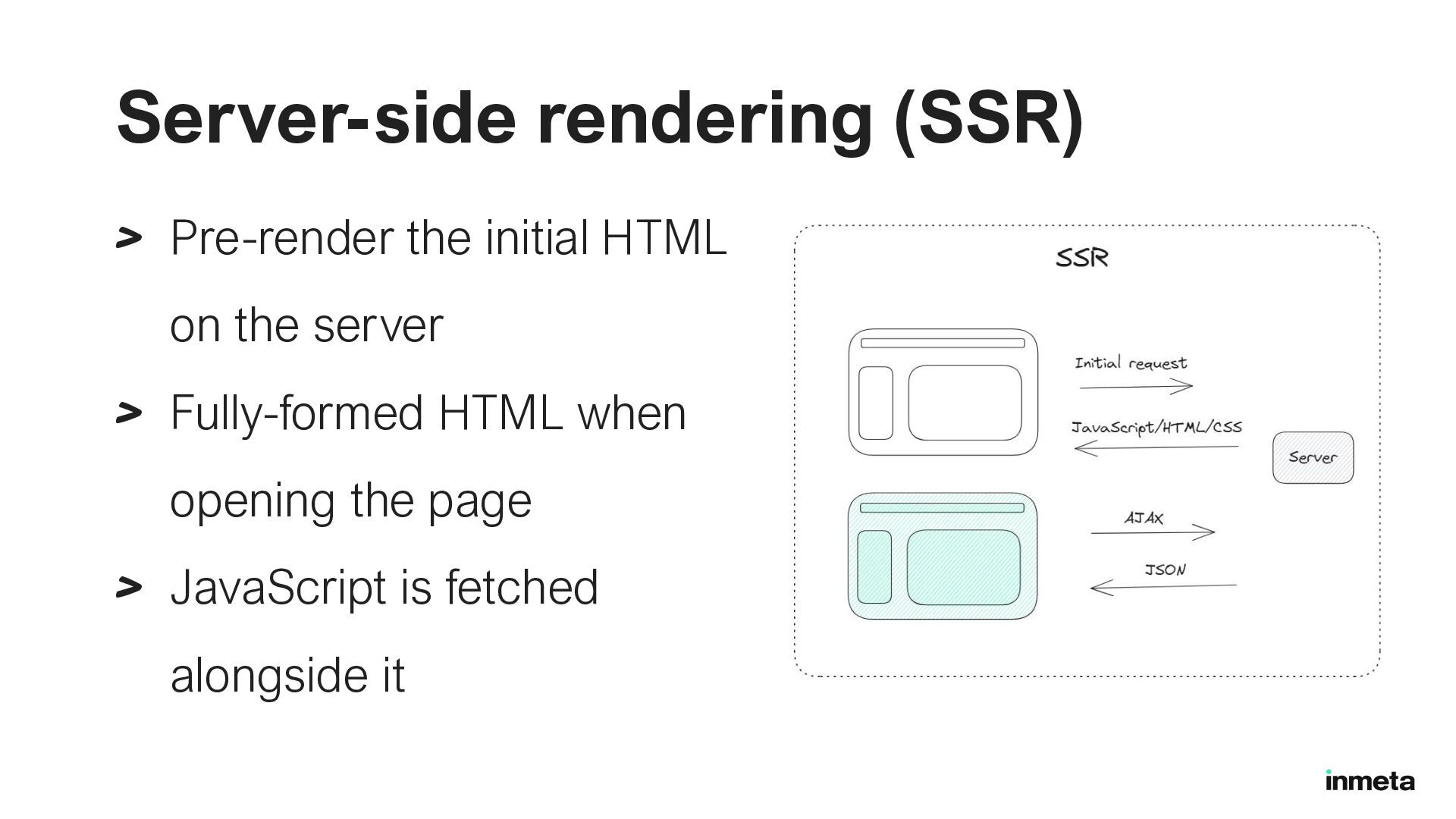
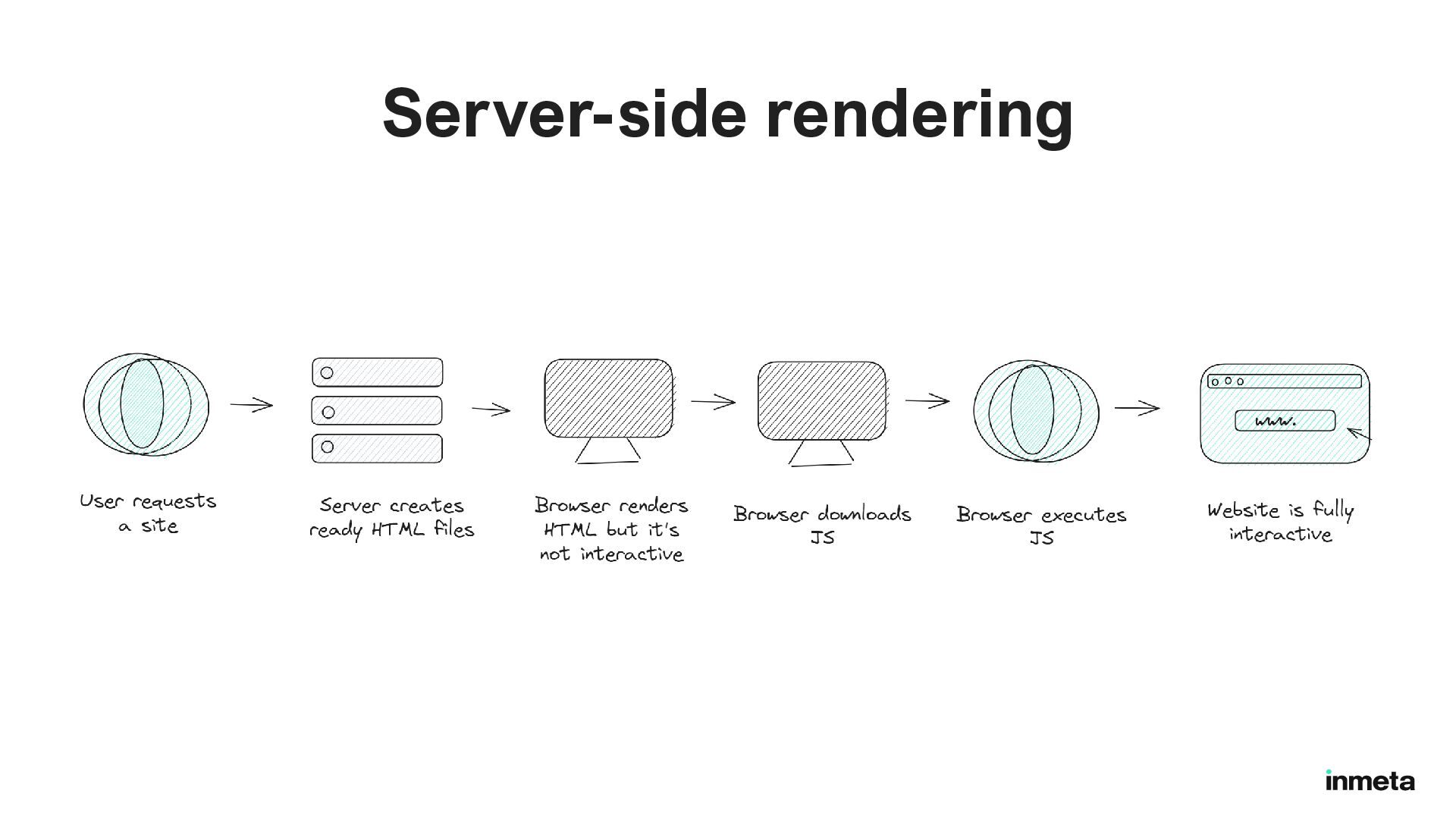
  7. Server-side rendering (SSR) > Pre-render the initial HTML on the

    server > Fully-formed HTML when opening the page > JavaScript is fetched alongside it

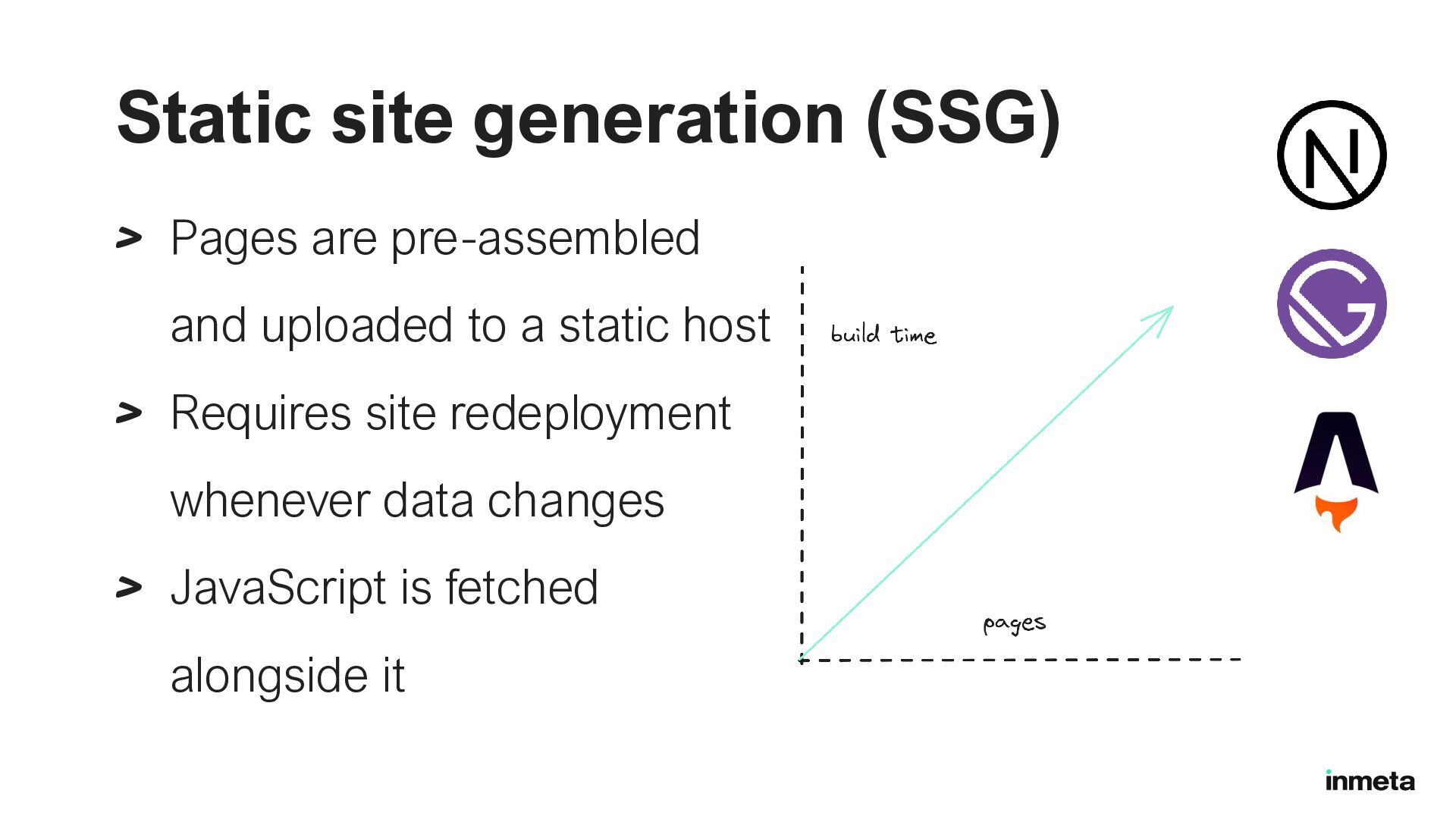
  8. Static site generation (SSG) > Pages are pre-assembled and uploaded

    to a static host > Requires site redeployment whenever data changes > JavaScript is fetched alongside it
  9. Server-side rendering (SSR) > Included feature in JavaScript “meta-frameworks” >

    Build time (SSG) and/or request time (SSR) > Pages generated in the build can be cached
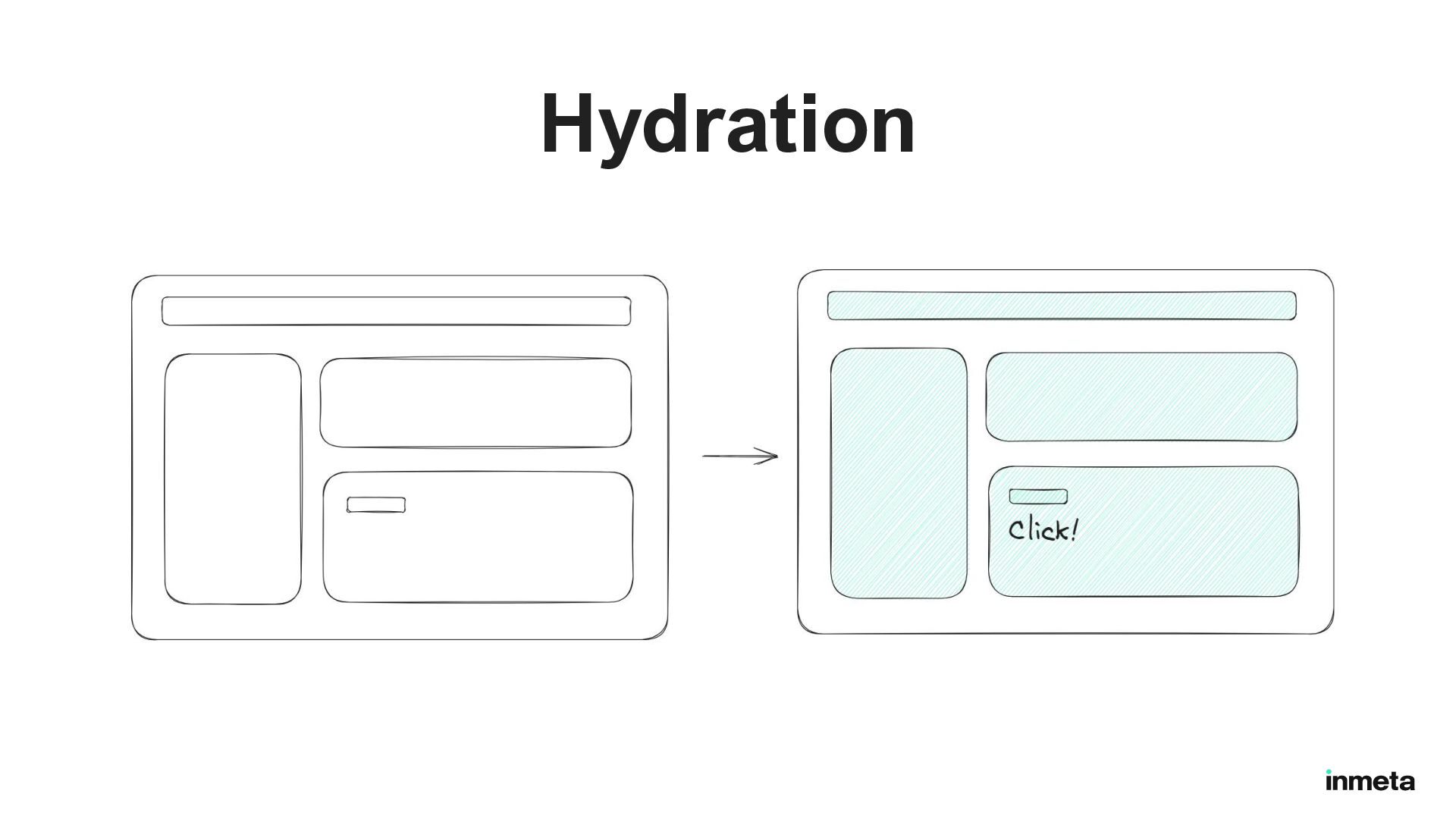
  10. Hydration Hydration is like watering the “dry” HTML with the

    “water” of interactivity and event handlers. - React core team member Dan Abramov https://github.com/reactwg/react-18/discussions/37
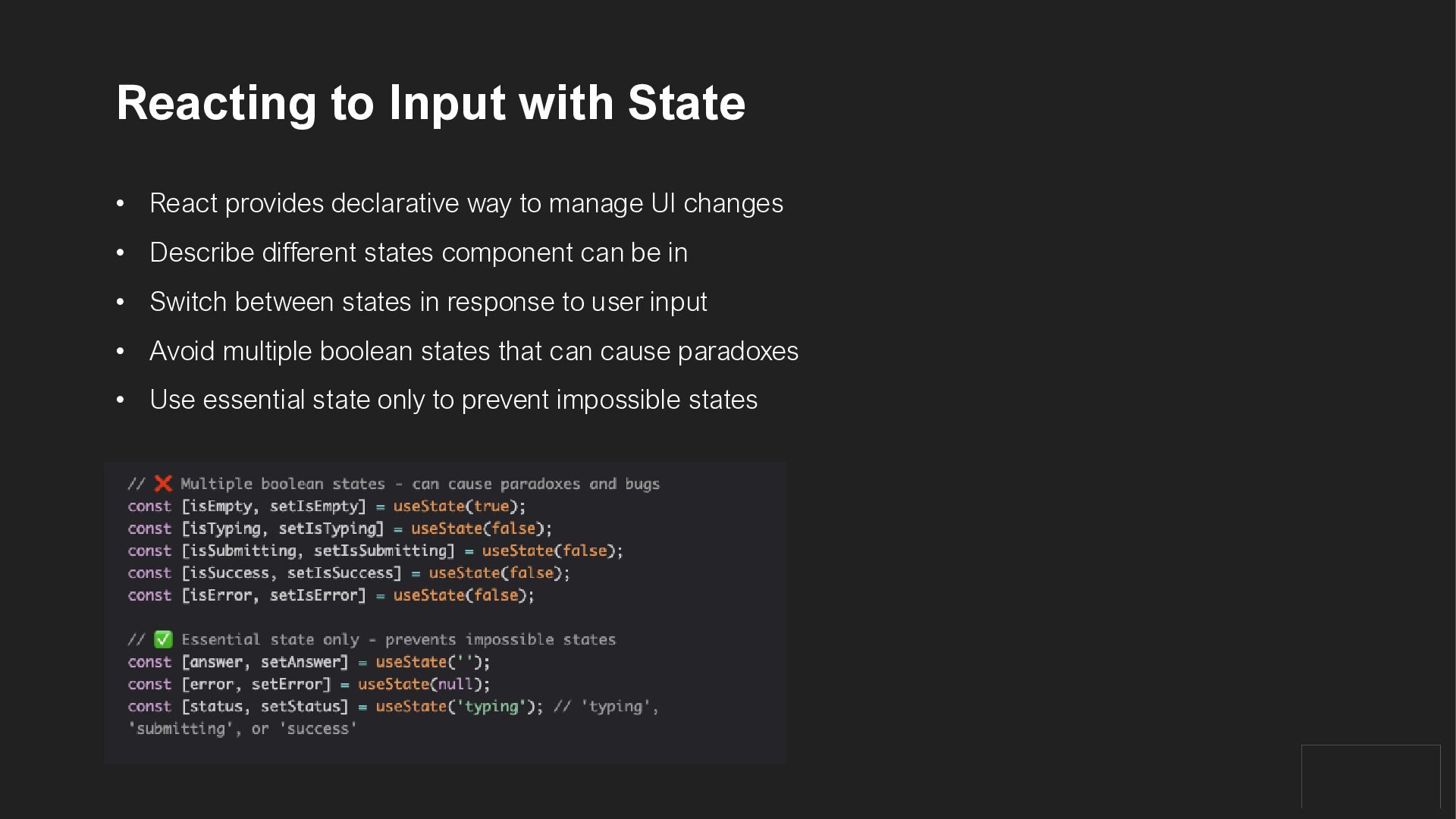
  11. Reacting to Input with State • React provides declarative way

    to manage UI changes • Describe different states component can be in • Switch between states in response to user input • Avoid multiple boolean states that can cause paradoxes • Use essential state only to prevent impossible states

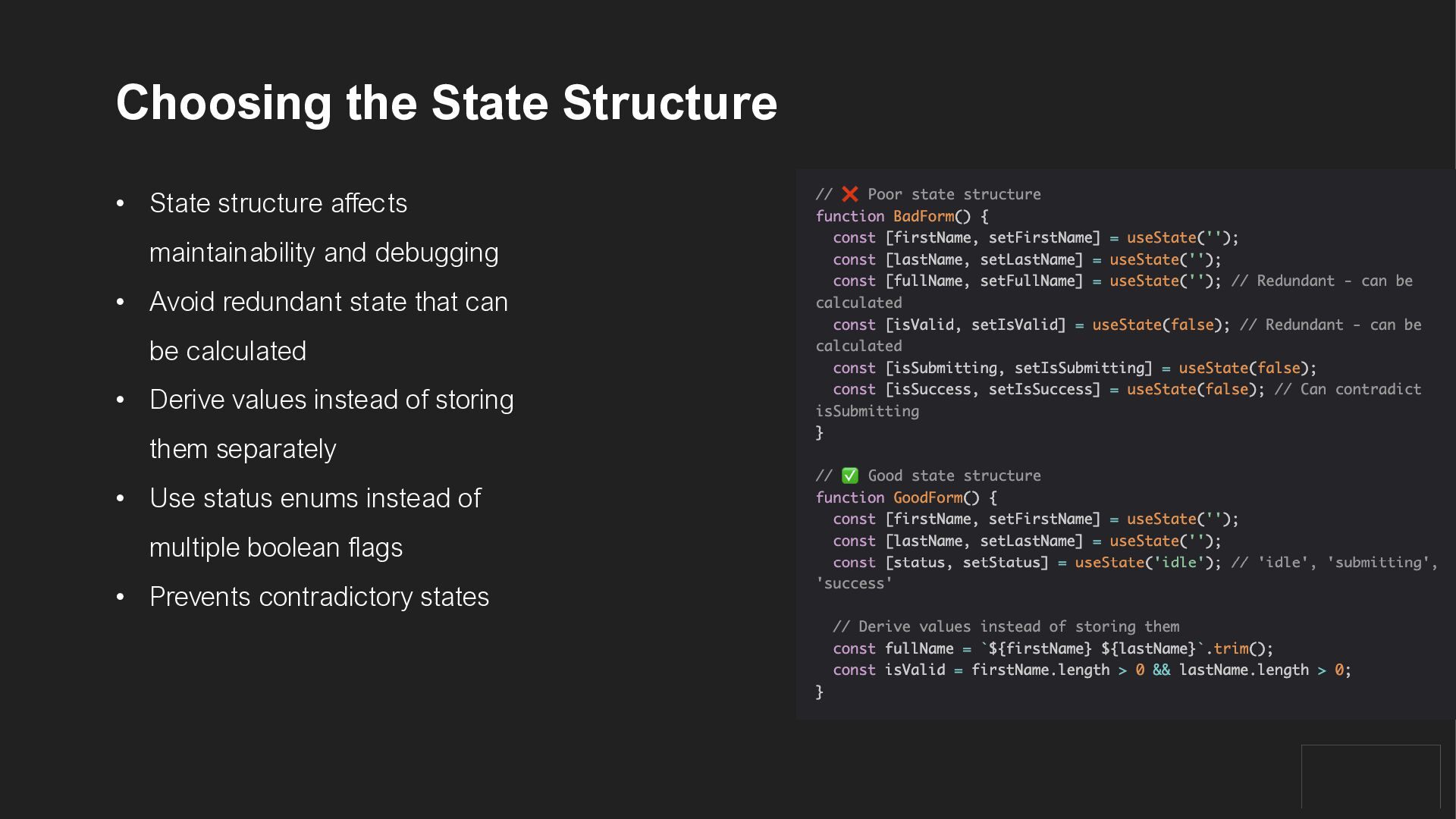
  12. Choosing the State Structure • State structure affects maintainability and

    debugging • Avoid redundant state that can be calculated • Derive values instead of storing them separately • Use status enums instead of multiple boolean flags • Prevents contradictory states
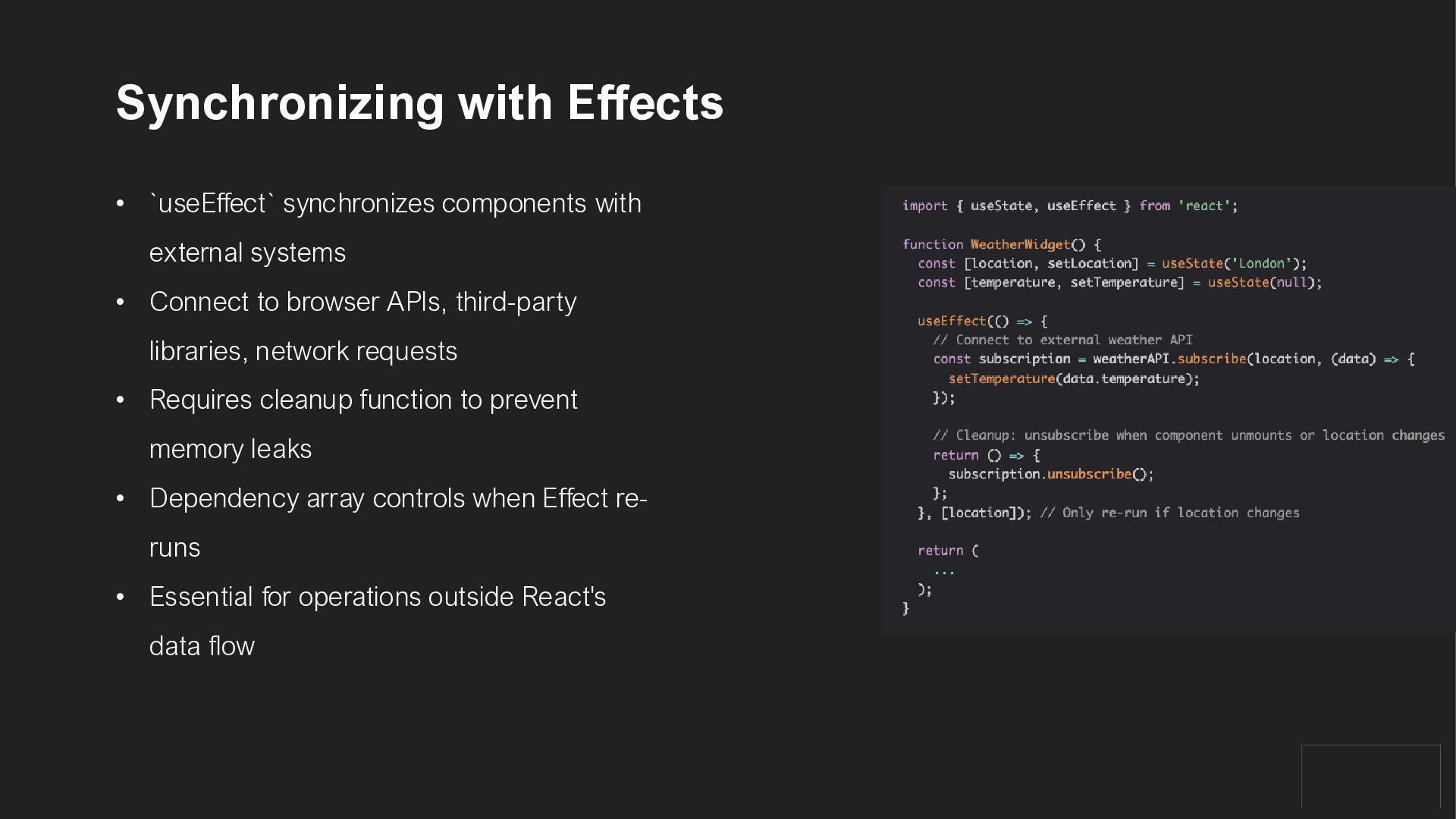
  13. Synchronizing with Effects • `useEffect` synchronizes components with external systems

    • Connect to browser APIs, third-party libraries, network requests • Requires cleanup function to prevent memory leaks • Dependency array controls when Effect re- runs • Essential for operations outside React's data flow
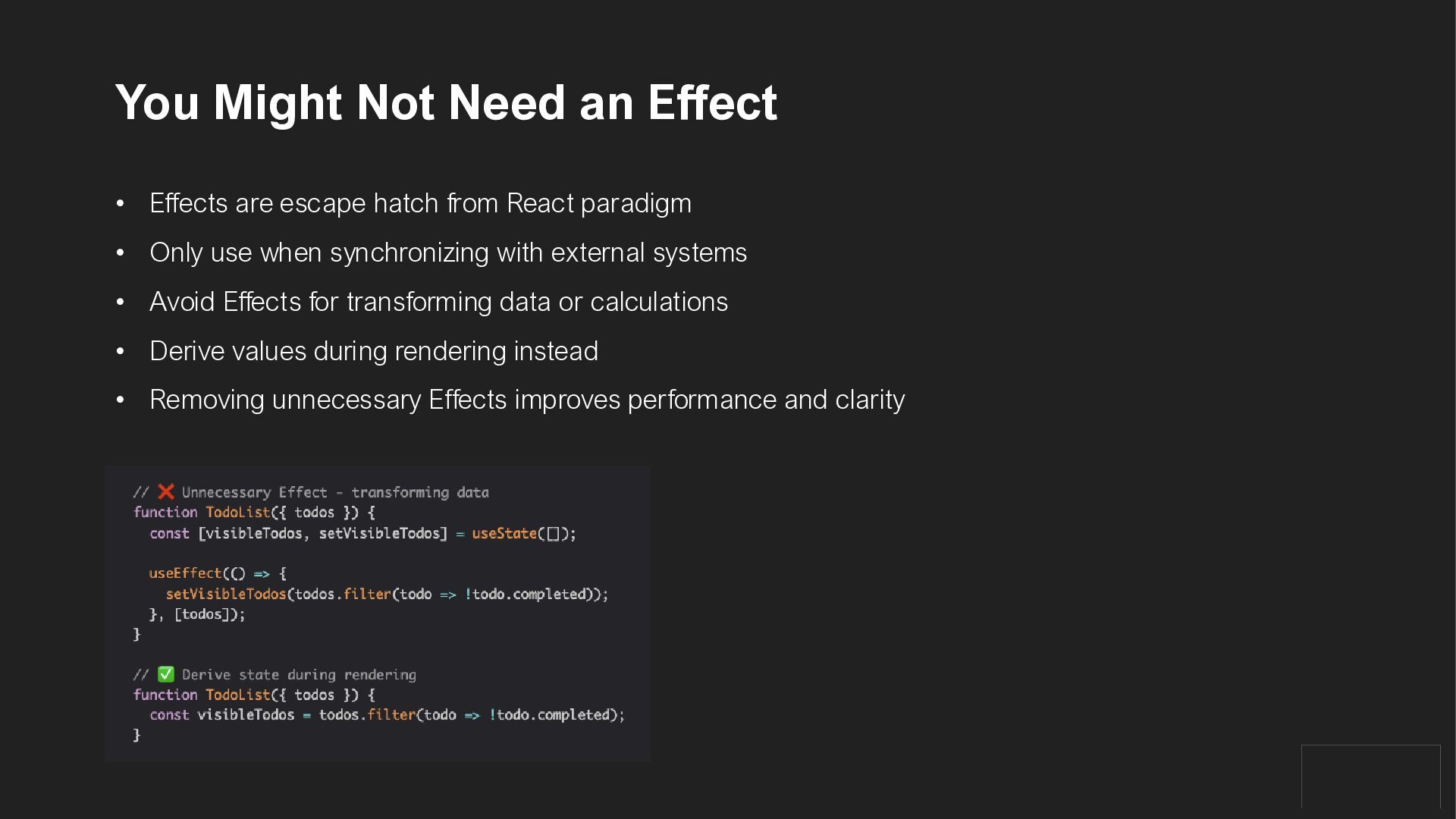
  14. You Might Not Need an Effect • Effects are escape

    hatch from React paradigm • Only use when synchronizing with external systems • Avoid Effects for transforming data or calculations • Derive values during rendering instead • Removing unnecessary Effects improves performance and clarity
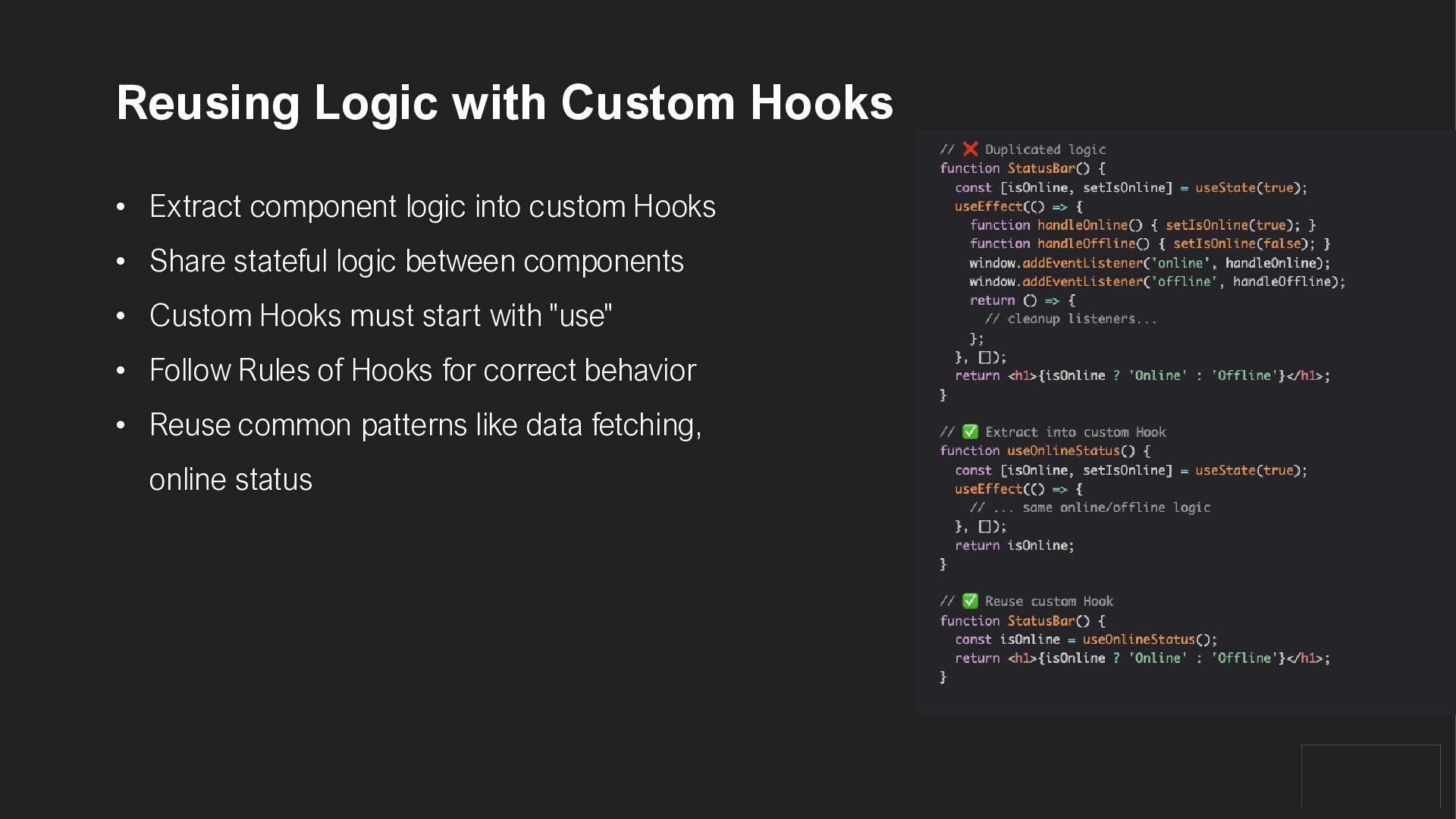
  15. Reusing Logic with Custom Hooks • Extract component logic into

    custom Hooks • Share stateful logic between components • Custom Hooks must start with "use" • Follow Rules of Hooks for correct behavior • Reuse common patterns like data fetching, online status
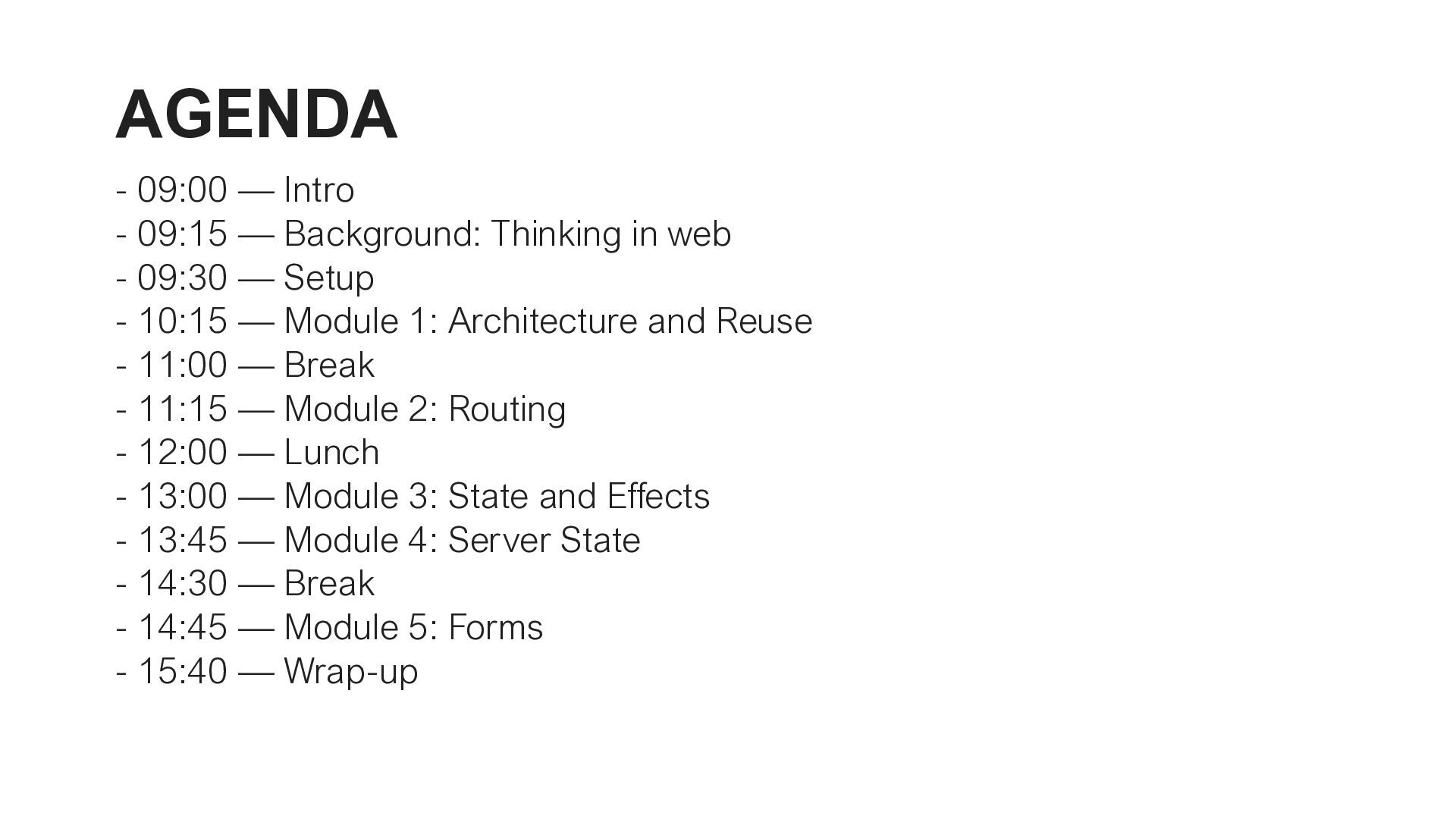
  16. AGENDA - 09:00 — Intro - 09:15 — Background: Thinking

    in web - 09:30 — Setup - 10:15 — Module 1: Architecture and Reuse - 11:00 — Break - 11:15 — Module 2: Routing - 12:00 — Lunch - 13:00 — Module 3: State and Effects - 13:45 — Module 4: Server State - 14:30 — Break - 14:45 — Module 5: Forms - 15:40 — Wrap-up