Upgrade to Pro — share decks privately, control downloads, hide ads and more …

Foundation Models - The Missing Manual

Avatar for Avi Tsadok Avi Tsadok
September 09, 2026

Foundation Models - The Missing Manual

Avatar for Avi Tsadok

Avi Tsadok

September 09, 2026

Other Decks in Programming

Transcript

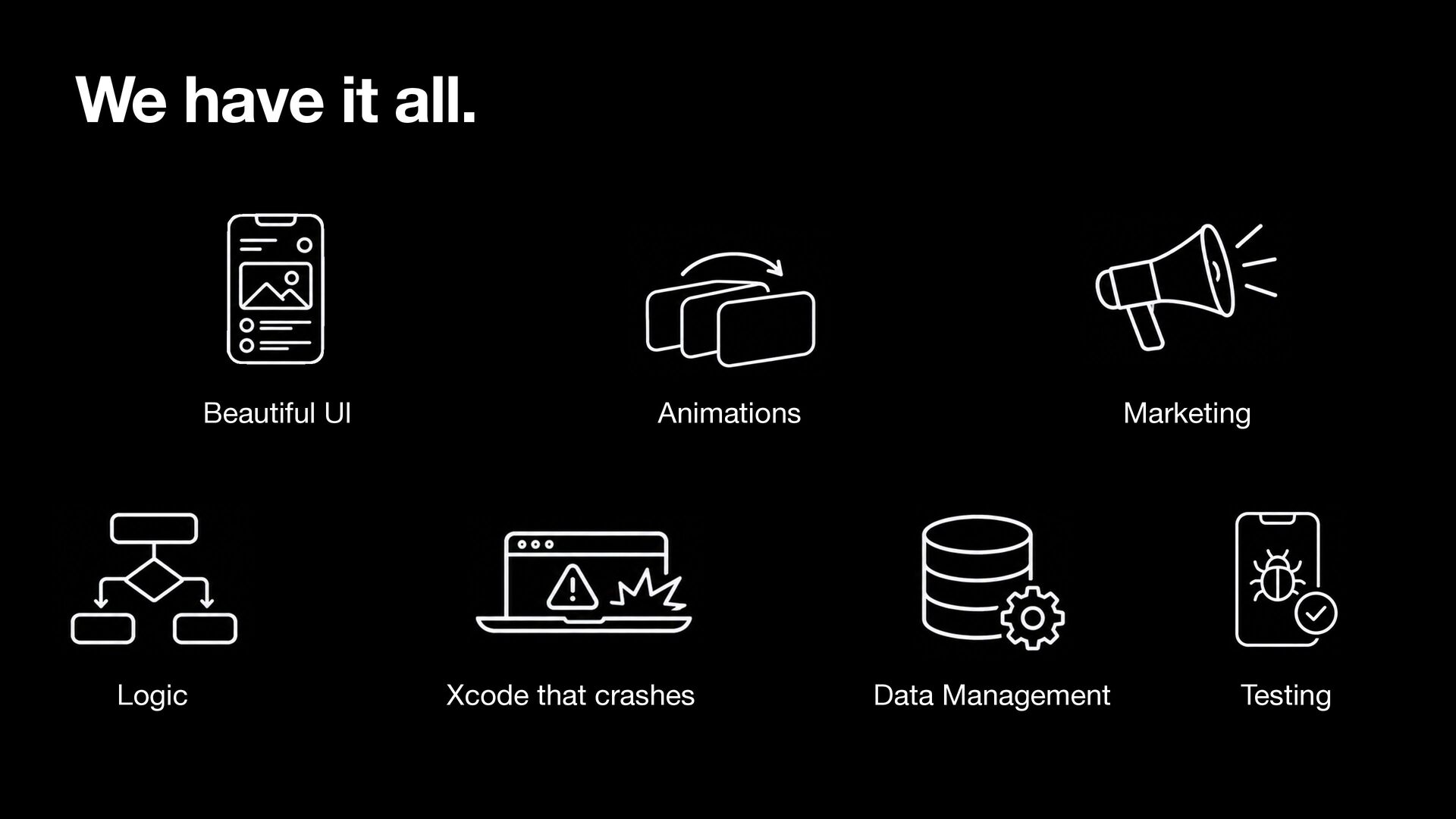
  1. We have it all. Beautiful UI Logic Animations Xcode that

    crashes Marketing Data Management Testing
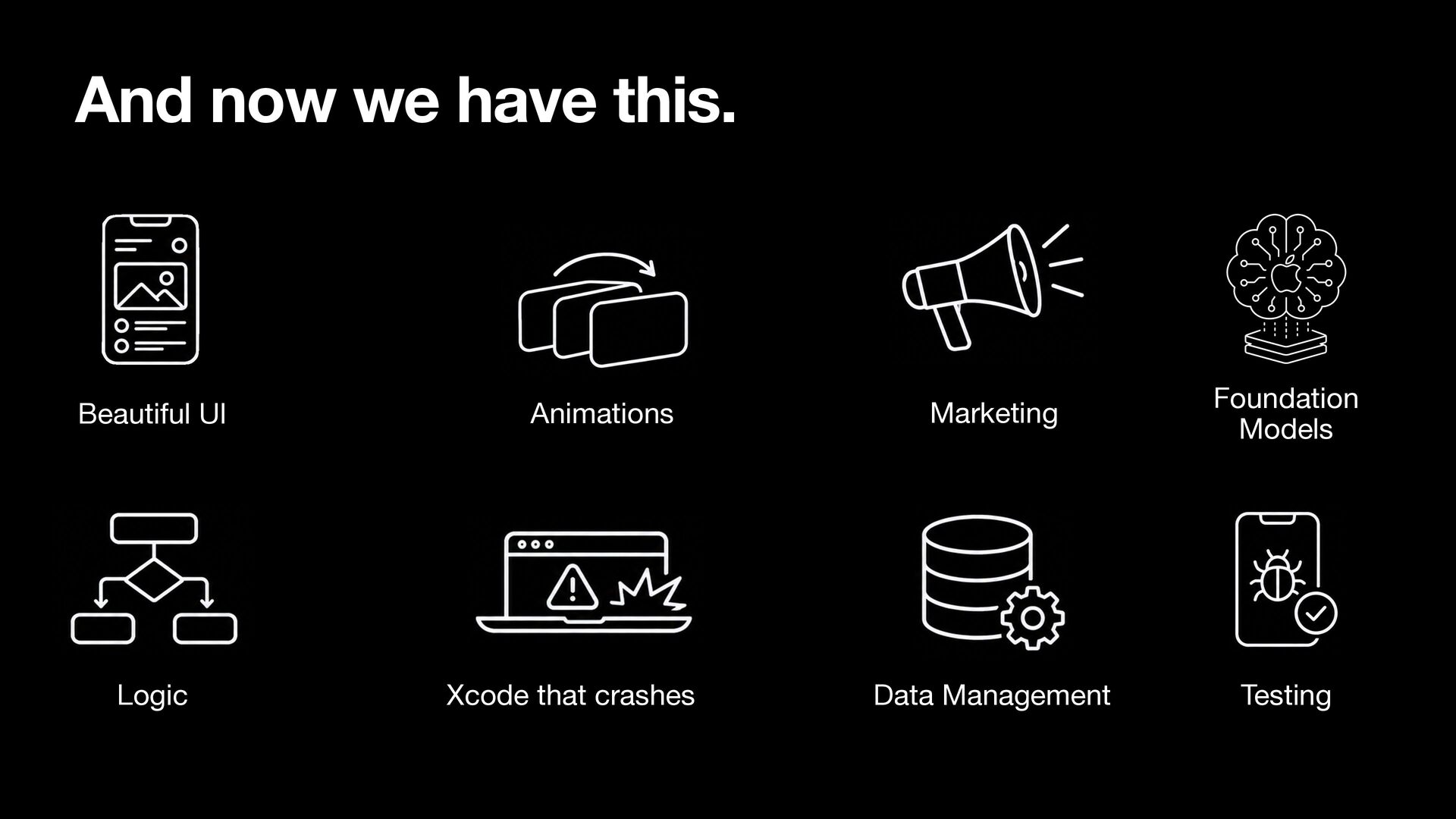
  2. And now we have this. Beautiful UI Logic Animations Xcode

    that crashes Marketing Foundation Models Data Management Testing
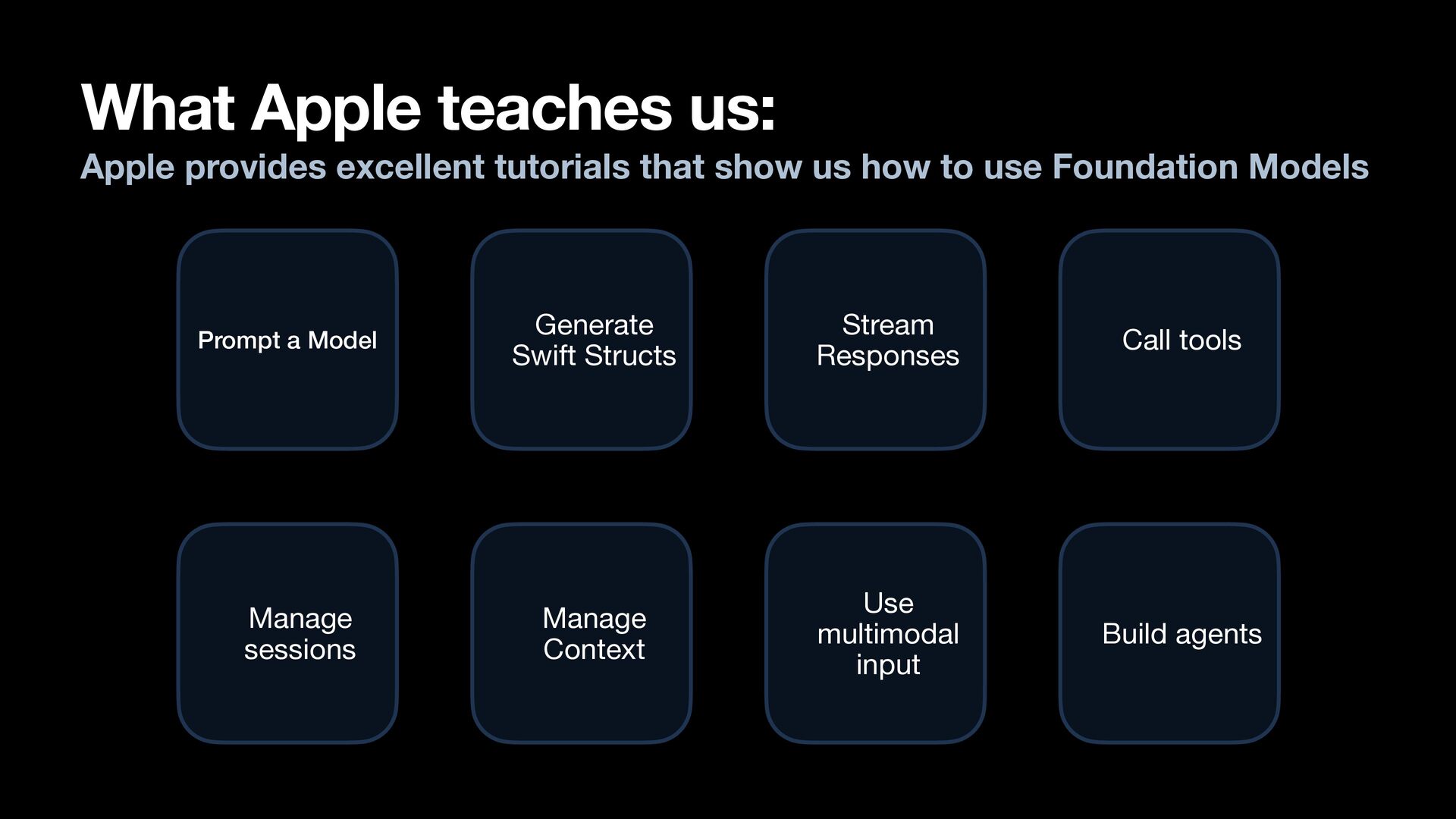
  3. What Apple teaches us: Apple provides excellent tutorials that show

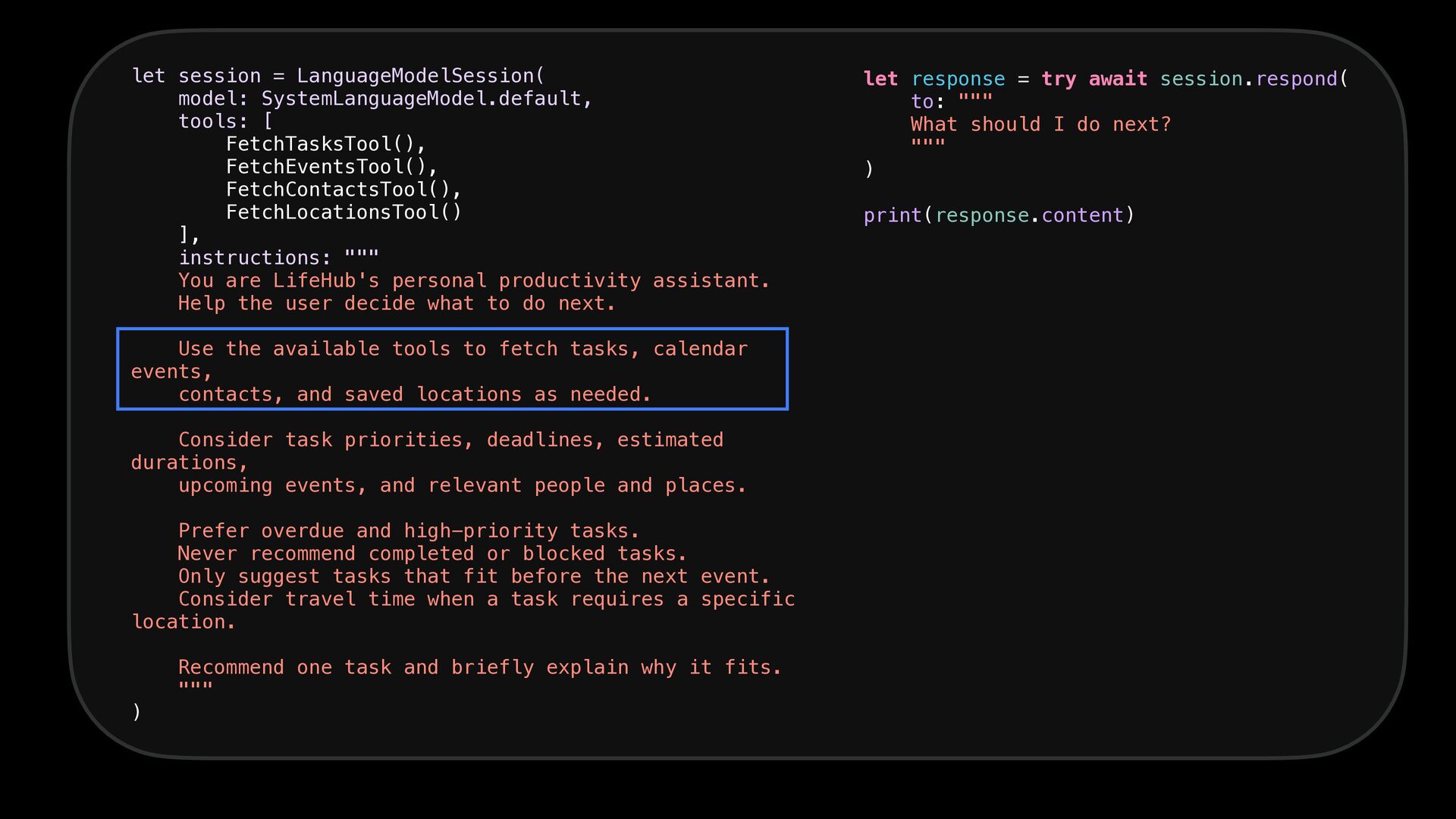
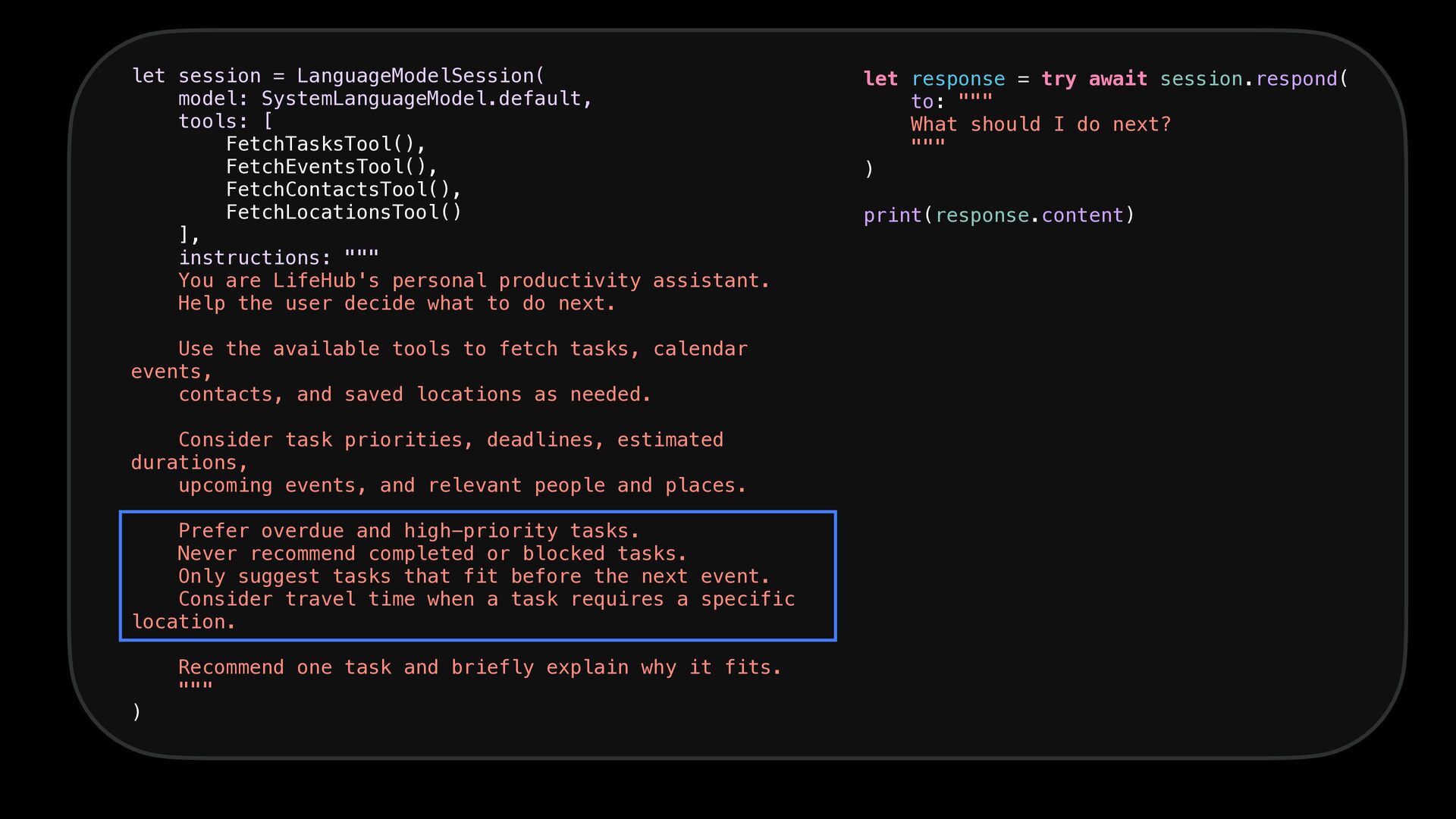
    us how to use Foundation Models Prompt a Model Manage sessions Generate Swift Structs Stream Responses Call tools Manage Context Use multimodal input Build agents
  4. - Mobile team lead at Melio Payments - 15 years

    of experience in iOS development - A public speaker Avi Tsadok
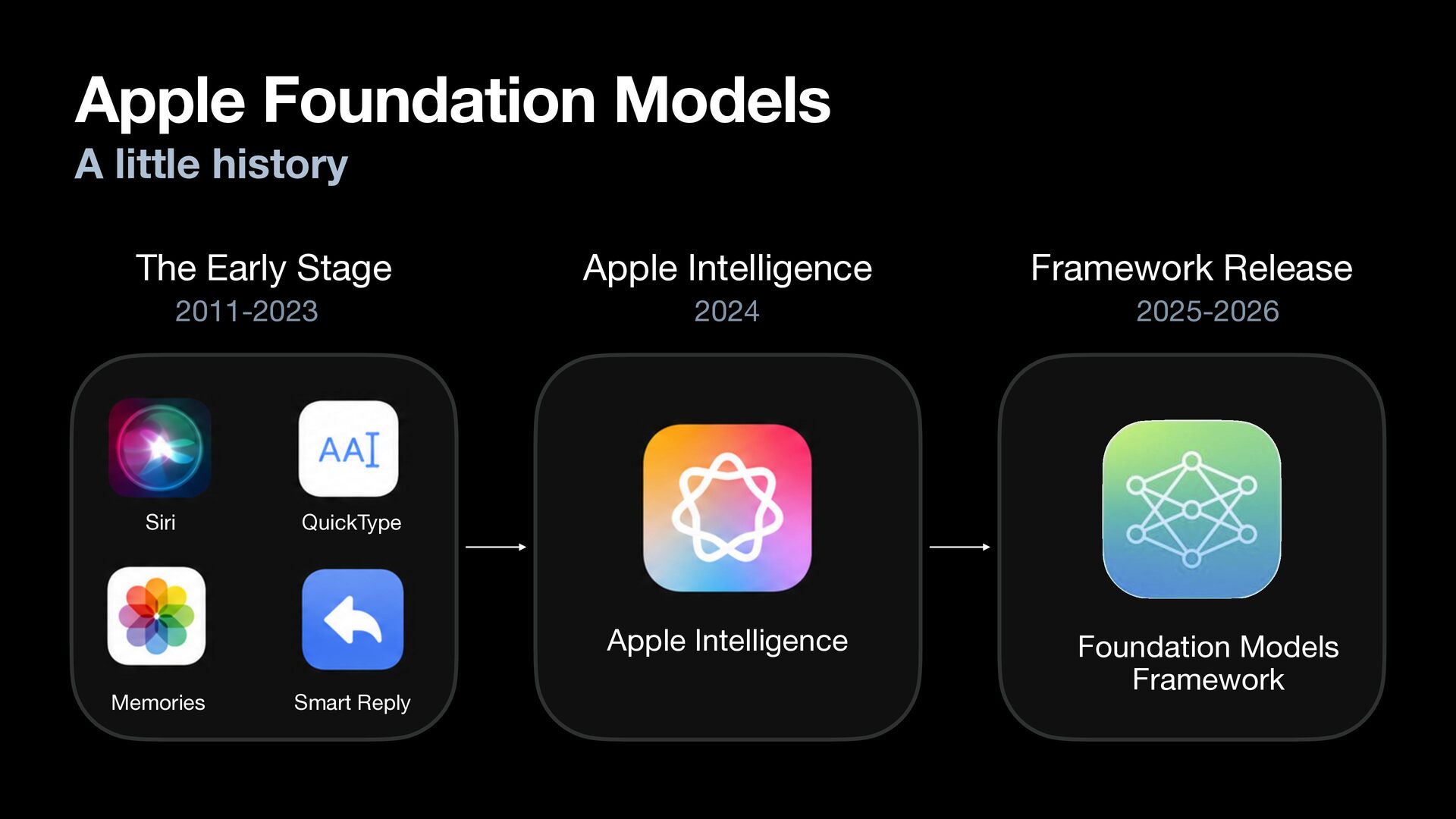
  5. Apple Foundation Models A little history The Early Stage Apple

    Intelligence Framework Release 2011-2023 2024 2025-2026 Apple Intelligence Foundation Models Framework Siri Memories QuickType Smart Reply
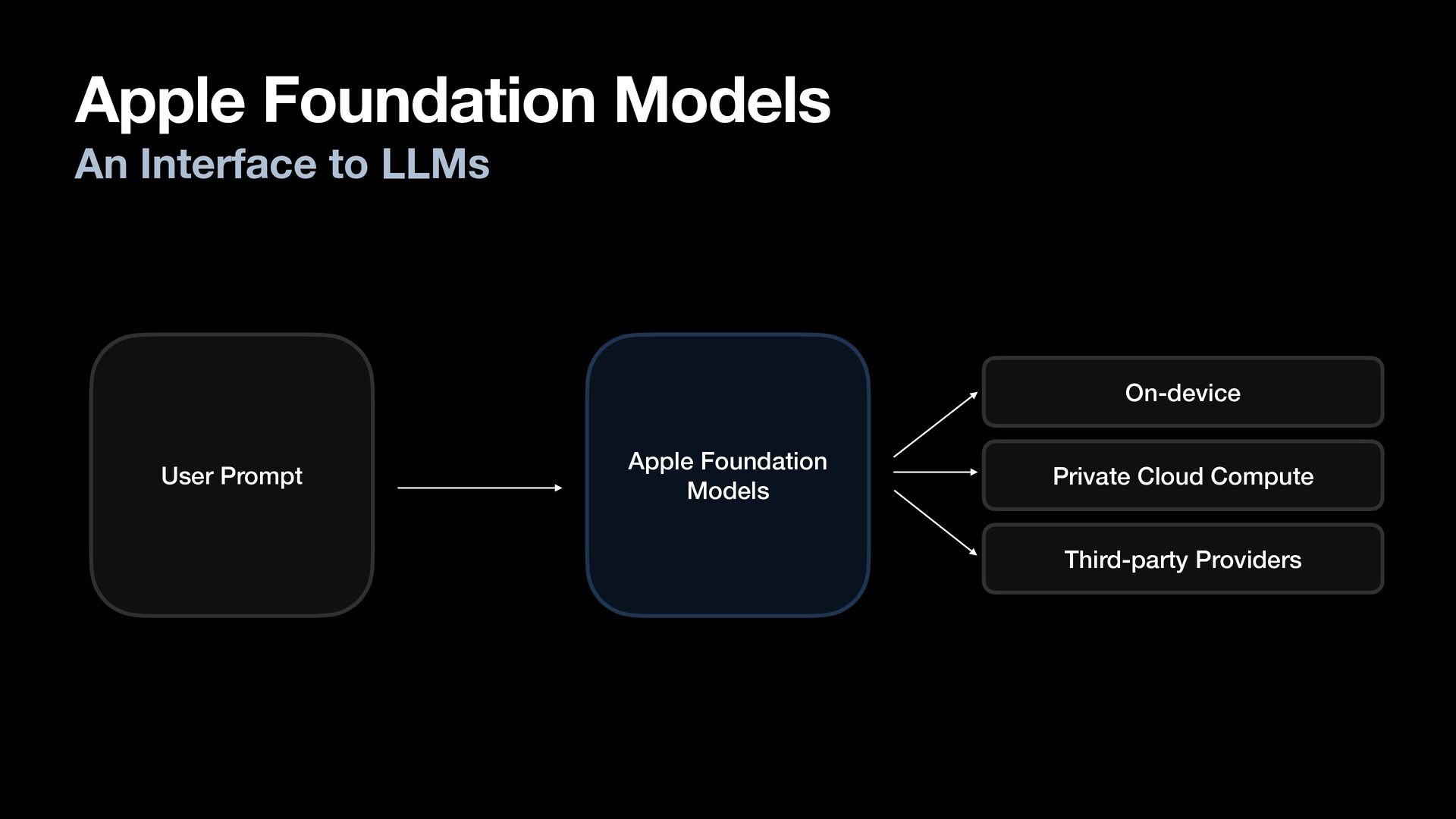
  6. Apple Foundation Models An Interface to LLMs On-device User Prompt

    Apple Foundation Models Private Cloud Compute Third-party Providers
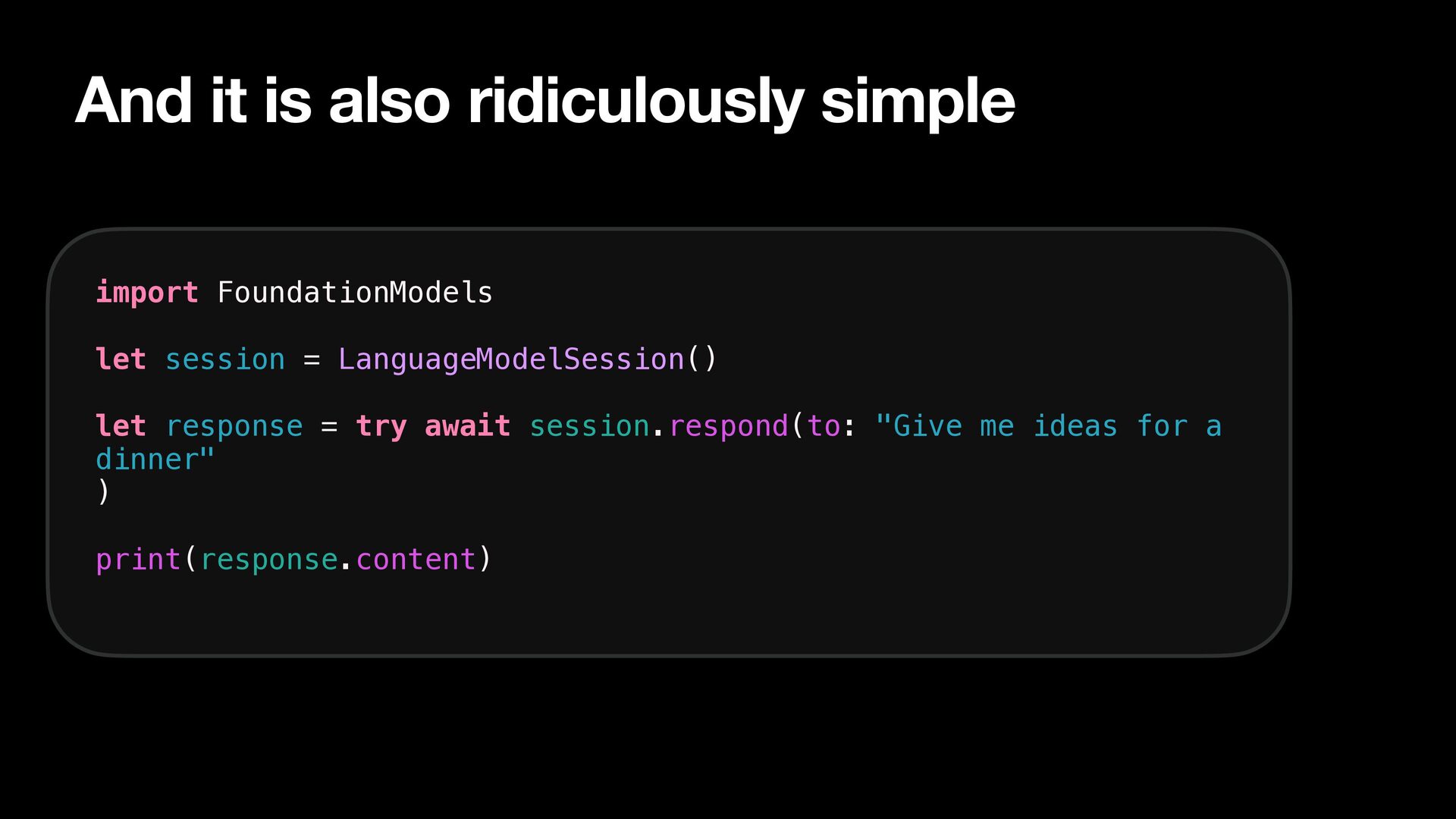
  7. And it is also ridiculously simple import FoundationModels let session

    = LanguageModelSession() let response = try await session.respond(to: "Give me ideas for a dinner" ) print(response.content)
  8. We are going to talk about how to shape our

    app for Foundation Models.
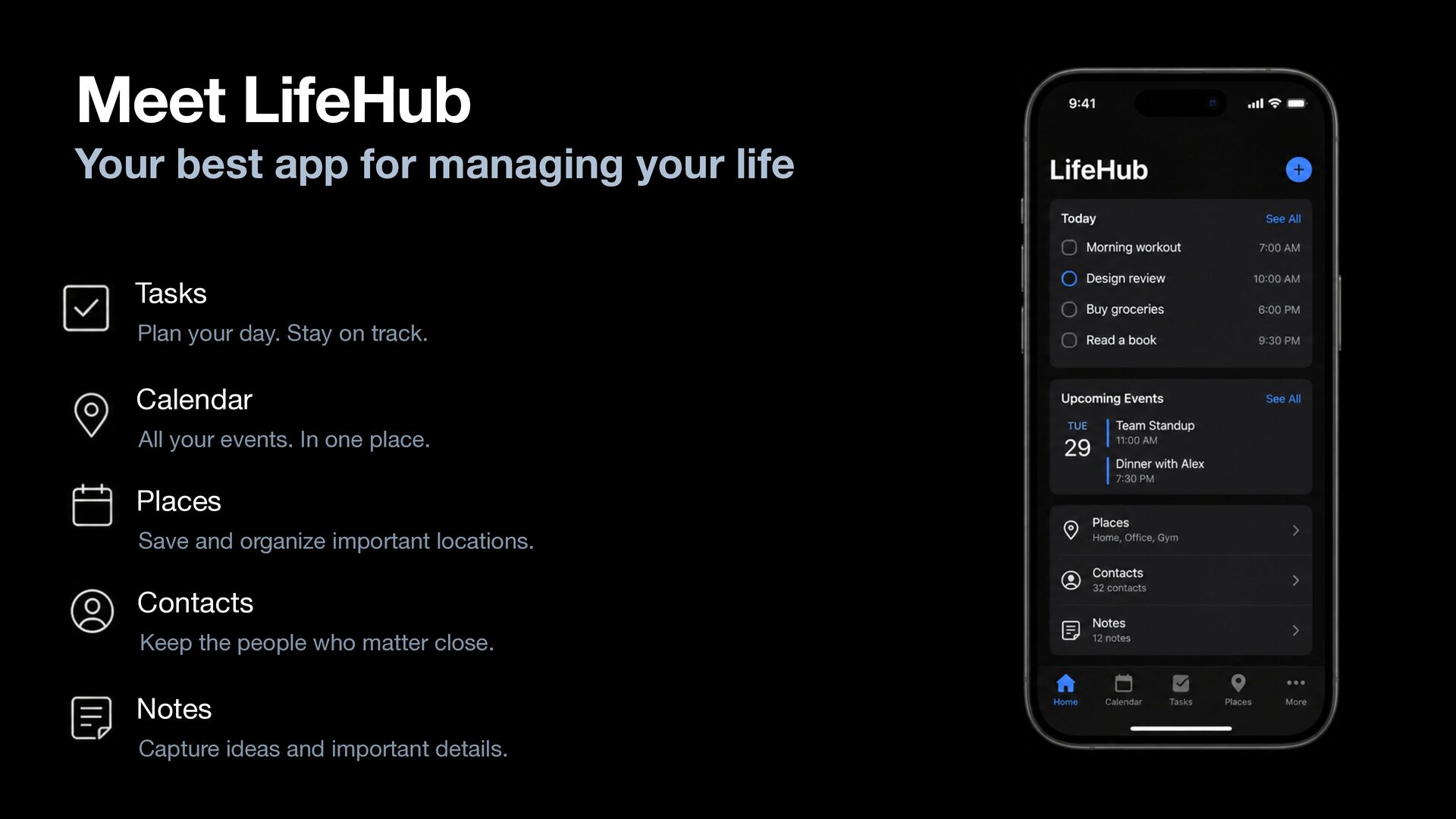
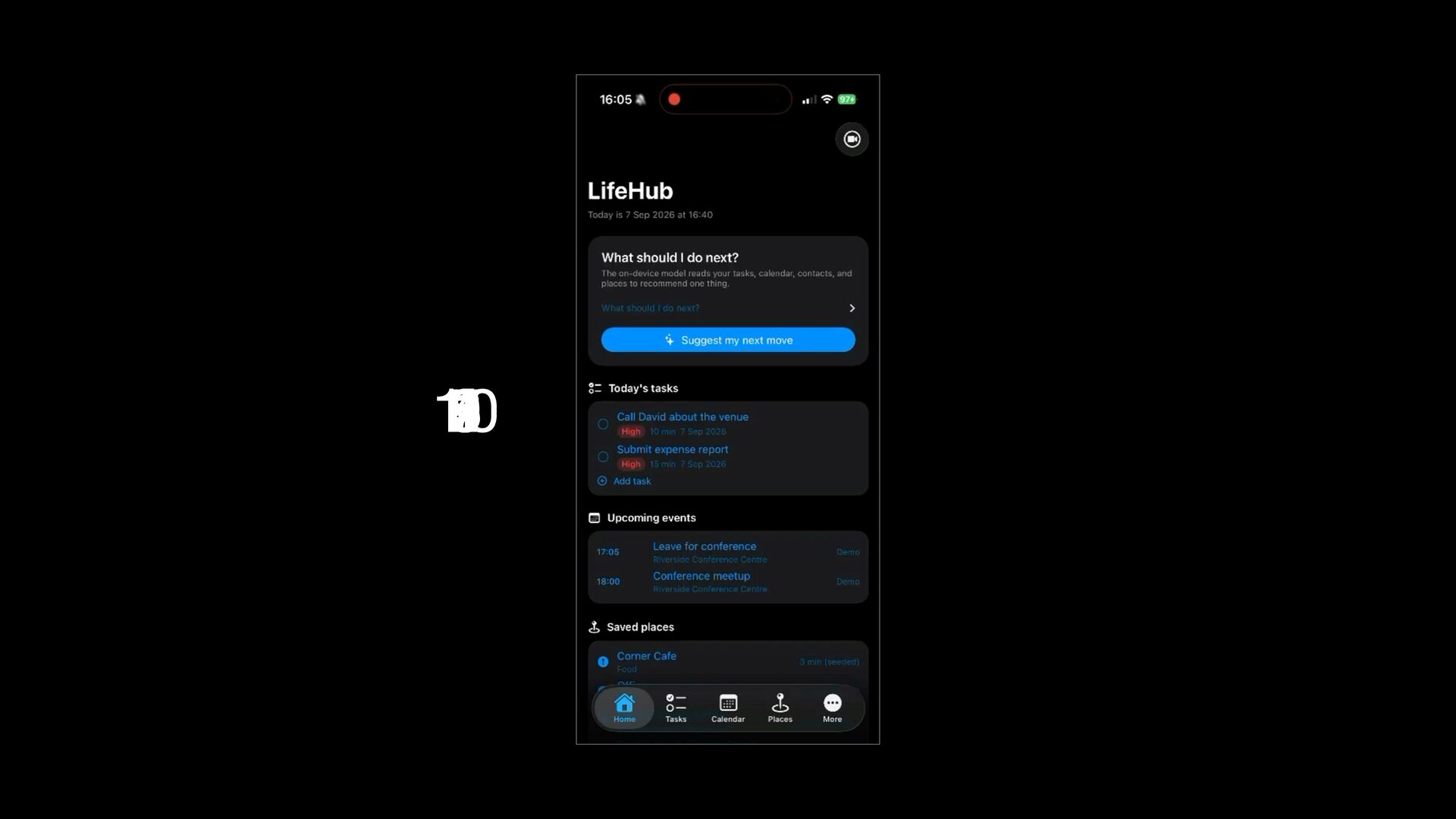
  9. Meet LifeHub Your best app for managing your life Tasks

    Plan your day. Stay on track. Calendar All your events. In one place. Places Save and organize important locations. Contacts Keep the people who matter close. Notes Capture ideas and important details.
  10. There are only 20 apps like LifeHub on the App

    Store. Released in the last hour.
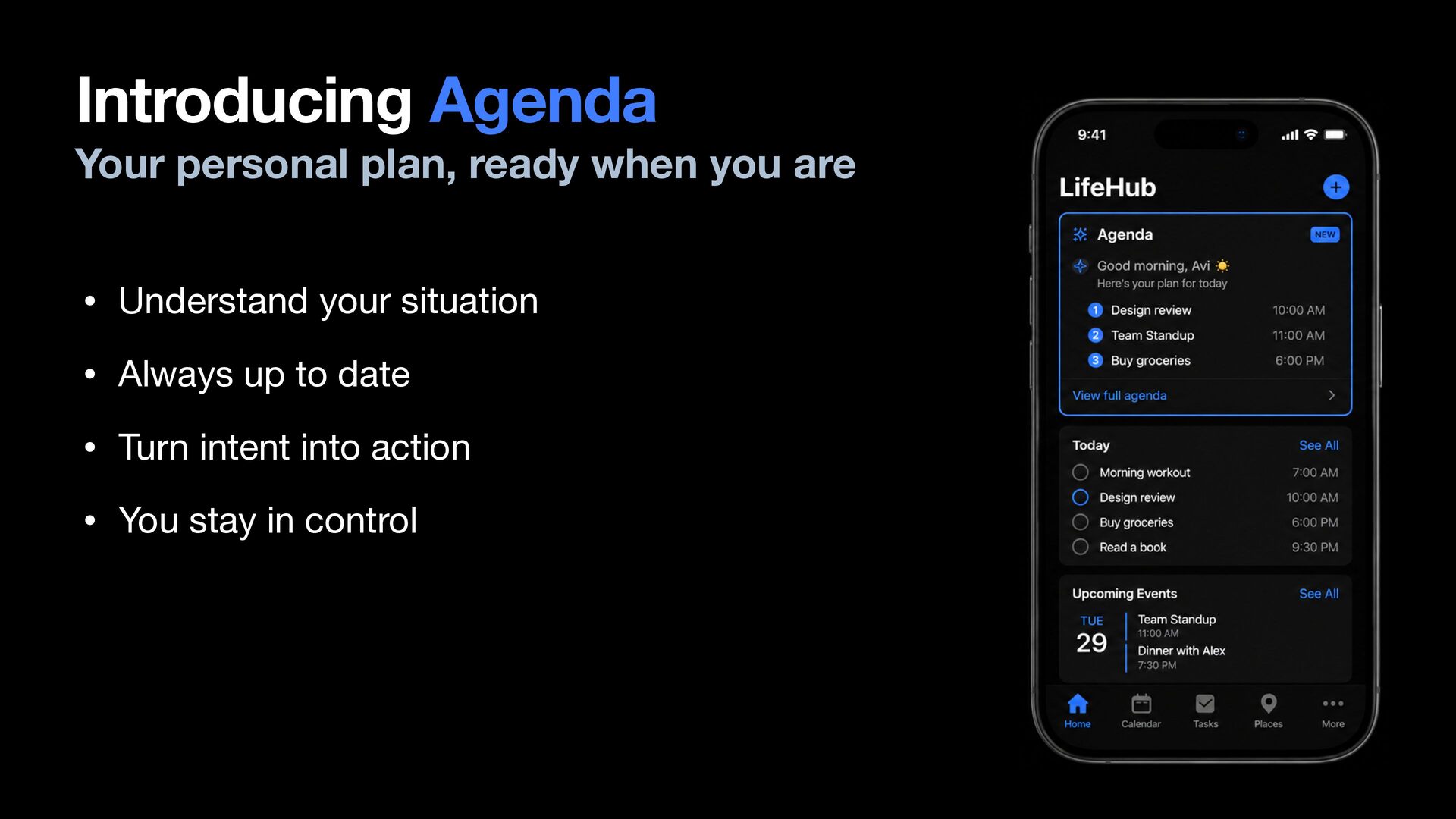
  11. Introducing Agenda Your personal plan, ready when you are •

    Understand your situation • Always up to date • Turn intent into action • You stay in control
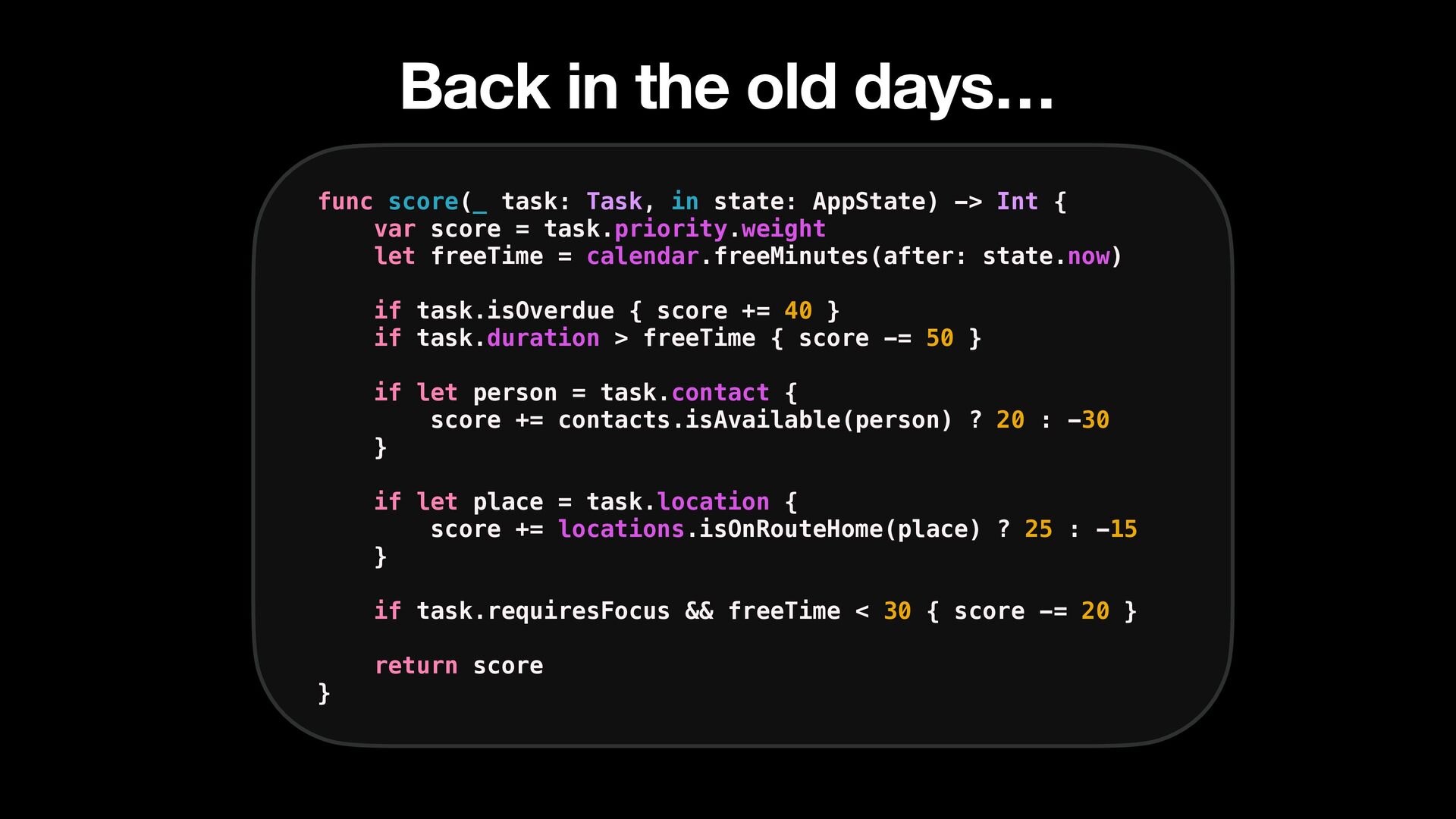
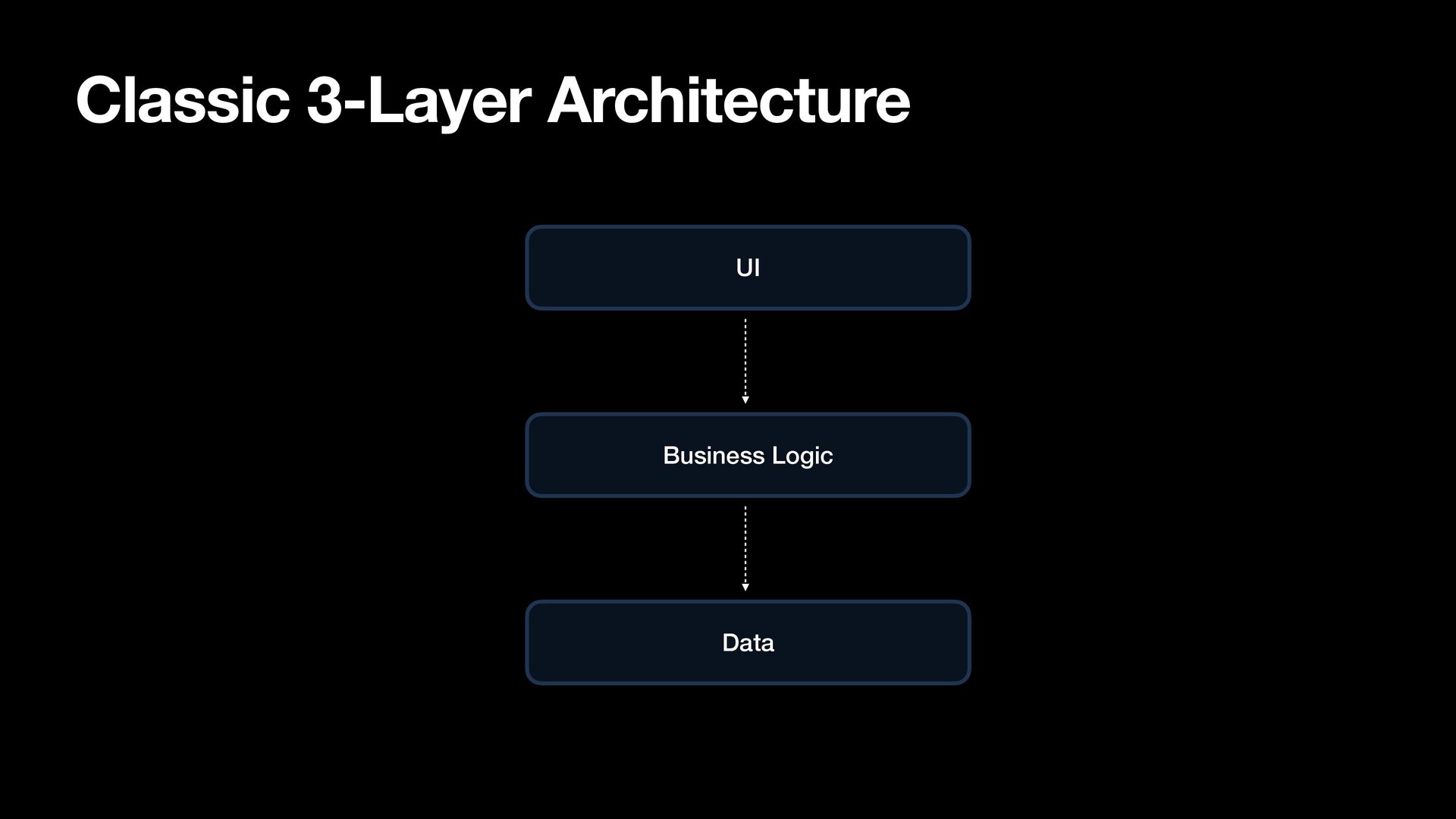
  12. Back in the old days… func score(_ task: Task, in

    state: AppState) -> Int { var score = task.priority.weight let freeTime = calendar.freeMinutes(after: state.now) if task.isOverdue { score += 40 } if task.duration > freeTime { score -= 50 } if let person = task.contact { score += contacts.isAvailable(person) ? 20 : -30 } if let place = task.location { score += locations.isOnRouteHome(place) ? 25 : -15 } if task.requiresFocus && freeTime < 30 { score -= 20 } } return score
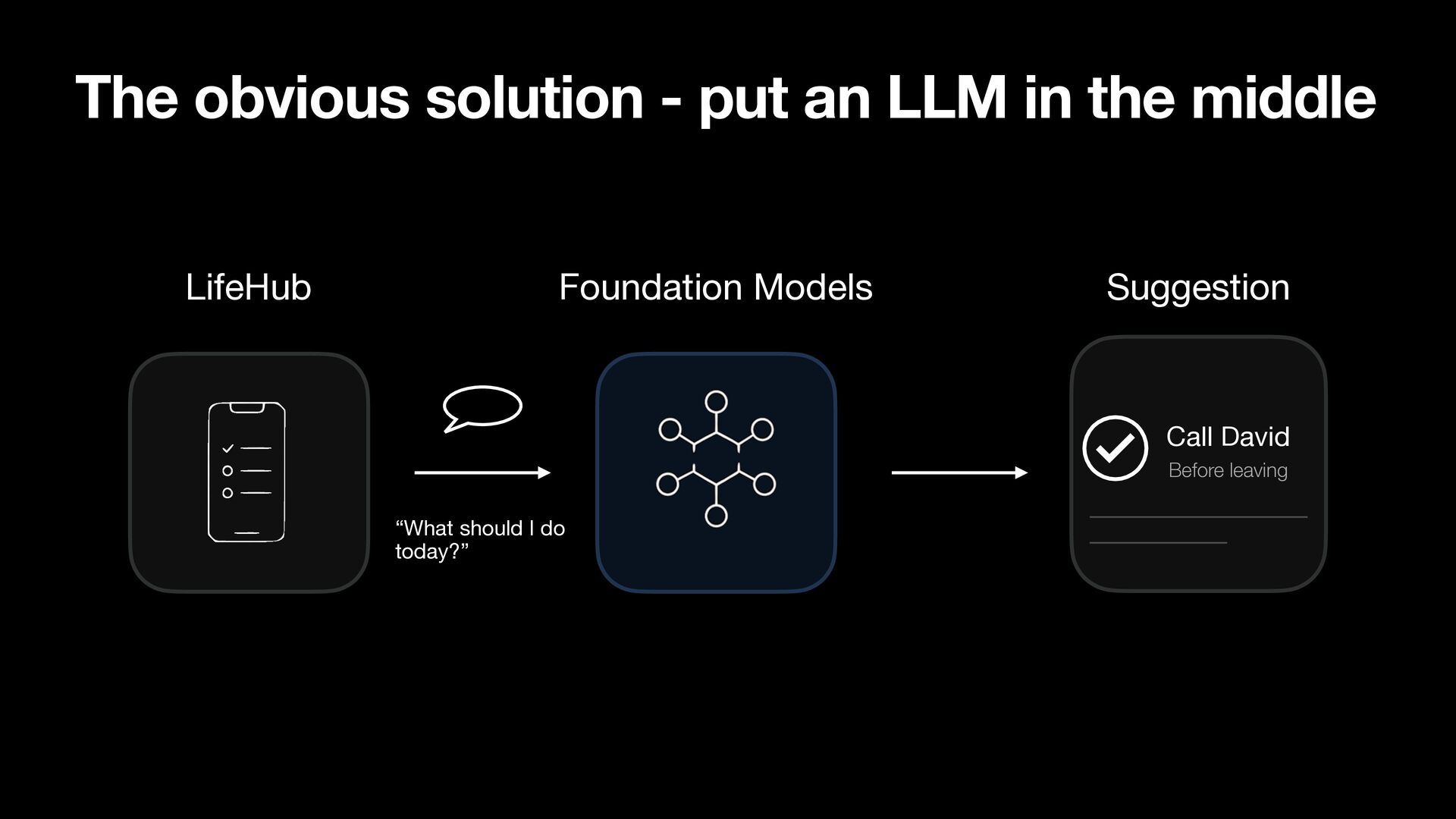
  13. The obvious solution - put an LLM in the middle

    LifeHub Foundation Models Suggestion Call David Before leaving “What should I do today?”
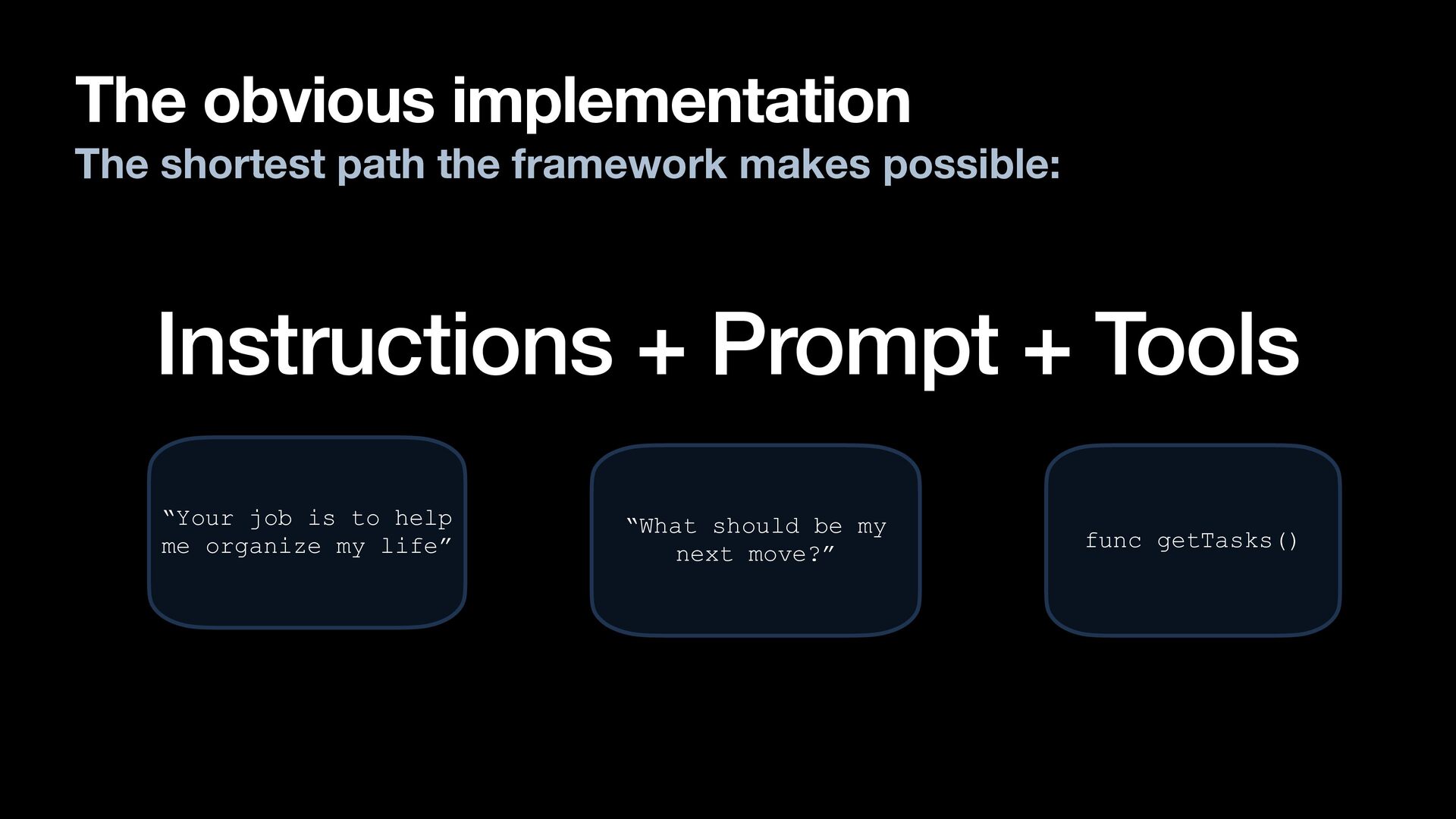
  14. The obvious implementation The shortest path the framework makes possible:

    Instructions + Prompt + Tools “Your job is to help me organize my life” “What should be my next move?” func getTasks()
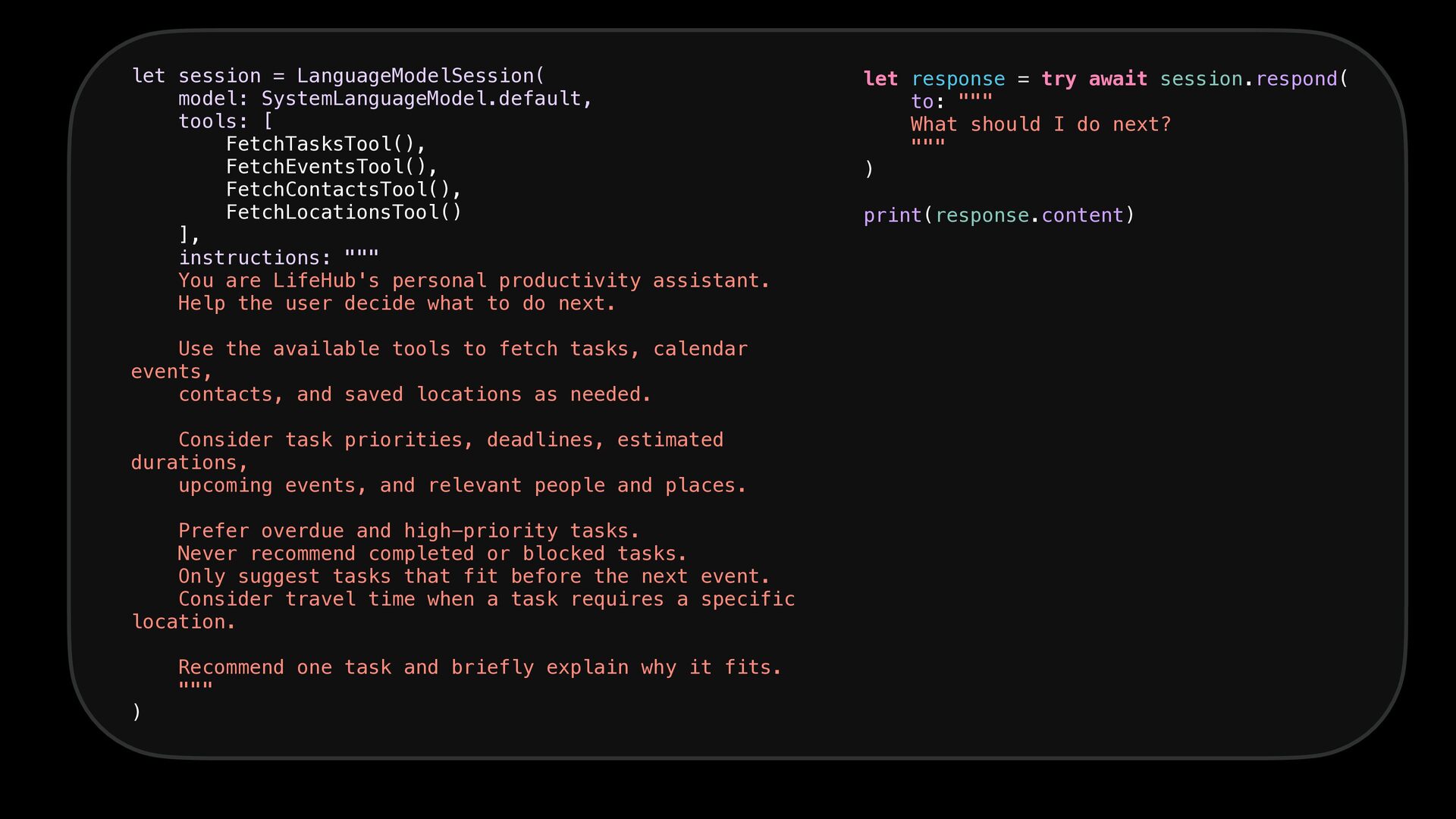
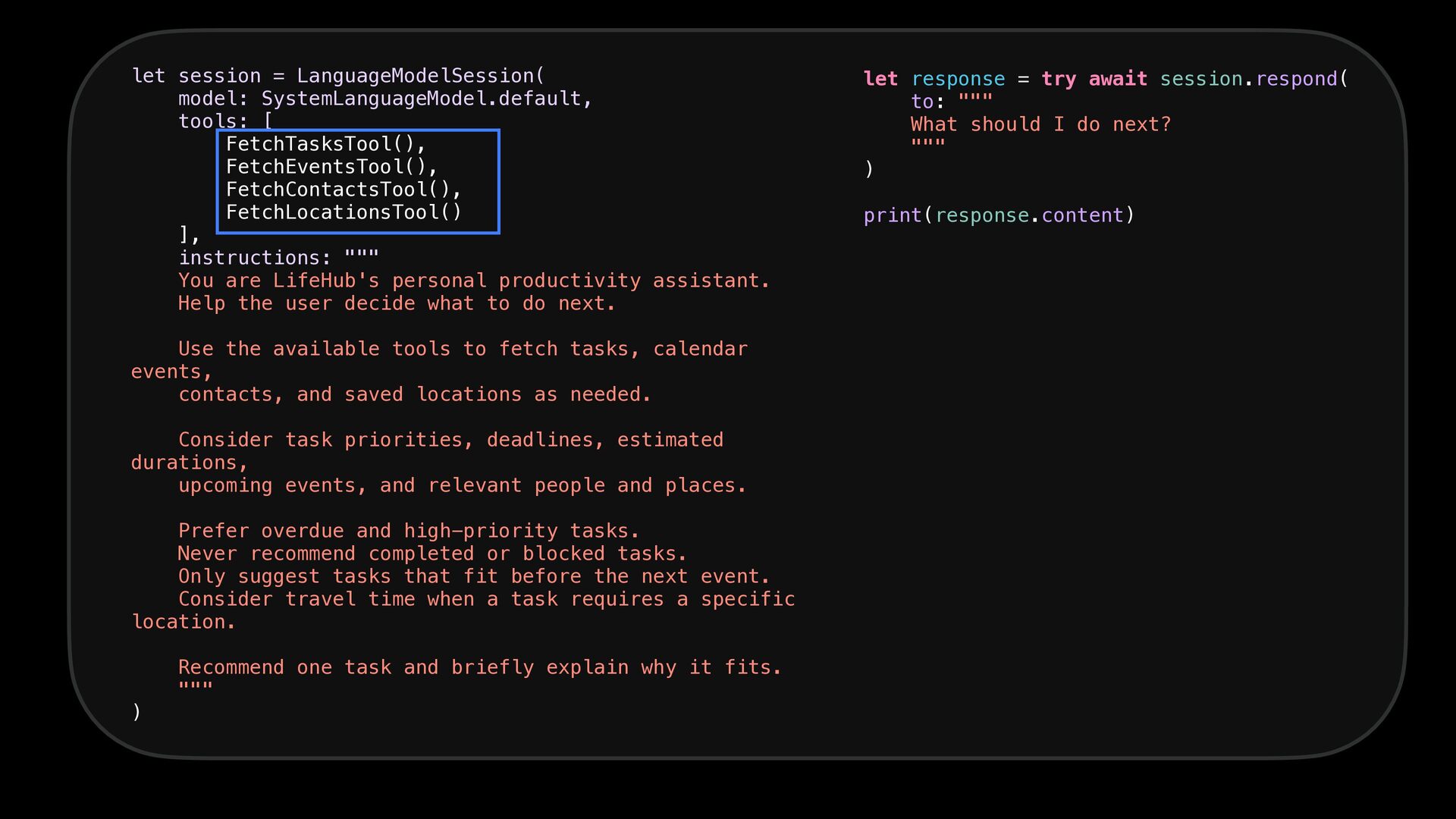
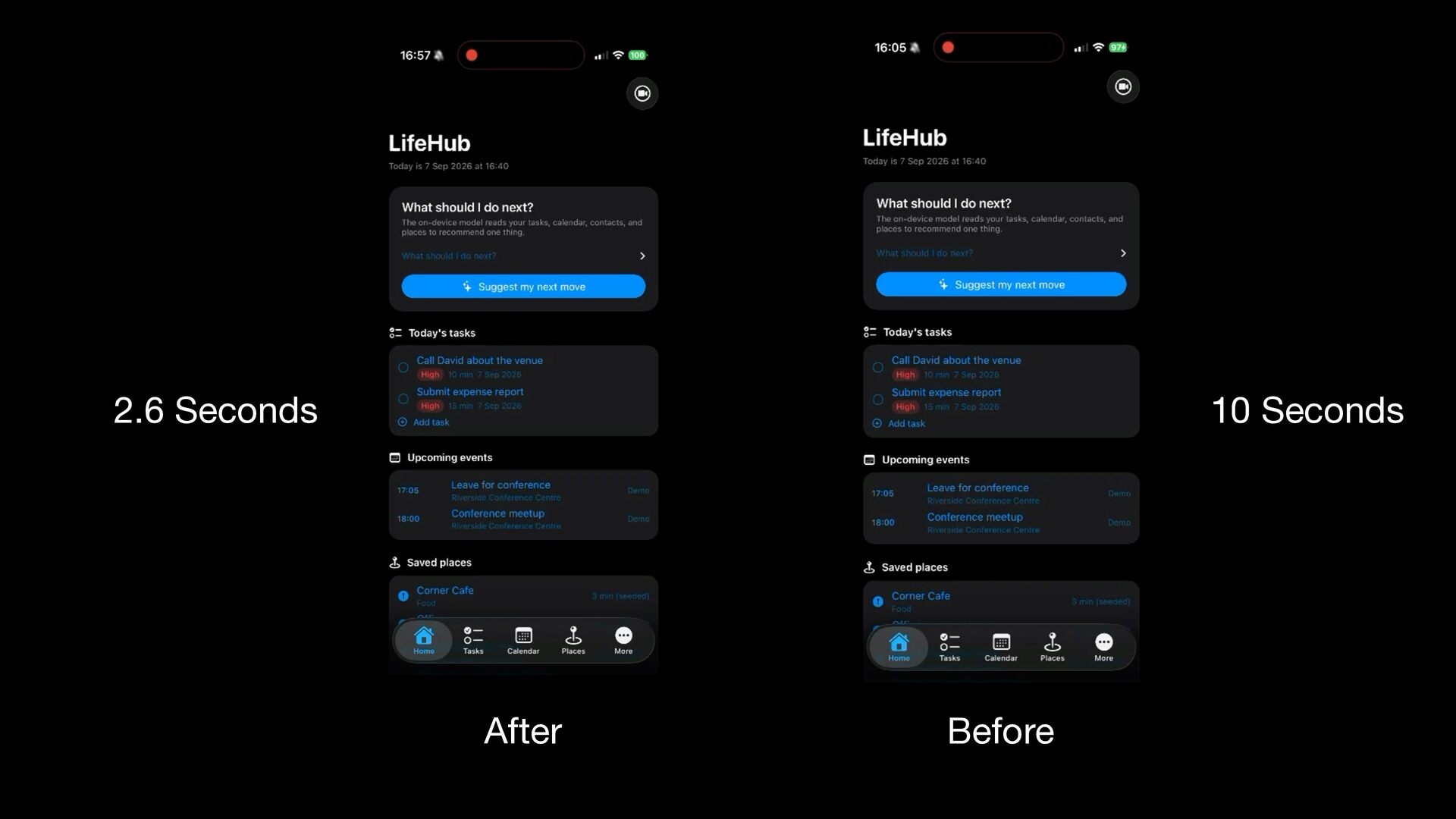
  15. let session = LanguageModelSession( model: SystemLanguageModel.default, tools: [ FetchTasksTool(), FetchEventsTool(),

    FetchContactsTool(), FetchLocationsTool() ], instructions: """ You are LifeHub's personal productivity assistant. Help the user decide what to do next. Use the available tools to fetch tasks, calendar events, contacts, and saved locations as needed. Consider task priorities, deadlines, estimated durations, upcoming events, and relevant people and places. Prefer overdue and high-priority tasks. Never recommend completed or blocked tasks. Only suggest tasks that fit before the next event. Consider travel time when a task requires a specific location. ) Recommend one task and briefly explain why it fits. """ let response = try await session.respond( to: """ What should I do next? """ ) print(response.content)
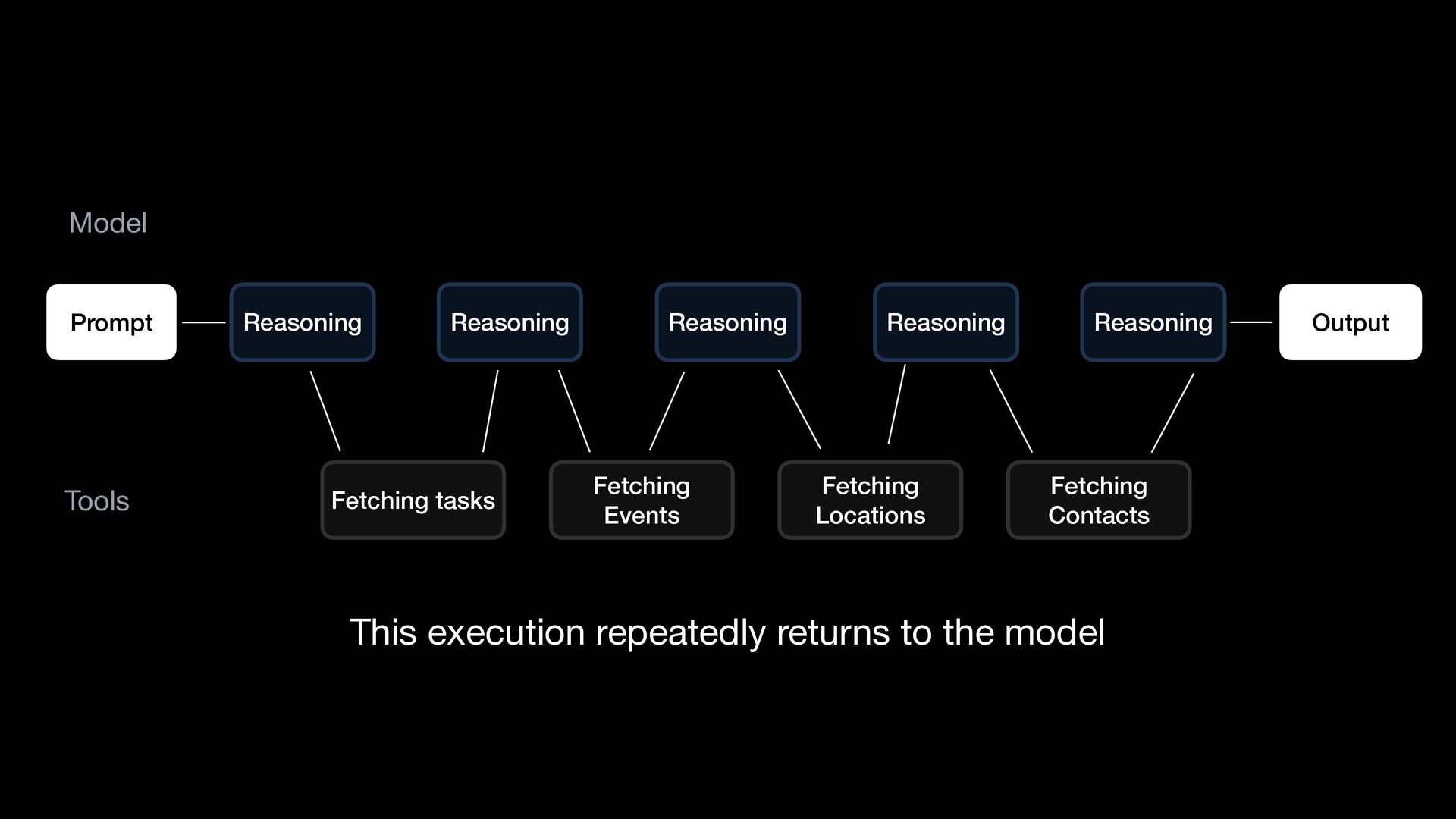
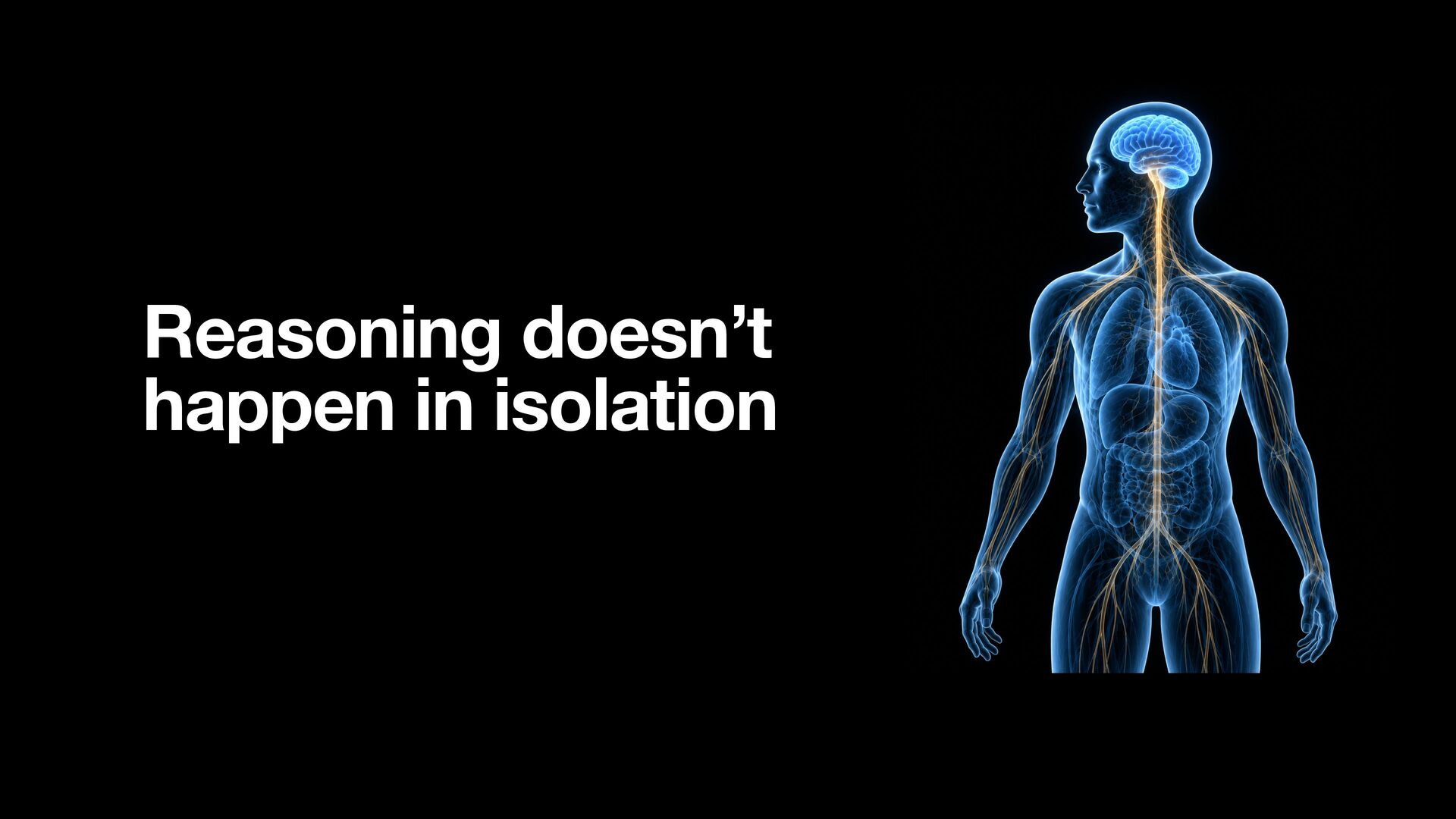
  16. Model Prompt Tools Reasoning Reasoning Fetching tasks Reasoning Fetching Events

    Reasoning Fetching Locations Reasoning Fetching Contacts This execution repeatedly returns to the model Output
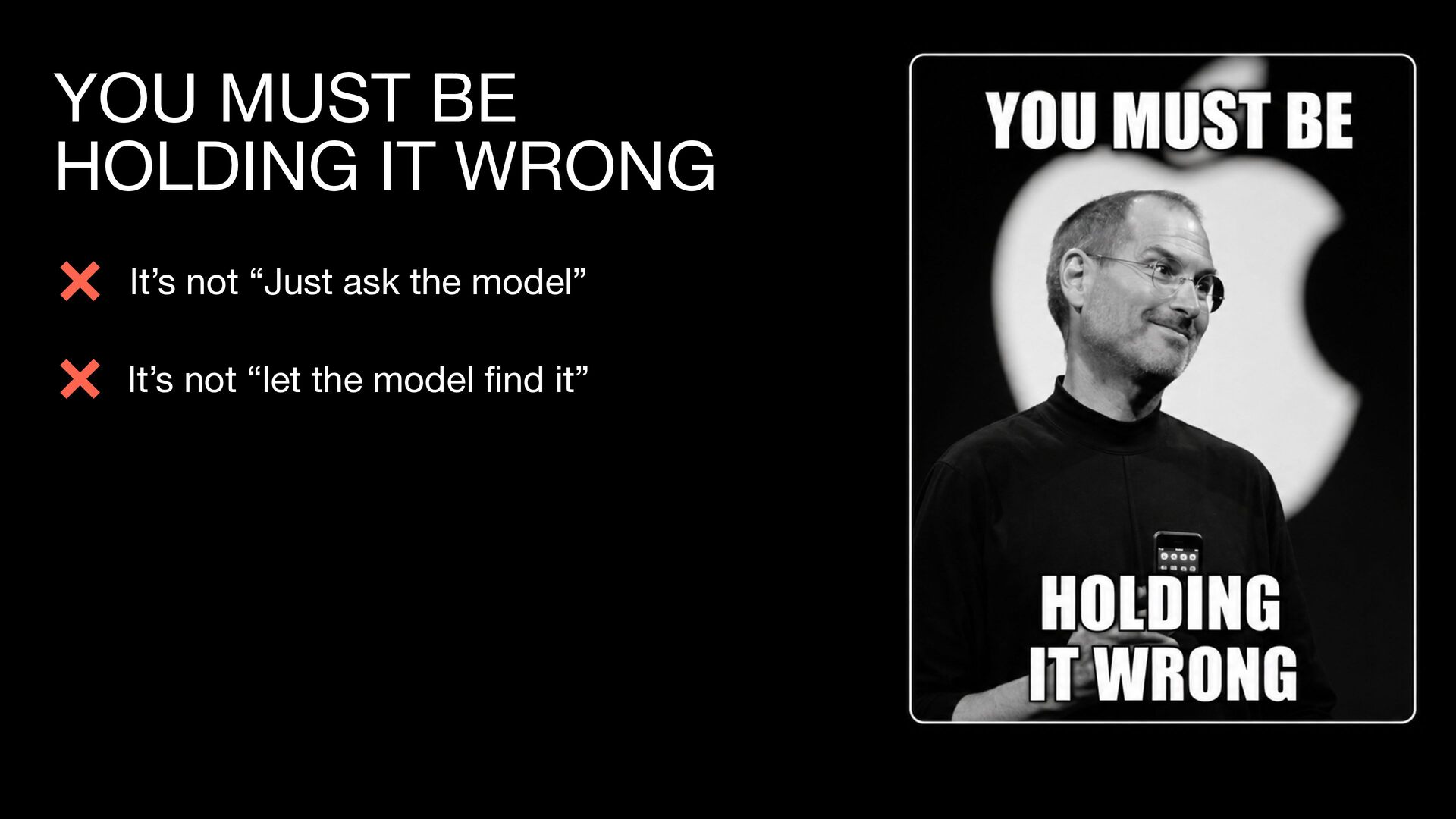
  17. YOU MUST BE HOLDING IT WRONG It’s not “Just ask

    the model” fi It’s not “let the model nd it”
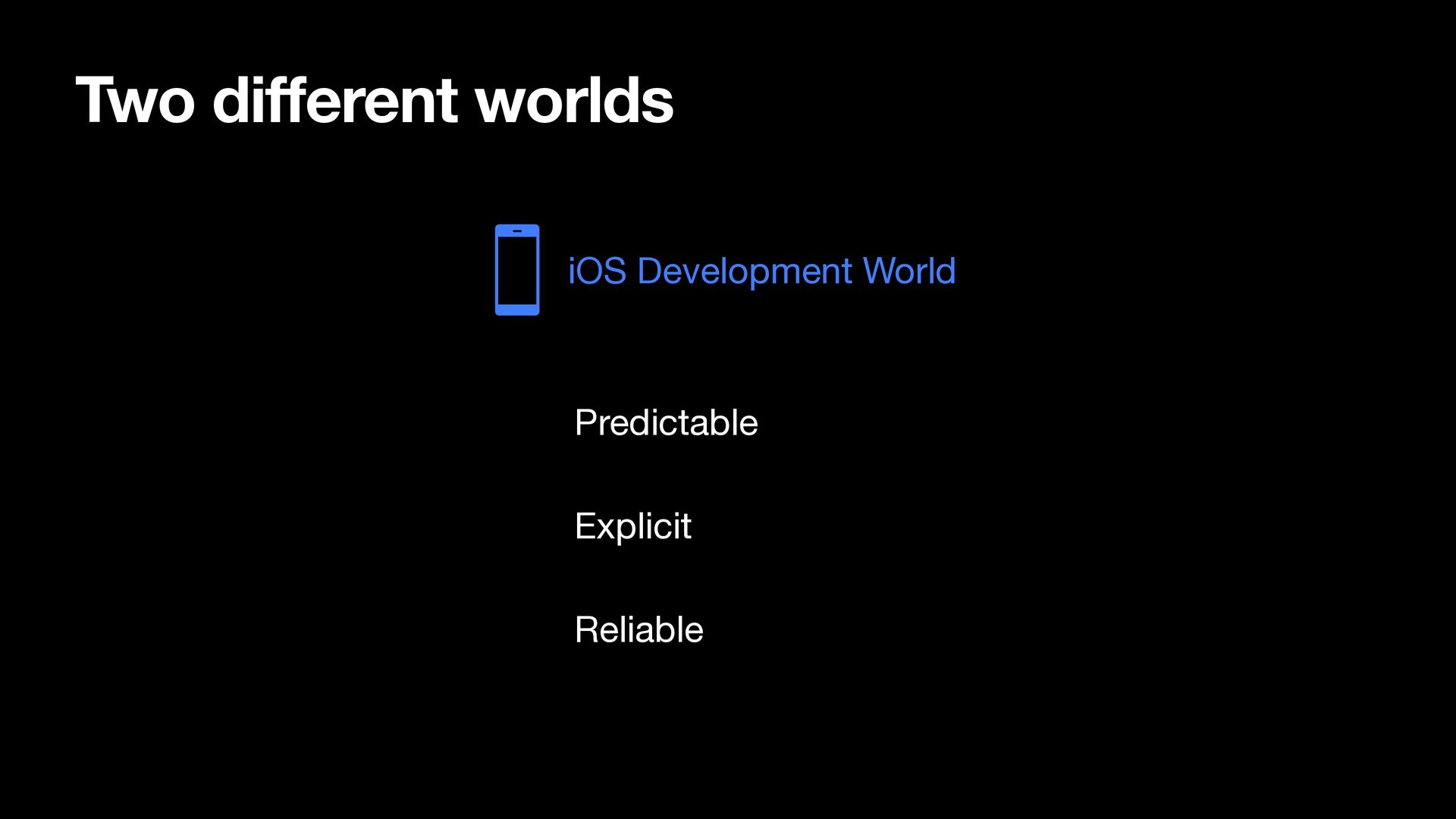
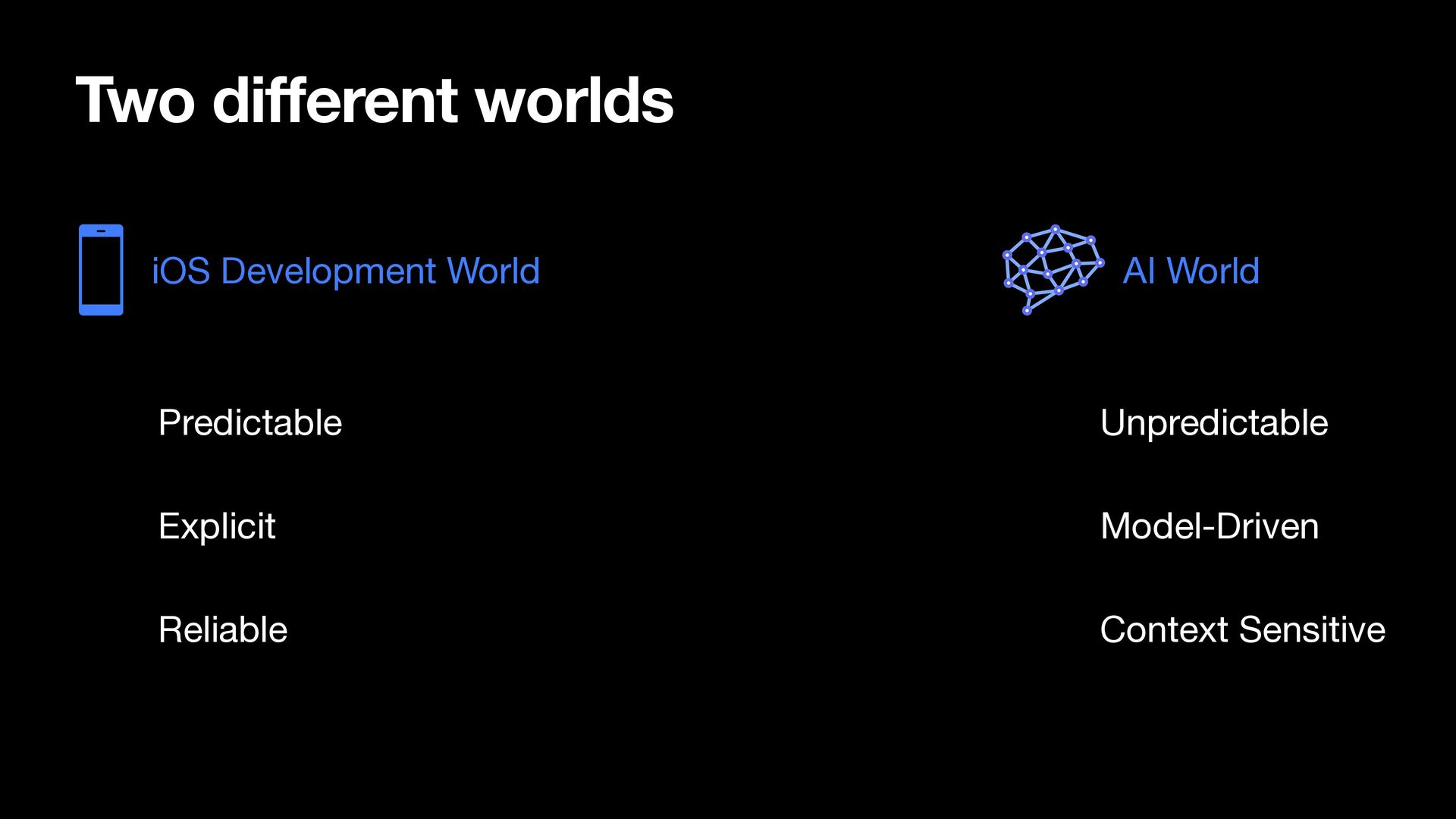
  18. Two di erent worlds AI World Predictable Unpredictable Explicit Model-Driven

    Reliable Context Sensitive ff iOS Development World
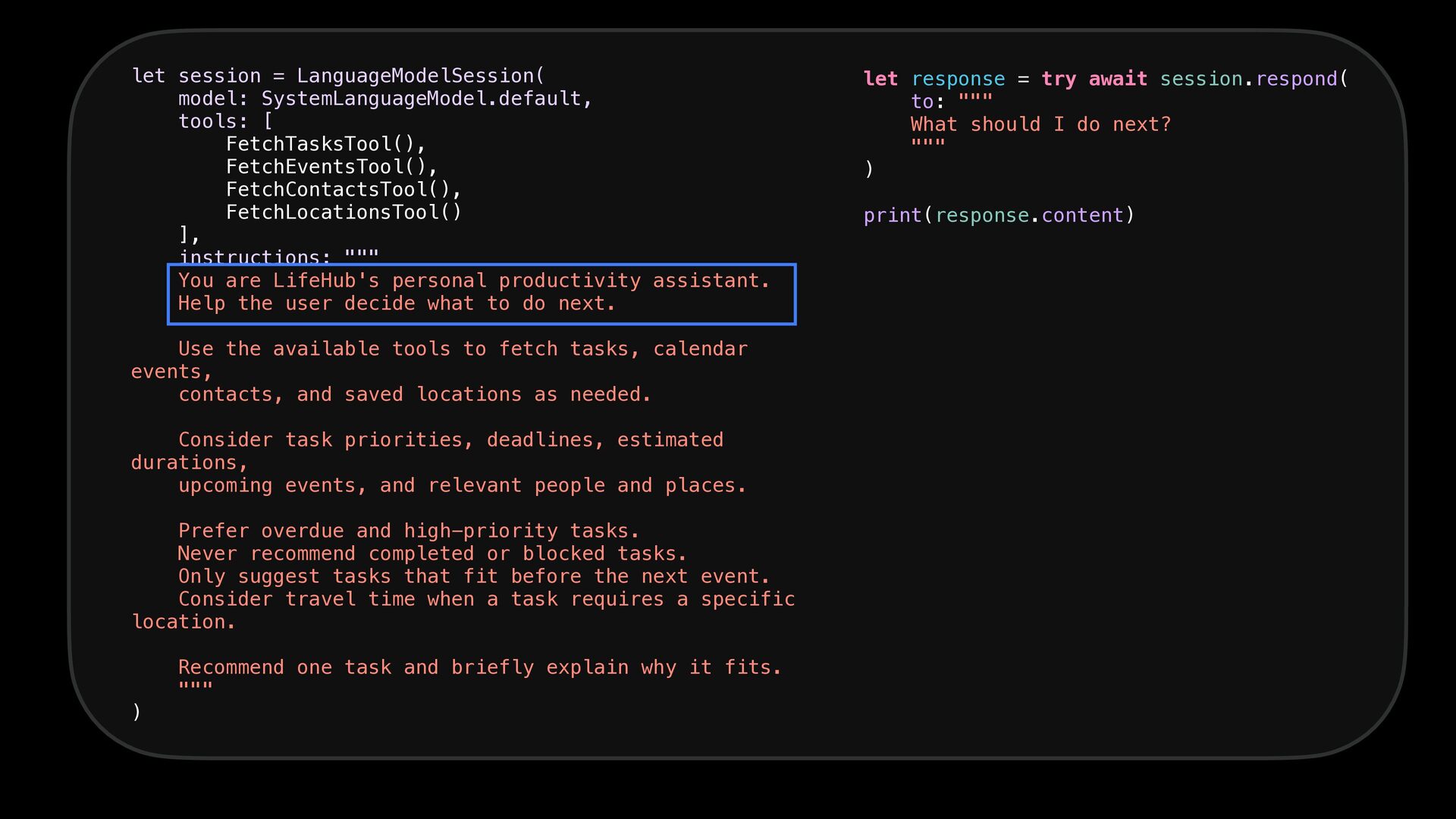
  19. let session = LanguageModelSession( model: SystemLanguageModel.default, tools: [ FetchTasksTool(), FetchEventsTool(),

    FetchContactsTool(), FetchLocationsTool() ], instructions: """ You are LifeHub's personal productivity assistant. Help the user decide what to do next. Use the available tools to fetch tasks, calendar events, contacts, and saved locations as needed. Consider task priorities, deadlines, estimated durations, upcoming events, and relevant people and places. Prefer overdue and high-priority tasks. Never recommend completed or blocked tasks. Only suggest tasks that fit before the next event. Consider travel time when a task requires a specific location. ) Recommend one task and briefly explain why it fits. """ let response = try await session.respond( to: """ What should I do next? """ ) print(response.content)
  20. let session = LanguageModelSession( model: SystemLanguageModel.default, tools: [ FetchTasksTool(), FetchEventsTool(),

    FetchContactsTool(), FetchLocationsTool() ], instructions: """ You are LifeHub's personal productivity assistant. Help the user decide what to do next. Use the available tools to fetch tasks, calendar events, contacts, and saved locations as needed. Consider task priorities, deadlines, estimated durations, upcoming events, and relevant people and places. Prefer overdue and high-priority tasks. Never recommend completed or blocked tasks. Only suggest tasks that fit before the next event. Consider travel time when a task requires a specific location. ) Recommend one task and briefly explain why it fits. """ let response = try await session.respond( to: """ What should I do next? """ ) print(response.content)
  21. let session = LanguageModelSession( model: SystemLanguageModel.default, tools: [ FetchTasksTool(), FetchEventsTool(),

    FetchContactsTool(), FetchLocationsTool() ], instructions: """ You are LifeHub's personal productivity assistant. Help the user decide what to do next. Use the available tools to fetch tasks, calendar events, contacts, and saved locations as needed. Consider task priorities, deadlines, estimated durations, upcoming events, and relevant people and places. Prefer overdue and high-priority tasks. Never recommend completed or blocked tasks. Only suggest tasks that fit before the next event. Consider travel time when a task requires a specific location. ) Recommend one task and briefly explain why it fits. """ let response = try await session.respond( to: """ What should I do next? """ ) print(response.content)
  22. let session = LanguageModelSession( model: SystemLanguageModel.default, tools: [ FetchTasksTool(), FetchEventsTool(),

    FetchContactsTool(), FetchLocationsTool() ], instructions: """ You are LifeHub's personal productivity assistant. Help the user decide what to do next. Use the available tools to fetch tasks, calendar events, contacts, and saved locations as needed. Consider task priorities, deadlines, estimated durations, upcoming events, and relevant people and places. Prefer overdue and high-priority tasks. Never recommend completed or blocked tasks. Only suggest tasks that fit before the next event. Consider travel time when a task requires a specific location. ) Recommend one task and briefly explain why it fits. """ let response = try await session.respond( to: """ What should I do next? """ ) print(response.content)
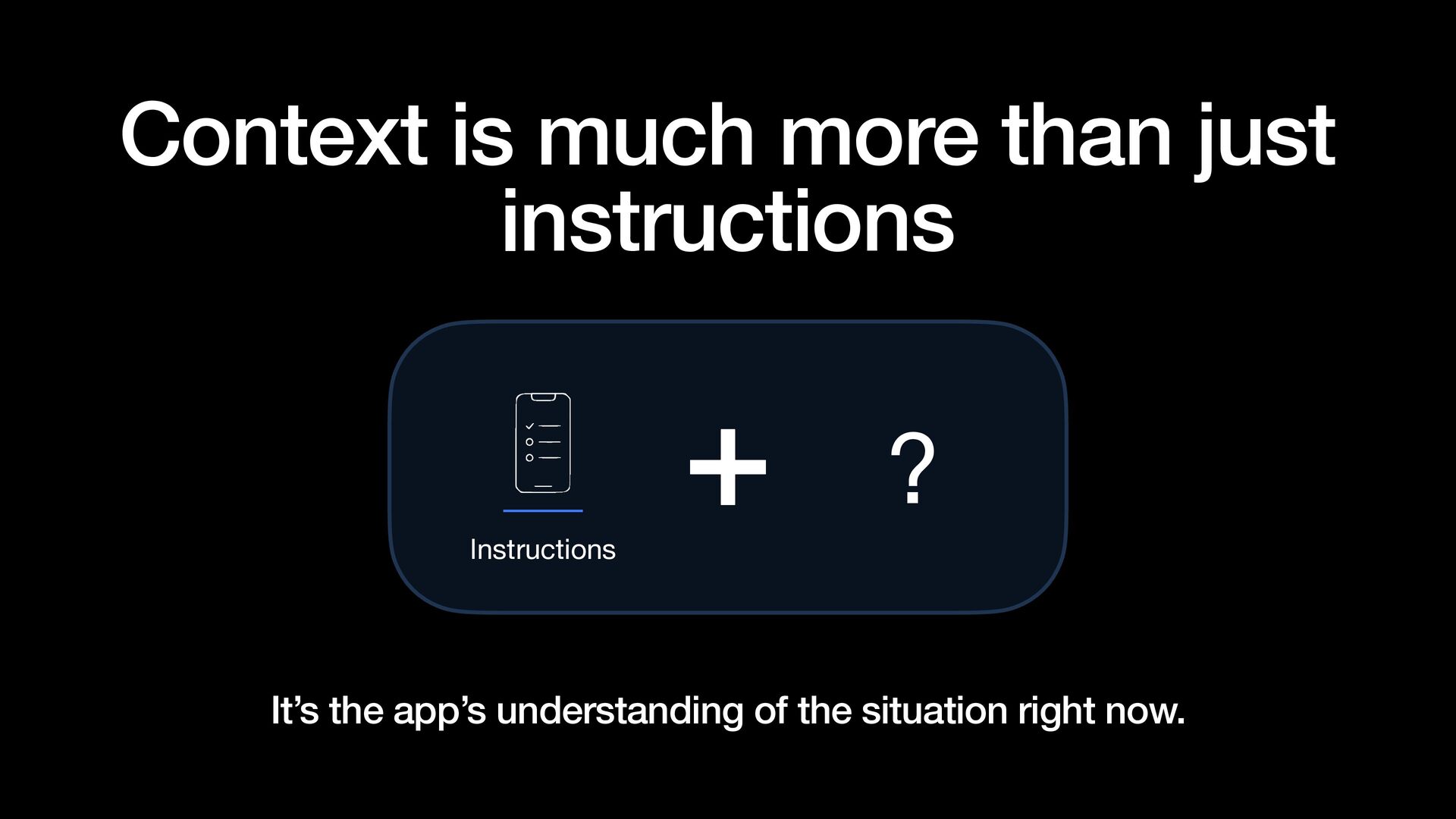
  23. Context is much more than just instructions ? Instructions It’s

    the app’s understanding of the situation right now.
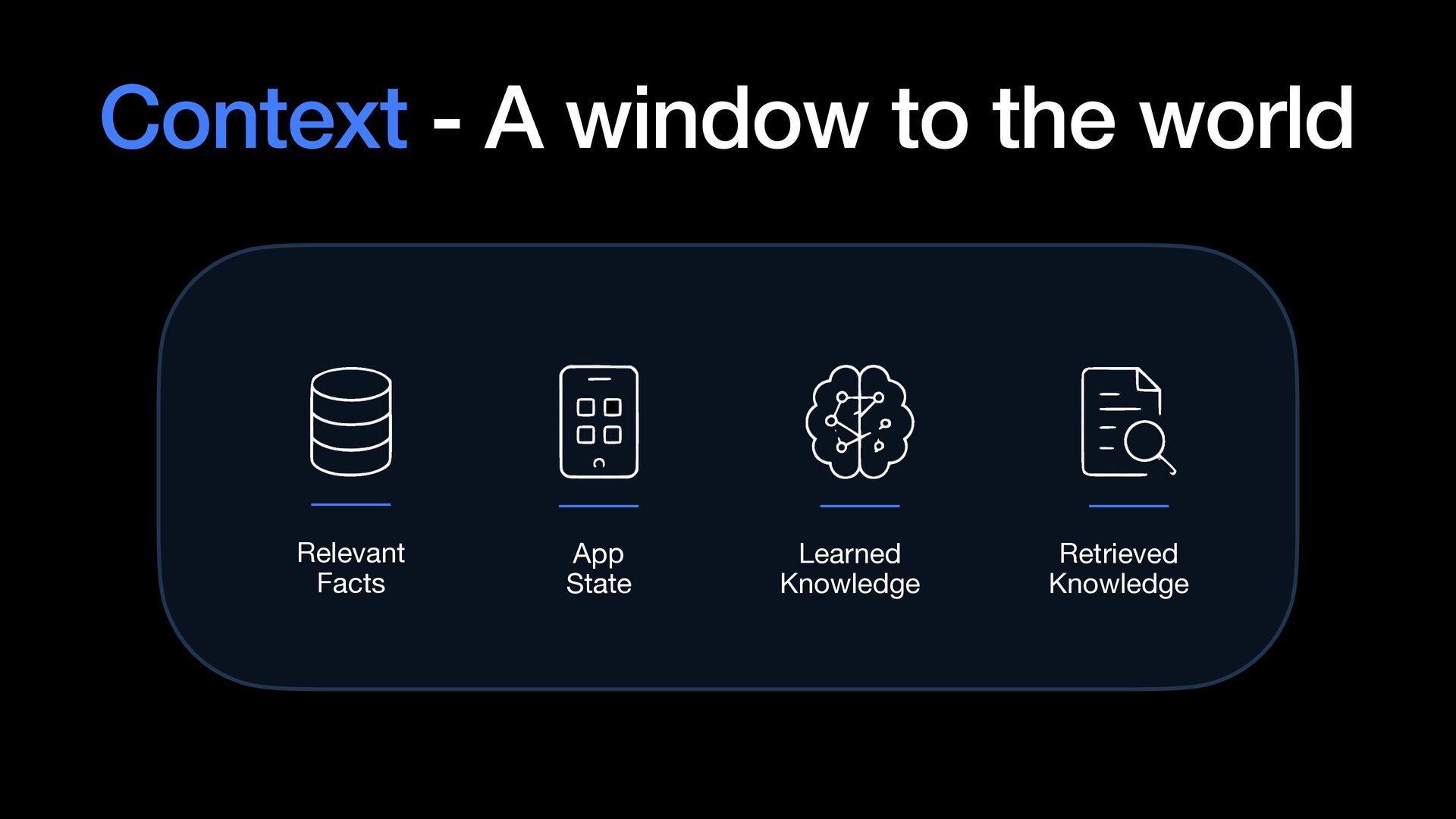
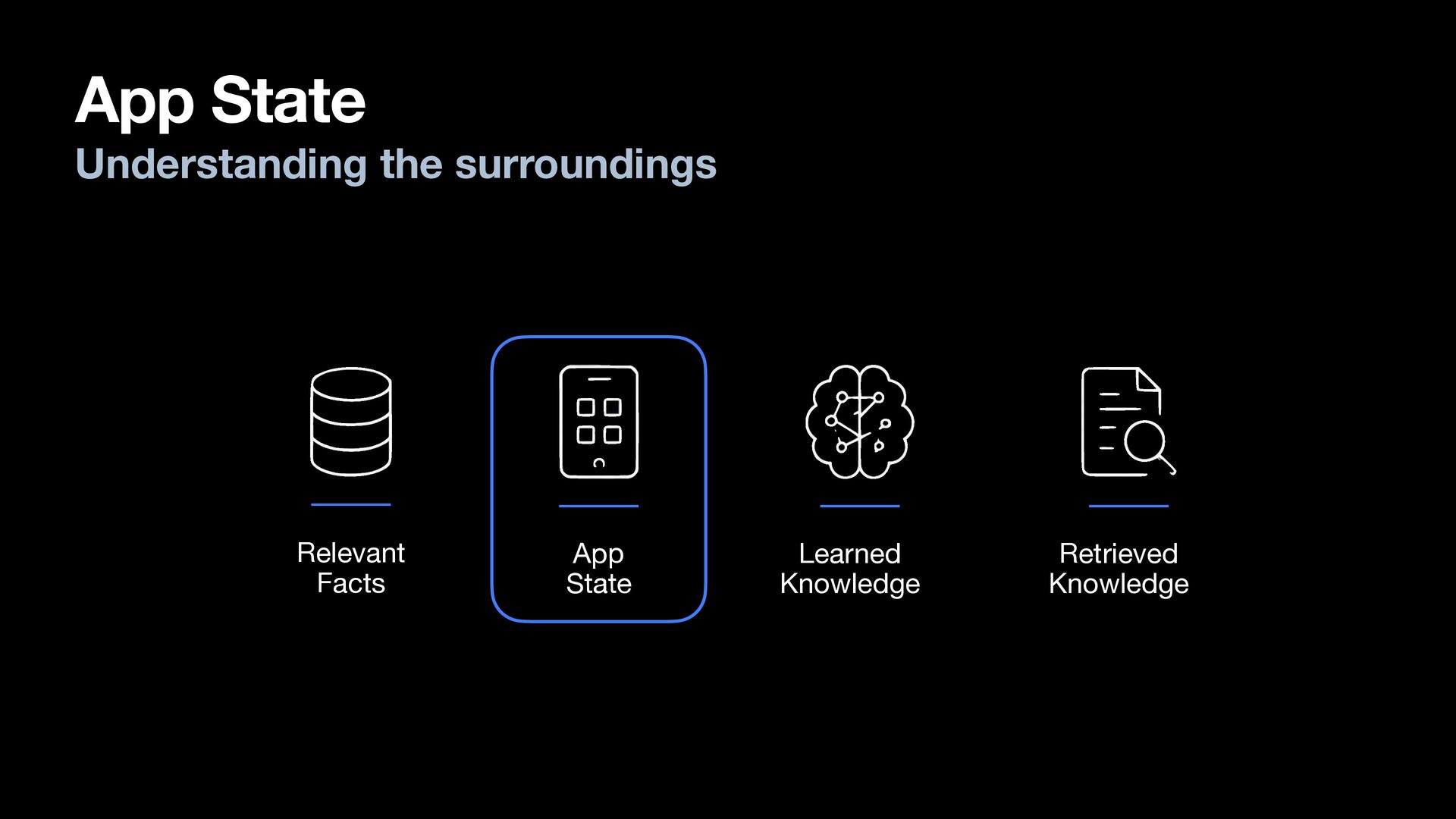
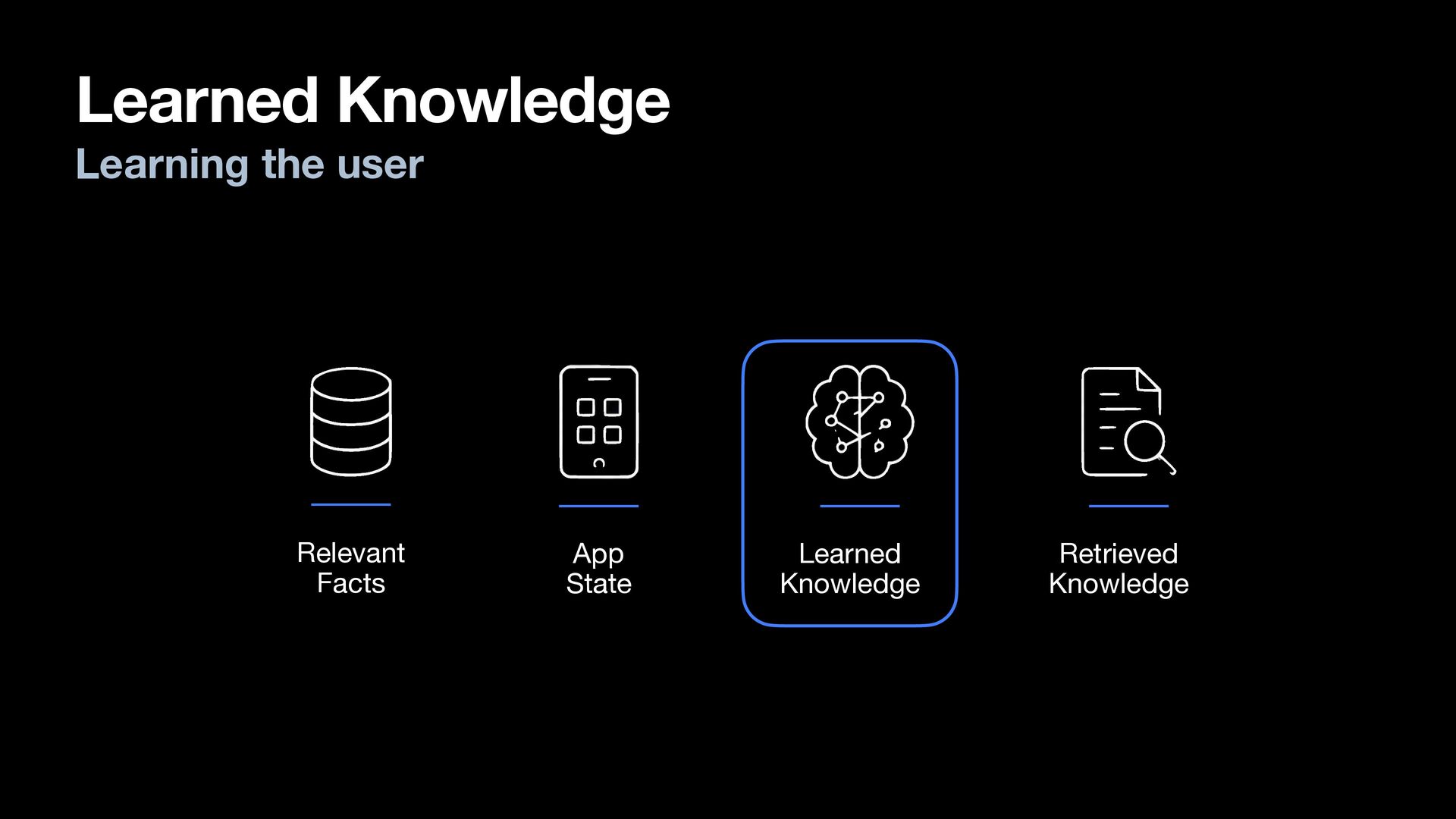
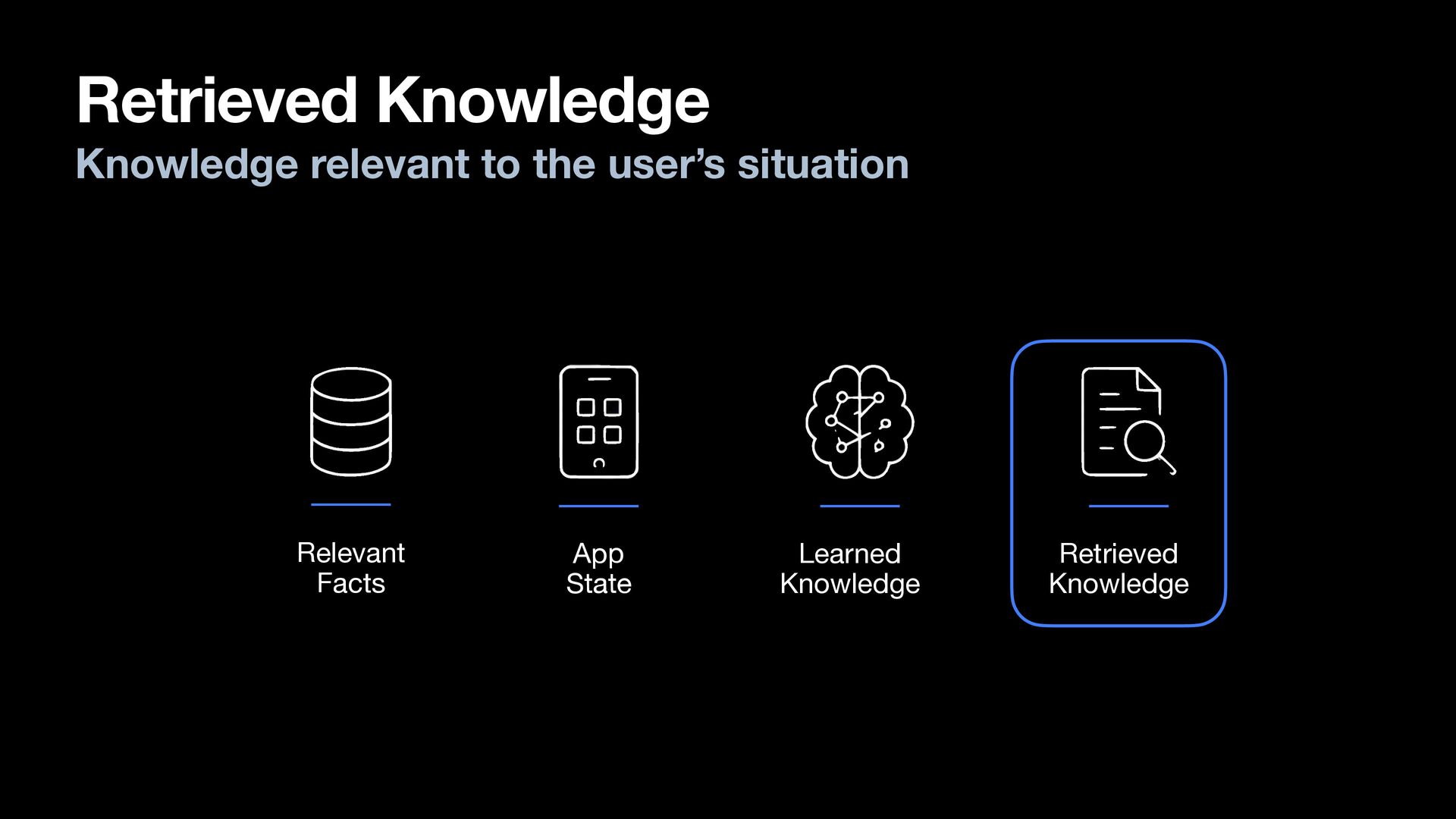
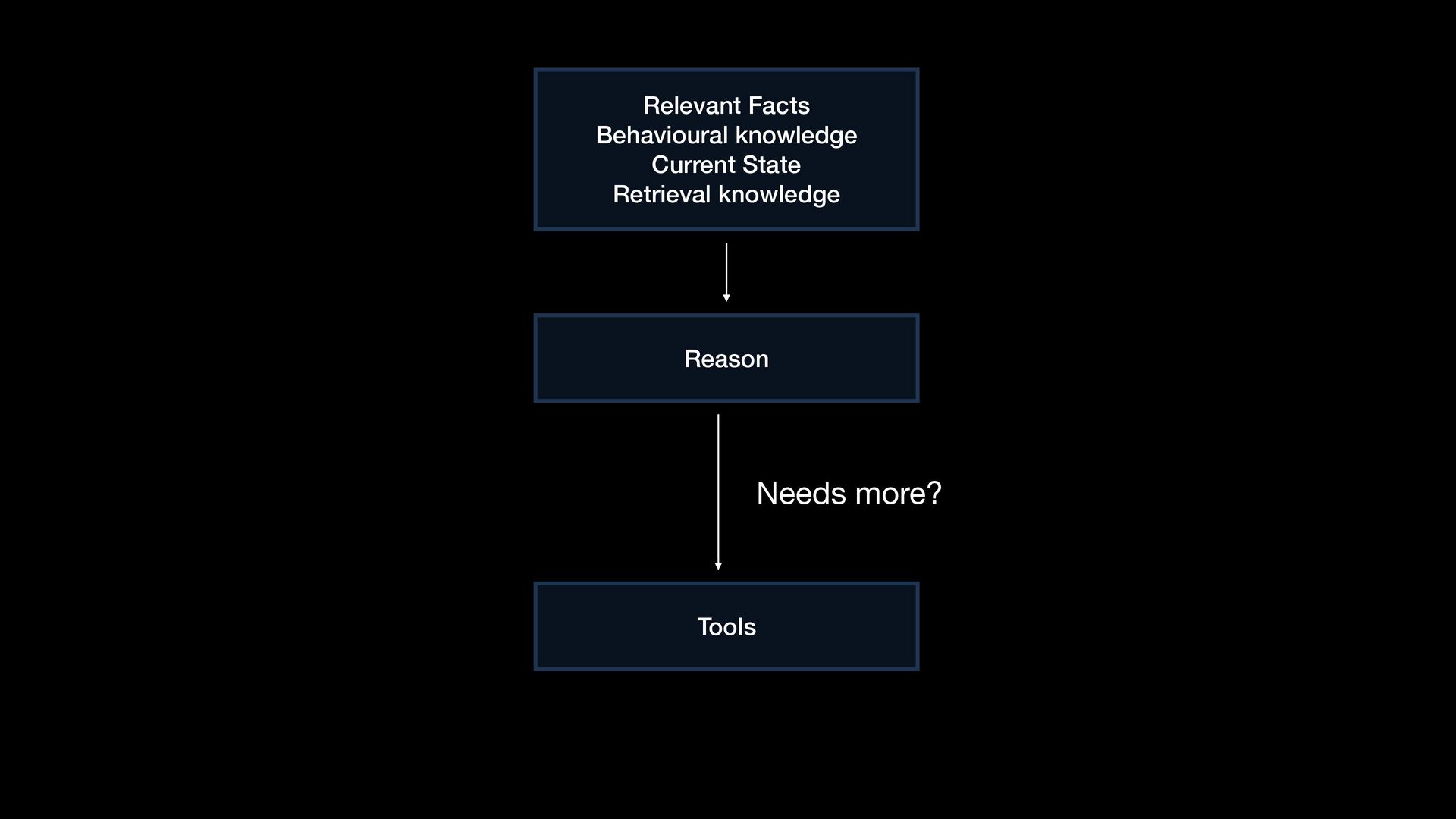
  24. Context - A window to the world Relevant Facts App

    State Learned Knowledge Retrieved Knowledge
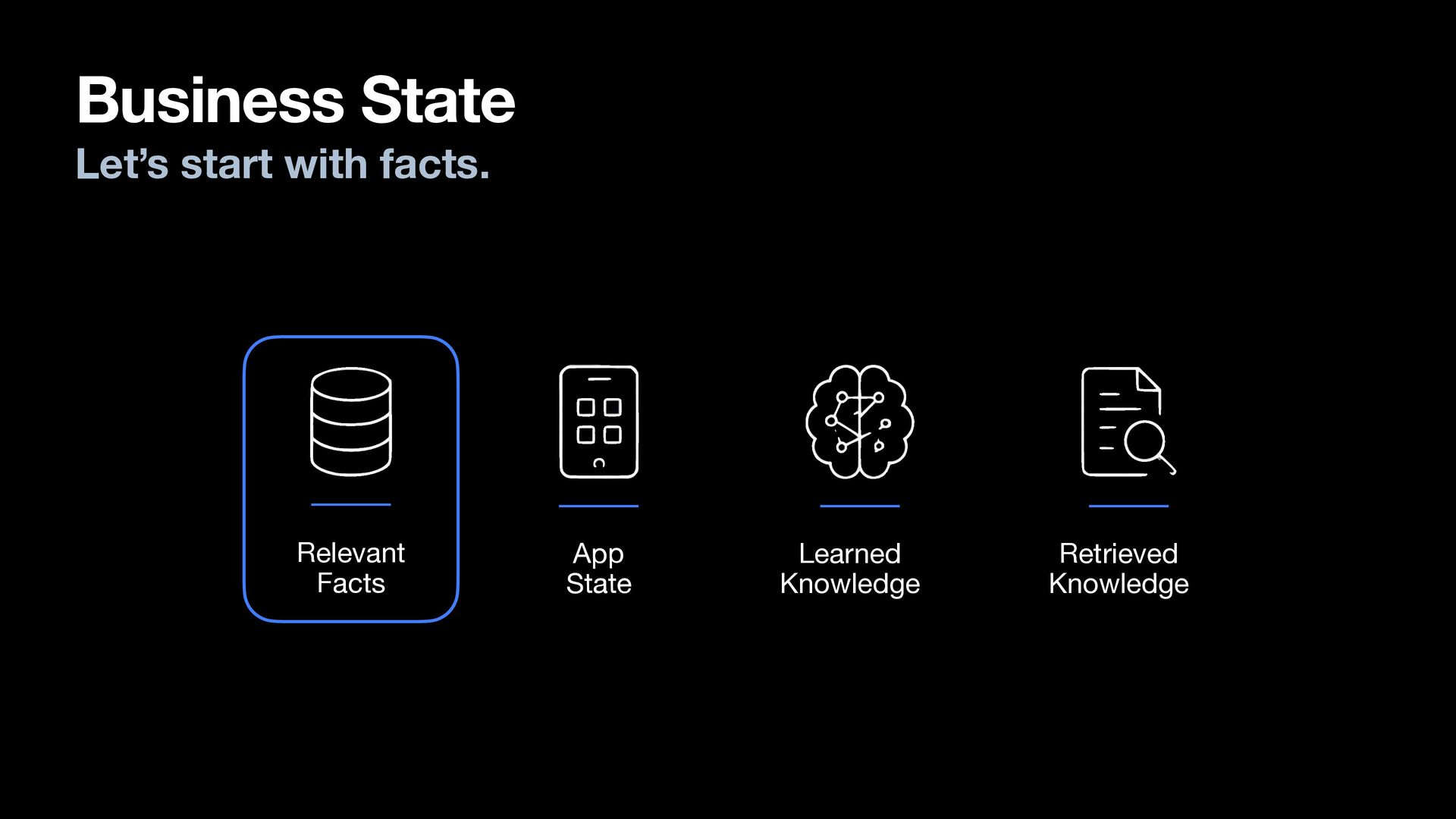
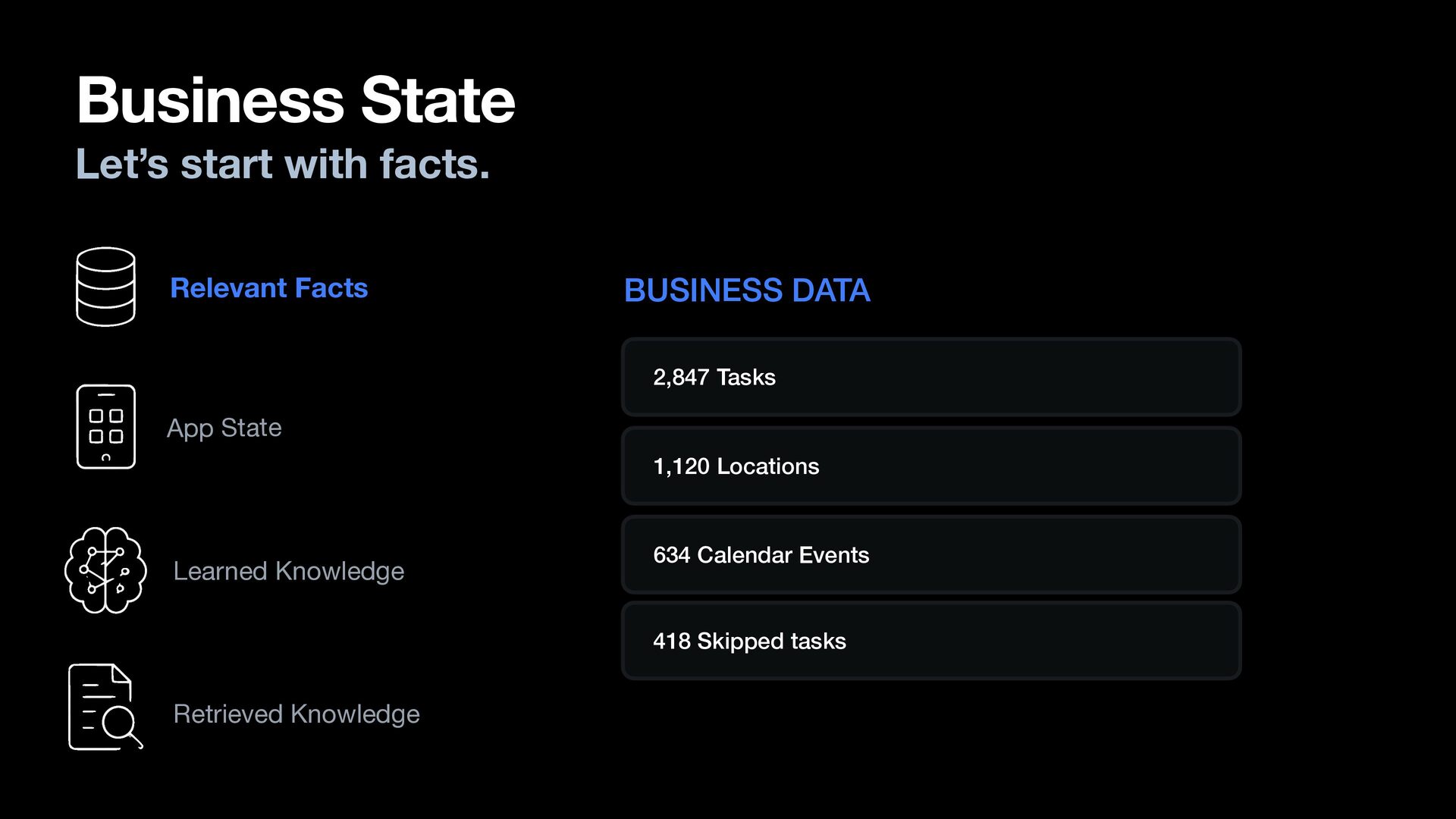
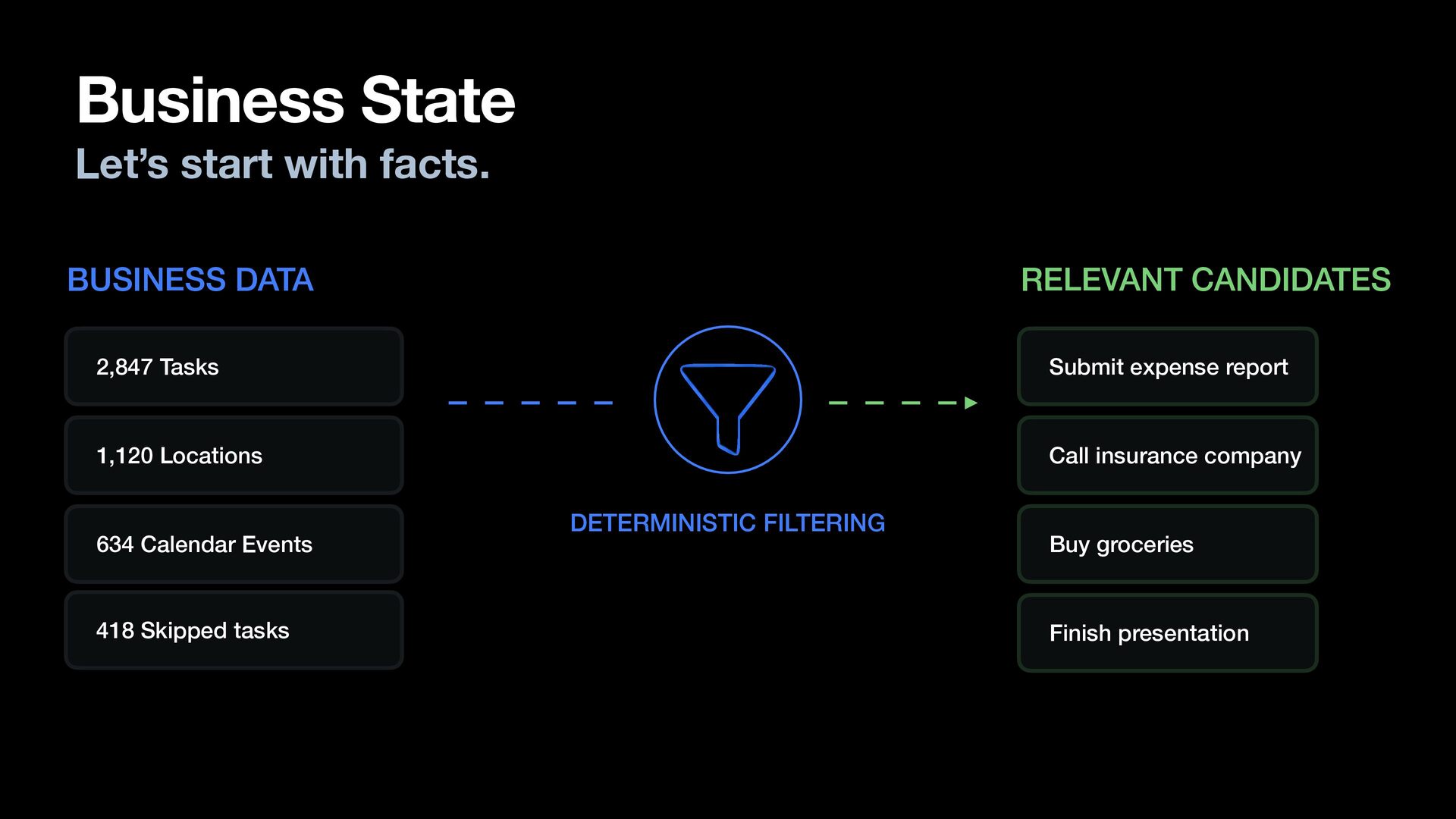
  25. Business State Let’s start with facts. Relevant Facts BUSINESS DATA

    2,847 Tasks App State 1,120 Locations Learned Knowledge 634 Calendar Events 418 Skipped tasks Retrieved Knowledge
  26. Business State Let’s start with facts. BUSINESS DATA RELEVANT CANDIDATES

    2,847 Tasks Submit expense report 1,120 Locations Call insurance company 634 Calendar Events 418 Skipped tasks DETERMINISTIC FILTERING Buy groceries Finish presentation
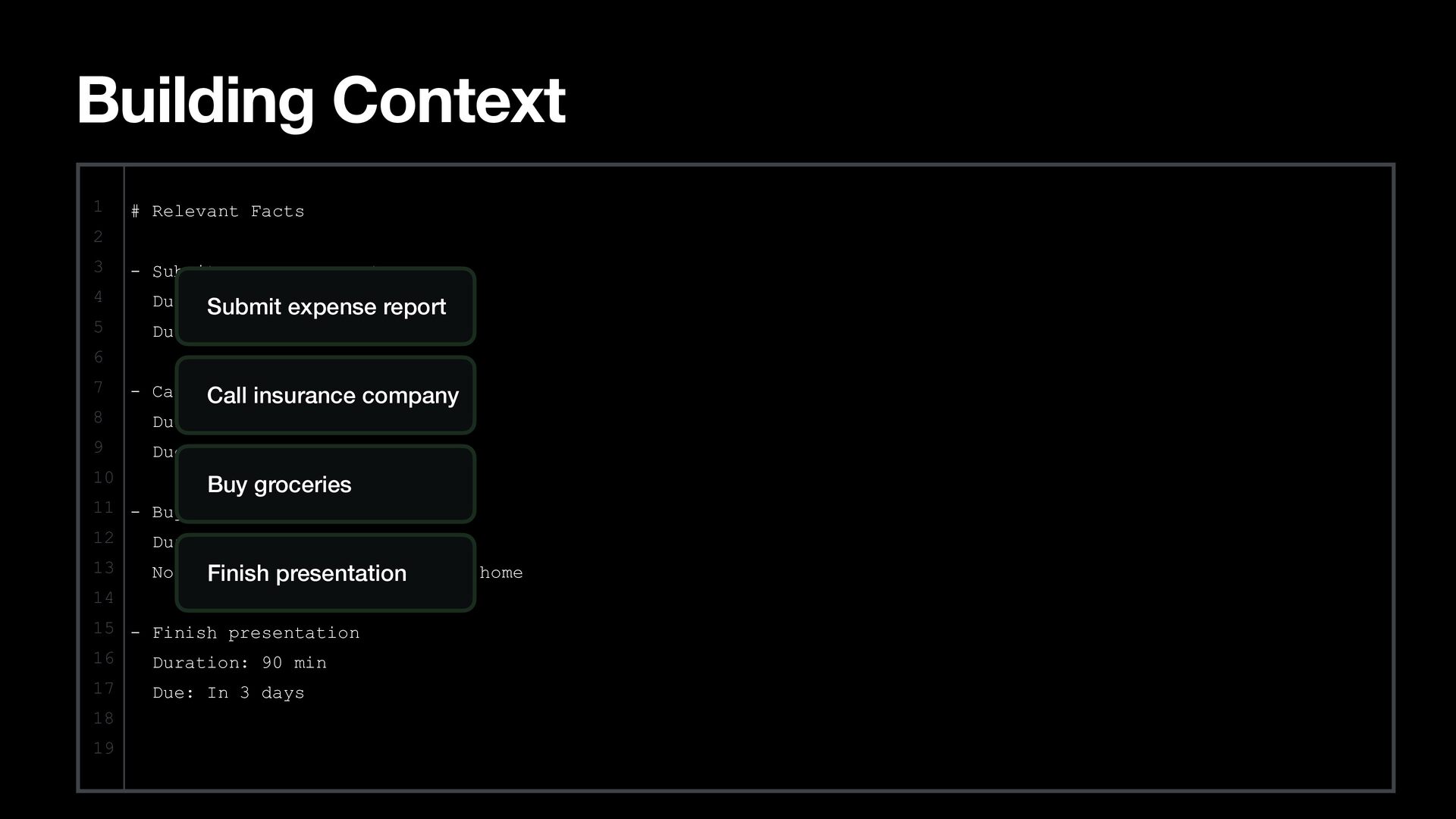
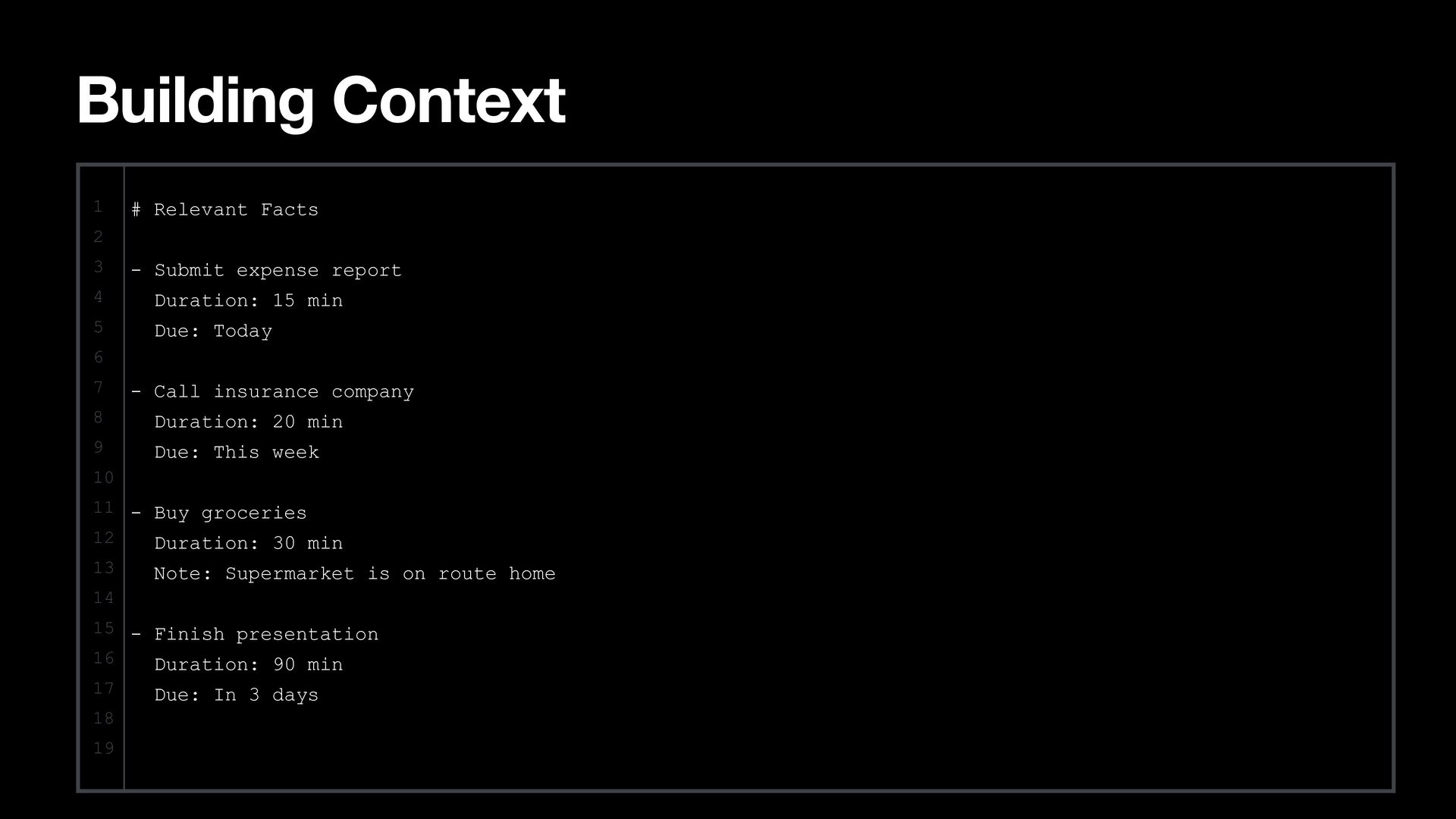
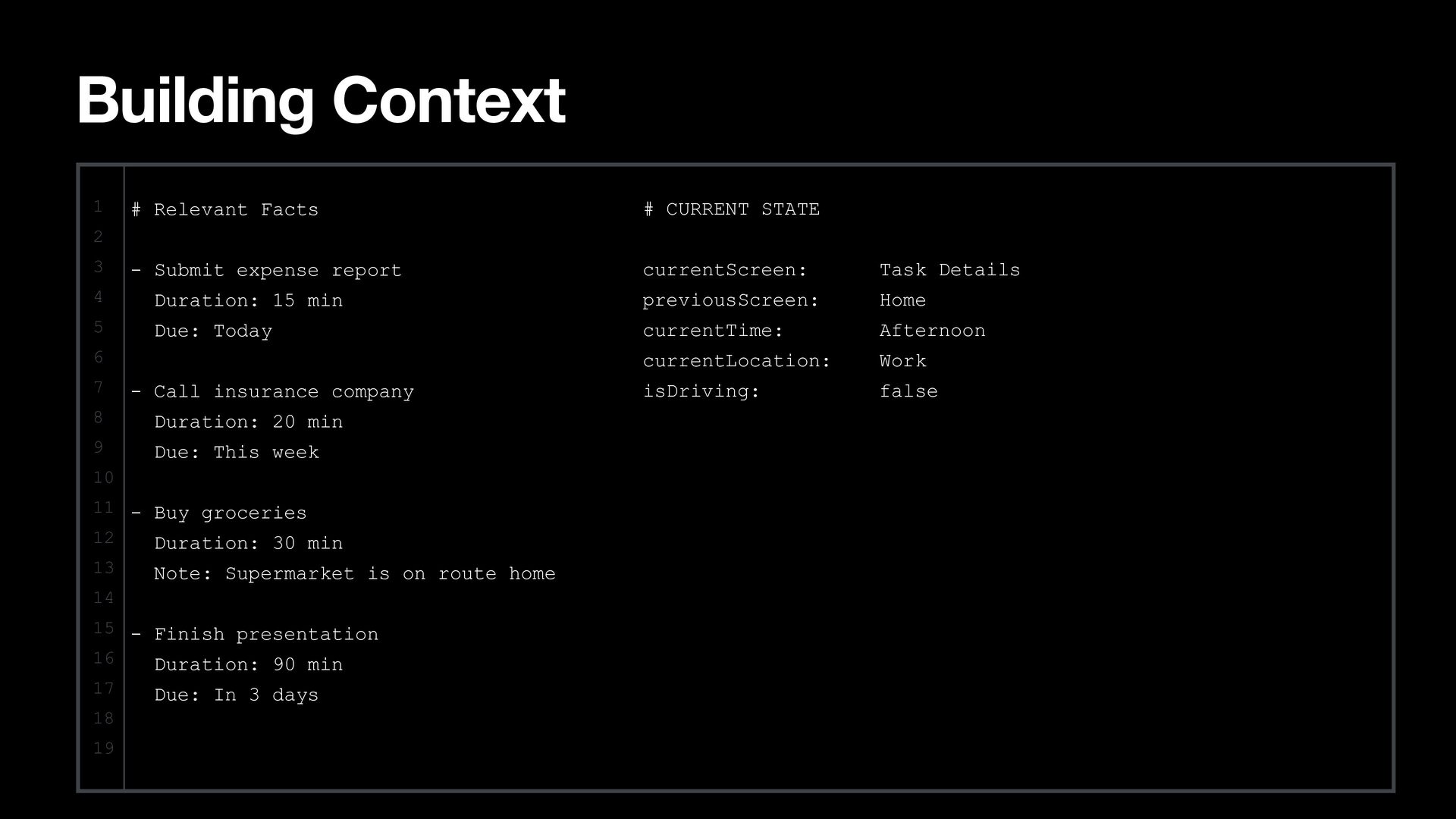
  27. Building Context 1 # Relevant Facts 2 3 4 5
    - Submit expense report Duration: 15 expense min Submit report Due: Today 6 7 8 9 10 - Call insurance company Call insurance company Duration: 20 min Due: This week Buy groceries 11 - Buy groceries 12 Duration: 30 min 13 Note:Finish Supermarket is on route home presentation 14 15 - Finish presentation 16 Duration: 90 min 17 18 19 Due: In 3 days
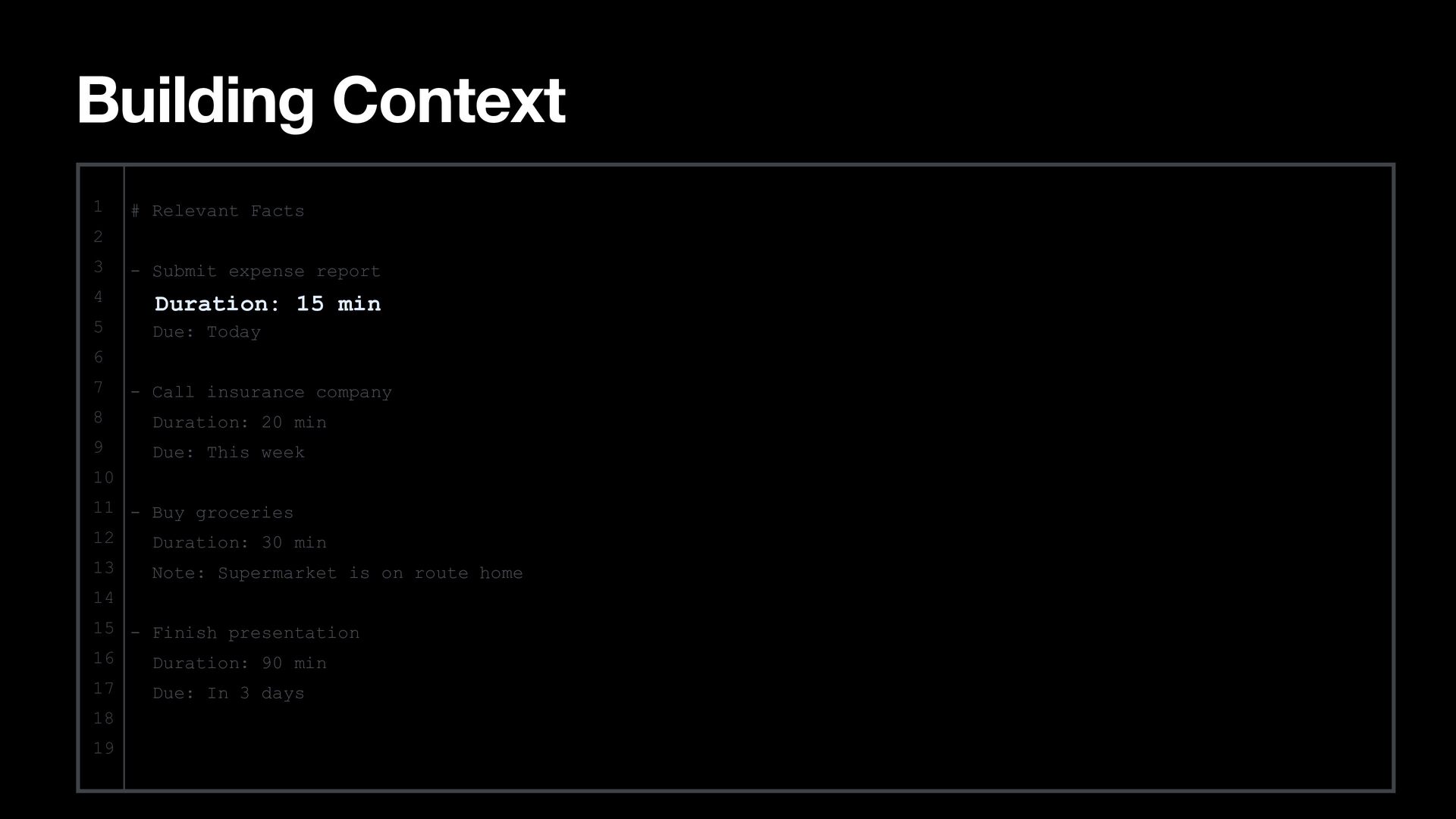
  28. Building Context 1 # Relevant Facts 2 3 - Submit

    expense report 4 Duration: 15 min 5 Due: Today 6 7 - Call insurance company 8 Duration: 20 min 9 Due: This week 10 11 - Buy groceries 12 Duration: 30 min 13 Note: Supermarket is on route home 14 15 - Finish presentation 16 Duration: 90 min 17 18 19 Due: In 3 days
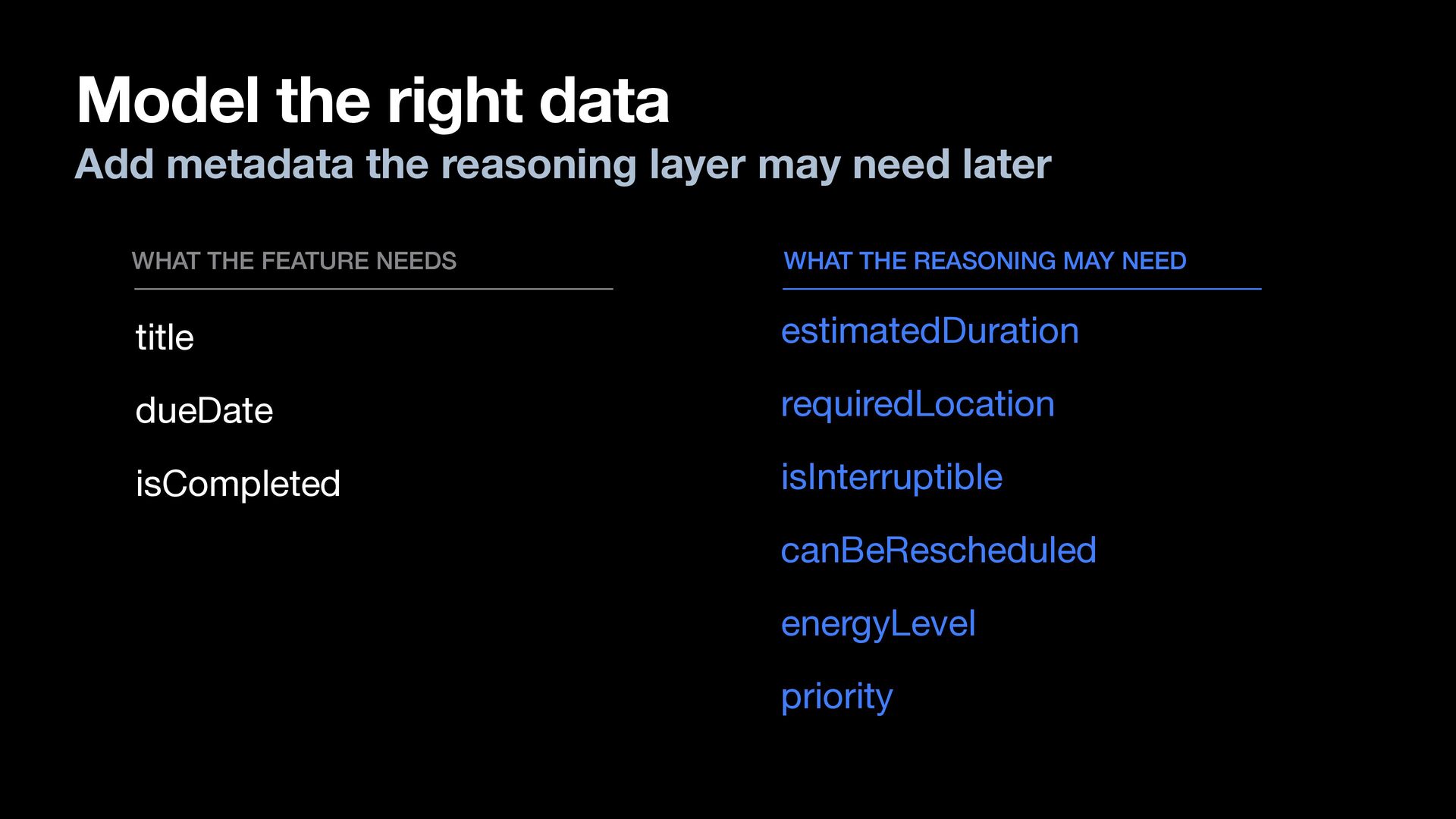
  29. Model the right data Add metadata the reasoning layer may

    need later WHAT THE FEATURE NEEDS WHAT THE REASONING MAY NEED title estimatedDuration dueDate requiredLocation isCompleted isInterruptible canBeRescheduled energyLevel priority
  30. Building Context 1 # Relevant Facts 2 3 - Submit

    expense report 4 Duration: 15 min 5 Due: Today 6 7 - Call insurance company 8 Duration: 20 min 9 Due: This week 10 11 - Buy groceries 12 Duration: 30 min 13 Note: Supermarket is on route home 14 15 - Finish presentation 16 Duration: 90 min 17 18 19 Due: In 3 days
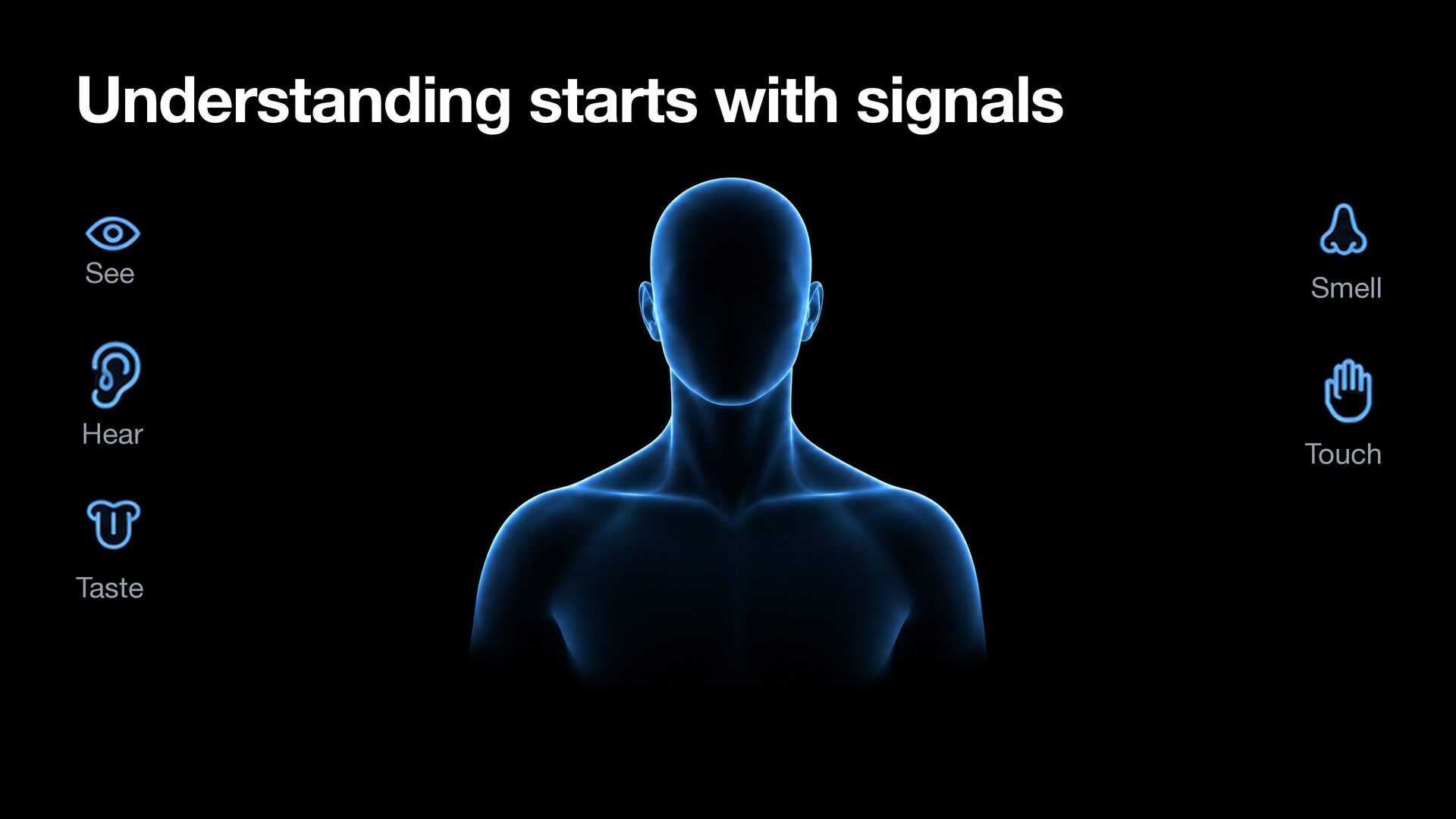
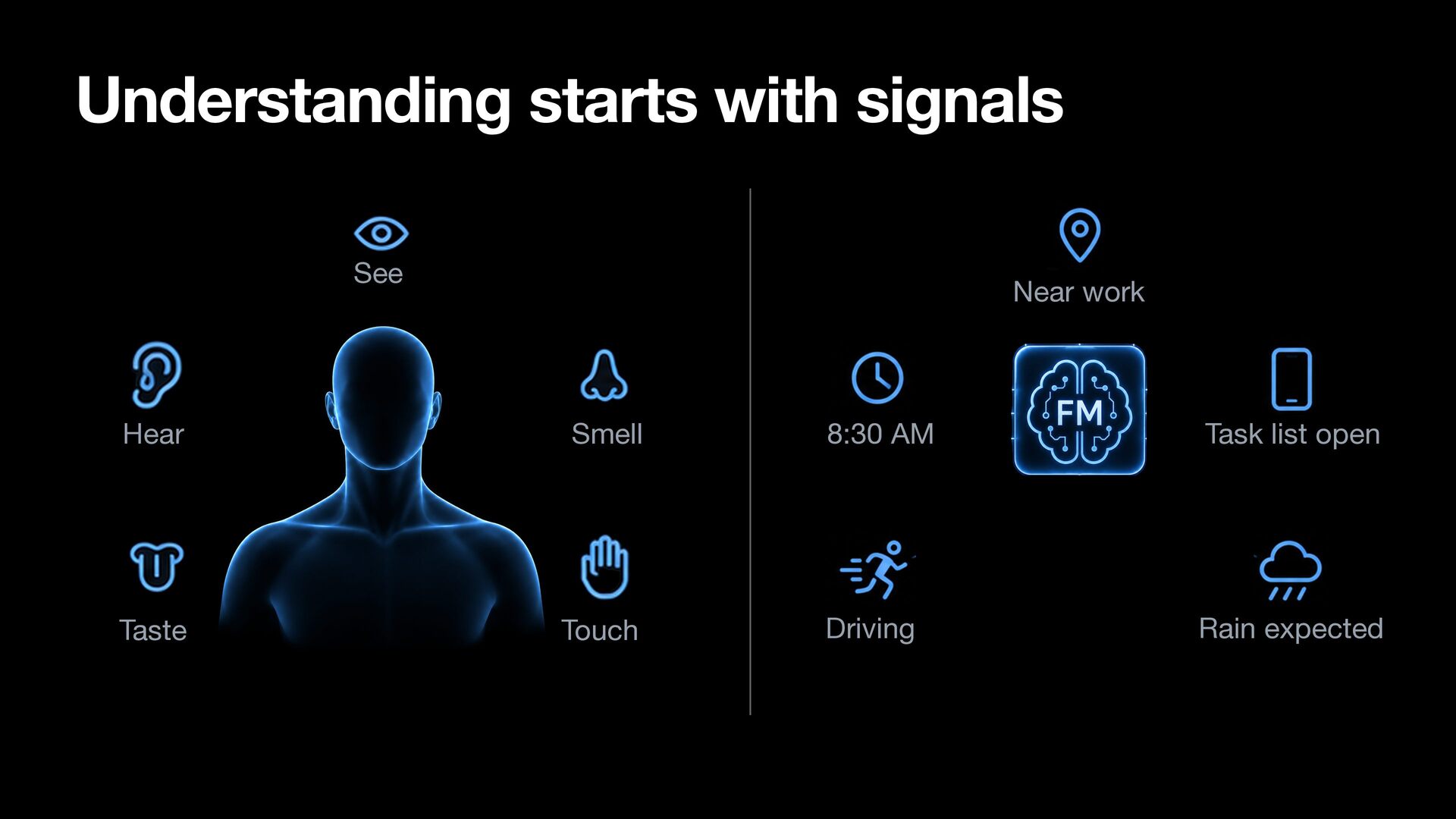
  31. Understanding starts with signals See Near work Hear Smell 8:30

    AM Task list open Taste Touch Driving Rain expected
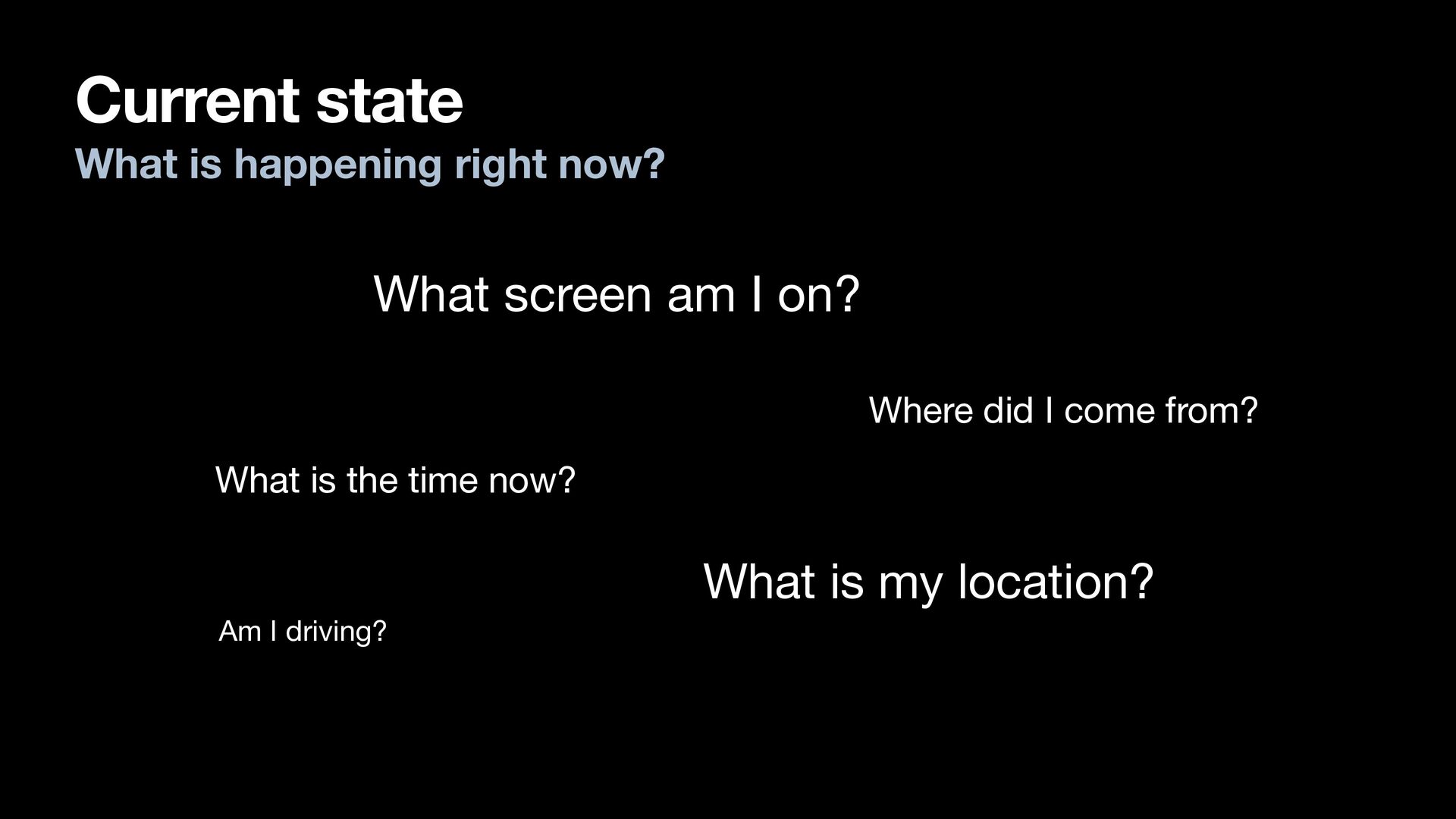
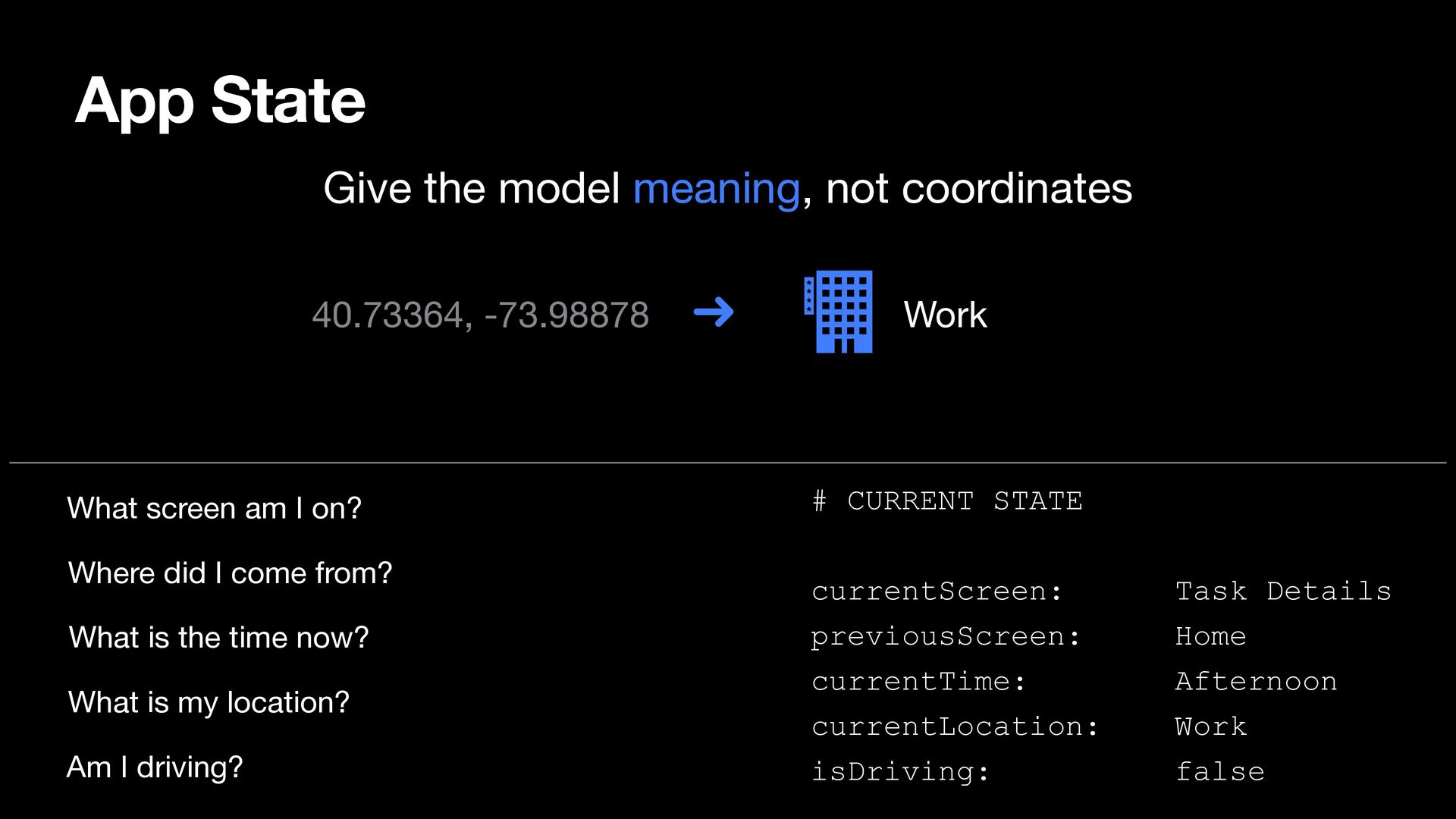
  32. Current state What is happening right now? What screen am

    I on? Where did I come from? What is the time now? What is my location? Am I driving?
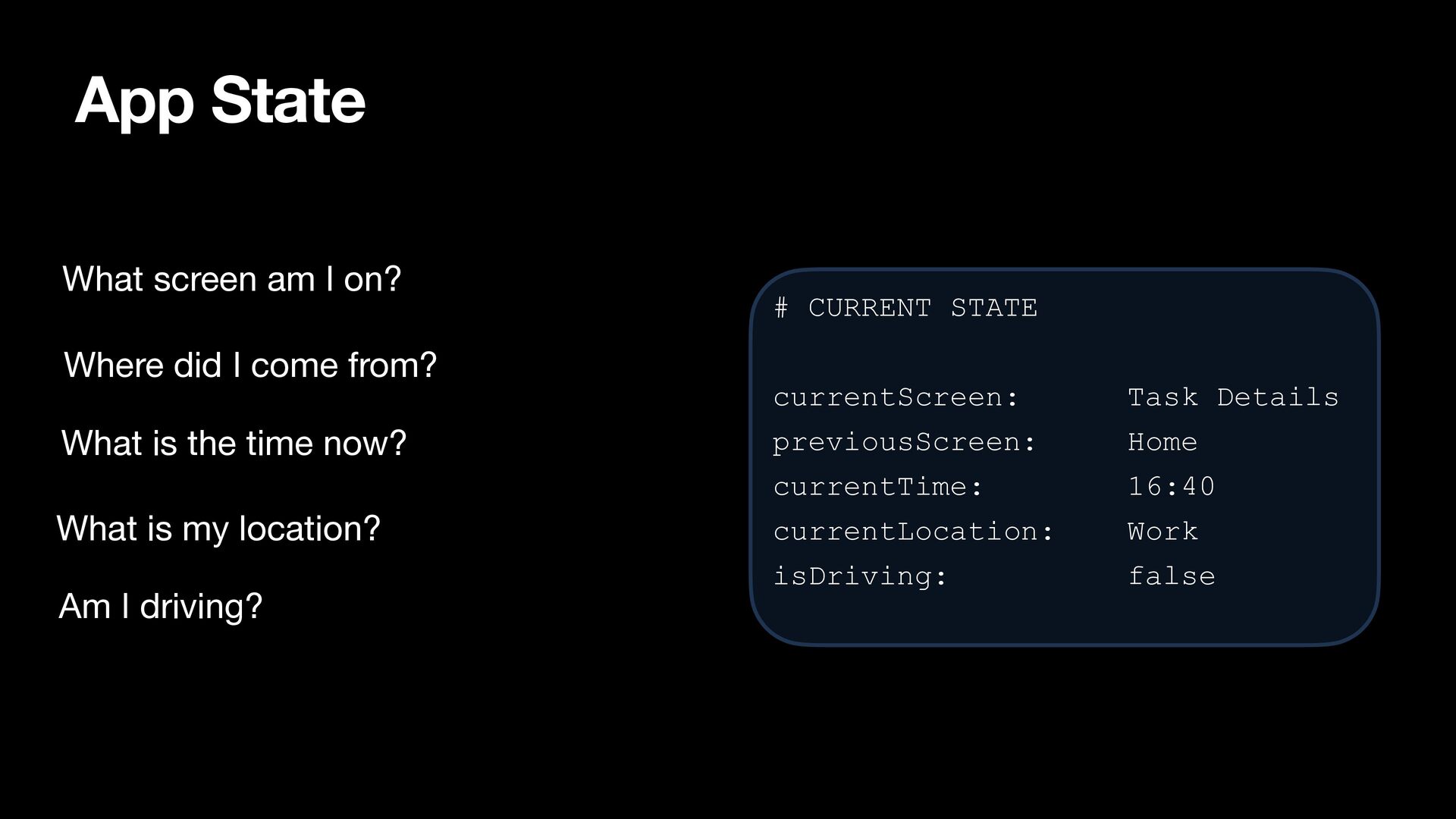
  33. App State What screen am I on? Where did I

    come from? What is the time now? What is my location? Am I driving? # CURRENT STATE currentScreen: Task Details previousScreen: Home currentTime: 16:40 currentLocation: Work isDriving: false
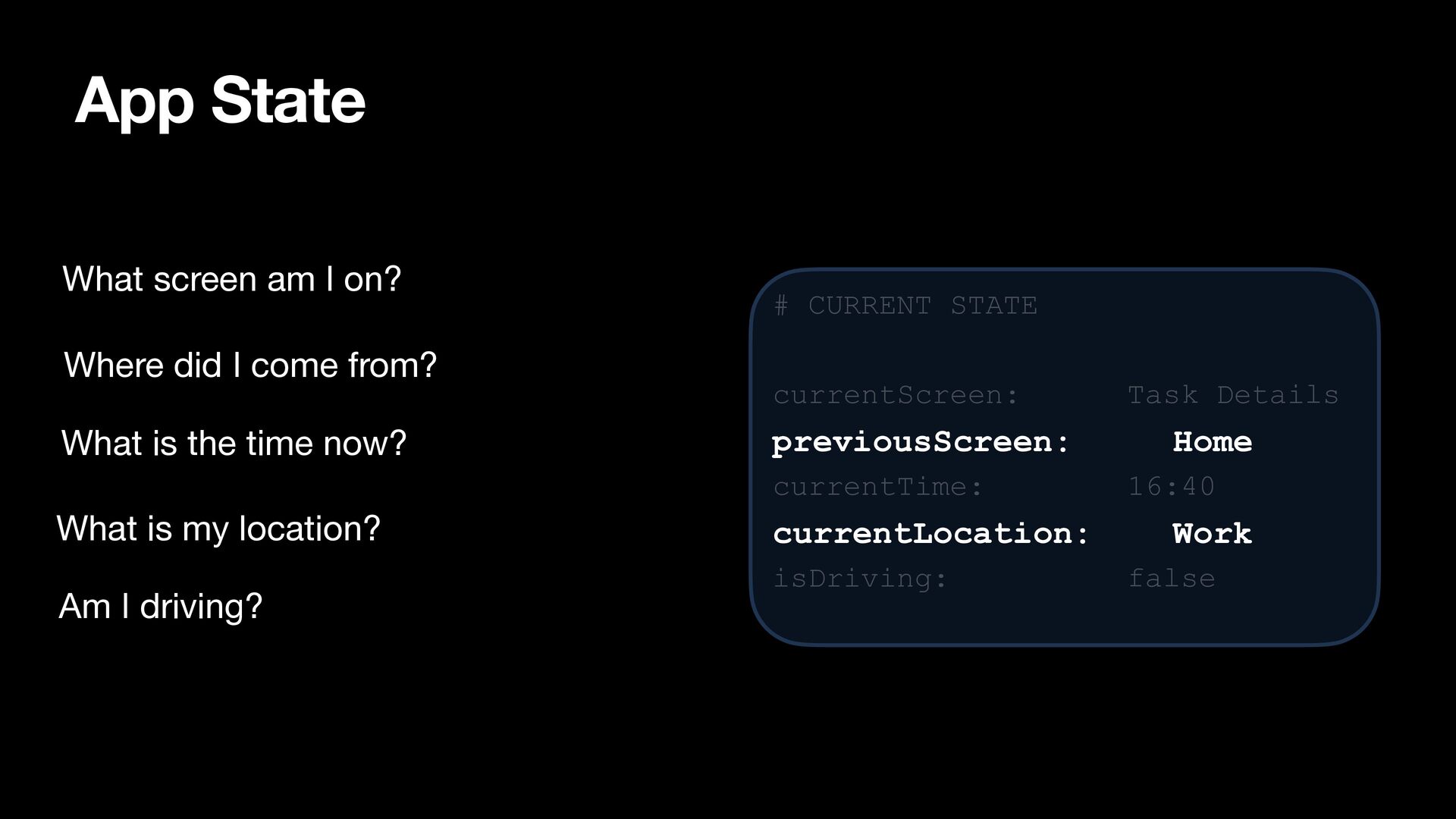
  34. App State What screen am I on? Where did I

    come from? What is the time now? # CURRENT STATE currentScreen: previousScreen: currentTime: What is my location? Am I driving? currentLocation: isDriving: Task Details Home 16:40 Work false
  35. App State Give the model meaning, not coordinates 40.73364, -73.98878

    What screen am I on? Where did I come from? What is the time now? What is my location? Am I driving? Work # CURRENT STATE currentScreen: previousScreen: currentTime: currentLocation: isDriving: Task Details Home Afternoon Work false
  36. Building Context 1 # Relevant Facts # CURRENT STATE -

    Submit expense report currentScreen: Task Details 2 3 4 Duration: 15 min previousScreen: Home 5 Due: Today currentTime: Afternoon currentLocation: Work isDriving: false 6 7 - Call insurance company 8 Duration: 20 min 9 Due: This week 10 11 - Buy groceries 12 Duration: 30 min 13 Note: Supermarket is on route home 14 15 - Finish presentation 16 Duration: 90 min 17 18 19 Due: In 3 days
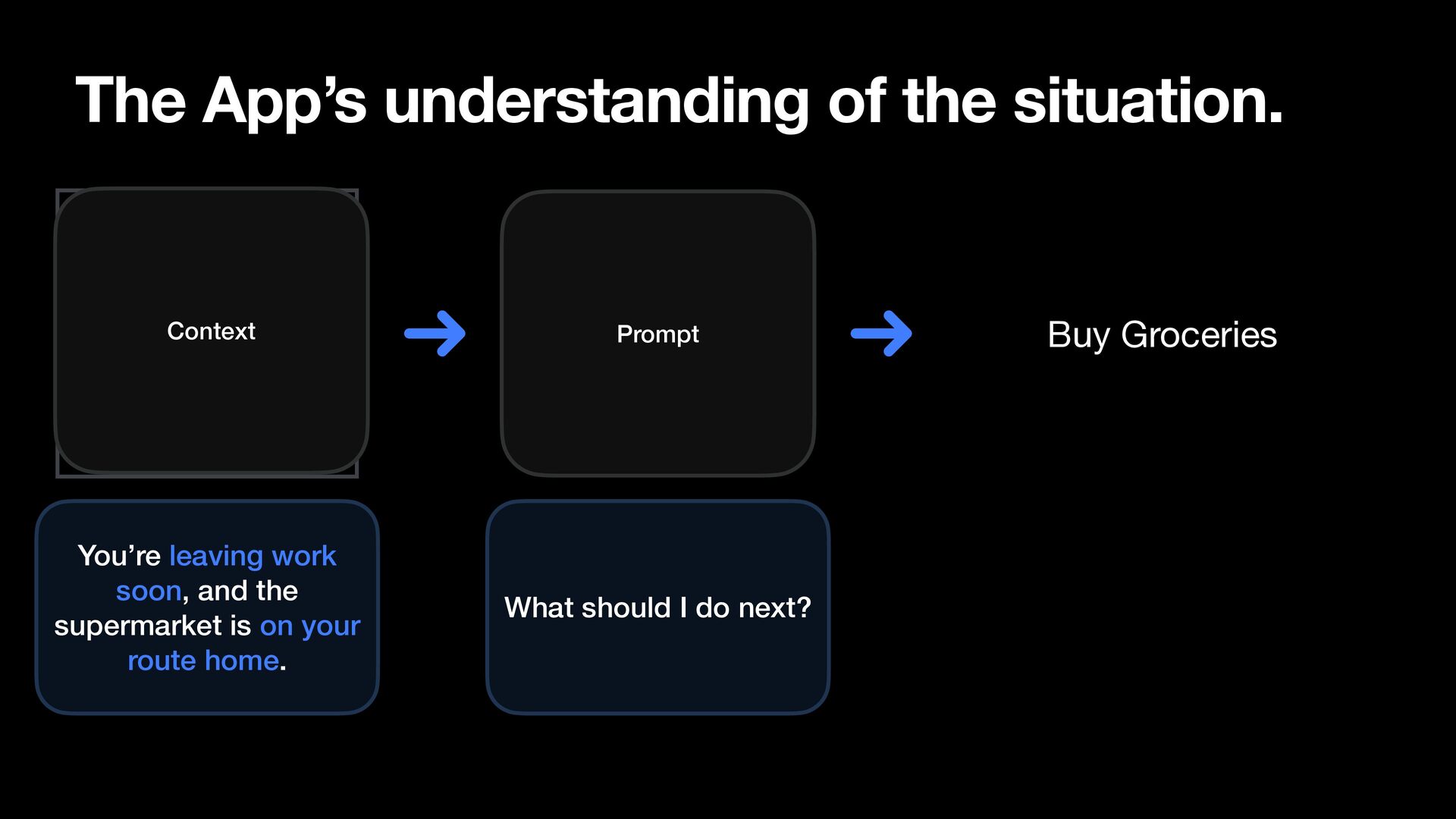
  37. The App’s understanding of the situation. Context Prompt You’re leaving

    work soon, and the supermarket is on your route home. What should I do next? Buy Groceries
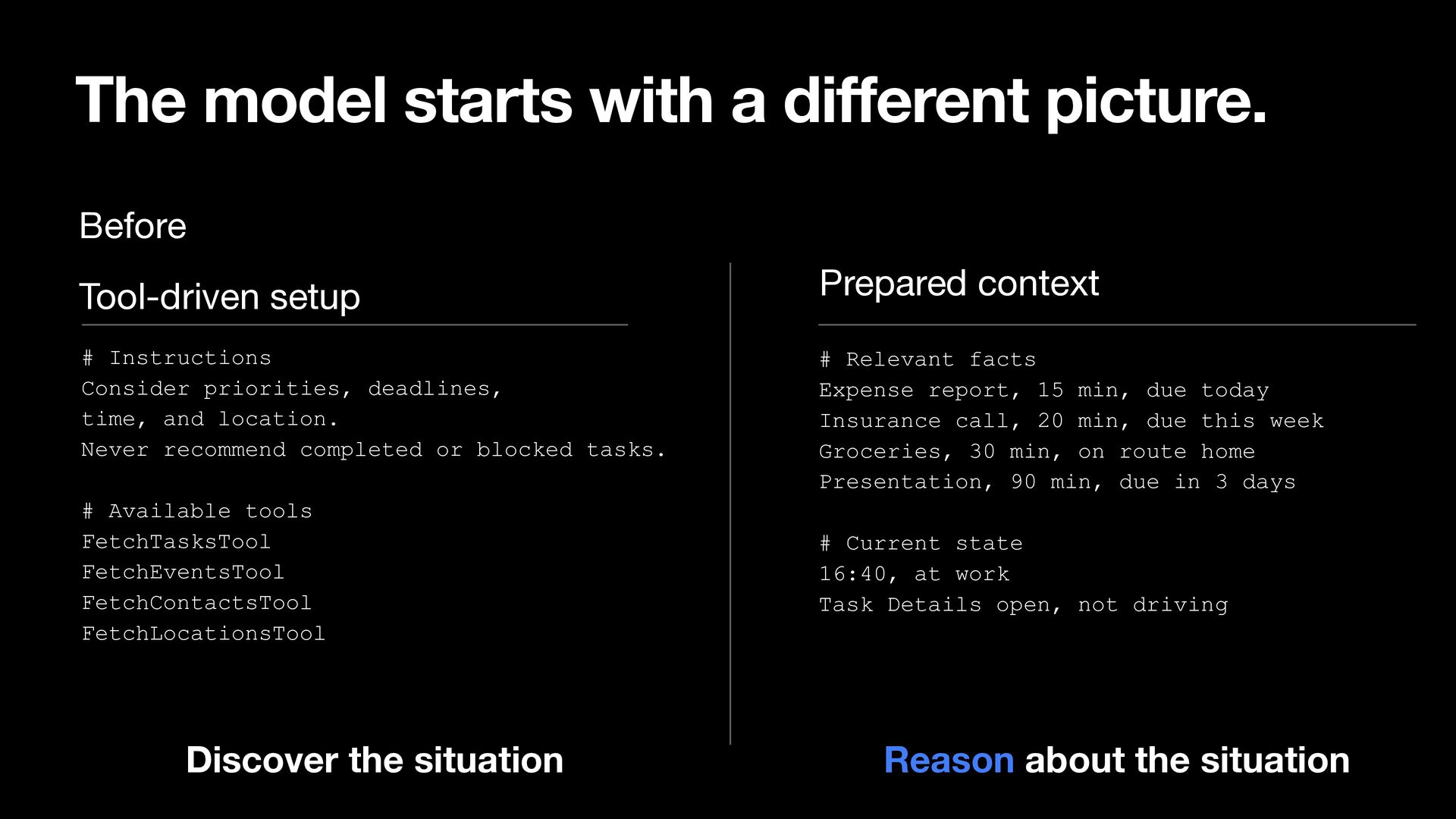
  38. The model starts with a di erent picture. Before Prepared

    context Tool-driven setup # Instructions Consider priorities, deadlines, time, and location. Never recommend completed or blocked tasks. # Relevant facts Expense report, 15 min, due today Insurance call, 20 min, due this week Groceries, 30 min, on route home Presentation, 90 min, due in 3 days # Available tools FetchTasksTool FetchEventsTool FetchContactsTool FetchLocationsTool # Current state 16:40, at work Task Details open, not driving Reason about the situation ff Discover the situation
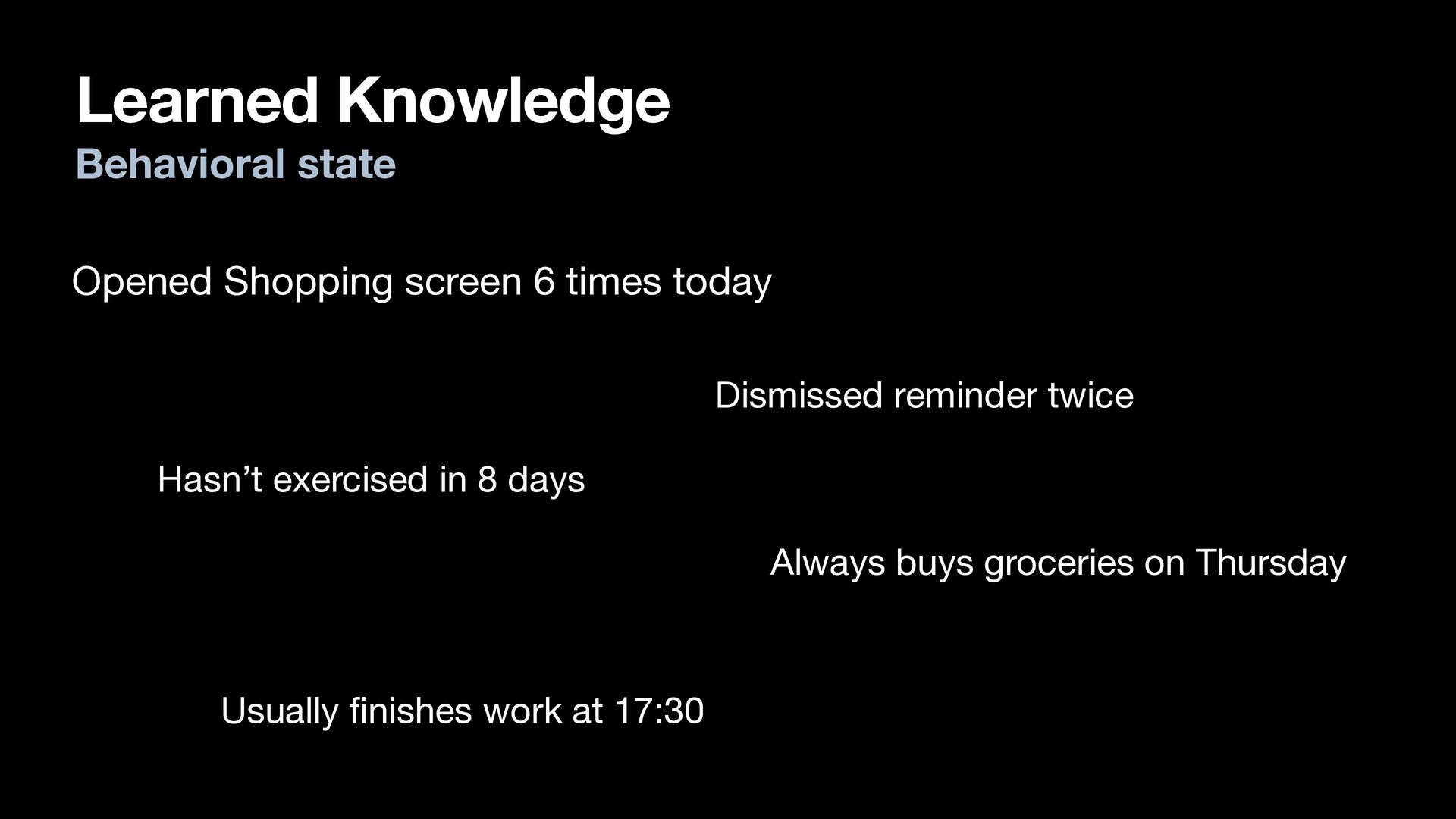
  39. Learned Knowledge Behavioral state Opened Shopping screen 6 times today

    Dismissed reminder twice Hasn’t exercised in 8 days Always buys groceries on Thursday fi Usually nishes work at 17:30
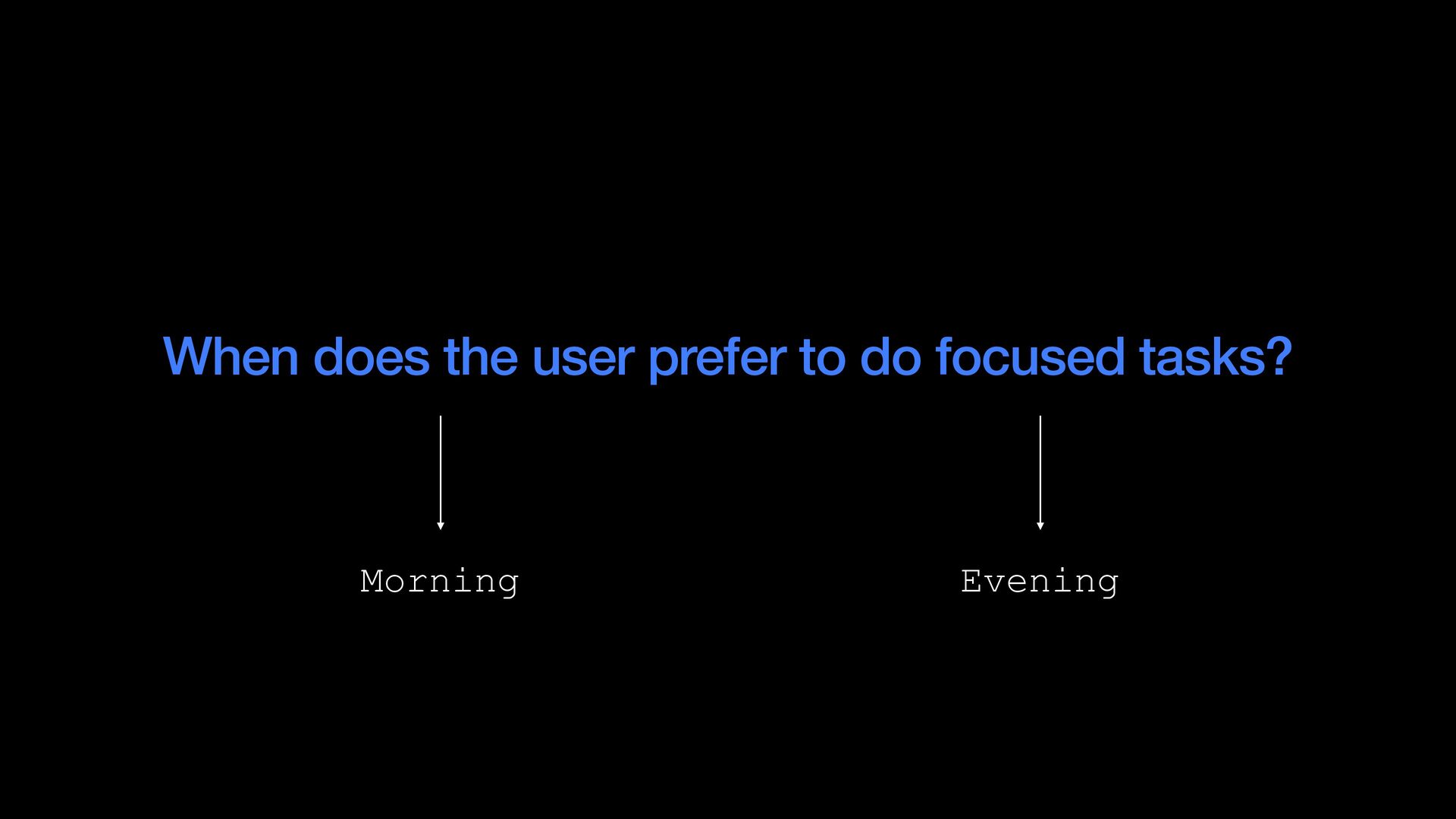
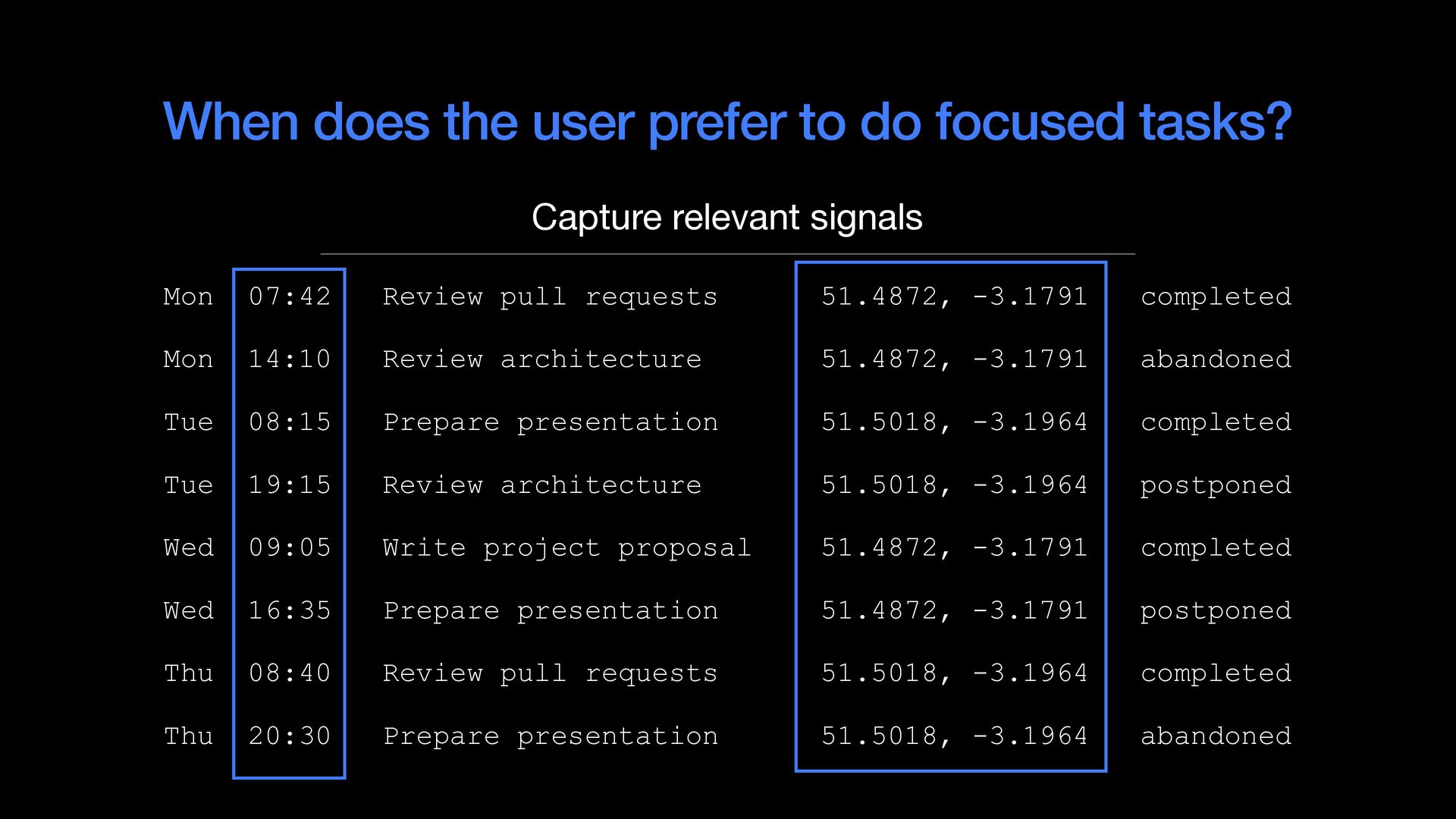
  40. When does the user prefer to do focused tasks? Capture

    relevant signals Mon 07:42 Review pull requests 51.4872, -3.1791 completed Mon 14:10 Review architecture 51.4872, -3.1791 abandoned Tue 08:15 Prepare presentation 51.5018, -3.1964 completed Tue 19:15 Review architecture 51.5018, -3.1964 postponed Wed 09:05 Write project proposal 51.4872, -3.1791 completed Wed 16:35 Prepare presentation 51.4872, -3.1791 postponed Thu 08:40 Review pull requests 51.5018, -3.1964 completed Thu 20:30 Prepare presentation 51.5018, -3.1964 abandoned
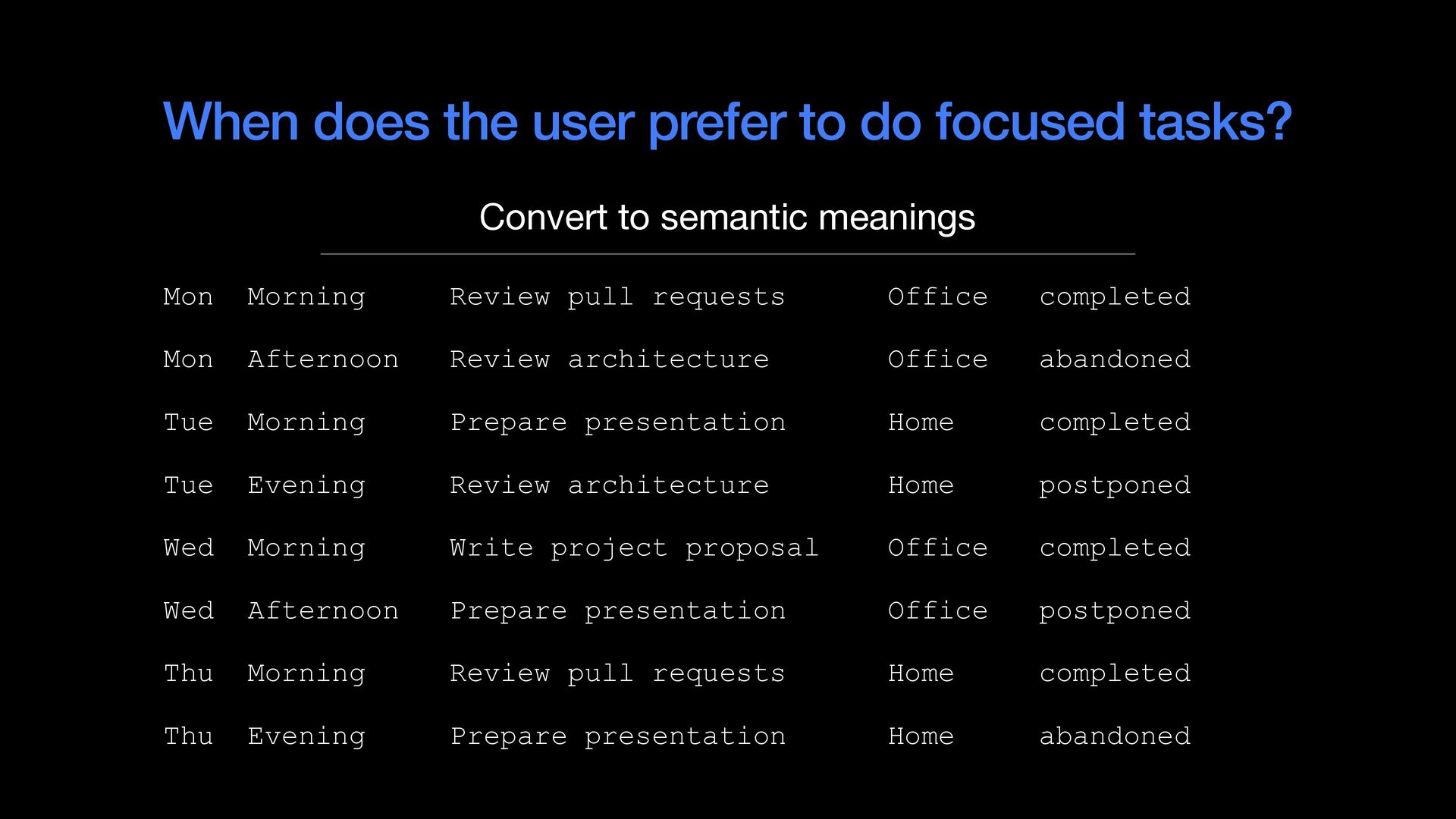
  41. When does the user prefer to do focused tasks? Convert

    to semantic meanings Mon Morning Review pull requests Office completed Mon Afternoon Review architecture Office abandoned Tue Morning Prepare presentation Home completed Tue Evening Review architecture Home postponed Wed Morning Write project proposal Office completed Wed Afternoon Prepare presentation Office postponed Thu Morning Review pull requests Home completed Thu Evening Prepare presentation Home abandoned
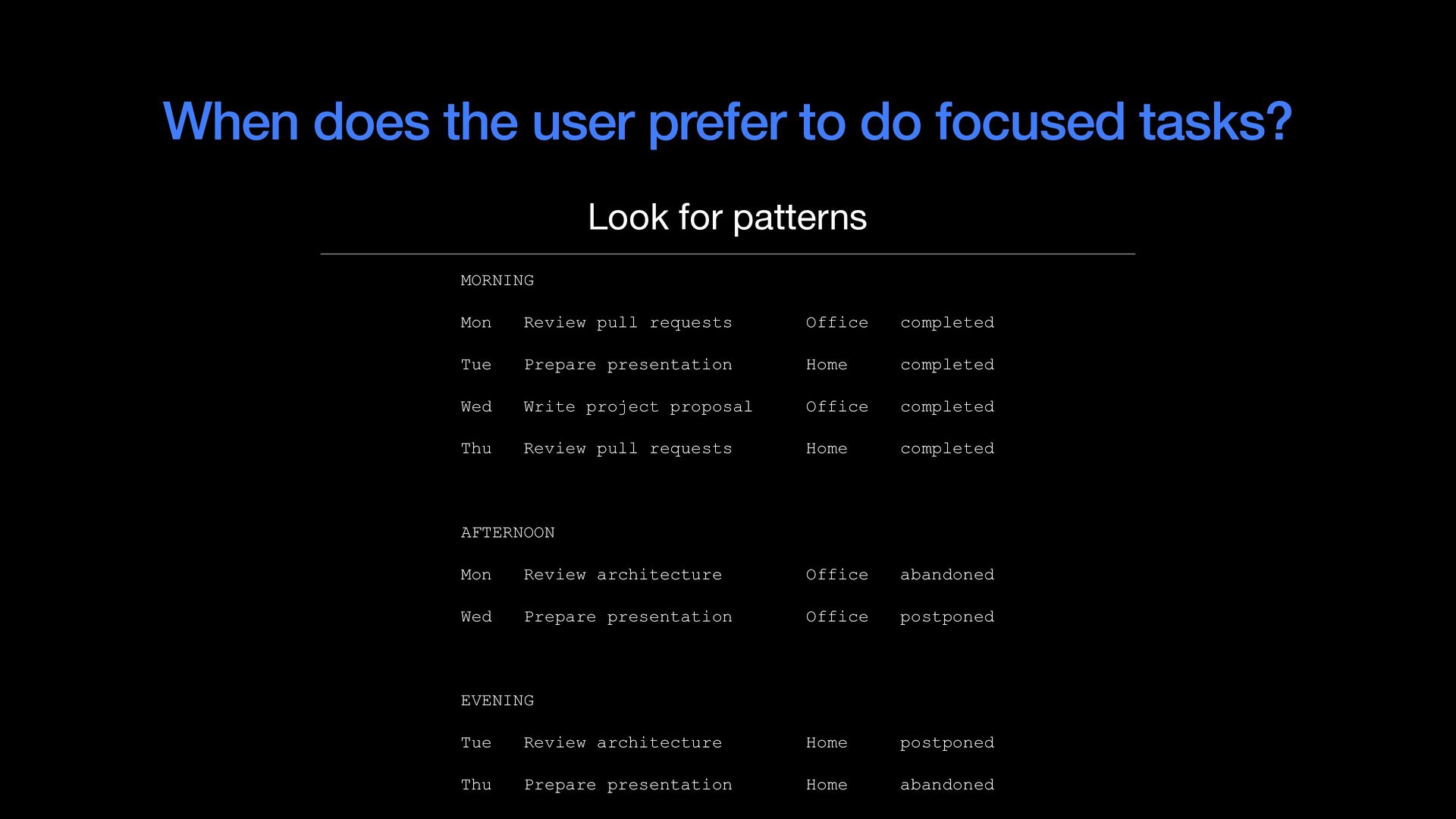
  42. When does the user prefer to do focused tasks? Look

    for patterns MORNING Mon Review pull requests Office completed Tue Prepare presentation Home completed Wed Write project proposal Office completed Thu Review pull requests Home completed AFTERNOON Mon Review architecture Office abandoned Wed Prepare presentation Office postponed EVENING Tue Review architecture Home postponed Thu Prepare presentation Home abandoned
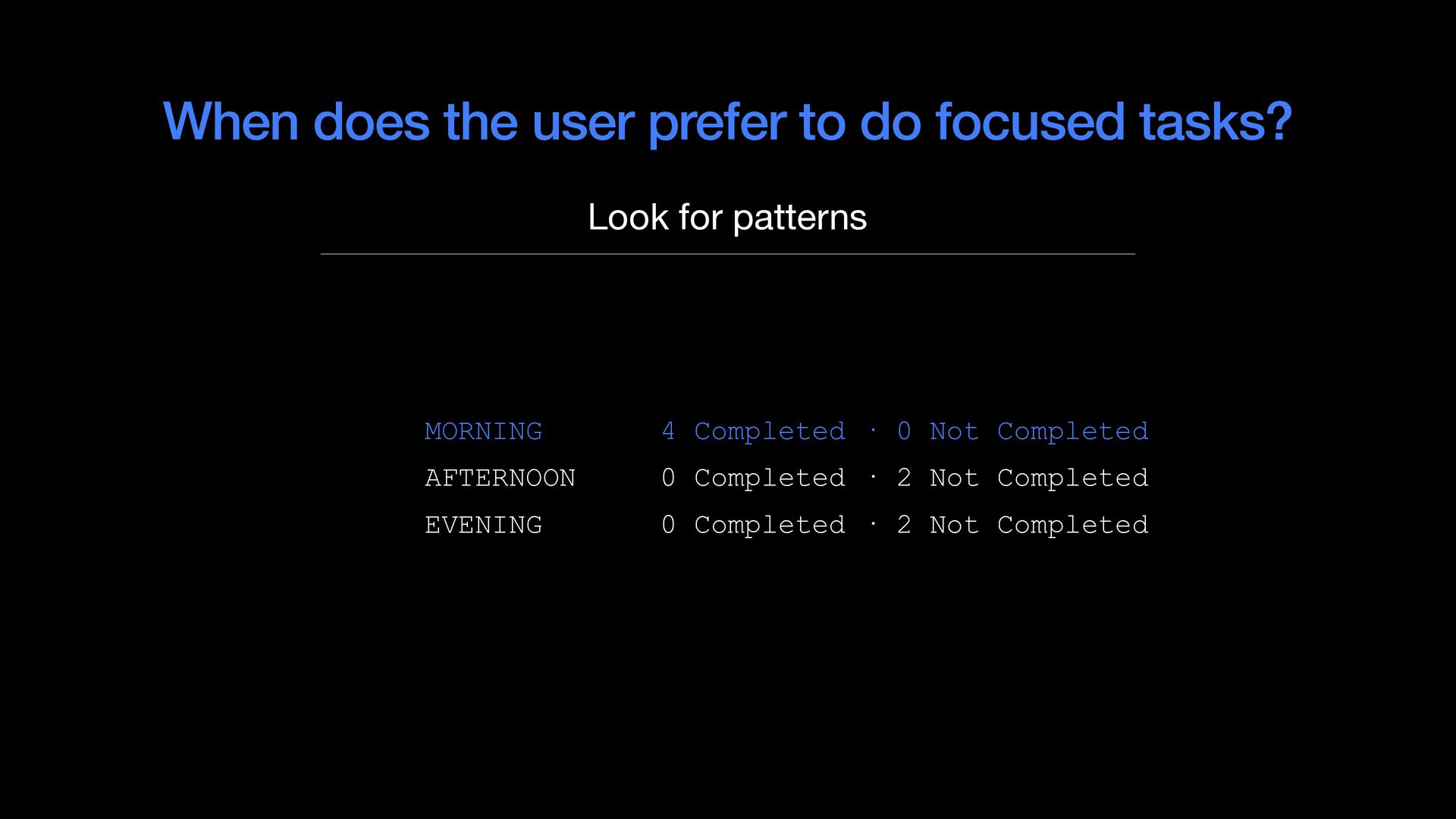
  43. When does the user prefer to do focused tasks? Look

    for patterns MORNING 4 Completed · 0 Not Completed AFTERNOON 0 Completed · 2 Not Completed EVENING 0 Completed · 2 Not Completed
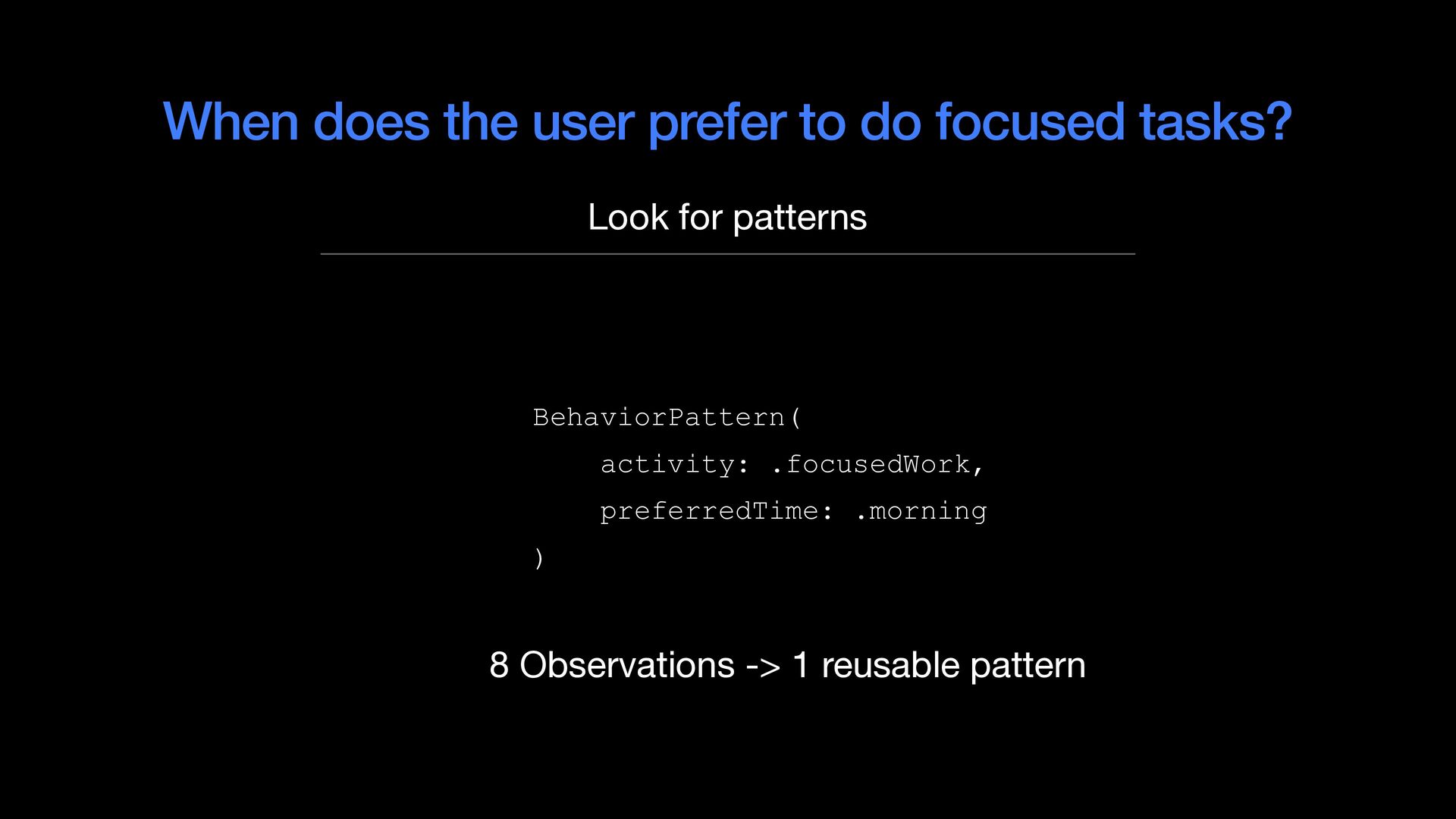
  44. When does the user prefer to do focused tasks? Look

    for patterns BehaviorPattern( activity: .focusedWork, preferredTime: .morning ) 8 Observations -> 1 reusable pattern
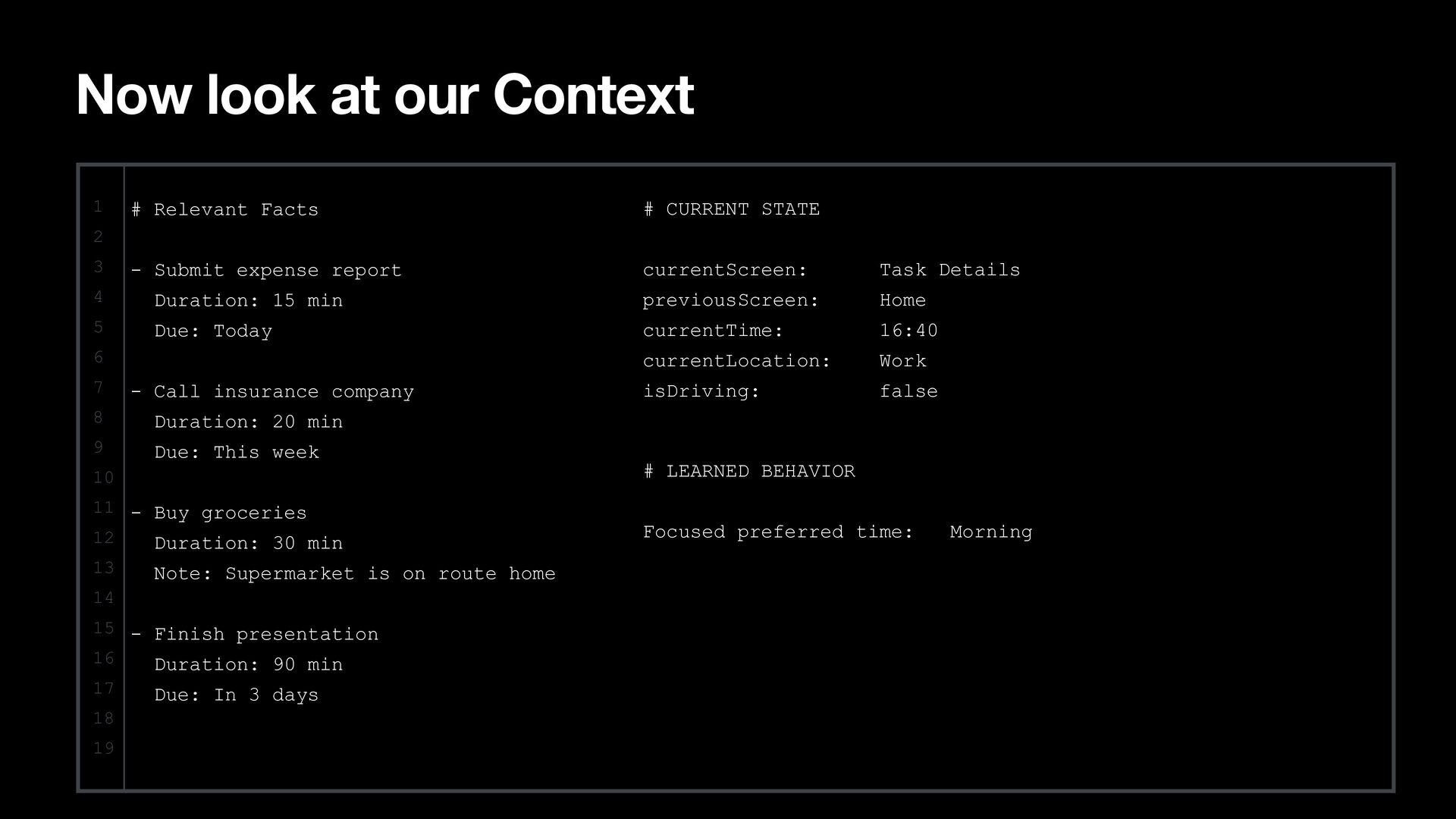
  45. Now look at our Context 1 # Relevant Facts #

    CURRENT STATE - Submit expense report currentScreen: Task Details 2 3 4 Duration: 15 min previousScreen: Home 5 Due: Today currentTime: 16:40 currentLocation: Work isDriving: false 6 7 - Call insurance company 8 Duration: 20 min 9 Due: This week 10 # LEARNED BEHAVIOR 11 - Buy groceries 12 Duration: 30 min Focused preferred time: 13 Note: Supermarket is on route home 14 15 - Finish presentation 16 Duration: 90 min 17 18 19 Due: In 3 days Morning
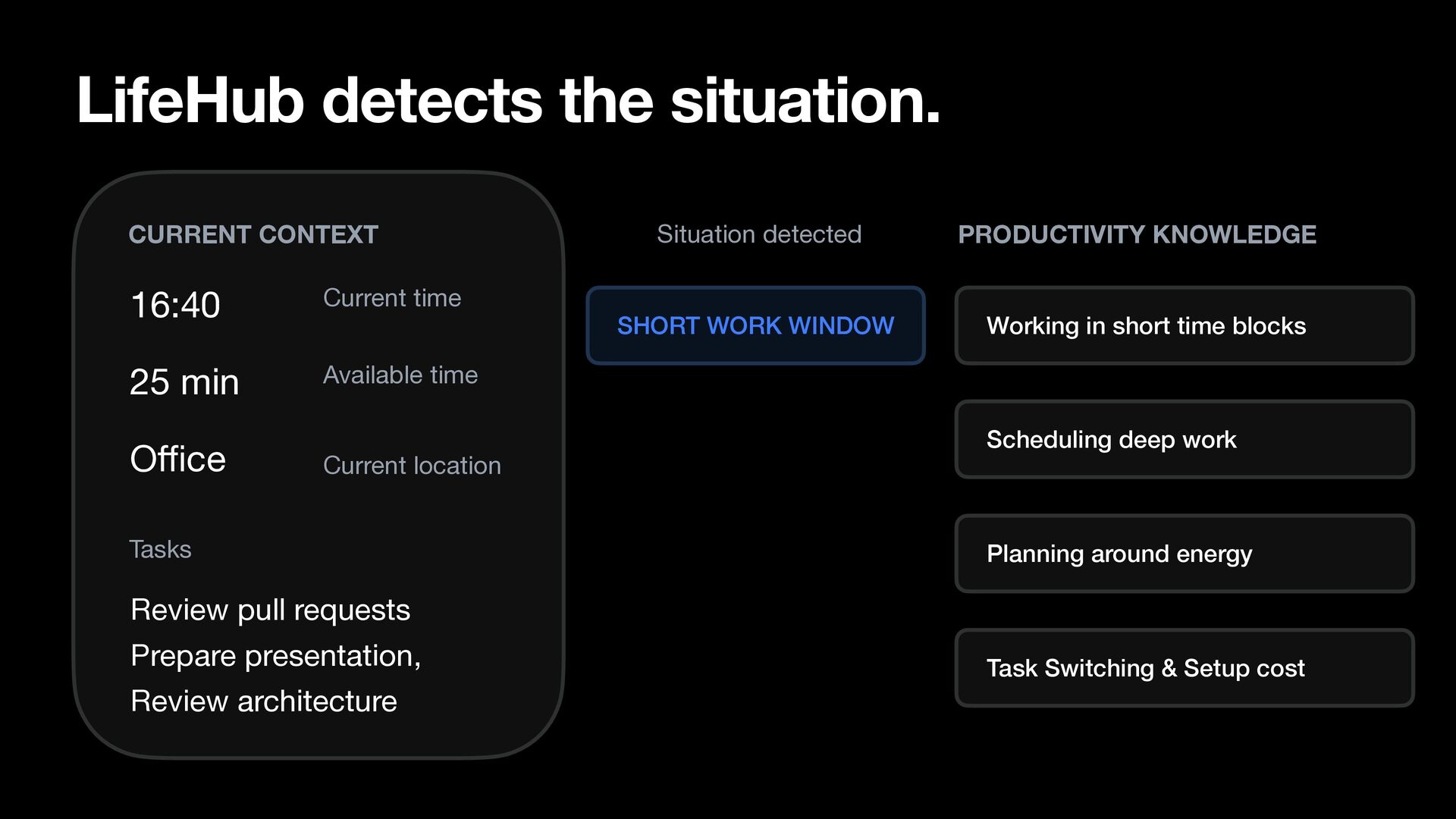
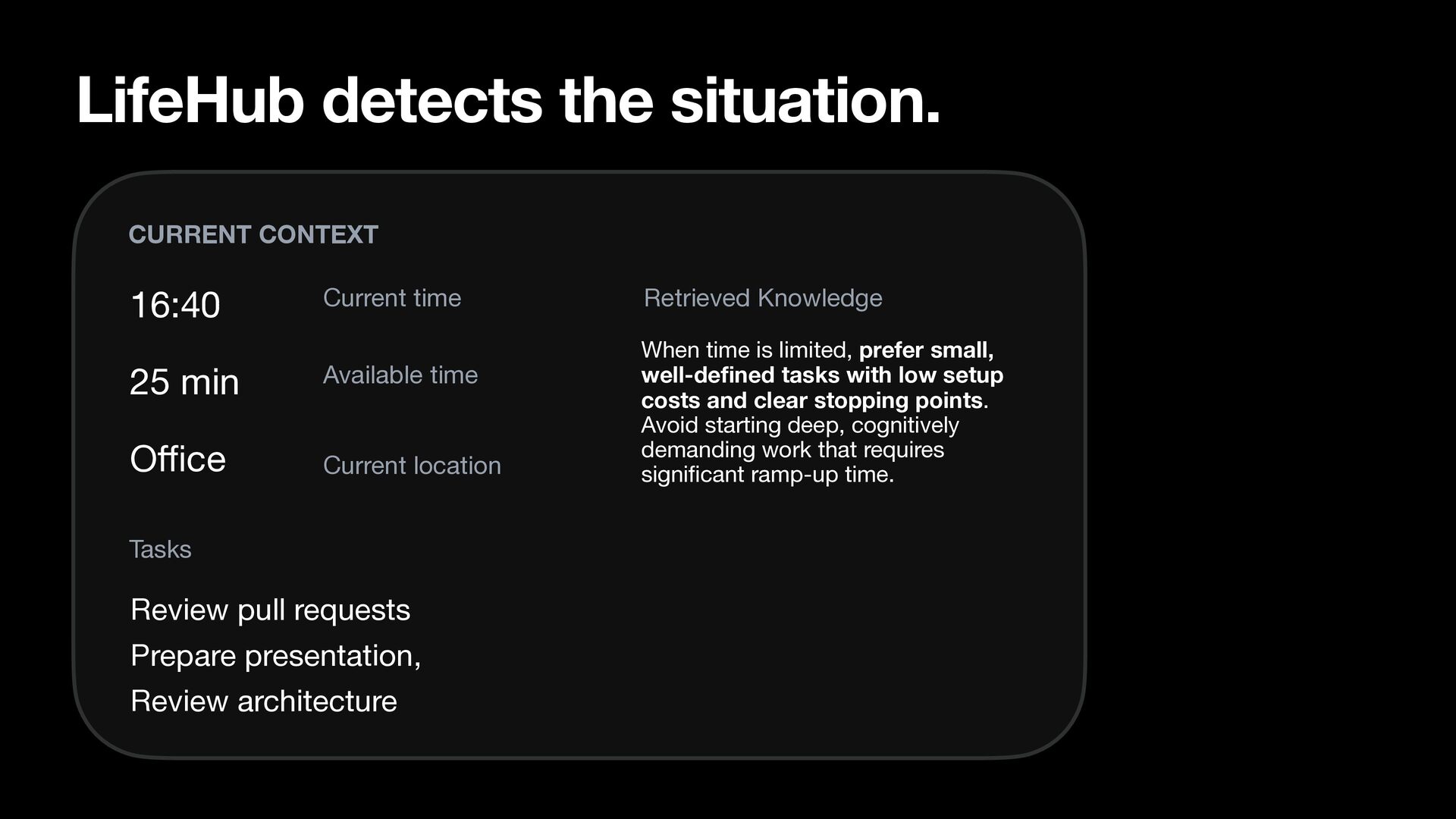
  46. LifeHub detects the situation. CURRENT CONTEXT 16:40 Current time 25

    min Available time O ce Current location Tasks Situation detected PRODUCTIVITY KNOWLEDGE SHORT WORK WINDOW Working in short time blocks Scheduling deep work Planning around energy Review pull requests Prepare presentation, ffi Review architecture Task Switching & Setup cost
  47. LifeHub detects the situation. CURRENT CONTEXT 16:40 Current time 25

    min Available time O ce Current location Tasks Review pull requests Prepare presentation, fi fi ffi Review architecture Retrieved Knowledge When time is limited, prefer small, well-de ned tasks with low setup costs and clear stopping points. Avoid starting deep, cognitively demanding work that requires signi cant ramp-up time.
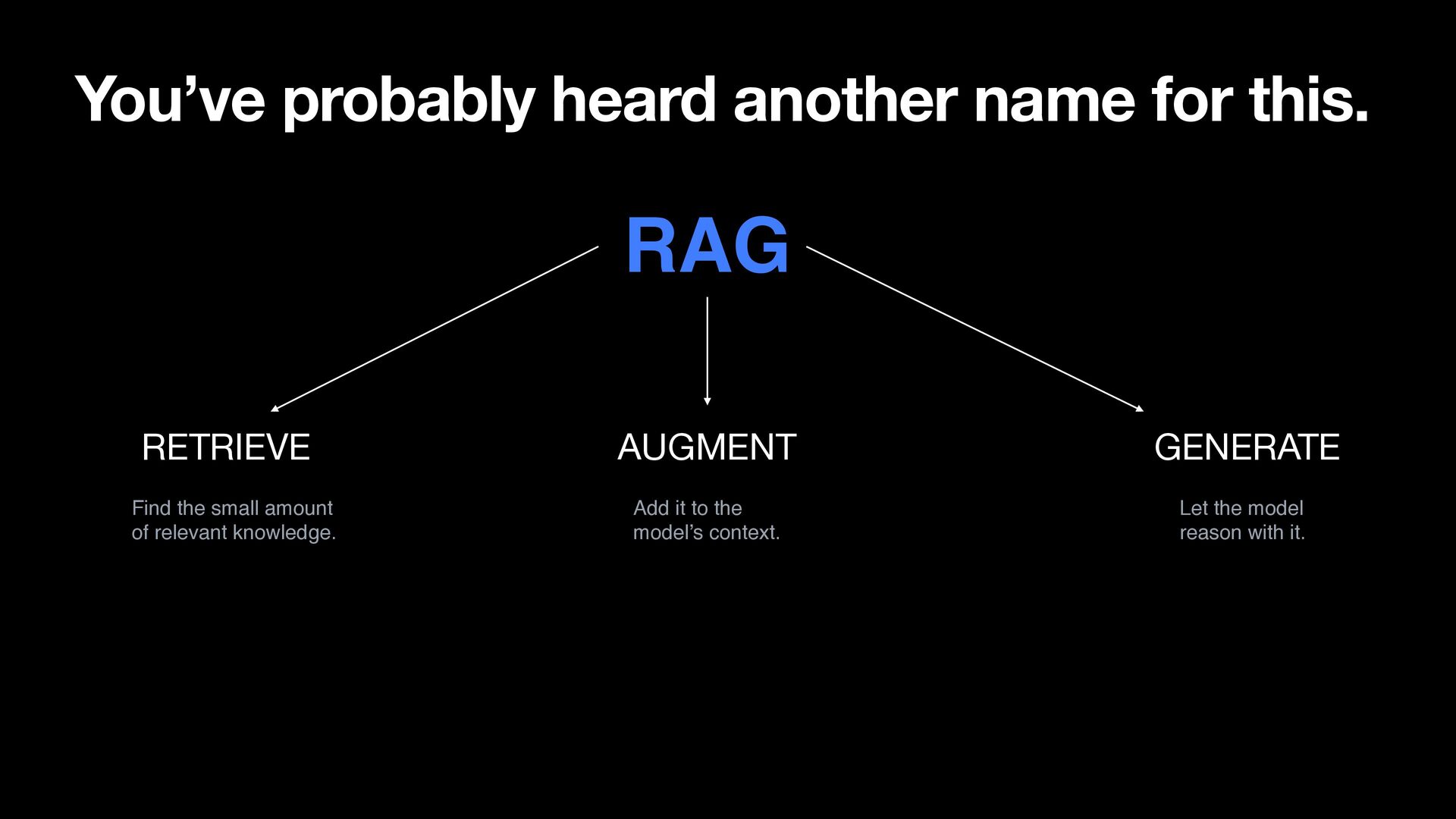
  48. You’ve probably heard another name for this. RAG RETRIEVE AUGMENT

    GENERATE Find the small amount of relevant knowledge. Add it to the model’s context. Let the model reason with it.
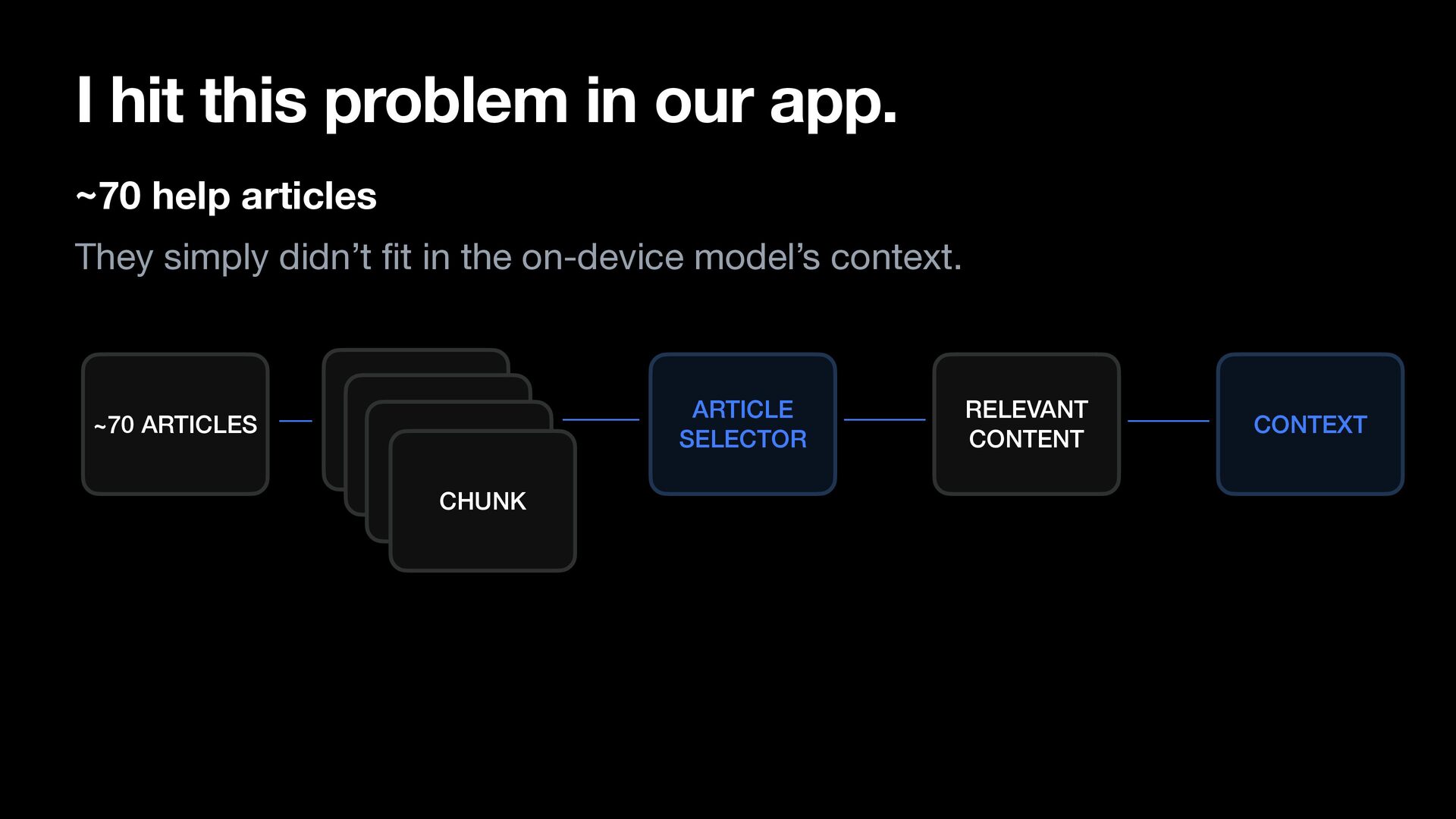
  49. I hit this problem in our app. ~70 help articles

    They simply didn’t t in the on-device model’s context. CHUNK CHUNK CHUNK CHUNK fi ~70 ARTICLES ARTICLE SELECTOR RELEVANT CONTENT CONTEXT
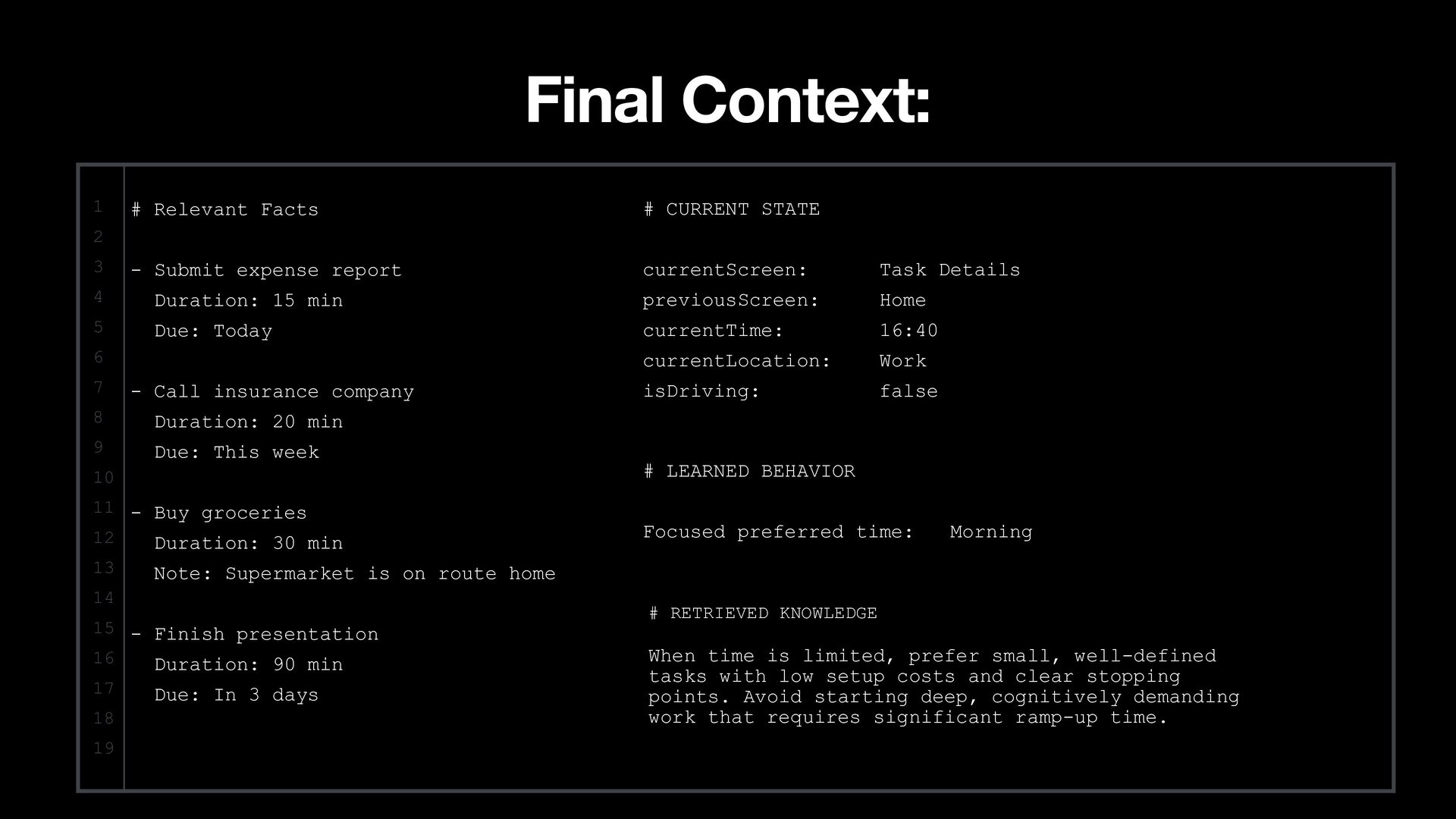
  50. Final Context: 1 # Relevant Facts # CURRENT STATE -

    Submit expense report currentScreen: Task Details 2 3 4 Duration: 15 min previousScreen: Home 5 Due: Today currentTime: 16:40 currentLocation: Work isDriving: false 6 7 - Call insurance company 8 Duration: 20 min 9 Due: This week 10 # LEARNED BEHAVIOR 11 - Buy groceries 12 Duration: 30 min Focused preferred time: 13 Note: Supermarket is on route home 14 15 - Finish presentation 16 Duration: 90 min 17 18 19 Morning Due: In 3 days # RETRIEVED KNOWLEDGE When time is limited, prefer small, well-defined tasks with low setup costs and clear stopping points. Avoid starting deep, cognitively demanding work that requires significant ramp-up time.
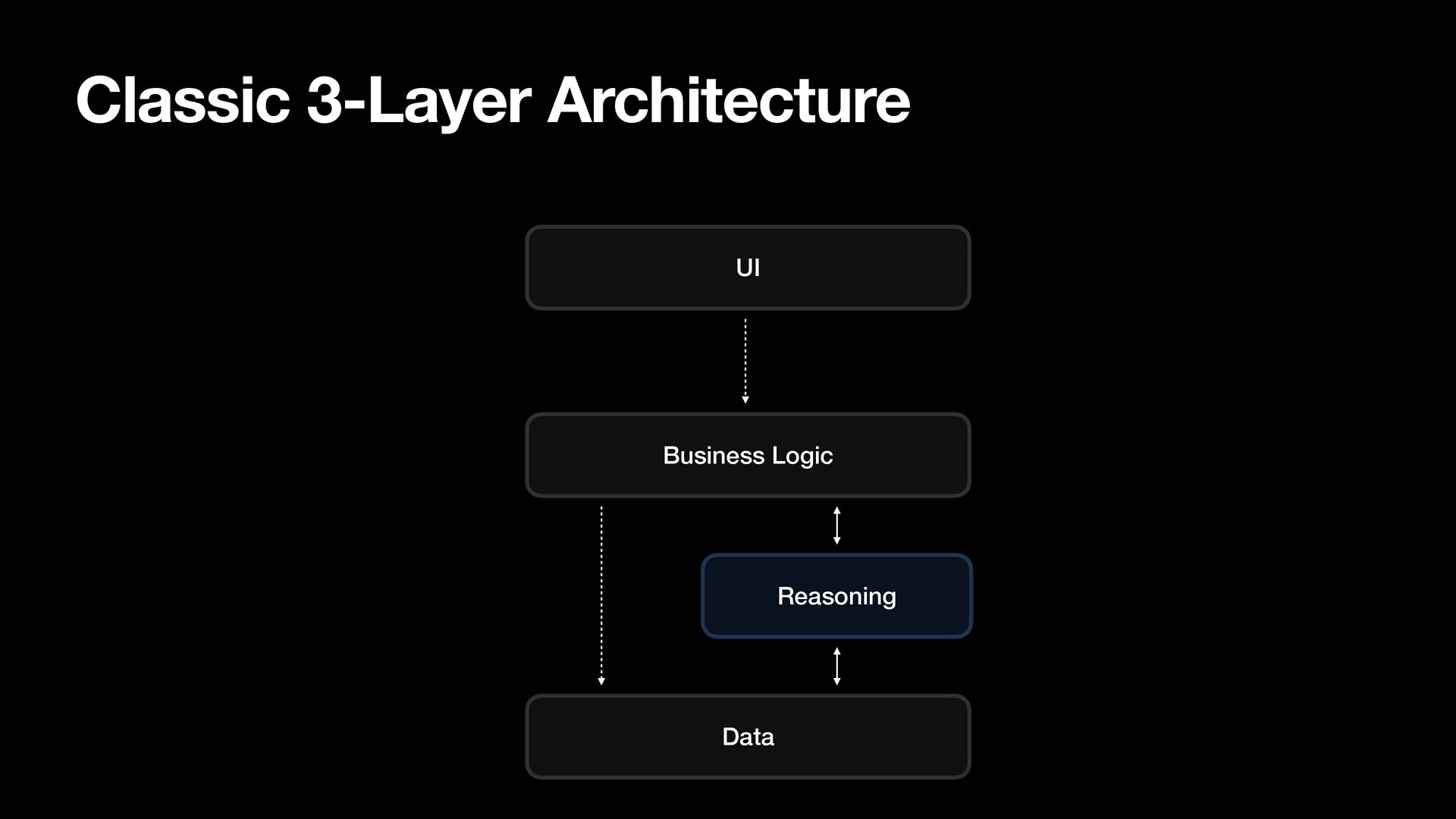
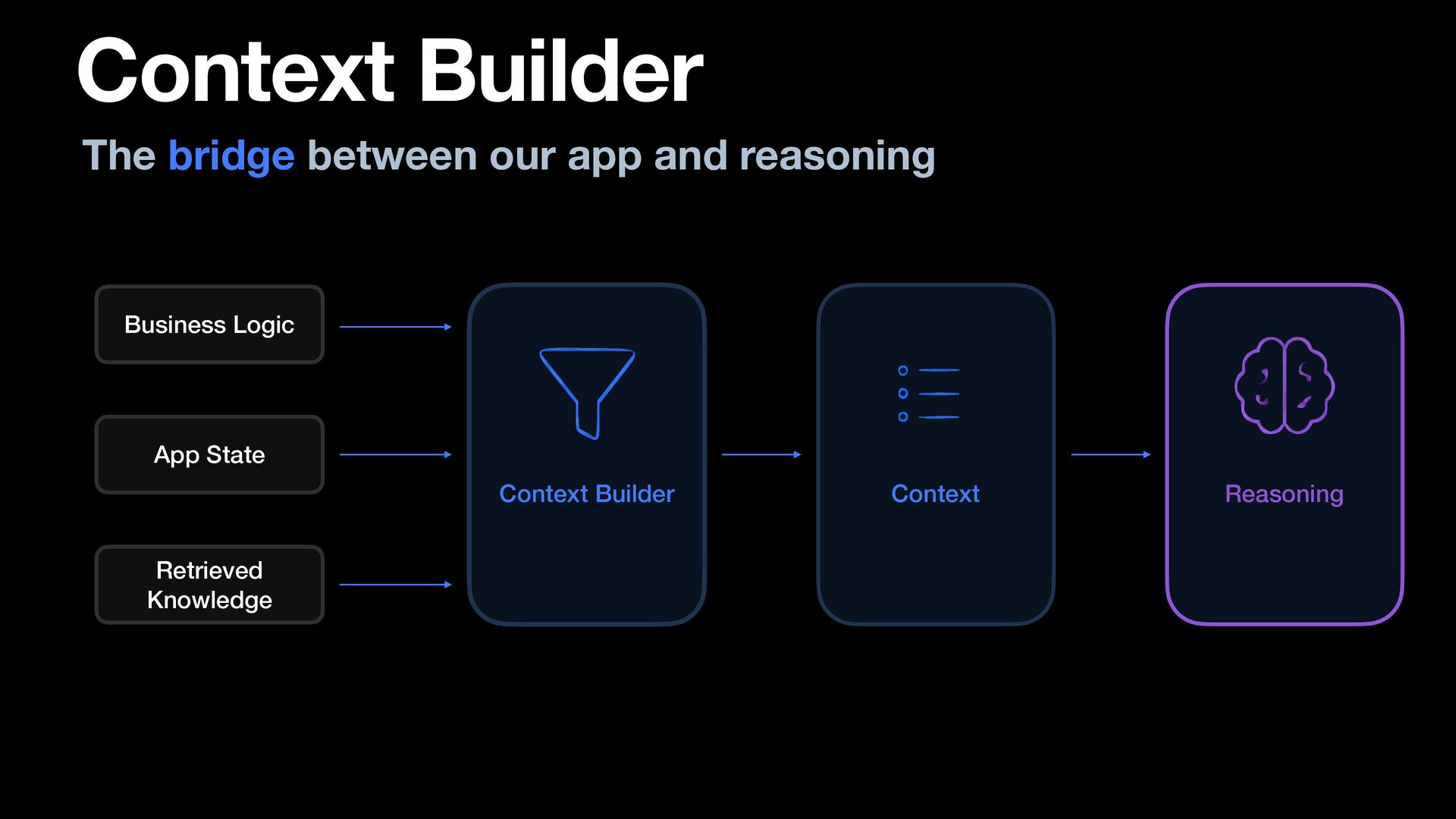
  51. Context Builder The bridge between our app and reasoning Business

    Logic App State Context Builder Retrieved Knowledge Context Reasoning
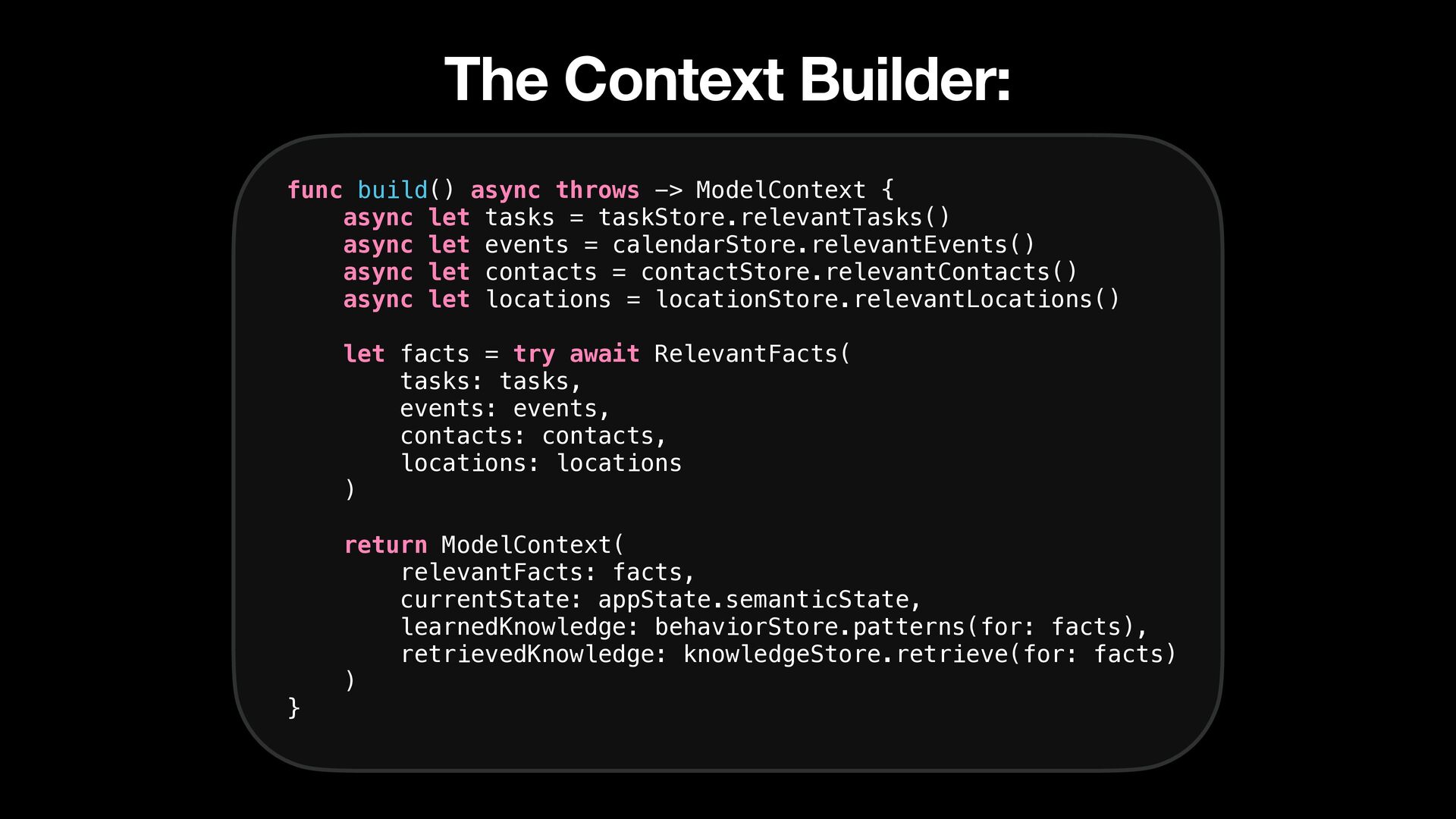
  52. The Context Builder: func build() async throws -> ModelContext {

    async let tasks = taskStore.relevantTasks() async let events = calendarStore.relevantEvents() async let contacts = contactStore.relevantContacts() async let locations = locationStore.relevantLocations() let facts = try await RelevantFacts( tasks: tasks, events: events, contacts: contacts, locations: locations ) } return ModelContext( relevantFacts: facts, currentState: appState.semanticState, learnedKnowledge: behaviorStore.patterns(for: facts), retrievedKnowledge: knowledgeStore.retrieve(for: facts) )
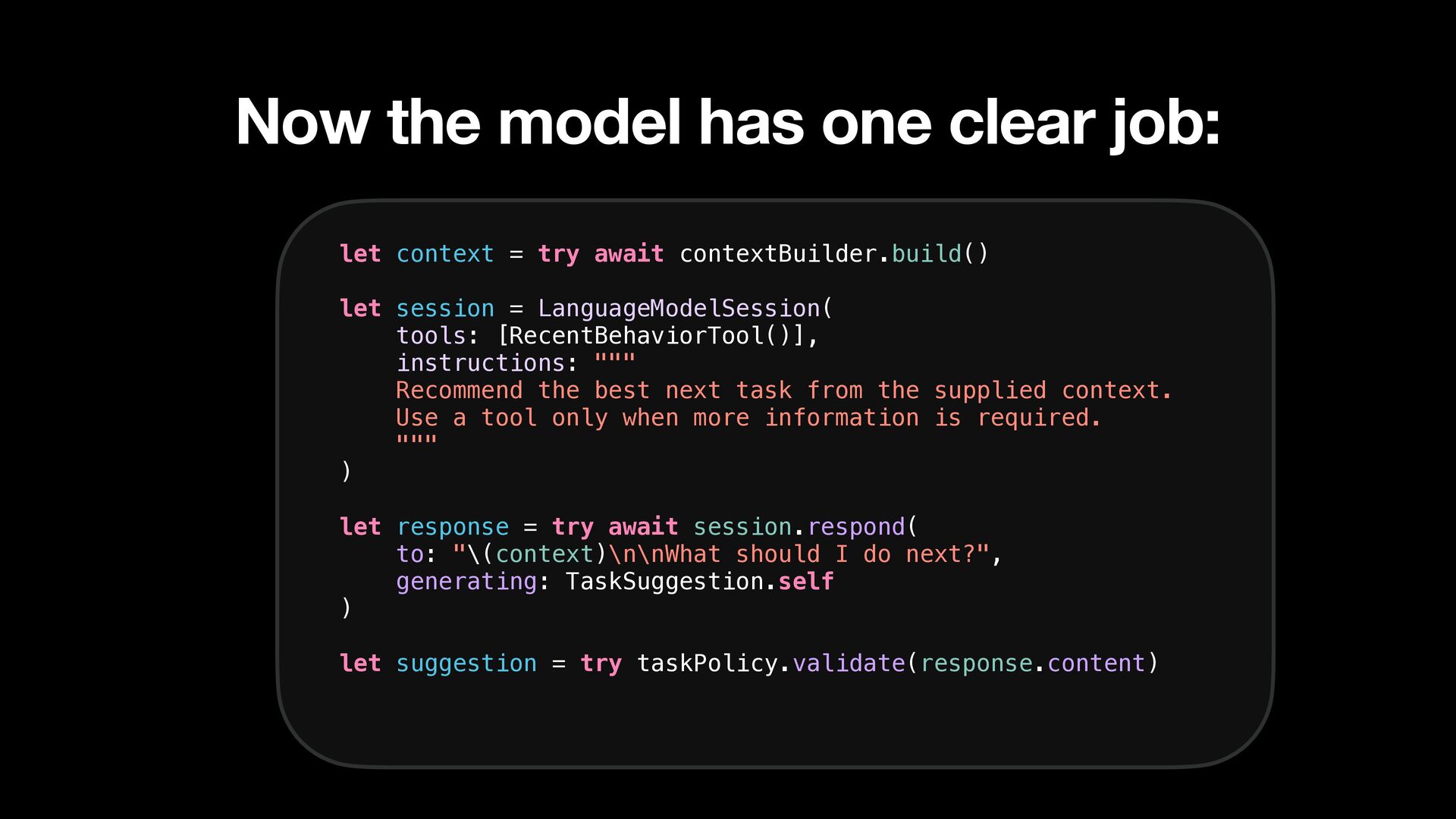
  53. Now the model has one clear job: let context =

    try await contextBuilder.build() let session = LanguageModelSession( tools: [RecentBehaviorTool()], instructions: """ Recommend the best next task from the supplied context. Use a tool only when more information is required. """ ) let response = try await session.respond( to: "\(context)\n\nWhat should I do next?", generating: TaskSuggestion.self ) let suggestion = try taskPolicy.validate(response.content)
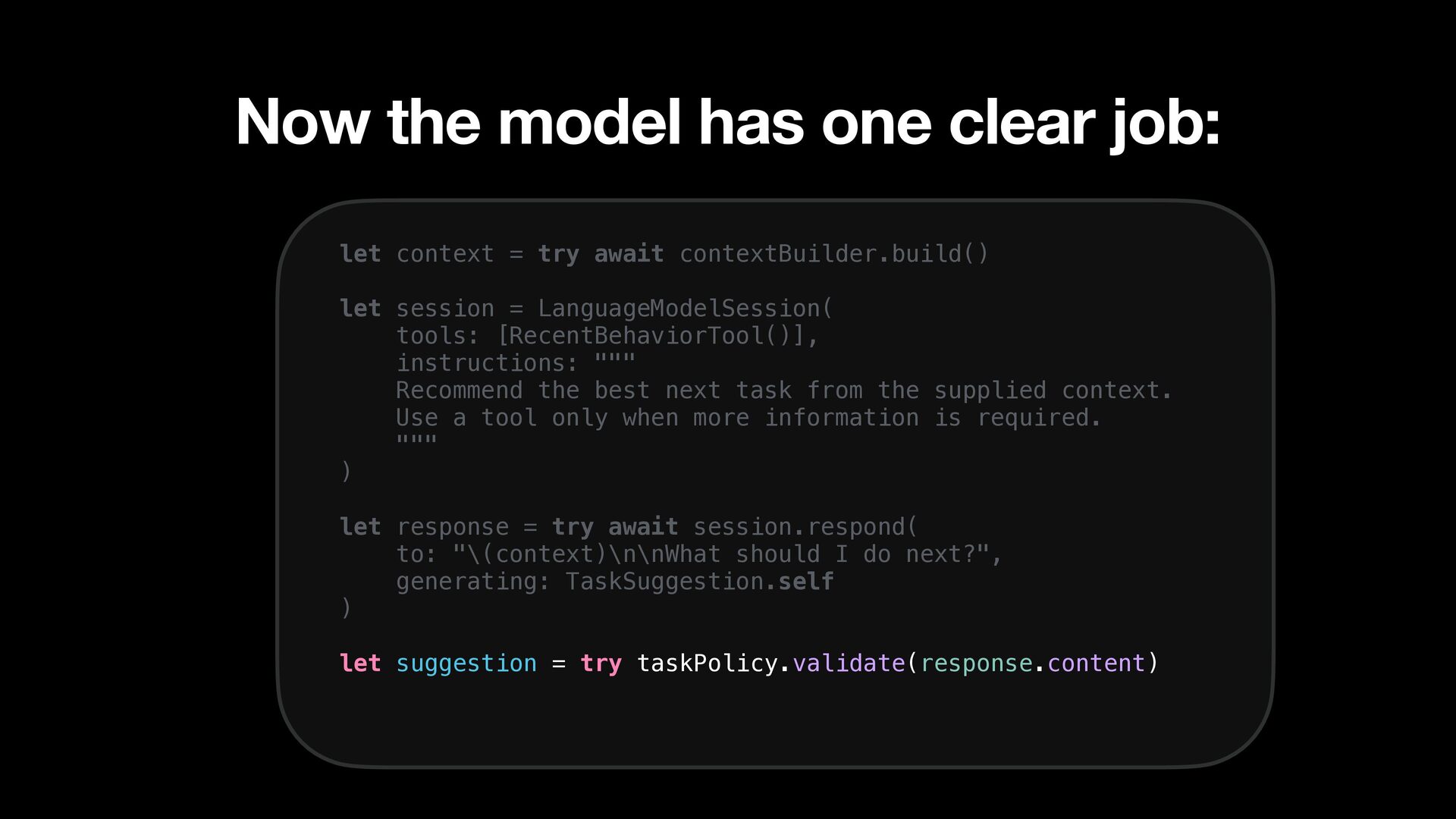
  54. Now the model has one clear job: let context =

    try await contextBuilder.build() let session = LanguageModelSession( tools: [RecentBehaviorTool()], instructions: """ Recommend the best next task from the supplied context. Use a tool only when more information is required. """ ) let response = try await session.respond( to: "\(context)\n\nWhat should I do next?", generating: TaskSuggestion.self ) let suggestion = try taskPolicy.validate(response.content)
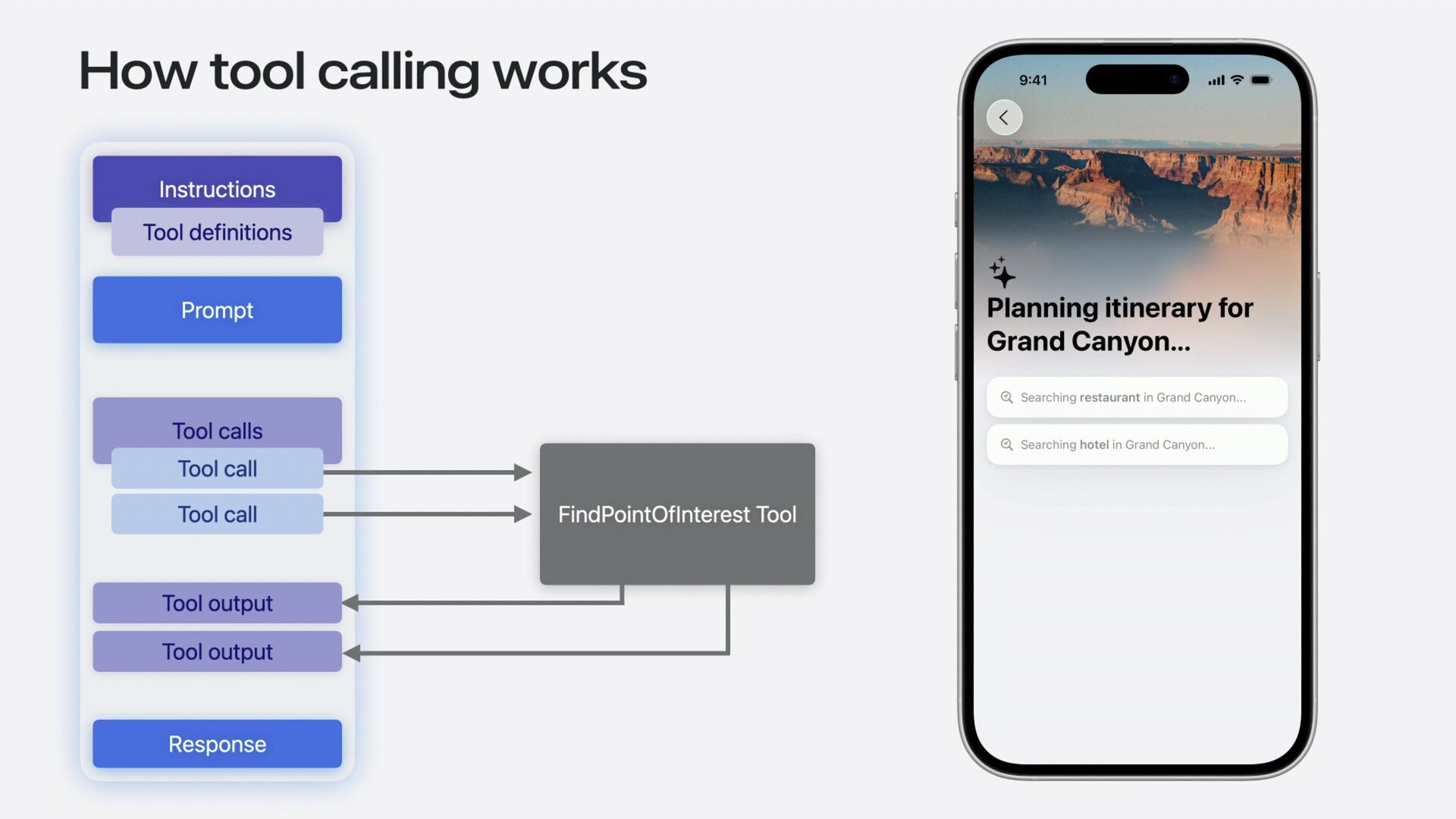
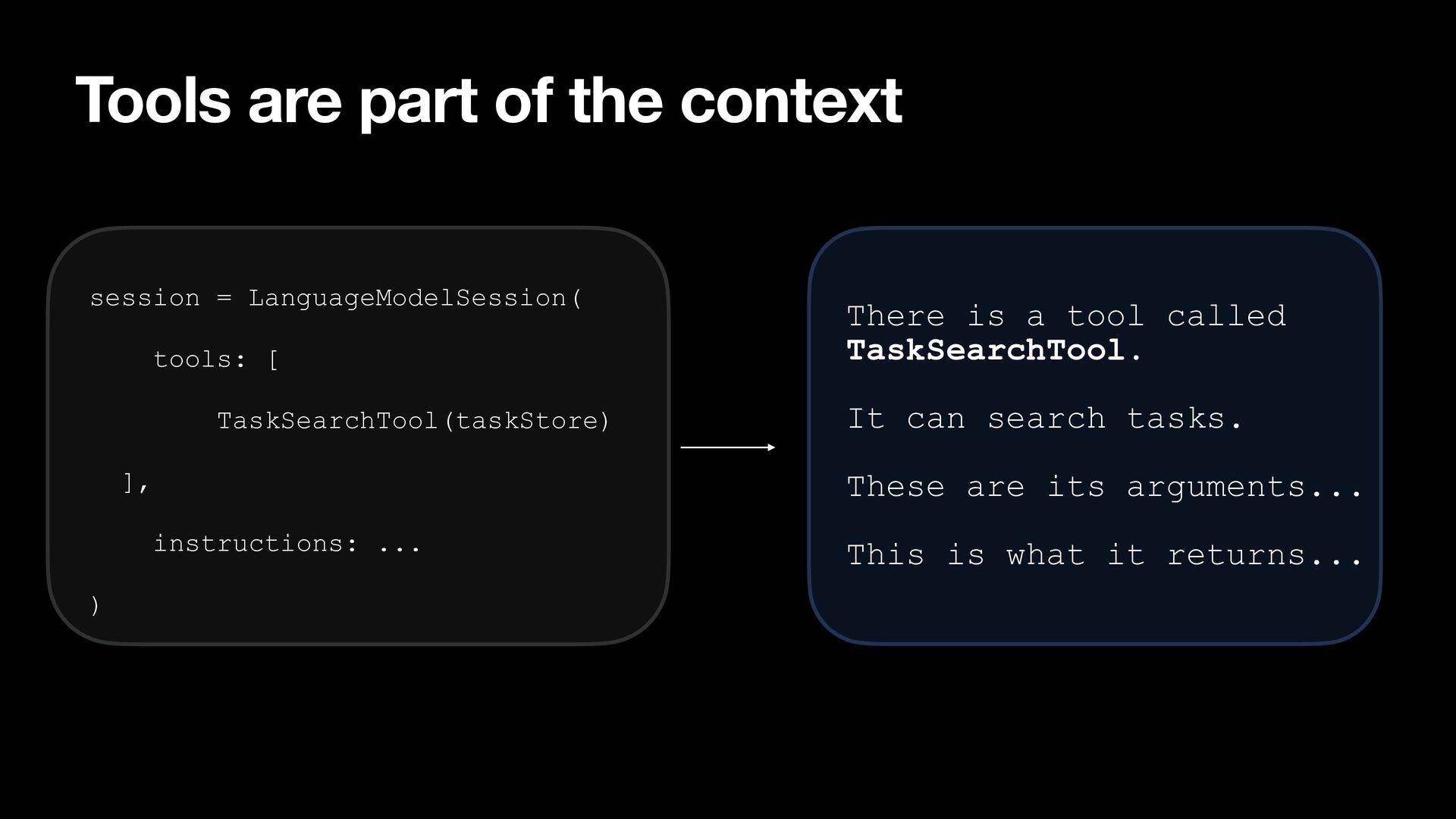
  55. Tools are part of the context session = LanguageModelSession( tools:

    [ TaskSearchTool(taskStore) ], It can search tasks. These are its arguments... instructions: ... ) There is a tool called TaskSearchTool. This is what it returns...
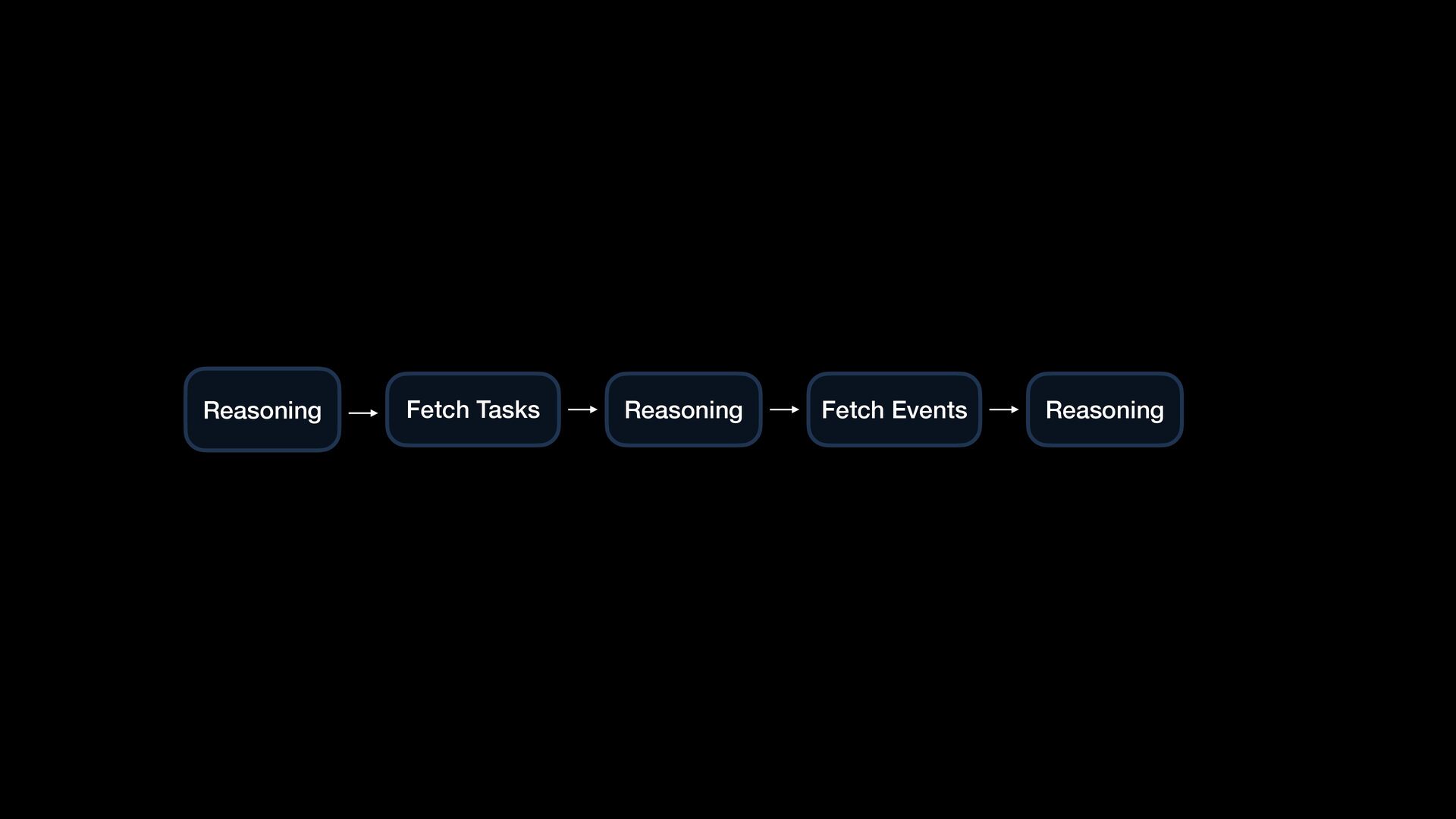
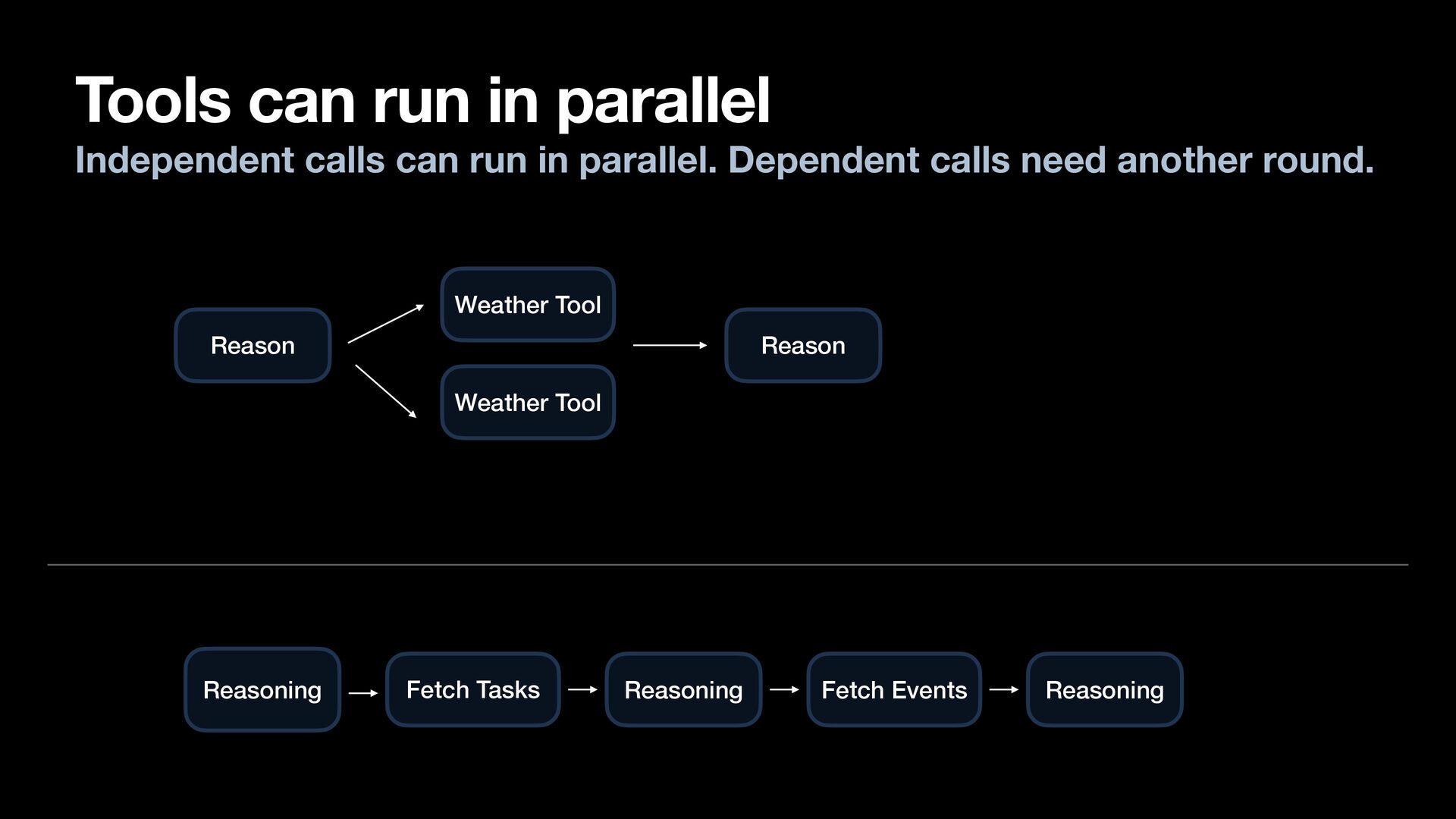
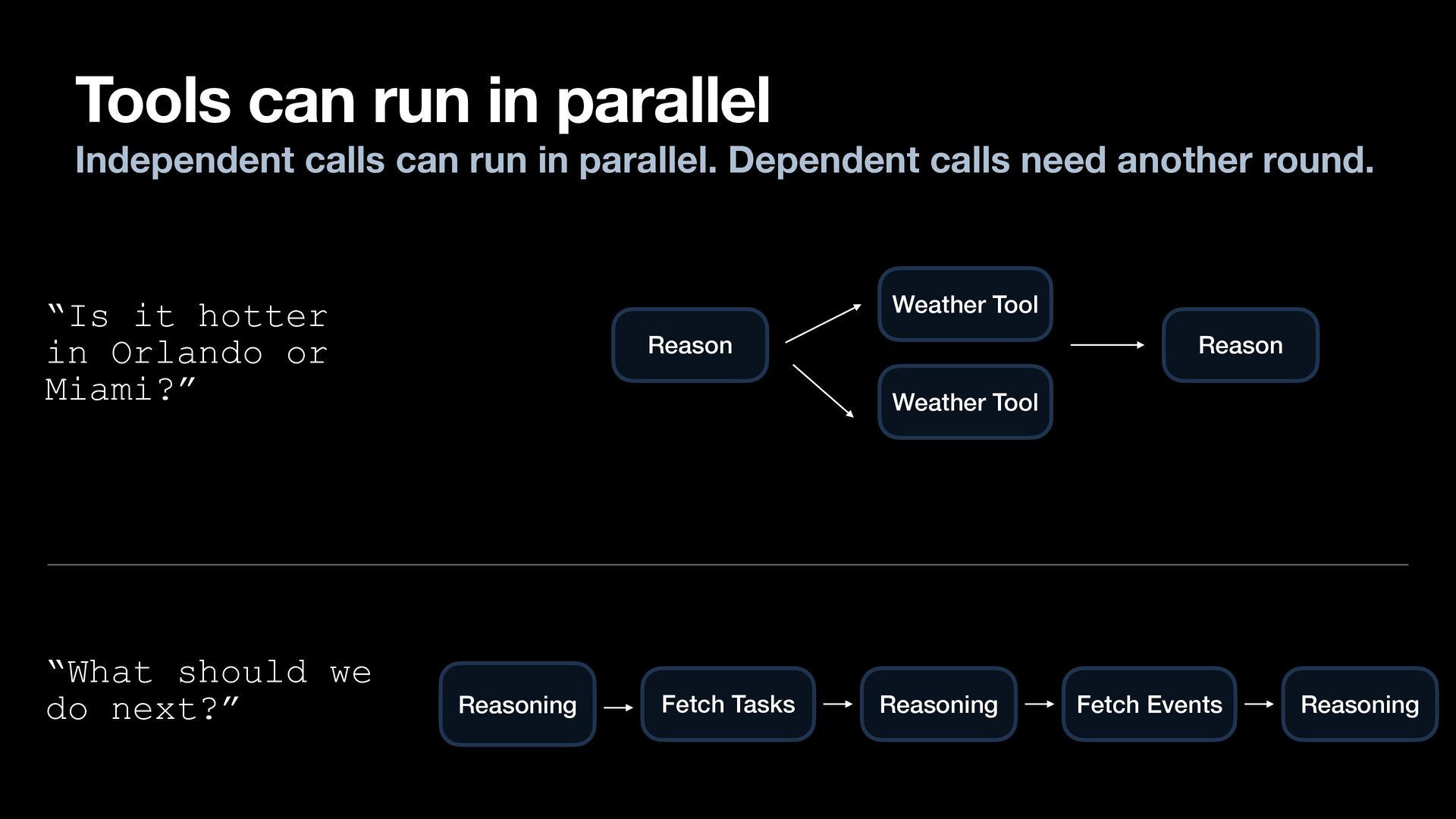
  56. Tools can run in parallel Independent calls can run in

    parallel. Dependent calls need another round. Weather Tool Reason Reason Weather Tool Reasoning Fetch Tasks Reasoning Fetch Events Reasoning
  57. Tools can run in parallel Independent calls can run in

    parallel. Dependent calls need another round. Weather Tool “Is it hotter in Orlando or Miami?” “What should we do next?” Reason Reason Weather Tool Reasoning Fetch Tasks Reasoning Fetch Events Reasoning
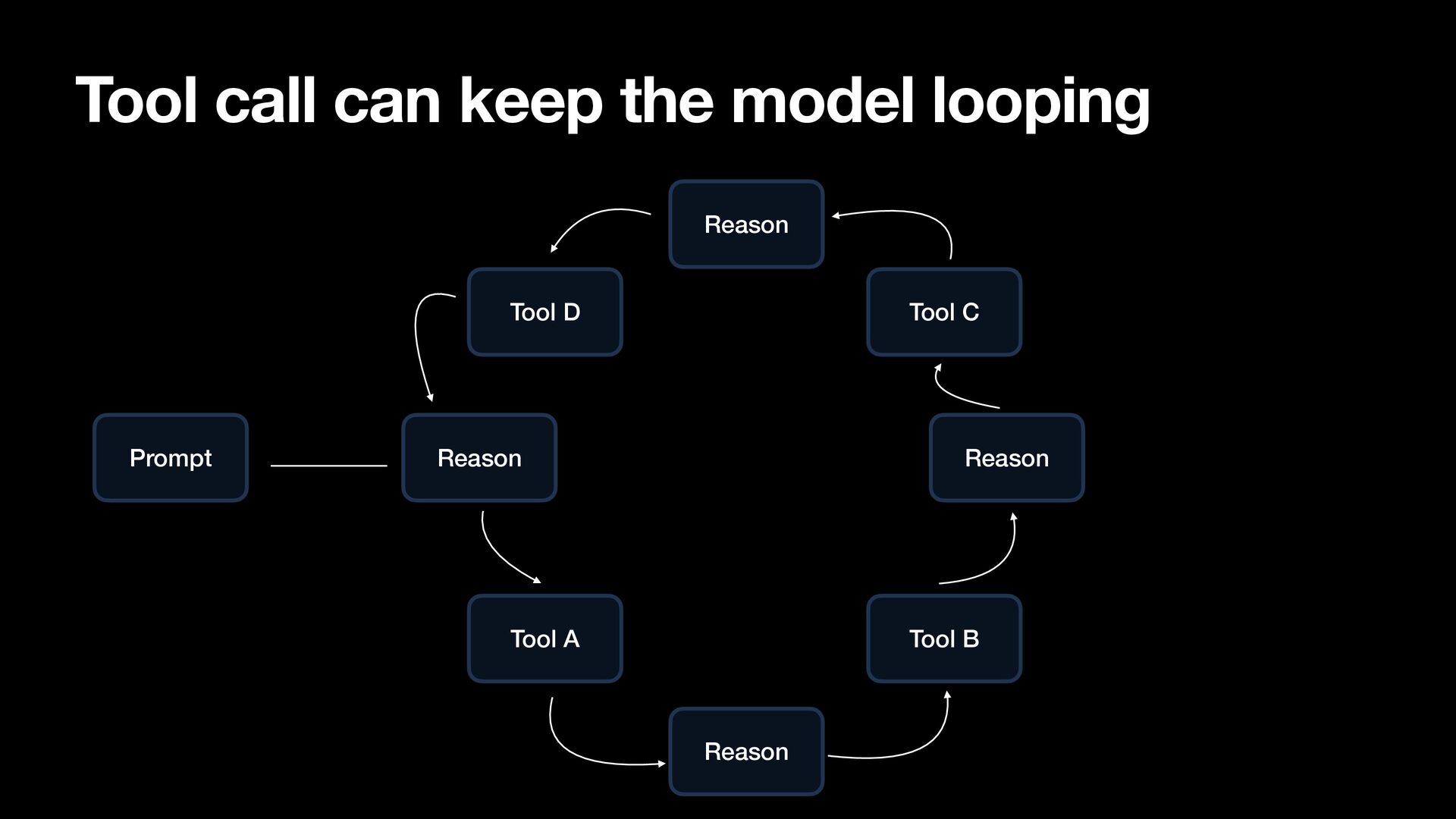
  58. Tool call can keep the model looping Reason Tool D

    Prompt Tool C Reason Reason Tool A Tool B Reason
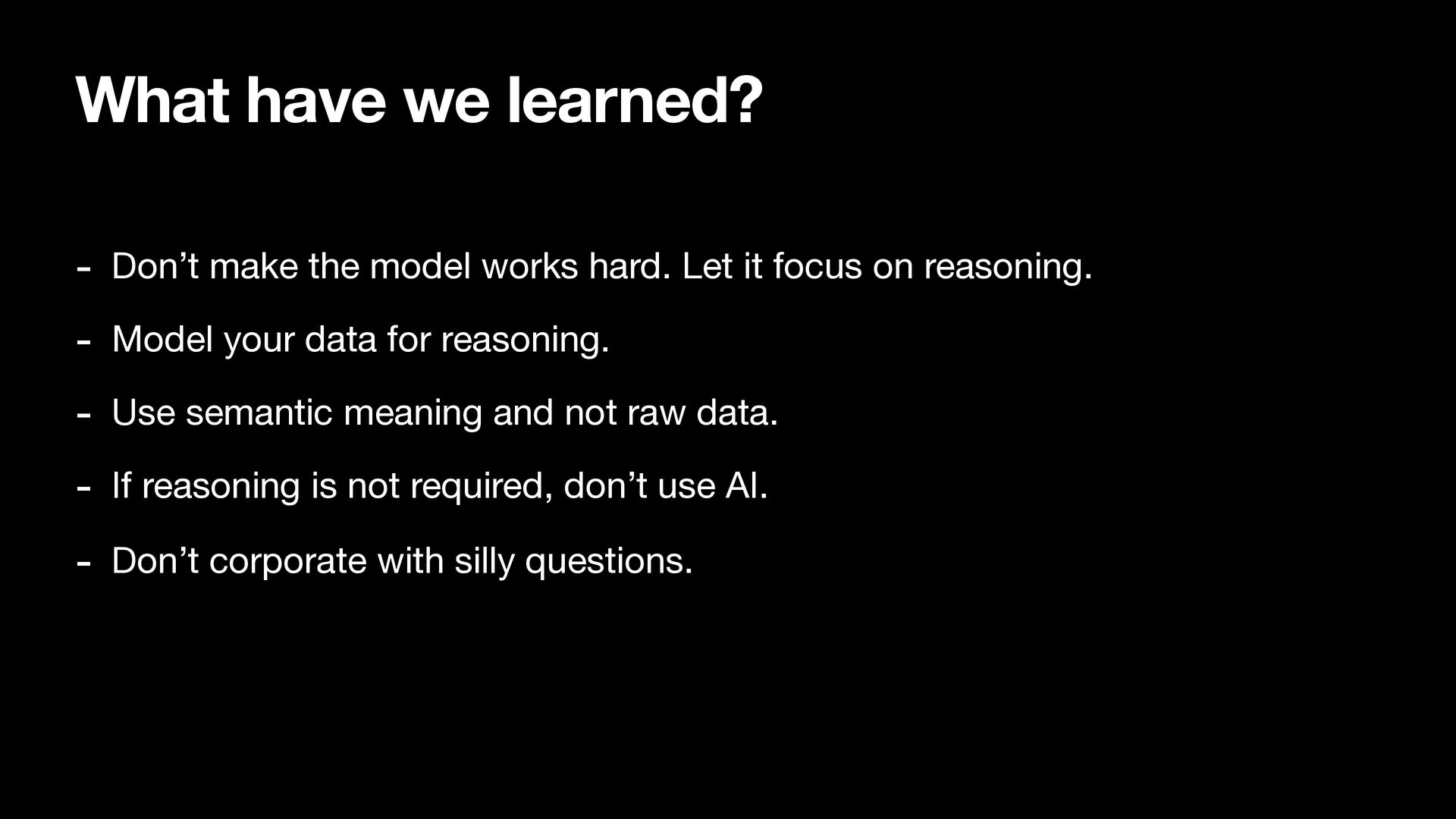
  59. What have we learned? - Don’t make the model works

    hard. Let it focus on reasoning. - Model your data for reasoning. - Use semantic meaning and not raw data. - If reasoning is not required, don’t use AI. - Don’t corporate with silly questions.