Upgrade to Pro
— share decks privately, control downloads, hide ads and more …
Speaker Deck
Sign up for free
Menu
Search
Features
All features
Private URLs
Password Protection
Custom URLS
Scheduled publishing
Remove Branding
Restrict embedding
Deck Collections
Notes
Features
All features
Private URLs
Password Protection
Custom URLS
Scheduled publishing
Remove Branding
Restrict embedding
Deck Collections
Notes
Explore
Featured decks
Featured speakers
Programming
Technology
Storyboards
Explore
Featured decks
Featured speakers
Programming
Technology
Storyboards
Pricing
Search
Sign in
Sign up for free
Création et gestion d'un serveur web (base)
Search
Bardyl
January 13, 2014
36
0
Share
Embed
Copy iframe code
Copy JS code
Copy link
Start on current slide
Création et gestion d'un serveur web (base)
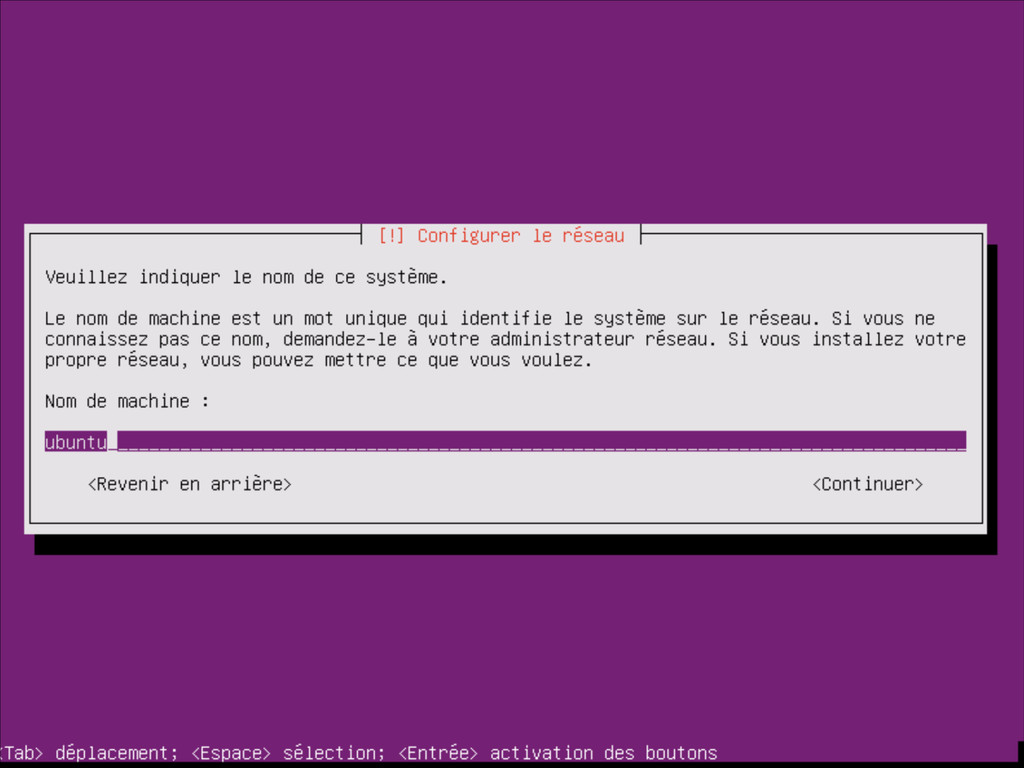
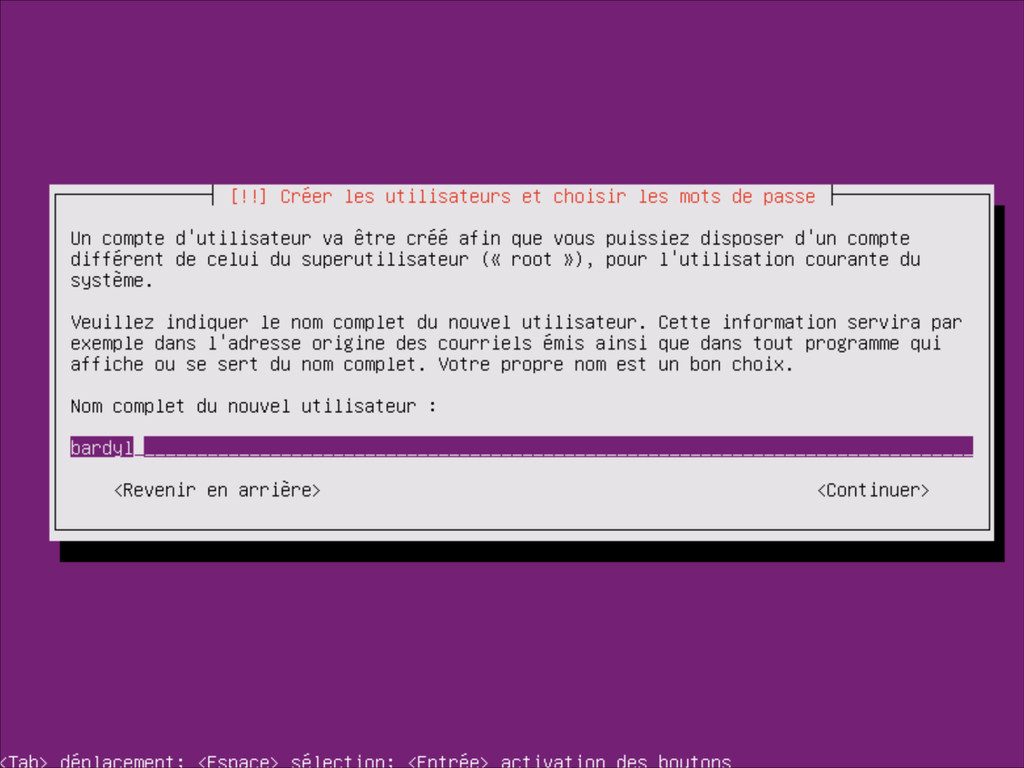
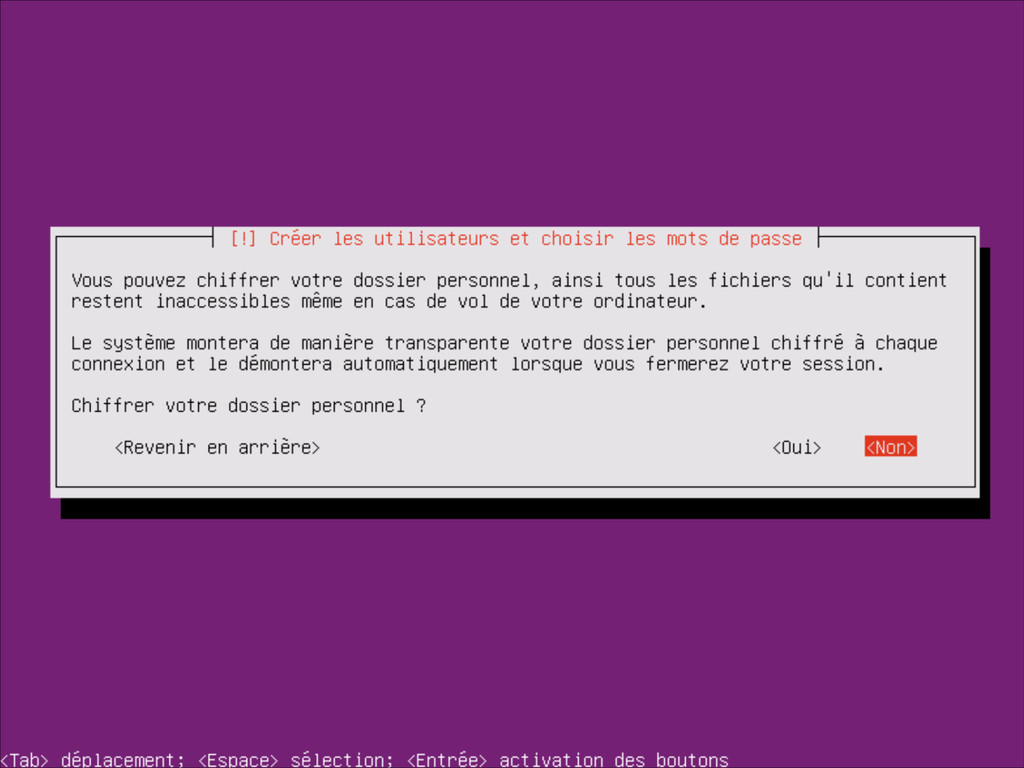
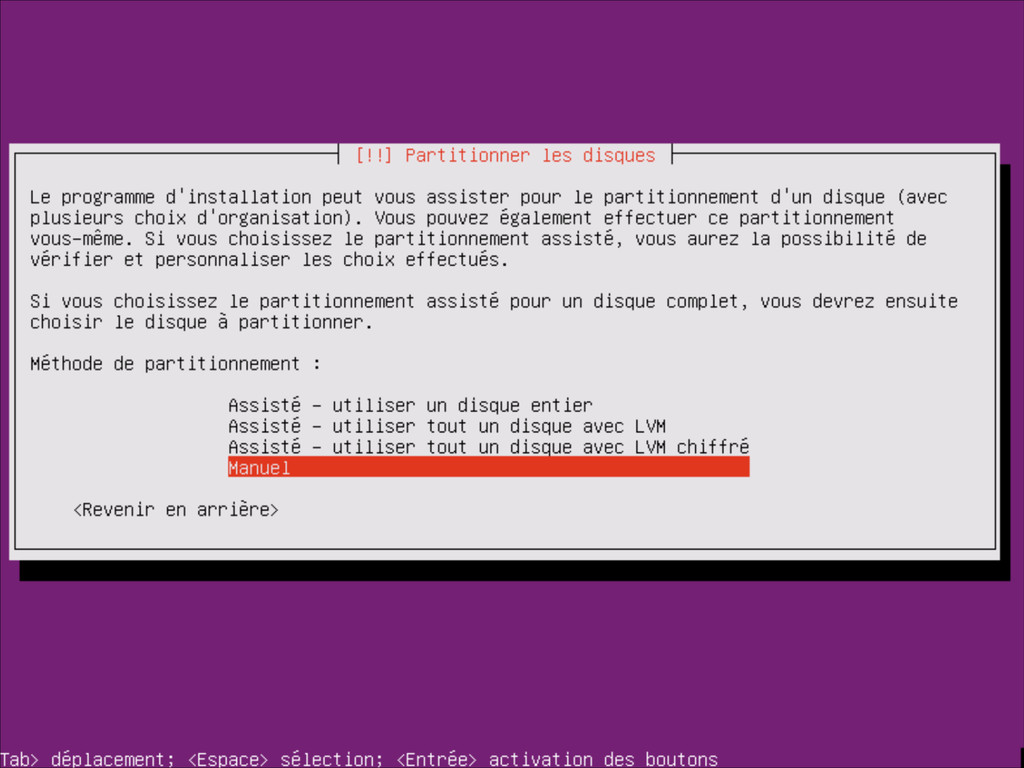
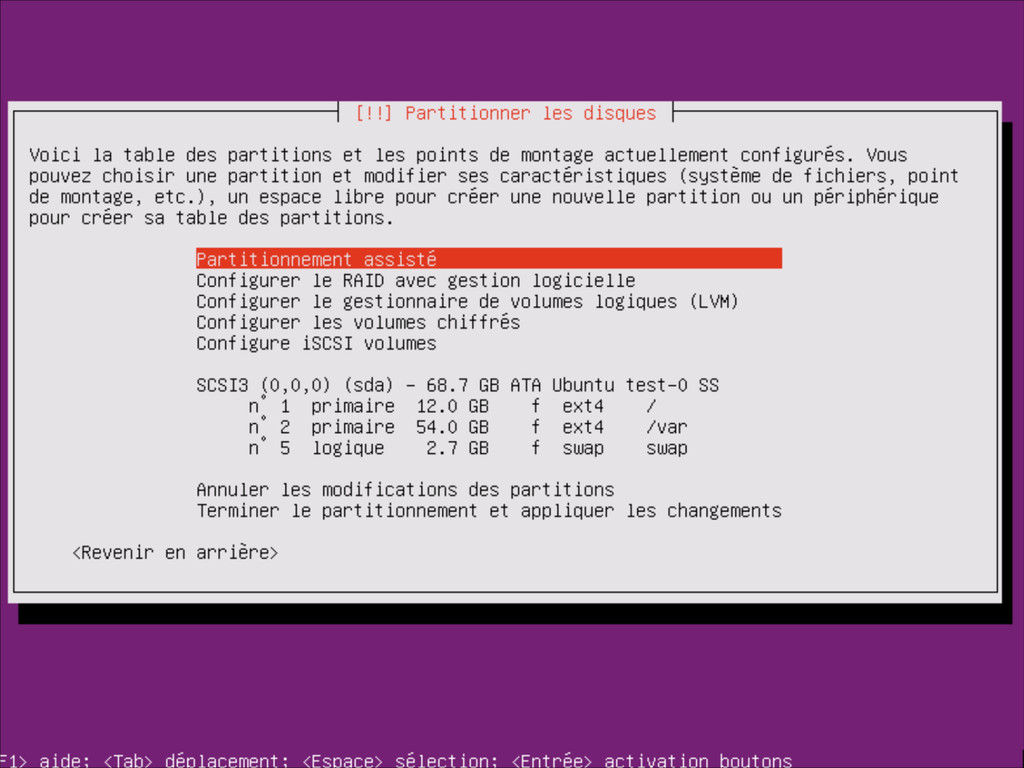
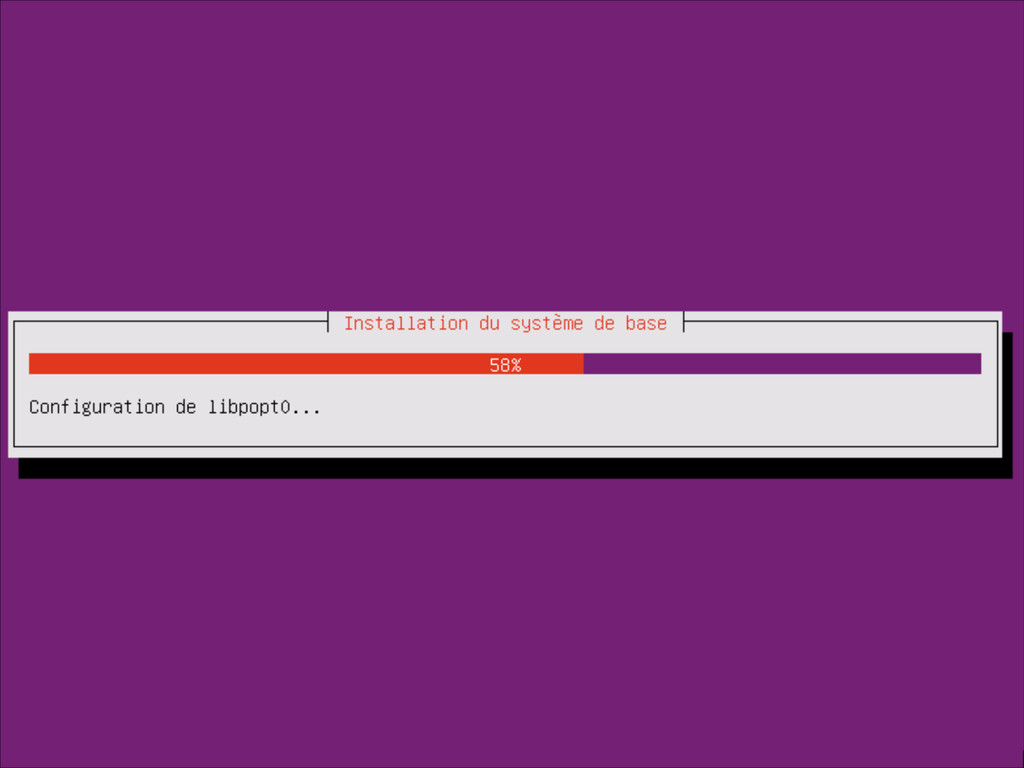
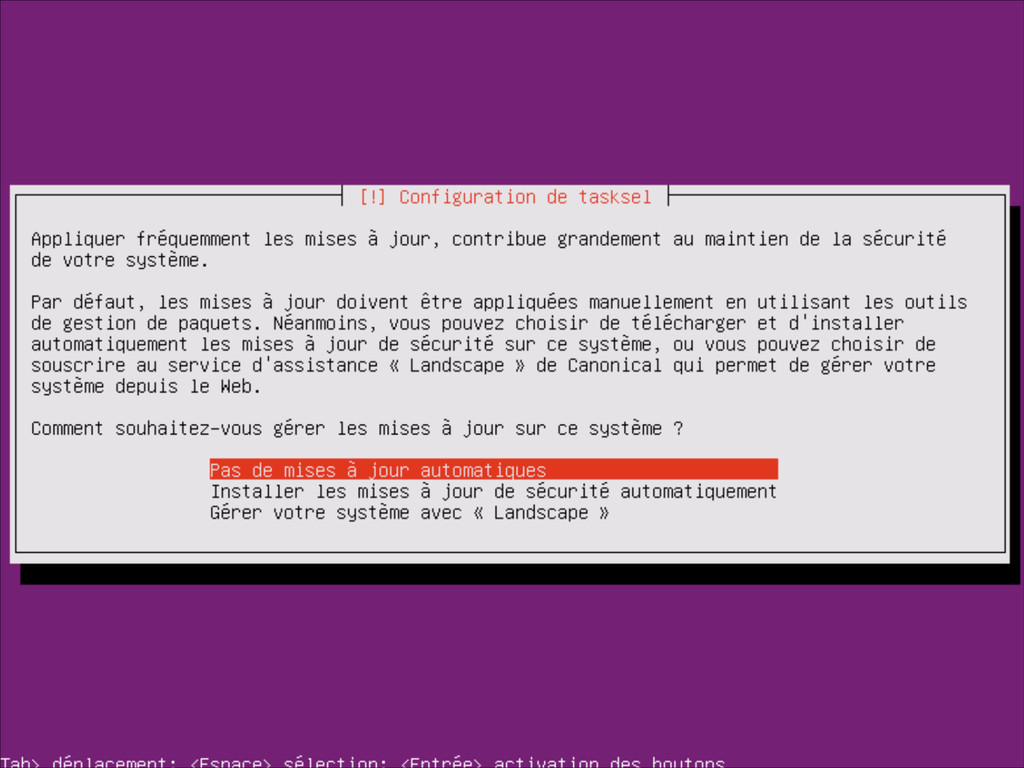
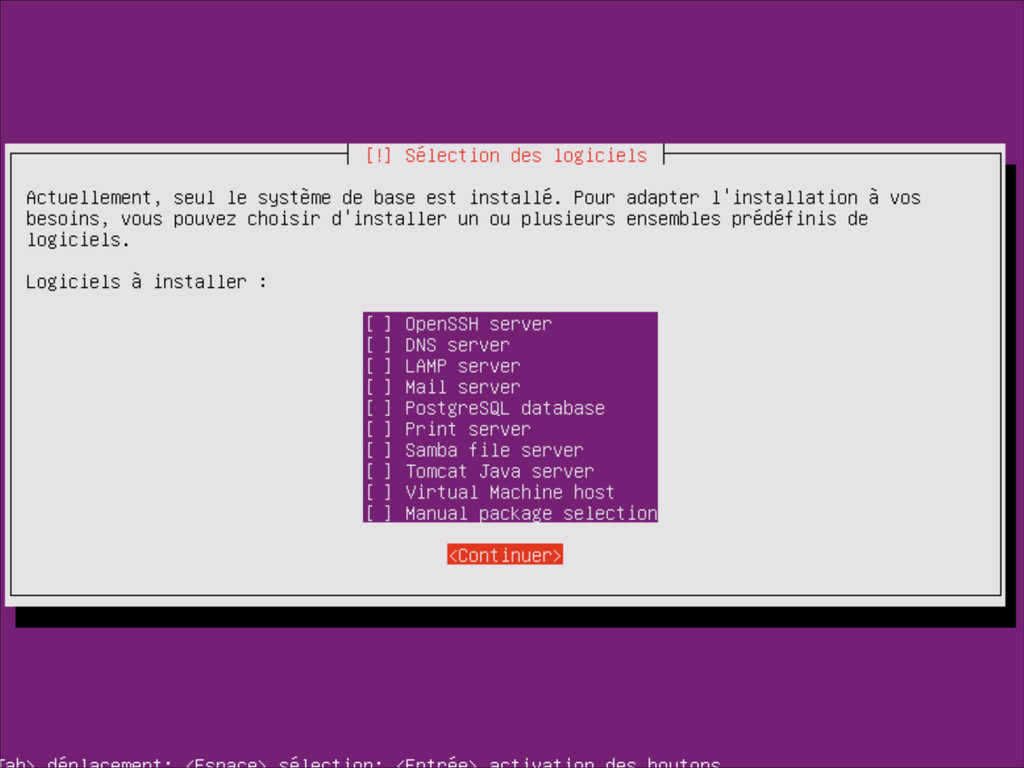
Process de l'installation d'un serveur dédié sous Ubuntu 12.04 LTS (base)
Bardyl
January 13, 2014
More Decks by Bardyl
See All by Bardyl
Synerghetic.pdf
bardyl
0
58
Featured
See All Featured
Paper Plane
katiecoart
PRO
5
54k
Music & Morning Musume
bryan
48
7.4k
Designing for Timeless Needs
cassininazir
1
530
Scaling GitHub
holman
464
140k
From π to Pie charts
rasagy
1
400
Marketing to machines
jonoalderson
1
5.9k
Improving Core Web Vitals using Speculation Rules API
sergeychernyshev
21
1.7k
The World Runs on Bad Software
bkeepers
PRO
72
12k
How To Stay Up To Date on Web Technology
chriscoyier
790
250k
Have SEOs Ruined the Internet? - User Awareness of SEO in 2025
akashhashmi
0
520
Art, The Web, and Tiny UX
lynnandtonic
304
22k
Thoughts on Productivity
jonyablonski
76
5.4k
Transcript
Création et gestion d'un serveur web ! (sous Linux, parce
qu'il ne faut pas déconner) @Bardylette Présentation sous licence CC BY-NC
None
None
12.04 LTS
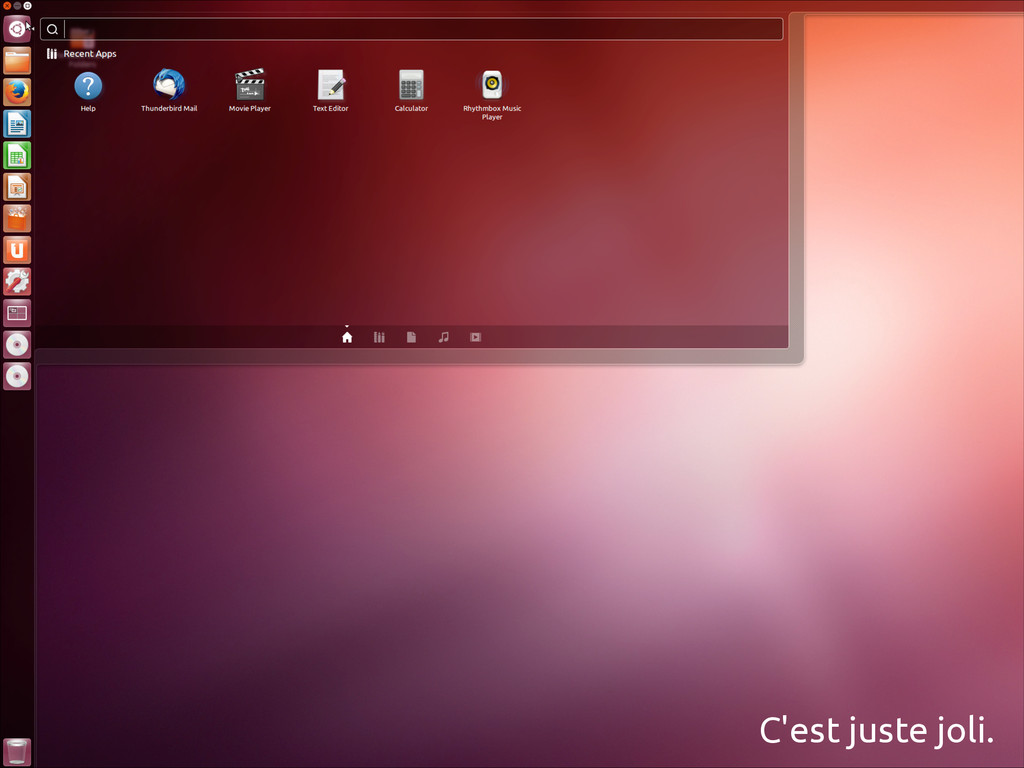
C'est juste joli.
None
Le programme ! Installation La ligne de commande : base
de tout Le serveur web : Apache2 Utiliser PHP et MySQL La sécurité (Ouais) Bonus : un serveur FTP
Des questions ?
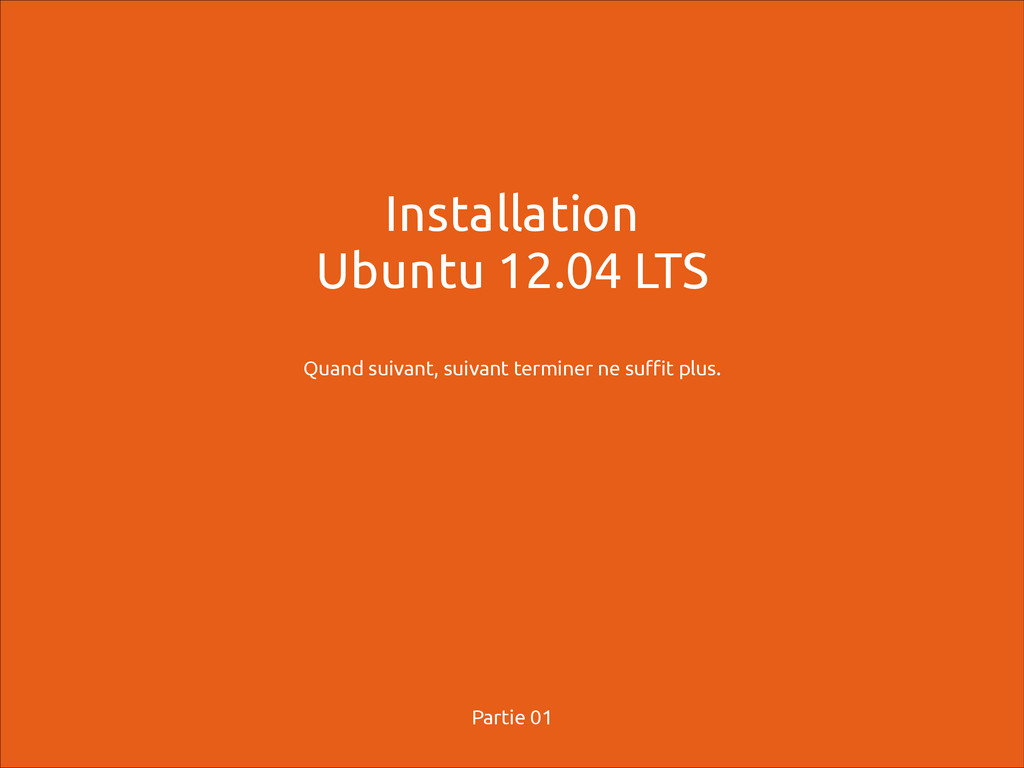
Installation Ubuntu 12.04 LTS ! Quand suivant, suivant terminer ne
suffit plus. Partie 01
None
None
None
None
None
None
None
None
None
None
None
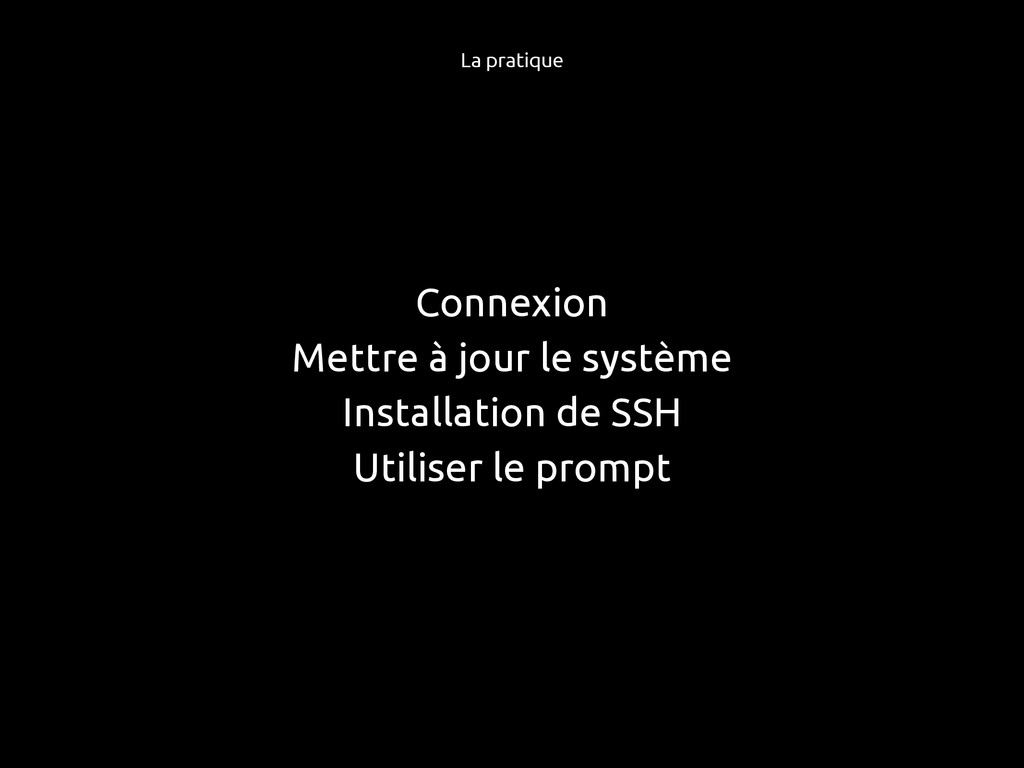
Connexion Mettre à jour le système Installation de SSH Utiliser
le prompt La pratique
Le merveilleux monde de la ligne de commande ! Quand
le noir et blanc vont régir votre vie. Partie 02
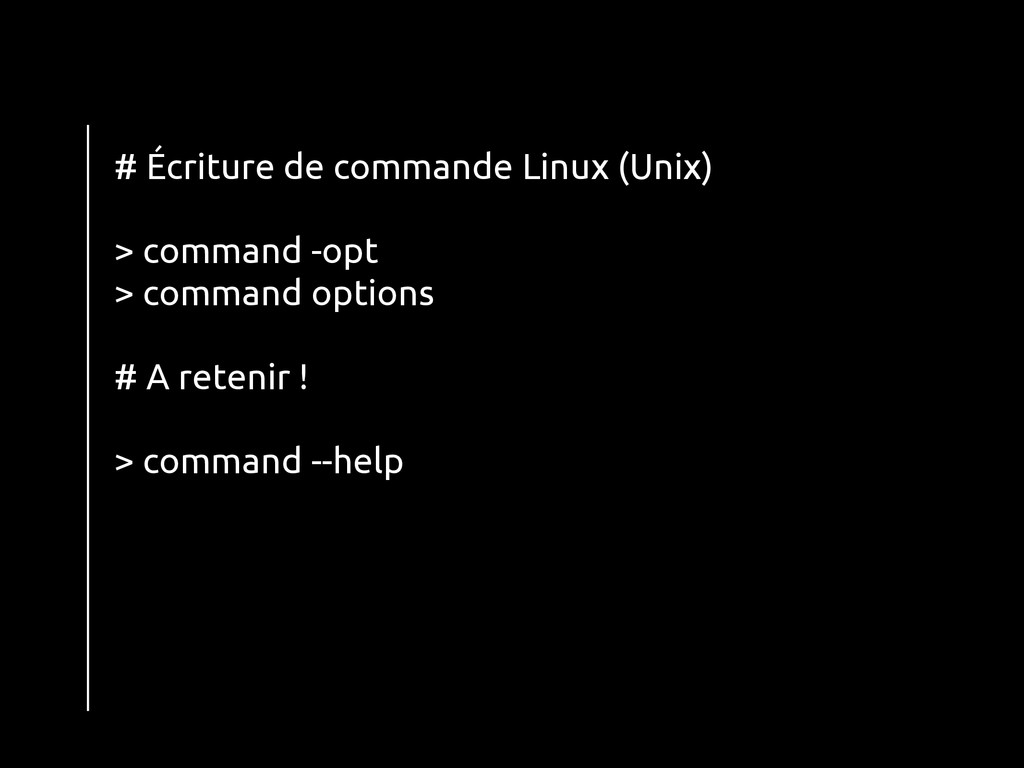
# Écriture de commande Linux (Unix) ! > command -opt
> command options ! # A retenir ! ! > command --help
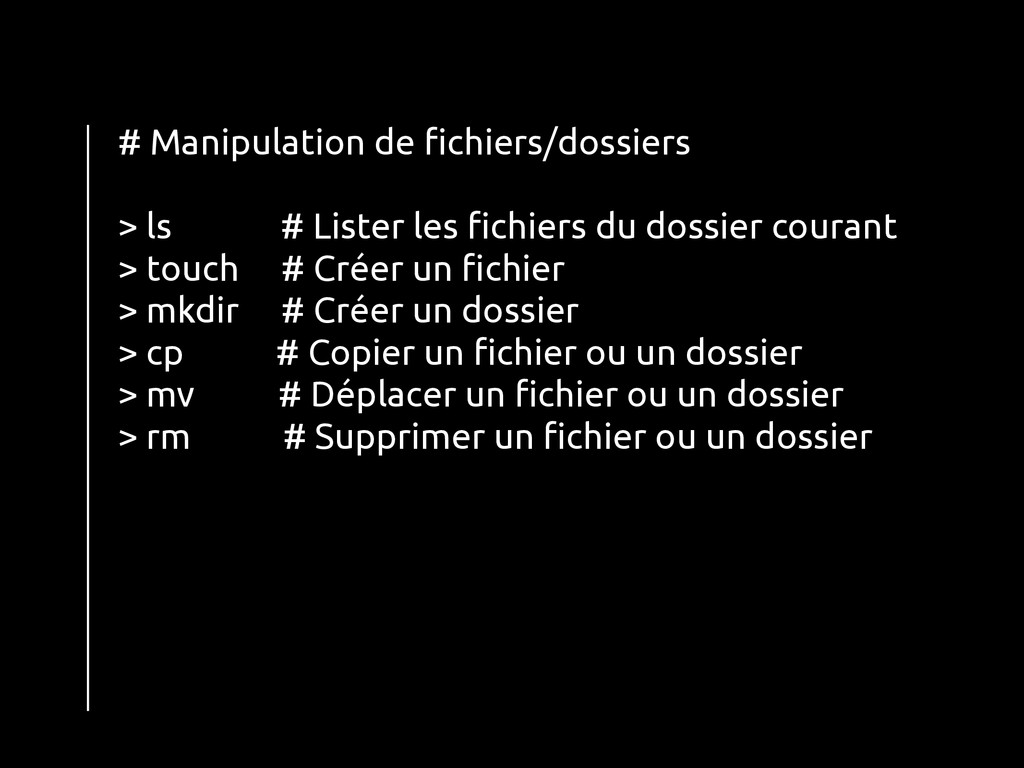
# Manipulation de fichiers/dossiers ! > ls # Lister les
fichiers du dossier courant > touch # Créer un fichier > mkdir # Créer un dossier > cp # Copier un fichier ou un dossier > mv # Déplacer un fichier ou un dossier > rm # Supprimer un fichier ou un dossier
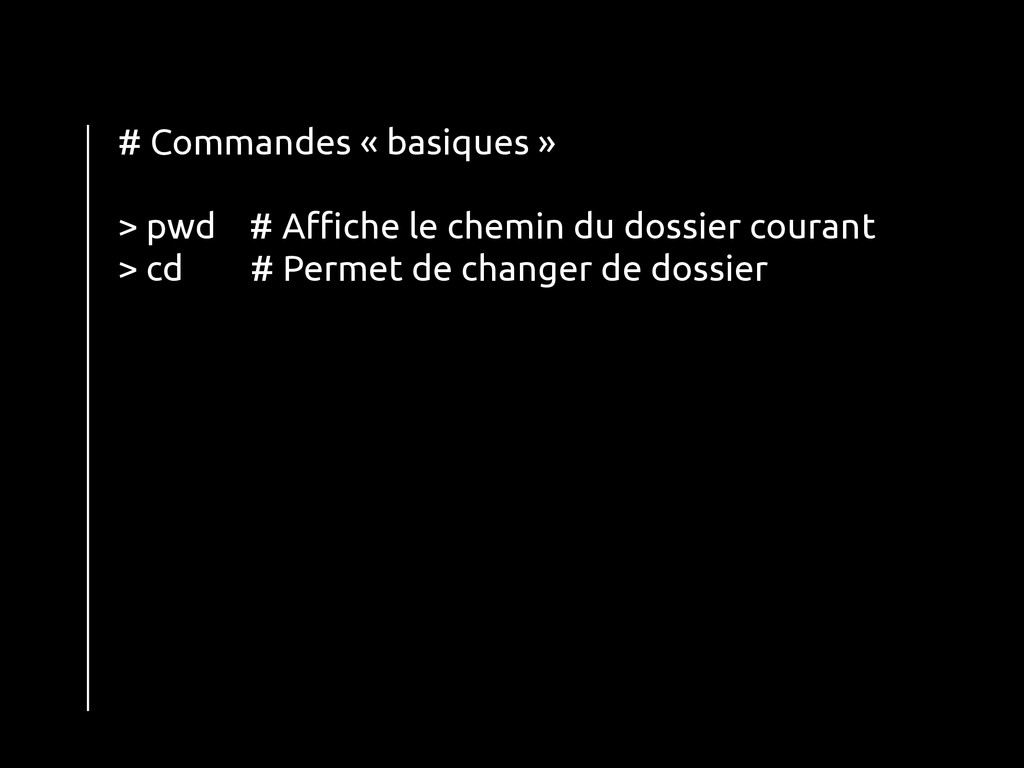
# Commandes « basiques » ! > pwd # Affiche
le chemin du dossier courant > cd # Permet de changer de dossier !
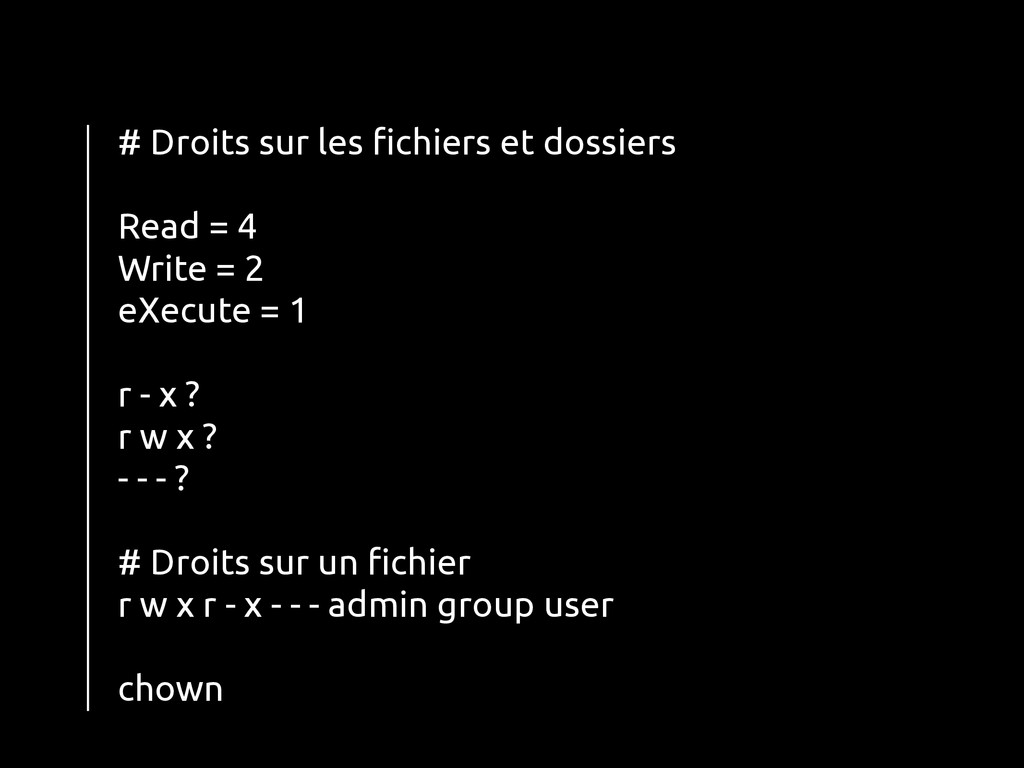
# Droits sur les fichiers et dossiers ! Read =
4 Write = 2 eXecute = 1 ! r - x ? r w x ? - - - ? ! # Droits sur un fichier r w x r - x - - - admin group user ! chown !
Éditer un fichier Vi ou nano ?
Apache2 ! * Wou wou wou wou * Partie 03
PHP, MySQL (et technos back) ! Les mains dans le
cambouis Partie 04
Sécurité ! La plus grosse faille, c’”⁹est vous ! Partie
05


 bardyl
 katiecoart
 bryan
bryan
 cassininazir
 holman
 rasagy
 jonoalderson
 sergeychernyshev
 bkeepers
 chriscoyier
 akashhashmi
 lynnandtonic
 jonyablonski