Upgrade to Pro — share decks privately, control downloads, hide ads and more …

Surviving OBIA: Tips from an OBIA Veteran

Sponsored · SiteGround - Reliable hosting with speed, security, and support you can count on.
Avatar for Becky Wagner Becky Wagner
December 04, 2017

Surviving OBIA: Tips from an OBIA Veteran

Oracle Business Intelligence Applications (OBIA) implementations are no small task. This session builds on experience gained over many years with multiple clients, systems and usage scenarios. From small proof-of-concept environments to large distributed deployments of OBIA, the ability to navigate, diagnose, comprehend and troubleshoot problems is a key skill. Join me in this presentation to dive into OBIA. We will take a look at my plentiful bag of tricks. Configuration options, scripts to analyze performance, a look at the 'black boxes' of the BIA metadata repository and the load plan generator, and more! This is not *just* a technical geek-only session. Whether you are a manager running an existing project, an executive considering a new initiative or a developer eager deepen your knowledge - these are real life tools and methodologies used on real life OBIA projects that you can take with you for your own environments.

Avatar for Becky Wagner

Becky Wagner

December 04, 2017
Tweet

Other Decks in Technology

Transcript

  1. 2 BECKY WAGNER WHO AM I? § Wife and mother

    of 3 (ages 16, 13, and 8) § 2nd degree black belt in Tae Kwon Do § Red Cross Blood Drive Coordinator § ODTUG BI Community Leader § Data Integrator Lead § 13 years in IT § 7 years in Data Warehousing § Started in a call center doing DSL technical support § Email: [email protected] § Twitter: @Bec_Wagner § LinkedIn: https://www.linkedin.com/in/rebecca-wagner-bb356924/
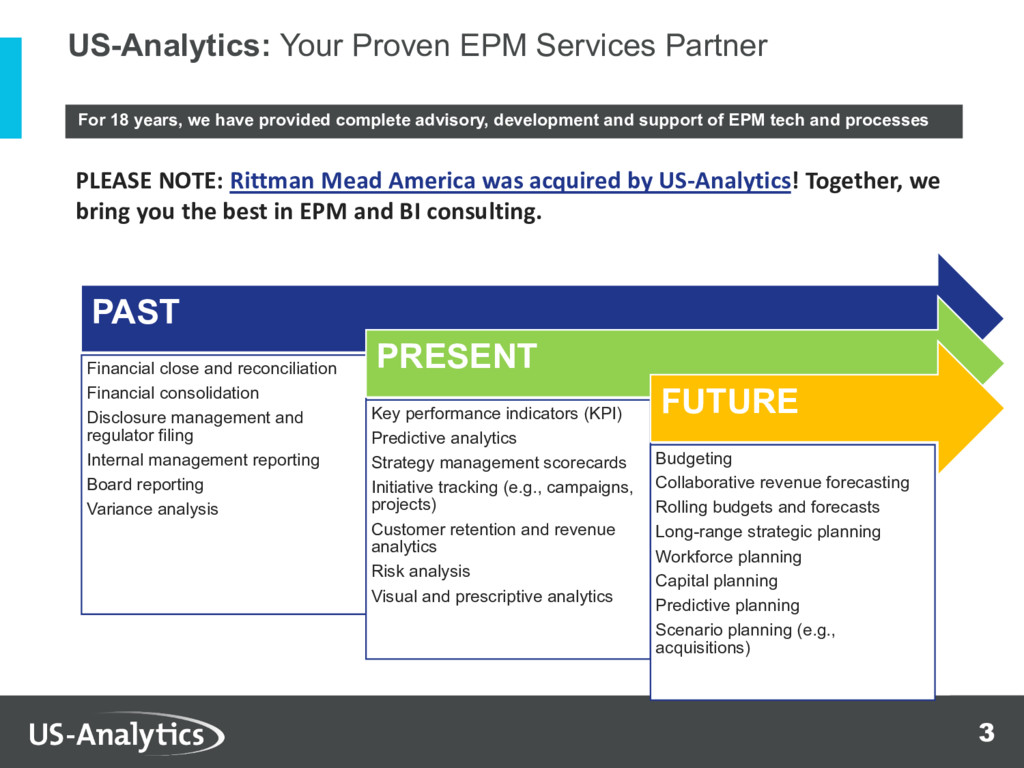
  2. 3 For 18 years, we have provided complete advisory, development

    and support of EPM tech and processes PAST Financial close and reconciliation Financial consolidation Disclosure management and regulator filing Internal management reporting Board reporting Variance analysis PRESENT Key performance indicators (KPI) Predictive analytics Strategy management scorecards Initiative tracking (e.g., campaigns, projects) Customer retention and revenue analytics Risk analysis Visual and prescriptive analytics FUTURE Budgeting Collaborative revenue forecasting Rolling budgets and forecasts Long-range strategic planning Workforce planning Capital planning Predictive planning Scenario planning (e.g., acquisitions) US-Analytics: Your Proven EPM Services Partner PLEASE NOTE: Rittman Mead America was acquired by US-Analytics! Together, we bring you the best in EPM and BI consulting.
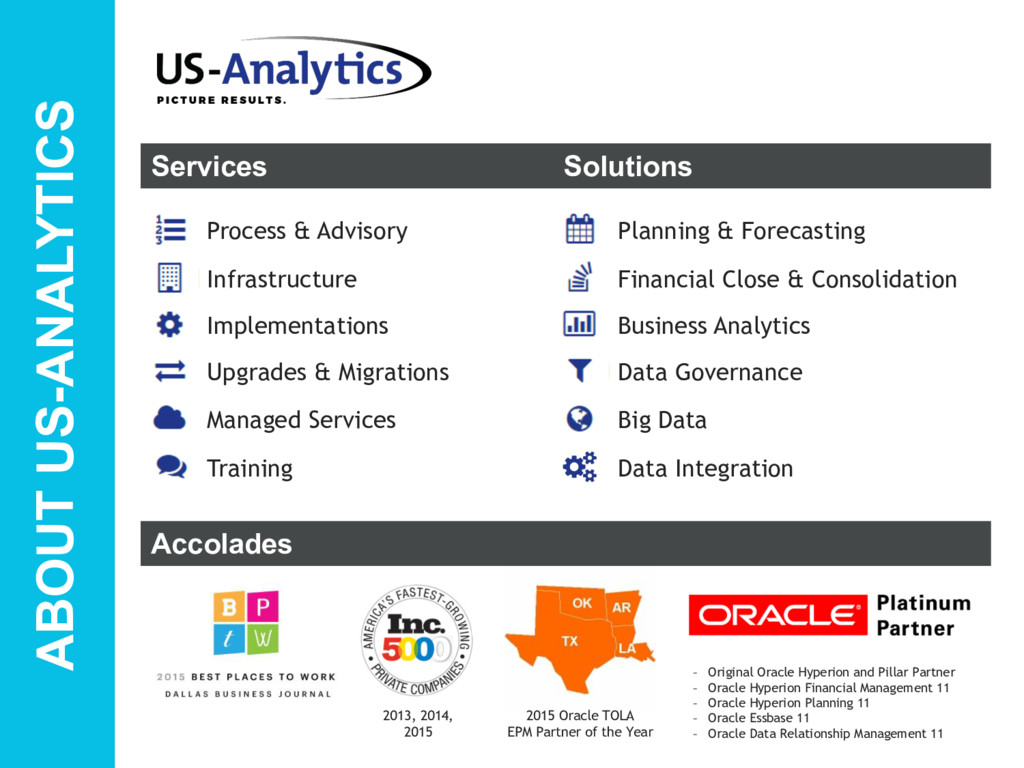
  3. ABOUT US-ANALYTICS Managed Services Upgrades & Migrations Implementations Infrastructure Process

    & Advisory Services Big Data Data Governance Business Analytics Financial Close & Consolidation Planning & Forecasting Solutions Data Integration Training Accolades – Original Oracle Hyperion and Pillar Partner – Oracle Hyperion Financial Management 11 – Oracle Hyperion Planning 11 – Oracle Essbase 11 – Oracle Data Relationship Management 11 2013, 2014, 2015 2015 Oracle TOLA EPM Partner of the Year
  4. 5 TECHNOLOGY ENERGY FINANCIAL RETAIIL HEALTHCARE Sampling of EPM Clients

    (Project and Support) Approx. 100 Projects Annually
  5. 7 Installation § Certification Matrix is your friend ▶ Doc

    ID 1109255.1 § Follow the installation documentation ▶ https://docs.oracle.com/applications/biapps102/install/toc.htm
  6. 8 Installation § Post Installation Steps ▶ Trim that RPD

    ▶ Optionally Trim ODI - Doc ID 1970123.1 § Configuration Manager (BIACM)– Two Options ▶ Minimal for Proof of Concept ▶ Complete for module
  7. 10 § Security - use Active Directory Troubleshooting ODI OBIEE

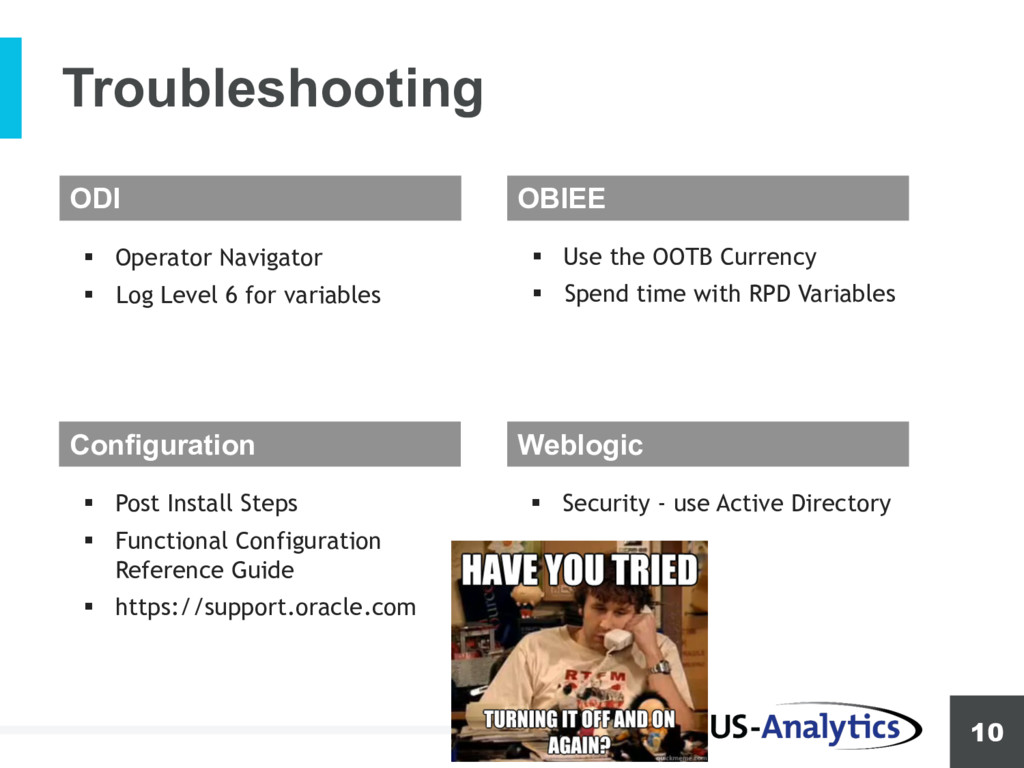
    Configuration Weblogic § Operator Navigator § Log Level 6 for variables § Use the OOTB Currency § Spend time with RPD Variables § Post Install Steps § Functional Configuration Reference Guide § https://support.oracle.com
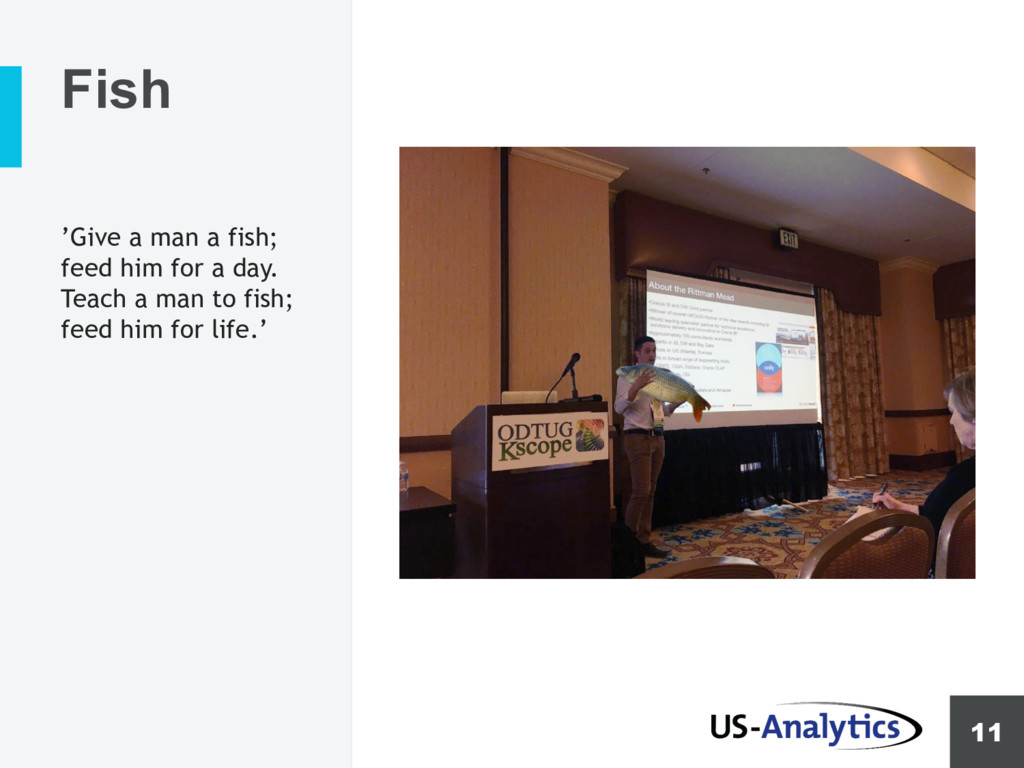
  8. 11 ’Give a man a fish; feed him for a

    day. Teach a man to fish; feed him for life.’ Fish
  9. 12 § Adjust JVM settings § WLS settings for Connection

    pool Performance ODI OBIEE Configuration Weblogic § Partitioning § https://blogs.oracle.com/biap ps/fact-table-partitioning- with-oracle-bi-applications § Usage Tracking § Build indexes based on usage § Only configure what is used § Load plan generator, uncheck fact groups not used
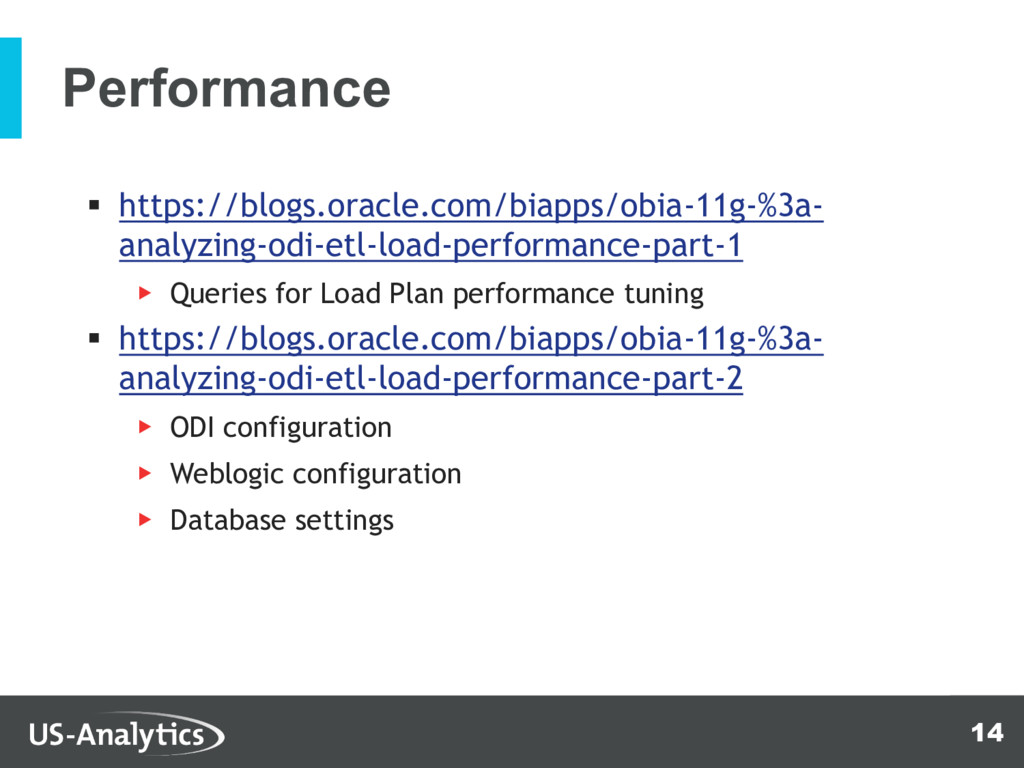
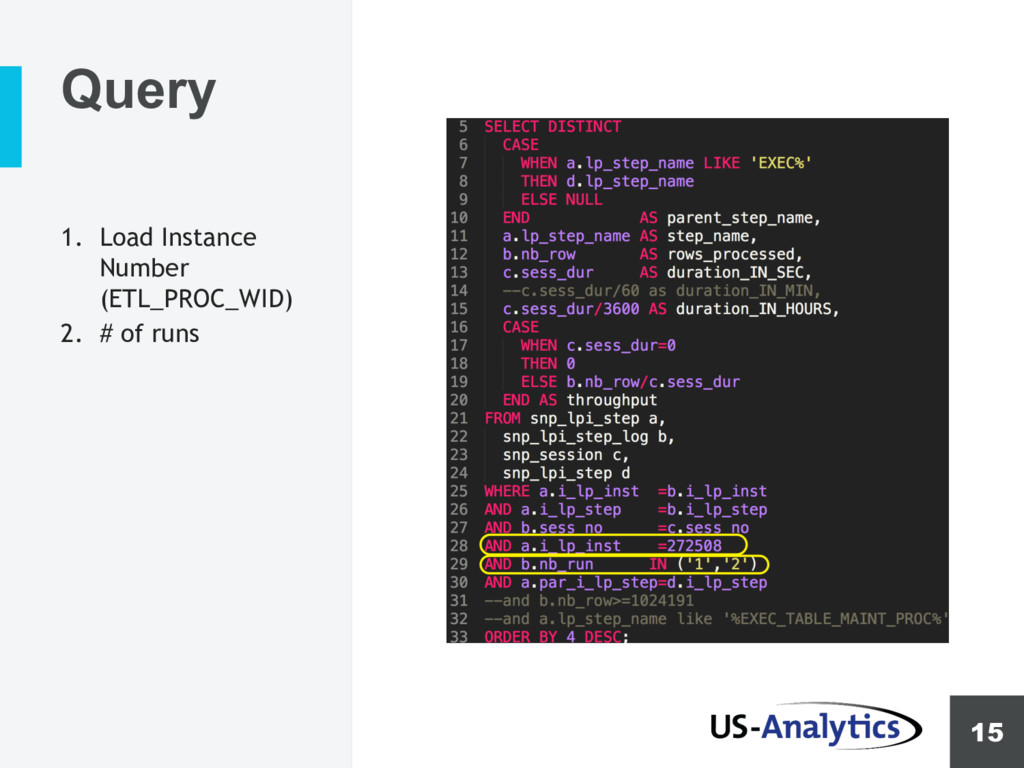
  10. 14 Performance § https://blogs.oracle.com/biapps/obia-11g-%3a- analyzing-odi-etl-load-performance-part-1 ▶ Queries for Load Plan

    performance tuning § https://blogs.oracle.com/biapps/obia-11g-%3a- analyzing-odi-etl-load-performance-part-2 ▶ ODI configuration ▶ Weblogic configuration ▶ Database settings
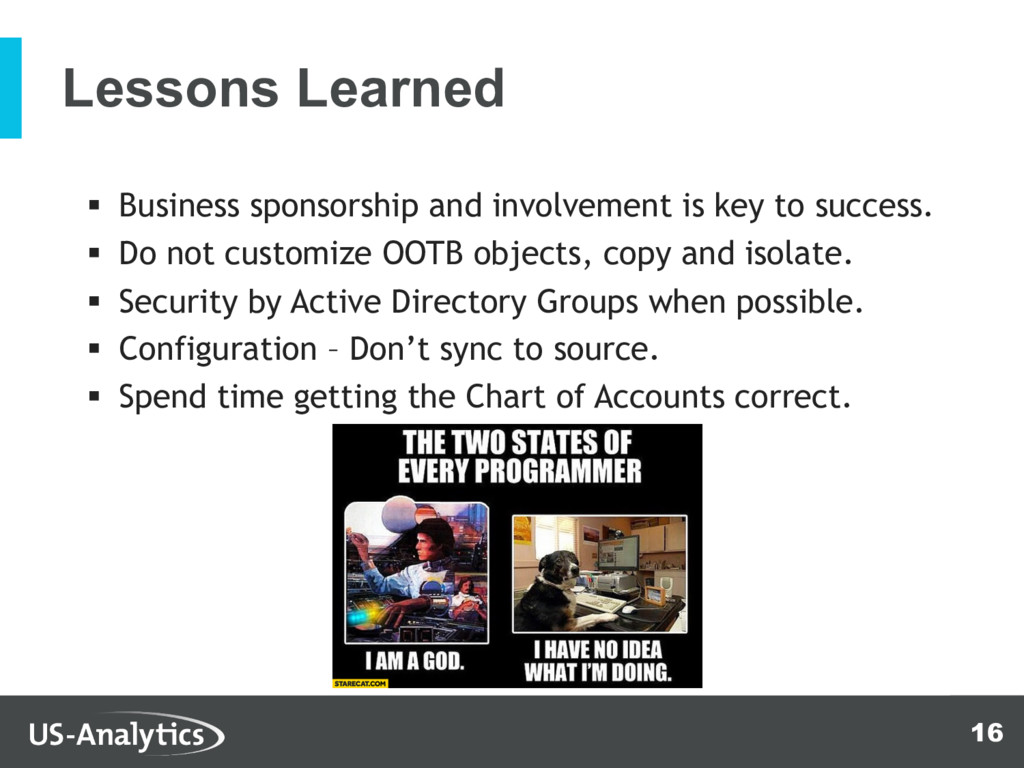
  11. 16 Lessons Learned § Business sponsorship and involvement is key

    to success. § Do not customize OOTB objects, copy and isolate. § Security by Active Directory Groups when possible. § Configuration – Don’t sync to source. § Spend time getting the Chart of Accounts correct.
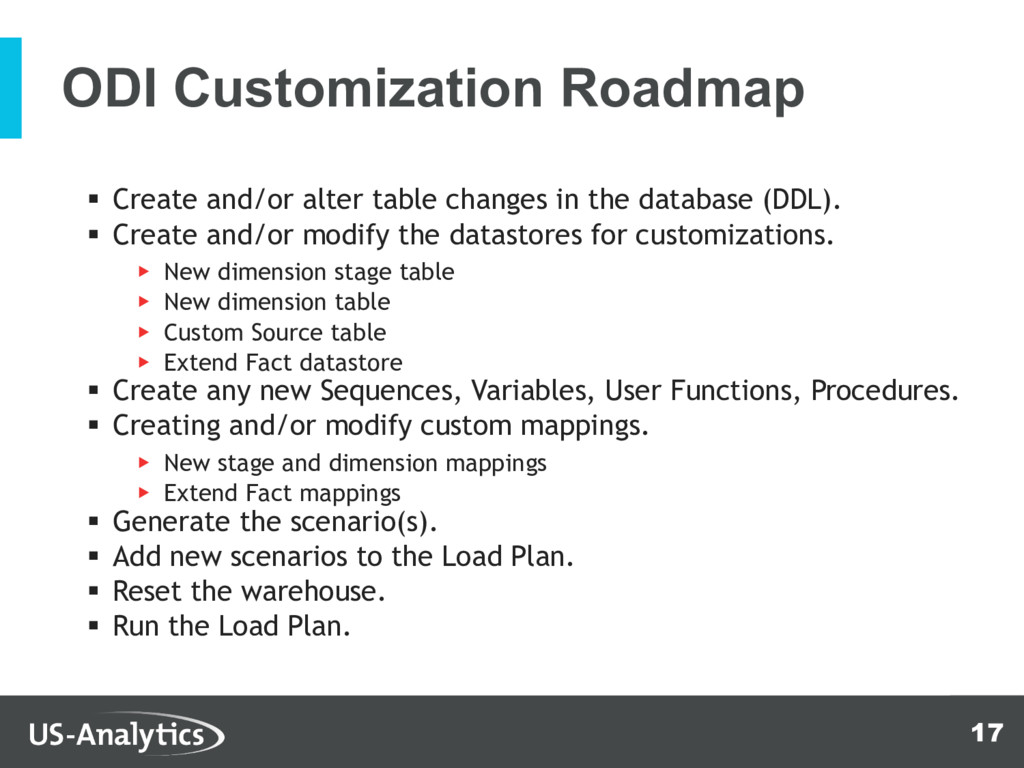
  12. 17 ODI Customization Roadmap § Create and/or alter table changes

    in the database (DDL). § Create and/or modify the datastores for customizations. ▶ New dimension stage table ▶ New dimension table ▶ Custom Source table ▶ Extend Fact datastore § Create any new Sequences, Variables, User Functions, Procedures. § Creating and/or modify custom mappings. ▶ New stage and dimension mappings ▶ Extend Fact mappings § Generate the scenario(s). § Add new scenarios to the Load Plan. § Reset the warehouse. § Run the Load Plan.
  13. 18 Maturity – CI and Automation § OBIEE and ODI

    Multi-Developer Concurrent Development. § GIT and Subversion § Automate using ODI SDK or Groovy.
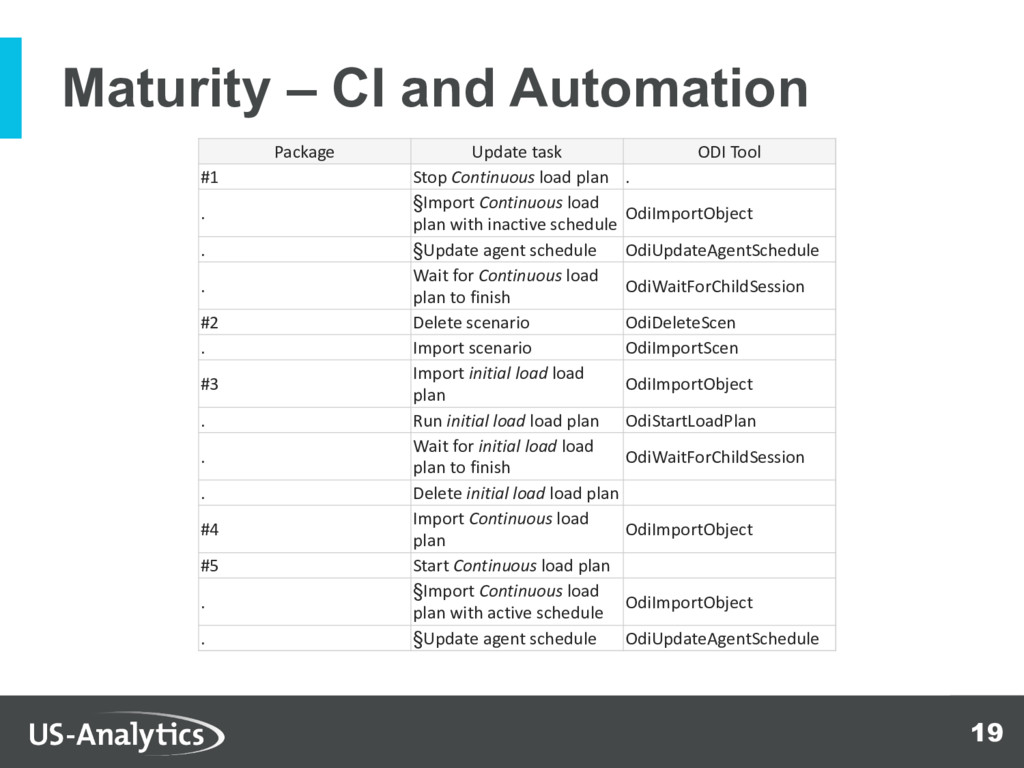
  14. 19 Maturity – CI and Automation Package Update task ODI

    Tool #1 Stop Continuous load plan . . §Import Continuous load plan with inactive schedule OdiImportObject . §Update agent schedule OdiUpdateAgentSchedule . Wait for Continuous load plan to finish OdiWaitForChildSession #2 Delete scenario OdiDeleteScen . Import scenario OdiImportScen #3 Import initial load load plan OdiImportObject . Run initial load load plan OdiStartLoadPlan . Wait for initial load load plan to finish OdiWaitForChildSession . Delete initial load load plan #4 Import Continuous load plan OdiImportObject #5 Start Continuous load plan . §Import Continuous load plan with active schedule OdiImportObject . §Update agent schedule OdiUpdateAgentSchedule