Upgrade to Pro
— share decks privately, control downloads, hide ads and more …
Speaker Deck
Sign up for free
Menu
Search
Features
All features
Private URLs
Password Protection
Custom URLS
Scheduled publishing
Remove Branding
Restrict embedding
Deck Collections
Notes
Features
All features
Private URLs
Password Protection
Custom URLS
Scheduled publishing
Remove Branding
Restrict embedding
Deck Collections
Notes
Explore
Featured decks
Featured speakers
Programming
Technology
Storyboards
Explore
Featured decks
Featured speakers
Programming
Technology
Storyboards
Pricing
Search
Sign in
Sign up for free
d3.js + mobile
Search
binx
August 10, 2012
4.4k
11
Share
Embed
Copy iframe code
Copy JS code
Copy link
Start on current slide
d3.js + mobile
binx
August 10, 2012
More Decks by binx
See All by binx
On the Importance of Iteration
binx
0
150
Designing for Spacecraft Operations
binx
2
670
Place and Space
binx
0
560
Error: Success
binx
0
570
Peak Visualization?
binx
1
640
The Data Visualization Hustle
binx
2
500
People, Not Users
binx
2
290
Data Collection and Memory
binx
1
270
The Road To Code
binx
1
440
Featured
See All Featured
Measuring Dark Social's Impact On Conversion and Attribution
stephenakadiri
2
310
What's in a price? How to price your products and services
michaelherold
247
13k
How to train your dragon (web standard)
notwaldorf
96
6.9k
Visual Storytelling: How to be a Superhuman Communicator
reverentgeek
2
710
For a Future-Friendly Web
brad_frost
184
10k
What’s in a name? Adding method to the madness
productmarketing
PRO
24
4.2k
Embracing the Ebb and Flow
colly
88
5.2k
Designing Dashboards & Data Visualisations in Web Apps
destraynor
232
55k
WENDY [Excerpt]
tessaabrams
14
40k
Connecting the Dots Between Site Speed, User Experience & Your Business [WebExpo 2025]
tammyeverts
11
1.1k
Prompt Engineering for Job Search
mfonobong
0
520
Ethics towards AI in product and experience design
skipperchong
2
430
Transcript
d3.js + mobile Rachel Binx, Stamen Design
So the good news is that D3 works great on
mobile devices. The bad news is that you still have to build a mobile site.
1) Design 2) Interaction 3) Performance
Tools of the Trade
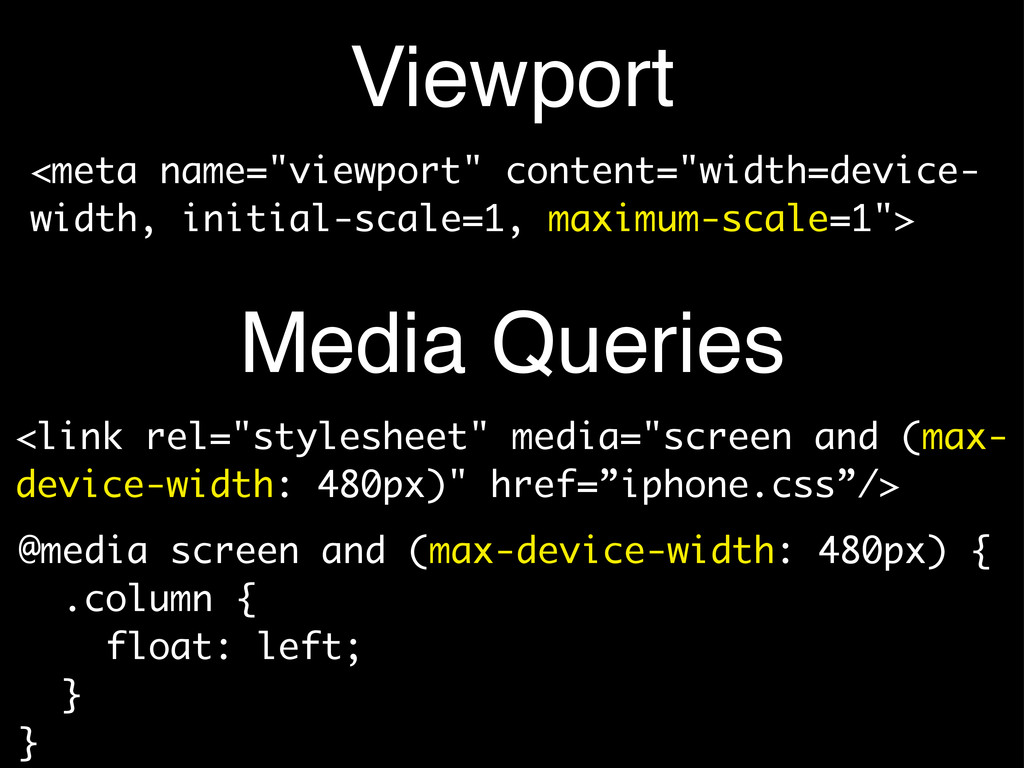
Viewport <link rel="stylesheet" media="screen and (max- device-width: 480px)" href=”iphone.css”/> <meta
name="viewport" content="width=device- width, initial-scale=1, maximum-scale=1"> @media screen and (max-device-width: 480px) { .column { float: left; } } Media Queries
Platform Detection navigator.userAgent IE iOS iPad iPhone Safari Firefox Chrome
SVG viewBox <svg width="300px" height="200px" viewBox="0 0 1500 1000" preserveAspectRatio="none">
<min-x> <min-y> <width> <height>
Tiny Screens! • Anything interactive on your page: make it
much larger • You will not have a cursor to indicate interaction models - consider labeling everything • Quite simply: remove all subtly
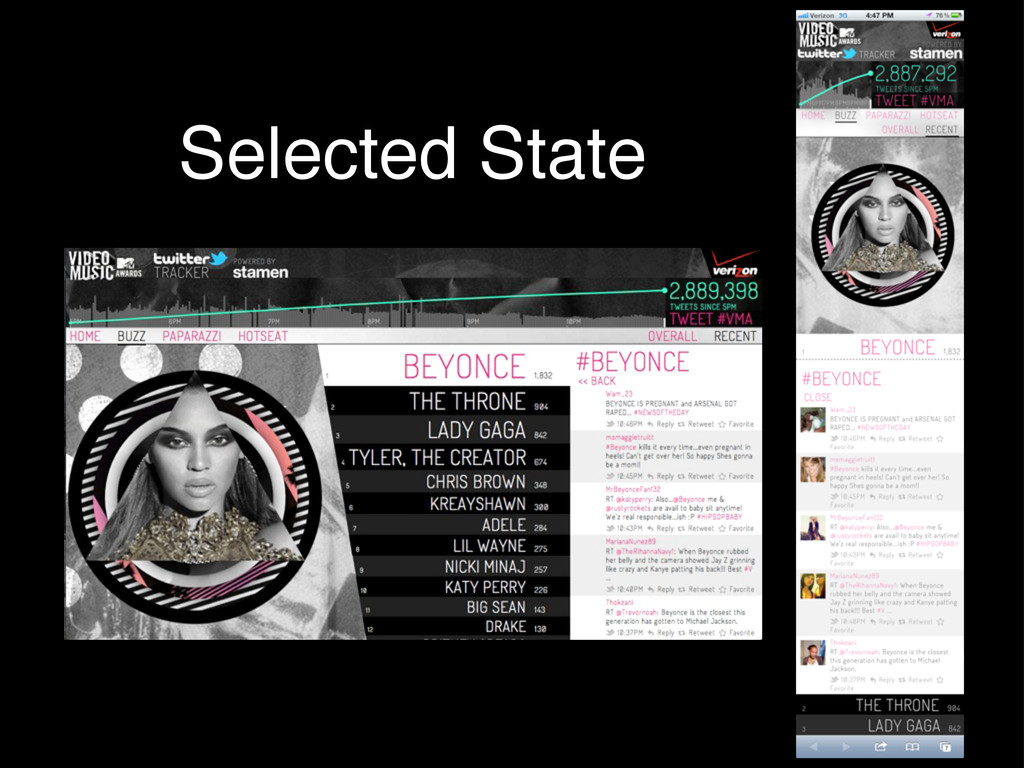
2011 MTV Video Music Awards http://sta.mn/hyd
Selected State
Interaction Models
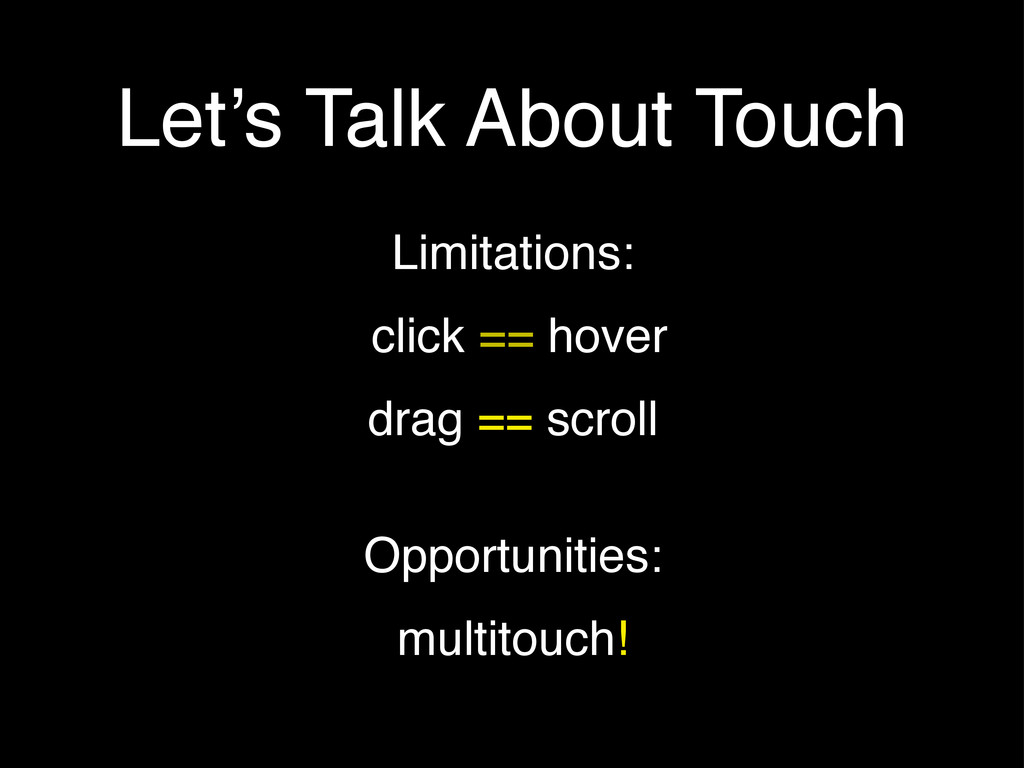
Let’s Talk About Touch Limitations: click == hover drag ==
scroll Opportunities: multitouch!
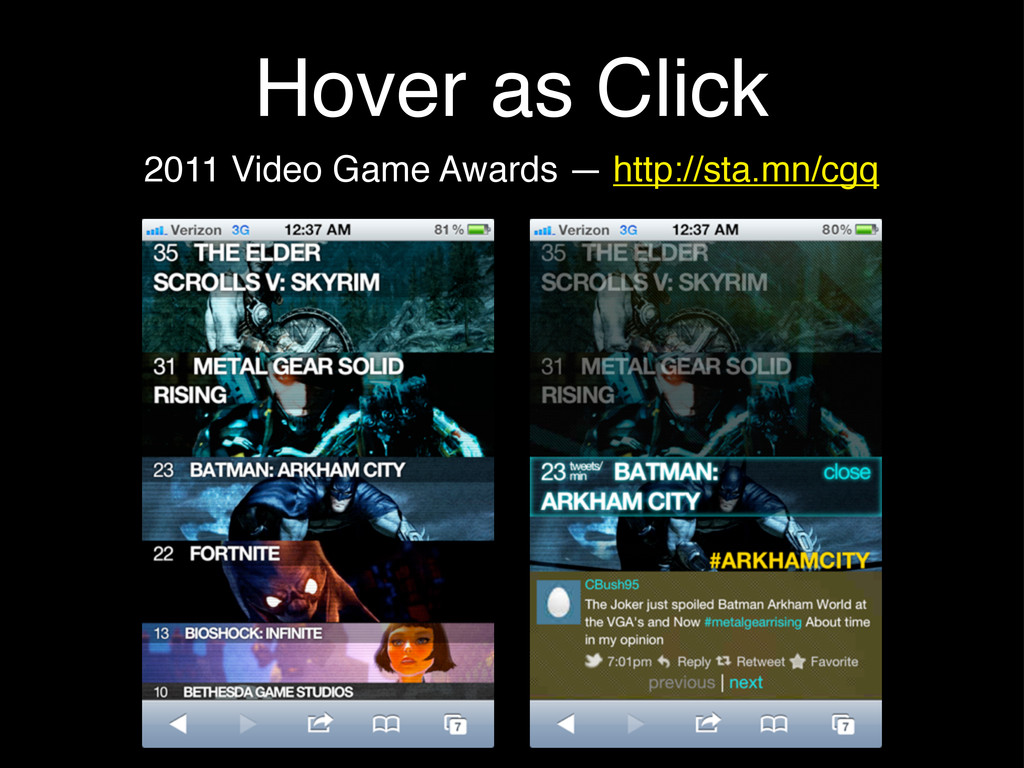
Hover as Click 2011 Video Game Awards — http://sta.mn/cgq
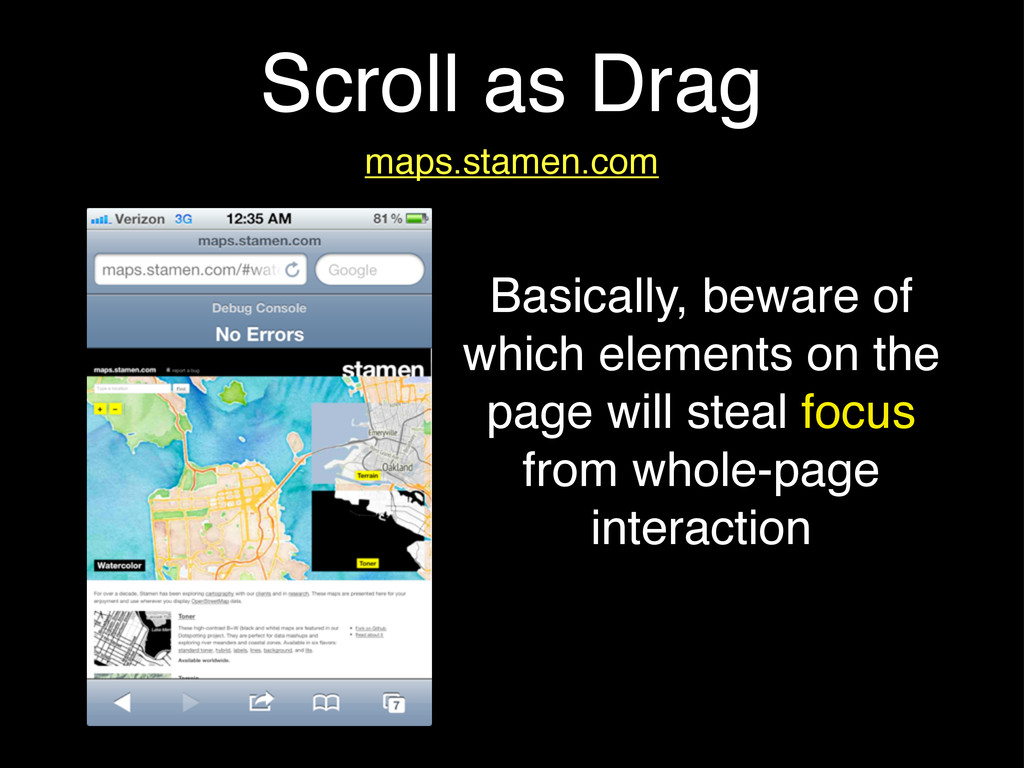
Scroll as Drag maps.stamen.com Basically, beware of which elements on
the page will steal focus from whole-page interaction
Multitouch http://sta.mn/f3 d3.js jQuery .touches() touchstart touchmove touchend .drag() .zoom()
various plugins: touchstart/end swipes swipe/zoom/scale
Saucy Animations
Optimizing Framerate • Sadly, SVG is not hardware accelerated •
One solution: make the SVG element as small as it can be • Or, try removing setInterval / requestAnimationFrame in favor of event-based animation • If all else fails: refactor the animations!
Event-Based Animation 2012 NewNowNext Awards — http://sta.mn/rnm
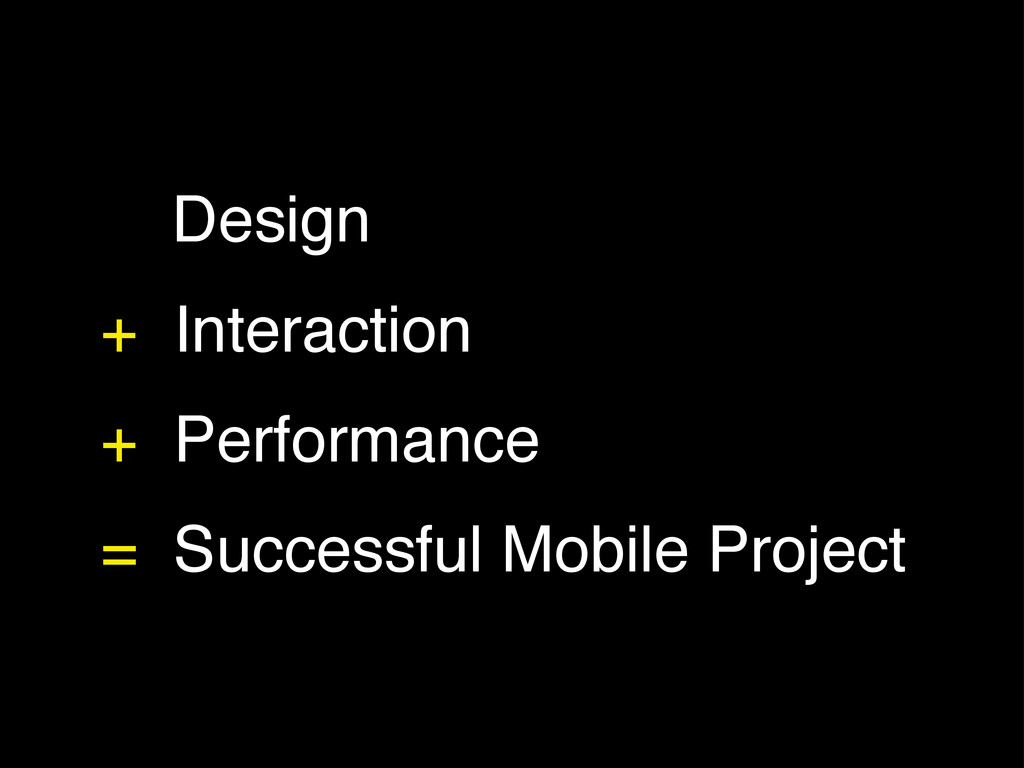
Design + Interaction + Performance = Successful Mobile Project
Thanks!
[email protected]
@rachelbinx


 binx
binx
 stephenakadiri
 michaelherold
 notwaldorf
 reverentgeek
 brad_frost
 productmarketing
 colly
colly
 destraynor
 tessaabrams
 tammyeverts
 mfonobong
 skipperchong













![Thanks! [email protected] @rachelbinx](https://files.speakerdeck.com/presentations/502563086773ba000200c6a8/slide_19.jpg)