Share
Embed
Ansible: Provisioning From the Outside In
Talk presented at the March 2015 Ansible DC Meetup (http://www.meetup.com/Ansible-DC/events/220867440/).
Bobby Calderwood
March 25, 2015
Transcript
18 slides
-
Hello, we’re B23 • B23 (www.b23.io) • Lane Forsythe ([email protected])
• Bobby Calderwood ([email protected]) -
Outside In? • Ansible’s default inventory management assumes that you
have a set of hosts configured in inventory (static or dynamic) prior to running plays • However, for an interesting set of cases, you’ll be bootstrapping the inventory prior to running any plays on the instances themselves • For this set of cases, we think about the system from the outside inward, using phrases we coined -
digital_ocean.yml --- - name: Outside (droplets) hosts: local connection: local
roles: - digital_ocean_topology - name: Open sesame hosts: digital_ocean gather_facts: no tasks: - include: roles/common/tasks/knock.yml - name: Inside (bootstrap) hosts: digital_ocean gather_facts: no remote_user: root sudo: yes roles: - ubuntu_bootstrap - name: Inside (knockd) hosts: digital_ocean remote_user: ansible sudo: yes roles: - knockd - name: Close sesame hosts: digital_ocean gather_facts: no tasks: - include: roles/common/tasks/unknock.yml -
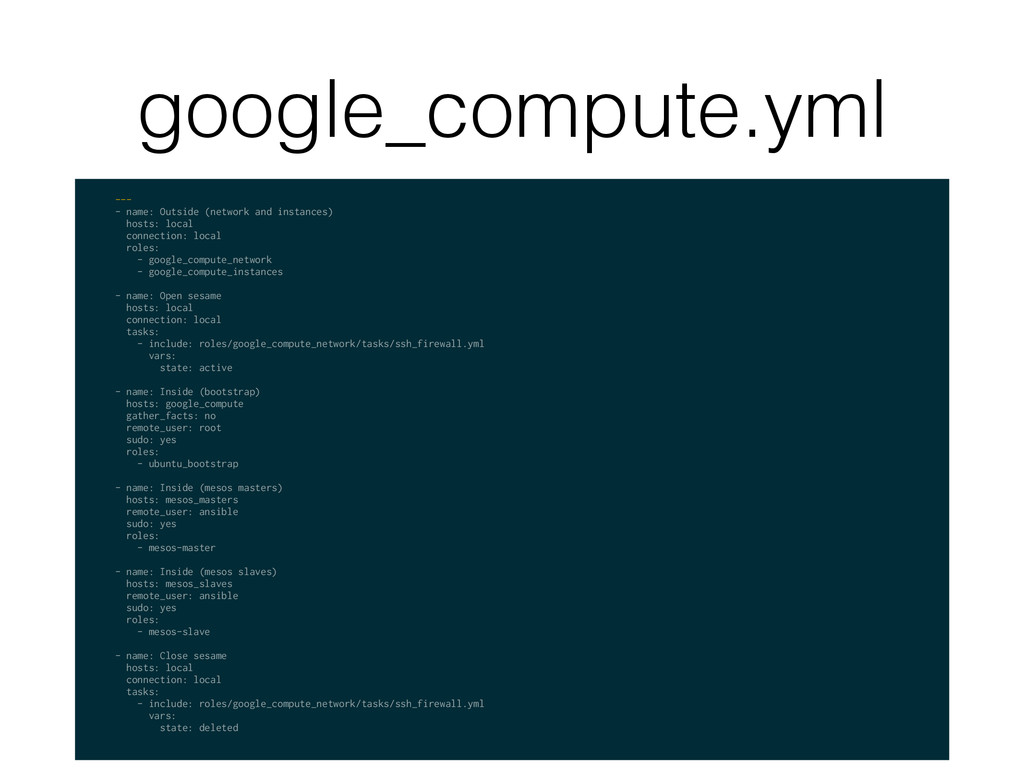
google_compute.yml --- - name: Outside (network and instances) hosts: local
connection: local roles: - google_compute_network - google_compute_instances - name: Open sesame hosts: local connection: local tasks: - include: roles/google_compute_network/tasks/ssh_firewall.yml vars: state: active - name: Inside (bootstrap) hosts: google_compute gather_facts: no remote_user: root sudo: yes roles: - ubuntu_bootstrap - name: Inside (mesos masters) hosts: mesos_masters remote_user: ansible sudo: yes roles: - mesos-master - name: Inside (mesos slaves) hosts: mesos_slaves remote_user: ansible sudo: yes roles: - mesos-slave - name: Close sesame hosts: local connection: local tasks: - include: roles/google_compute_network/tasks/ssh_firewall.yml vars: state: deleted -
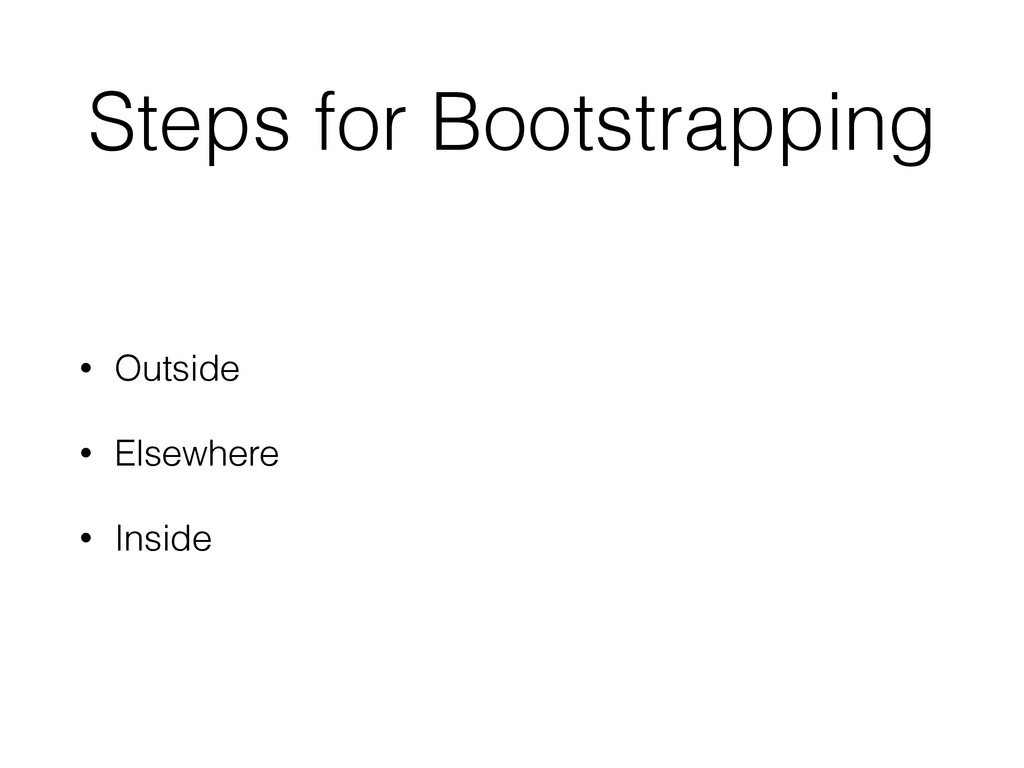
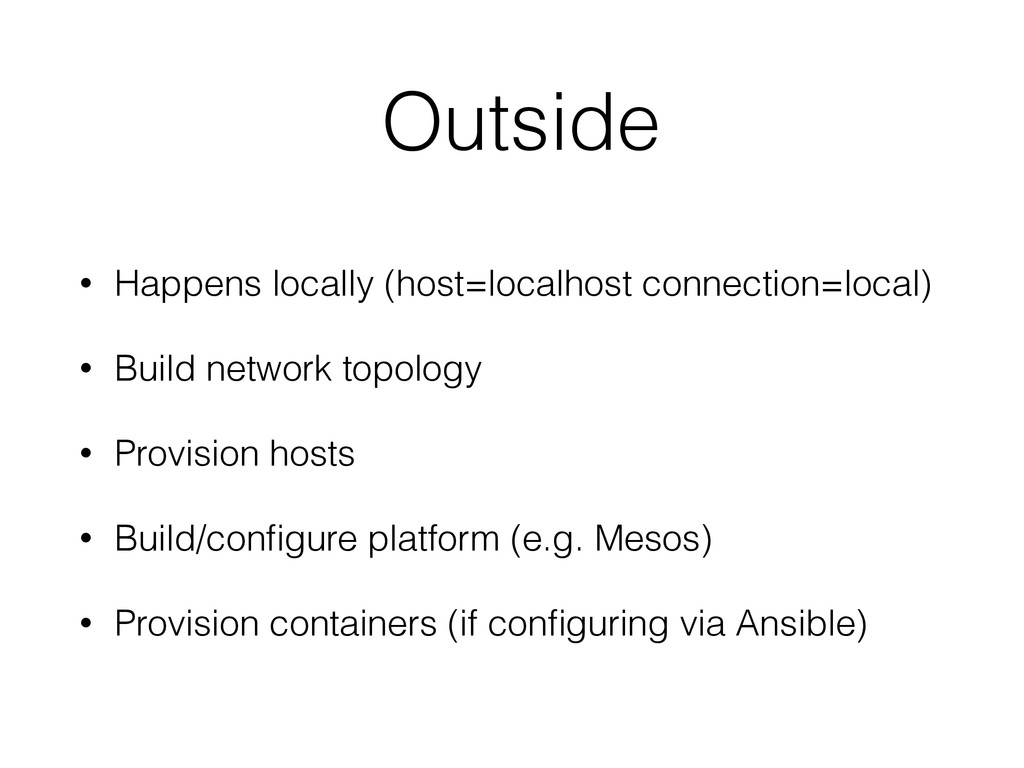
Outside • Happens locally (host=localhost connection=local) • Build network topology
• Provision hosts • Build/configure platform (e.g. Mesos) • Provision containers (if configuring via Ansible) -
group_vars/local.yml --- knock_sequence: [1983, 1986, 2008, 2015] digital_ocean_region_id: 8 digital_ocean_size_id:
63 digital_ocean_ssh_key_id: 691840 gce_network_cidr: 10.240.16.0/24 google_project_id: stackspace-testing google_project_email: 753742230792- [email protected] google_project_pem: google.pem -
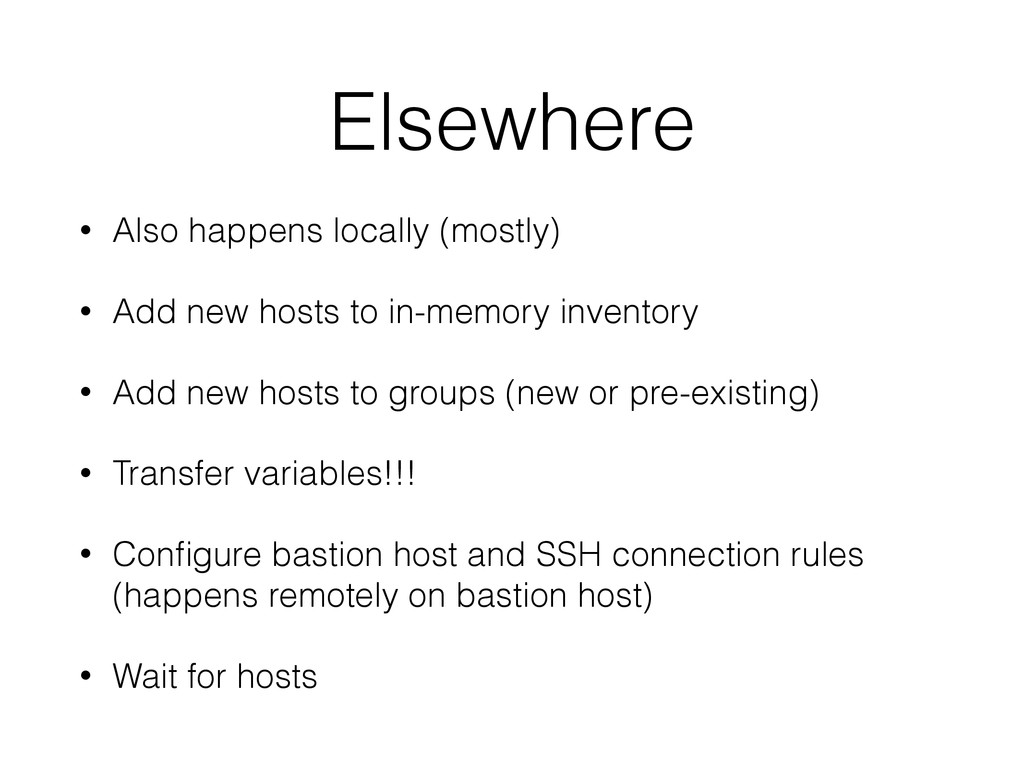
Elsewhere • Also happens locally (mostly) • Add new hosts
to in-memory inventory • Add new hosts to groups (new or pre-existing) • Transfer variables!!! • Configure bastion host and SSH connection rules (happens remotely on bastion host) • Wait for hosts -
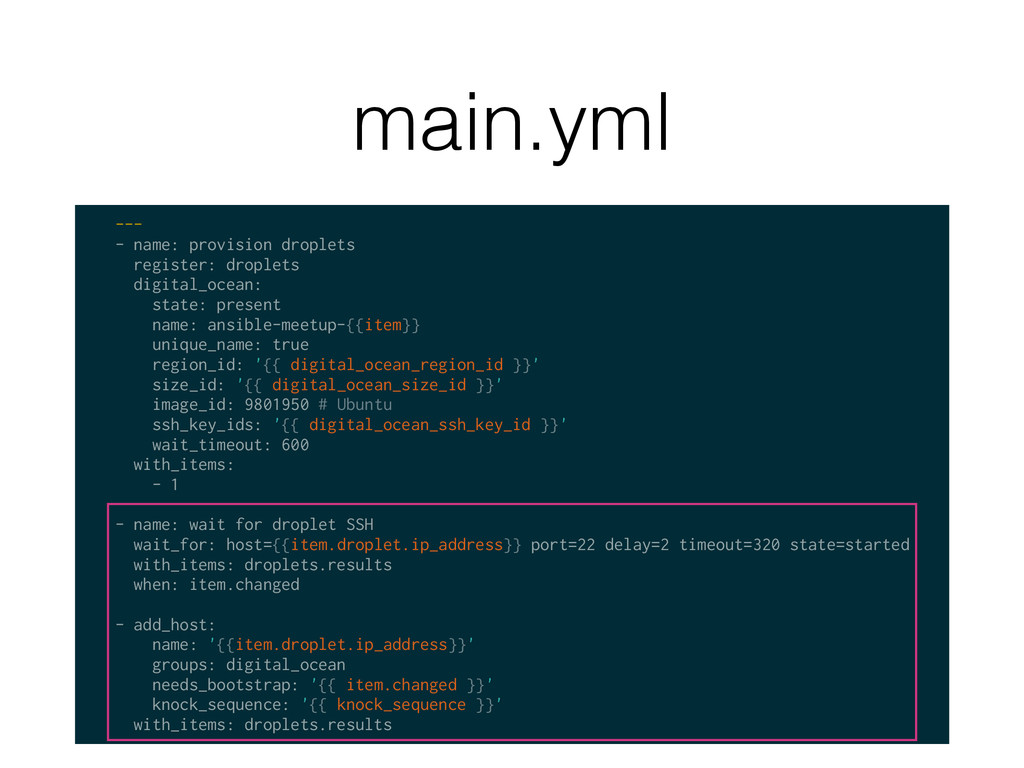
main.yml --- - name: provision droplets register: droplets digital_ocean: state:
present name: ansible-meetup-{{item}} unique_name: true region_id: '{{ digital_ocean_region_id }}' size_id: '{{ digital_ocean_size_id }}' image_id: 9801950 # Ubuntu ssh_key_ids: '{{ digital_ocean_ssh_key_id }}' wait_timeout: 600 with_items: - 1 - name: wait for droplet SSH wait_for: host={{item.droplet.ip_address}} port=22 delay=2 timeout=320 state=started with_items: droplets.results when: item.changed - add_host: name: '{{item.droplet.ip_address}}' groups: digital_ocean needs_bootstrap: '{{ item.changed }}' knock_sequence: '{{ knock_sequence }}' with_items: droplets.results -
Inside • “Normal” Ansible stuff here, running on remote hosts
• Install software • Configure software • Start services -
A Wrinkle • But what about…umm…auto scaling? • “Outside” provisions
auto scaling groups (e.g. AWS) -
Auto Scaling • “Inside” happens in a separate playbook run,
asynchronously • Async lifecycle and config options: • Ansible Tower (http://www.ansible.com/tower) • ansible-pull • Manual notification • HTTP postback • AWS Lifecycle Hooks -
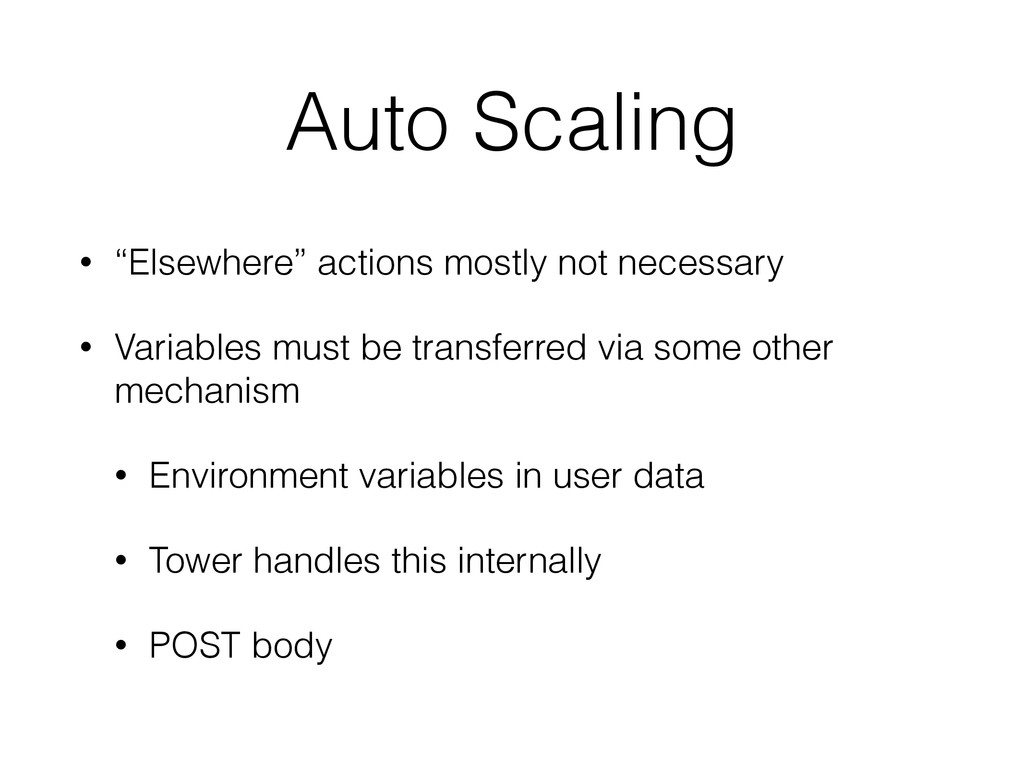
Auto Scaling • “Elsewhere” actions mostly not necessary • Variables
must be transferred via some other mechanism • Environment variables in user data • Tower handles this internally • POST body