Upgrade to Pro — share decks privately, control downloads, hide ads and more …

Android Studio Poet

Sponsored · Your Podcast. Everywhere. Effortlessly. Share. Educate. Inspire. Entertain. You do you. We'll handle the rest.
Avatar for Boris Farber Boris Farber
May 04, 2018
680

Android Studio Poet

Improve your Android build with Android Studio Poet https://github.com/android/android-studio-poet

Avatar for Boris Farber

Boris Farber

May 04, 2018
Tweet

Transcript

  1. About me • Android/Java/Kotlin • Partner Engineer at Google •

    Focusing on Android app optimizations (ClassyShark, AS Poet)
  2. Some metrics we have seen • From 5% to 50%

    build improvement time • Disclaimer ⇒ Heavily depends on ◦ Project ◦ Team skills ◦ Etc… • Take these number with a huge grain of salt
  3. Why • You work relentlessly on your awesome Android app.

    You add new features, libraries and frameworks. • Some more code here, some more resources there, it all ends up impacting the build time.
  4. Why • But it doesn’t have to be that way!

    • As you refactor your classes and methods, why not to treat your Android project as a refactor-able unit
  5. Many variables that affect our build speed • Annotations •

    Resources • Java Modules • Android modules • Number of classes • Number of methods • Dependencies • Topology • …
  6. AS Poet • What if we will generate many synthesized

    Android projects with a configurable number of metrics that mimics your project • Then we analyze the build times and understand where are the places to refactor
  7. AS Poet • A desktop based utility for Android developers

    • Generates synthesized Android projects with a configurable number of metrics
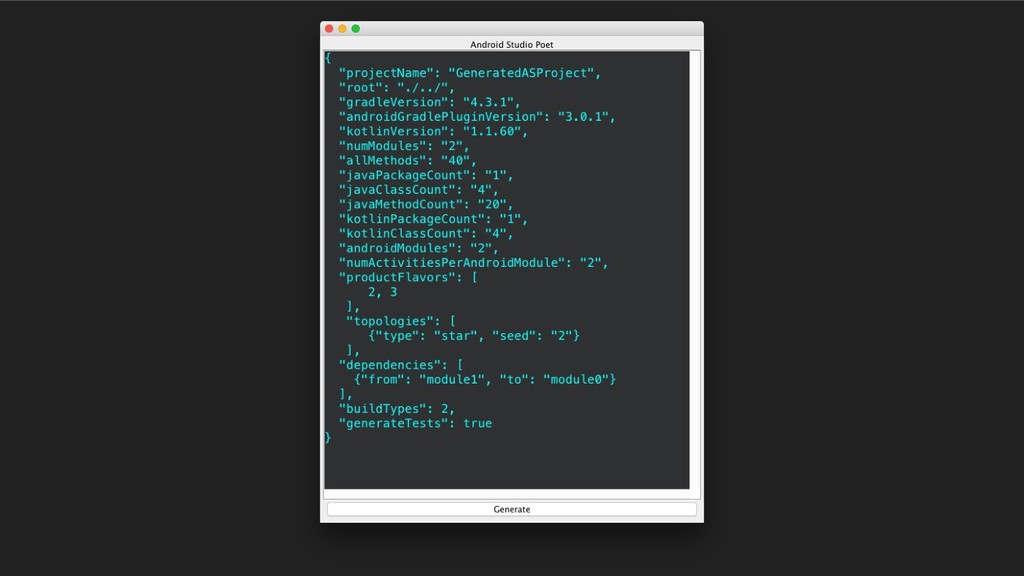
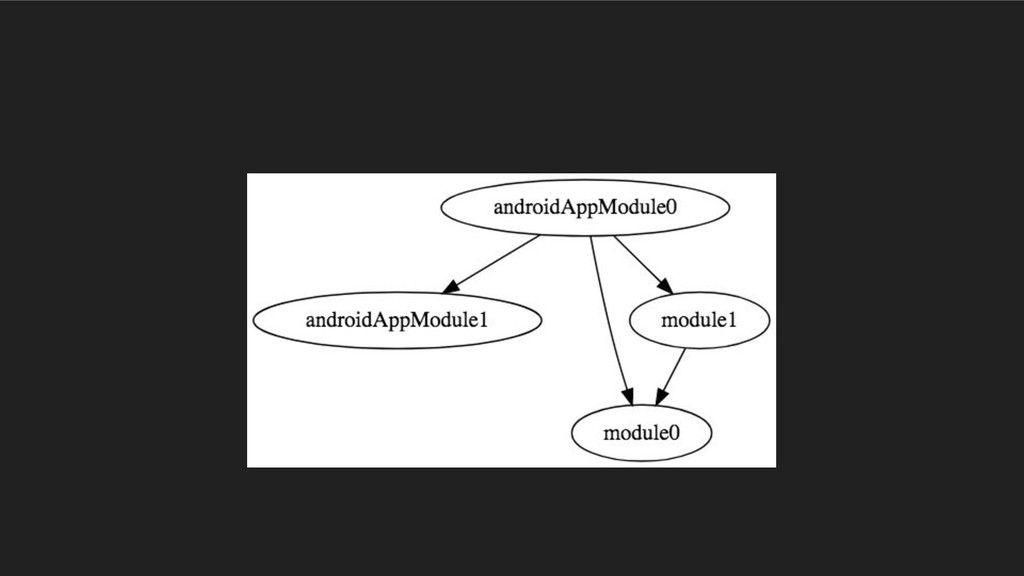
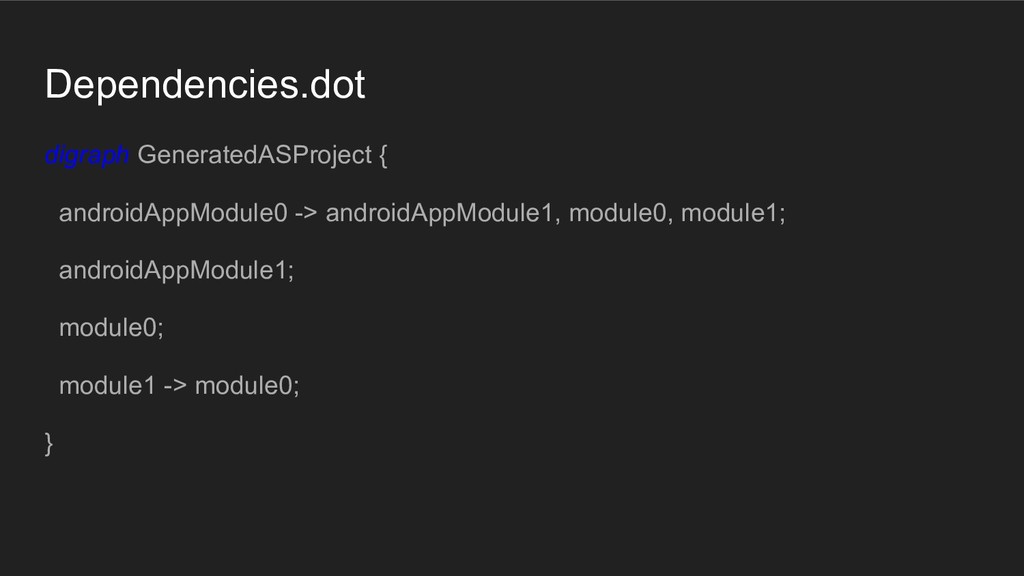
  8. How • Let's take a simple JSON file (less than

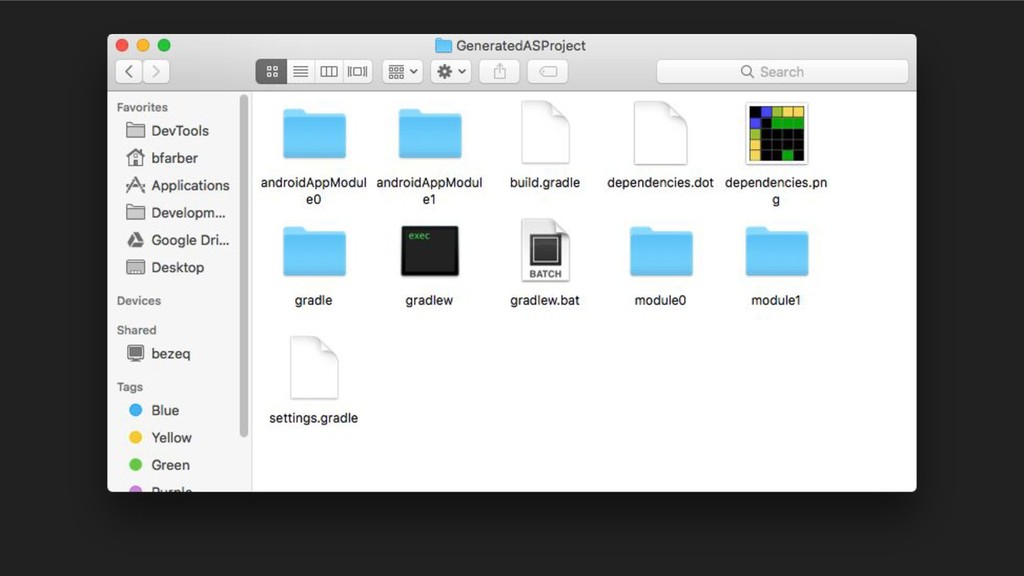
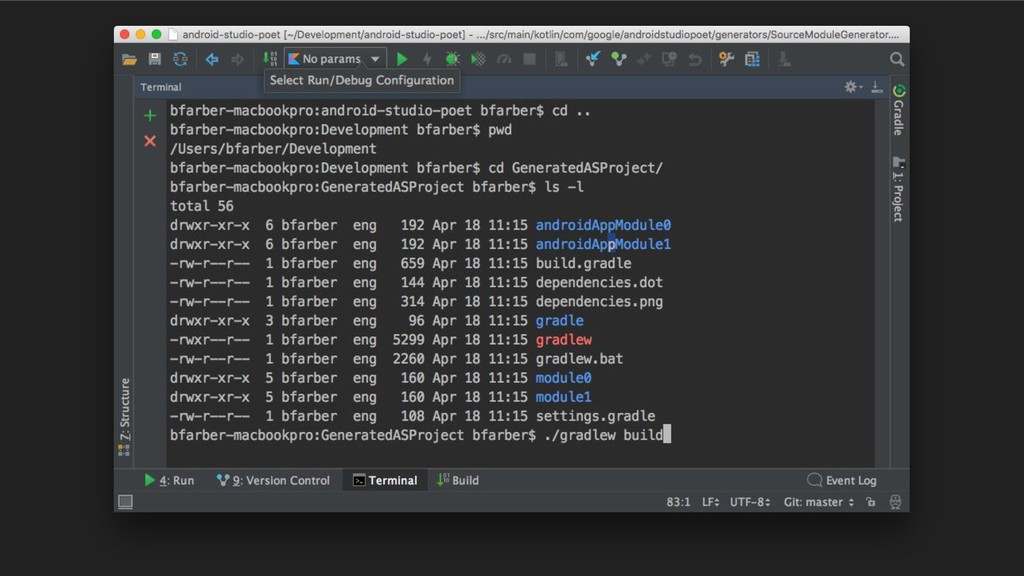
    20 lines), that mimics the Android projects with gradle plugin syntax • Has number of other parameters such as class/method count ... • AS Poet will read the script and generate a buildable Android Studio project
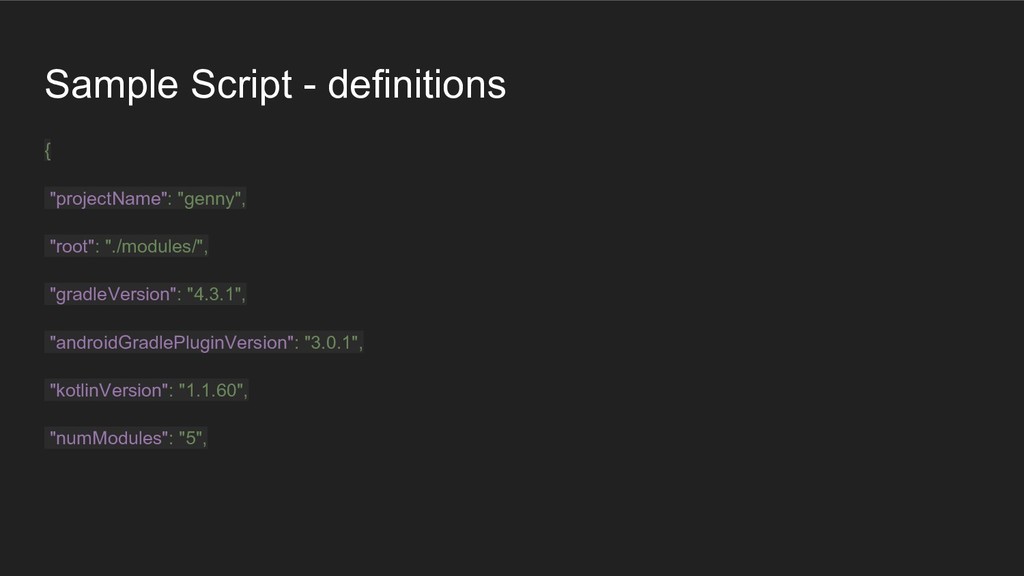
  9. Sample Script - definitions { "projectName": "genny", "root": "./modules/", "gradleVersion":

    "4.3.1", "androidGradlePluginVersion": "3.0.1", "kotlinVersion": "1.1.60", "numModules": "5",
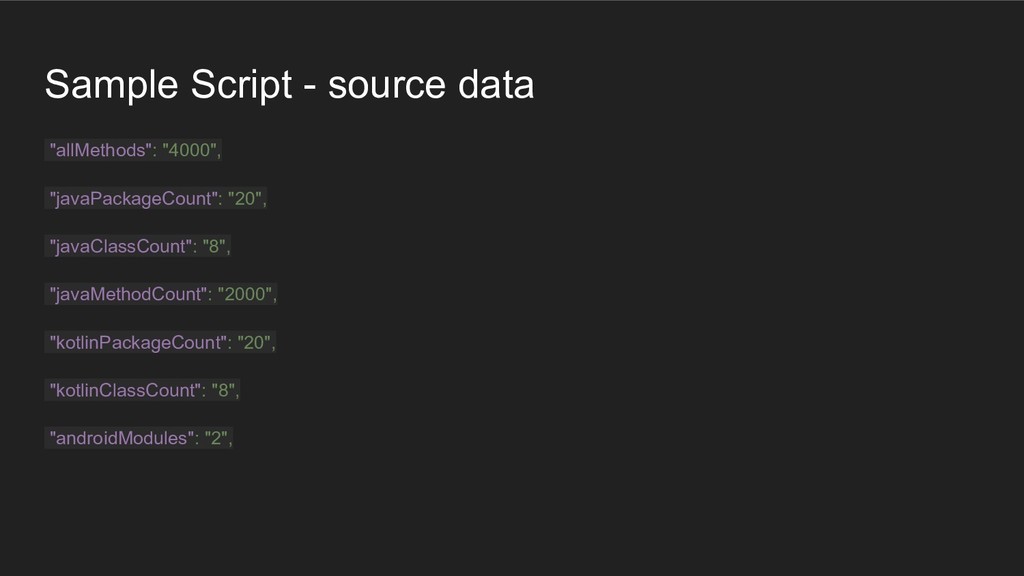
  10. Sample Script - source data "allMethods": "4000", "javaPackageCount": "20", "javaClassCount":

    "8", "javaMethodCount": "2000", "kotlinPackageCount": "20", "kotlinClassCount": "8", "androidModules": "2",
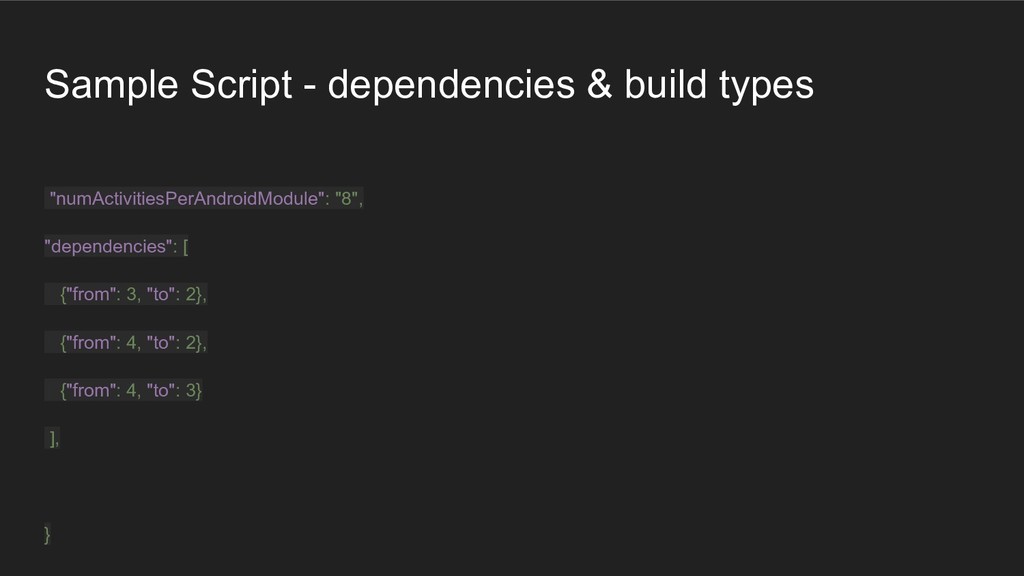
  11. Sample Script - dependencies & build types "numActivitiesPerAndroidModule": "8", "dependencies":

    [ {"from": 3, "to": 2}, {"from": 4, "to": 2}, {"from": 4, "to": 3} ], }
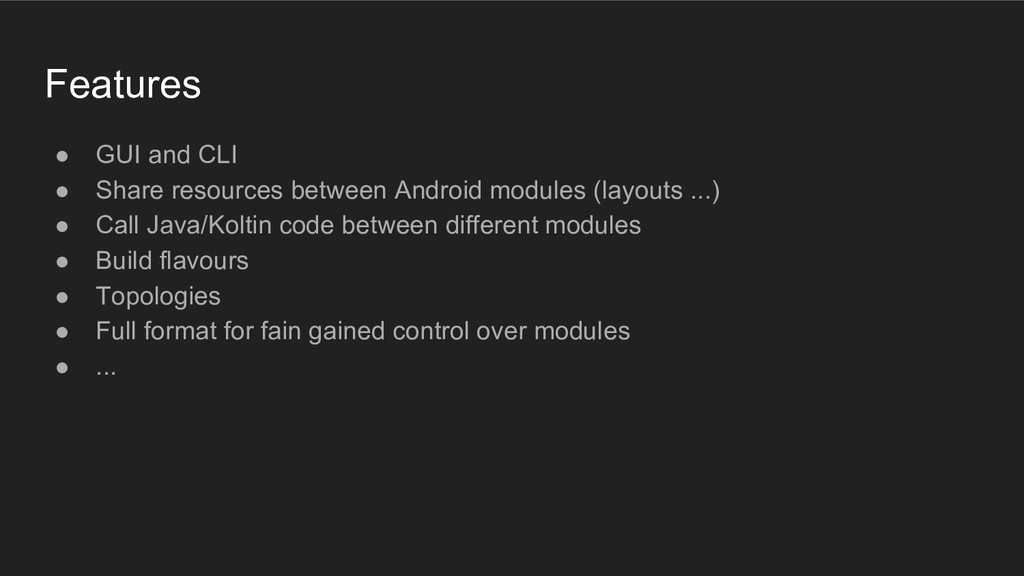
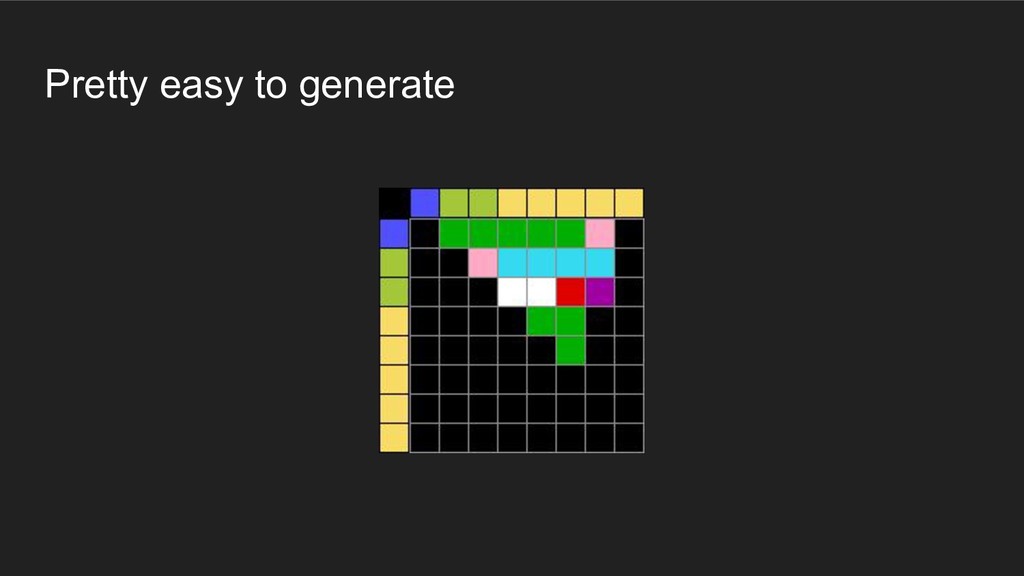
  12. Features • GUI and CLI • Share resources between Android

    modules (layouts ...) • Call Java/Koltin code between different modules • Build flavours • Topologies • Full format for fain gained control over modules • ...
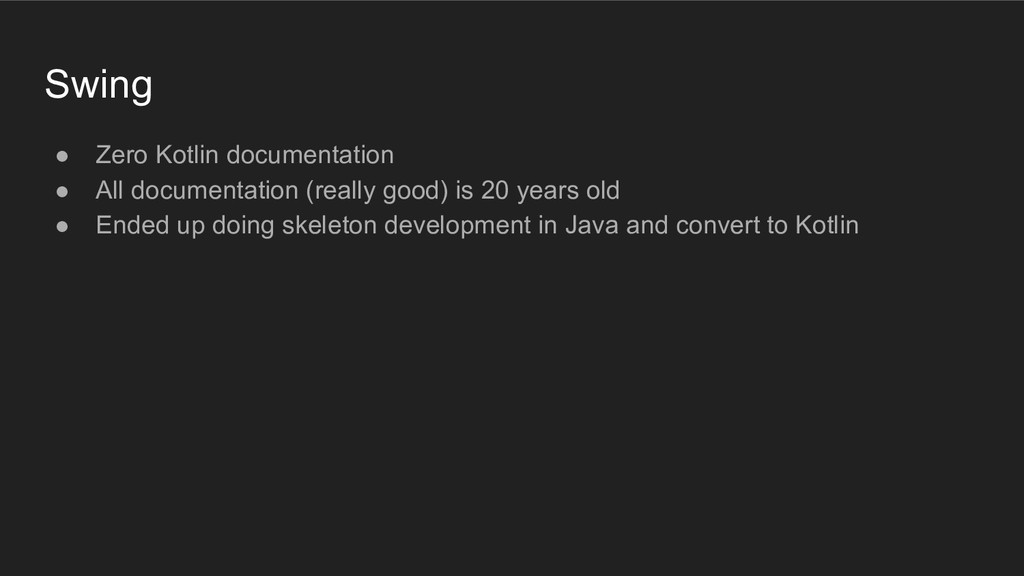
  13. Swing • Zero Kotlin documentation • All documentation (really good)

    is 20 years old • Ended up doing skeleton development in Java and convert to Kotlin
  14. AS Poet • A desktop based utility for Android developers

    • IO bound app (generates folders with 100K with interconnected dependencies)
  15. Optimizations • Measure, measure and measure • It is better

    to solve the right problem the wrong way than the wrong problem the right way • Our architecture - coroutunes for module creation with fork/join for individual classes write
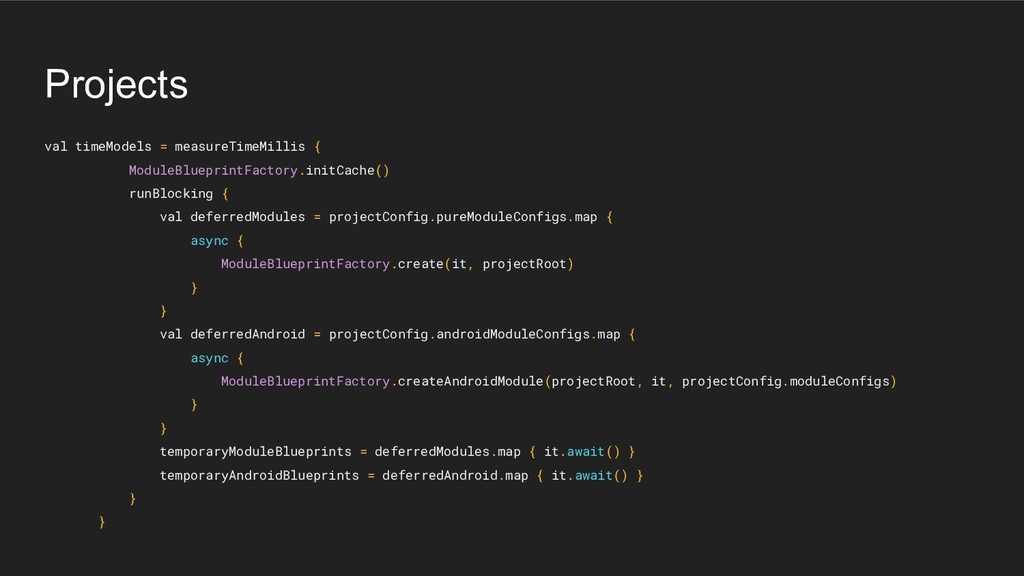
  16. Projects val timeModels = measureTimeMillis { ModuleBlueprintFactory.initCache() runBlocking { val

    deferredModules = projectConfig.pureModuleConfigs.map { async { ModuleBlueprintFactory.create(it, projectRoot) } } val deferredAndroid = projectConfig.androidModuleConfigs.map { async { ModuleBlueprintFactory.createAndroidModule(projectRoot, it, projectConfig.moduleConfigs) } } temporaryModuleBlueprints = deferredModules.map { it.await() } temporaryAndroidBlueprints = deferredAndroid.map { it.await() } } }
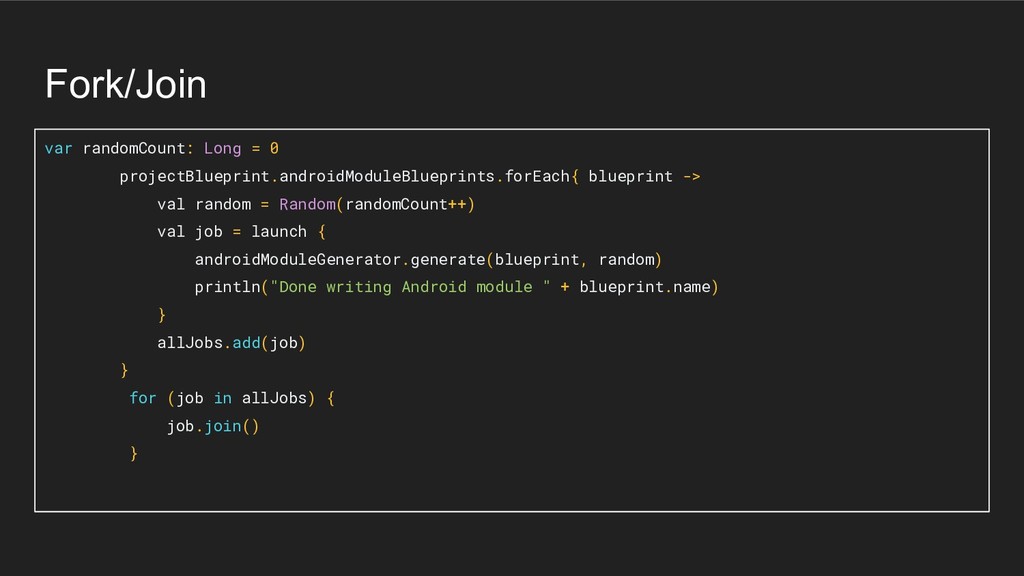
  17. Fork/Join var randomCount: Long = 0 projectBlueprint.androidModuleBlueprints.forEach{ blueprint -> val

    random = Random(randomCount++) val job = launch { androidModuleGenerator.generate(blueprint, random) println("Done writing Android module " + blueprint.name) } allJobs.add(job) } for (job in allJobs) { job.join() }
  18. Cache immutable • Blueprints for methods are immutable • A

    lot of small objects • Caching into deferred maps (inside coroutine)
  19. IO Optimizations 101 • Download only necessary data (gradle full

    versus gradle bin) • Close to 33 MBs saved
  20. Dependency Injection • Injector class • All the objects created

    there • Dependencies are passed as parameters • Maintenance • Testability
  21. Build - FatJar/Gradle • FatJar is a gradle task that

    creates a self contained Jar file with all dependencies