Upgrade to Pro — share decks privately, control downloads, hide ads and more …

Version Control with Git

Sponsored · SiteGround - Reliable hosting with speed, security, and support you can count on. →

Version Control with Git

Avatar for Huy Bui Duc

Huy Bui Duc

February 23, 2019

More Decks by Huy Bui Duc

Other Decks in Programming

Transcript

  1. Contents ► What is Git? ► Git configuration and Git

    credential ► Git basic commands ► Git advance commands ► Git tools ► Development flow with git ► QA
  2. WHAT IS GIT? ► A Distributed VCS (Version Control System)

    ► Every local copy contains the whole content of the "central" repository
  3. ADVANTAGES ON OTHER VCS ► Git aims at proposing: ►

    Speed ► Simple design ► Strong support for non-linear development (thousands of parallel branches) ► Fully distributed ► Able to handle large projects like the Linux kernel efficiently (speed and data size)
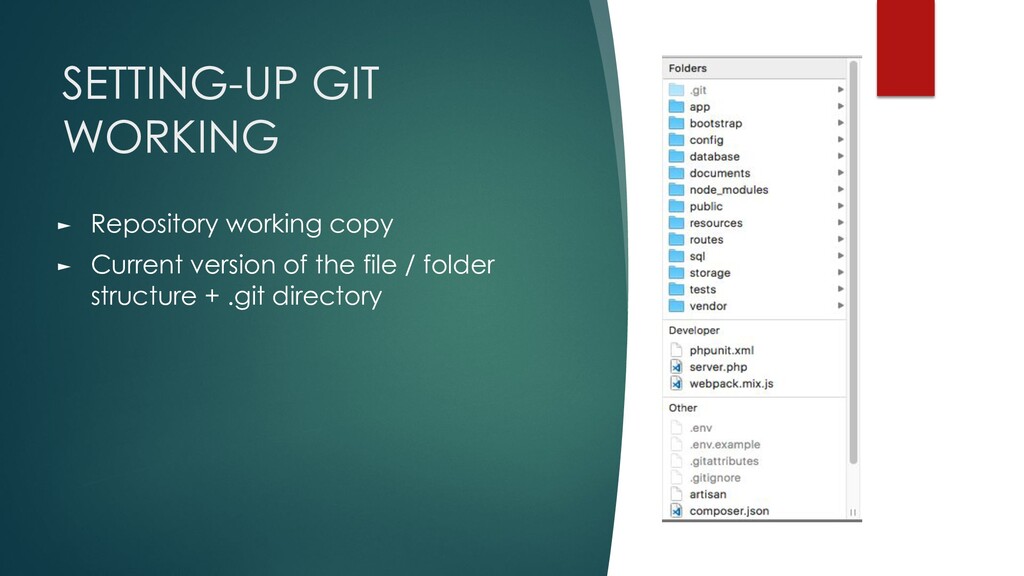
  4. SETTING-UP GIT WORKING ► Repository working copy ► Current version

    of the file / folder structure + .git directory
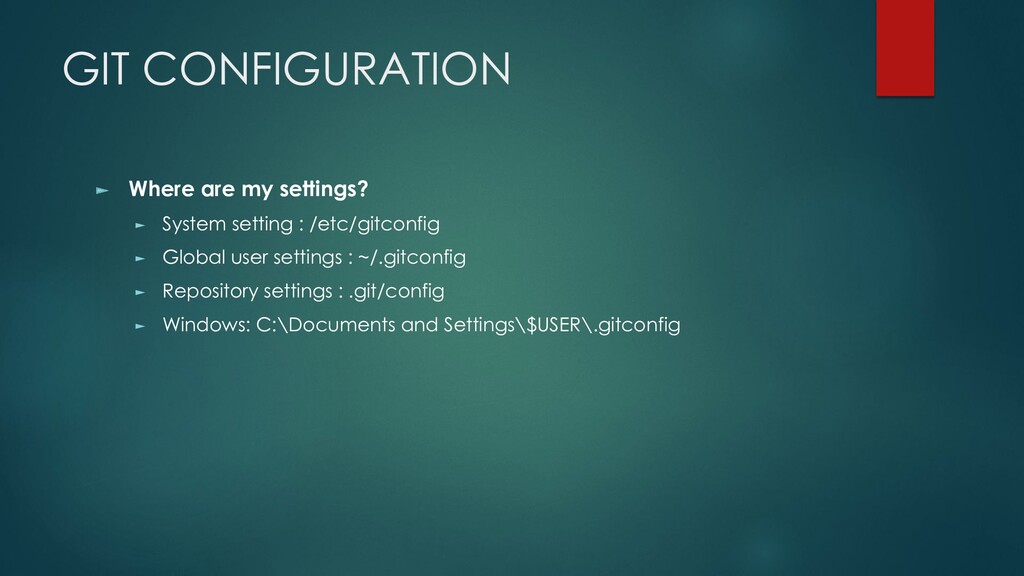
  5. GIT CONFIGURATION ► Where are my settings? ► System setting

    : /etc/gitconfig ► Global user settings : ~/.gitconfig ► Repository settings : .git/config ► Windows: C:\Documents and Settings\$USER\.gitconfig
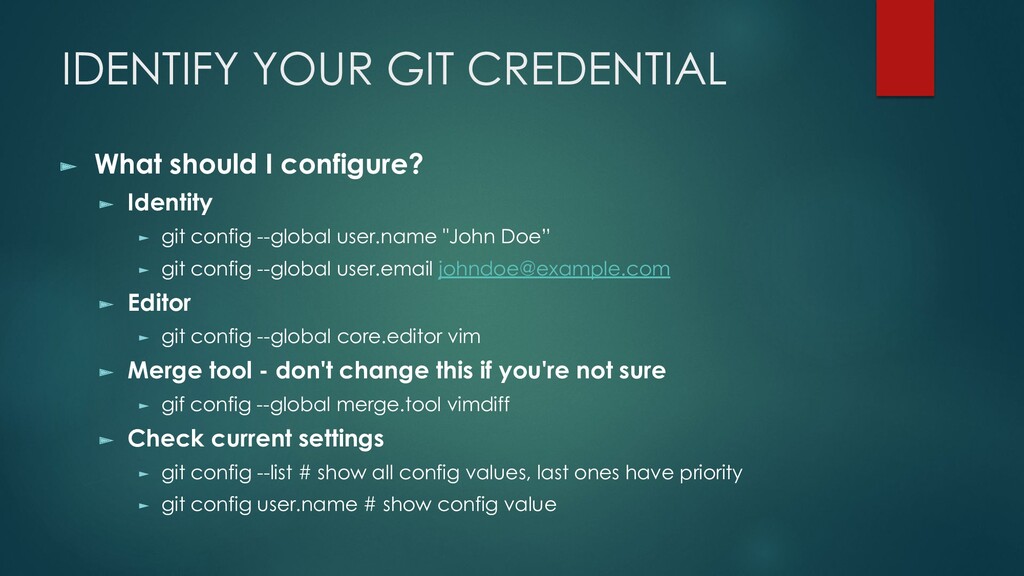
  6. IDENTIFY YOUR GIT CREDENTIAL ► What should I configure? ►

    Identity ► git config --global user.name "John Doe” ► git config --global user.email [email protected] ► Editor ► git config --global core.editor vim ► Merge tool - don't change this if you're not sure ► gif config --global merge.tool vimdiff ► Check current settings ► git config --list # show all config values, last ones have priority ► git config user.name # show config value
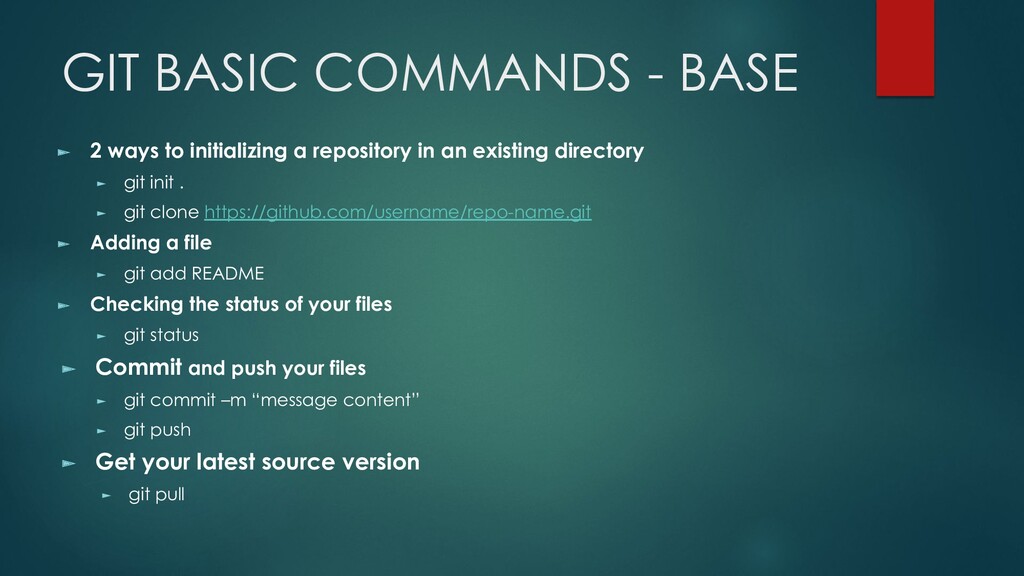
  7. GIT BASIC COMMANDS - BASE ► 2 ways to initializing

    a repository in an existing directory ► git init . ► git clone https://github.com/username/repo-name.git ► Adding a file ► git add README ► Checking the status of your files ► git status ► Commit and push your files ► git commit –m “message content” ► git push ► Get your latest source version ► git pull
  8. COMMIT MESSAGE ► Are in the present tense ► Start

    with a capitalized letter ► Have a subject that does not exceed 50 chars ► Have a thourough message body that explains in detail what was changed and why. This message is linewrapped at 72 chars.
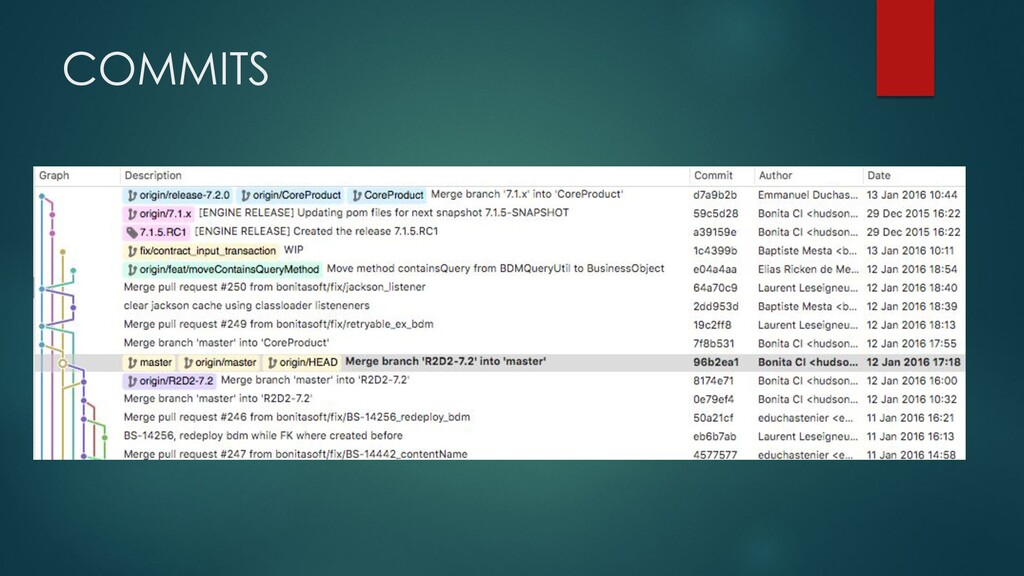
  9. COMMIT INFO ► A commit consists of ► Message ►

    Author ► Committer ► Date ► Pointer to tree (snapshot) ► Pointer to previous commits
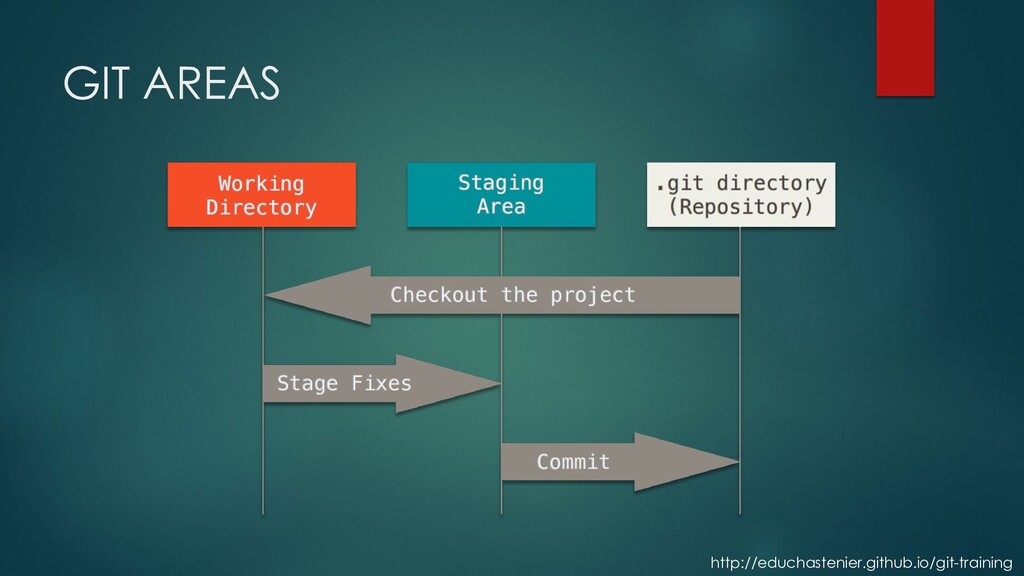
  10. STATUS OF FILES ► Untracked - changes are not recorded

    by git ► Tracked ► unmodified - no changes since last snapshot ► modified - modified since last snapshot ► staged - a modified snapshot which is ready for commit
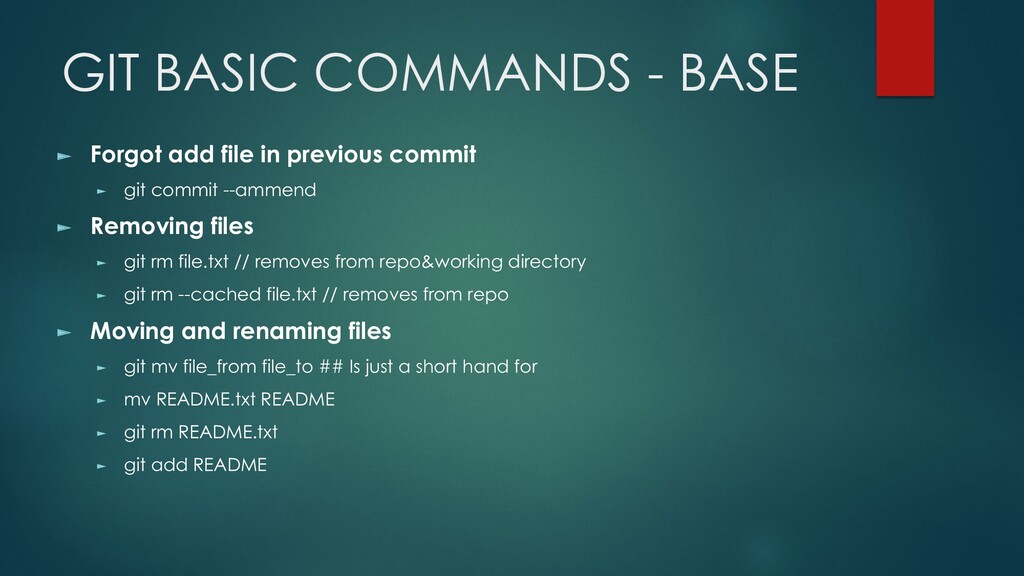
  11. GIT BASIC COMMANDS - BASE ► Forgot add file in

    previous commit ► git commit --ammend ► Removing files ► git rm file.txt // removes from repo&working directory ► git rm --cached file.txt // removes from repo ► Moving and renaming files ► git mv file_from file_to ## Is just a short hand for ► mv README.txt README ► git rm README.txt ► git add README
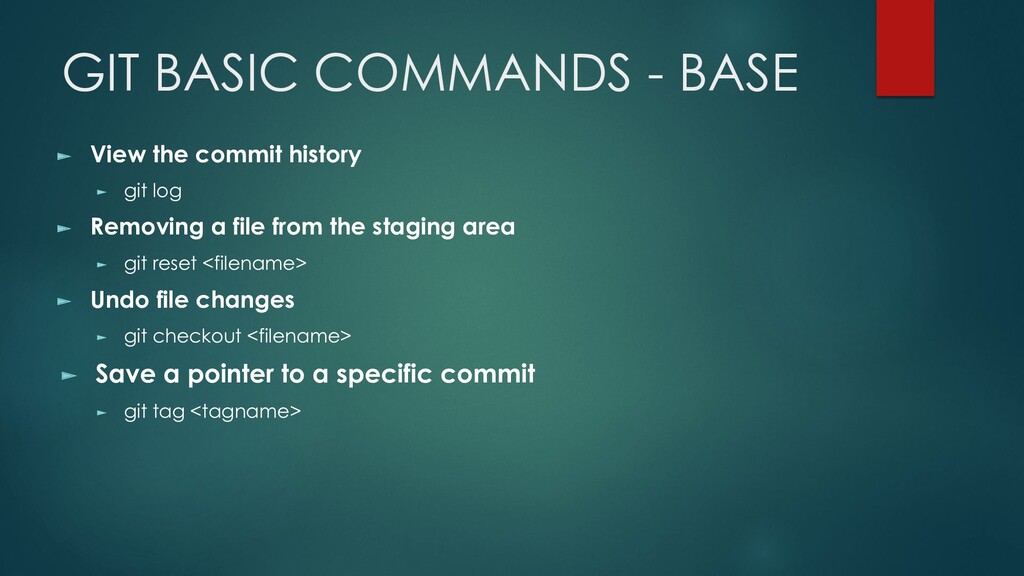
  12. GIT BASIC COMMANDS - BASE ► View the commit history

    ► git log ► Removing a file from the staging area ► git reset <filename> ► Undo file changes ► git checkout <filename> ► Save a pointer to a specific commit ► git tag <tagname>
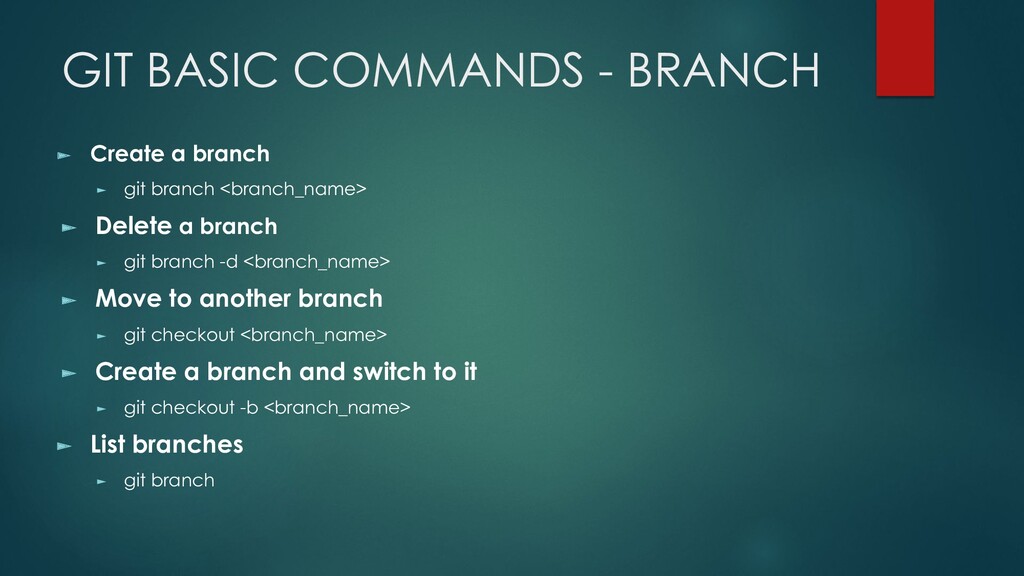
  13. GIT BASIC COMMANDS - BRANCH ► Create a branch ►

    git branch <branch_name> ► Delete a branch ► git branch -d <branch_name> ► Move to another branch ► git checkout <branch_name> ► Create a branch and switch to it ► git checkout -b <branch_name> ► List branches ► git branch
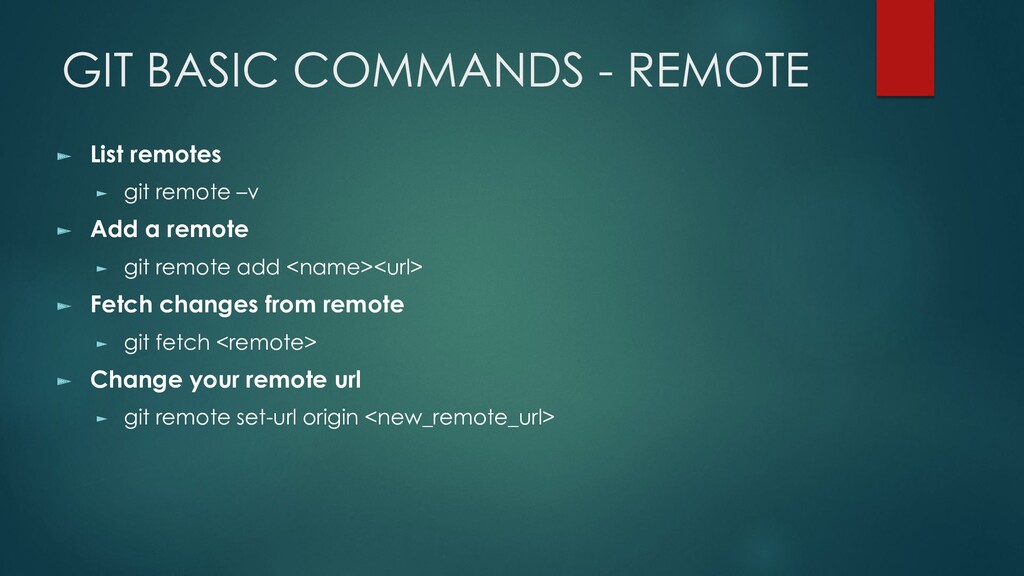
  14. GIT BASIC COMMANDS - REMOTE ► List remotes ► git

    remote –v ► Add a remote ► git remote add <name><url> ► Fetch changes from remote ► git fetch <remote> ► Change your remote url ► git remote set-url origin <new_remote_url>
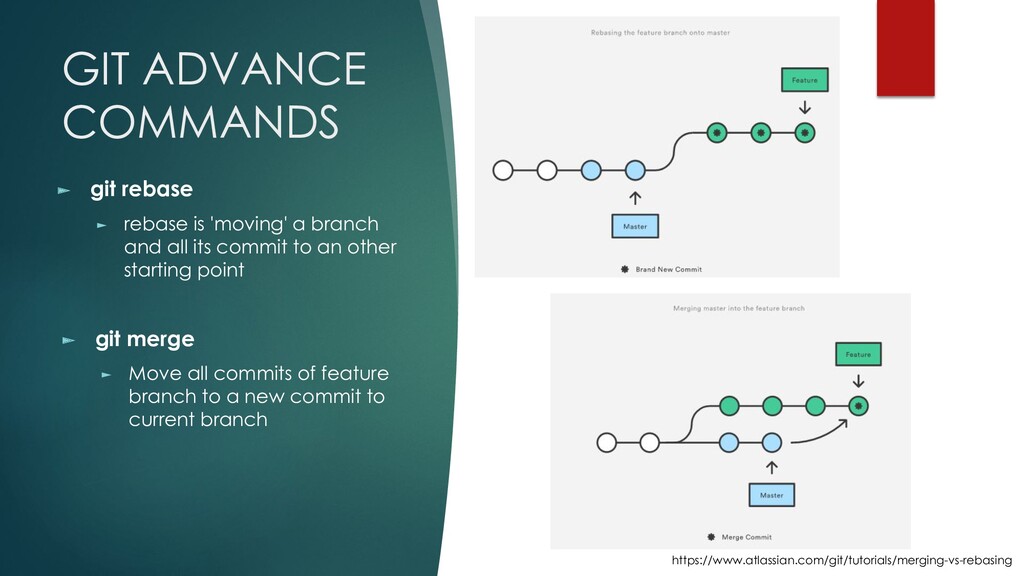
  15. GIT ADVANCE COMMANDS ► git rebase ► rebase is 'moving'

    a branch and all its commit to an other starting point ► git merge ► Move all commits of feature branch to a new commit to current branch https://www.atlassian.com/git/tutorials/merging-vs-rebasing
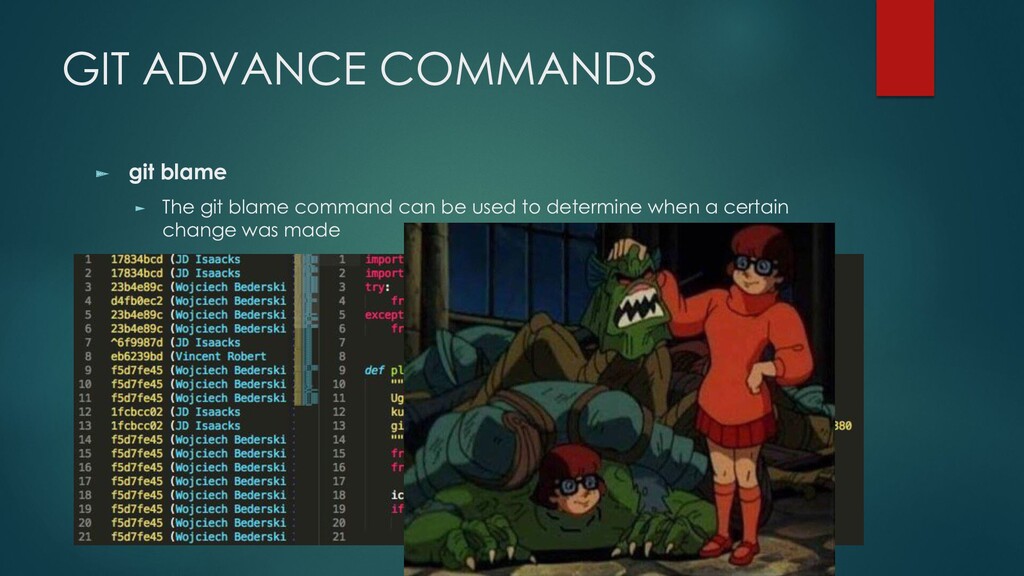
  16. GIT ADVANCE COMMANDS ► git blame ► The git blame

    command can be used to determine when a certain change was made
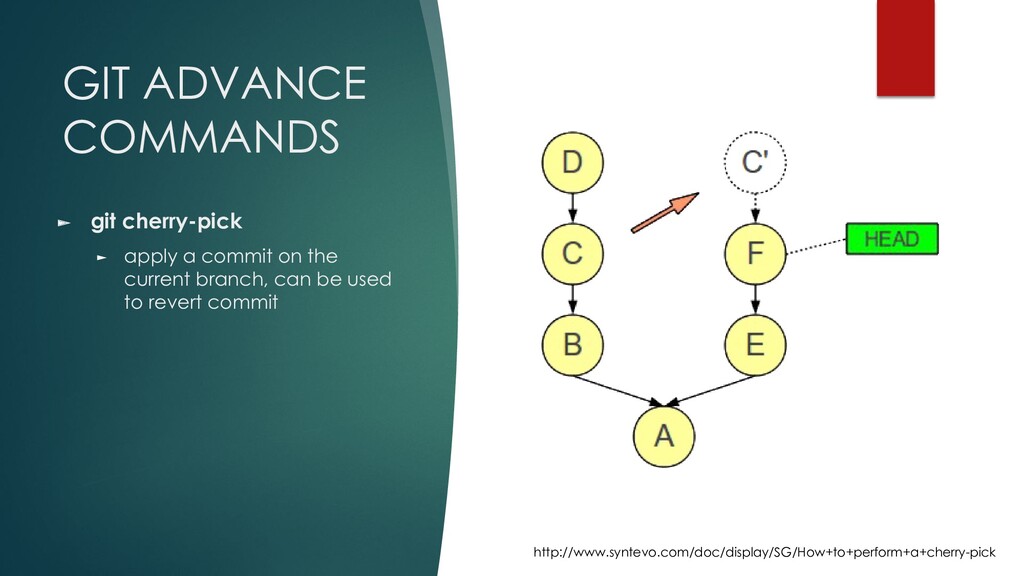
  17. GIT ADVANCE COMMANDS ► git cherry-pick ► apply a commit

    on the current branch, can be used to revert commit http://www.syntevo.com/doc/display/SG/How+to+perform+a+cherry-pick
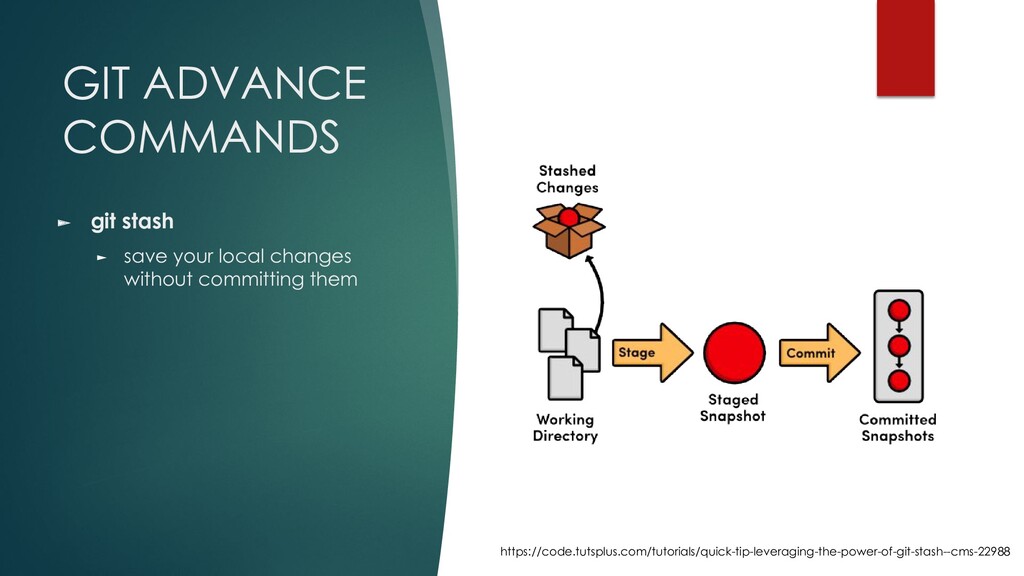
  18. GIT ADVANCE COMMANDS ► git stash ► save your local

    changes without committing them https://code.tutsplus.com/tutorials/quick-tip-leveraging-the-power-of-git-stash--cms-22988
  19. GETTING START WITH GIT GUI TOOLS ► SourceTree ► https://www.sourcetreeapp.com/

    ► SmartGit ► https://www.syntevo.net/smartgit/ ► TortoiseGit ► https://tortoisegit.org/ ► Code Editor plugins ► Visual Studio Code, Sublime text, Atom, Bracket … ► Eclipse, IntelliJ IDEA …