$30 off During Our Annual Pro Sale. View Details »

CD for DBs: Database Deployment Strategies

Avatar for Chris Fulton Chris Fulton
November 18, 2016

CD for DBs: Database Deployment Strategies

Presented at DevOps Enterprise Summit 2016, November 7-9 in San Francisco.

As organizations invest in DevOps to release more frequently, there’s a need to treat the database tier as an integral part of your automated delivery pipeline – to build, test and deploy database changes just like any other part of your application.

However, databases (particularly RDBMS) are different from source code, and pose unique challenges to Continuous Delivery - especially in the context of deployments. Often, code changes require updating or migrating the database before the application can be deployed. A deployment method that works for installing a small database or a green-field application may not be suitable for industrial-scale databases. Updating the database can be more demanding than updating the app layer: database changes are more difficult to test, and rollbacks are harder. Furthermore, for organizations who strive to minimize service interruption to end users, database updates with no-downtime are a laborious operation.

Your DB stores the most mission-critical and sensitive data of your organization (transaction data, business data, user information, etc.). As you update your database, you’d want to ensure data integrity, ACID, data retention, and have a solid rollback strategy - in case things go wrong …

This talk covers strategies for database deployments and rollbacks:

• What are some patterns and best practices for reliably deploying databases as part of your CD pipeline?
• How do you safely rollback database code?
• How do you ensure data integrity?
• What are some best practices for handling advanced scenarios and backend processes, such as scheduled tasks, ETL routines, replication architecture, linked databases across distributed infrastructure, and more.
• How to handle legacy database, alongside more modern data management solutions?

Avatar for Chris Fulton

Chris Fulton

November 18, 2016
Tweet

More Decks by Chris Fulton

Other Decks in Technology

Transcript

  1. electric-cloud.com #DOES16 CD for DBs Chris Fulton, Global Technical Account

    Manager, Electric Cloud Database Deployment Strategies
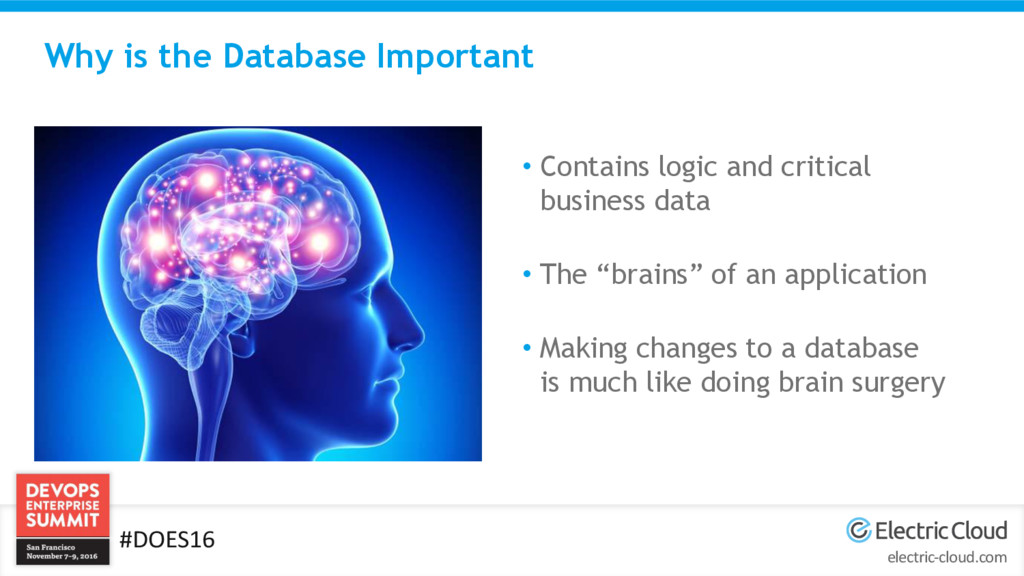
  2. electric-cloud.com #DOES16 Why is the Database Important • Contains logic

    and critical business data • The “brains” of an application • Making changes to a database is much like doing brain surgery
  3. electric-cloud.com #DOES16 Why is it complicated • More than one

    application… • Multiple databases per server… • Most critical data…  If you lose data from a database, you lose critical customer data • Ouch. Schema Changes
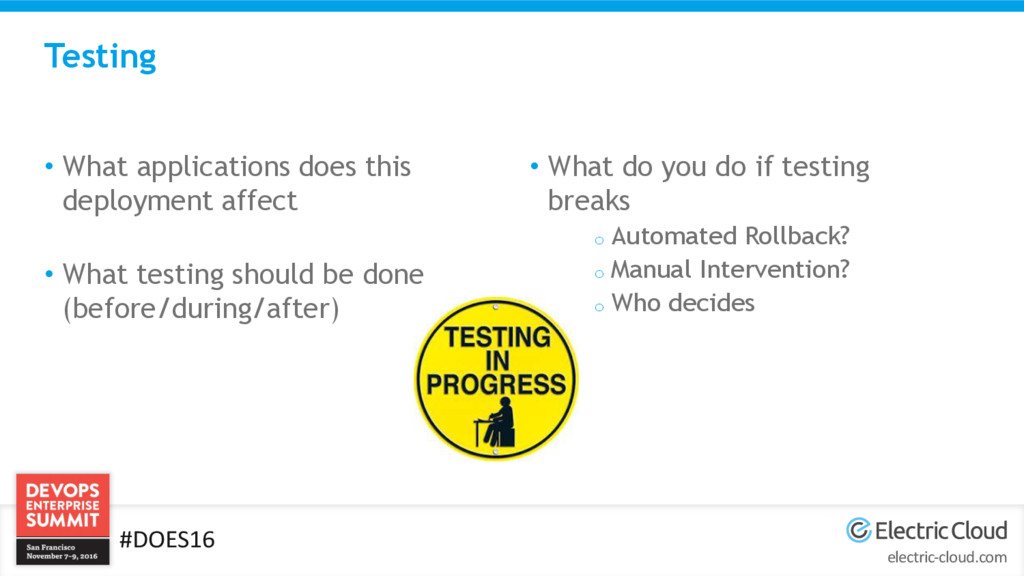
  4. electric-cloud.com #DOES16 Testing • What applications does this deployment affect

    • What testing should be done (before/during/after) • What do you do if testing breaks o Automated Rollback? o Manual Intervention? o Who decides
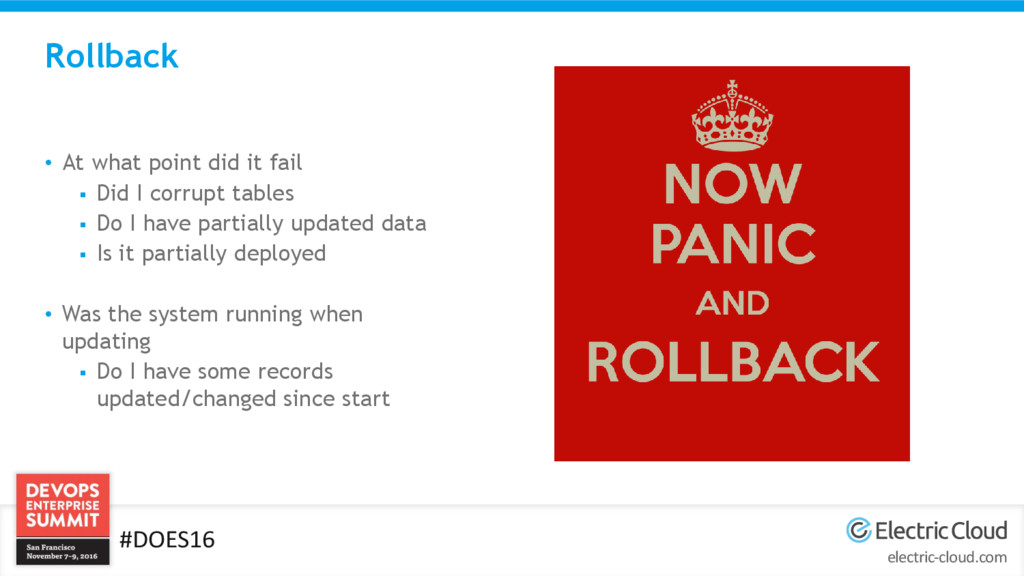
  5. electric-cloud.com #DOES16 Rollback • At what point did it fail

     Did I corrupt tables  Do I have partially updated data  Is it partially deployed • Was the system running when updating  Do I have some records updated/changed since start
  6. electric-cloud.com #DOES16 Automation • Who owns the automation? • How

    does the automation determine success/fail? • What if I do fail? • What tool to use? • Supported features  Automatic Rollback?  Rolling Deployments?
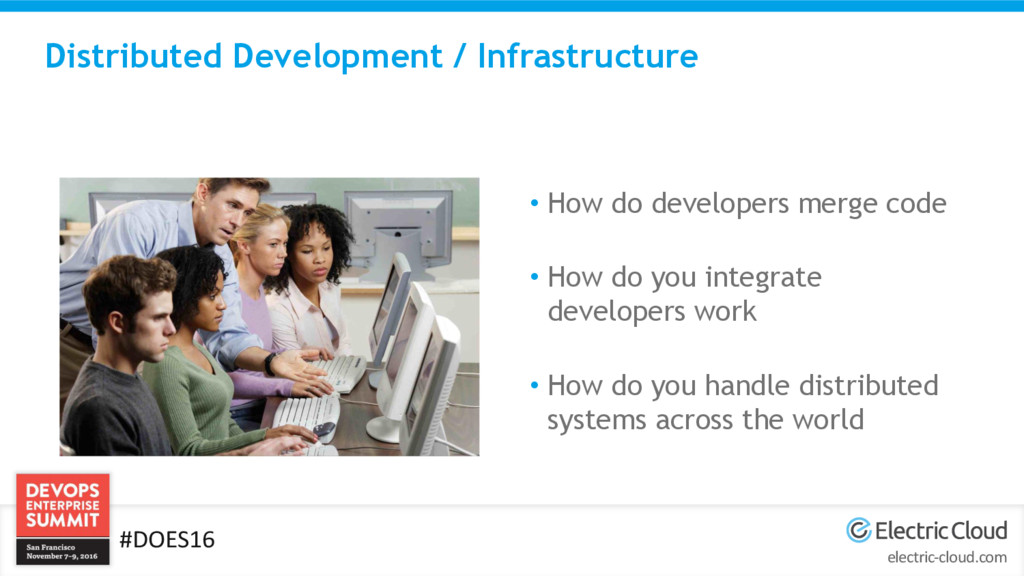
  7. electric-cloud.com #DOES16 Distributed Development / Infrastructure • How do developers

    merge code • How do you integrate developers work • How do you handle distributed systems across the world
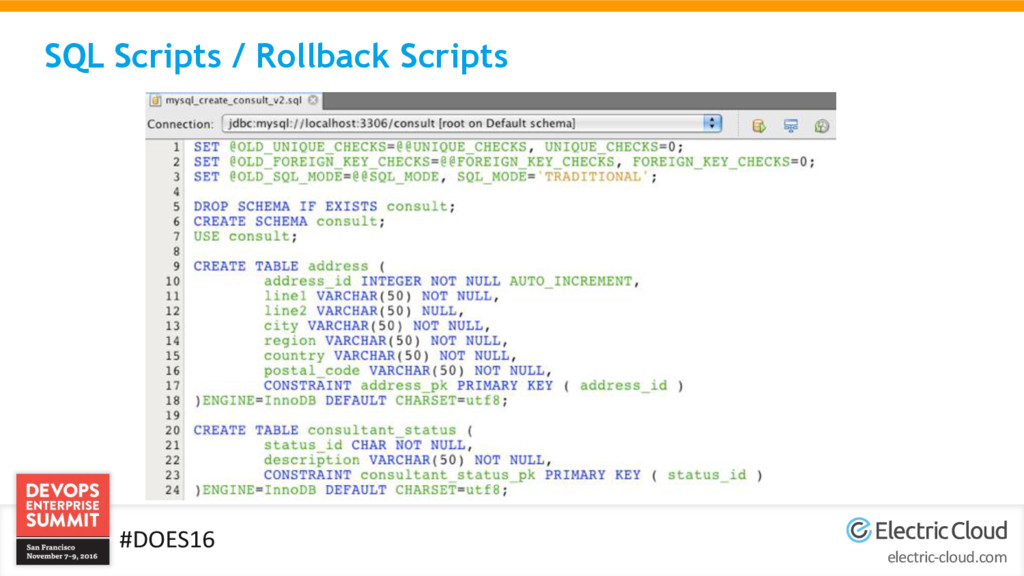
  8. electric-cloud.com #DOES16 SQL Scripts / Rollback Scripts - Advantages •

    Fast deployments • Just run a SQL script! • Minimal or no downtime
  9. electric-cloud.com #DOES16 SQL Scripts / Rollback Scripts - Disadvantages •

    Requires developer to never make mistakes • Requires extensive testing  How to TRULY test rollback • Error prone • How do you merge multiple developers work
  10. electric-cloud.com #DOES16 SQL Scripts / Rollback Scripts – Who should

    use • Small Databases • Small development teams • Simple changes • Legacy Databases  If no other choice
  11. electric-cloud.com #DOES16 Backup at Deploy - Advantages • Guarantees you

    are 100% back to previous good state • “Safest” technically speaking
  12. electric-cloud.com #DOES16 Backup at Deploy - Disadvantages • Every application

    that depends on the database is 100% down during deploy • Slower deployments
  13. electric-cloud.com #DOES16 Backup at Deploy – Who should use •

    Applications that can withstand being down • Smaller databases that backup quickly • Applications that do not share databases
  14. electric-cloud.com #DOES16 DACPAC • Microsoft’s solution to help solve Database

    Deployment issues • Profile  How do I run the DACPAC • DACPAC  What changes did I make • Looks at what is on the database currently and compares to changes in DACPAC then applies changes
  15. electric-cloud.com #DOES16 DACPAC - Advantages • Creates easier rollbacks •

    Deploy the previous DACPAC o ElectricFlow™ lets you do this Automatically! o Works well with multiple developers • Use VisualStudio
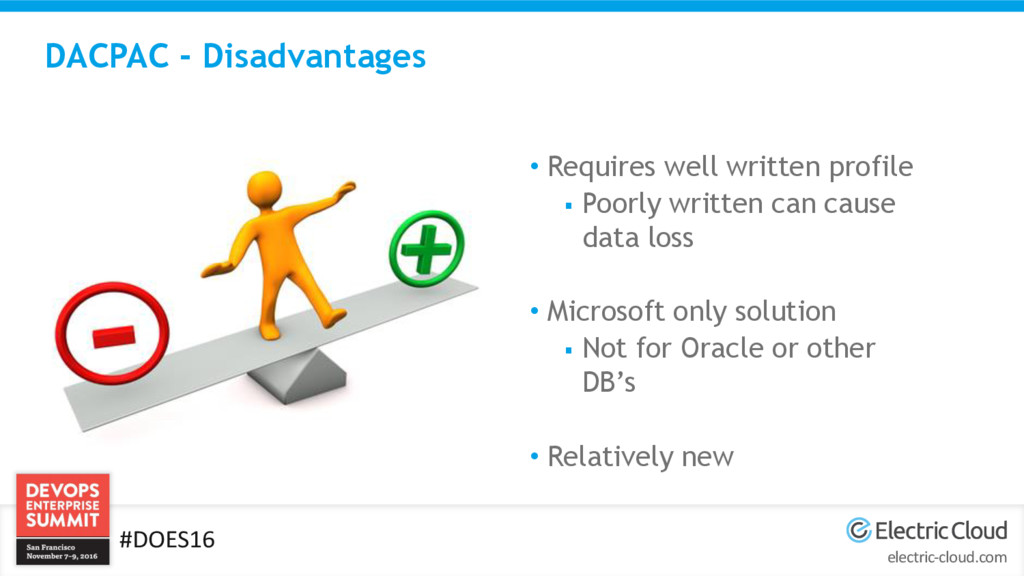
  16. electric-cloud.com #DOES16 DACPAC - Disadvantages • Requires well written profile

     Poorly written can cause data loss • Microsoft only solution  Not for Oracle or other DB’s • Relatively new
  17. electric-cloud.com #DOES16 DACPAC – Who should use • Microsoft only

    shops that are on a newer version of SqlServer • All who use a version of SqlServer that supports them
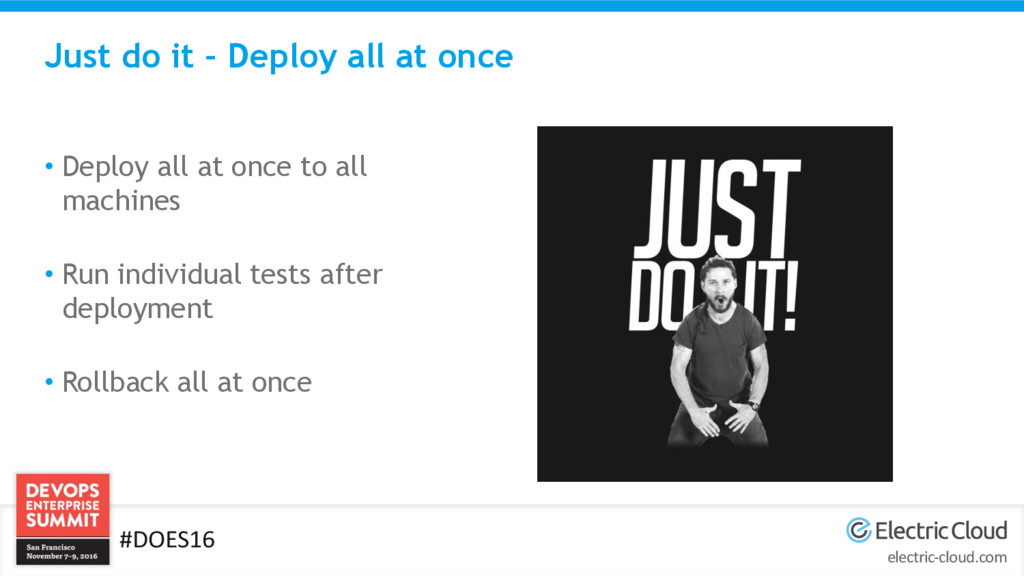
  18. electric-cloud.com #DOES16 Just do it – Deploy all at once

    • Deploy all at once to all machines • Run individual tests after deployment • Rollback all at once
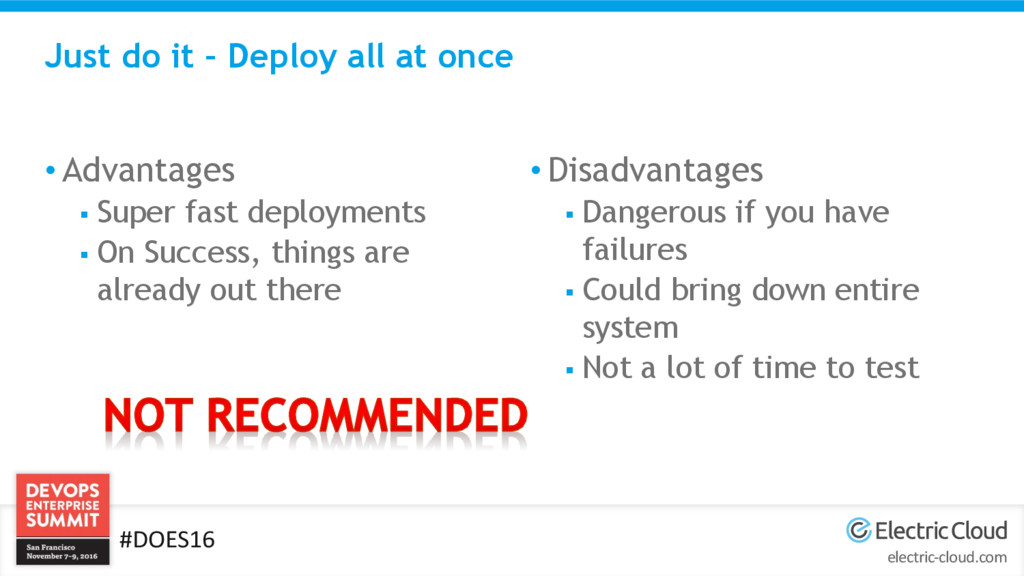
  19. electric-cloud.com #DOES16 Just do it – Deploy all at once

    • Advantages  Super fast deployments  On Success, things are already out there • Disadvantages  Dangerous if you have failures  Could bring down entire system  Not a lot of time to test
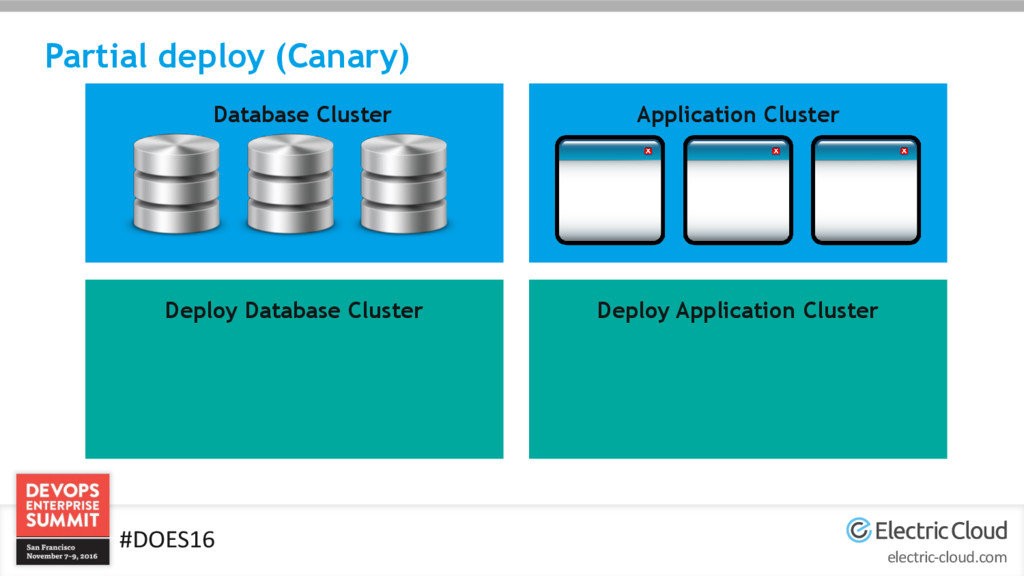
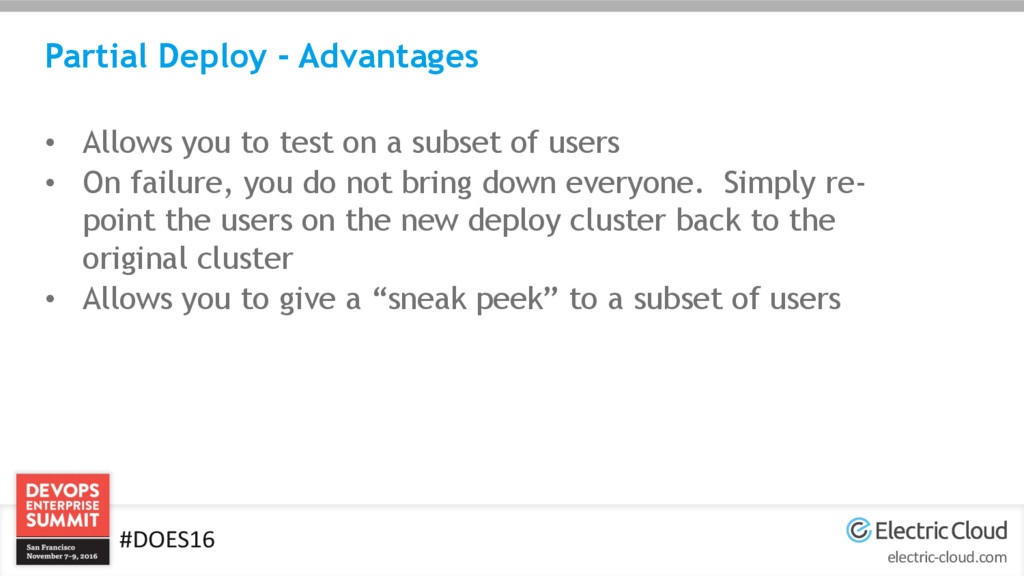
  20. electric-cloud.com #DOES16 Partial Deploy - Advantages • Allows you to

    test on a subset of users • On failure, you do not bring down everyone. Simply re- point the users on the new deploy cluster back to the original cluster • Allows you to give a “sneak peek” to a subset of users
  21. electric-cloud.com #DOES16 Partial Deploy - Disadvantages • Can be complex

    to maintain • Requires more infrastructure to maintain more clusters • Often requires application changes • Requires synchronizing databases
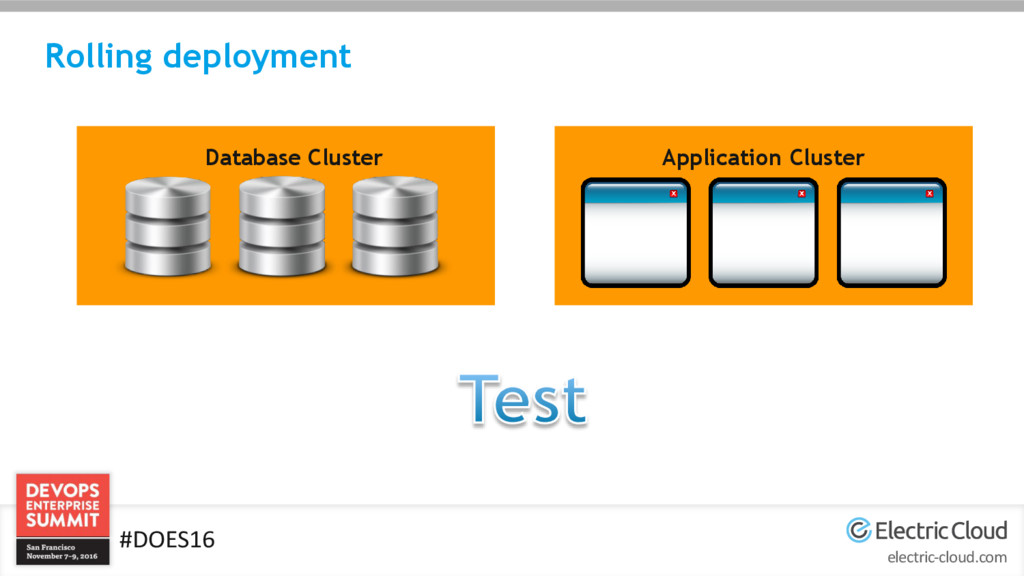
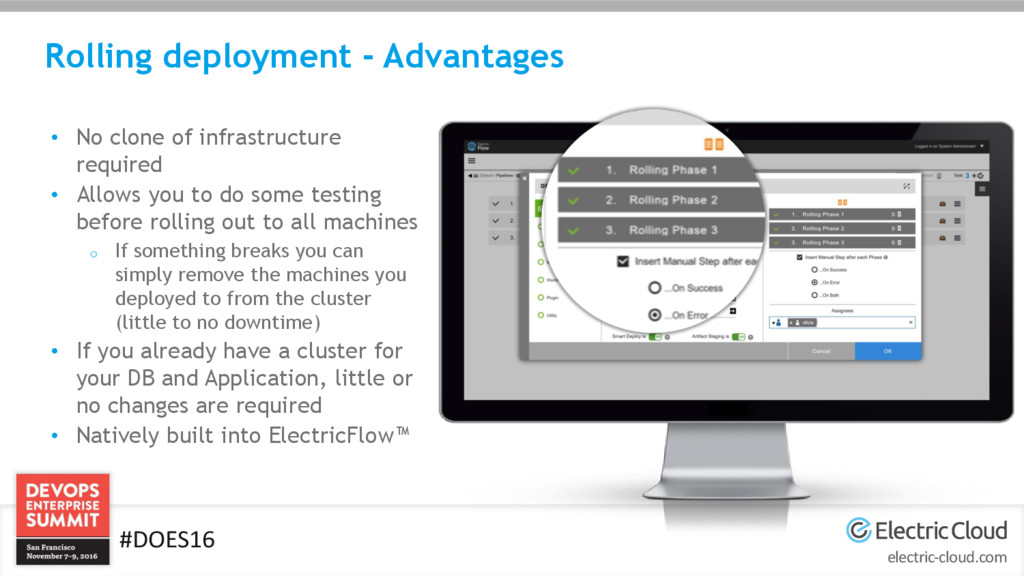
  22. electric-cloud.com #DOES16 Rolling deployment - Advantages • No clone of

    infrastructure required • Allows you to do some testing before rolling out to all machines o If something breaks you can simply remove the machines you deployed to from the cluster (little to no downtime) • If you already have a cluster for your DB and Application, little or no changes are required • Natively built into ElectricFlow™
  23. electric-cloud.com #DOES16 Rolling Deployment - Disadvantages • Version mismatch could

    cause issues depending on the application and architecture • Requires you to have clustered environment for your DB and Application  (This is a best practice!!!) • Could cause a complex overhead in scripts, unless using a tool like ElectricFlow™
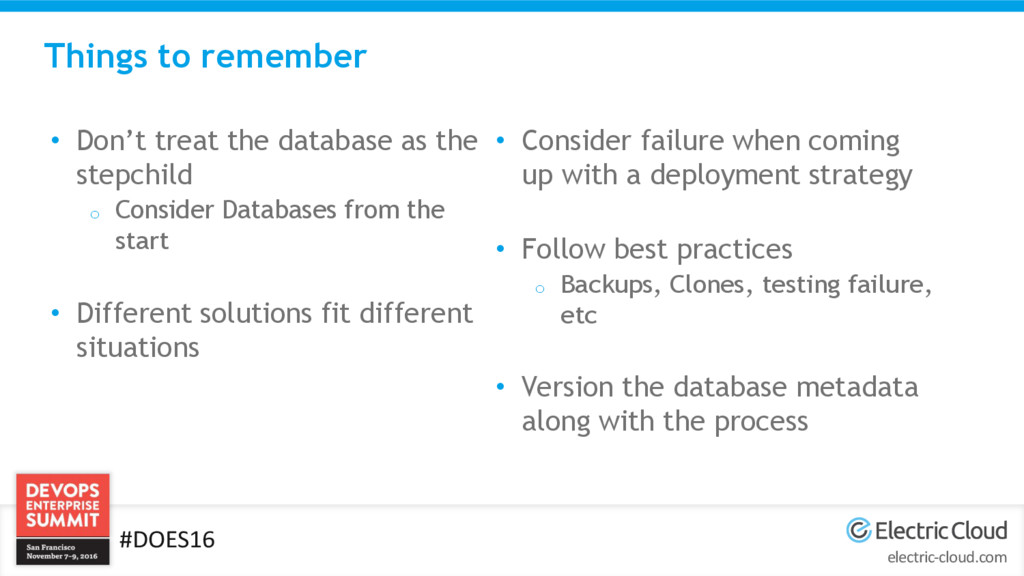
  24. electric-cloud.com #DOES16 Things to remember • Don’t treat the database

    as the stepchild o Consider Databases from the start • Different solutions fit different situations • Consider failure when coming up with a deployment strategy • Follow best practices o Backups, Clones, testing failure, etc • Version the database metadata along with the process
  25. electric-cloud.com #DOES16 Talk to me Email: [email protected] LinkedIn: https://www.linkedin.com/in/chrisfulton Company:

    http://www.electric-cloud.com Try us out: http://electric-cloud.com/electricflow/