Upgrade to Pro — share decks privately, control downloads, hide ads and more …

Building Inclusive AI Experiences with Sign Lan...

Building Inclusive AI Experiences with Sign Language and GenAI

What if your phone could read your hands the way it reads your taps? Imagine making the gesture for weather and instantly hearing today's forecast, or using the sign for traffic to learn whether the road is clear - all without a keystroke. By pairing real-time gesture recognition with generative AI, we unlock a playful, inclusive interface for everyone.

In this talk, you’ll see how computer-vision models, Keras, Gemini, and Firebase Genkit combine to build a sign-language-savvy mobile app.

Avatar for cmota

cmota

June 17, 2026

More Decks by cmota

Other Decks in Programming

Transcript

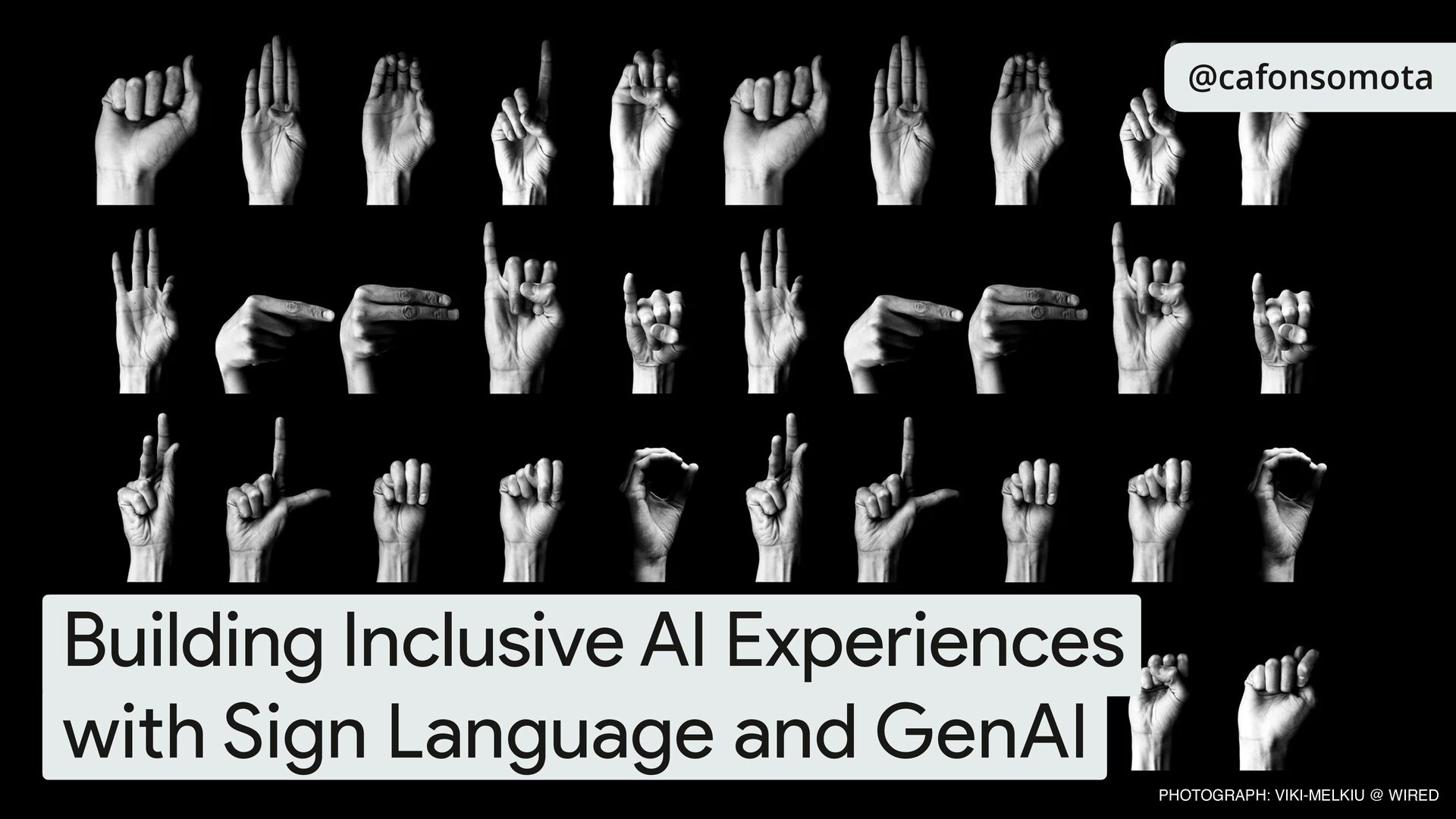
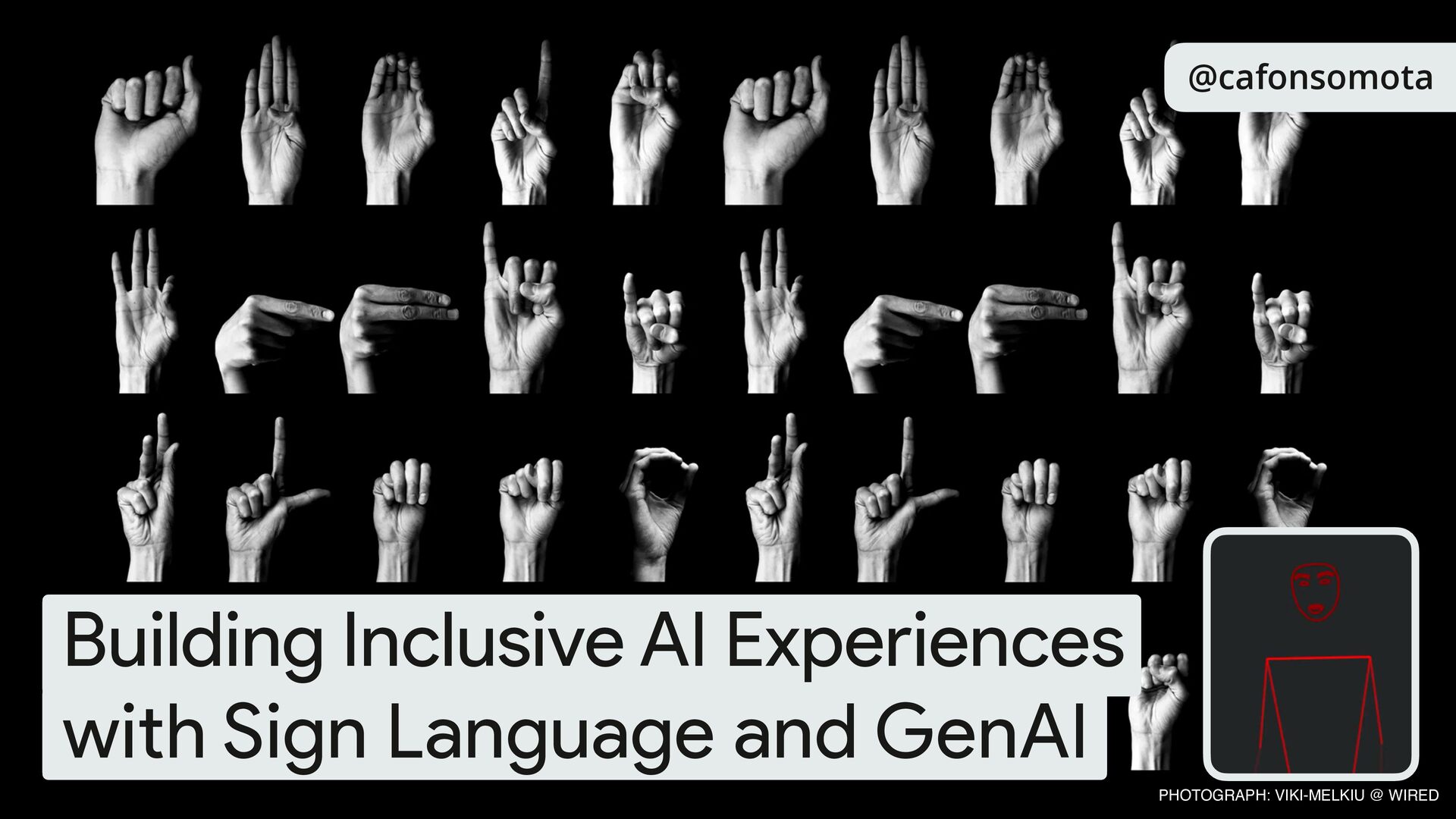
  1. @cafonsomota Building Inclusive AI Experiences with Sign Language and GenAI

    PHOTOGRAPH: VIKI-MELKIU @ WIRED Building Inclusive AI Experiences with Sign Language and GenAI
  2. 👨💻 Android GDE 🧙 Android/ KMP craftsman (and advocate) ✍

    Author @kodecodev 🗺 Loves travel, photography and running 🇪🇸 Happy to be here in Spain! Suggestions of places to visit/eat? 🍻 @cafonsomota
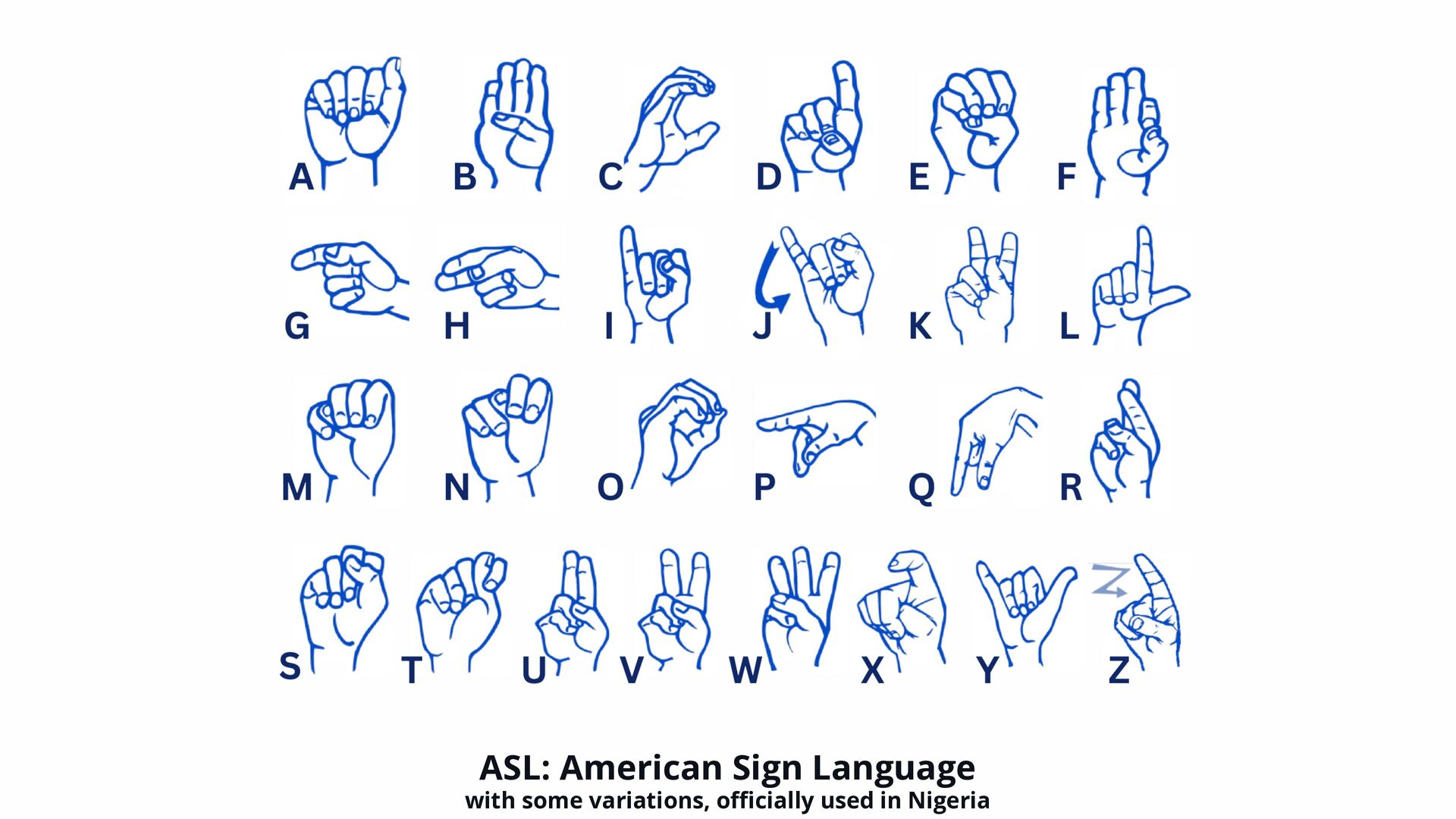
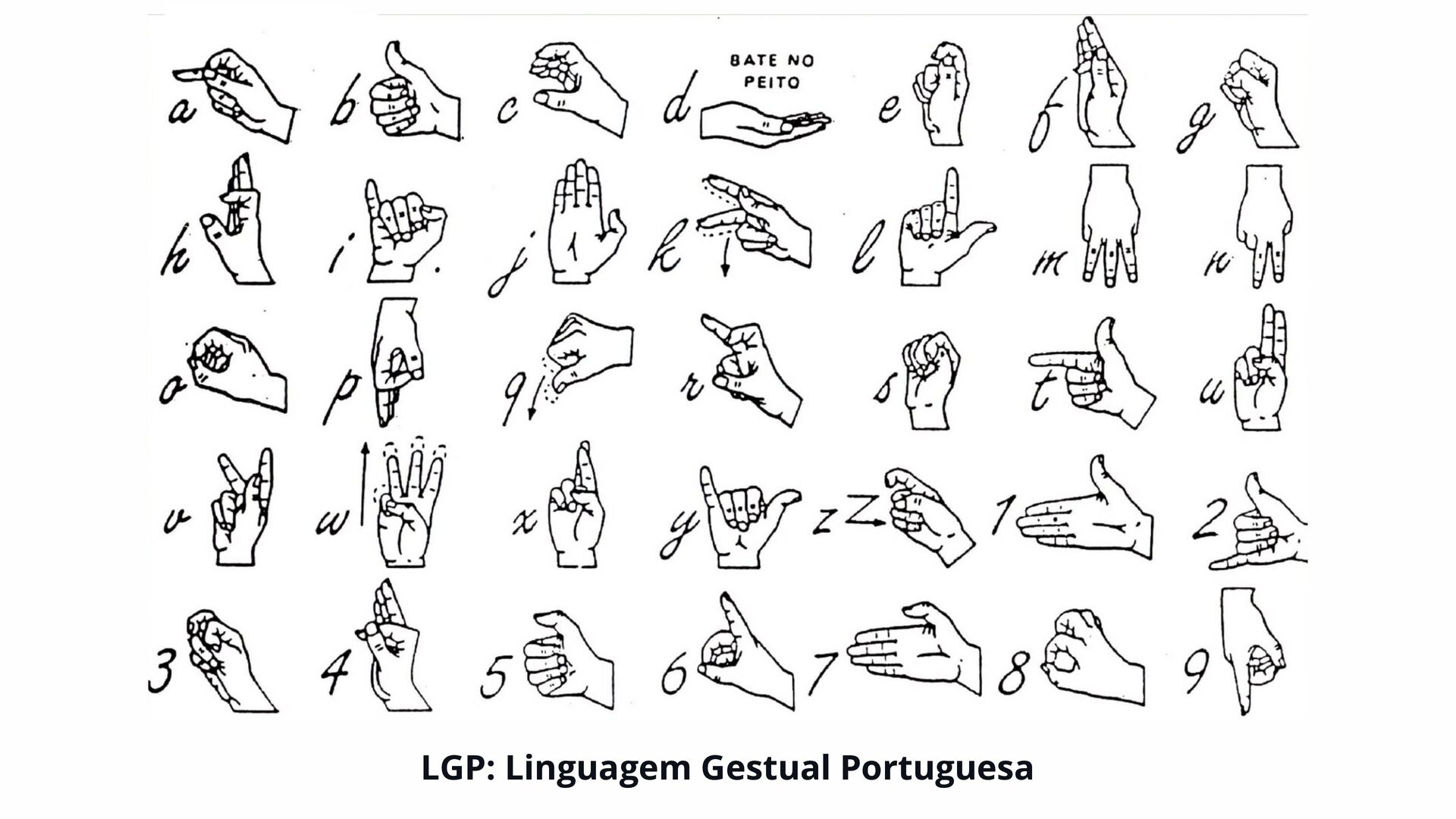
  3. ASL Sign language is a visual-manual language that uses hands,

    body movements, and facial expressions to communicate. Di ff erent countries have distinct sign languages, such as American Sign Language (ASL), or Língua Gestual Portuguesa (LGP)
  4. ASL * all the gestures that you’ll see in this

    presentation follow ASL - American Sign Language, guidelines. Sign language is a visual-manual language that uses hands, body movements, and facial expressions to communicate. Di ff erent countries have distinct sign languages, such as American Sign Language (ASL)*, or Língua Gestual Portuguesa (LGP)
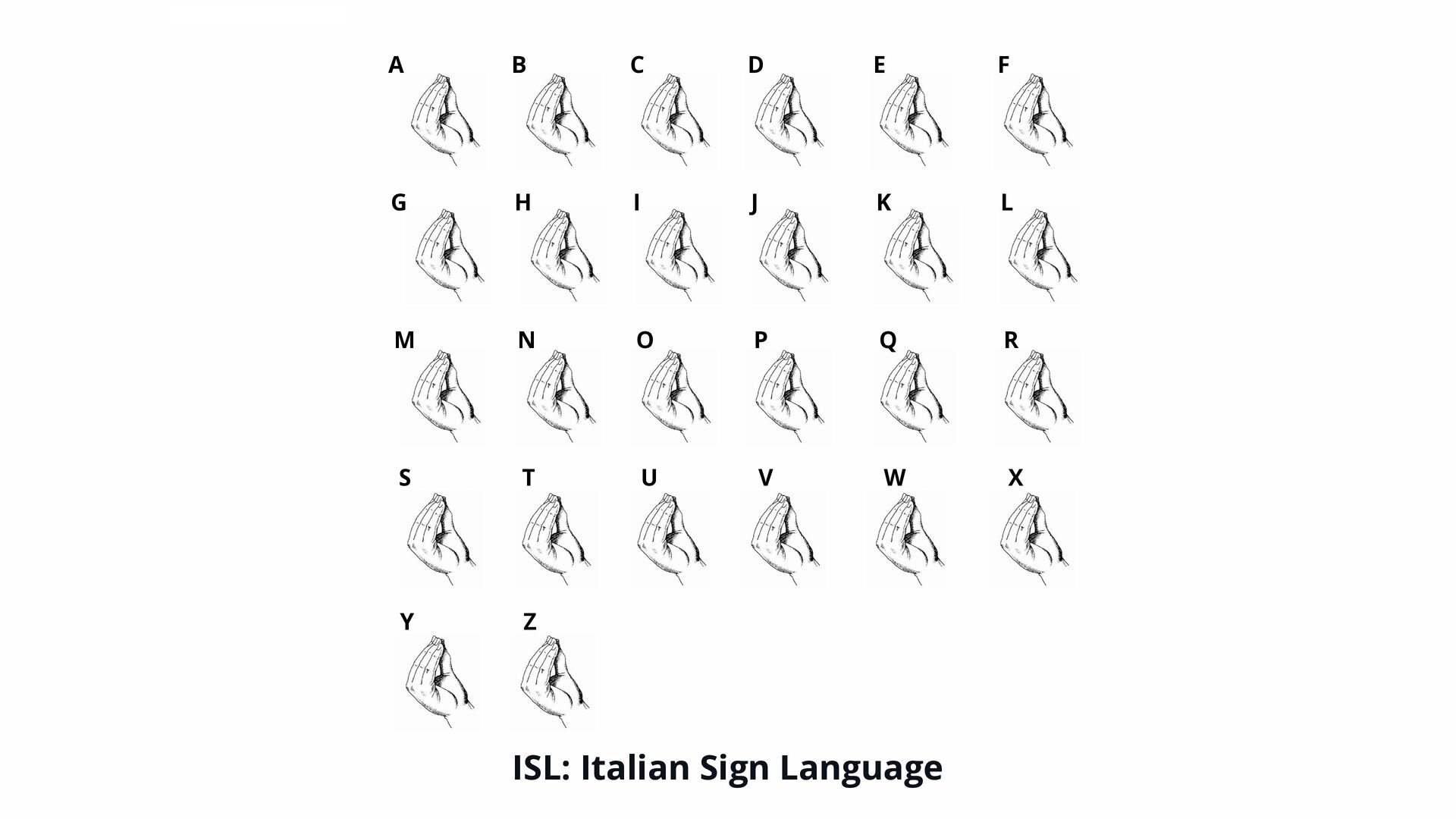
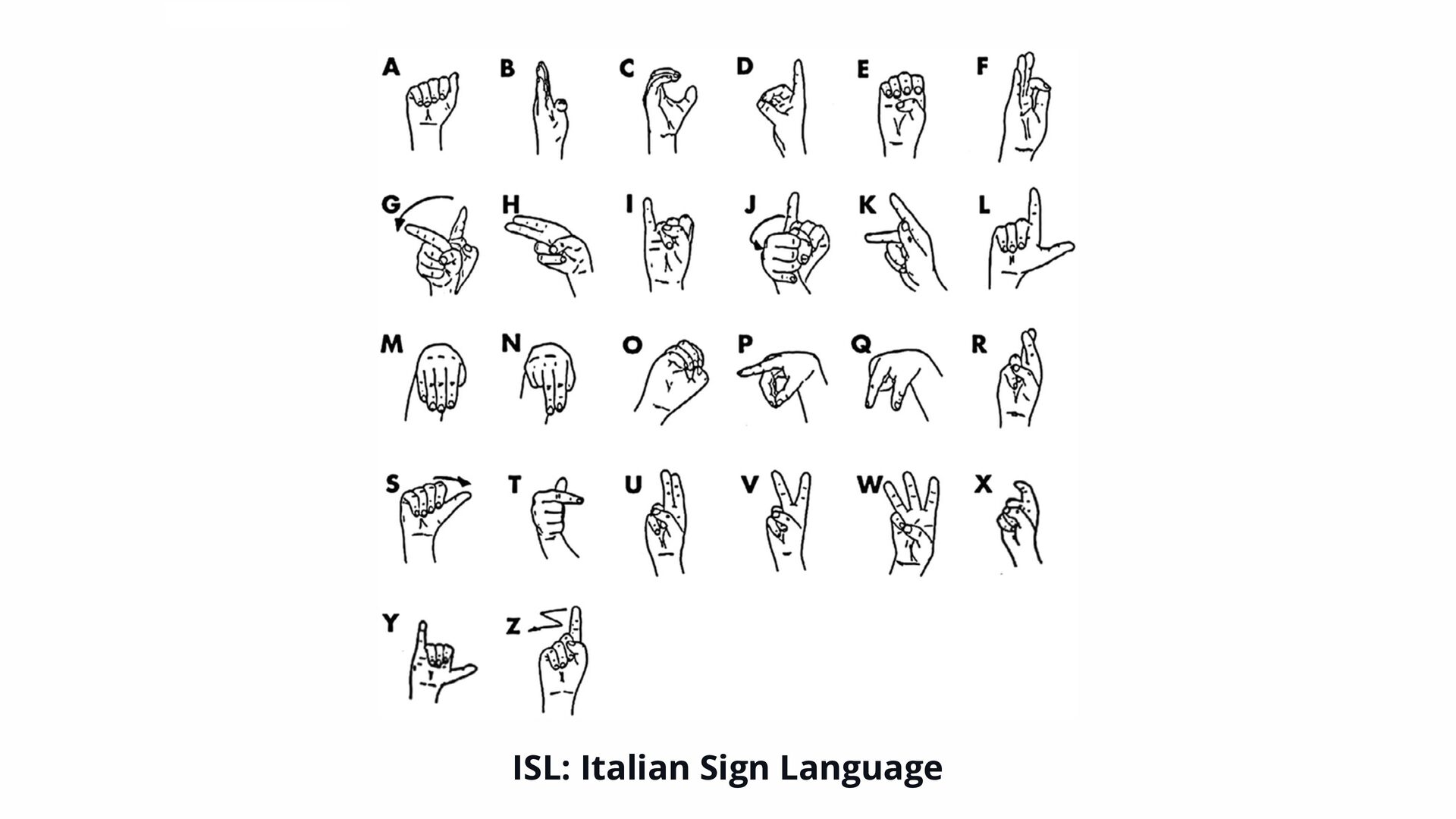
  5. ISL: Italian Sign Language A B C D E F

    G H I J K L M N O P Q R S T U V W X Y Z
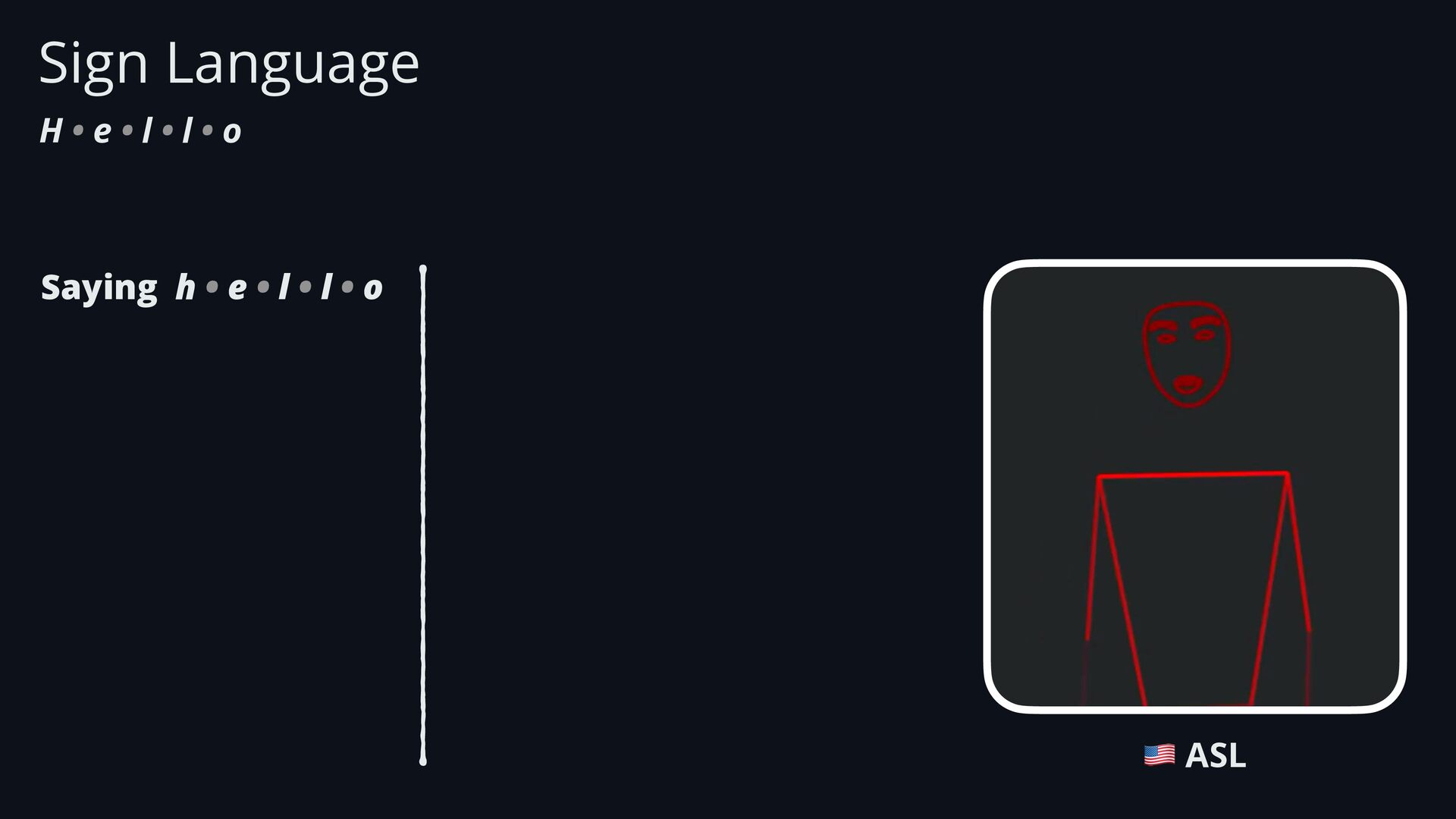
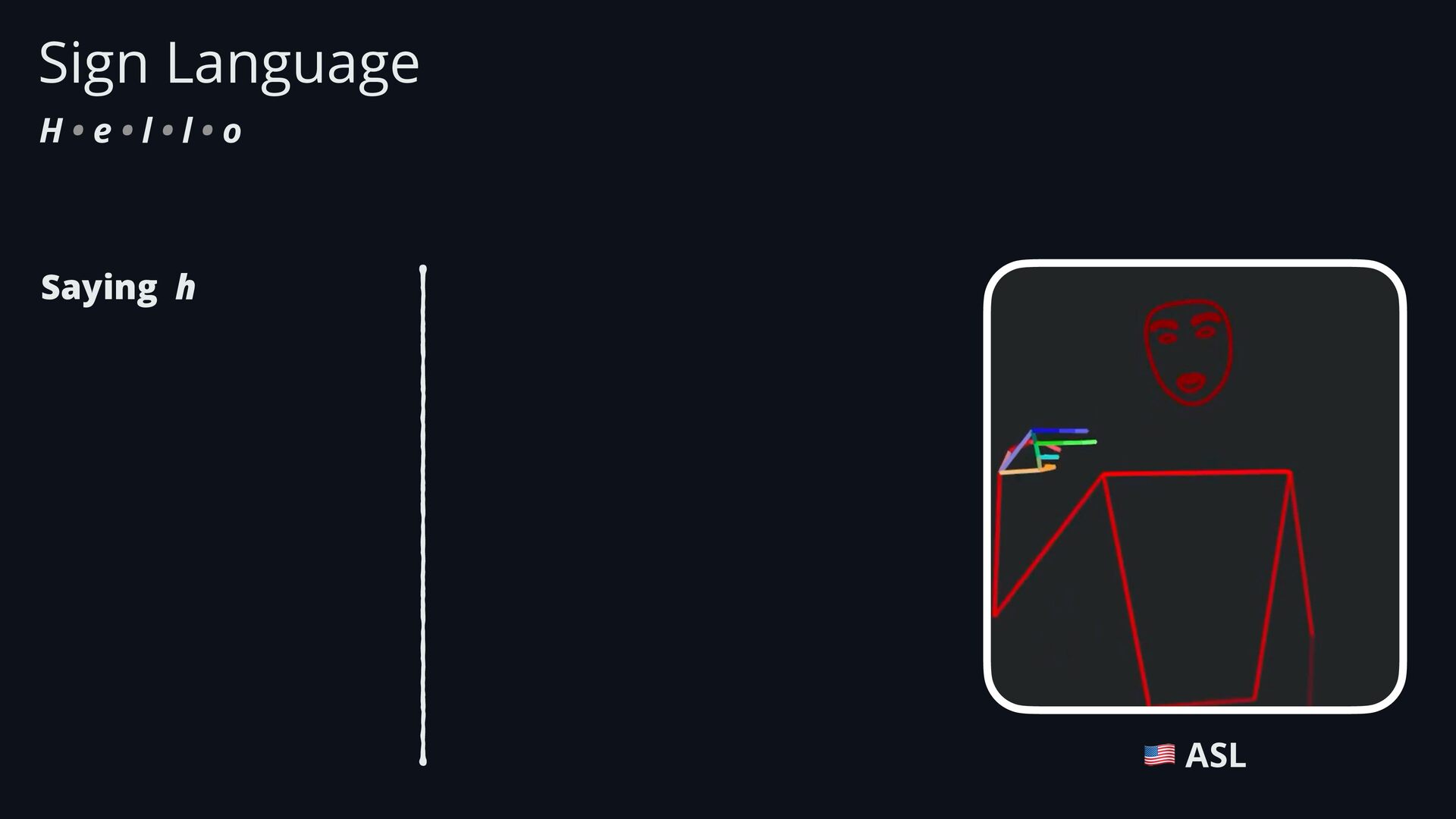
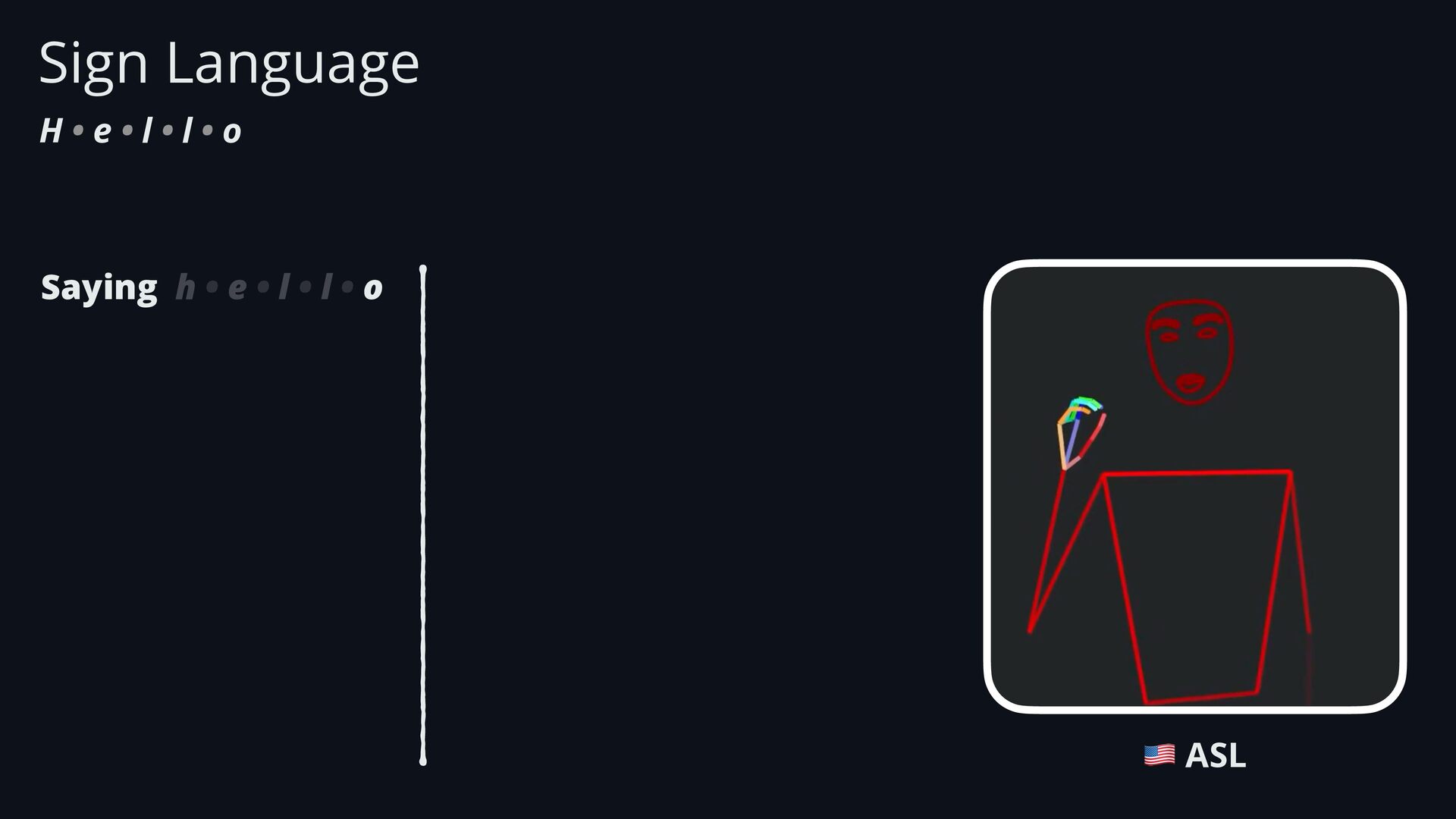
  6. Sign Language H • e • l • l •

    o Saying h • e • l • l • o 🇺🇸 ASL
  7. Sign Language H • e • l • l •

    o Saying h 🇺🇸 ASL
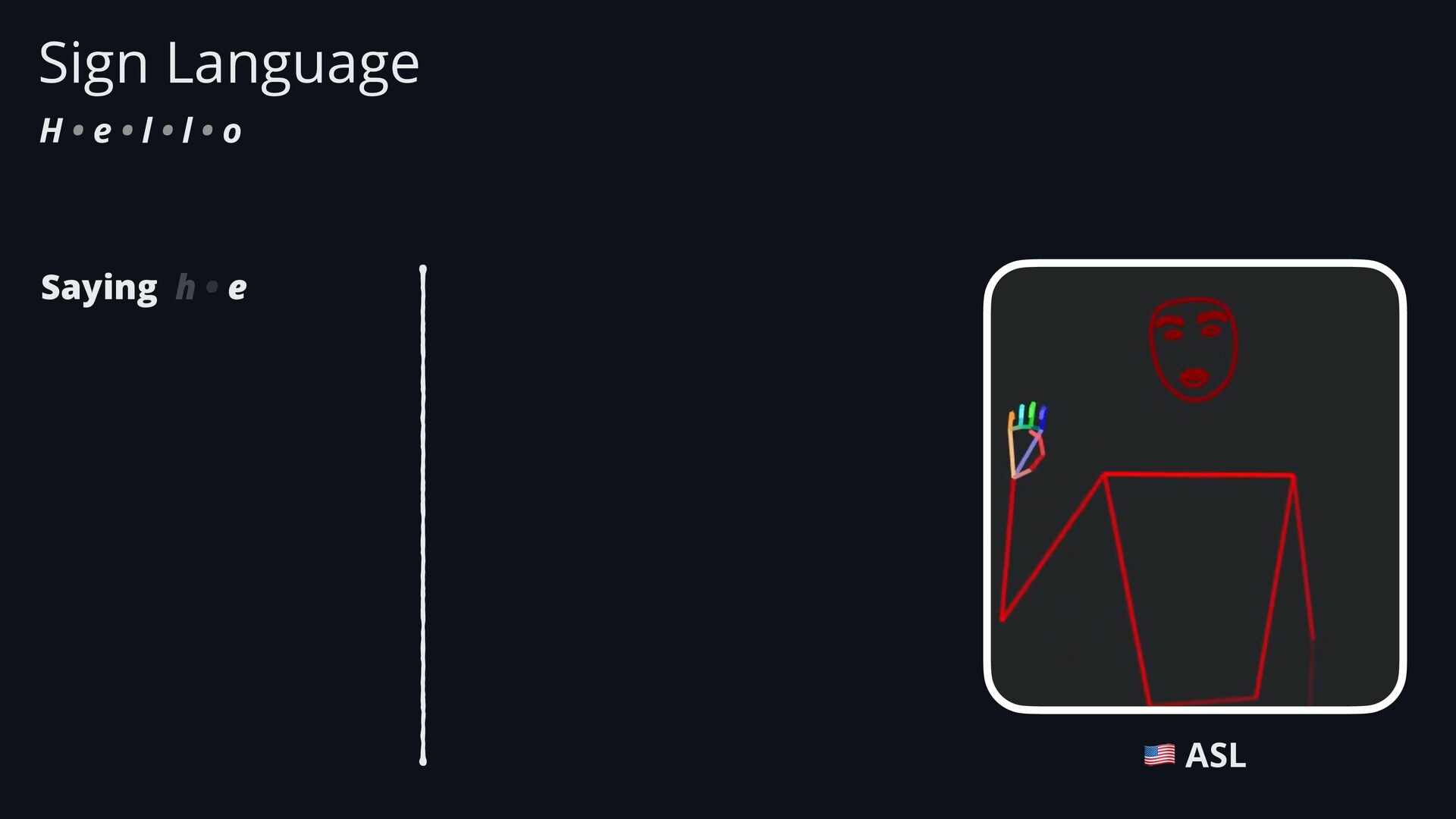
  8. Sign Language H • e • l • l •

    o Saying h • e 🇺🇸 ASL
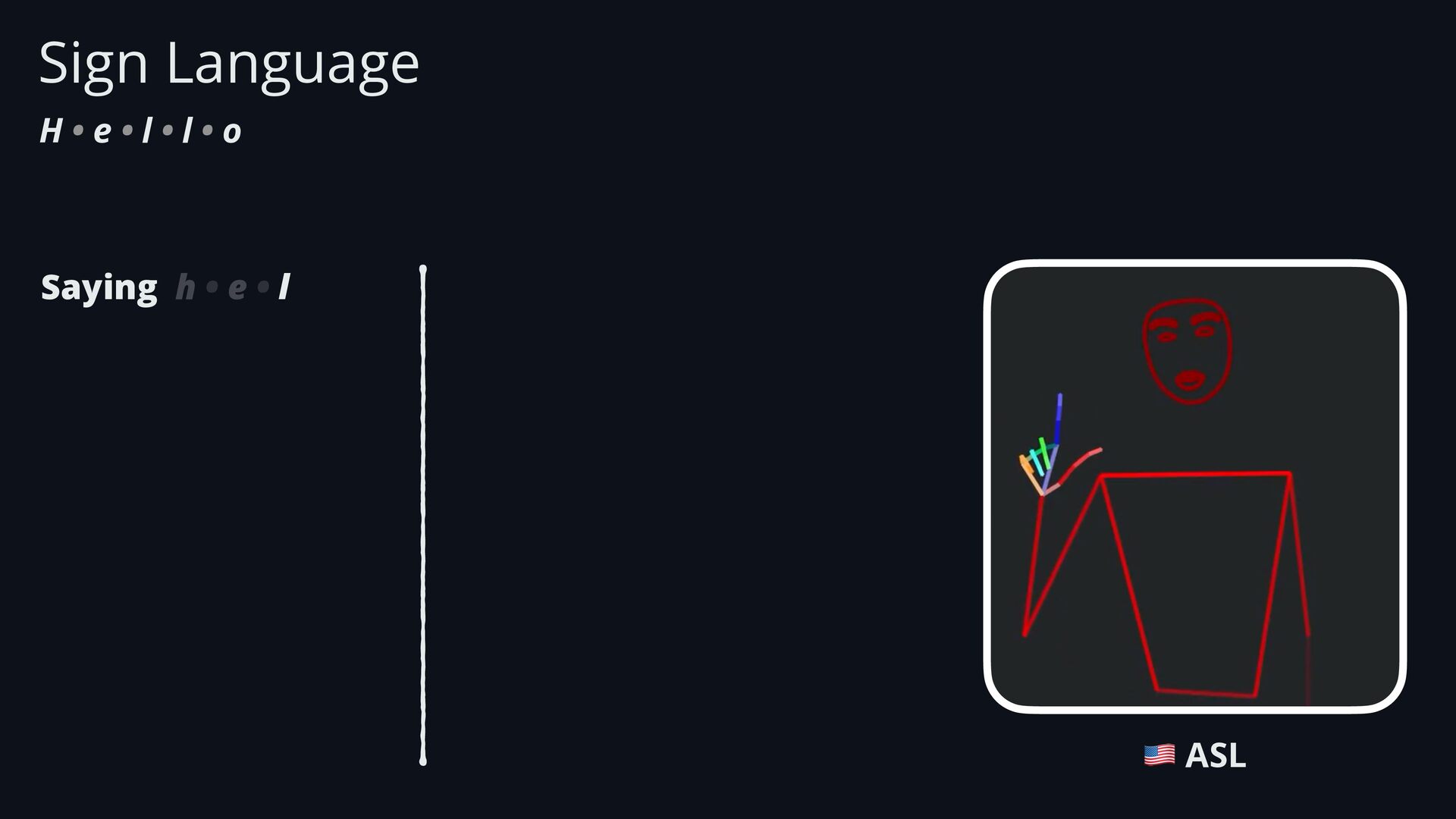
  9. Sign Language H • e • l • l •

    o Saying h • e • l 🇺🇸 ASL
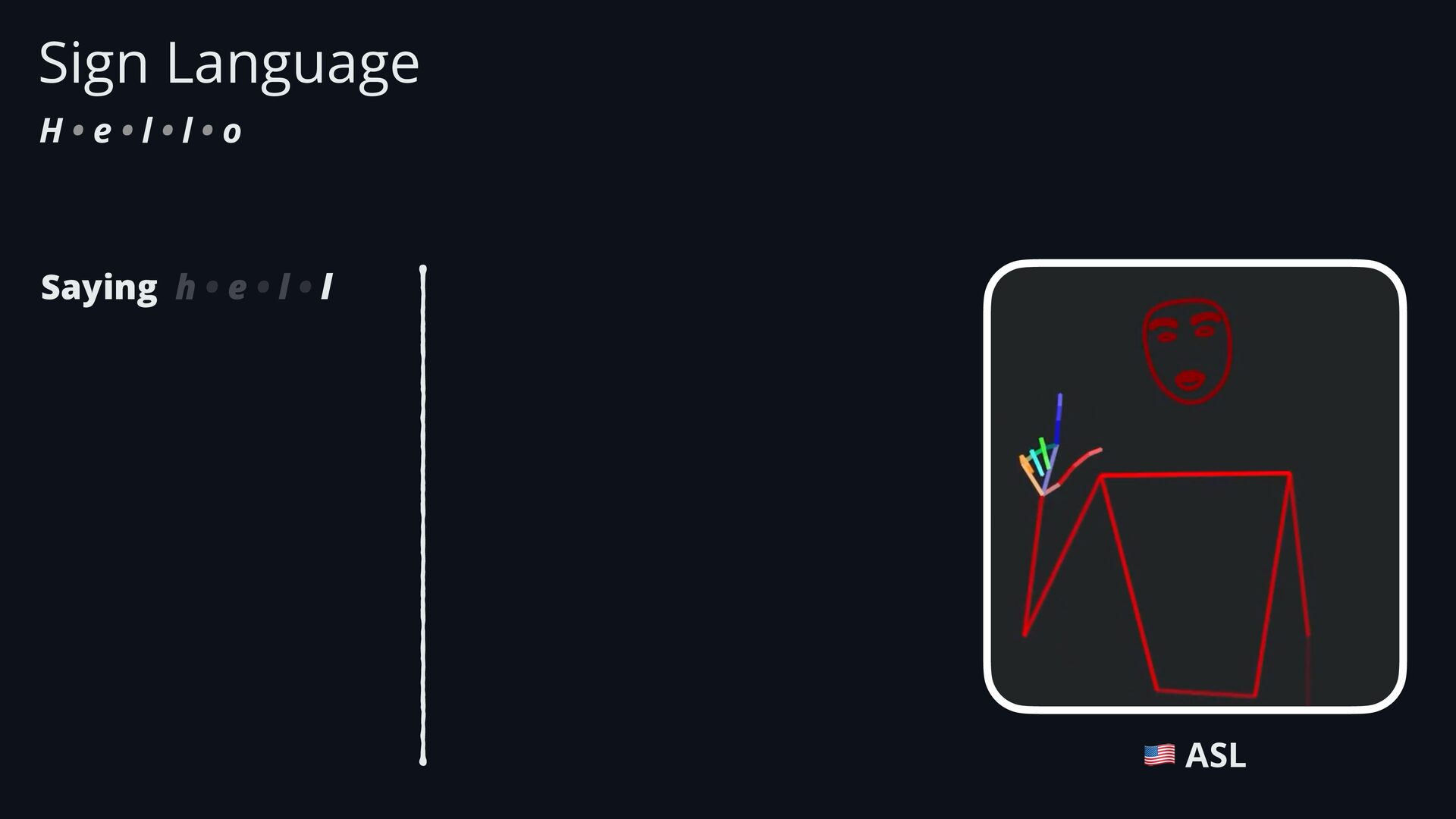
  10. Sign Language H • e • l • l •

    o Saying h • e • l • l 🇺🇸 ASL
  11. Sign Language H • e • l • l •

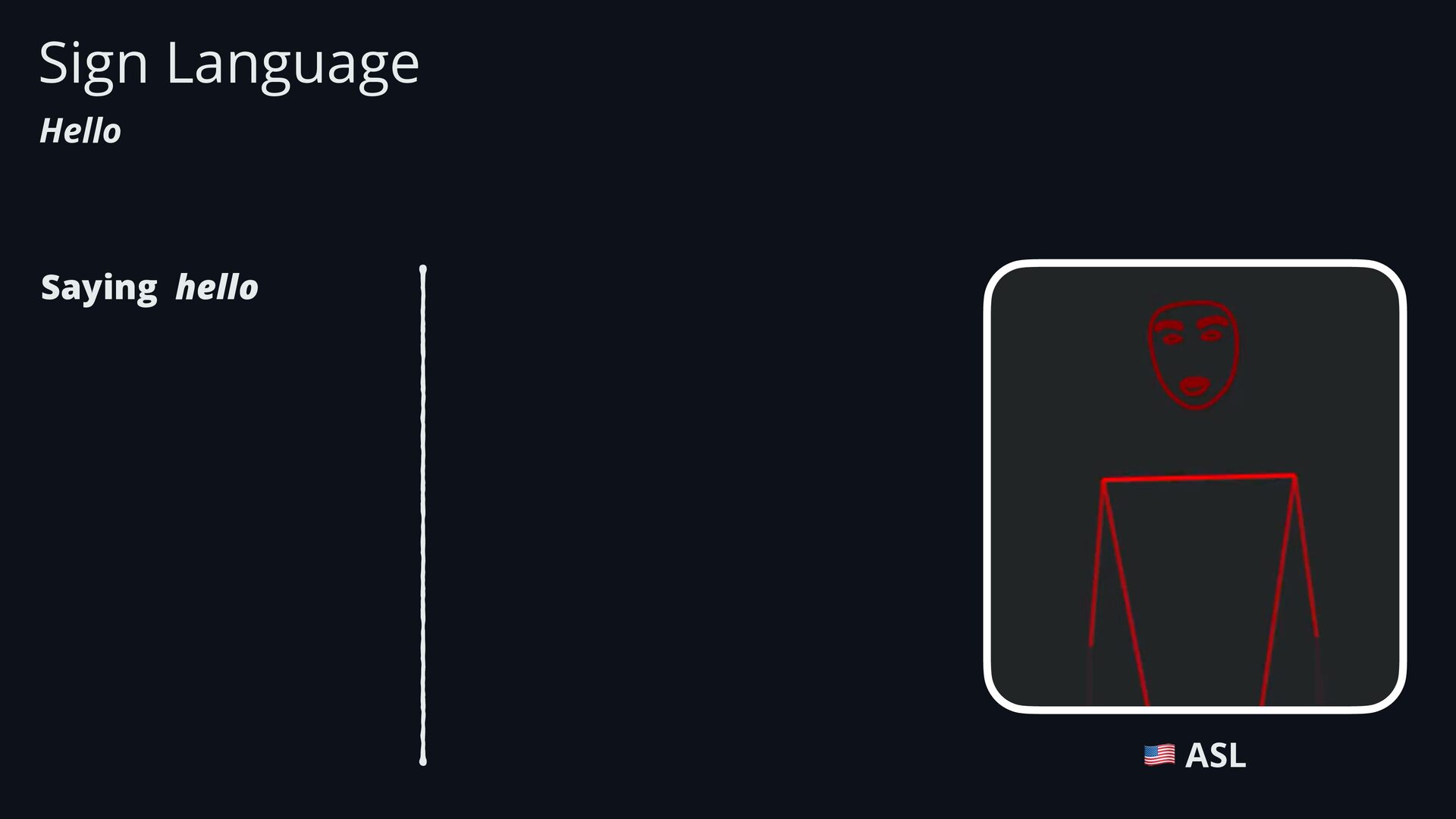
    o Saying h • e • l • l • o 🇺🇸 ASL
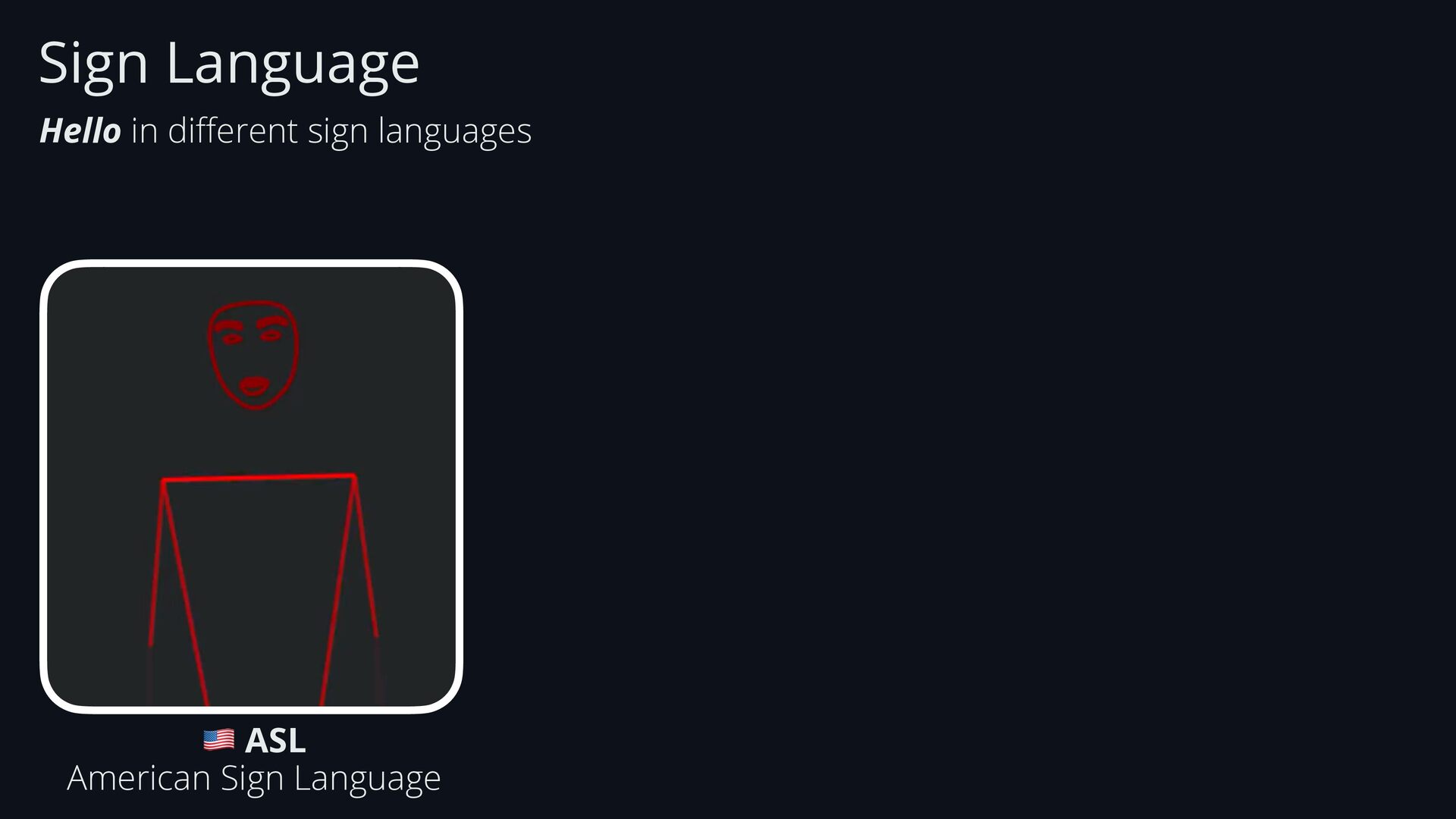
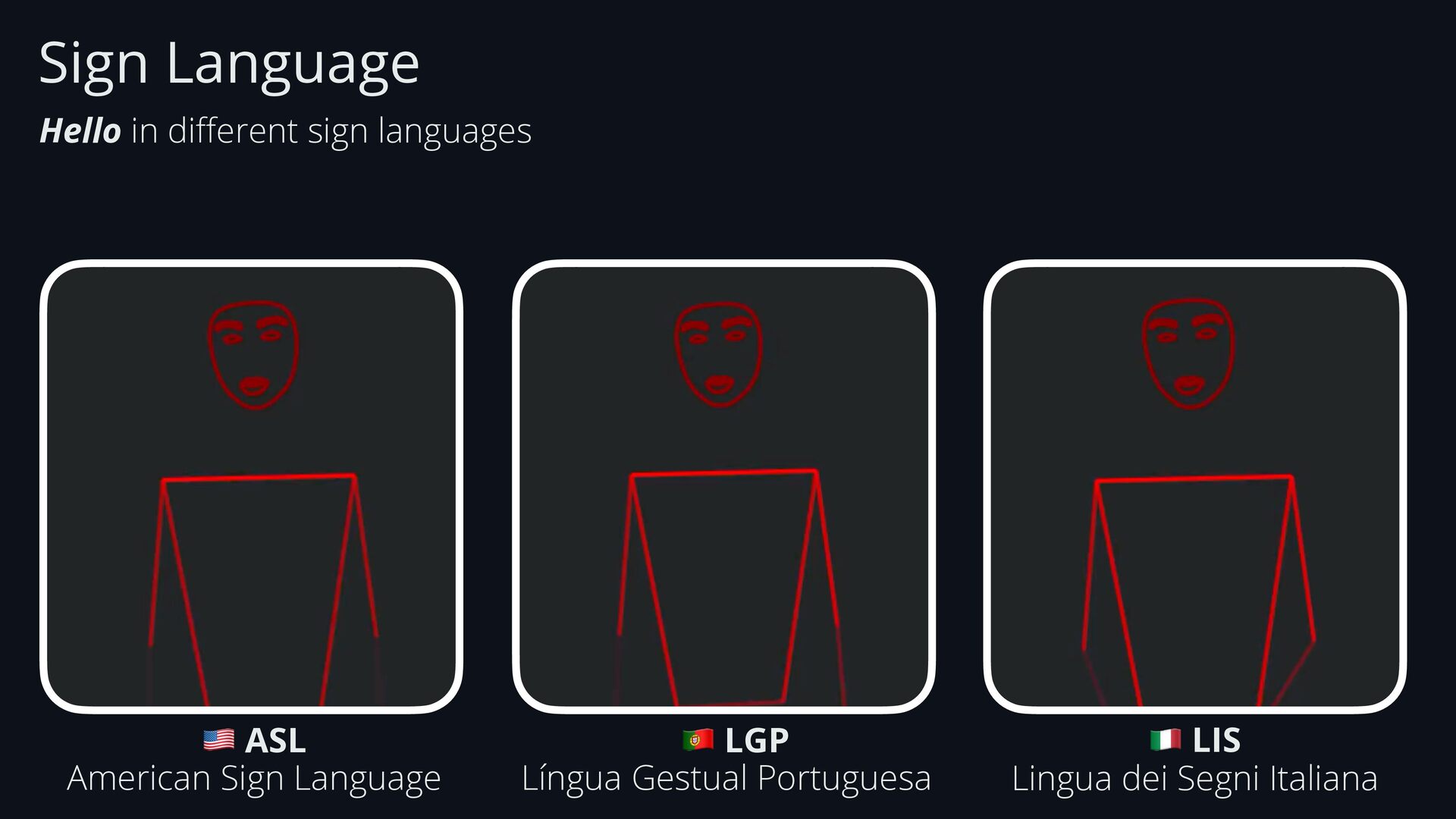
  12. Sign Language Hello in di ff erent sign languages 🇺🇸

    ASL American Sign Language 🇵🇹 LGP Língua Gestual Portuguesa
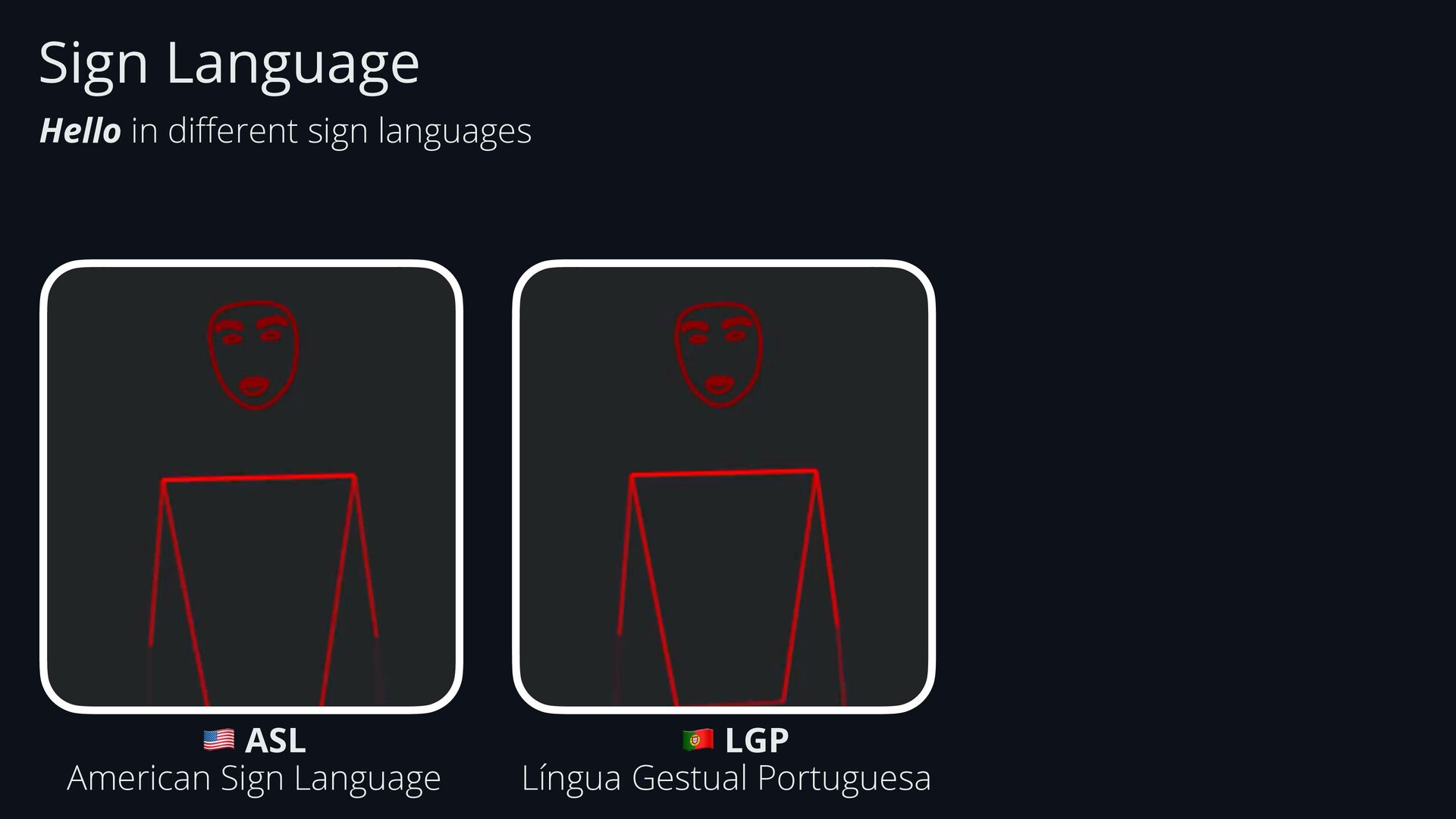
  13. Sign Language Hello in di ff erent sign languages 🇺🇸

    ASL American Sign Language 🇵🇹 LGP Língua Gestual Portuguesa 🇮🇹 LIS Lingua dei Segni Italiana
  14. Sign Language Hello in di ff erent sign languages 🇺🇸

    ASL American Sign Language 🇵🇹 LGP Língua Gestual Portuguesa https://sign.mt 🇮🇹 LIS Lingua dei Segni Italiana
  15. • Linguistic Complexity • Gestures, facial expressions, body movements, …

    • Multiple sign-languages across the world (ASL, LGP, …) • Technical • Hand shape, orientation and movement • Hands might overlap or move too fast • It needs to combine hands, face and body • Requires large datasets (which are currently missing) Sign Language Challenges
  16. • Linguistic Complexity • Gestures, facial expressions, body movements, …

    • Multiple sign-languages across the world (ASL, LGP, …) • Technical • Hand shape, orientation and movement • Hands might overlap or move too fast • It needs to combine hands, face and body • Requires large datasets (which are currently missing) Sign Language Challenges
  17. • Linguistic Complexity • Gestures, facial expressions, body movements, …

    • Multiple sign-languages across the world (ASL, LGP, …) • Technical • Hand shape, orientation and movement • Hands might overlap or move too fast • It needs to combine hands, face and body • Requires large datasets (which are currently missing) • AI & Computer Vision • Gestures are not 2D • Signs need to be captured from di ff erent angles • Models can easily fail due to hand size, skin tone, etc. Sign Language Challenges
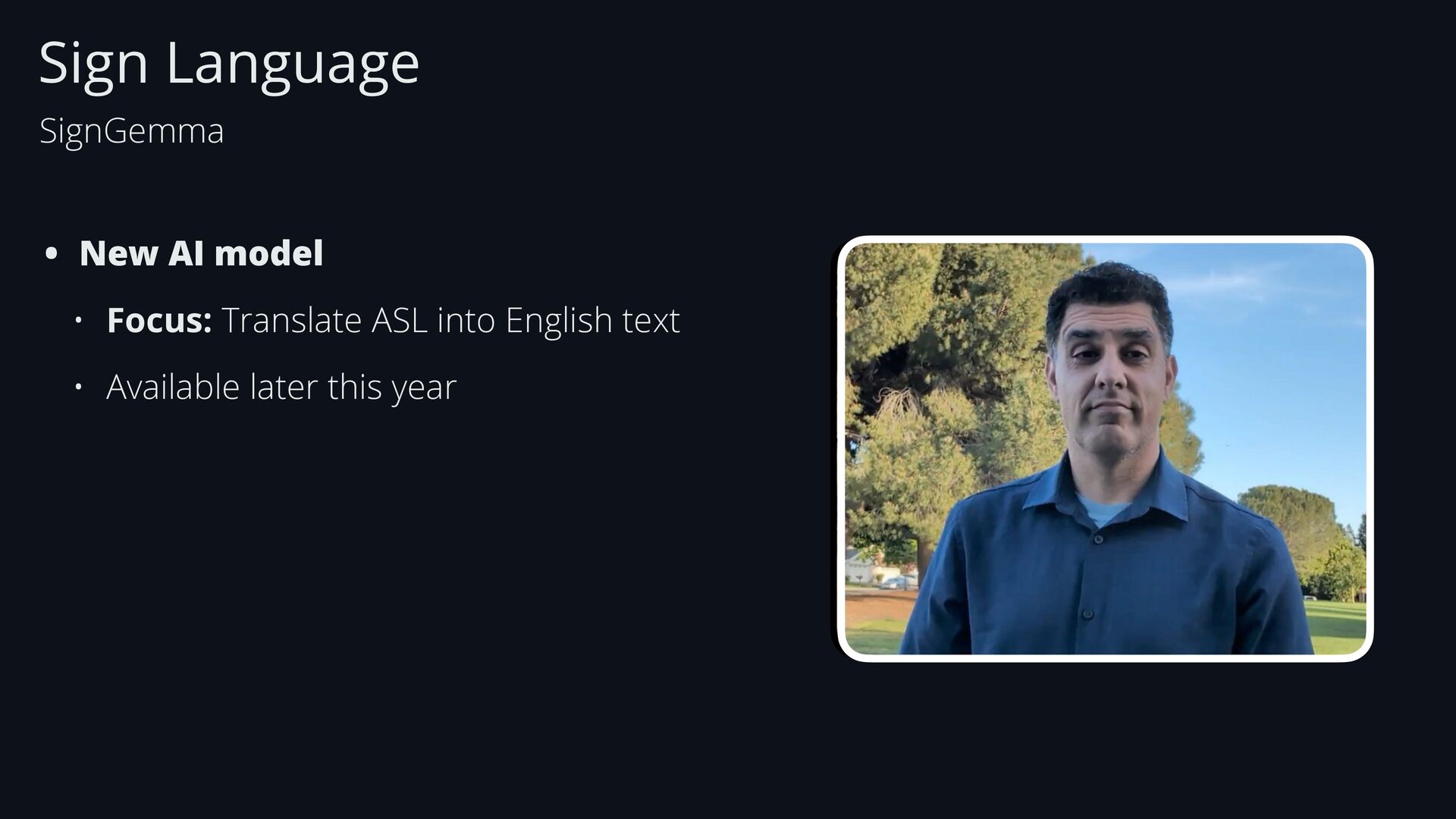
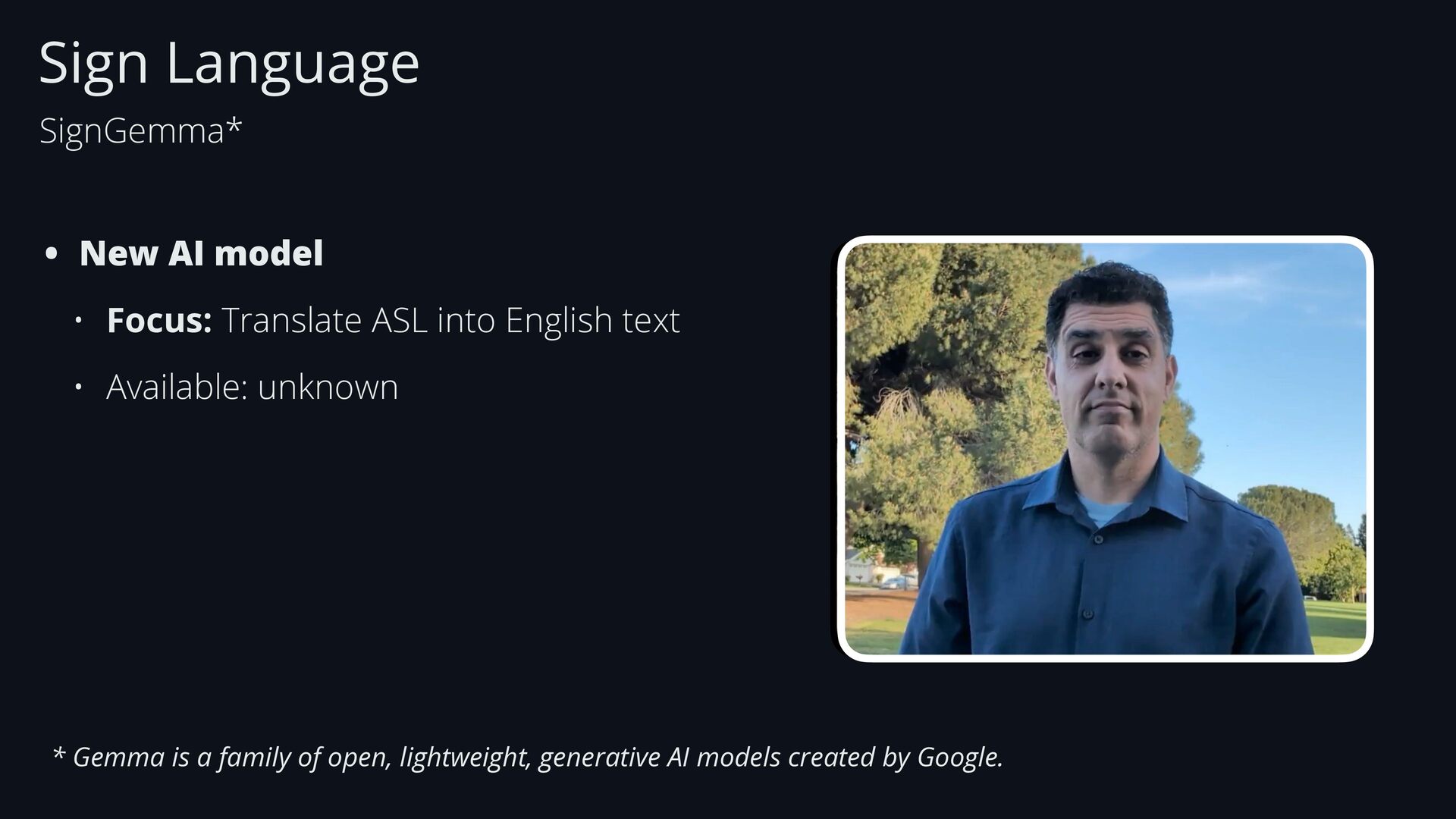
  18. Sign Language SignGemma • New AI model • Focus: Translate

    ASL into English text • Available later this year
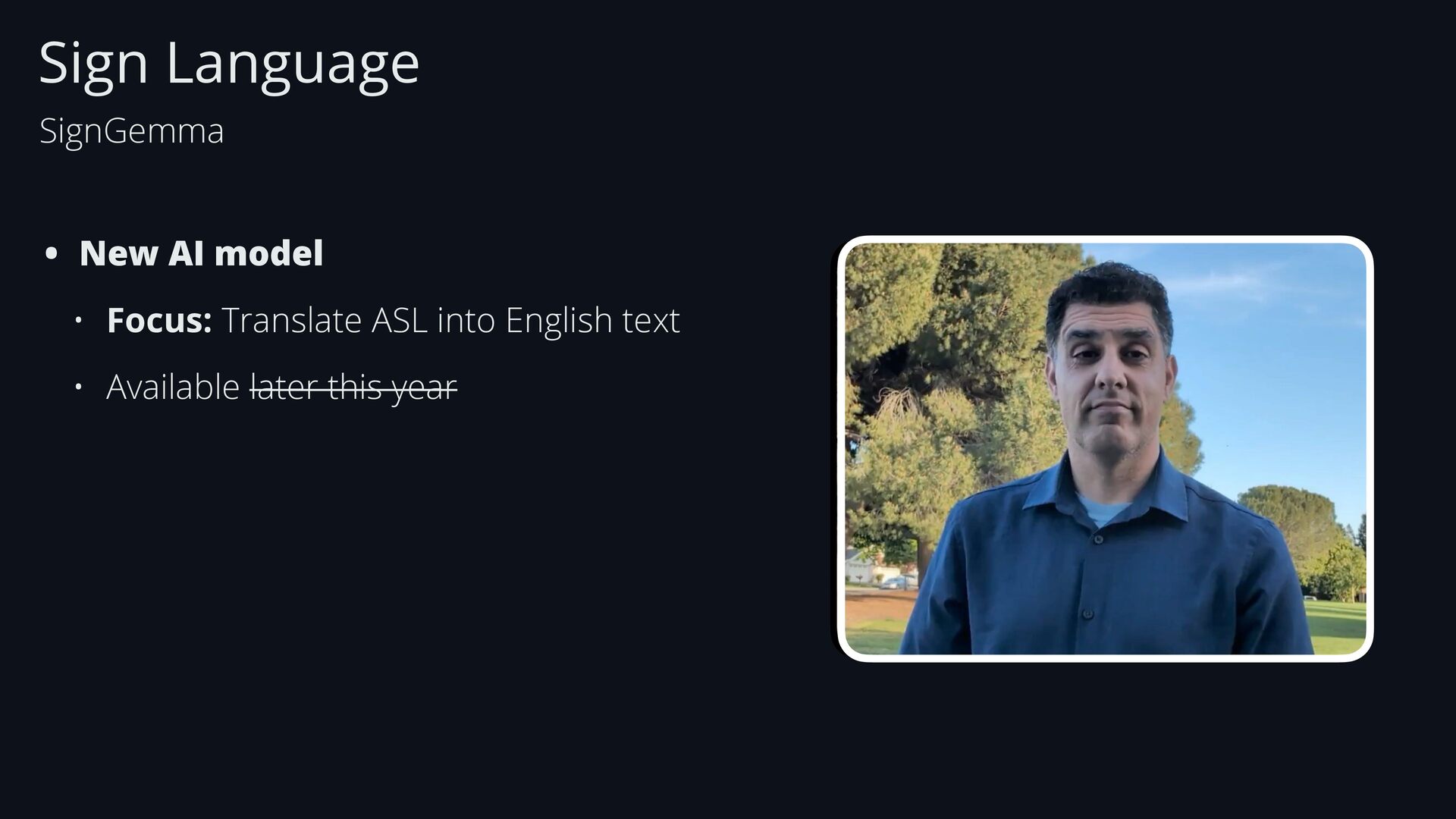
  19. Sign Language SignGemma • New AI model • Focus: Translate

    ASL into English text • Available later this year
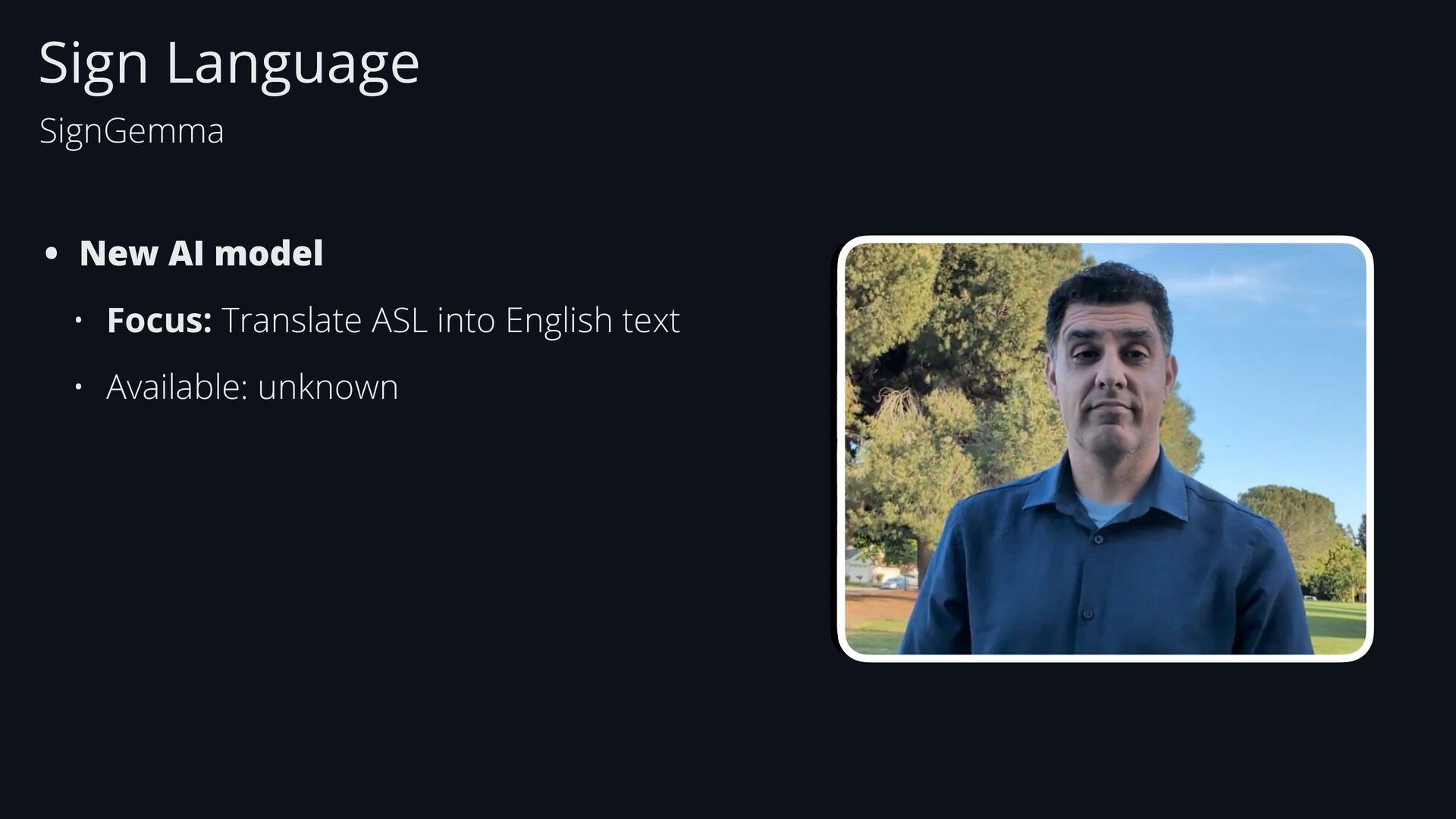
  20. Sign Language SignGemma • New AI model • Focus: Translate

    ASL into English text • Available: unknown
  21. Sign Language SignGemma* • New AI model • Focus: Translate

    ASL into English text • Available: unknown * Gemma is a family of open, lightweight, generative AI models created by Google.
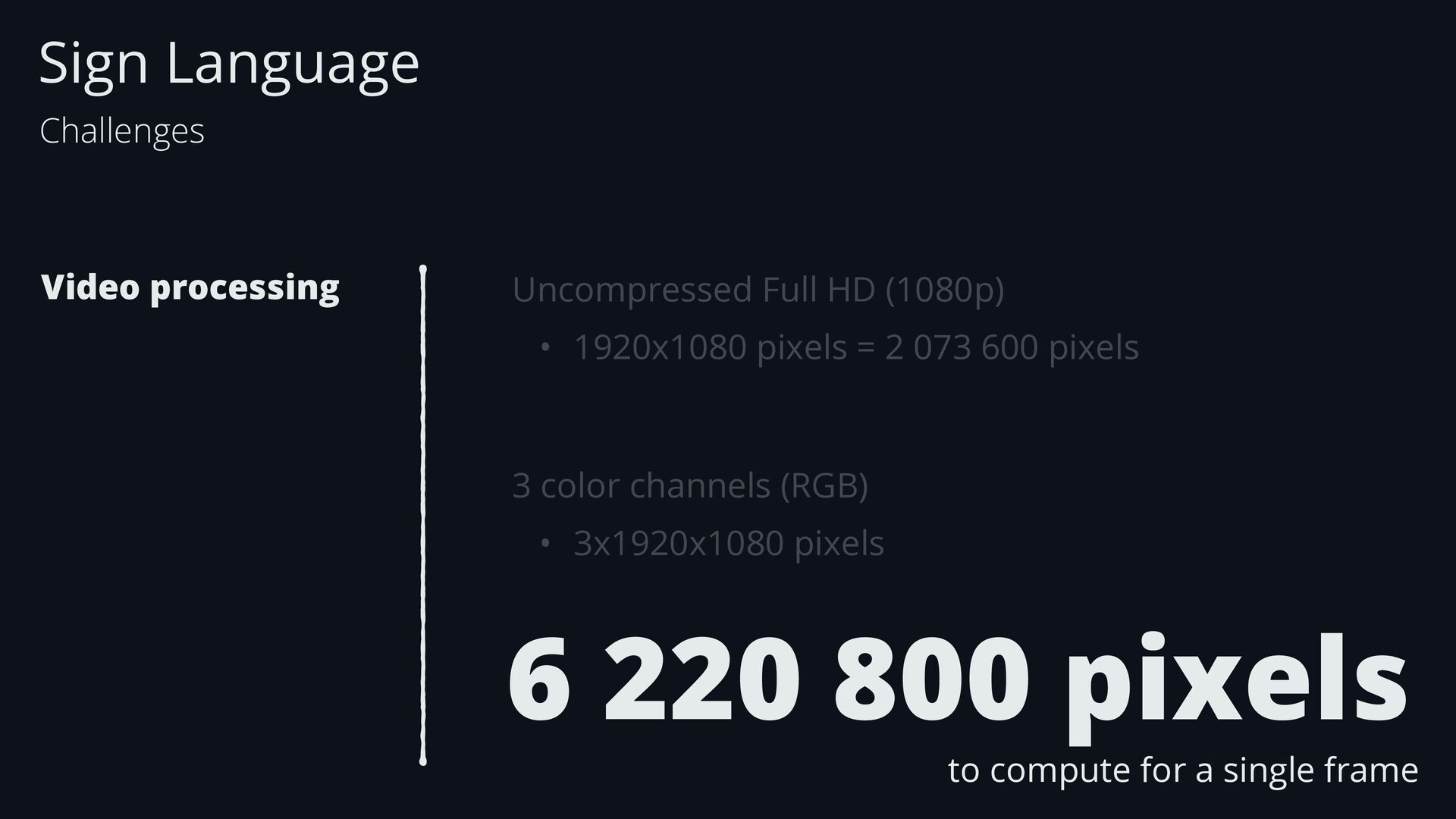
  22. Sign Language Challenges Video processing Uncompressed Full HD (1080p) •

    1920x1080 pixels = 2 073 600 pixels 3 color channels (RGB) • 3x1920x1080 pixels
  23. Sign Language Challenges Video processing Uncompressed Full HD (1080p) •

    1920x1080 pixels = 2 073 600 pixels 3 color channels (RGB) • 3x1920x1080 pixels 6 220 800 pixels to compute for a single frame
  24. Sign Language Challenges Video processing Most of the data in

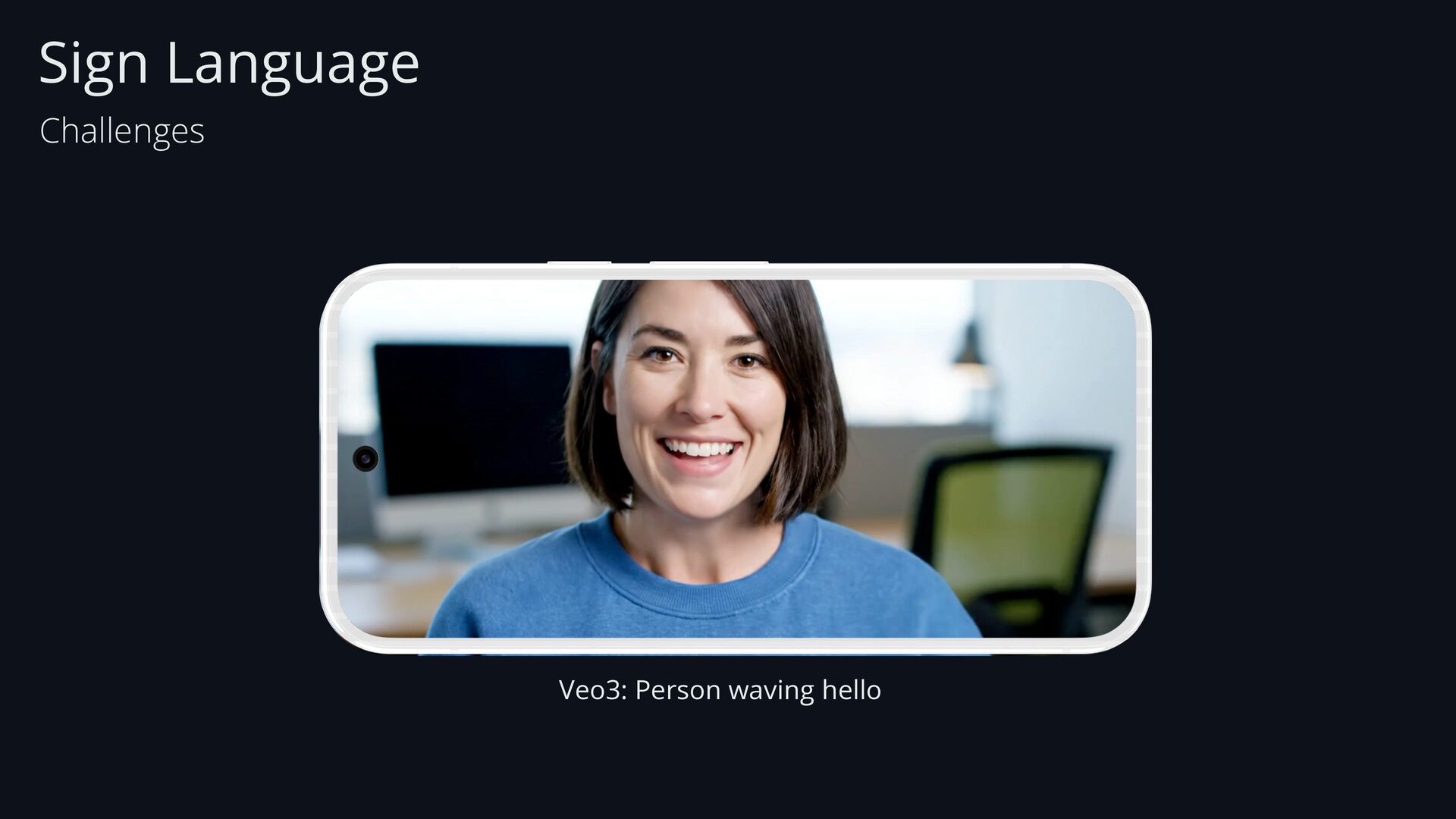
    the image is irrelevant • The model needs the sign from the hands’s shape • Not the color of the speaker’s sweater
  25. Sign Language Challenges Video processing Most of the data in

    the image is irrelevant • The model needs the sign from the hands’s shape • Not the color of the speaker’s sweater In some scenarios, the model might assign the word hello with a blue sweater
  26. Sign Language Challenges Video processing Lack of invariance • If

    the person moves towards/backwards the camera - The model may fail to recognize the sign
  27. Sign Language Challenges Video processing Lack of invariance • If

    the person moves towards/backwards the camera - The model may fail to recognize the sign • If the gesture is done on the top-left vs bottom-right • The model may fail to recognize the sign
  28. Sign Language Challenges Video processing Lack of invariance • If

    the person moves towards/backwards the camera - The model may fail to recognize the sign • If the gesture is done on the top-left vs bottom-right • The model may fail to recognize the sign • If the camera is facing a (slightly) di ff erent angle • The model may fail to recognize the sign
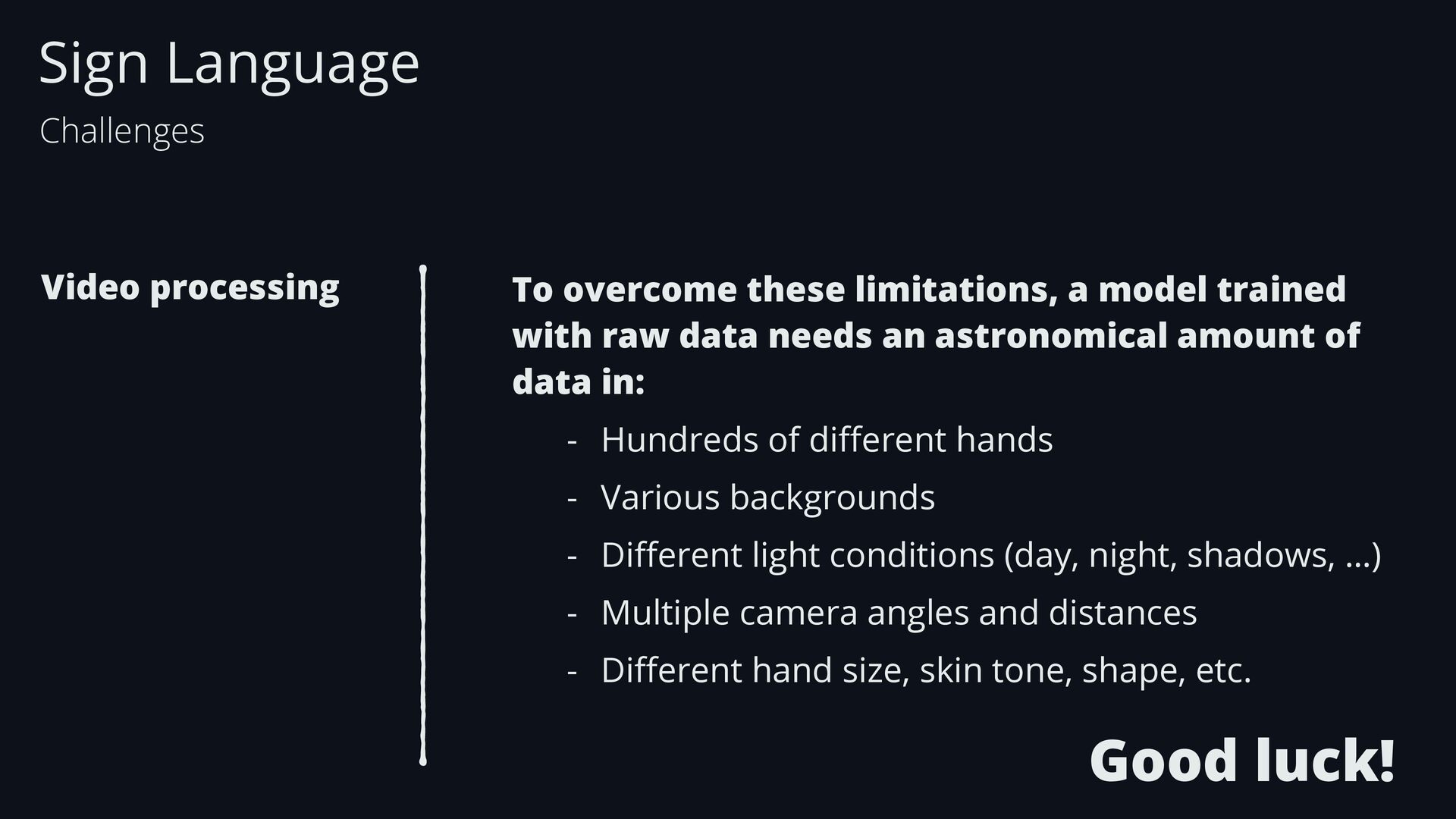
  29. Sign Language Challenges Video processing To overcome these limitations, a

    model trained with raw data needs an astronomical amount of data in: - Hundreds of di ff erent hands - Various backgrounds - Di ff erent light conditions (day, night, shadows, …) - Multiple camera angles and distances - Di ff erent hand size, skin tone, shape, etc. Good luck!
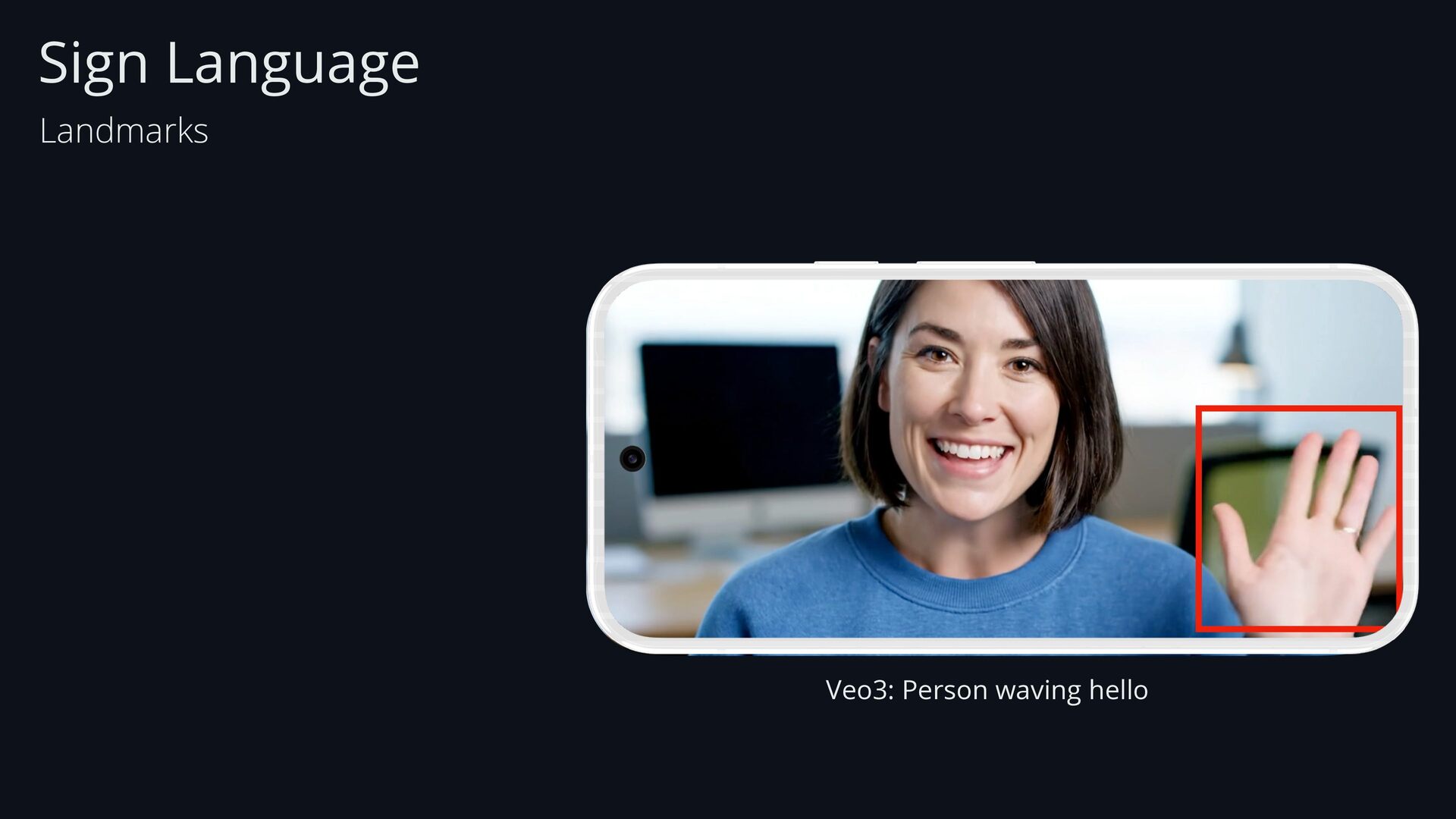
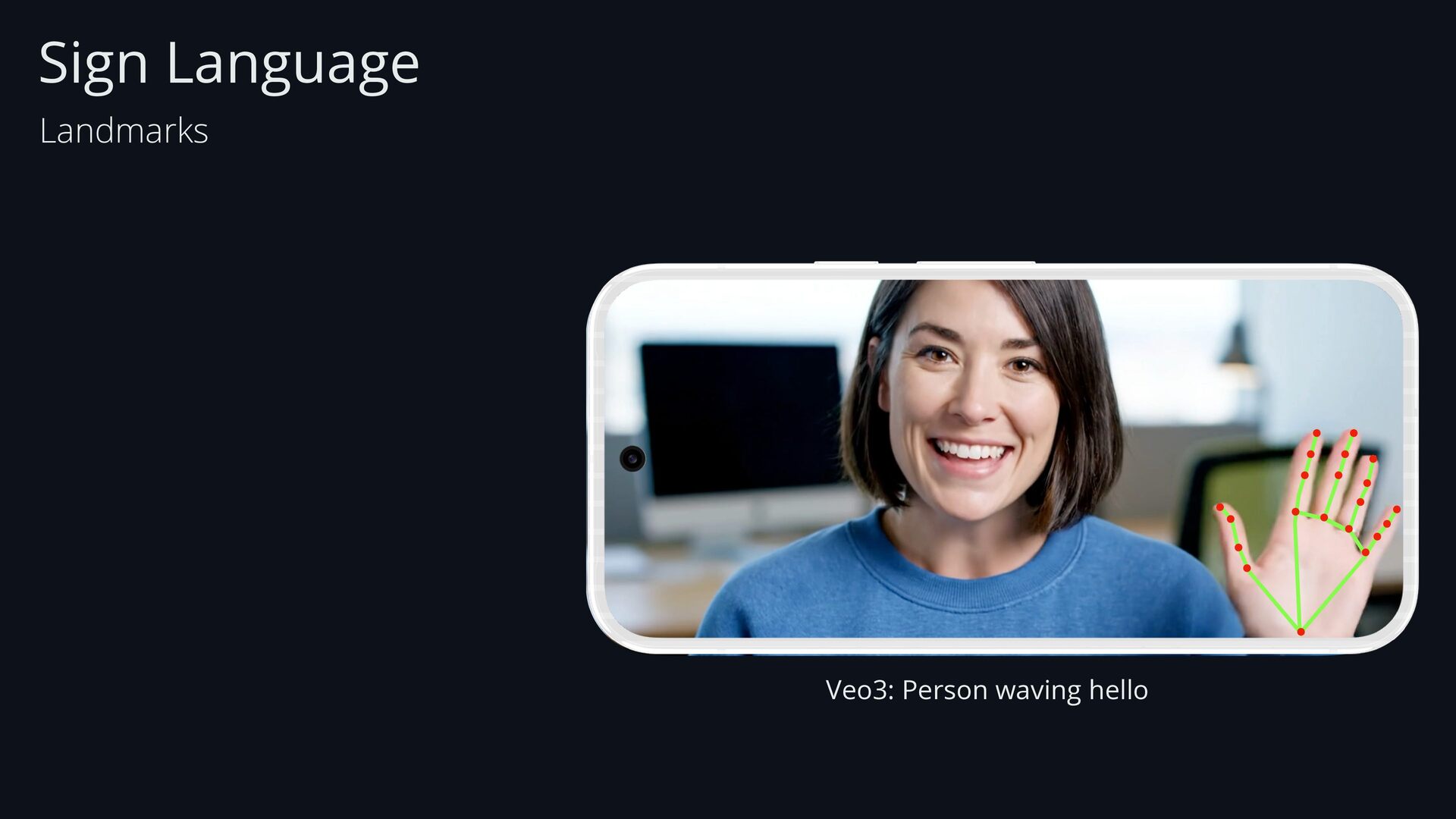
  30. Sign Language Landmarks Video processing Landmarks Using… Set of points
    that identify speci fi c features of an object: - Face - Hand - Body
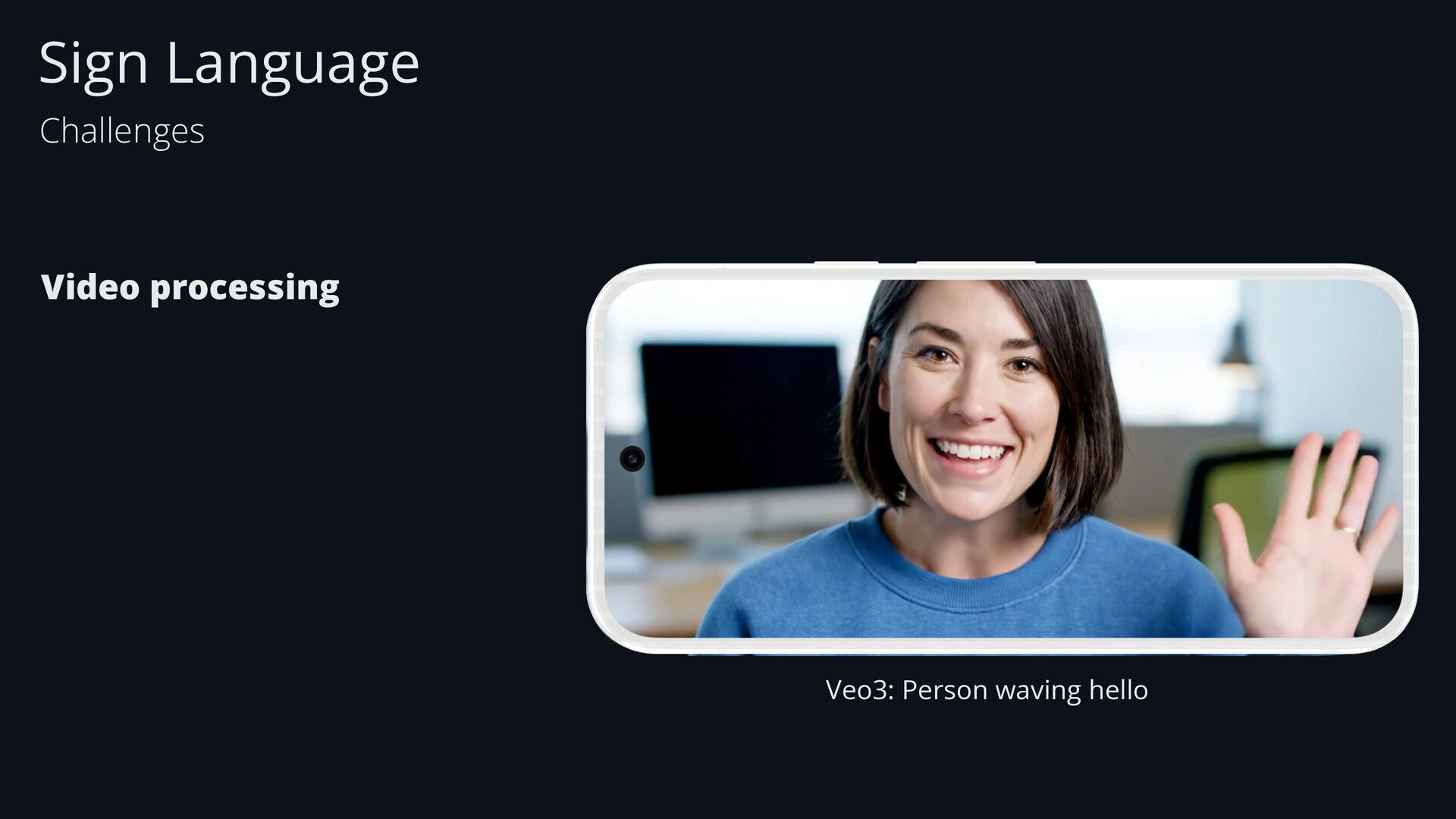
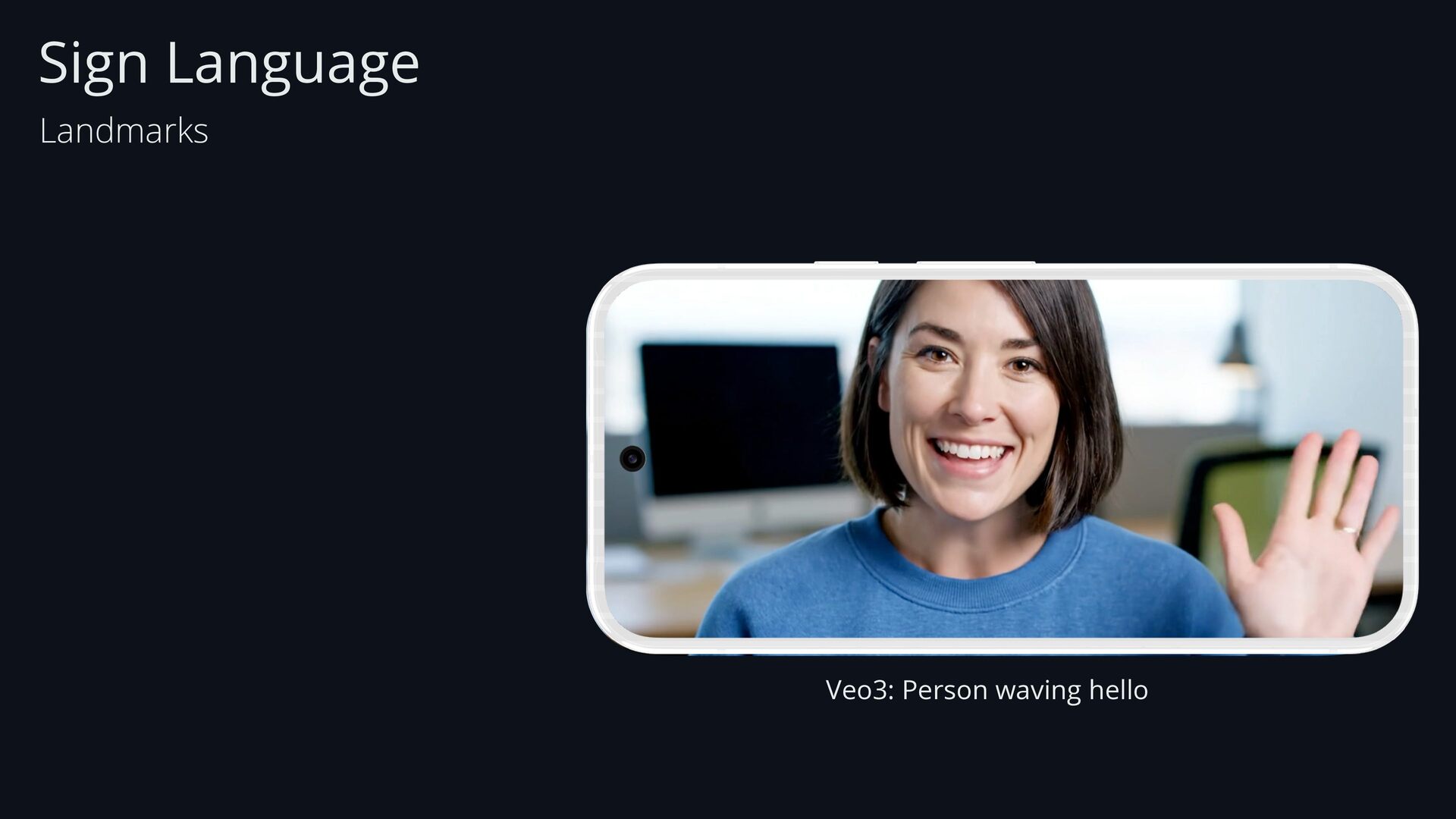
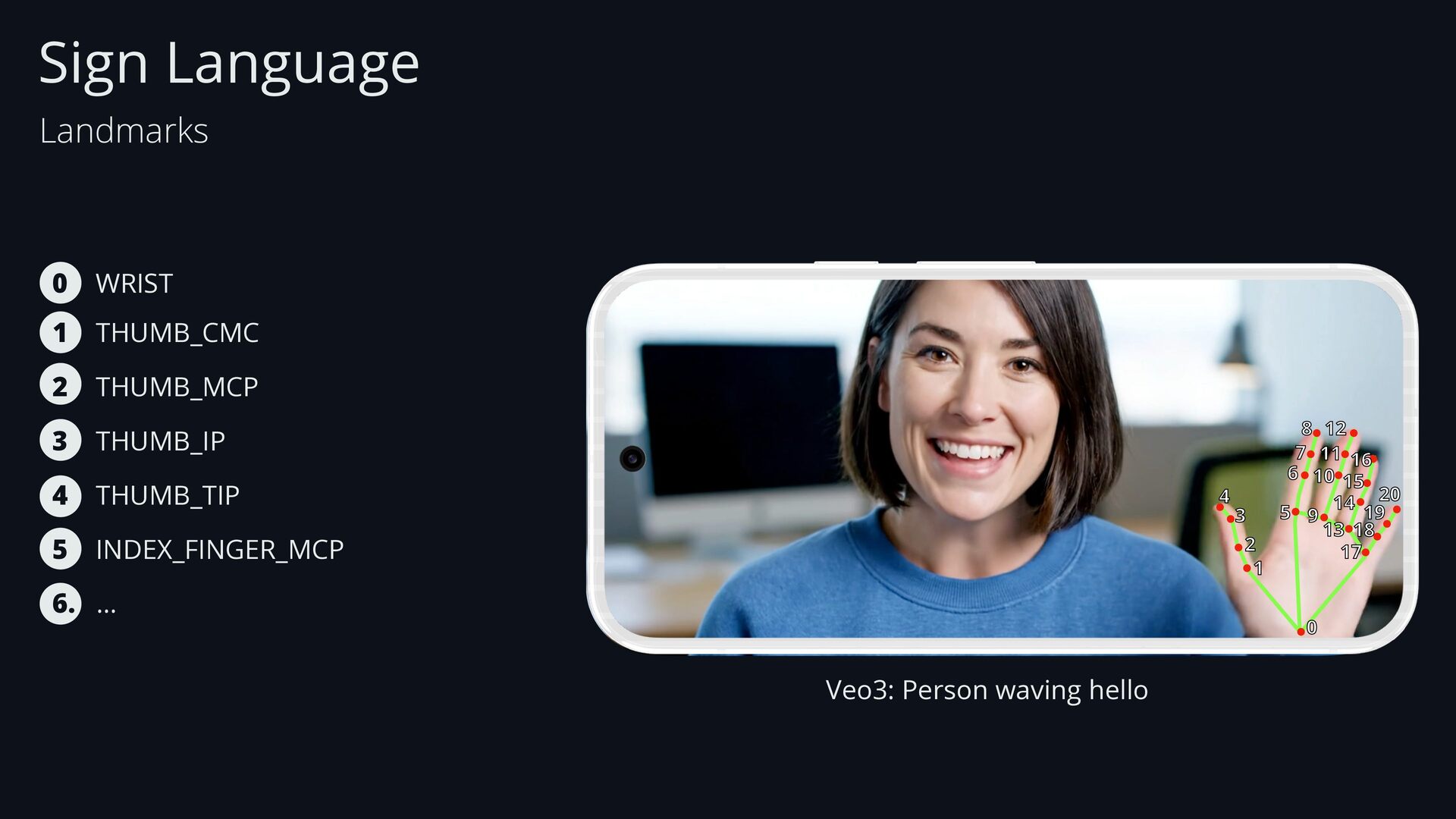
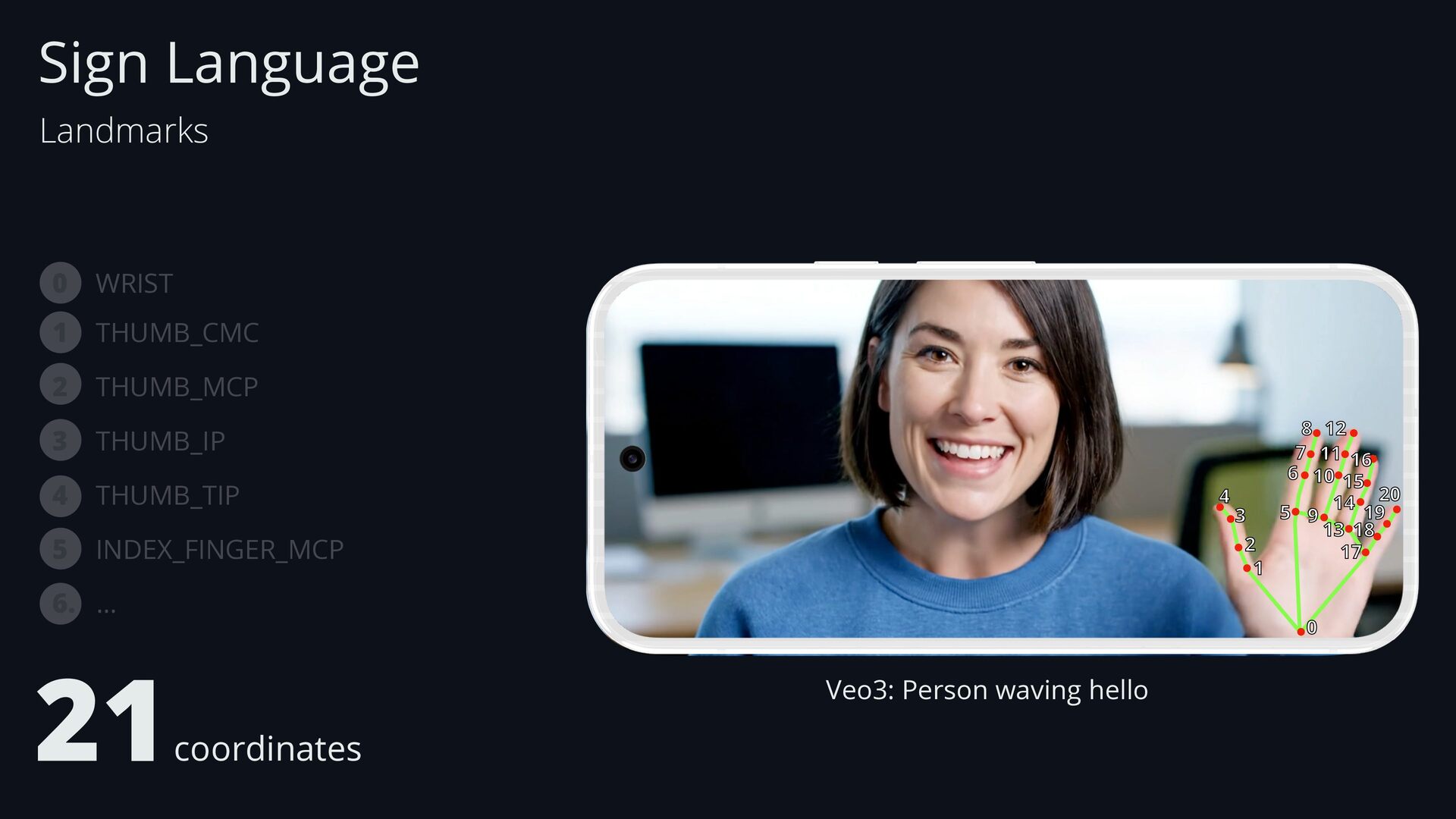
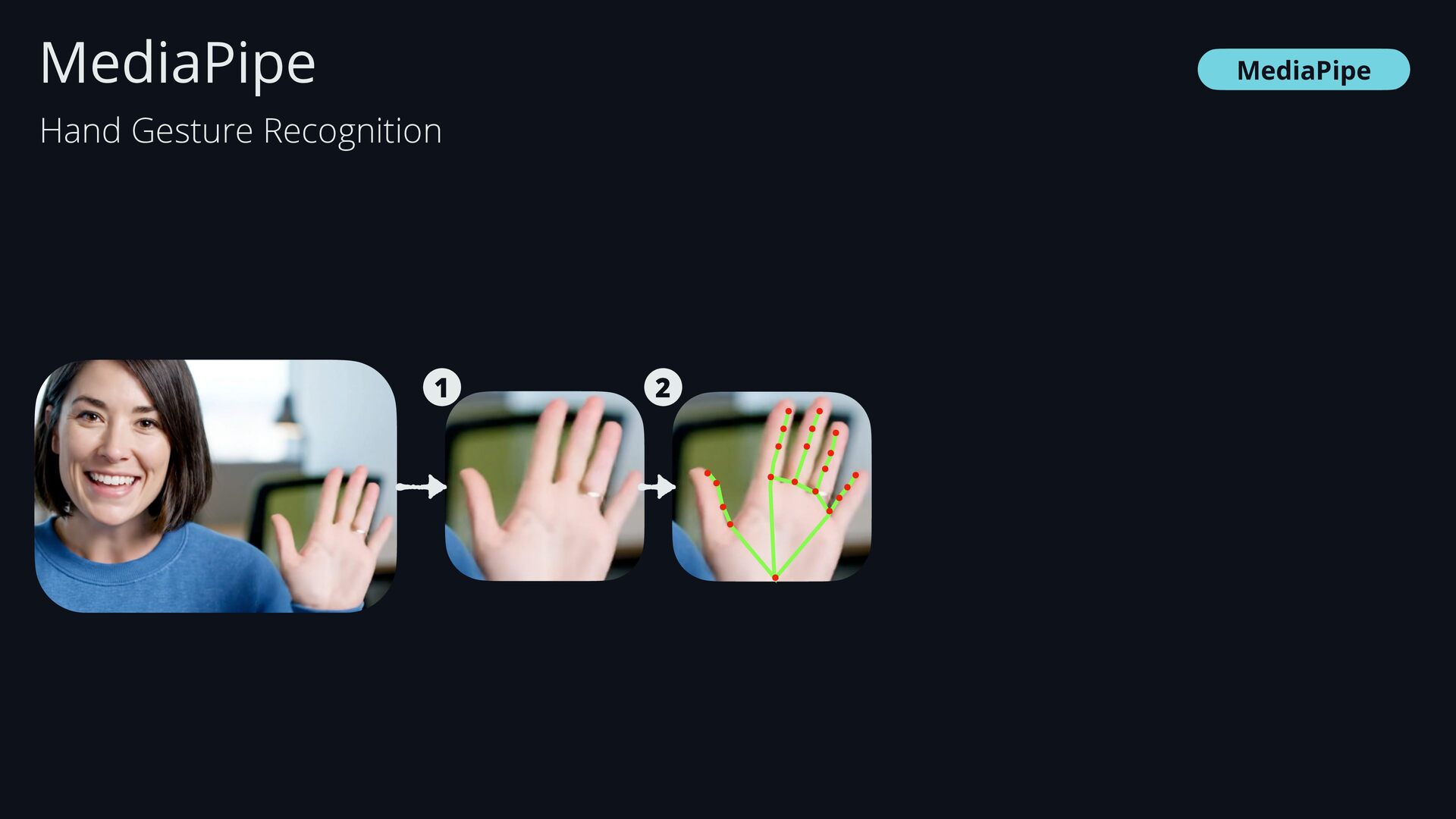
  31. Sign Language Landmarks Veo3: Person waving hello 0 1 2

    3 4 5 6 7 8 9 10 11 12 13 14 15 16 17 18 19 20 0 WRIST 1 THUMB_CMC 2 THUMB_MCP 3 THUMB_IP 4 THUMB_TIP 5 INDEX_FINGER_MCP 6. …
  32. Sign Language Landmarks Veo3: Person waving hello 0 1 2

    3 4 5 6 7 8 9 10 11 12 13 14 15 16 17 18 19 20 0 WRIST 1 THUMB_CMC 2 THUMB_MCP 3 THUMB_IP 4 THUMB_TIP 5 INDEX_FINGER_MCP 6. … 21coordinates
  33. Sign Language Landmarks Landmarks Each landmark provides: - x and

    y coordinates: independent of the image size - z coordinate: depth - visibility: certainty about the landmark visibility
  34. MediaPipe • Open-source framework • Cross-platform • Adds-on: computer vision

    and machine learning • Highly performant for smartphones - Supports live video processing • Pre-trained models for common computer vision tasks MediaPipe
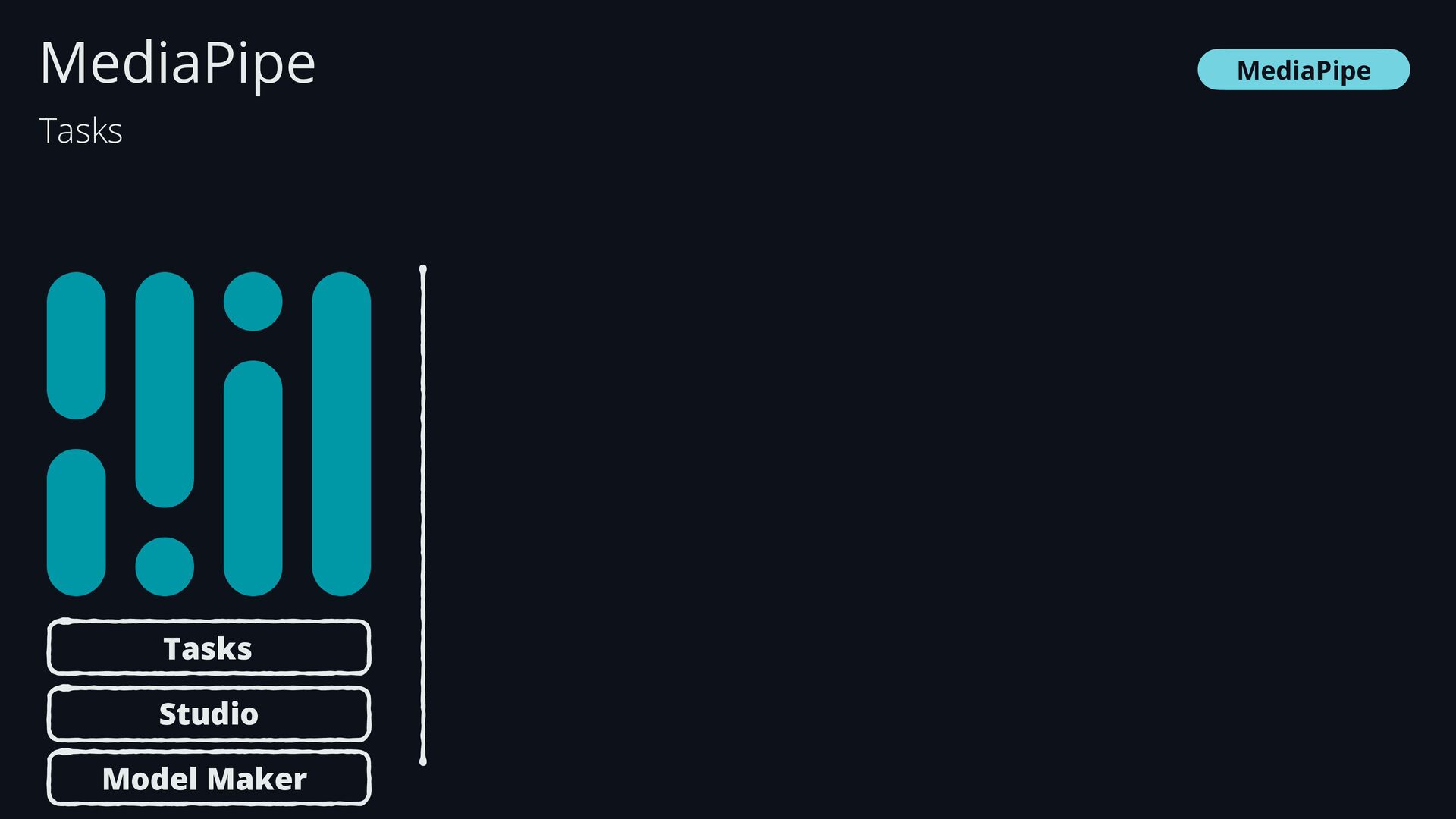
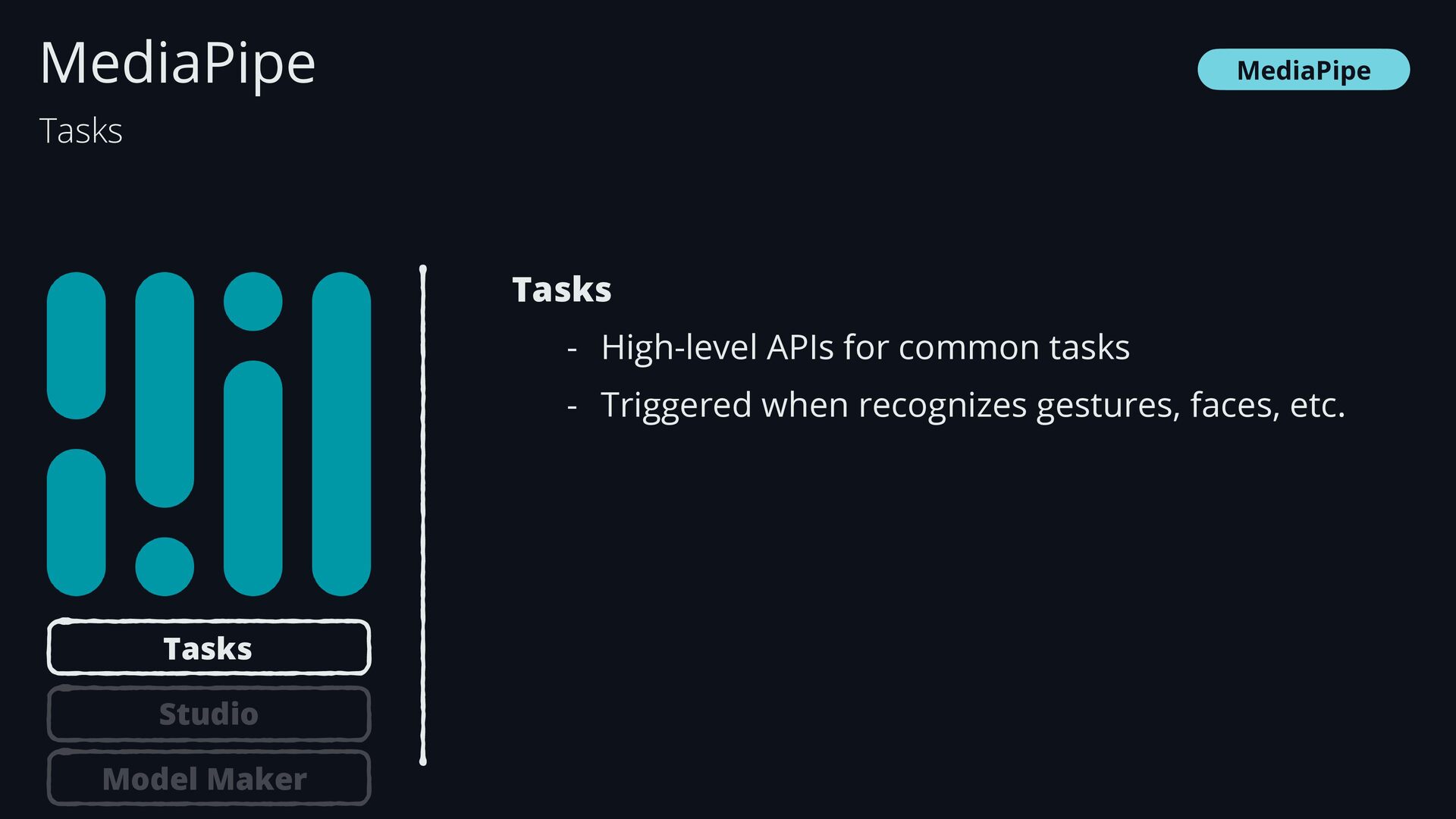
  35. MediaPipe MediaPipe Tasks - High-level APIs for common tasks -

    Triggered when recognizes gestures, faces, etc. Tasks Tasks Studio Model Maker
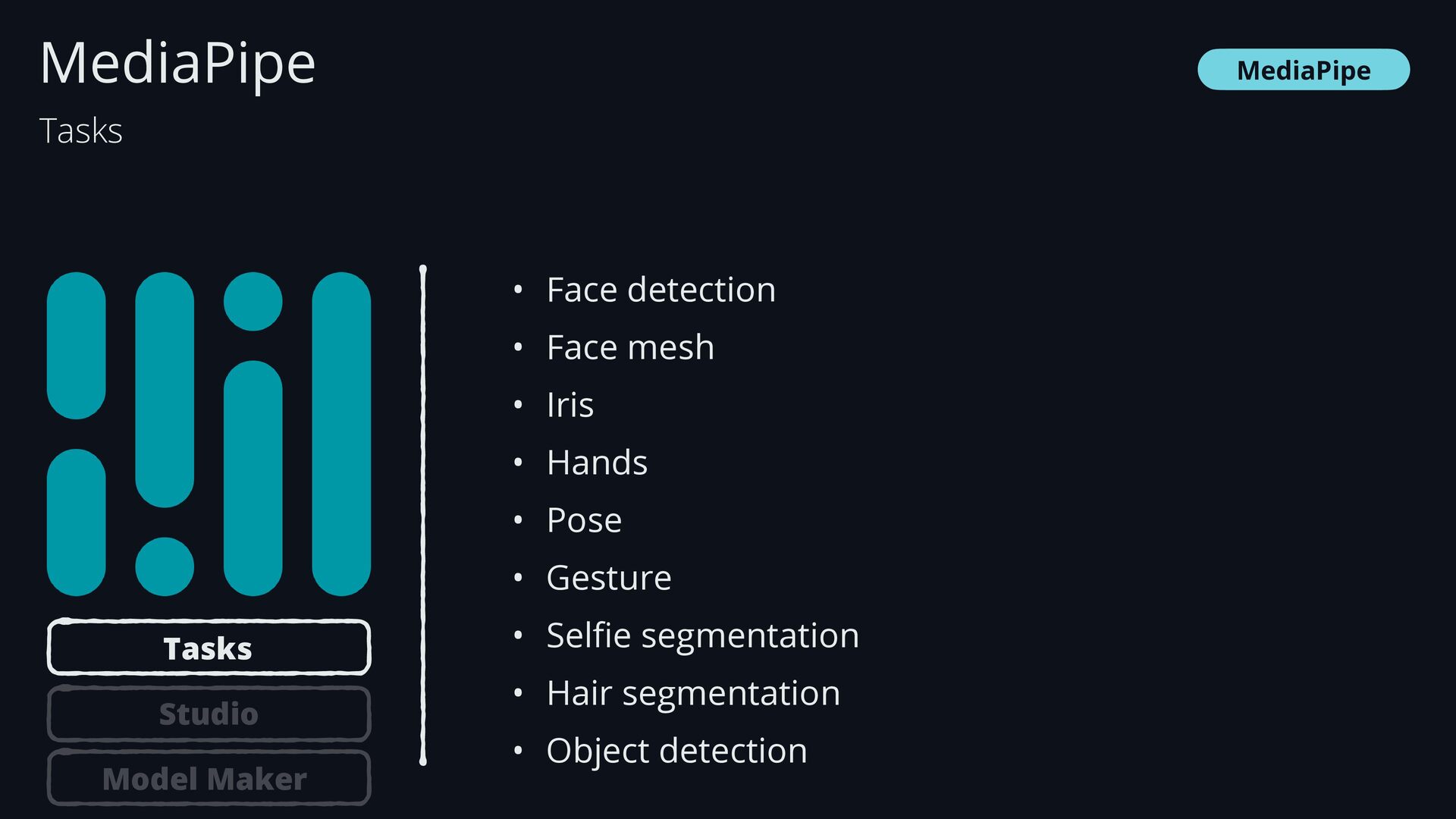
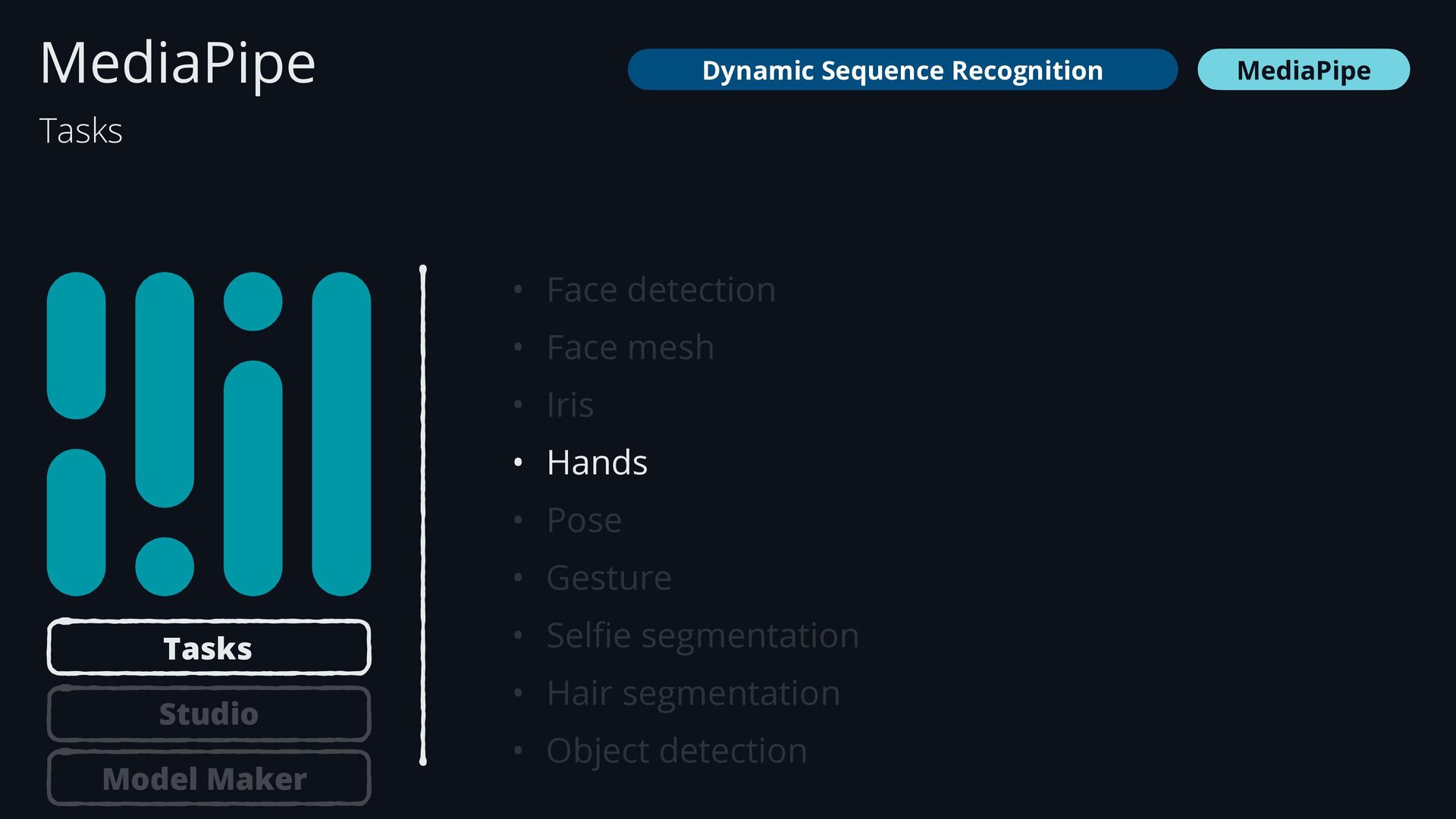
  36. MediaPipe • Face detection • Face mesh • Iris •

    Hands • Pose • Gesture • Sel fi e segmentation • Hair segmentation • Object detection MediaPipe Tasks Tasks Studio Model Maker
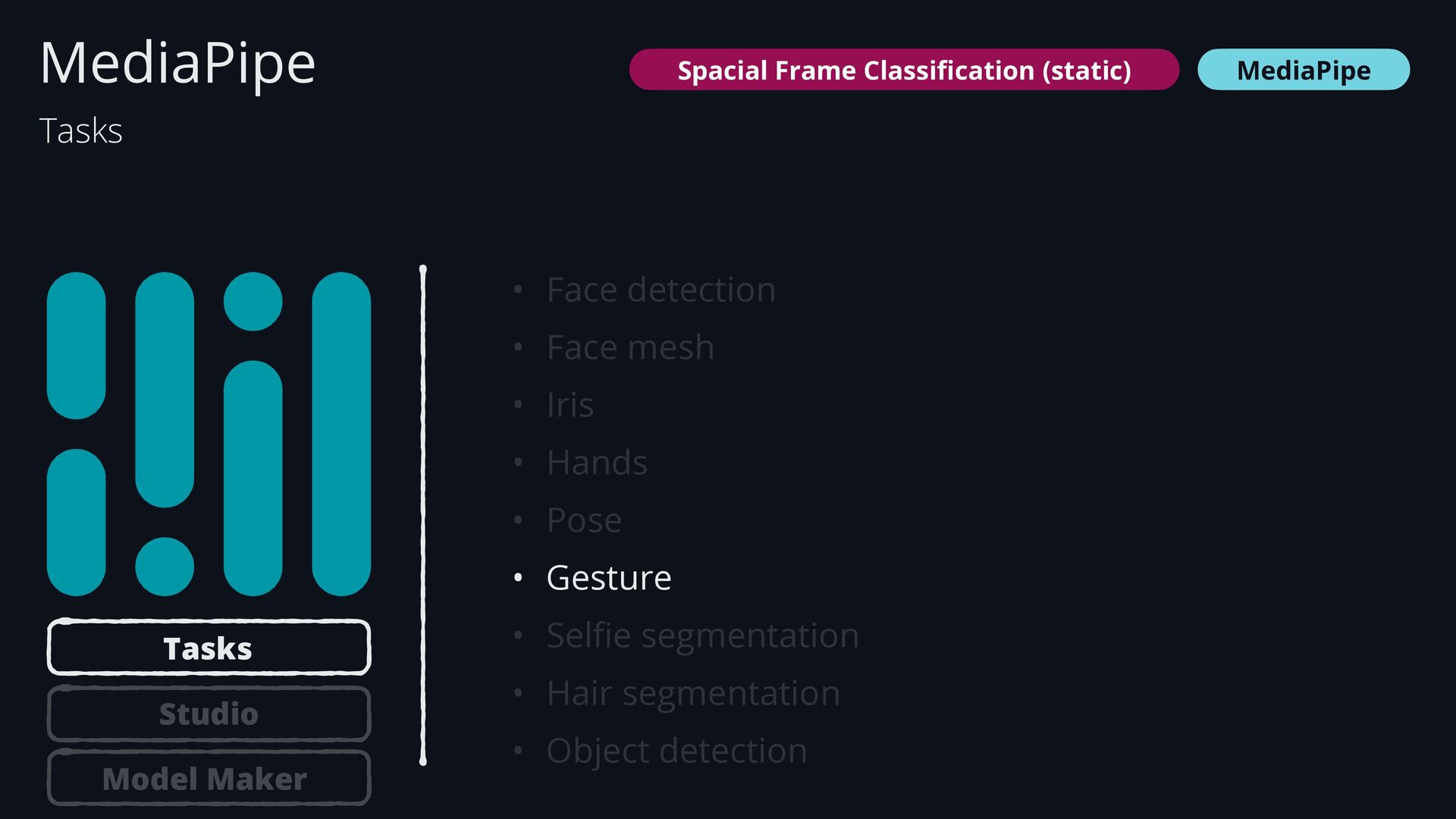
  37. • Face detection • Face mesh • Iris • Hands

    • Pose • Gesture • Sel fi e segmentation • Hair segmentation • Object detection MediaPipe MediaPipe Tasks Tasks Studio Model Maker Spacial Frame Classi fi cation (static)
  38. • Face detection • Face mesh • Iris • Hands

    • Pose • Gesture • Sel fi e segmentation • Hair segmentation • Object detection MediaPipe MediaPipe Tasks Tasks Studio Model Maker Dynamic Sequence Recognition
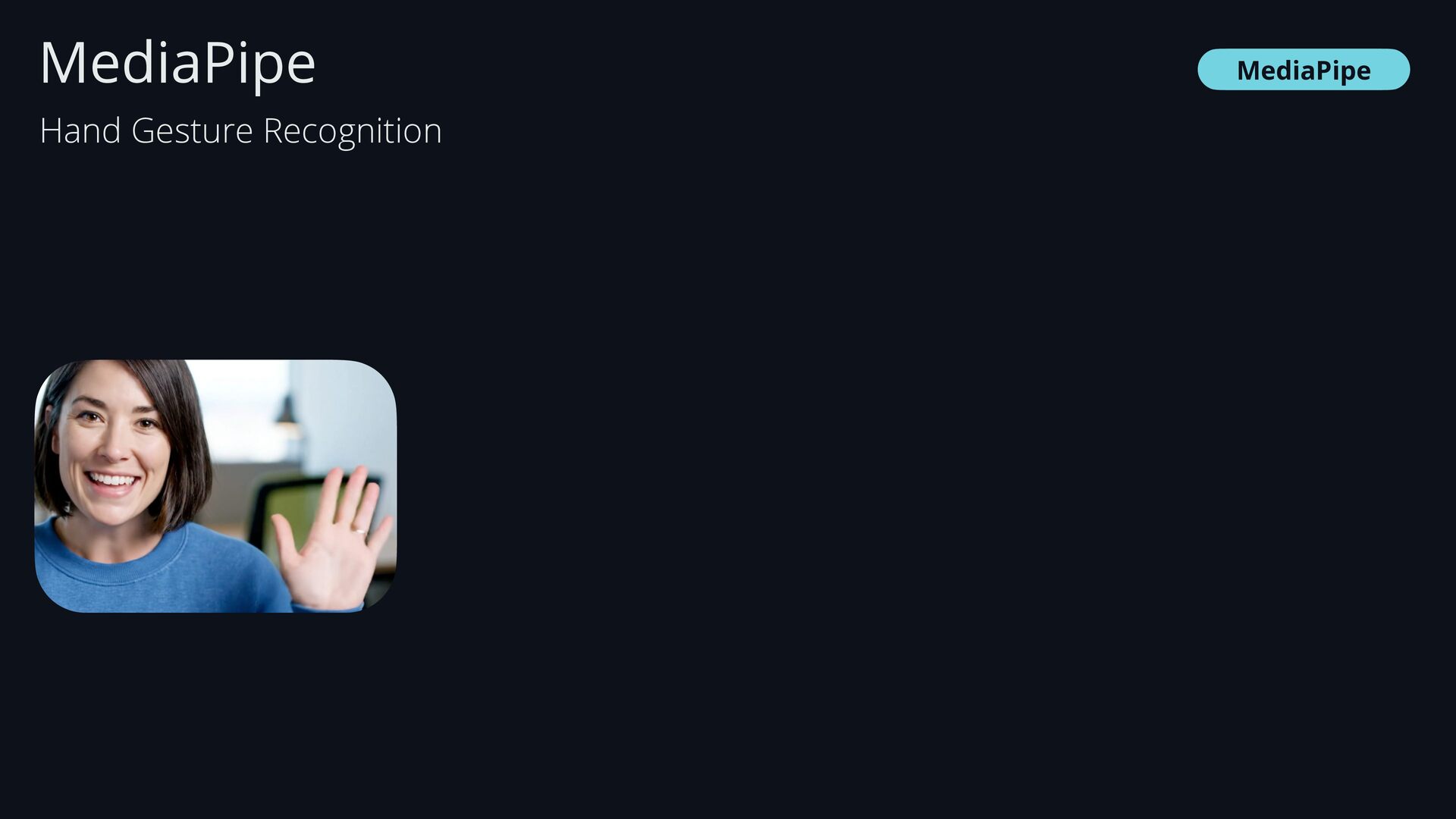
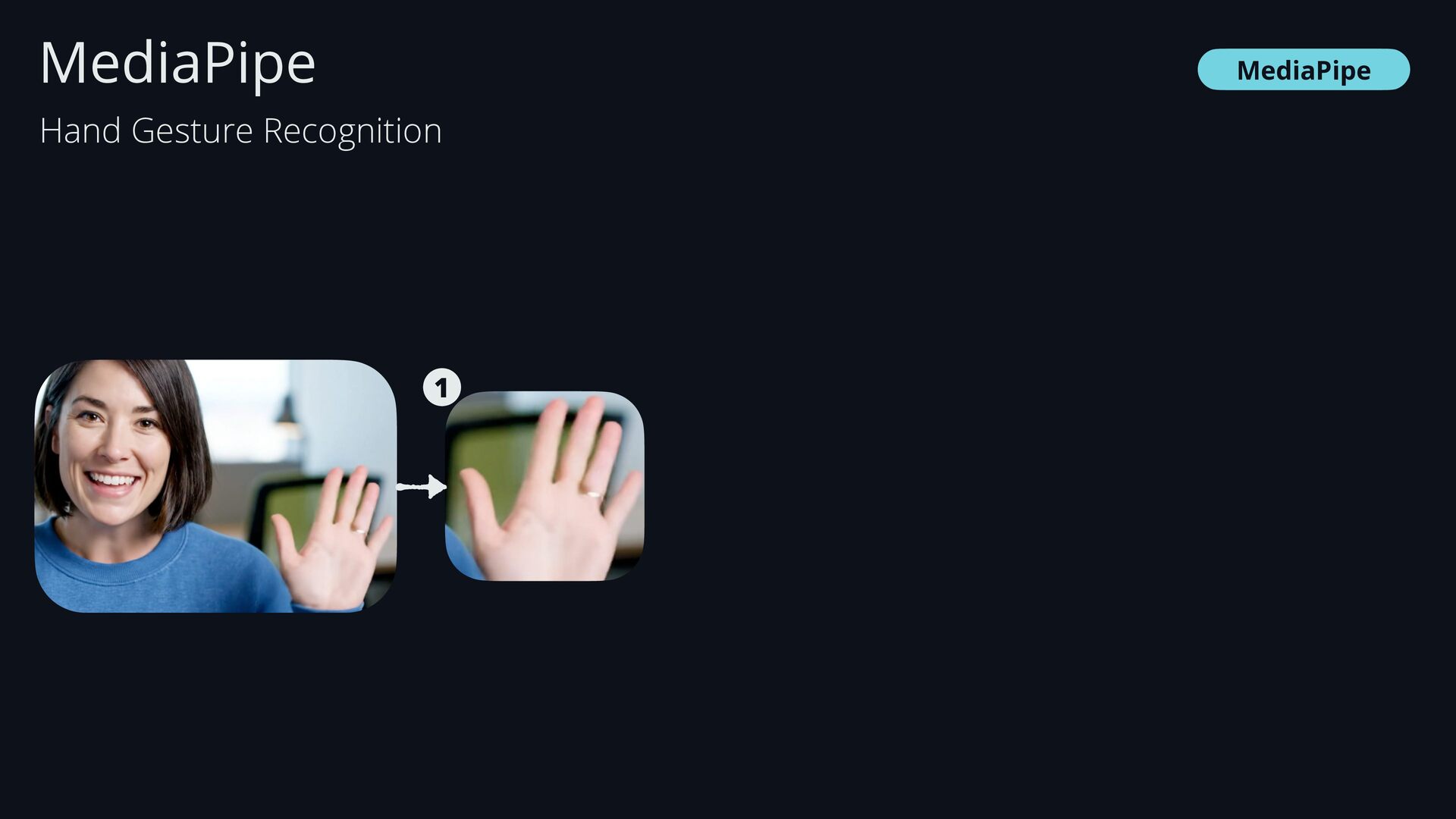
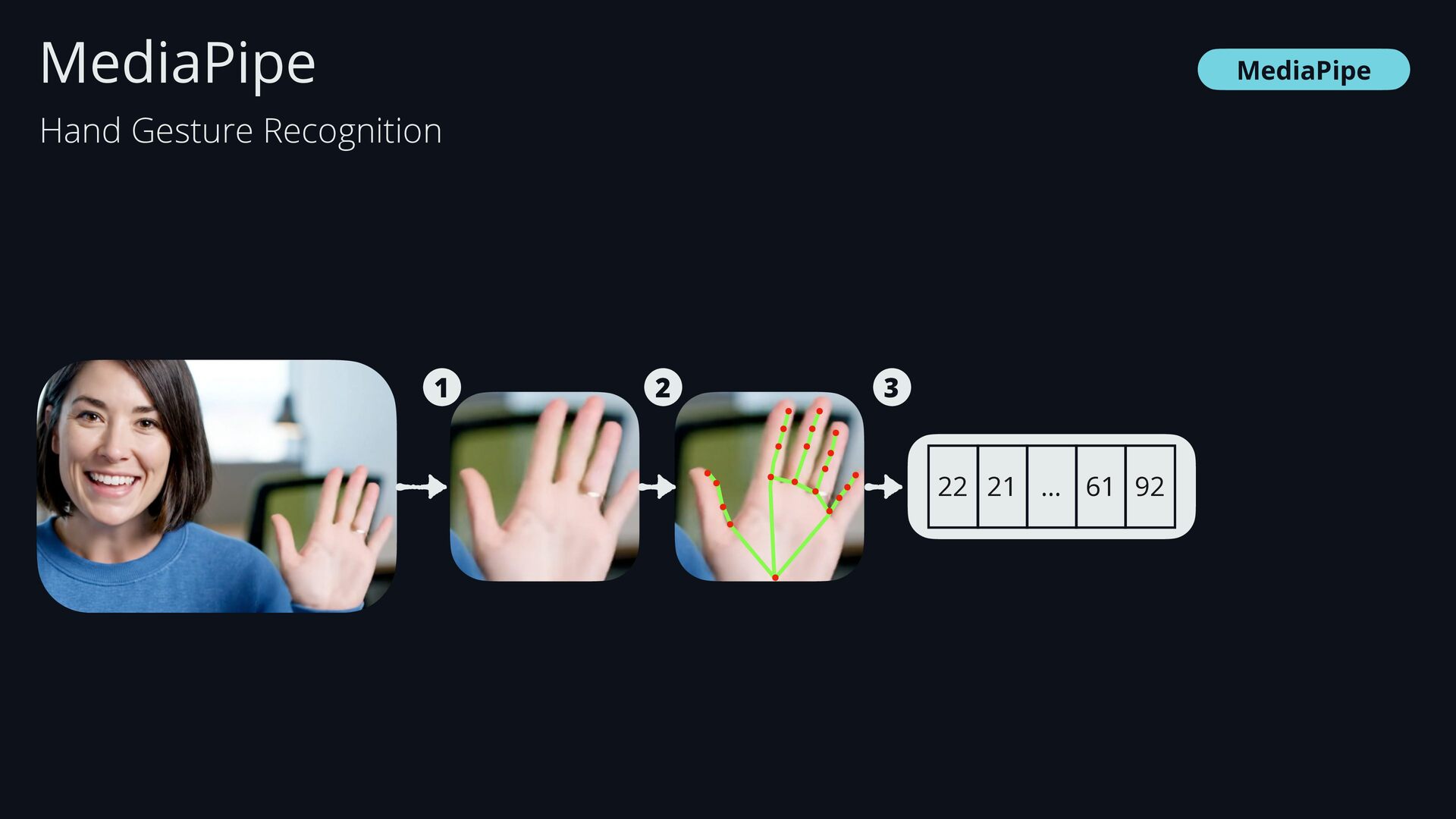
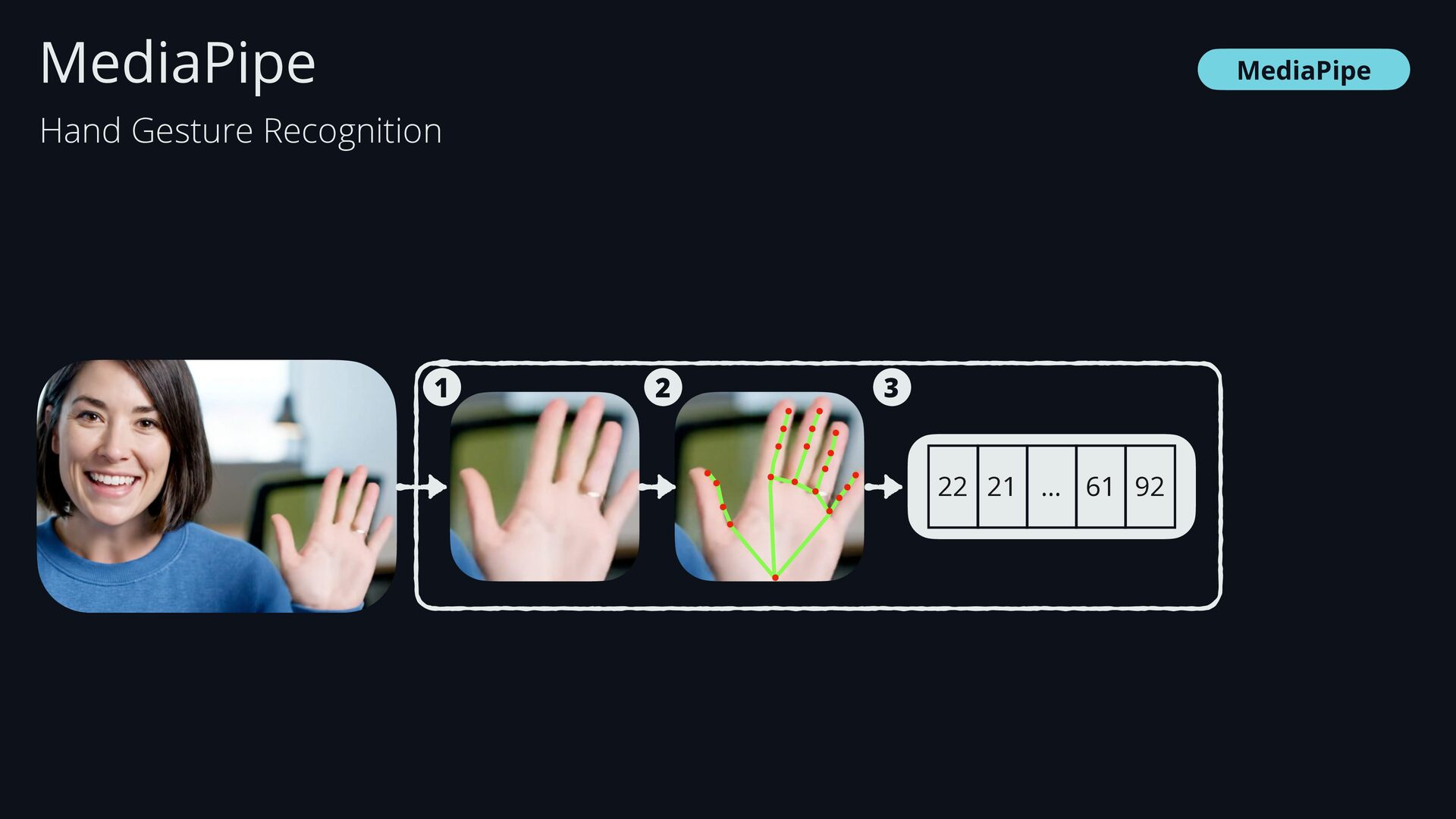
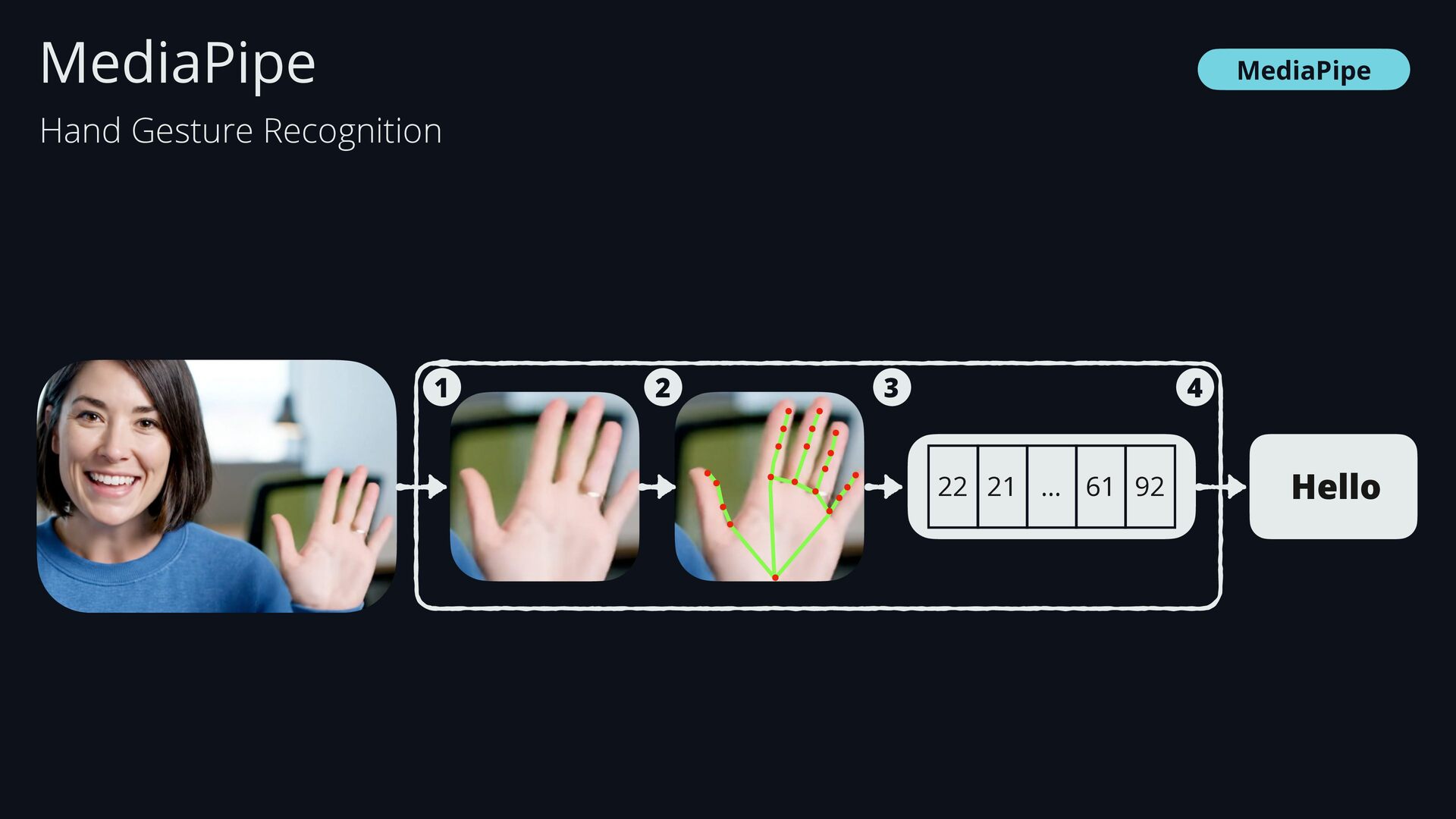
  39. MediaPipe Hello 22 21 … 61 92 1 2 3

    4 MediaPipe Hand Gesture Recognition
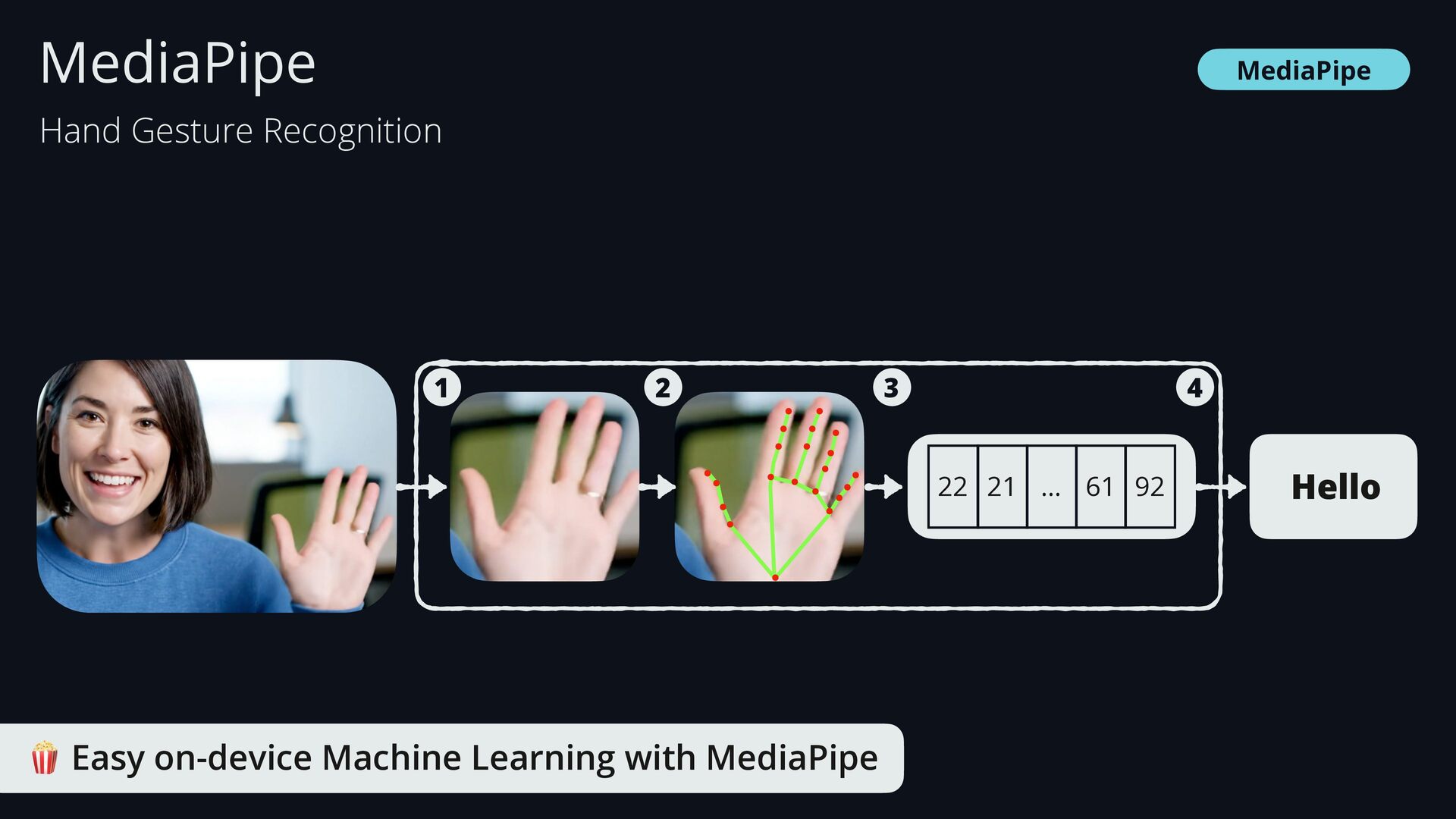
  40. MediaPipe 🍿 Easy on-device Machine Learning with MediaPipe Hello 22

    21 … 61 92 1 2 3 4 MediaPipe Hand Gesture Recognition
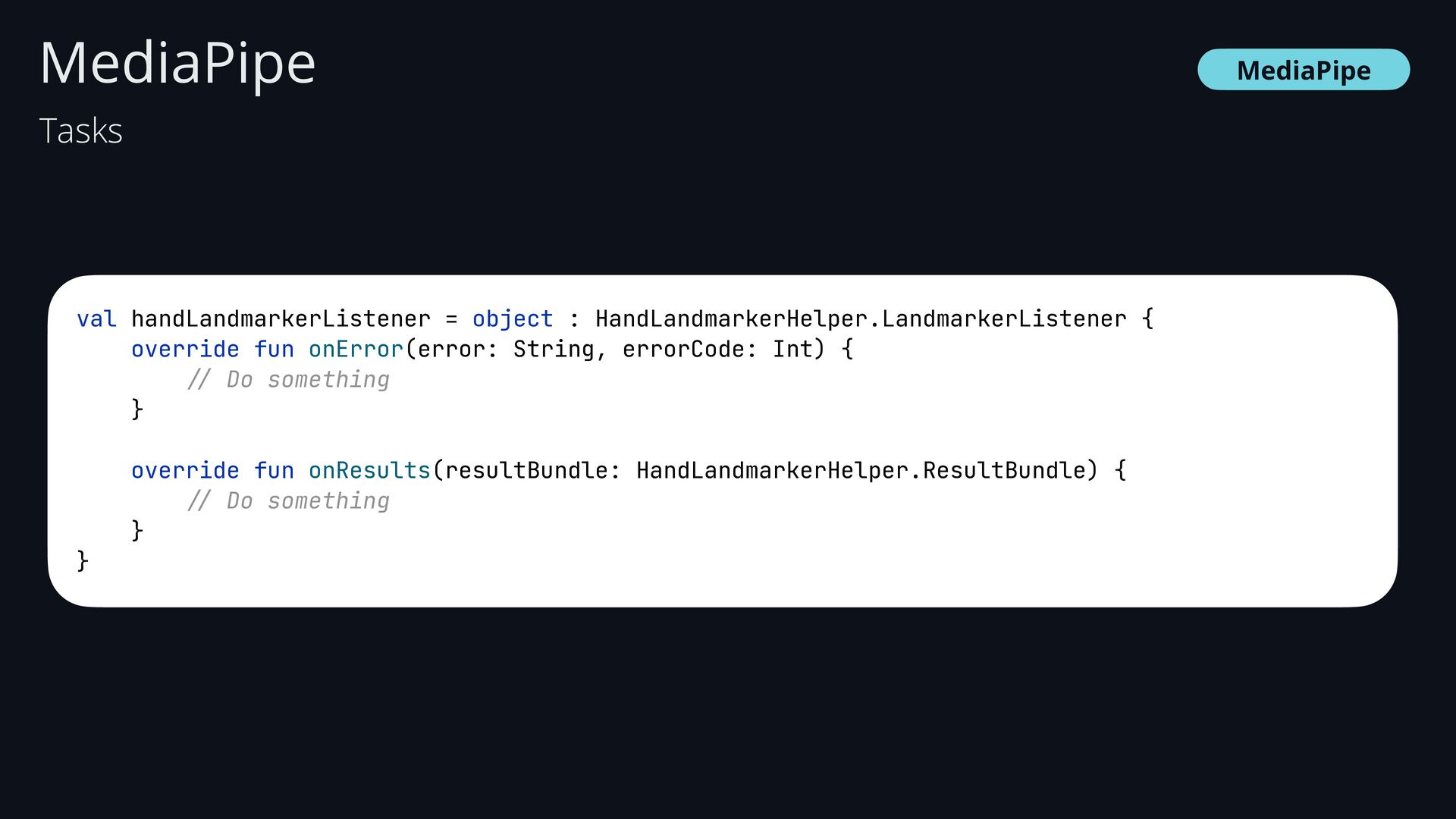
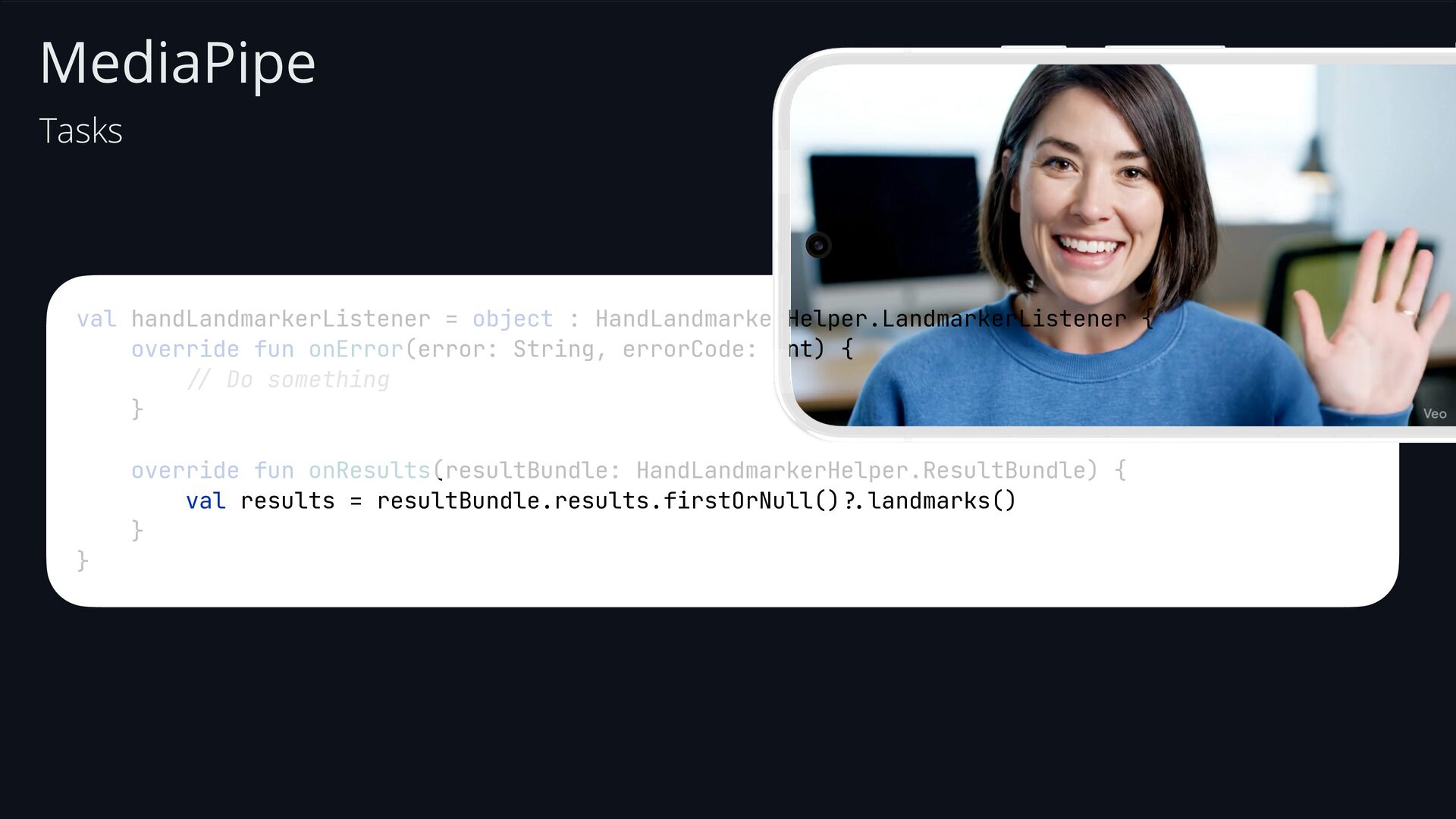
  41. MediaPipe MediaPipe val handLandmarkerListener = object : HandLandmarkerHelper.LandmarkerListener { override

    fun onError(error: String, errorCode: Int) { // Do something } override fun onResults(resultBundle: HandLandmarkerHelper.ResultBundle) { // Do something } } Tasks
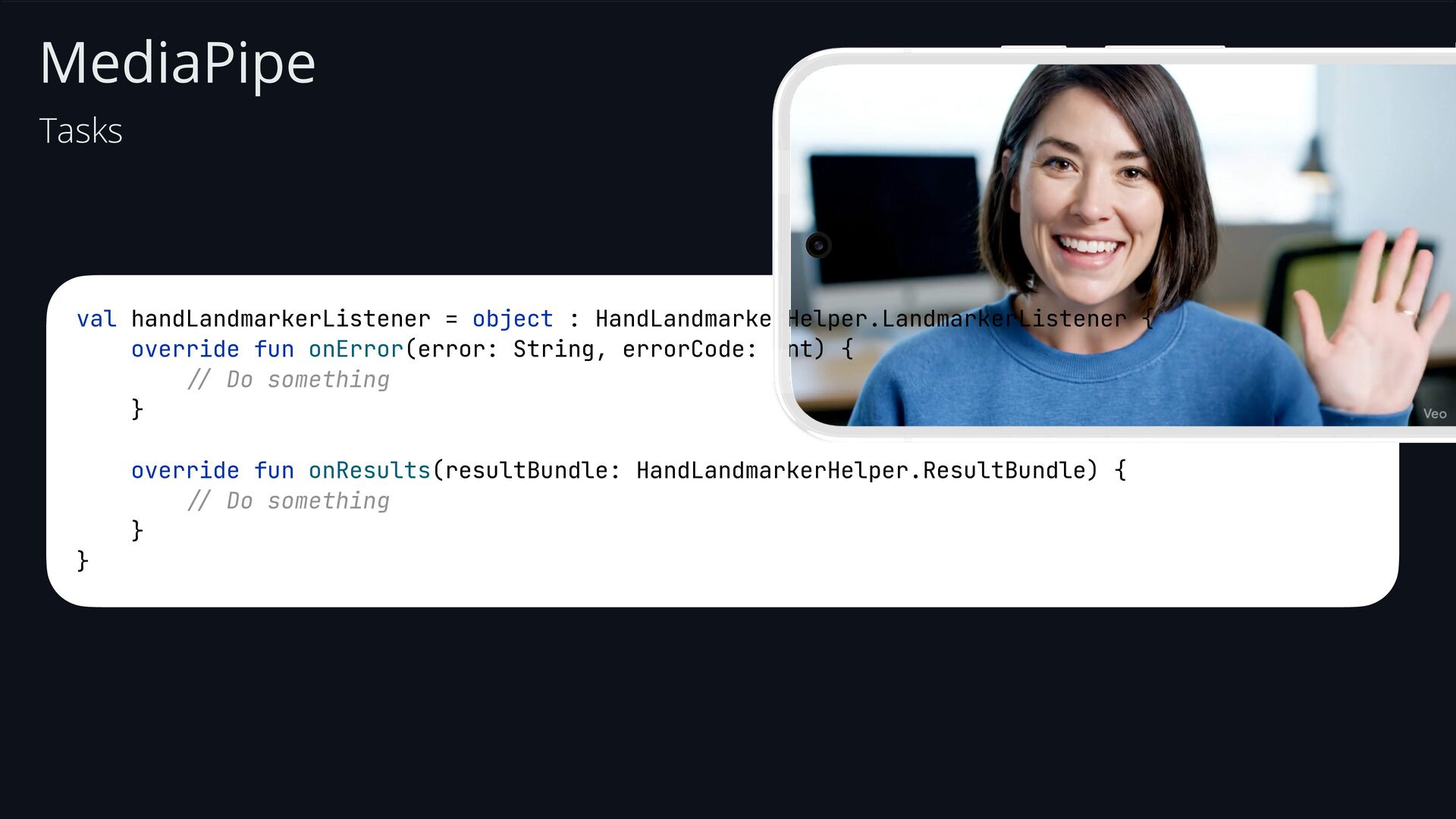
  42. MediaPipe Tasks val handLandmarkerListener = object : HandLandmarkerHelper.LandmarkerListener { override

    fun onError(error: String, errorCode: Int) { // Do something } override fun onResults(resultBundle: HandLandmarkerHelper.ResultBundle) { // Do something } }
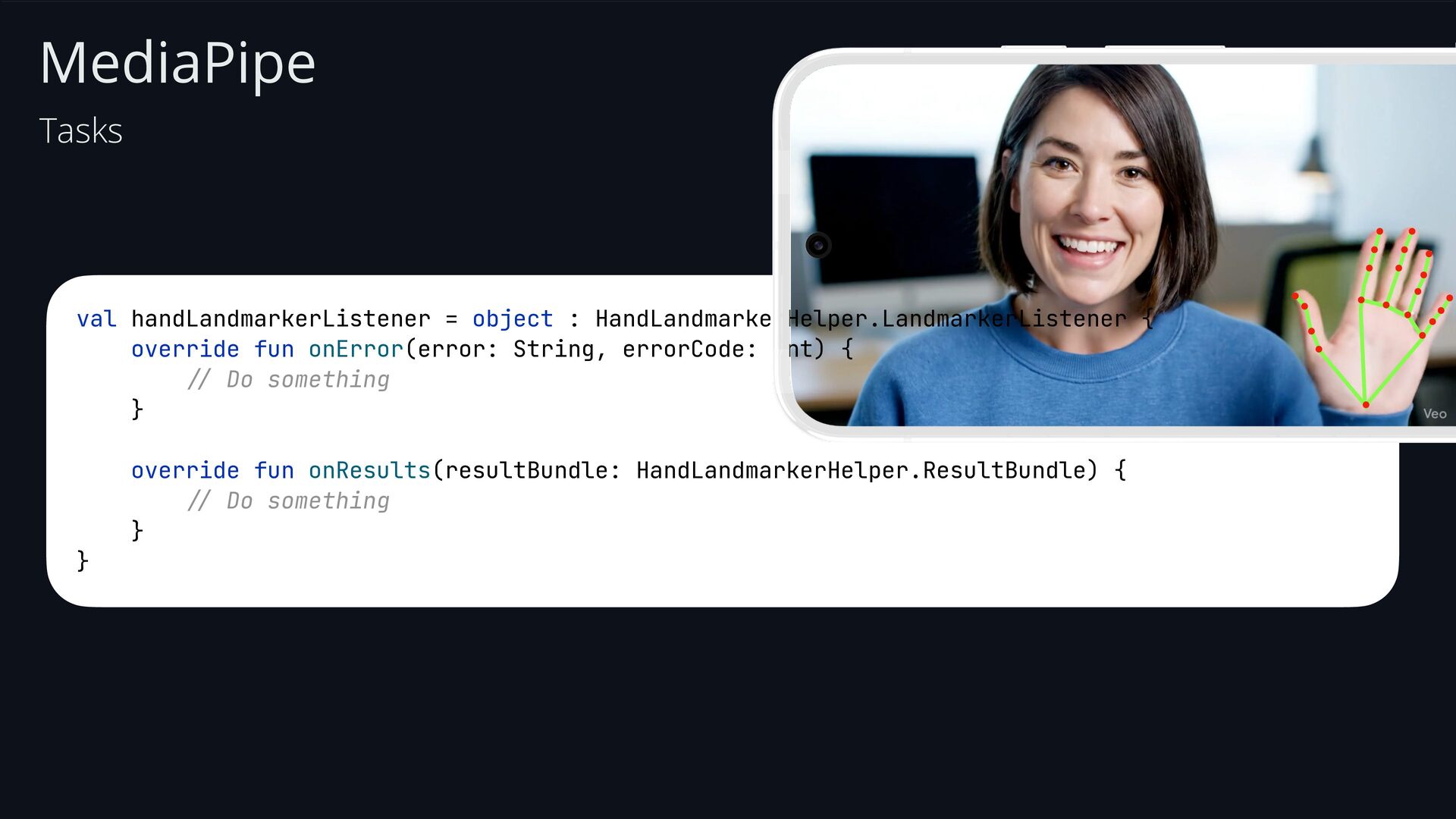
  43. MediaPipe Tasks val handLandmarkerListener = object : HandLandmarkerHelper.LandmarkerListener { override

    fun onError(error: String, errorCode: Int) { // Do something } override fun onResults(resultBundle: HandLandmarkerHelper.ResultBundle) { // Do something } }
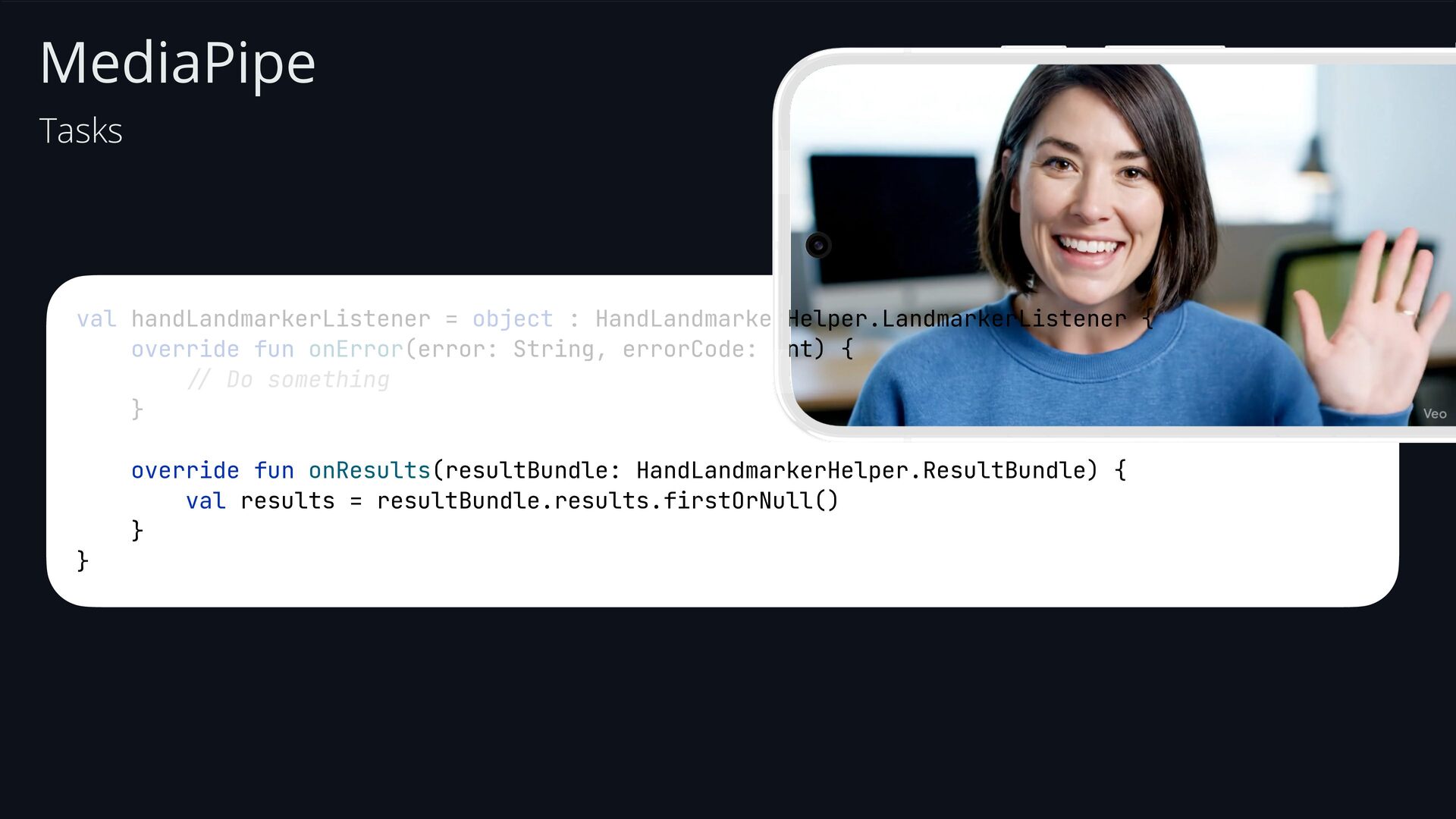
  44. MediaPipe Tasks val handLandmarkerListener = object : HandLandmarkerHelper.LandmarkerListener { override

    fun onError(error: String, errorCode: Int) { // Do something } override fun onResults(resultBundle: HandLandmarkerHelper.ResultBundle) { val results = resultBundle.results.firstOrNull() } }
  45. MediaPipe Tasks val handLandmarkerListener = object : HandLandmarkerHelper.LandmarkerListener { override

    fun onError(error: String, errorCode: Int) { // Do something } override fun onResults(resultBundle: HandLandmarkerHelper.ResultBundle) { val results = resultBundle.results.firstOrNull() ?. landmarks() } }
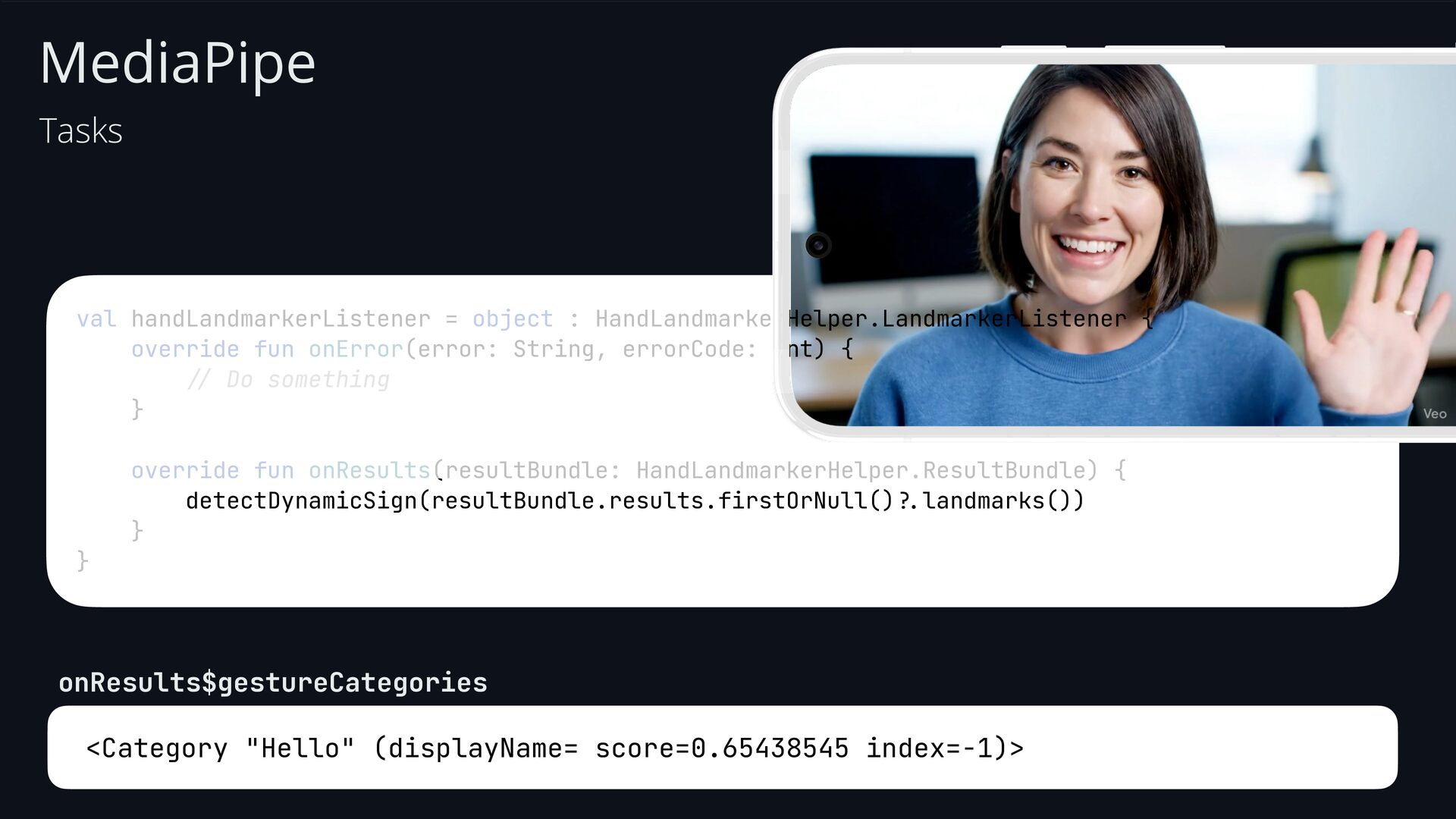
  46. MediaPipe Tasks val handLandmarkerListener = object : HandLandmarkerHelper.LandmarkerListener { override

    fun onError(error: String, errorCode: Int) { // Do something } override fun onResults(resultBundle: HandLandmarkerHelper.ResultBundle) { detectDynamicSign(resultBundle.results.firstOrNull() ?. landmarks()) } } <Category "Hello" (displayName= score=0.65438545 index=-1)> onResults$gestureCategories
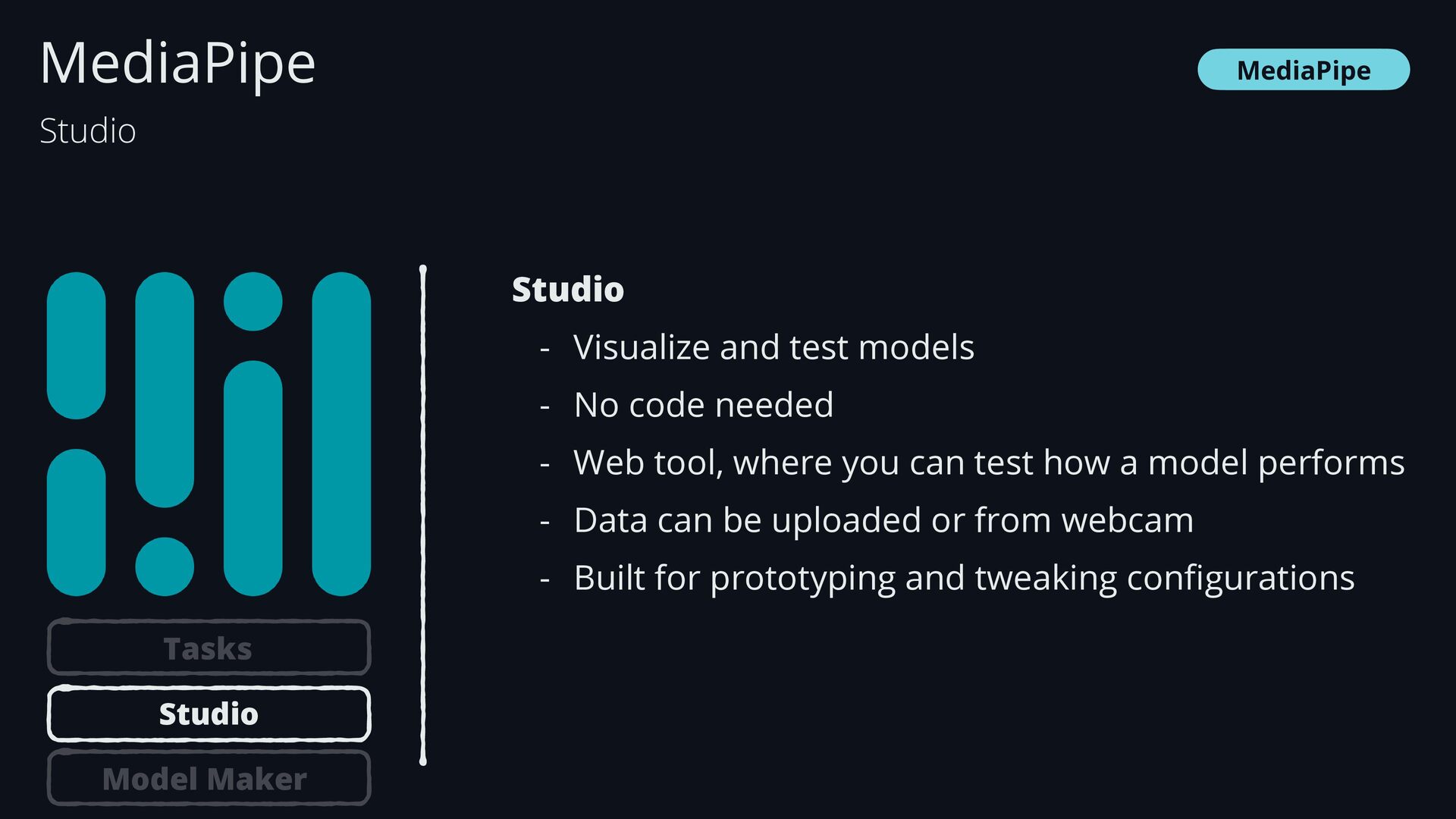
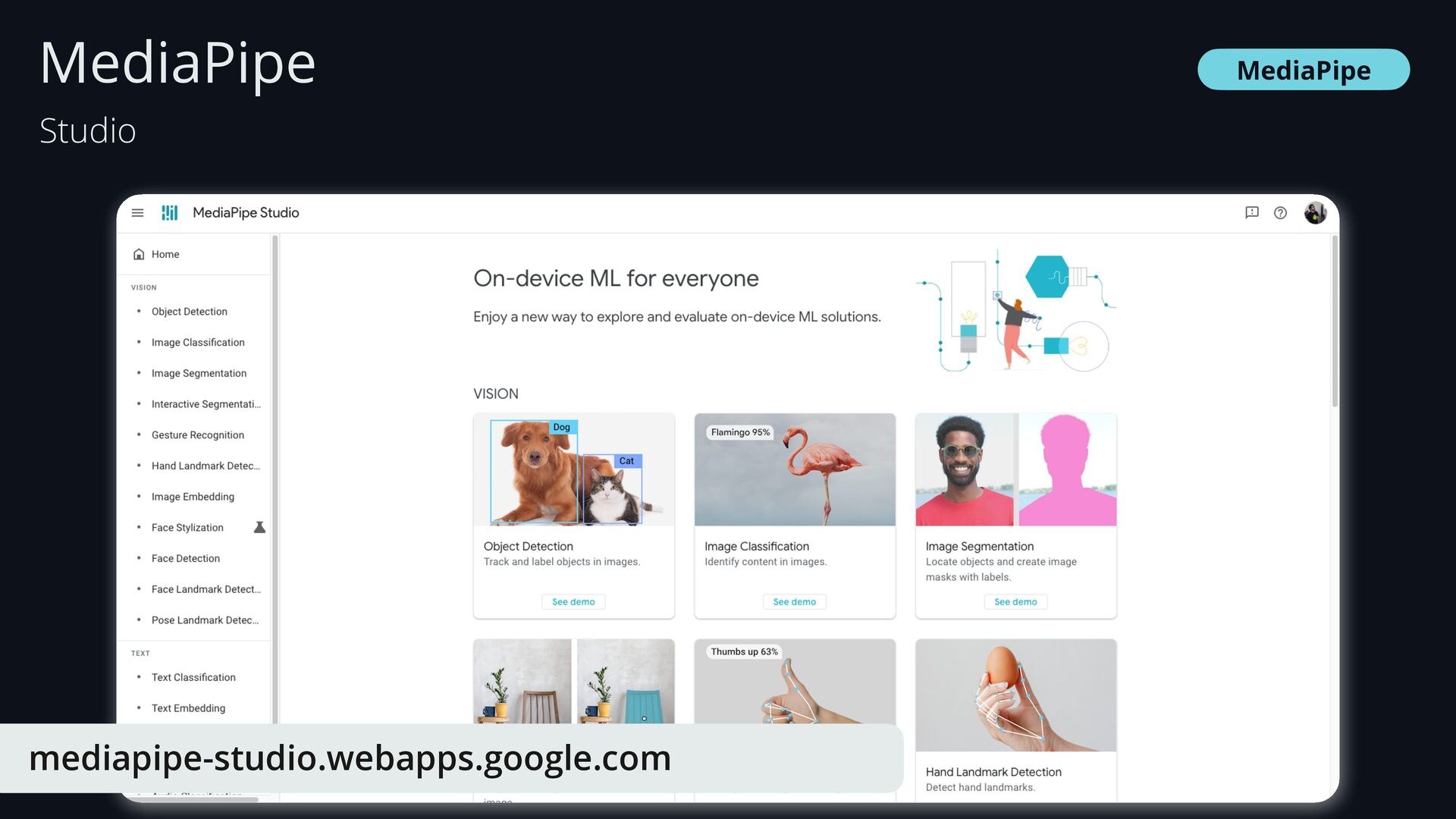
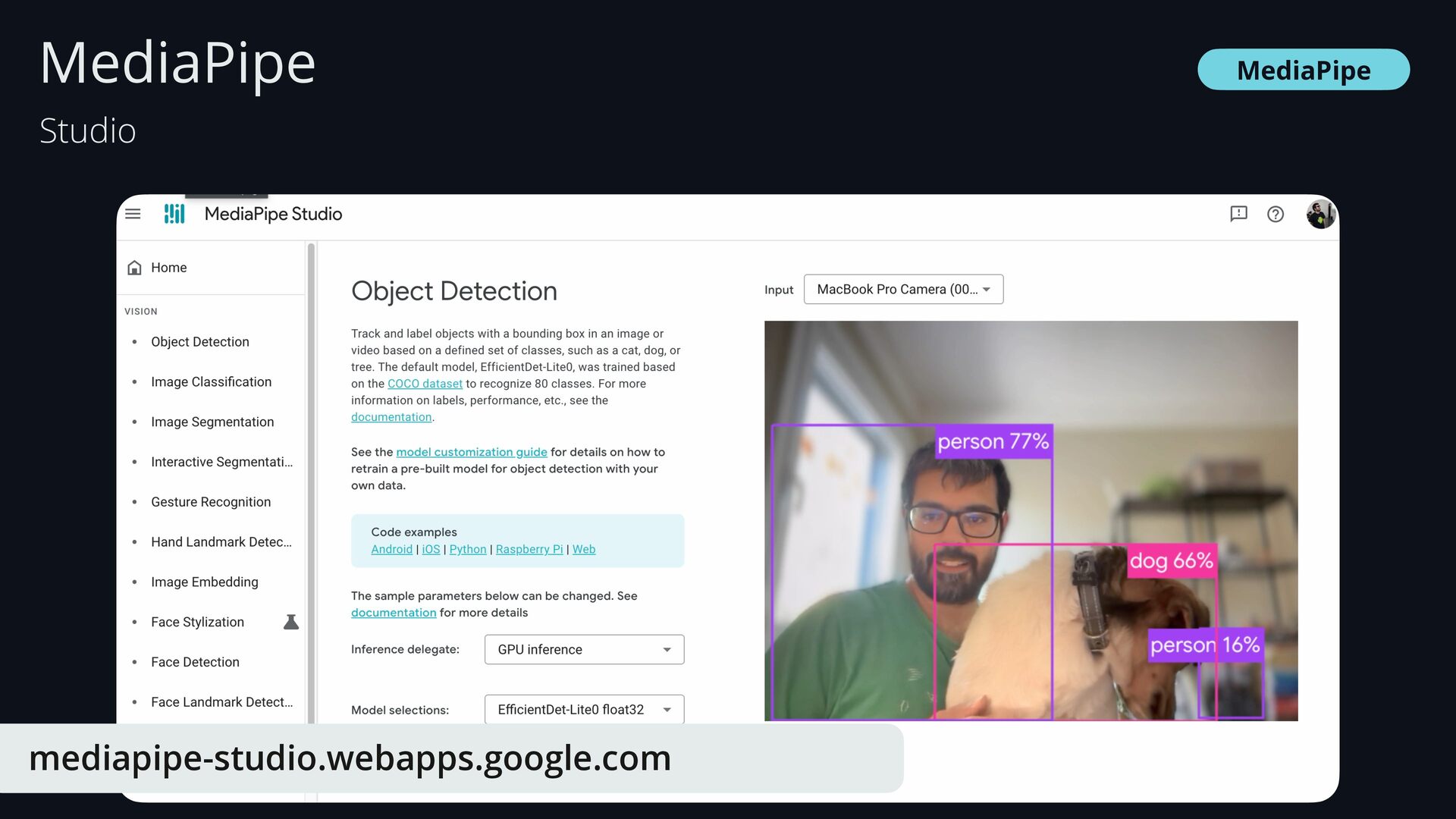
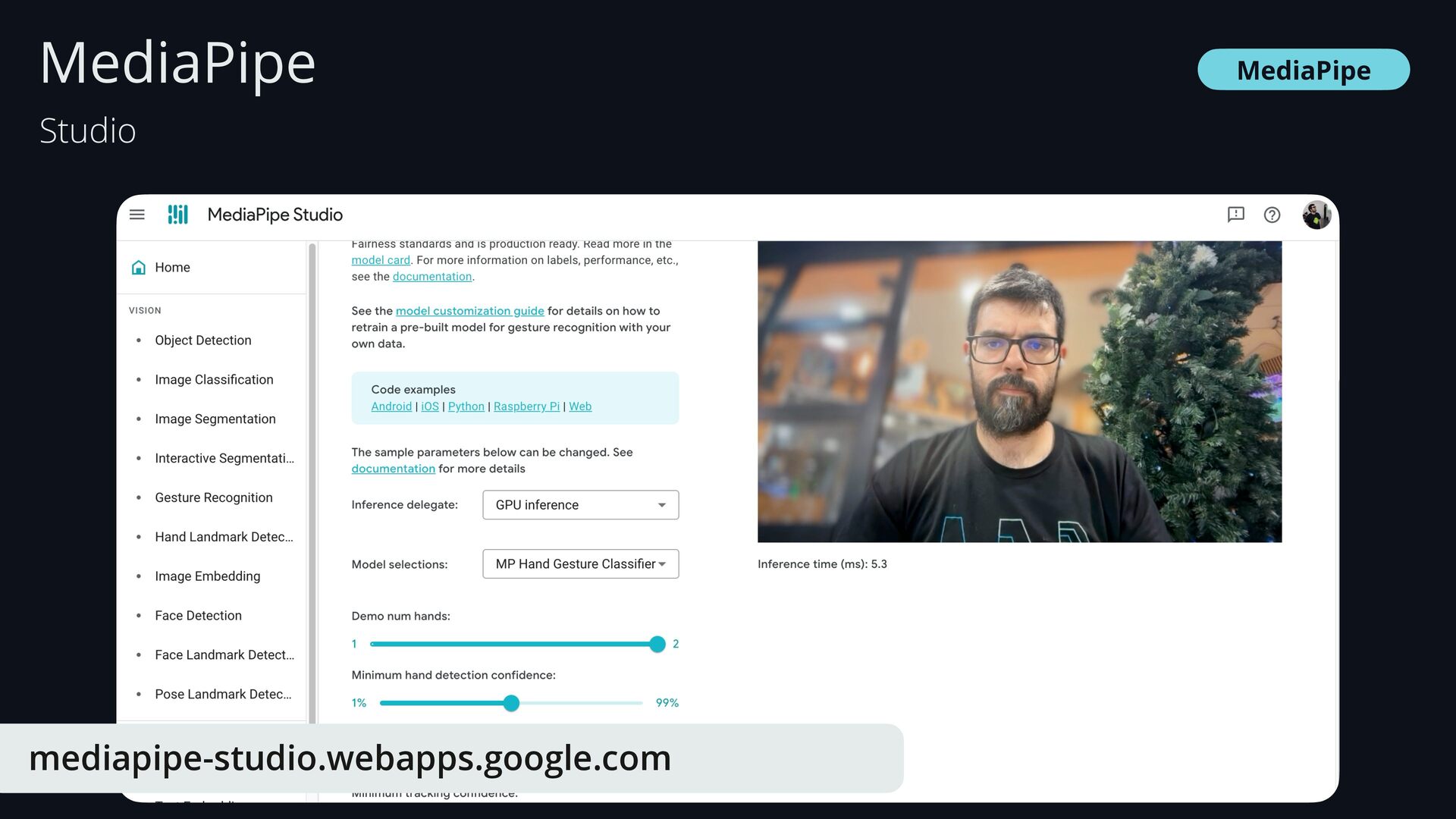
  47. MediaPipe Studio - Visualize and test models - No code

    needed - Web tool, where you can test how a model performs - Data can be uploaded or from webcam - Built for prototyping and tweaking con fi gurations MediaPipe Studio Tasks Studio Model Maker
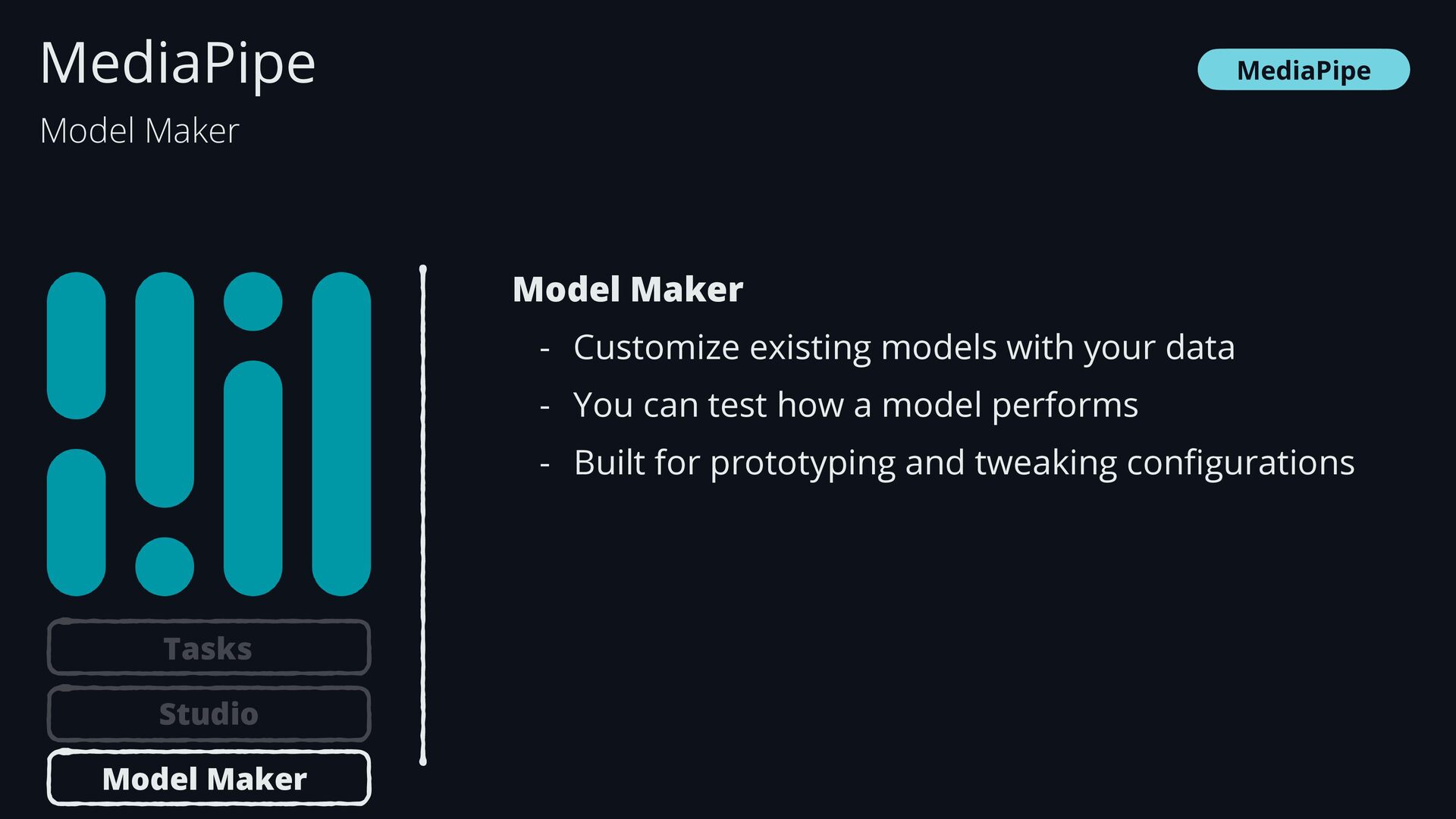
  48. MediaPipe Model Maker - Customize existing models with your data

    - You can test how a model performs - Built for prototyping and tweaking con fi gurations MediaPipe Model Maker Tasks Studio Model Maker
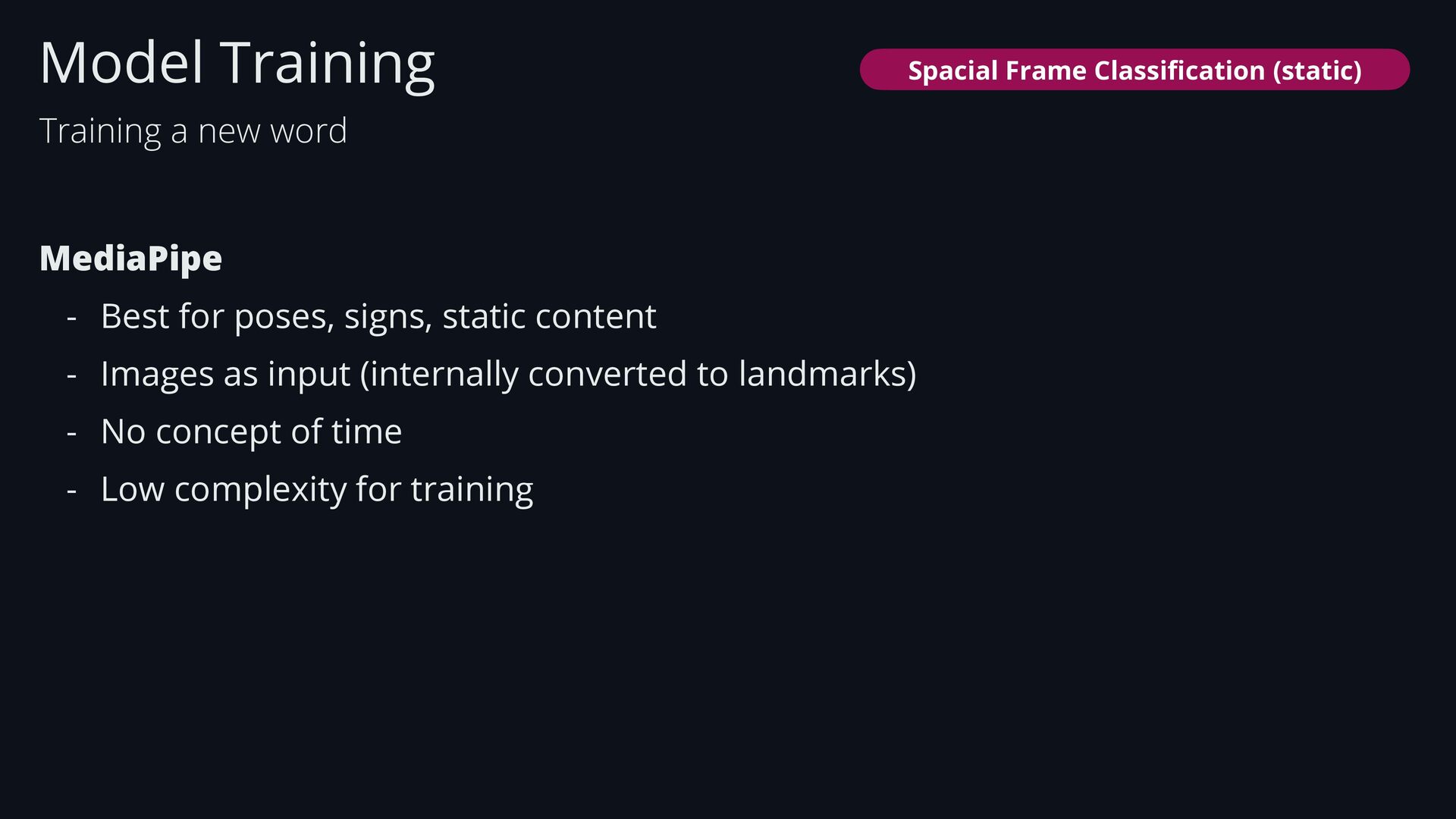
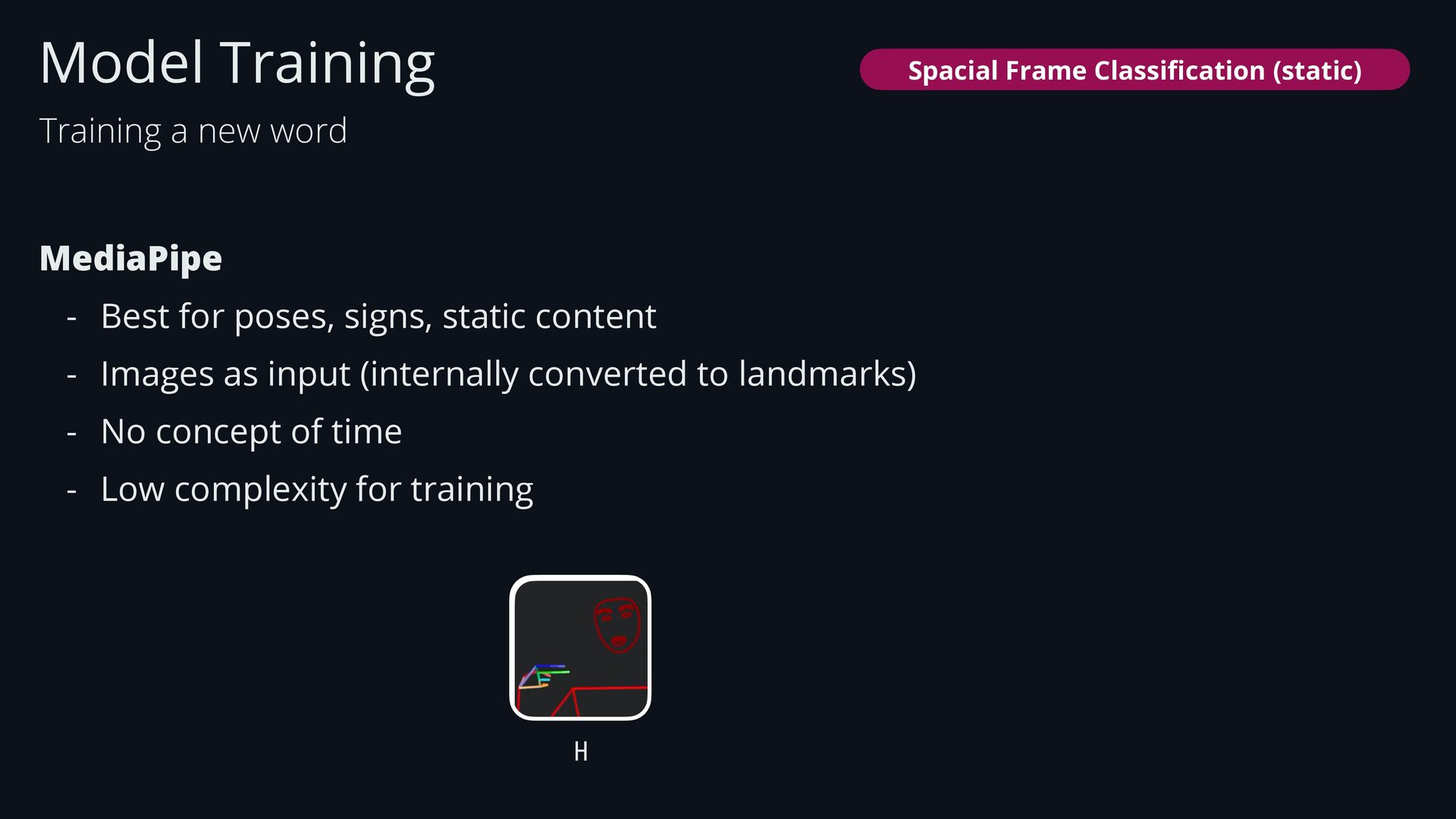
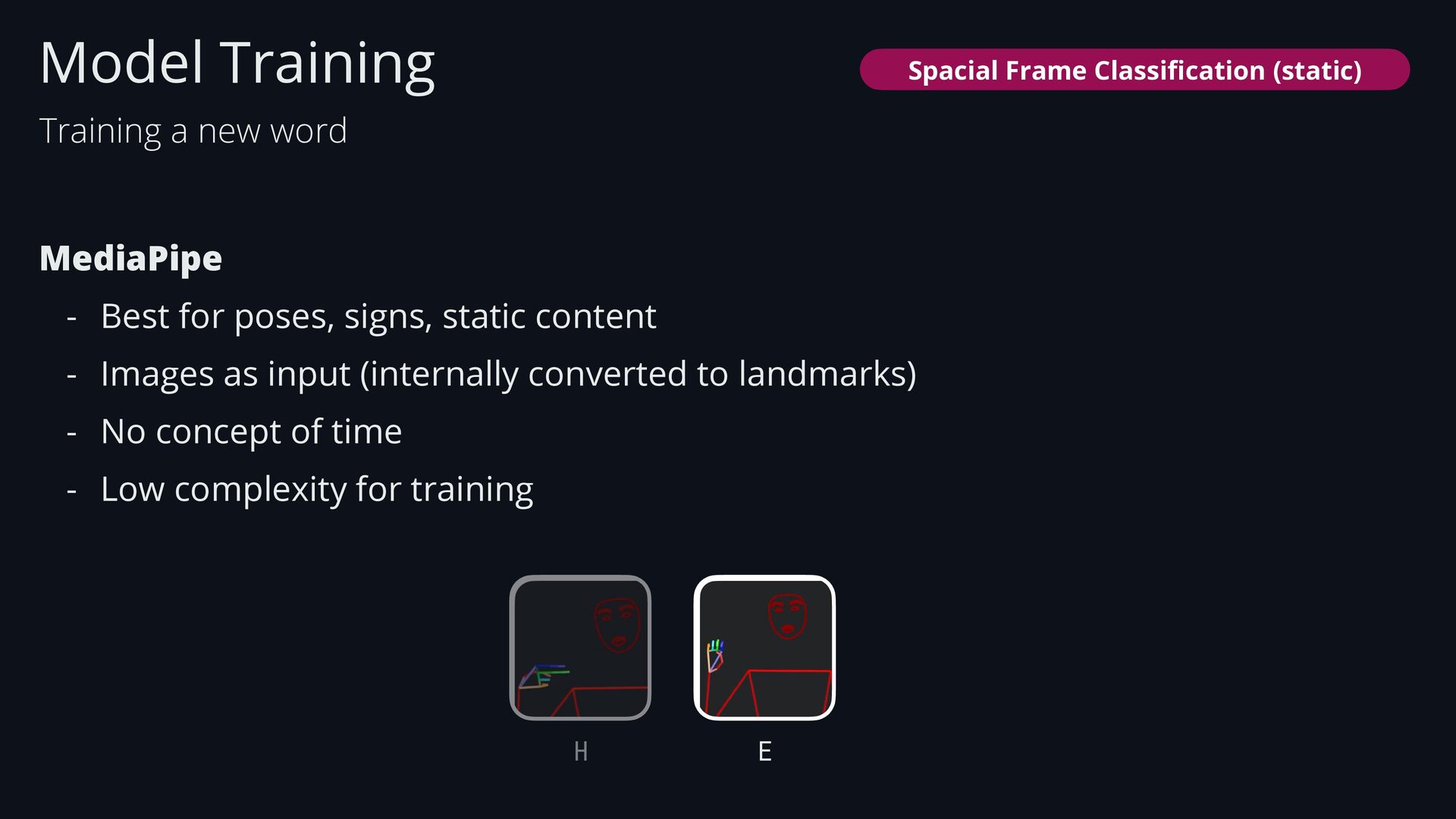
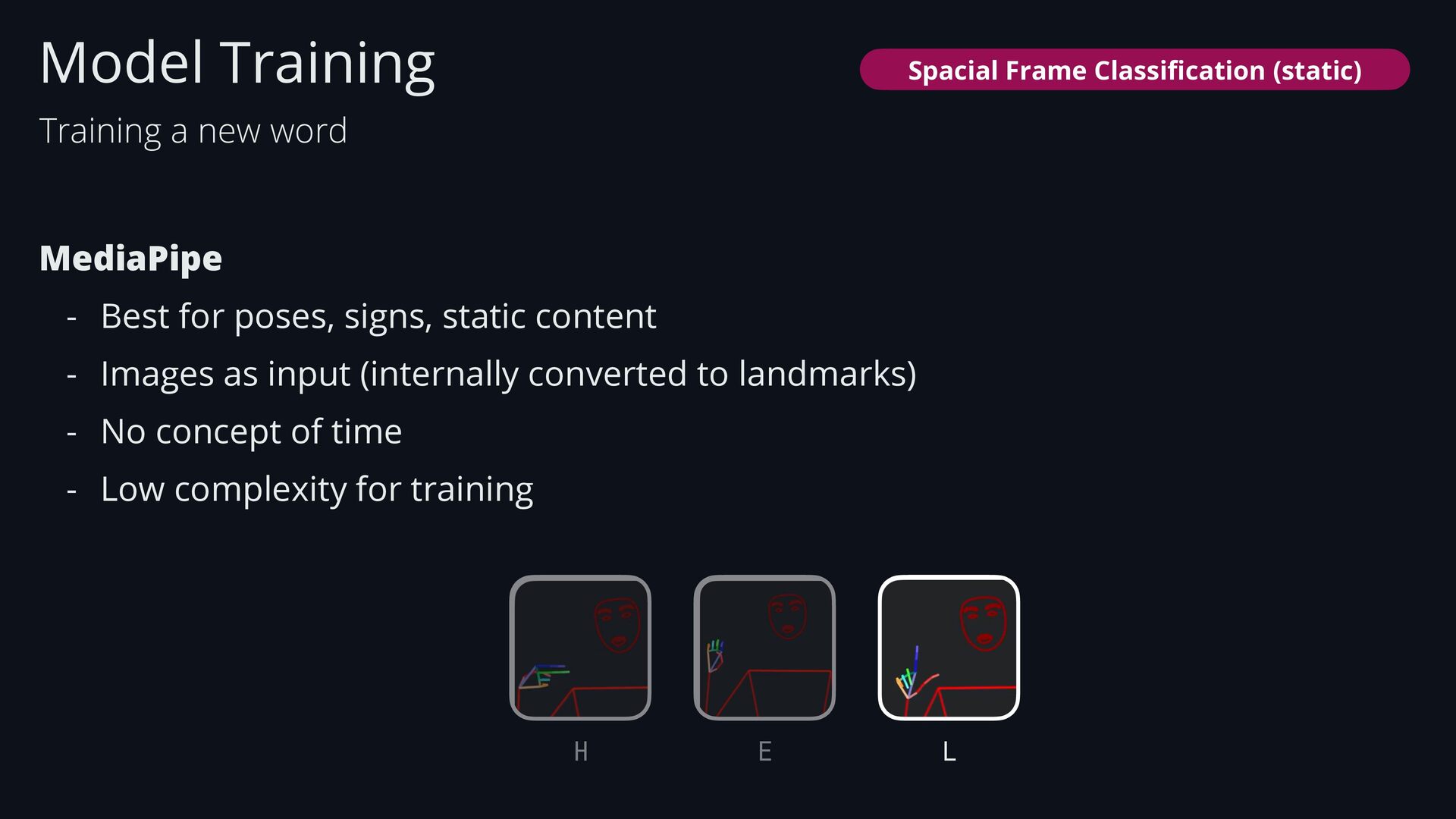
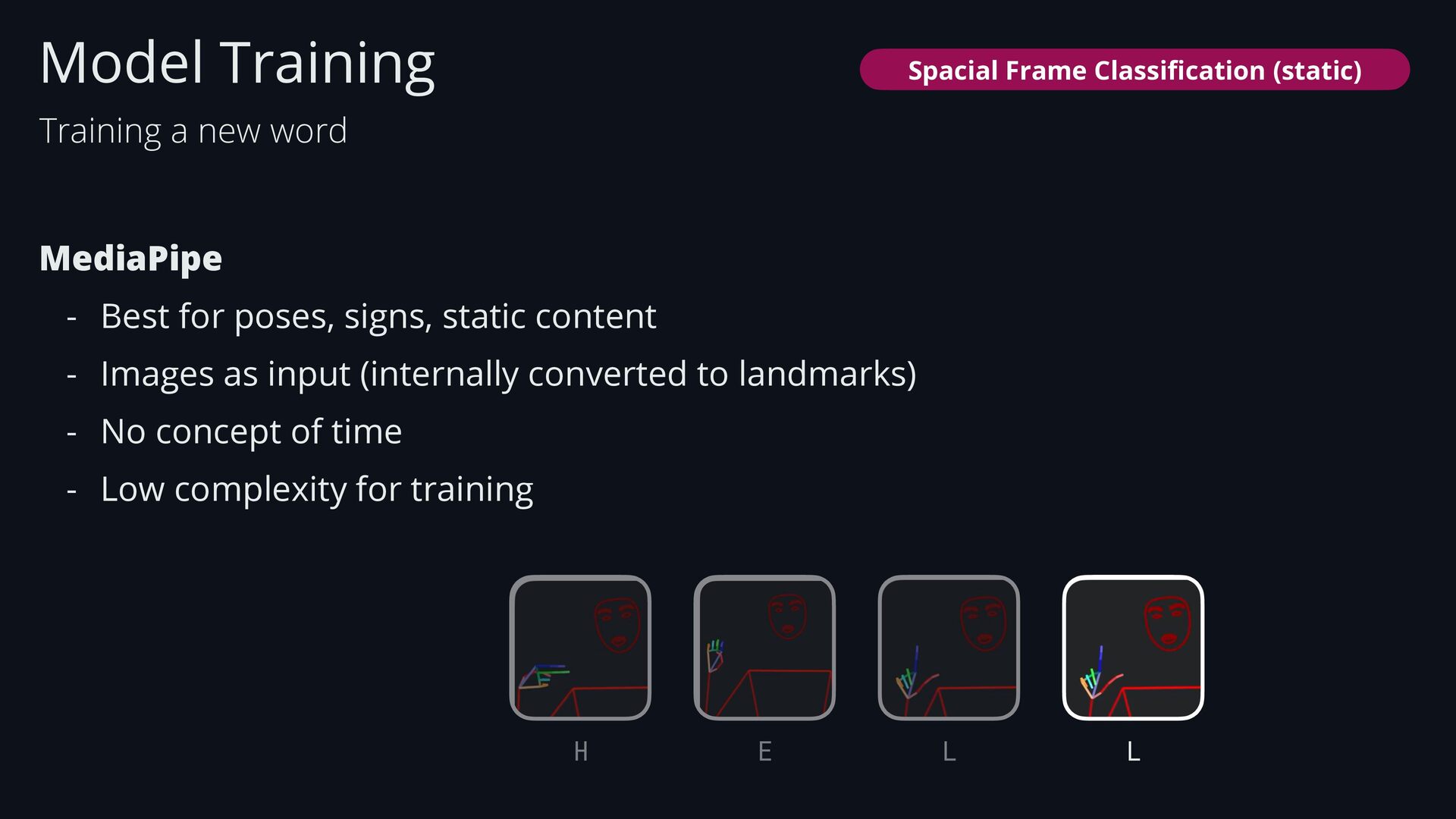
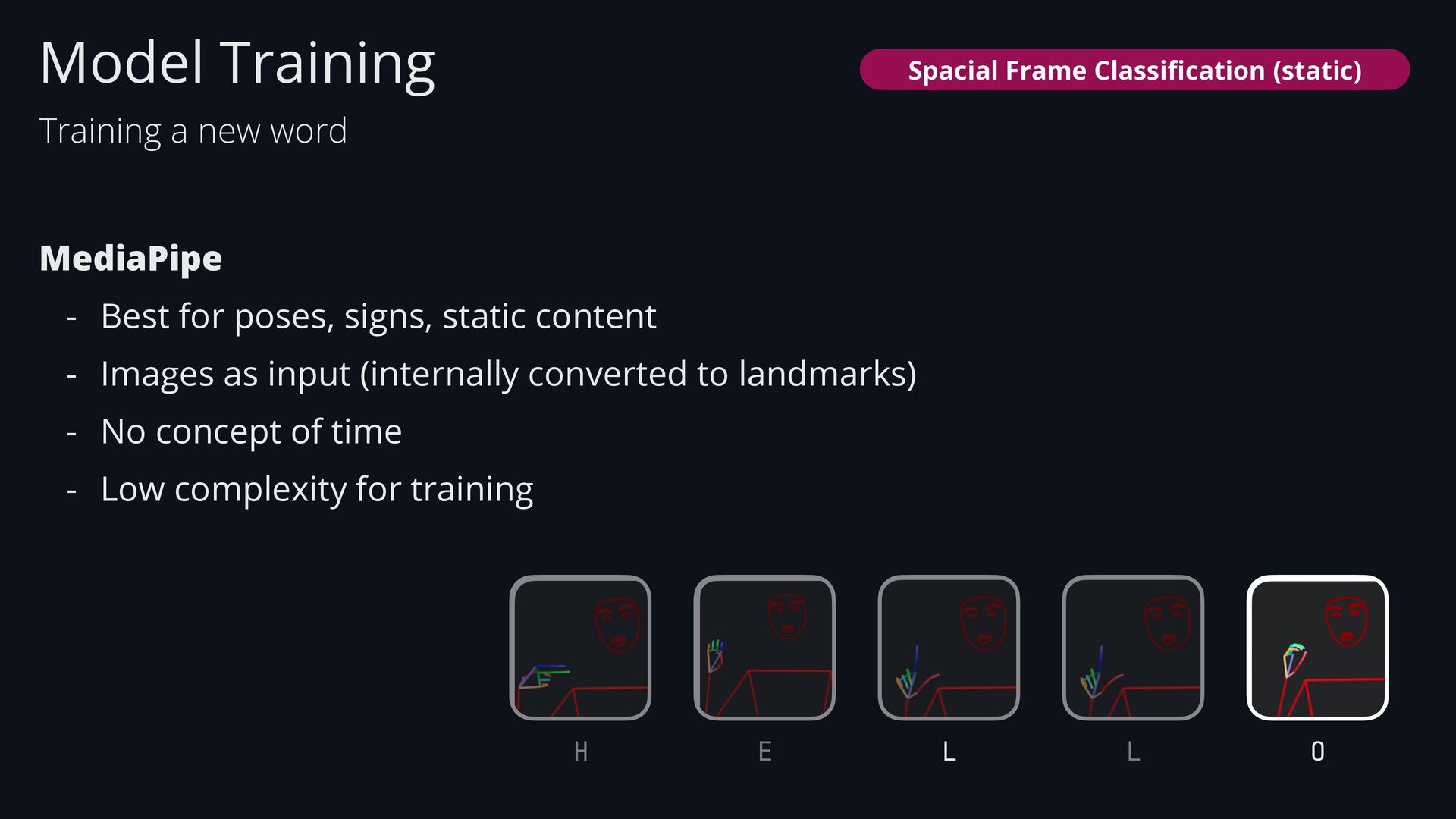
  49. MediaPipe - Best for poses, signs, static content - Images

    as input (internally converted to landmarks) - No concept of time - Low complexity for training Model Training Training a new word Spacial Frame Classi fi cation (static)
  50. MediaPipe - Best for poses, signs, static content - Images

    as input (internally converted to landmarks) - No concept of time - Low complexity for training Model Training Training a new word H Spacial Frame Classi fi cation (static)
  51. MediaPipe - Best for poses, signs, static content - Images

    as input (internally converted to landmarks) - No concept of time - Low complexity for training Model Training Training a new word E H Spacial Frame Classi fi cation (static)
  52. MediaPipe - Best for poses, signs, static content - Images

    as input (internally converted to landmarks) - No concept of time - Low complexity for training Model Training Training a new word E H L Spacial Frame Classi fi cation (static)
  53. MediaPipe - Best for poses, signs, static content - Images

    as input (internally converted to landmarks) - No concept of time - Low complexity for training Model Training Training a new word E H L L Spacial Frame Classi fi cation (static)
  54. MediaPipe - Best for poses, signs, static content - Images

    as input (internally converted to landmarks) - No concept of time - Low complexity for training Model Training Training a new word E H L L O Spacial Frame Classi fi cation (static)
  55. Inference is triggered on a frame-by-frame basis. Model Training Single

    input 1 Training a new word Spacial Frame Classi fi cation (static)
  56. * the more pictures we give the model, the better

    it learns more reliable it becomes. Android takes burst of photos* 1 Android Model Training Spatial frame classi fi cation (static) Xd
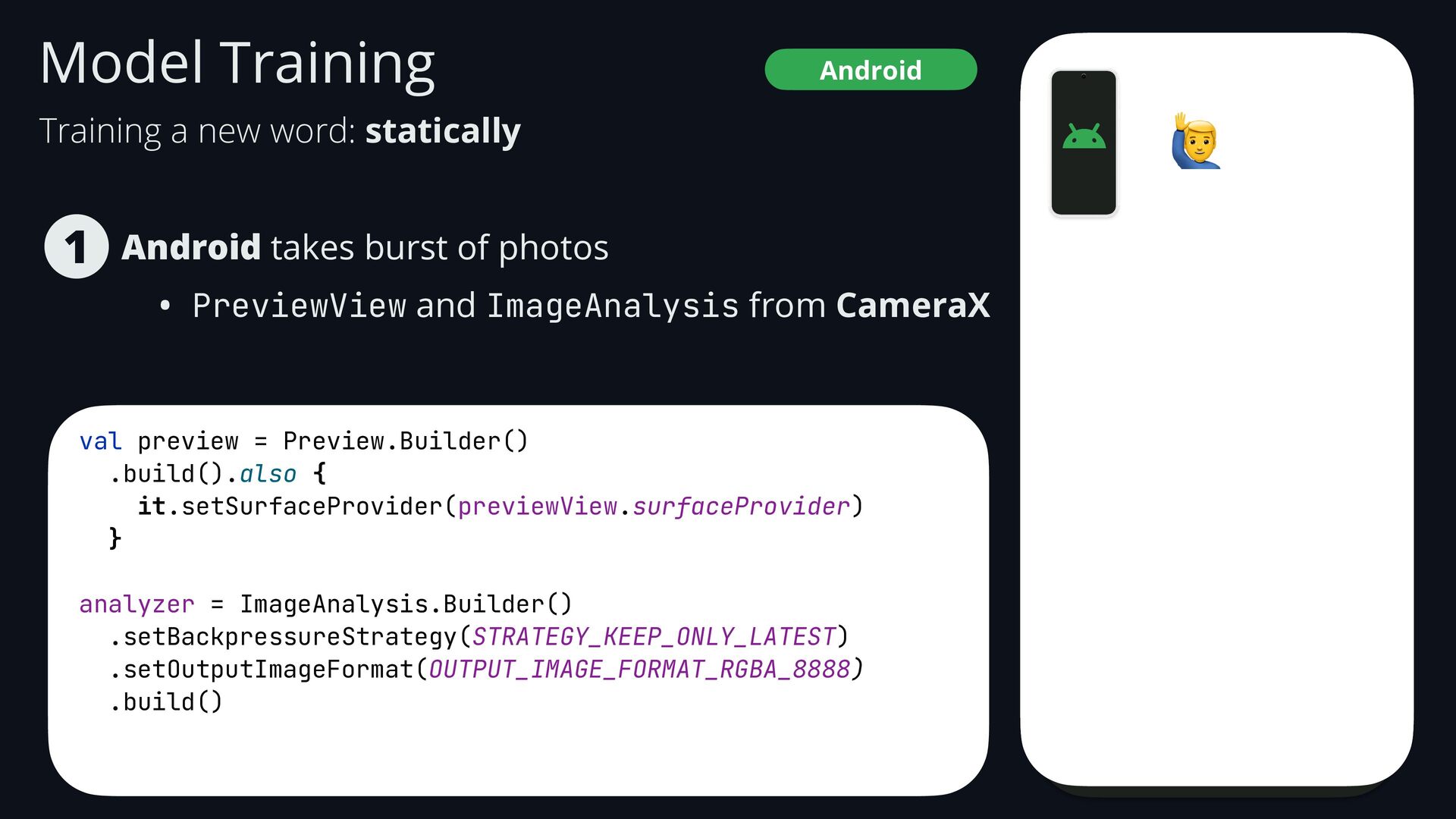
  57. Android takes burst of photos • PreviewView and ImageAnalysis from

    CameraX 1 Android Model Training 🙋 Training a new word: statically
  58. Android takes burst of photos • PreviewView and ImageAnalysis from

    CameraX 1 Android Model Training val preview = Preview.Builder() .build().also { it.setSurfaceProvider(previewView.surfaceProvider) } analyzer = ImageAnalysis.Builder() .setBackpressureStrategy(STRATEGY_KEEP_ONLY_LATEST) .setOutputImageFormat(OUTPUT_IMAGE_FORMAT_RGBA_8888) .build() 🙋 Training a new word: statically
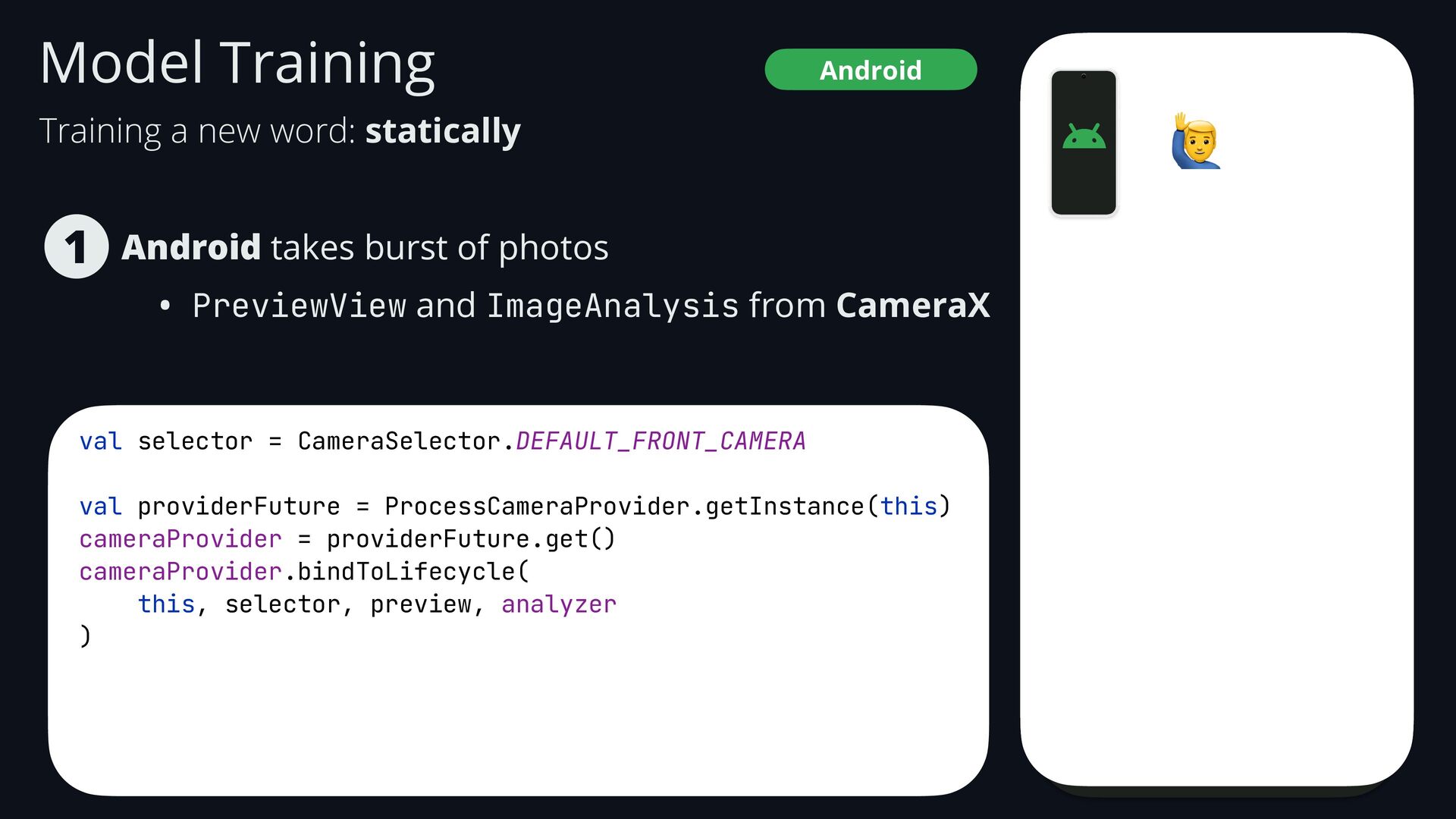
  59. Android takes burst of photos • PreviewView and ImageAnalysis from

    CameraX 1 Android Model Training val selector = CameraSelector.DEFAULT_FRONT_CAMERA val providerFuture = ProcessCameraProvider.getInstance(this) cameraProvider = providerFuture.get() cameraProvider.bindToLifecycle( this, selector, preview, analyzer ) 🙋 Training a new word: statically
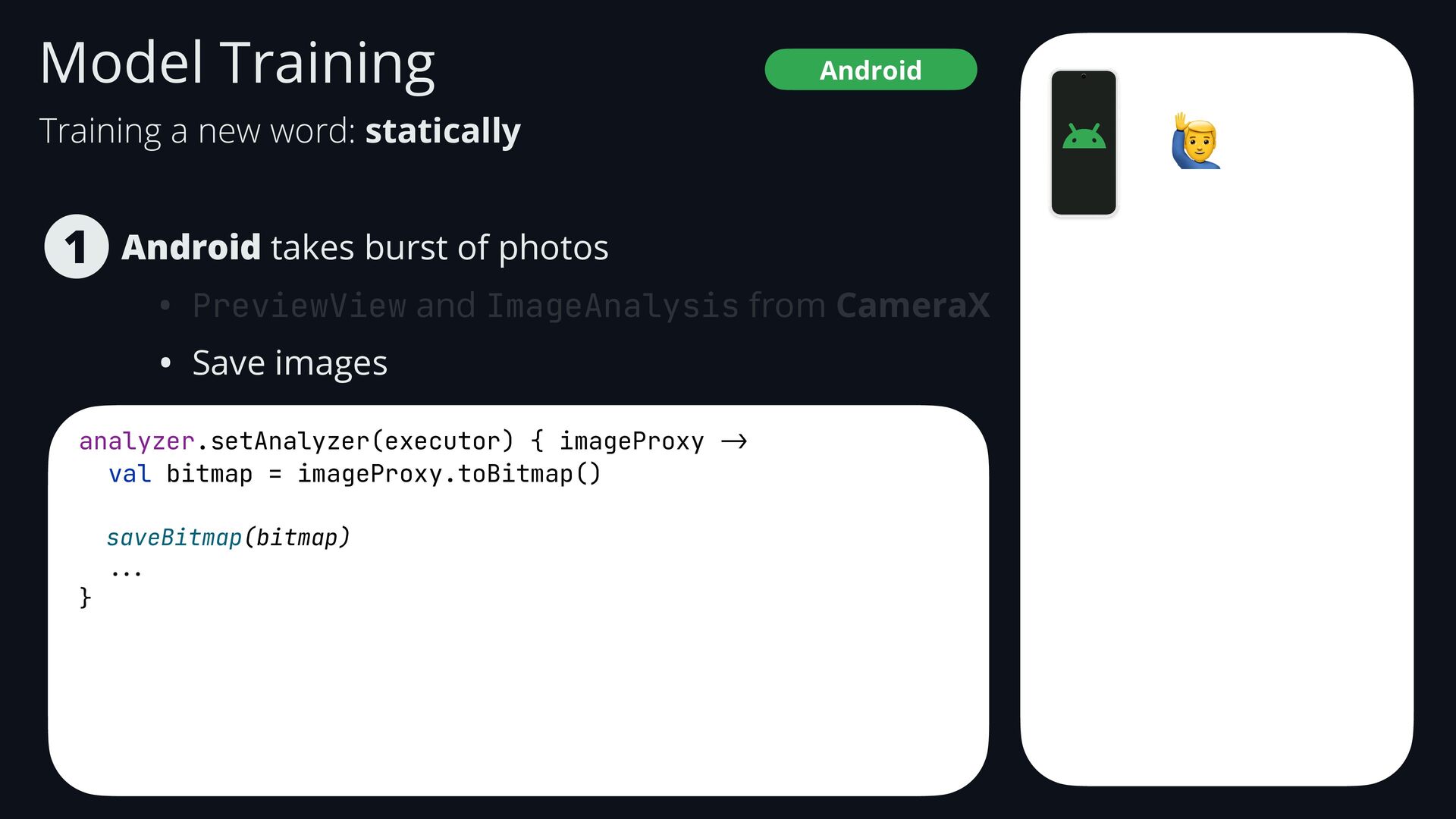
  60. Android takes burst of photos • PreviewView and ImageAnalysis from

    CameraX • Save images 1 Android Model Training analyzer.setAnalyzer(executor) { imageProxy -> val bitmap = imageProxy.toBitmap() saveBitmap(bitmap) ... } 🙋 Training a new word: statically
  61. Android takes burst of photos • PreviewView and ImageAnalysis from

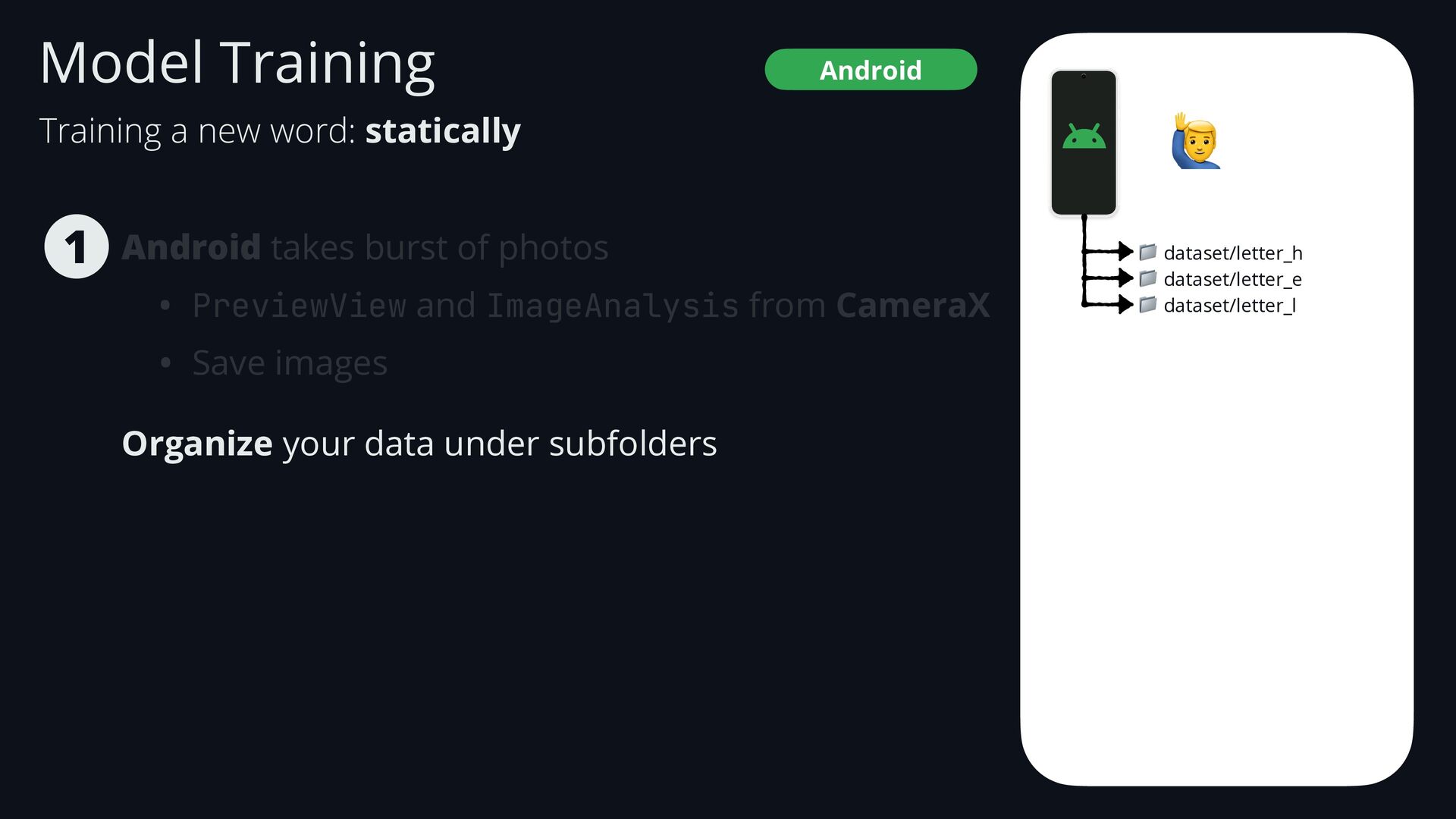
    CameraX • Save images Organize your data under subfolders 1 🙋 📁 dataset/letter_h 📁 dataset/letter_e 📁 dataset/letter_l Android Model Training Training a new word: statically
  62. Android takes burst of photos • PreviewView and ImageAnalysis from

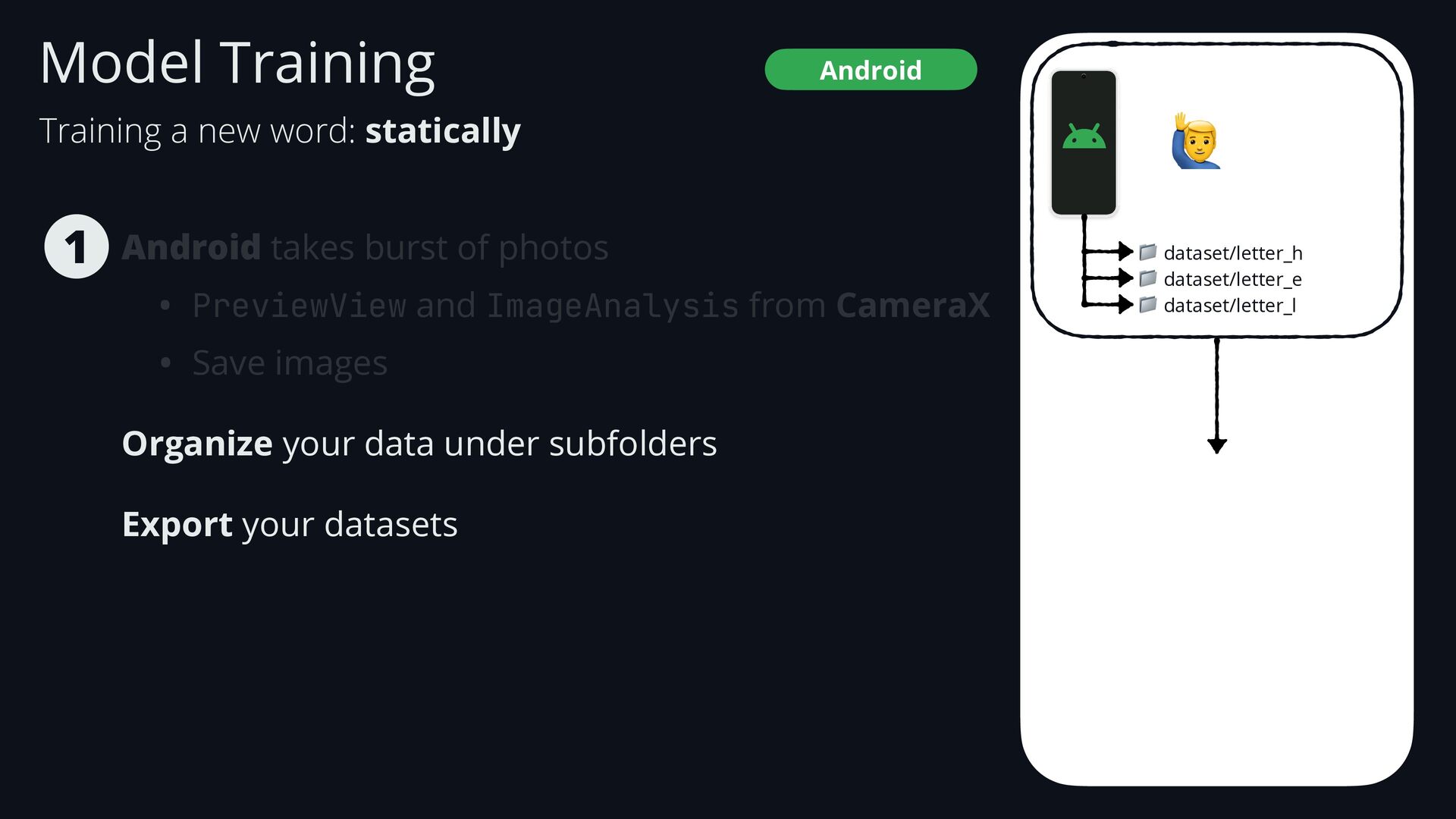
    CameraX • Save images Organize your data under subfolders Export your datasets 1 🙋 📁 dataset/letter_h 📁 dataset/letter_e 📁 dataset/letter_l Android Model Training Training a new word: statically
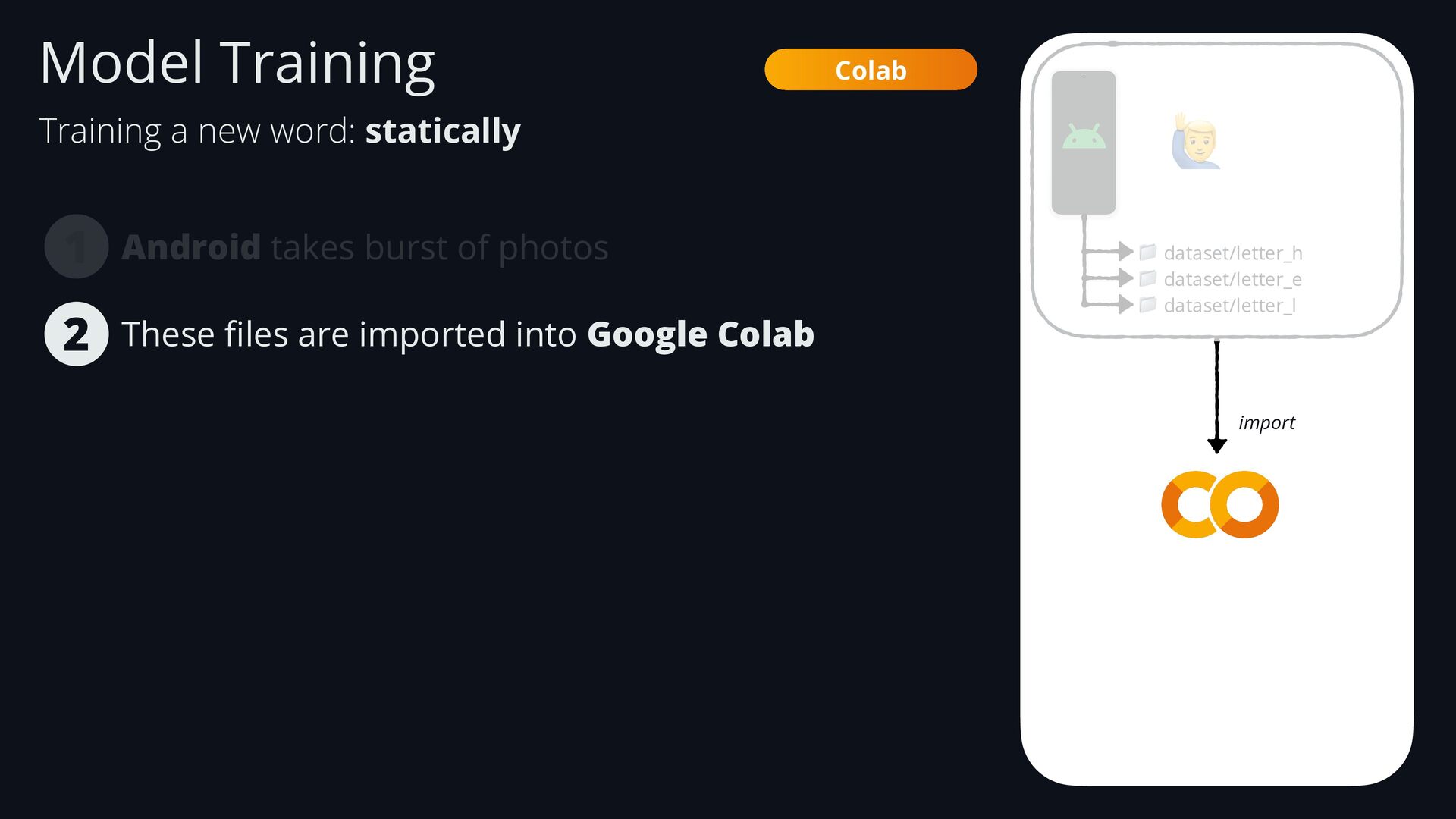
  63. Android takes burst of photos 1 🙋 📁 dataset/letter_h 📁

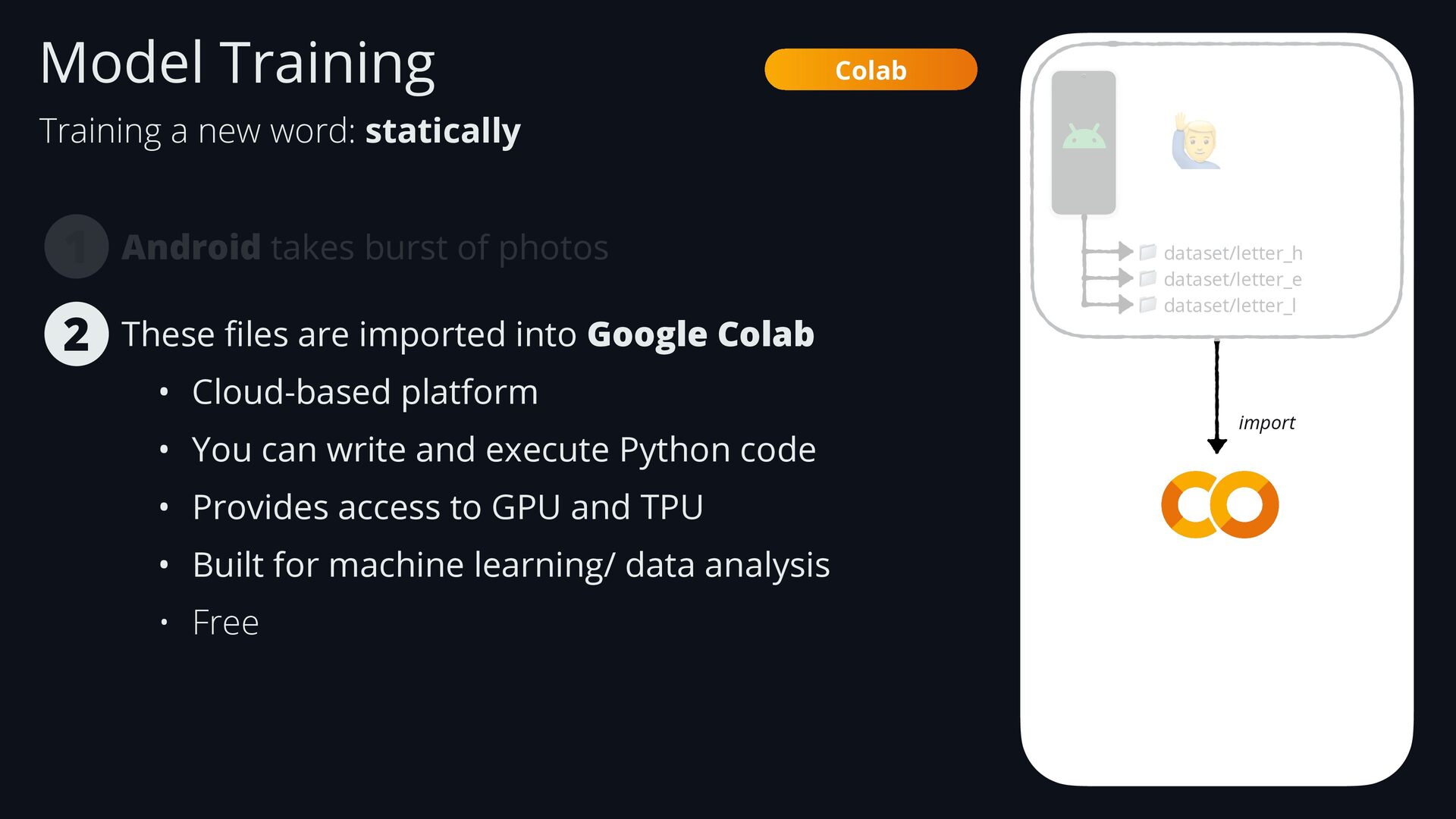
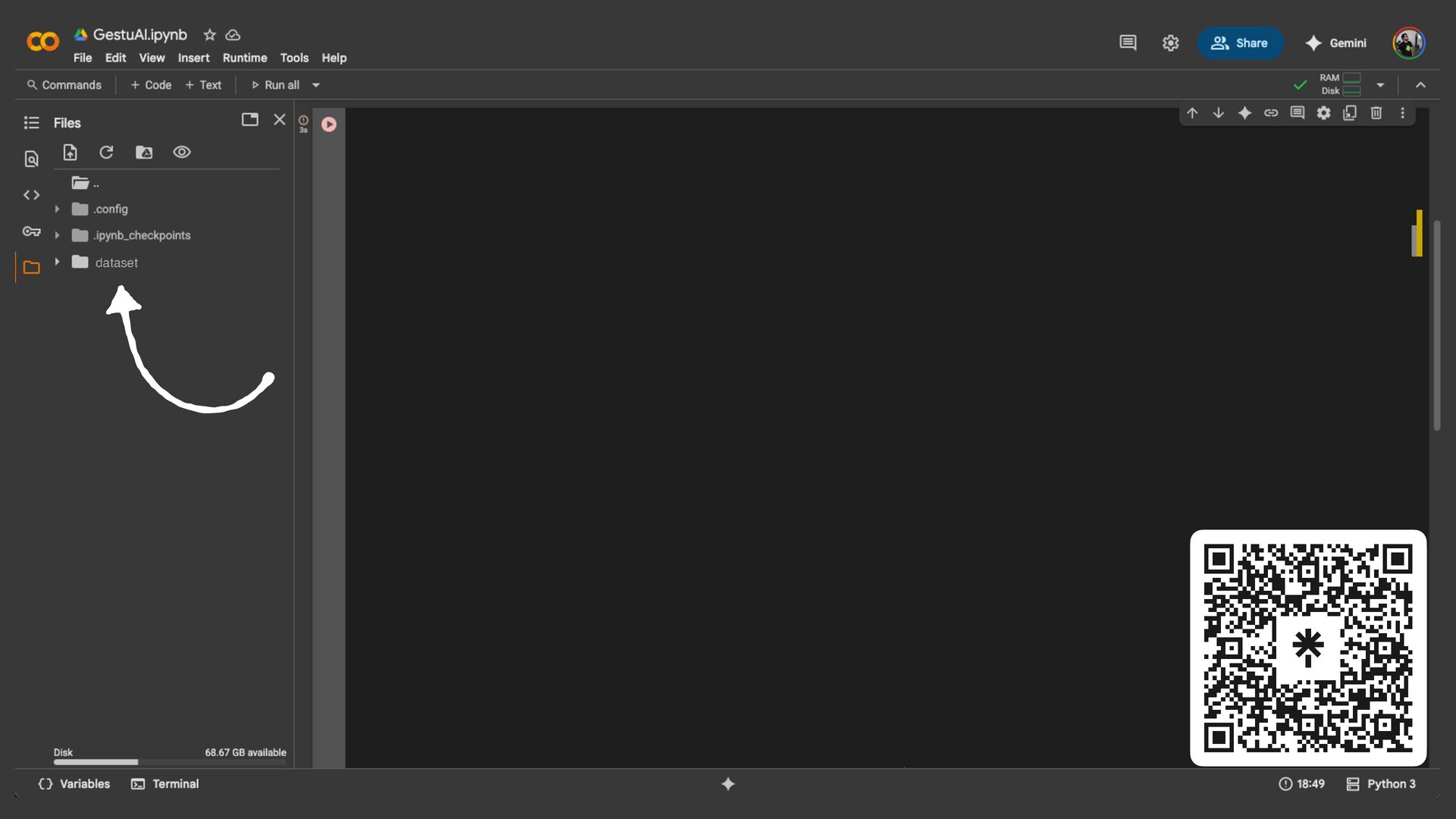
    dataset/letter_e 📁 dataset/letter_l These fi les are imported into Google Colab 2 import Colab Model Training Training a new word: statically
  64. Android takes burst of photos 1 🙋 📁 dataset/letter_h 📁

    dataset/letter_e 📁 dataset/letter_l These fi les are imported into Google Colab • Cloud-based platform • You can write and execute Python code • Provides access to GPU and TPU • Built for machine learning/ data analysis • Free 2 import Colab Model Training Training a new word: statically
  65. import Colab These fi les are imported into Google Colab

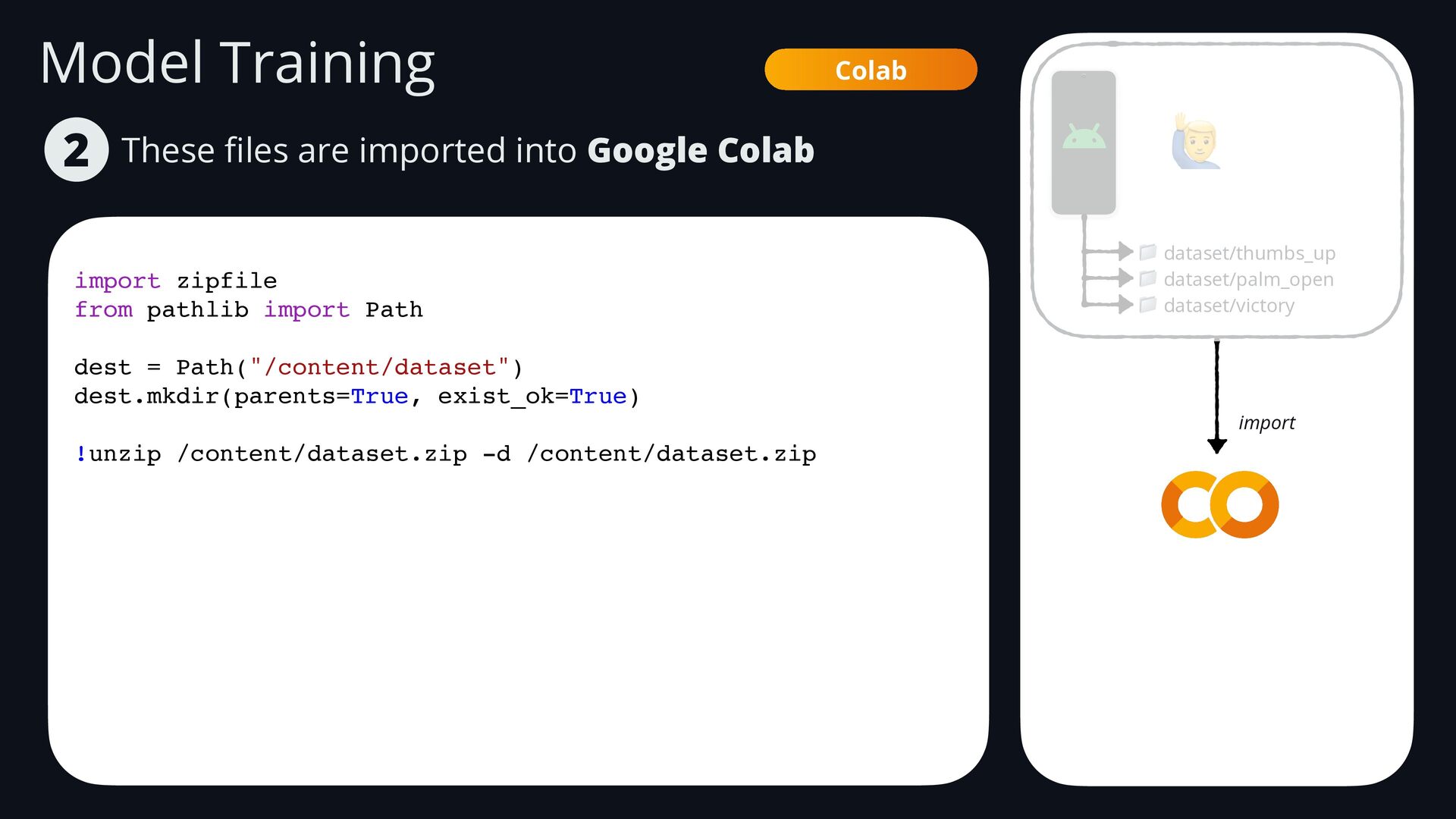
    2 import zipfile from pathlib import Path dest = Path("/content/dataset") dest.mkdir(parents=True, exist_ok=True) !unzip /content/dataset.zip -d /content/dataset.zip 🙋 📁 dataset/thumbs_up 📁 dataset/palm_open 📁 dataset/victory import Model Training
  66. 🙋 📁 dataset/letter_h 📁 dataset/letter_e 📁 dataset/letter_l import Android takes

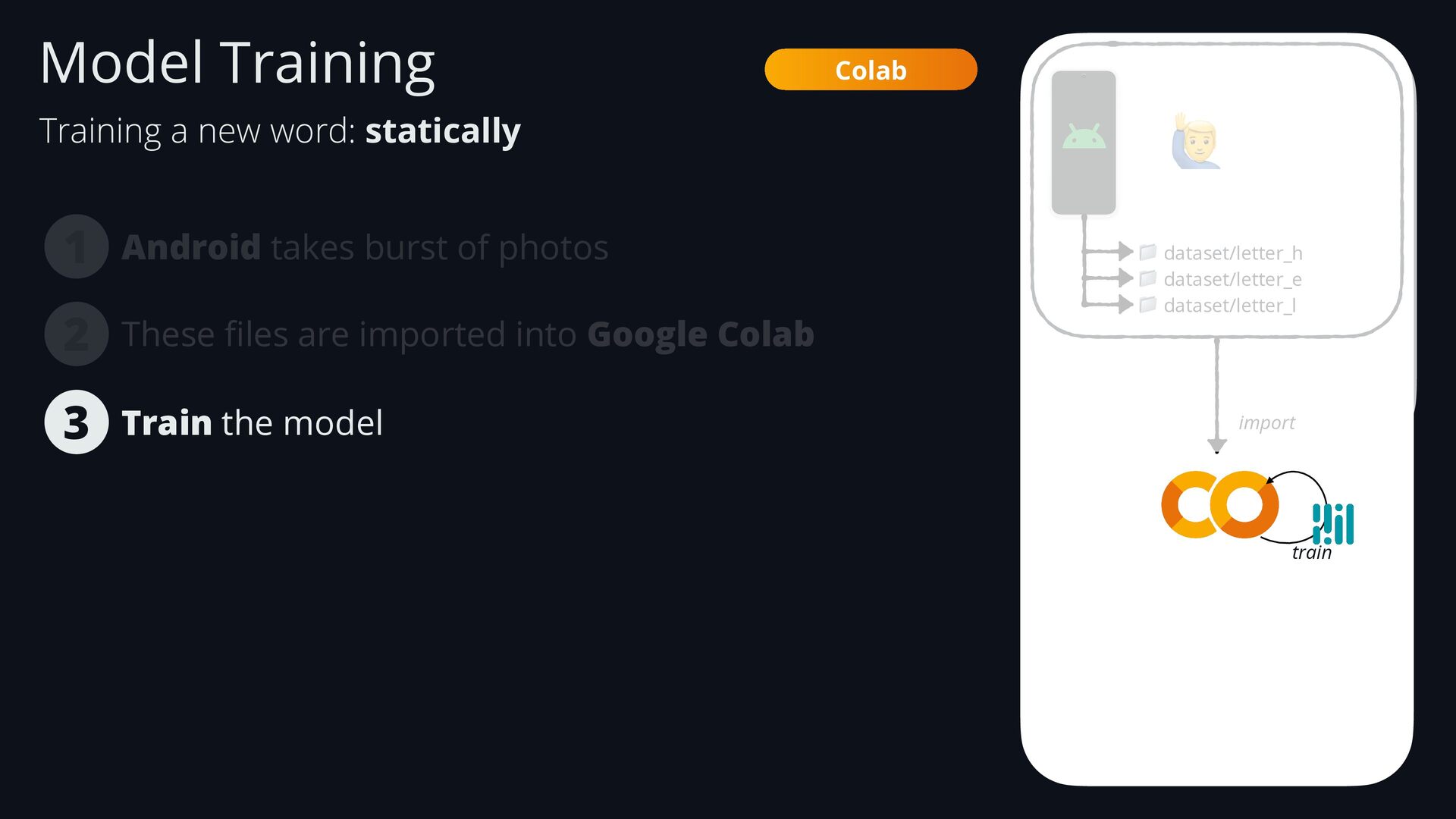
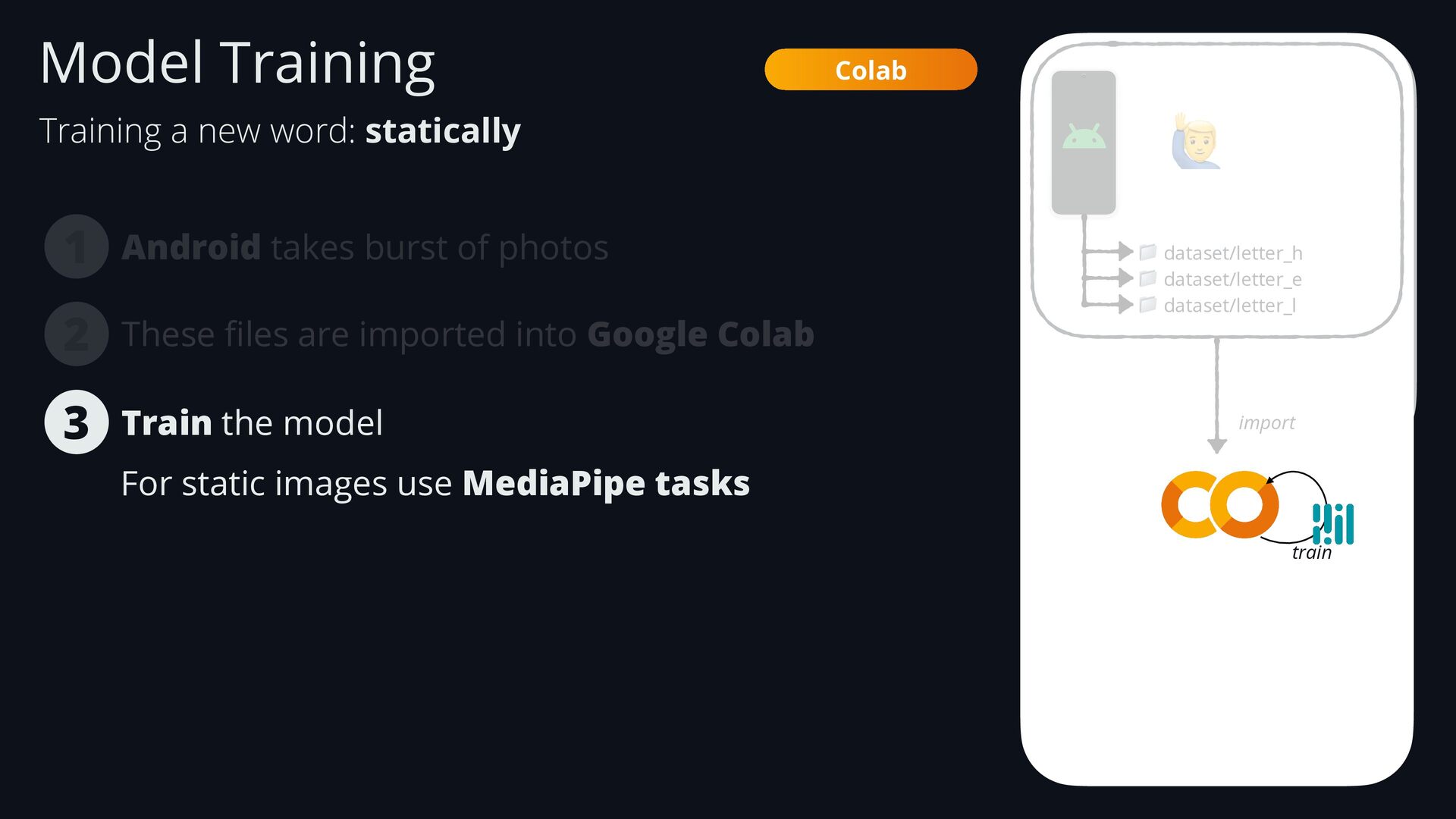
    burst of photos 1 These fi les are imported into Google Colab Train the model 3 2 train Colab Model Training Training a new word: statically
  67. Android takes burst of photos 1 🙋 📁 dataset/letter_h 📁

    dataset/letter_e 📁 dataset/letter_l These fi les are imported into Google Colab 3 2 import Colab For static images use MediaPipe tasks Train the model train Model Training Training a new word: statically
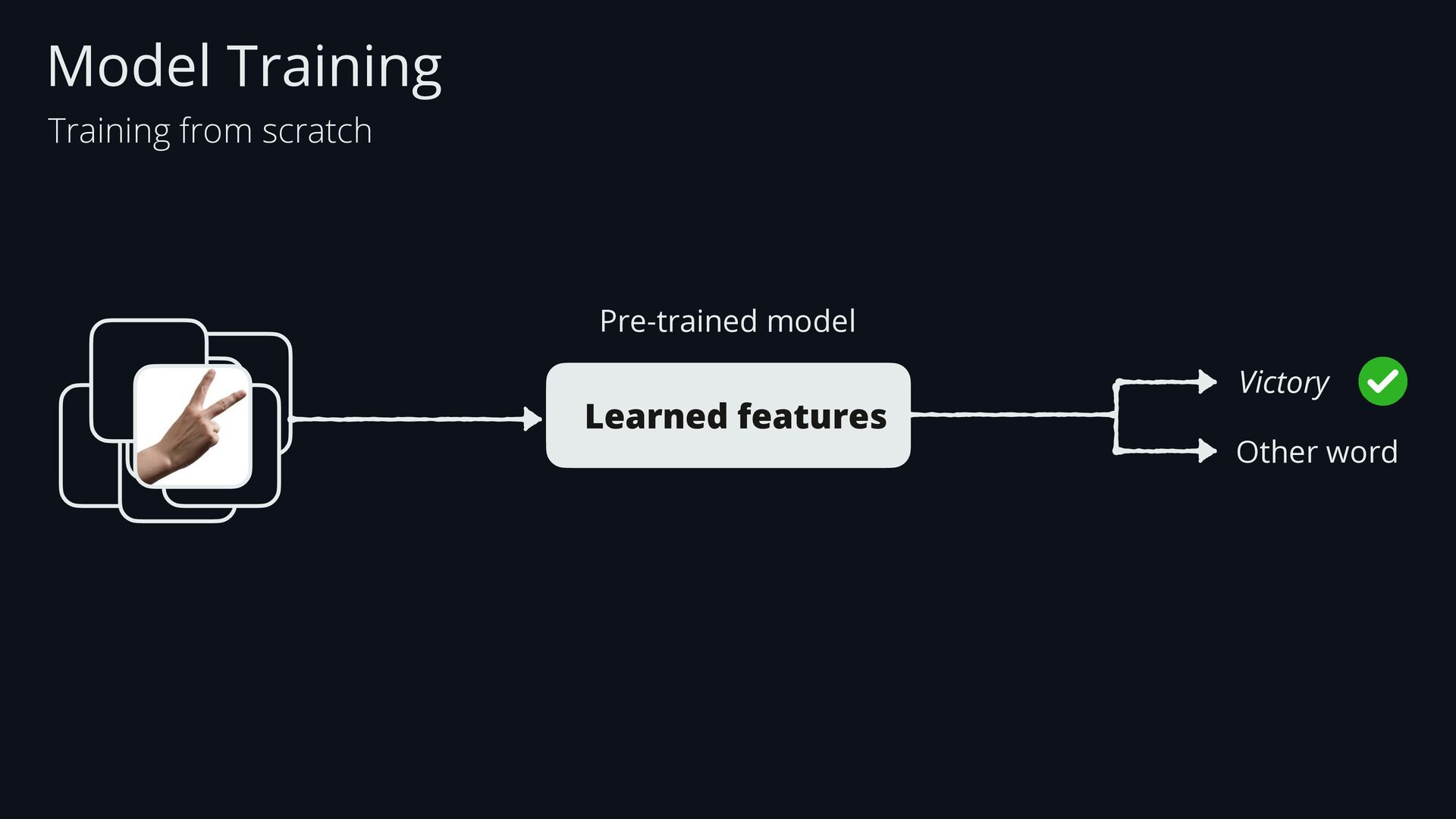
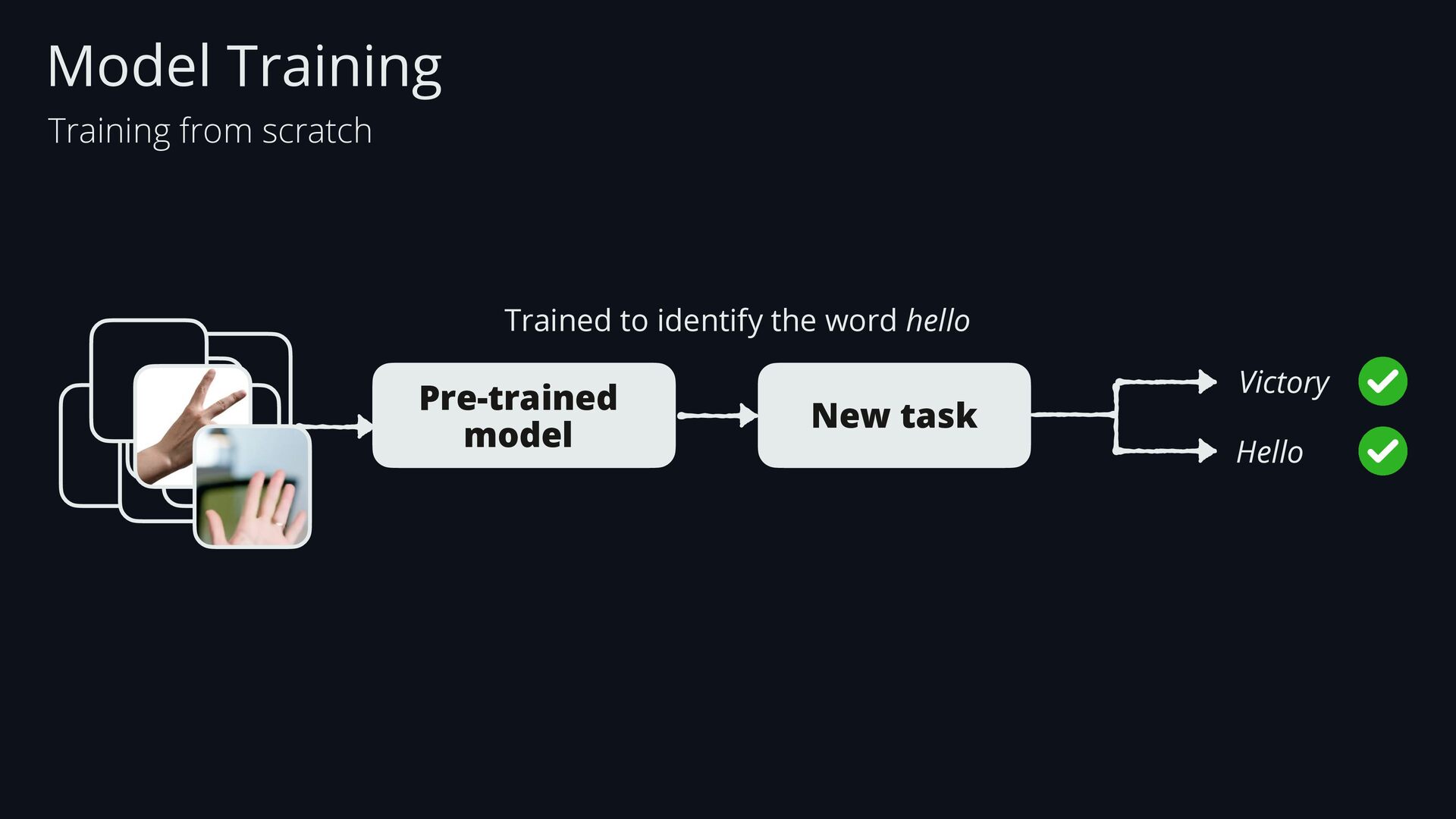
  68. Trained to identify the word hello Pre-trained model Victory Hello

    New task Model Training Training from scratch
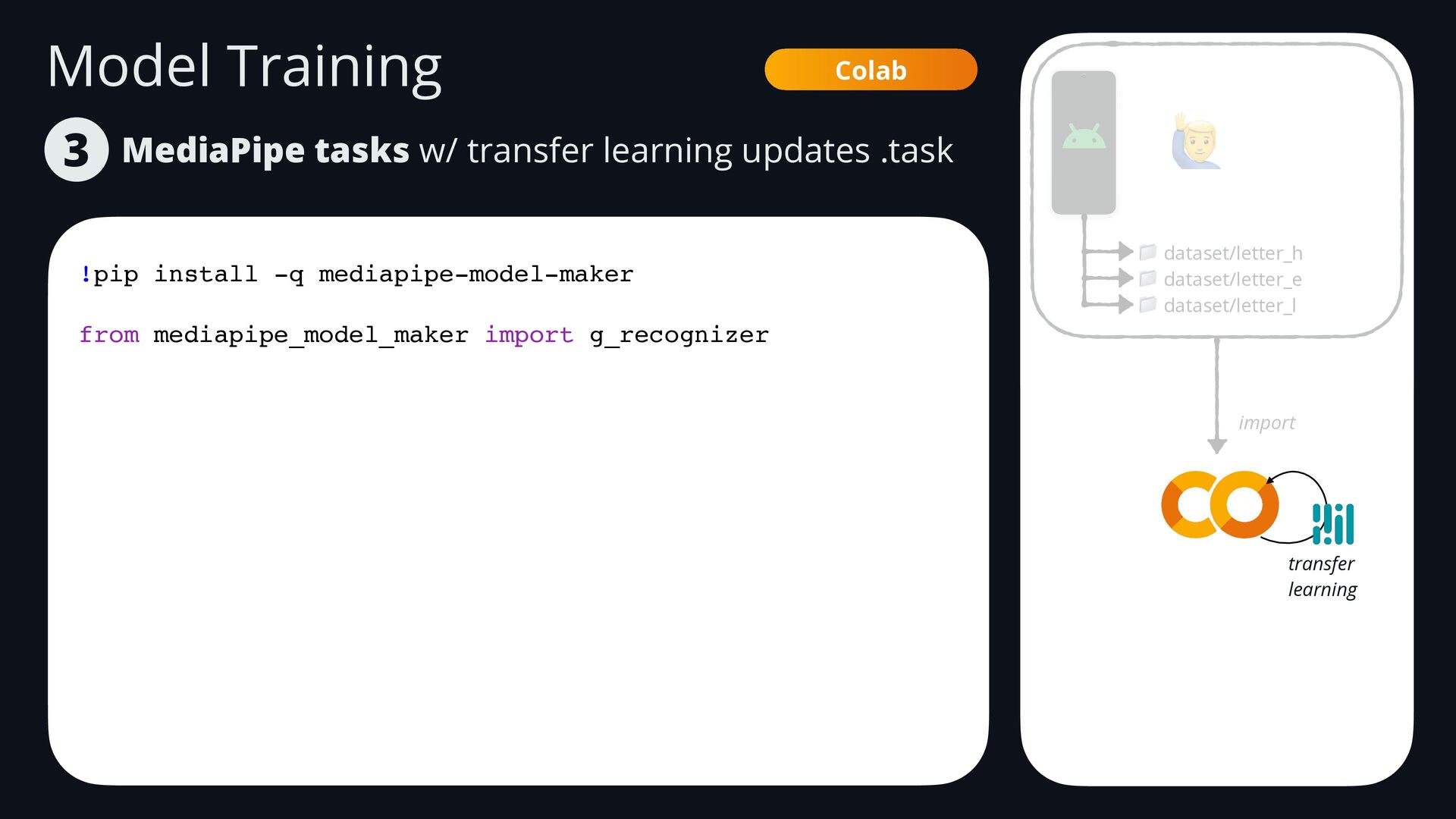
  69. Model Training MediaPipe tasks w/ transfer learning updates .task 3

    Colab !pip install -q mediapipe-model-maker from mediapipe_model_maker import g_recognizer 🙋 📁 dataset/letter_h 📁 dataset/letter_e 📁 dataset/letter_l import transfer learning
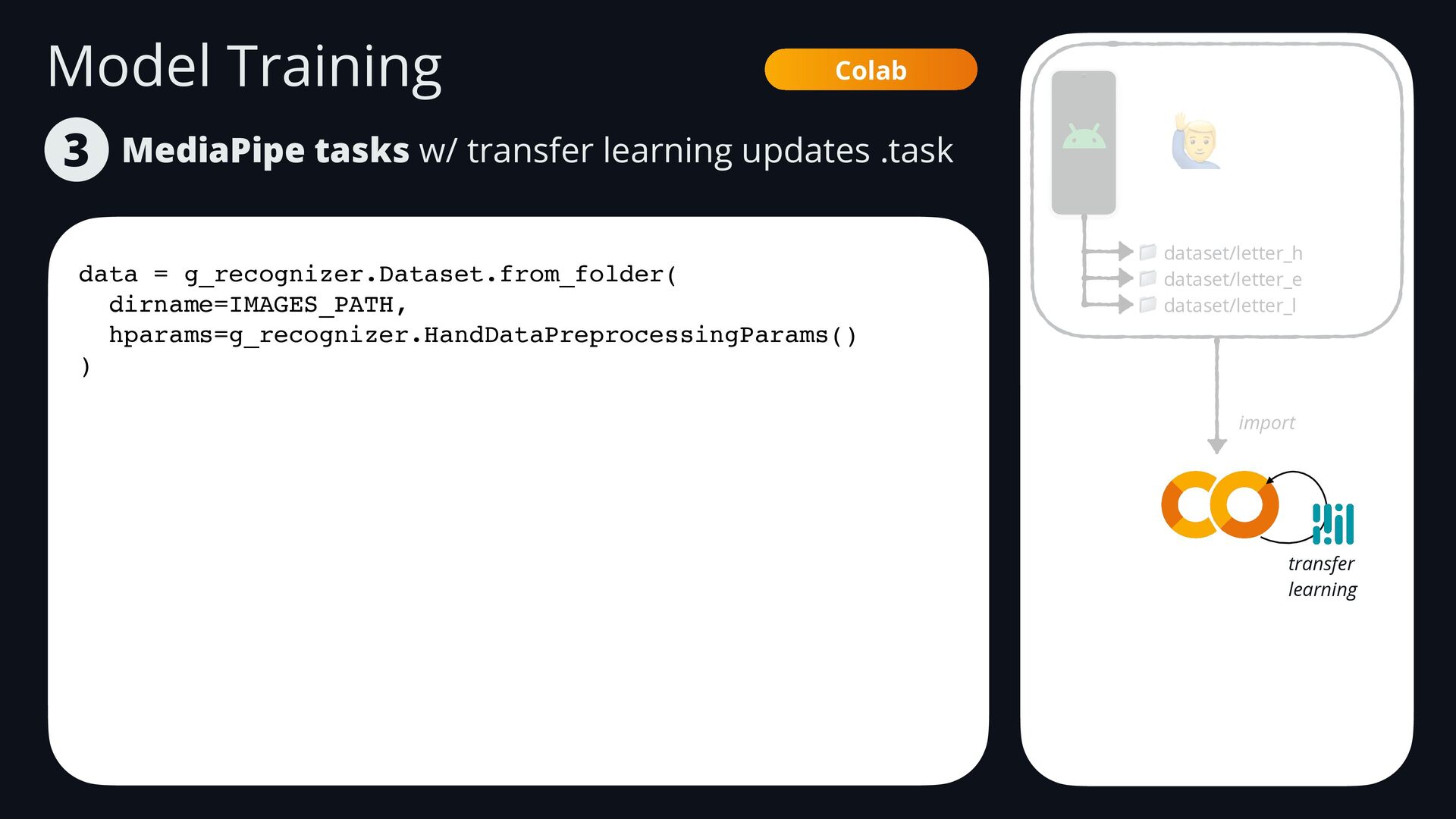
  70. Model Training MediaPipe tasks w/ transfer learning updates .task 3

    Colab data = g_recognizer.Dataset.from_folder( dirname=IMAGES_PATH, hparams=g_recognizer.HandDataPreprocessingParams() ) 🙋 📁 dataset/letter_h 📁 dataset/letter_e 📁 dataset/letter_l import transfer learning
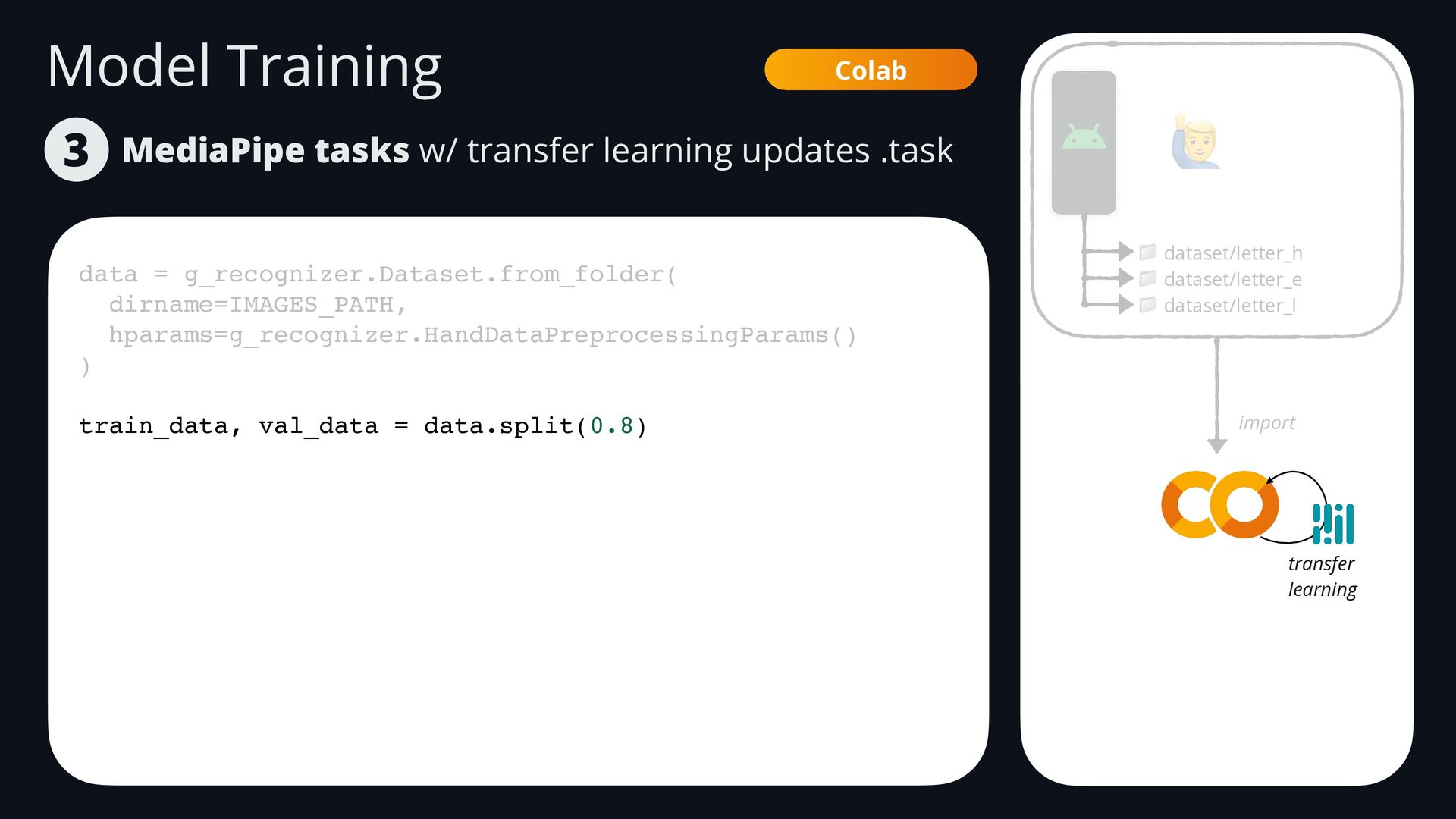
  71. Model Training MediaPipe tasks w/ transfer learning updates .task 3

    Colab data = g_recognizer.Dataset.from_folder( dirname=IMAGES_PATH, hparams=g_recognizer.HandDataPreprocessingParams() ) train_data, val_data = data.split(0.8) 🙋 📁 dataset/letter_h 📁 dataset/letter_e 📁 dataset/letter_l import transfer learning
  72. Model Training MediaPipe tasks w/ transfer learning updates .task 3

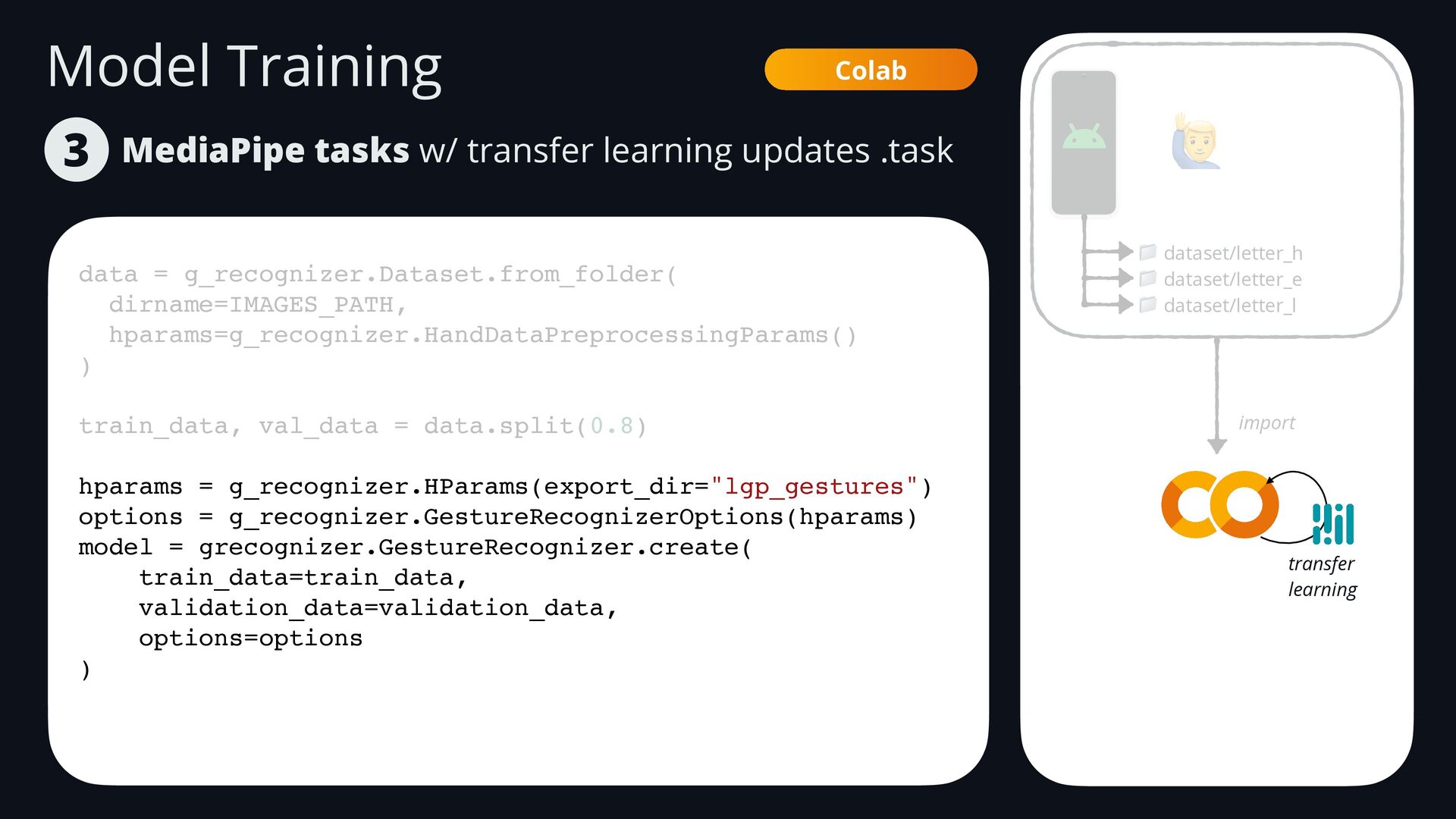
    Colab data = g_recognizer.Dataset.from_folder( dirname=IMAGES_PATH, hparams=g_recognizer.HandDataPreprocessingParams() ) train_data, val_data = data.split(0.8) hparams = g_recognizer.HParams(export_dir="lgp_gestures") options = g_recognizer.GestureRecognizerOptions(hparams) model = grecognizer.GestureRecognizer.create( train_data=train_data, validation_data=validation_data, options=options ) 🙋 📁 dataset/letter_h 📁 dataset/letter_e 📁 dataset/letter_l import transfer learning
  73. Model Training MediaPipe tasks w/ transfer learning updates .task 3

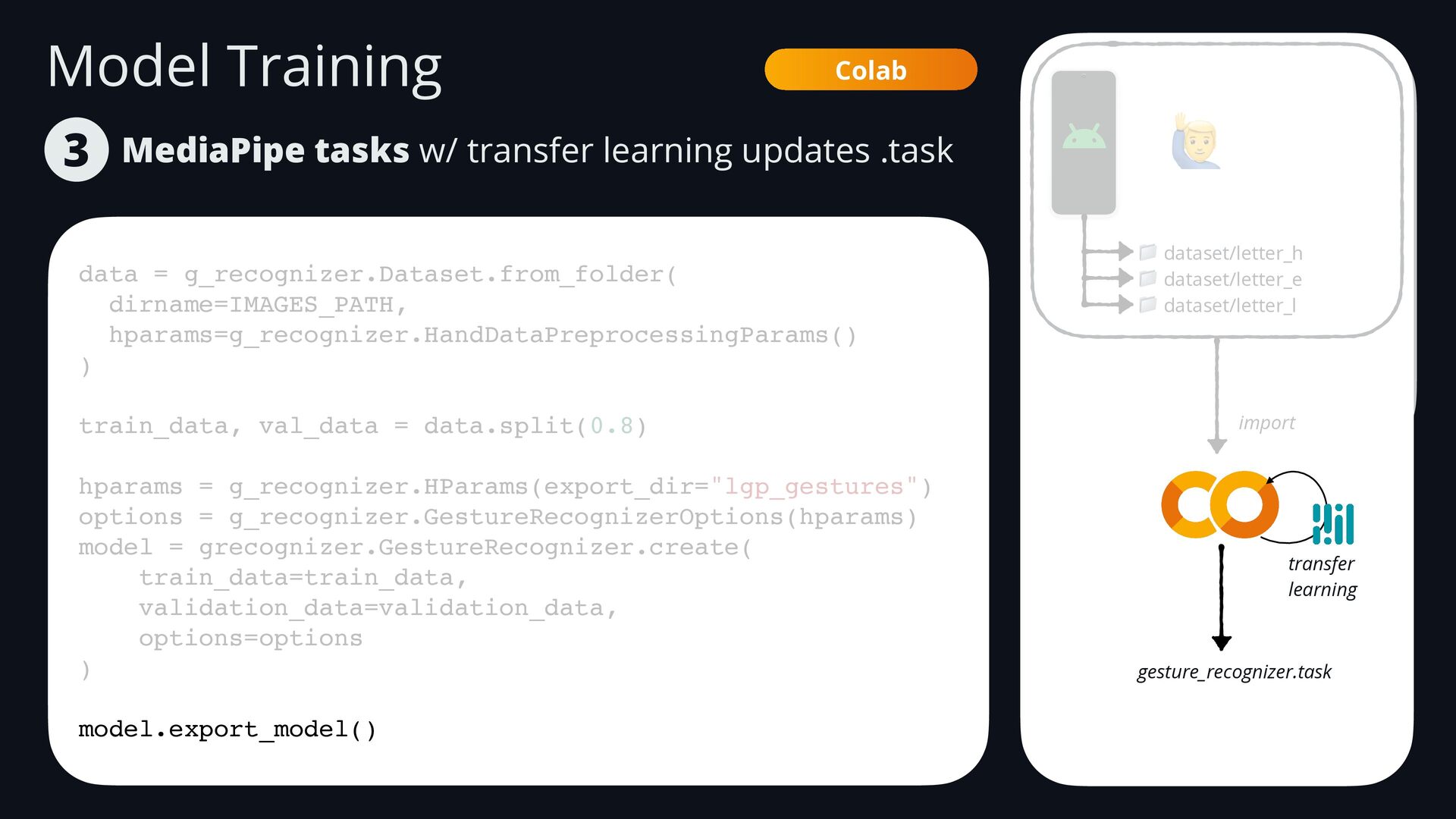
    Colab data = g_recognizer.Dataset.from_folder( dirname=IMAGES_PATH, hparams=g_recognizer.HandDataPreprocessingParams() ) train_data, val_data = data.split(0.8) hparams = g_recognizer.HParams(export_dir="lgp_gestures") options = g_recognizer.GestureRecognizerOptions(hparams) model = grecognizer.GestureRecognizer.create( train_data=train_data, validation_data=validation_data, options=options ) model.export_model() 🙋 📁 dataset/letter_h 📁 dataset/letter_e 📁 dataset/letter_l import transfer learning gesture_recognizer.task
  74. Platform Deployment Android Android takes burst of photos/ records gestures

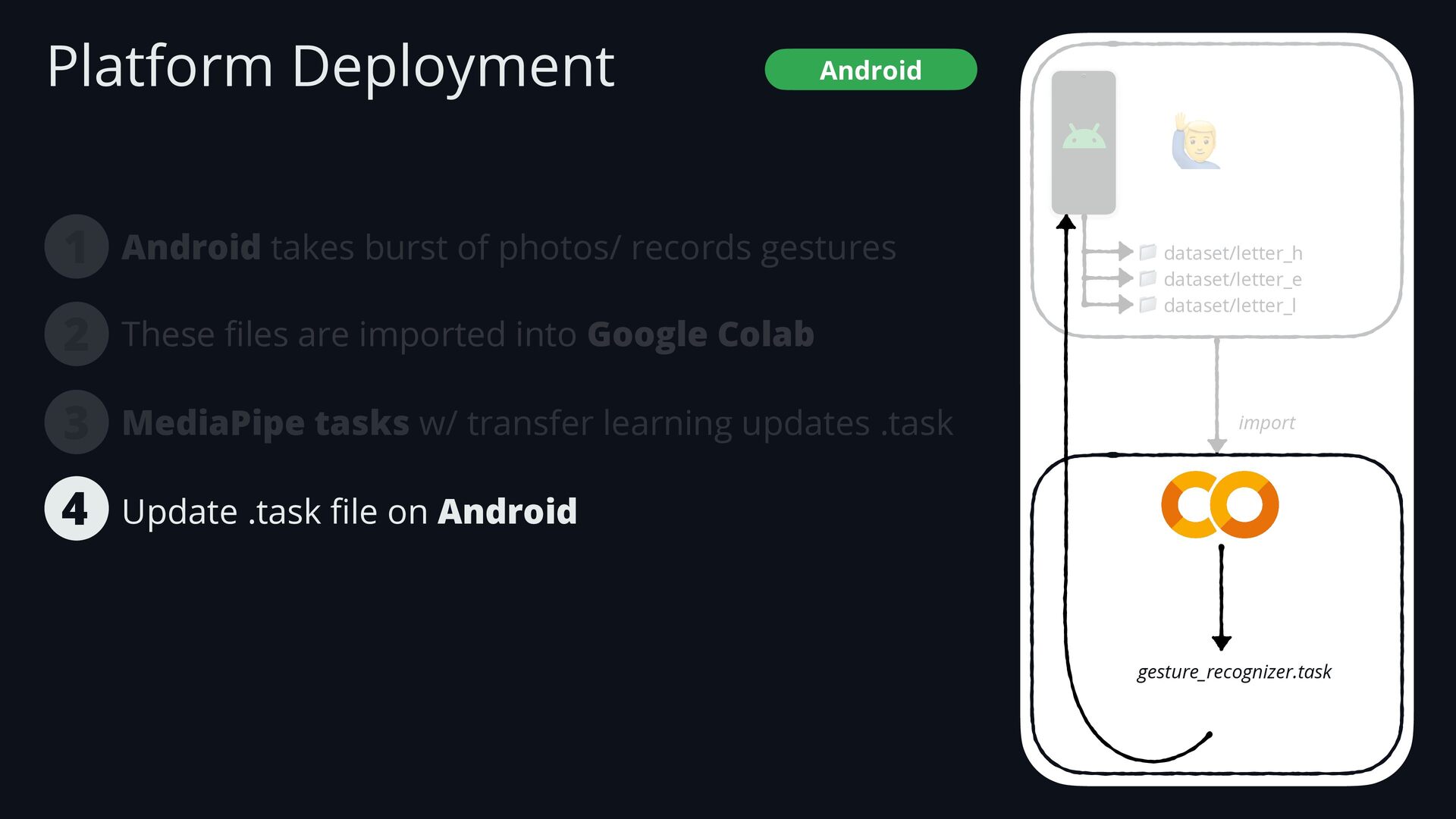
    1 These fi les are imported into Google Colab MediaPipe tasks w/ transfer learning updates .task 3 2 Update .task fi le on Android 4 🙋 📁 dataset/letter_h 📁 dataset/letter_e 📁 dataset/letter_l import gesture_recognizer.task
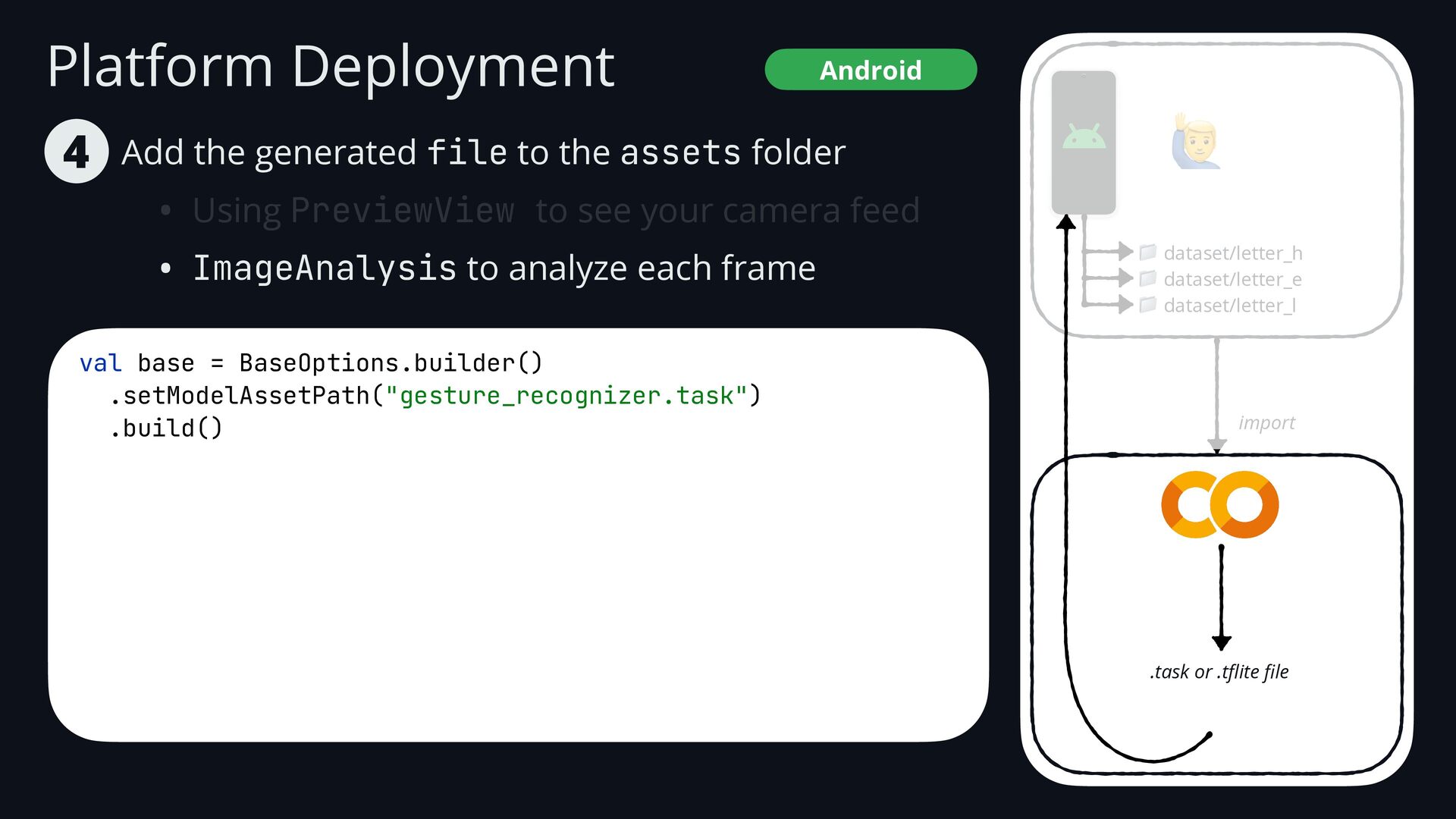
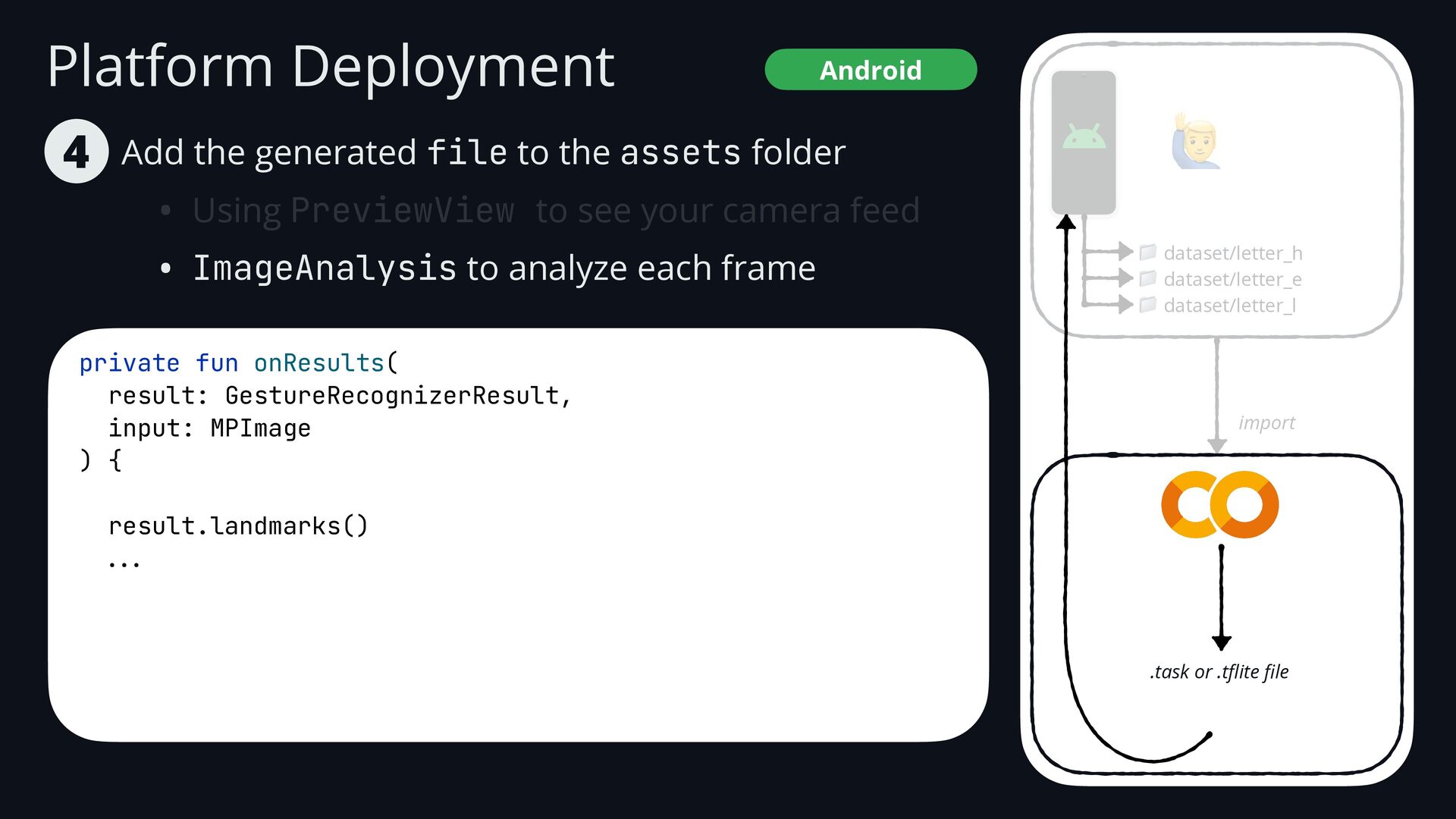
  75. Platform Deployment Add the generated file to the assets folder

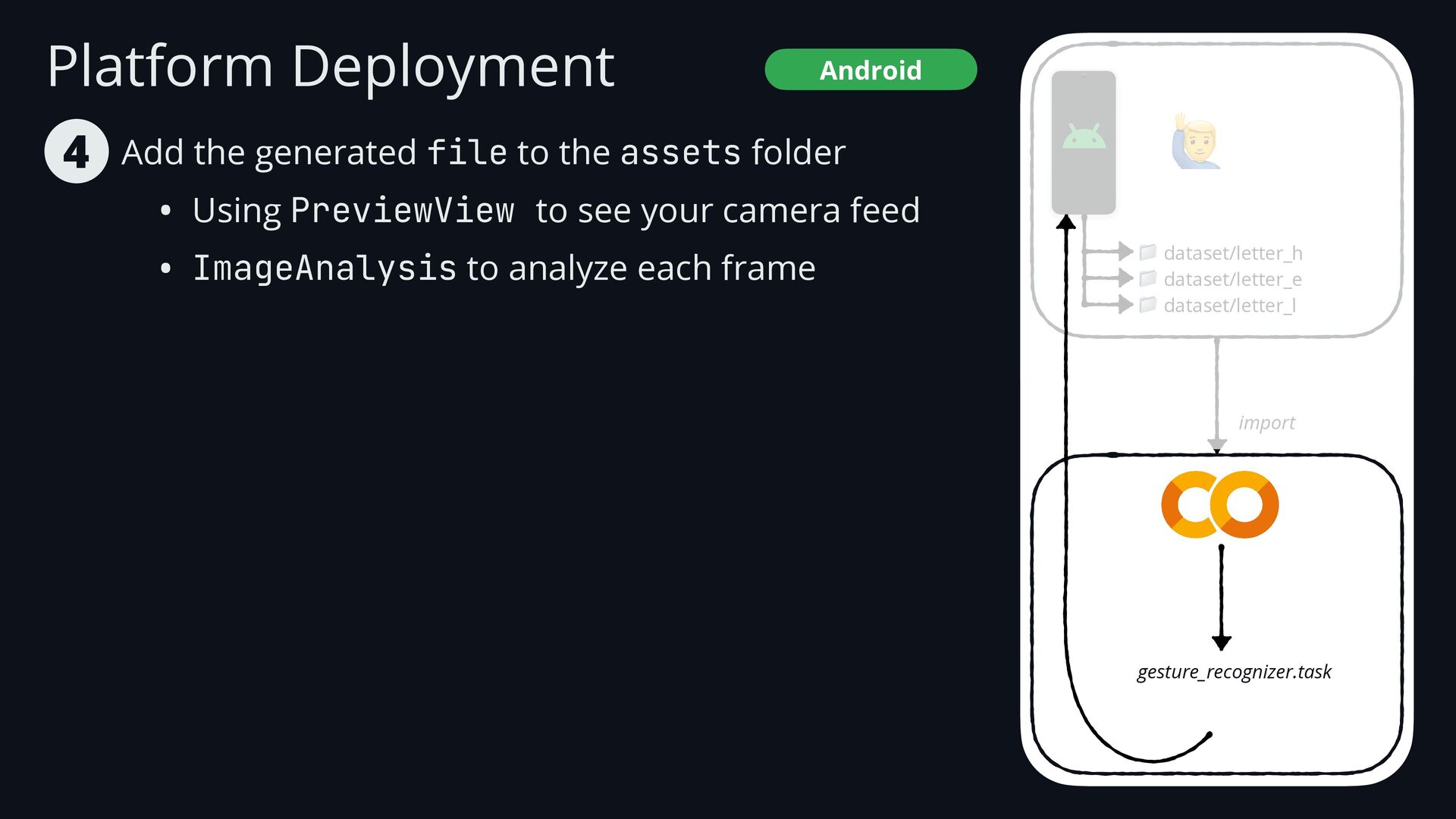
    • Using PreviewView to see your camera feed • ImageAnalysis to analyze each frame 4 Android 🙋 📁 dataset/letter_h 📁 dataset/letter_e 📁 dataset/letter_l import gesture_recognizer.task
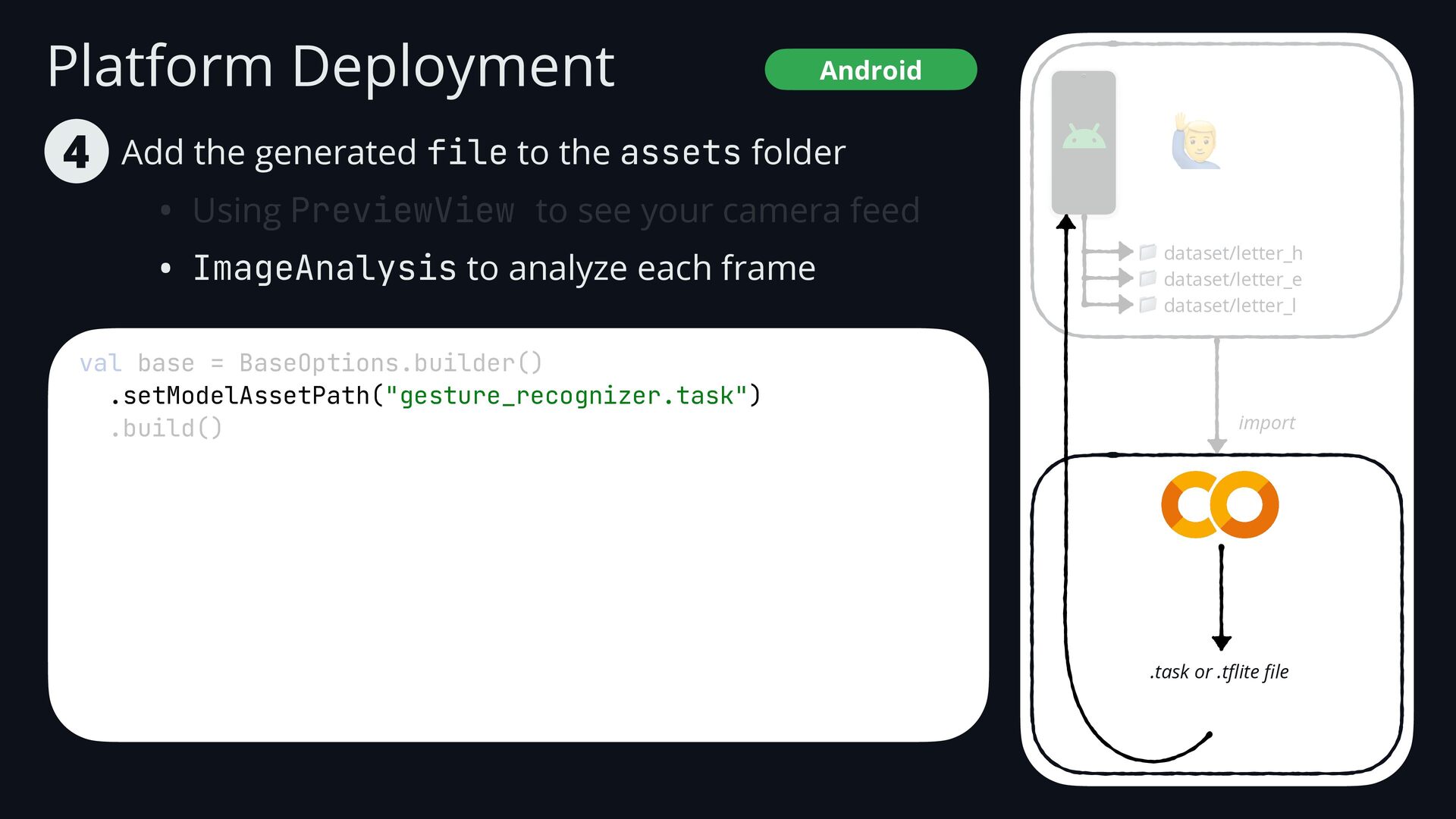
  76. Platform Deployment Android val base = BaseOptions.builder() .setModelAssetPath("gesture_recognizer.task") .build() Add

    the generated file to the assets folder • Using PreviewView to see your camera feed • ImageAnalysis to analyze each frame 4 🙋 📁 dataset/letter_h 📁 dataset/letter_e 📁 dataset/letter_l import .task or .t fl ite fi le
  77. Platform Deployment Android val base = BaseOptions.builder() .setModelAssetPath("gesture_recognizer.task") .build() Add

    the generated file to the assets folder • Using PreviewView to see your camera feed • ImageAnalysis to analyze each frame 4 🙋 📁 dataset/letter_h 📁 dataset/letter_e 📁 dataset/letter_l import .task or .t fl ite fi le
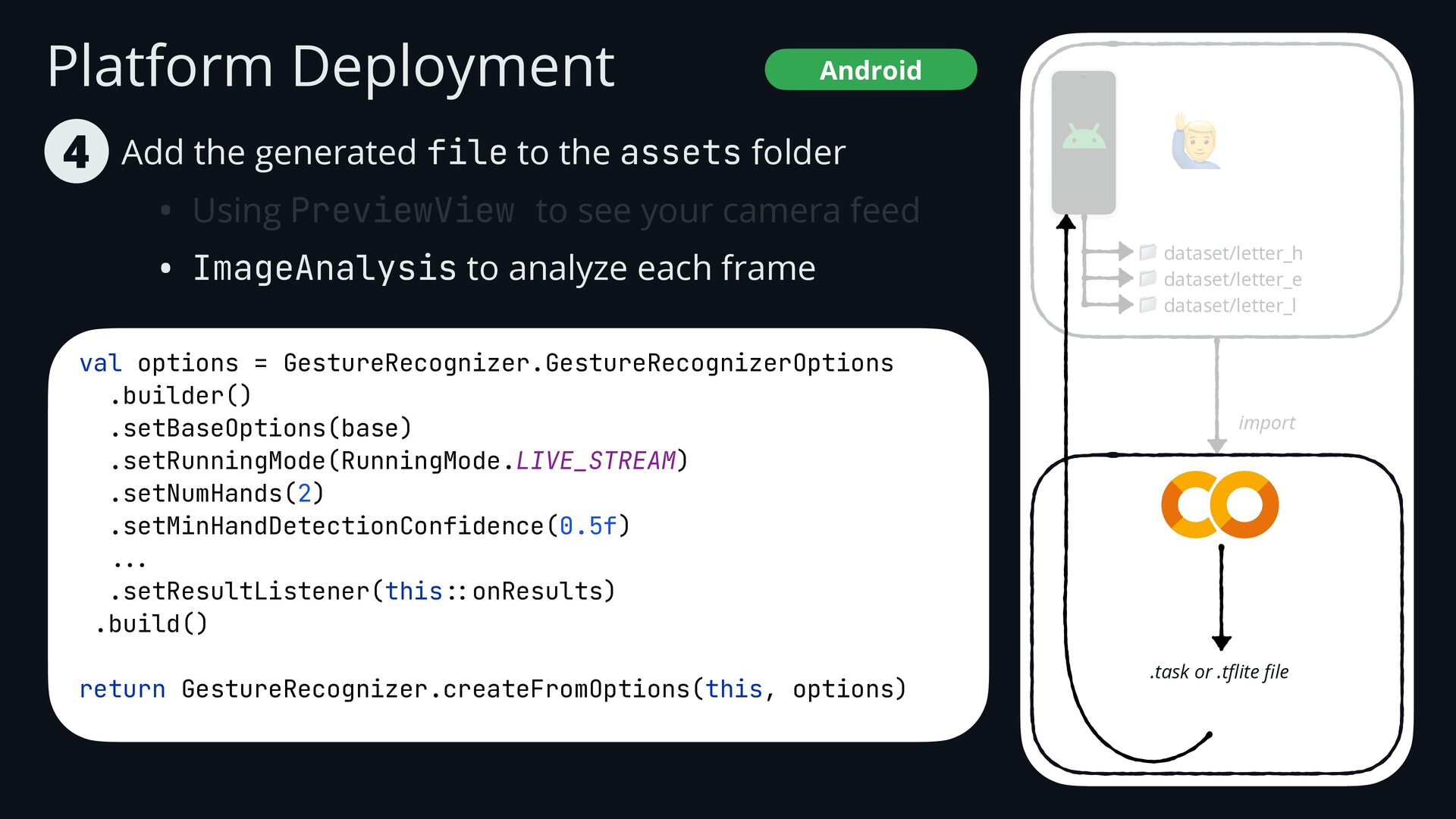
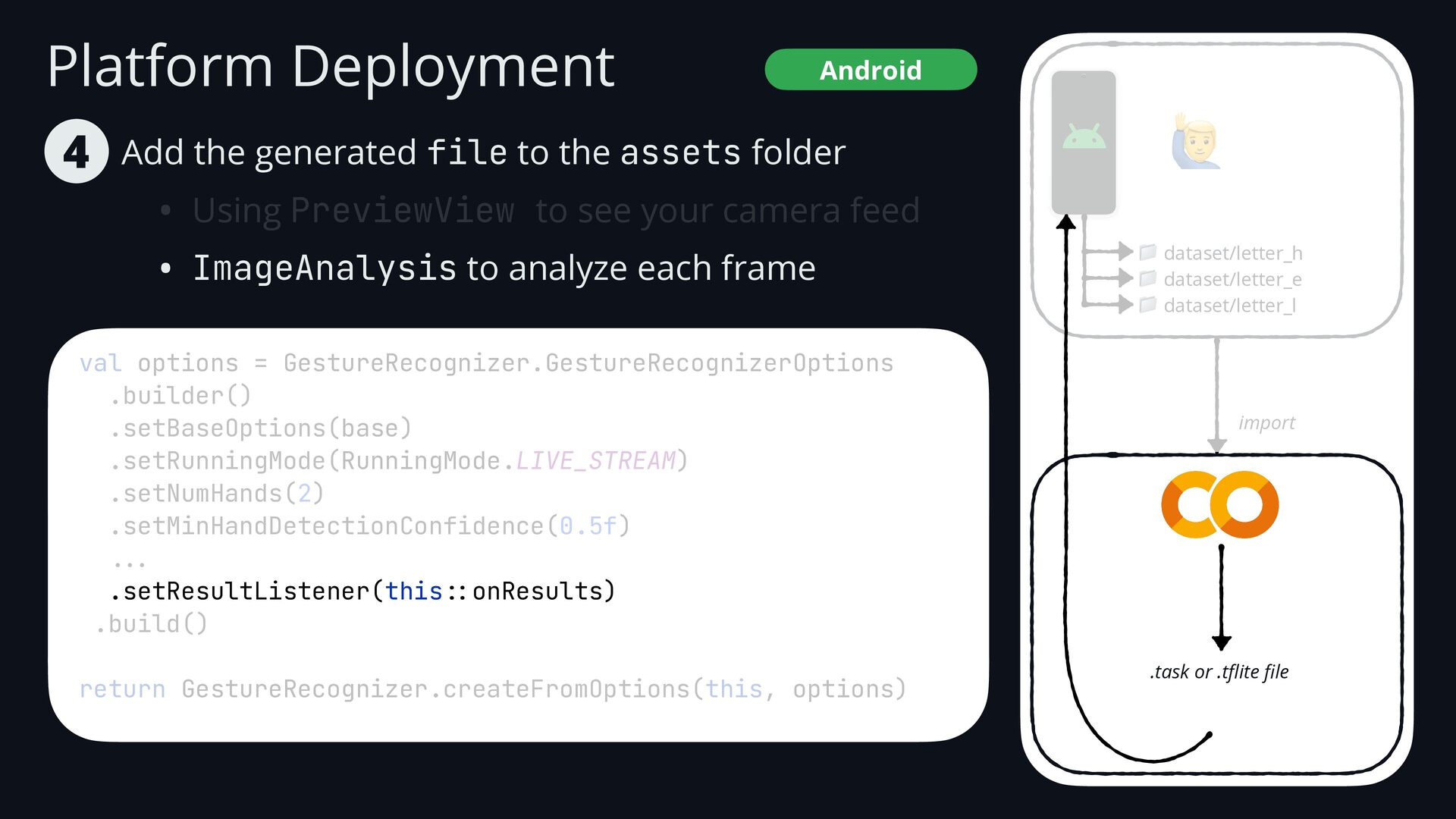
  78. Platform Deployment Android val options = GestureRecognizer.GestureRecognizerOptions .builder() .setBaseOptions(base) .setRunningMode(RunningMode.LIVE_STREAM)

    .setNumHands(2) .setMinHandDetectionConfidence(0.5f) . .. .setResultListener(this :: onResults) .build() return GestureRecognizer.createFromOptions(this, options) Add the generated file to the assets folder • Using PreviewView to see your camera feed • ImageAnalysis to analyze each frame 4 🙋 📁 dataset/letter_h 📁 dataset/letter_e 📁 dataset/letter_l import .task or .t fl ite fi le
  79. Platform Deployment Android val options = GestureRecognizer.GestureRecognizerOptions .builder() .setBaseOptions(base) .setRunningMode(RunningMode.LIVE_STREAM)

    .setNumHands(2) .setMinHandDetectionConfidence(0.5f) . .. .setResultListener(this :: onResults) .build() return GestureRecognizer.createFromOptions(this, options) Add the generated file to the assets folder • Using PreviewView to see your camera feed • ImageAnalysis to analyze each frame 4 🙋 📁 dataset/letter_h 📁 dataset/letter_e 📁 dataset/letter_l import .task or .t fl ite fi le
  80. Platform Deployment Android private fun onResults( result: GestureRecognizerResult, input: MPImage

    ) { result.landmarks() ... Add the generated file to the assets folder • Using PreviewView to see your camera feed • ImageAnalysis to analyze each frame 4 🙋 📁 dataset/letter_h 📁 dataset/letter_e 📁 dataset/letter_l import .task or .t fl ite fi le
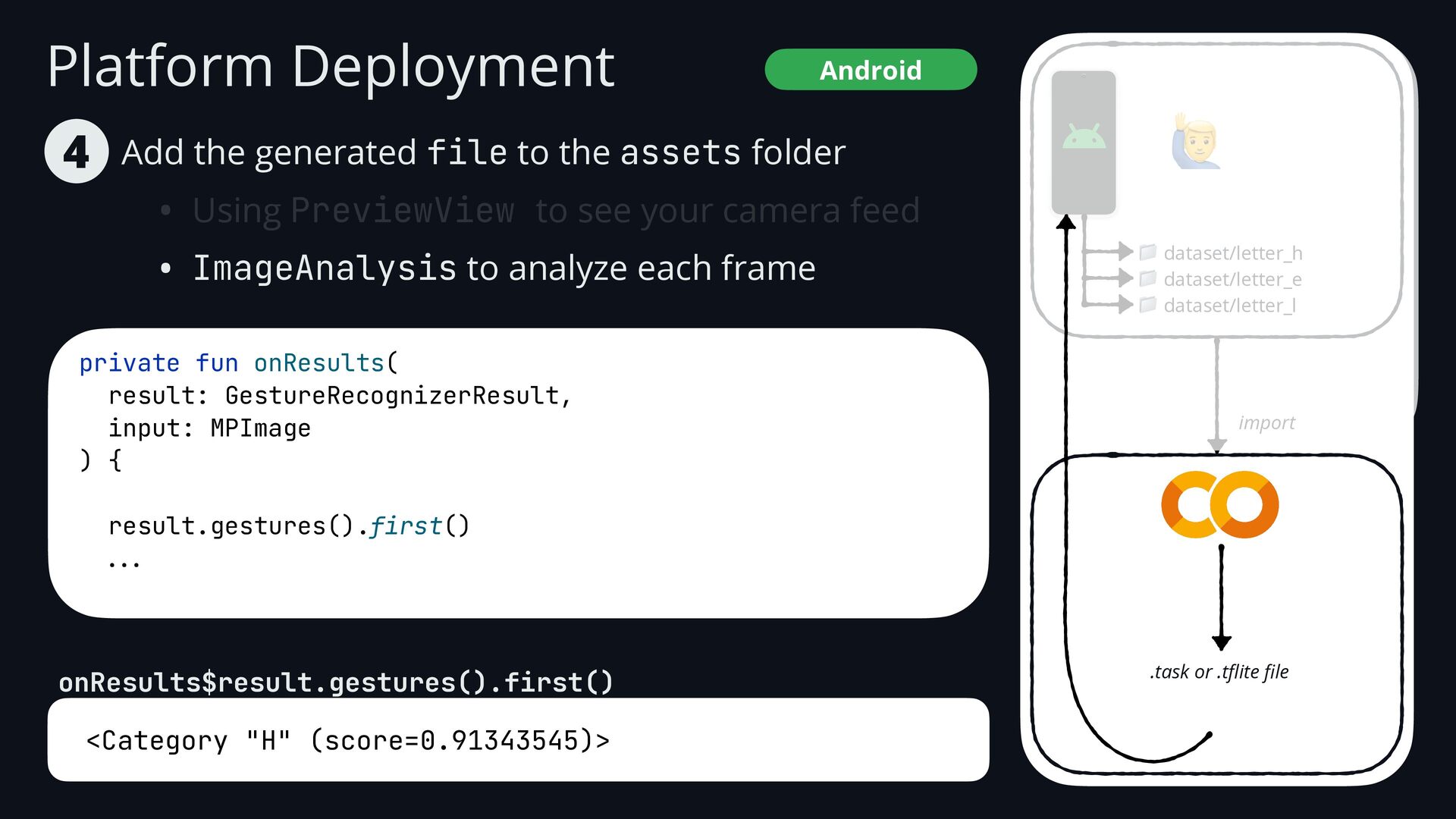
  81. Platform Deployment Android <Category "H" (score=0.91343545)> Add the generated file

    to the assets folder • Using PreviewView to see your camera feed • ImageAnalysis to analyze each frame 4 private fun onResults( result: GestureRecognizerResult, input: MPImage ) { result.gestures().first() ... onResults$result.gestures().first() 🙋 📁 dataset/letter_h 📁 dataset/letter_e 📁 dataset/letter_l import .task or .t fl ite fi le
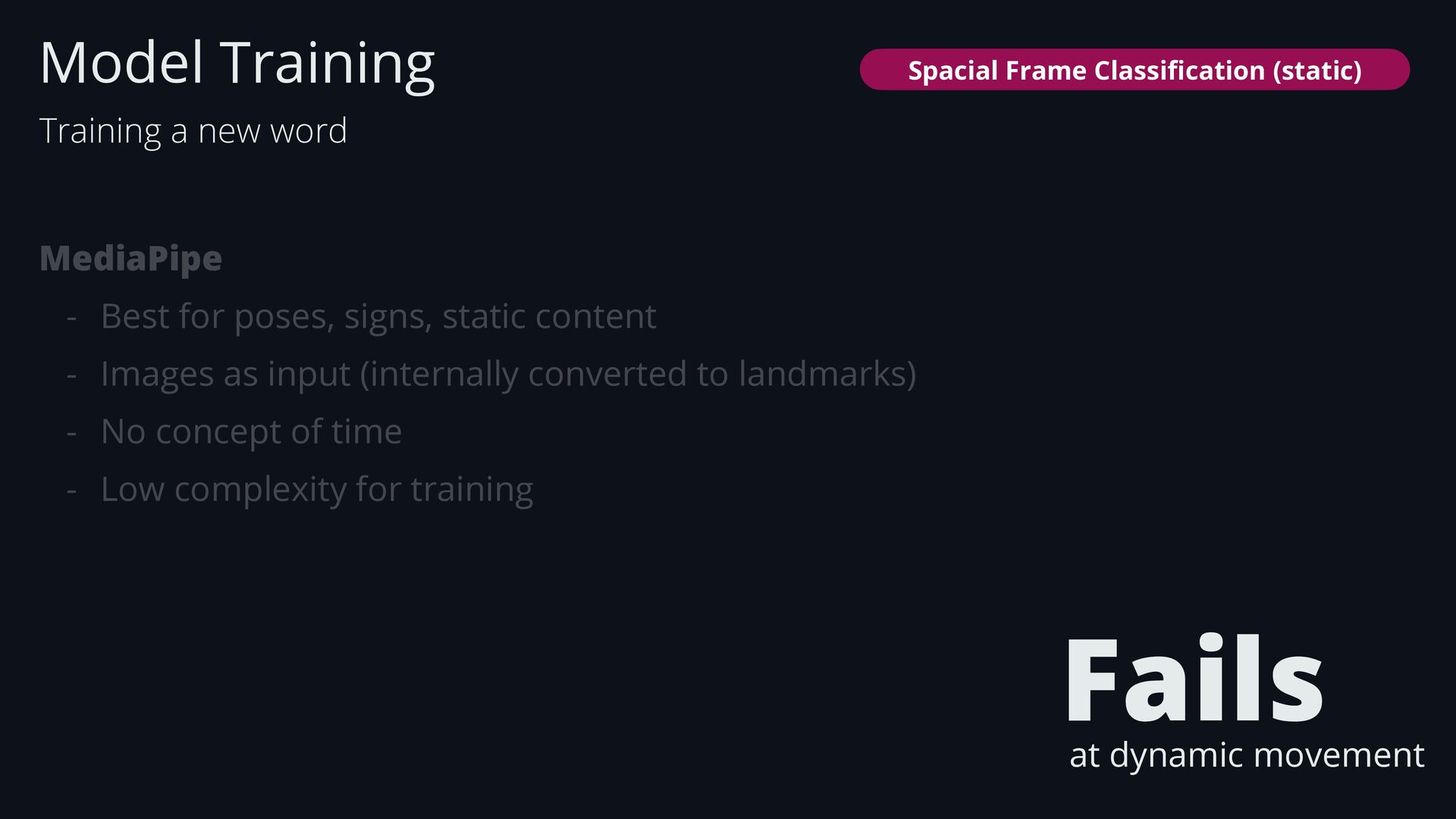
  82. MediaPipe - Best for poses, signs, static content - Images

    as input (internally converted to landmarks) - No concept of time - Low complexity for training Model Training Training a new word Fails at dynamic movement Spacial Frame Classi fi cation (static)
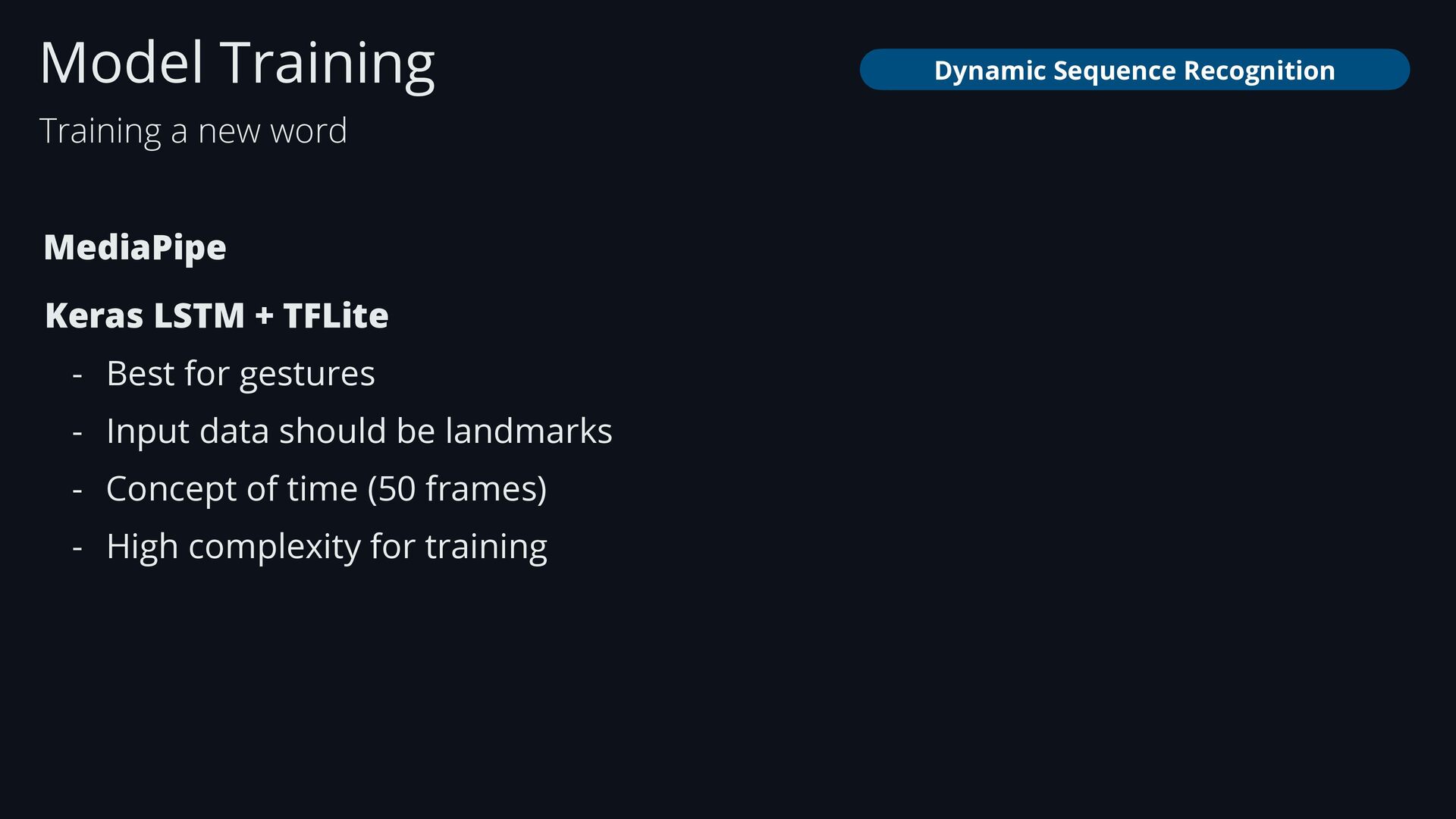
  83. Keras LSTM + TFLite - Best for gestures - Input

    data should be landmarks - Concept of time (50 frames) - High complexity for training Model Training Training a new word Dynamic Sequence Recognition MediaPipe
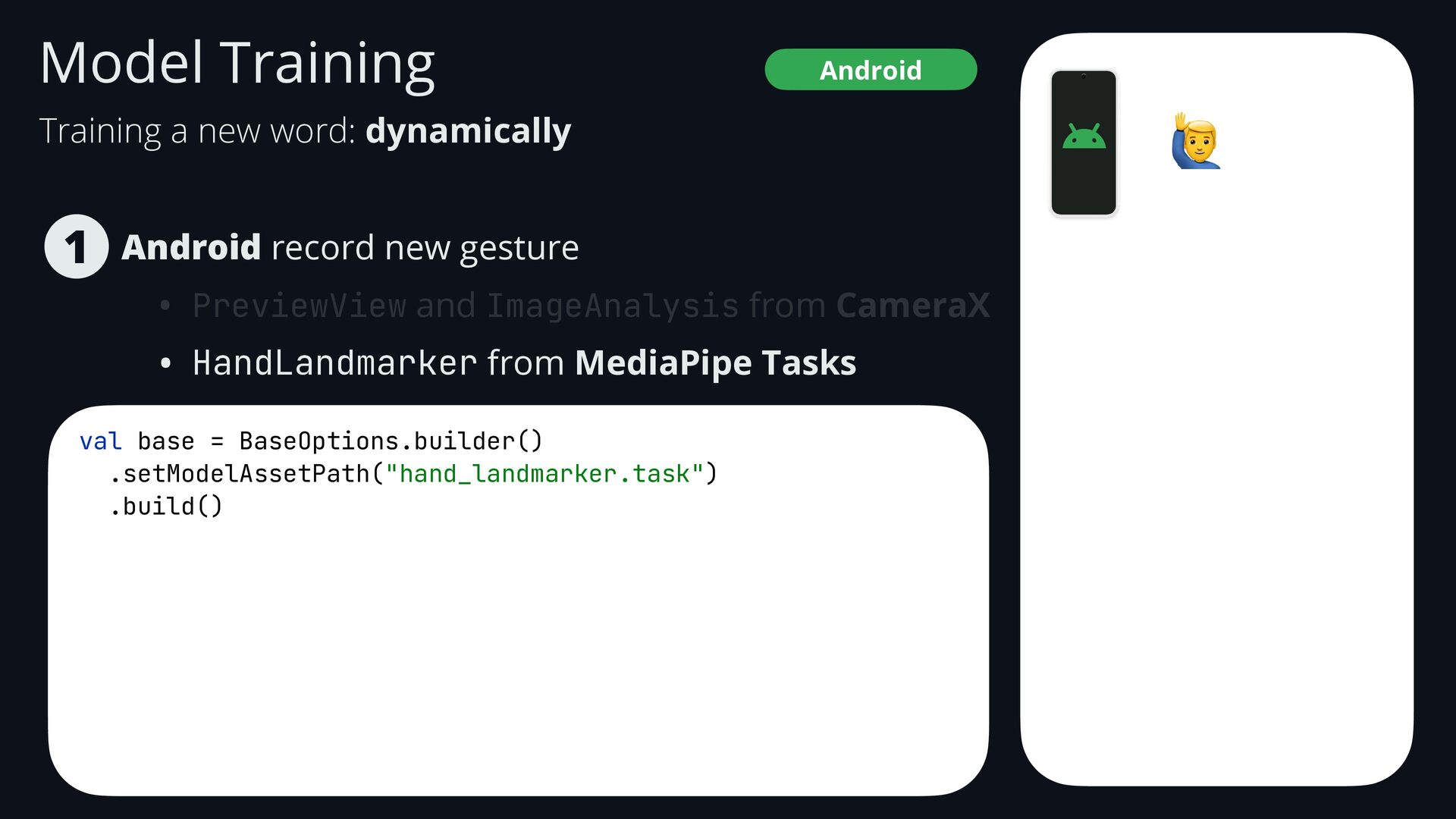
  84. Android record new gesture • PreviewView and ImageAnalysis from CameraX

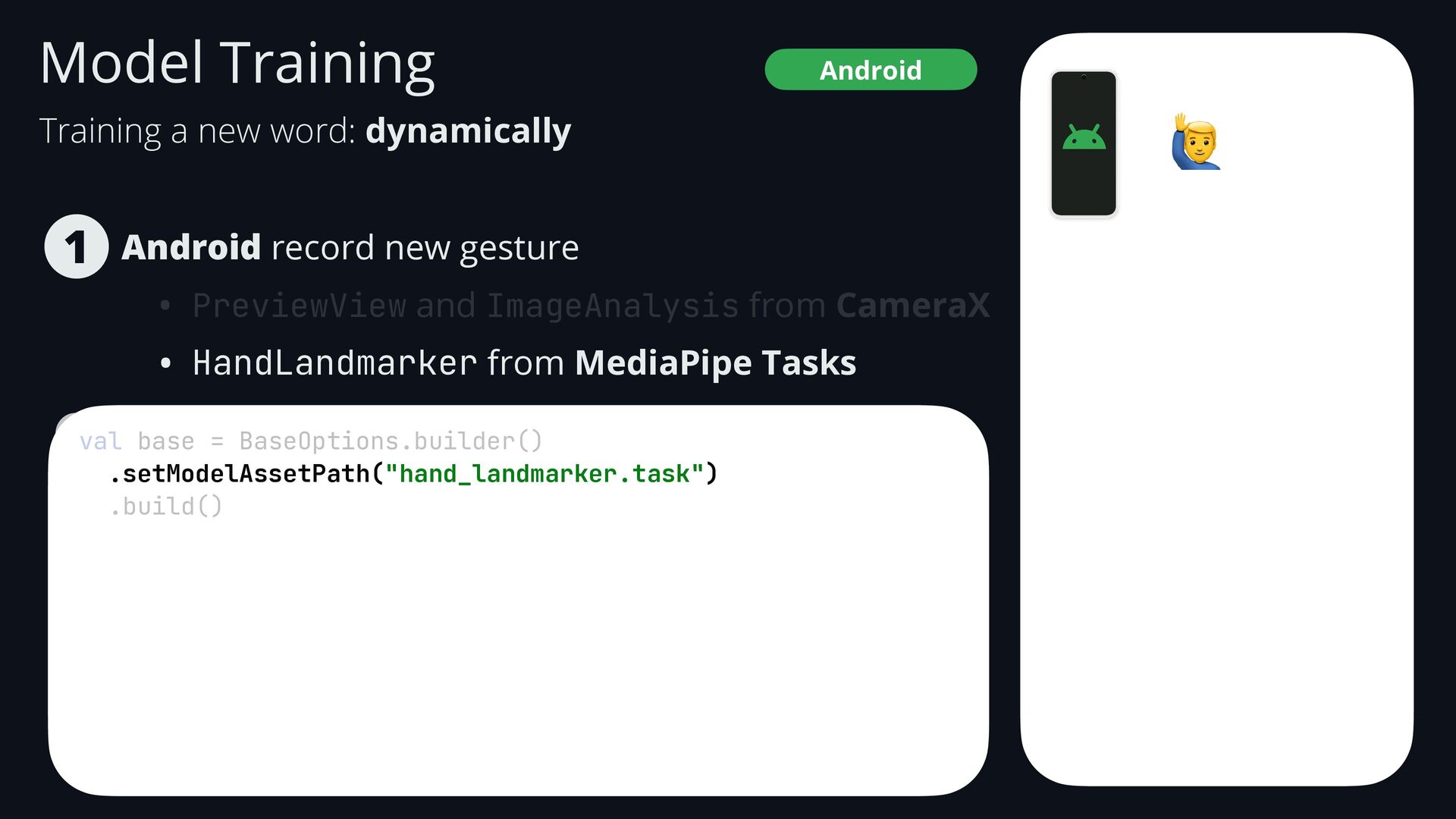
    • HandLandmarker from MediaPipe Tasks 1 Android Model Training val base = BaseOptions.builder() .setModelAssetPath("hand_landmarker.task") .build() 🙋 Training a new word: dynamically
  85. Android record new gesture • PreviewView and ImageAnalysis from CameraX

    • HandLandmarker from MediaPipe Tasks 1 Android Model Training val base = BaseOptions.builder() .setModelAssetPath("hand_landmarker.task") .build() 🙋 Training a new word: dynamically
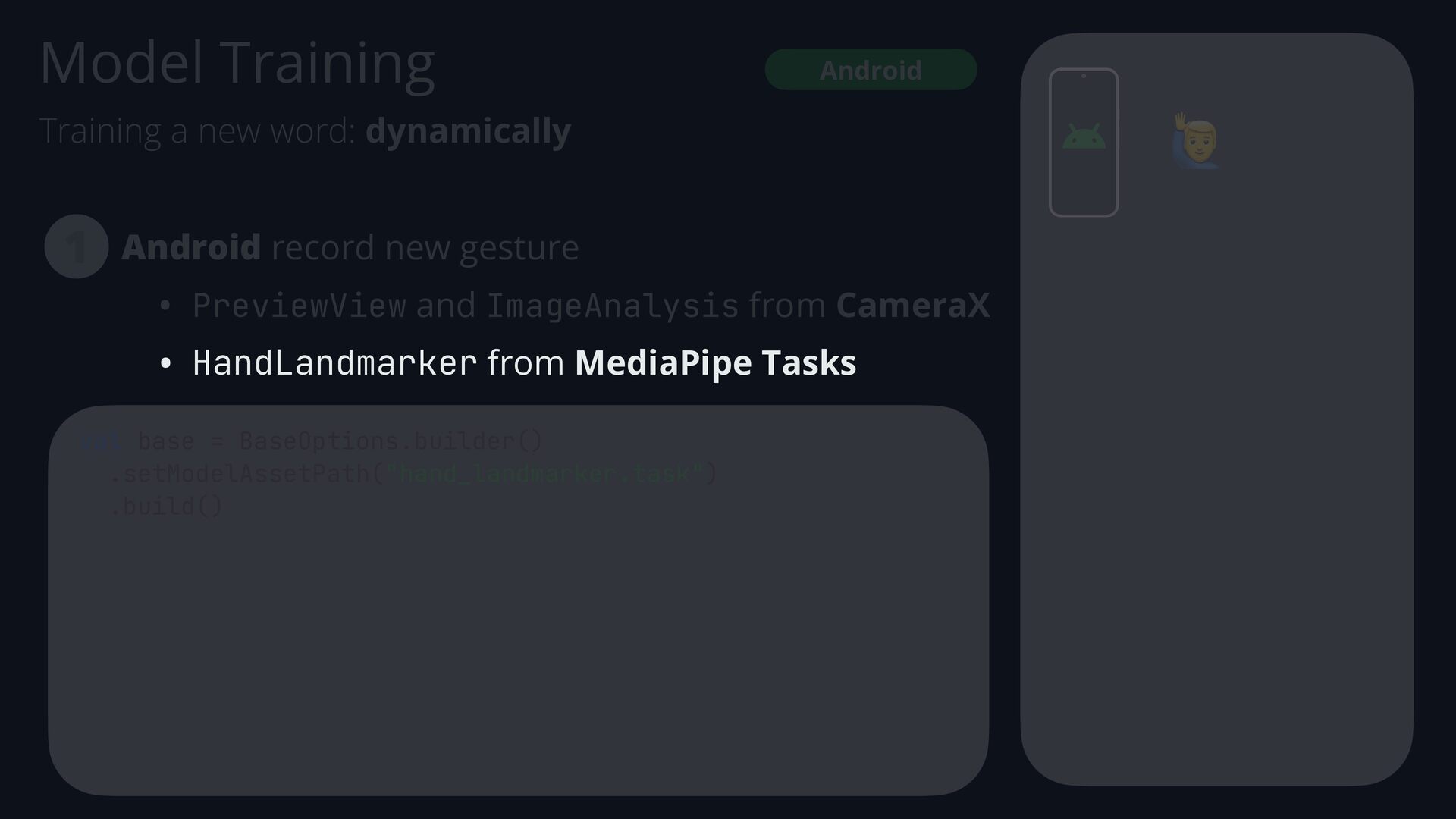
  86. Android record new gesture • PreviewView and ImageAnalysis from CameraX

    • HandLandmarker from MediaPipe Tasks 1 Android Model Training val base = BaseOptions.builder() .setModelAssetPath("hand_landmarker.task") .build() 🙋 Training a new word: dynamically
  87. Android record new gesture • PreviewView and ImageAnalysis from CameraX

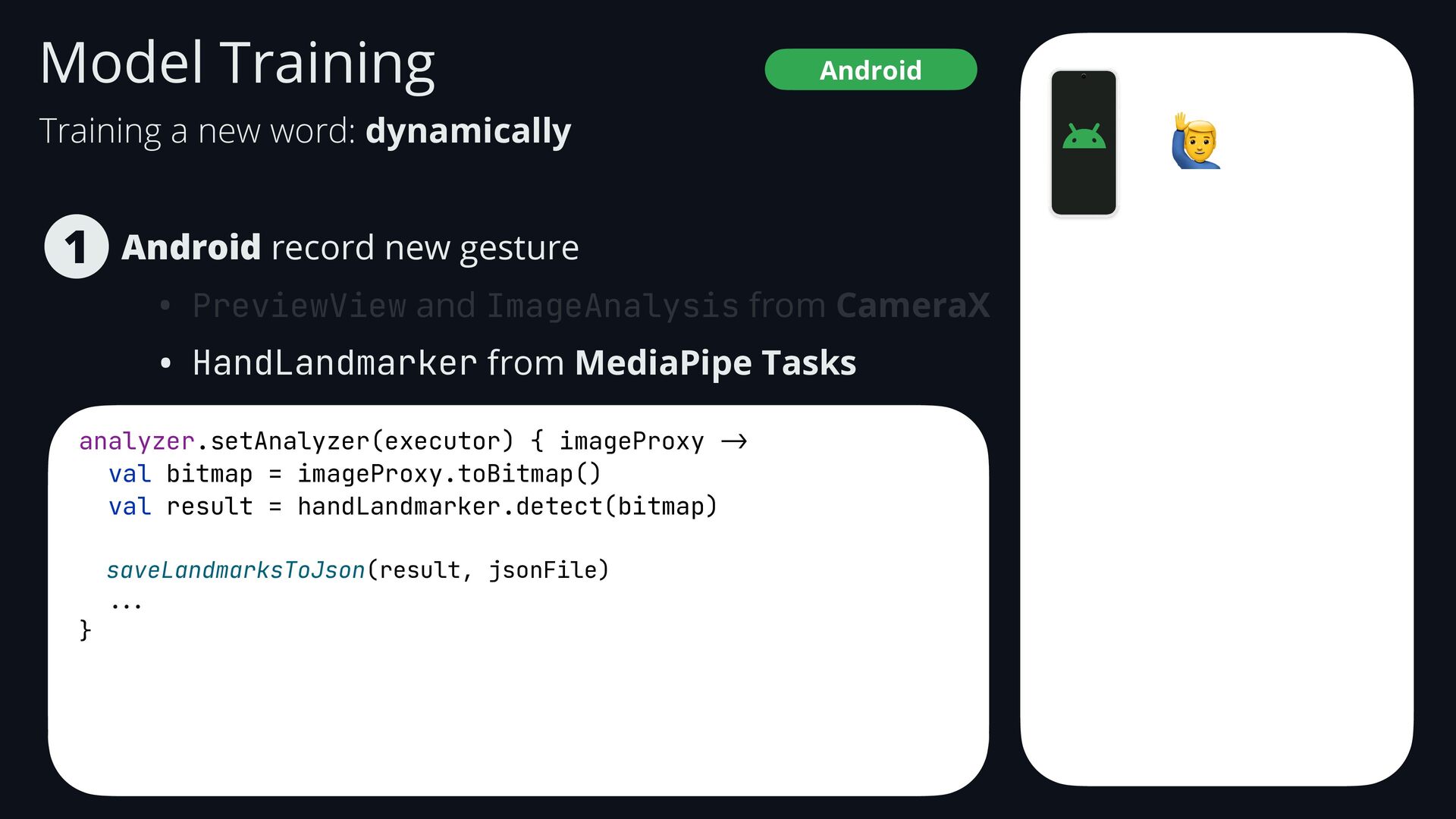
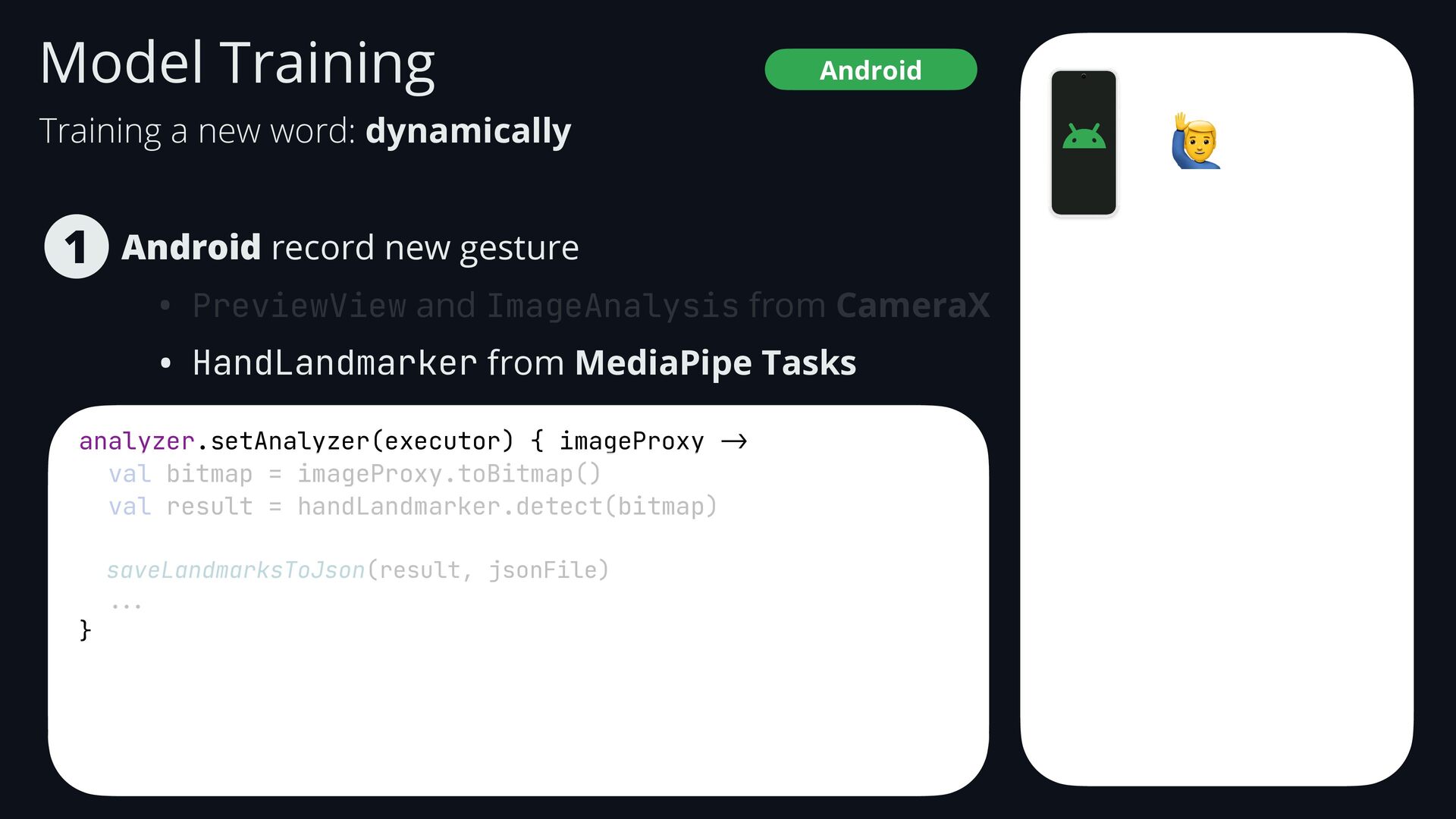
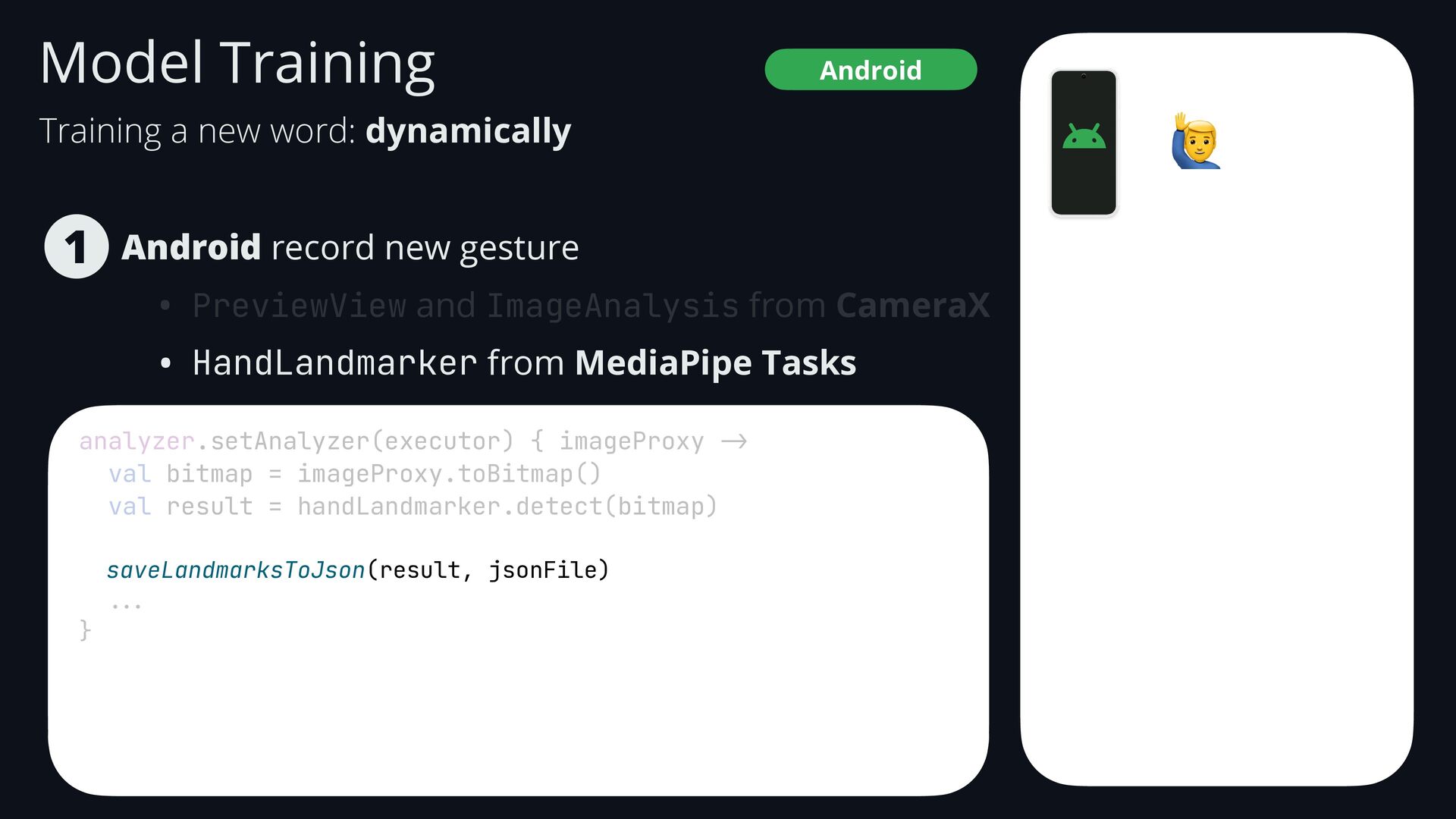
    • HandLandmarker from MediaPipe Tasks 1 Android Model Training analyzer.setAnalyzer(executor) { imageProxy -> val bitmap = imageProxy.toBitmap() val result = handLandmarker.detect(bitmap) saveLandmarksToJson(result, jsonFile) ... } 🙋 Training a new word: dynamically
  88. Android record new gesture • PreviewView and ImageAnalysis from CameraX

    • HandLandmarker from MediaPipe Tasks 1 Android Model Training analyzer.setAnalyzer(executor) { imageProxy -> val bitmap = imageProxy.toBitmap() val result = handLandmarker.detect(bitmap) saveLandmarksToJson(result, jsonFile) ... } 🙋 Training a new word: dynamically
  89. Android record new gesture • PreviewView and ImageAnalysis from CameraX

    • HandLandmarker from MediaPipe Tasks 1 Android Model Training analyzer.setAnalyzer(executor) { imageProxy -> val bitmap = imageProxy.toBitmap() val result = handLandmarker.detect(bitmap) saveLandmarksToJson(result, jsonFile) ... } 🙋 Training a new word: dynamically
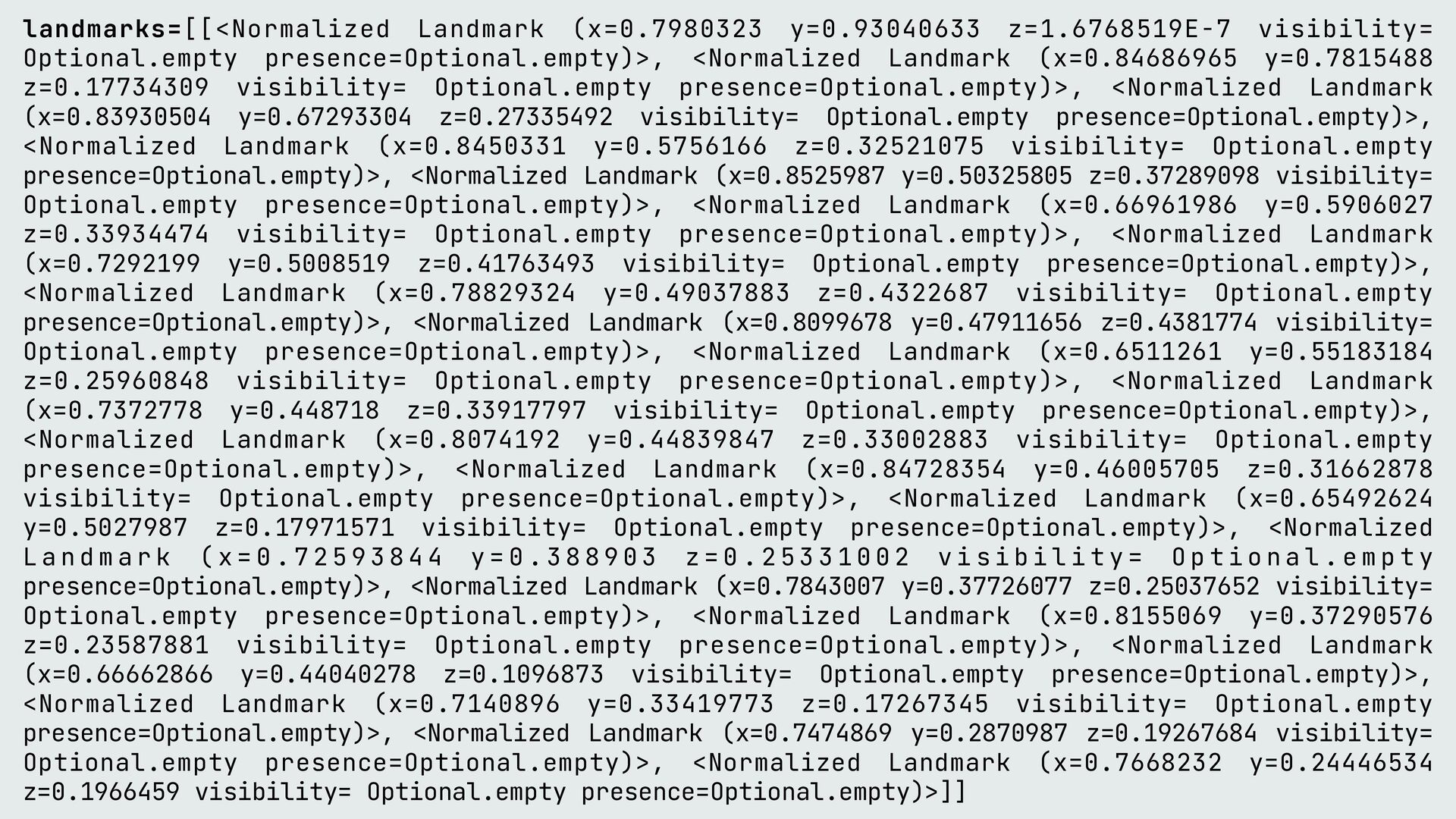
  90. landmarks=[[<Normalized Landmark (x=0.7980323 y=0.93040633 z=1.6768519E-7 visibility= Optional.empty presence=Optional.empty)>, <Normalized Landmark

    (x=0.84686965 y=0.7815488 z=0.17734309 visibility= Optional.empty presence=Optional.empty)>, <Normalized Landmark (x=0.83930504 y=0.67293304 z=0.27335492 visibility= Optional.empty presence=Optional.empty)>, <Normalized Landmark (x=0.8450331 y=0.5756166 z=0.32521075 visibility= Optional.empty presence=Optional.empty)>, <Normalized Landmark (x=0.8525987 y=0.50325805 z=0.37289098 visibility= Optional.empty presence=Optional.empty)>, <Normalized Landmark (x=0.66961986 y=0.5906027 z=0.33934474 visibility= Optional.empty presence=Optional.empty)>, <Normalized Landmark (x=0.7292199 y=0.5008519 z=0.41763493 visibility= Optional.empty presence=Optional.empty)>, <Normalized Landmark (x=0.78829324 y=0.49037883 z=0.4322687 visibility= Optional.empty presence=Optional.empty)>, <Normalized Landmark (x=0.8099678 y=0.47911656 z=0.4381774 visibility= Optional.empty presence=Optional.empty)>, <Normalized Landmark (x=0.6511261 y=0.55183184 z=0.25960848 visibility= Optional.empty presence=Optional.empty)>, <Normalized Landmark (x=0.7372778 y=0.448718 z=0.33917797 visibility= Optional.empty presence=Optional.empty)>, <Normalized Landmark (x=0.8074192 y=0.44839847 z=0.33002883 visibility= Optional.empty presence=Optional.empty)>, <Normalized Landmark (x=0.84728354 y=0.46005705 z=0.31662878 visibility= Optional.empty presence=Optional.empty)>, <Normalized Landmark (x=0.65492624 y=0.5027987 z=0.17971571 visibility= Optional.empty presence=Optional.empty)>, <Normalized L a n d m a r k ( x = 0 . 7 2 5 9 3 8 4 4 y = 0 . 3 8 8 9 0 3 z = 0 . 2 5 3 3 1 0 0 2 v i s i b i l i t y = O p t i o n a l . e m p t y presence=Optional.empty)>, <Normalized Landmark (x=0.7843007 y=0.37726077 z=0.25037652 visibility= Optional.empty presence=Optional.empty)>, <Normalized Landmark (x=0.8155069 y=0.37290576 z=0.23587881 visibility= Optional.empty presence=Optional.empty)>, <Normalized Landmark (x=0.66662866 y=0.44040278 z=0.1096873 visibility= Optional.empty presence=Optional.empty)>, <Normalized Landmark (x=0.7140896 y=0.33419773 z=0.17267345 visibility= Optional.empty presence=Optional.empty)>, <Normalized Landmark (x=0.7474869 y=0.2870987 z=0.19267684 visibility= Optional.empty presence=Optional.empty)>, <Normalized Landmark (x=0.7668232 y=0.24446534 z=0.1966459 visibility= Optional.empty presence=Optional.empty)>]]
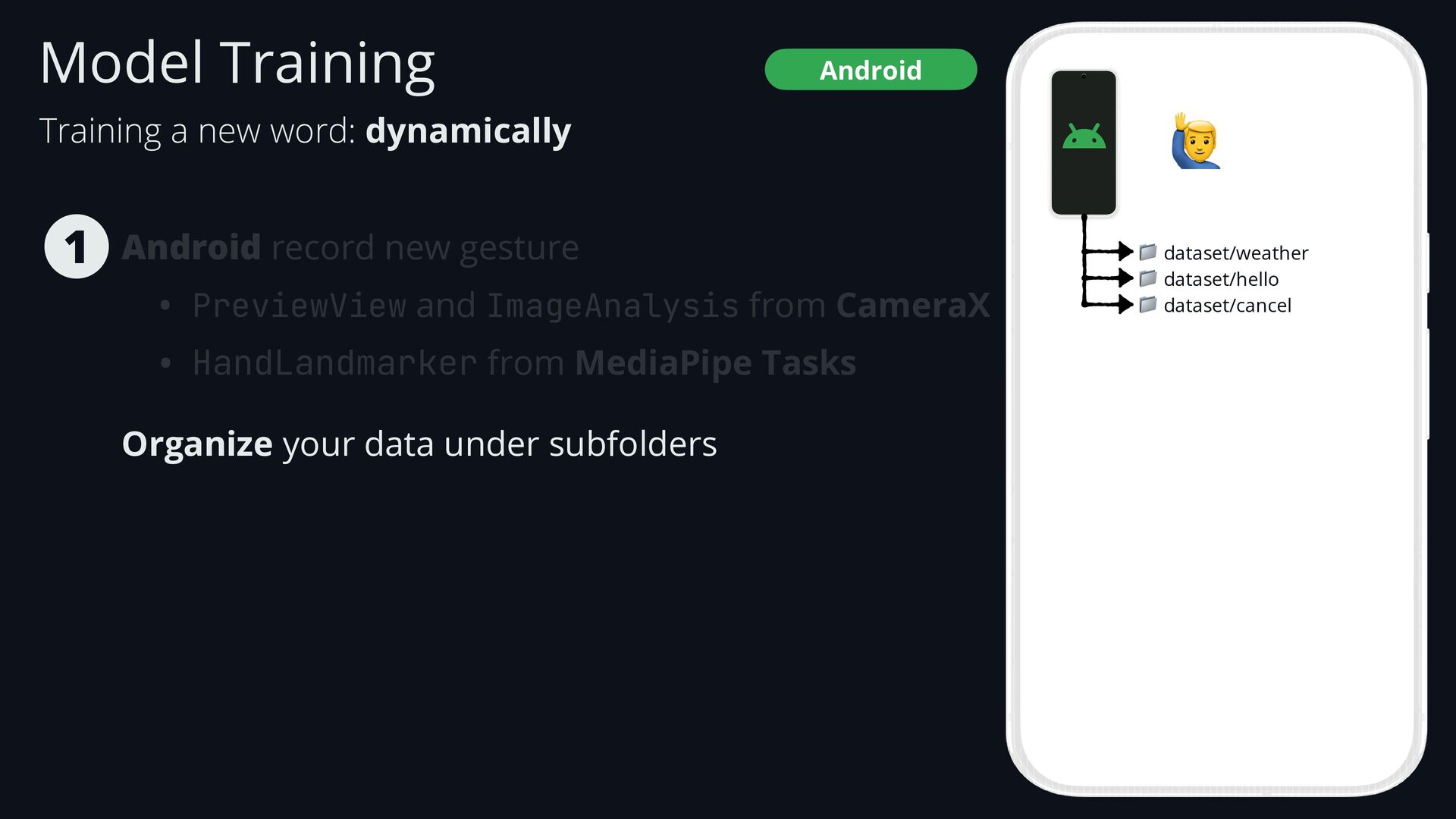
  91. Model Training Android record new gesture • PreviewView and ImageAnalysis

    from CameraX • HandLandmarker from MediaPipe Tasks Organize your data under subfolders 1 Android Training a new word: dynamically 🙋 📁 dataset/weather 📁 dataset/hello 📁 dataset/cancel
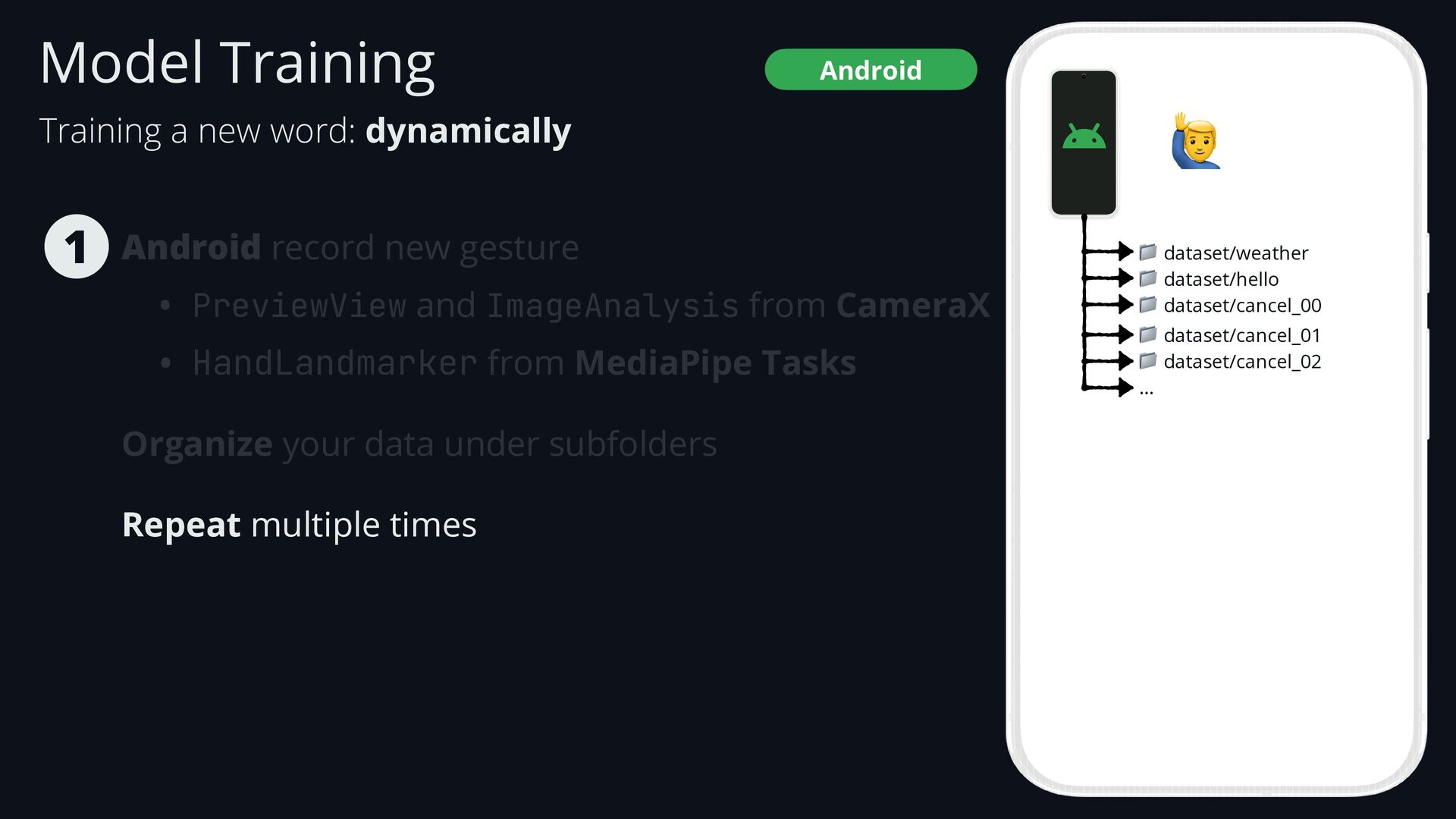
  92. Android record new gesture • PreviewView and ImageAnalysis from CameraX

    • HandLandmarker from MediaPipe Tasks Organize your data under subfolders Repeat multiple times 1 Android Training a new word: dynamically Model Training 🙋 📁 dataset/weather 📁 dataset/hello 📁 dataset/cancel_00 📁 dataset/cancel_01 📁 dataset/cancel_02 …
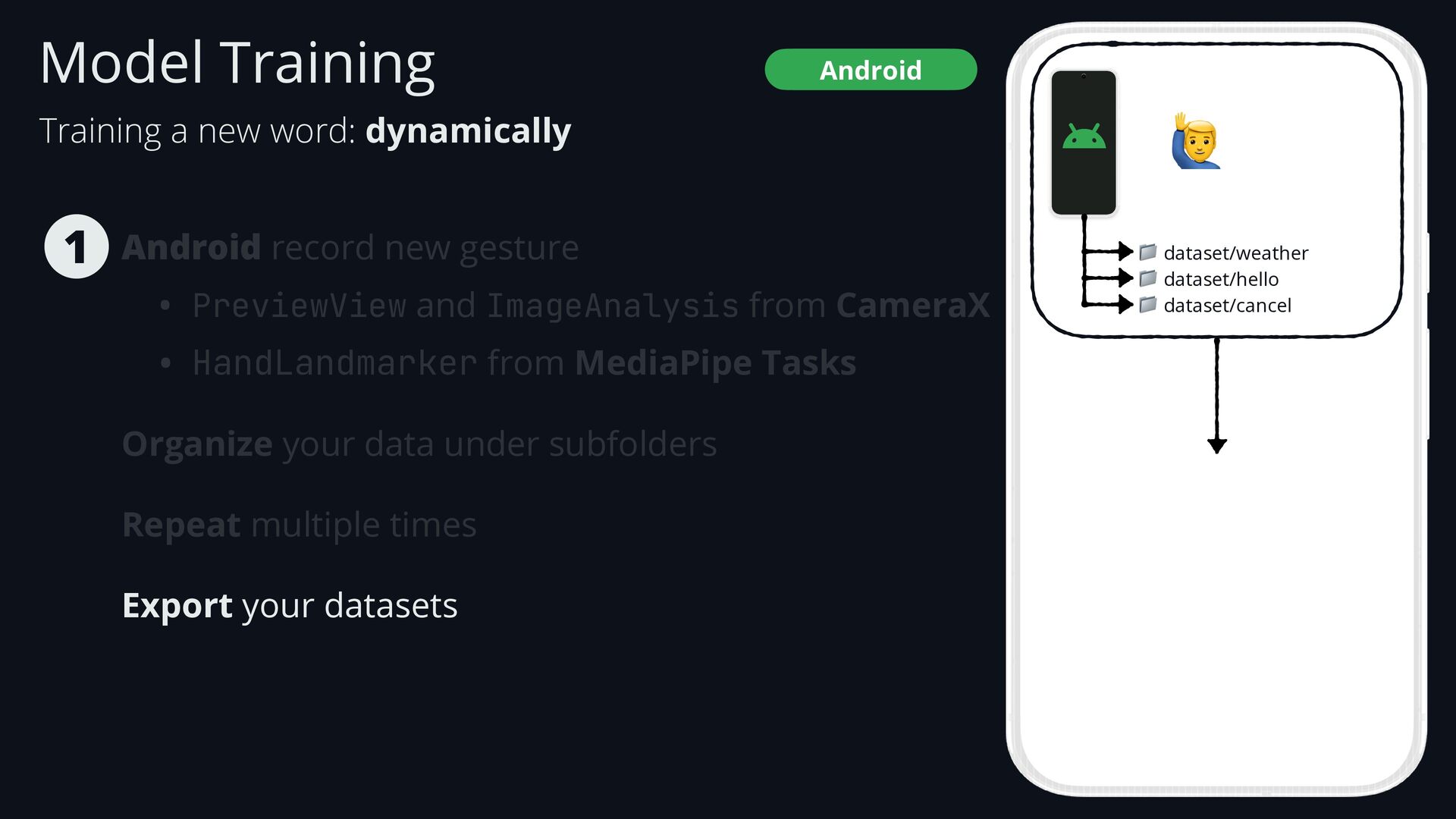
  93. Android record new gesture • PreviewView and ImageAnalysis from CameraX

    • HandLandmarker from MediaPipe Tasks Organize your data under subfolders Repeat multiple times Export your datasets 1 Android Training a new word: dynamically Model Training 🙋 📁 dataset/weather 📁 dataset/hello 📁 dataset/cancel
  94. 🙆 🙋 🙅 📁 dataset/weather 📁 dataset/hello 📁 dataset/cancel import

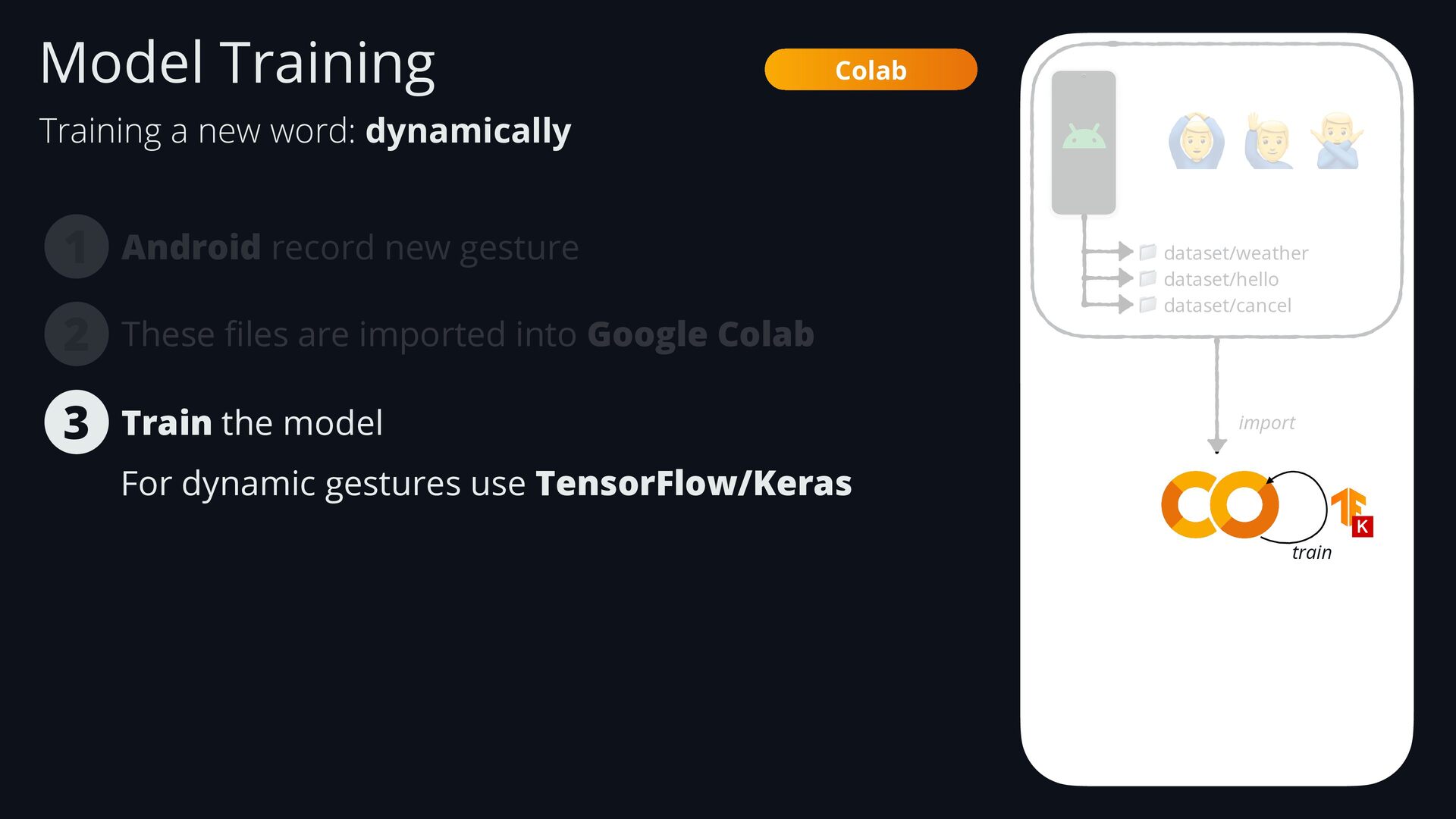
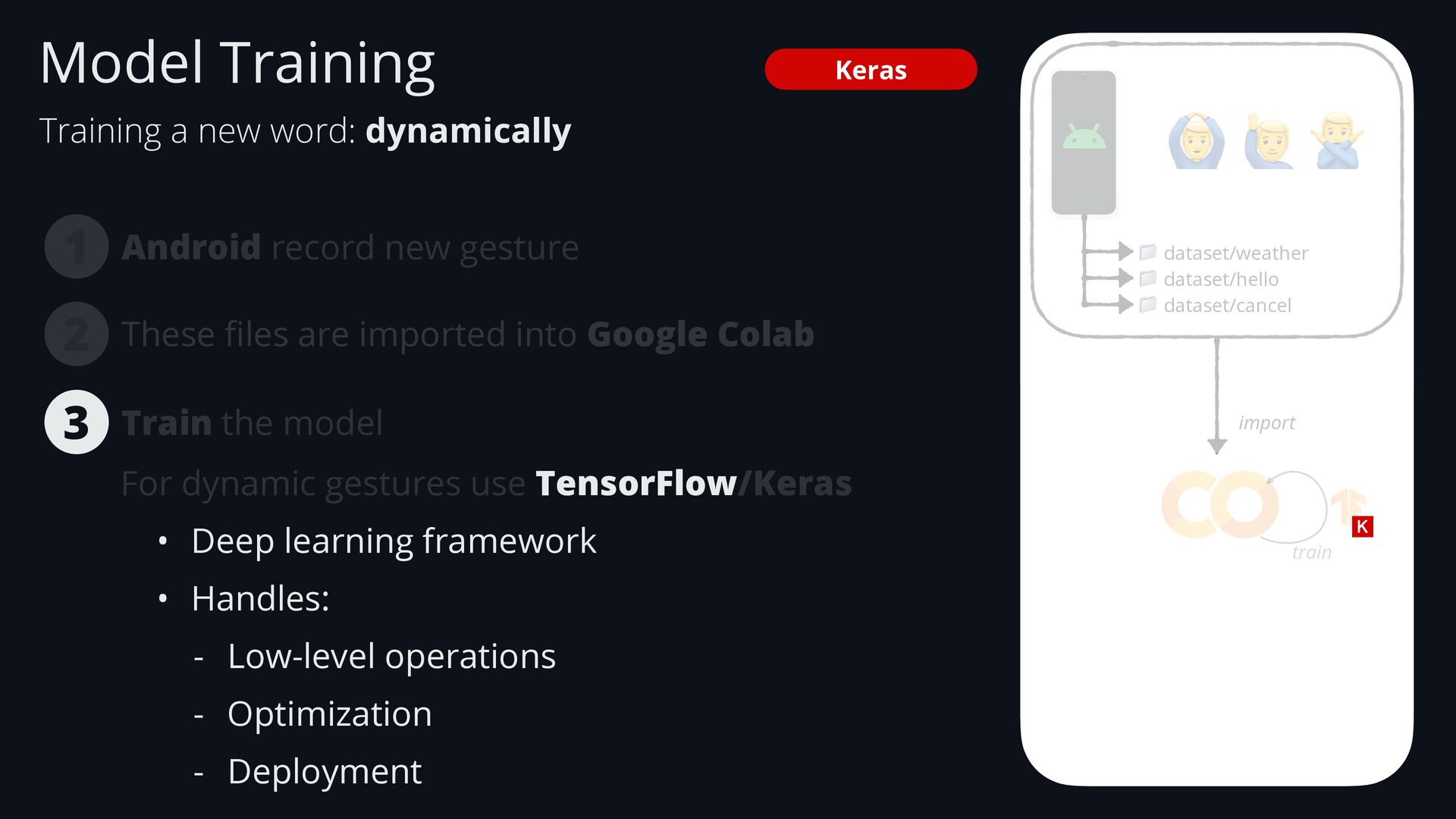
    Android record new gesture 1 These fi les are imported into Google Colab For dynamic gestures use TensorFlow/Keras 3 2 train Colab Train the model Training a new word: dynamically Model Training
  95. Keras Android record new gesture 1 🙆 🙋 🙅 📁

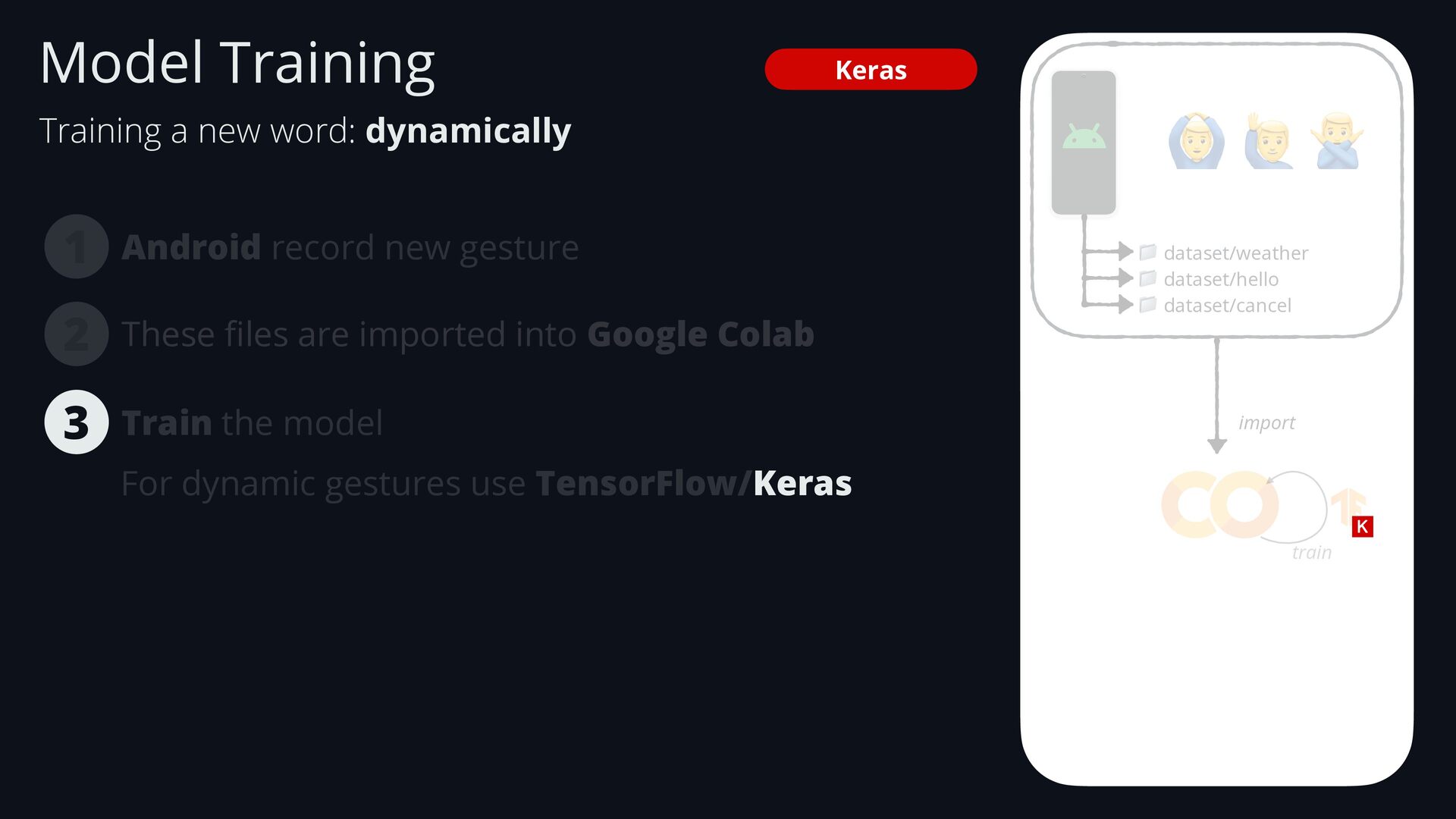
    dataset/weather 📁 dataset/hello 📁 dataset/cancel These fi les are imported into Google Colab 3 2 import train For dynamic gestures use TensorFlow/Keras Train the model Training a new word: dynamically Model Training
  96. Android record new gesture 1 🙆 🙋 🙅 📁 dataset/weather

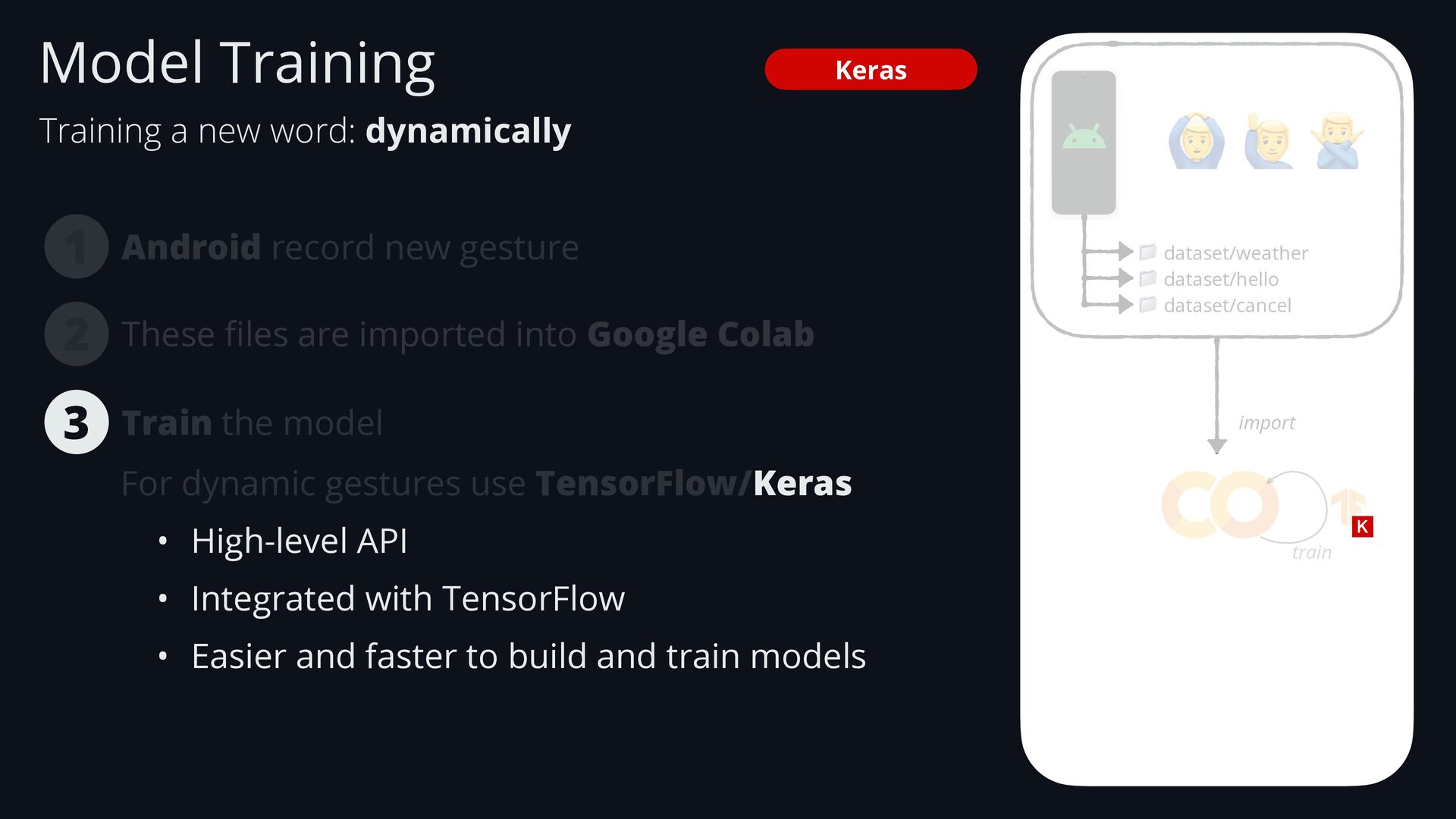
    📁 dataset/hello 📁 dataset/cancel These fi les are imported into Google Colab 3 2 import train Keras For dynamic gestures use TensorFlow/Keras • High-level API • Integrated with TensorFlow • Easier and faster to build and train models Train the model Training a new word: dynamically Model Training
  97. Android record new gesture 1 🙆 🙋 🙅 📁 dataset/weather

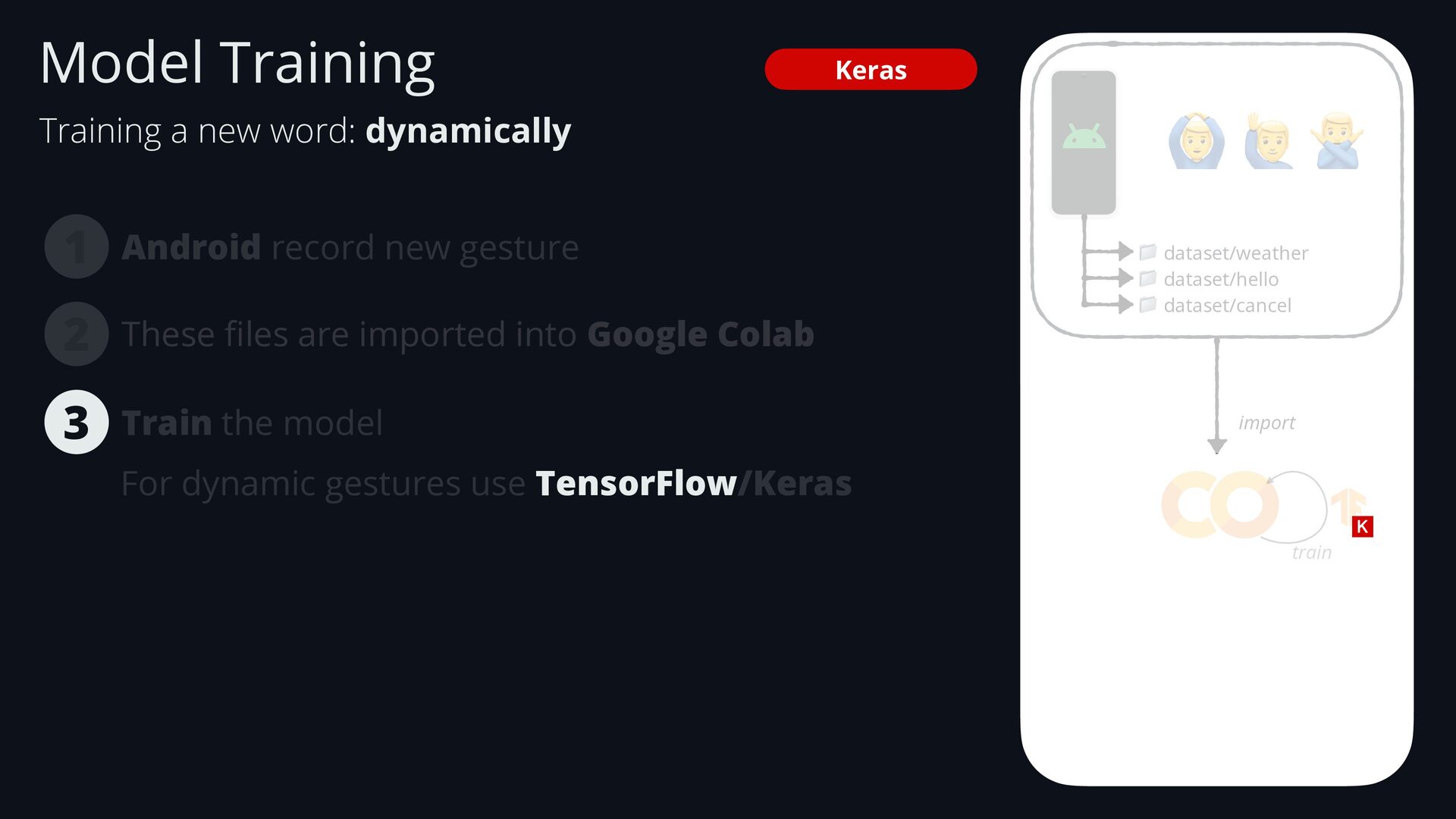
    📁 dataset/hello 📁 dataset/cancel These fi les are imported into Google Colab 3 2 import train Keras For dynamic gestures use TensorFlow/Keras Train the model Training a new word: dynamically Model Training
  98. Android record new gesture 1 🙆 🙋 🙅 📁 dataset/weather

    📁 dataset/hello 📁 dataset/cancel These fi les are imported into Google Colab 3 2 import train Keras For dynamic gestures use TensorFlow/Keras • Deep learning framework • Handles: - Low-level operations - Optimization - Deployment Train the model Training a new word: dynamically Model Training
  99. • Serverless compute service • Supports HTTP requests - It

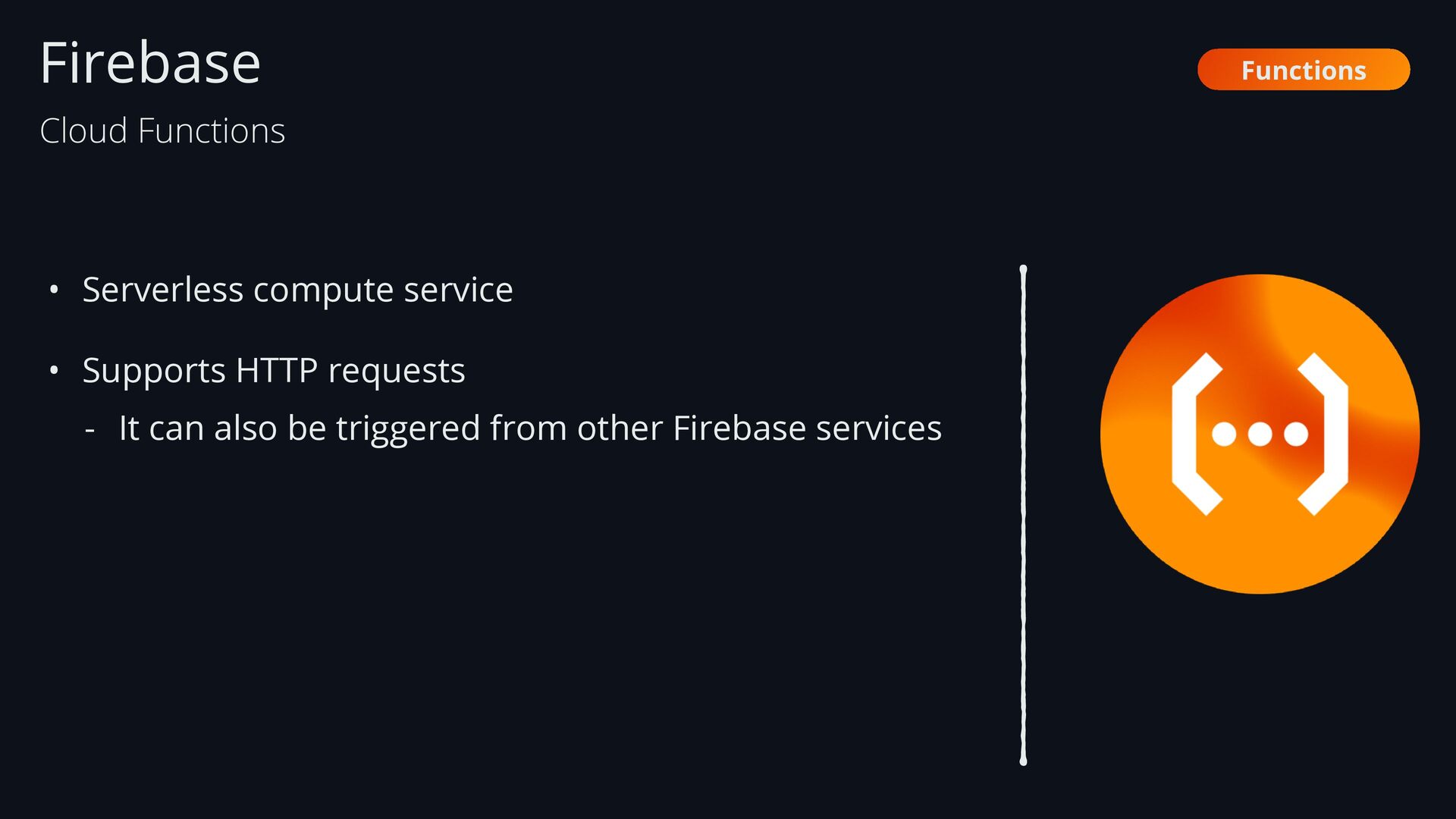
    can also be triggered from other Firebase services Firebase Functions Cloud Functions
  100. • Serverless compute service • Supports HTTP requests - It

    can also be triggered from other Firebase services • Firebase Authentication: User sign up Firebase Functions Cloud Functions Sends a welcome email
  101. • Serverless compute service • Supports HTTP requests - It

    can also be triggered from other Firebase services • Receives a HTTP request to get the weather Firebase Functions Cloud Functions talks to Genkit to generate a user-friendly response
  102. Firebase • Open-source framework for building AI applications • Genkit

    uses fl ows (set of steps) to de fi ne a task: Genkit Genkit
  103. Firebase • Open-source framework for building AI applications • Genkit

    uses fl ows (set of steps) to de fi ne a task: Genkit Genkit
  104. Firebase • Open-source framework for building AI applications • Genkit

    uses fl ows (set of steps) to de fi ne a task: Genkit How’s the weather? Genkit
  105. Firebase • Open-source framework for building AI applications • Genkit

    uses fl ows (set of steps) to de fi ne a task: Genkit How’s the weather? Generate a user-friendly response. Genkit
  106. Firebase • Open-source framework for building AI applications • Genkit

    uses fl ows (set of steps) to de fi ne a task: Genkit Genkit
  107. Firebase • Open-source framework for building AI applications • Genkit

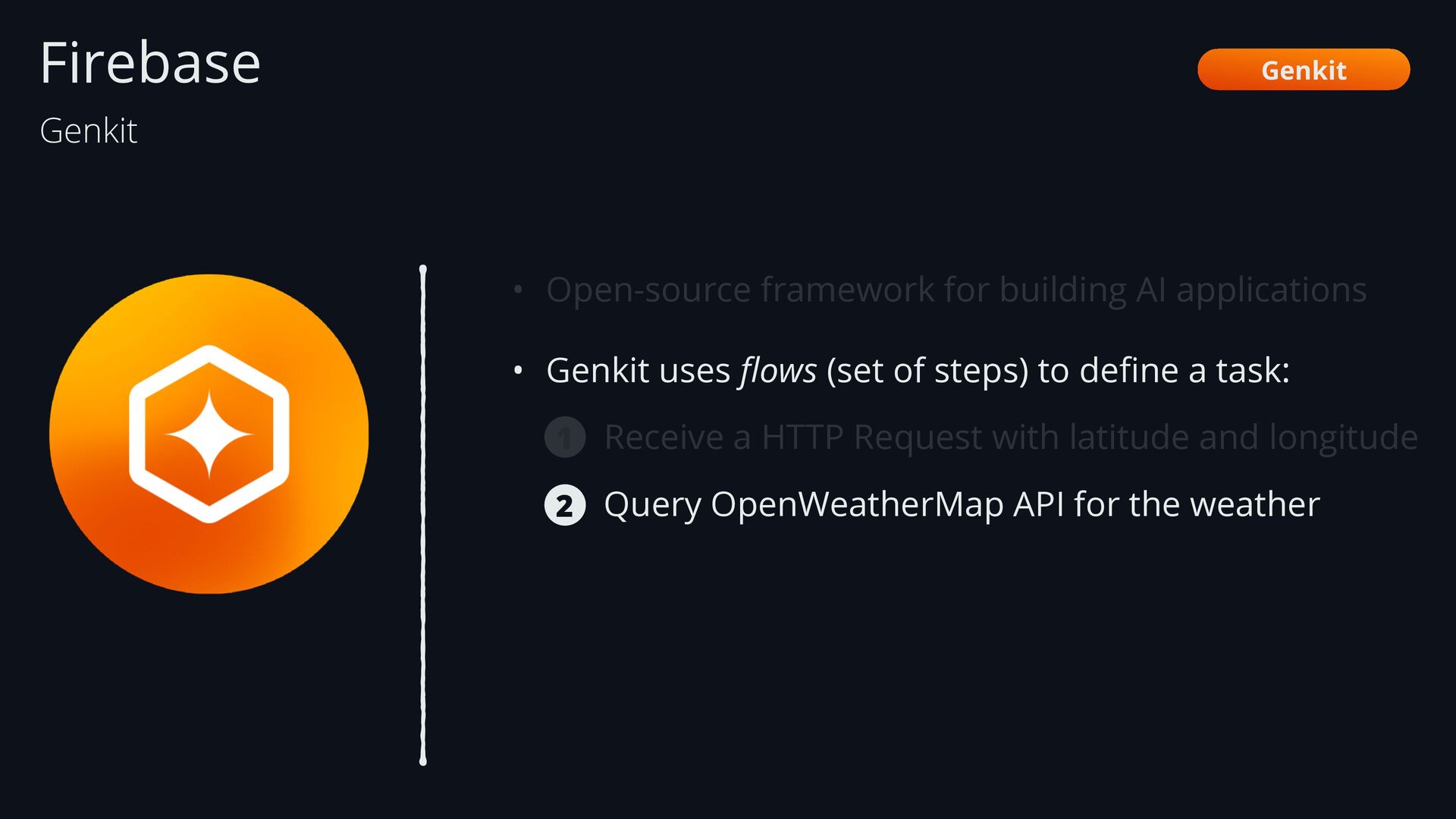
    uses fl ows (set of steps) to de fi ne a task: Receive a HTTP Request with latitude and longitude Genkit 1 Genkit
  108. Firebase • Open-source framework for building AI applications • Genkit

    uses fl ows (set of steps) to de fi ne a task: Receive a HTTP Request with latitude and longitude Query OpenWeatherMap API for the weather Genkit 2 1 Genkit
  109. Firebase • Open-source framework for building AI applications • Genkit

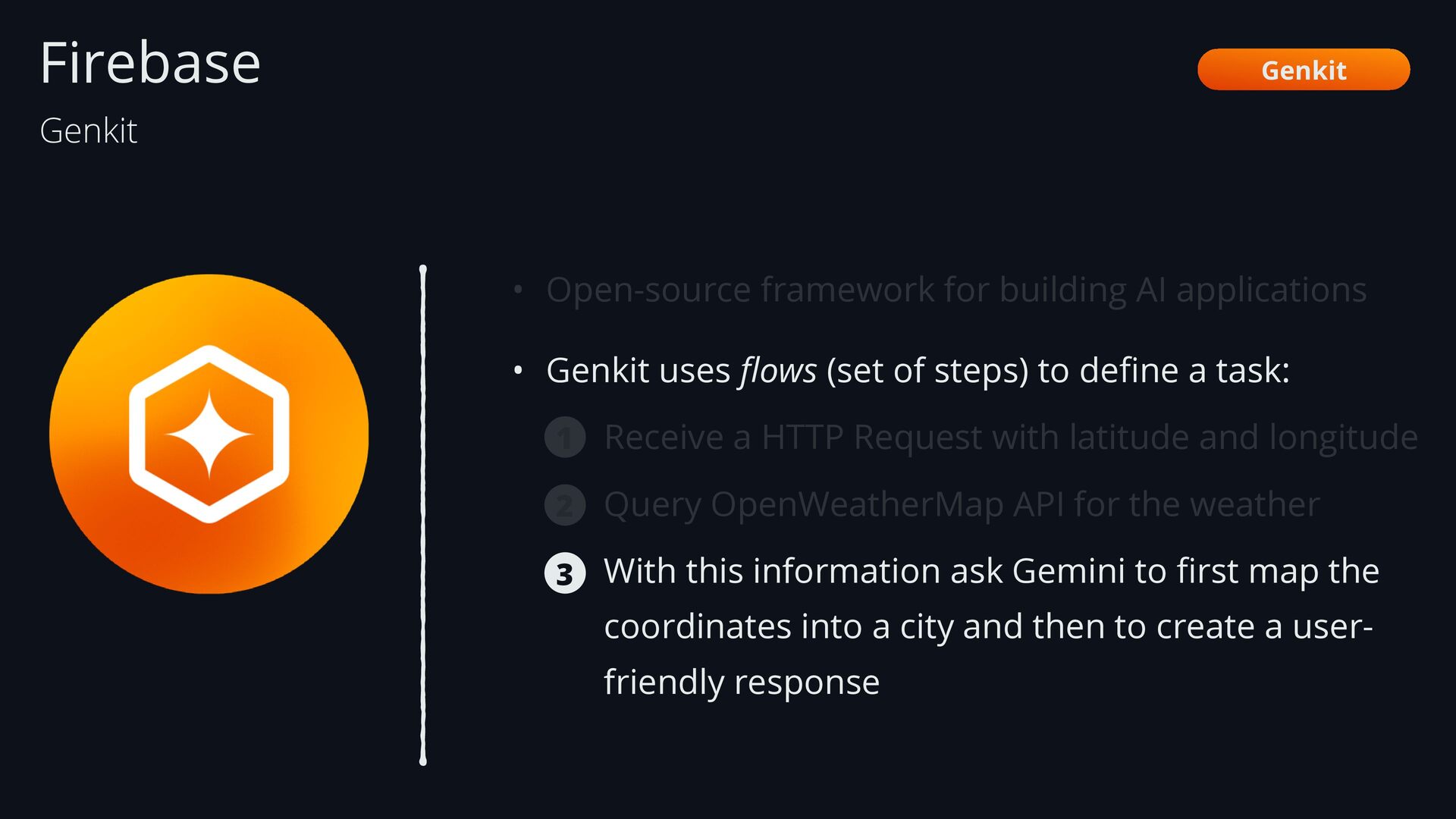
    uses fl ows (set of steps) to de fi ne a task: Receive a HTTP Request with latitude and longitude Query OpenWeatherMap API for the weather With this information ask Gemini to fi rst map the coordinates into a city and then to create a user- friendly response Genkit 3 2 1 Genkit
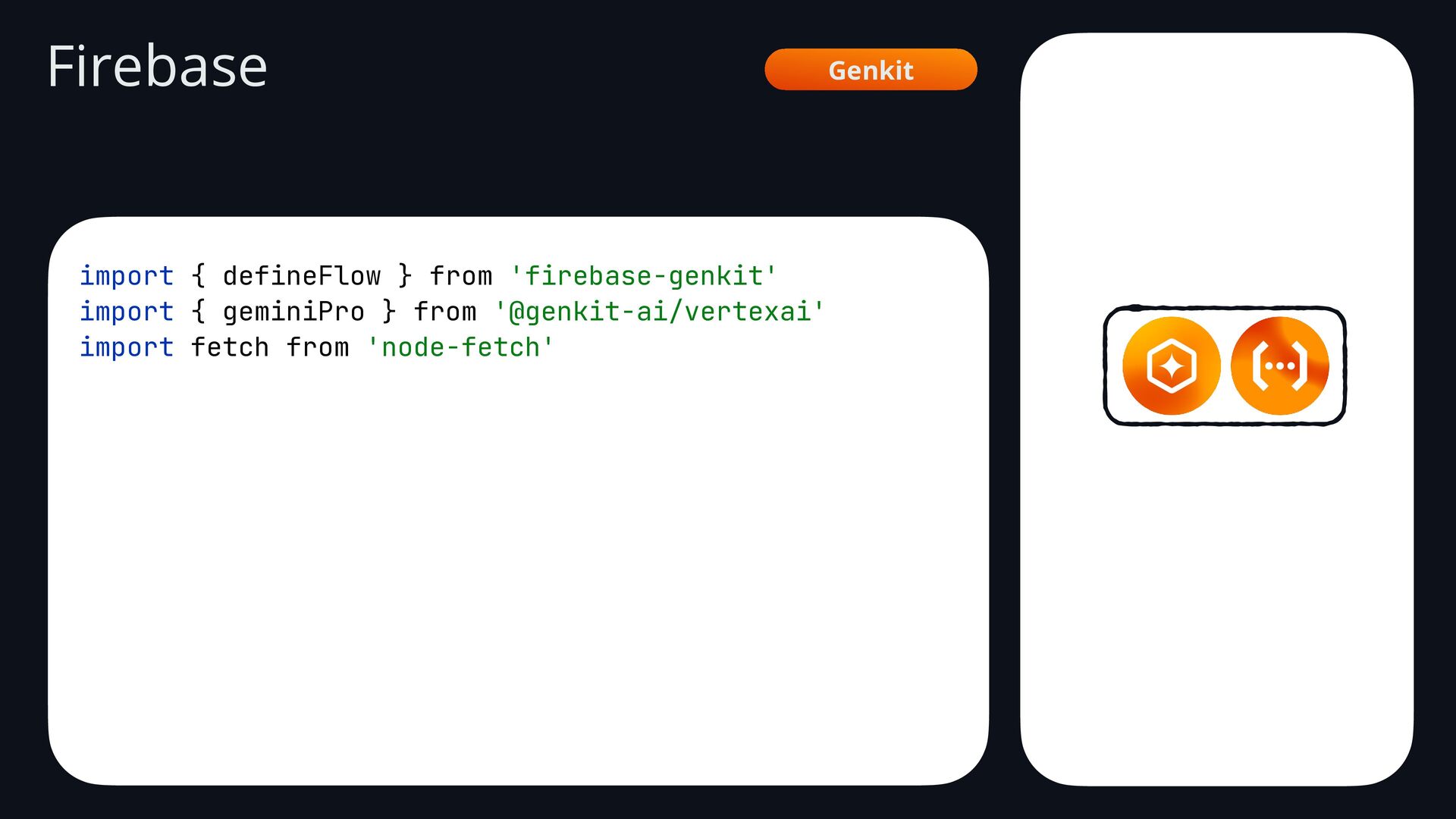
  110. Genkit Firebase import { defineFlow } from 'firebase-genkit' import {

    geminiPro } from '@genkit-ai/vertexai' import fetch from 'node-fetch'
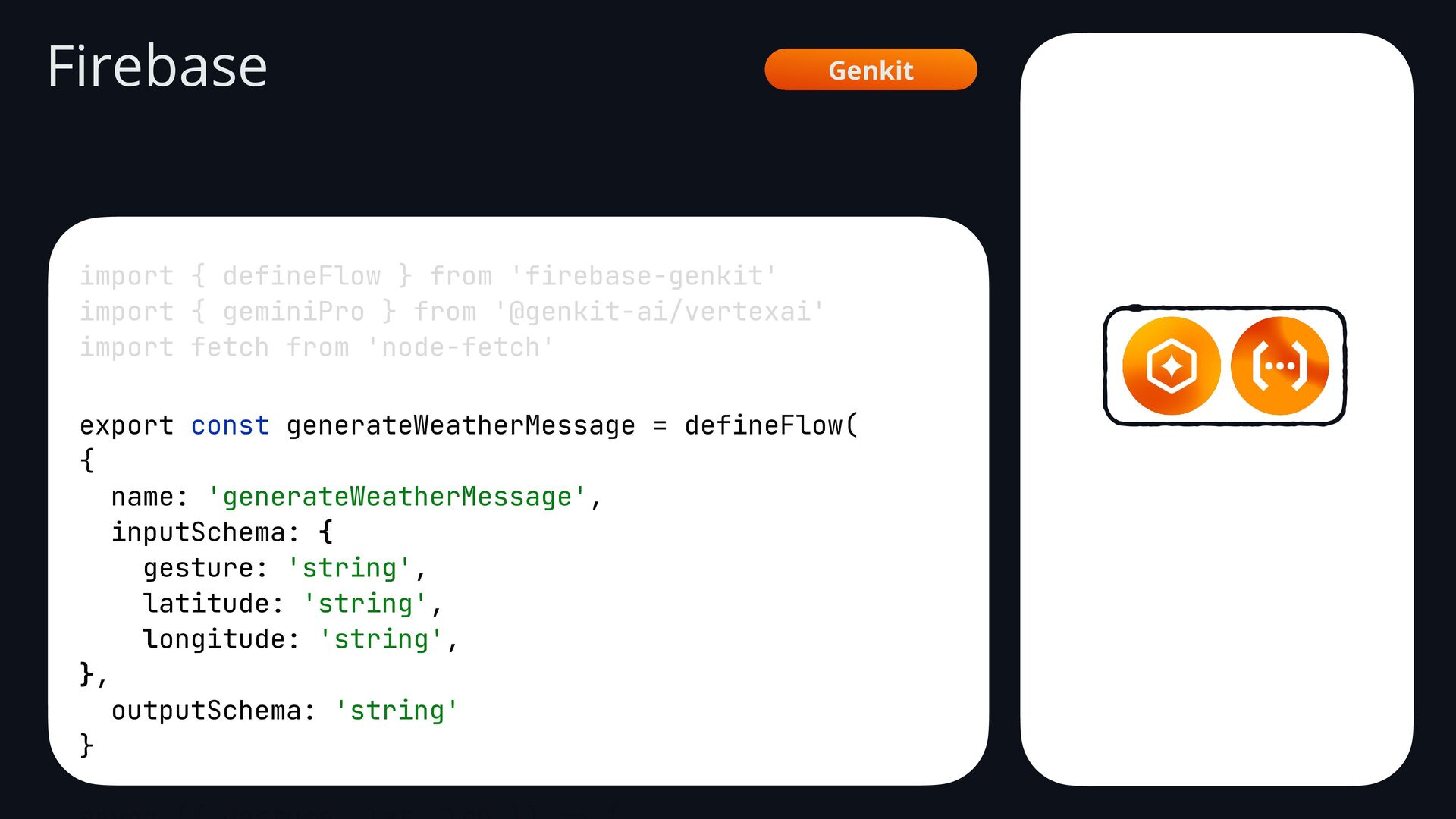
  111. import { defineFlow } from 'firebase-genkit' import { geminiPro }

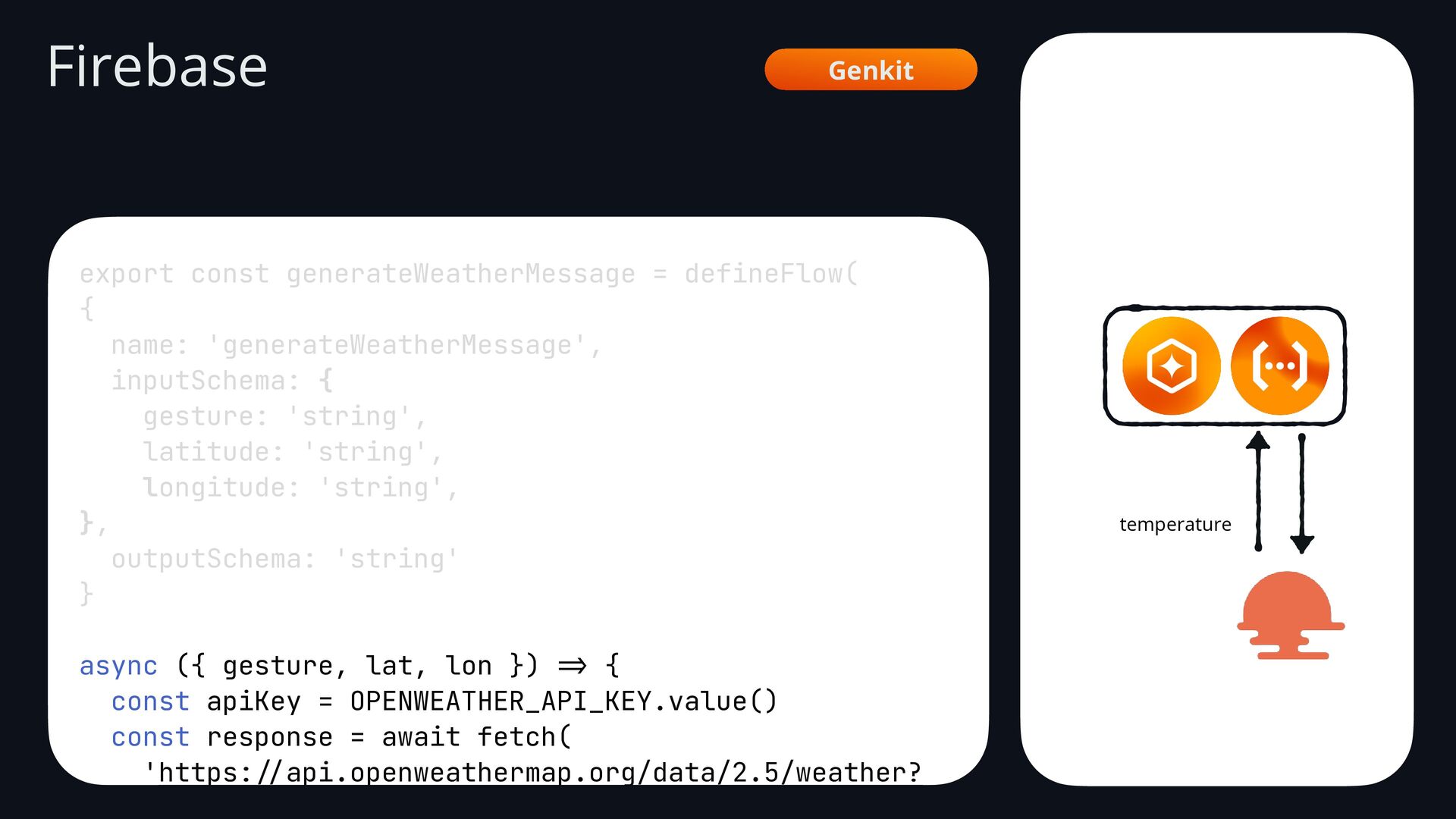
    from '@genkit-ai/vertexai' import fetch from 'node-fetch' export const generateWeatherMessage = defineFlow( { name: 'generateWeatherMessage', inputSchema: { gesture: 'string', latitude: 'string', longitude: 'string', }, outputSchema: 'string' } => Firebase Genkit
  112. import { defineFlow } from 'firebase-genkit' import { geminiPro }

    from '@genkit-ai/vertexai' import fetch from 'node-fetch' export const generateWeatherMessage = defineFlow( { name: 'generateWeatherMessage', inputSchema: { gesture: 'string', latitude: 'string', longitude: 'string', }, outputSchema: 'string' } async ({ gesture, lat, lon }) => { const apiKey = OPENWEATHER_API_KEY.value() const response = await fetch( 'https: // api.openweathermap.org/data/2.5/weather? lat=${lat}&lon=${lon}&appid=${apiKey}' Firebase Genkit temperature
  113. const response = await fetch( 'https: // api.openweathermap.org/data/2.5/weather? lat=${lat}&lon=${lon}&appid=${apiKey}' )

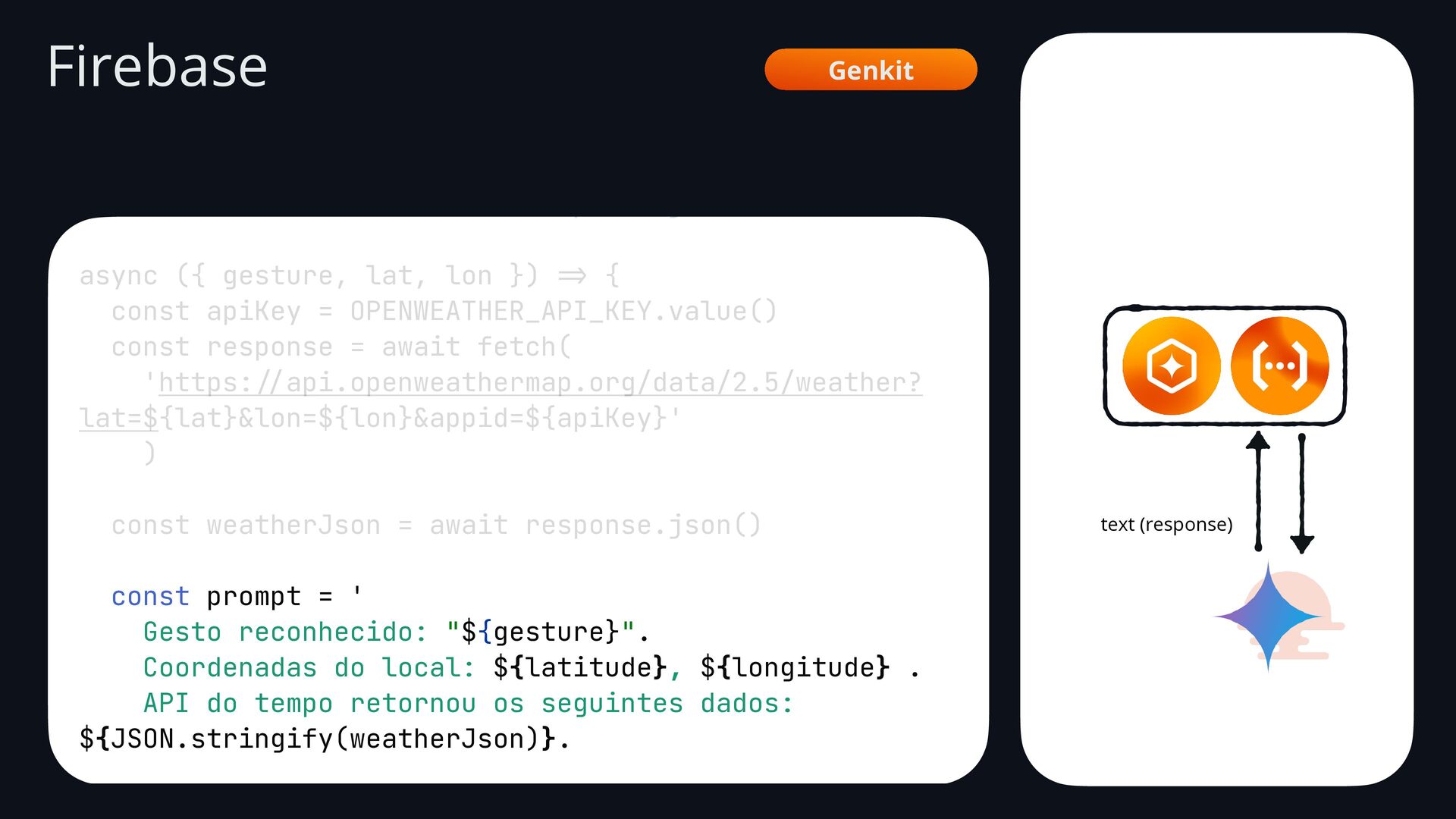
    const weatherJson = await response.json() async ({ gesture, lat, lon }) => { const apiKey = OPENWEATHER_API_KEY.value() const response = await fetch( 'https: // api.openweathermap.org/data/2.5/weather? lat=${lat}&lon=${lon}&appid=${apiKey}' ) const weatherJson = await response.json() const prompt = ' Gesto reconhecido: "${gesture}". Coordenadas do local: ${latitude}, ${longitude} . API do tempo retornou os seguintes dados: ${JSON.stringify(weatherJson)}. Com base nestes dados, escreve uma frase natural e Firebase Genkit text (response)
  114. GestuAl Android interface GenkitApi { @POST("generateWeatherMessage") suspend fun generateMessage( @Body

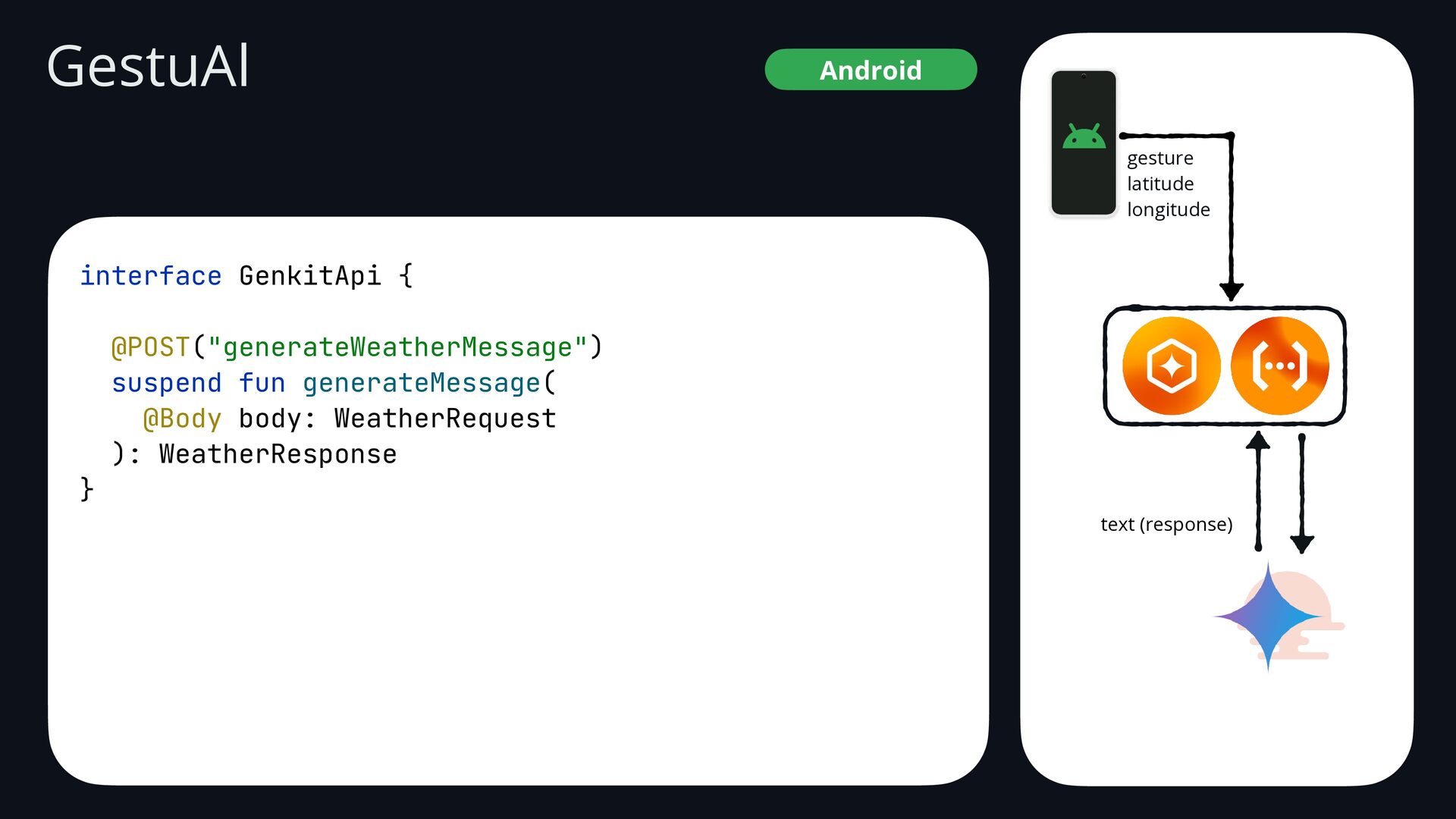
    body: WeatherRequest ): WeatherResponse } gesture latitude longitude text (response)
  115. GestuAl Android val provider = genkitApi.generateMessage( WeatherRequest( RequestData( gest =

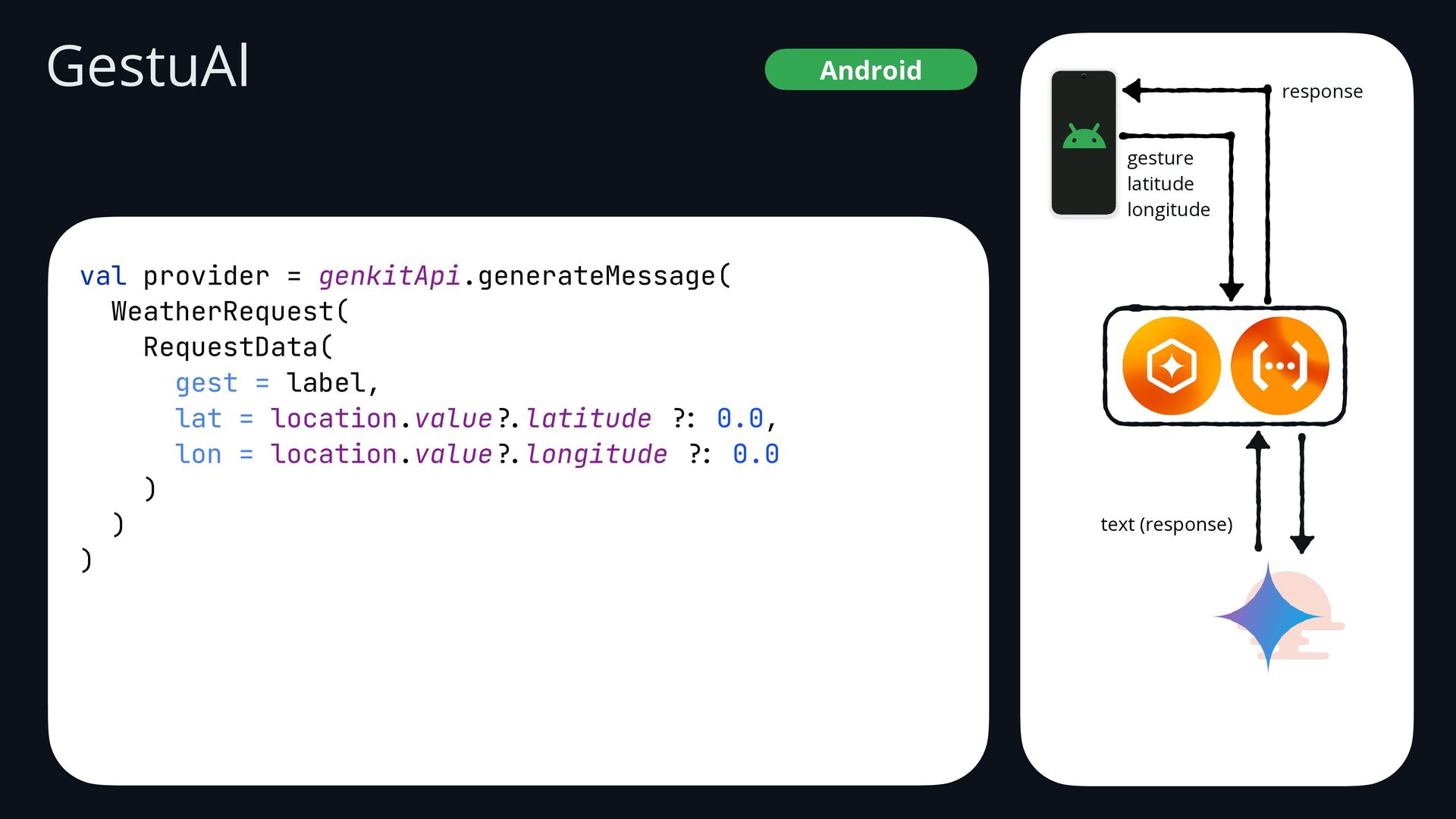
    label, lat = location.value ?. latitude ?: 0.0, lon = location.value ?. longitude ?: 0.0 ) ) ) text (response) gesture latitude longitude response
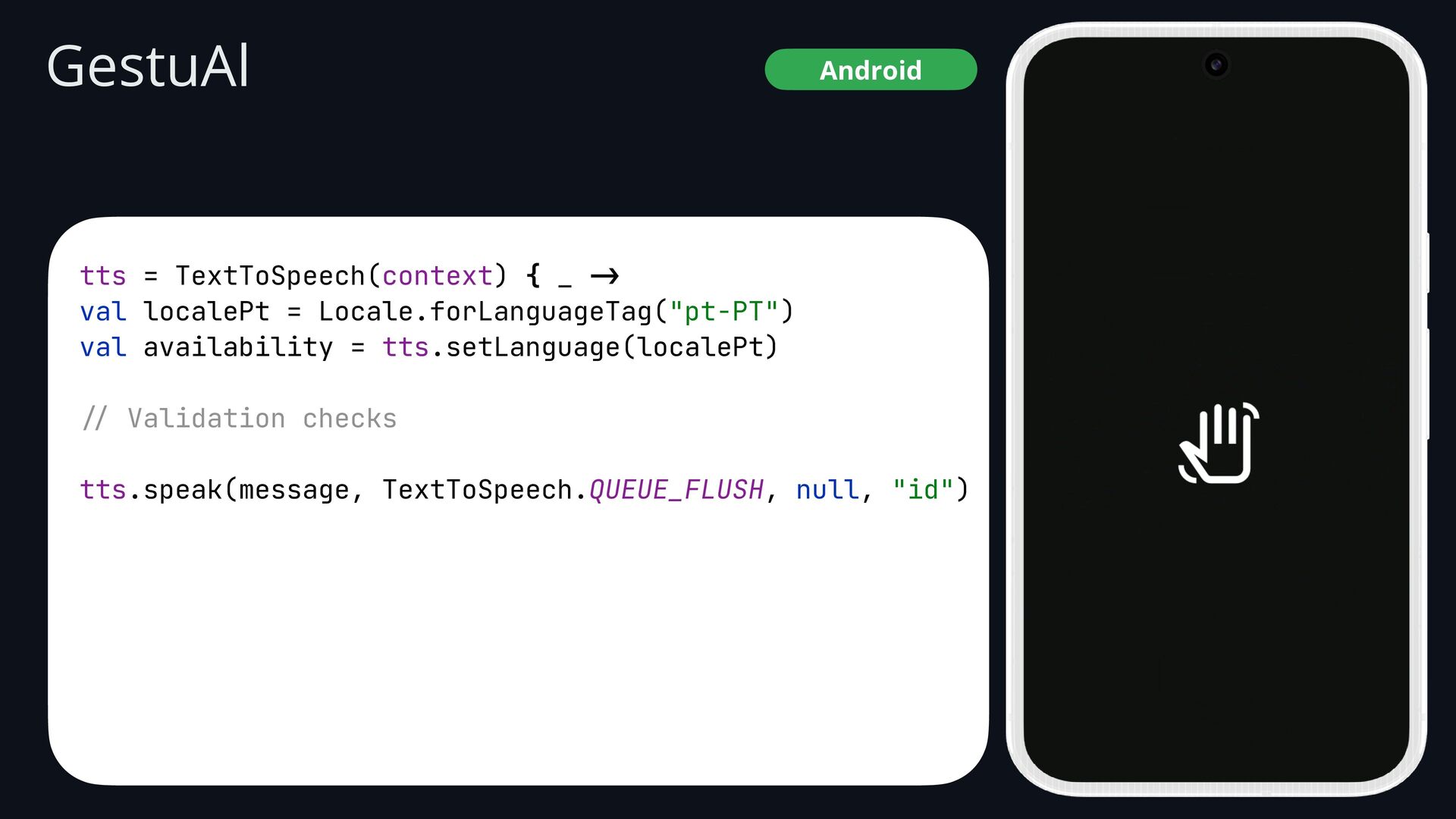
  116. GestuAl Android tts = TextToSpeech(context) { _ -> val localePt

    = Locale.forLanguageTag("pt-PT") val availability = tts.setLanguage(localePt) // Validation checks tts.speak(message, TextToSpeech.QUEUE_FLUSH, null, "id")
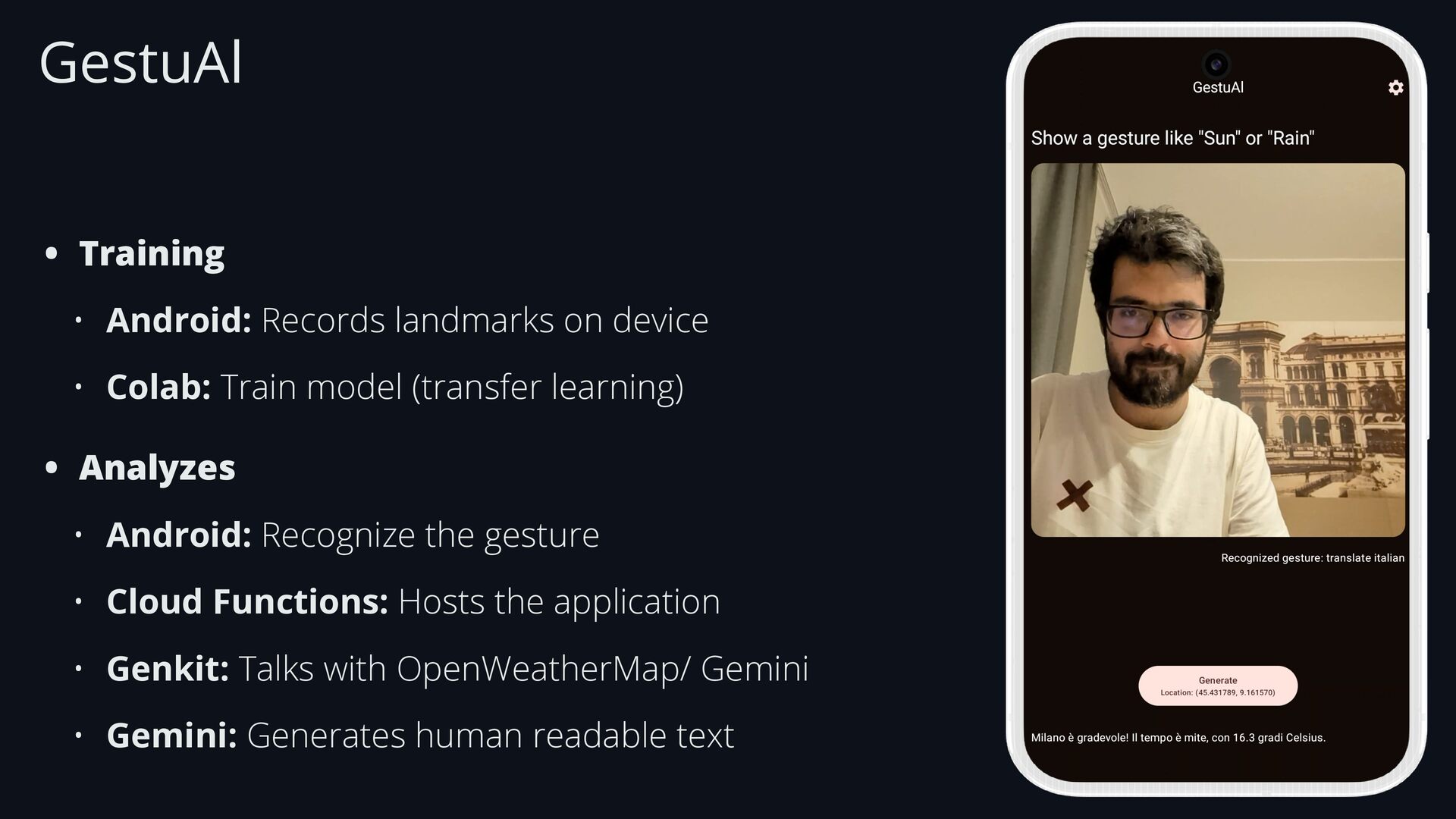
  117. GestuAl • Training • Android: Records landmarks on device •

    Colab: Train model (transfer learning) • Analyzes • Android: Recognize the gesture • Cloud Functions: Hosts the application • Genkit: Talks with OpenWeatherMap/ Gemini • Gemini: Generates human readable text