Upgrade to PRO for Only $50/Year—Limited-Time Offer! 🔥

Docker: Next Level Virtualization with Container

Docker: Next Level Virtualization with Container

More Decks by CoreTalks by Core Network Laboratory

Other Decks in Technology

Transcript

  1. Hello, I’m Robby You can find me on • 6th

    semester student • Research assistant at Core Network Laboratory • My research mainly about software defined network • Contributor of CIMIN linkedin.com/in/pramuditorh @pramuditorh
  2. Core Network Laboratory A research laboratory that focused on Software

    Defined Networking, Network Function Virtualization, and Cloud technology. Our activities: • Research • Workshop • CoreTalks • etc Our products: • CIMIN • MonSys • PureFlow
  3. CIMIN • Stand for Cloud Infrastructure for Mininet • Use

    Node.js, Docker, OpenStack, etc • Emulate SDN over the website • Solve hardware problem at SDN class Telkom University • Got funded by Telkom University
  4. Before We Start Please, access our VMs :) 1. Connect

    to SSID CoreNetwork1 2. Download PuTTY here 3. Choose your VM here 4. SSH at username@[your_vm_ip] 5. Make sure you can run docker version command
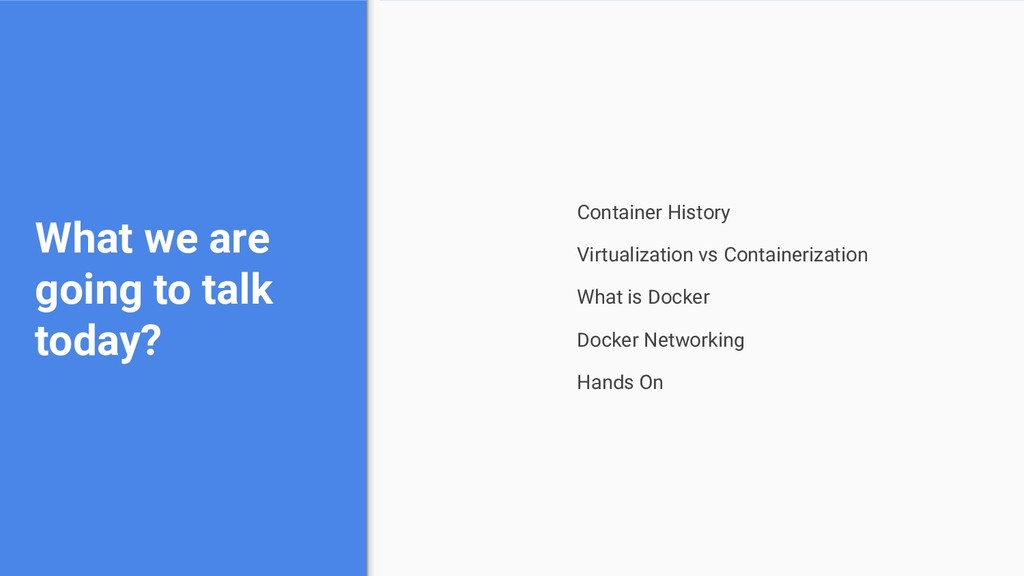
  5. What we are going to talk today? Container History Virtualization

    vs Containerization What is Docker Docker Networking Hands On
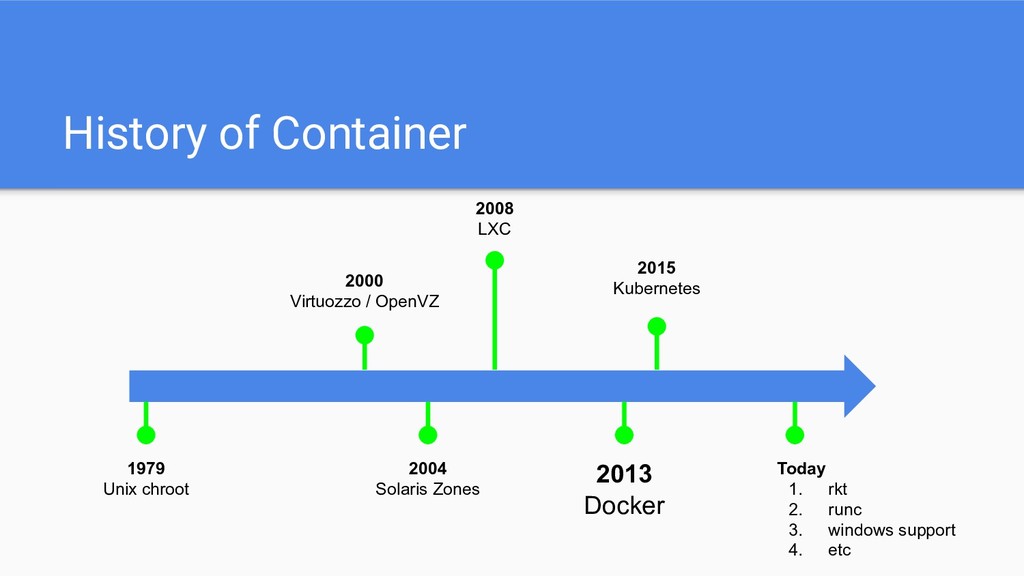
  6. History of Container 1979 Unix chroot 2000 Virtuozzo / OpenVZ

    2004 Solaris Zones 2008 LXC 2013 Docker 2015 Kubernetes Today 1. rkt 2. runc 3. windows support 4. etc
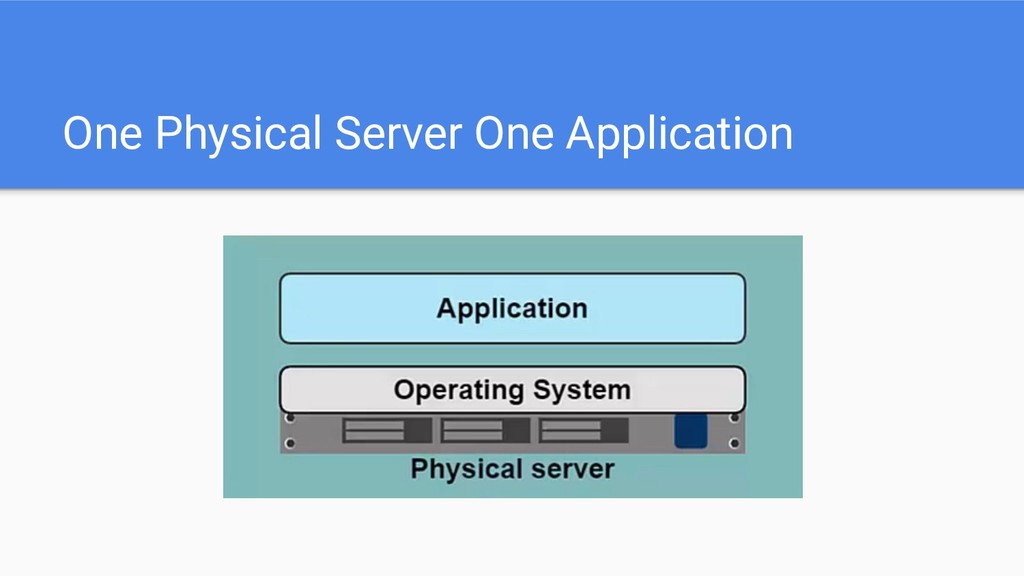
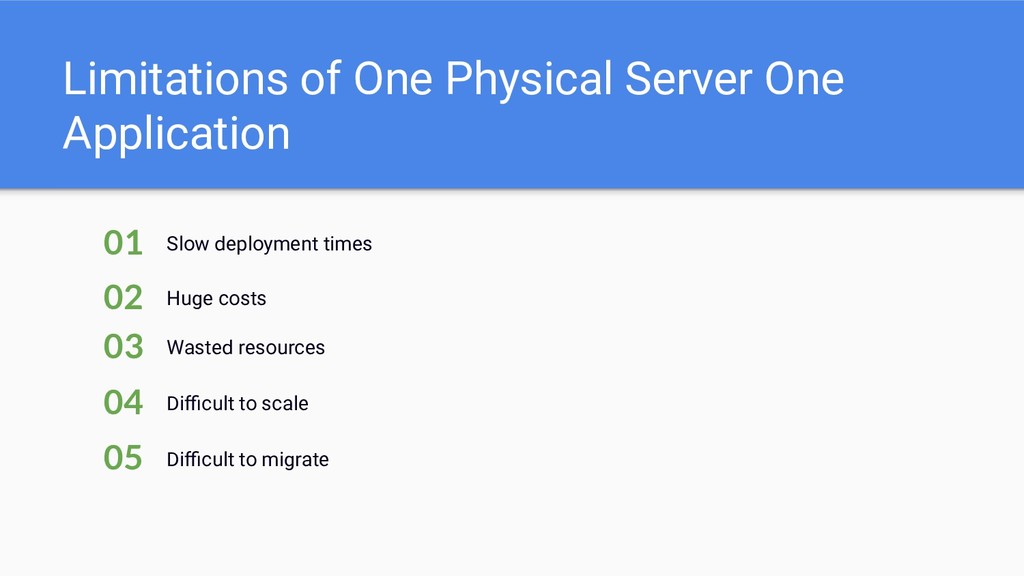
  7. Limitations of One Physical Server One Application Slow deployment times

    01 Huge costs 02 Difficult to scale 04 Wasted resources 03 Difficult to migrate 05
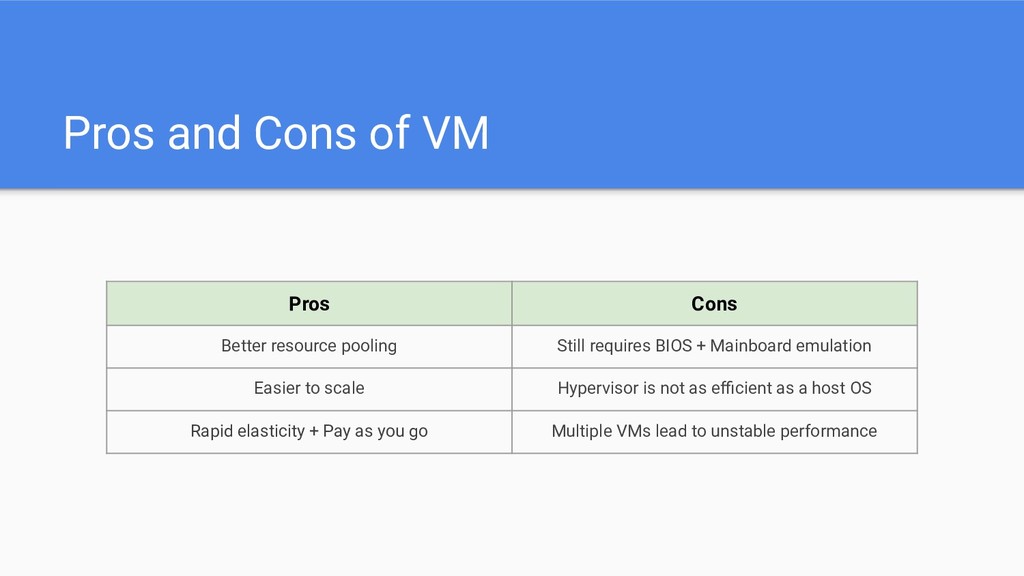
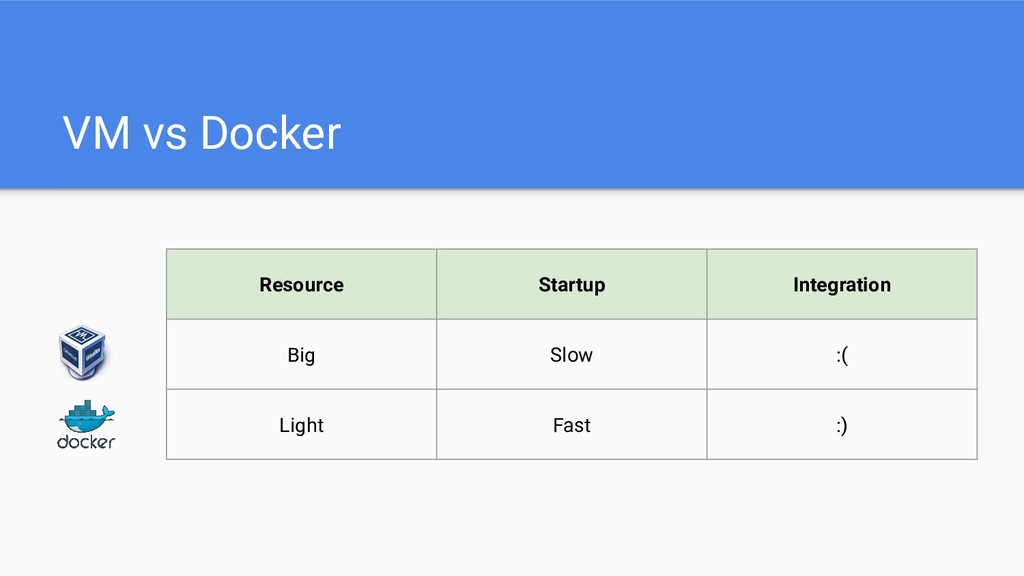
  8. Pros and Cons of VM Pros Cons Better resource pooling

    Still requires BIOS + Mainboard emulation Easier to scale Hypervisor is not as efficient as a host OS Rapid elasticity + Pay as you go Multiple VMs lead to unstable performance
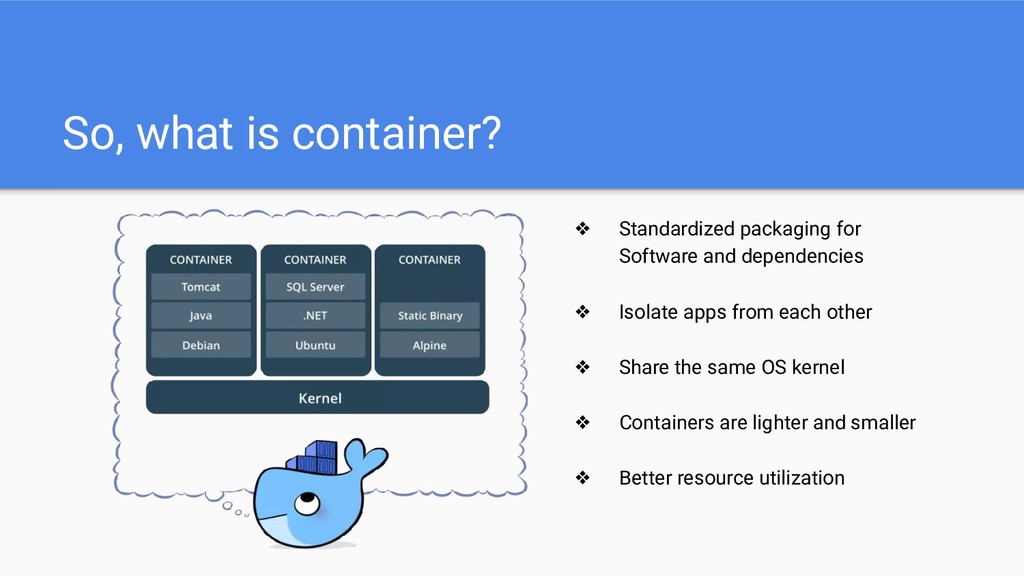
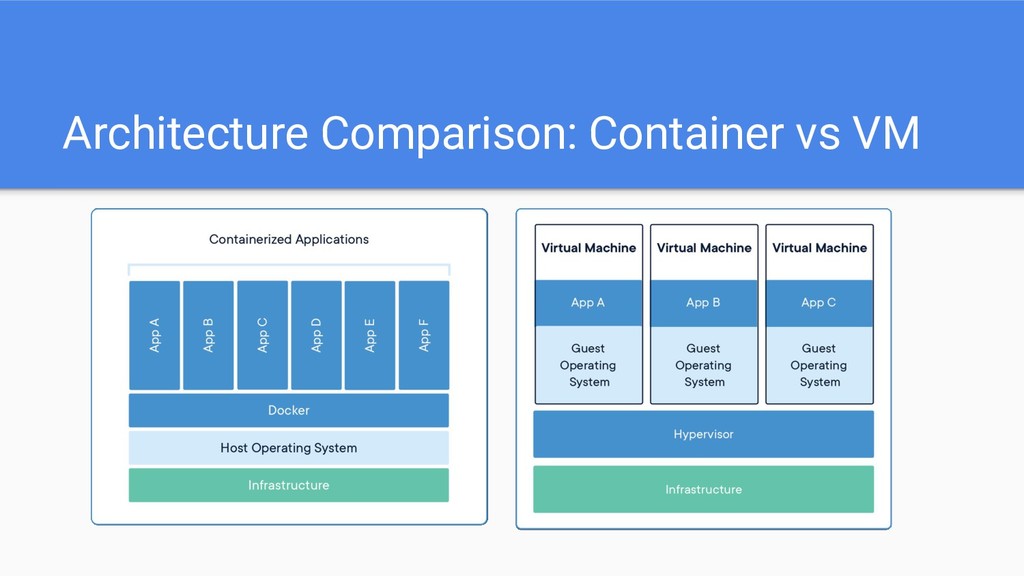
  9. So, what is container? ❖ Standardized packaging for Software and

    dependencies ❖ Isolate apps from each other ❖ Share the same OS kernel ❖ Containers are lighter and smaller ❖ Better resource utilization
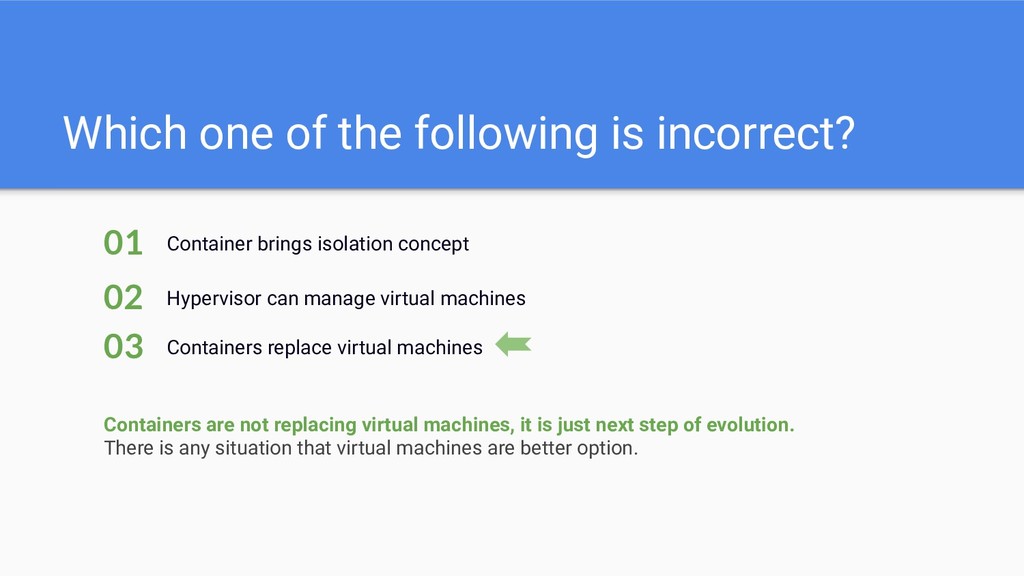
  10. Which one of the following is incorrect? Container brings isolation

    concept 01 Hypervisor can manage virtual machines 02 Containers replace virtual machines 03 Containers are not replacing virtual machines, it is just next step of evolution. There is any situation that virtual machines are better option.
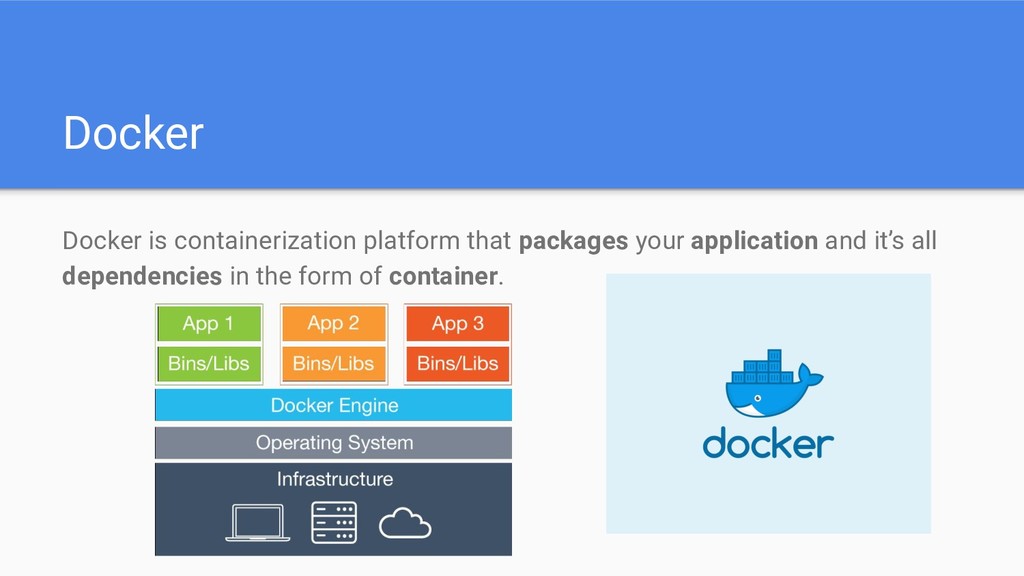
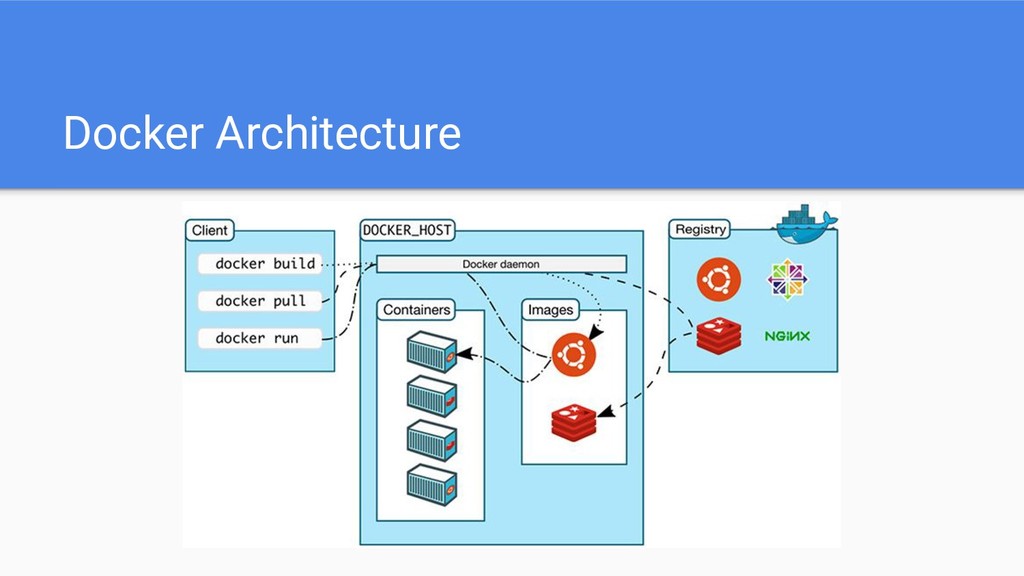
  11. Docker Docker is containerization platform that packages your application and

    it’s all dependencies in the form of container.
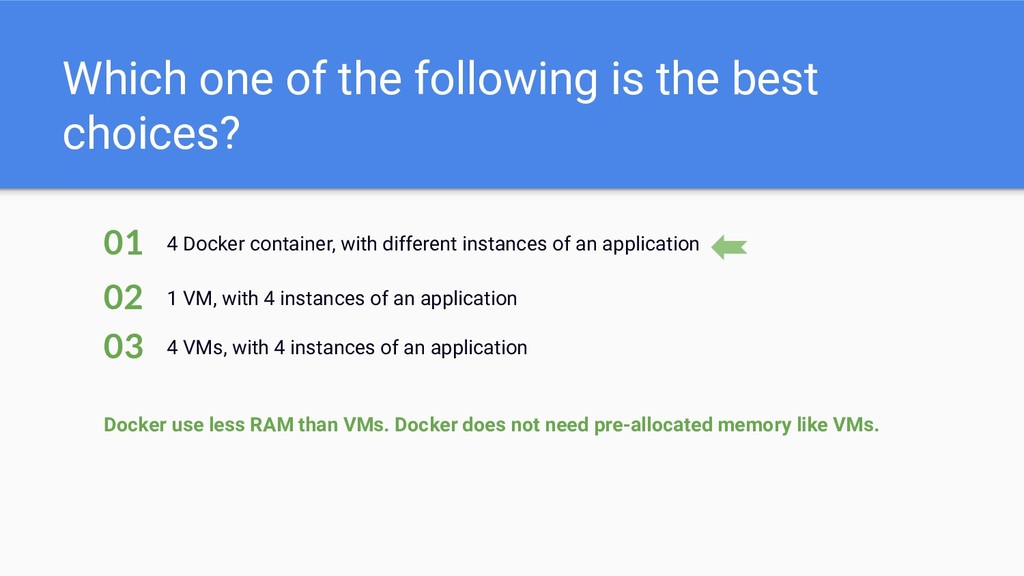
  12. Which one of the following is the best choices? 4

    Docker container, with different instances of an application 01 1 VM, with 4 instances of an application 02 4 VMs, with 4 instances of an application 03 Docker use less RAM than VMs. Docker does not need pre-allocated memory like VMs.
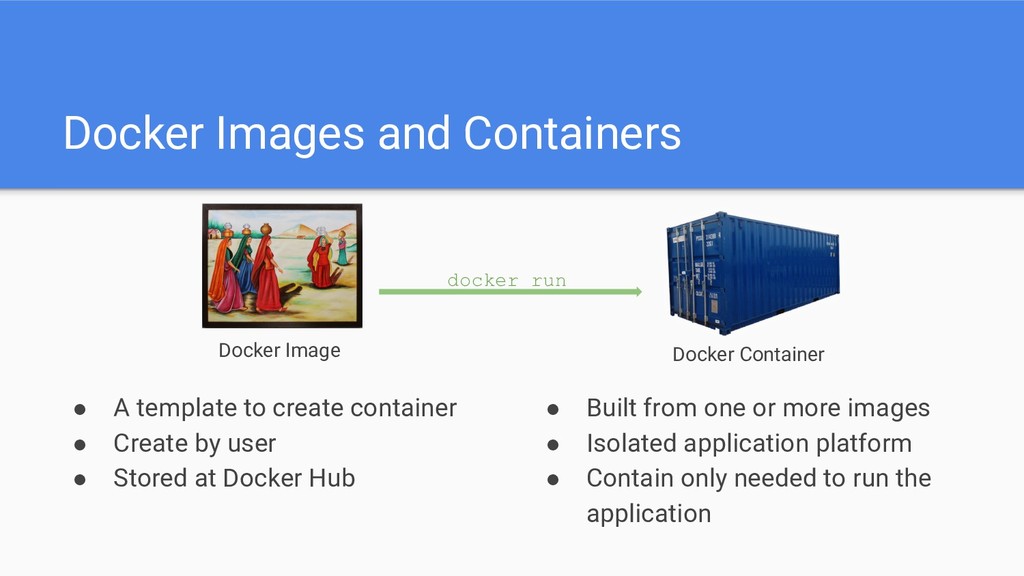
  13. Docker Images and Containers • A template to create container

    • Create by user • Stored at Docker Hub • Built from one or more images • Isolated application platform • Contain only needed to run the application Docker Image Docker Container docker run
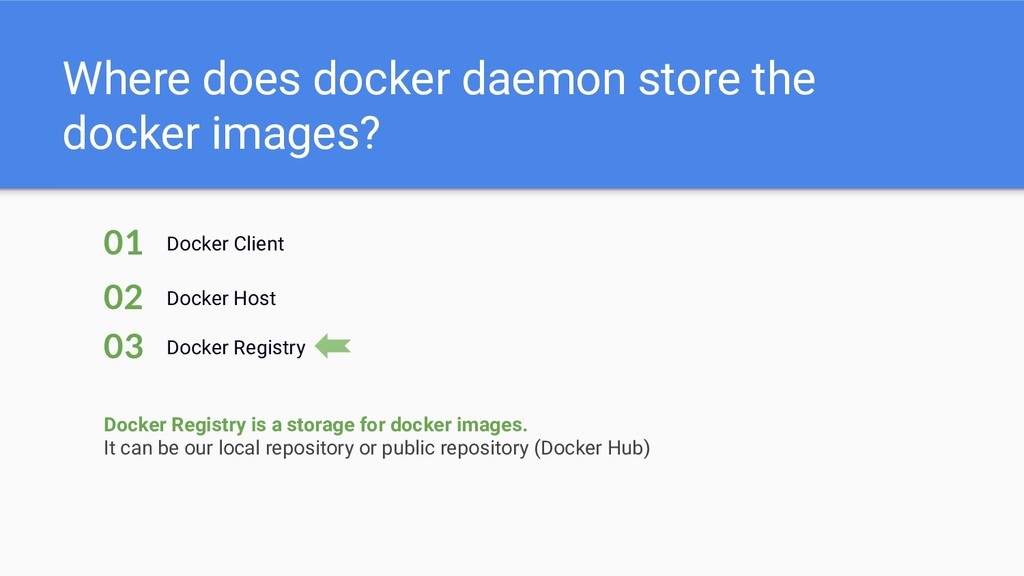
  14. Where does docker daemon store the docker images? Docker Client

    01 Docker Host 02 Docker Registry 03 Docker Registry is a storage for docker images. It can be our local repository or public repository (Docker Hub)
  15. Docker Networking Docker Plugin model provides a pluggable "batteries included,

    but replaceable" architecture that allows for the implementation and configuration of networking. It’s called plugins
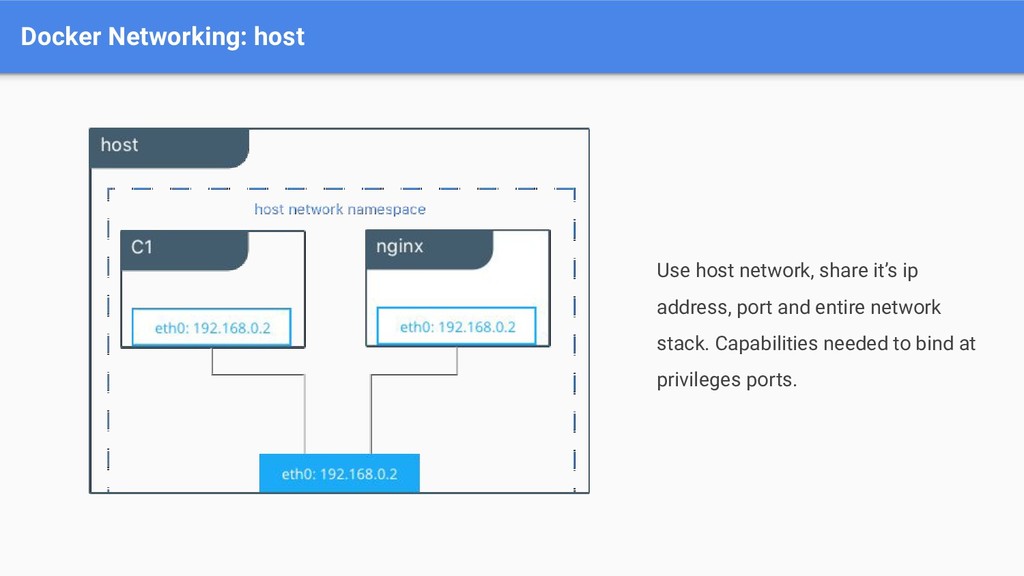
  16. Docker Networking: host Use host network, share it’s ip address,

    port and entire network stack. Capabilities needed to bind at privileges ports.
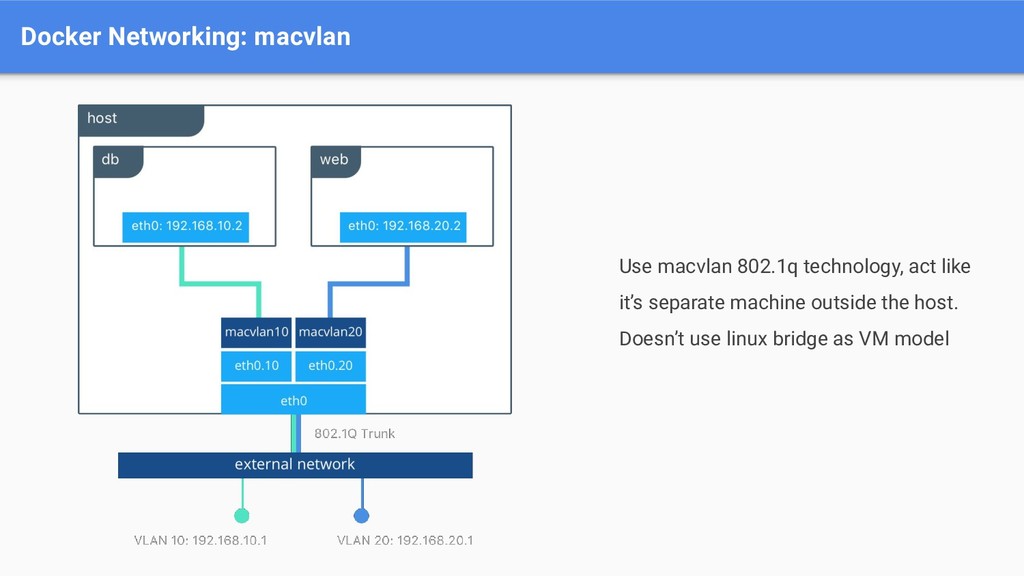
  17. Docker Networking: macvlan Use macvlan 802.1q technology, act like it’s

    separate machine outside the host. Doesn’t use linux bridge as VM model
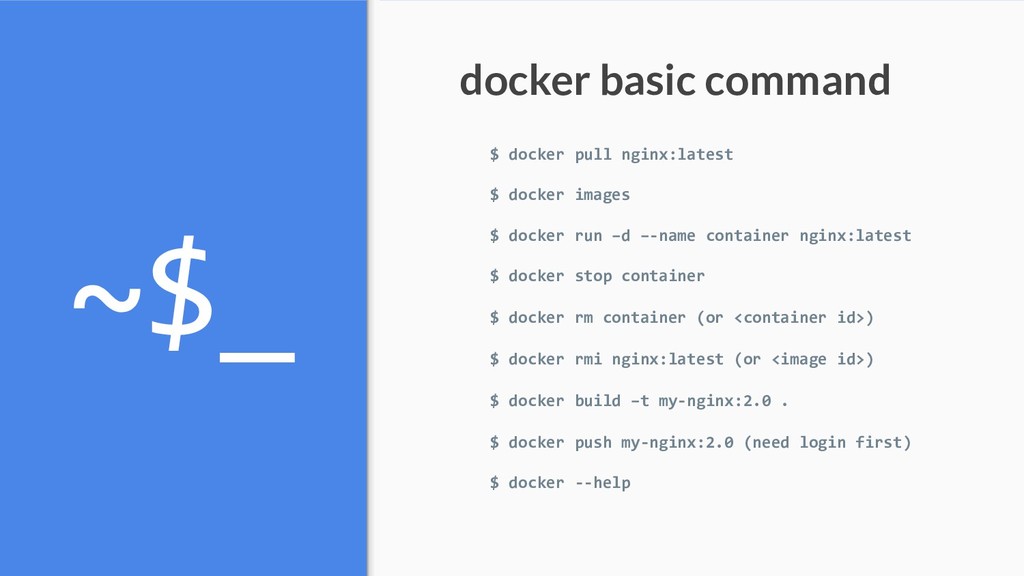
  18. ~$_ $ docker pull nginx:latest $ docker images $ docker

    run –d –-name container nginx:latest $ docker stop container $ docker rm container (or <container id>) $ docker rmi nginx:latest (or <image id>) $ docker build –t my-nginx:2.0 . $ docker push my-nginx:2.0 (need login first) $ docker --help docker basic command
  19. Thank You See you at CoreTalks #3 find us on:

    O302 Building, Telkom University https://corenetworklab.com [email protected] @corenetworklab @qka3787h