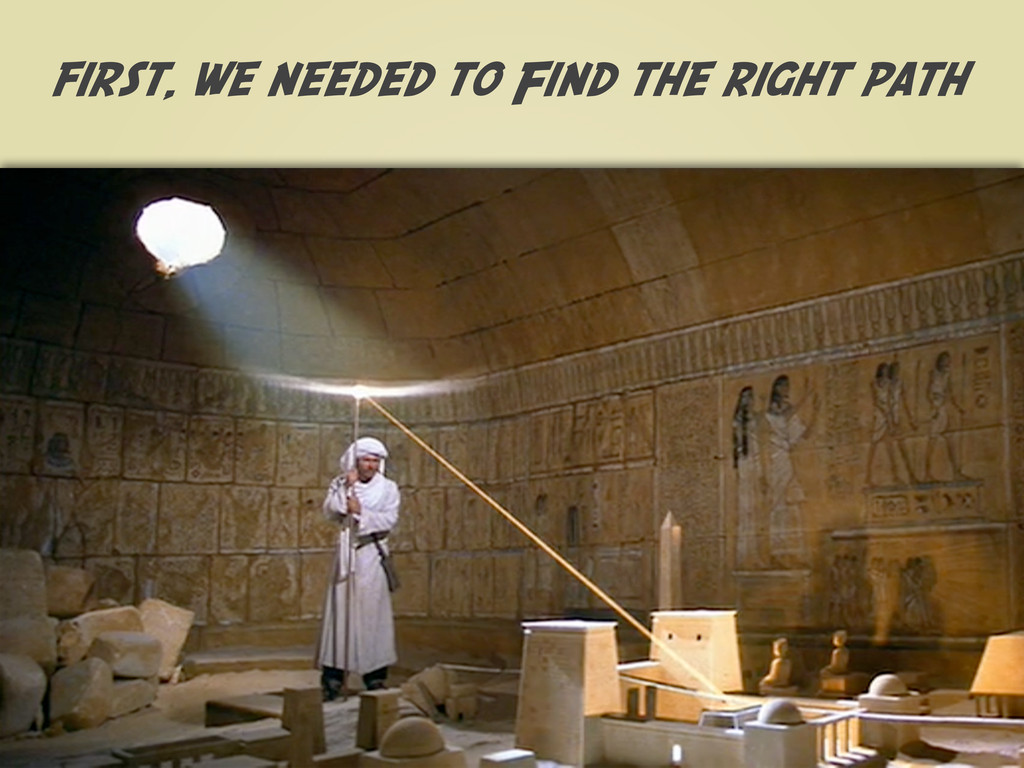
Every Indiana Jones adventure has a few key ingredients; a priceless lost treasure, a relentless enemy, a map with many cryptic clues, lots of mishaps and capers, some friendly faces to lend a hand when things get tough and finally, the hero, who outwits his enemies, retrieves the glittering prize and saves the day for everyone.
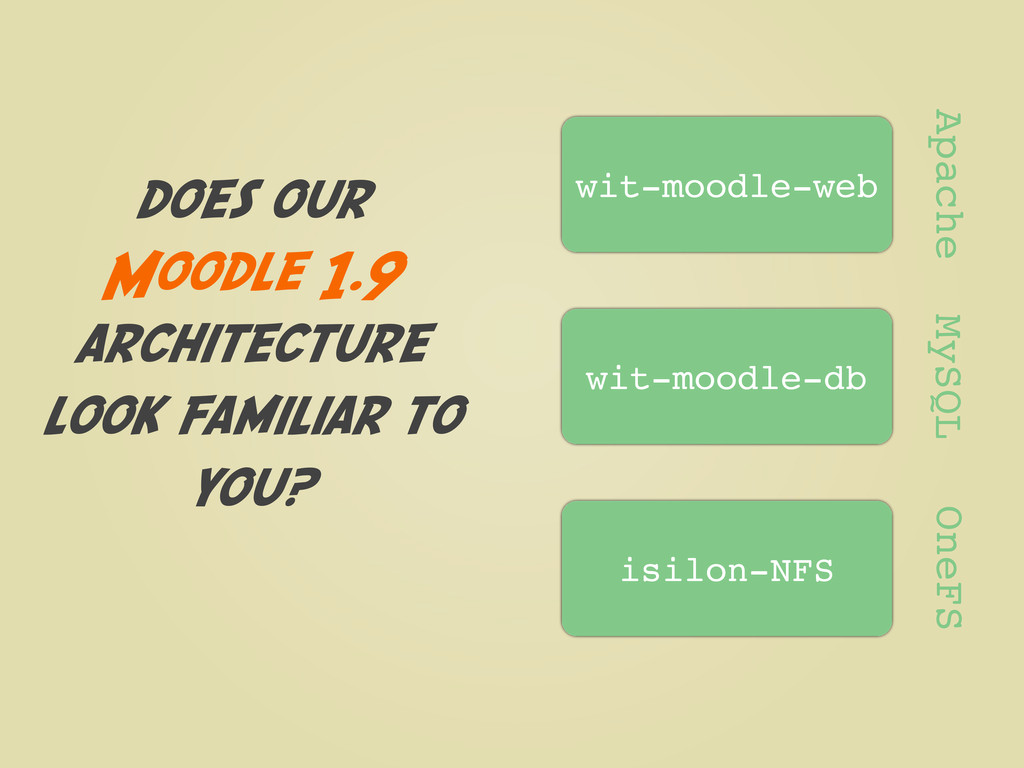
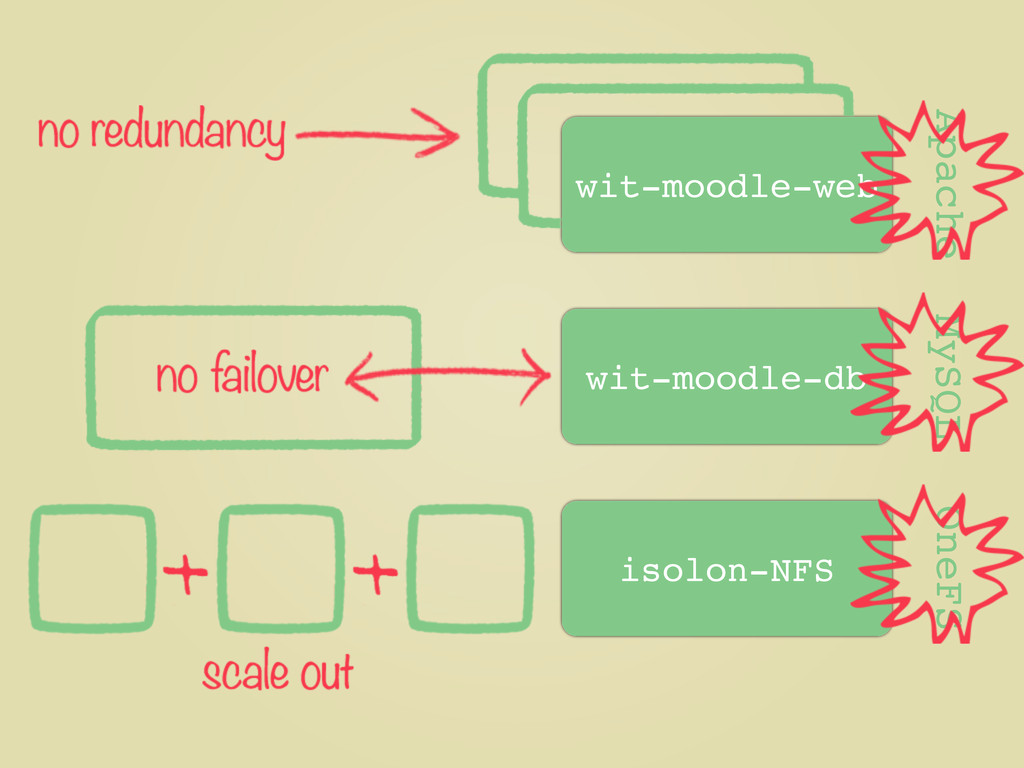
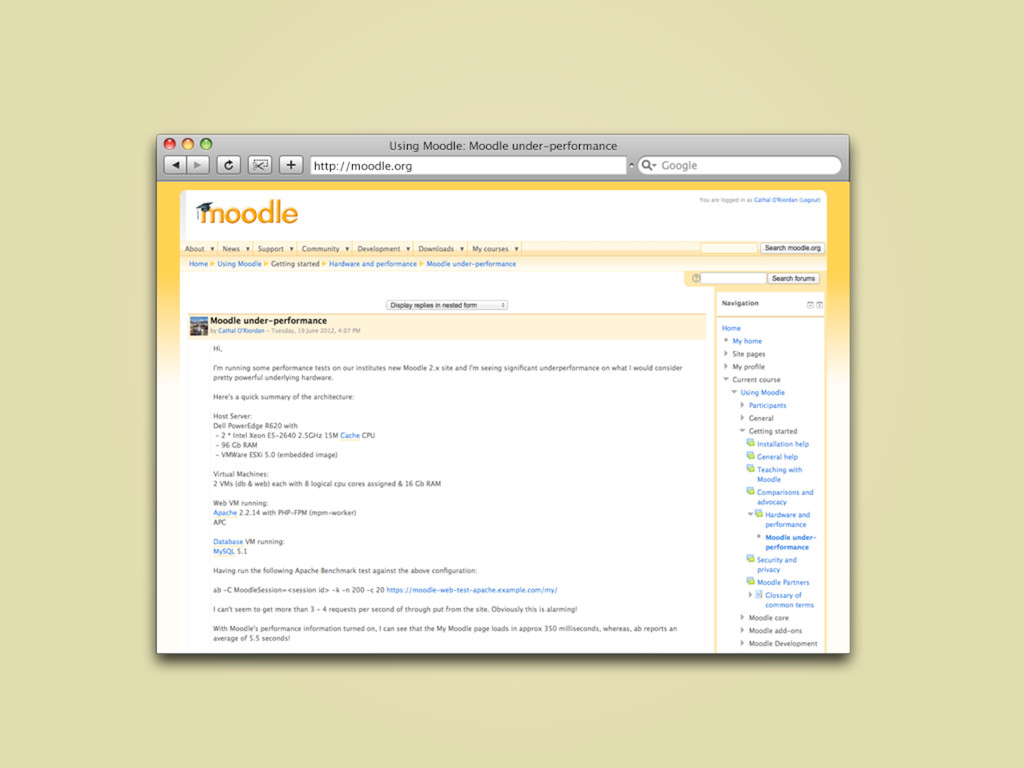
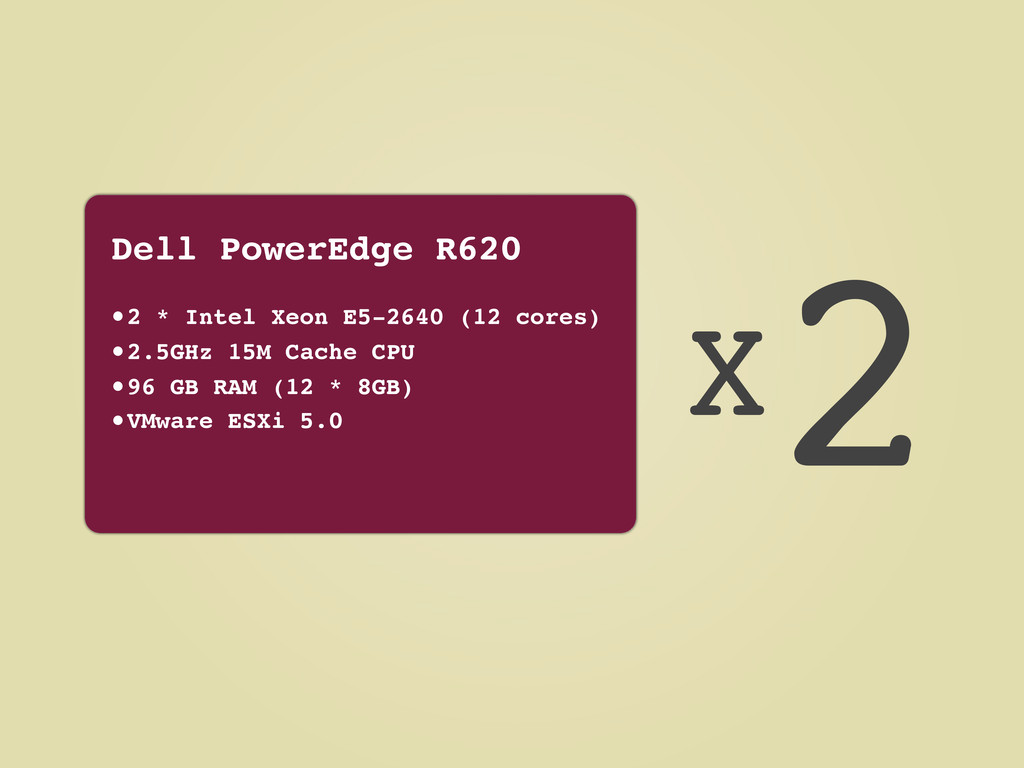
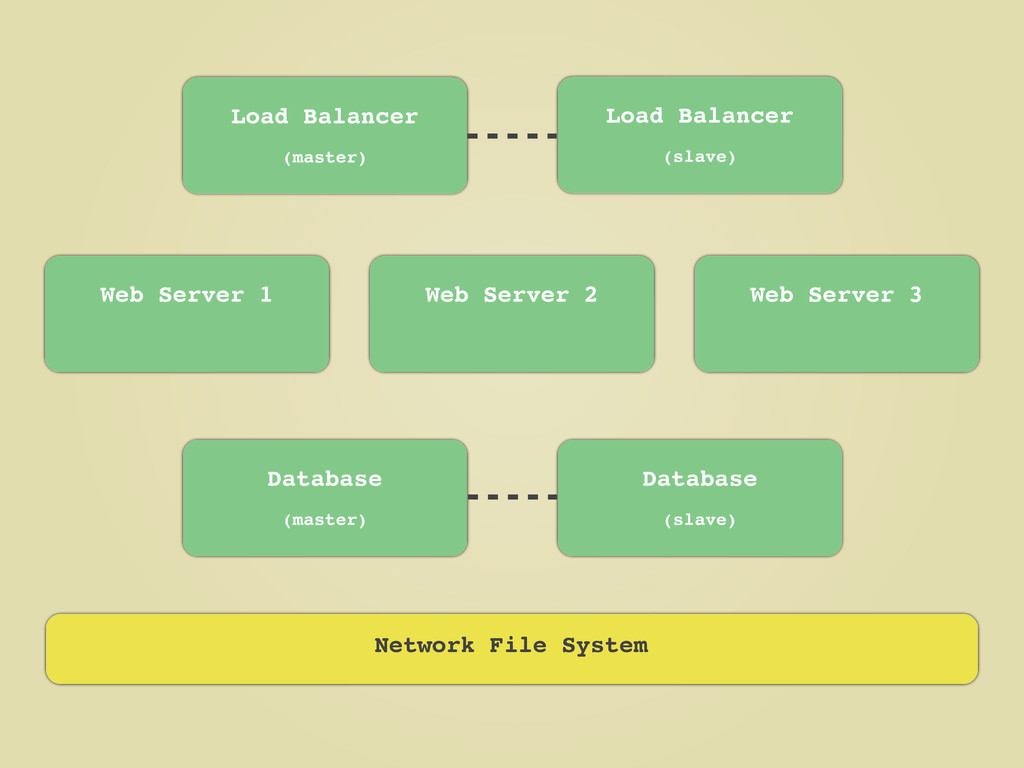
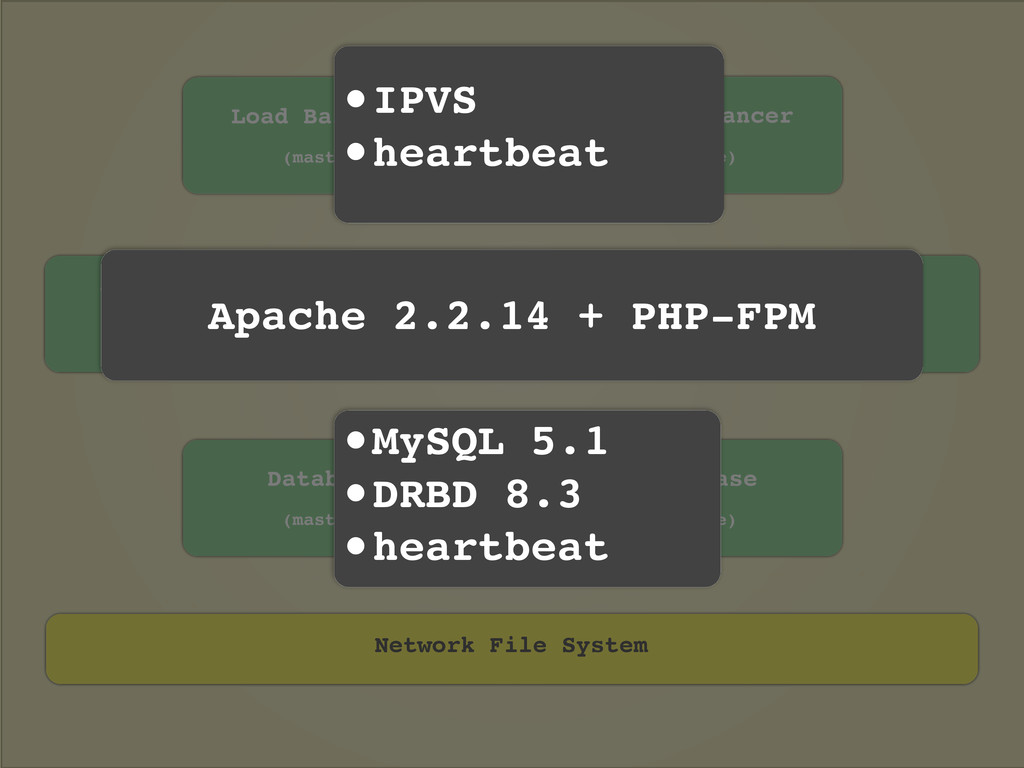
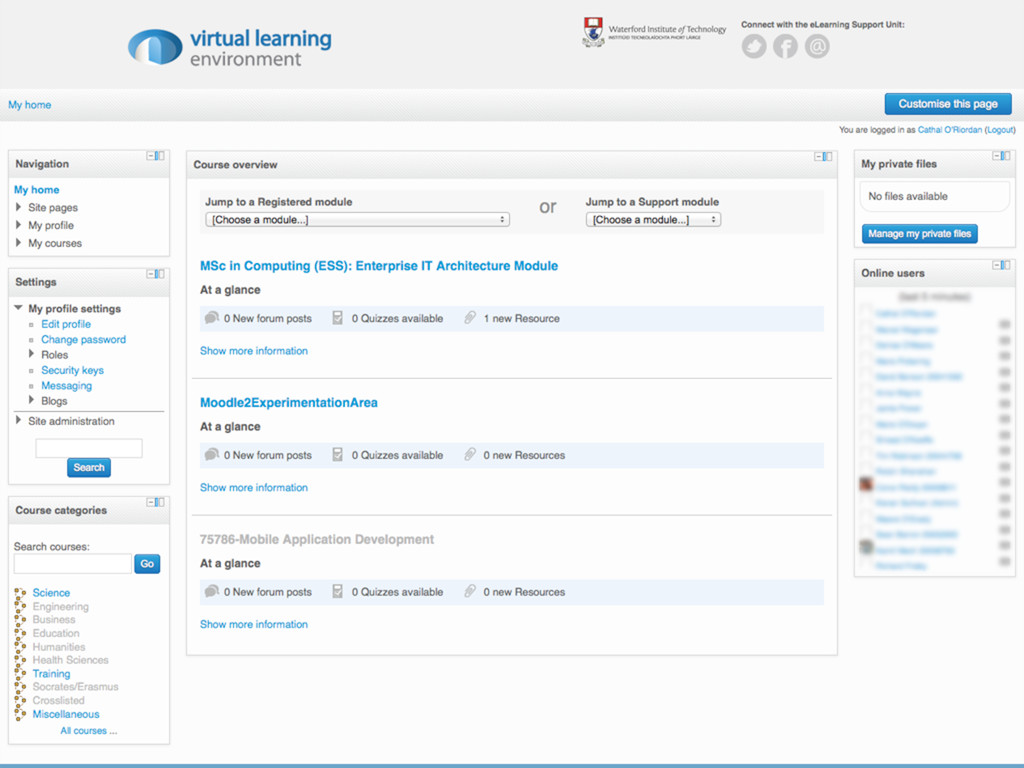
Waterford Institute of Technology, with the help of HEAnet, had a similar adventure when constructing the server infrastructure to host it's new Moodle 2 site during 2012. This short presentation will recount the intrepid journey which took us from a 'one server per application' model hosting the institutes Moodle 1.9 site to a fully virtualised, fault tolerant and high availability cluster hosting Moodle 2 - with the occasional Indiana Jones reference thrown in for good measure!


 mutomasa
 soudai
 hiragahh
 hiola
hiola
 matleenalaakso
 uranoken
 juanmartin2026
 frievea
 signer
 robintux
.png) helenjbeal
helenjbeal
 aleyda
 holman
 tammyeverts
 lauravandoore
 akashhashmi
 popppiees
 reverentgeek
 lara
lara
 tanoku