Upgrade to Pro — share decks privately, control downloads, hide ads and more …

Think, Move, and Own to improve WordPress Perfo...

Think, Move, and Own to improve WordPress Performance

A mindset for improving WordPress performance. Analyze Data ( Think ), Take Action ( Move ), and Optimize & Improve ( Own ) to hit the performance target for your clients. Also, included are references to debugging and profiling tools that can help in gathering data and formulating a performance solution for WordPress.

Avatar for corycrowley

corycrowley

February 27, 2014

More Decks by corycrowley

Other Decks in Programming
Transcript

  1. Think, Move, and Own to improve WordPress Performance ! !

    Cory Crowley // @corycrowley Skyhook Internet Marketing
  2. A slow site means you may: Lose Users Lose Money

    Infuriate Clients or All of the above
  3. “It is a capital mistake to theorize before one has

    data. Insensibly one begins to twist facts to suit theories, instead of theories to suit facts.” - Sherlock Holmes, A Scandal in Bohemia
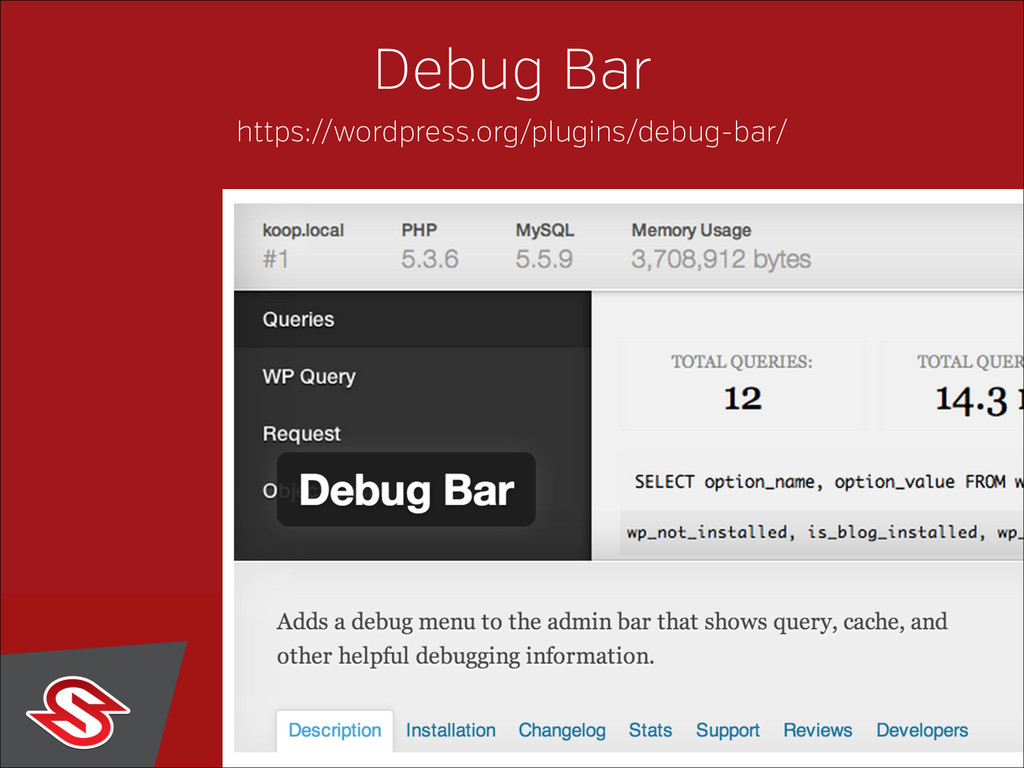
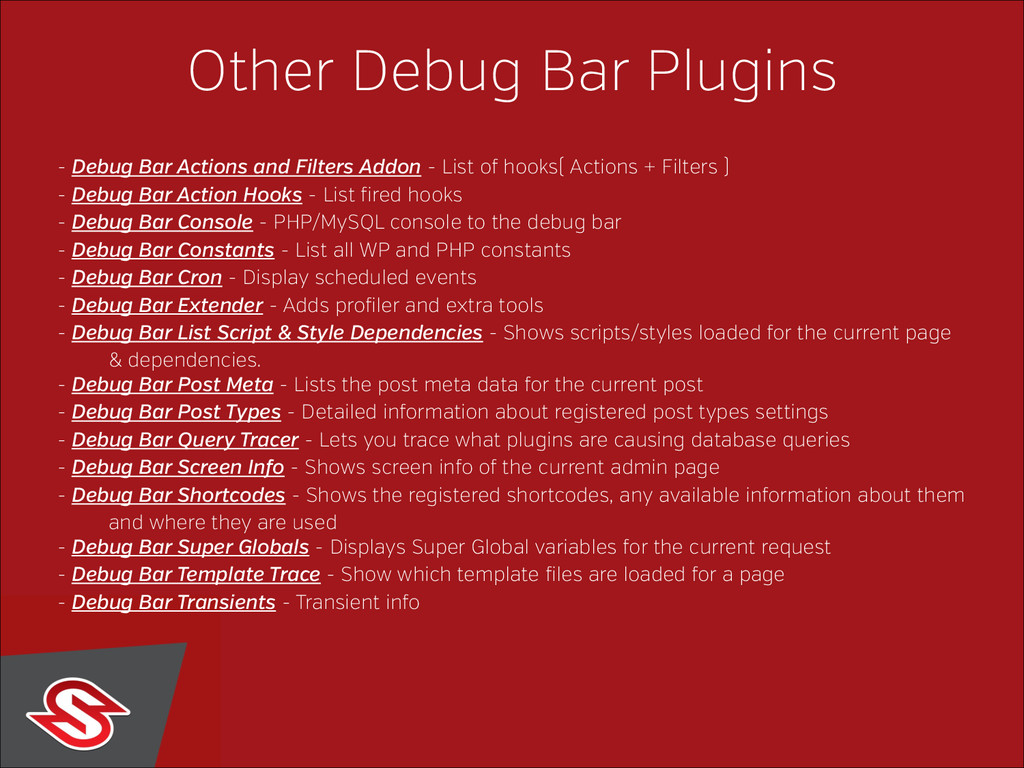
  4. Other Debug Bar Plugins - Debug Bar Actions and Filters

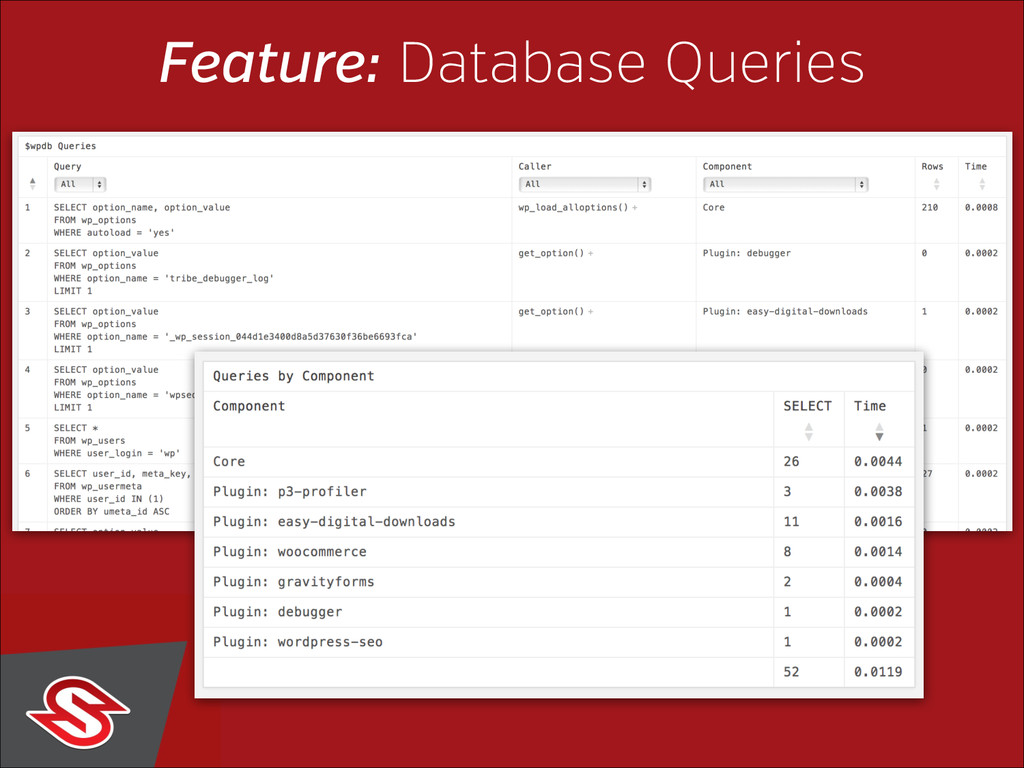
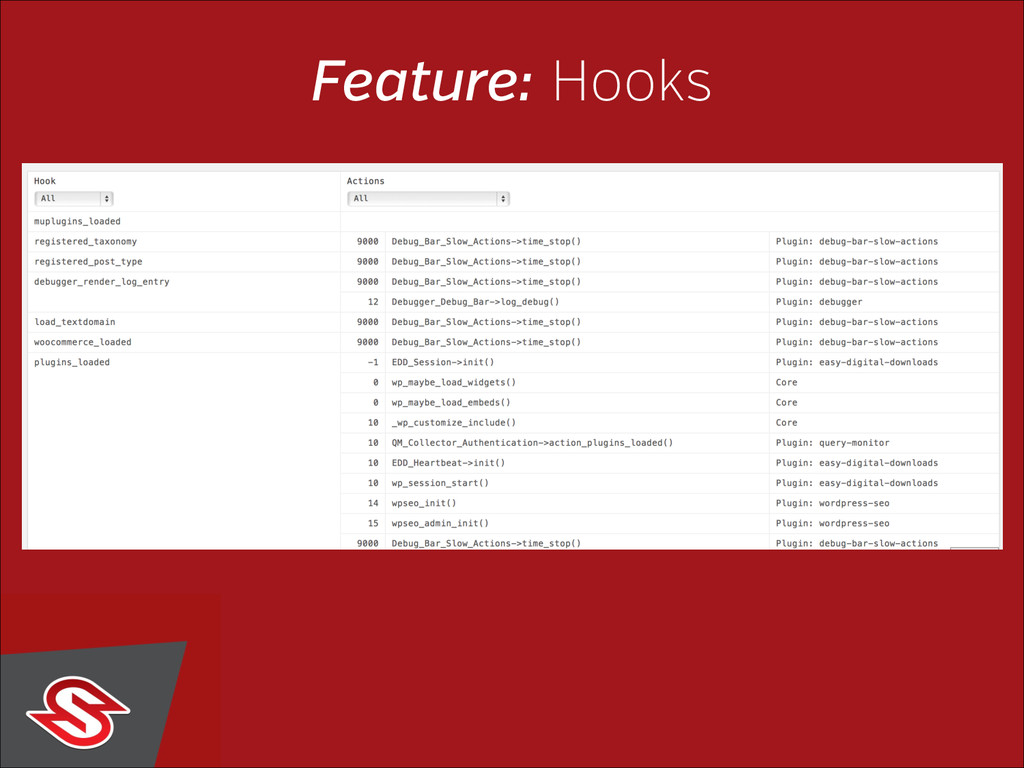
    Addon - List of hooks( Actions + Filters ) - Debug Bar Action Hooks - List fired hooks - Debug Bar Console - PHP/MySQL console to the debug bar - Debug Bar Constants - List all WP and PHP constants - Debug Bar Cron - Display scheduled events - Debug Bar Extender - Adds profiler and extra tools - Debug Bar List Script & Style Dependencies - Shows scripts/styles loaded for the current page & dependencies. - Debug Bar Post Meta - Lists the post meta data for the current post - Debug Bar Post Types - Detailed information about registered post types settings - Debug Bar Query Tracer - Lets you trace what plugins are causing database queries - Debug Bar Screen Info - Shows screen info of the current admin page - Debug Bar Shortcodes - Shows the registered shortcodes, any available information about them and where they are used - Debug Bar Super Globals - Displays Super Global variables for the current request - Debug Bar Template Trace - Show which template files are loaded for a page - Debug Bar Transients - Transient info
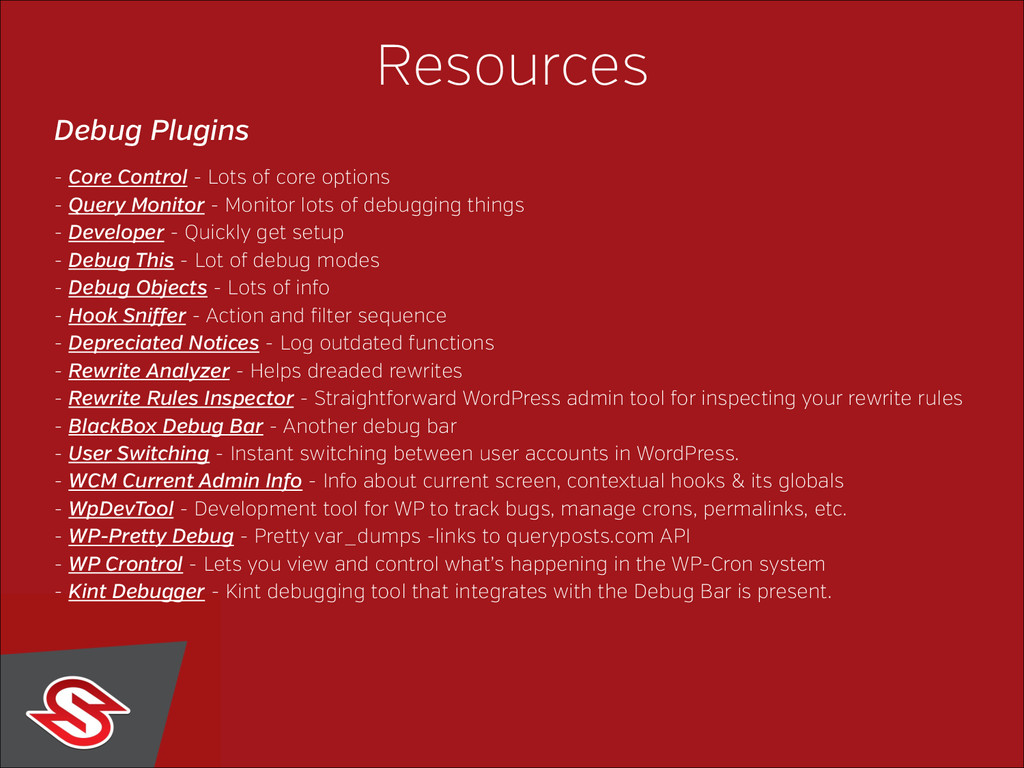
  5. Resources Debug Plugins - Core Control - Lots of core

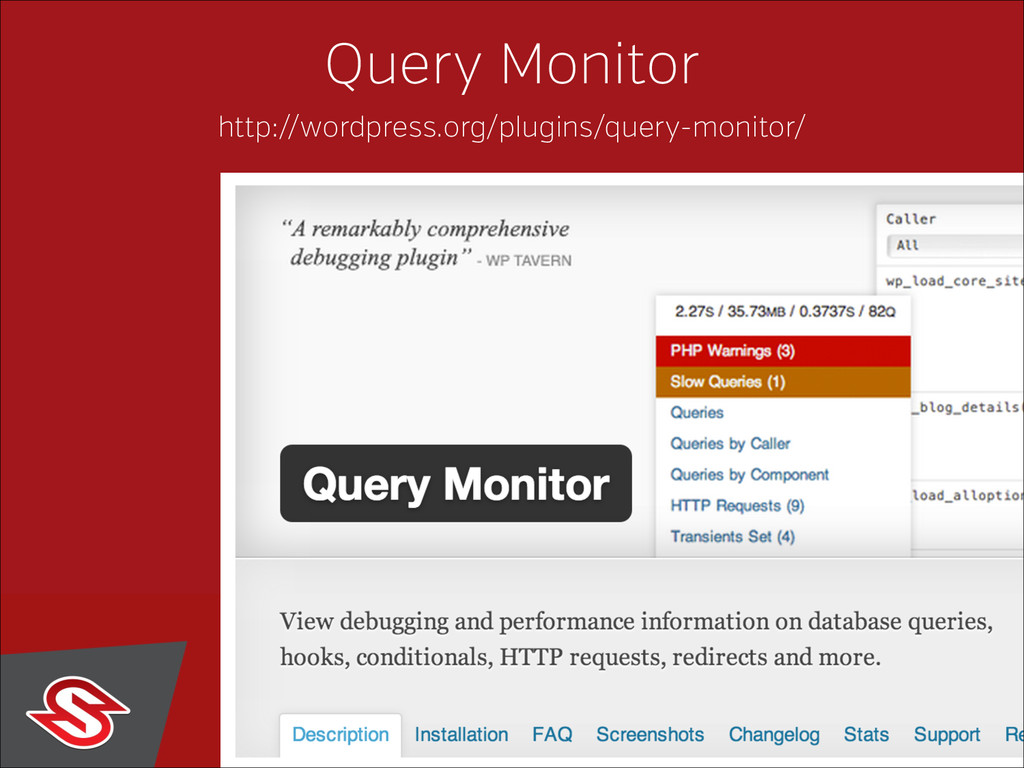
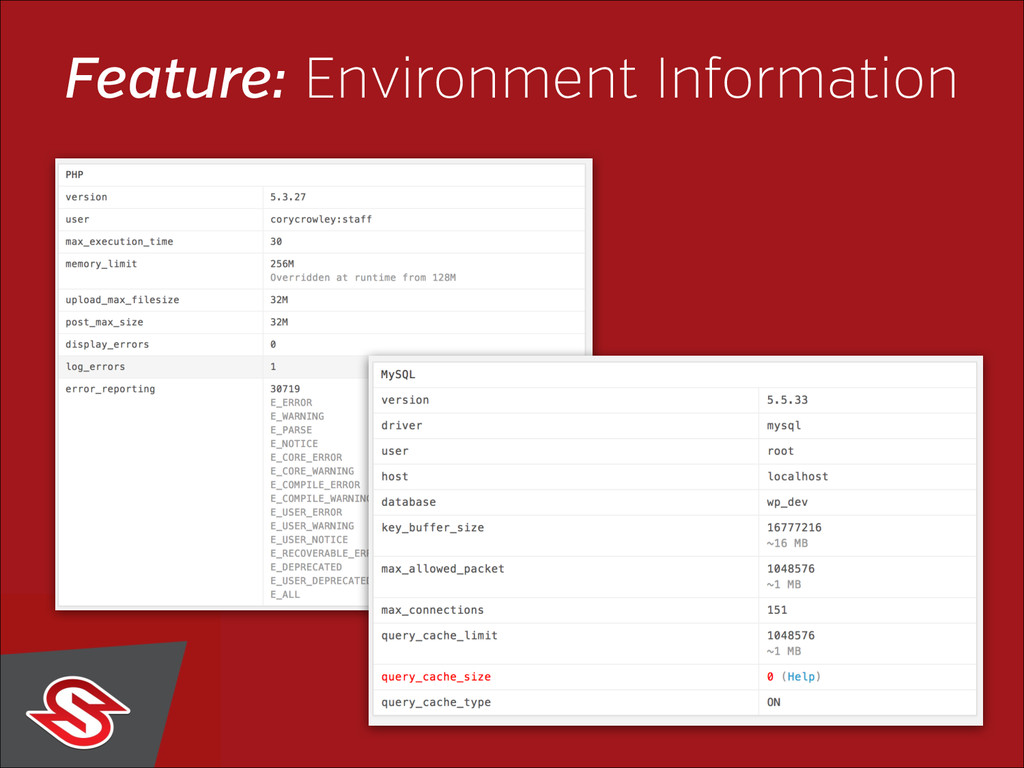
    options - Query Monitor - Monitor lots of debugging things - Developer - Quickly get setup - Debug This - Lot of debug modes - Debug Objects - Lots of info - Hook Sniffer - Action and filter sequence - Depreciated Notices - Log outdated functions - Rewrite Analyzer - Helps dreaded rewrites - Rewrite Rules Inspector - Straightforward WordPress admin tool for inspecting your rewrite rules - BlackBox Debug Bar - Another debug bar - User Switching - Instant switching between user accounts in WordPress. - WCM Current Admin Info - Info about current screen, contextual hooks & its globals - WpDevTool - Development tool for WP to track bugs, manage crons, permalinks, etc. - WP-Pretty Debug - Pretty var_dumps -links to queryposts.com API - WP Crontrol - Lets you view and control what’s happening in the WP-Cron system - Kint Debugger - Kint debugging tool that integrates with the Debug Bar is present.
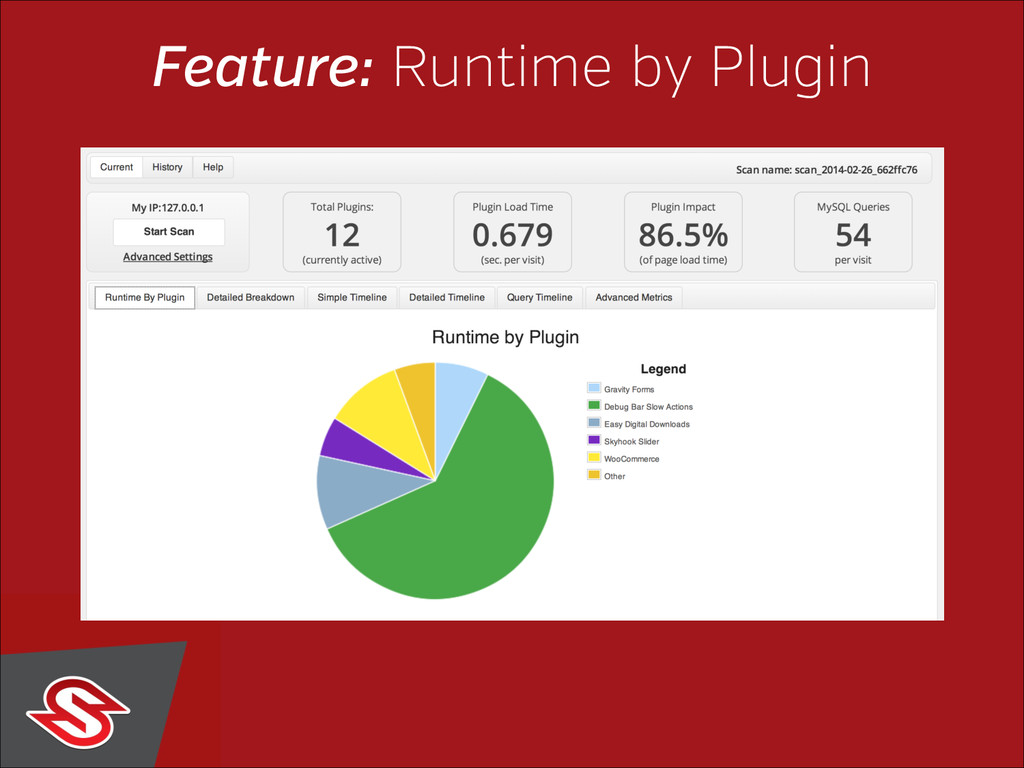
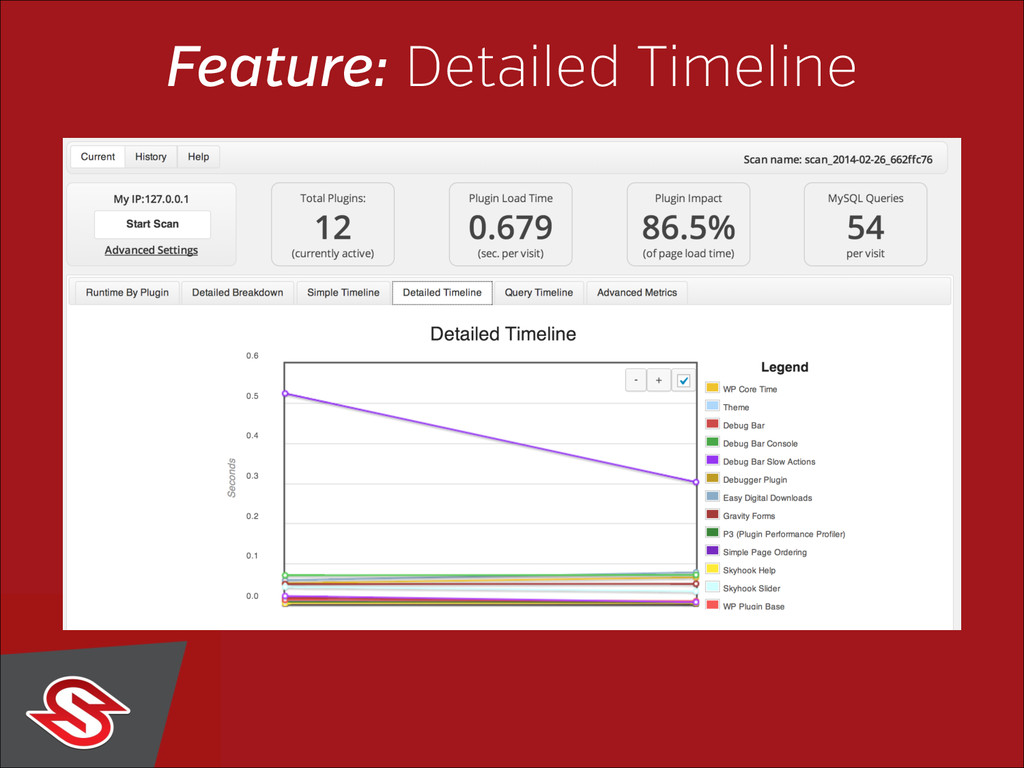
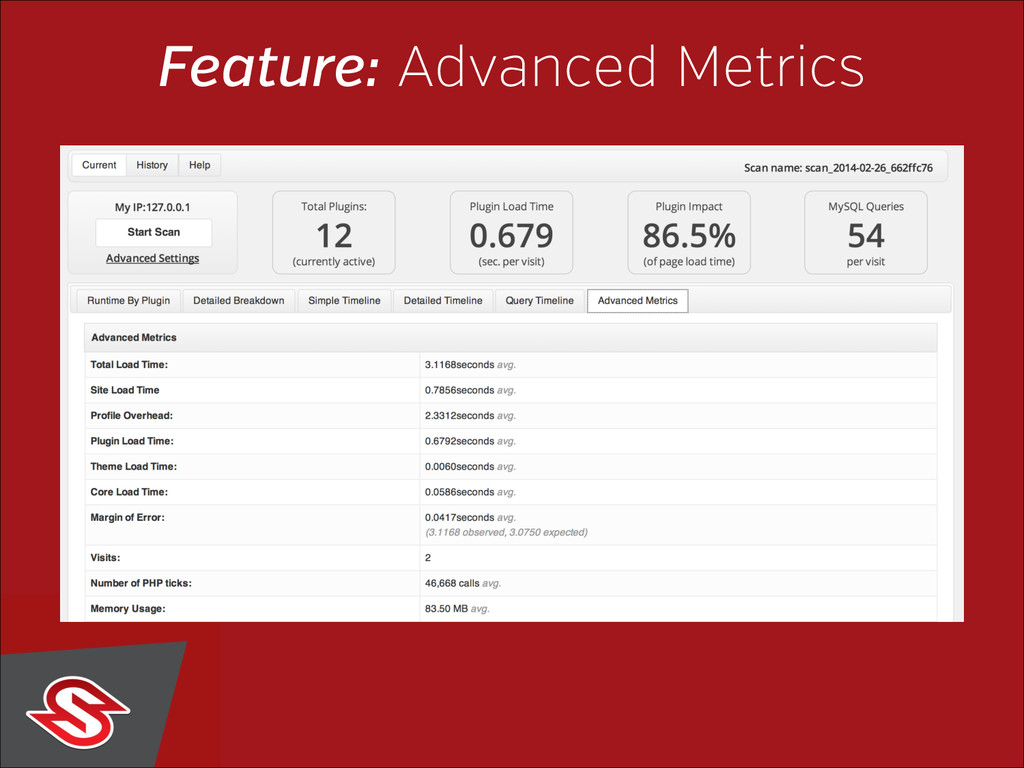
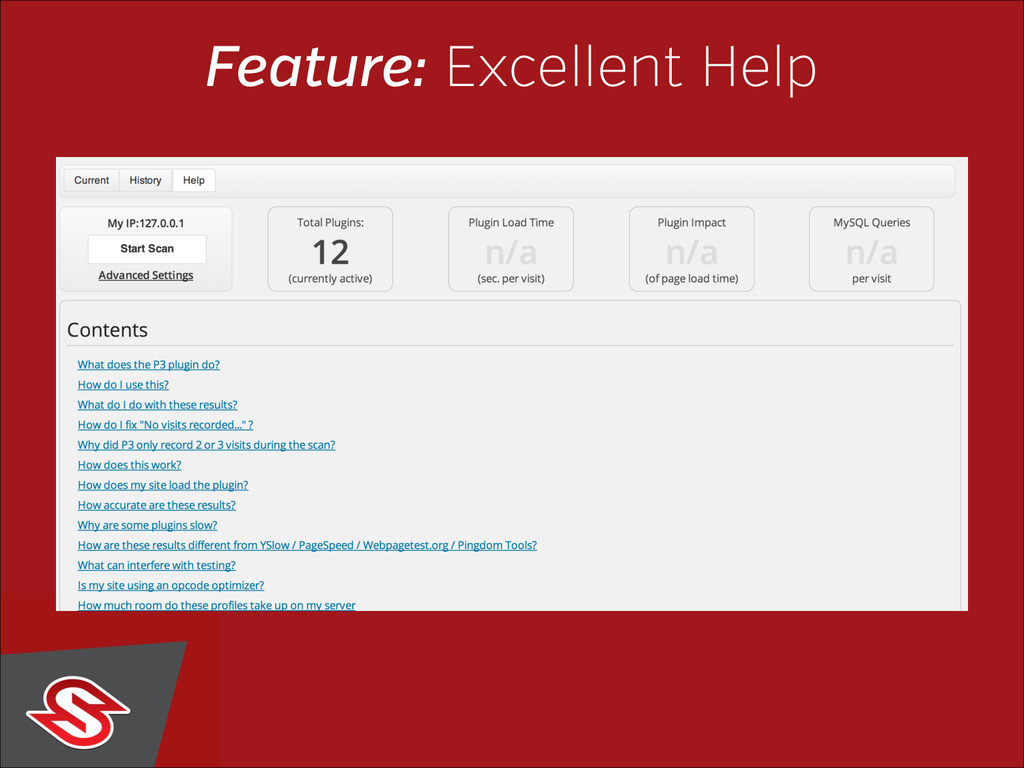
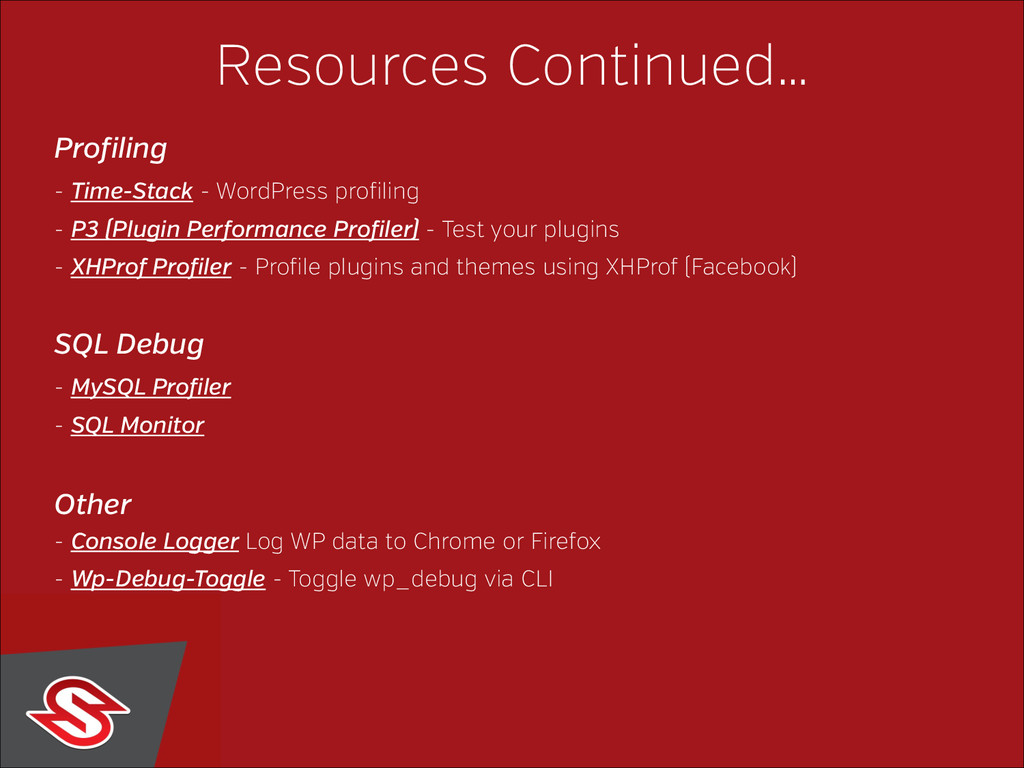
  6. Resources Continued… Profiling - Time-Stack - WordPress profiling - P3

    (Plugin Performance Profiler) - Test your plugins - XHProf Profiler - Profile plugins and themes using XHProf (Facebook) SQL Debug - MySQL Profiler - SQL Monitor Other - Console Logger Log WP data to Chrome or Firefox - Wp-Debug-Toggle - Toggle wp_debug via CLI