of a digital mentor • Inspiring people to get online • Overcoming barriers • Basic digital skills • Accessibility • Online learning resources • Facilitating discussions and activities • Back to basics Session Content
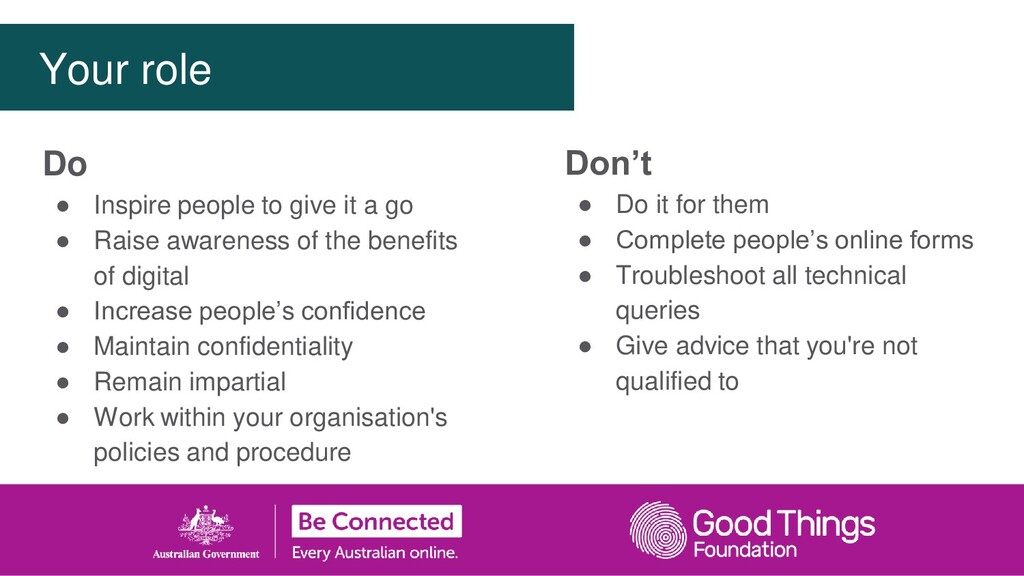
forms • Troubleshoot all technical queries • Give advice that you're not qualified to Do • Inspire people to give it a go • Raise awareness of the benefits of digital • Increase people’s confidence • Maintain confidentiality • Remain impartial • Work within your organisation's policies and procedure Your role
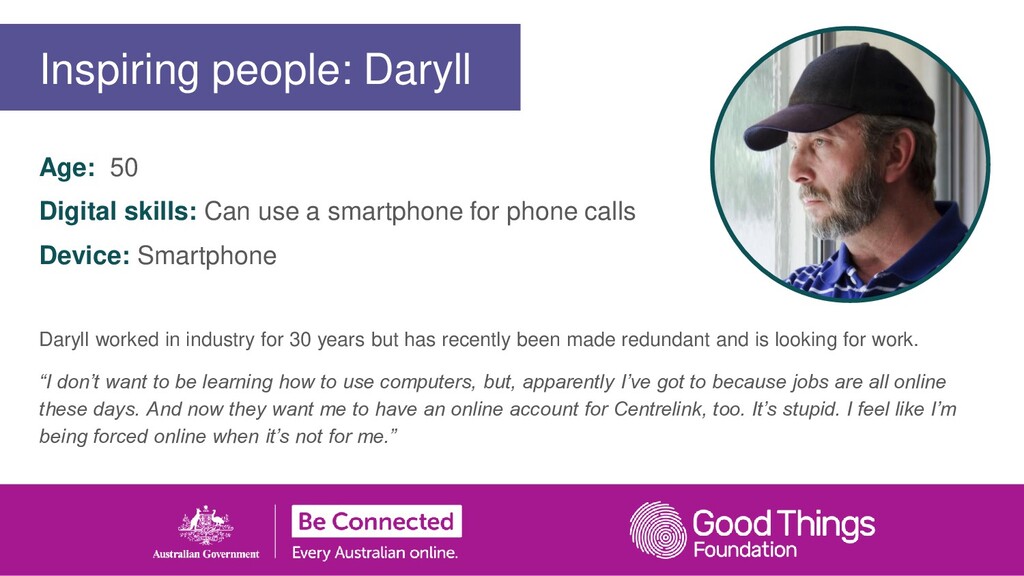
calls Device: Smartphone Daryll worked in industry for 30 years but has recently been made redundant and is looking for work. “I don’t want to be learning how to use computers, but, apparently I’ve got to because jobs are all online these days. And now they want me to have an online account for Centrelink, too. It’s stupid. I feel like I’m being forced online when it’s not for me.” Inspiring people: Daryll
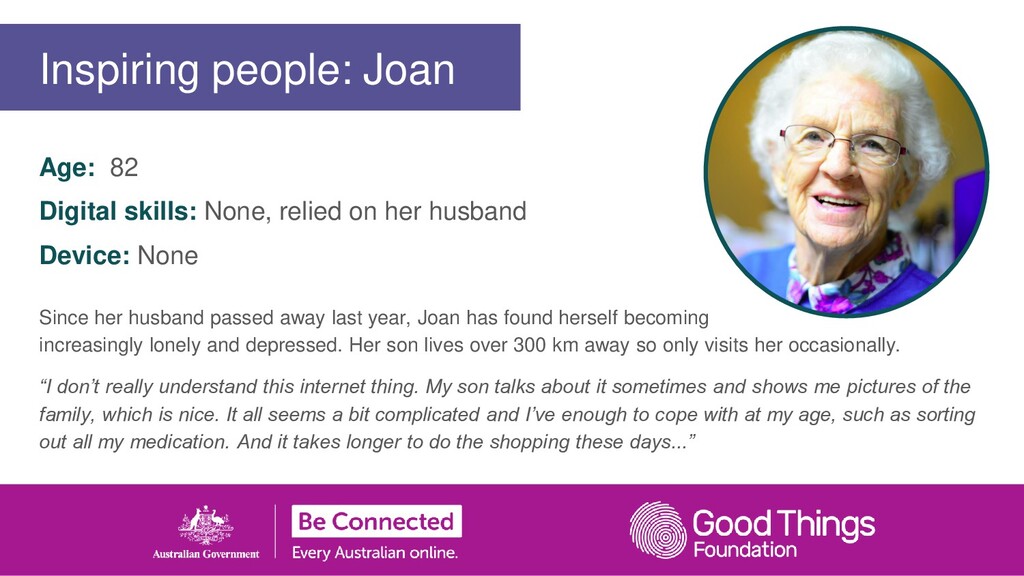
None Since her husband passed away last year, Joan has found herself becoming increasingly lonely and depressed. Her son lives over 300 km away so only visits her occasionally. “I don’t really understand this internet thing. My son talks about it sometimes and shows me pictures of the family, which is nice. It all seems a bit complicated and I’ve enough to cope with at my age, such as sorting out all my medication. And it takes longer to do the shopping these days...” Inspiring people: Joan
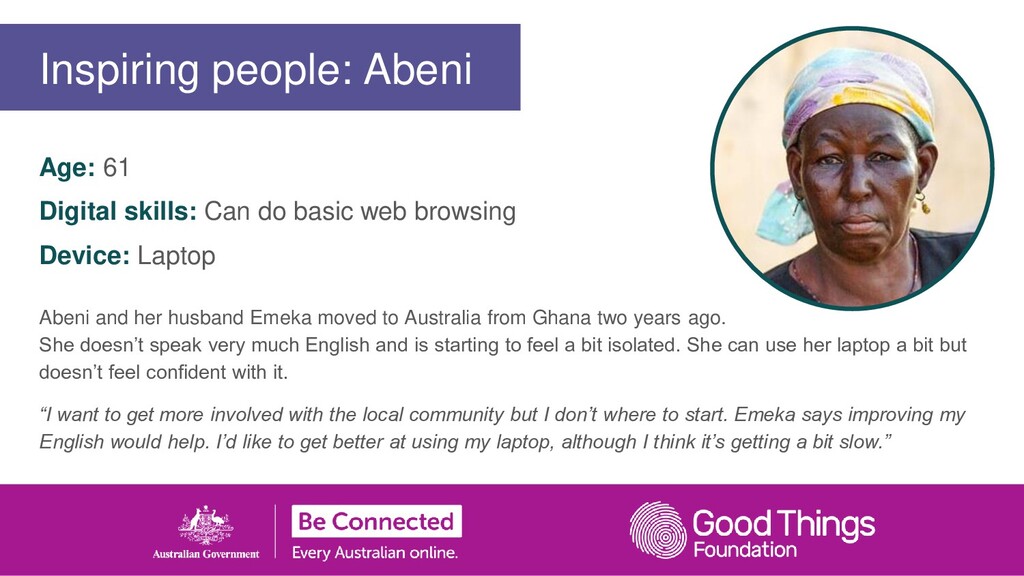
Laptop Abeni and her husband Emeka moved to Australia from Ghana two years ago. She doesn’t speak very much English and is starting to feel a bit isolated. She can use her laptop a bit but doesn’t feel confident with it. “I want to get more involved with the local community but I don’t where to start. Emeka says improving my English would help. I’d like to get better at using my laptop, although I think it’s getting a bit slow.” Inspiring people: Abeni
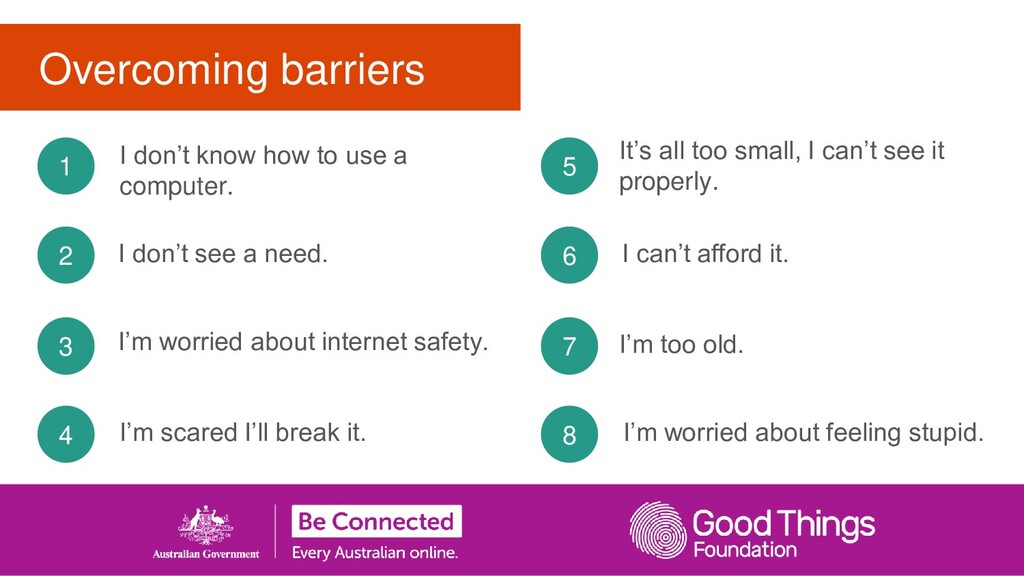
a need. I don’t know how to use a computer. 3 2 1 I’m scared I’ll break it. 4 It’s all too small, I can’t see it properly. I can’t afford it. I’m too old. 7 6 5 I’m worried about feeling stupid. 8
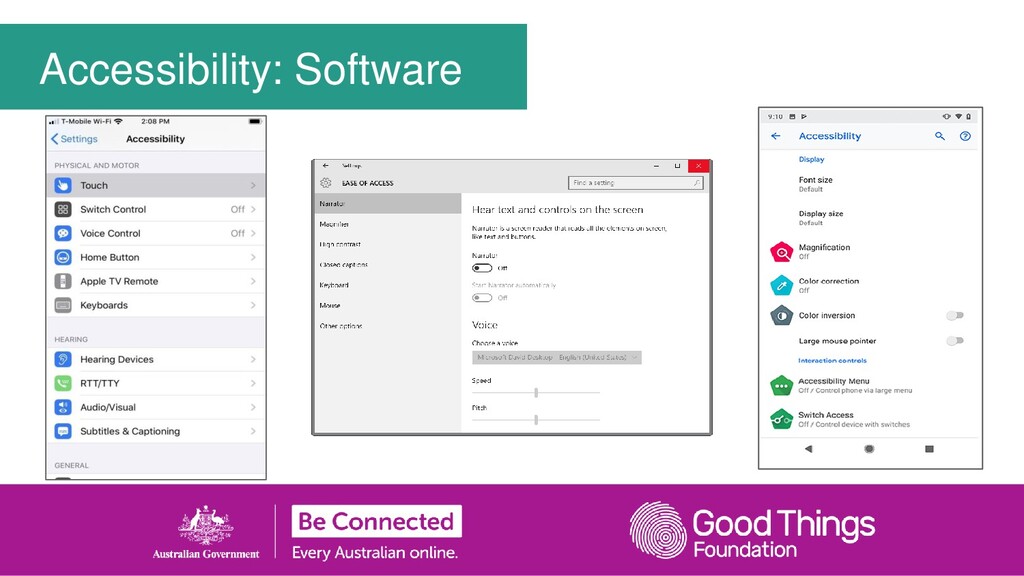
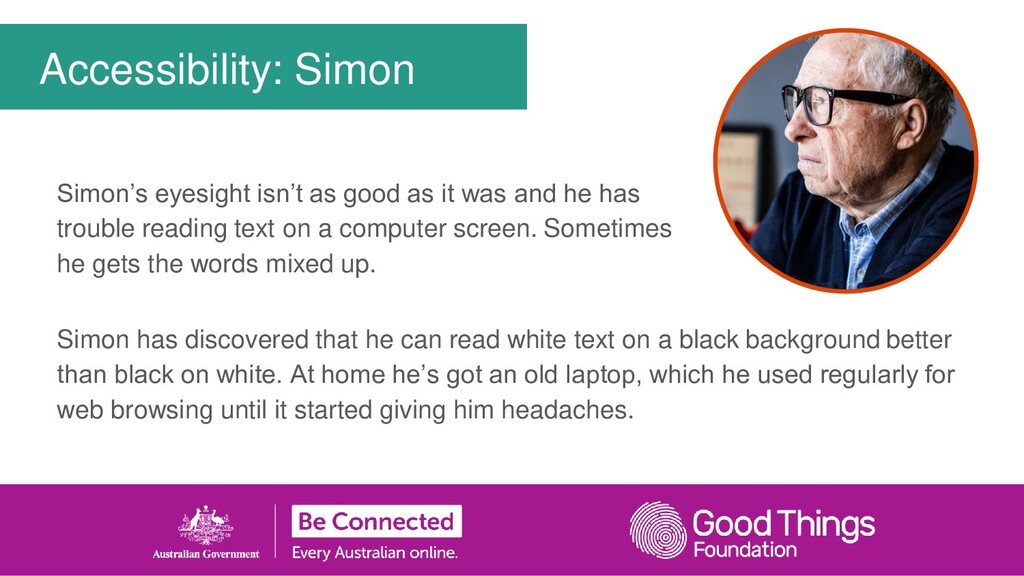
has trouble reading text on a computer screen. Sometimes he gets the words mixed up. Accessibility: Simon Simon has discovered that he can read white text on a black background better than black on white. At home he’s got an old laptop, which he used regularly for web browsing until it started giving him headaches.
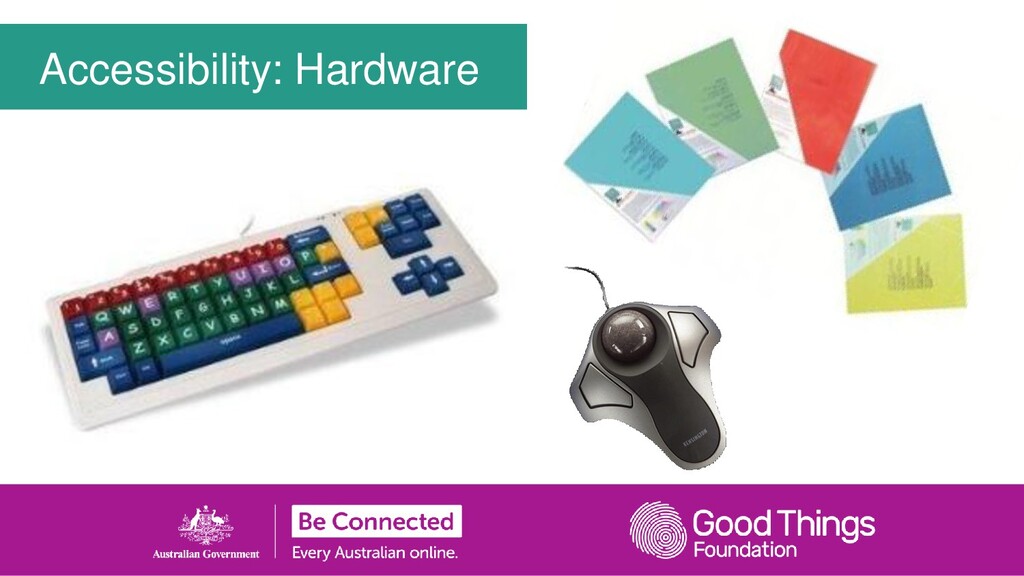
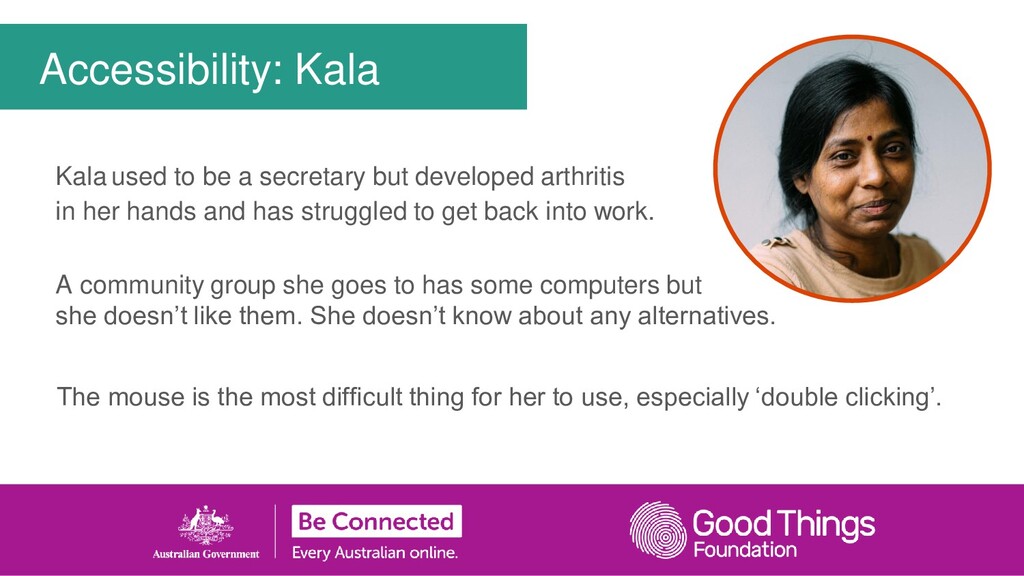
her hands and has struggled to get back into work. A community group she goes to has some computers but she doesn’t like them. She doesn’t know about any alternatives. Accessibility: Kala The mouse is the most difficult thing for her to use, especially ‘double clicking’.
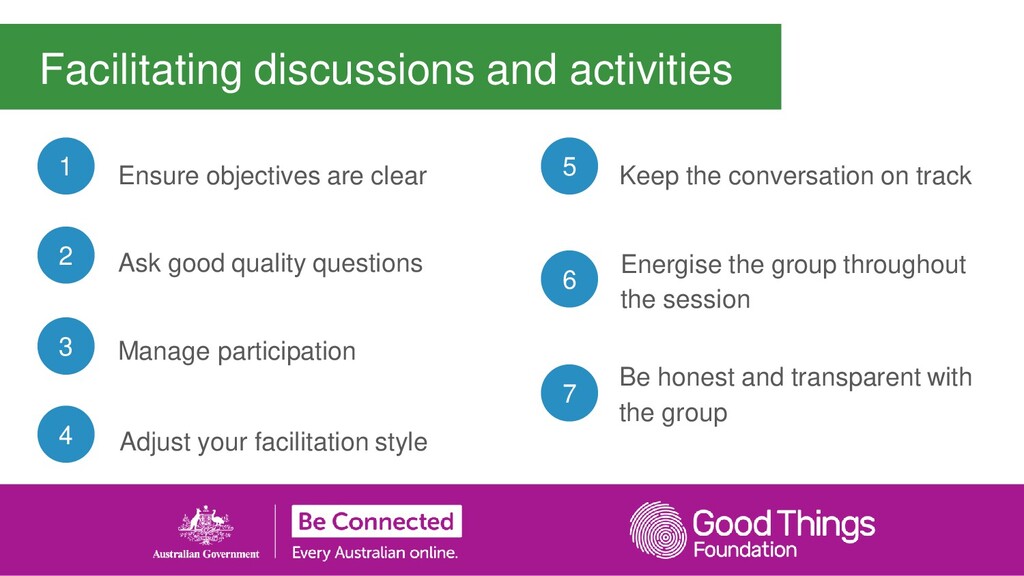
Ensure objectives are clear 3 2 1 Adjust your facilitation style 4 Keep the conversation on track Energise the group throughout the session Be honest and transparent with the group 7 6 5


 akiraasano
 frievea
 hiola
hiola
 suisan
 signer
 yatabe
 bvr7352
 doratex
 camel_404
 pawan_pharm
 soudai
 raygrieselhuber
 addyosmani
 chrislema
 afnizarnur
 chriscoyier
 kevinliebholz
 tammielis
 427marketing
 tmiket
 baasie
 chikuwait
 eileencodes







![[Insert your contact details here] More support is available through:](https://files.speakerdeck.com/presentations/8bbcf5f8dc6244f5951290d13663f9ae/slide_46.jpg)