Upgrade to Pro — share decks privately, control downloads, hide ads and more …

Reduce your SPAM in 5 easy steps, guaranteed!

Reduce your SPAM in 5 easy steps, guaranteed!

Running your own mail server can be a great experience, but the ever-looming threat of SPAM can suck the fun right out of it and make you wonder if moving your mail server to Google Mail or some other service would be better. IN this short tutorial, Craig Maloney will show several easy techniques you can put into place today in order to keep your mail server from accepting SPAM. He’ll also touch briefly on the SPF protocol and how you can help lower SPAM back-scatter, and help get your mail through witl little hassle. We’ll also cover why Bayesian Spam Filtering and Greylisting are overkill for a problem that can be easily addressed on a low-powered machine. Get your mail queue back, and take back your resources, guaranteed, or your money back.

Avatar for Craig Maloney

Craig Maloney

March 12, 2013

Other Decks in Technology

Transcript

  1. “I Get Low Spam” (Or: How to run your own

    mail server, get low spam, and not have to run a Bayesian filter) Craig Maloney Michigan!/usr/group 2013-03-12
  2. We're UNIX-folk. We can do better. (For starters, we can

    stop using Comic Sans in our presentations)
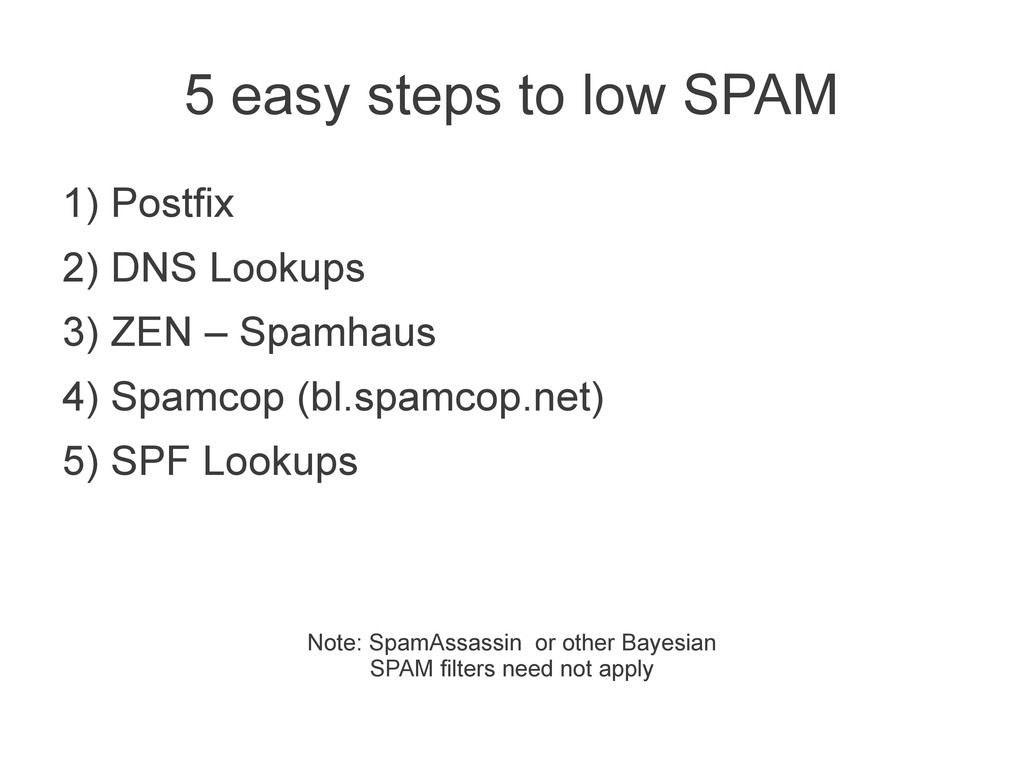
  3. 5 easy steps to low SPAM 1) Postfix 2) DNS

    Lookups 3) ZEN – Spamhaus 4) Spamcop (bl.spamcop.net) 5) SPF Lookups Note: SpamAssassin or other Bayesian SPAM filters need not apply
  4. ZEN - Spamhaus • Part of the Spamhaus project •

    Combines several of their services • Free for individuals and non-profit organizations • Checks if sender's domain is blacklisted http://www.flickr.com/photos/bermilabs/4078685721/
  5. bl.spamcop.com • Blacklist for known bad domains • Straight blacklist

    of domains. • Run by Cisco • (Has a reporting service if you're into that sort of thing) http://www.flickr.com/photos/freefoto/2194435381/sizes/o/
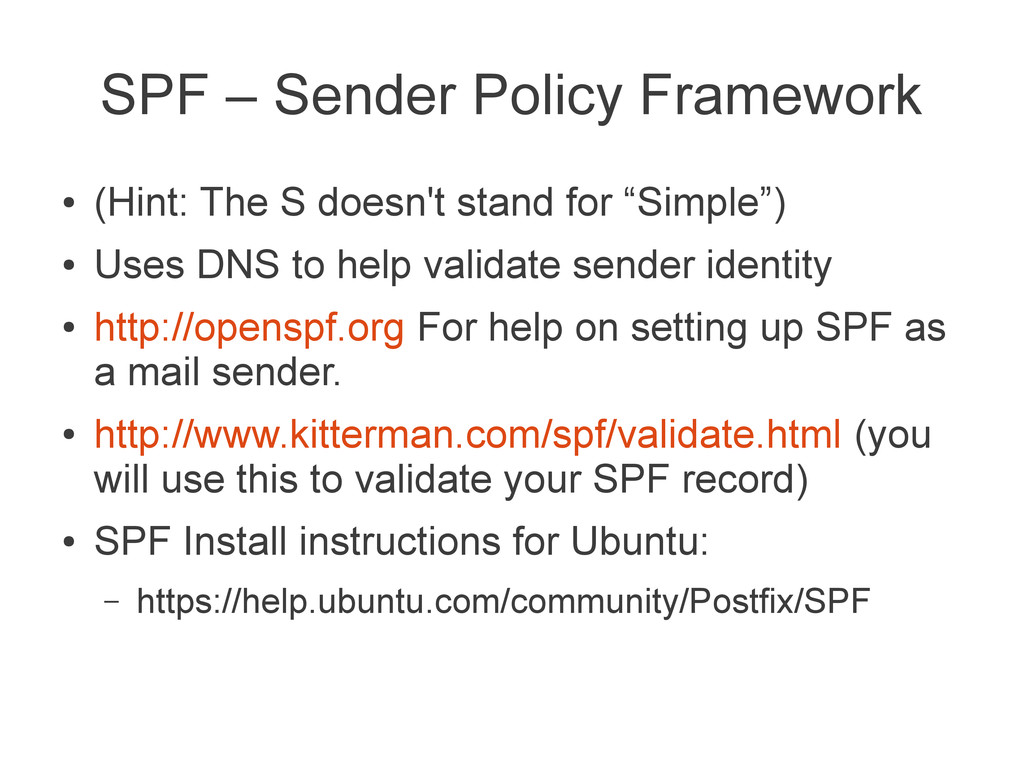
  6. SPF – Sender Policy Framework • (Hint: The S doesn't

    stand for “Simple”) • Uses DNS to help validate sender identity • http://openspf.org For help on setting up SPF as a mail sender. • http://www.kitterman.com/spf/validate.html (you will use this to validate your SPF record) • SPF Install instructions for Ubuntu: – https://help.ubuntu.com/community/Postfix/SPF
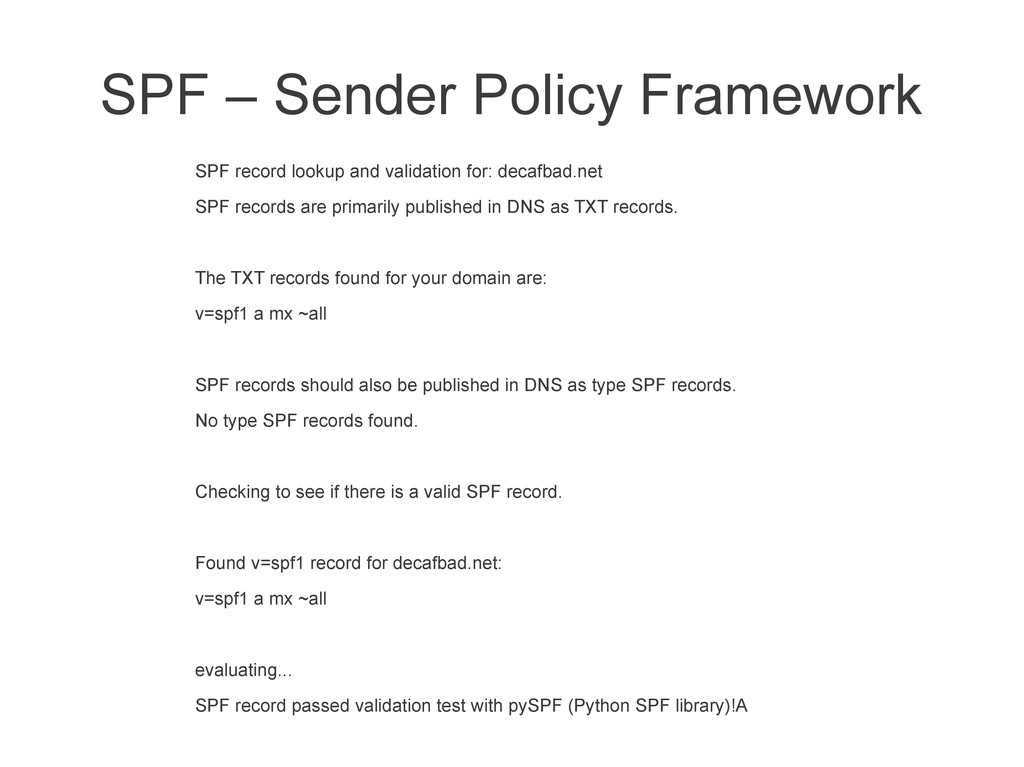
  7. SPF – Sender Policy Framework SPF record lookup and validation

    for: decafbad.net SPF records are primarily published in DNS as TXT records. The TXT records found for your domain are: v=spf1 a mx ~all SPF records should also be published in DNS as type SPF records. No type SPF records found. Checking to see if there is a valid SPF record. Found v=spf1 record for decafbad.net: v=spf1 a mx ~all evaluating... SPF record passed validation test with pySPF (Python SPF library)!A
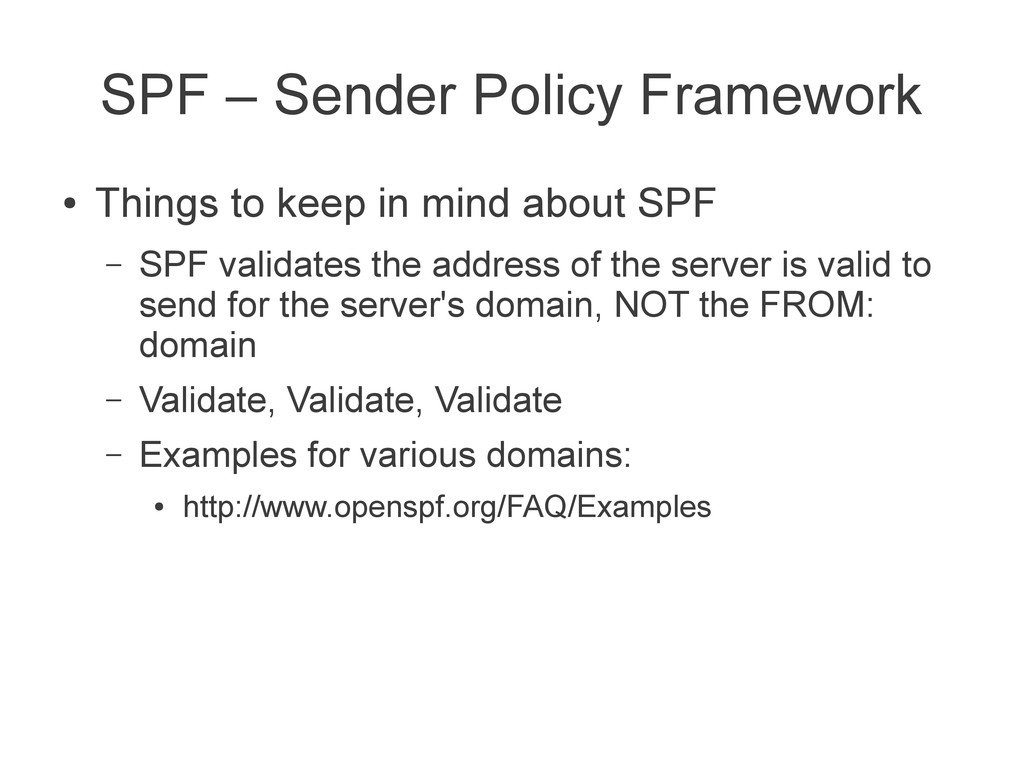
  8. SPF – Sender Policy Framework • Things to keep in

    mind about SPF – SPF validates the address of the server is valid to send for the server's domain, NOT the FROM: domain – Validate, Validate, Validate – Examples for various domains: • http://www.openspf.org/FAQ/Examples
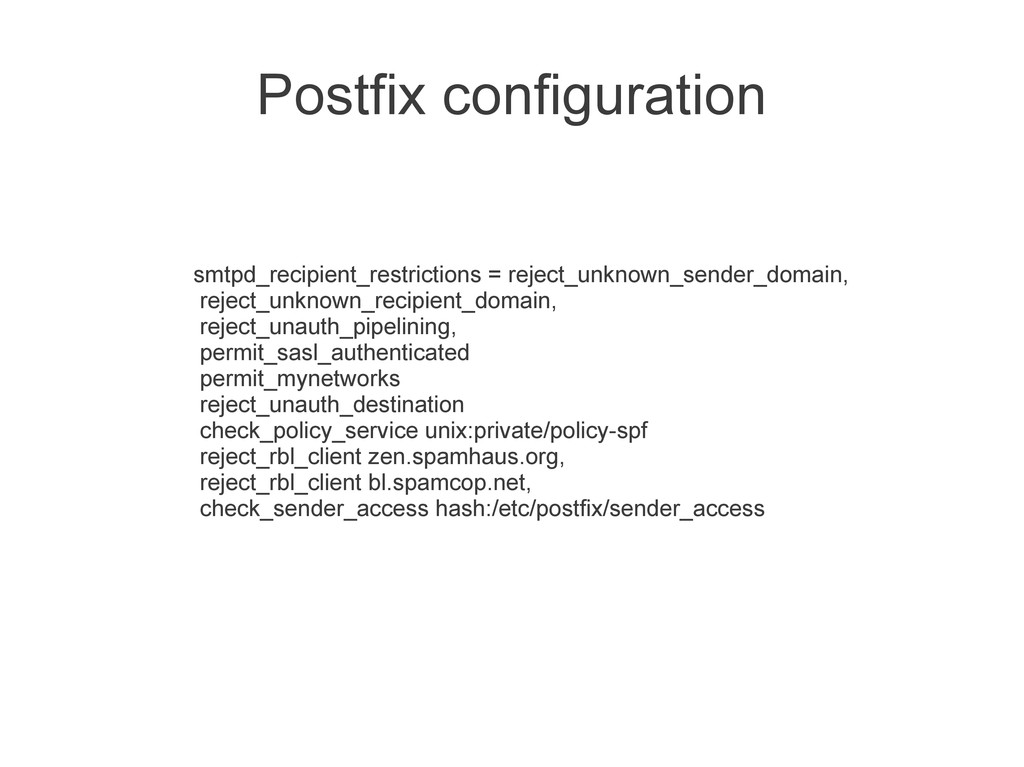
  9. Postfix configuration smtpd_recipient_restrictions = reject_unknown_sender_domain, reject_unknown_recipient_domain, reject_unauth_pipelining, permit_sasl_authenticated permit_mynetworks reject_unauth_destination

    check_policy_service unix:private/policy-spf reject_rbl_client zen.spamhaus.org, reject_rbl_client bl.spamcop.net, check_sender_access hash:/etc/postfix/sender_access
  10. Parting thoughts • Mailing lists – convenient ways for getting

    SPAM – Unsubscribe from those you no longer read. – Mailing list owners will get SPAM. I'm sorry. • DKIM – Domain-keys identified mail. Requires crypto. • DMARC: – Combines SPF and DKIM together • Messages pass SPF and / or DKIM checks and “alignment”.