Upgrade to Pro — share decks privately, control downloads, hide ads and more …

Bridging the Gap Between Product & Engineering

Sponsored · Your Podcast. Everywhere. Effortlessly. Share. Educate. Inspire. Entertain. You do you. We'll handle the rest. →

Bridging the Gap Between Product & Engineering

The slides for my presentation at Product Secrets in New York City. Tips for engineers, product managers and designers working on software products to improve communication and work more effectively with one another.

Avatar for Cameron Spickert

Cameron Spickert

November 19, 2014

More Decks by Cameron Spickert

Other Decks in Technology

Transcript

  1. Product Secrets #6 Bridging the Gap Between Product & Engineering

    Cameron Spickert Director of Mobile Engineering @ Oyster November 19, 2014
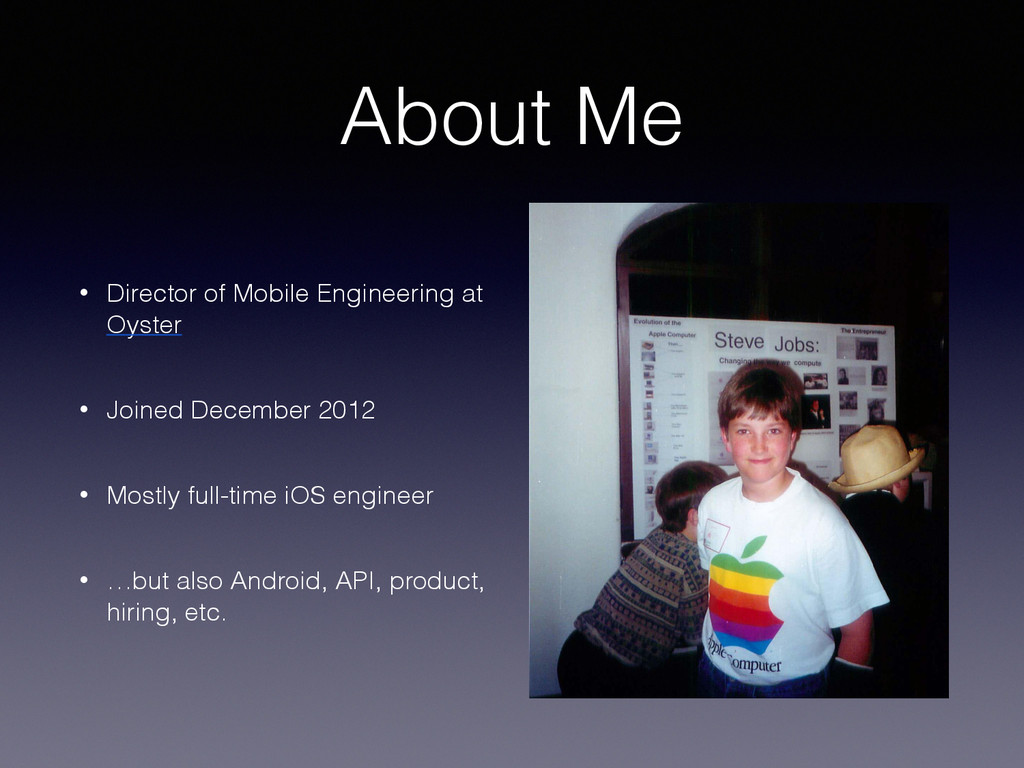
  2. About Me • Director of Mobile Engineering at Oyster •

    Joined December 2012 • Mostly full-time iOS engineer • …but also Android, API, product, hiring, etc.
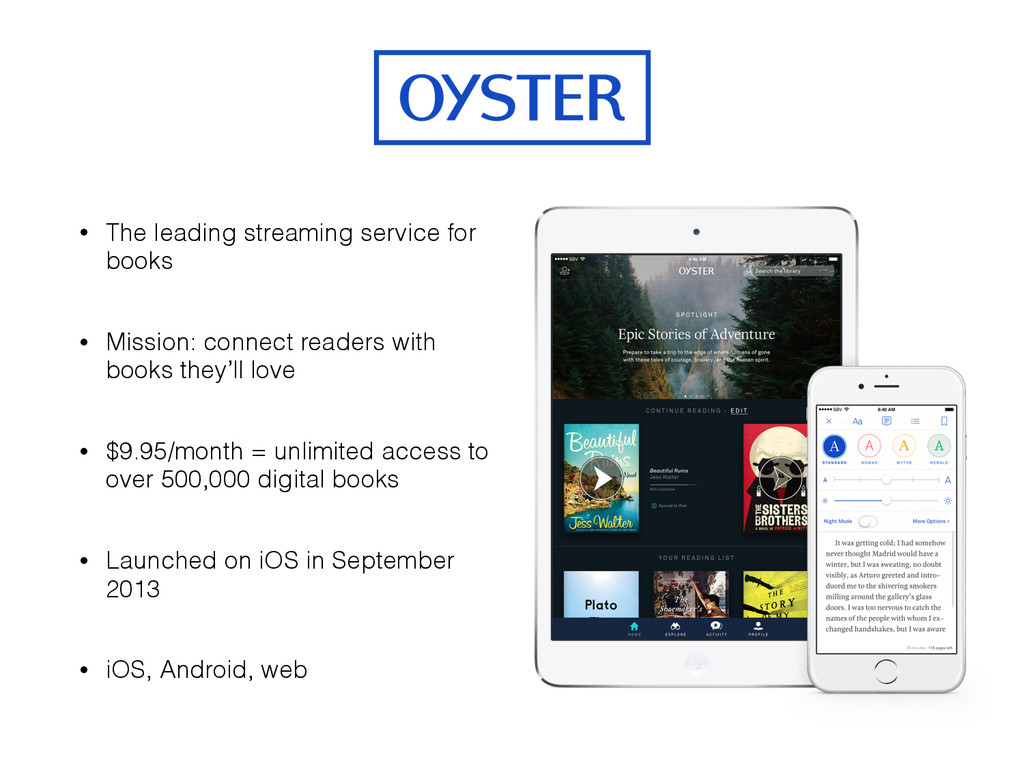
  3. Oyster • The leading streaming service for books • Mission:

    connect readers with books they’ll love • $9.95/month = unlimited access to over 500,000 digital books • Launched on iOS in September 2013 • iOS, Android, web
  4. What is the “gap”? • Many companies have separate design,

    engineering and management teams • More separation = more room for error, miscommunication, inefficiency • Bridge the gaps between teams/specializations to work more effectively
  5. Goals • Solve all of your problems • Share my

    own observations/ideas (~5 years) • Help you avoid some common pitfalls • Encourage reflection about your own process
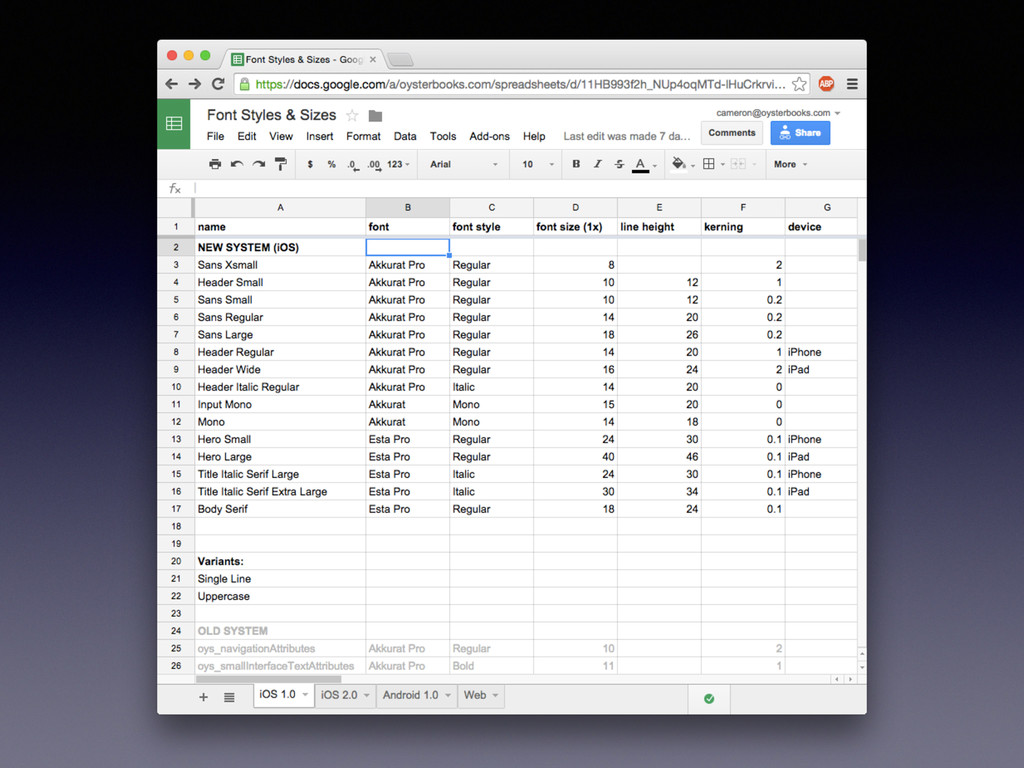
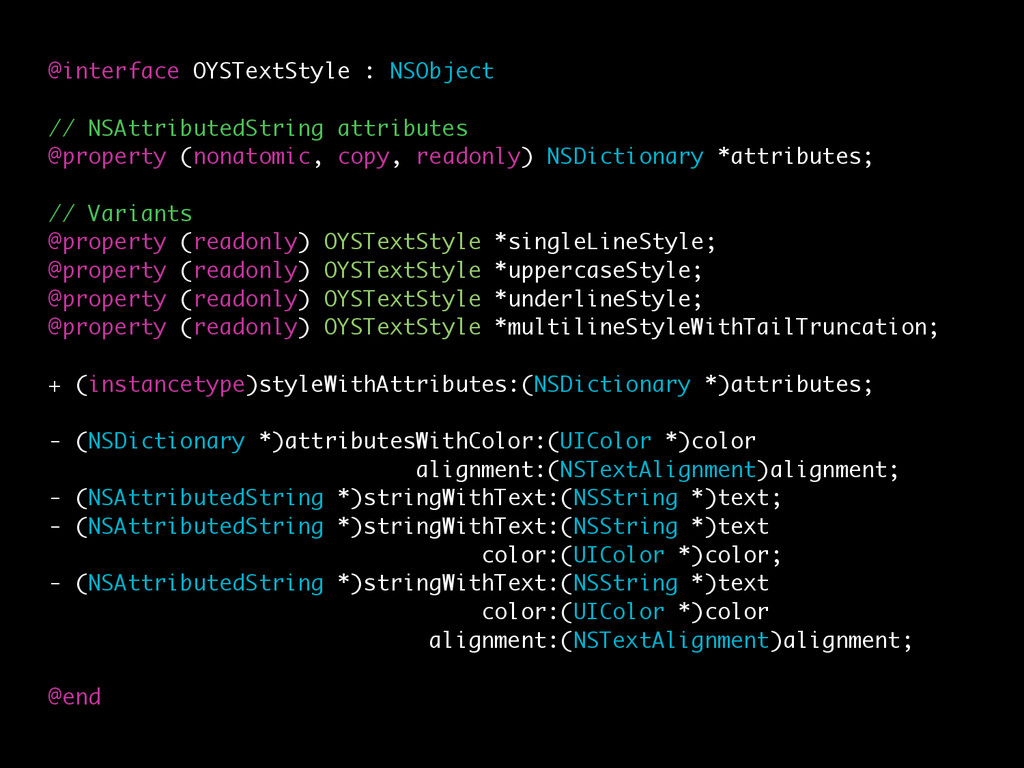
  6. @interface OYSTextStyle : NSObject // NSAttributedString attributes @property (nonatomic, copy,

    readonly) NSDictionary *attributes; // Variants @property (readonly) OYSTextStyle *singleLineStyle; @property (readonly) OYSTextStyle *uppercaseStyle; @property (readonly) OYSTextStyle *underlineStyle; @property (readonly) OYSTextStyle *multilineStyleWithTailTruncation; + (instancetype)styleWithAttributes:(NSDictionary *)attributes; - (NSDictionary *)attributesWithColor:(UIColor *)color alignment:(NSTextAlignment)alignment; - (NSAttributedString *)stringWithText:(NSString *)text; - (NSAttributedString *)stringWithText:(NSString *)text color:(UIColor *)color; - (NSAttributedString *)stringWithText:(NSString *)text color:(UIColor *)color alignment:(NSTextAlignment)alignment; @end
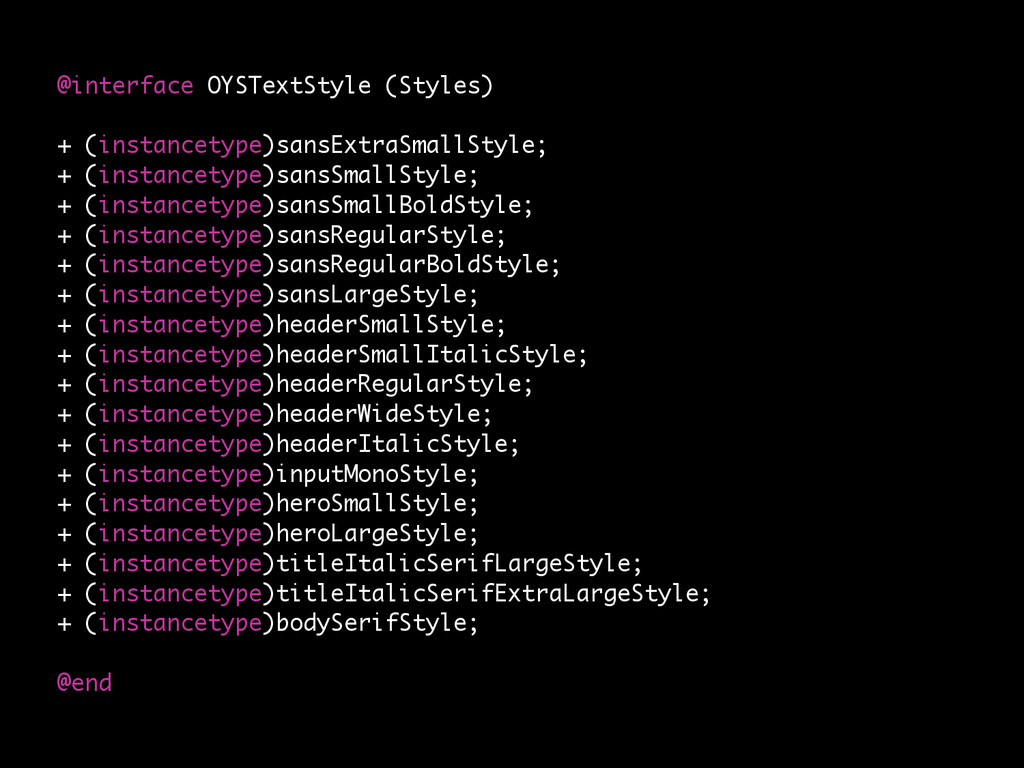
  7. @interface OYSTextStyle (Styles) + (instancetype)sansExtraSmallStyle; + (instancetype)sansSmallStyle; + (instancetype)sansSmallBoldStyle; +

    (instancetype)sansRegularStyle; + (instancetype)sansRegularBoldStyle; + (instancetype)sansLargeStyle; + (instancetype)headerSmallStyle; + (instancetype)headerSmallItalicStyle; + (instancetype)headerRegularStyle; + (instancetype)headerWideStyle; + (instancetype)headerItalicStyle; + (instancetype)inputMonoStyle; + (instancetype)heroSmallStyle; + (instancetype)heroLargeStyle; + (instancetype)titleItalicSerifLargeStyle; + (instancetype)titleItalicSerifExtraLargeStyle; + (instancetype)bodySerifStyle; @end
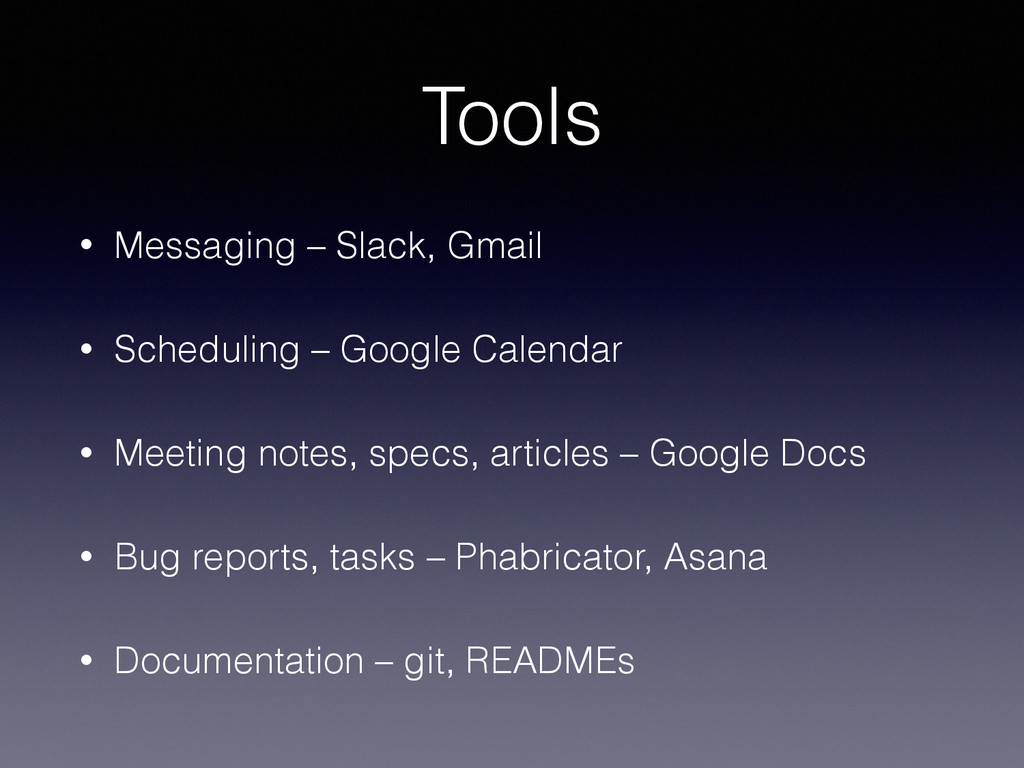
  8. Tools • Messaging – Slack, Gmail • Scheduling – Google

    Calendar • Meeting notes, specs, articles – Google Docs • Bug reports, tasks – Phabricator, Asana • Documentation – git, READMEs
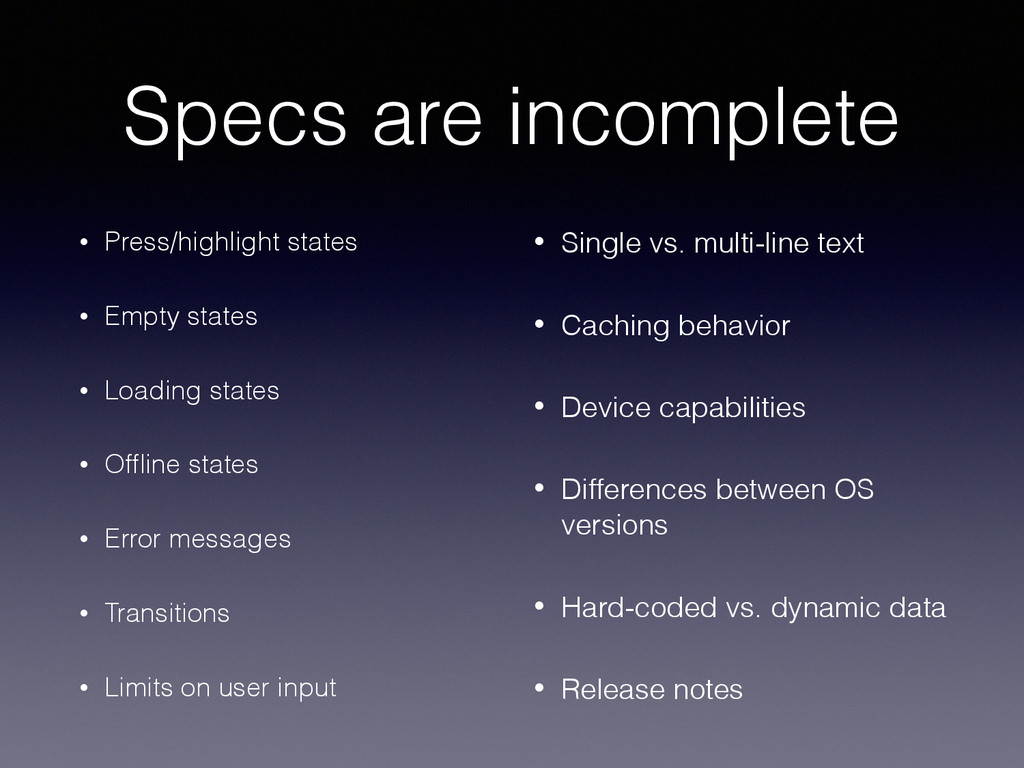
  9. Specs are incomplete • Press/highlight states • Empty states •

    Loading states • Offline states • Error messages • Transitions • Limits on user input • Single vs. multi-line text • Caching behavior • Device capabilities • Differences between OS versions • Hard-coded vs. dynamic data • Release notes
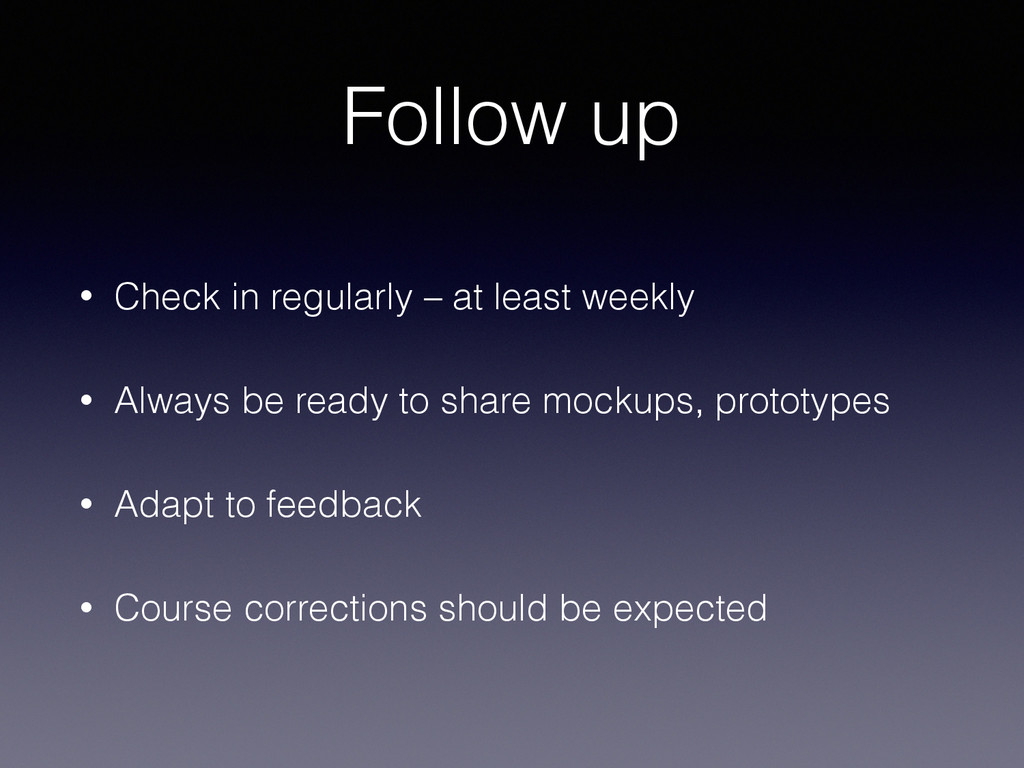
  10. Follow up • Check in regularly – at least weekly

    • Always be ready to share mockups, prototypes • Adapt to feedback • Course corrections should be expected
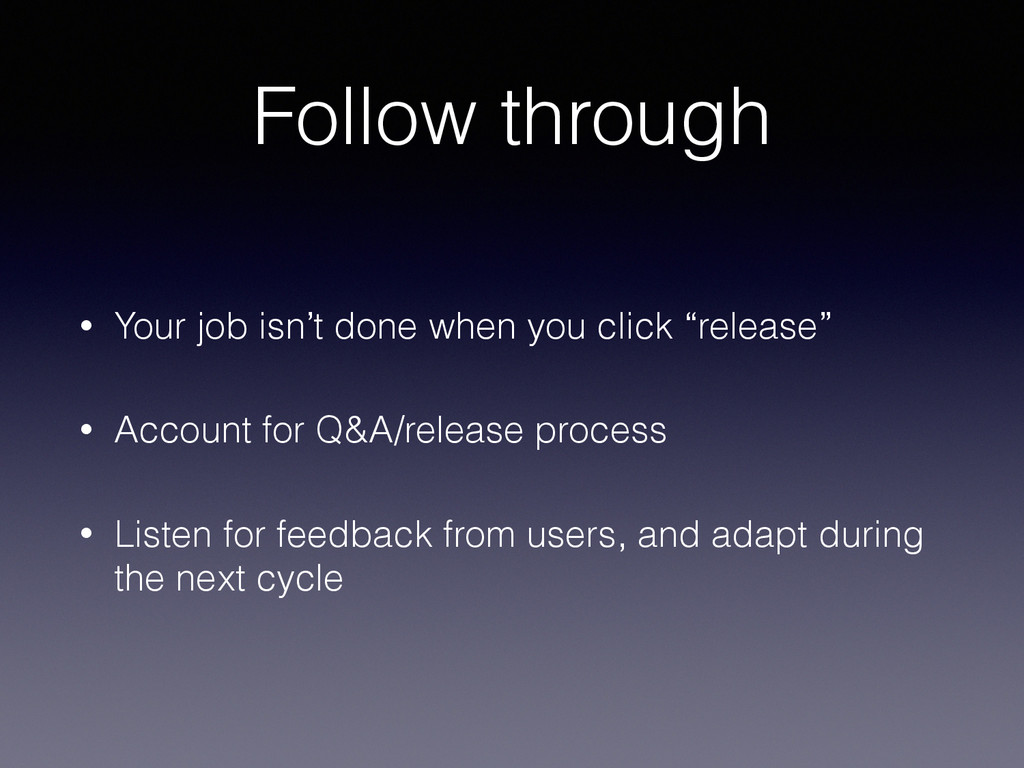
  11. Follow through • Your job isn’t done when you click

    “release” • Account for Q&A/release process • Listen for feedback from users, and adapt during the next cycle
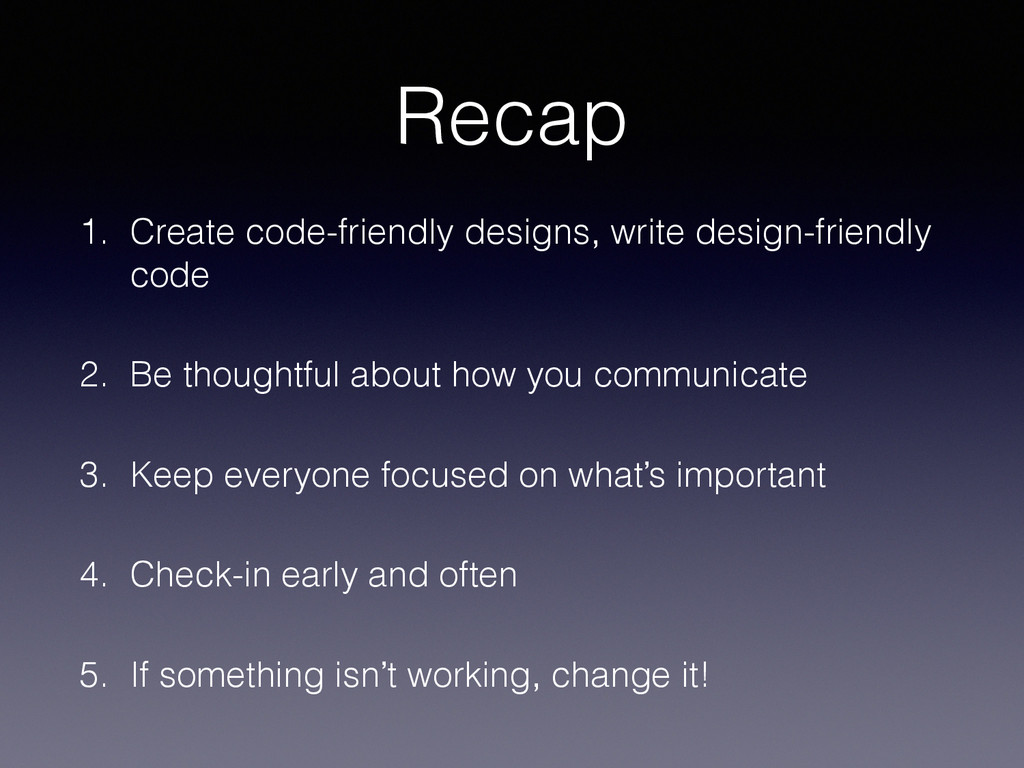
  12. Recap 1. Create code-friendly designs, write design-friendly code 2. Be

    thoughtful about how you communicate 3. Keep everyone focused on what’s important 4. Check-in early and often 5. If something isn’t working, change it!