Upgrade to Pro — share decks privately, control downloads, hide ads and more …

Building Oyster for iOS

Sponsored · Ship Features Fearlessly Turn features on and off without deploys. Used by thousands of Ruby developers. →

Building Oyster for iOS

A look at some of the code powering Oyster for iOS, and a few techniques for managing complex iOS codebases.

Avatar for Cameron Spickert

Cameron Spickert

March 10, 2014

More Decks by Cameron Spickert

Other Decks in Programming

Transcript

  1. Overview • What is Oyster? • Share some inner workings

    of the Oyster iOS app • Discuss techniques for scaling iOS codebases: • better asynchronous programming • displaying/navigating large amounts of data • building hybrid (web-native) interfaces
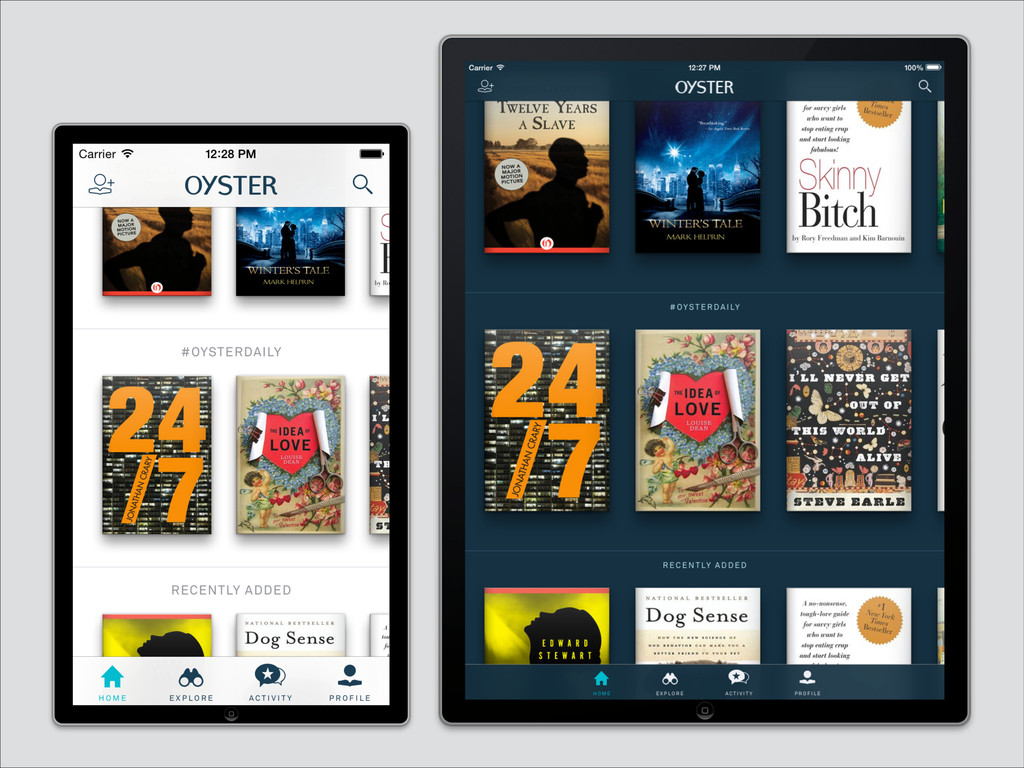
  2. Oyster • Unlimited reading for $9.95/month • Over 100,000 books

    in the library • Available for iOS • http://www.oysterbooks.com
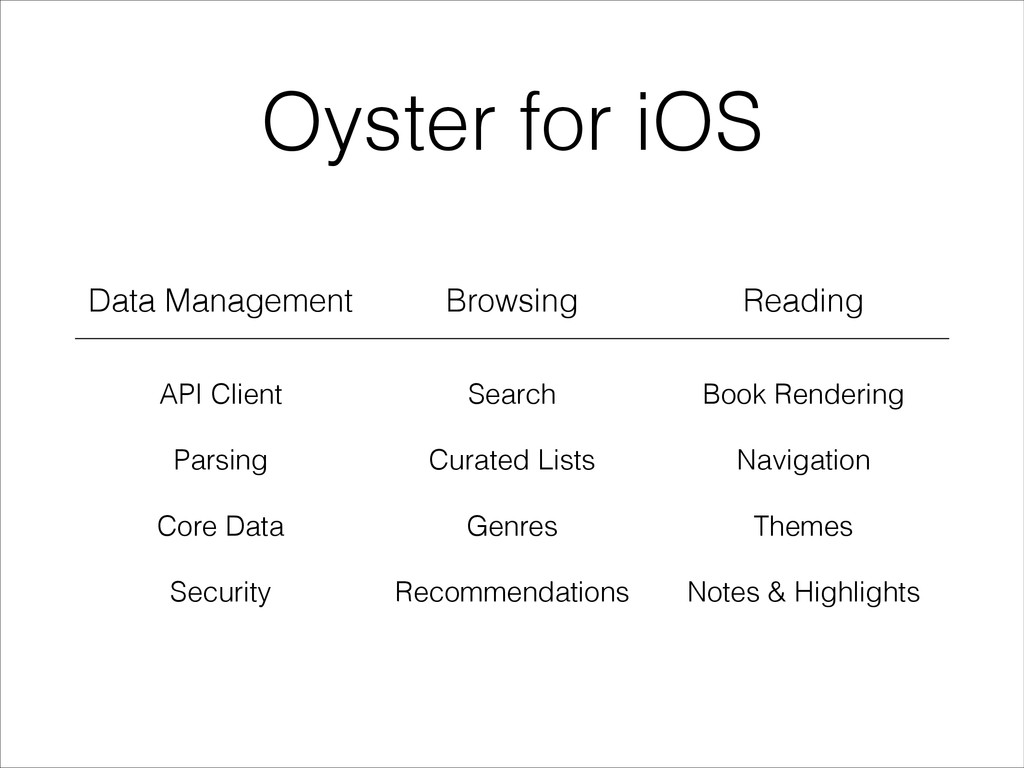
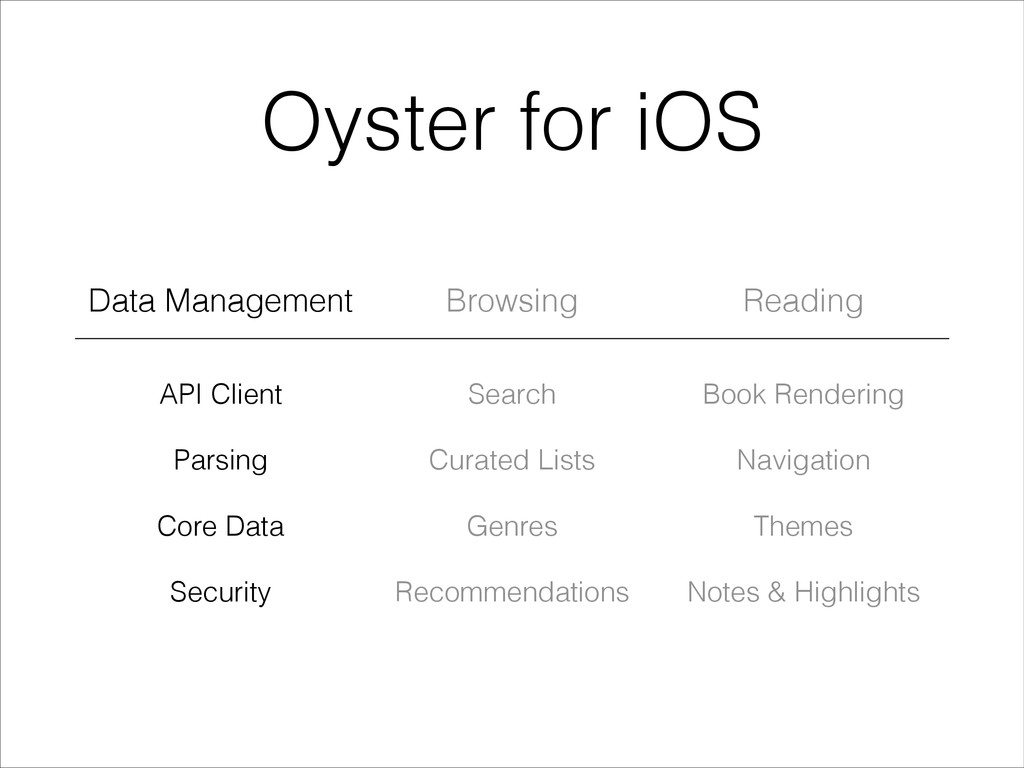
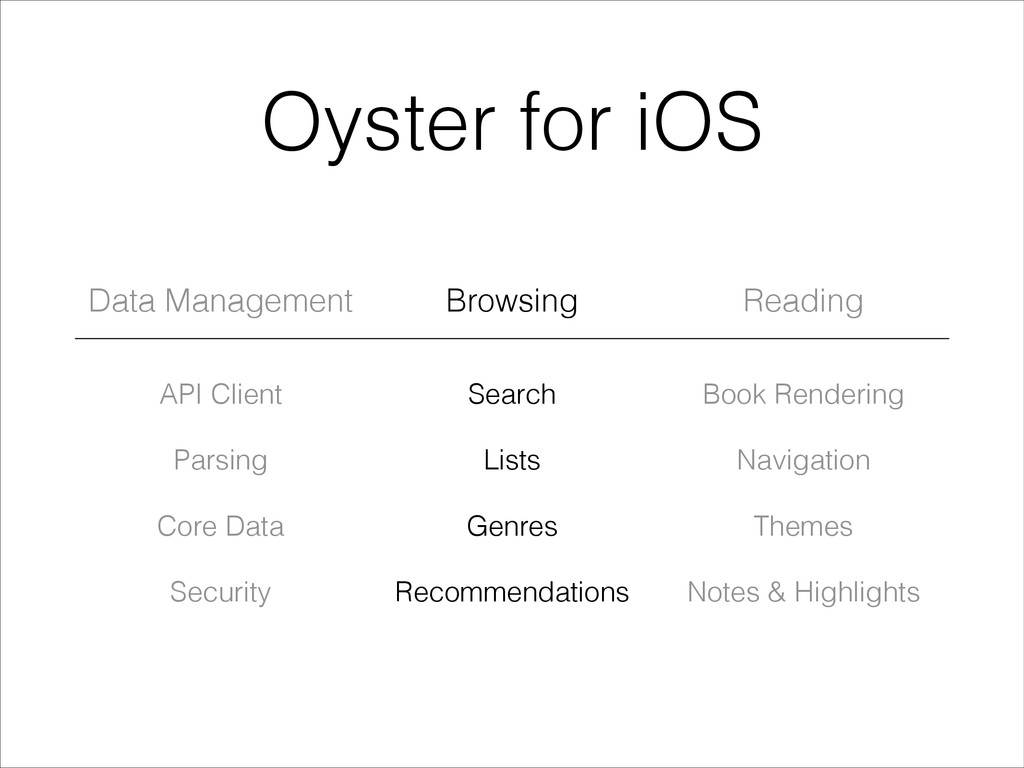
  3. Oyster for iOS Data Management Browsing Reading API Client Parsing

    Core Data Security Search Curated Lists Genres Recommendations Book Rendering Navigation Themes Notes & Highlights
  4. Oyster for iOS Data Management Browsing Reading API Client Parsing

    Core Data Security Search Curated Lists Genres Recommendations Book Rendering Navigation Themes Notes & Highlights
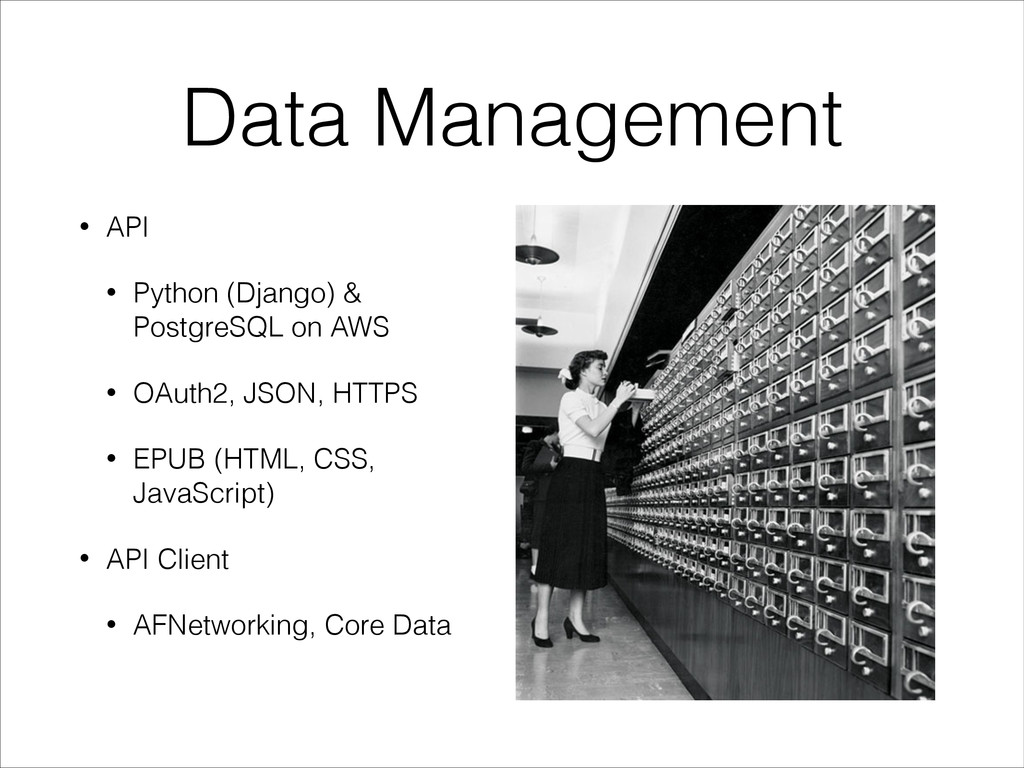
  5. Data Management • API • Python (Django) & PostgreSQL on

    AWS • OAuth2, JSON, HTTPS • EPUB (HTML, CSS, JavaScript) • API Client • AFNetworking, Core Data
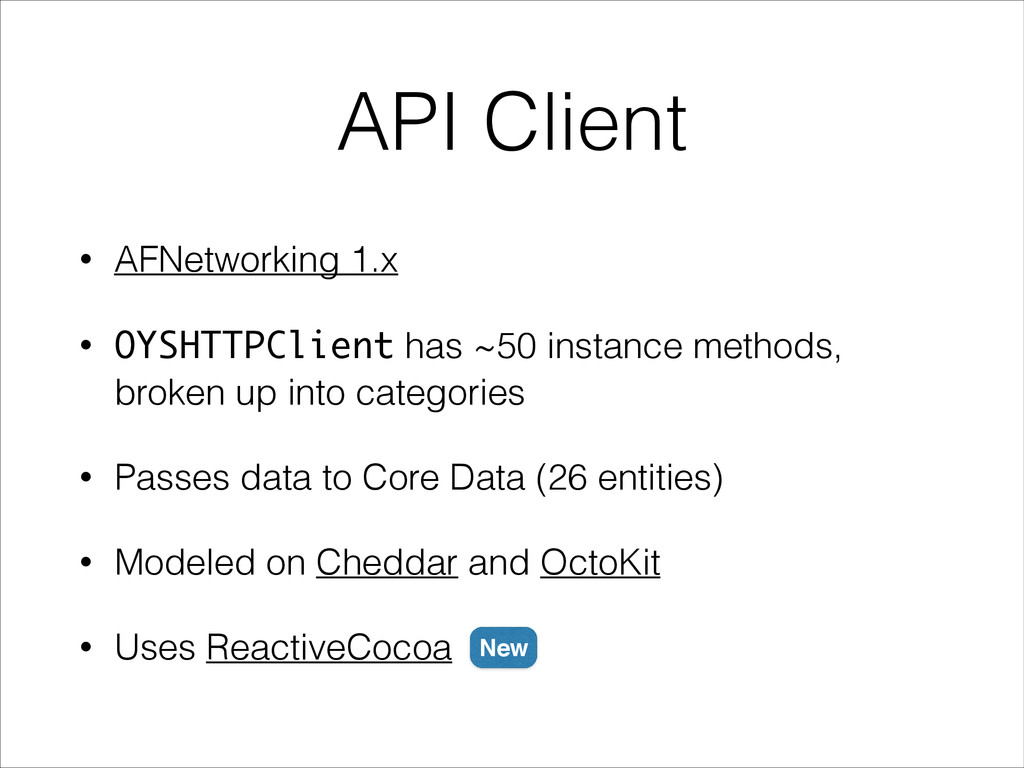
  6. API Client • AFNetworking 1.x • OYSHTTPClient has ~50 instance

    methods, broken up into categories • Passes data to Core Data (26 entities) • Modeled on Cheddar and OctoKit • Uses ReactiveCocoa New
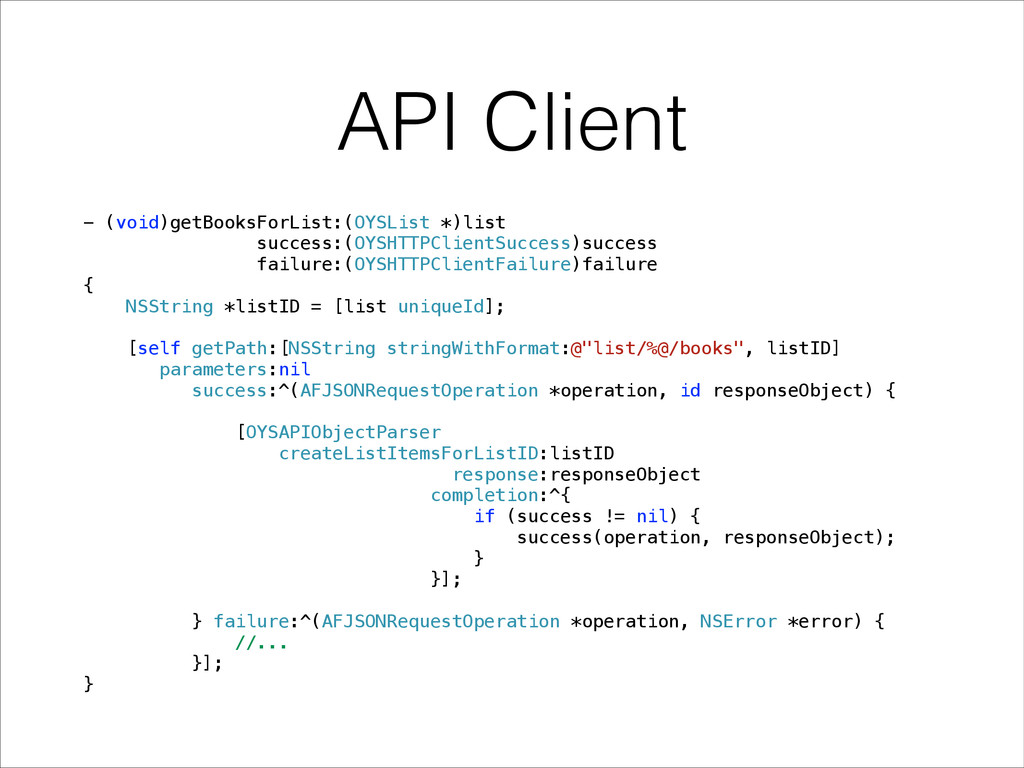
  7. API Client - (void)getBooksForList:(OYSList *)list success:(OYSHTTPClientSuccess)success failure:(OYSHTTPClientFailure)failure { NSString *listID

    = [list uniqueId]; [self getPath:[NSString stringWithFormat:@"list/%@/books", listID] parameters:nil success:^(AFJSONRequestOperation *operation, id responseObject) { [OYSAPIObjectParser createListItemsForListID:listID response:responseObject completion:^{ if (success != nil) { success(operation, responseObject); } }]; } failure:^(AFJSONRequestOperation *operation, NSError *error) { //... }]; }
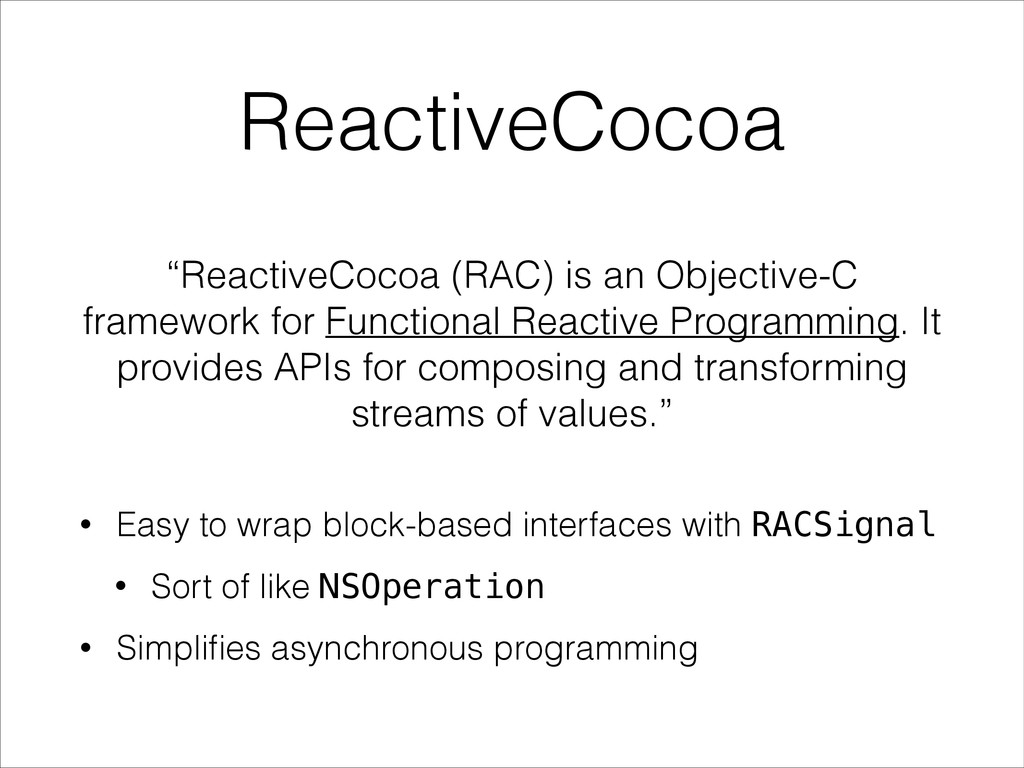
  8. ReactiveCocoa “ReactiveCocoa (RAC) is an Objective-C framework for Functional Reactive

    Programming. It provides APIs for composing and transforming streams of values.” • Easy to wrap block-based interfaces with RACSignal • Sort of like NSOperation • Simplifies asynchronous programming
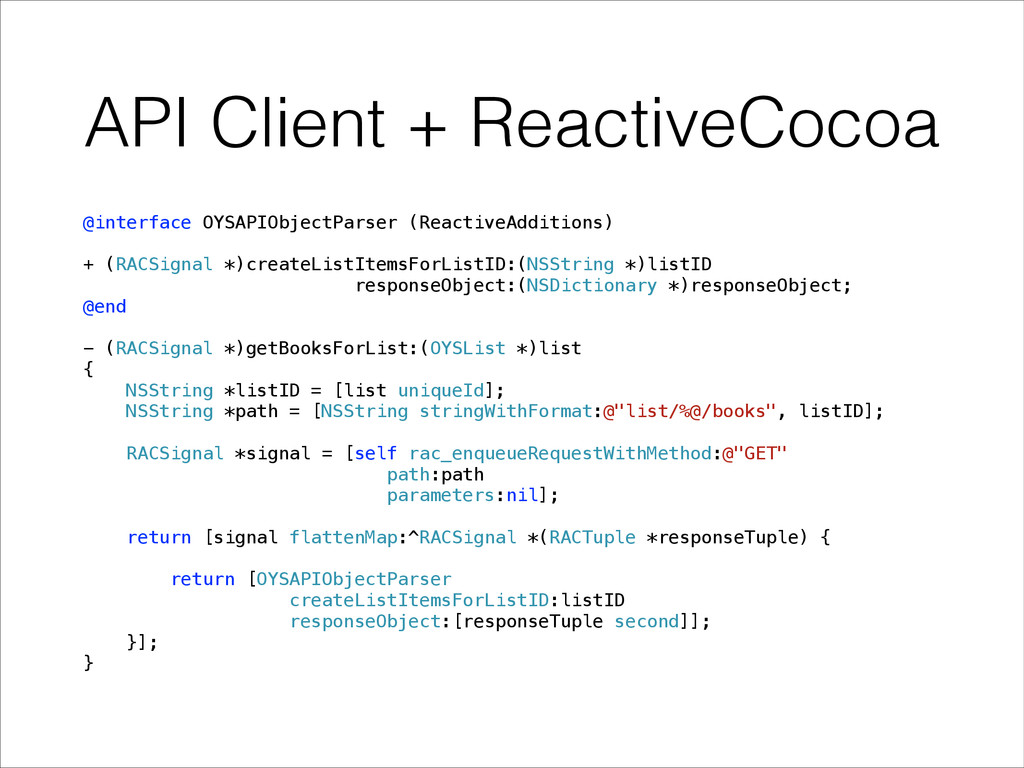
  9. API Client + ReactiveCocoa @interface OYSAPIObjectParser (ReactiveAdditions) ! + (RACSignal

    *)createListItemsForListID:(NSString *)listID responseObject:(NSDictionary *)responseObject; @end ! - (RACSignal *)getBooksForList:(OYSList *)list { NSString *listID = [list uniqueId]; NSString *path = [NSString stringWithFormat:@"list/%@/books", listID]; ! RACSignal *signal = [self rac_enqueueRequestWithMethod:@"GET" path:path parameters:nil]; ! return [signal flattenMap:^RACSignal *(RACTuple *responseTuple) { ! return [OYSAPIObjectParser createListItemsForListID:listID responseObject:[responseTuple second]]; }]; }
  10. API Client + ReactiveCocoa - (void)getBooksForList:(OYSList *)list { [[[self client]

    getBooksForList:list] subscribeError:^(NSError *error) { // Called if request fails } completed:^{ // Called if request succeeds }]; }
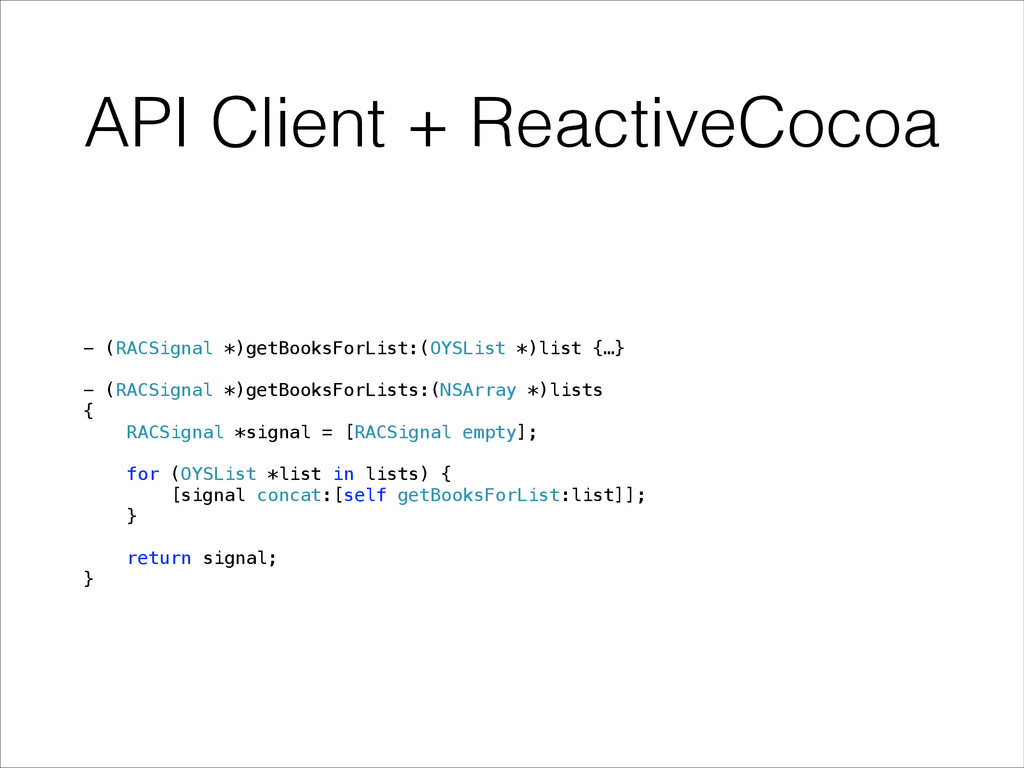
  11. API Client + ReactiveCocoa - (RACSignal *)getBooksForList:(OYSList *)list {…} !

    - (RACSignal *)getBooksForLists:(NSArray *)lists { RACSignal *signal = [RACSignal empty]; ! for (OYSList *list in lists) { [signal concat:[self getBooksForList:list]]; } ! return signal; }
  12. API Client + ReactiveCocoa - (void)getBooksForList:(OYSList *)list { [[[self client]

    getBooksForList:list] subscribeError:^(NSError *error) { // Called if request fails } completed:^{ // Called if request succeeds }]; } ! - (void)getBooksForAllLists:(NSArray *)allLists { [[[self client] getBooksForLists:allLists] subscribeError:^(NSError *error) { // Called if any list request fails } completed:^{ // Called if all list requests succeed }]; } better asynchronous programming ✔
  13. Oyster for iOS Data Management Browsing Reading API Client Parsing

    Core Data Security Search Lists Genres Recommendations Book Rendering Navigation Themes Notes & Highlights
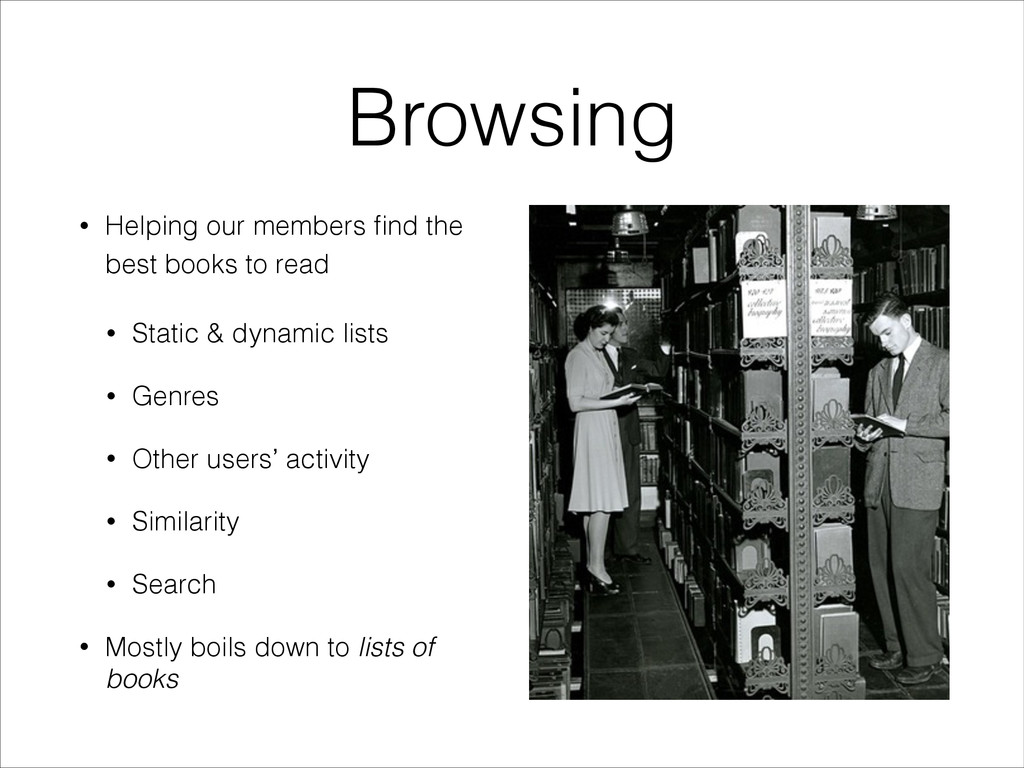
  14. Browsing • Helping our members find the best books to

    read • Static & dynamic lists • Genres • Other users’ activity • Similarity • Search • Mostly boils down to lists of books
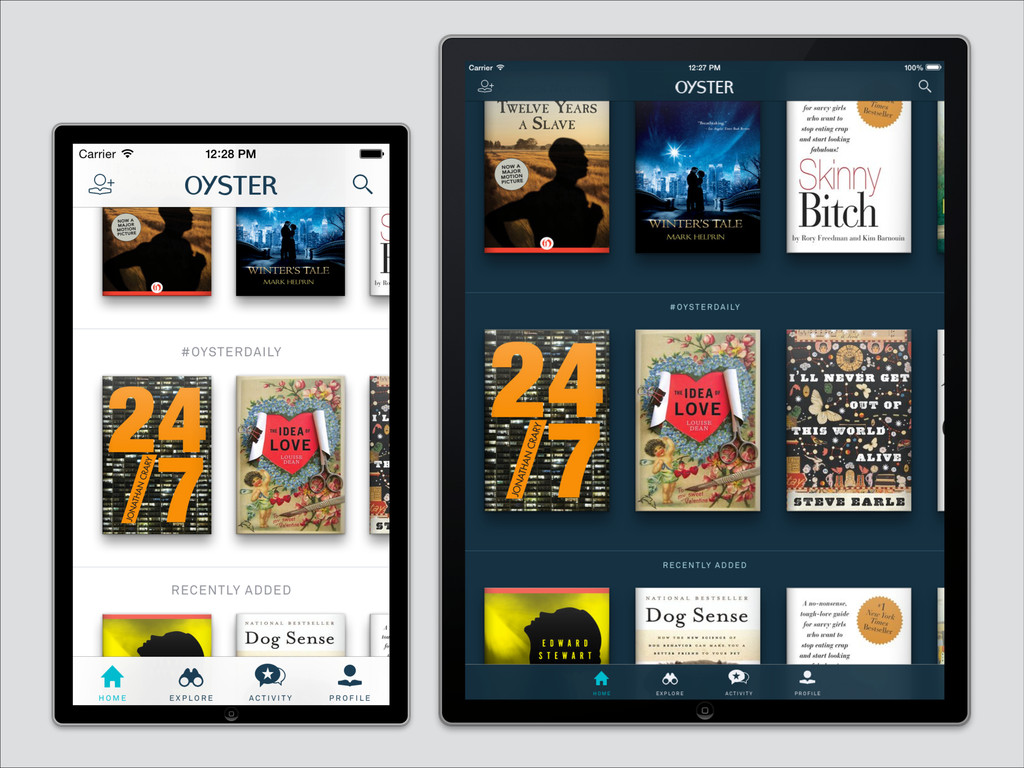
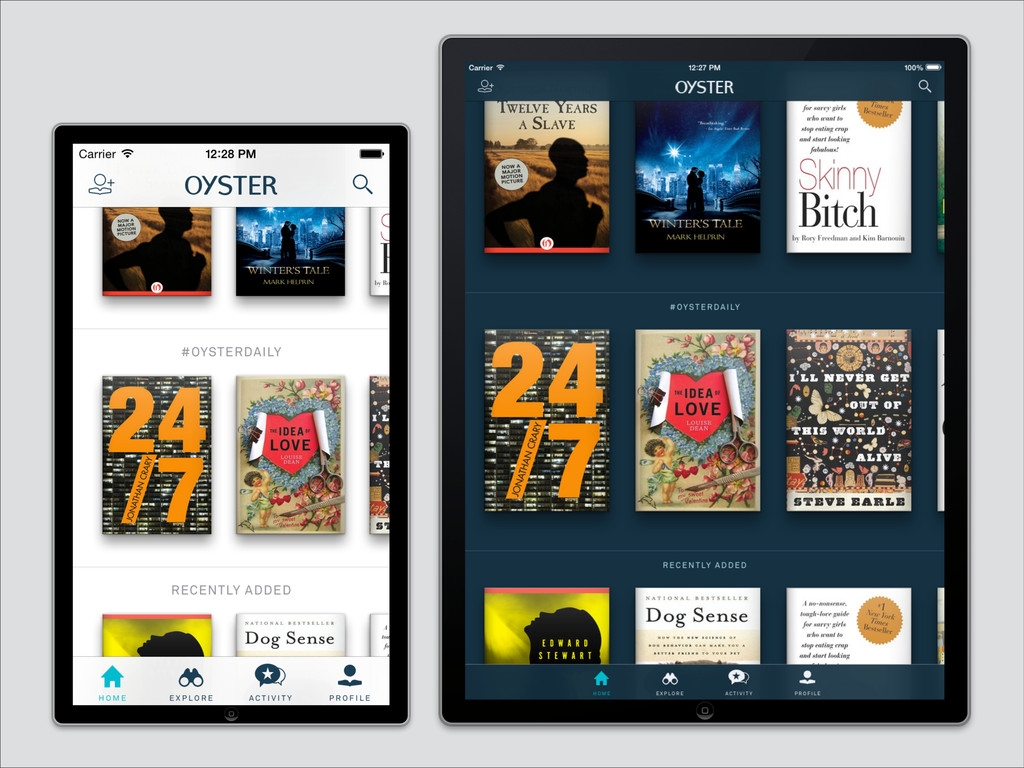
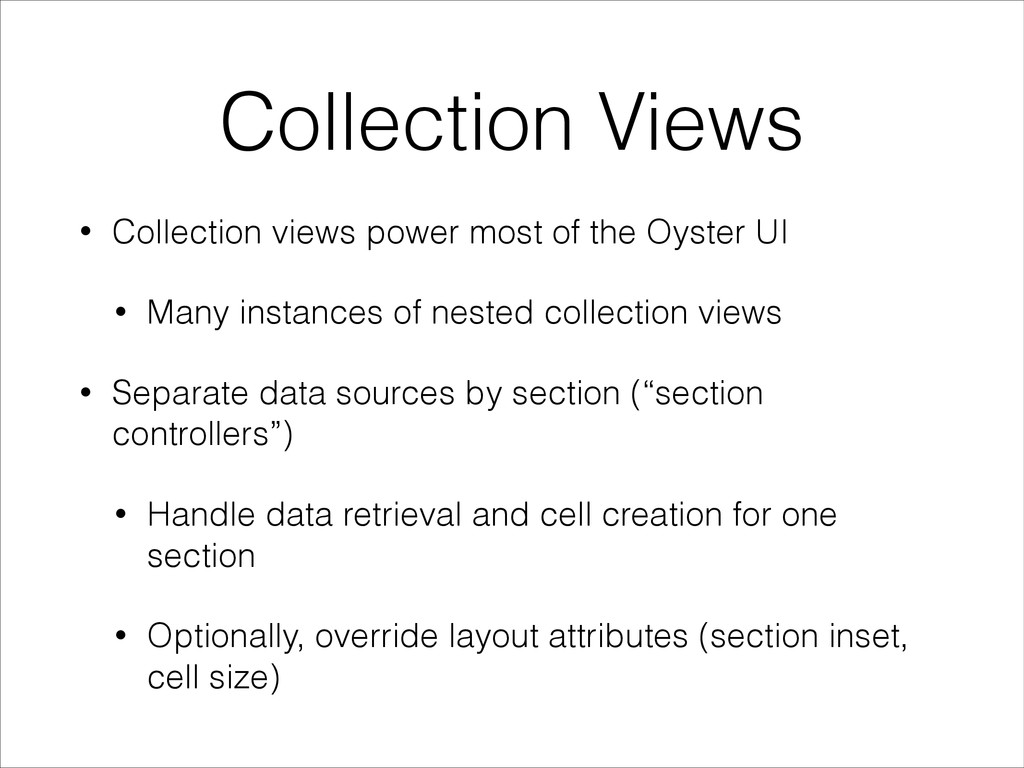
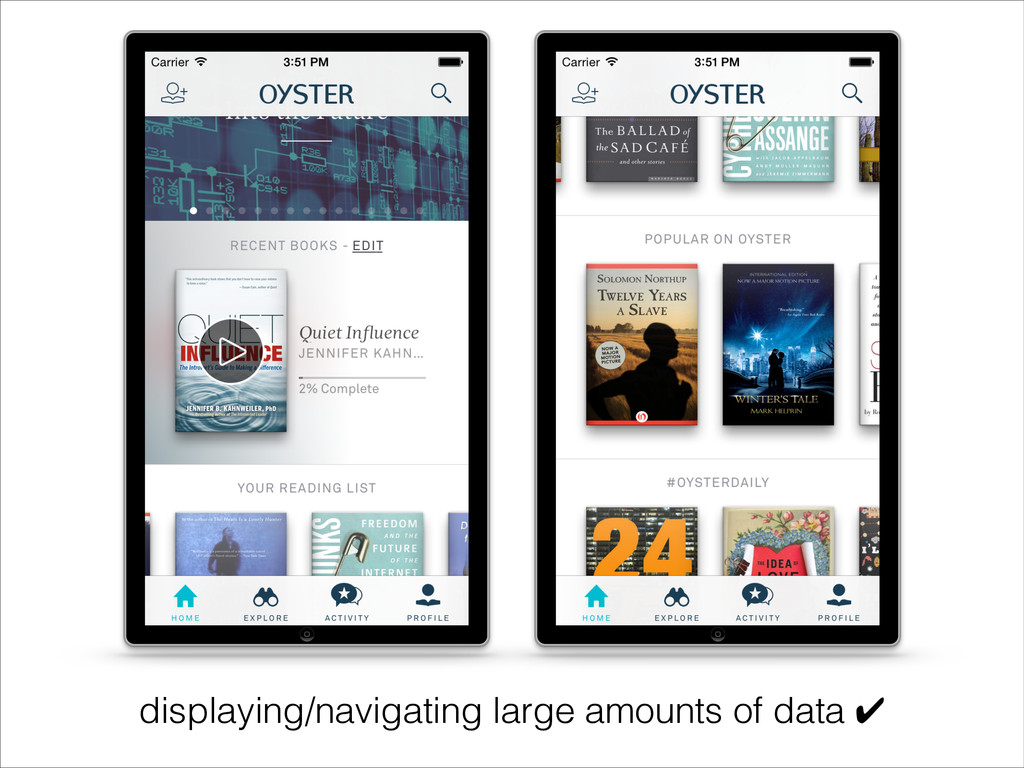
  15. Collection Views • Collection views power most of the Oyster

    UI • Many instances of nested collection views • Separate data sources by section (“section controllers”) • Handle data retrieval and cell creation for one section • Optionally, override layout attributes (section inset, cell size)
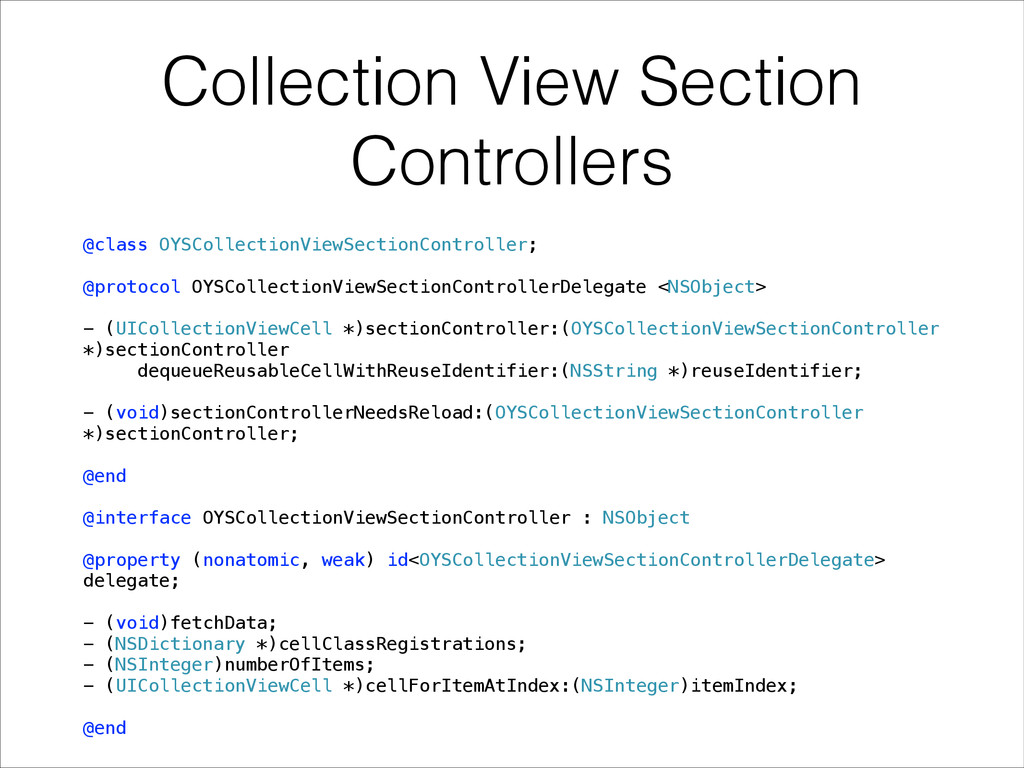
  16. Collection View Section Controllers @class OYSCollectionViewSectionController; ! @protocol OYSCollectionViewSectionControllerDelegate <NSObject>

    ! - (UICollectionViewCell *)sectionController:(OYSCollectionViewSectionController *)sectionController dequeueReusableCellWithReuseIdentifier:(NSString *)reuseIdentifier; ! - (void)sectionControllerNeedsReload:(OYSCollectionViewSectionController *)sectionController; ! @end ! @interface OYSCollectionViewSectionController : NSObject ! @property (nonatomic, weak) id<OYSCollectionViewSectionControllerDelegate> delegate; ! - (void)fetchData; - (NSDictionary *)cellClassRegistrations; - (NSInteger)numberOfItems; - (UICollectionViewCell *)cellForItemAtIndex:(NSInteger)itemIndex; ! @end
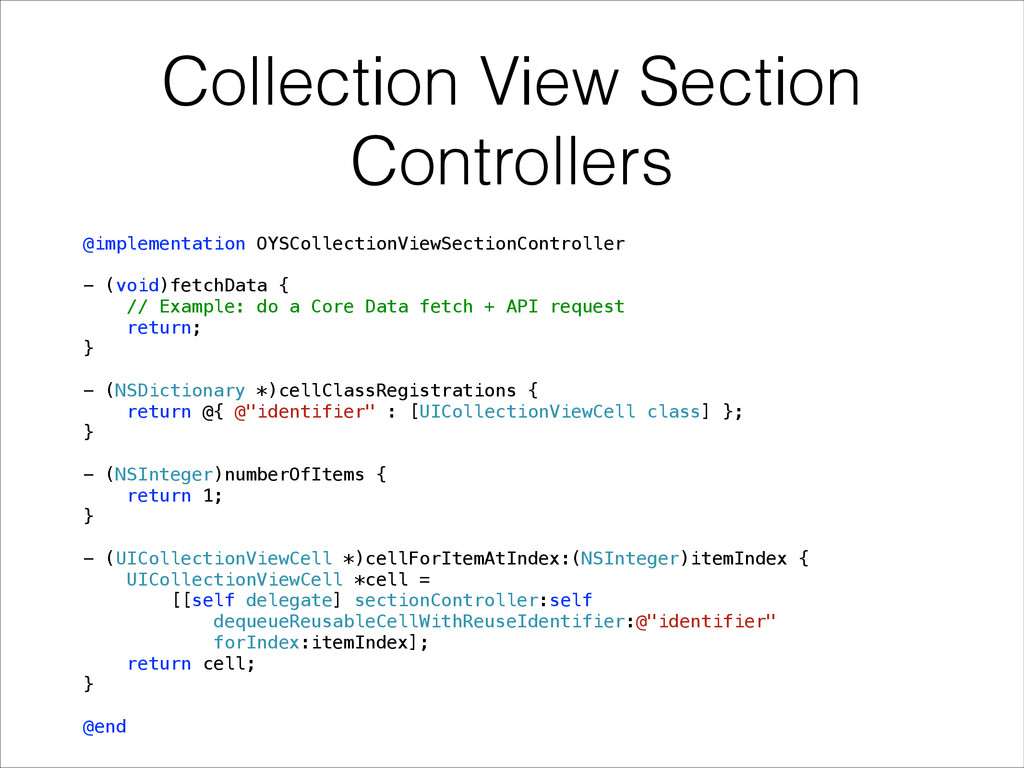
  17. Collection View Section Controllers @implementation OYSCollectionViewSectionController ! - (void)fetchData {

    // Example: do a Core Data fetch + API request return; } ! - (NSDictionary *)cellClassRegistrations { return @{ @"identifier" : [UICollectionViewCell class] }; } ! - (NSInteger)numberOfItems { return 1; } ! - (UICollectionViewCell *)cellForItemAtIndex:(NSInteger)itemIndex { UICollectionViewCell *cell = [[self delegate] sectionController:self dequeueReusableCellWithReuseIdentifier:@"identifier" forIndex:itemIndex]; return cell; } ! @end
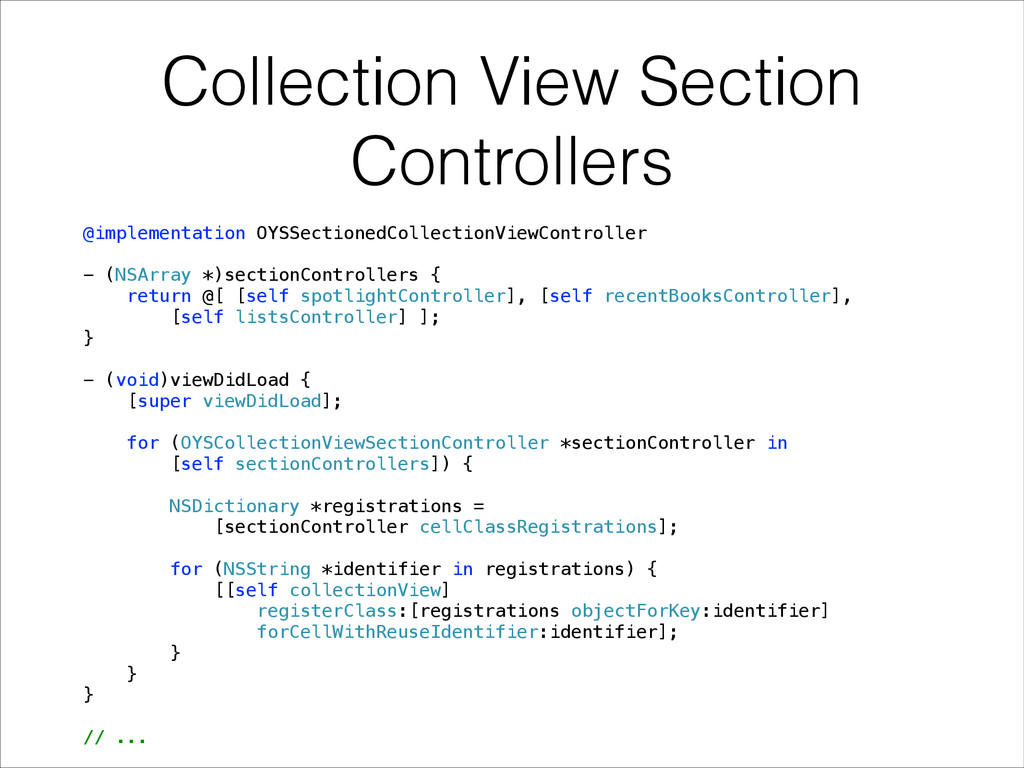
  18. Collection View Section Controllers @implementation OYSSectionedCollectionViewController ! - (NSArray *)sectionControllers

    { return @[ [self spotlightController], [self recentBooksController], [self listsController] ]; } ! - (void)viewDidLoad { [super viewDidLoad]; ! for (OYSCollectionViewSectionController *sectionController in [self sectionControllers]) { ! NSDictionary *registrations = [sectionController cellClassRegistrations]; ! for (NSString *identifier in registrations) { [[self collectionView] registerClass:[registrations objectForKey:identifier] forCellWithReuseIdentifier:identifier]; } } } ! // ...
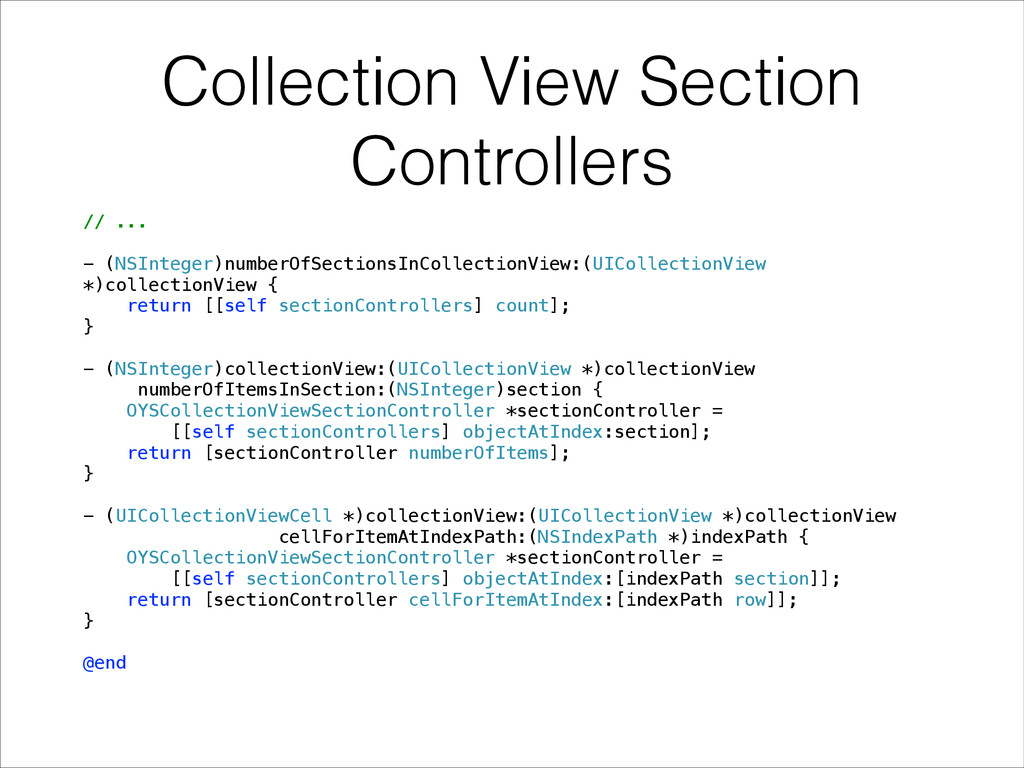
  19. Collection View Section Controllers // ... ! - (NSInteger)numberOfSectionsInCollectionView:(UICollectionView *)collectionView

    { return [[self sectionControllers] count]; } ! - (NSInteger)collectionView:(UICollectionView *)collectionView numberOfItemsInSection:(NSInteger)section { OYSCollectionViewSectionController *sectionController = [[self sectionControllers] objectAtIndex:section]; return [sectionController numberOfItems]; } ! - (UICollectionViewCell *)collectionView:(UICollectionView *)collectionView cellForItemAtIndexPath:(NSIndexPath *)indexPath { OYSCollectionViewSectionController *sectionController = [[self sectionControllers] objectAtIndex:[indexPath section]]; return [sectionController cellForItemAtIndex:[indexPath row]]; } ! @end
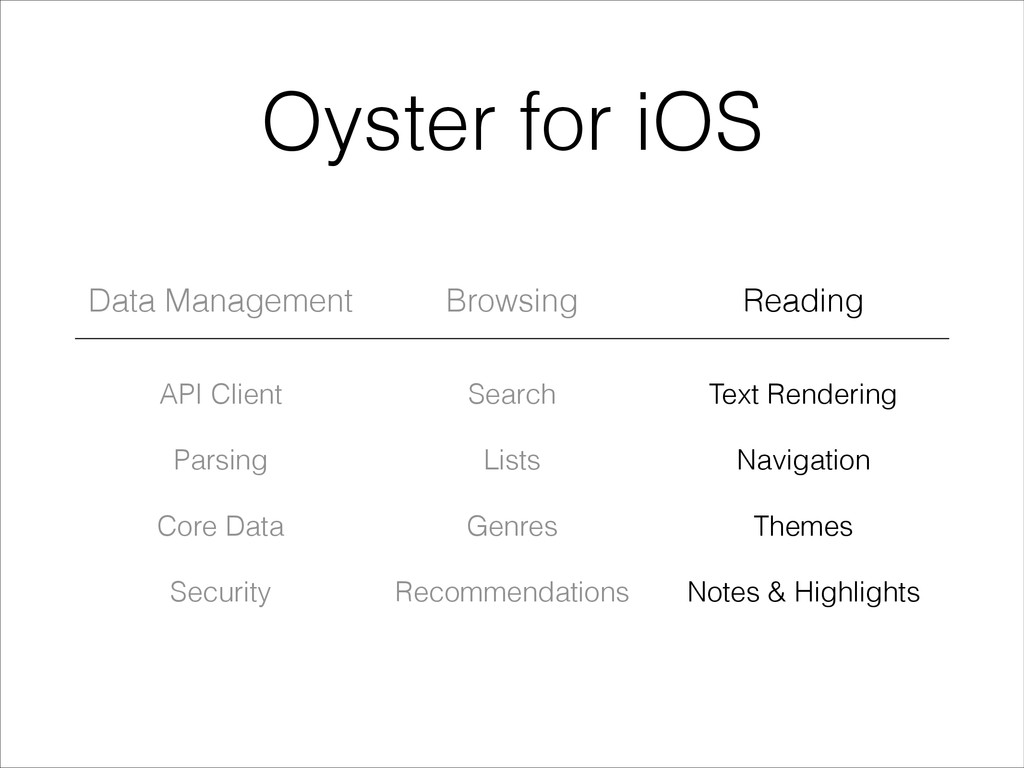
  20. Oyster for iOS Data Management Browsing Reading API Client Parsing

    Core Data Security Search Lists Genres Recommendations Text Rendering Navigation Themes Notes & Highlights
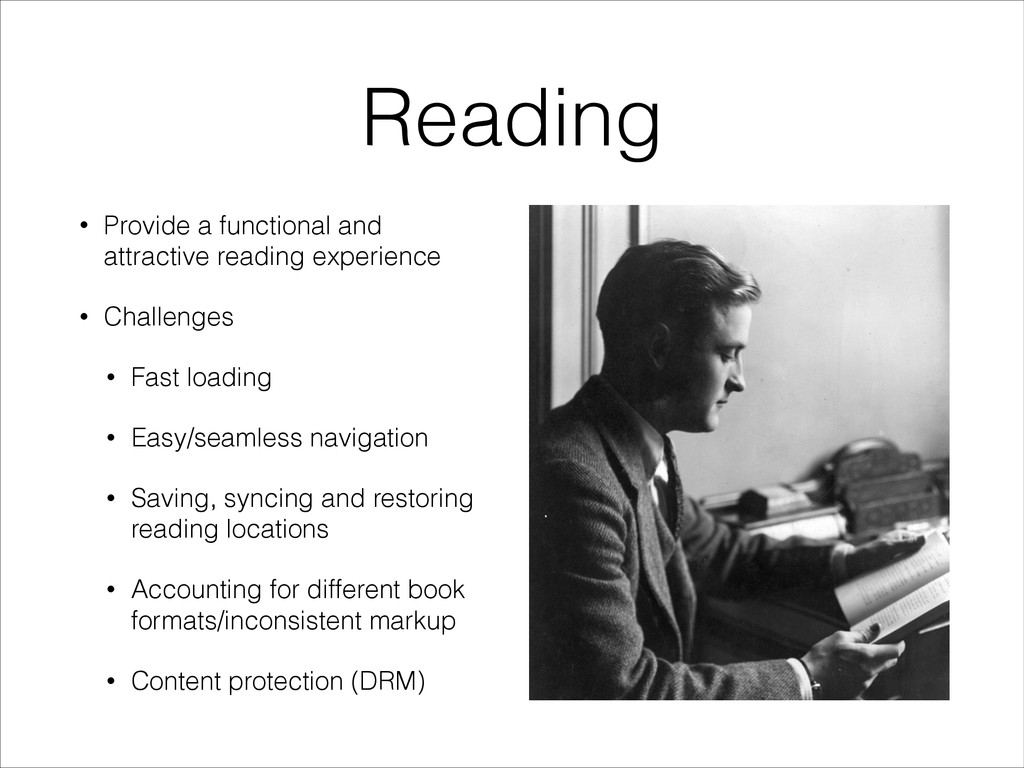
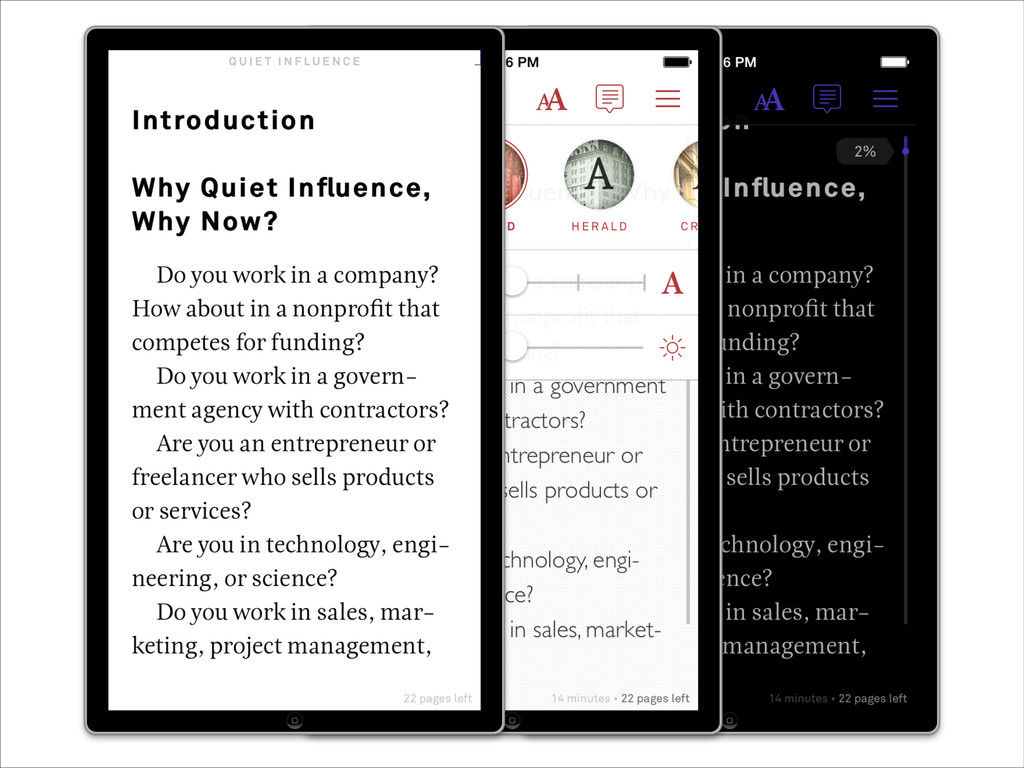
  21. Reading • Provide a functional and attractive reading experience •

    Challenges • Fast loading • Easy/seamless navigation • Saving, syncing and restoring reading locations • Accounting for different book formats/inconsistent markup • Content protection (DRM)
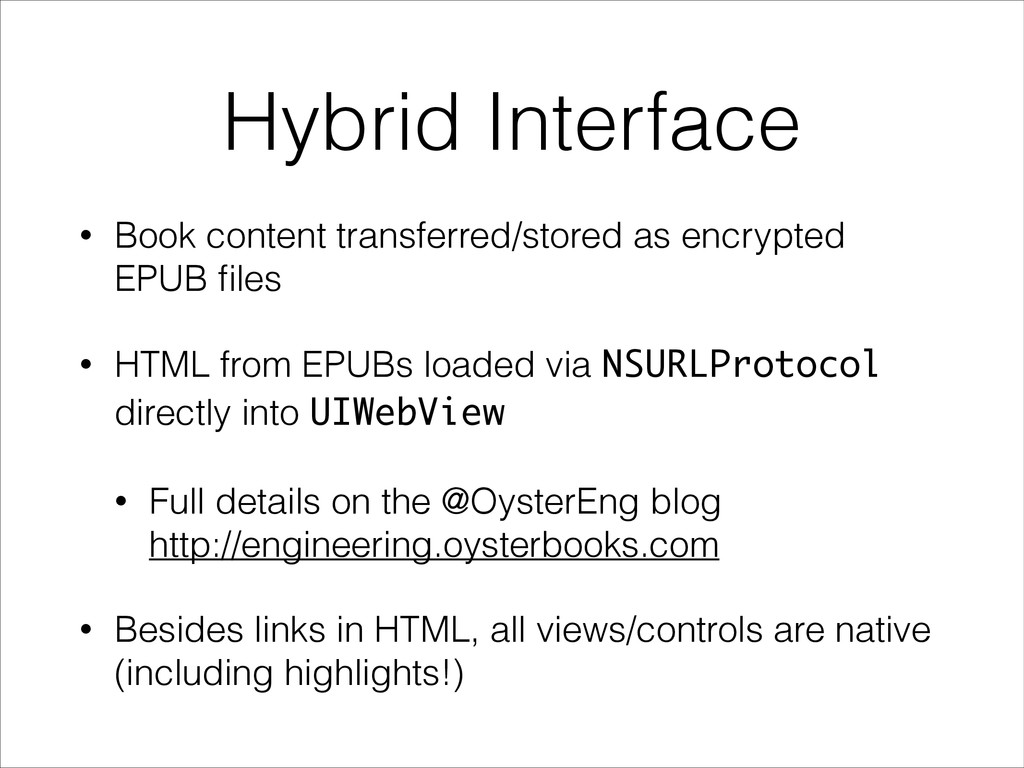
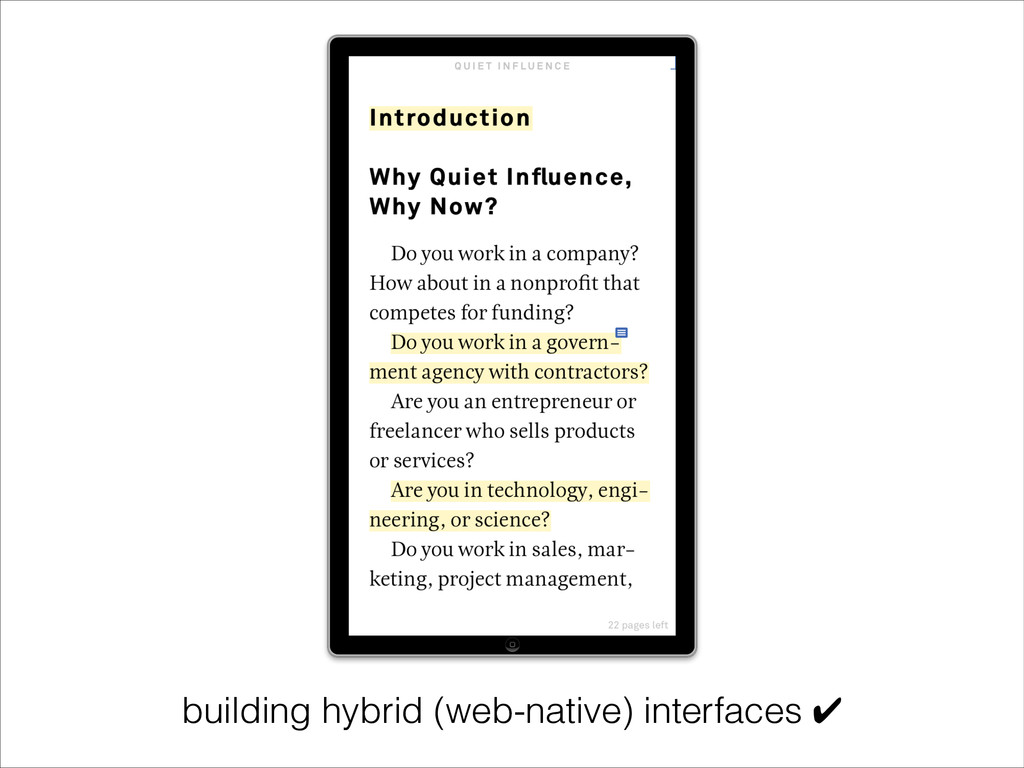
  22. Hybrid Interface • Book content transferred/stored as encrypted EPUB files

    • HTML from EPUBs loaded via NSURLProtocol directly into UIWebView • Full details on the @OysterEng blog
 http://engineering.oysterbooks.com • Besides links in HTML, all views/controls are native (including highlights!)
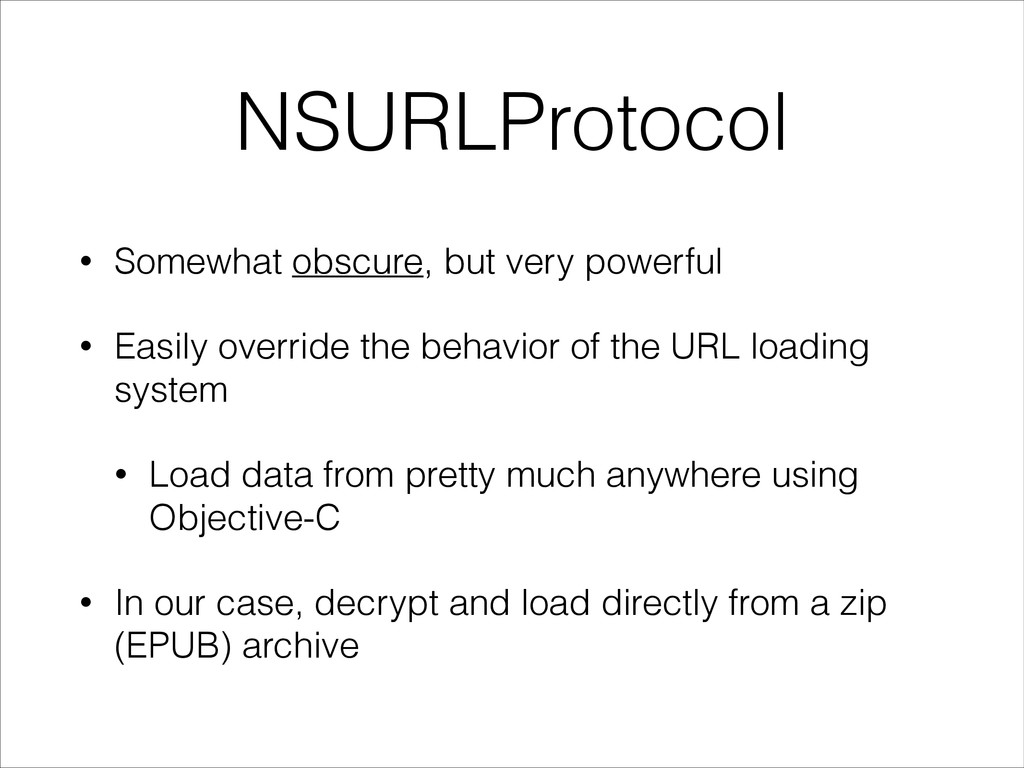
  23. NSURLProtocol • Somewhat obscure, but very powerful • Easily override

    the behavior of the URL loading system • Load data from pretty much anywhere using Objective-C • In our case, decrypt and load directly from a zip (EPUB) archive
  24. @implementation HelloWorldProtocol ! + (BOOL)canInitWithRequest:(NSURLRequest *)request { return [[[request URL]

    scheme] caseInsensitiveCompare:@"helloworld"] == NSOrderedSame; } ! + (NSURLRequest *)canonicalRequestForRequest:(NSURLRequest *)request { return request; } ! - (void)startLoading { NSURL *requestURL = [[self request] URL]; ! NSURLResponse *response = [[NSURLResponse alloc] initWithURL:requestURL MIMEType:@"text/plain" expectedContentLength:13 textEncodingName:nil]; [[self client] URLProtocol:self didReceiveResponse:response cacheStoragePolicy:NSURLCacheStorageAllowed]; [[self client] URLProtocol:self didLoadData:[@"Hello, world!" dataUsingEncoding:NSUTF8StringEncoding]]; [[self client] URLProtocolDidFinishLoading:self]; } ! - (void)stopLoading { return; } ! @end
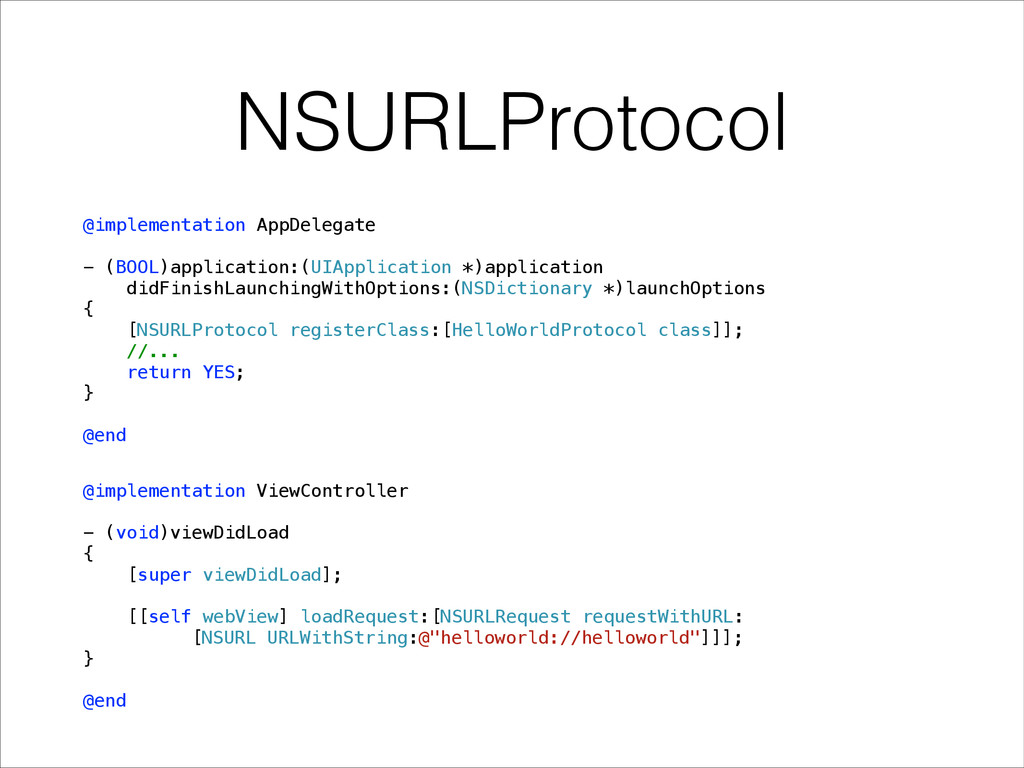
  25. @implementation AppDelegate ! - (BOOL)application:(UIApplication *)application didFinishLaunchingWithOptions:(NSDictionary *)launchOptions { [NSURLProtocol

    registerClass:[HelloWorldProtocol class]]; //... return YES; } ! @end @implementation ViewController ! - (void)viewDidLoad { [super viewDidLoad]; [[self webView] loadRequest:[NSURLRequest requestWithURL: [NSURL URLWithString:@"helloworld://helloworld"]]]; } ! @end NSURLProtocol
  26. Recap • For more info about Oyster, visit
 http://oysterbooks.com •

    Use ReactiveCocoa for better asynchronous programming ✔ • Use multiple UICollectionView data sources for displaying/navigating large amounts of data ✔ • Use NSURLProtocol to build powerful hybrid (web-native) interfaces ✔