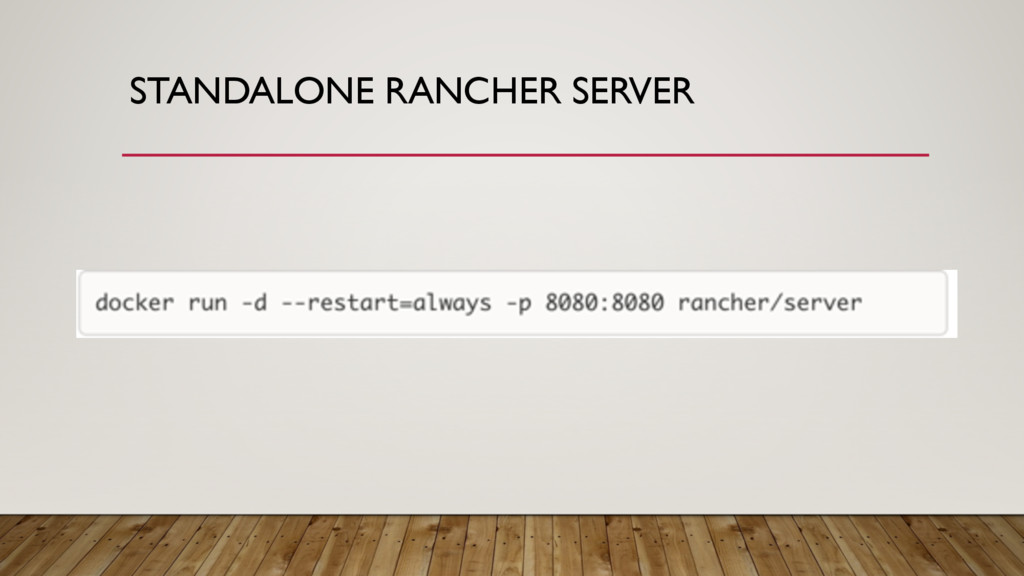
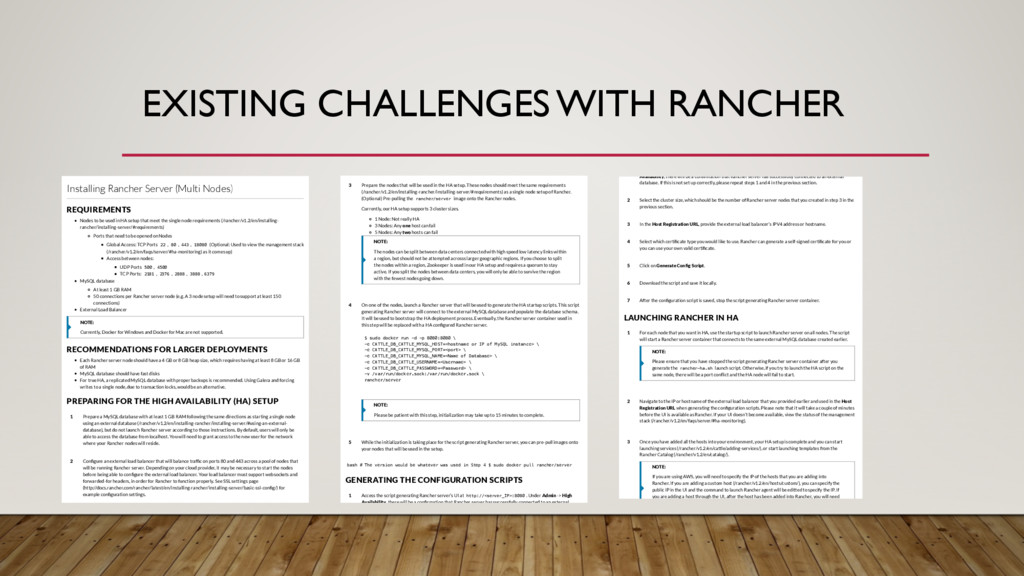
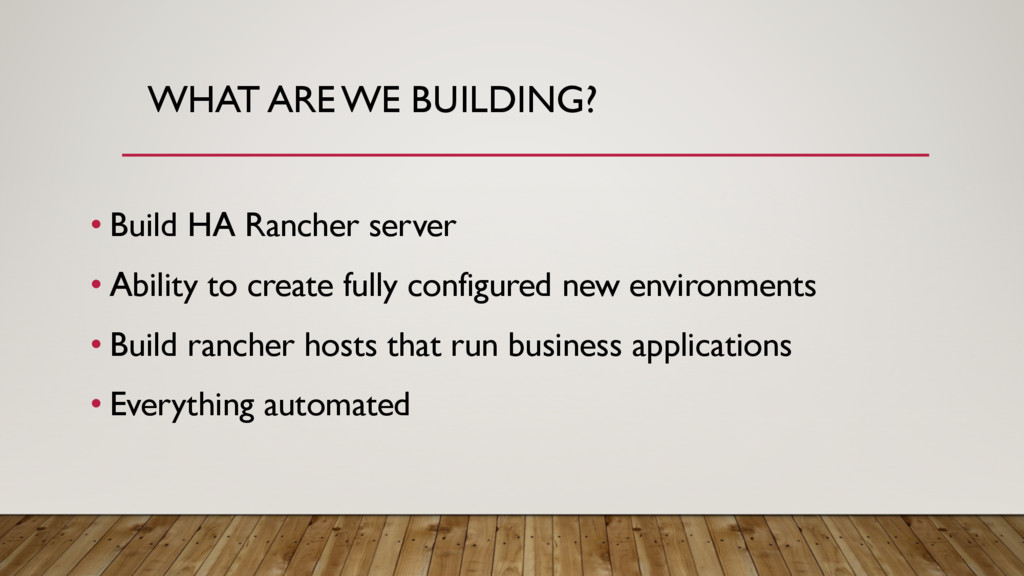
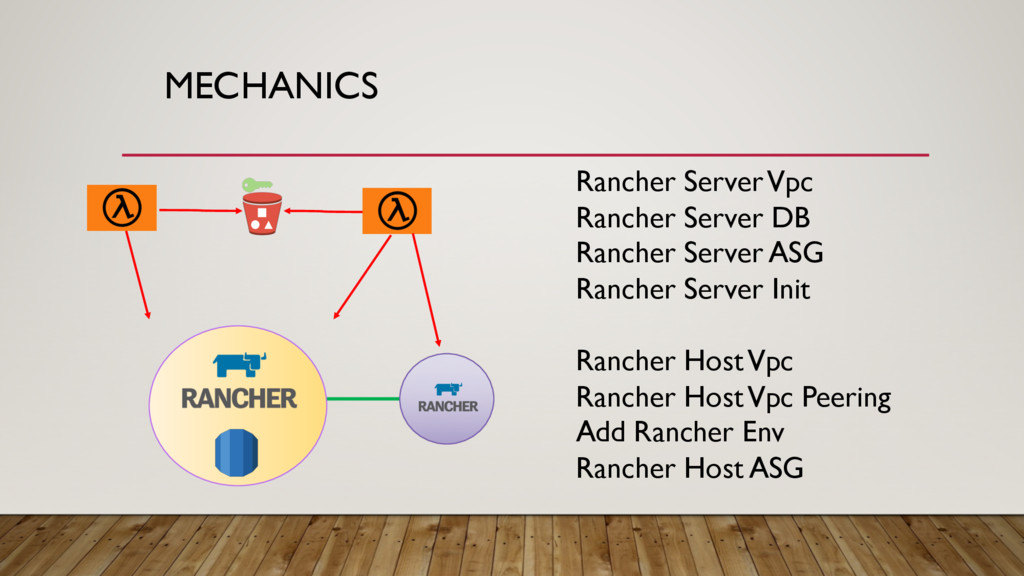
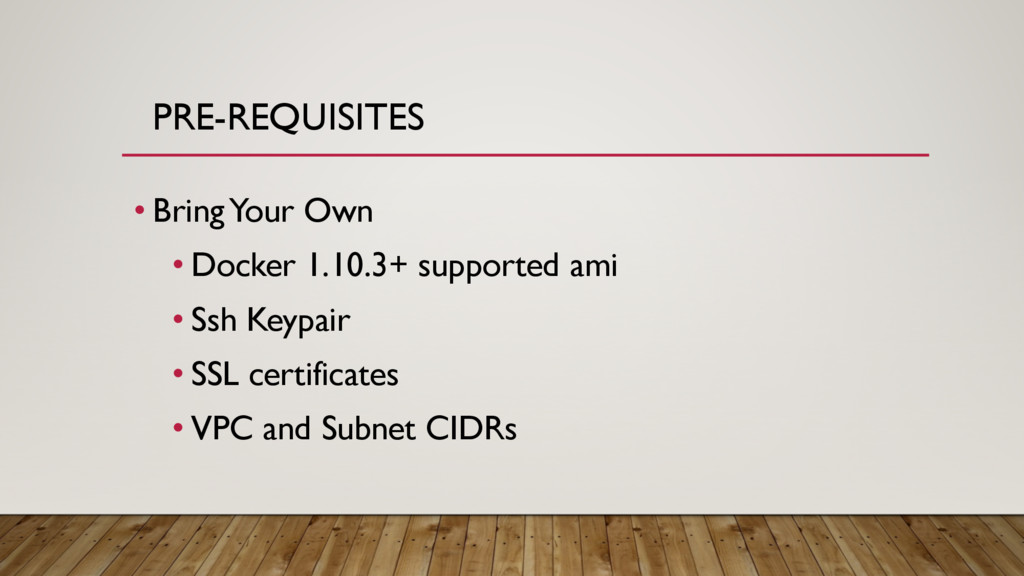
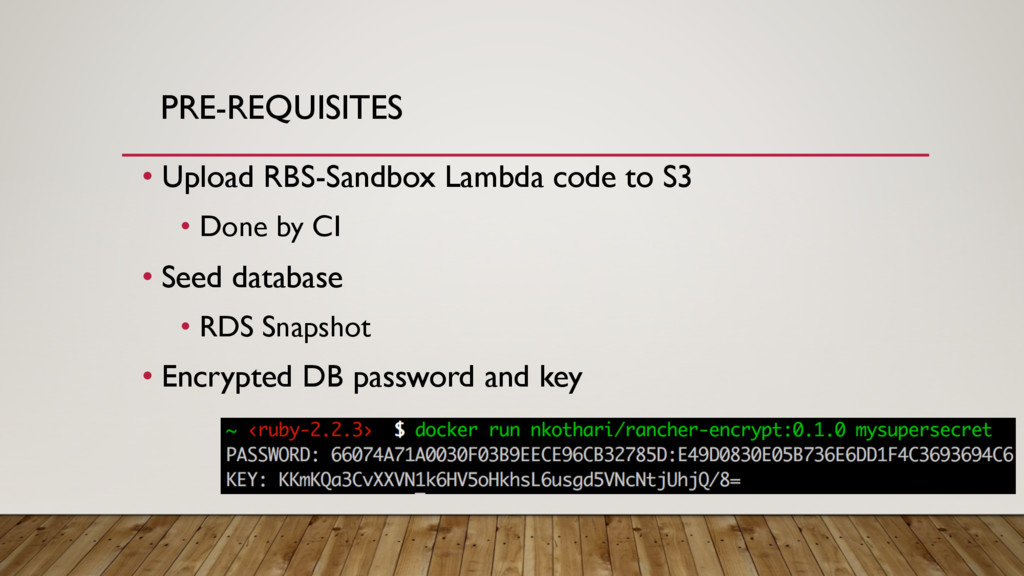
Nodes to be used in HA setup that meet the single node requirements (/rancher/v1.2/en/installing- rancher/installing-server/#requirements) Ports that need to be opened on Nodes Global Access: TCP Ports 22 , 80 , 443 , 18080 (Optional: Used to view the management stack (/rancher/v1.2/en/faqs/server/#ha-monitoring) as it comes up) Access between nodes: UDP Ports 500 , 4500 TCP Ports: 2181 , 2376 , 2888 , 3888 , 6379 MySQL database At least 1 GB RAM 50 connections per Rancher server node (e.g. A 3 node setup will need to support at least 150 connections) External Load Balancer RECOMMENDATIONS FOR LARGER DEPLOYMENTS Each Rancher server node should have a 4 GB or 8 GB heap size, which requires having at least 8 GB or 16 GB of RAM MySQL database should have fast disks For true HA, a replicated MySQL database with proper backups is recommended. Using Galera and forcing writes to a single node, due to transaction locks, would be an alternative. PREPARING FOR THE HIGH AVAILABILITY (HA) SETUP NOTE: Currently, Docker for Windows and Docker for Mac are not supported. Prepare a MySQL database with at least 1 GB RAM following the same directions as starting a single node using an external database (/rancher/v1.2/en/installing-rancher/installing-server/#using-an-external- database), but do not launch Rancher server according to those instructions. By default, users will only be able to access the database from localhost. You will need to grant access to the new user for the network where your Rancher nodes will reside. 1 Con gure an external load balancer that will balance traf c on ports 80 and 443 across a pool of nodes that will be running Rancher server. Depending on your cloud provider, it may be necessary to start the nodes before being able to con gure the external load balancer. Your load balancer must support websockets and forwarded-for headers, in order for Rancher to function properly. See SSL settings page (http://docs.rancher.com/rancher/latest/en/installing-rancher/installing-server/basic-ssl-con g/) for example con guration settings. 2 bash # The version would be whatever was used in Step 4 $ sudo docker pull rancher/server GENERATING THE CONFIGURATION SCRIPTS Prepare the nodes that will be used in the HA setup. These nodes should meet the same requirements (/rancher/v1.2/en/installing-rancher/installing-server/#requirements) as a single node setup of Rancher. (Optional) Pre-pulling the rancher/server image onto the Rancher nodes. Currently, our HA setup supports 3 cluster sizes. 1 Node: Not really HA 3 Nodes: Any one host can fail 5 Nodes: Any two hosts can fail 3 NOTE: The nodes can be split between data centers connected with high speed low latency links within a region, but should not be attempted acrosss larger geographic regions. If you choose to split the nodes within a region, Zookeeper is used in our HA setup and requires a quorum to stay active. If you split the nodes between data centers, you will only be able to survive the region with the fewest nodes going down. On one of the nodes, launch a Rancher server that will be used to generate the HA startup scripts. This script generating Rancher server will connect to the external MySQL database and populate the database schema. It will be used to bootstrap the HA deployment process. Eventually, the Rancher server container used in this step will be replaced with a HA con gured Rancher server. $ sudo docker run -d -p 8080:8080 \ -e CATTLE_DB_CATTLE_MYSQL_HOST=<hostname or IP of MySQL instance> \ -e CATTLE_DB_CATTLE_MYSQL_PORT=<port> \ -e CATTLE_DB_CATTLE_MYSQL_NAME=<Name of Database> \ -e CATTLE_DB_CATTLE_USERNAME=<Username> \ -e CATTLE_DB_CATTLE_PASSWORD=<Password> \ -v /var/run/docker.sock:/var/run/docker.sock \ rancher/server 4 NOTE: Please be patient with this step, initialization may take up to 15 minutes to complete. While the initialization is taking place for the script generating Rancher server, you can pre-pull images onto your nodes that will be used in the setup. 5 Access the script generating Rancher server’s UI at http://<server_IP>:8080 . Under Admin -> High Availability, there will be a con rmation that Rancher server has successfully connected to an external 1 LAUNCHING RANCHER IN HA Availability, there will be a con rmation that Rancher server has successfully connected to an external database. If this is not set up correctly, please repeat steps 1 and 4 in the previous section. Select the cluster size, which should be the number of Rancher server nodes that you created in step 3 in the previous section. 2 In the Host Registration URL, provide the external load balancer’s IPV4 address or hostname. 3 Select which certi cate type you would like to use. Rancher can generate a self-signed certi cate for you or you can use your own valid certi cate. 4 Click on Generate Con g Script. 5 Download the script and save it locally. 6 After the con guration script is saved, stop the script generating Rancher server container. 7 For each node that you want in HA, use the startup script to launch Rancher server on all nodes. The script will start a Rancher server container that connects to the same external MySQL database created earlier. 1 NOTE: Please ensure that you have stopped the script generating Rancher server container after you generate the rancher-ha.sh launch script. Otherwise, if you try to launch the HA script on the same node, there will be a port con ict and the HA node will fail to start. Navigate to the IP or hostname of the external load balancer that you provided earlier and used in the Host Registration URL when generating the con guration scripts. Please note that it will take a couple of minutes before the UI is available as Rancher. If your UI doesn’t become available, view the status of the management stack (/rancher/v1.2/en/faqs/server/#ha-monitoring). 2 Once you have added all the hosts into your environment, your HA setup is complete and you can start launching services (/rancher/v1.2/en/cattle/adding-services/), or start launching templates from the Rancher Catalog (/rancher/v1.2/en/catalog/). 3 NOTE: If you are using AWS, you will need to specify the IP of the hosts that you are adding into Rancher. If you are adding a custom host (/rancher/v1.2/en/hosts/custom/), you can specify the public IP in the UI and the command to launch Rancher agent will be editted to specify the IP. If you are adding a host through the UI, after the host has been added into Rancher, you will need


 tokuty
 ueponx
 kentarofujii
 camiha
 kentapapa
 akhino
 koukihosaka
 shuta13
 ezaki
ezaki
 teamlab
 glaforge
 nttcom
 mfonobong
 marktimemedia
 garrettdimon
 cassininazir
 charlesmeaden
 madoxten
 pwiseman
 jcasabona
 kristinabergwall1
 twada
twada
 helmedeiros
 inesmontani