Upgrade to Pro — share decks privately, control downloads, hide ads and more …

Nginx Workshop Aftermath

Avatar for Denis Zhdanov Denis Zhdanov
February 16, 2012

Nginx Workshop Aftermath

Talk about Igor Sysoev's Nginx Workshop

Avatar for Denis Zhdanov

Denis Zhdanov

February 16, 2012

More Decks by Denis Zhdanov

Other Decks in Technology

Transcript

  1. Disclaimer May 29, 2010 - Nginx workshop by Igor Sysoev

    was organized by SmartMe (http://www. smartme.com.ua/nginx-workshop/) Thanks Igor, thanks SmartMe. Based on workshop, but Nginx was changed, so caching and many other docs are on website now (http://wiki.nginx.org), so I add some things from me. "Scooter is ... ? "
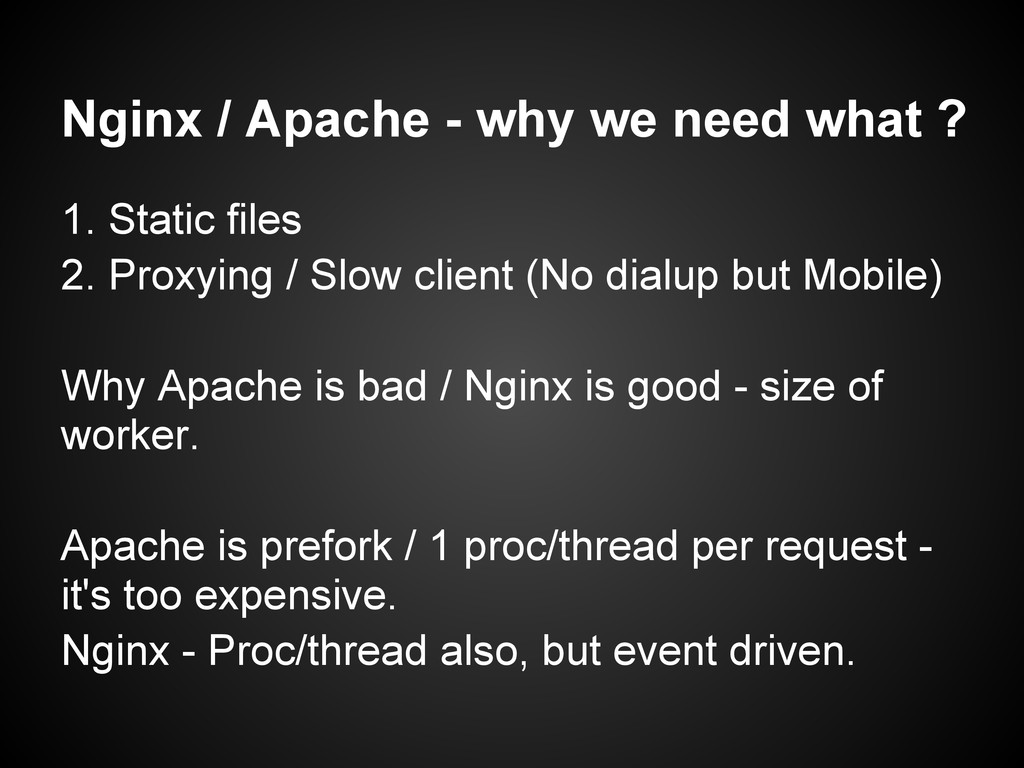
  2. Nginx / Apache - why we need what ? 1.

    Static files 2. Proxying / Slow client (No dialup but Mobile) Why Apache is bad / Nginx is good - size of worker. Apache is prefork / 1 proc/thread per request - it's too expensive. Nginx - Proc/thread also, but event driven.
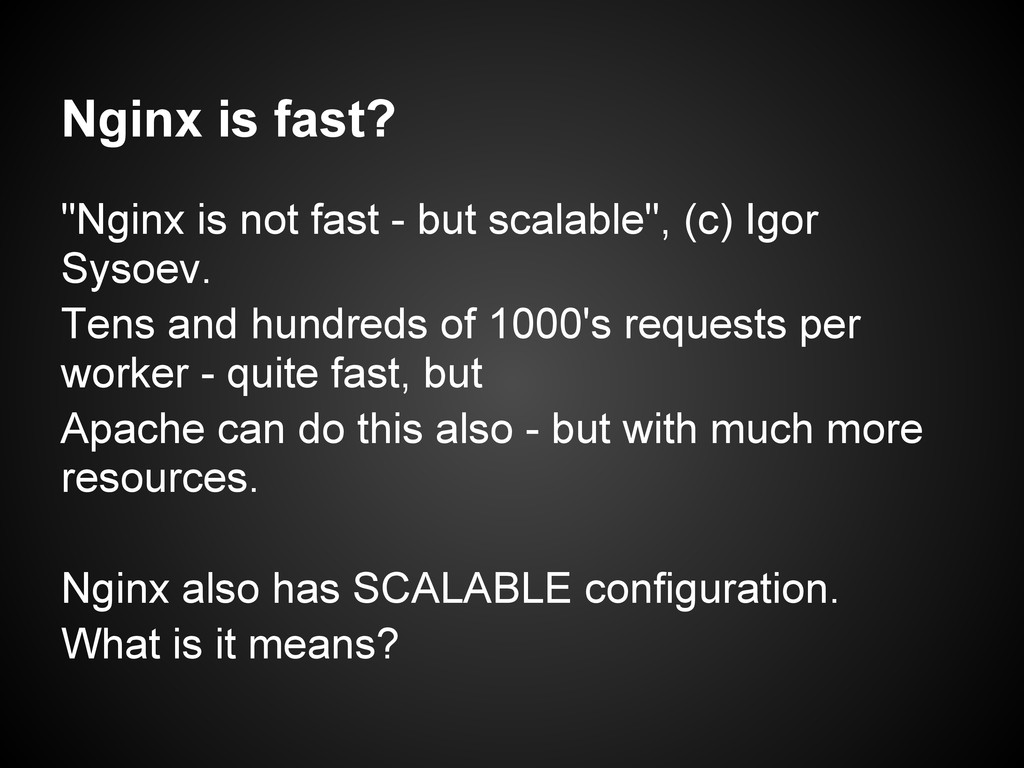
  3. Nginx is fast? "Nginx is not fast - but scalable",

    (c) Igor Sysoev. Tens and hundreds of 1000's requests per worker - quite fast, but Apache can do this also - but with much more resources. Nginx also has SCALABLE configuration. What is it means?
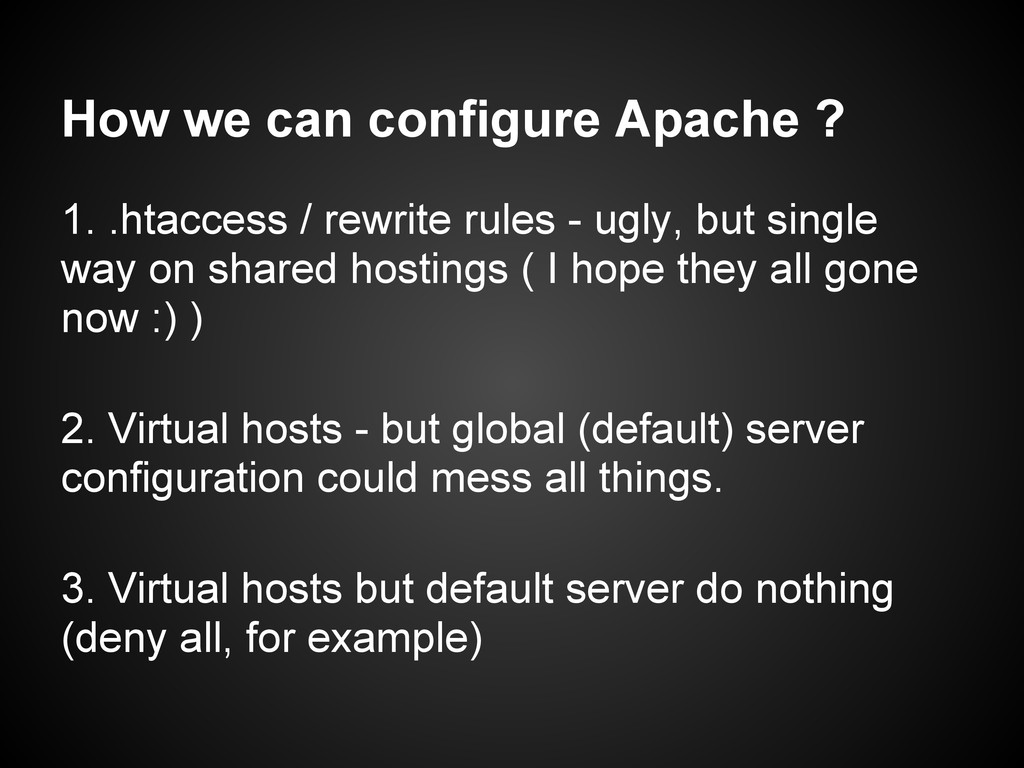
  4. How we can configure Apache ? 1. .htaccess / rewrite

    rules - ugly, but single way on shared hostings ( I hope they all gone now :) ) 2. Virtual hosts - but global (default) server configuration could mess all things. 3. Virtual hosts but default server do nothing (deny all, for example)
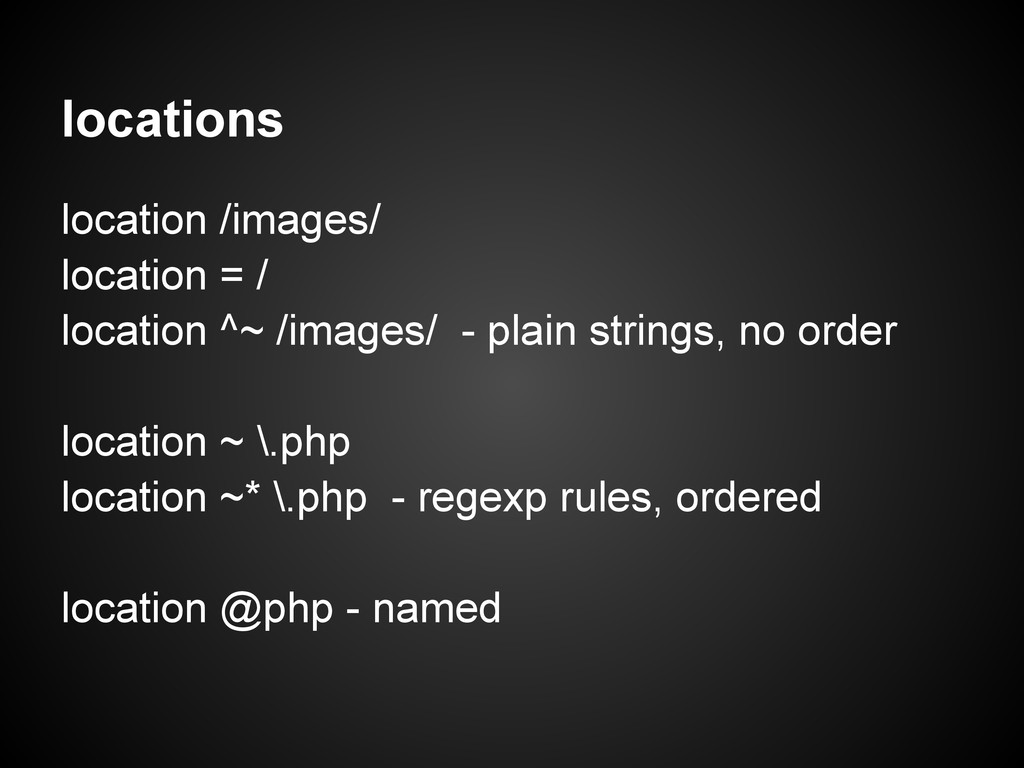
  5. locations location /images/ location = / location ^~ /images/ -

    plain strings, no order location ~ \.php location ~* \.php - regexp rules, ordered location @php - named
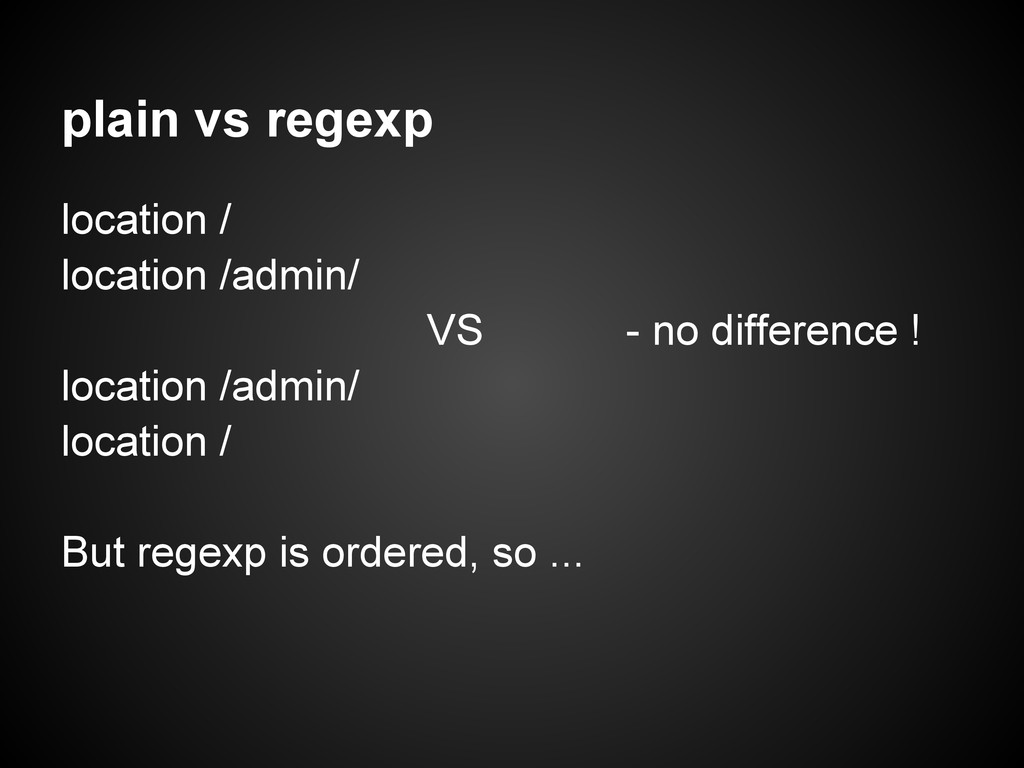
  6. plain vs regexp location / location /admin/ VS - no

    difference ! location /admin/ location / But regexp is ordered, so ...
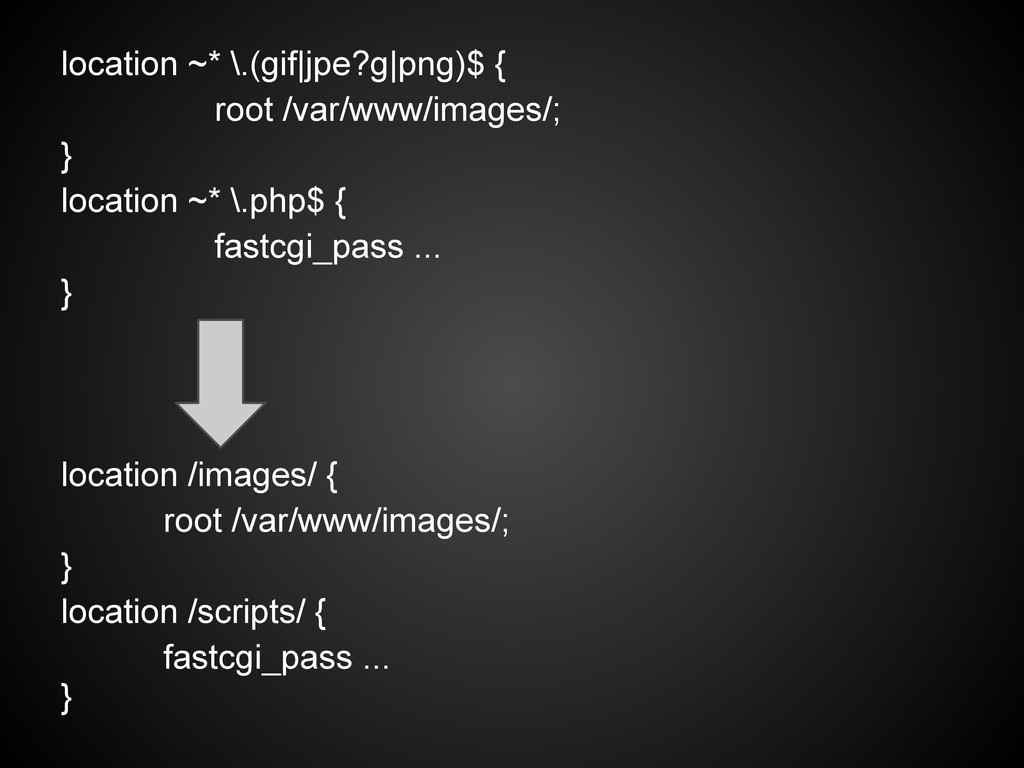
  7. location ~* \.(gif|jpe?g|png)$ { root /var/www/images/; } location ~* \.php$

    { fastcgi_pass ... } location /images/ { root /var/www/images/; } location /scripts/ { fastcgi_pass ... }
  8. Real example location / { if ($uri ~ ^/login\.php$) {

    ... } if ($uri ~ ^/admin/) { ... }
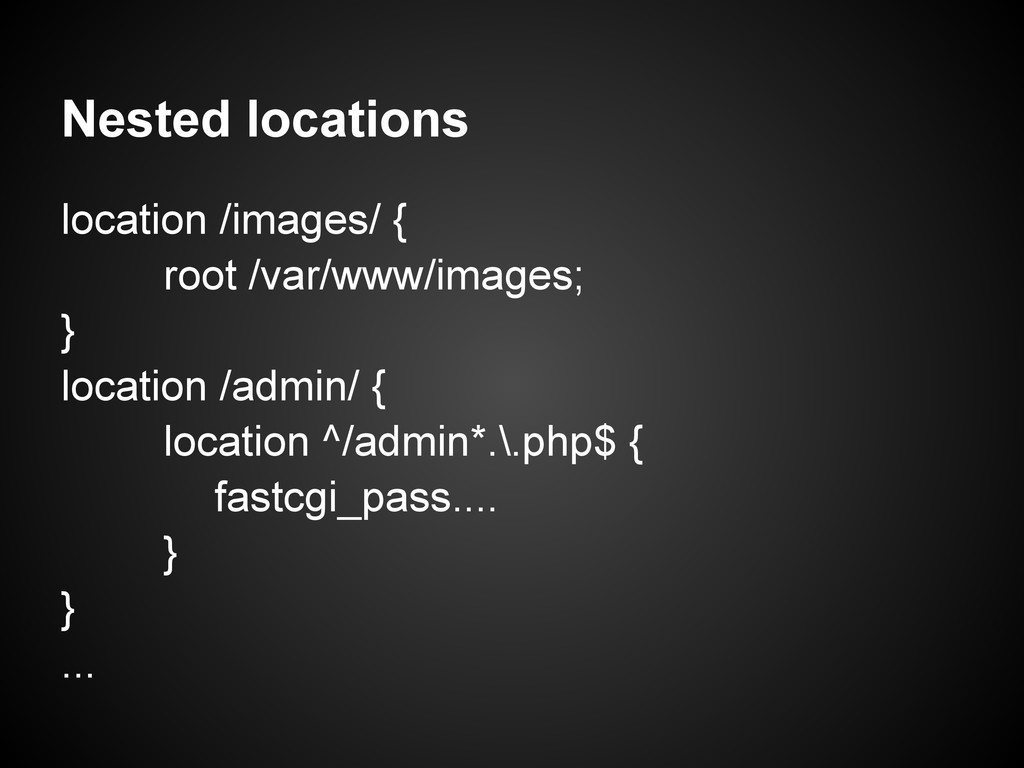
  9. Nested locations location /images/ { root /var/www/images; } location /admin/

    { location ^/admin*.\.php$ { fastcgi_pass.... } } ...
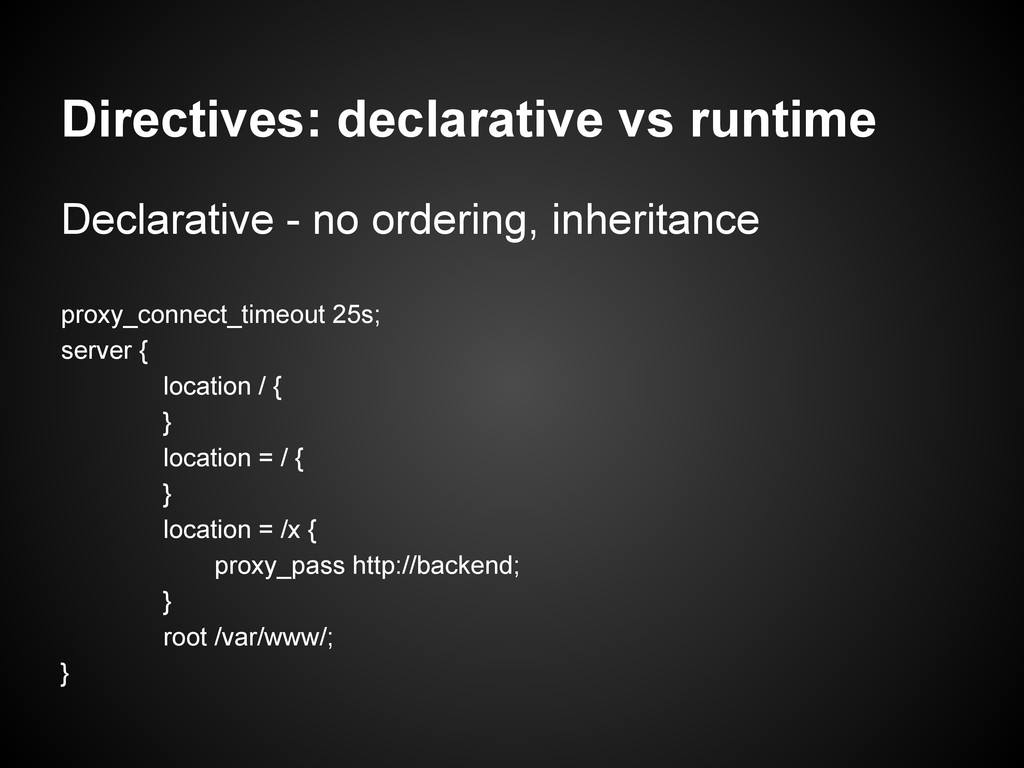
  10. Directives: declarative vs runtime Declarative - no ordering, inheritance proxy_connect_timeout

    25s; server { location / { } location = / { } location = /x { proxy_pass http://backend; } root /var/www/; }
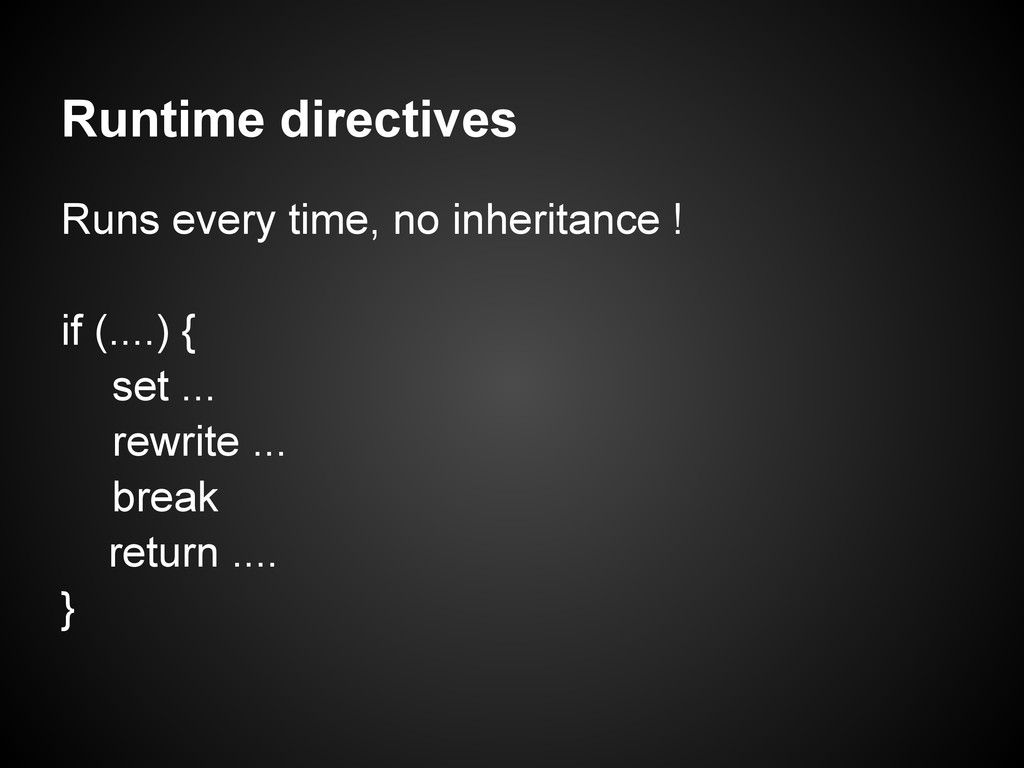
  11. Runtime directives Runs every time, no inheritance ! if (....)

    { set ... rewrite ... break return .... }
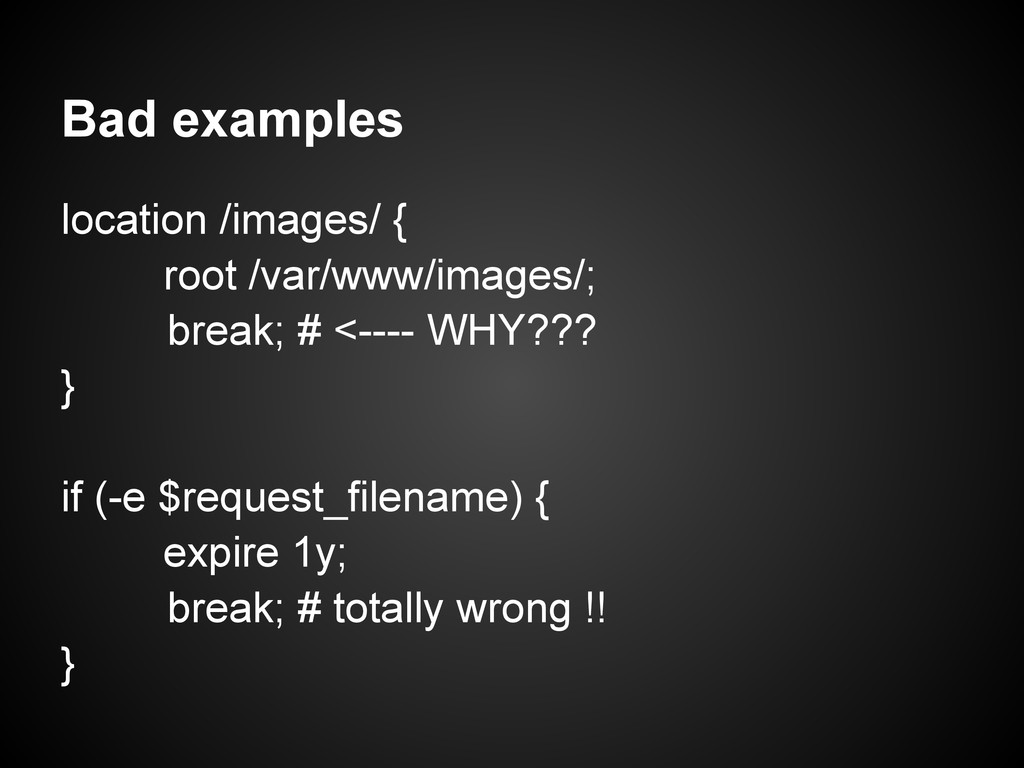
  12. Bad examples location /images/ { root /var/www/images/; break; # <----

    WHY??? } if (-e $request_filename) { expire 1y; break; # totally wrong !! }
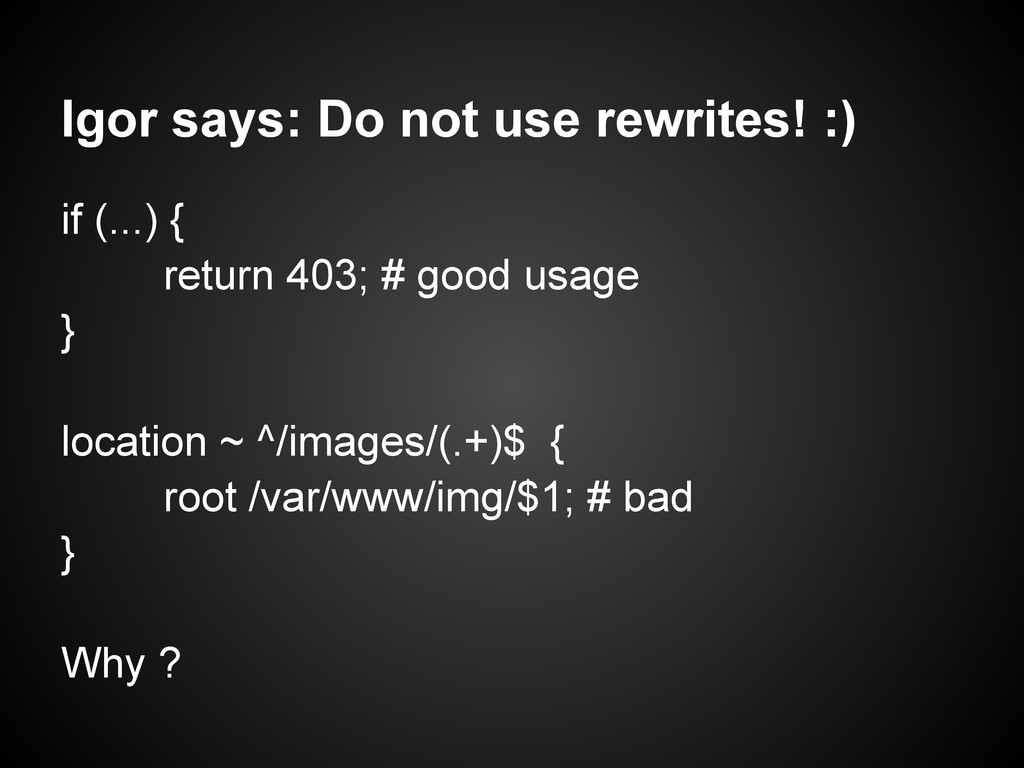
  13. Igor says: Do not use rewrites! :) if (...) {

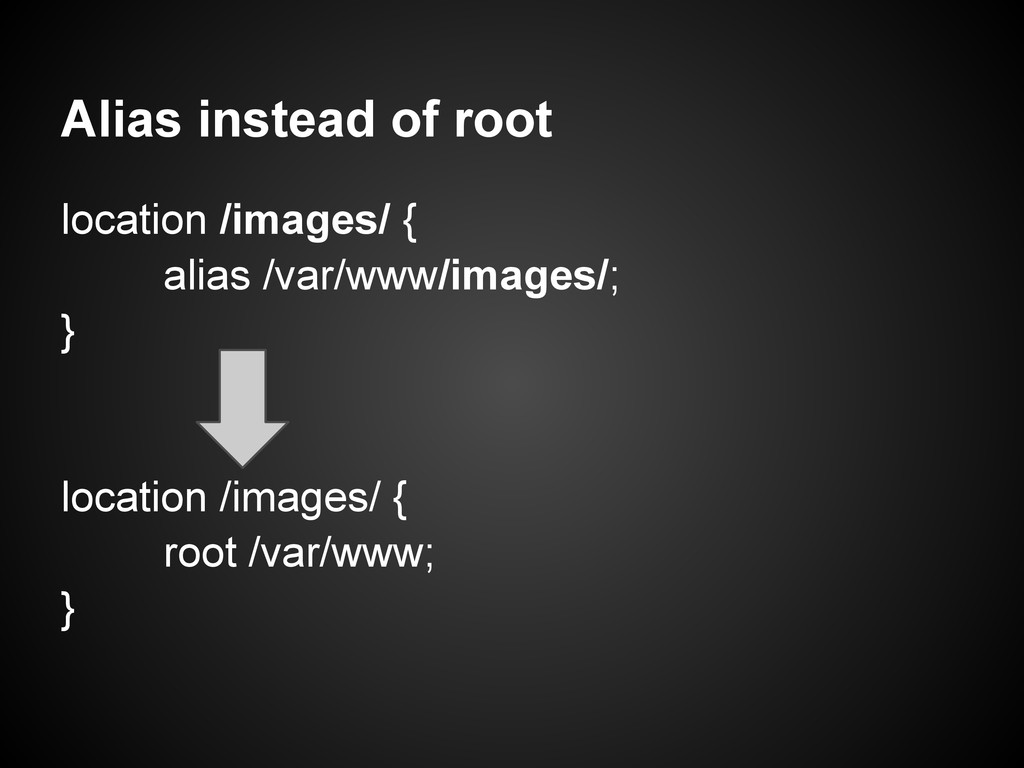
    return 403; # good usage } location ~ ^/images/(.+)$ { root /var/www/img/$1; # bad } Why ?
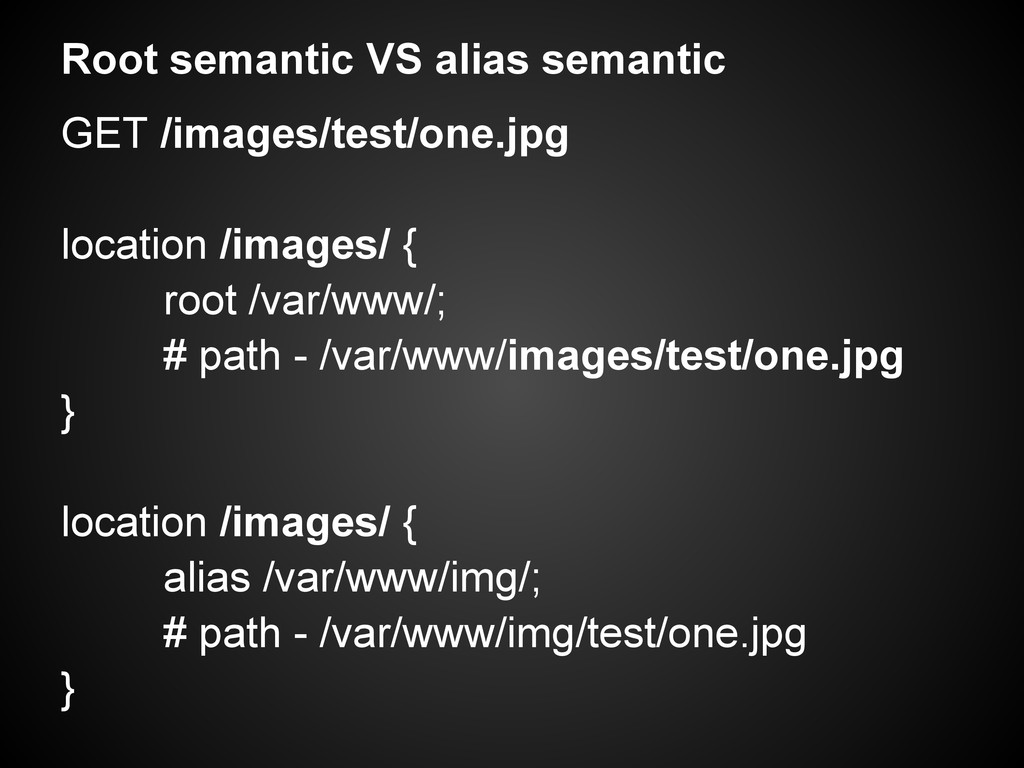
  14. Root semantic VS alias semantic GET /images/test/one.jpg location /images/ {

    root /var/www/; # path - /var/www/images/test/one.jpg } location /images/ { alias /var/www/img/; # path - /var/www/img/test/one.jpg }
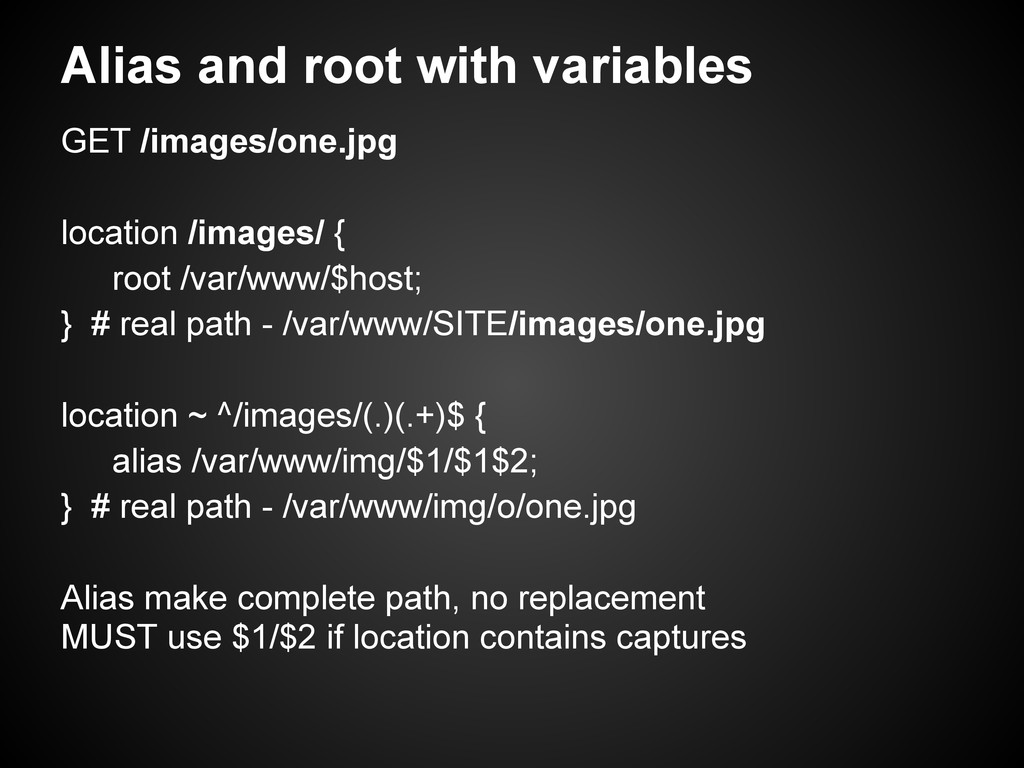
  15. Alias and root with variables GET /images/one.jpg location /images/ {

    root /var/www/$host; } # real path - /var/www/SITE/images/one.jpg location ~ ^/images/(.)(.+)$ { alias /var/www/img/$1/$1$2; } # real path - /var/www/img/o/one.jpg Alias make complete path, no replacement MUST use $1/$2 if location contains captures
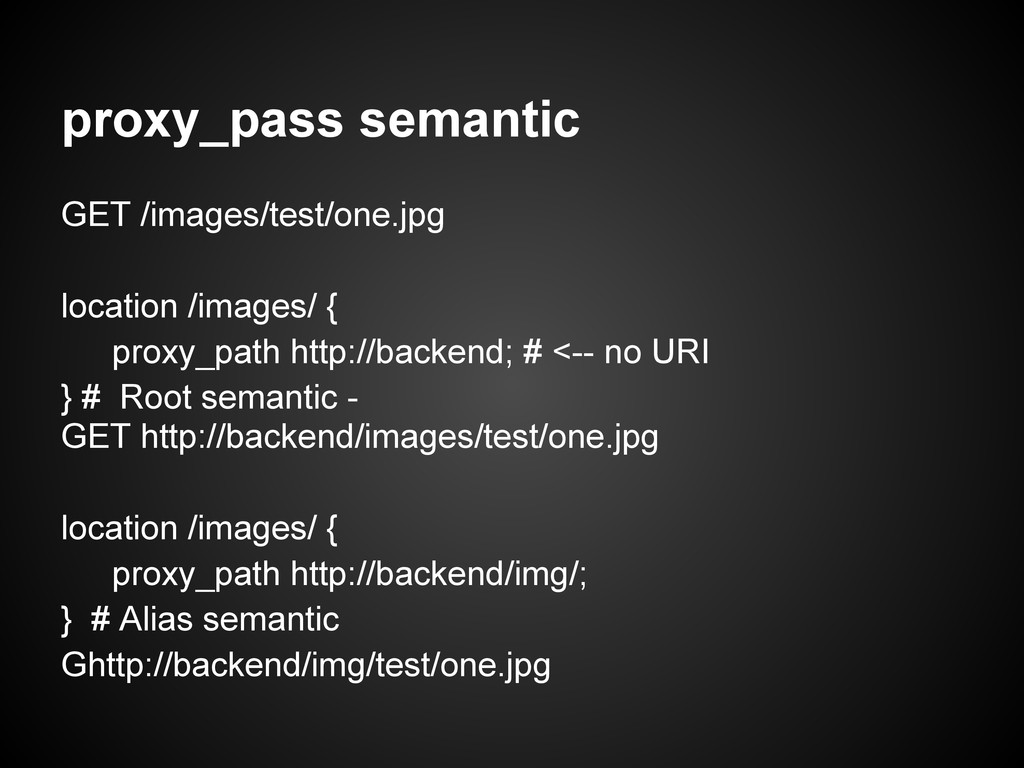
  16. proxy_pass semantic GET /images/test/one.jpg location /images/ { proxy_path http://backend; #

    <-- no URI } # Root semantic - GET http://backend/images/test/one.jpg location /images/ { proxy_path http://backend/img/; } # Alias semantic Ghttp://backend/img/test/one.jpg
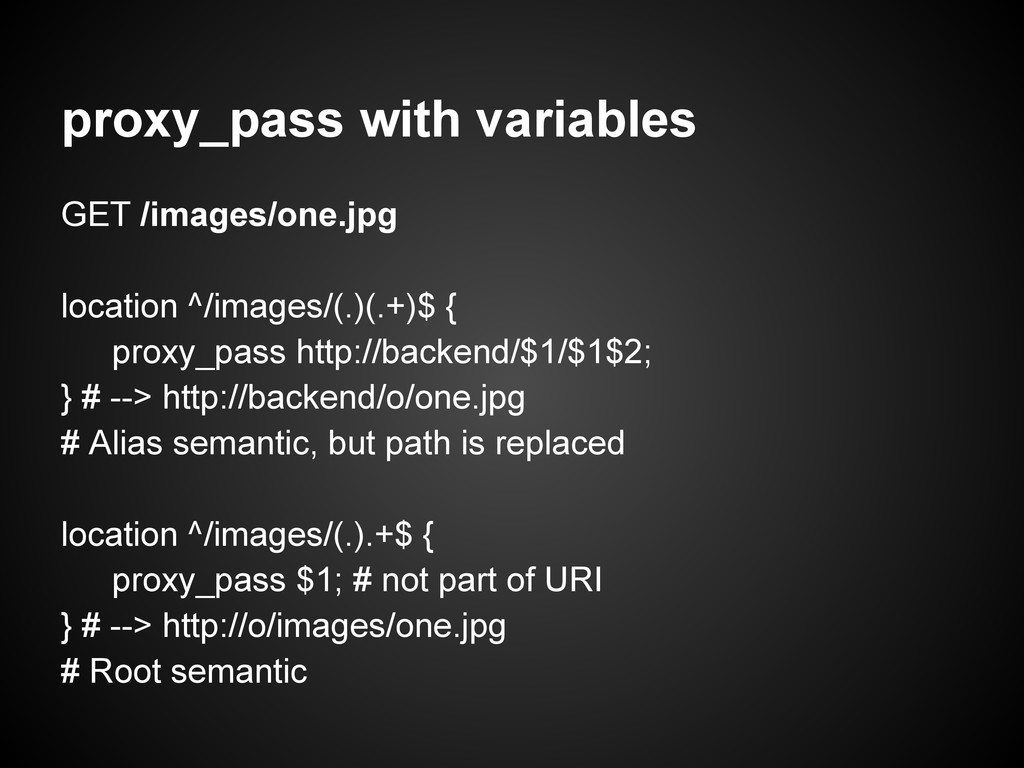
  17. proxy_pass with variables GET /images/one.jpg location ^/images/(.)(.+)$ { proxy_pass http://backend/$1/$1$2;

    } # --> http://backend/o/one.jpg # Alias semantic, but path is replaced location ^/images/(.).+$ { proxy_pass $1; # not part of URI } # --> http://o/images/one.jpg # Root semantic
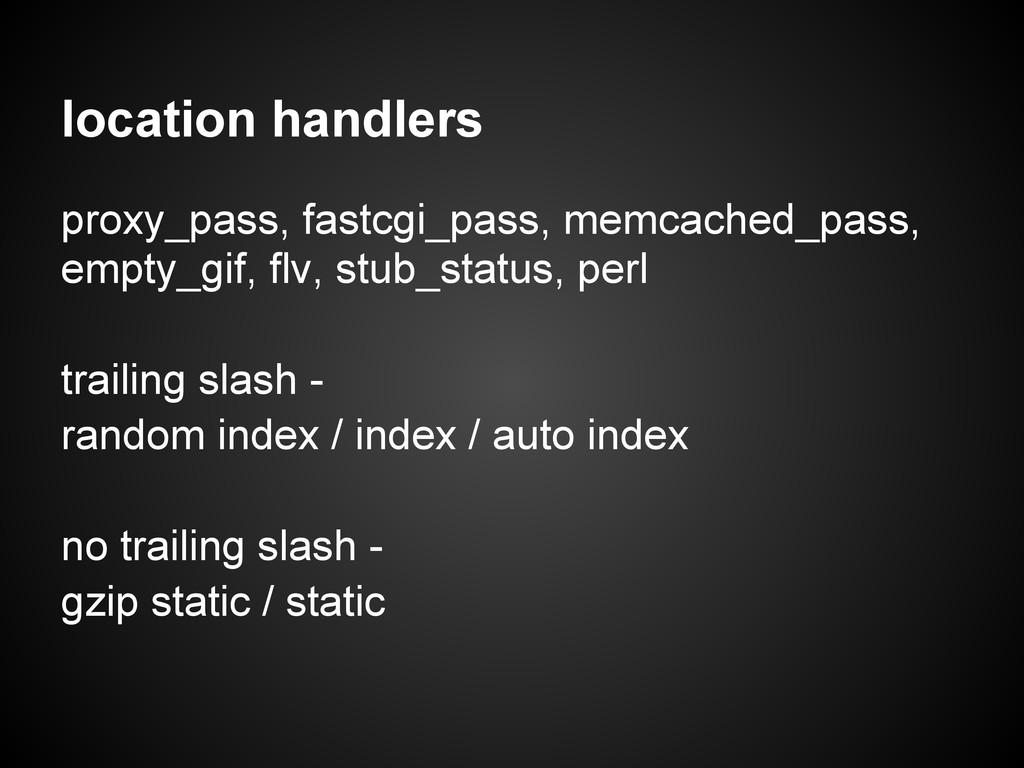
  18. location handlers proxy_pass, fastcgi_pass, memcached_pass, empty_gif, flv, stub_status, perl trailing

    slash - random index / index / auto index no trailing slash - gzip static / static
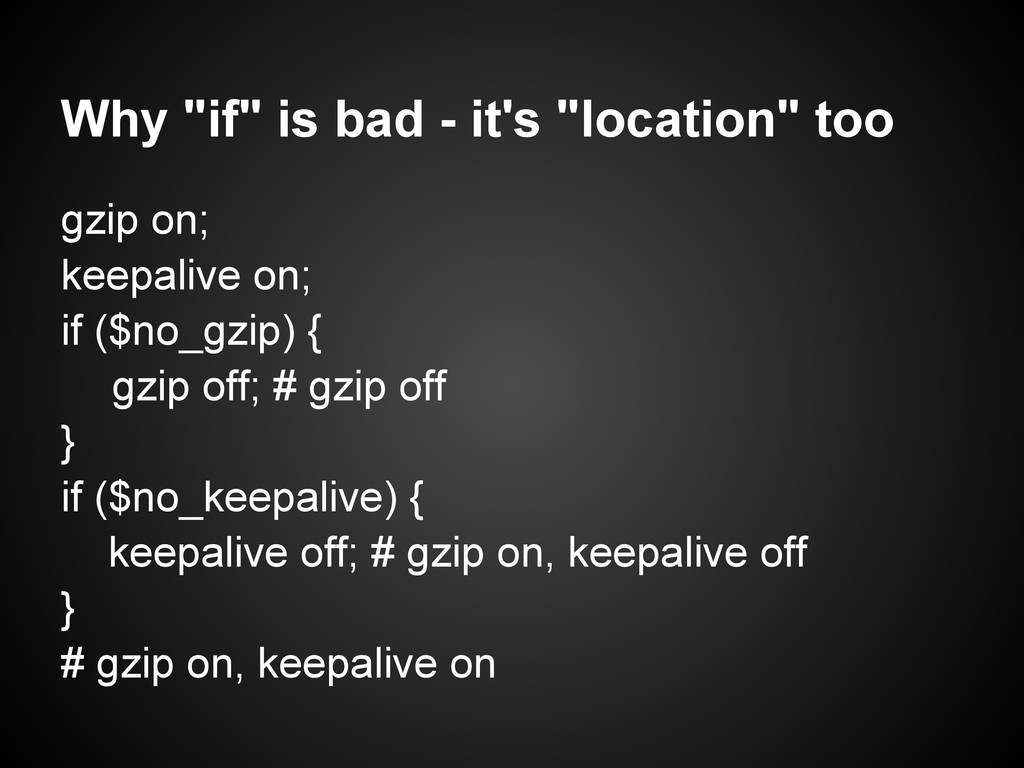
  19. Why "if" is bad - it's "location" too gzip on;

    keepalive on; if ($no_gzip) { gzip off; # gzip off } if ($no_keepalive) { keepalive off; # gzip on, keepalive off } # gzip on, keepalive on
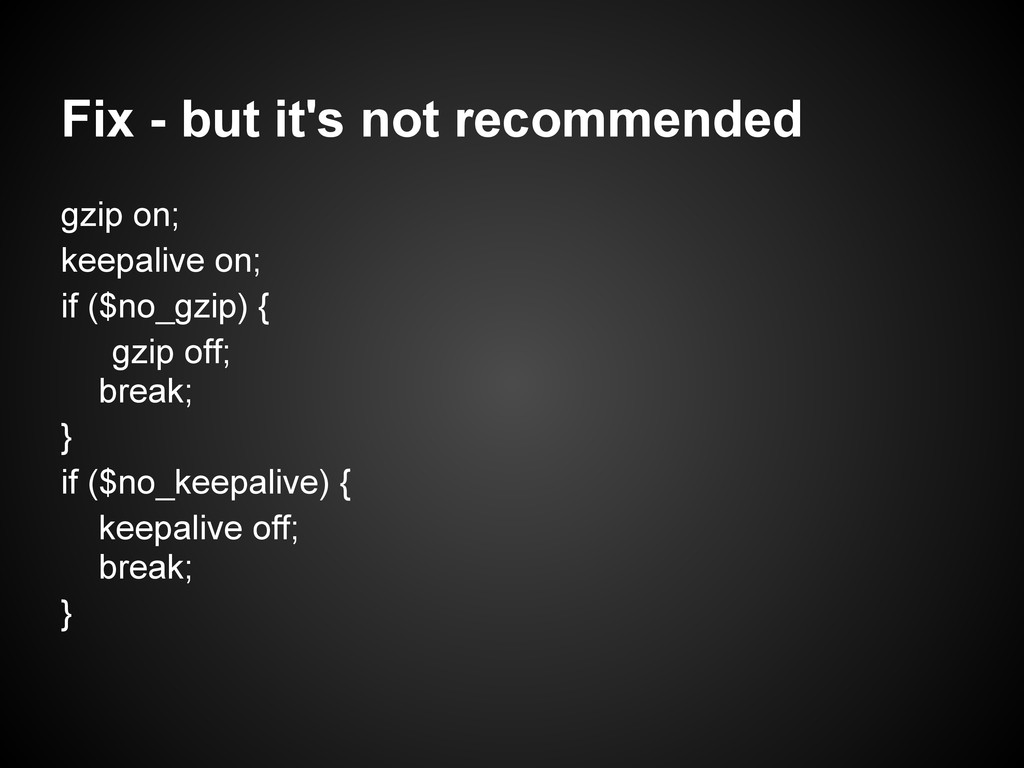
  20. Fix - but it's not recommended gzip on; keepalive on;

    if ($no_gzip) { gzip off; break; } if ($no_keepalive) { keepalive off; break; }
  21. Migration from Apache to Nginx Apache: RewriteCond %{HTTP_HOST} ^site\.com$ [NC]

    RewriteRule ^(.*)$ http://www.site.com/$1 [R=301,L] # www redirect, common stuff out there Nginx: if ($host = 'site.com') { rewrite ^(.*)$ http://www.site.com/$1 permanent; # MY EYES!!! }
  22. Apache: RewriteCond %{HTTP_HOST} ^site\.com$ [NC] RewriteRule ^(.*)$ http://www.site.com/$1 [R=301,L] #

    www redirect, common stuff out there Nginx: server { server_name site.com; rewrite ^ http://www.site.com/$request_uri? permanent; # NOT BAD } Right way to do it
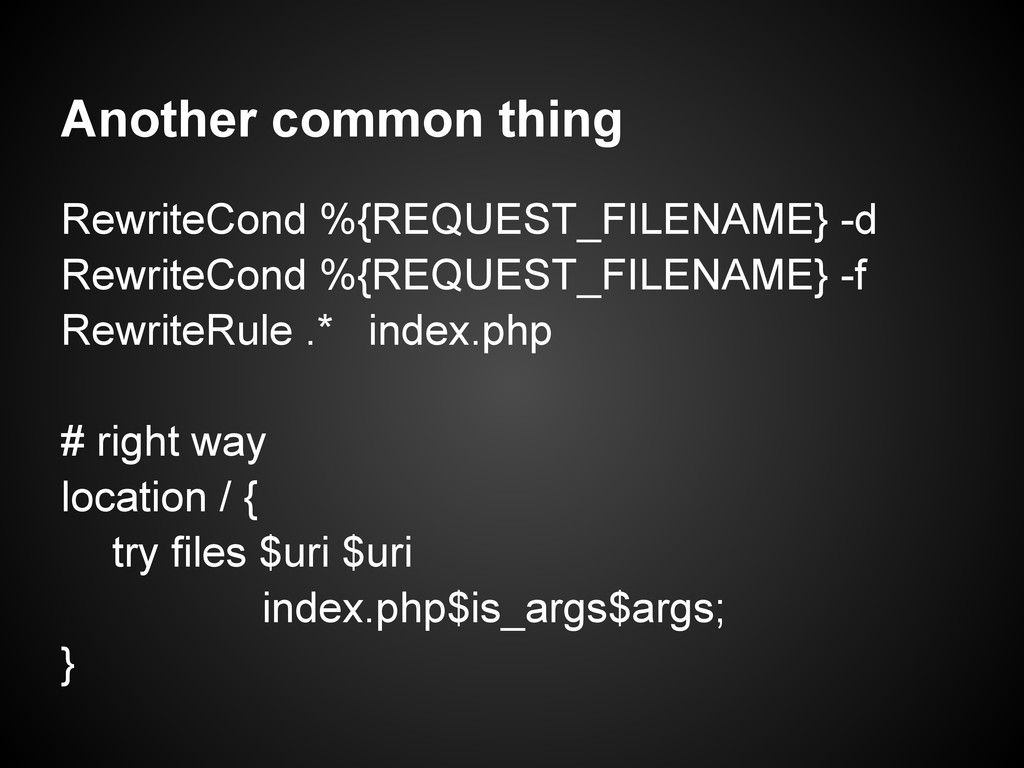
  23. Another common thing RewriteCond %{REQUEST_FILENAME} -d RewriteCond %{REQUEST_FILENAME} -f RewriteRule

    .* index.php # right way location / { try files $uri $uri index.php$is_args$args; }
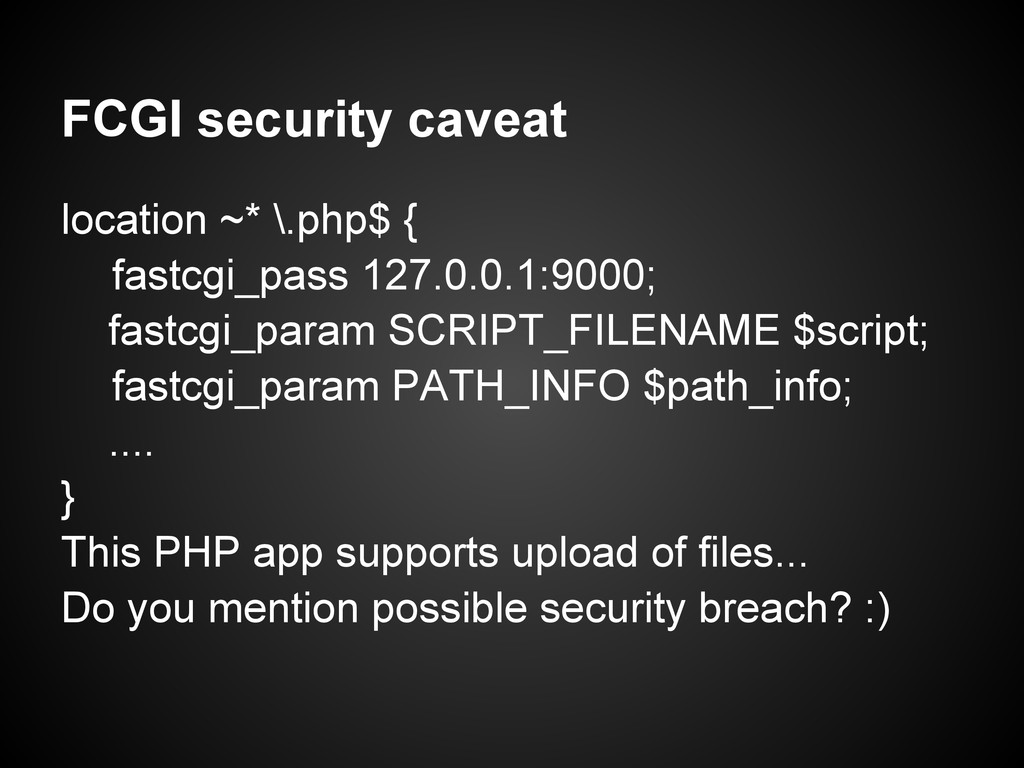
  24. FCGI security caveat location ~* \.php$ { fastcgi_pass 127.0.0.1:9000; fastcgi_param

    SCRIPT_FILENAME $script; fastcgi_param PATH_INFO $path_info; .... } This PHP app supports upload of files... Do you mention possible security breach? :)
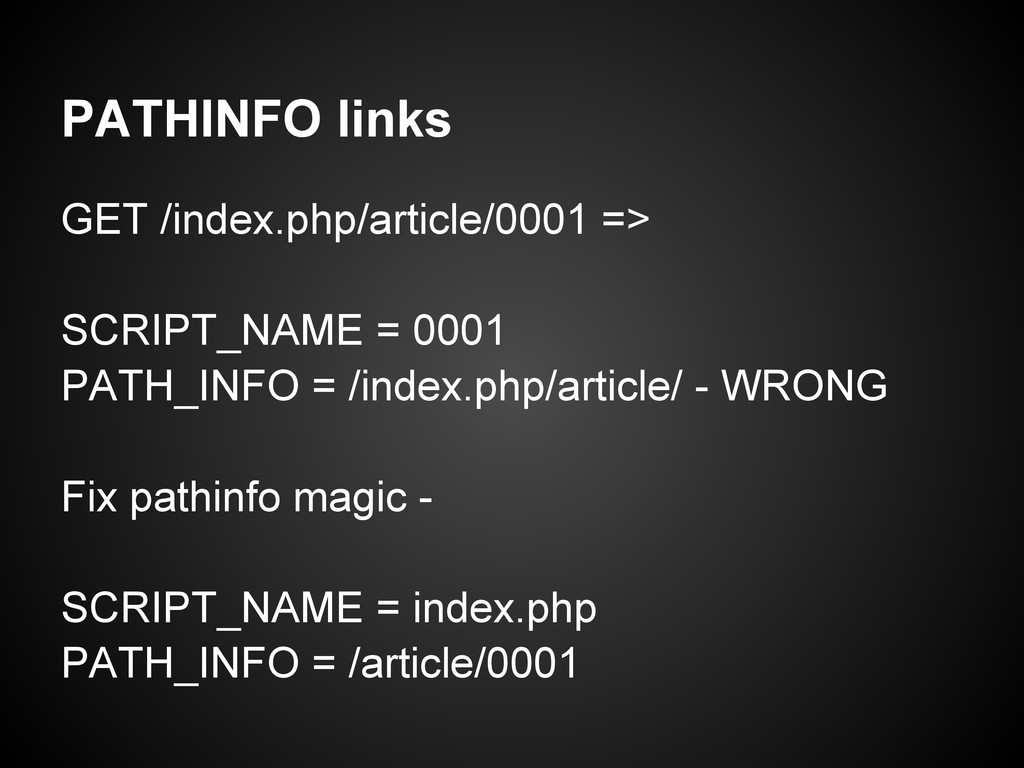
  25. PATHINFO links GET /index.php/article/0001 => SCRIPT_NAME = 0001 PATH_INFO =

    /index.php/article/ - WRONG Fix pathinfo magic - SCRIPT_NAME = index.php PATH_INFO = /article/0001
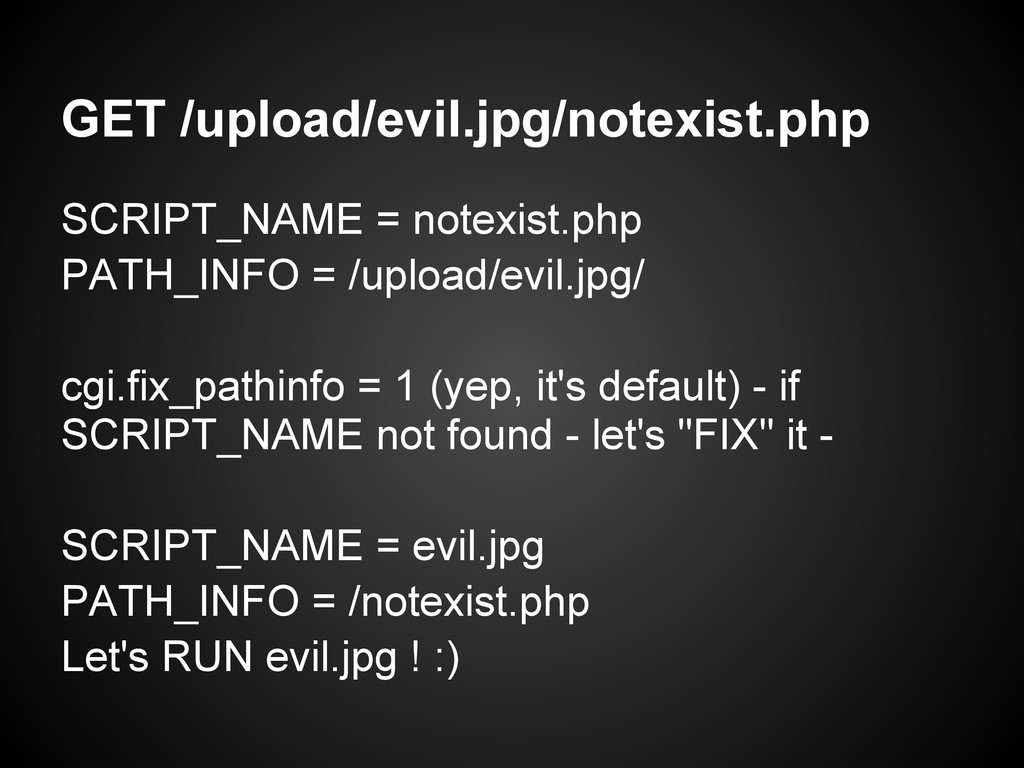
  26. GET /upload/evil.jpg/notexist.php SCRIPT_NAME = notexist.php PATH_INFO = /upload/evil.jpg/ cgi.fix_pathinfo =

    1 (yep, it's default) - if SCRIPT_NAME not found - let's "FIX" it - SCRIPT_NAME = evil.jpg PATH_INFO = /notexist.php Let's RUN evil.jpg ! :)
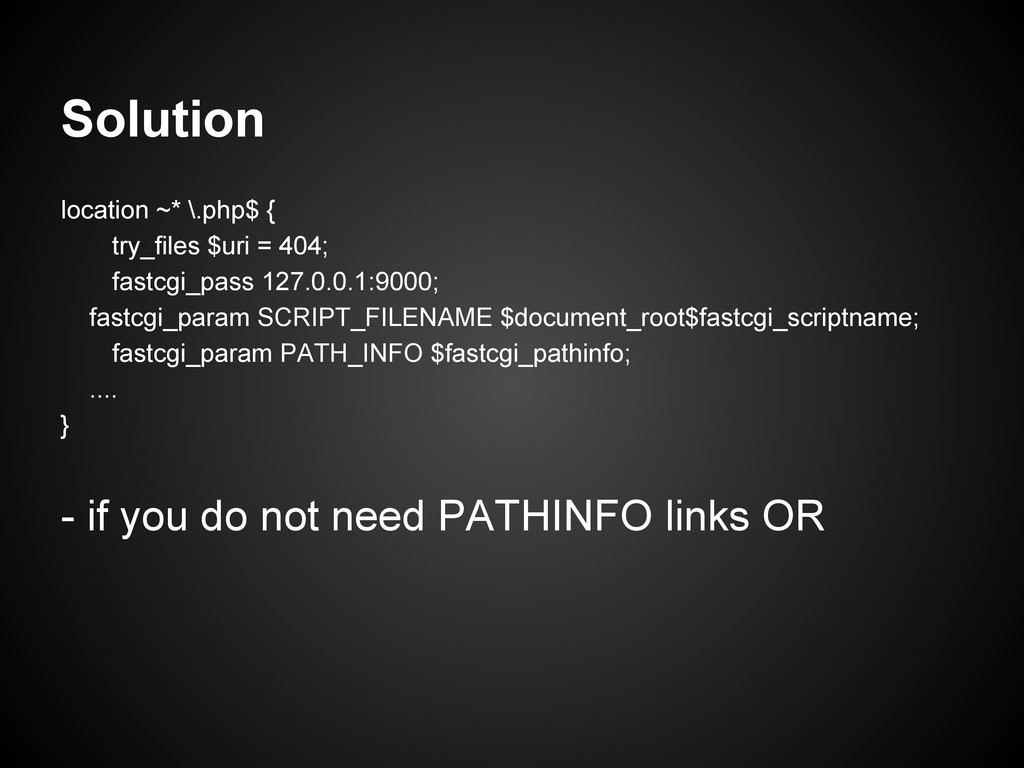
  27. Solution location ~* \.php$ { try_files $uri = 404; fastcgi_pass

    127.0.0.1:9000; fastcgi_param SCRIPT_FILENAME $document_root$fastcgi_scriptname; fastcgi_param PATH_INFO $fastcgi_pathinfo; .... } - if you do not need PATHINFO links OR
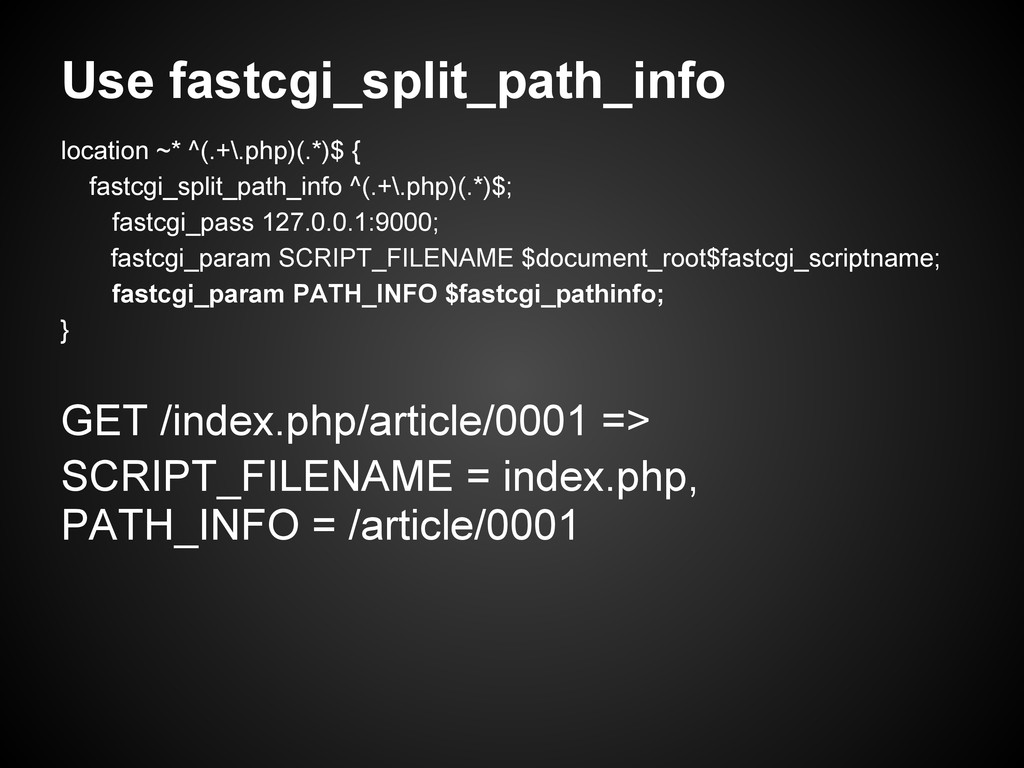
  28. Use fastcgi_split_path_info location ~* ^(.+\.php)(.*)$ { fastcgi_split_path_info ^(.+\.php)(.*)$; fastcgi_pass 127.0.0.1:9000;

    fastcgi_param SCRIPT_FILENAME $document_root$fastcgi_scriptname; fastcgi_param PATH_INFO $fastcgi_pathinfo; } GET /index.php/article/0001 => SCRIPT_FILENAME = index.php, PATH_INFO = /article/0001
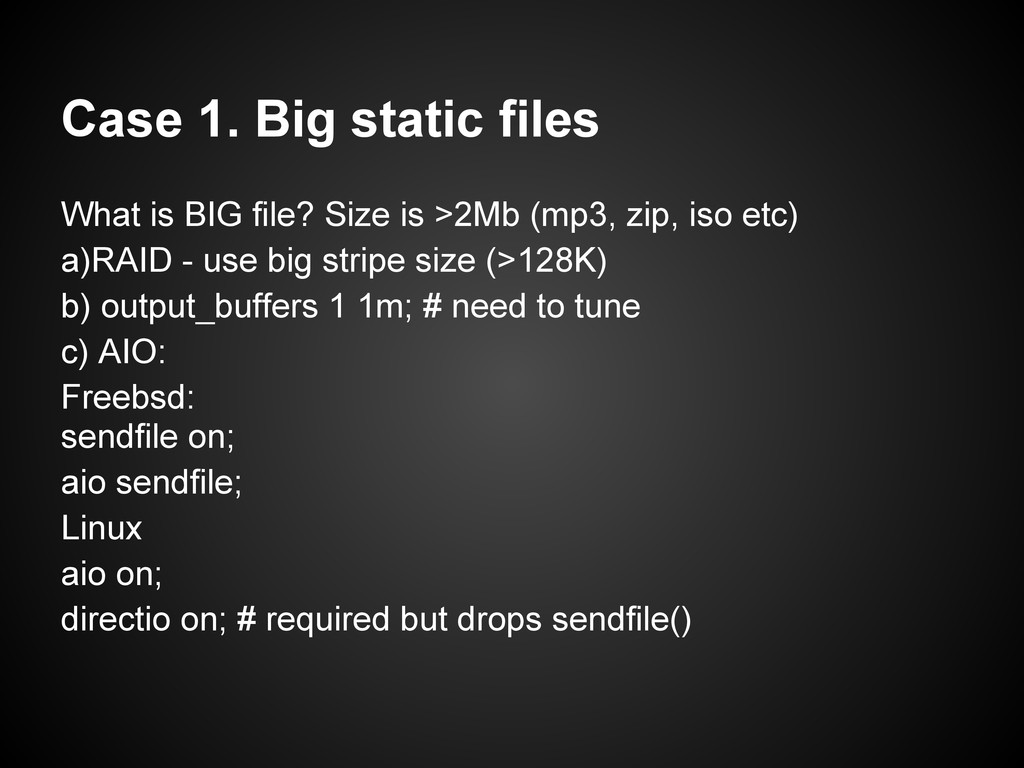
  29. Case 1. Big static files What is BIG file? Size

    is >2Mb (mp3, zip, iso etc) a)RAID - use big stripe size (>128K) b) output_buffers 1 1m; # need to tune c) AIO: Freebsd: sendfile on; aio sendfile; Linux aio on; directio on; # required but drops sendfile()
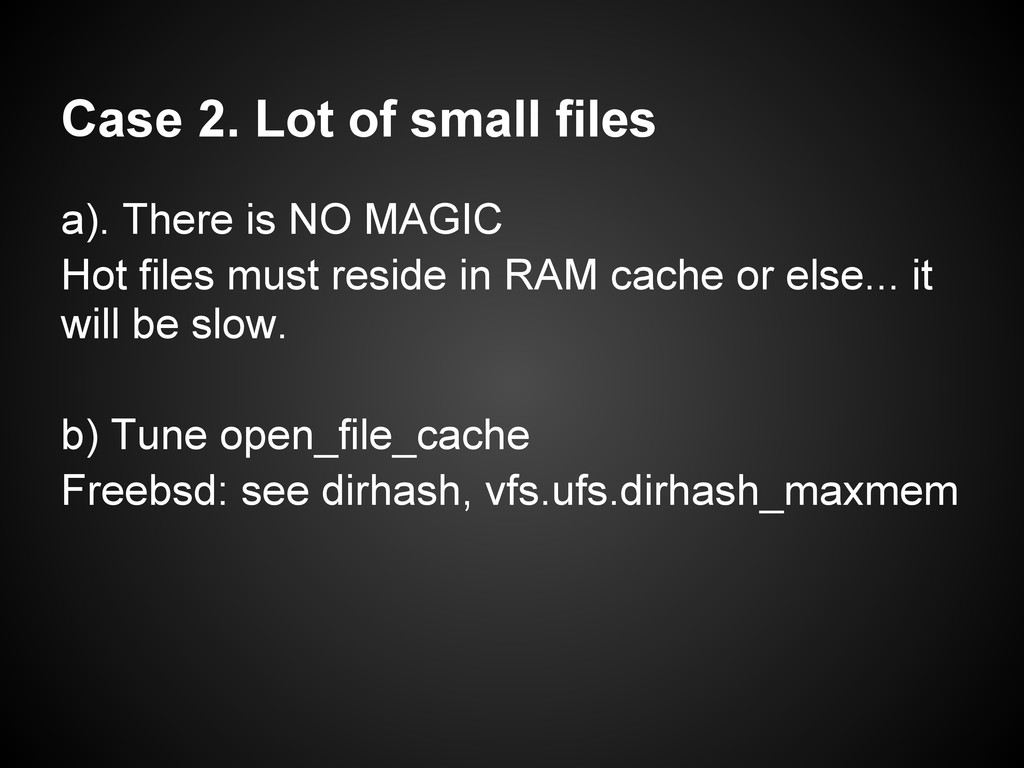
  30. Case 2. Lot of small files a). There is NO

    MAGIC Hot files must reside in RAM cache or else... it will be slow. b) Tune open_file_cache Freebsd: see dirhash, vfs.ufs.dirhash_maxmem
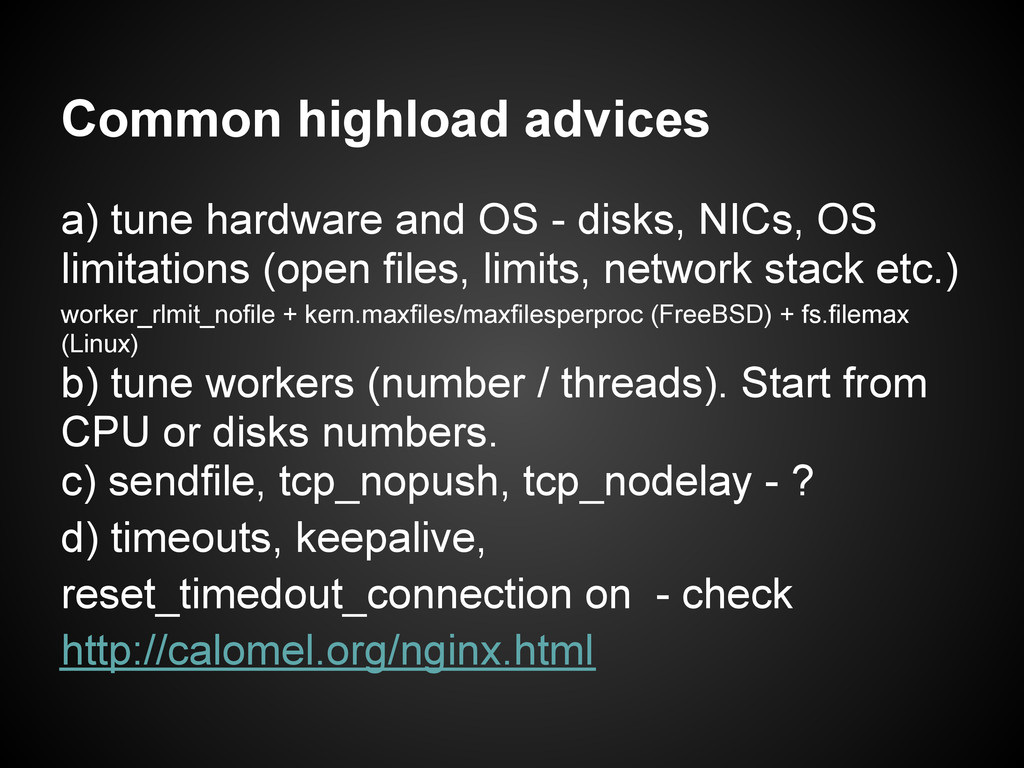
  31. Common highload advices a) tune hardware and OS - disks,

    NICs, OS limitations (open files, limits, network stack etc.) worker_rlmit_nofile + kern.maxfiles/maxfilesperproc (FreeBSD) + fs.filemax (Linux) b) tune workers (number / threads). Start from CPU or disks numbers. c) sendfile, tcp_nopush, tcp_nodelay - ? d) timeouts, keepalive, reset_timedout_connection on - check http://calomel.org/nginx.html
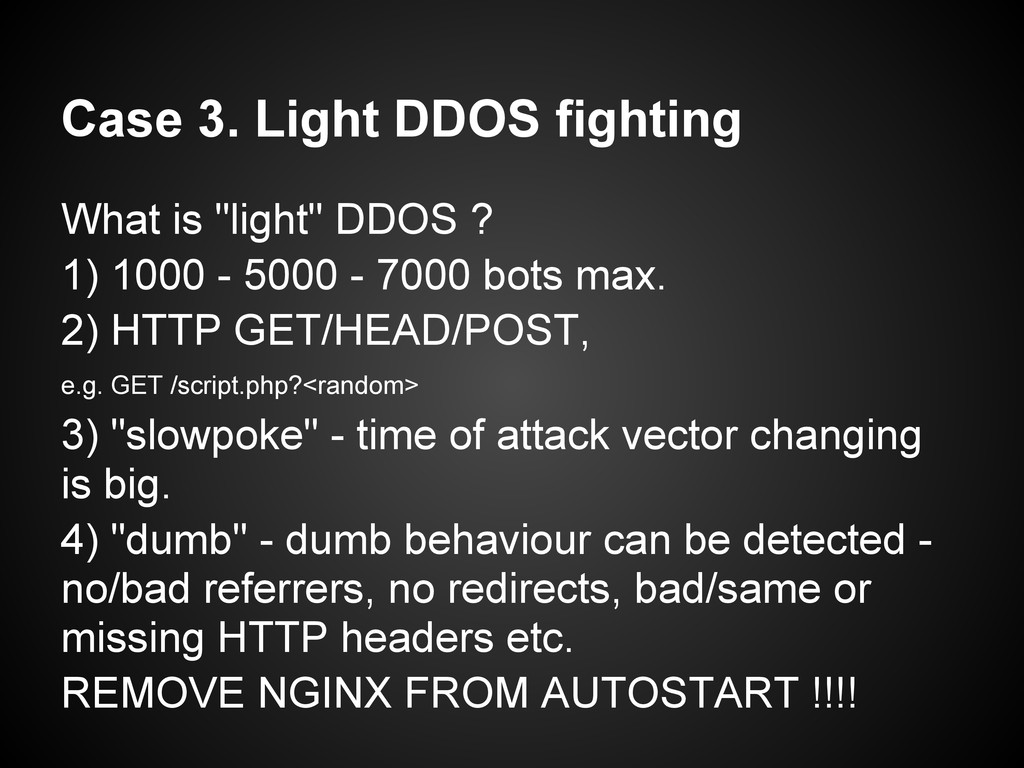
  32. Case 3. Light DDOS fighting What is "light" DDOS ?

    1) 1000 - 5000 - 7000 bots max. 2) HTTP GET/HEAD/POST, e.g. GET /script.php?<random> 3) "slowpoke" - time of attack vector changing is big. 4) "dumb" - dumb behaviour can be detected - no/bad referrers, no redirects, bad/same or missing HTTP headers etc. REMOVE NGINX FROM AUTOSTART !!!!
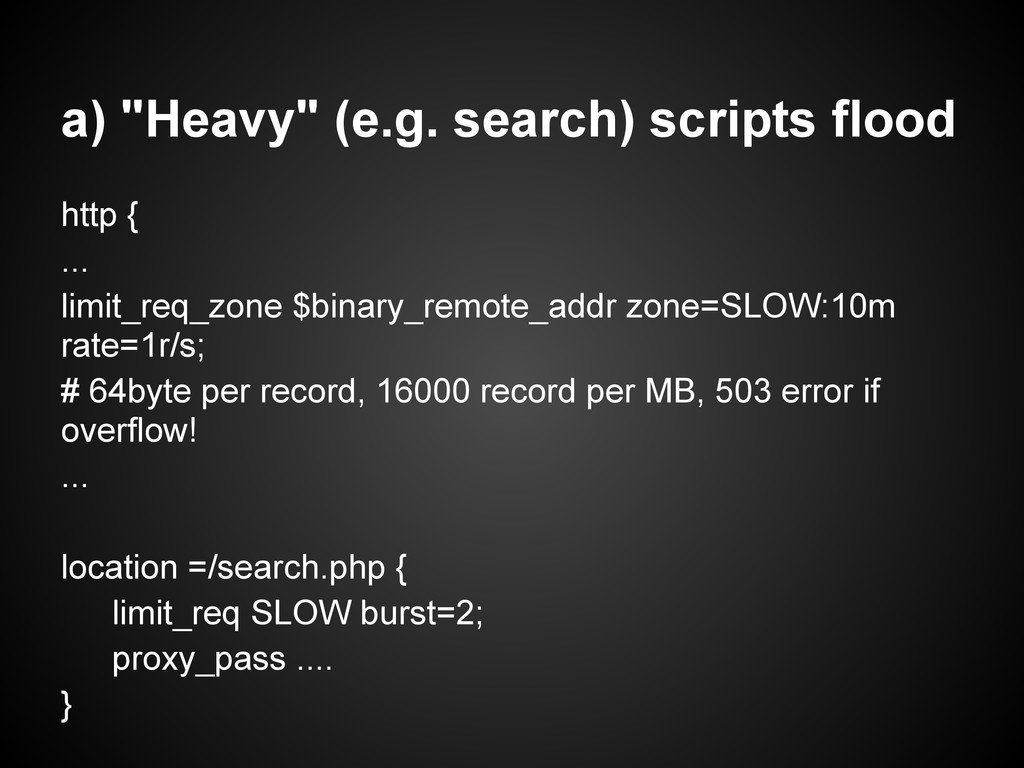
  33. a) "Heavy" (e.g. search) scripts flood http { ... limit_req_zone

    $binary_remote_addr zone=SLOW:10m rate=1r/s; # 64byte per record, 16000 record per MB, 503 error if overflow! ... location =/search.php { limit_req SLOW burst=2; proxy_pass .... }
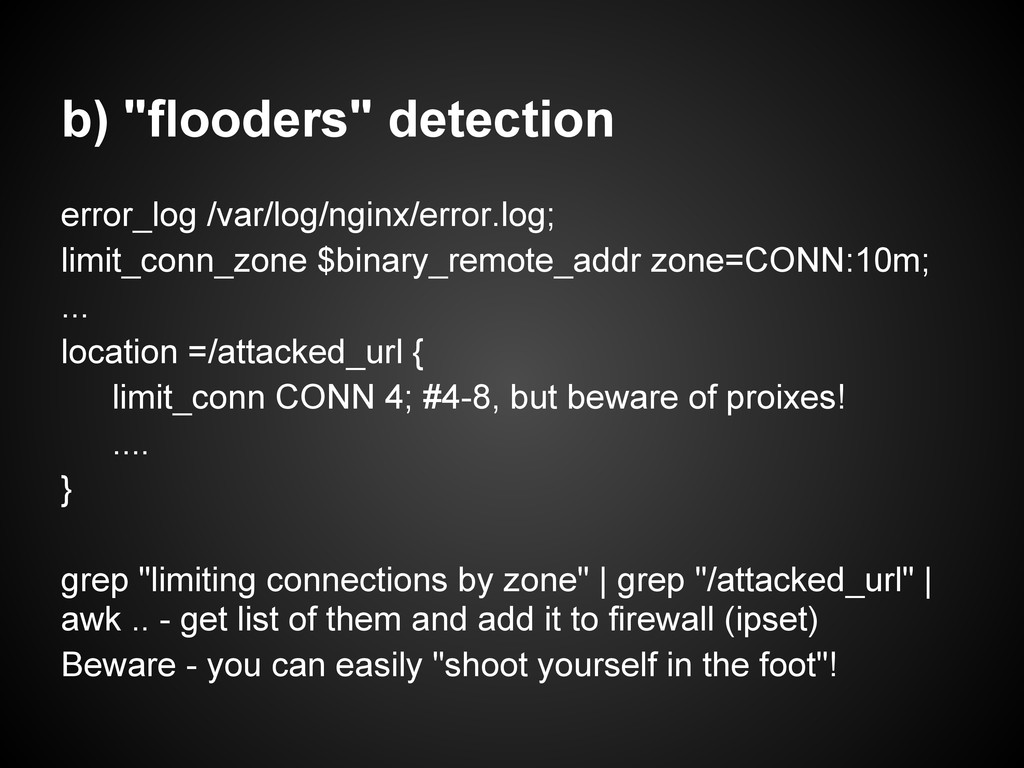
  34. b) "flooders" detection error_log /var/log/nginx/error.log; limit_conn_zone $binary_remote_addr zone=CONN:10m; ... location

    =/attacked_url { limit_conn CONN 4; #4-8, but beware of proixes! .... } grep "limiting connections by zone" | grep "/attacked_url" | awk .. - get list of them and add it to firewall (ipset) Beware - you can easily "shoot yourself in the foot"!
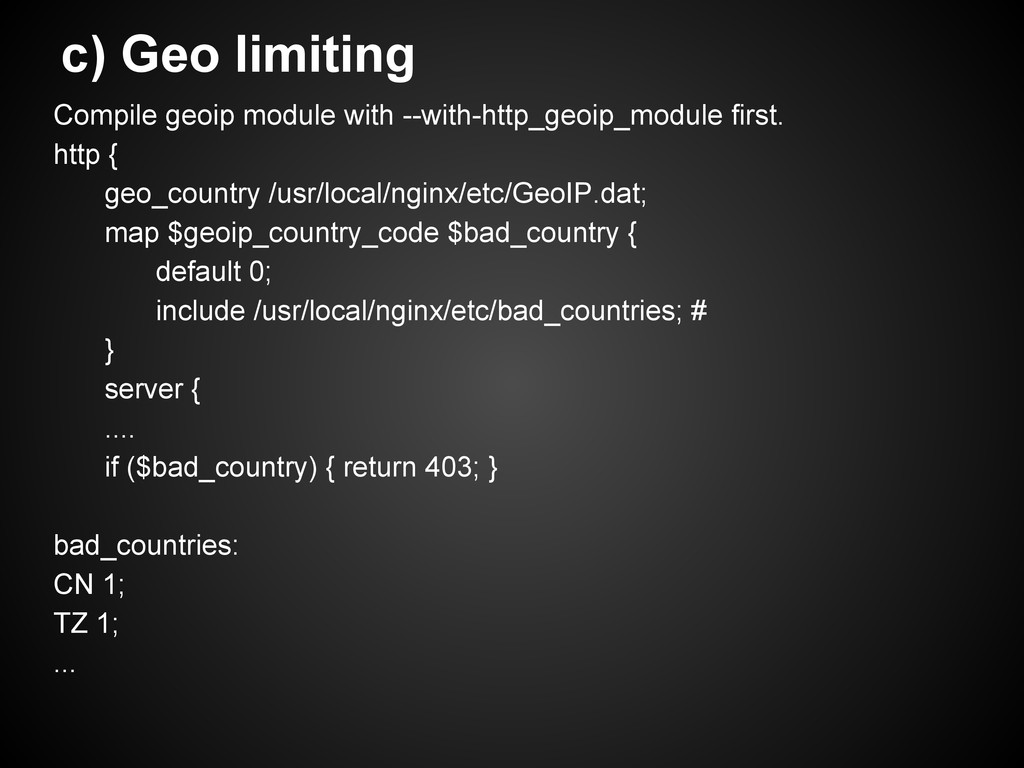
  35. c) Geo limiting Compile geoip module with --with-http_geoip_module first. http

    { geo_country /usr/local/nginx/etc/GeoIP.dat; map $geoip_country_code $bad_country { default 0; include /usr/local/nginx/etc/bad_countries; # } server { .... if ($bad_country) { return 403; } bad_countries: CN 1; TZ 1; ...
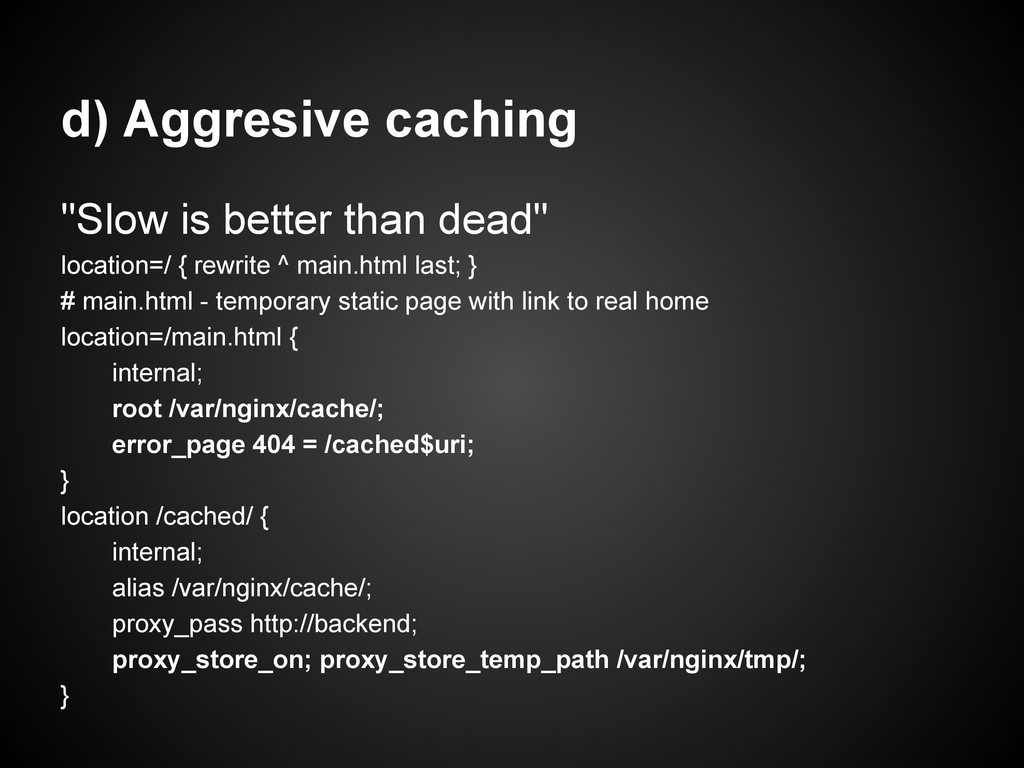
  36. d) Aggresive caching "Slow is better than dead" location=/ {

    rewrite ^ main.html last; } # main.html - temporary static page with link to real home location=/main.html { internal; root /var/nginx/cache/; error_page 404 = /cached$uri; } location /cached/ { internal; alias /var/nginx/cache/; proxy_pass http://backend; proxy_store_on; proxy_store_temp_path /var/nginx/tmp/; }