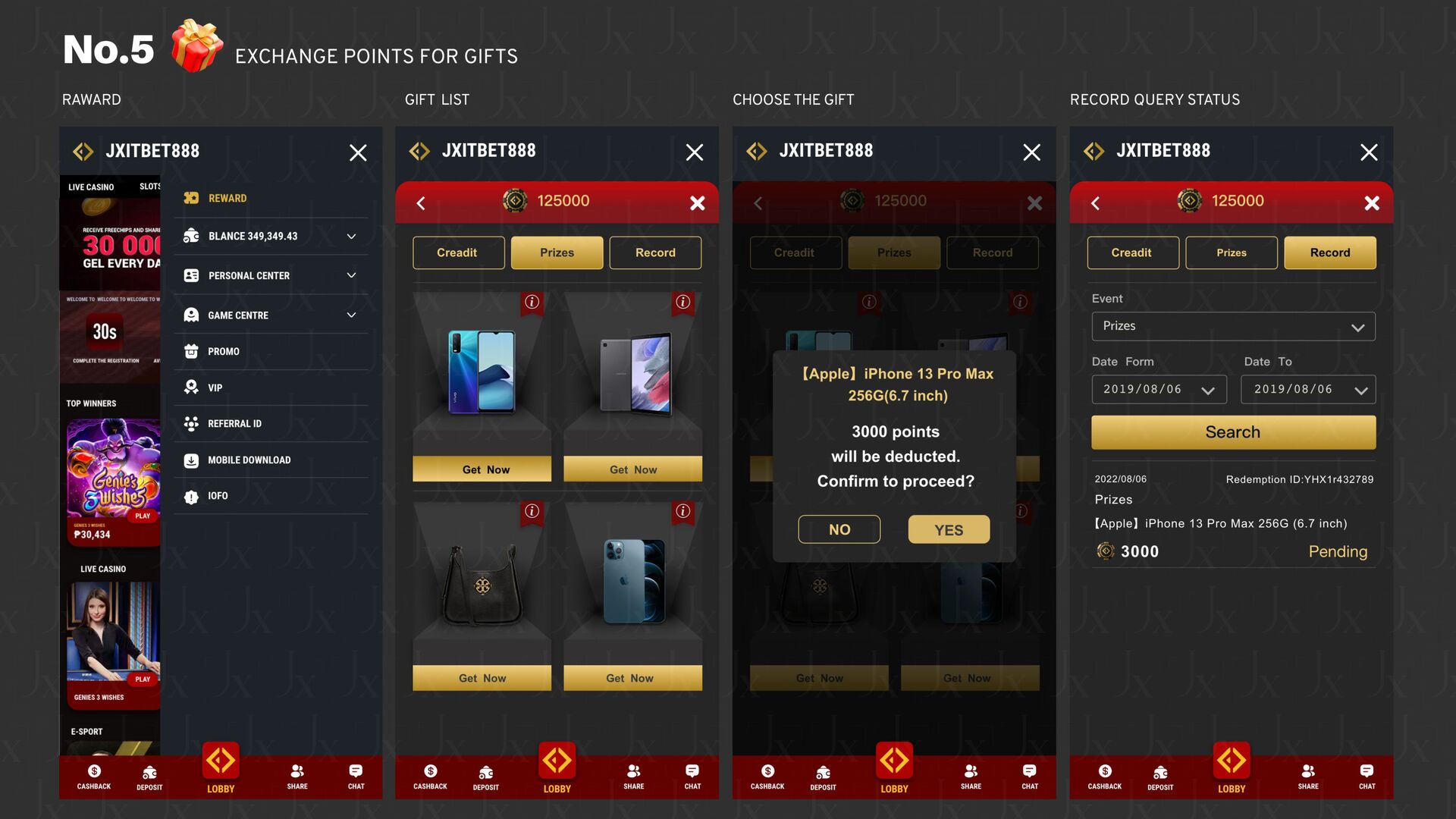
Earn Reward - Access the relevant pages for earning points or rewards. The banner at the top showcases featured redemption items or promotional activities. The middle section displays information on selected items, including the item name, required points, original price, countdown to limited-time discount, and item description. Each item card has a shopping cart button in the lower right corner, allowing you to add items or redeem them. The left side provides a product search function, allowing you to enter keywords to fi nd products. - You can sort products by price. - You can use the price range fi lter to set the minimum and maximum point range. - You can fi lter products by membership level, such as Black Diamond, Diamond, Platinum, Gold, Silver, Bronze. - The product category section can be fi ltered by di ff erent categories, such as
Favorite, All, Phone, Cash, Credit Card, Bank Transfer, PayPal, Bitcoin. Functions - Reward Center Players use reward points to search, filter, and redeem various items, while also viewing limited-time offers and point records.


 design2024
 rkaga
rkaga
 seathinner
 colly
colly
 kristinabergwall1
 axbom
axbom
 chriscoyier
 inesmontani
 kimpetersen
 427marketing
 sarafernandez
 reverentgeek
 schlessera