Upgrade to Pro — share decks privately, control downloads, hide ads and more …

WordPress Security Best Practices

Avatar for Wil Brown Wil Brown
November 27, 2017

WordPress Security Best Practices

Comprehensive guide to securing your WordPress site including security for the paranoid!

Avatar for Wil Brown

Wil Brown

November 27, 2017

Other Decks in Technology

Transcript

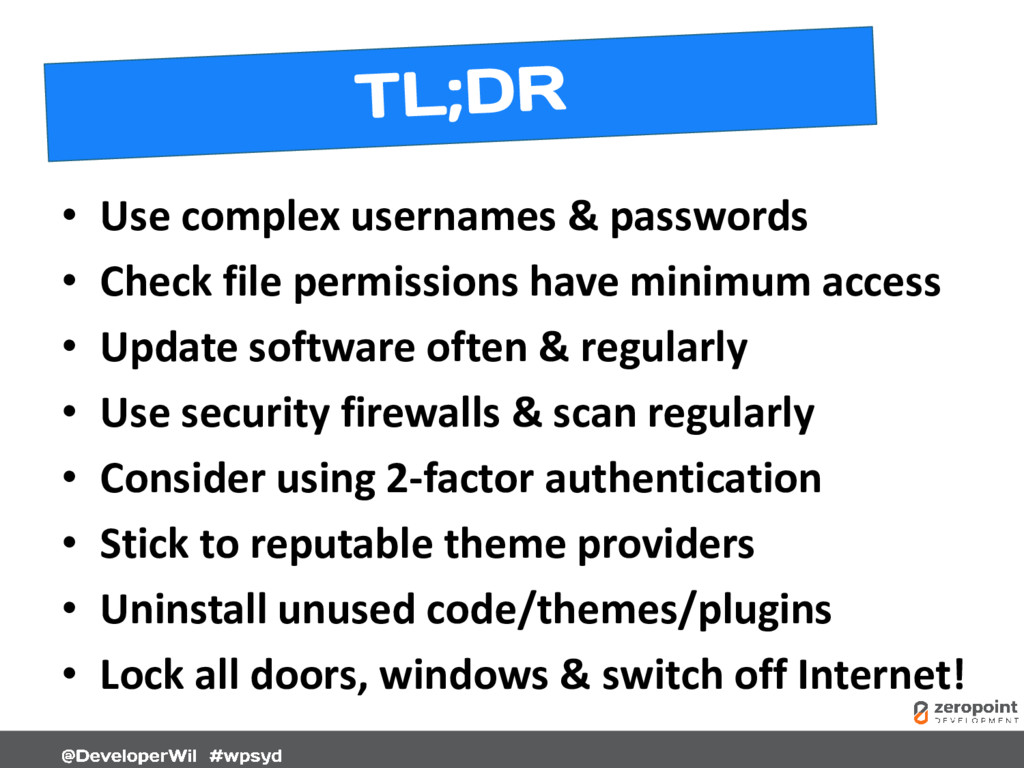
  1. • Use complex usernames & passwords • Check file permissions

    have minimum access • Update software often & regularly • Use security firewalls & scan regularly • Consider using 2-factor authentication • Stick to reputable theme providers • Uninstall unused code/themes/plugins • Lock all doors, windows & switch off Internet!
  2. • Chinese General • Military Strategist • Philosopher • Born

    ~512BC Book: The Art of War http://www.classicly.com/read-the-art-of-war-online-free/page/1
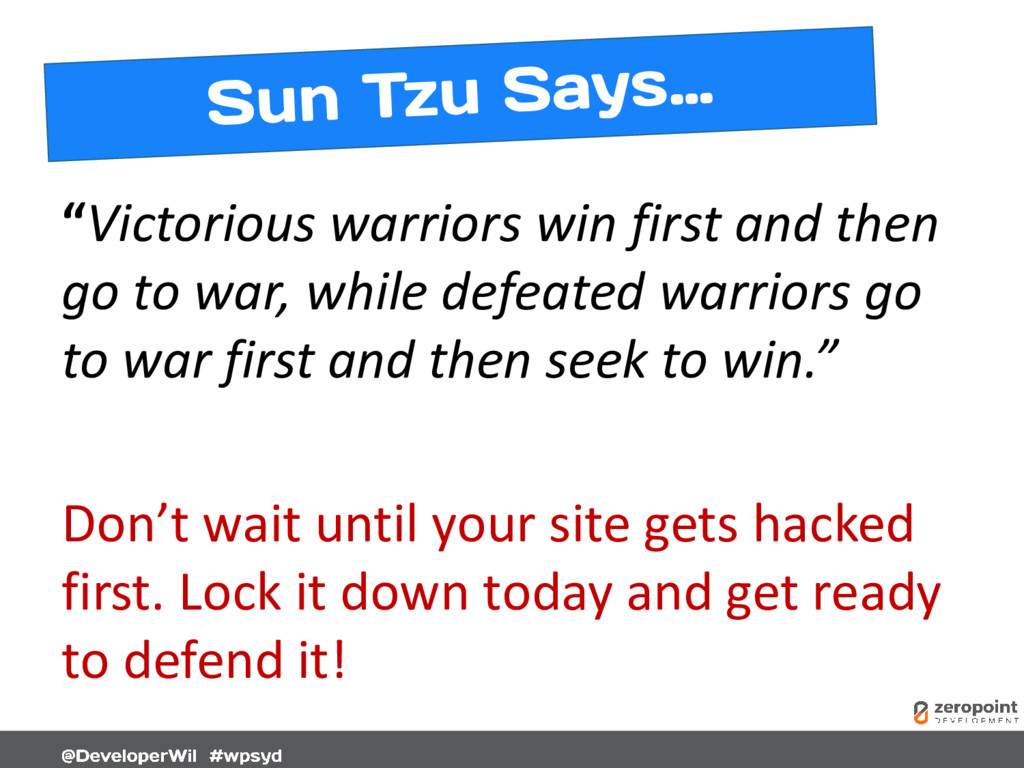
  3. “Victorious warriors win first and then go to war, while

    defeated warriors go to war first and then seek to win.” Don’t wait until your site gets hacked first. Lock it down today and get ready to defend it!
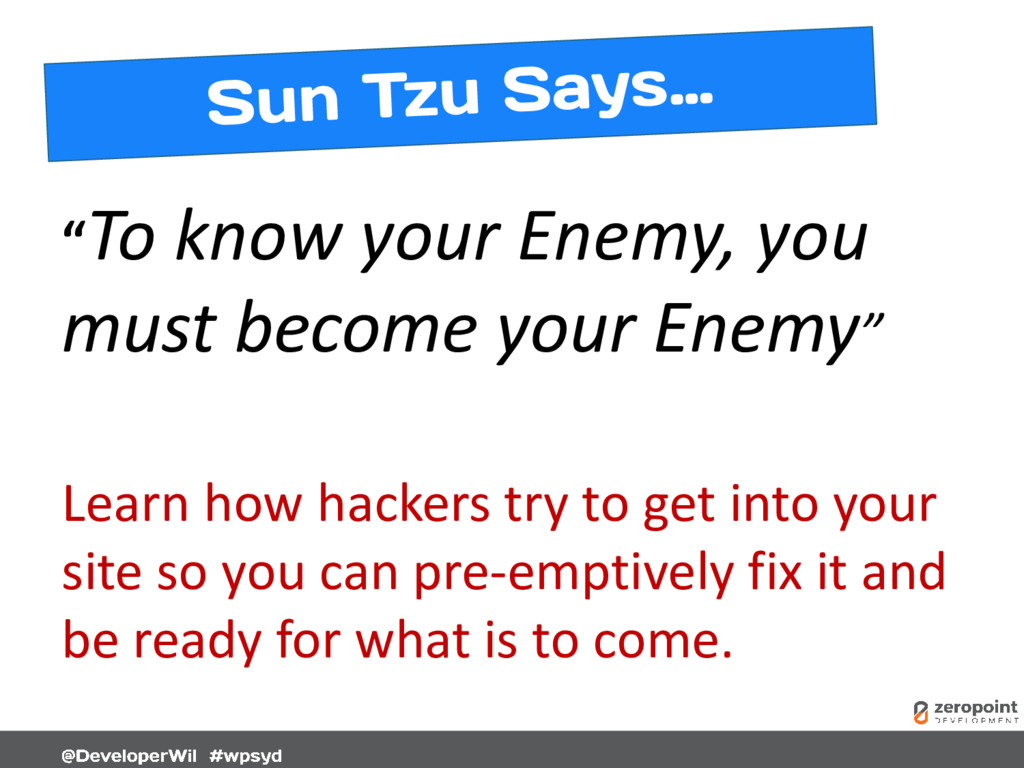
  4. “To know your Enemy, you must become your Enemy” Learn

    how hackers try to get into your site so you can pre-emptively fix it and be ready for what is to come.
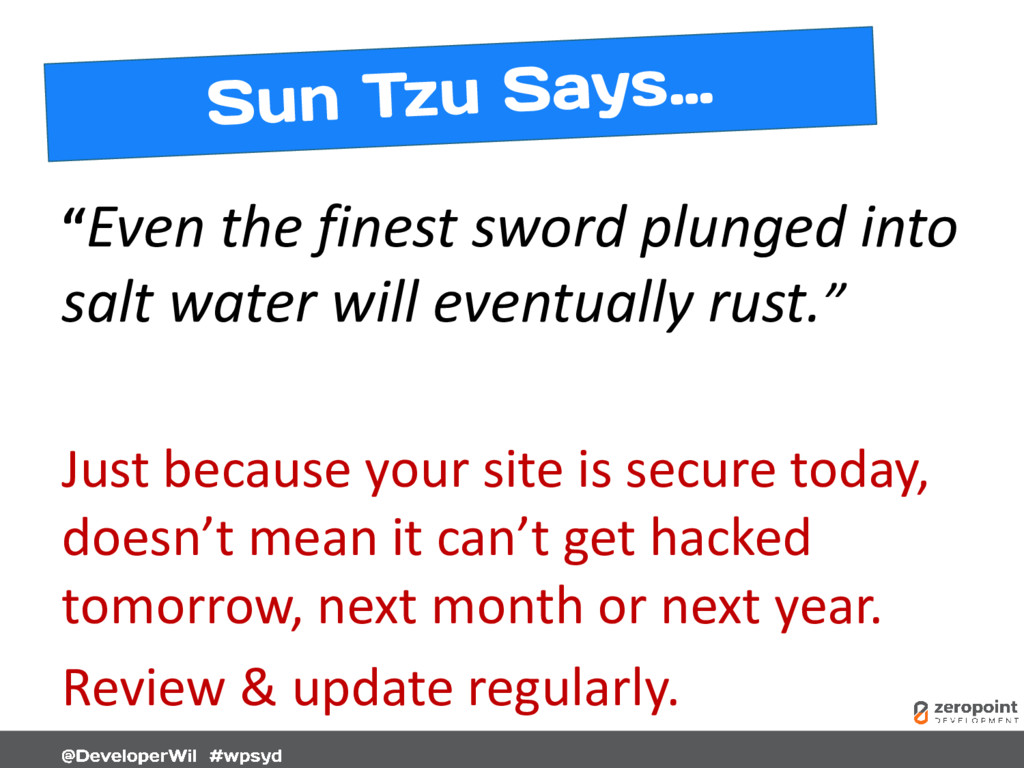
  5. “Even the finest sword plunged into salt water will eventually

    rust.” Just because your site is secure today, doesn’t mean it can’t get hacked tomorrow, next month or next year. Review & update regularly.
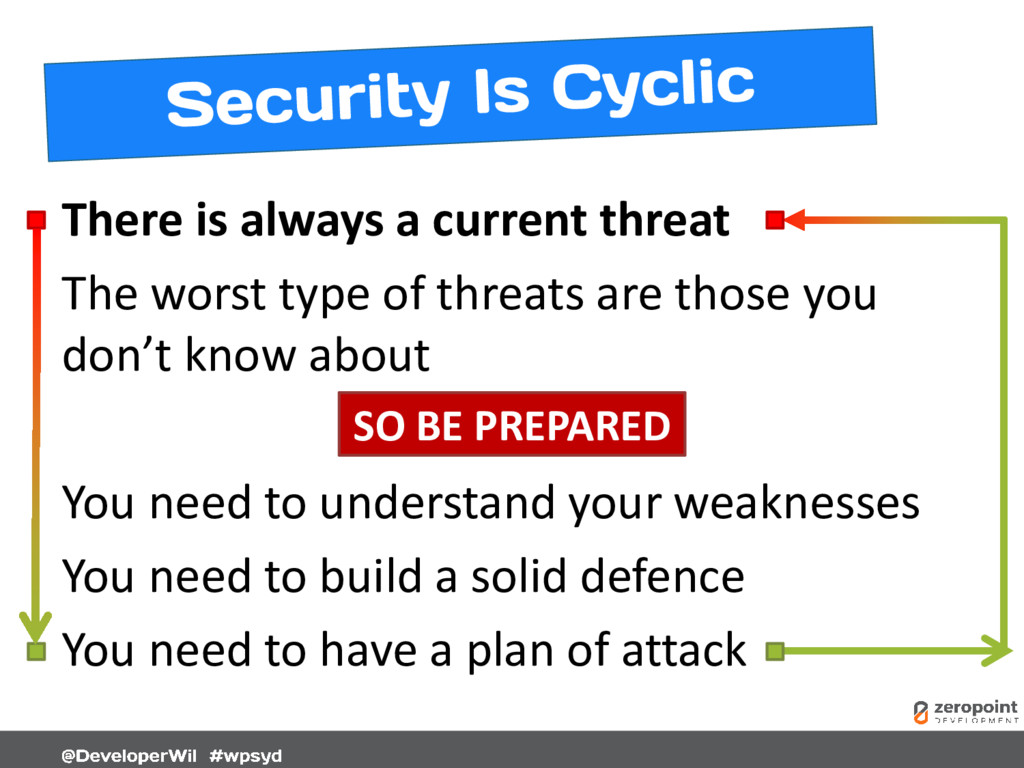
  6. There is always a current threat The worst type of

    threats are those you don’t know about You need to understand your weaknesses You need to build a solid defence You need to have a plan of attack SO BE PREPARED
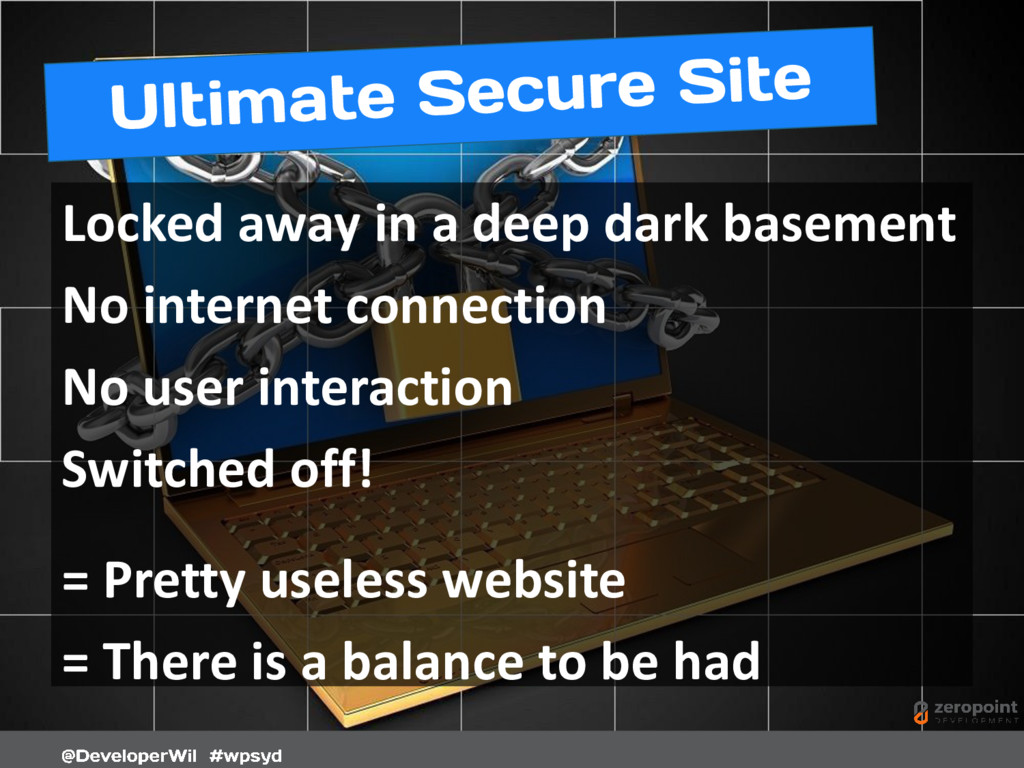
  7. Locked away in a deep dark basement No internet connection

    No user interaction Switched off! = Pretty useless website = There is a balance to be had
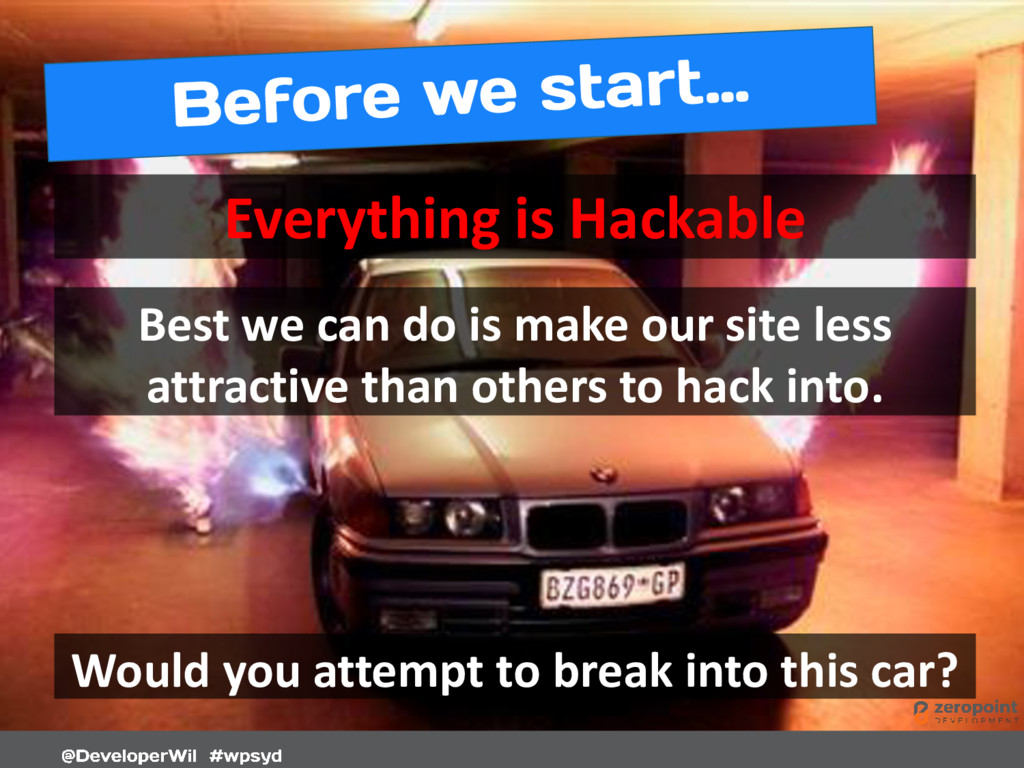
  8. Everything is Hackable Best we can do is make our

    site less attractive than others to hack into. Would you attempt to break into this car?
  9. Do not leave new WordPress sites in “setup mode”. Complete

    the entire setup process. Hackers can find WordPress setup pages and install their own site – aka “WPSetup Attack” Ref: https://www.wordfence.com/blog/2017/07/wpsetup-attack/
  10. Not just WordPress cPanel, email, FTP, SSH, MySQL, WordPress Avoid

    typical “Administrator” usernames admin, administrator, root, manager, debug, user, system, default, netman, superuser, guest, backup, sys, sysadmin, siteadmin, test, …
  11. Don’t replace letters with numbers or symbols. Simple character substitution

    is weak. butterfly  8utt3rfly This no longer works and takes just a few days to crack! Ref: https://pages.nist.gov/800-63-3/sp800-63b.html
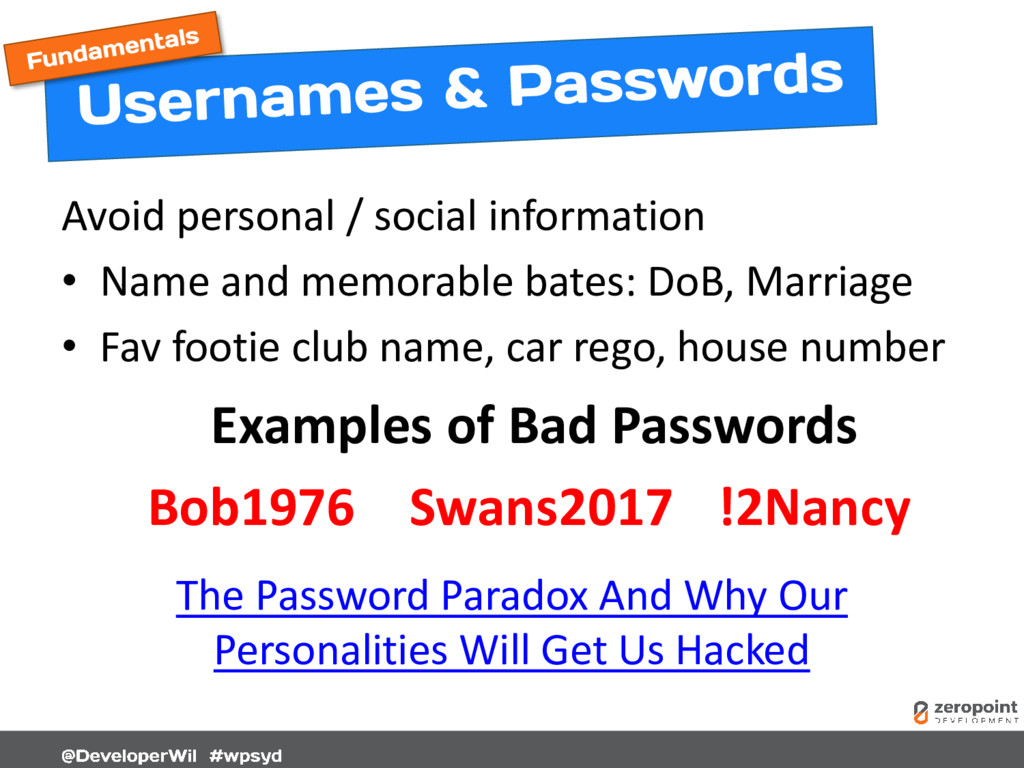
  12. Avoid personal / social information • Name and memorable bates:

    DoB, Marriage • Fav footie club name, car rego, house number Examples of Bad Passwords Bob1976 Swans2017 !2Nancy The Password Paradox And Why Our Personalities Will Get Us Hacked
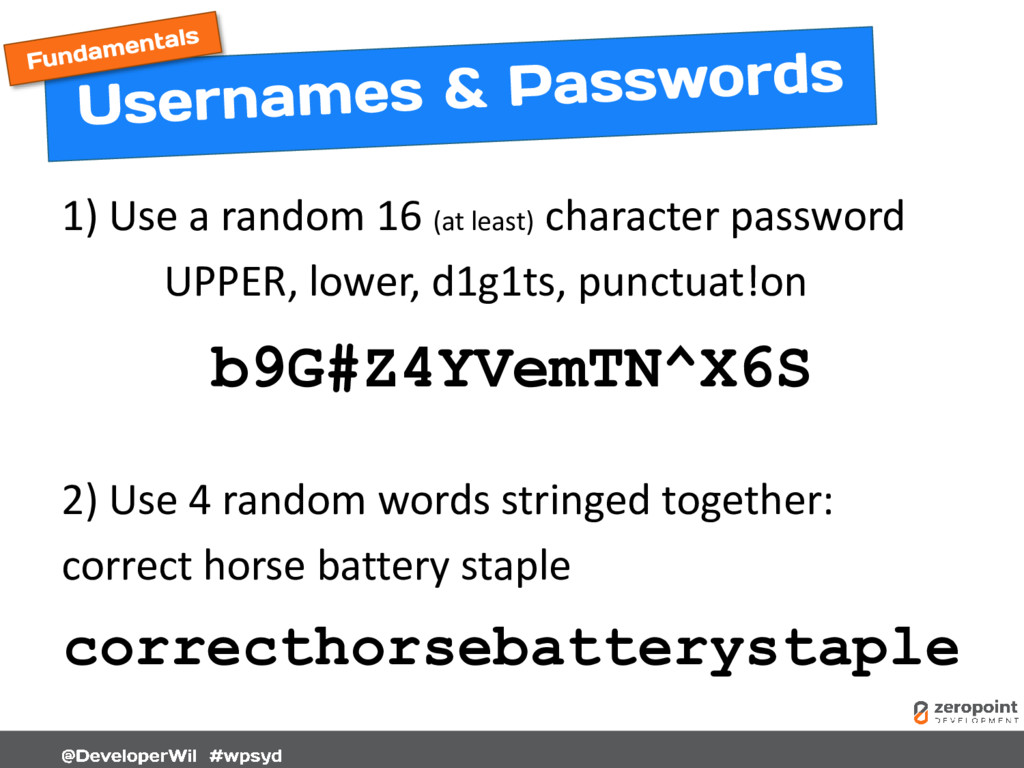
  13. 1) Use a random 16 (at least) character password UPPER,

    lower, d1g1ts, punctuat!on b9G#Z4YVemTN^X6S 2) Use 4 random words stringed together: correct horse battery staple correcthorsebatterystaple
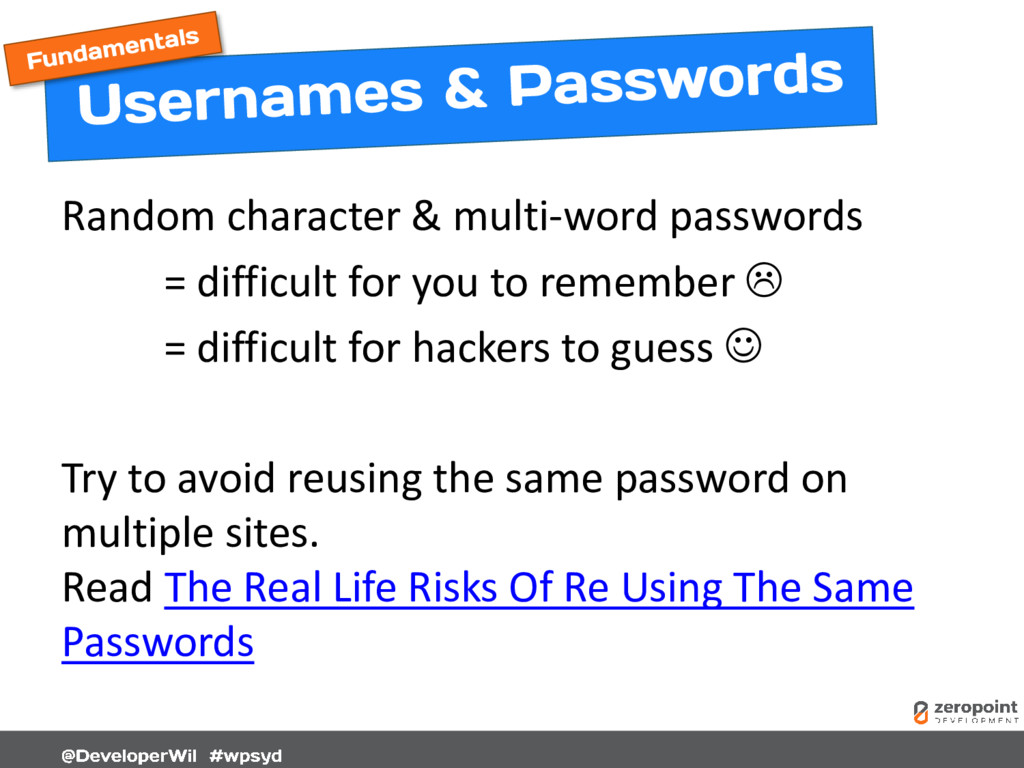
  14. Random character & multi-word passwords = difficult for you to

    remember  = difficult for hackers to guess  Try to avoid reusing the same password on multiple sites. Read The Real Life Risks Of Re Using The Same Passwords
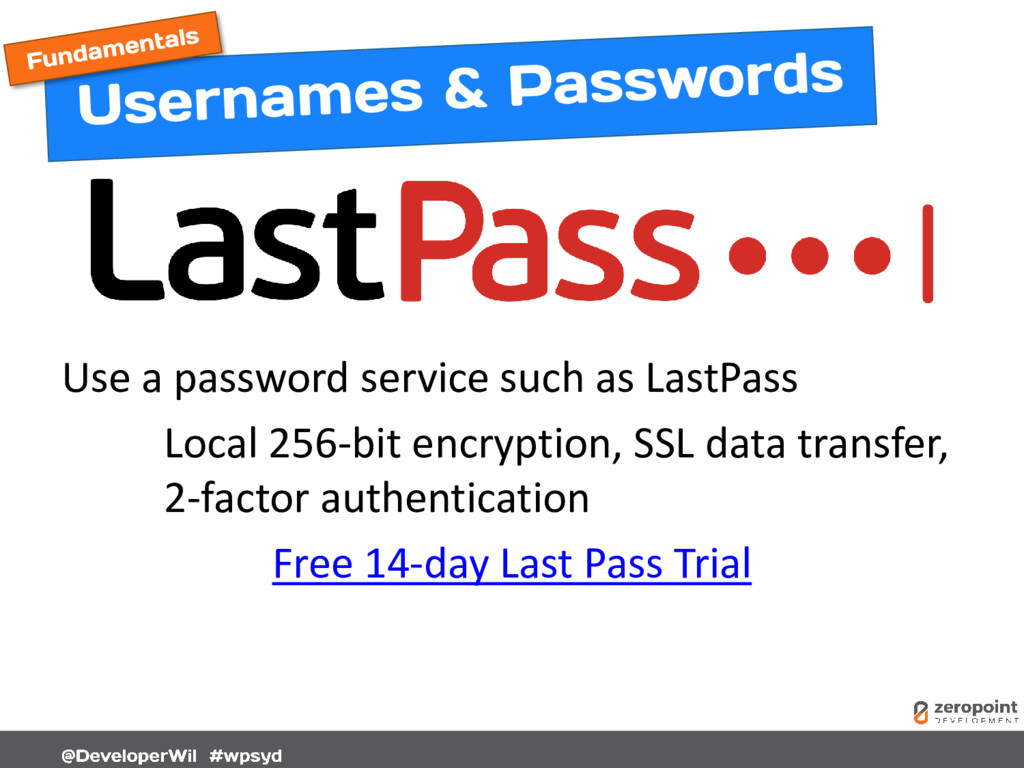
  15. Use a password service such as LastPass Local 256-bit encryption,

    SSL data transfer, 2-factor authentication Free 14-day Last Pass Trial
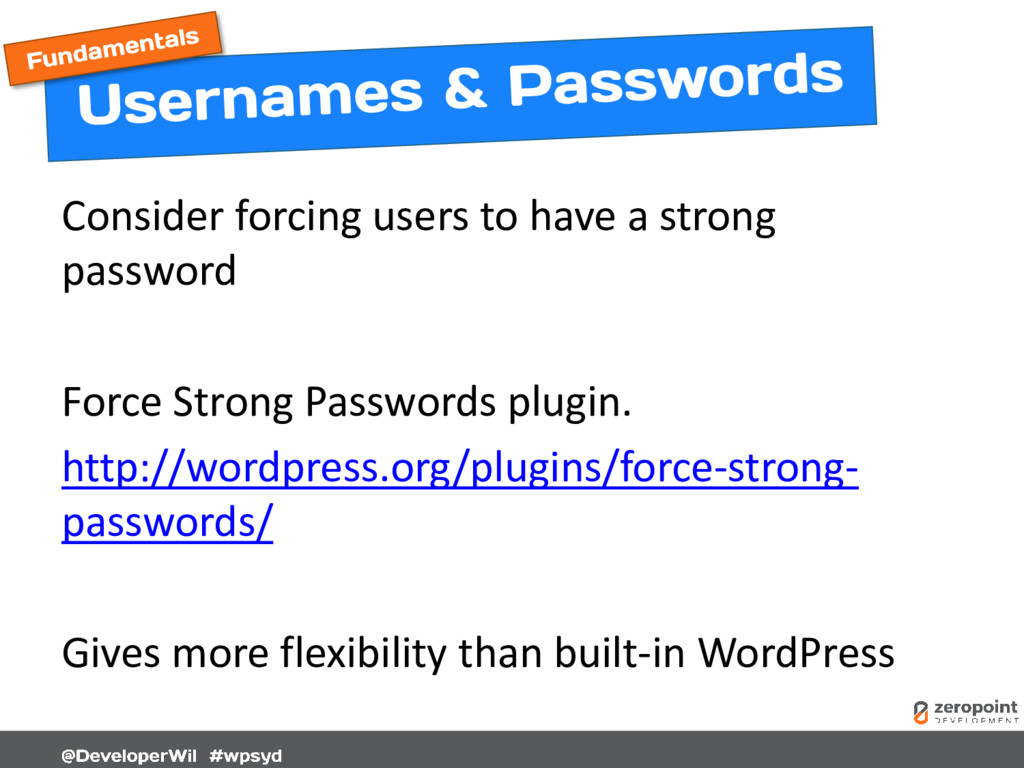
  16. Consider forcing users to have a strong password Force Strong

    Passwords plugin. http://wordpress.org/plugins/force-strong- passwords/ Gives more flexibility than built-in WordPress
  17. Only allow one login per device. Restrict logins under same

    username on multiple devices (i.e. username/pass sharing) WordPress Bouncer plugin http://wordpress.org/plugins/wp-bouncer/
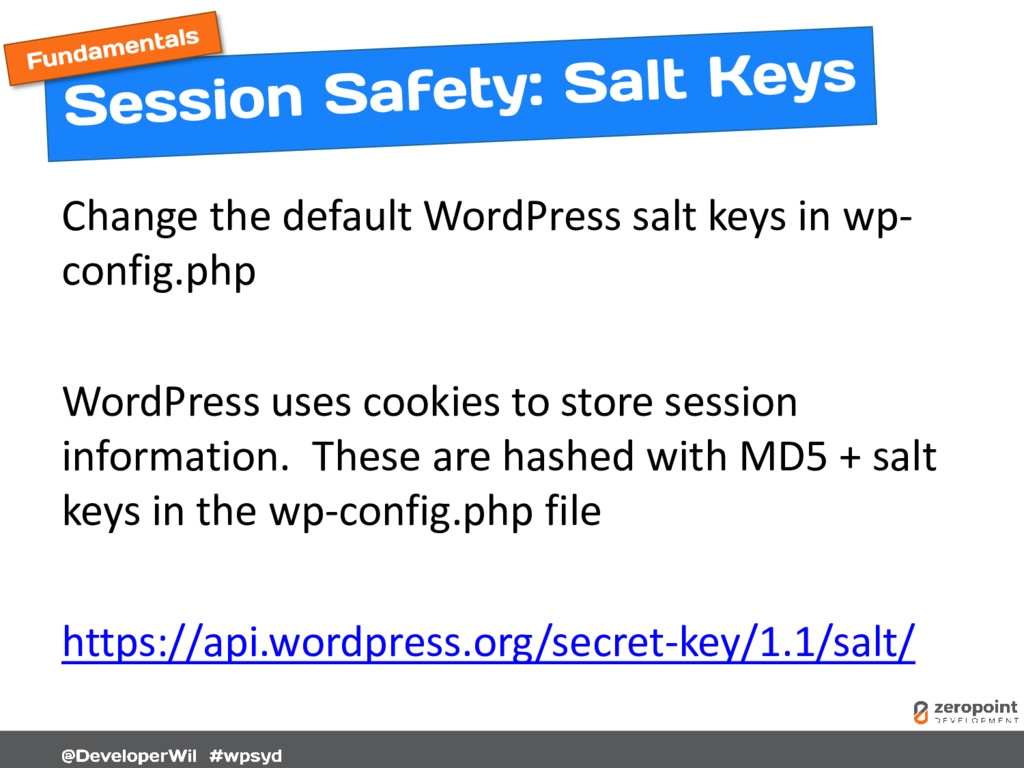
  18. Change the default WordPress salt keys in wp- config.php WordPress

    uses cookies to store session information. These are hashed with MD5 + salt keys in the wp-config.php file https://api.wordpress.org/secret-key/1.1/salt/
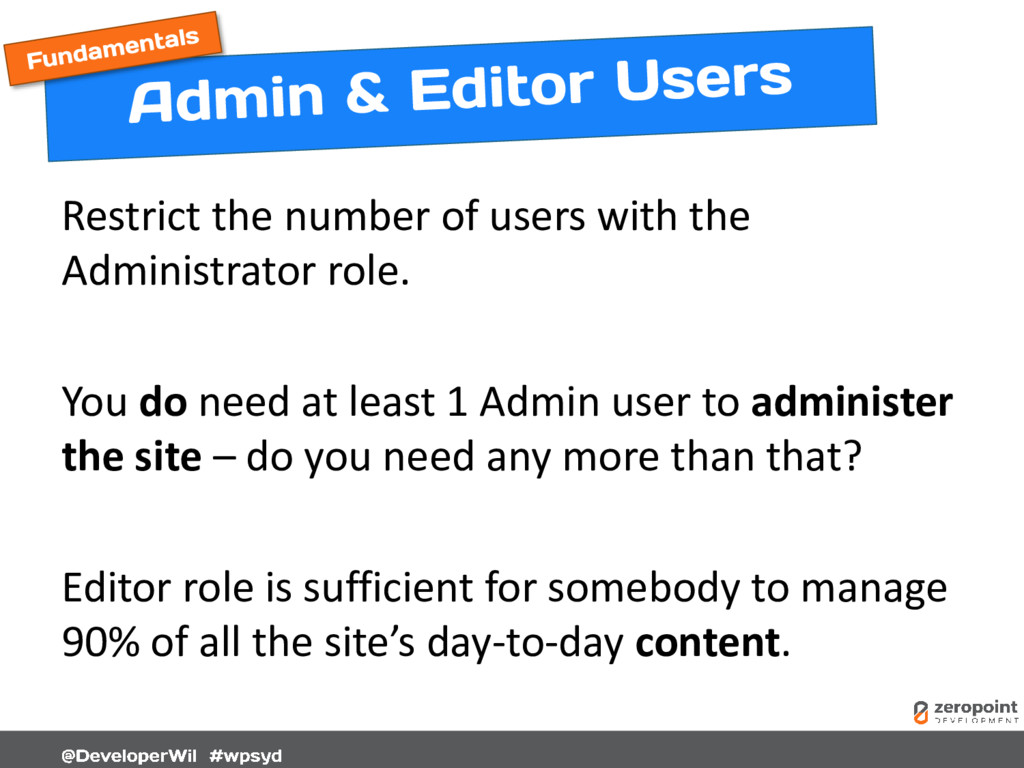
  19. Restrict the number of users with the Administrator role. You

    do need at least 1 Admin user to administer the site – do you need any more than that? Editor role is sufficient for somebody to manage 90% of all the site’s day-to-day content.
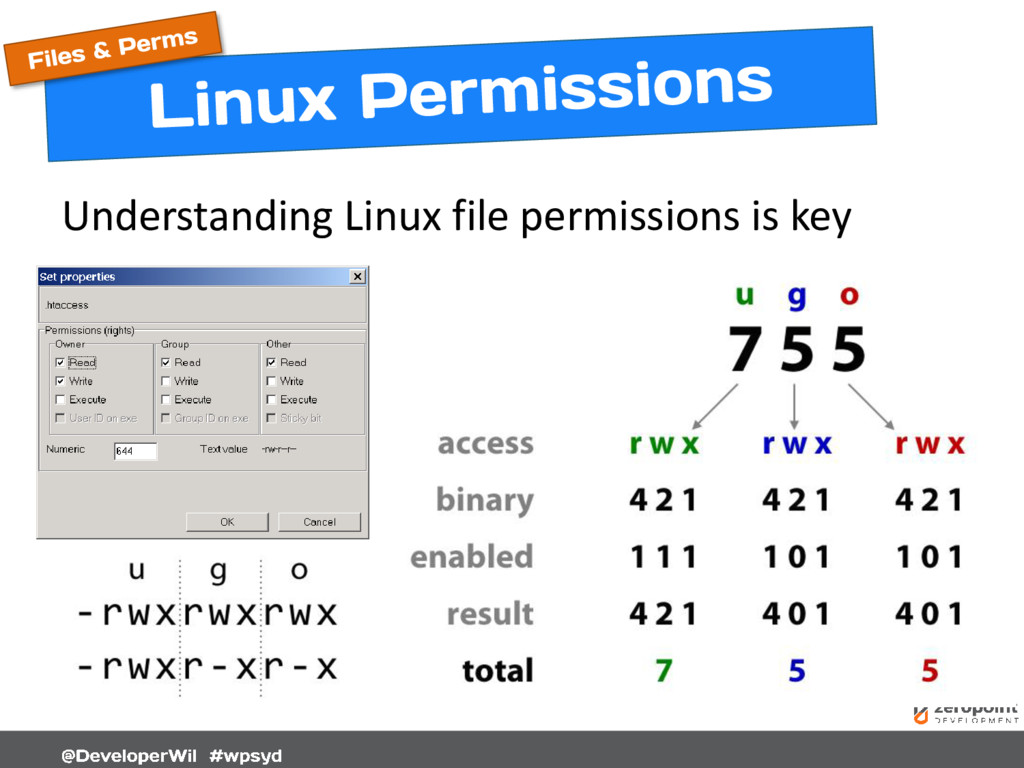
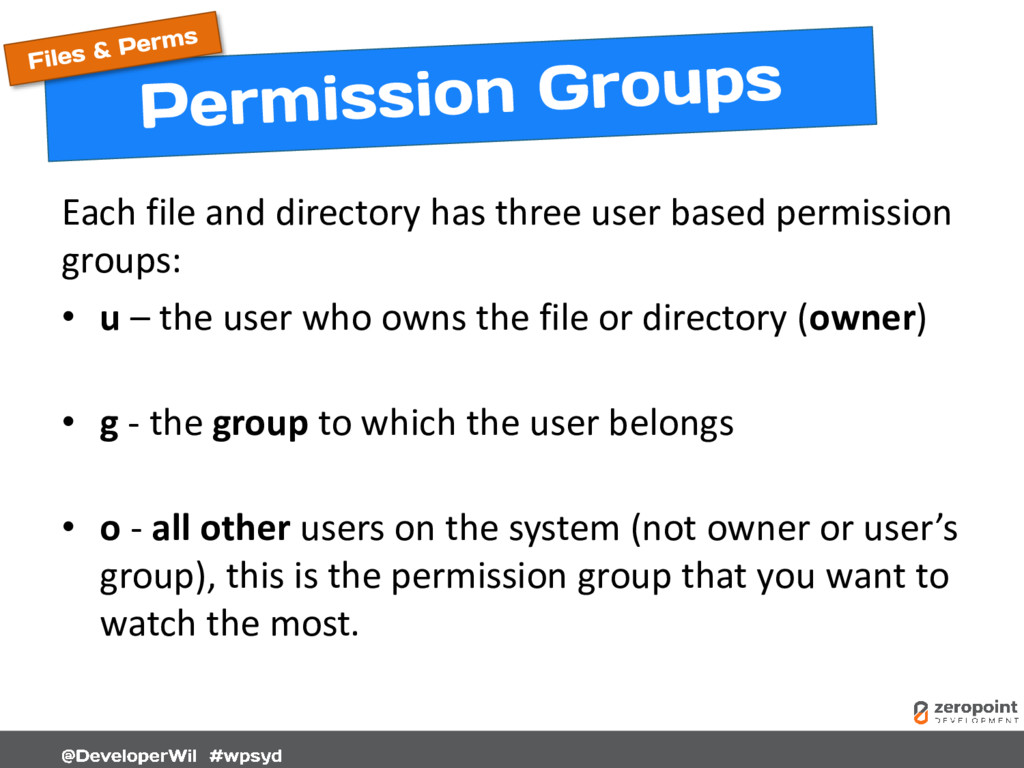
  20. Each file and directory has three user based permission groups:

    • u – the user who owns the file or directory (owner) • g - the group to which the user belongs • o - all other users on the system (not owner or user’s group), this is the permission group that you want to watch the most.
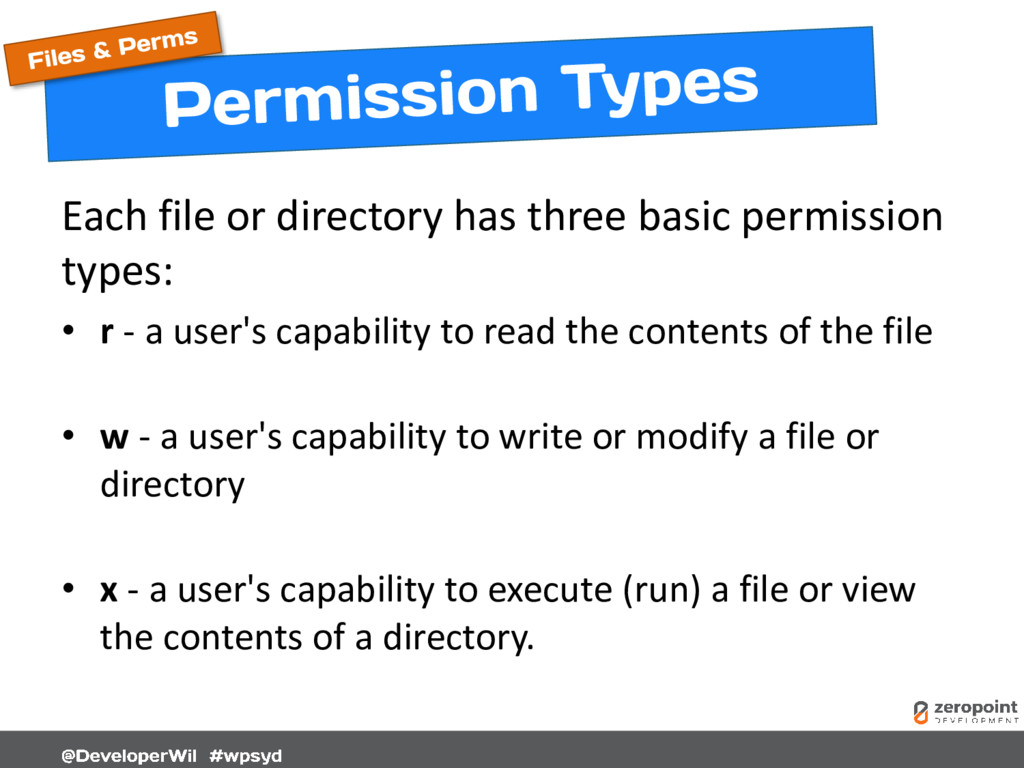
  21. Each file or directory has three basic permission types: •

    r - a user's capability to read the contents of the file • w - a user's capability to write or modify a file or directory • x - a user's capability to execute (run) a file or view the contents of a directory.
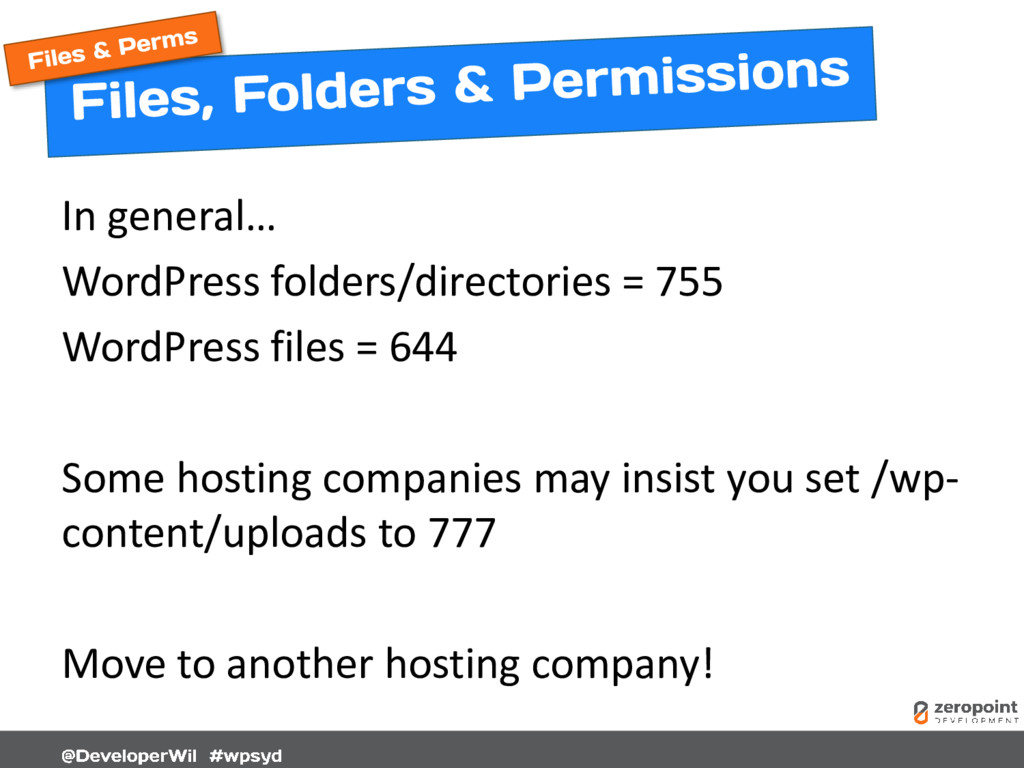
  22. In general… WordPress folders/directories = 755 WordPress files = 644

    Some hosting companies may insist you set /wp- content/uploads to 777 Move to another hosting company!
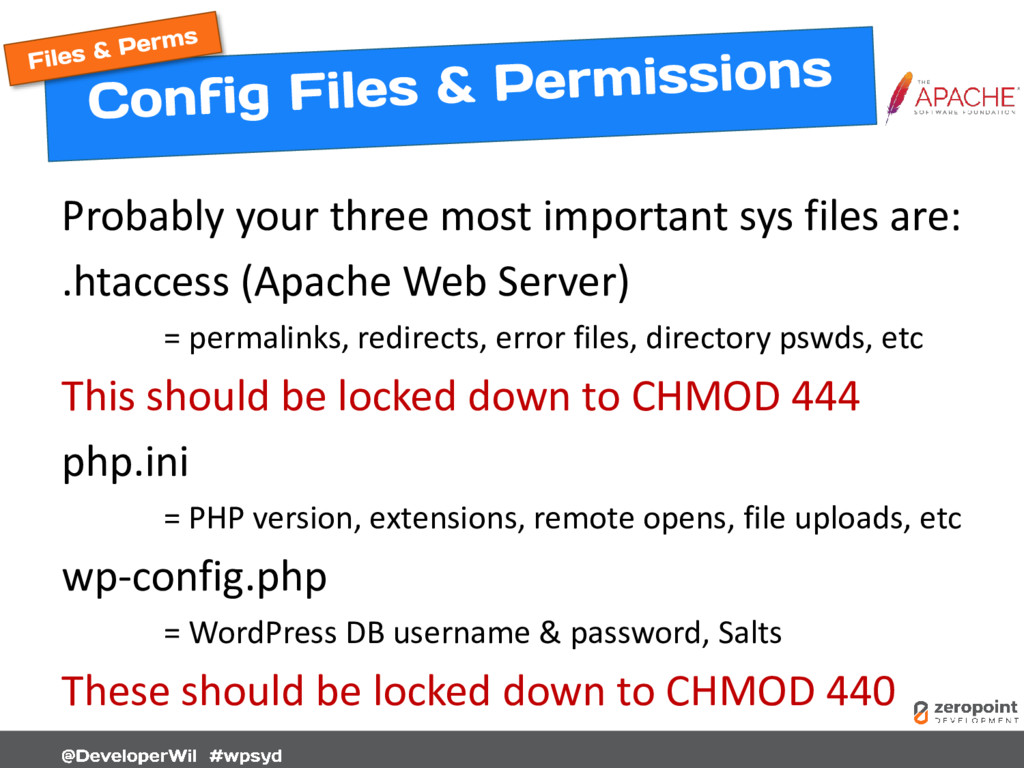
  23. Probably your three most important sys files are: .htaccess (Apache

    Web Server) = permalinks, redirects, error files, directory pswds, etc This should be locked down to CHMOD 444 php.ini = PHP version, extensions, remote opens, file uploads, etc wp-config.php = WordPress DB username & password, Salts These should be locked down to CHMOD 440
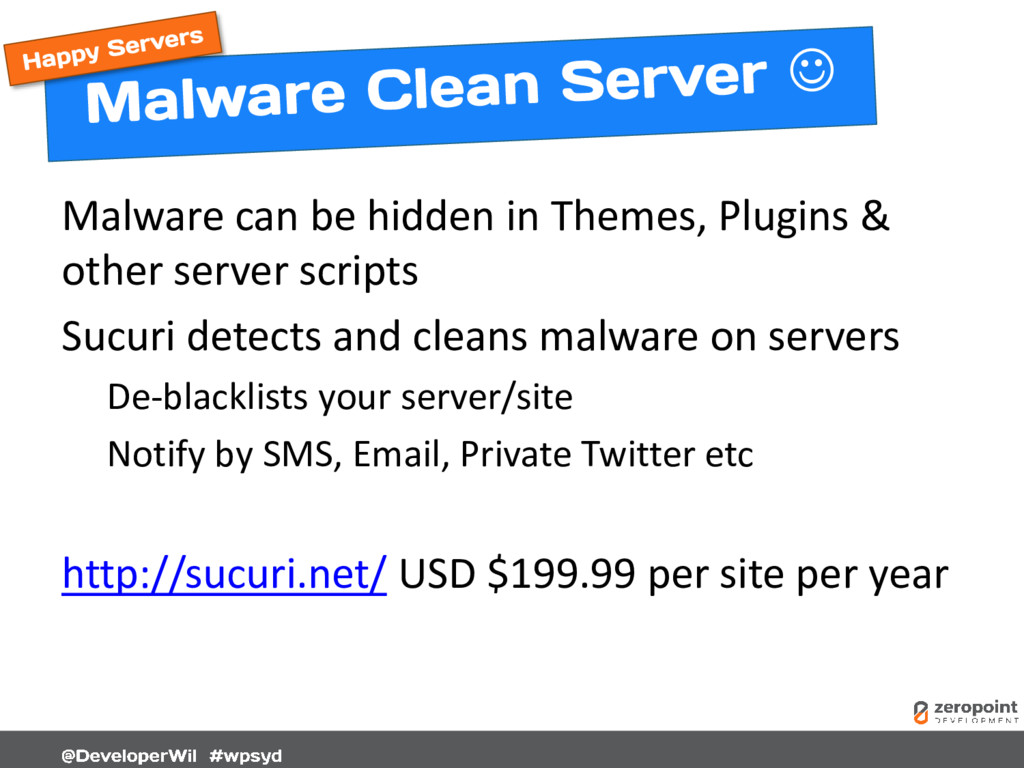
  24. Malware can be hidden in Themes, Plugins & other server

    scripts Sucuri detects and cleans malware on servers De-blacklists your server/site Notify by SMS, Email, Private Twitter etc http://sucuri.net/ USD $199.99 per site per year
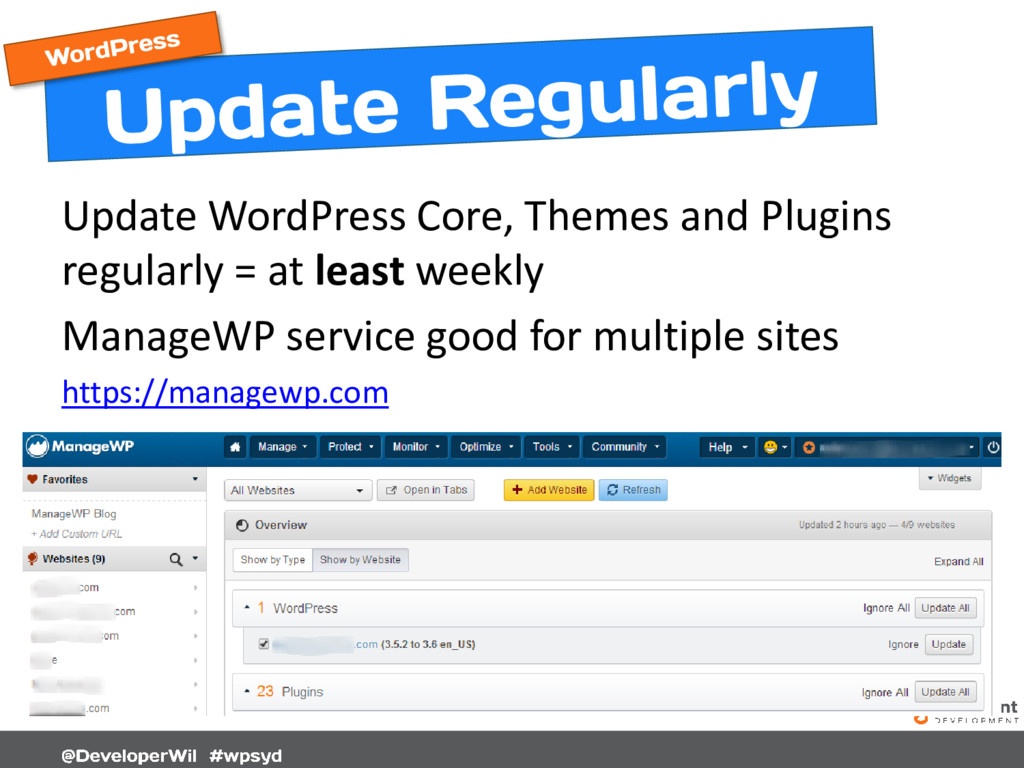
  25. Update WordPress Core, Themes and Plugins regularly = at least

    weekly ManageWP service good for multiple sites https://managewp.com
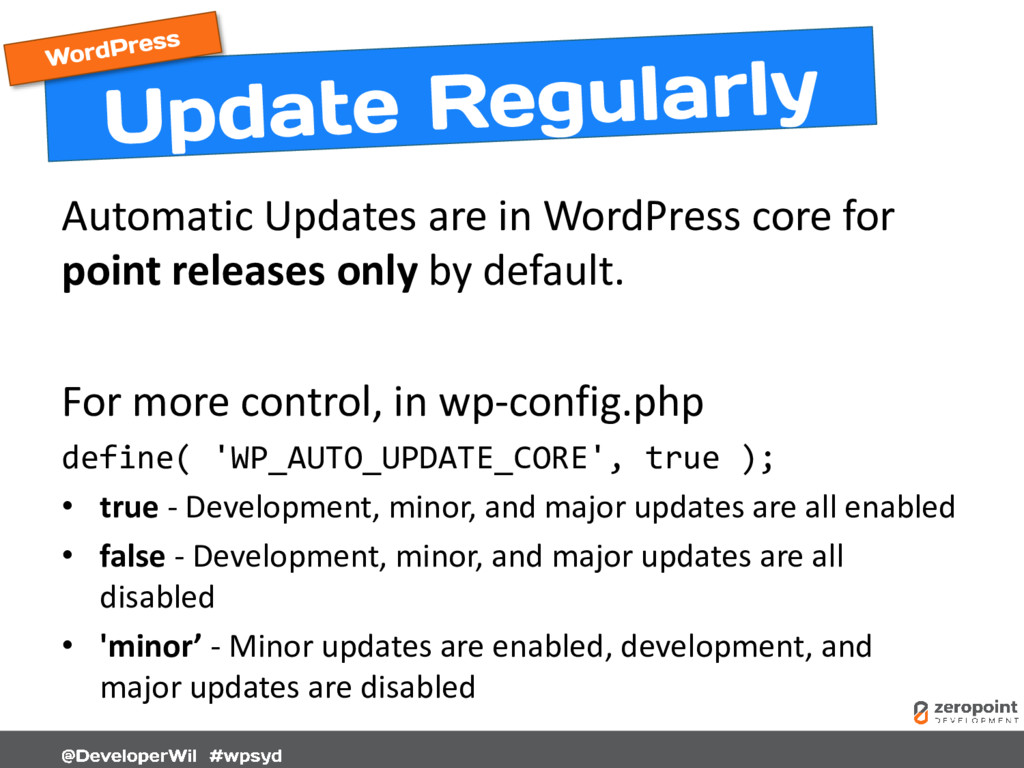
  26. Automatic Updates are in WordPress core for point releases only

    by default. For more control, in wp-config.php define( 'WP_AUTO_UPDATE_CORE', true ); • true - Development, minor, and major updates are all enabled • false - Development, minor, and major updates are all disabled • 'minor’ - Minor updates are enabled, development, and major updates are disabled
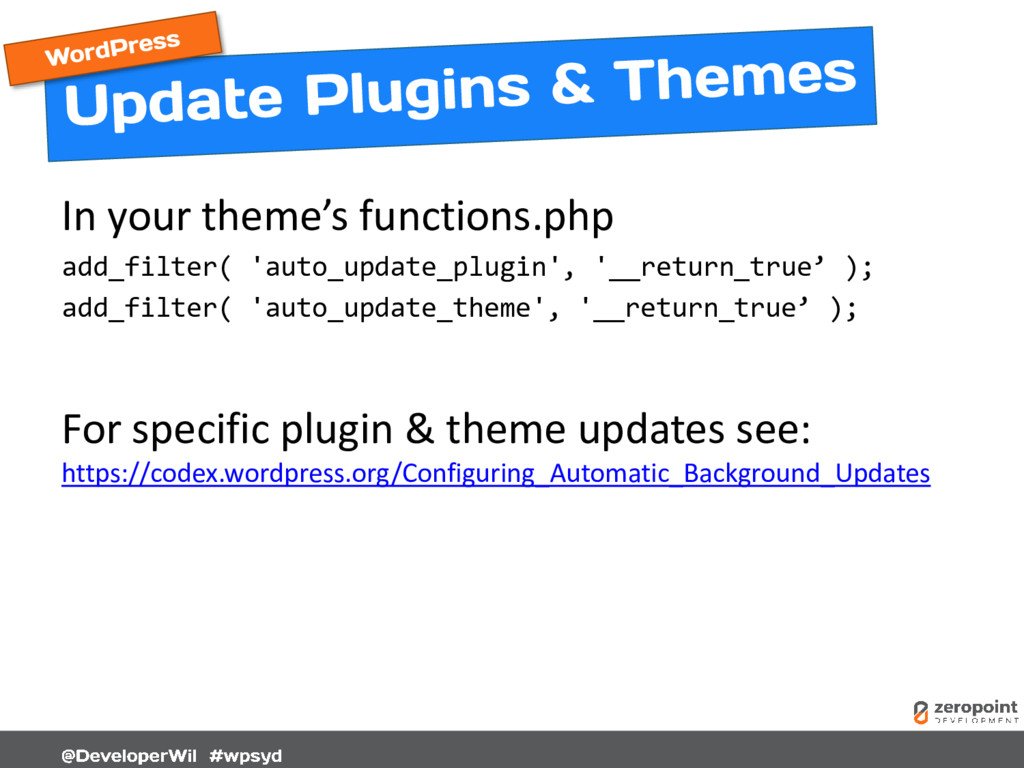
  27. In your theme’s functions.php add_filter( 'auto_update_plugin', '__return_true’ ); add_filter( 'auto_update_theme',

    '__return_true’ ); For specific plugin & theme updates see: https://codex.wordpress.org/Configuring_Automatic_Background_Updates
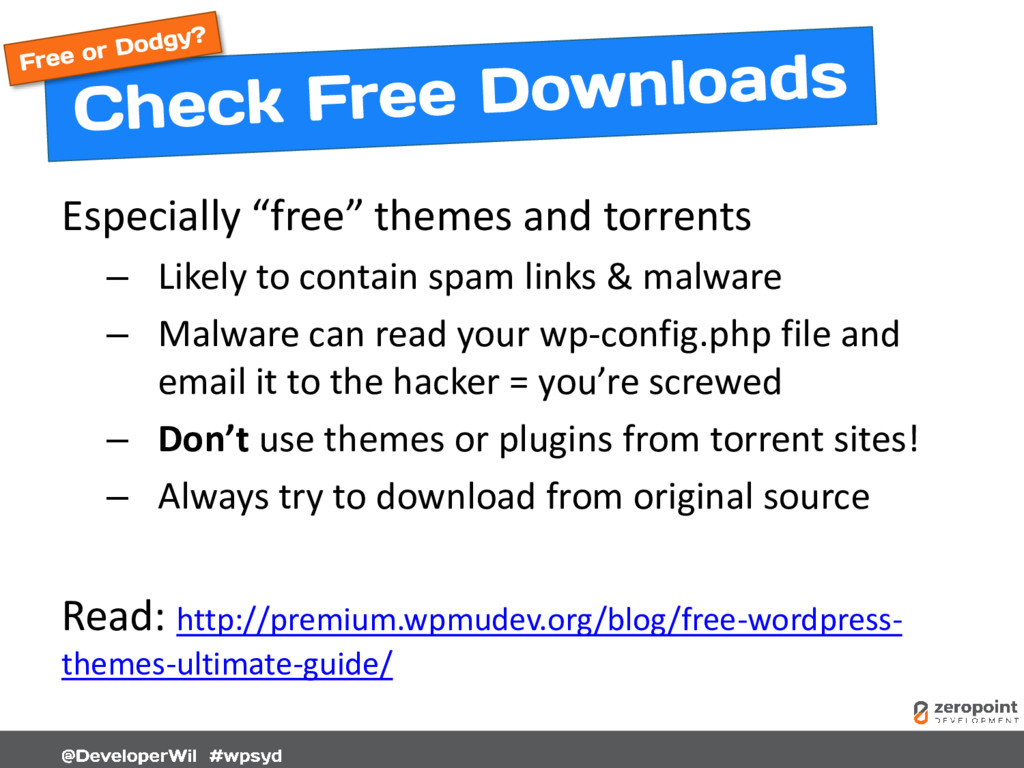
  28. Especially “free” themes and torrents – Likely to contain spam

    links & malware – Malware can read your wp-config.php file and email it to the hacker = you’re screwed – Don’t use themes or plugins from torrent sites! – Always try to download from original source Read: http://premium.wpmudev.org/blog/free-wordpress- themes-ultimate-guide/
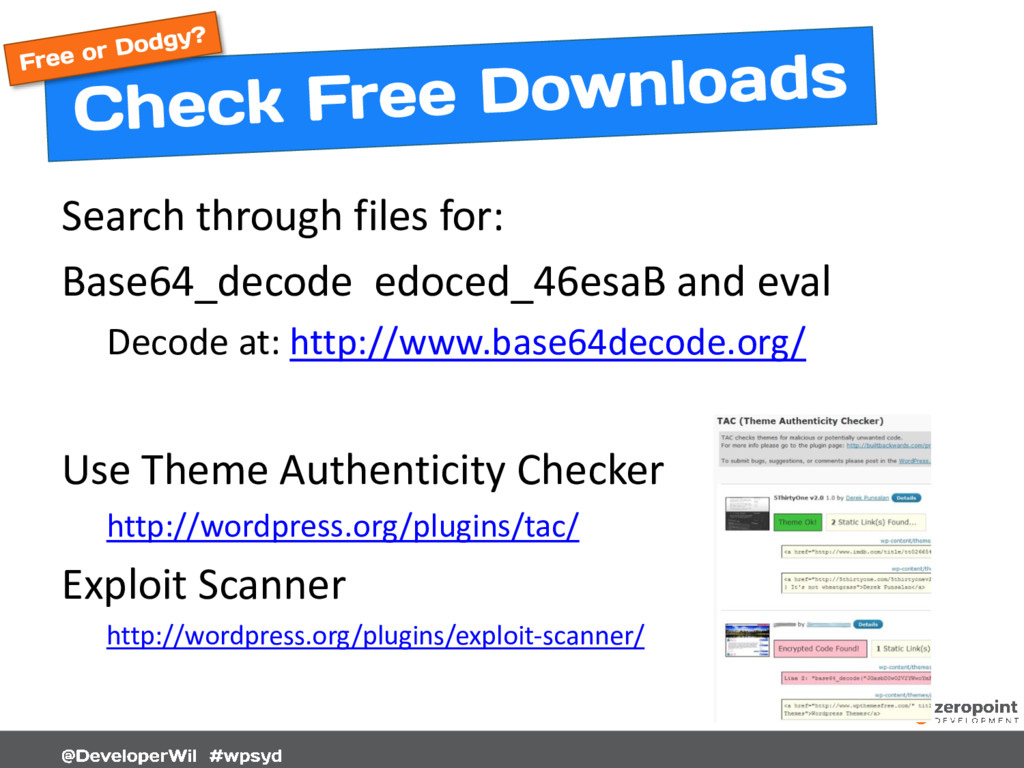
  29. Search through files for: Base64_decode edoced_46esaB and eval Decode at:

    http://www.base64decode.org/ Use Theme Authenticity Checker http://wordpress.org/plugins/tac/ Exploit Scanner http://wordpress.org/plugins/exploit-scanner/
  30. Not all Base64_decode function calls are evil! WordPress uses the

    function extensively throughout the core. Should be easy to decode and work out if good or bad in plugins or themes.
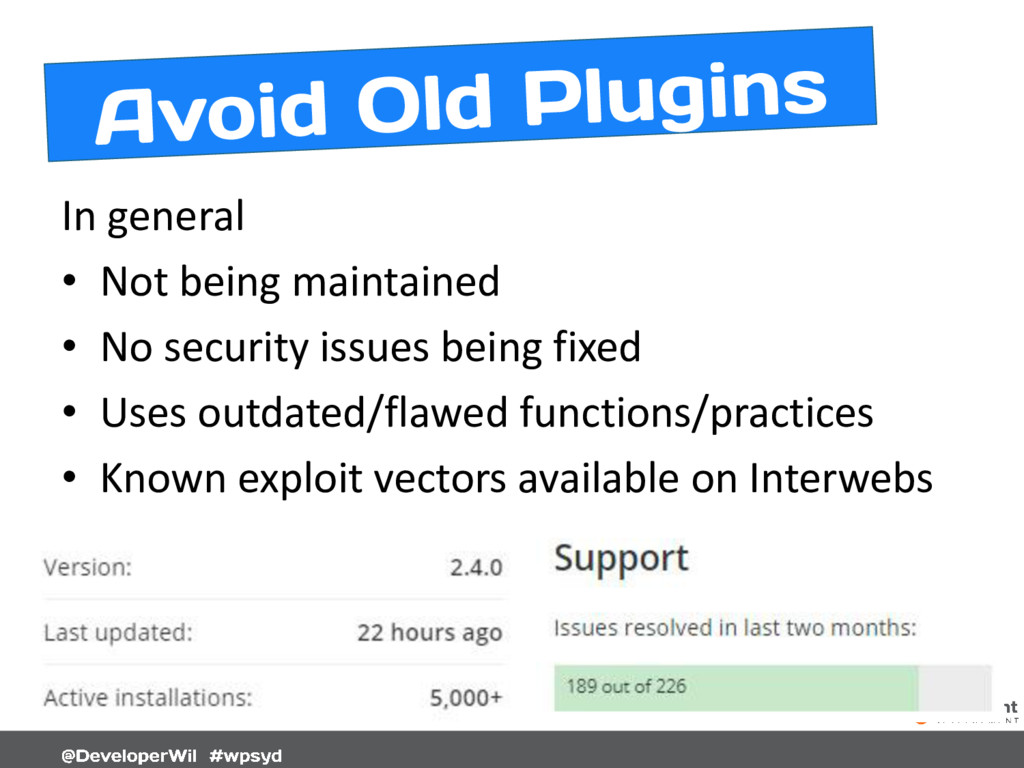
  31. In general • Not being maintained • No security issues

    being fixed • Uses outdated/flawed functions/practices • Known exploit vectors available on Interwebs
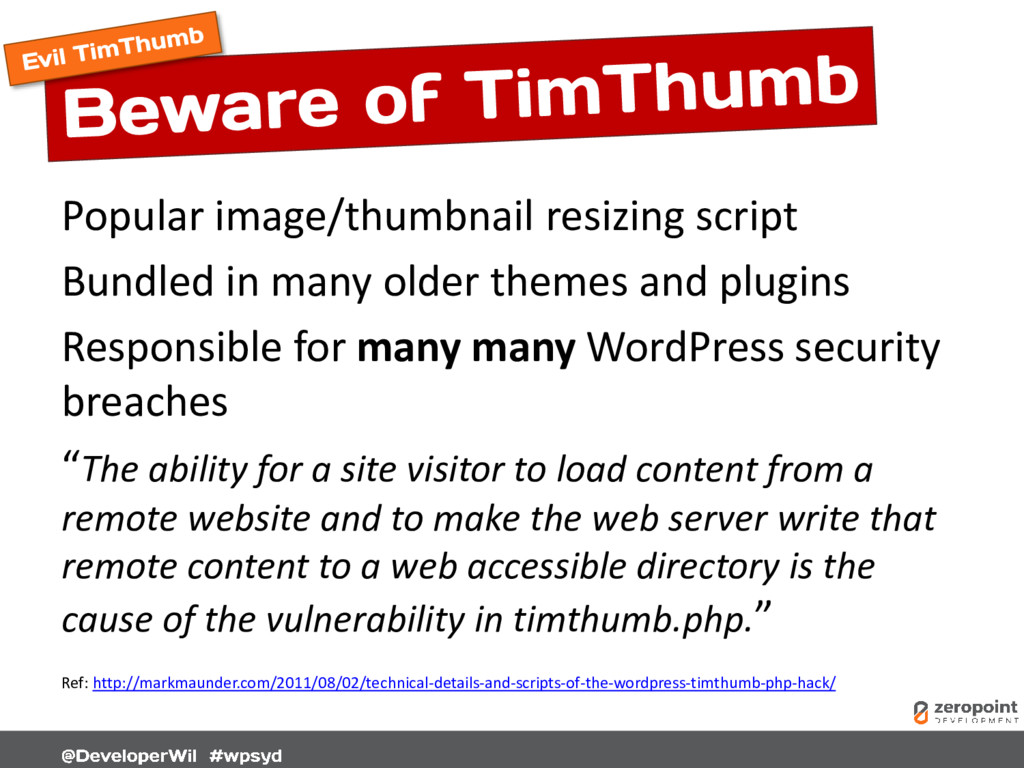
  32. Popular image/thumbnail resizing script Bundled in many older themes and

    plugins Responsible for many many WordPress security breaches “The ability for a site visitor to load content from a remote website and to make the web server write that remote content to a web accessible directory is the cause of the vulnerability in timthumb.php.” Ref: http://markmaunder.com/2011/08/02/technical-details-and-scripts-of-the-wordpress-timthumb-php-hack/
  33. Script was “fixed” of exploits however old versions still lurk

    out there. Search for TimThumb and check you are using the “fixed” version 2.8.14 https://code.google.com/p/timthumb/
  34. The nature of TimThumb still makes it potentially very dangerous

    to have on your site. TimThumb is no longer supported or maintained as of Sept 2014 http://www.binarymoon.co.uk/2014/09/timthumb-end-life/ Read this: https://zeropointdevelopment.com/timthumb-is-evil/
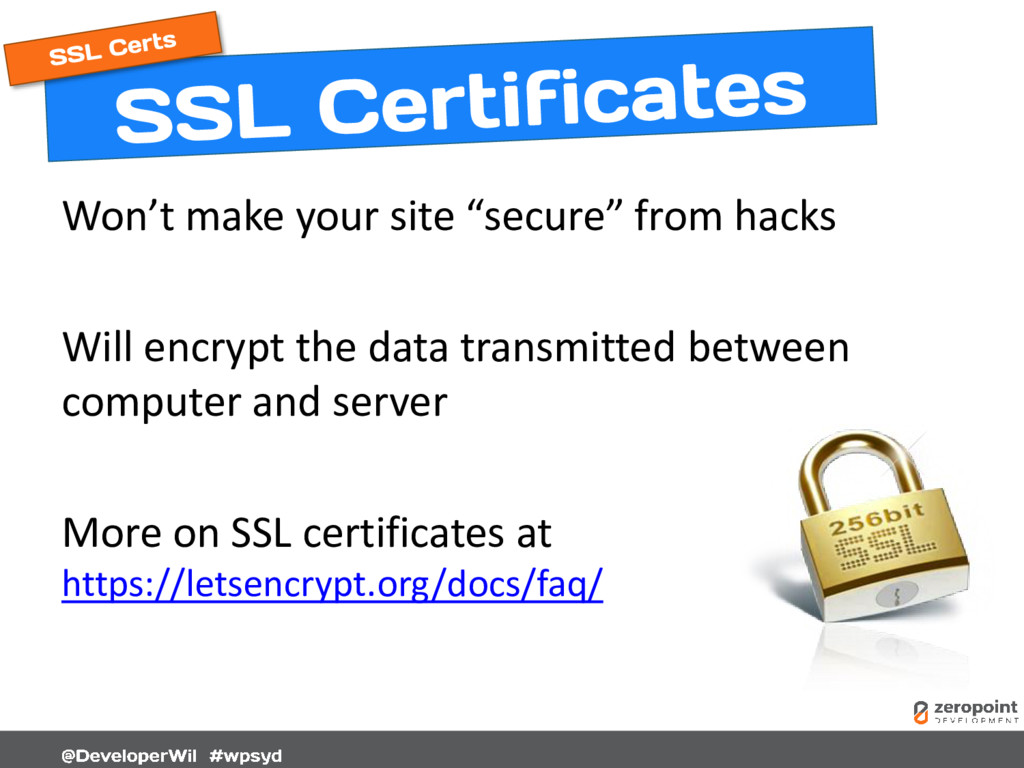
  35. Won’t make your site “secure” from hacks Will encrypt the

    data transmitted between computer and server More on SSL certificates at https://letsencrypt.org/docs/faq/
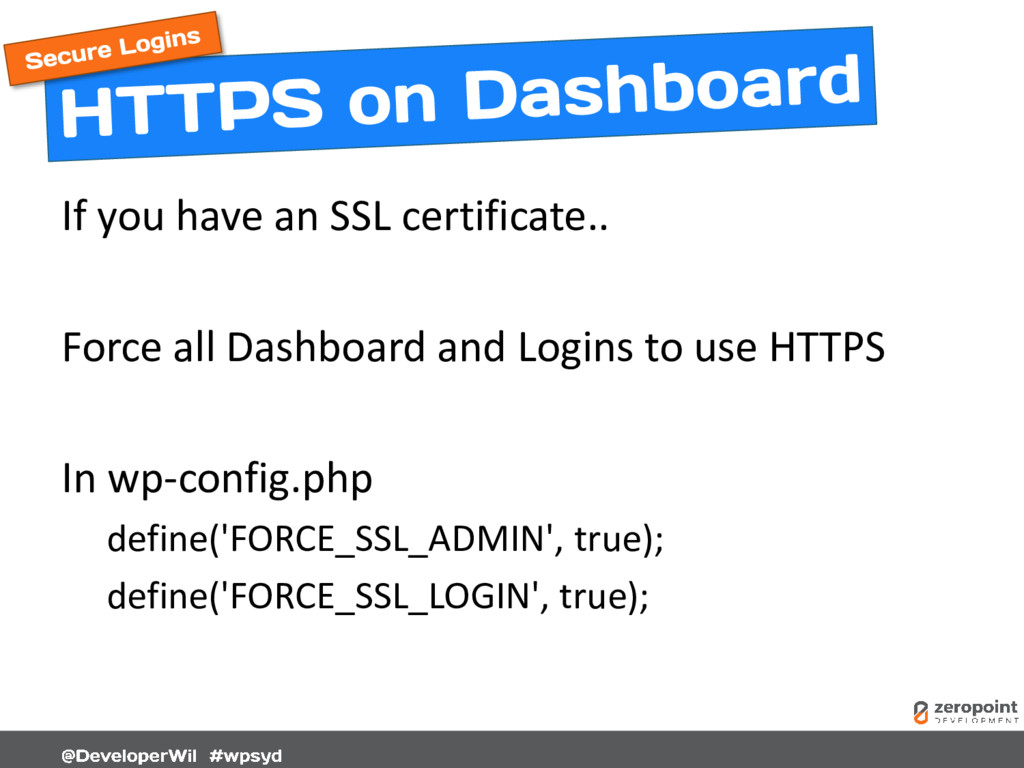
  36. If you have an SSL certificate.. Force all Dashboard and

    Logins to use HTTPS In wp-config.php define('FORCE_SSL_ADMIN', true); define('FORCE_SSL_LOGIN', true);
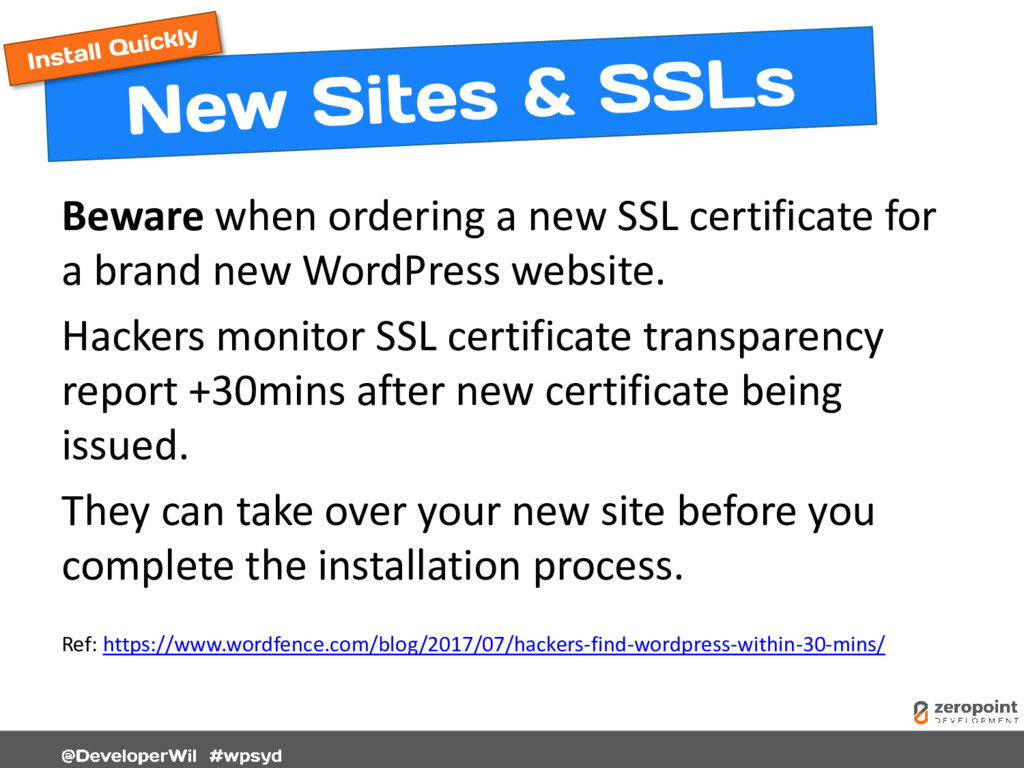
  37. Beware when ordering a new SSL certificate for a brand

    new WordPress website. Hackers monitor SSL certificate transparency report +30mins after new certificate being issued. They can take over your new site before you complete the installation process. Ref: https://www.wordfence.com/blog/2017/07/hackers-find-wordpress-within-30-mins/
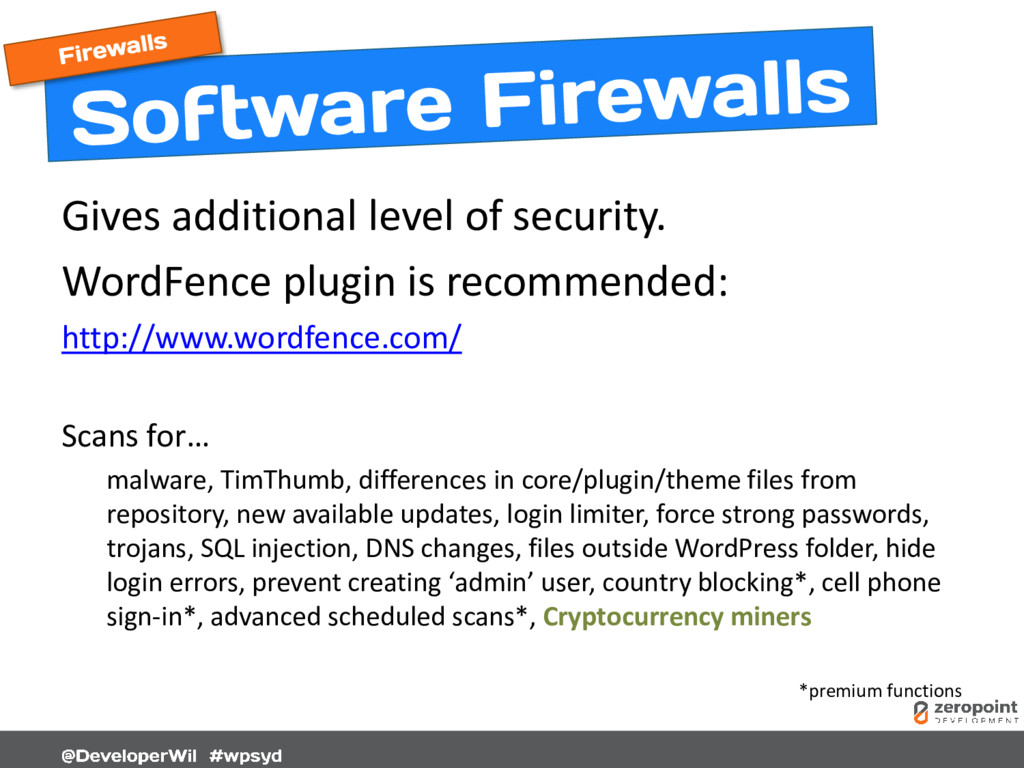
  38. Gives additional level of security. WordFence plugin is recommended: http://www.wordfence.com/

    Scans for… malware, TimThumb, differences in core/plugin/theme files from repository, new available updates, login limiter, force strong passwords, trojans, SQL injection, DNS changes, files outside WordPress folder, hide login errors, prevent creating ‘admin’ user, country blocking*, cell phone sign-in*, advanced scheduled scans*, Cryptocurrency miners *premium functions
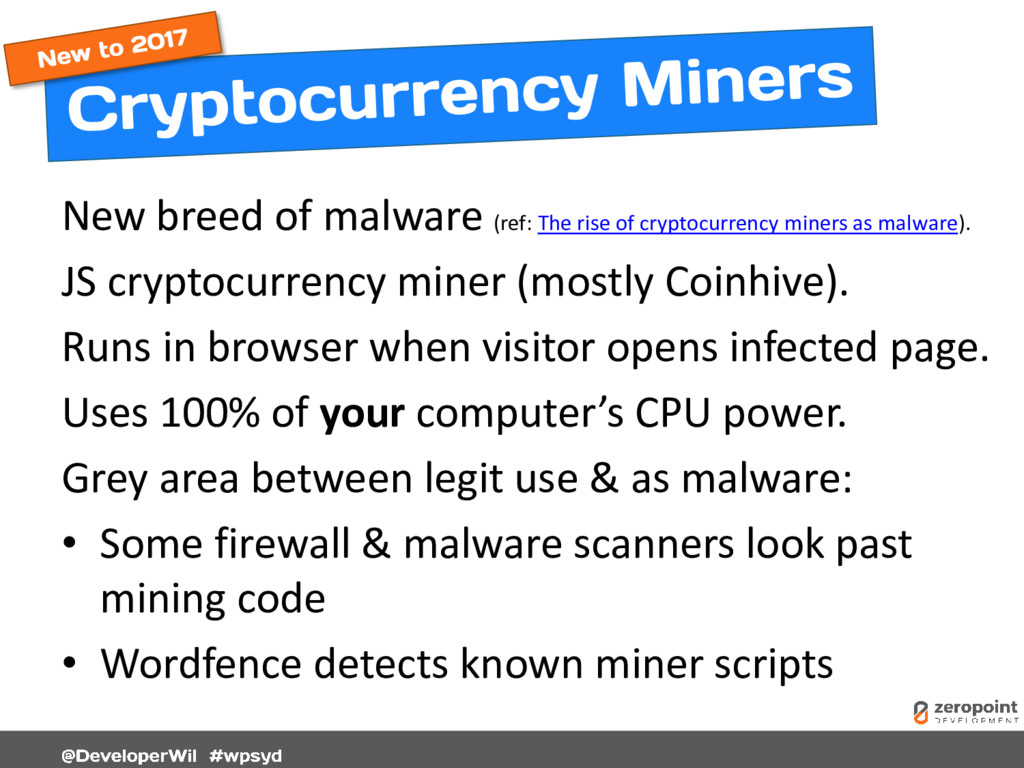
  39. New breed of malware (ref: The rise of cryptocurrency miners

    as malware). JS cryptocurrency miner (mostly Coinhive). Runs in browser when visitor opens infected page. Uses 100% of your computer’s CPU power. Grey area between legit use & as malware: • Some firewall & malware scanners look past mining code • Wordfence detects known miner scripts
  40. Brute force attacks try to repeatedly guess username & password.

    Block IP address after X number of unsuccessful login attempts within a time period. Limit Login Attempts Reloaded plugin https://wordpress.org/plugins/limit-login-attempts-reloaded/
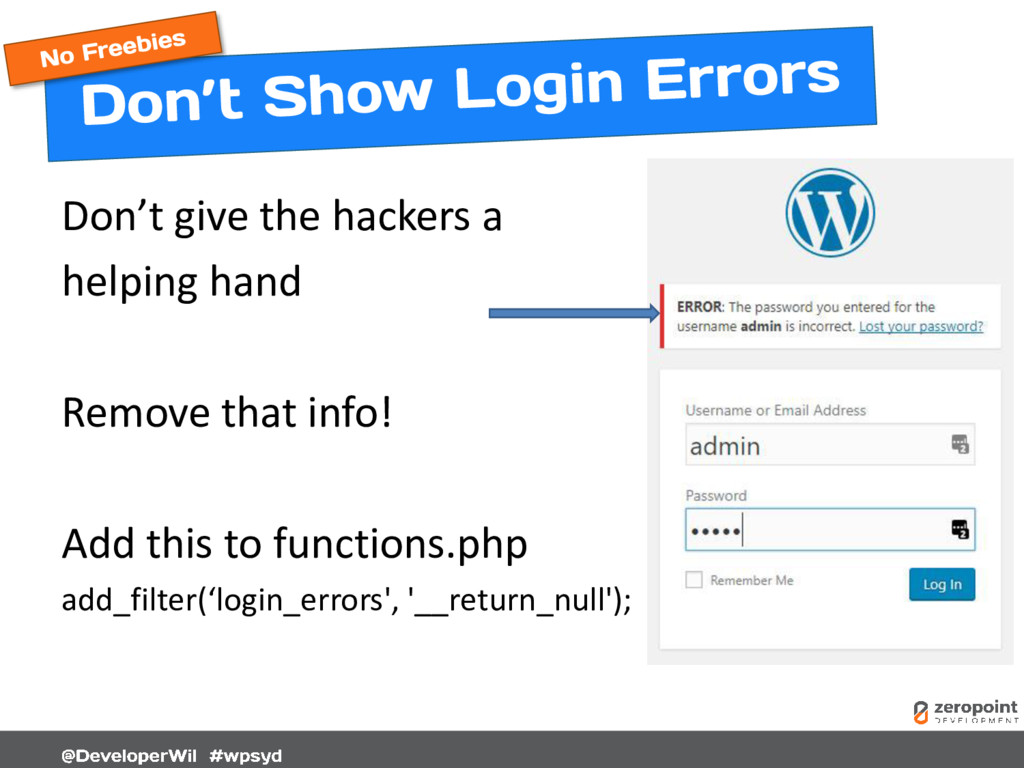
  41. Don’t give the hackers a helping hand Remove that info!

    Add this to functions.php add_filter(‘login_errors', '__return_null');
  42. There is NO EXCUSE not to back up your entire

    site frequently (real-time, hourly, daily, weekly). Back up to email https://wordpress.org/plugins/updraftplus/ Back up to Dropbox http://wordpress.org/plugins/wordpress-backup-to-dropbox/ Back up to Amazon S3 http://wordpress.org/plugins/xcloner-backup-and-restore/ Backup Buddy https://ithemes.com/purchase/backupbuddy/ VaultPress http://vaultpress.com/ Set your retention frequency. Can you restore from an issue that’s been happening for 2 months? Check your backup files – do a test restore!
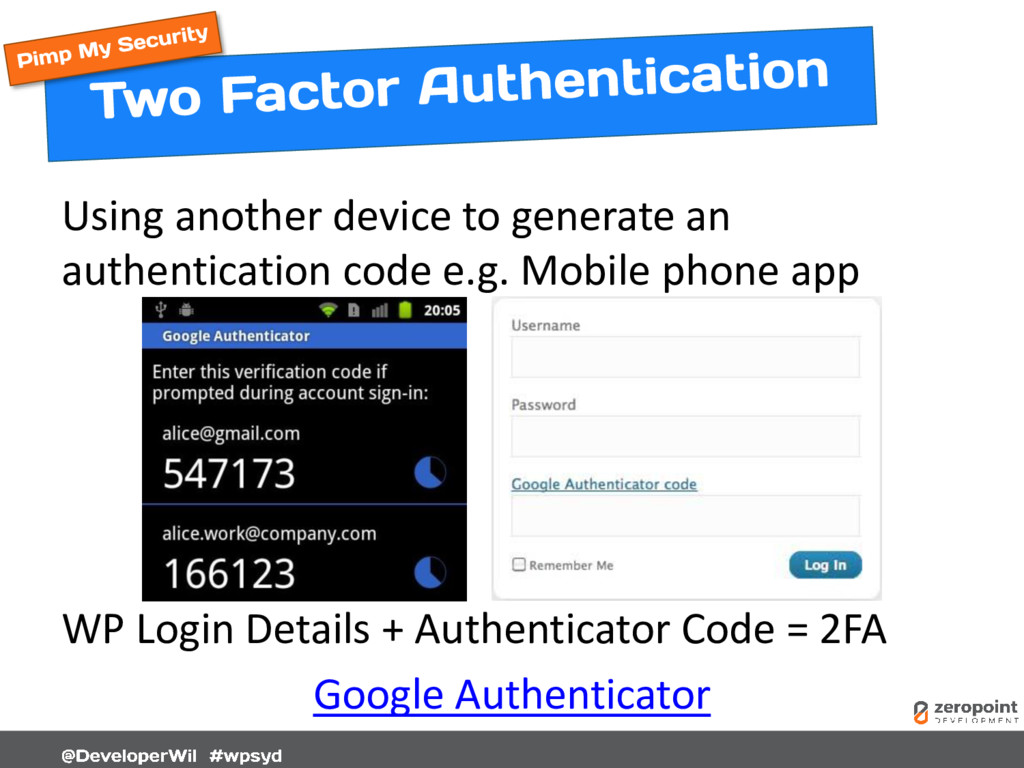
  43. Using another device to generate an authentication code e.g. Mobile

    phone app WP Login Details + Authenticator Code = 2FA Google Authenticator
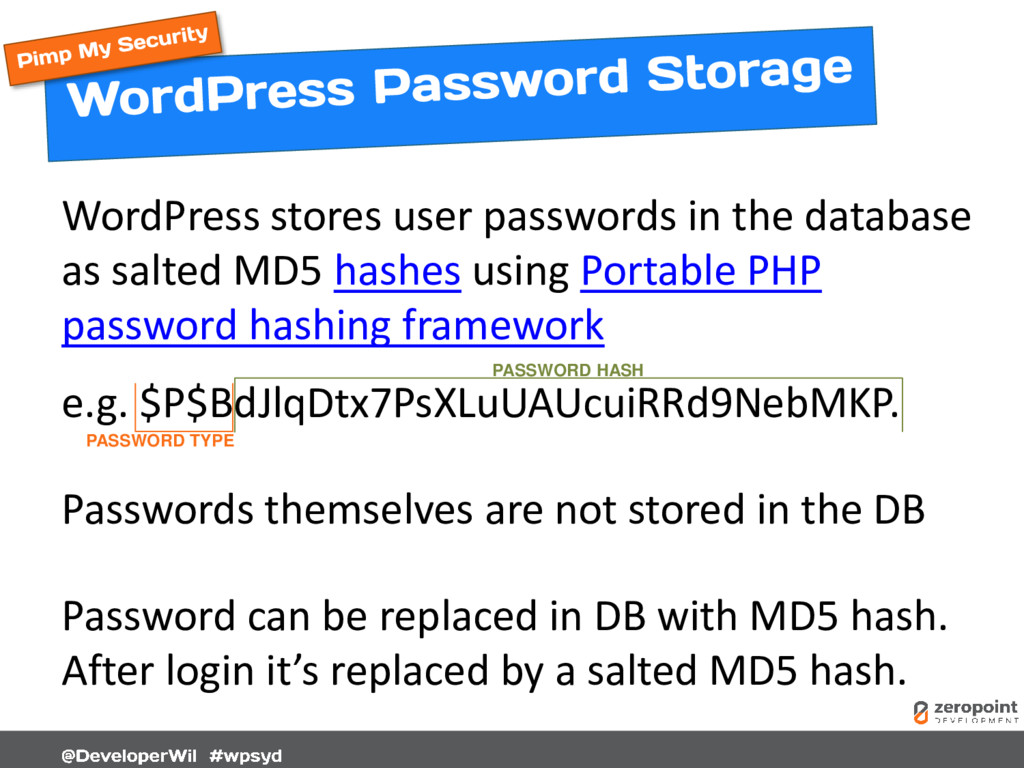
  44. WordPress stores user passwords in the database as salted MD5

    hashes using Portable PHP password hashing framework e.g. $P$BdJlqDtx7PsXLuUAUcuiRRd9NebMKP. Passwords themselves are not stored in the DB Password can be replaced in DB with MD5 hash. After login it’s replaced by a salted MD5 hash. PASSWORD TYPE PASSWORD HASH
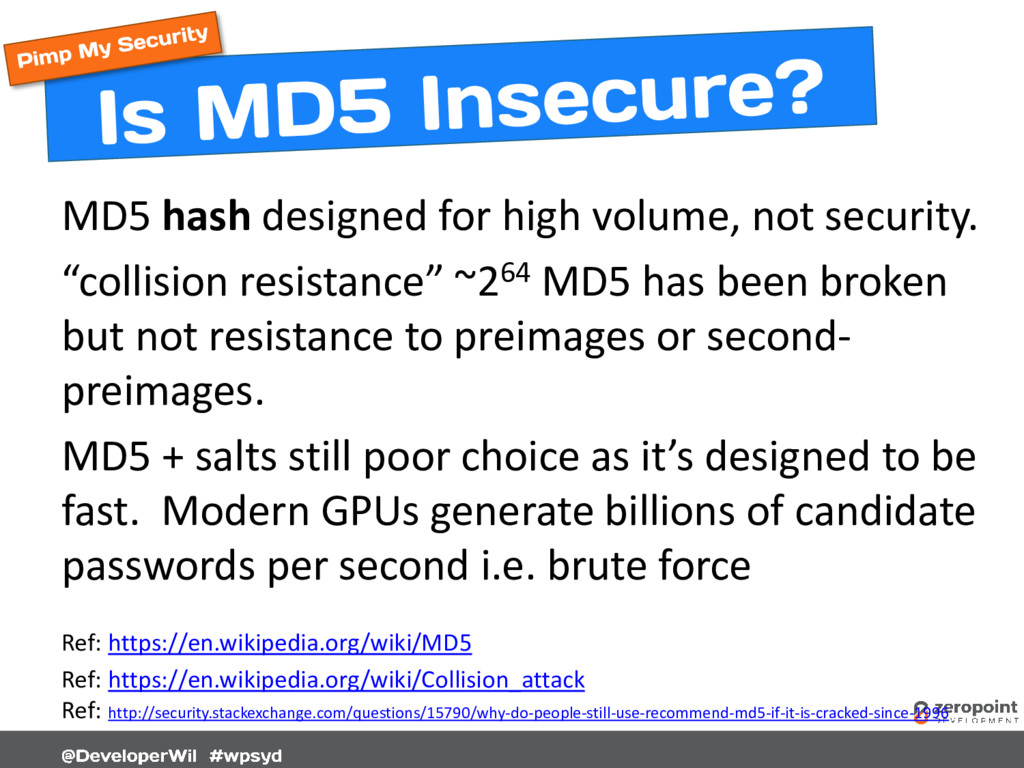
  45. MD5 hash designed for high volume, not security. “collision resistance”

    ~264 MD5 has been broken but not resistance to preimages or second- preimages. MD5 + salts still poor choice as it’s designed to be fast. Modern GPUs generate billions of candidate passwords per second i.e. brute force Ref: https://en.wikipedia.org/wiki/MD5 Ref: https://en.wikipedia.org/wiki/Collision_attack Ref: http://security.stackexchange.com/questions/15790/why-do-people-still-use-recommend-md5-if-it-is-cracked-since-1996
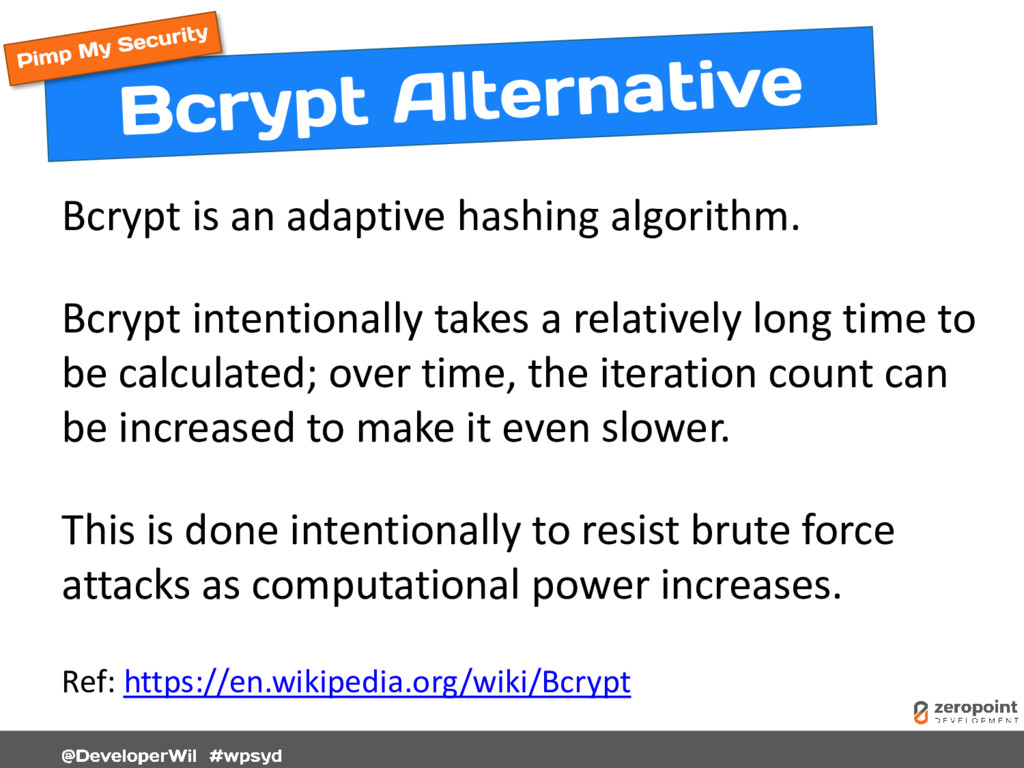
  46. Bcrypt is an adaptive hashing algorithm. Bcrypt intentionally takes a

    relatively long time to be calculated; over time, the iteration count can be increased to make it even slower. This is done intentionally to resist brute force attacks as computational power increases. Ref: https://en.wikipedia.org/wiki/Bcrypt
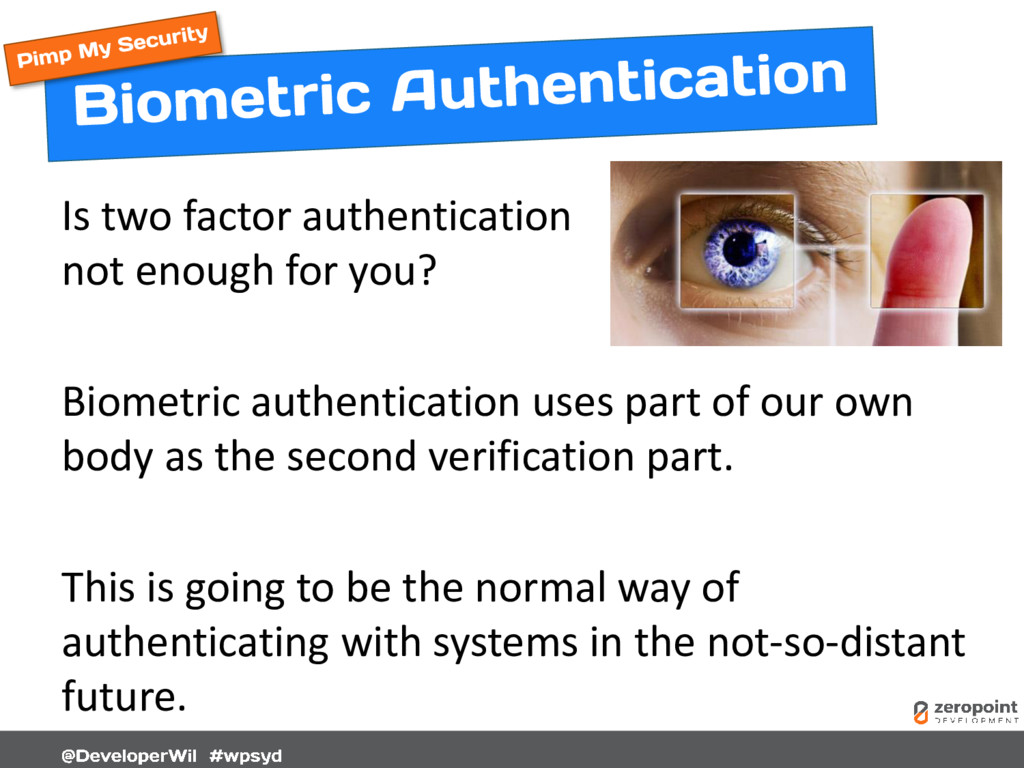
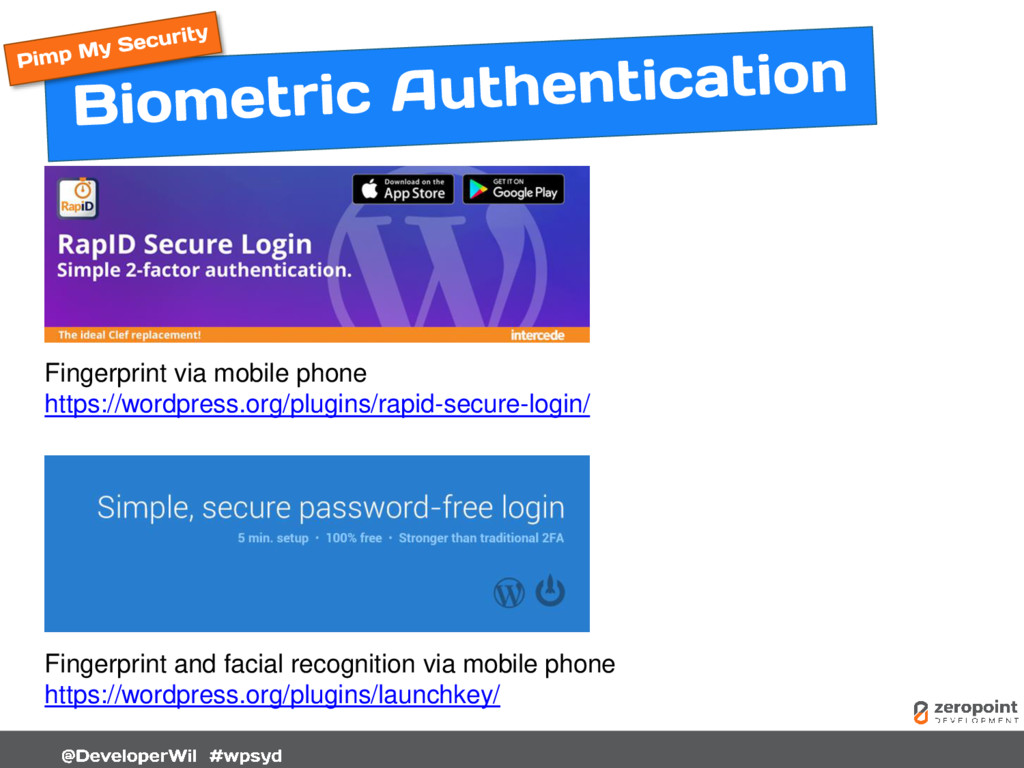
  47. Is two factor authentication not enough for you? Biometric authentication

    uses part of our own body as the second verification part. This is going to be the normal way of authenticating with systems in the not-so-distant future.
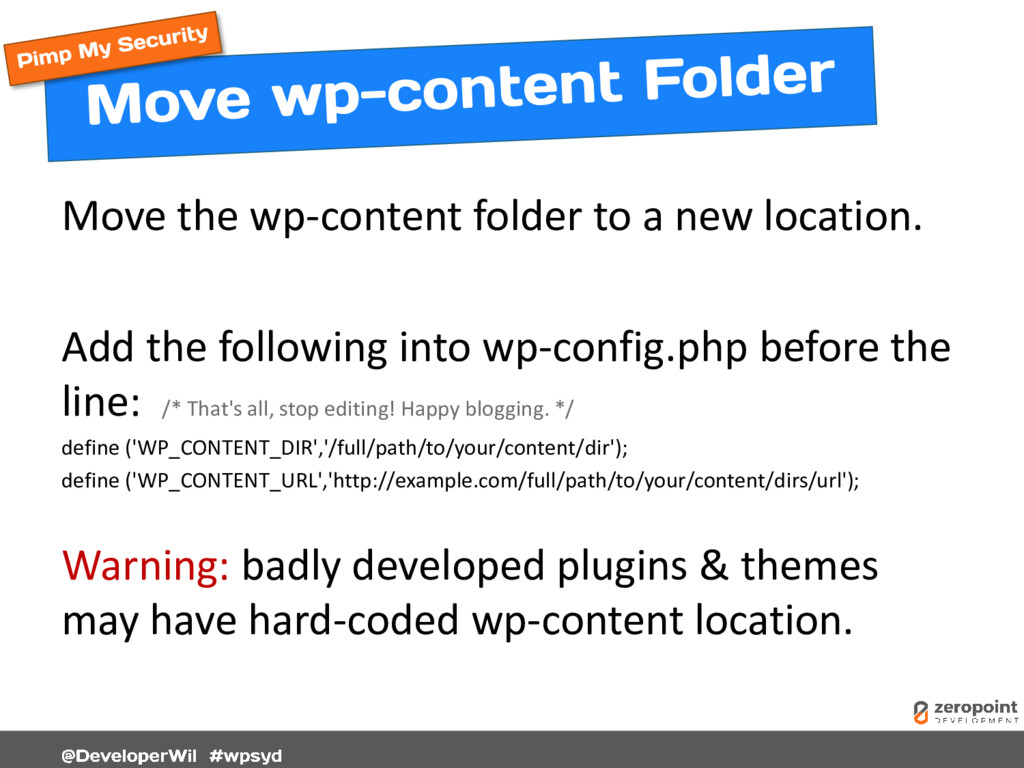
  48. Move the wp-content folder to a new location. Add the

    following into wp-config.php before the line: /* That's all, stop editing! Happy blogging. */ define ('WP_CONTENT_DIR','/full/path/to/your/content/dir'); define ('WP_CONTENT_URL','http://example.com/full/path/to/your/content/dirs/url'); Warning: badly developed plugins & themes may have hard-coded wp-content location.
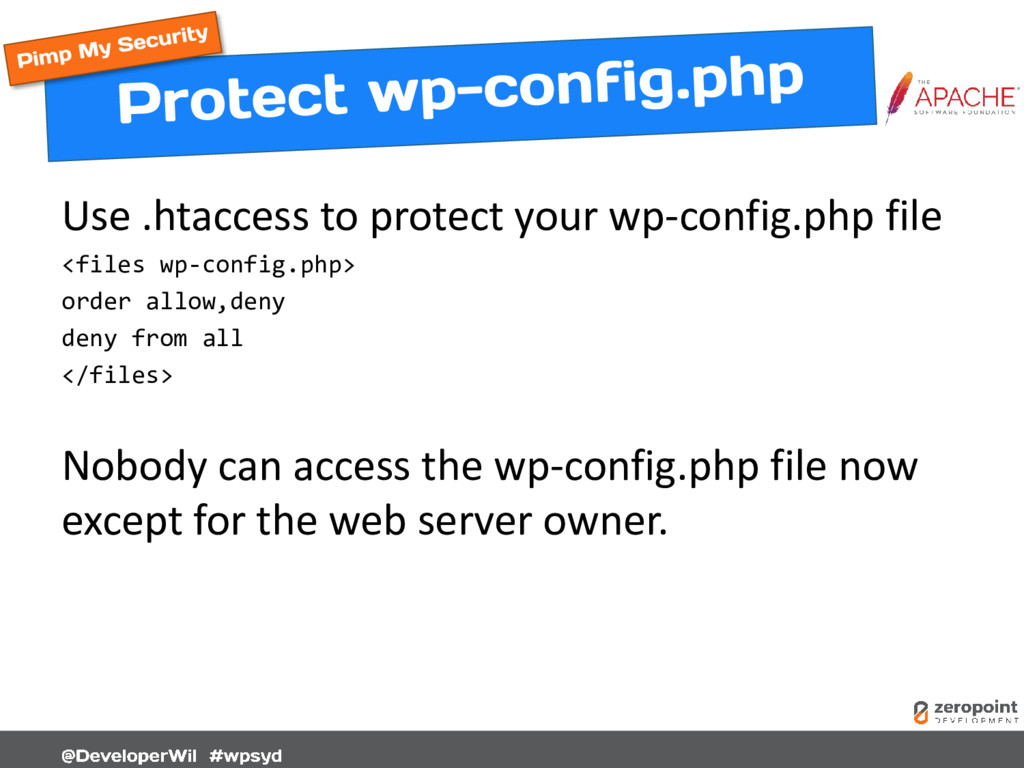
  49. Use .htaccess to protect your wp-config.php file <files wp-config.php> order

    allow,deny deny from all </files> Nobody can access the wp-config.php file now except for the web server owner.
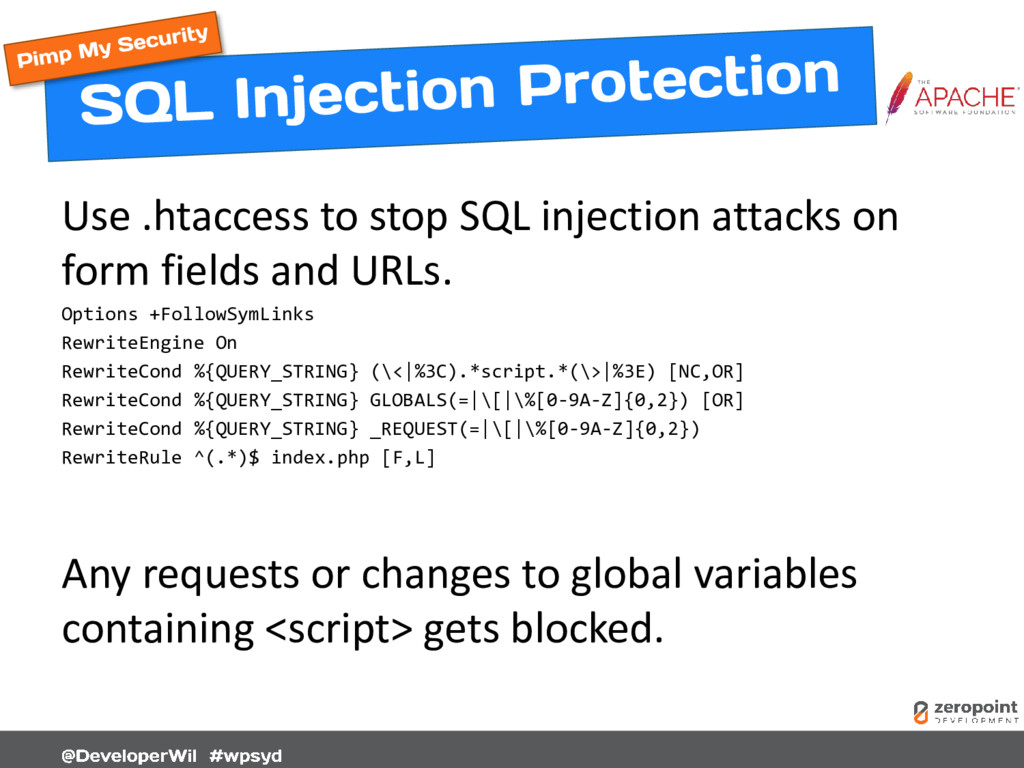
  50. Use .htaccess to stop SQL injection attacks on form fields

    and URLs. Options +FollowSymLinks RewriteEngine On RewriteCond %{QUERY_STRING} (\<|%3C).*script.*(\>|%3E) [NC,OR] RewriteCond %{QUERY_STRING} GLOBALS(=|\[|\%[0-9A-Z]{0,2}) [OR] RewriteCond %{QUERY_STRING} _REQUEST(=|\[|\%[0-9A-Z]{0,2}) RewriteRule ^(.*)$ index.php [F,L] Any requests or changes to global variables containing <script> gets blocked.
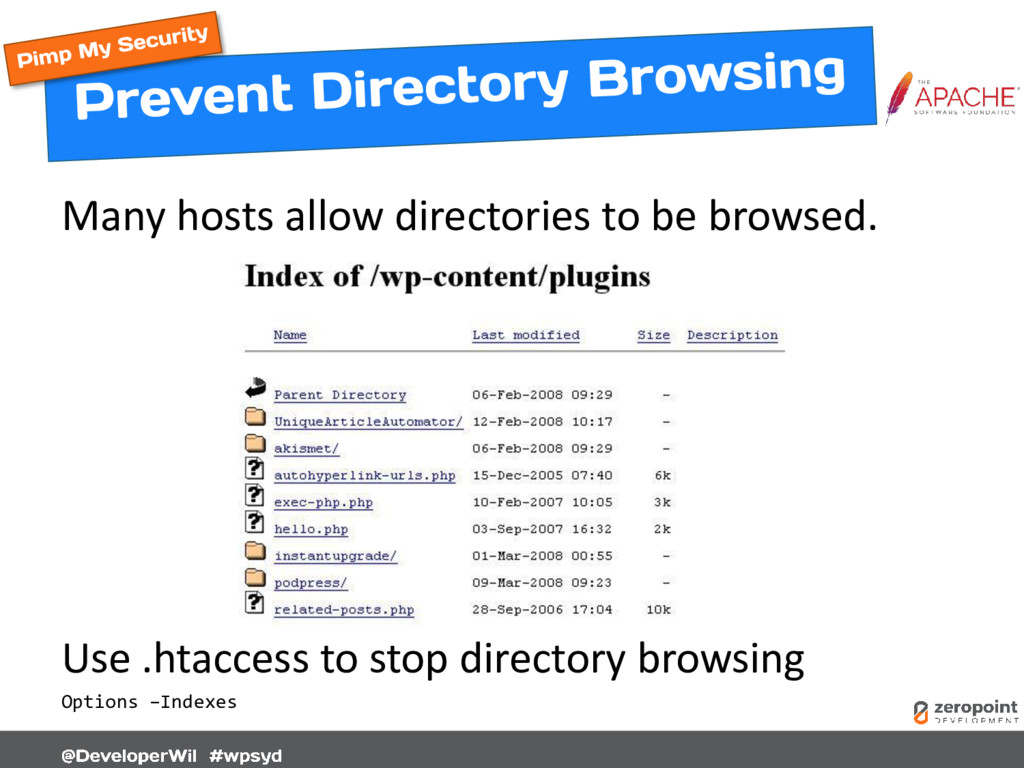
  51. Many hosts allow directories to be browsed. Use .htaccess to

    stop directory browsing Options –Indexes
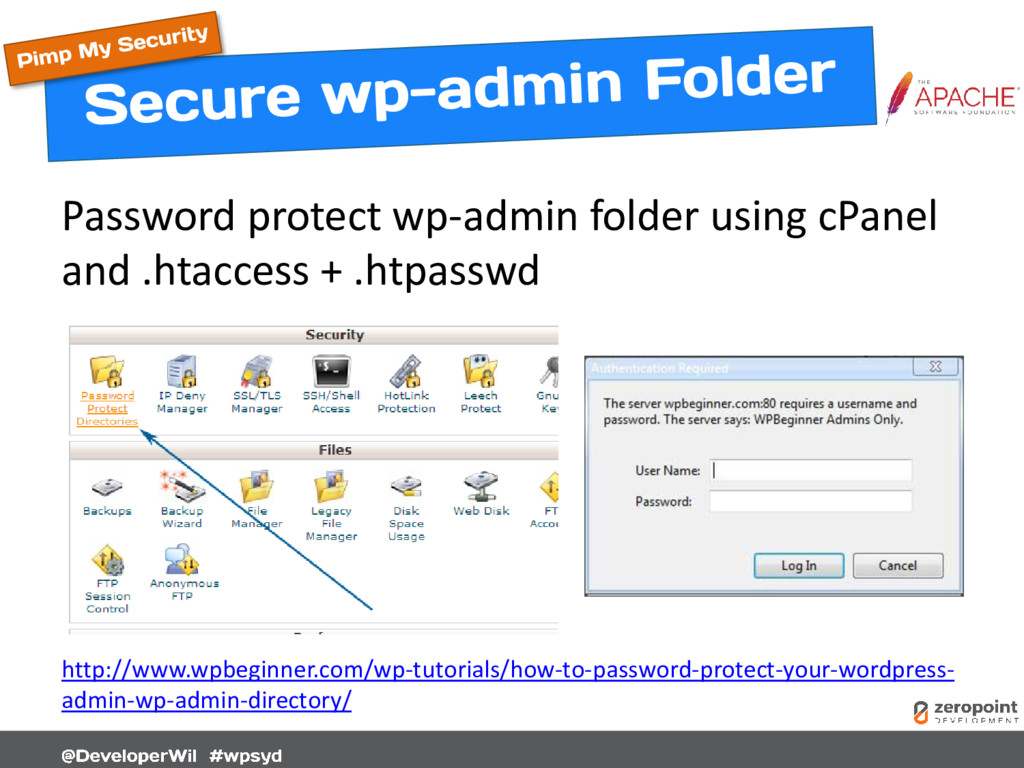
  52. Password protect wp-admin folder using cPanel and .htaccess + .htpasswd

    http://www.wpbeginner.com/wp-tutorials/how-to-password-protect-your-wordpress- admin-wp-admin-directory/
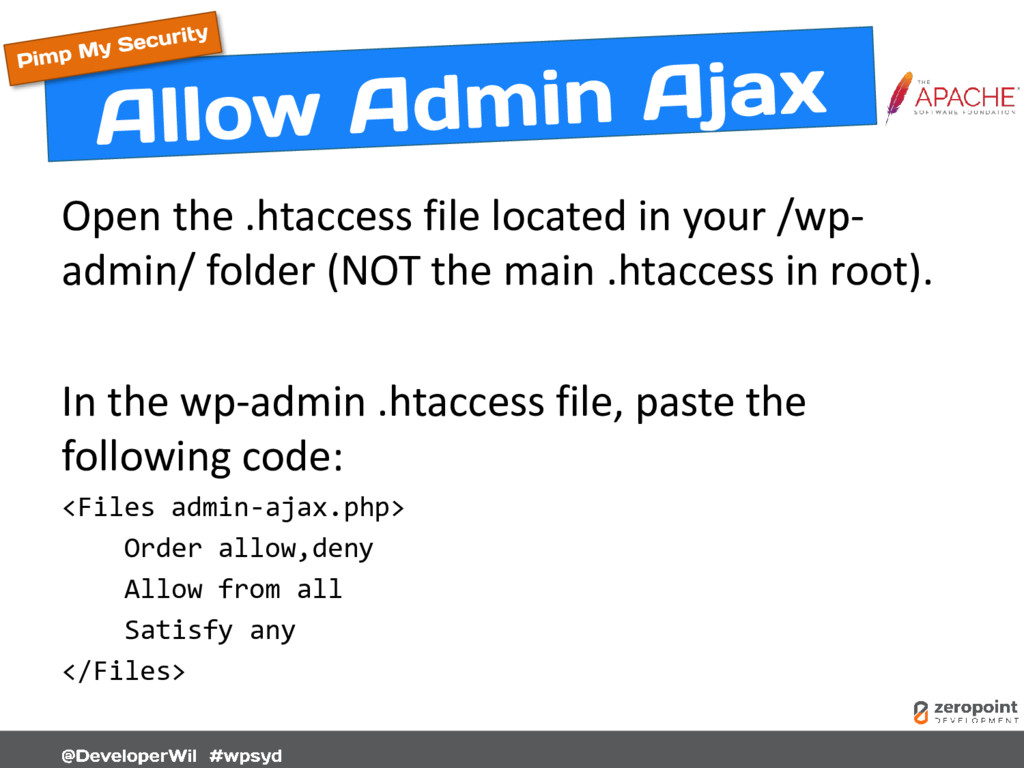
  53. Open the .htaccess file located in your /wp- admin/ folder

    (NOT the main .htaccess in root). In the wp-admin .htaccess file, paste the following code: <Files admin-ajax.php> Order allow,deny Allow from all Satisfy any </Files>
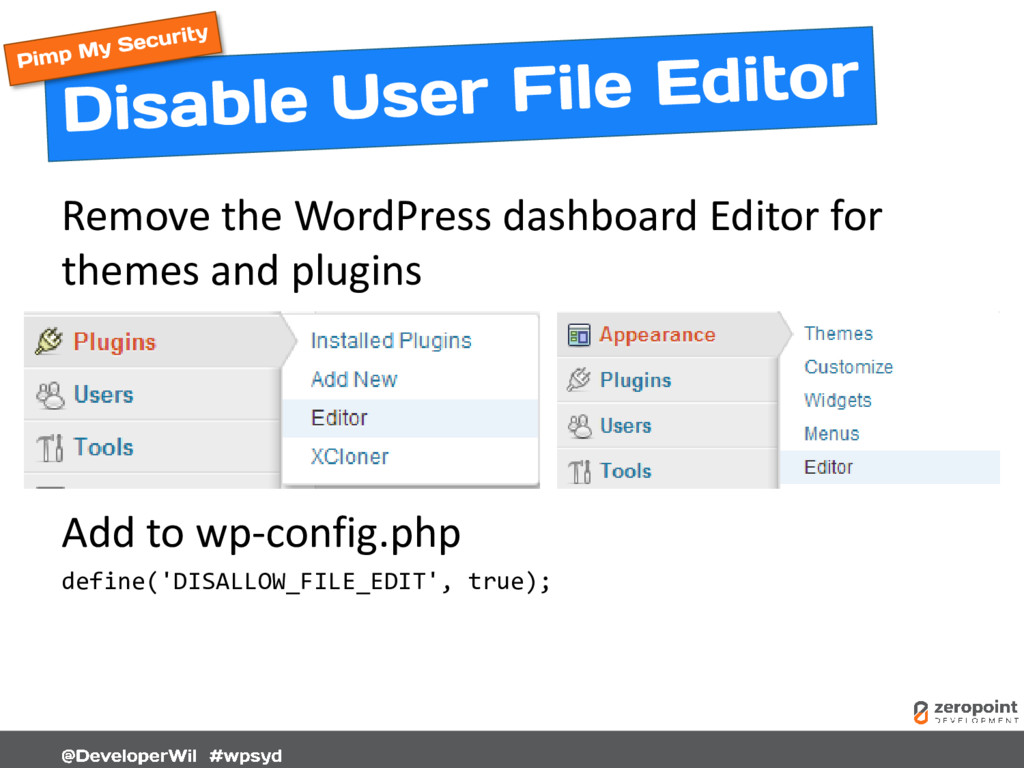
  54. Remove the WordPress dashboard Editor for themes and plugins Add

    to wp-config.php define('DISALLOW_FILE_EDIT', true);
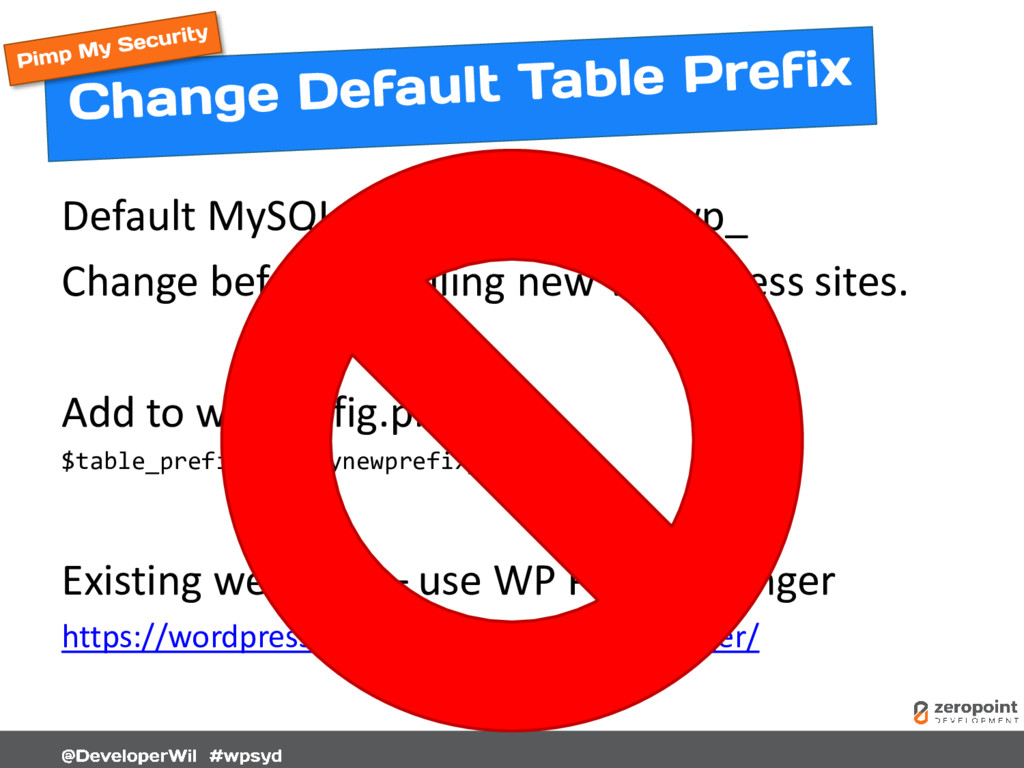
  55. Default MySQL DB table prefix is wp_ Change before installing

    new WordPress sites. Add to wp-config.php $table_prefix = ‘mynewprefix_'; Existing websites – use WP Prefix Changer https://wordpress.org/plugins/wp-prefix-changer/
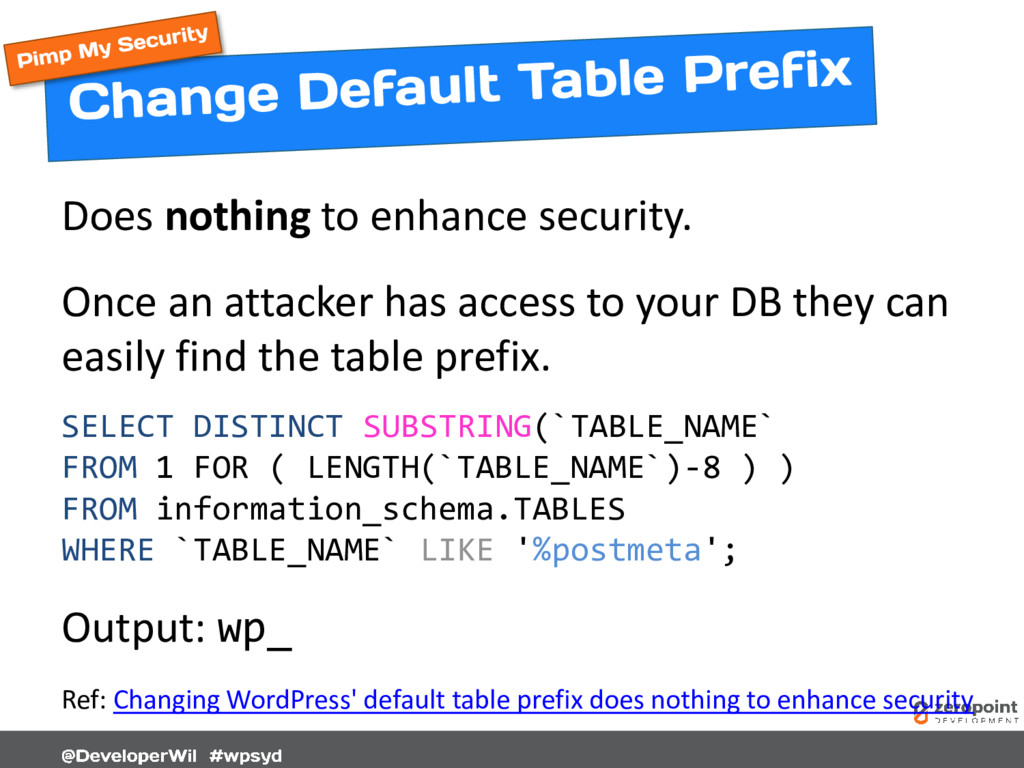
  56. Does nothing to enhance security. Once an attacker has access

    to your DB they can easily find the table prefix. SELECT DISTINCT SUBSTRING(`TABLE_NAME` FROM 1 FOR ( LENGTH(`TABLE_NAME`)-8 ) ) FROM information_schema.TABLES WHERE `TABLE_NAME` LIKE '%postmeta'; Output: wp_ Ref: Changing WordPress' default table prefix does nothing to enhance security
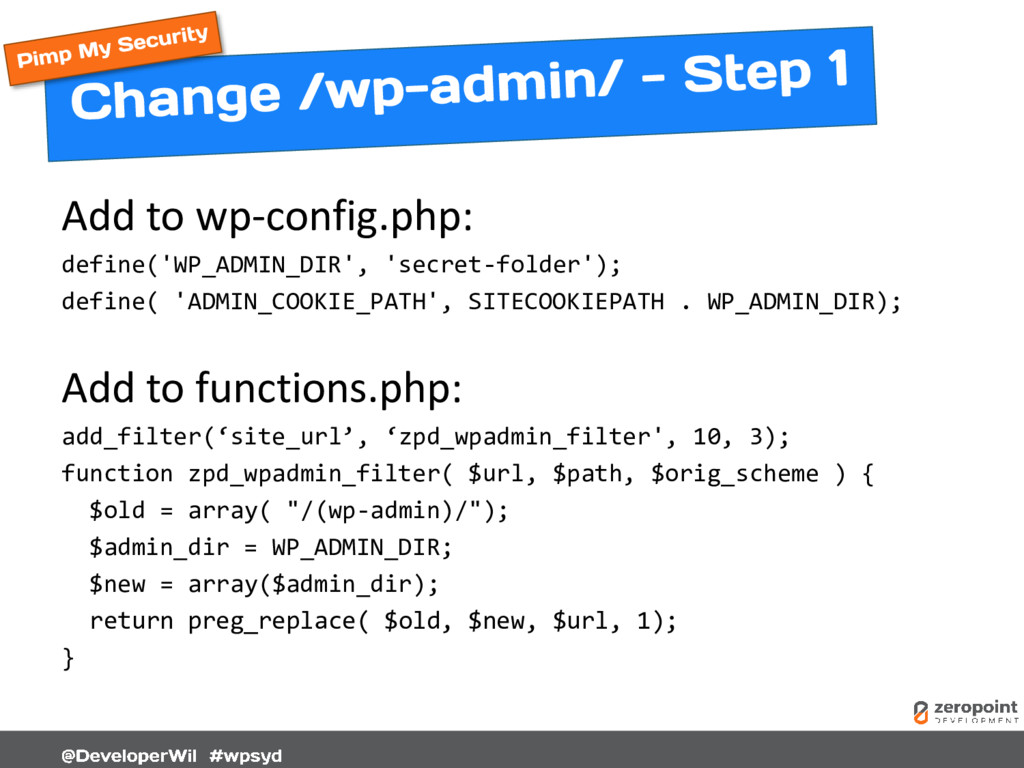
  57. Add to wp-config.php: define('WP_ADMIN_DIR', 'secret-folder'); define( 'ADMIN_COOKIE_PATH', SITECOOKIEPATH . WP_ADMIN_DIR);

    Add to functions.php: add_filter(‘site_url’, ‘zpd_wpadmin_filter', 10, 3); function zpd_wpadmin_filter( $url, $path, $orig_scheme ) { $old = array( "/(wp-admin)/"); $admin_dir = WP_ADMIN_DIR; $new = array($admin_dir); return preg_replace( $old, $new, $url, 1); }
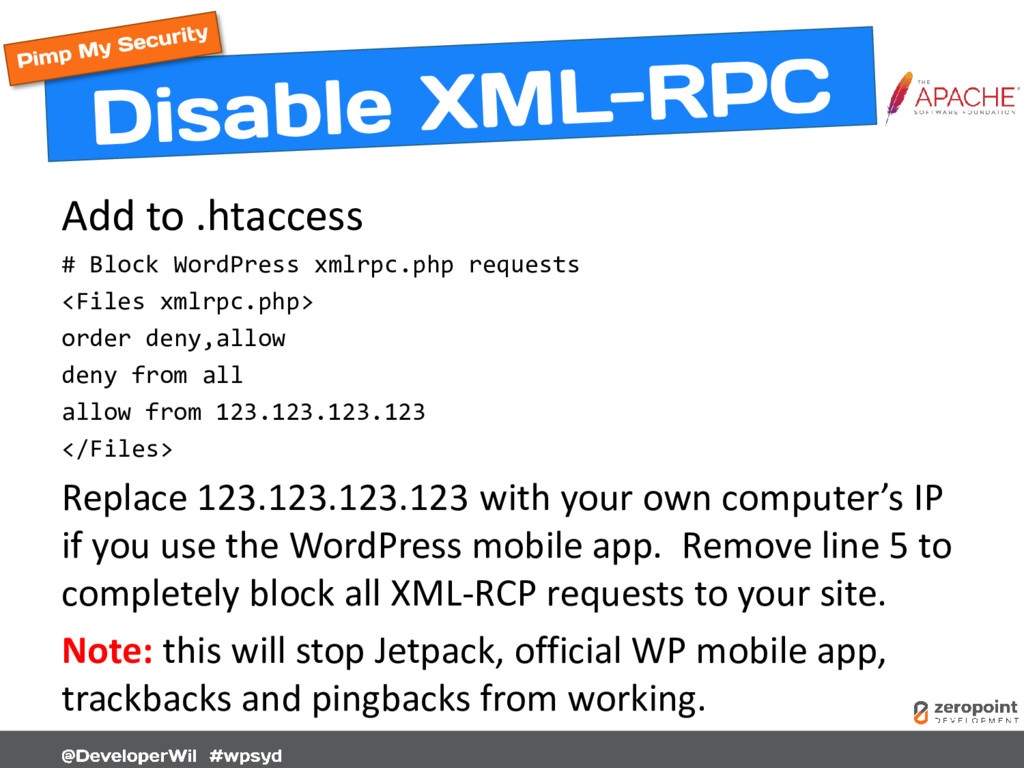
  58. Add to .htaccess # Block WordPress xmlrpc.php requests <Files xmlrpc.php>

    order deny,allow deny from all allow from 123.123.123.123 </Files> Replace 123.123.123.123 with your own computer’s IP if you use the WordPress mobile app. Remove line 5 to completely block all XML-RCP requests to your site. Note: this will stop Jetpack, official WP mobile app, trackbacks and pingbacks from working.
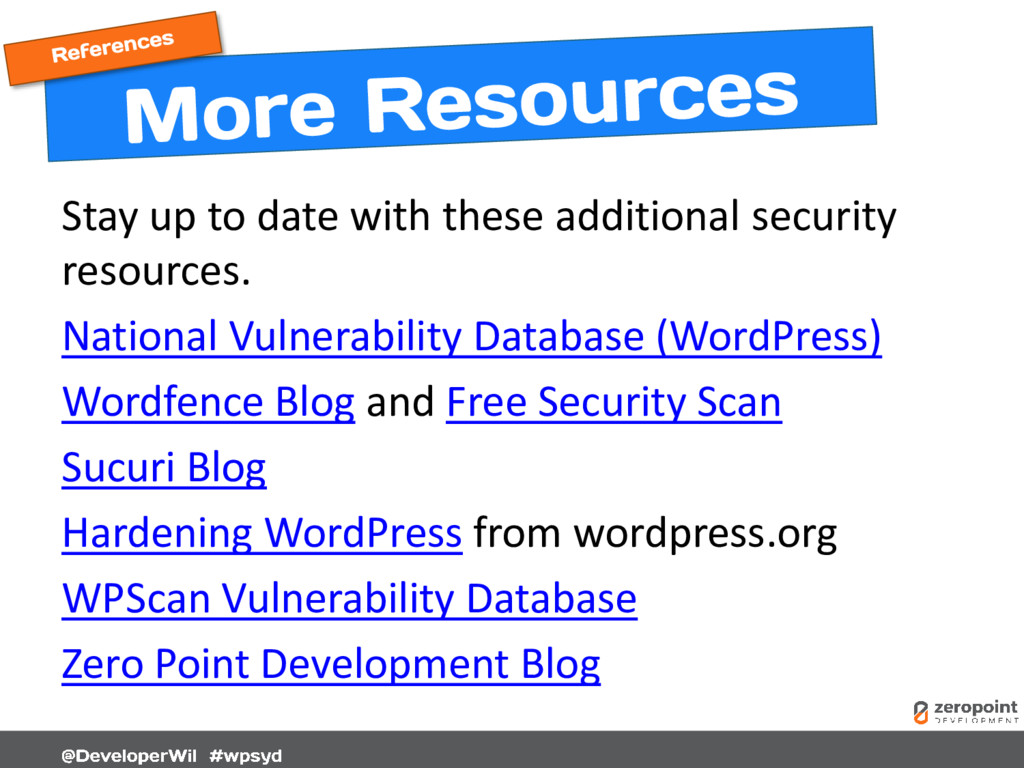
  59. Stay up to date with these additional security resources. National

    Vulnerability Database (WordPress) Wordfence Blog and Free Security Scan Sucuri Blog Hardening WordPress from wordpress.org WPScan Vulnerability Database Zero Point Development Blog
  60. [Cover] zeropointdevelopment.com [3] jamesclear.com/sun-tzu-habits [9] activerain.com [10] mybroadband.co.za [11] amazon.com

    [18] lastpass.com [23] zeropointdevelopment.com [29] managewp.com [33] wordpress.org [35] wordpress.org [39] promptwebhosting.com.au [45] zeropointdevelopment.com [47] zeropointdevelopment.com [48] mobyware.ru [52] roots.io [53] ibmsystemsmag.com [54] wordpress.org [55] wordpress.org [58] gobalakrishnan.com [59] trickytechs.com/wpbeginner.com [61] zeropointdevelopment.com [63] wp-stream.com [69] cloudflare.com [72] zeropointdevelopment.com [Back Cover] zeropointdevelopment.com Note: This presentation may contain affiliate links.
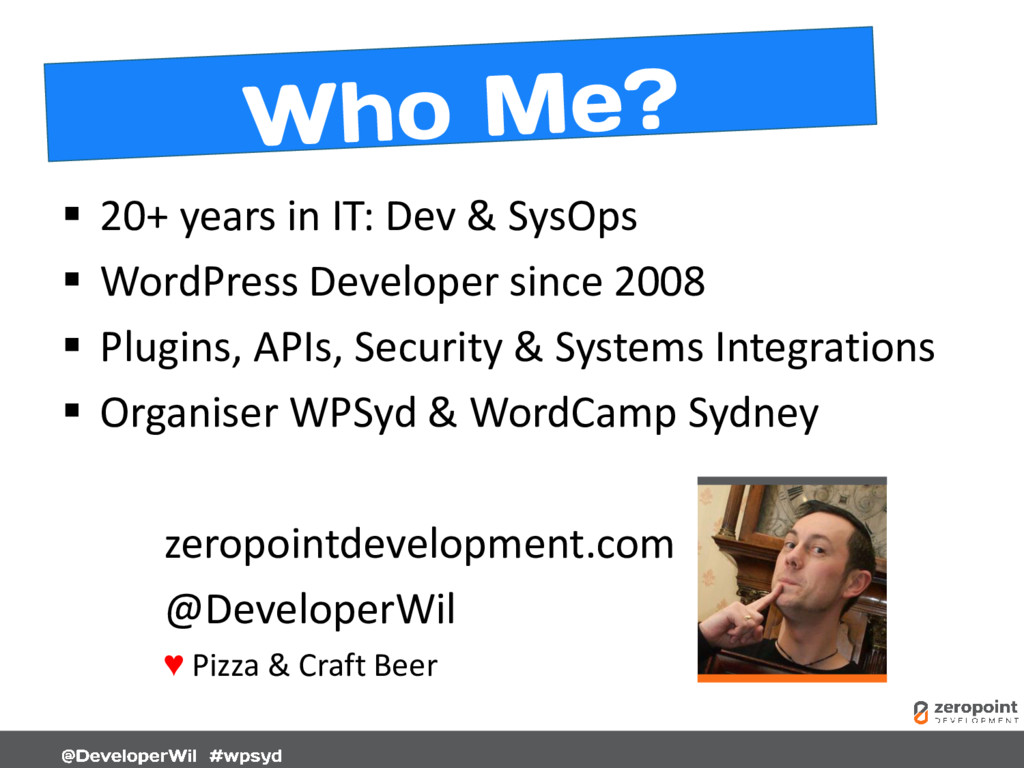
  61.  20+ years in IT: Dev & SysOps  WordPress

    Developer since 2008  Plugins, APIs, Security & Systems Integrations  Organiser WPSyd & WordCamp Sydney zeropointdevelopment.com @DeveloperWil ♥ Pizza & Craft Beer