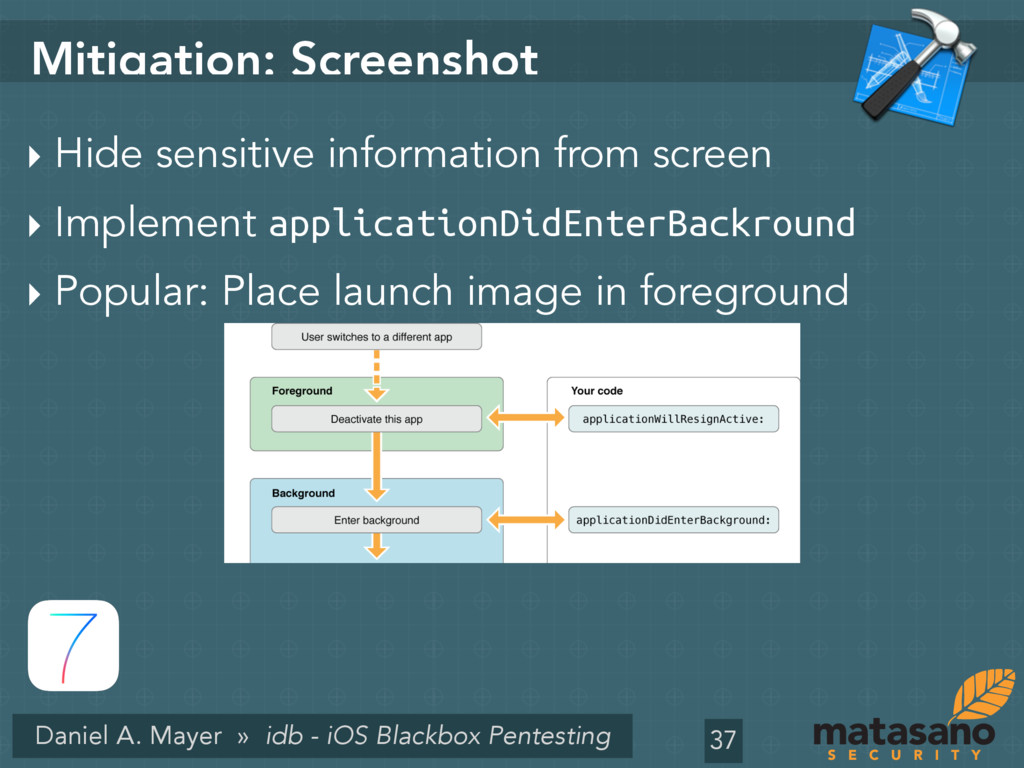
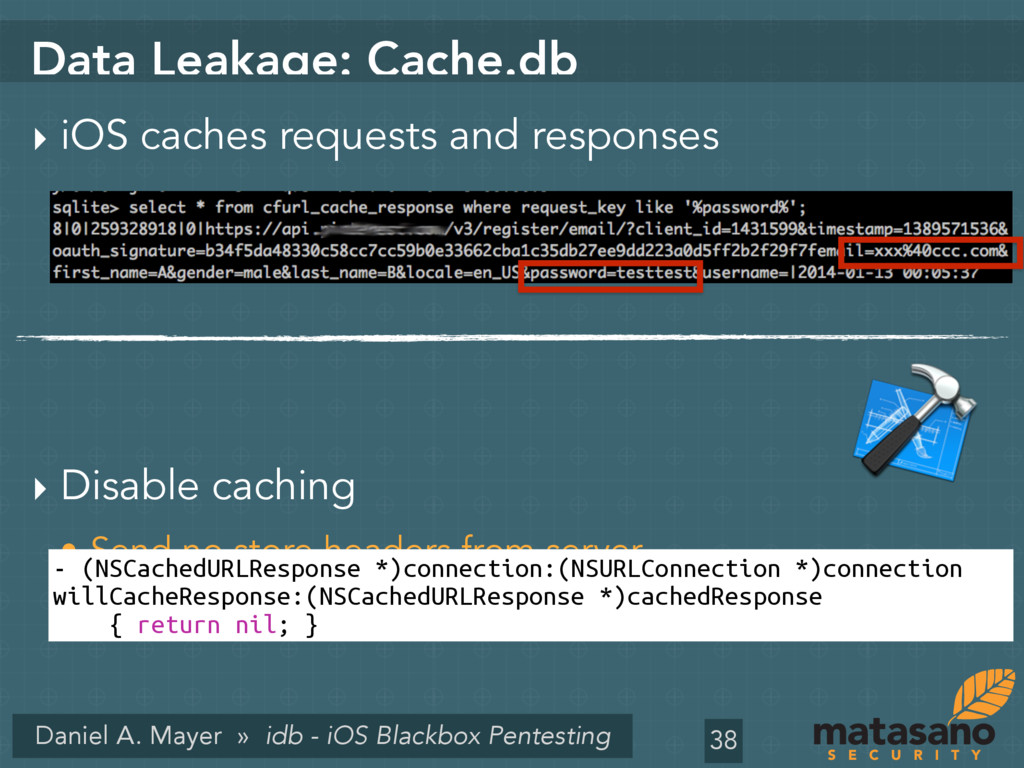
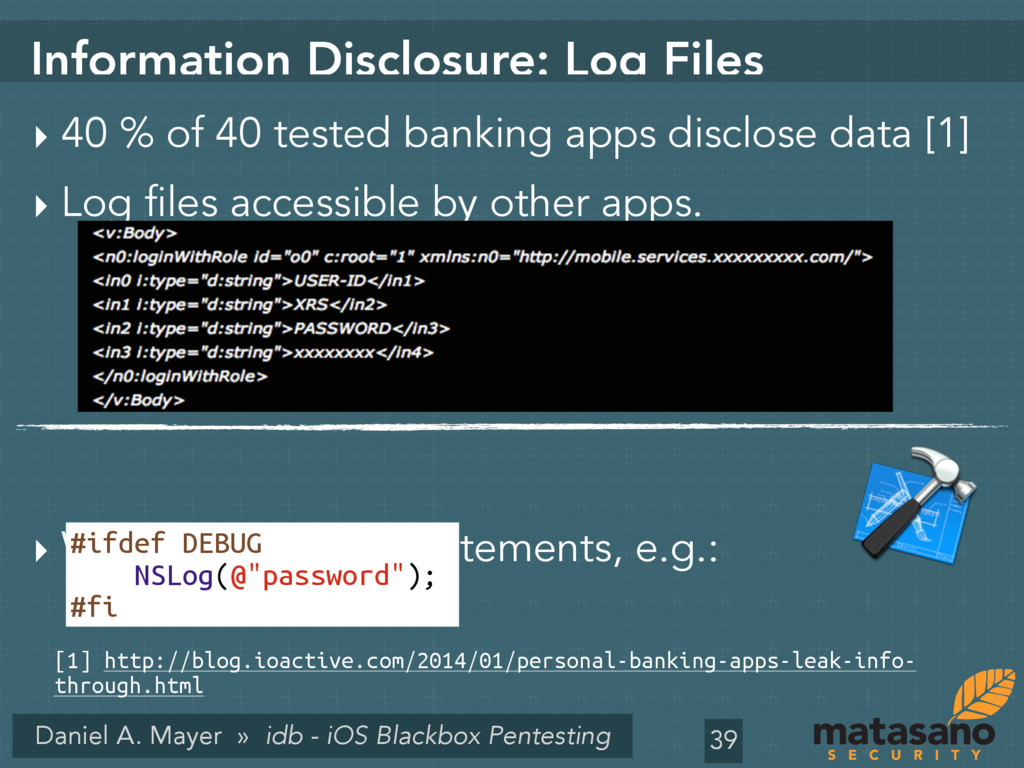
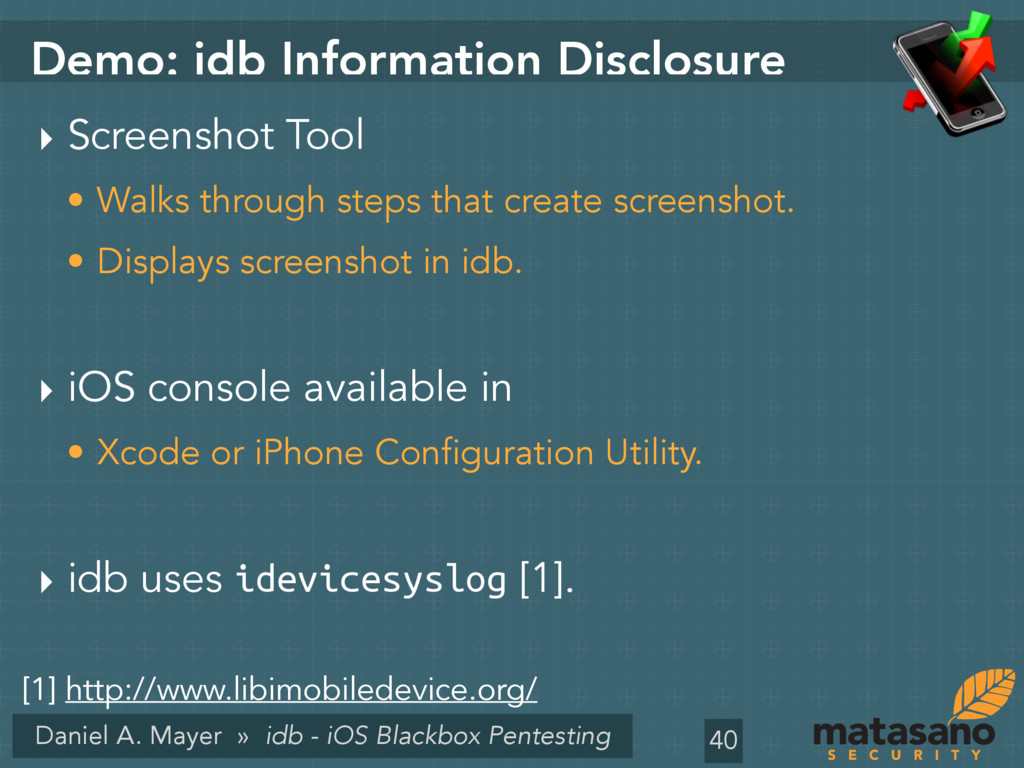
we are… ‣ Me: Daniel A. Mayer • Senior Consultant with Matasano Security. • Ph.D. in Computer Science (Security and Privacy). ‣ Matasano Security • Application Security Consultancy. • Offices in New York, Chicago, Sunnyvale. • We are hiring! :-) 2
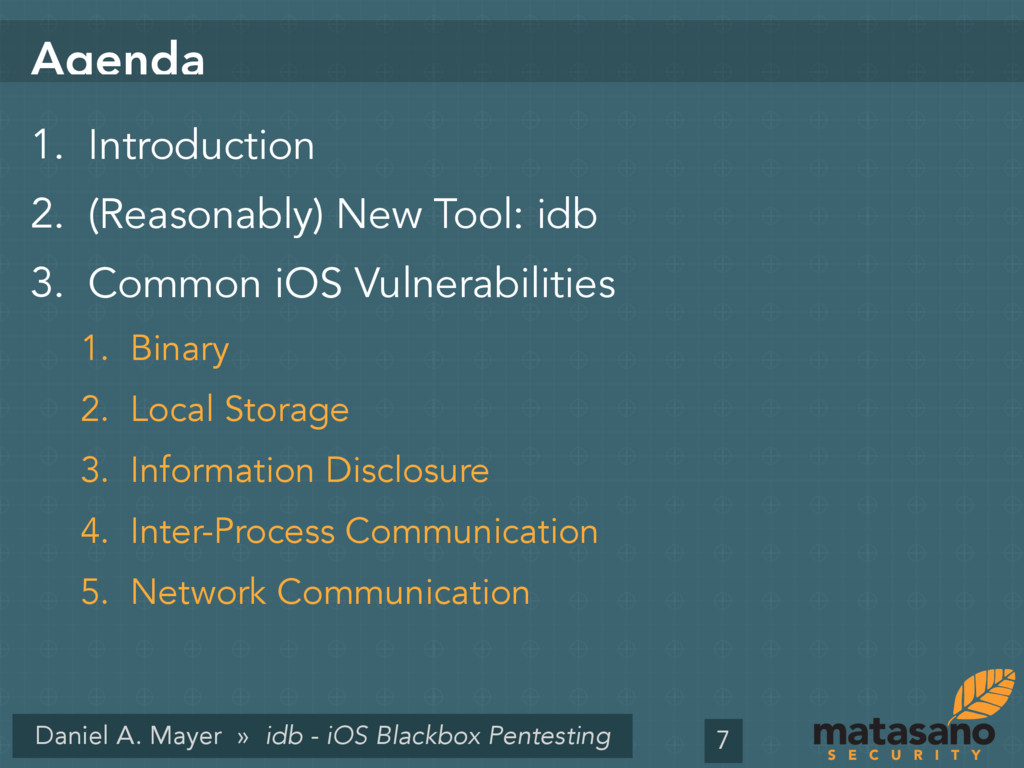
1. Introduction 2. (Reasonably) New Tool: idb 3. Common iOS Vulnerabilities 1. Binary 2. Local Storage 3. Information Disclosure 4. Inter-Process Communication 5. Network Communication 7
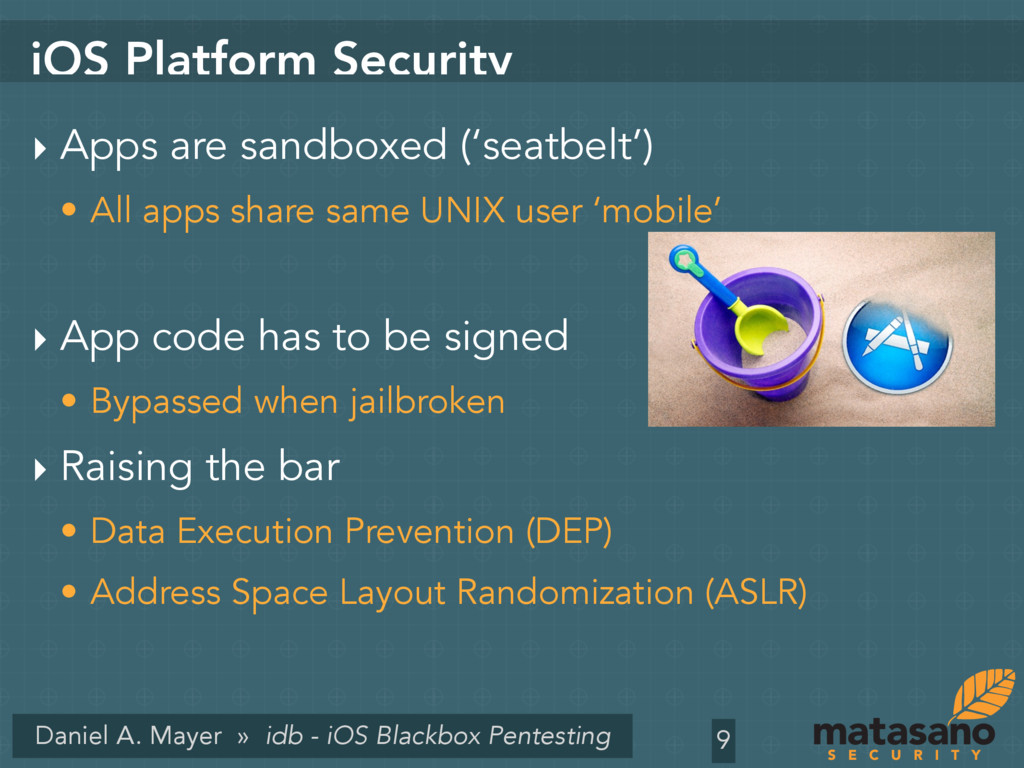
Platform Security ‣ Apps are sandboxed (‘seatbelt’) • All apps share same UNIX user ‘mobile’ ‣ App code has to be signed • Bypassed when jailbroken ‣ Raising the bar • Data Execution Prevention (DEP) • Address Space Layout Randomization (ASLR) 9
Apps 1. Native applications • Objective-C(++), superset of C(++) • Cocoa touch for GUI 2. Web view applications • Display mobile websites in a UIWebView 10
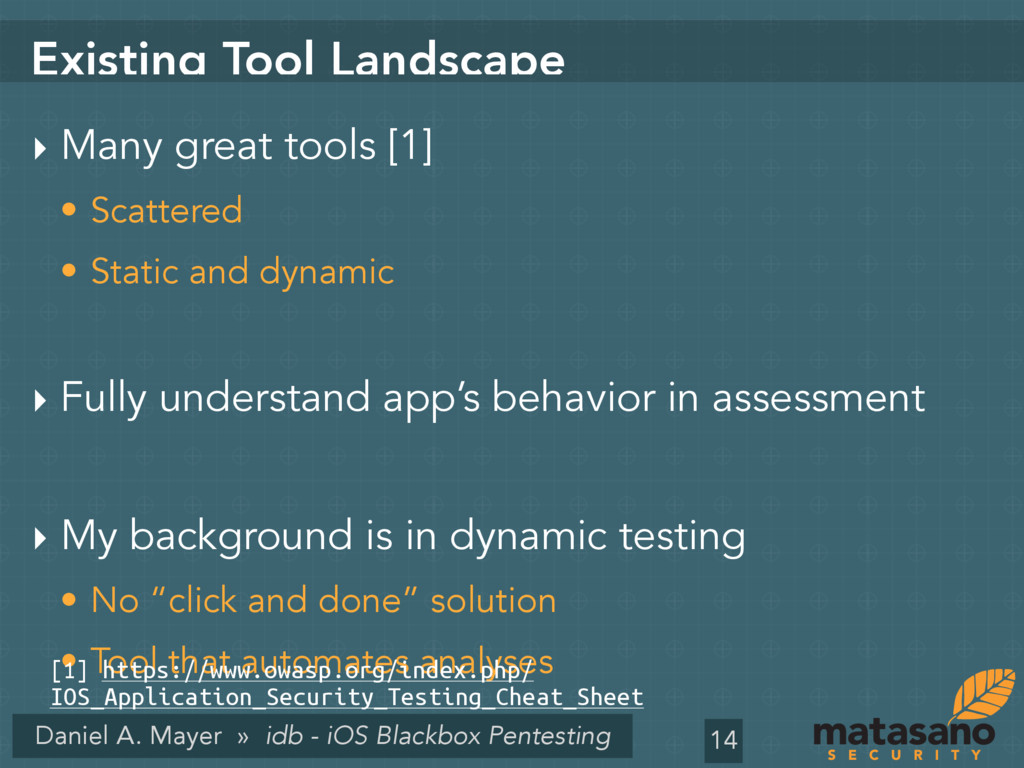
Tool Landscape ‣ Many great tools [1] • Scattered • Static and dynamic ‣ Fully understand app’s behavior in assessment ‣ My background is in dynamic testing • No “click and done” solution • Tool that automates analyses 14 [1] https://www.owasp.org/index.php/ IOS_Application_Security_Testing_Cheat_Sheet
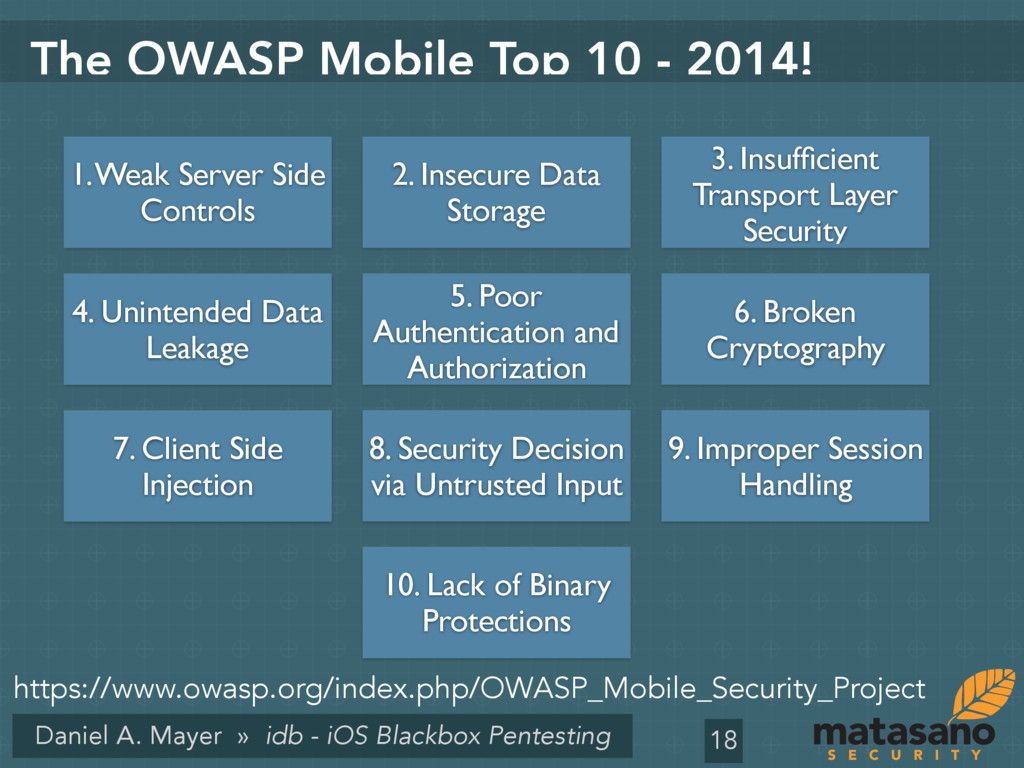
OWASP Mobile Top 10 - 2014! 18 2. Insecure Data Storage 1. Weak Server Side Controls 3. Insufficient Transport Layer Security 4. Unintended Data Leakage 5. Poor Authentication and Authorization 6. Broken Cryptography 7. Client Side Injection 8. Security Decision via Untrusted Input 9. Improper Session Handling 10. Lack of Binary Protections https://www.owasp.org/index.php/OWASP_Mobile_Security_Project
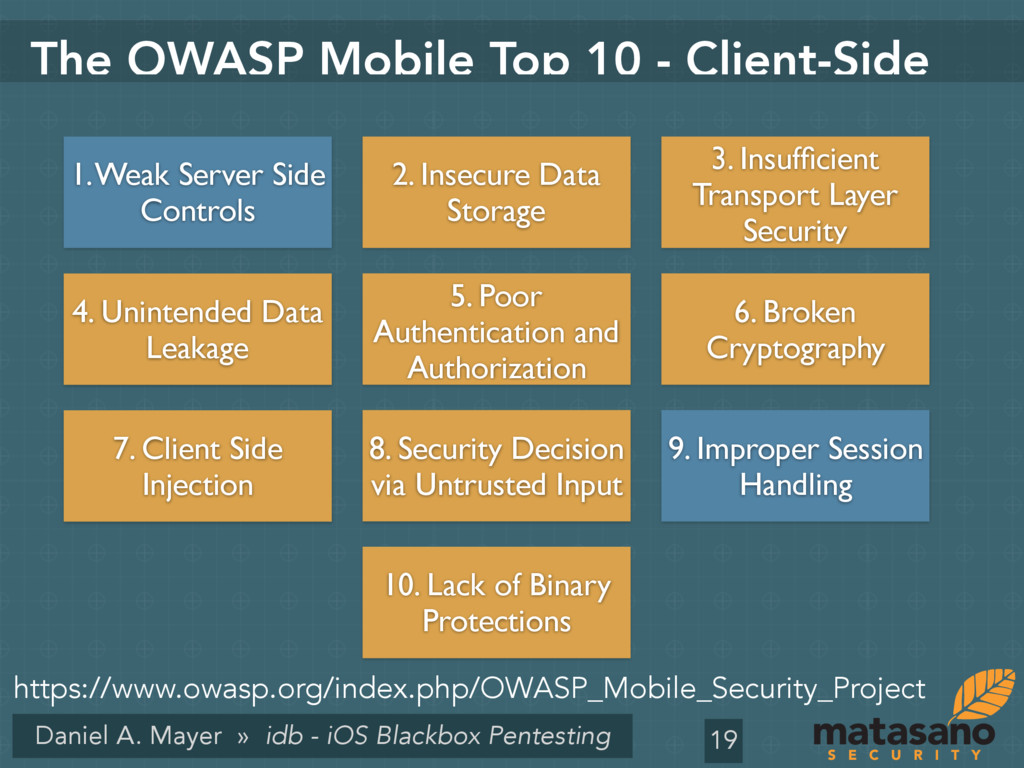
OWASP Mobile Top 10 - Client-Side 19 2. Insecure Data Storage 1. Weak Server Side Controls 3. Insufficient Transport Layer Security 4. Unintended Data Leakage 5. Poor Authentication and Authorization 6. Broken Cryptography 7. Client Side Injection 8. Security Decision via Untrusted Input 9. Improper Session Handling 10. Lack of Binary Protections https://www.owasp.org/index.php/OWASP_Mobile_Security_Project
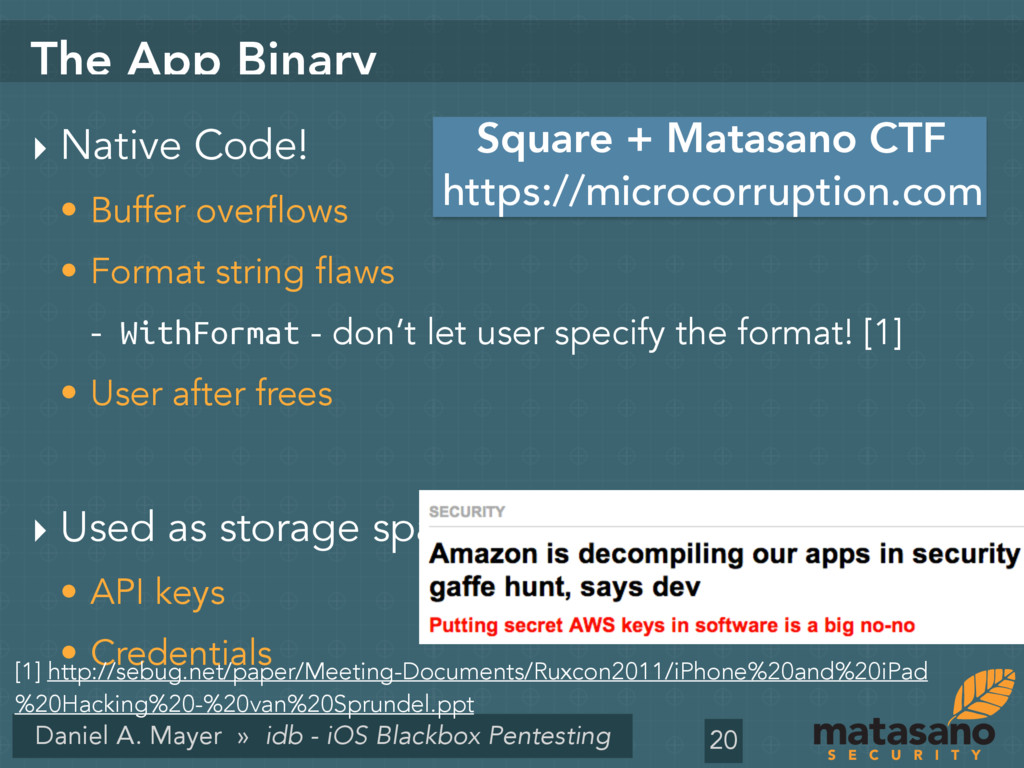
App Binary ‣ Native Code! • Buffer overflows • Format string flaws - WithFormat - don’t let user specify the format! [1] • User after frees ‣ Used as storage space: • API keys • Credentials 20 [1] http://sebug.net/paper/Meeting-Documents/Ruxcon2011/iPhone%20and%20iPad %20Hacking%20-%20van%20Sprundel.ppt https://microcorruption.com Square + Matasano CTF
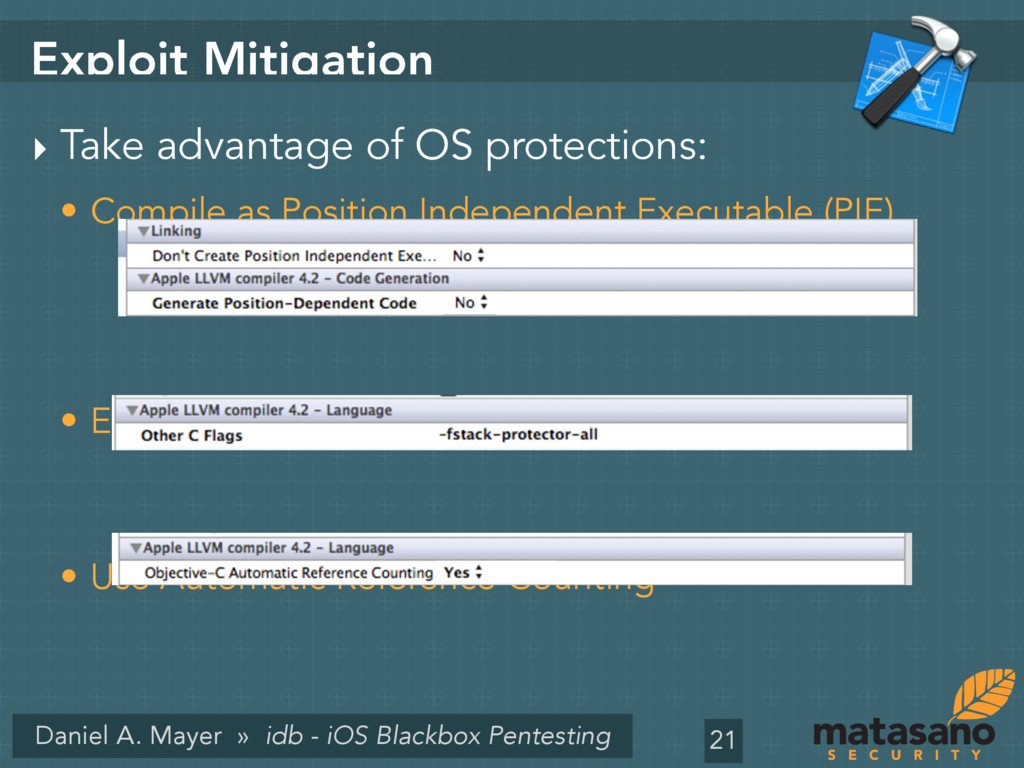
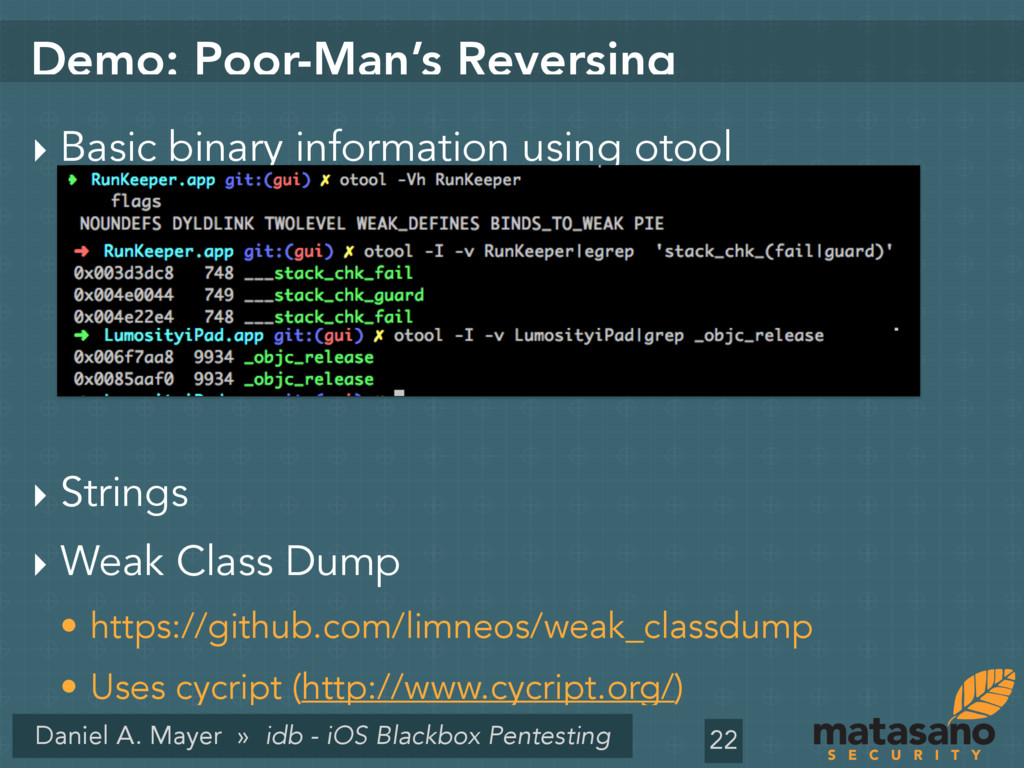
Mitigation ‣ Take advantage of OS protections: • Compile as Position Independent Executable (PIE). • Enable stack canaries • Use Automatic Reference Counting 21
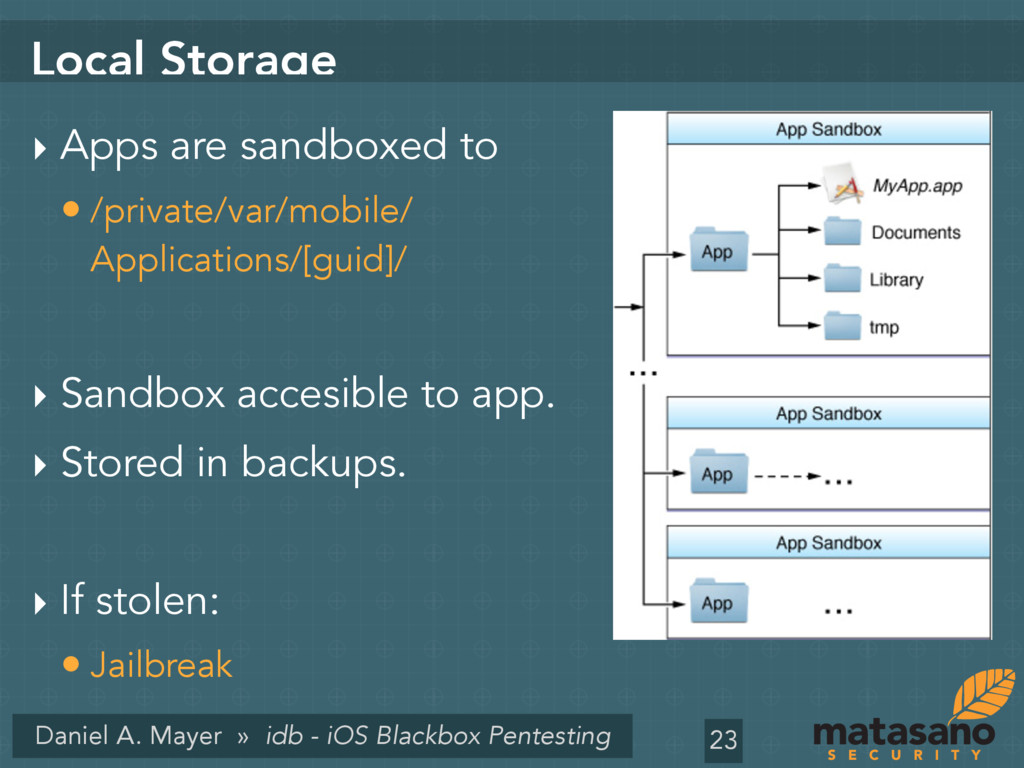
Storage ‣ Apps are sandboxed to • /private/var/mobile/ Applications/[guid]/ ‣ Sandbox accesible to app. ‣ Stored in backups. ‣ If stolen: • Jailbreak 23
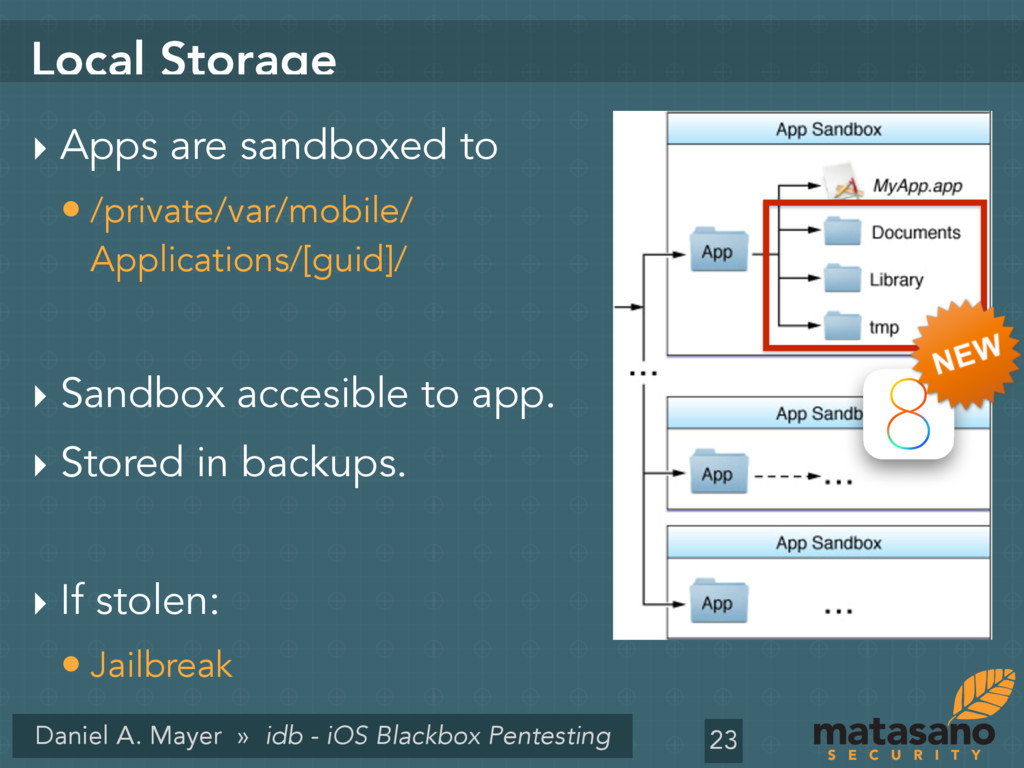
Storage ‣ Apps are sandboxed to • /private/var/mobile/ Applications/[guid]/ ‣ Sandbox accesible to app. ‣ Stored in backups. ‣ If stolen: • Jailbreak 23
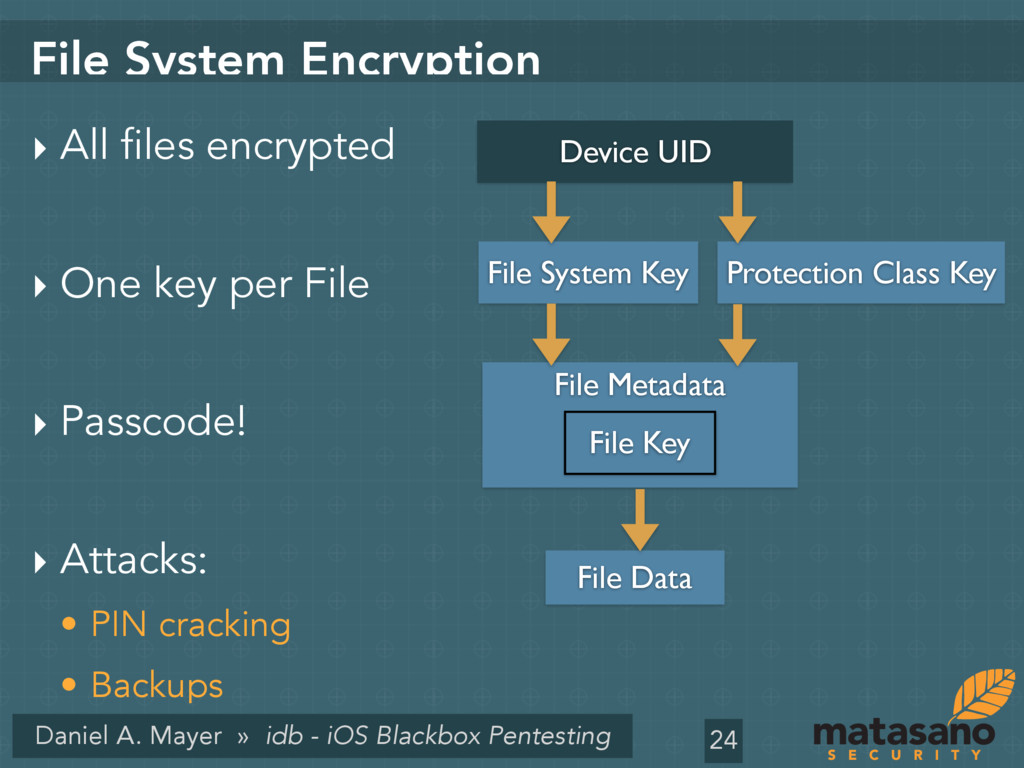
System Encryption ‣ All files encrypted ‣ One key per File ‣ Passcode! ‣ Attacks: • PIN cracking • Backups 24 File Metadata File Data Device UID Protection Class Key File Key File System Key
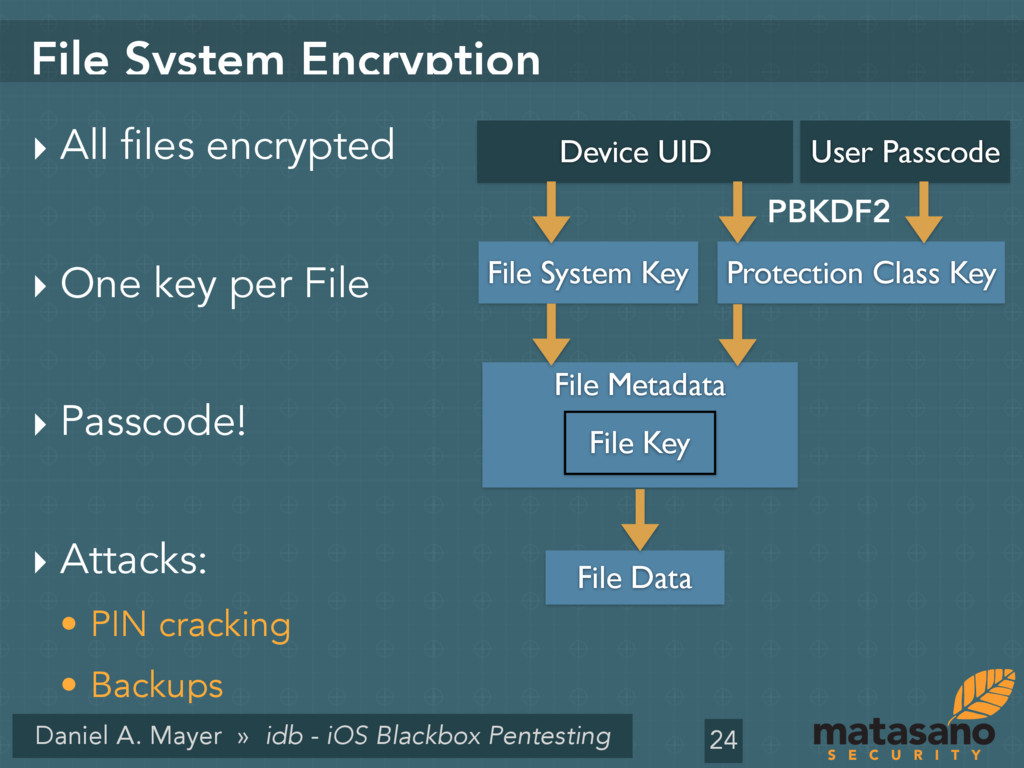
System Encryption ‣ All files encrypted ‣ One key per File ‣ Passcode! ‣ Attacks: • PIN cracking • Backups 24 File Metadata File Data Device UID Protection Class Key File Key File System Key User Passcode PBKDF2
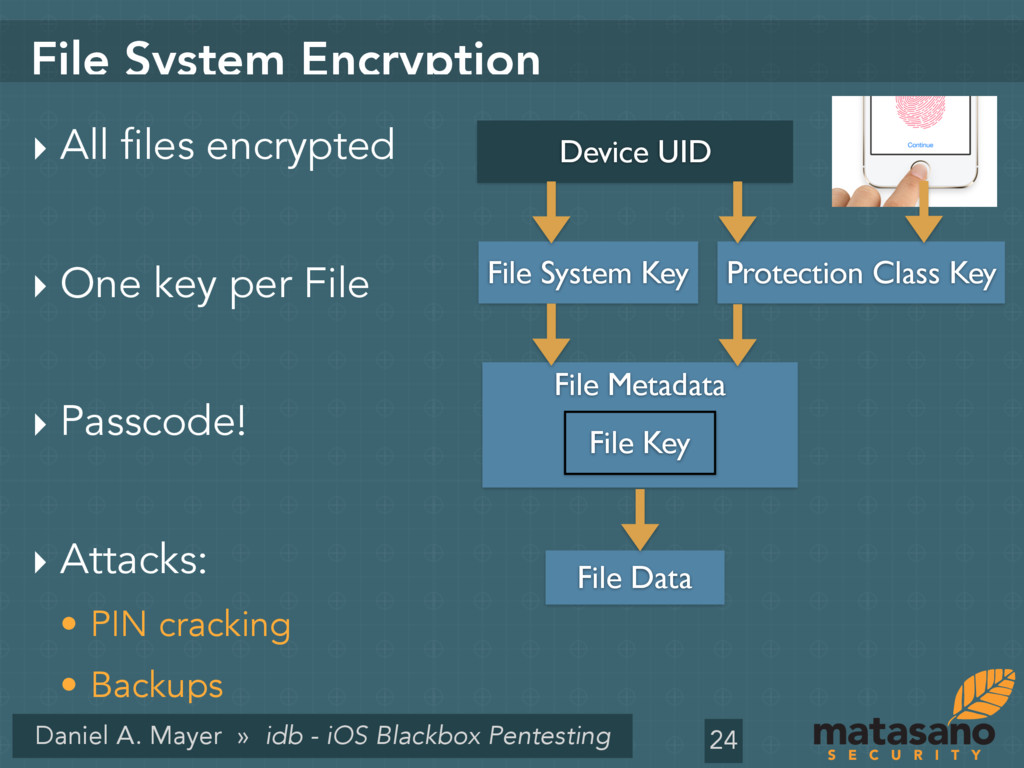
System Encryption ‣ All files encrypted ‣ One key per File ‣ Passcode! ‣ Attacks: • PIN cracking • Backups 24 File Metadata File Data Device UID Protection Class Key File Key File System Key
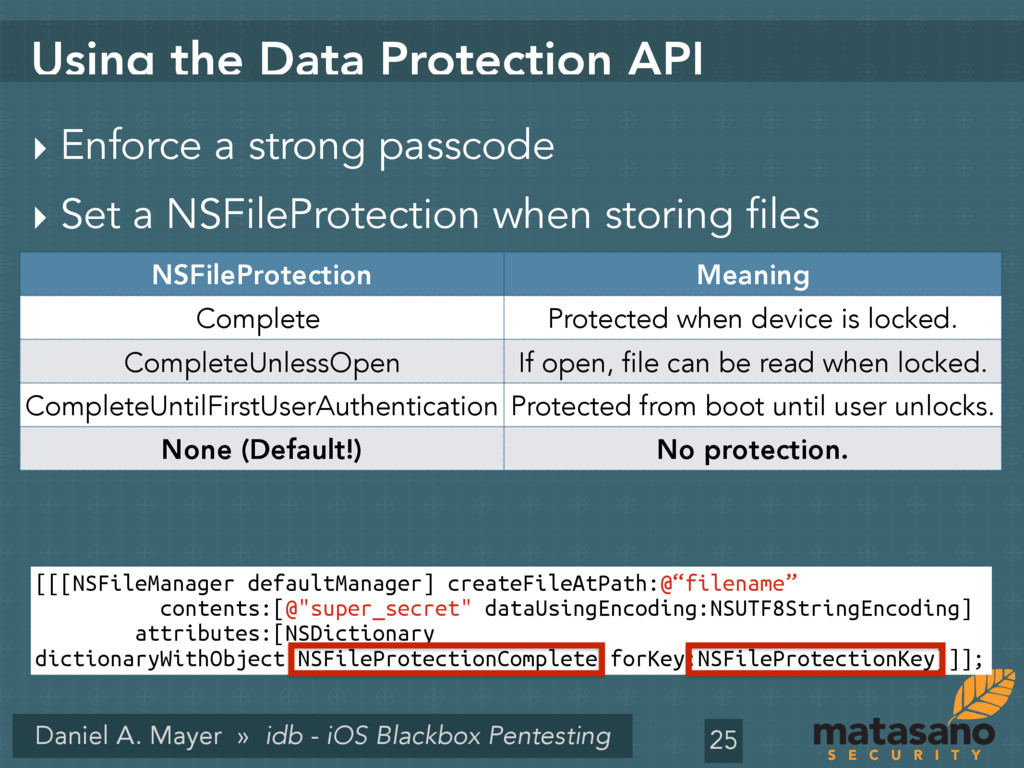
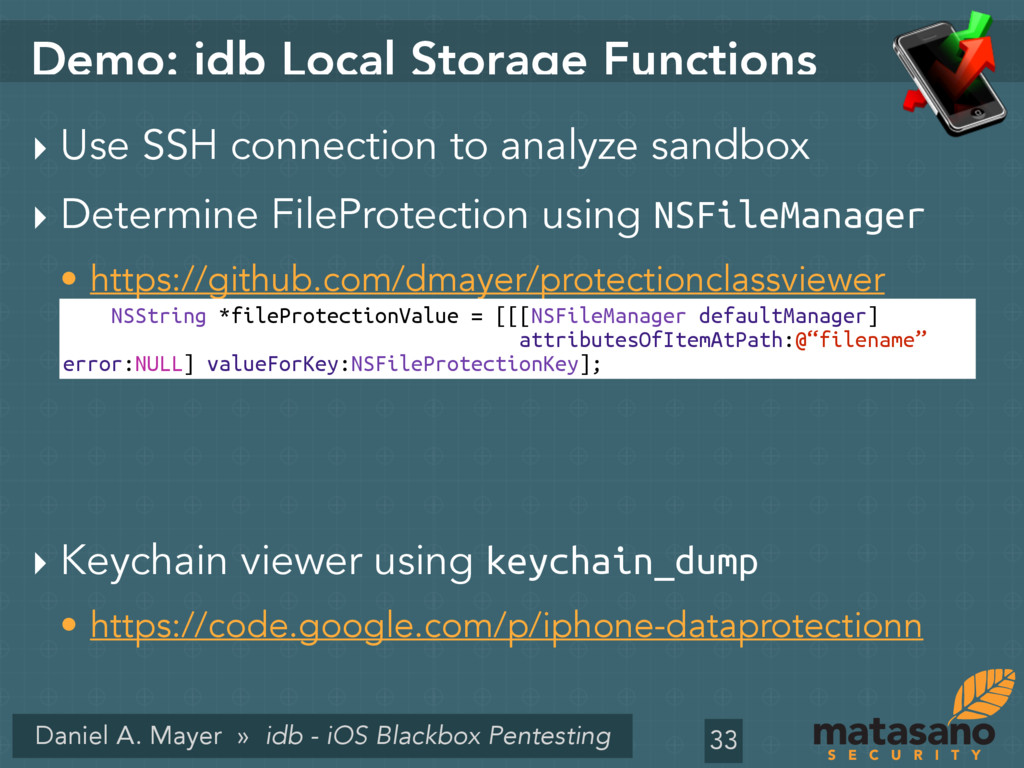
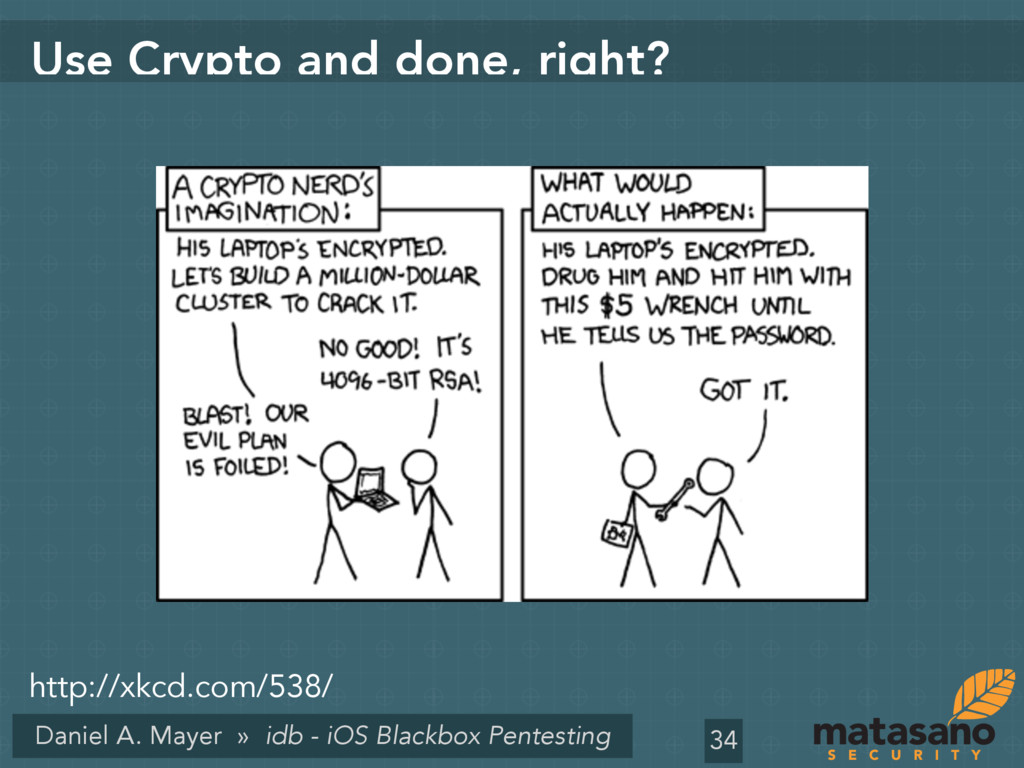
the Data Protection API ‣ Enforce a strong passcode ‣ Set a NSFileProtection when storing files ‣ Example: 25 NSFileProtection Meaning Complete Protected when device is locked. CompleteUnlessOpen If open, file can be read when locked. CompleteUntilFirstUserAuthentication Protected from boot until user unlocks. None (Default!) No protection. [[[NSFileManager defaultManager] createFileAtPath:@“filename” contents:[@"super_secret" dataUsingEncoding:NSUTF8StringEncoding] attributes:[NSDictionary dictionaryWithObject:NSFileProtectionComplete forKey:NSFileProtectionKey]]];
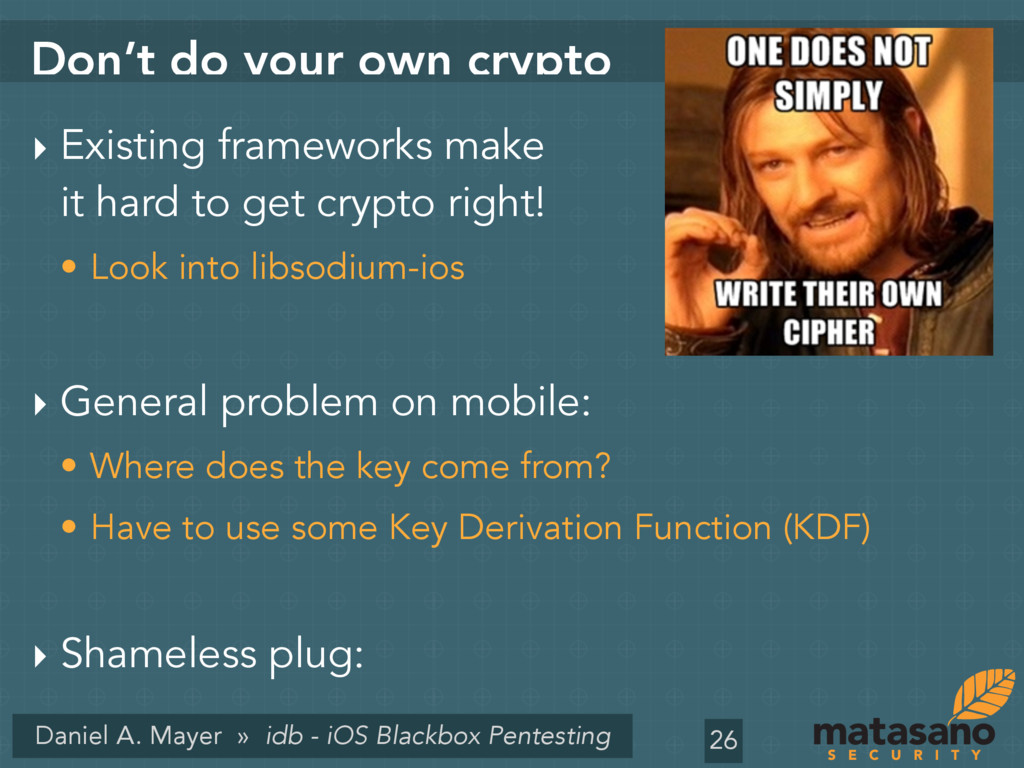
do your own crypto ‣ Existing frameworks make it hard to get crypto right! • Look into libsodium-ios ‣ General problem on mobile: • Where does the key come from? • Have to use some Key Derivation Function (KDF) ‣ Shameless plug: 26
Mitigation ‣ Use Data Protection to encrypt sqlite file. ‣ Third-Party solutions • e.g., http://sqlcipher.net/ ‣ Journal may leak deleted data. • Use VACUUM to rebuild DB. 28
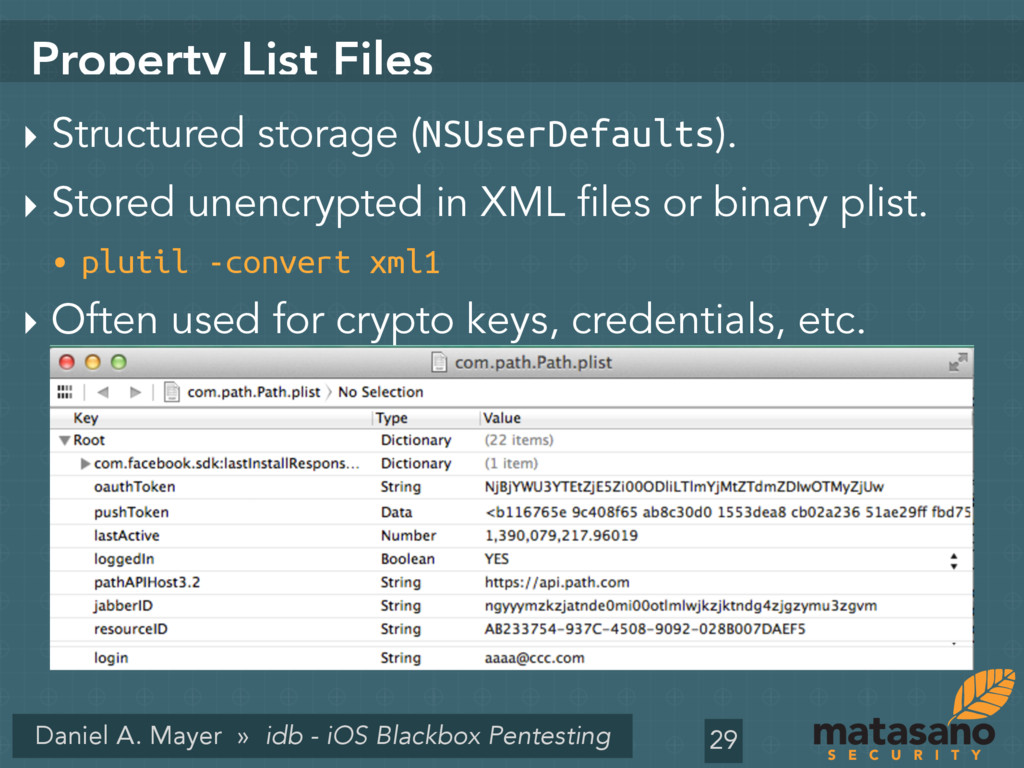
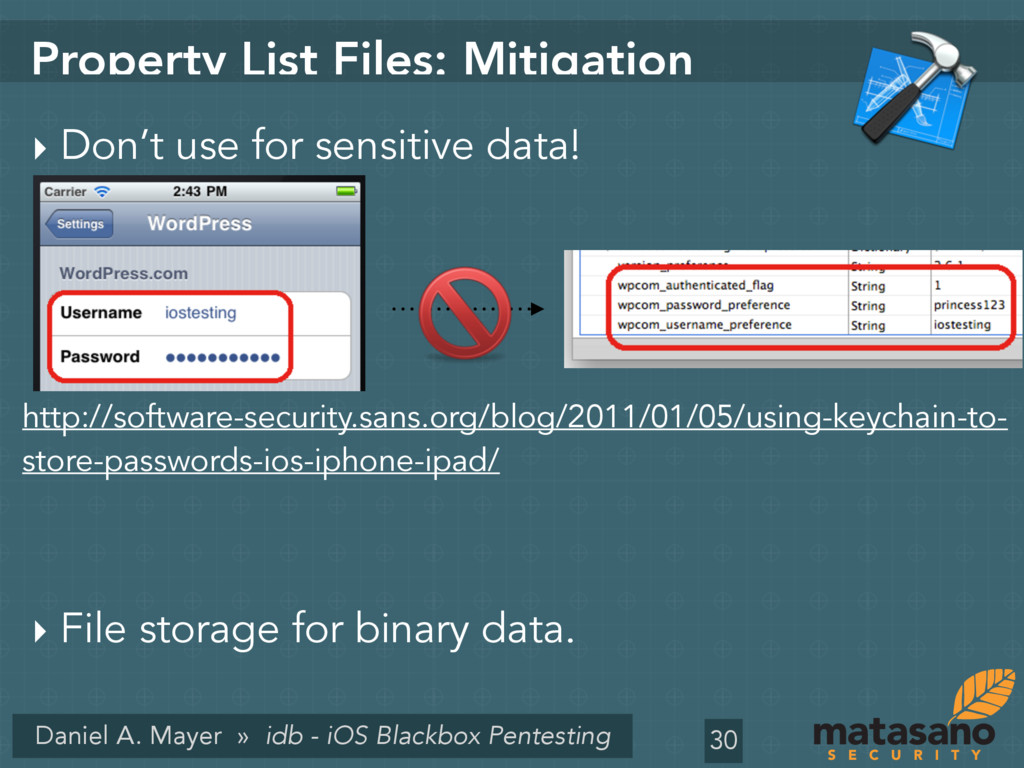
List Files ‣ Structured storage (NSUserDefaults). ‣ Stored unencrypted in XML files or binary plist. • plutil -convert xml1 ‣ Often used for crypto keys, credentials, etc. 29
List Files: Mitigation ‣ Don’t use for sensitive data! ‣ File storage for binary data. 30 http://software-security.sans.org/blog/2011/01/05/using-keychain-to- store-passwords-ios-iphone-ipad/
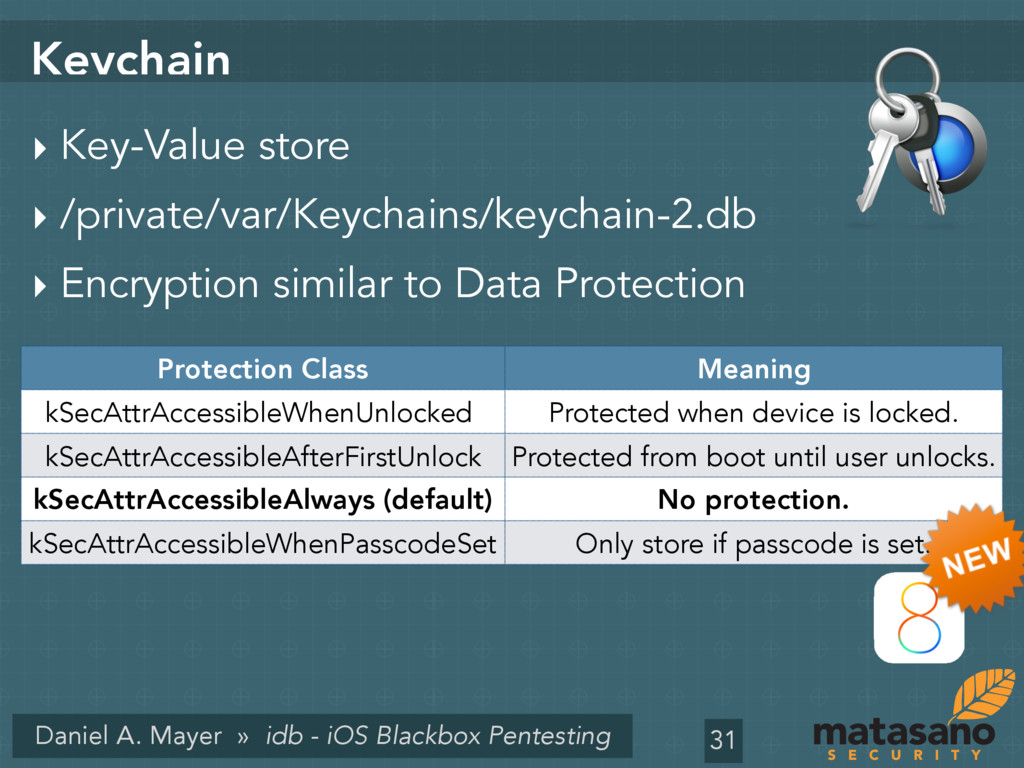
‣ Key-Value store ‣ /private/var/Keychains/keychain-2.db ‣ Encryption similar to Data Protection 31 Protection Class Meaning kSecAttrAccessibleWhenUnlocked Protected when device is locked. kSecAttrAccessibleAfterFirstUnlock Protected from boot until user unlocks. kSecAttrAccessibleAlways (default) No protection. kSecAttrAccessibleWhenPasscodeSet Only store if passcode is set.
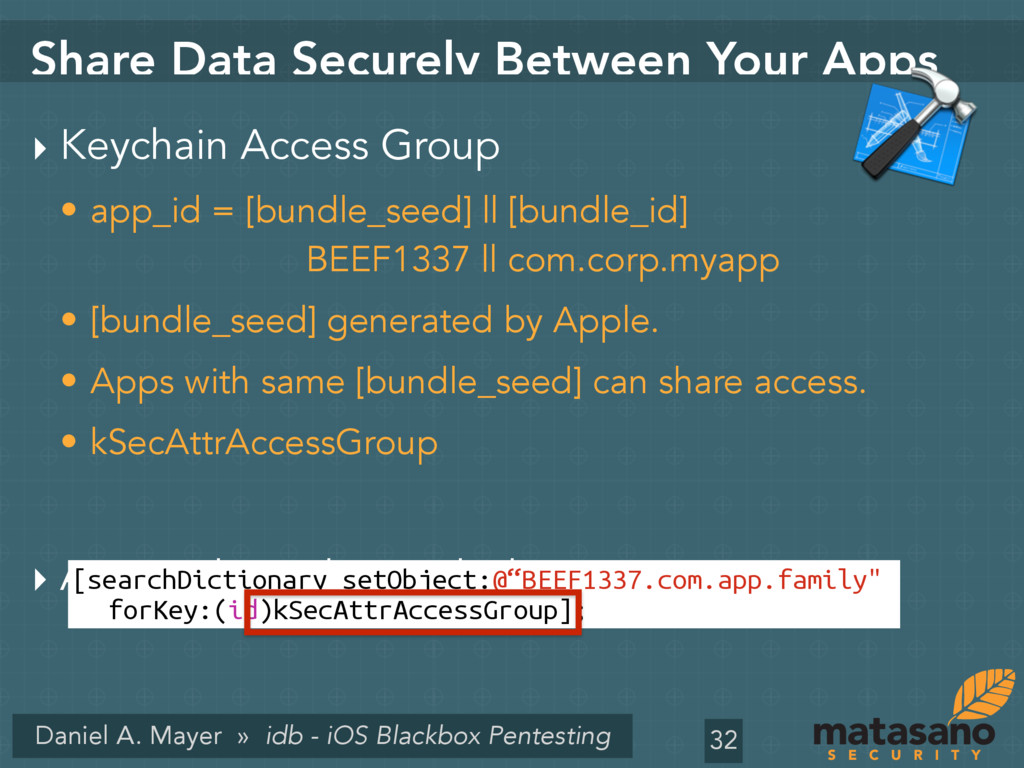
Data Securely Between Your Apps ‣ Keychain Access Group • app_id = [bundle_seed] || [bundle_id] BEEF1337 || com.corp.myapp • [bundle_seed] generated by Apple. • Apps with same [bundle_seed] can share access. • kSecAttrAccessGroup ‣ Access through search dictionary. 32 [searchDictionary setObject:@“BEEF1337.com.app.family" forKey:(id)kSecAttrAccessGroup];
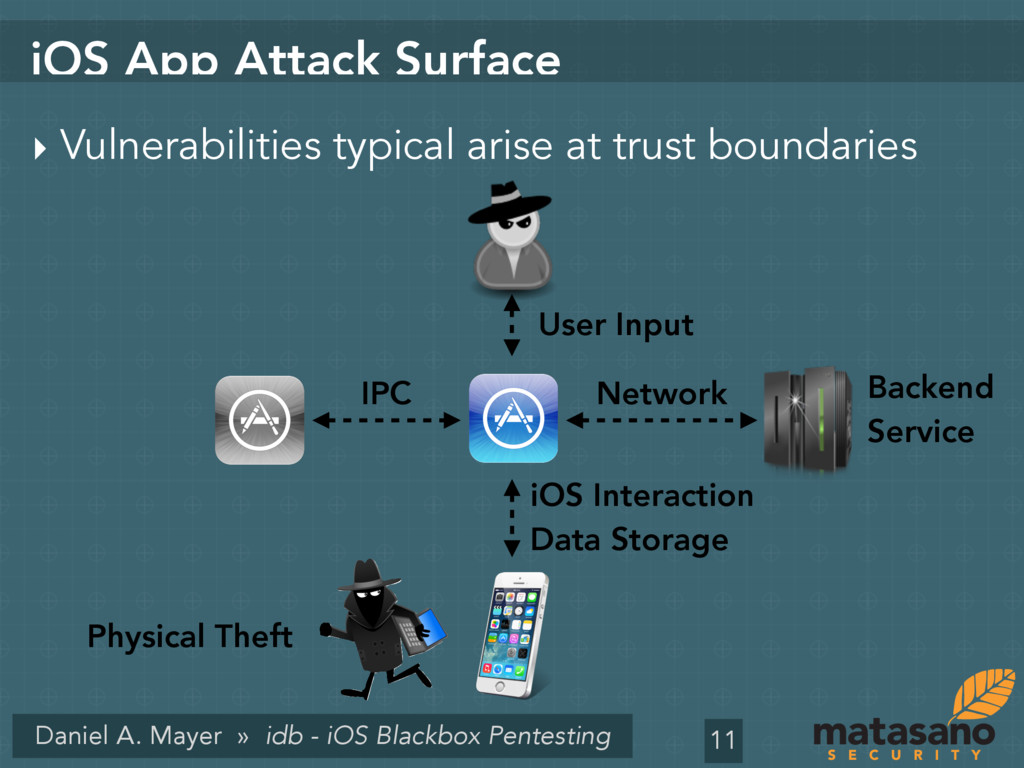
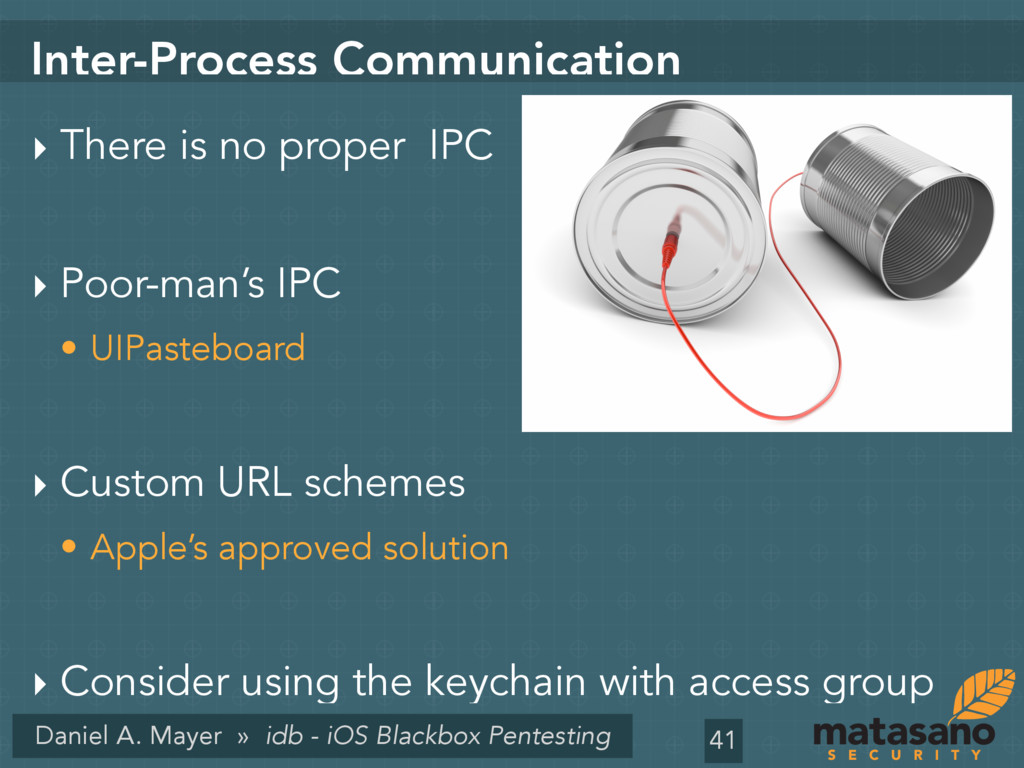
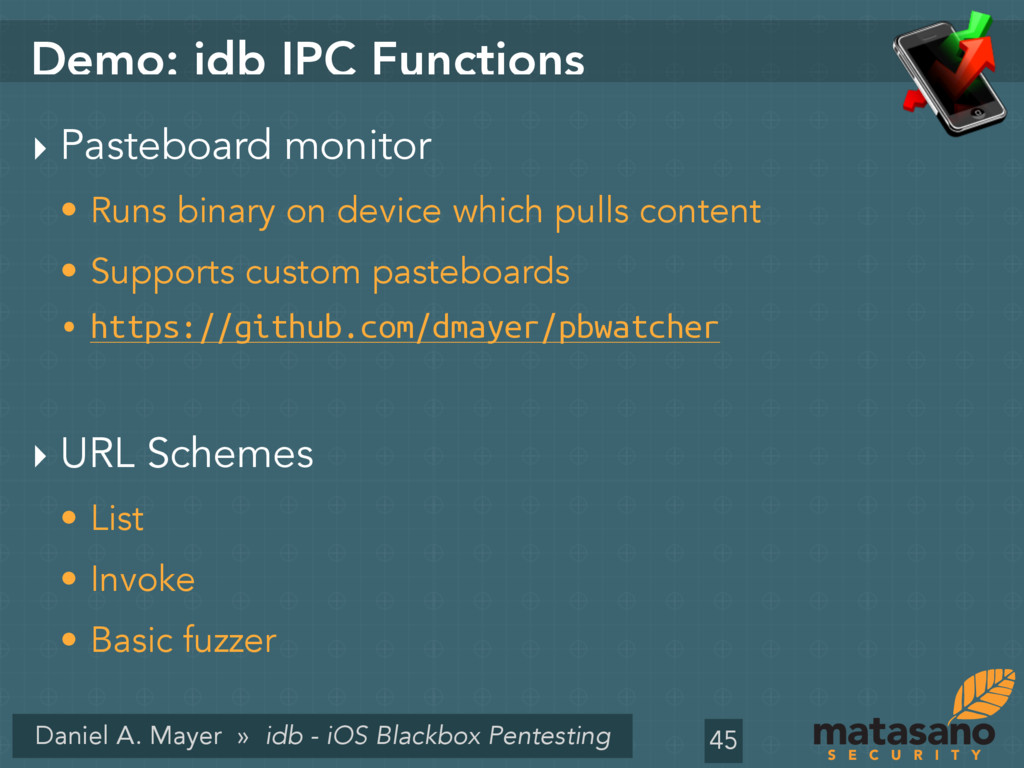
Communication ‣ There is no proper IPC ‣ Poor-man’s IPC • UIPasteboard ‣ Custom URL schemes • Apple’s approved solution ‣ Consider using the keychain with access group 41
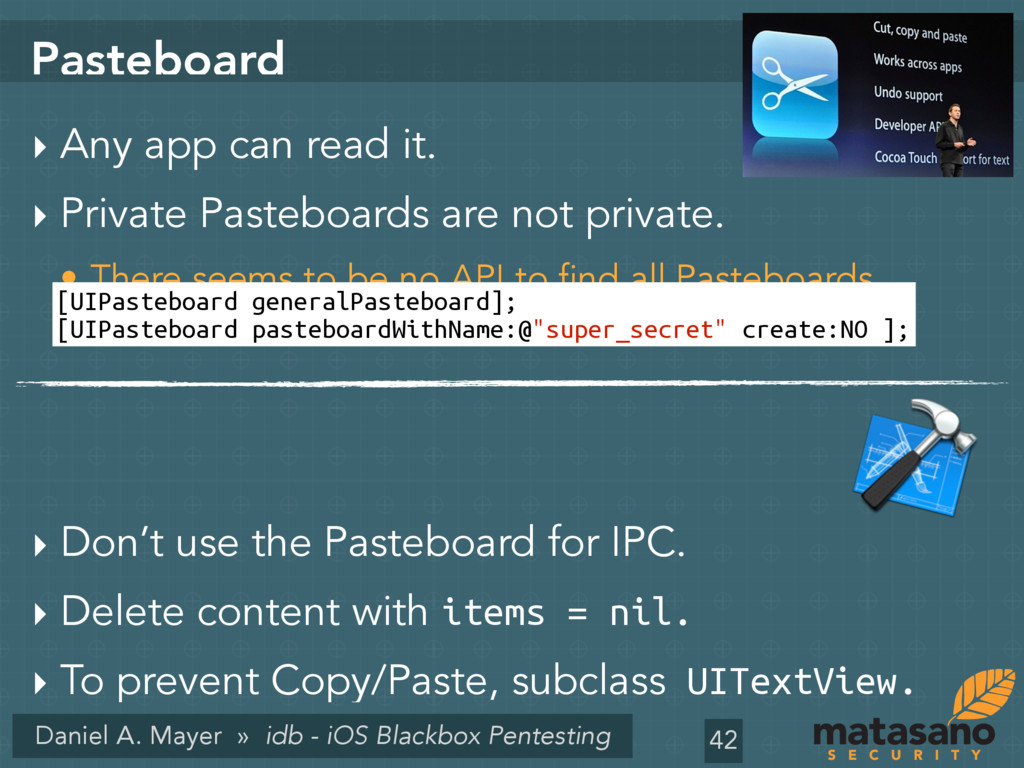
‣ Any app can read it. ‣ Private Pasteboards are not private. • There seems to be no API to find all Pasteboards. ‣ Don’t use the Pasteboard for IPC. ‣ Delete content with items = nil. ‣ To prevent Copy/Paste, subclass UITextView. 42 [UIPasteboard generalPasteboard]; [UIPasteboard pasteboardWithName:@"super_secret" create:NO ];
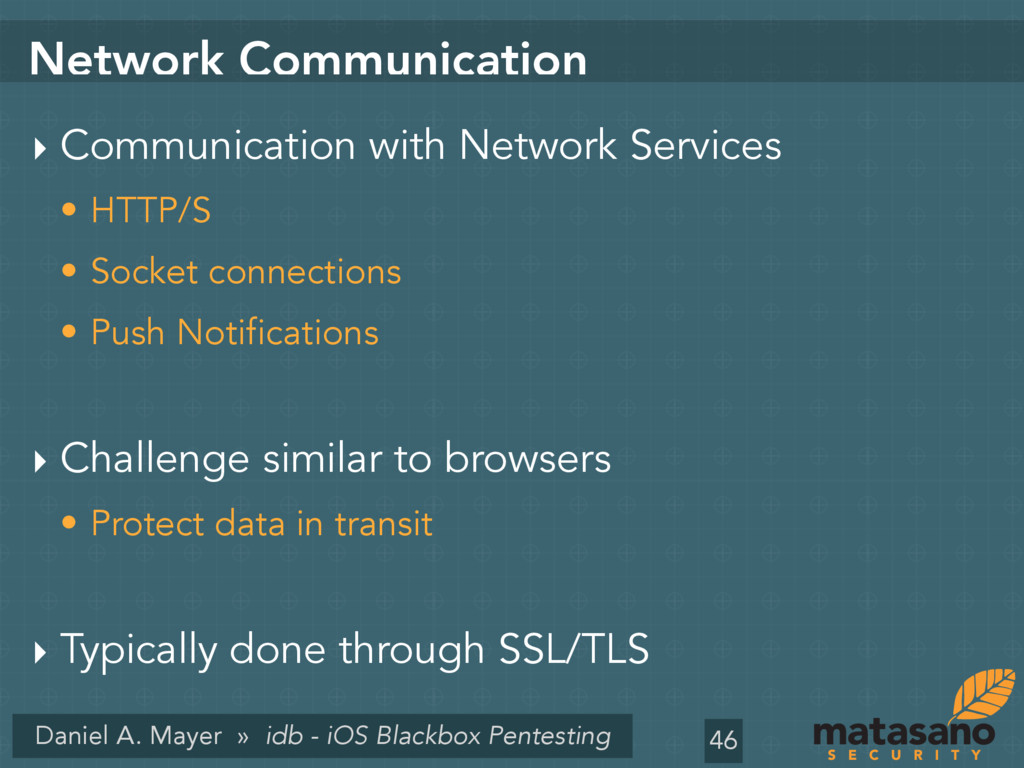
Communication ‣ Communication with Network Services • HTTP/S • Socket connections • Push Notifications ‣ Challenge similar to browsers • Protect data in transit ‣ Typically done through SSL/TLS 46
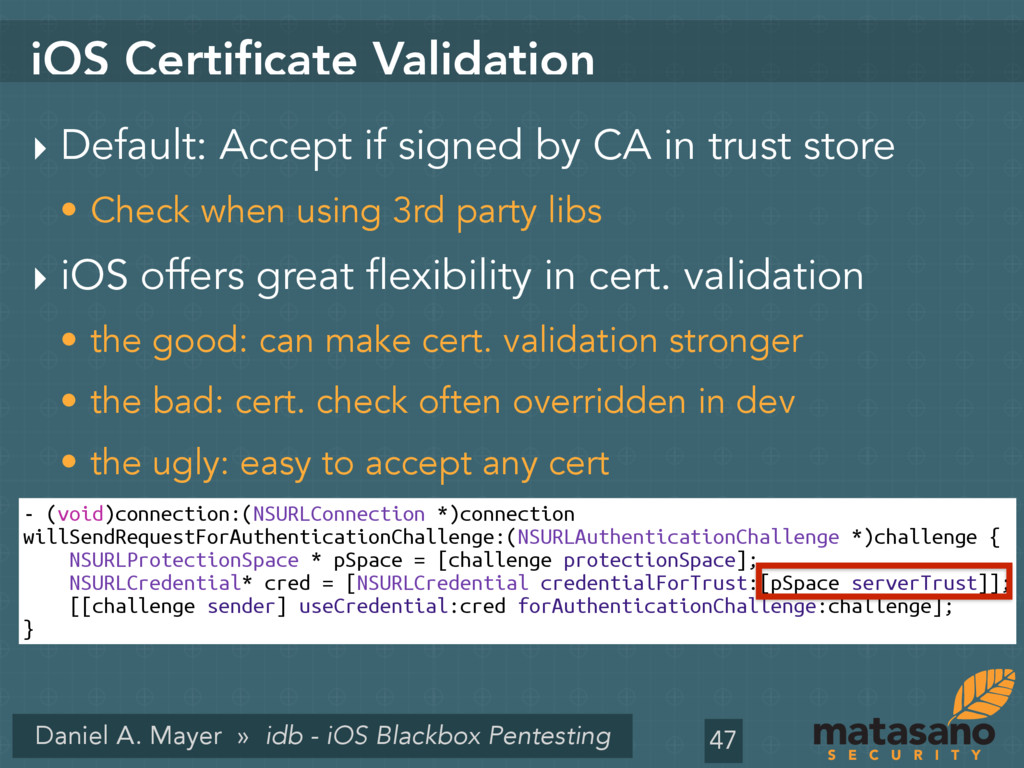
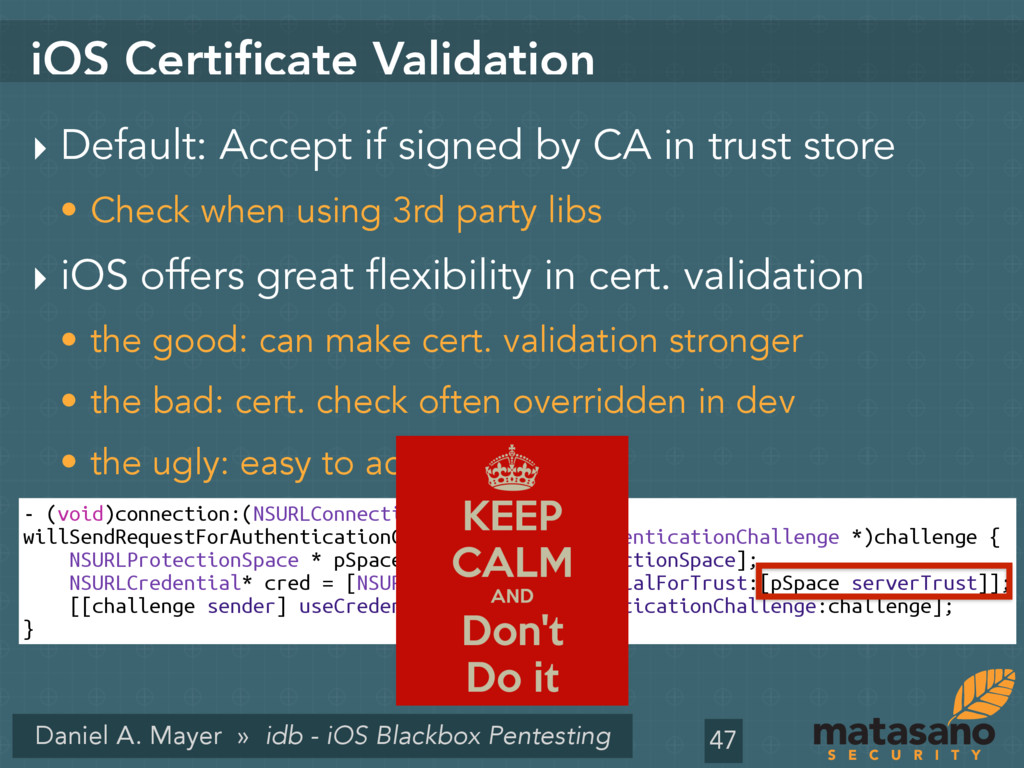
Certificate Validation ‣ Default: Accept if signed by CA in trust store • Check when using 3rd party libs ‣ iOS offers great flexibility in cert. validation • the good: can make cert. validation stronger • the bad: cert. check often overridden in dev • the ugly: easy to accept any cert 47 - (void)connection:(NSURLConnection *)connection willSendRequestForAuthenticationChallenge:(NSURLAuthenticationChallenge *)challenge { NSURLProtectionSpace * pSpace = [challenge protectionSpace]; NSURLCredential* cred = [NSURLCredential credentialForTrust:[pSpace serverTrust]]; [[challenge sender] useCredential:cred forAuthenticationChallenge:challenge]; }
Certificate Validation ‣ Default: Accept if signed by CA in trust store • Check when using 3rd party libs ‣ iOS offers great flexibility in cert. validation • the good: can make cert. validation stronger • the bad: cert. check often overridden in dev • the ugly: easy to accept any cert 47 - (void)connection:(NSURLConnection *)connection willSendRequestForAuthenticationChallenge:(NSURLAuthenticationChallenge *)challenge { NSURLProtectionSpace * pSpace = [challenge protectionSpace]; NSURLCredential* cred = [NSURLCredential credentialForTrust:[pSpace serverTrust]]; [[challenge sender] useCredential:cred forAuthenticationChallenge:challenge]; }
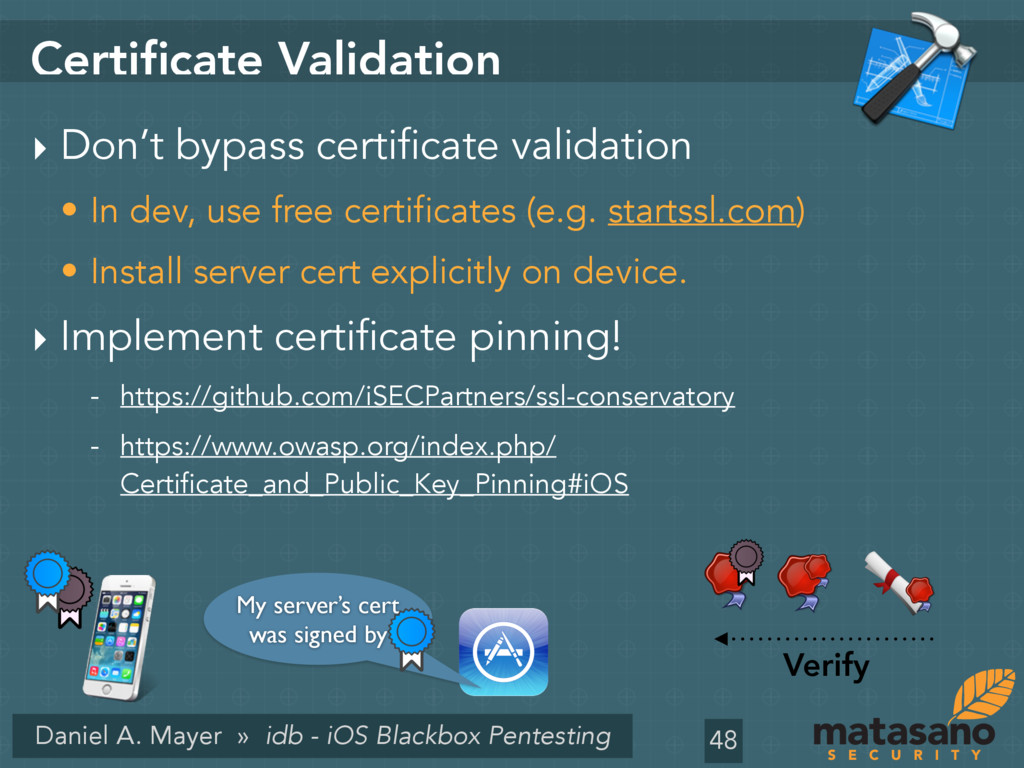
Validation ‣ Don’t bypass certificate validation • In dev, use free certificates (e.g. startssl.com) • Install server cert explicitly on device. ‣ Implement certificate pinning! - https://github.com/iSECPartners/ssl-conservatory - https://www.owasp.org/index.php/ Certificate_and_Public_Key_Pinning#iOS 48 My server’s cert was signed by Verify
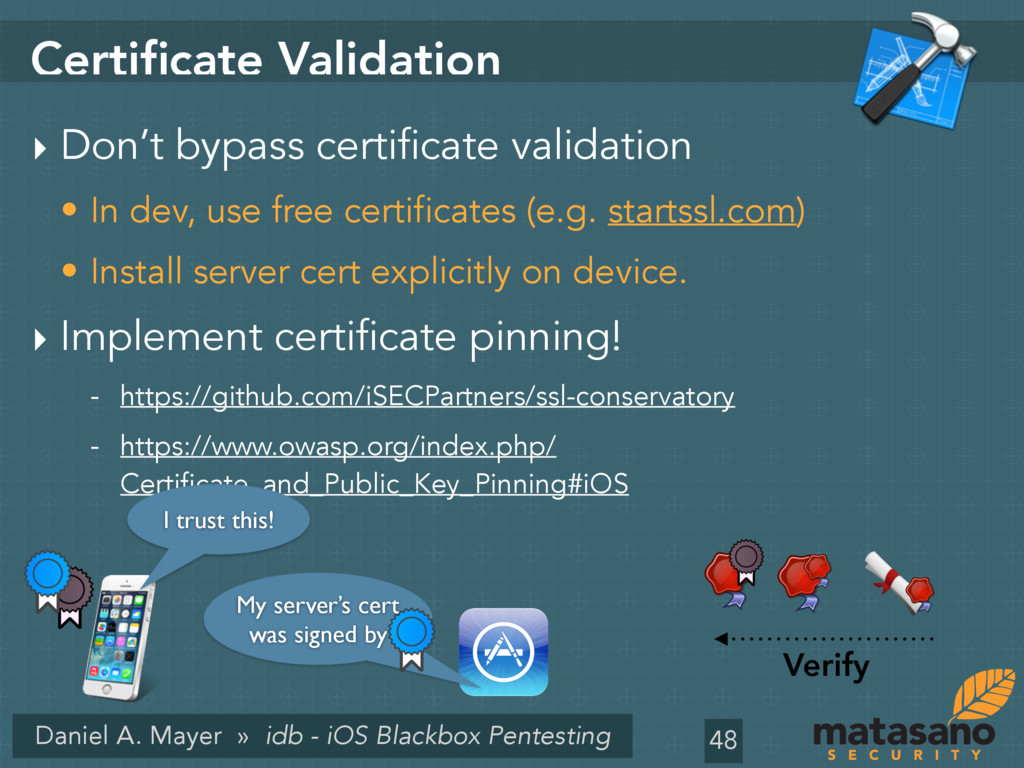
Validation ‣ Don’t bypass certificate validation • In dev, use free certificates (e.g. startssl.com) • Install server cert explicitly on device. ‣ Implement certificate pinning! - https://github.com/iSECPartners/ssl-conservatory - https://www.owasp.org/index.php/ Certificate_and_Public_Key_Pinning#iOS 48 My server’s cert was signed by Verify I trust this!
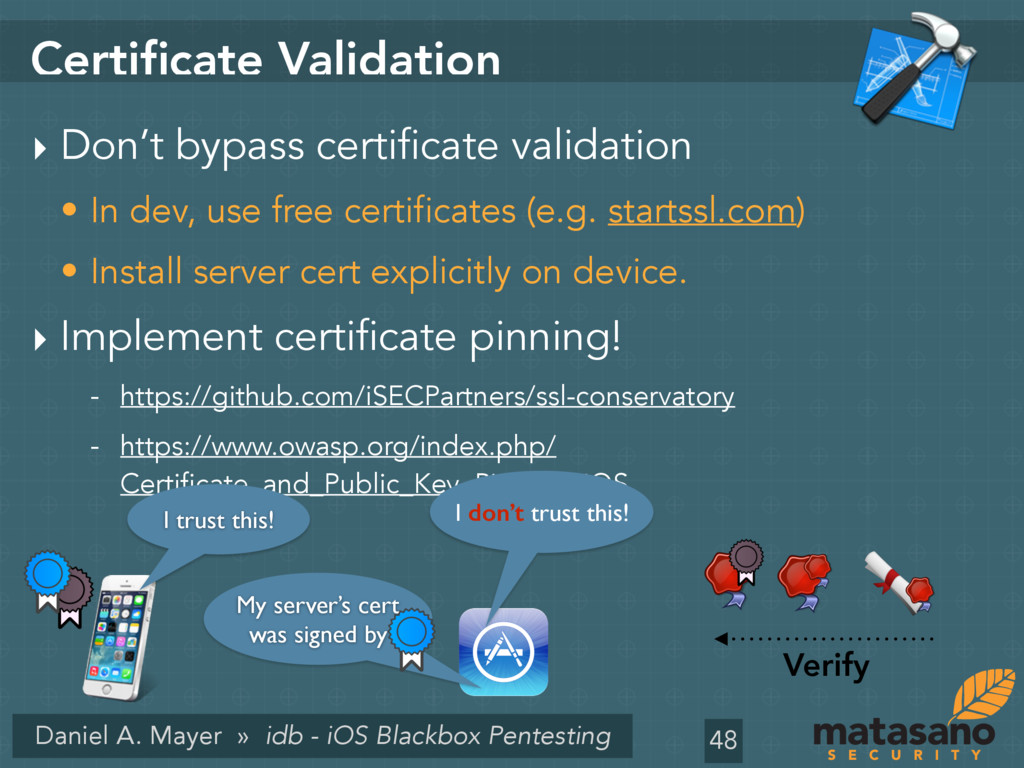
Validation ‣ Don’t bypass certificate validation • In dev, use free certificates (e.g. startssl.com) • Install server cert explicitly on device. ‣ Implement certificate pinning! - https://github.com/iSECPartners/ssl-conservatory - https://www.owasp.org/index.php/ Certificate_and_Public_Key_Pinning#iOS 48 My server’s cert was signed by Verify I trust this! I don’t trust this!
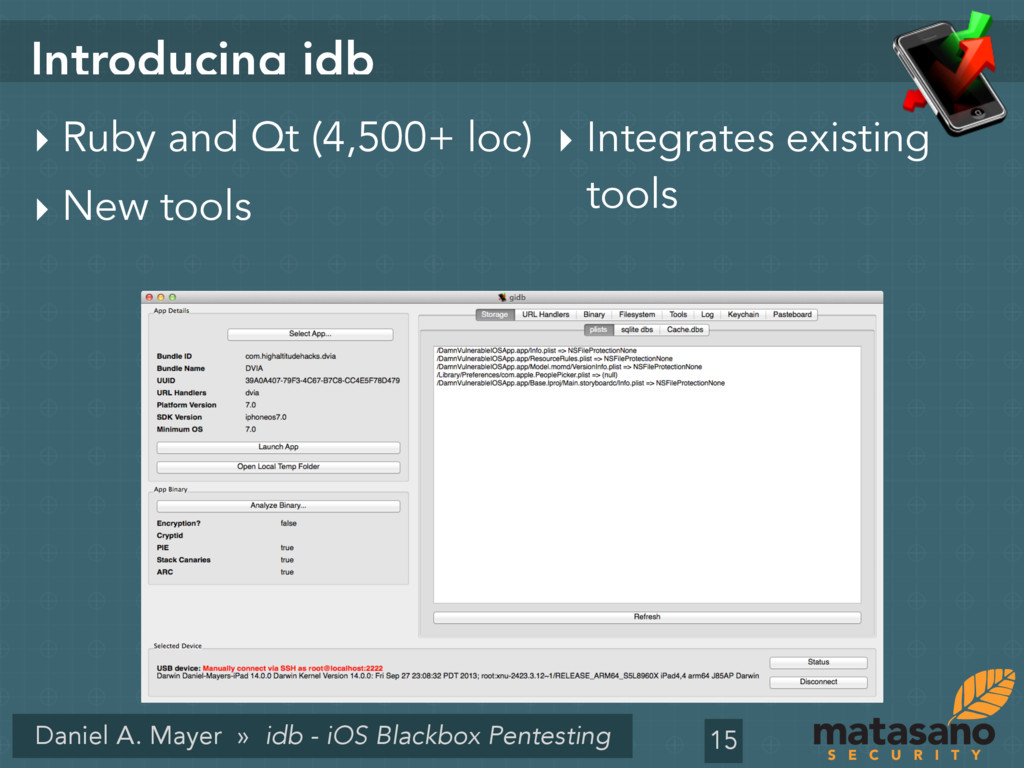
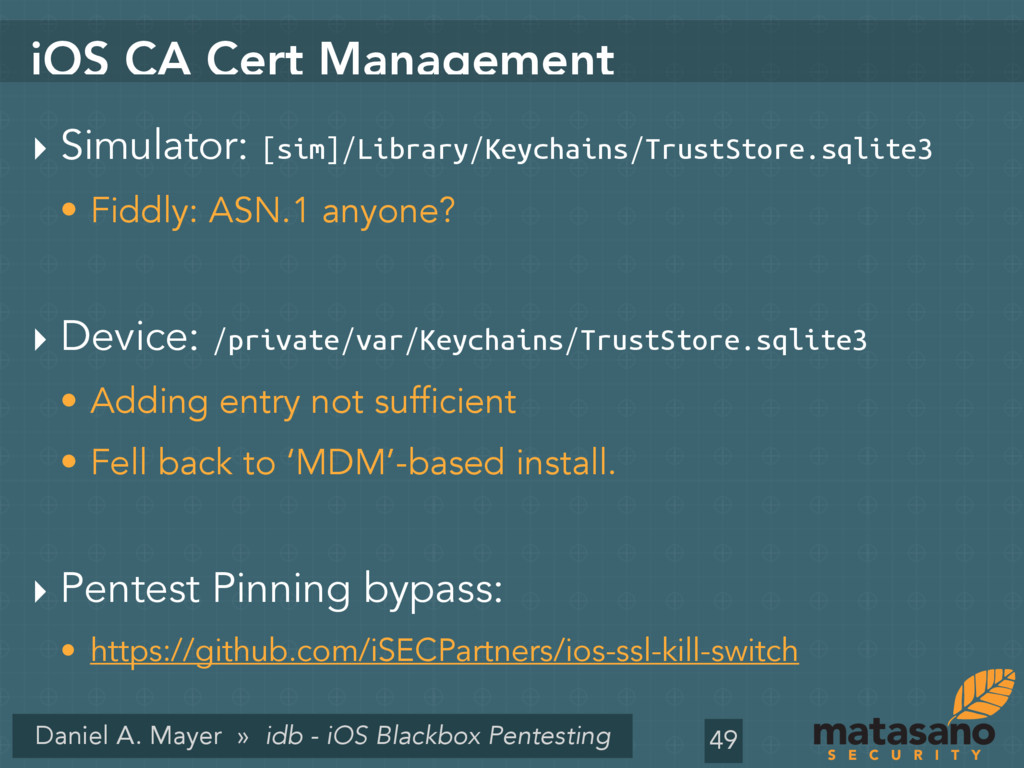
idb Features ‣ Improvements • Grep for the log view • Search for the FS Browser • Copy data to Pasteboard • Analysis of used privacy-invasive APIs - Thanks to Jason Haddix ‣ Integration of more awesome tools. • iOS SSL Kill Switch 50


 dmayer
 occhi
occhi
 y_sera15
 bitkey
 jozono
 toshimaru
 kairim0
 mewuto
 endonanana
 sansantech
 ymotongpoo
 tsuchikazu
 nttcom
 raygrieselhuber
 kneath
 lauravandoore
 greggifford
 productmarketing
 dugsong
 tenderlove
 hatefulcrawdad
 eileencodes
 jdejongh
 rasmusluckow
 reverentgeek