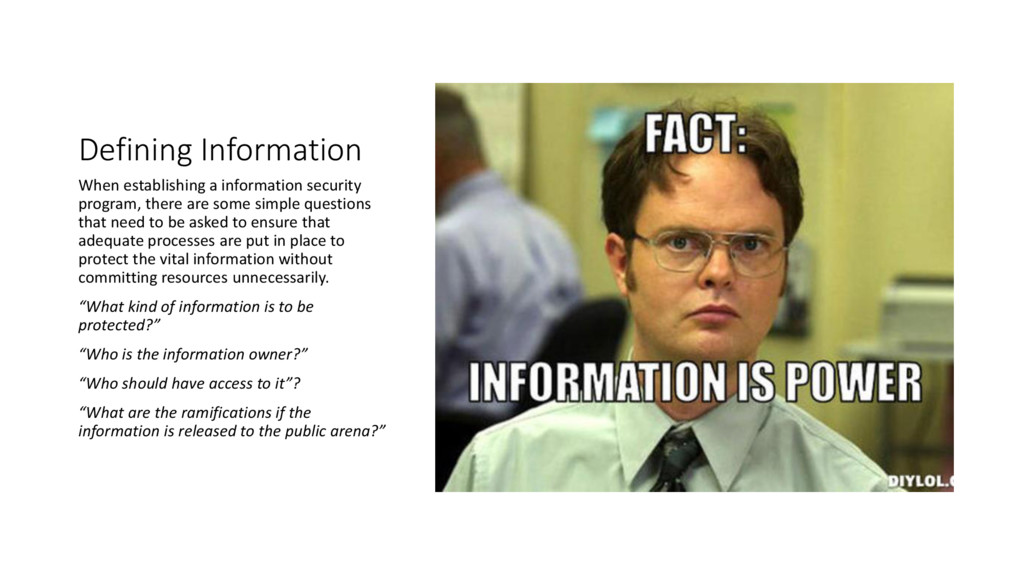
some simple questions that need to be asked to ensure that adequate processes are put in place to protect the vital information without committing resources unnecessarily. “What kind of information is to be protected?” “Who is the information owner?” “Who should have access to it”? “What are the ramifications if the information is released to the public arena?”
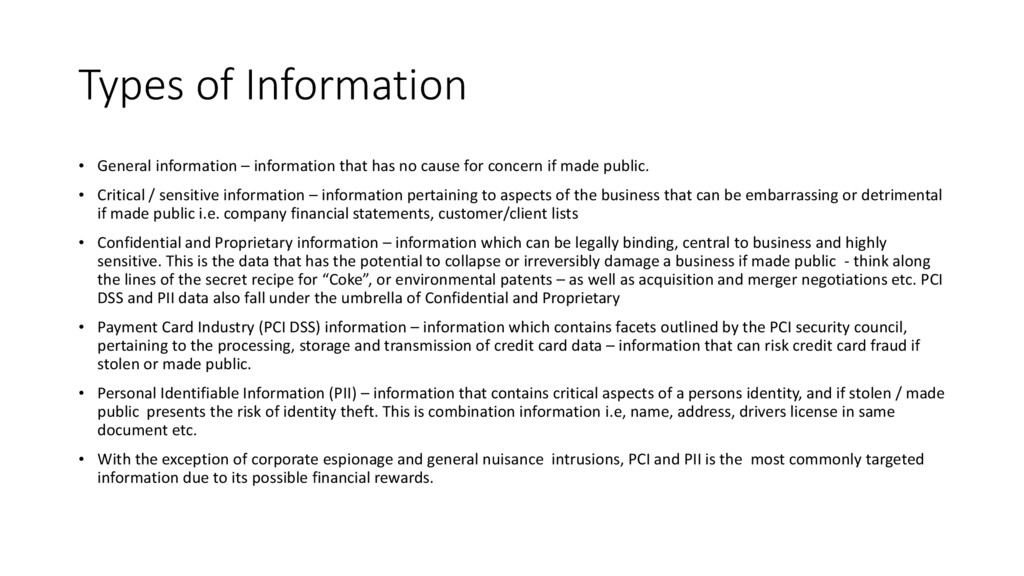
no cause for concern if made public. • Critical / sensitive information – information pertaining to aspects of the business that can be embarrassing or detrimental if made public i.e. company financial statements, customer/client lists • Confidential and Proprietary information – information which can be legally binding, central to business and highly sensitive. This is the data that has the potential to collapse or irreversibly damage a business if made public - think along the lines of the secret recipe for “Coke”, or environmental patents – as well as acquisition and merger negotiations etc. PCI DSS and PII data also fall under the umbrella of Confidential and Proprietary • Payment Card Industry (PCI DSS) information – information which contains facets outlined by the PCI security council, pertaining to the processing, storage and transmission of credit card data – information that can risk credit card fraud if stolen or made public. • Personal Identifiable Information (PII) – information that contains critical aspects of a persons identity, and if stolen / made public presents the risk of identity theft. This is combination information i.e, name, address, drivers license in same document etc. • With the exception of corporate espionage and general nuisance intrusions, PCI and PII is the most commonly targeted information due to its possible financial rewards.
organization who understand the information in their area of expertise of the business. These people are ultimately responsible for making the decision on how this information is handled. • Generally speaking, an information security employee is only an information custodian, and not owner. They are responsible for understanding the processing, technical, storage and security of the information. • The ultimate (and legal) responsibility for the protection of the data remains with the information owner. • We are talking about positions such as CEO, CFO, Dir. Sales and Marketing, HR Mgr, Safety and Security Mgr etc. • Often, these positions will be more than happy to try and pass all responsibility on to the information security employee, who in turn needs to make sure that the information owners maintain their accountability – escalating as required.
an understanding of what we are looking to secure, and who is responsible for telling us how the information needs to be handled, we can now consider how we are going to do this. However – don’t start looking at firewalls and IDS/IPS just yet, we still have a big list of “procedural” actions that need to be taken first Of all control sets that get implemented, perhaps the most important are User Access Controls (UAC)
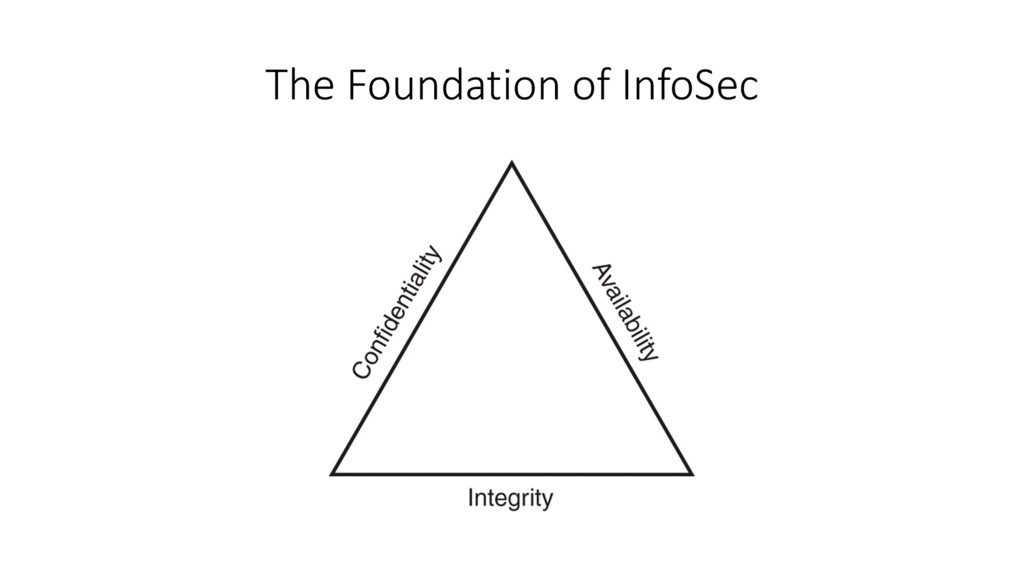
be one of the most valuable investments your business can make when discussing information security. When designing UAC policy, it is essential to remember the CIA triad from the outset – this will provide the foundation to build not only your UAC, but your entire information security program soundly.
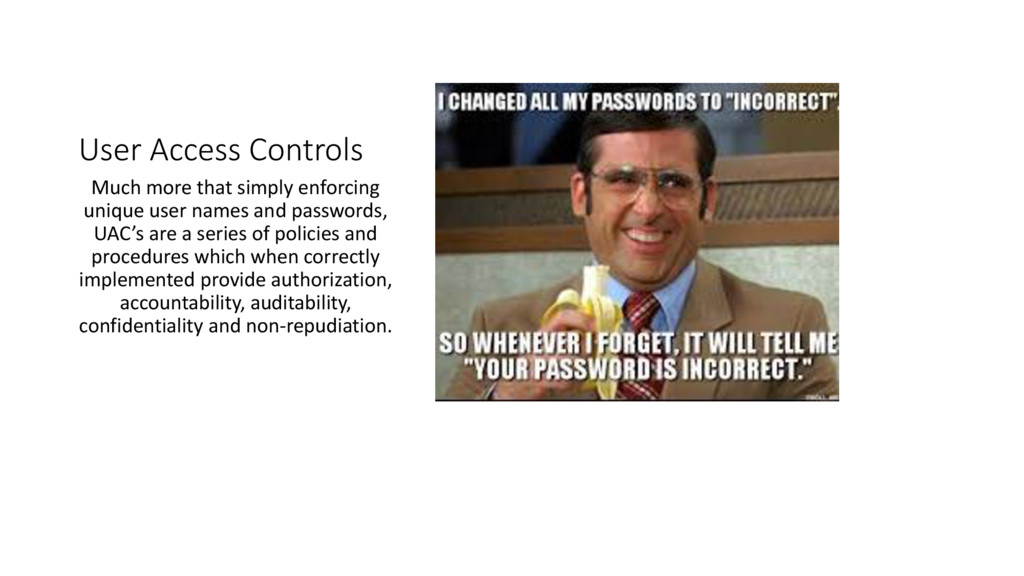
names and passwords, UAC’s are a series of policies and procedures which when correctly implemented provide authorization, accountability, auditability, confidentiality and non-repudiation.
high level government, there are 3 main user access control policies • Role based access control (RBAC), discretionary access control (DAC) or mandatory access control (MAC) • RBAC is where the level of access is determined by the users contracted position within the company. To be correctly implemented and enforced, the positional access requirements must be established and documented by both the information owner and HR/Department heads prior to recruiting. • DAC is where various levels of access are granted or revoked on a user case by case basis. Whilst often an easier policy to implement, it has more inherent risks, predominantly elevated permissions and authorization creep. • MAC is generally used in conjunction with RBAC and DAC, and is a stipulated level of access that is required by all users, irrespective of position or responsibility.
is the strong management of accounts with an elevated privilege. • An account with Elevated Privilege is more that just “Local Admin” • We are talking anyone that has access to anything that they do not require access to. Root directories, RDP, Databases (‘sa’ etc). • This is where RBAC can be critical. Determining what level of access is required for each and every business application. • Just because a user requires Administrator privilege for one application doesn’t mean they require it for all applications.
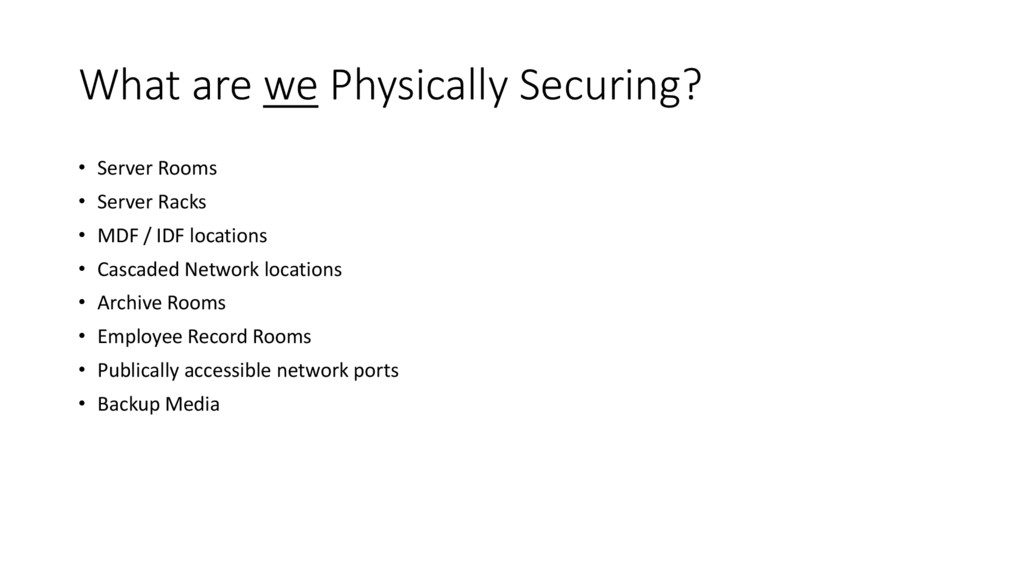
to only focus on computing environments when discussing information security and user access controls. • All businesses have a large “Paper” footprint as well data storage. How this is secured is equally as important as securing PC’s / networks / financial applications etc • If a user does not have permission to access certain computer based information, have steps been taken to ensure that they do not have access to any paper records of the same information? • Often, there is just as much sensitive information, if not more, in a businesses archive room as there is in a company database. • In many cases it is a legal requirement for these paper records to exist. • When an archive room and a server room co-exist on the same premise, it is absolutely critical that access controls are enforced, which brings us to our next topic:
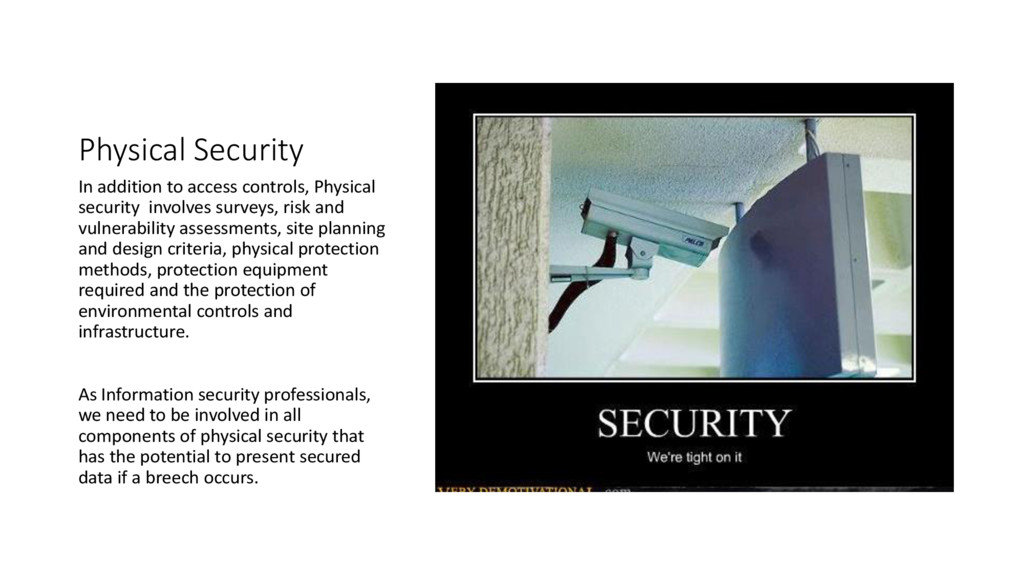
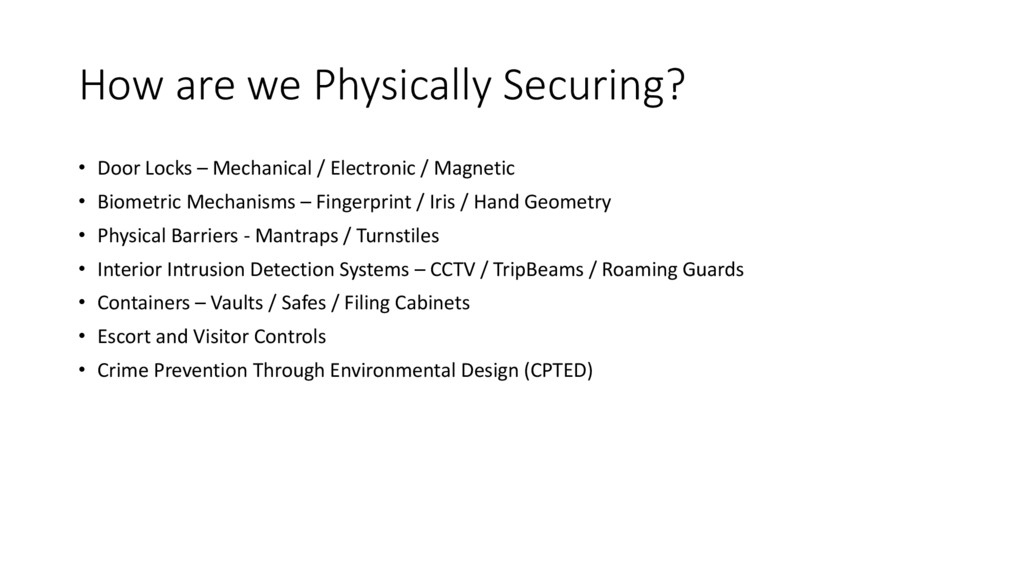
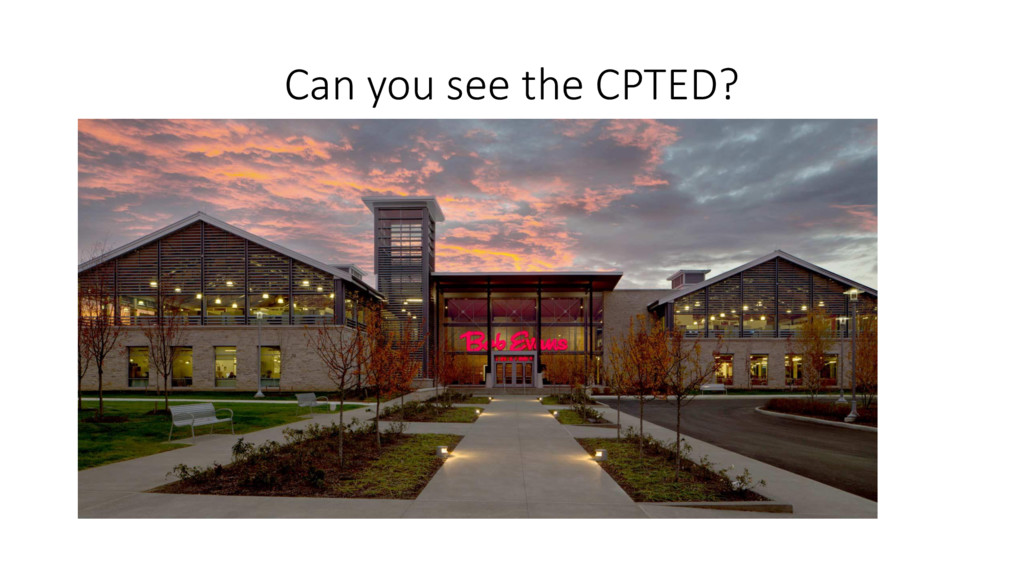
surveys, risk and vulnerability assessments, site planning and design criteria, physical protection methods, protection equipment required and the protection of environmental controls and infrastructure. As Information security professionals, we need to be involved in all components of physical security that has the potential to present secured data if a breech occurs.
Triad, it is critical that information is correctly stored / managed in an environment that is designed to mitigate the risk of crashes or deterioration.
fitted with Fire Suppression systems, however a possible trigger event can actually case much more damage or data loss than the actual fire. • As we have already discussed, most critical information is stored either in a server room, or in a paper archive room. A Water Deluge Fire Suppression system is very bad for both of these. • However – Water Deluge Systems (Wet, Dry, Pre-action) are also the most common systems installed due to their efficiency and relative low cost to install.
get back to basics – we know that for fire to exist, there must be 3 elements present – Heat, Fuel and Oxygen. Remove any one of these elements and the fire goes away. • Historically, HALON systems were used for areas such as server rooms / MDF’s, PABX due to HALON’s ability to remove all Oxygen from a room virtually immediately. This is fantastic for extinguishing the fire – but is not so great for any employees in the area! • Modern Systems use products such as AERO-K or FM-200. These are a fine compound which when released, binds itself to everything in the area. • They are both completely inflammable, so they extinguish the fire by removing the fuel element. They are also completely non-electrostatic, so cause no damage to any electrical equipment. • Also, as the oxygen is not removed, there is not detrimental concerns for any employees in the area other that getting covered in a white mess.
know that it is important to prevent electronic equipment from overheating, however, having a Air Con blasting at a constant 18 Degrees is not always the answer. • Apart from temperature, we also need to balance humidity and dry atmosphere. • Geographical areas which are prone to constant high temperatures (30 degrees +) will have a very dry atmosphere. A standard AC unit will cool this air, but it will remain very dry, which drastically increases the chance of Static Electricity discharges in a server room. • This may require the addition of a humidifier to add some moisture to the air • Similarly – Geographic regions that may be snow/ice bound for extended periods may require the addition of a de-humidifier, and the overly moist air in this conditions will encourage corrosion on electronic components, often causing irreparable damage.
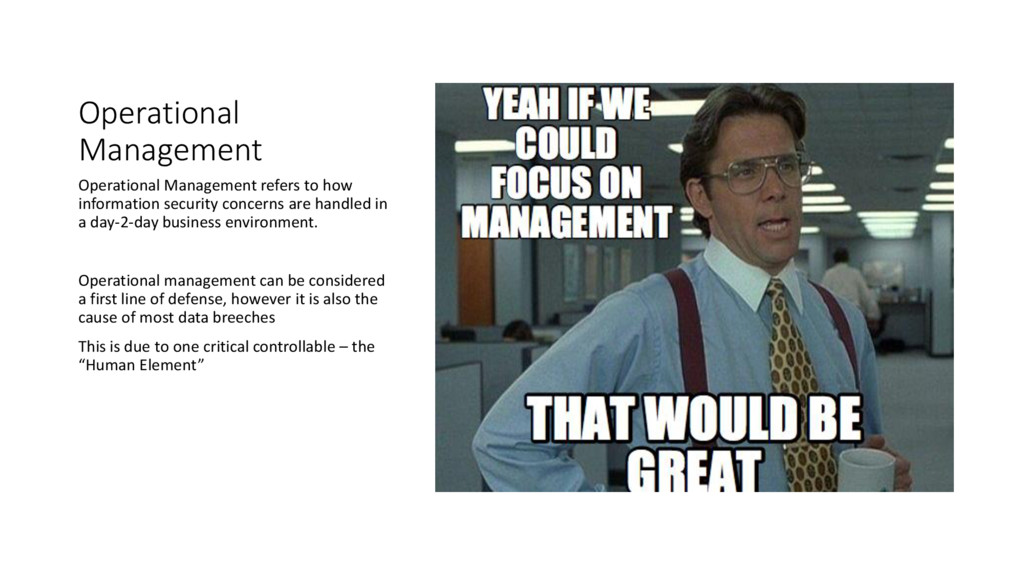
are handled in a day-2-day business environment. Operational management can be considered a first line of defense, however it is also the cause of most data breeches This is due to one critical controllable – the “Human Element”
operational management refers to how data is handled by employees whilst completing their duties. • It is poor handling of information in the office environment that can lead data breeches, breaks in confidentiality etc • Stop, and mentally visualize YOUR office space. • Take a step, what can you see? Should you be able to? • Who is responsible?
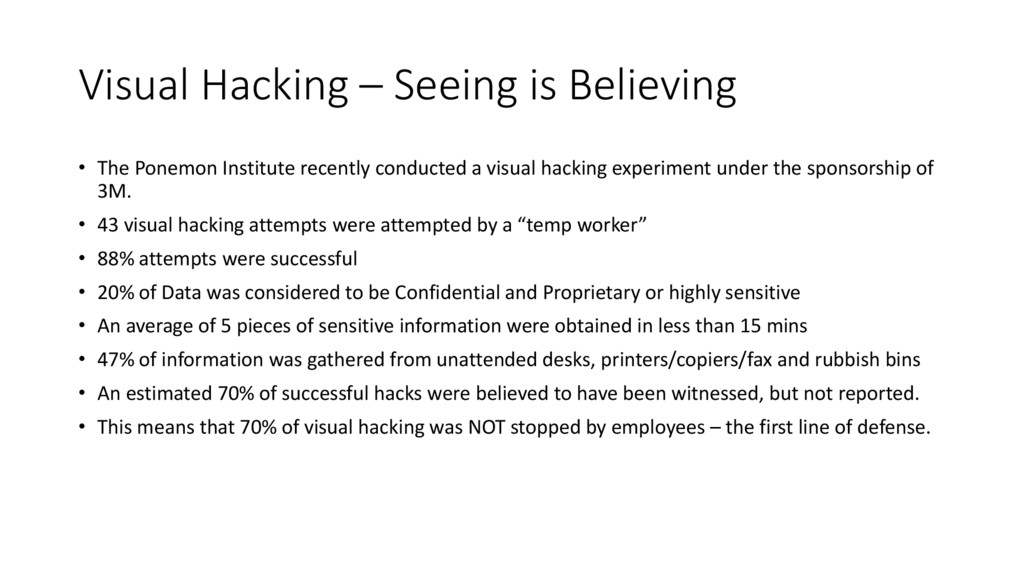
recently conducted a visual hacking experiment under the sponsorship of 3M. • 43 visual hacking attempts were attempted by a “temp worker” • 88% attempts were successful • 20% of Data was considered to be Confidential and Proprietary or highly sensitive • An average of 5 pieces of sensitive information were obtained in less than 15 mins • 47% of information was gathered from unattended desks, printers/copiers/fax and rubbish bins • An estimated 70% of successful hacks were believed to have been witnessed, but not reported. • This means that 70% of visual hacking was NOT stopped by employees – the first line of defense.
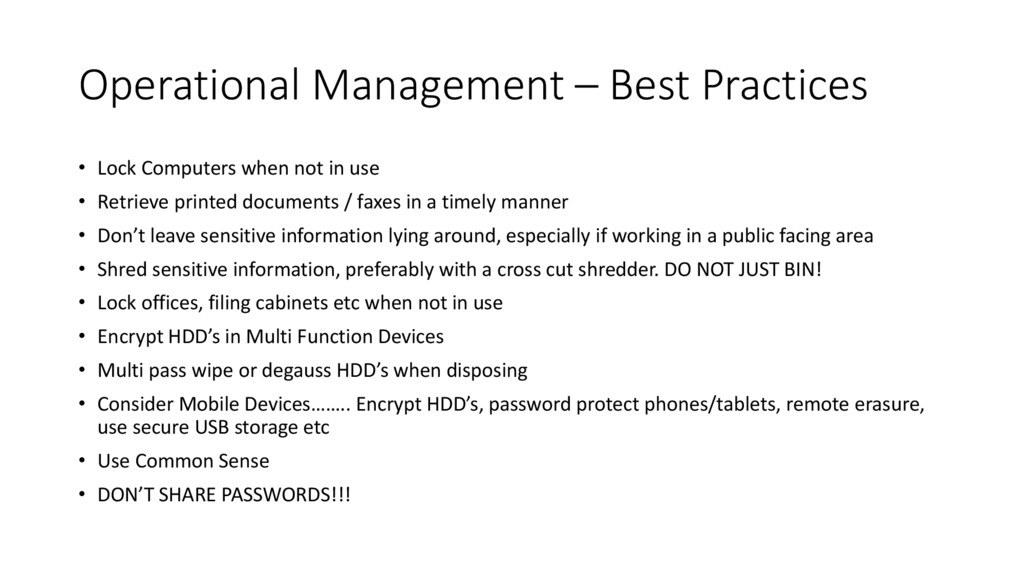
in use • Retrieve printed documents / faxes in a timely manner • Don’t leave sensitive information lying around, especially if working in a public facing area • Shred sensitive information, preferably with a cross cut shredder. DO NOT JUST BIN! • Lock offices, filing cabinets etc when not in use • Encrypt HDD’s in Multi Function Devices • Multi pass wipe or degauss HDD’s when disposing • Consider Mobile Devices…….. Encrypt HDD’s, password protect phones/tablets, remote erasure, use secure USB storage etc • Use Common Sense • DON’T SHARE PASSWORDS!!!
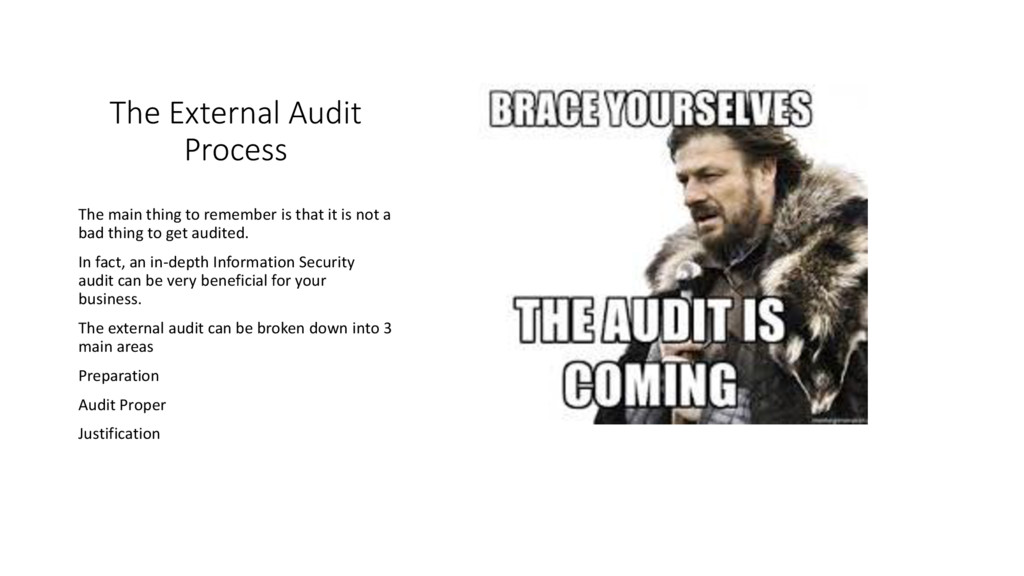
that it is not a bad thing to get audited. In fact, an in-depth Information Security audit can be very beneficial for your business. The external audit can be broken down into 3 main areas Preparation Audit Proper Justification
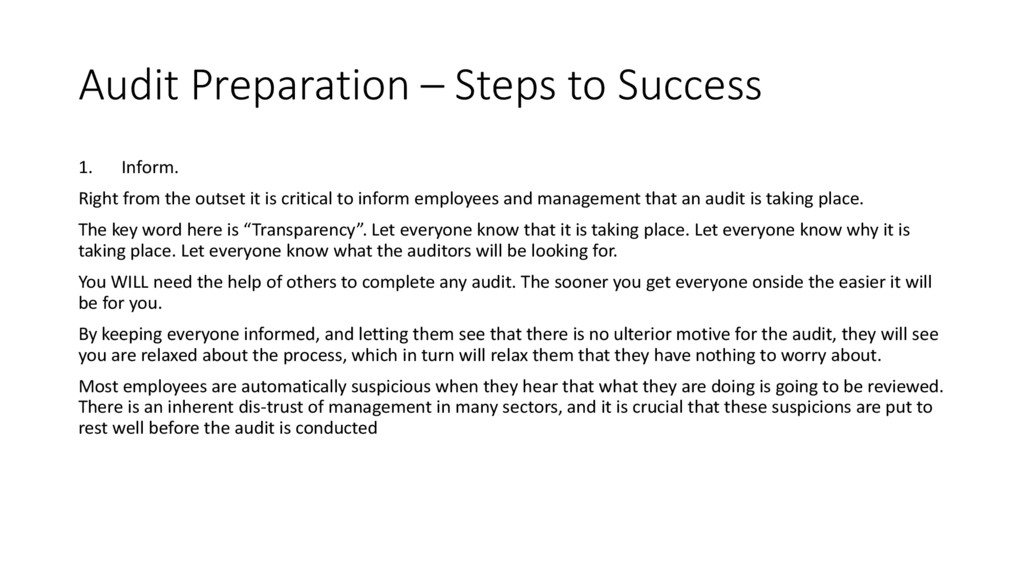
the outset it is critical to inform employees and management that an audit is taking place. The key word here is “Transparency”. Let everyone know that it is taking place. Let everyone know why it is taking place. Let everyone know what the auditors will be looking for. You WILL need the help of others to complete any audit. The sooner you get everyone onside the easier it will be for you. By keeping everyone informed, and letting them see that there is no ulterior motive for the audit, they will see you are relaxed about the process, which in turn will relax them that they have nothing to worry about. Most employees are automatically suspicious when they hear that what they are doing is going to be reviewed. There is an inherent dis-trust of management in many sectors, and it is crucial that these suspicions are put to rest well before the audit is conducted
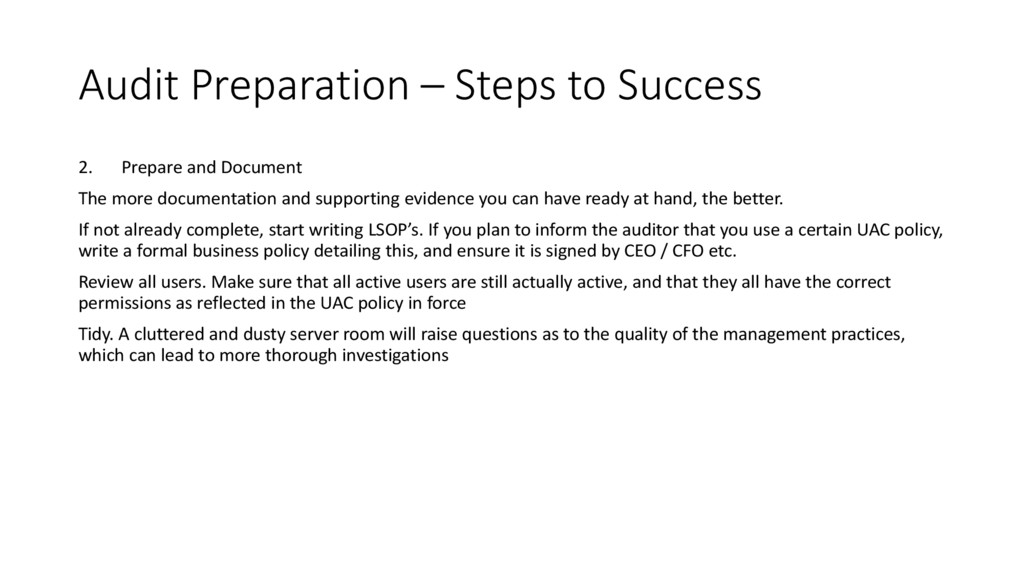
The more documentation and supporting evidence you can have ready at hand, the better. If not already complete, start writing LSOP’s. If you plan to inform the auditor that you use a certain UAC policy, write a formal business policy detailing this, and ensure it is signed by CEO / CFO etc. Review all users. Make sure that all active users are still actually active, and that they all have the correct permissions as reflected in the UAC policy in force Tidy. A cluttered and dusty server room will raise questions as to the quality of the management practices, which can lead to more thorough investigations
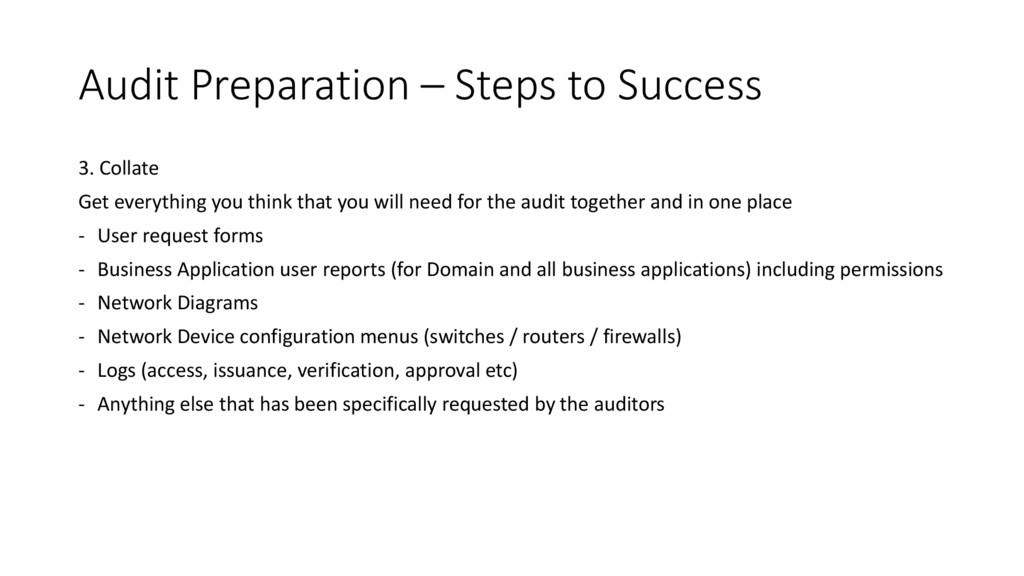
you think that you will need for the audit together and in one place - User request forms - Business Application user reports (for Domain and all business applications) including permissions - Network Diagrams - Network Device configuration menus (switches / routers / firewalls) - Logs (access, issuance, verification, approval etc) - Anything else that has been specifically requested by the auditors
with you acting as the main point of contact for them. Whilst the audit is underway, your role is simply to provide any requested information, answer any questions, explain any queried procedures and arrange any meetings with other employees. • Every auditor is different, and will run things in a different fashion.
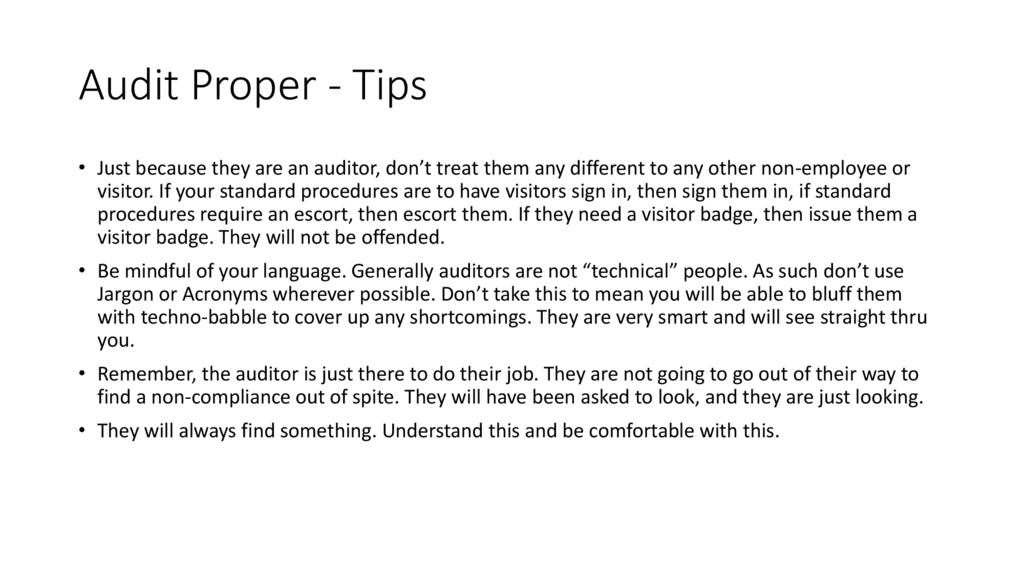
auditor, don’t treat them any different to any other non-employee or visitor. If your standard procedures are to have visitors sign in, then sign them in, if standard procedures require an escort, then escort them. If they need a visitor badge, then issue them a visitor badge. They will not be offended. • Be mindful of your language. Generally auditors are not “technical” people. As such don’t use Jargon or Acronyms wherever possible. Don’t take this to mean you will be able to bluff them with techno-babble to cover up any shortcomings. They are very smart and will see straight thru you. • Remember, the auditor is just there to do their job. They are not going to go out of their way to find a non-compliance out of spite. They will have been asked to look, and they are just looking. • They will always find something. Understand this and be comfortable with this.
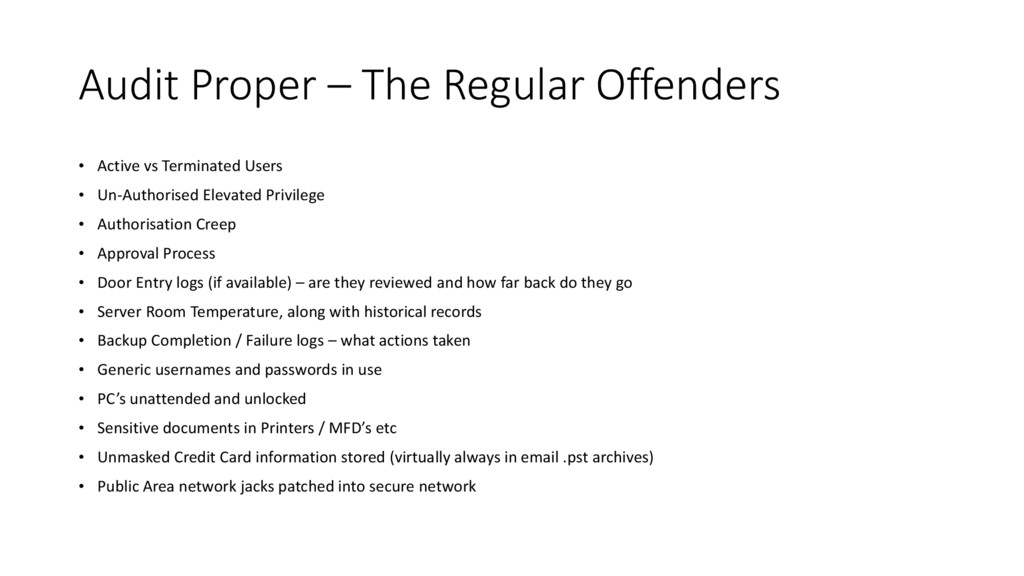
Users • Un-Authorised Elevated Privilege • Authorisation Creep • Approval Process • Door Entry logs (if available) – are they reviewed and how far back do they go • Server Room Temperature, along with historical records • Backup Completion / Failure logs – what actions taken • Generic usernames and passwords in use • PC’s unattended and unlocked • Sensitive documents in Printers / MFD’s etc • Unmasked Credit Card information stored (virtually always in email .pst archives) • Public Area network jacks patched into secure network
Audit is the Review and Justification. • This allows for the key business stakeholders to sit with the auditor to discuss any findings • This is also the opportunity you have to dispute any findings you feel may be unjust or incorrect. • If you wish to dispute any findings, you must be absolutely sure in yourself, and you must be able to convince the auditor to change their initial findings. • Be willing to acknowledge the auditors findings, and to take on any suggestions they may have. This will have the end result of improving your overall business security, which is after all them main goal


 satoshi7
 jozono
 pfn
pfn
 stomk
stomk
 puhitaku
 satomasahiro2005
 rfdnxbro
 onk
onk
 kentarofujii
 tomokusaba
 sh_fk2
 bermonpainter
 nwiizo
 joshbly
 nonsquared
 keathley
 axbom
axbom
 davidcarrasco
 aleyda
 skipperchong
 addyosmani
 baasie
 danielanewman