Upgrade to Pro — share decks privately, control downloads, hide ads and more …

CI/CD on Kubernetes with Jenkins X

Sponsored · SiteGround - Reliable hosting with speed, security, and support you can count on. →

CI/CD on Kubernetes with Jenkins X

Learn about CI and CD on Kubernetes using Jenkins X. Use Jenkins X to automatically and painlessly deploy your applications to multiple environments in your Kubernetes cluster. Hear about what Jenkins X actually does for you, why and how it is different from classic Jenkins, what GitOps is, how Jenkins X makes developers lives better with preview environments and more.

Avatar for Nicholas Duffy

Nicholas Duffy

May 22, 2019

Other Decks in Technology

Transcript

  1. Nick Duffy • Systems Architect at Axios • @duffn all

    over the Internet • First time speaker
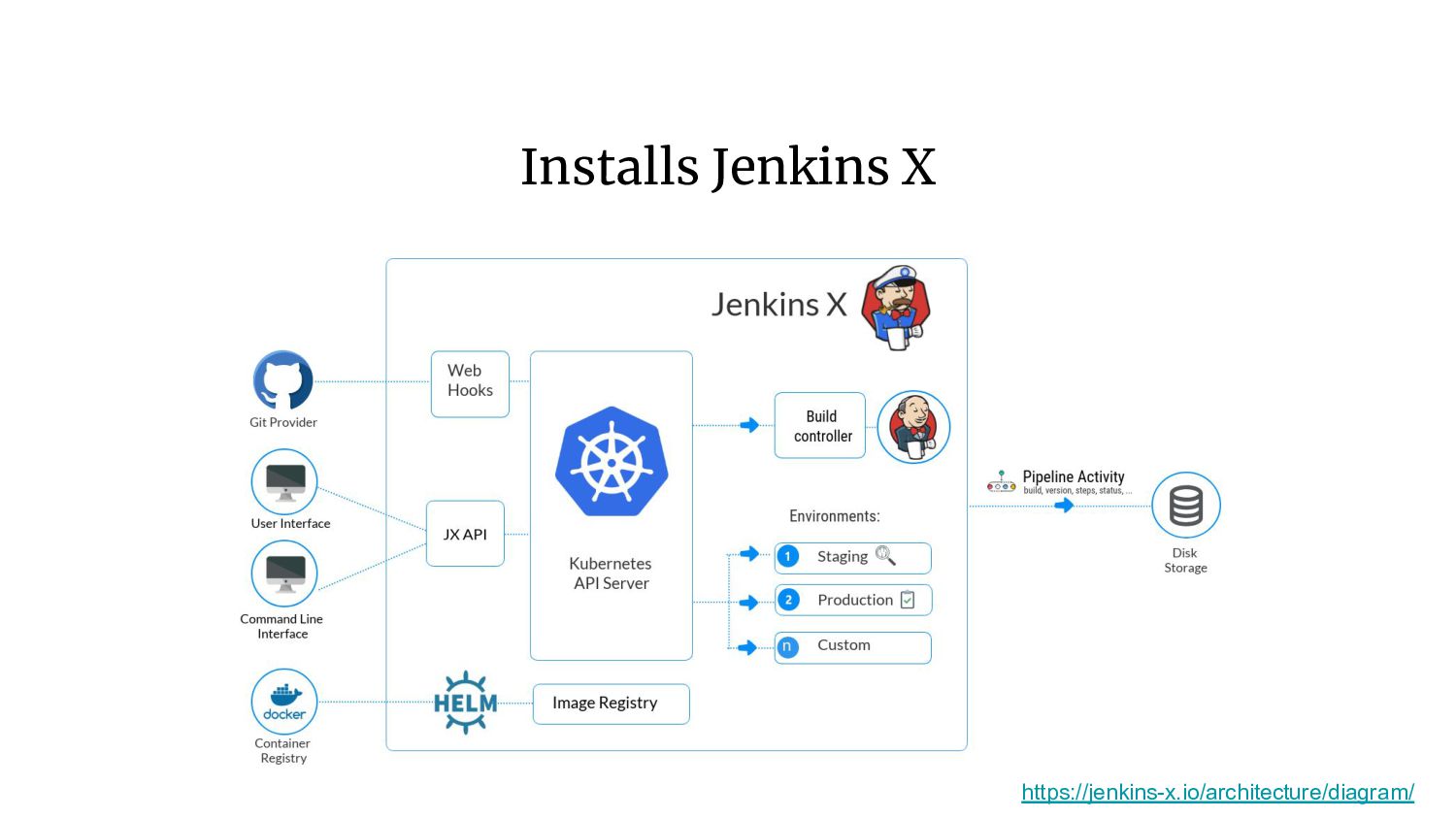
  2. Jenkins X Jenkins X provides pipeline automation, built-in GitOps and

    preview environments to help teams collaborate and accelerate their software delivery at any scale.
  3. Why Jenkins X? • Automated CI and CD • Pull

    Request Preview Environments • Bug Fix Feedback • Separate Teams with Multiple Jenkins X Namespaces • Easy Setup with Widely Used Tooling • Free and Open Source
  4. A Bunch of Other Things • Docker • ChartMuseum •

    Monocular • Nexus • And, of course, Jenkins
  5. What is GitOps? GitOps is a methodology of Continuous Delivery,

    at the heart of which is the principle that Git be used as the single source of truth for declarative infrastructure and applications. https://medium.com/stakater/gitops-for-kubernetes-with-jenkins-7db6304216e0
  6. Creating a Kubernetes Cluster • Currently 9 providers available •

    One of which is a generic Kubernetes provider for use with custom installations of K8s
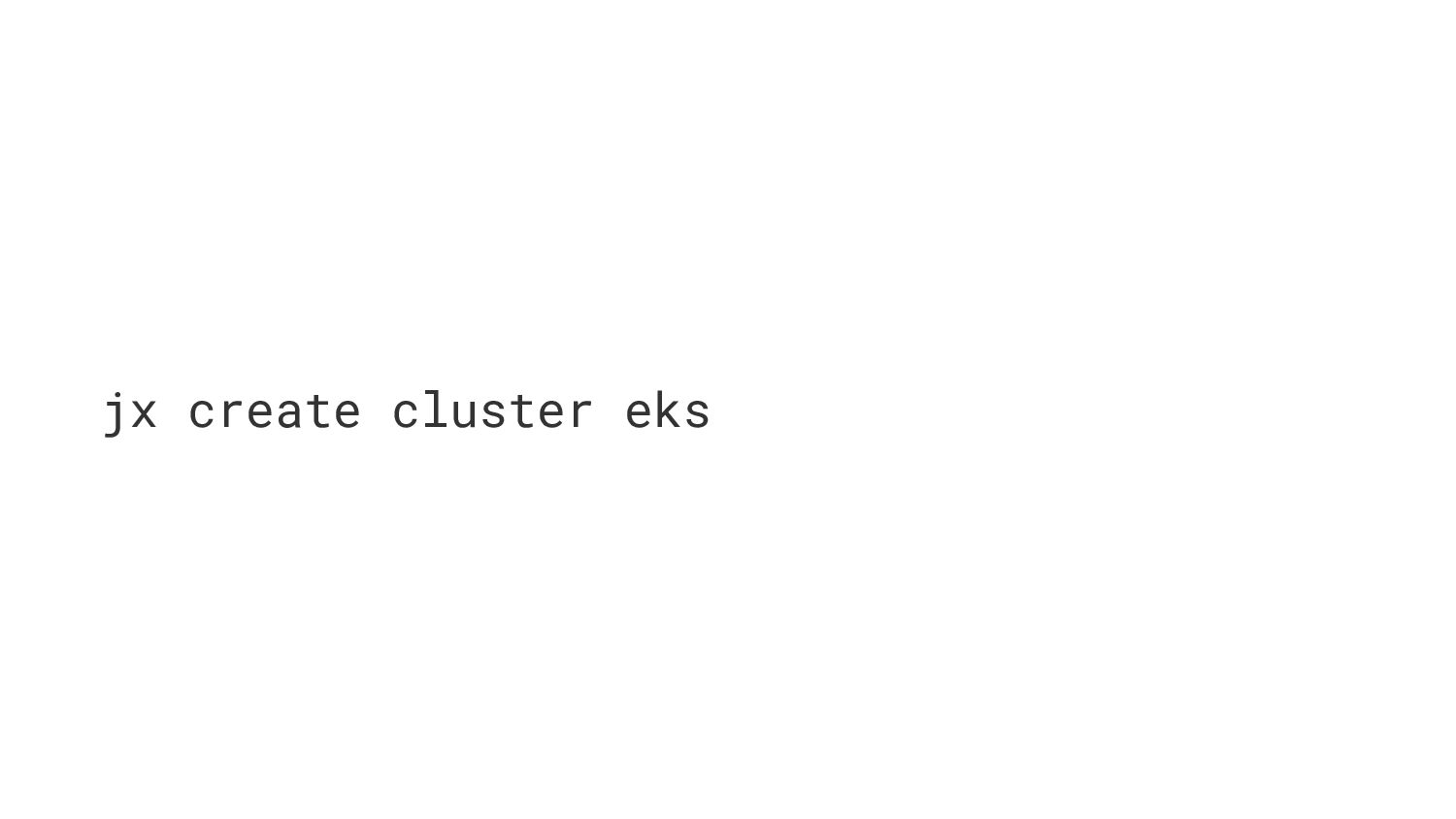
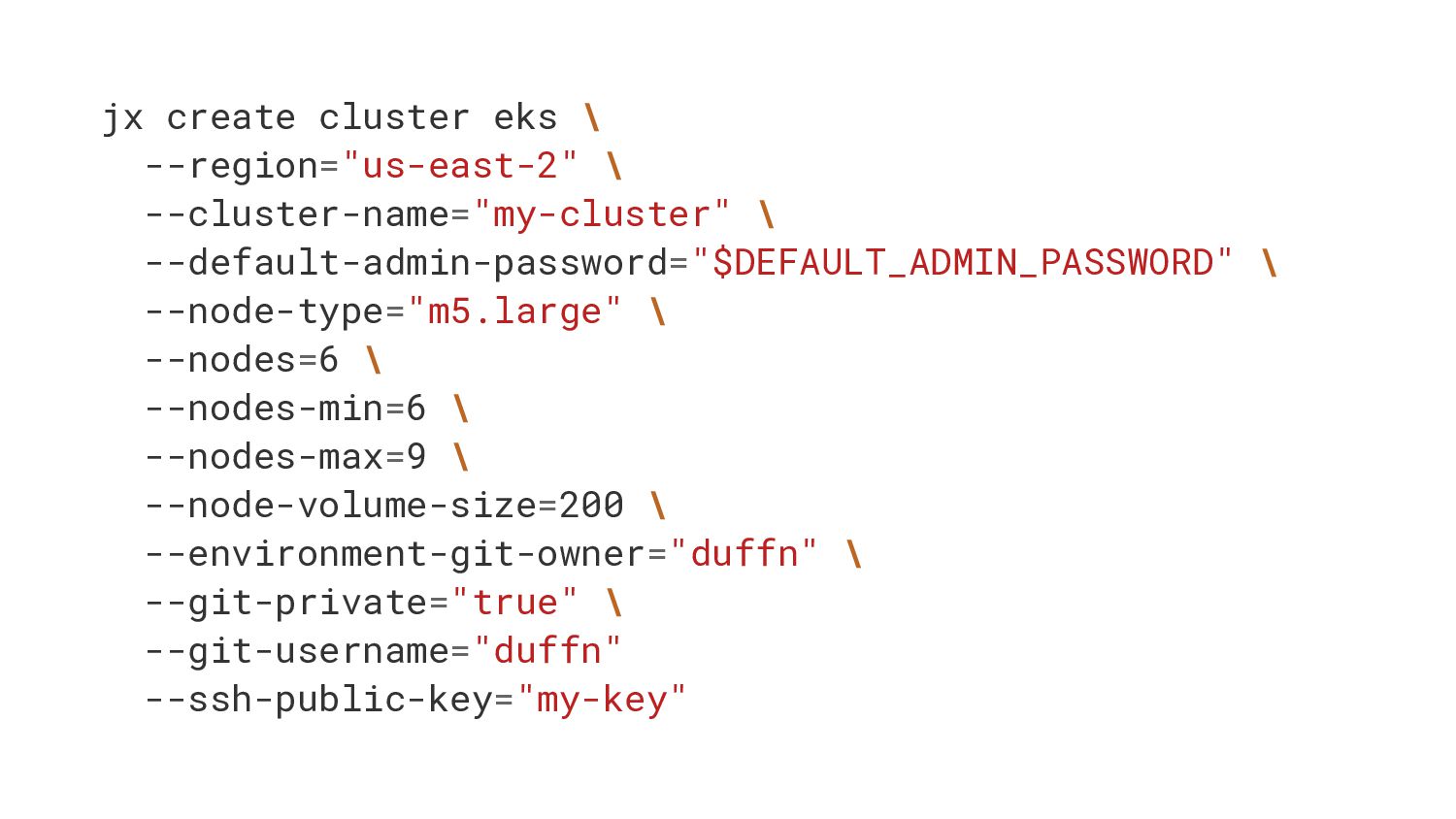
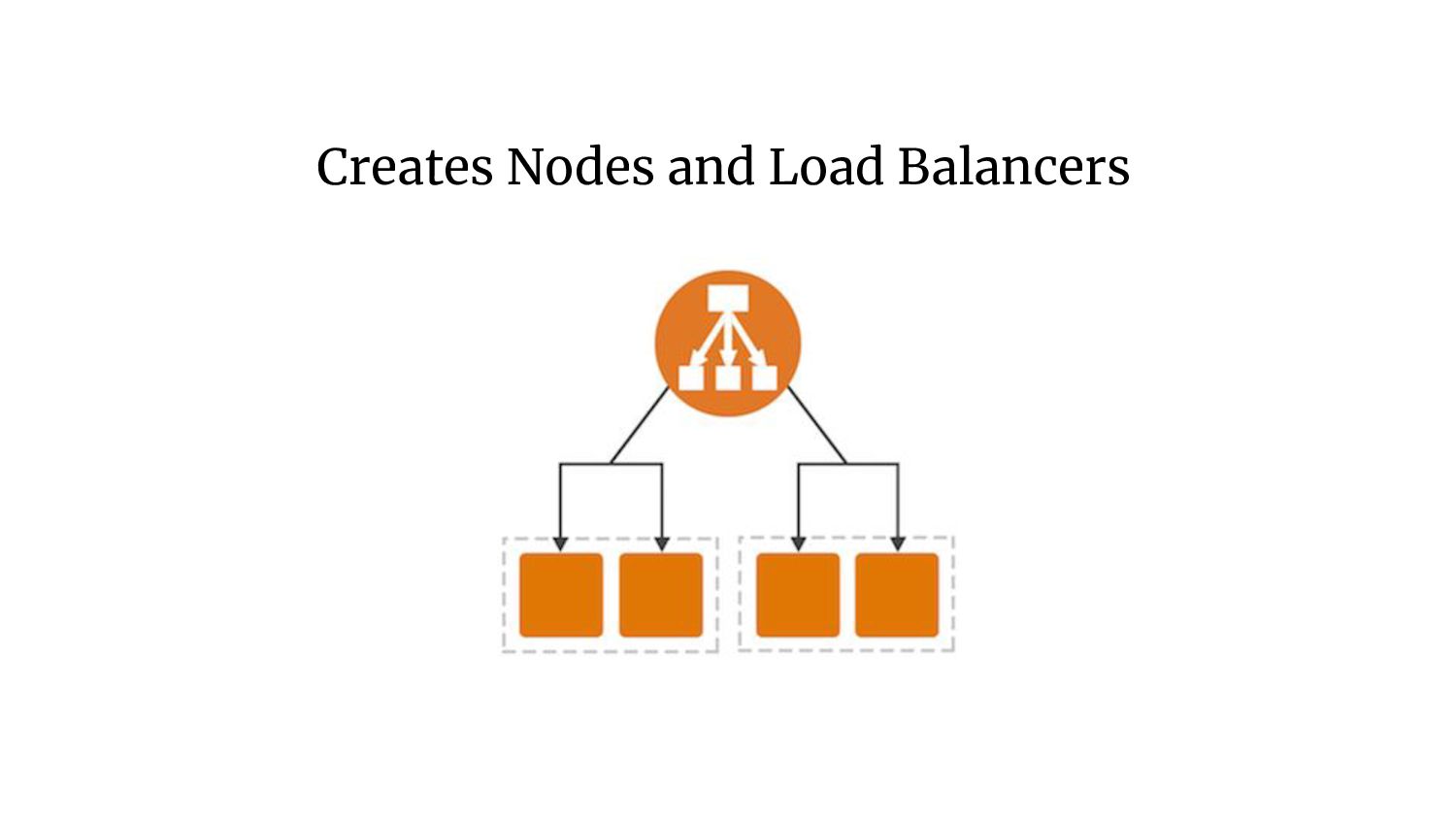
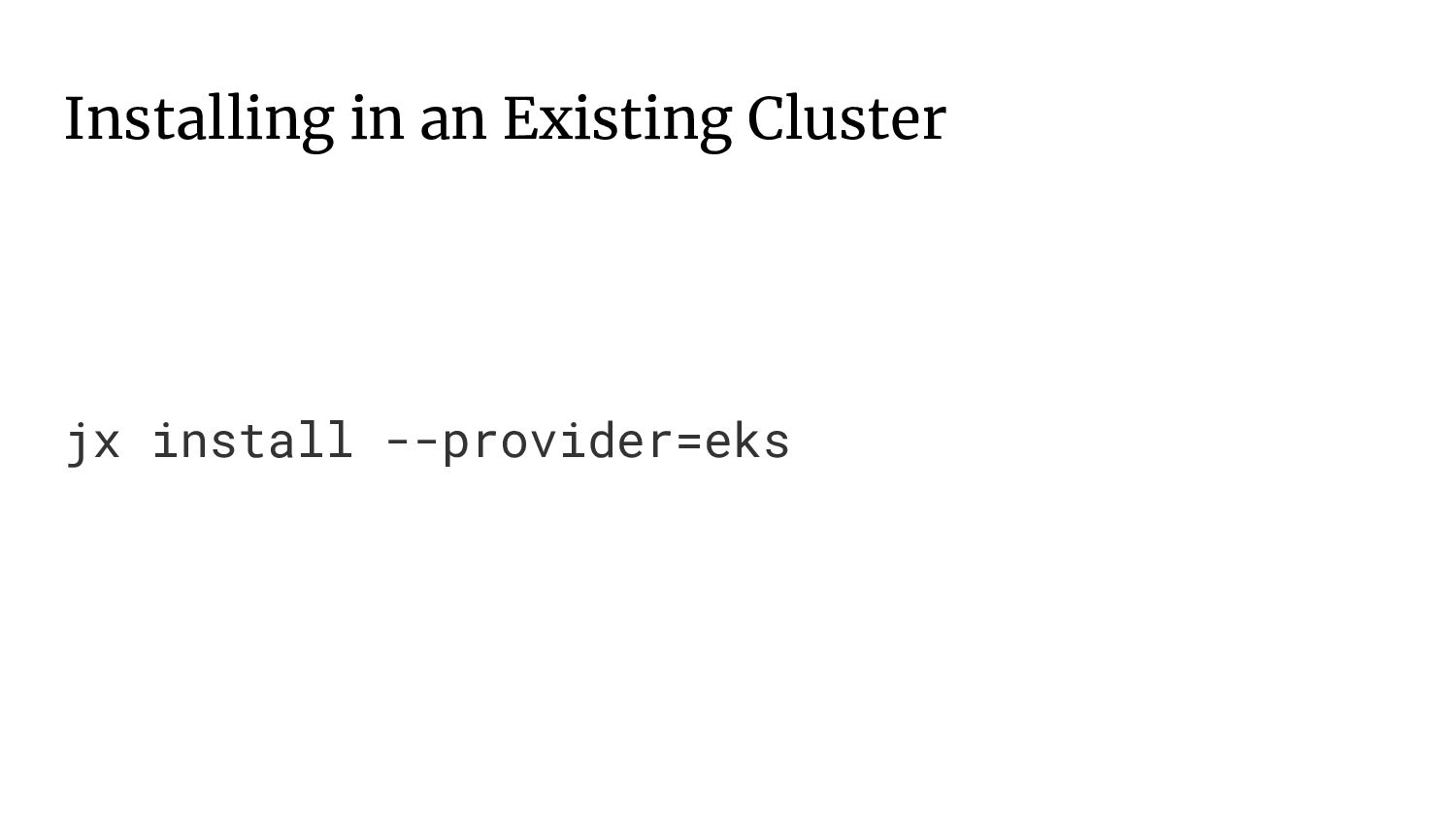
  7. jx create cluster eks \ --region="us-east-2" \ --cluster-name="my-cluster" \ --default-admin-password="$DEFAULT_ADMIN_PASSWORD"

    \ --node-type="m5.large" \ --nodes=6 \ --nodes-min=6 \ --nodes-max=9 \ --node-volume-size=200 \ --environment-git-owner="duffn" \ --git-private="true" \ --git-username="duffn" --ssh-public-key="my-key"
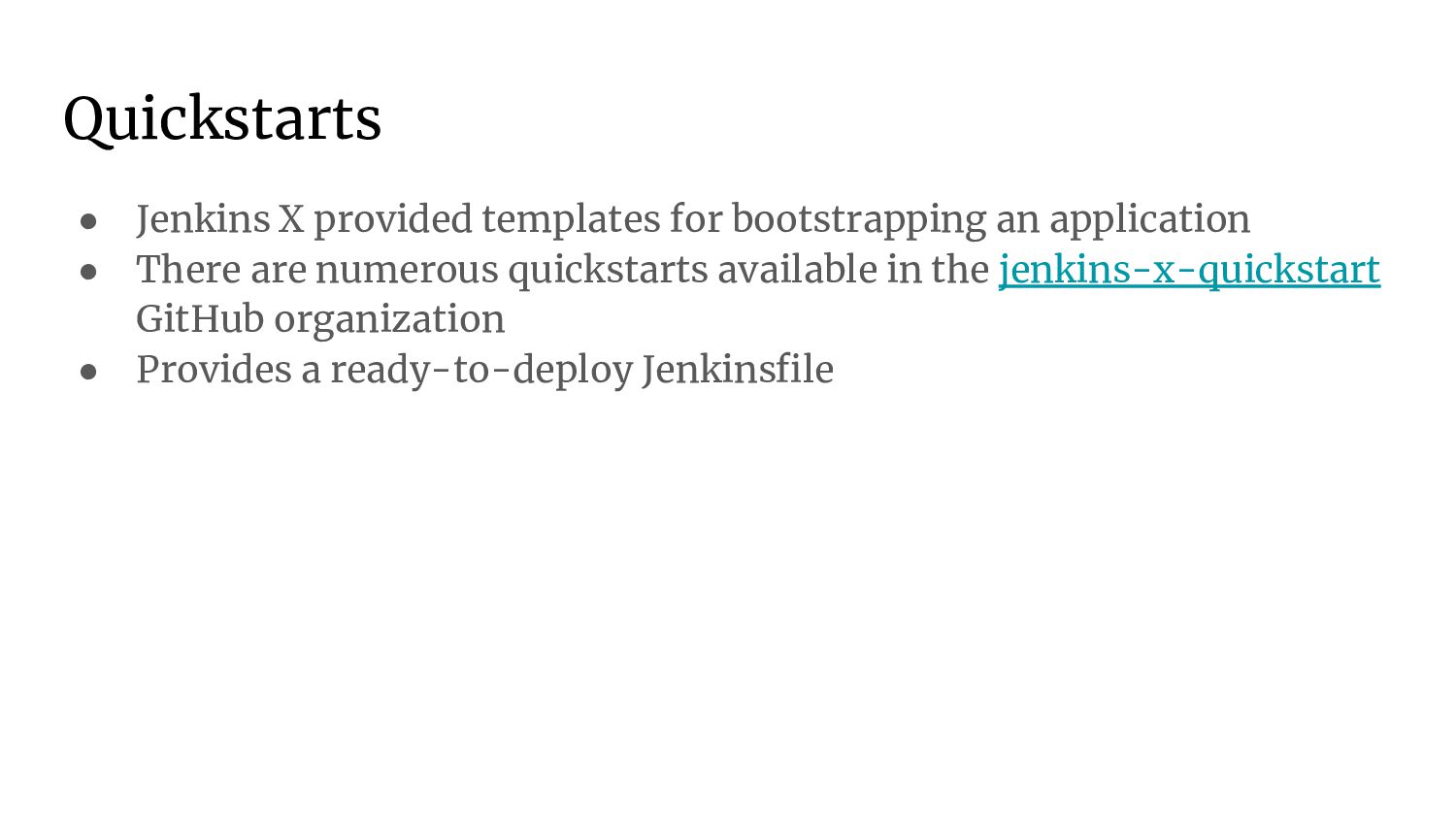
  8. Quickstarts • Jenkins X provided templates for bootstrapping an application

    • There are numerous quickstarts available in the jenkins-x-quickstart GitHub organization • Provides a ready-to-deploy Jenkinsfile
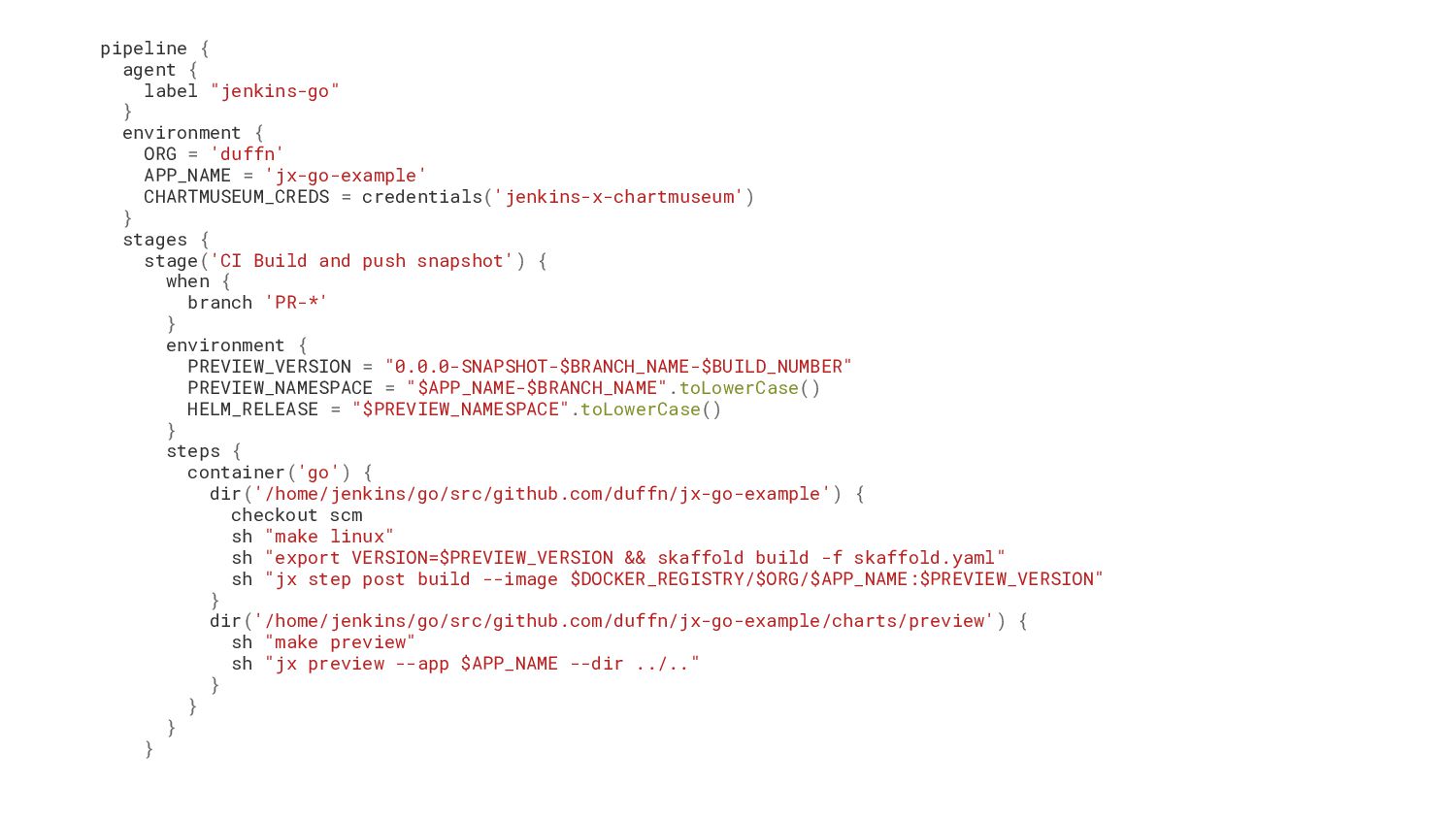
  9. pipeline { agent { label "jenkins-go" } environment { ORG

    = 'duffn' APP_NAME = 'jx-go-example' CHARTMUSEUM_CREDS = credentials('jenkins-x-chartmuseum') } stages { stage('CI Build and push snapshot') { when { branch 'PR-*' } environment { PREVIEW_VERSION = "0.0.0-SNAPSHOT-$BRANCH_NAME-$BUILD_NUMBER" PREVIEW_NAMESPACE = "$APP_NAME-$BRANCH_NAME".toLowerCase() HELM_RELEASE = "$PREVIEW_NAMESPACE".toLowerCase() } steps { container('go') { dir('/home/jenkins/go/src/github.com/duffn/jx-go-example') { checkout scm sh "make linux" sh "export VERSION=$PREVIEW_VERSION && skaffold build -f skaffold.yaml" sh "jx step post build --image $DOCKER_REGISTRY/$ORG/$APP_NAME:$PREVIEW_VERSION" } dir('/home/jenkins/go/src/github.com/duffn/jx-go-example/charts/preview') { sh "make preview" sh "jx preview --app $APP_NAME --dir ../.." } } } }
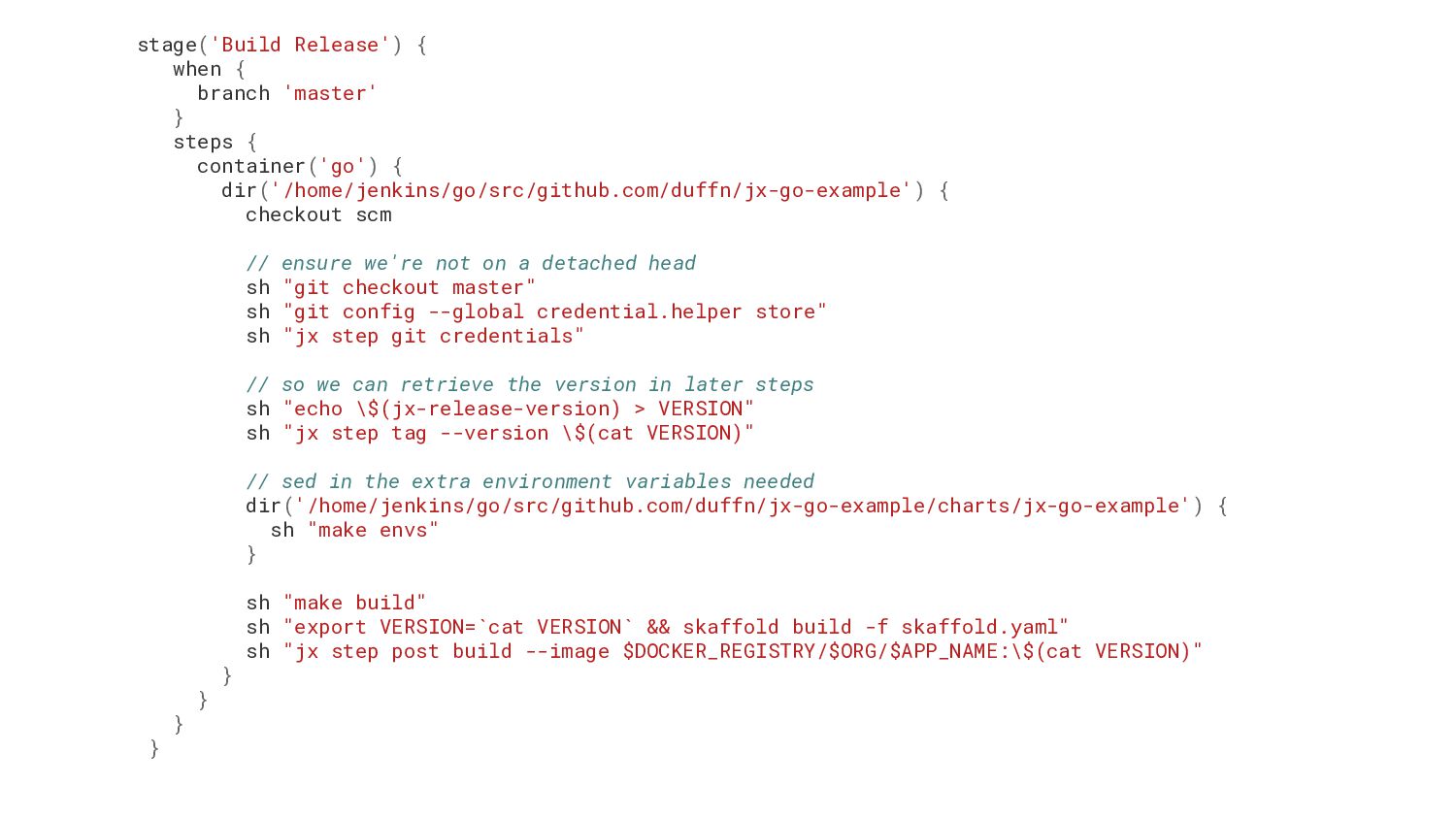
  10. stage('Build Release') { when { branch 'master' } steps {

    container('go') { dir('/home/jenkins/go/src/github.com/duffn/jx-go-example') { checkout scm // ensure we're not on a detached head sh "git checkout master" sh "git config --global credential.helper store" sh "jx step git credentials" // so we can retrieve the version in later steps sh "echo \$(jx-release-version) > VERSION" sh "jx step tag --version \$(cat VERSION)" // sed in the extra environment variables needed dir('/home/jenkins/go/src/github.com/duffn/jx-go-example/charts/jx-go-example') { sh "make envs" } sh "make build" sh "export VERSION=`cat VERSION` && skaffold build -f skaffold.yaml" sh "jx step post build --image $DOCKER_REGISTRY/$ORG/$APP_NAME:\$(cat VERSION)" } } } }
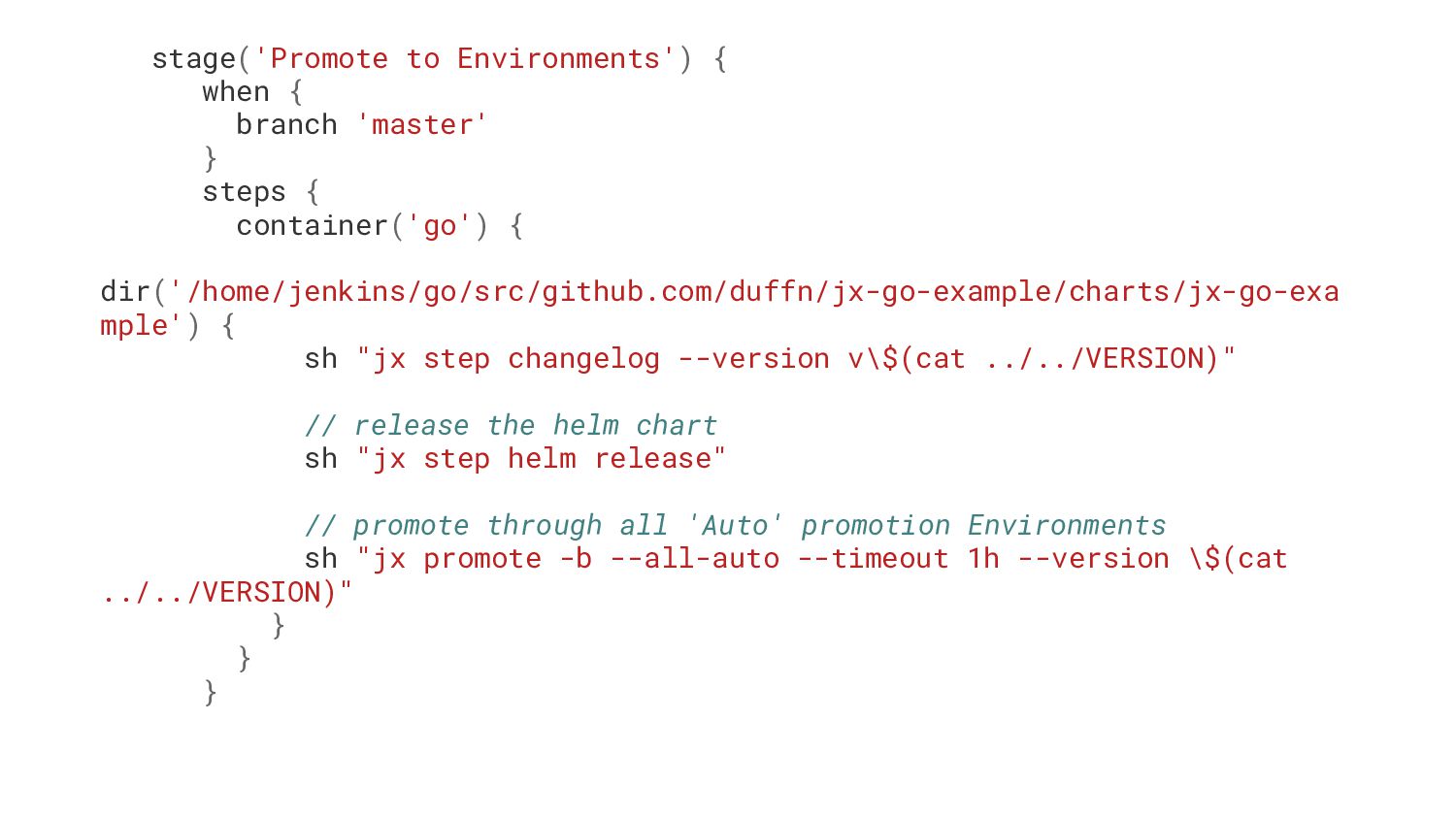
  11. stage('Promote to Environments') { when { branch 'master' } steps

    { container('go') { dir('/home/jenkins/go/src/github.com/duffn/jx-go-example/charts/jx-go-exa mple') { sh "jx step changelog --version v\$(cat ../../VERSION)" // release the helm chart sh "jx step helm release" // promote through all 'Auto' promotion Environments sh "jx promote -b --all-auto --timeout 1h --version \$(cat ../../VERSION)" } } }
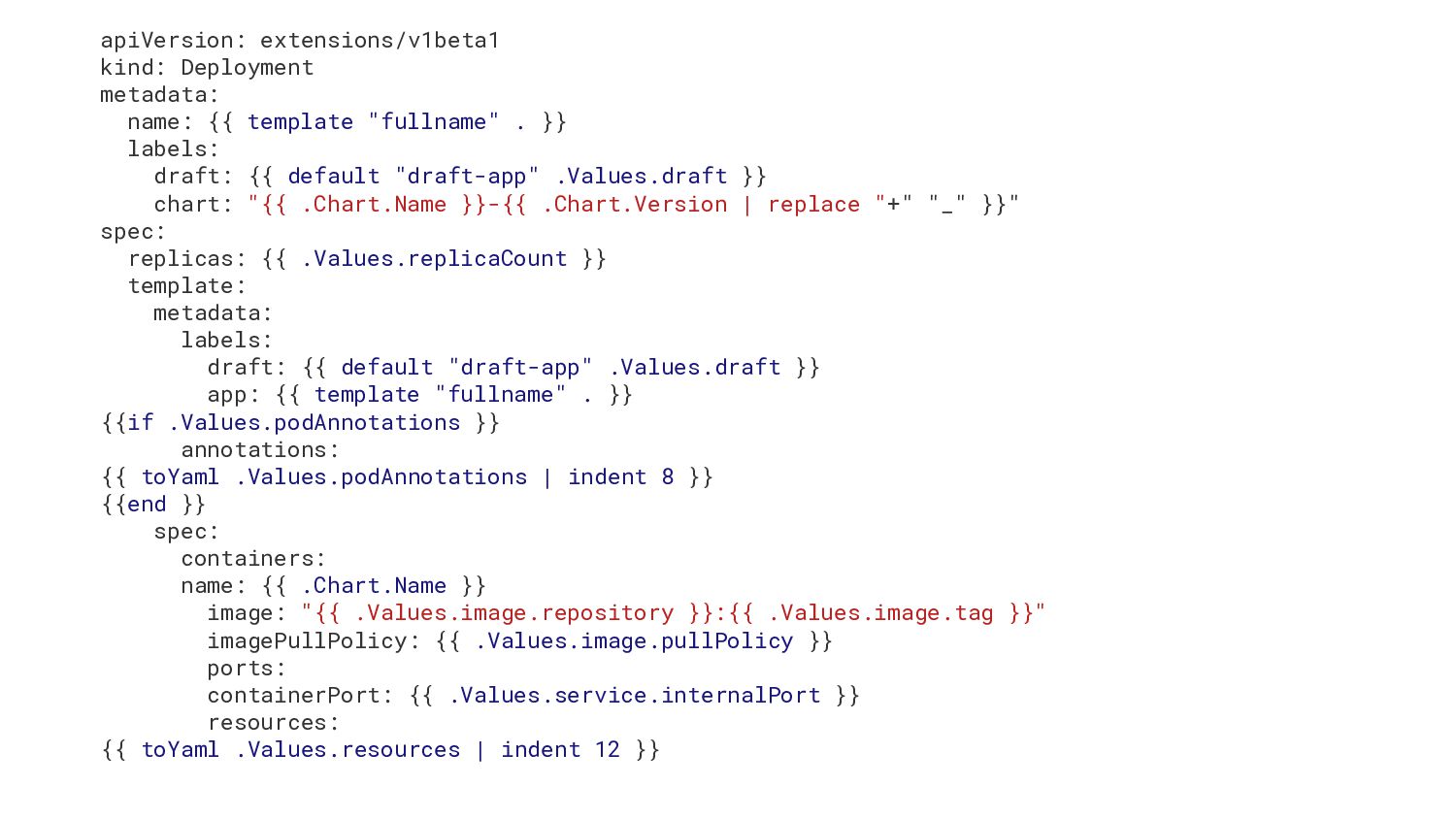
  12. apiVersion: extensions/v1beta1 kind: Deployment metadata: name: {{ template "fullname" .

    }} labels: draft: {{ default "draft-app" .Values.draft }} chart: "{{ .Chart.Name }}-{{ .Chart.Version | replace "+" "_" }}" spec: replicas: {{ .Values.replicaCount }} template: metadata: labels: draft: {{ default "draft-app" .Values.draft }} app: {{ template "fullname" . }} {{if .Values.podAnnotations }} annotations: {{ toYaml .Values.podAnnotations | indent 8 }} {{end }} spec: containers: name: {{ .Chart.Name }} image: "{{ .Values.image.repository }}:{{ .Values.image.tag }}" imagePullPolicy: {{ .Values.image.pullPolicy }} ports: containerPort: {{ .Values.service.internalPort }} resources: {{ toYaml .Values.resources | indent 12 }}
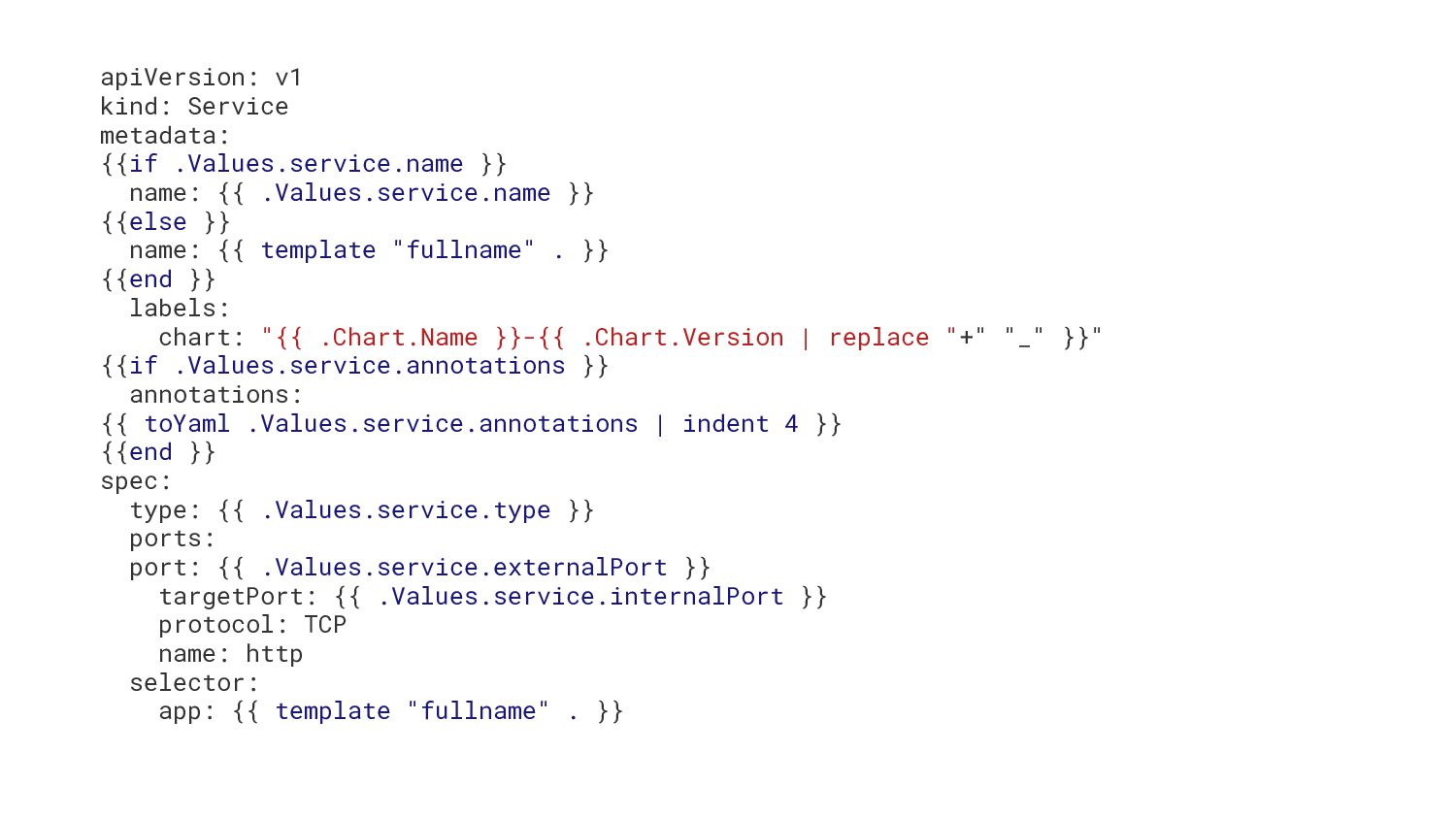
  13. apiVersion: v1 kind: Service metadata: {{if .Values.service.name }} name: {{

    .Values.service.name }} {{else }} name: {{ template "fullname" . }} {{end }} labels: chart: "{{ .Chart.Name }}-{{ .Chart.Version | replace "+" "_" }}" {{if .Values.service.annotations }} annotations: {{ toYaml .Values.service.annotations | indent 4 }} {{end }} spec: type: {{ .Values.service.type }} ports: port: {{ .Values.service.externalPort }} targetPort: {{ .Values.service.internalPort }} protocol: TCP name: http selector: app: {{ template "fullname" . }}
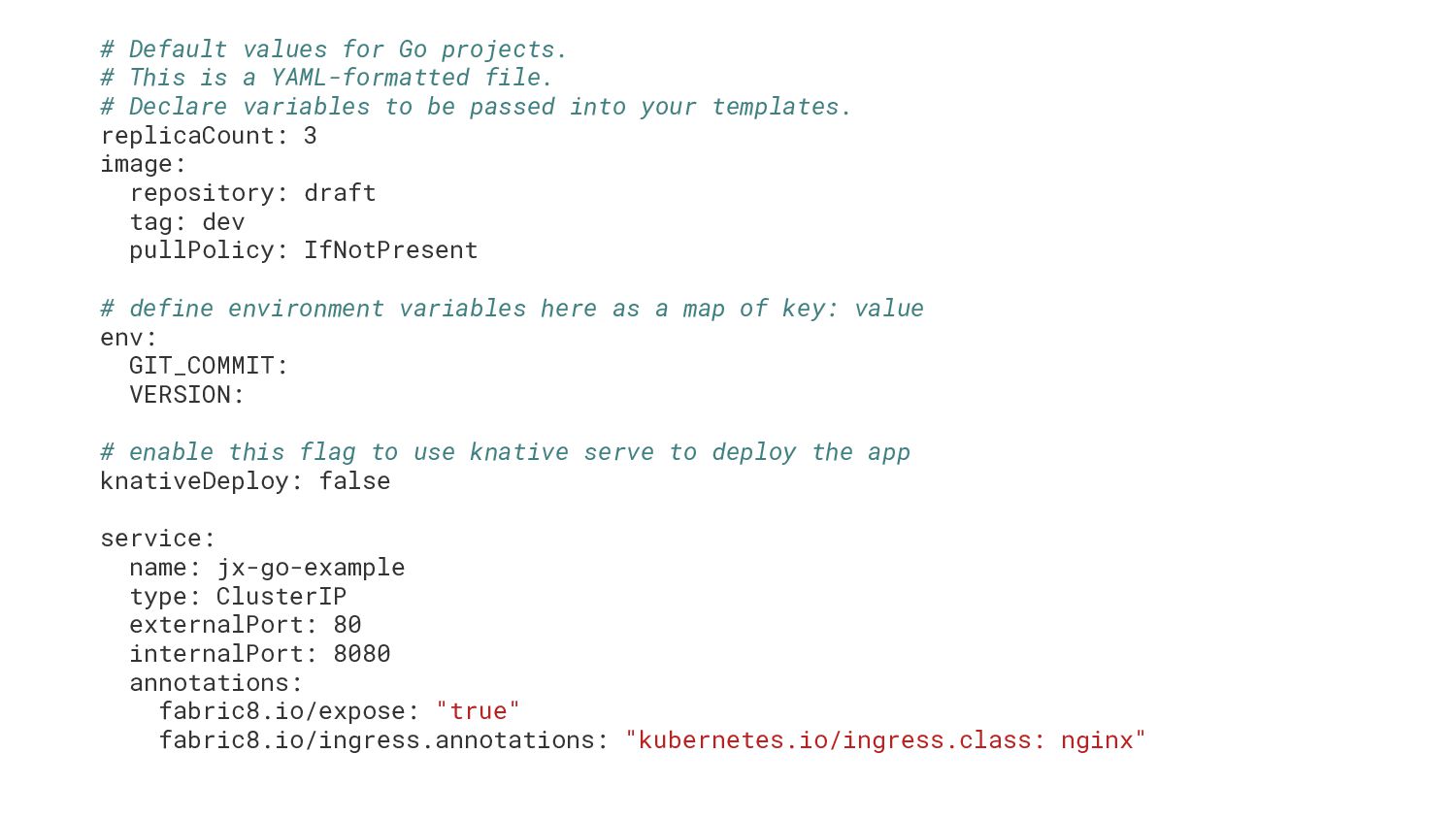
  14. # Default values for Go projects. # This is a

    YAML-formatted file. # Declare variables to be passed into your templates. replicaCount: 3 image: repository: draft tag: dev pullPolicy: IfNotPresent # define environment variables here as a map of key: value env: GIT_COMMIT: VERSION: # enable this flag to use knative serve to deploy the app knativeDeploy: false service: name: jx-go-example type: ClusterIP externalPort: 80 internalPort: 8080 annotations: fabric8.io/expose: "true" fabric8.io/ingress.annotations: "kubernetes.io/ingress.class: nginx"
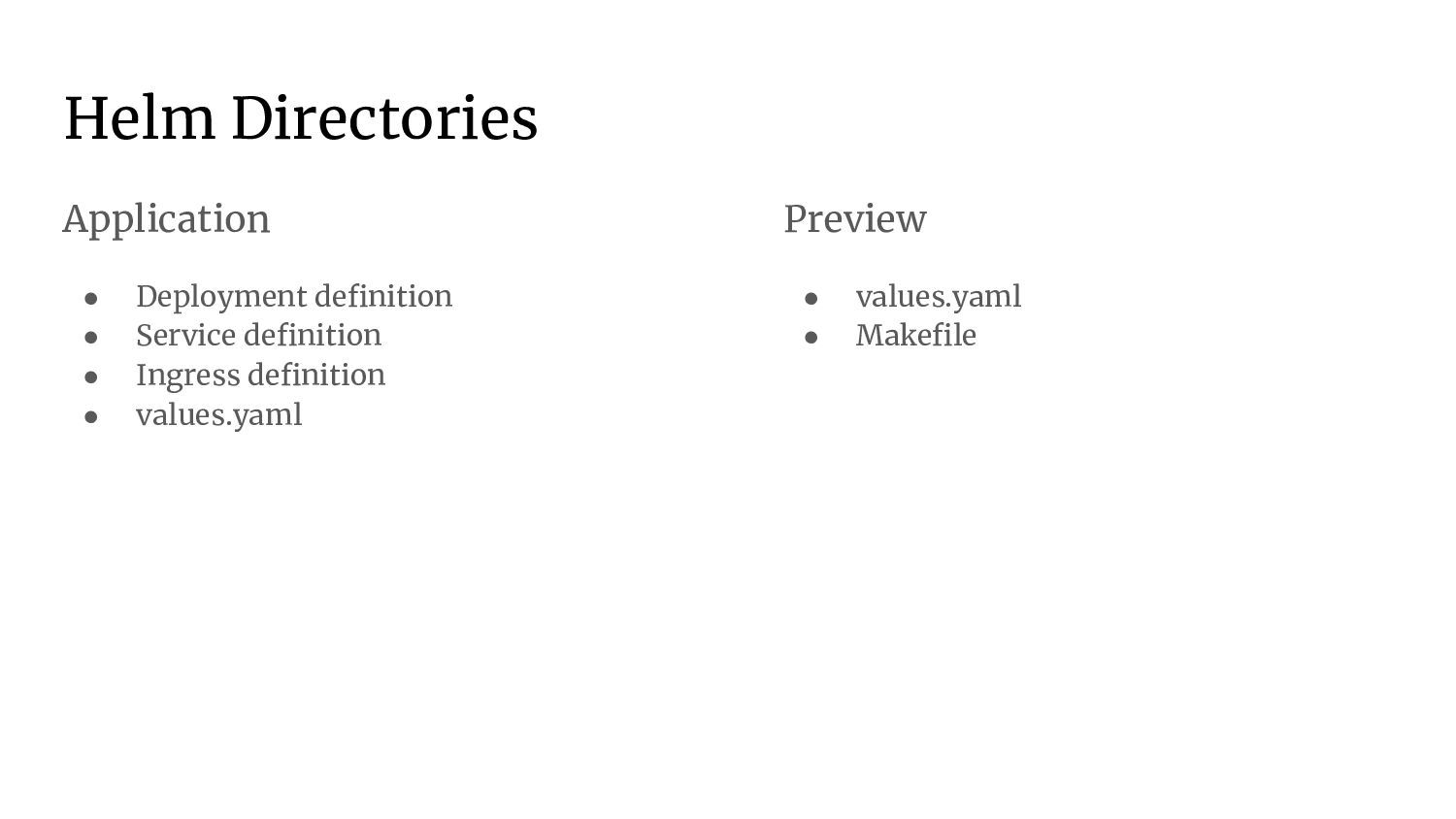
  15. Helm Directories Application • Deployment definition • Service definition •

    Ingress definition • values.yaml Preview • values.yaml • Makefile
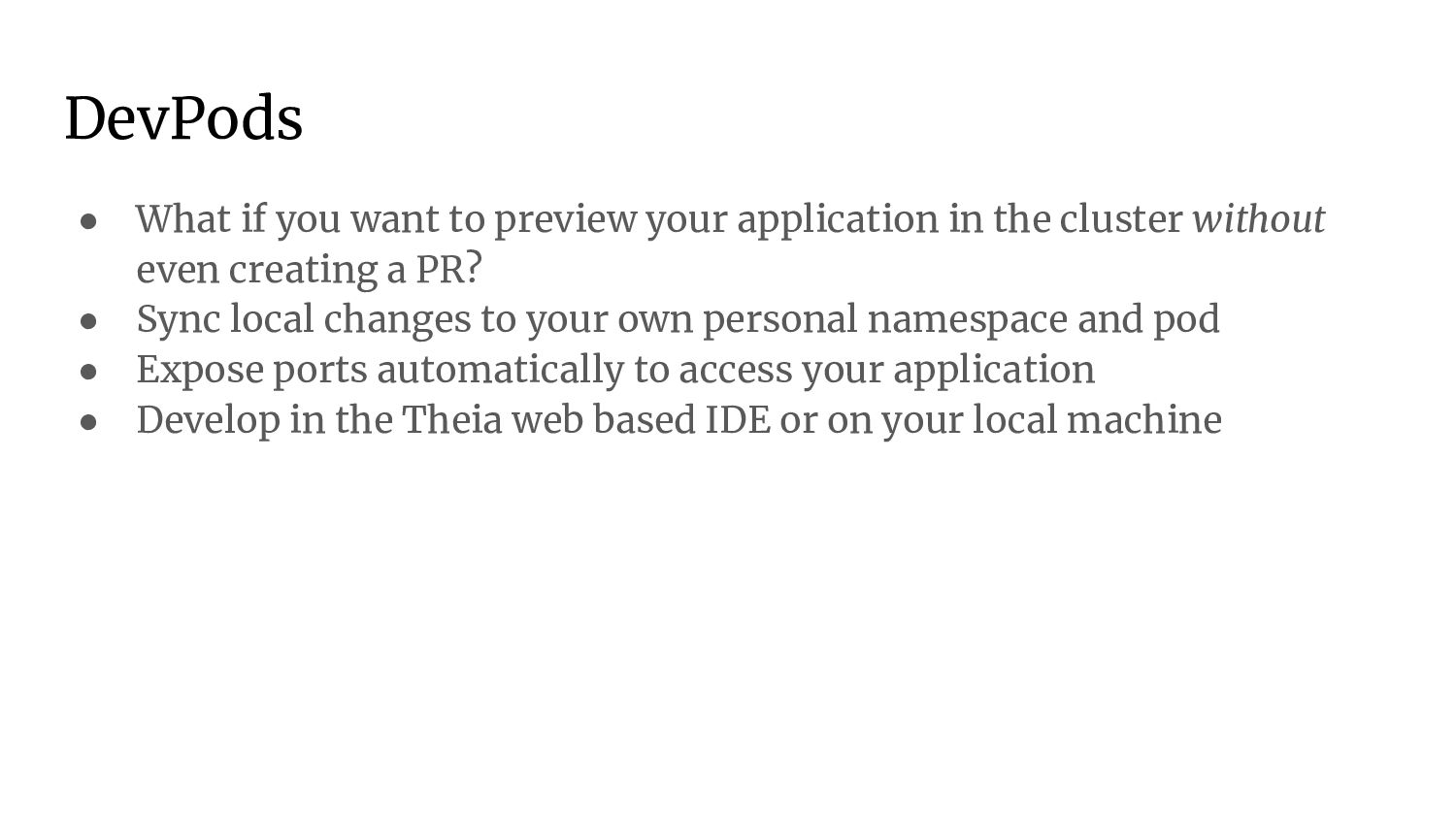
  16. DevPods • What if you want to preview your application

    in the cluster without even creating a PR? • Sync local changes to your own personal namespace and pod • Expose ports automatically to access your application • Develop in the Theia web based IDE or on your local machine
  17. Add Ons • Install additional addons in your cluster •

    Created with Helm charts • One command deployments
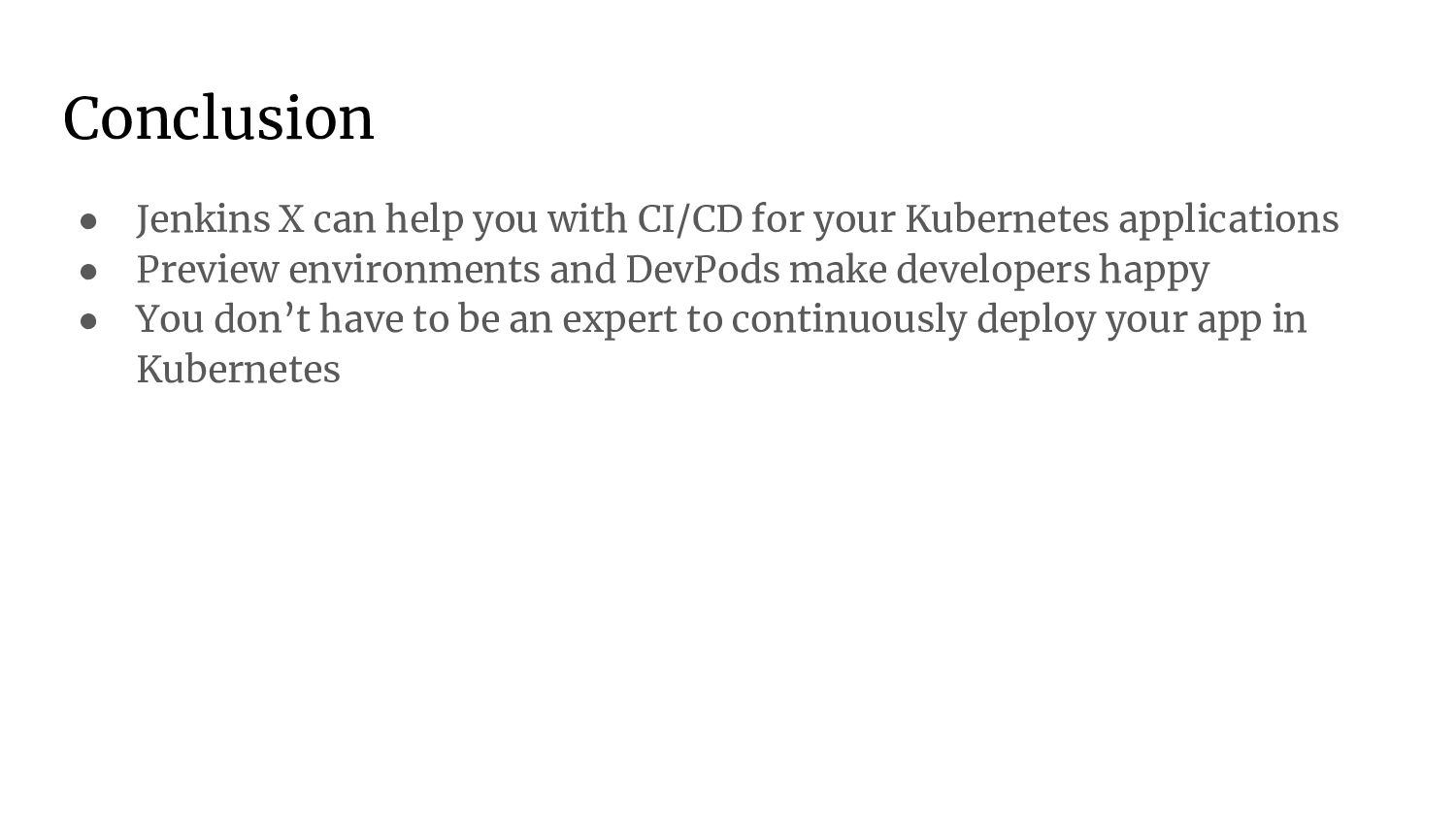
  18. Conclusion • Jenkins X can help you with CI/CD for

    your Kubernetes applications • Preview environments and DevPods make developers happy • You don’t have to be an expert to continuously deploy your app in Kubernetes