Upgrade to Pro — share decks privately, control downloads, hide ads and more …

Beginner WordPress Development

Sponsored · Ship Features Fearlessly Turn features on and off without deploys. Used by thousands of Ruby developers.

Beginner WordPress Development

This presentation serves as an introduction for current developers that may be interested in developing for WordPress. Target audience was for a refresh meeting. http://refreshwichitafalls.com

Avatar for Eric Binnion

Eric Binnion

January 21, 2013
Tweet

More Decks by Eric Binnion

Other Decks in Programming

Transcript

  1. WordPress for Users •  Over  23,000+  Free  Plugins  in  

    WordPress  repository   •  Over  1,600  Free  Themes  in   WordPress  Repository   •  Premium  themes  can  be   bought  for  less  than  $100   •  WordPress  can  be  adapted   for  a  wide  range  of  uses  
  2. WordPress for Developers •  WordPress  is  used  on  over  

    60,000,000  websites   worldwide.   •  Many  premium  themes  give   you  a  head  start   •  Plugins  can  help  with  heavy   liJing   •  WordPress  provides  many   funcKons  to  help  with   development  
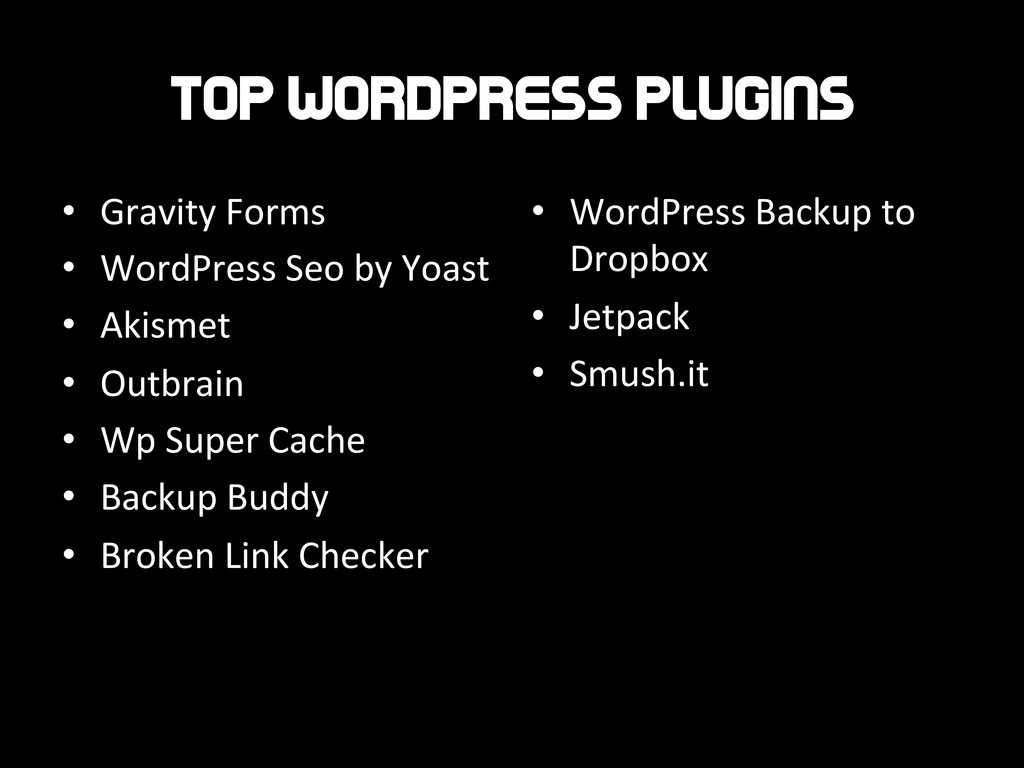
  3. Top wordpress plugins •  Gravity  Forms   •  WordPress  Seo

     by  Yoast   •  Akismet   •  Outbrain   •  Wp  Super  Cache   •  Backup  Buddy   •  Broken  Link  Checker   •  WordPress  Backup  to   Dropbox   •  Jetpack   •  Smush.it  
  4. WordPress Development Goodies WordPress  provides:   •  Enqueueing  Scripts  and

      Styles   •  OpKons  and  SeWngs   APIs   •  Ajax  
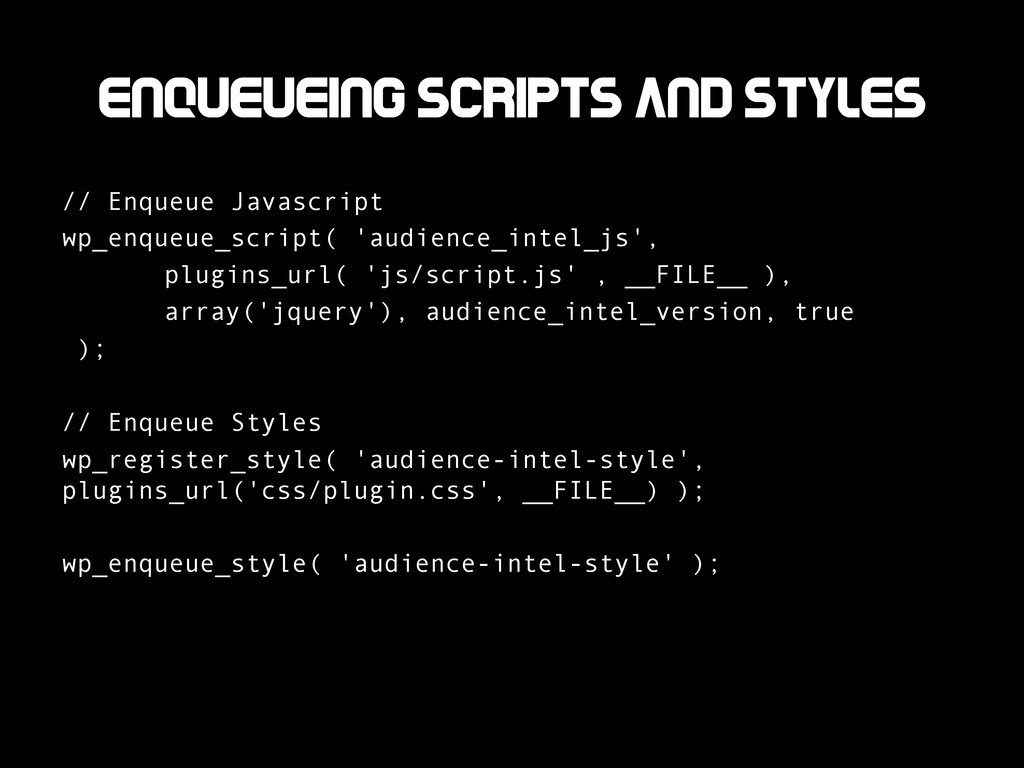
  5. Enqueueing Scripts and Styles Why  Enqueue??   •  Ensure  dependencies

     have  already  been  loaded.   •  Be[er  cross-­‐plugin  funcKonality.  Ex.  –  Minifying  and   concatenaKng  
  6. Enqueueing Scripts and Styles // Enqueue Javascript wp_enqueue_script( 'audience_intel_js', plugins_url(

    'js/script.js' , __FILE__ ), array('jquery'), audience_intel_version, true ); // Enqueue Styles wp_register_style( 'audience-intel-style', plugins_url('css/plugin.css', __FILE__) ); wp_enqueue_style( 'audience-intel-style' );
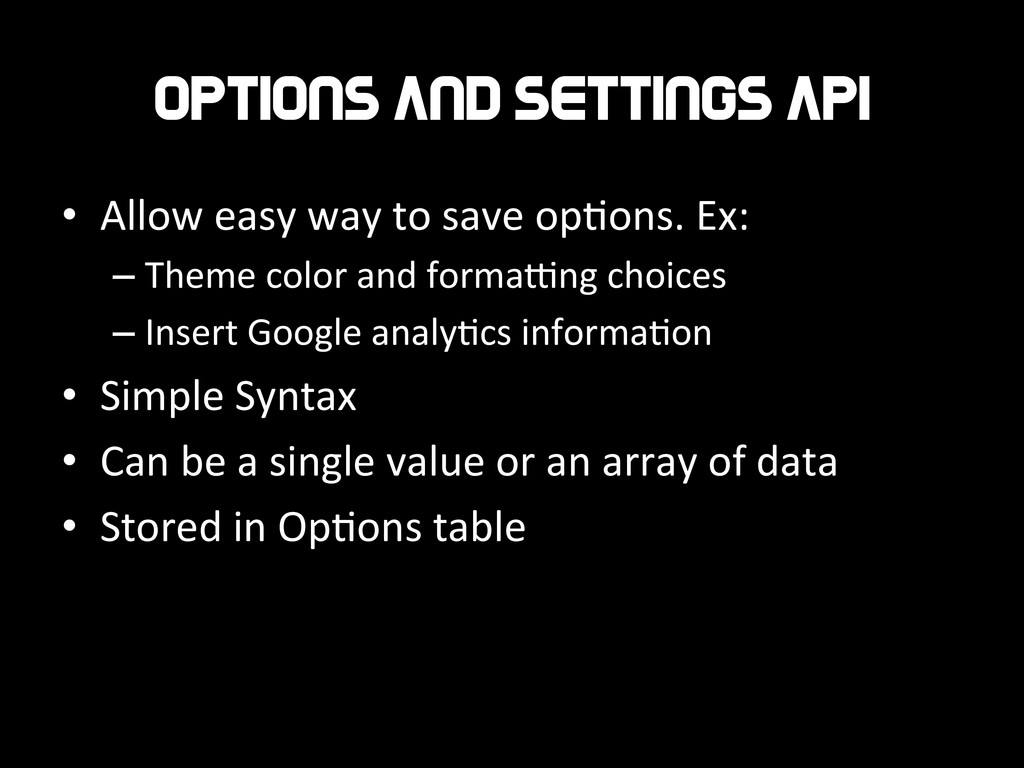
  7. Options and Settings API •  Allow  easy  way  to  save

     opKons.  Ex:   – Theme  color  and  formaWng  choices   – Insert  Google  analyKcs  informaKon   •  Simple  Syntax   •  Can  be  a  single  value  or  an  array  of  data   •  Stored  in  OpKons  table  
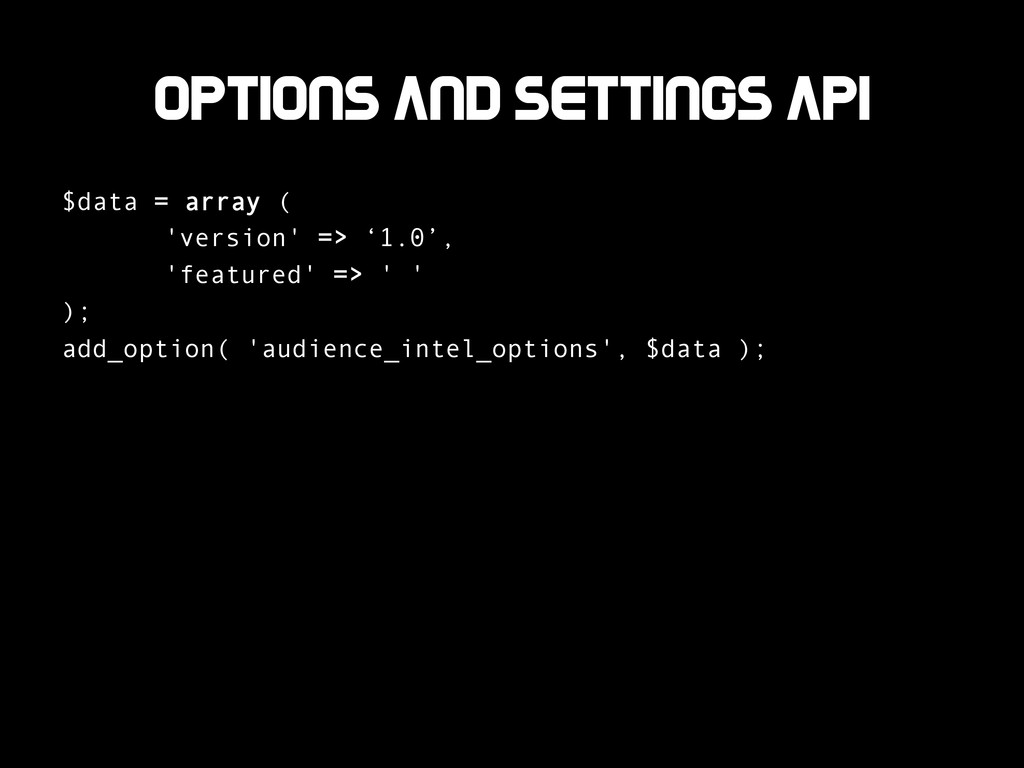
  8. Options and Settings API $data = array ( 'version' =>

    ‘1.0’, 'featured' => ' ' ); add_option( 'audience_intel_options', $data );
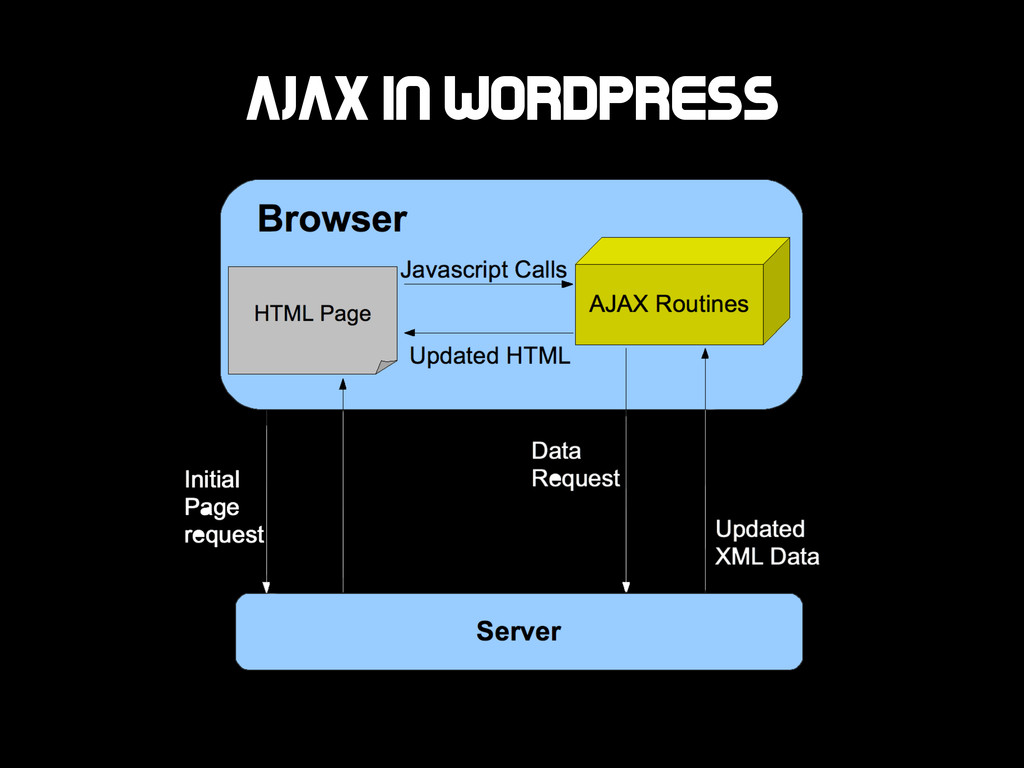
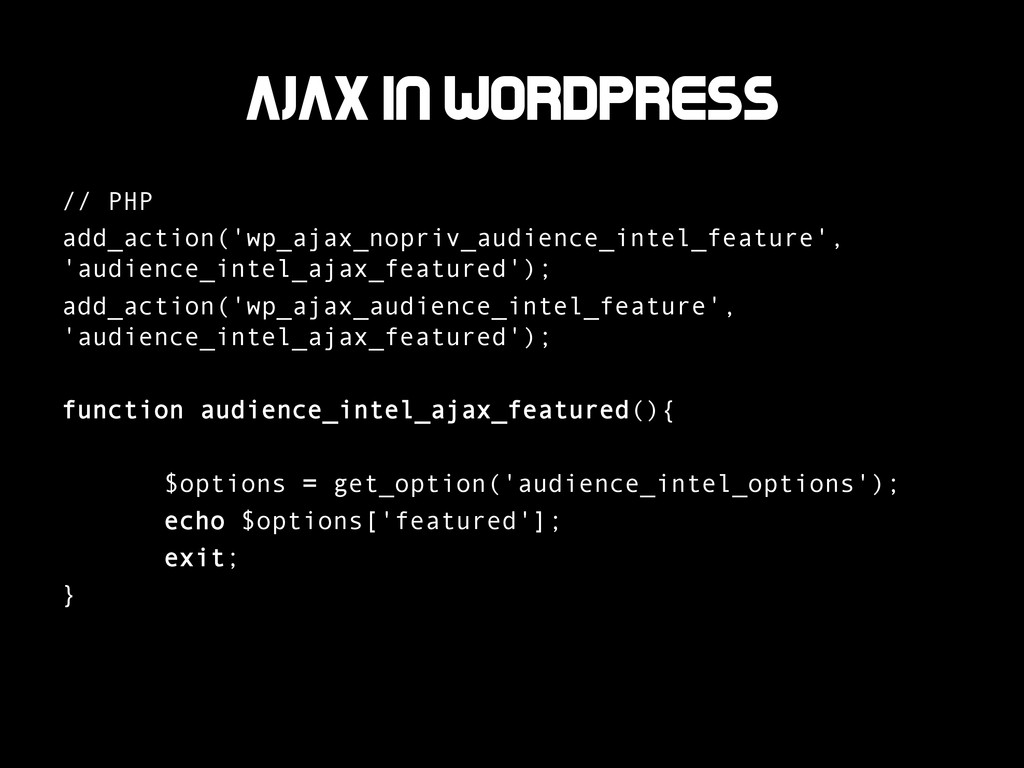
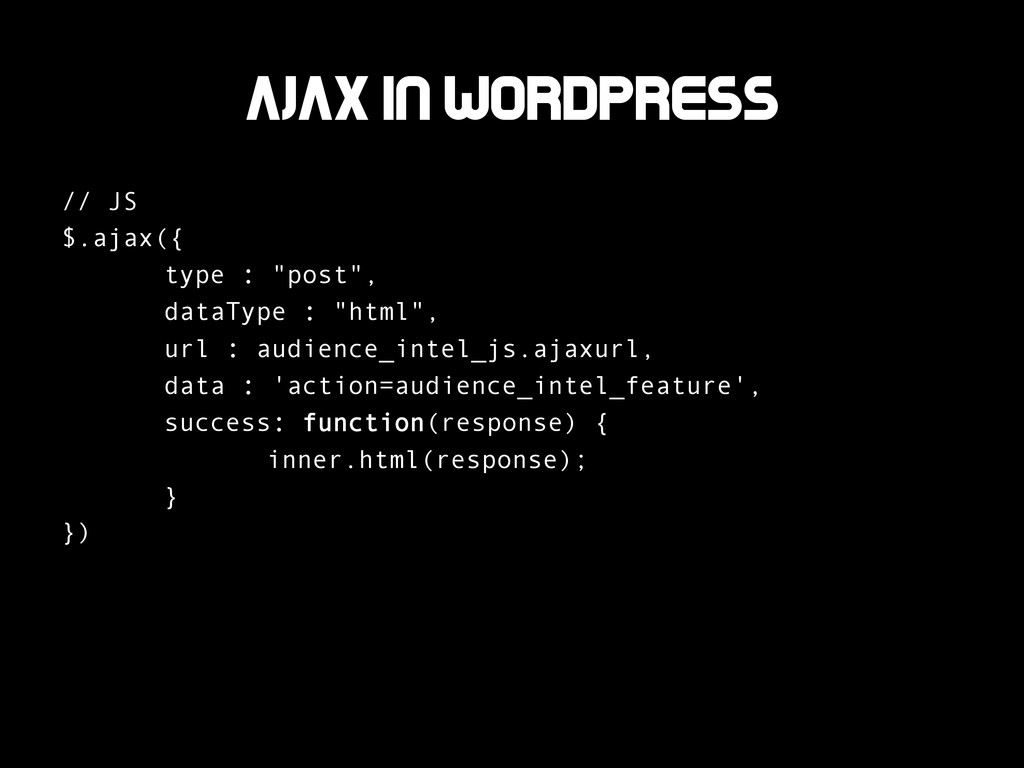
  9. Ajax in wordpress // JS $.ajax({ type : "post", dataType

    : "html", url : audience_intel_js.ajaxurl, data : 'action=audience_intel_feature', success: function(response) { inner.html(response); } })