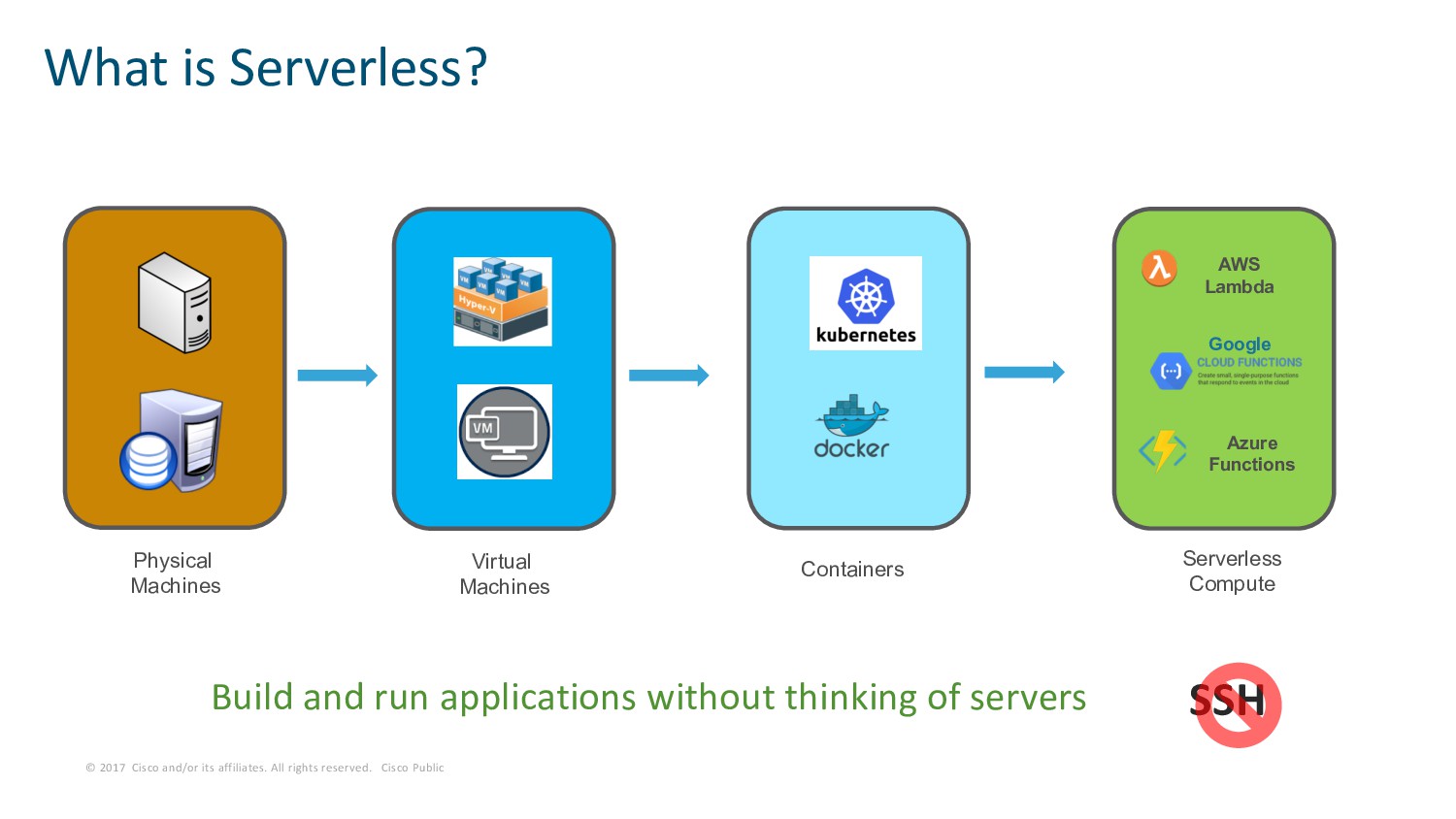
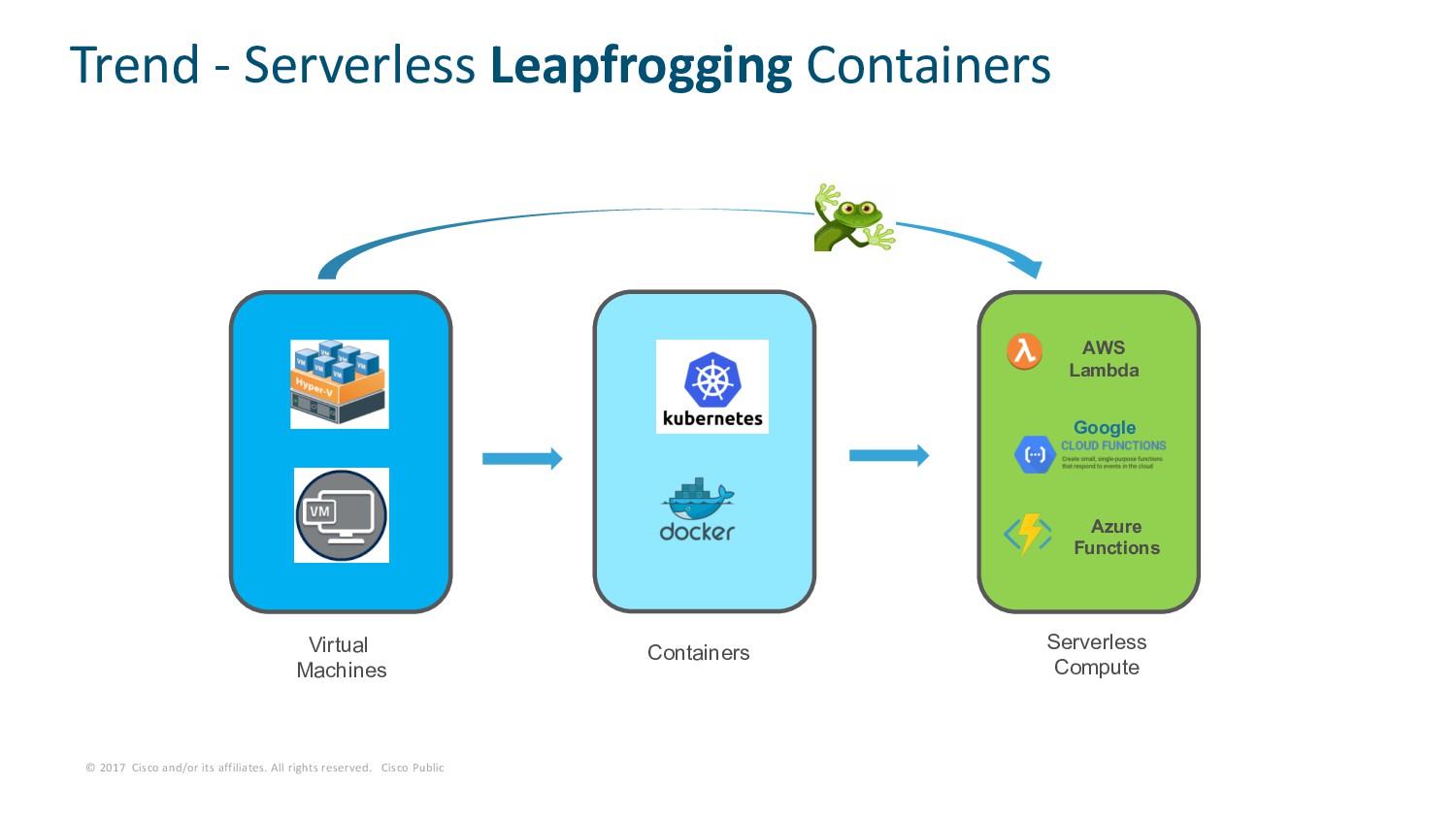
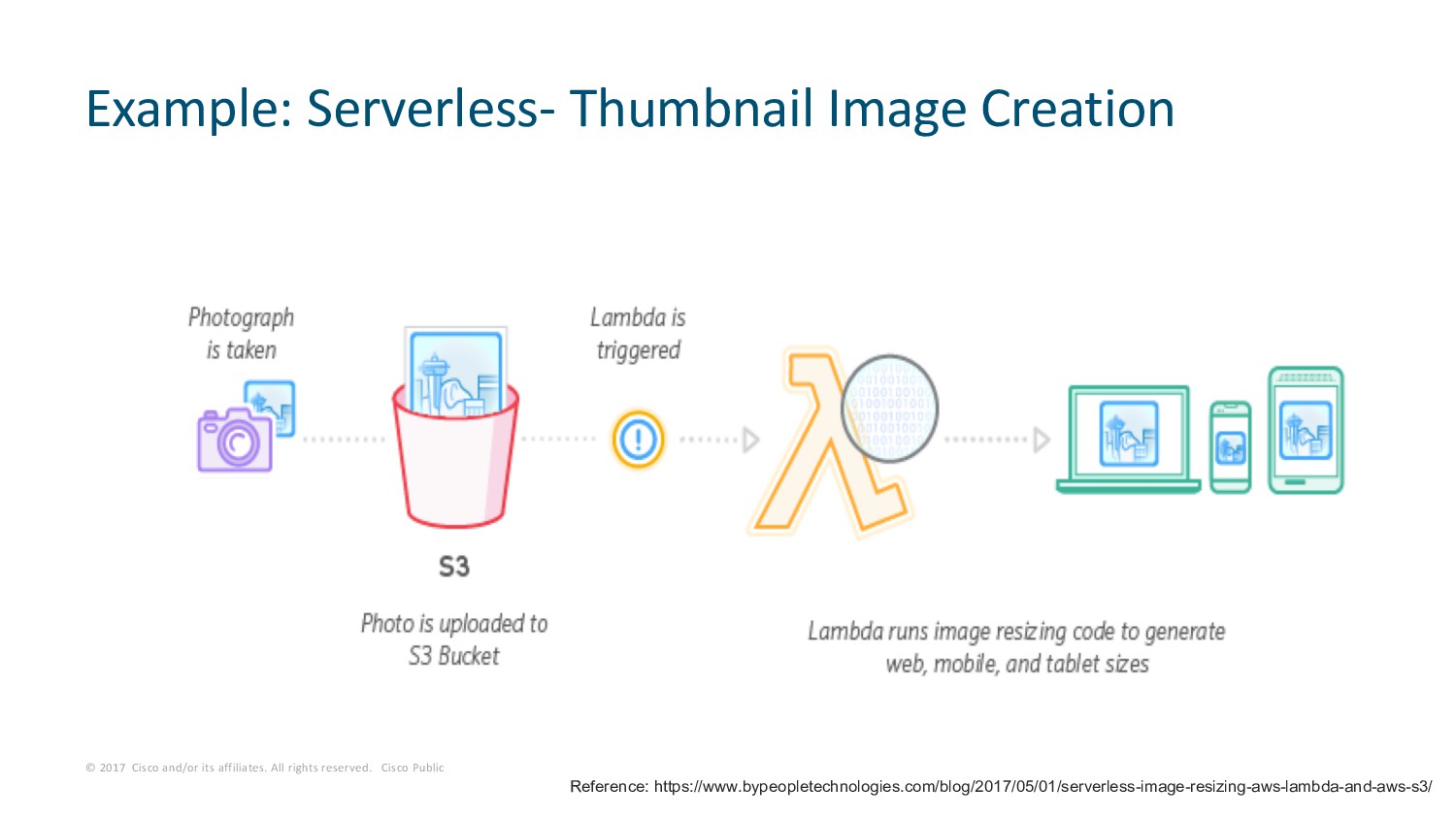
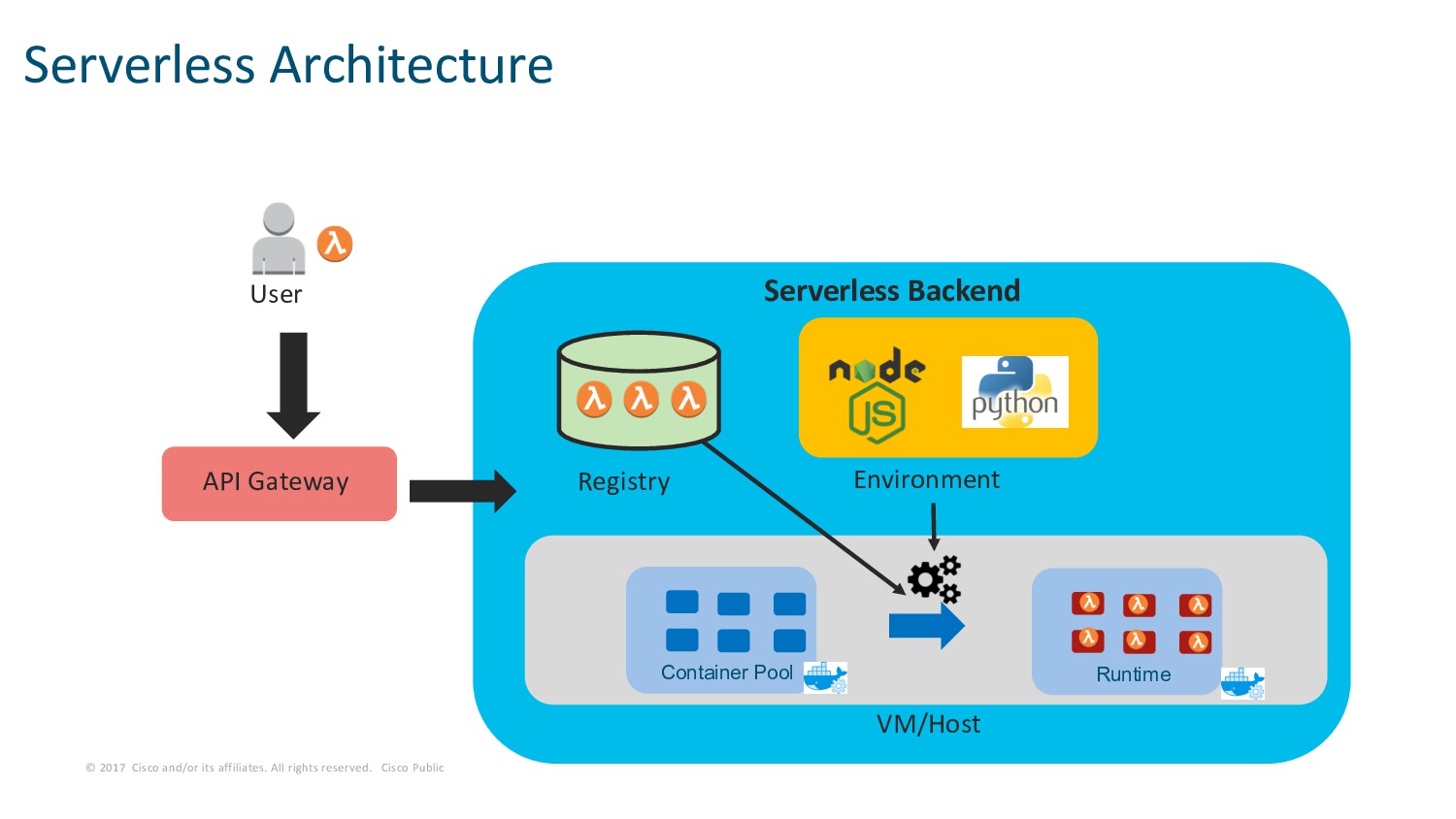
Public Build and run applications without thinking of servers What is Serverless? AWS Lambda Google Azure Functions Virtual Machines Containers Serverless Compute Physical Machines SSH
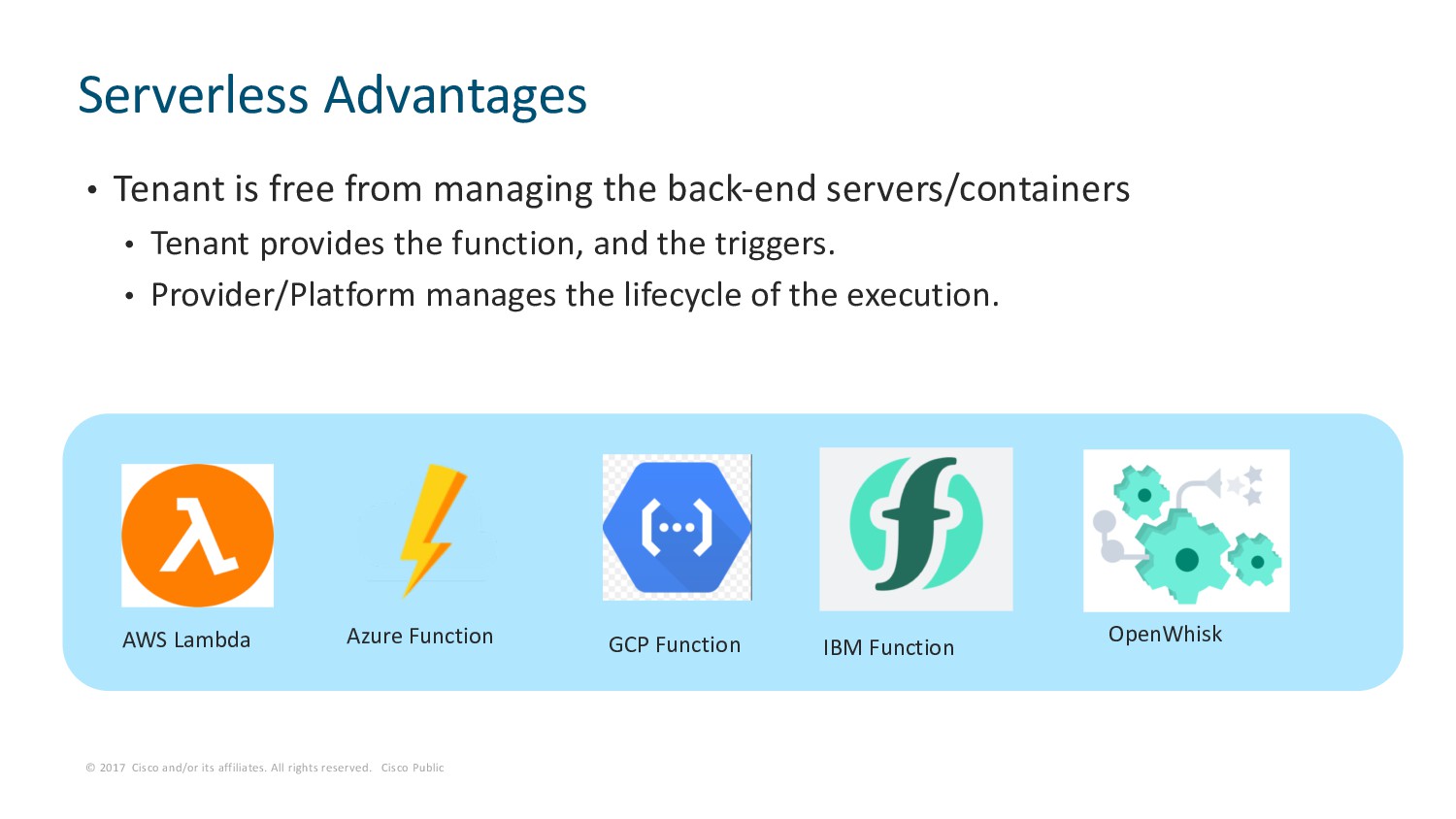
Public • Tenant is free from managing the back-end servers/containers • Tenant provides the function, and the triggers. • Provider/Platform manages the lifecycle of the execution. Serverless Advantages AWS Lambda OpenWhisk Azure Function GCP Function IBM Function
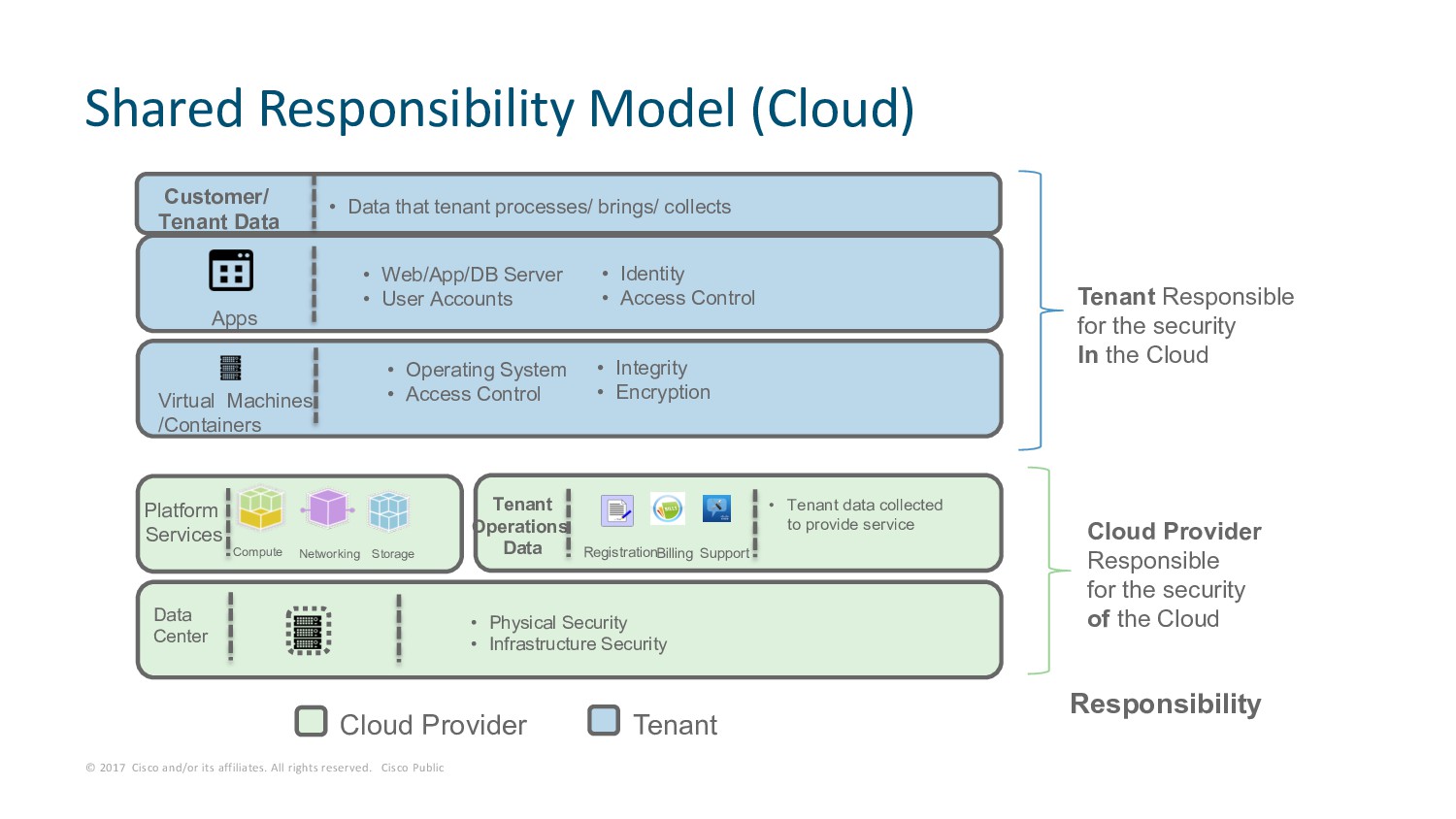
Public Shared Responsibility Model (Cloud) Data Center Platform Services Compute Storage Networking Virtual Machines /Containers Apps • Web/App/DB Server • User Accounts • Operating System • Access Control • Physical Security • Infrastructure Security • Identity • Access Control Cloud Provider Tenant Operations Data Registration Support Billing • Tenant data collected to provide service Customer/ Tenant Data • Integrity • Encryption • Data that tenant processes/ brings/ collects Cloud Provider Responsible for the security of the Cloud Tenant Responsible for the security In the Cloud Responsibility Tenant
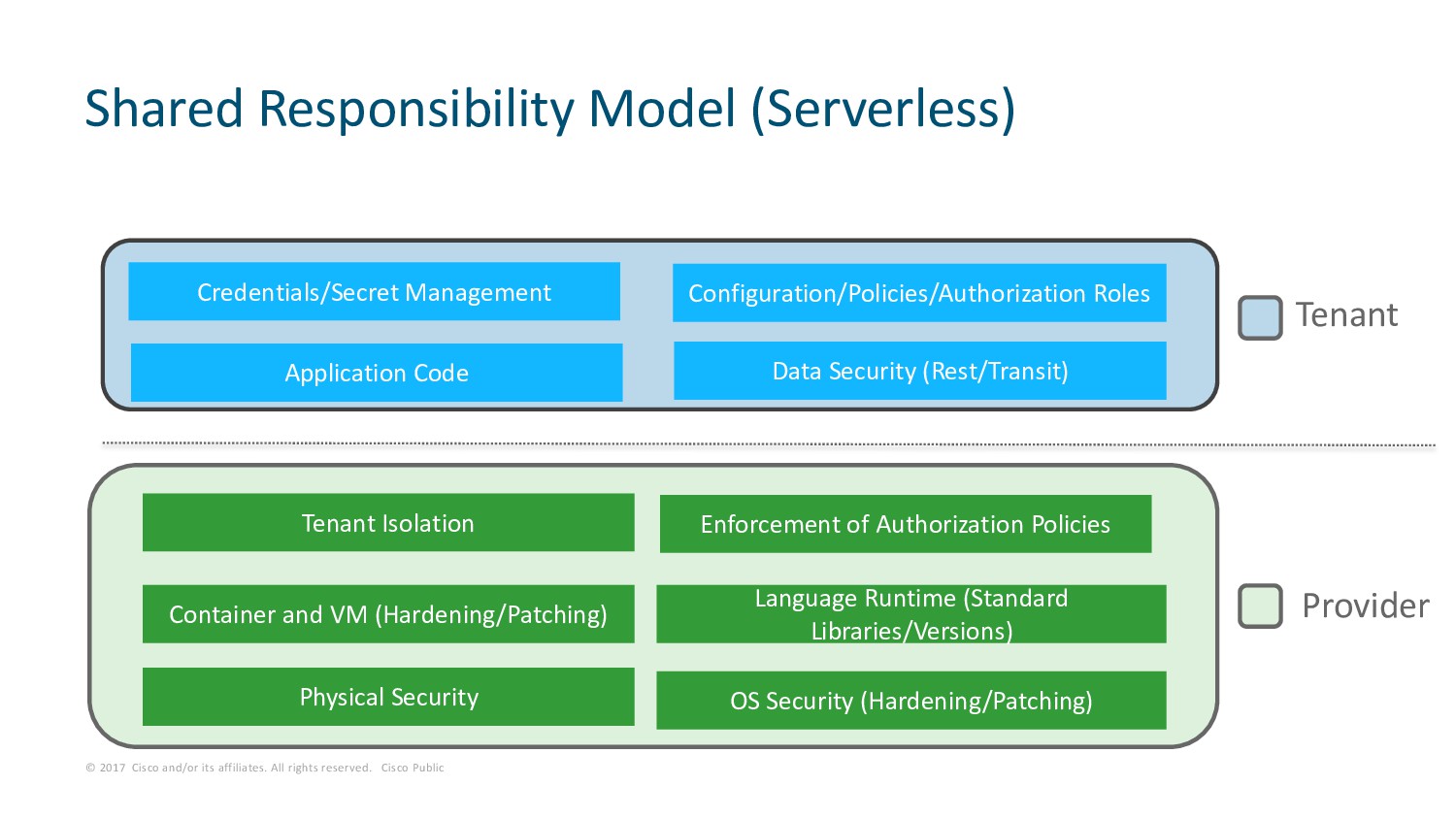
Public Shared Responsibility Model (Serverless) Provider Tenant OS Security (Hardening/Patching) Physical Security Container and VM (Hardening/Patching) Language Runtime (Standard Libraries/Versions) Tenant Isolation Enforcement of Authorization Policies Application Code Data Security (Rest/Transit) Credentials/Secret Management Configuration/Policies/Authorization Roles
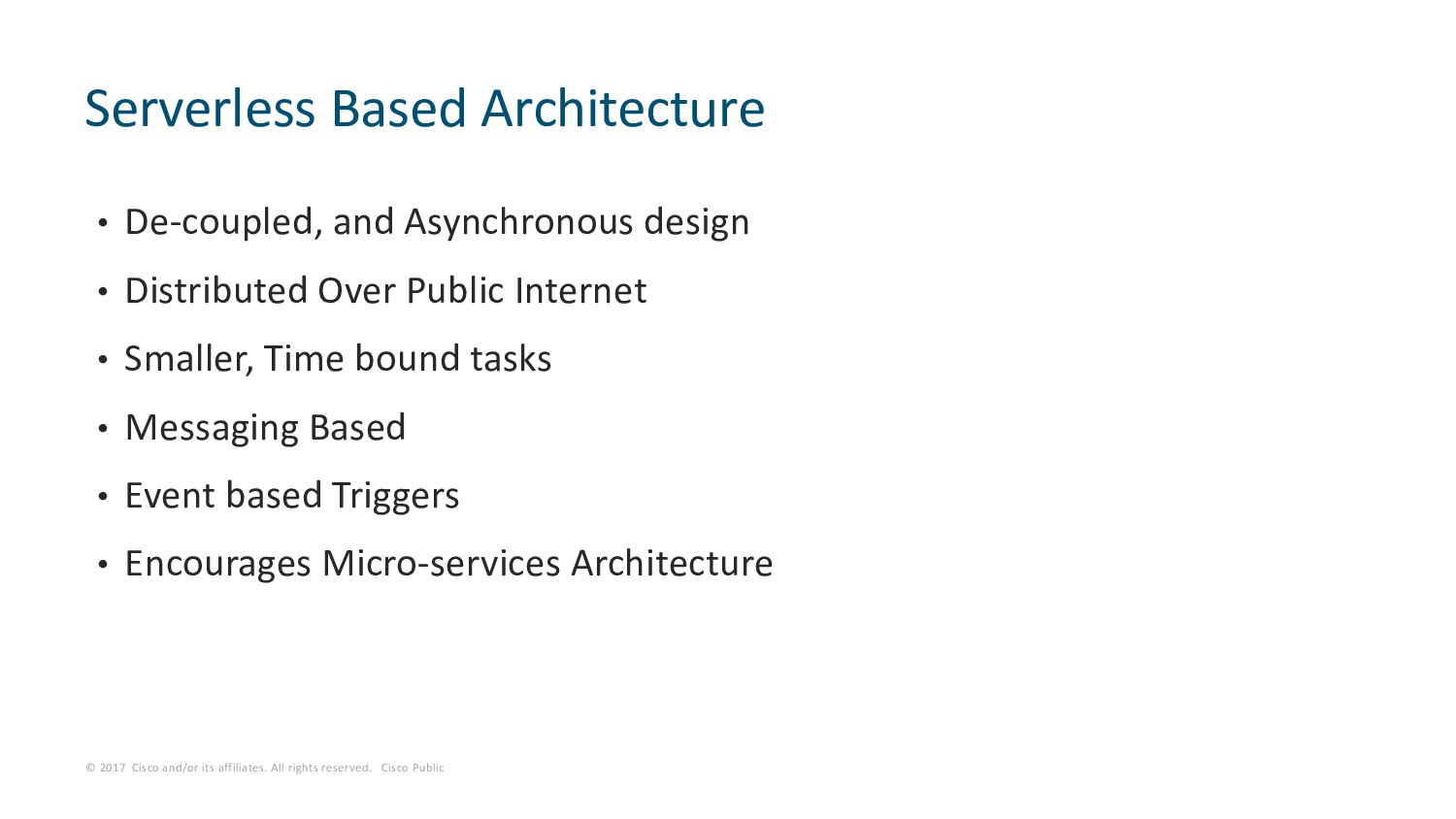
Public • De-coupled, and Asynchronous design • Distributed Over Public Internet • Smaller, Time bound tasks • Messaging Based • Event based Triggers • Encourages Micro-services Architecture Serverless Based Architecture
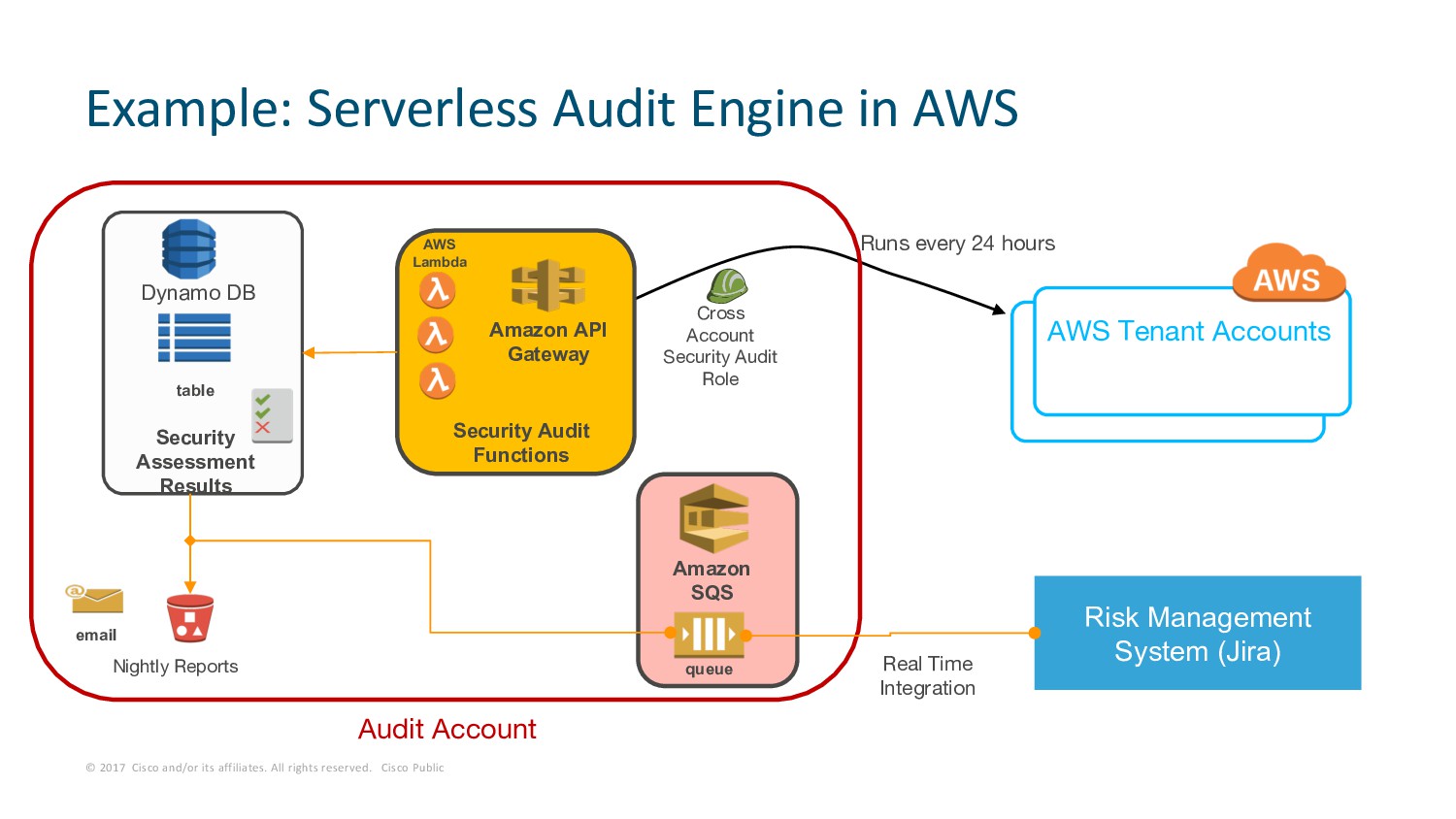
Public Example: Serverless Audit Engine in AWS Runs every 24 hours table Dynamo DB Security Assessment Results Amazon API Gateway AWS Lambda Security Audit Functions Cross Account Security Audit Role AWS Tenant Accounts Risk Management System (Jira) Nightly Reports email Real Time Integration queue Amazon SQS Audit Account
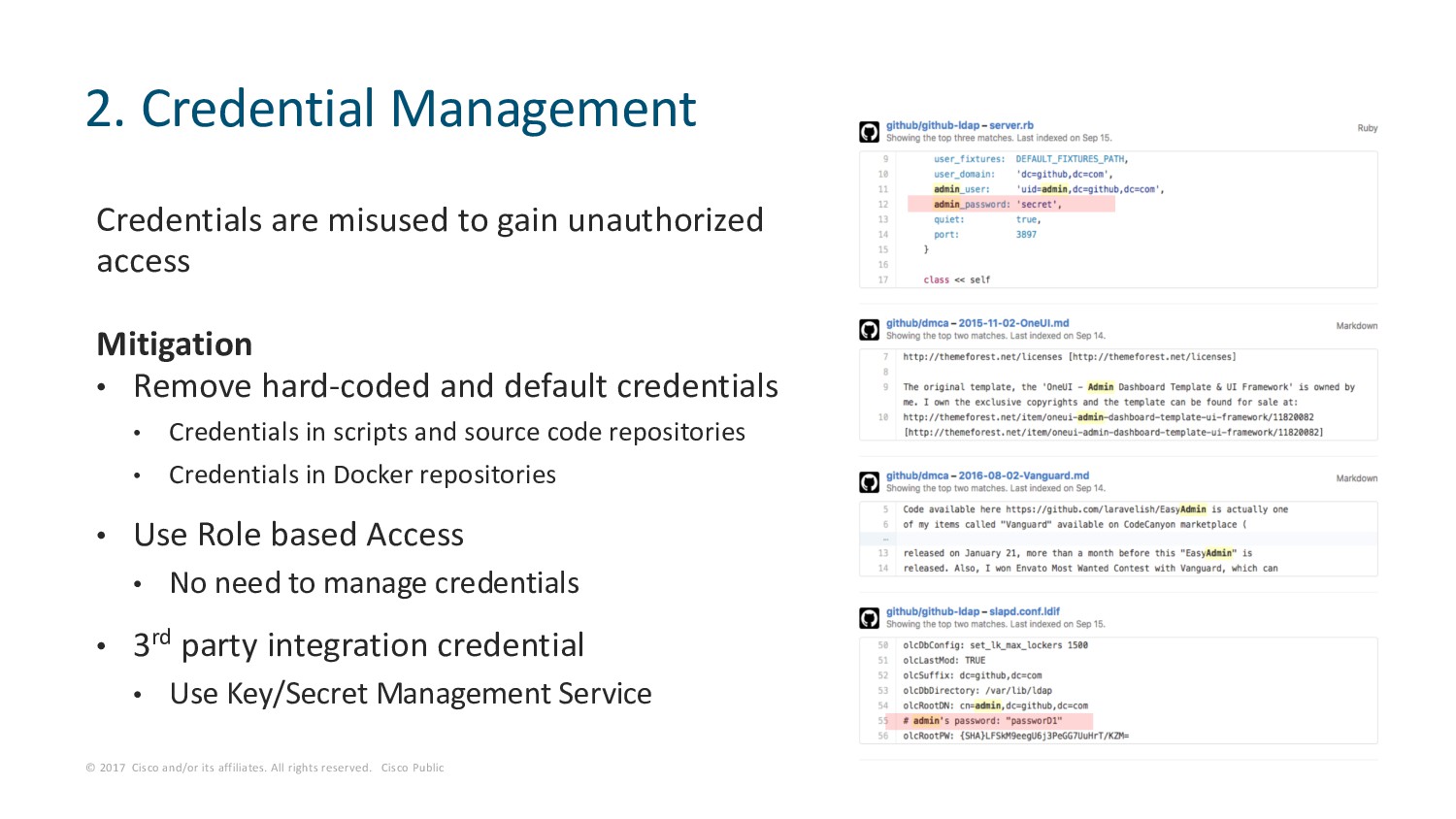
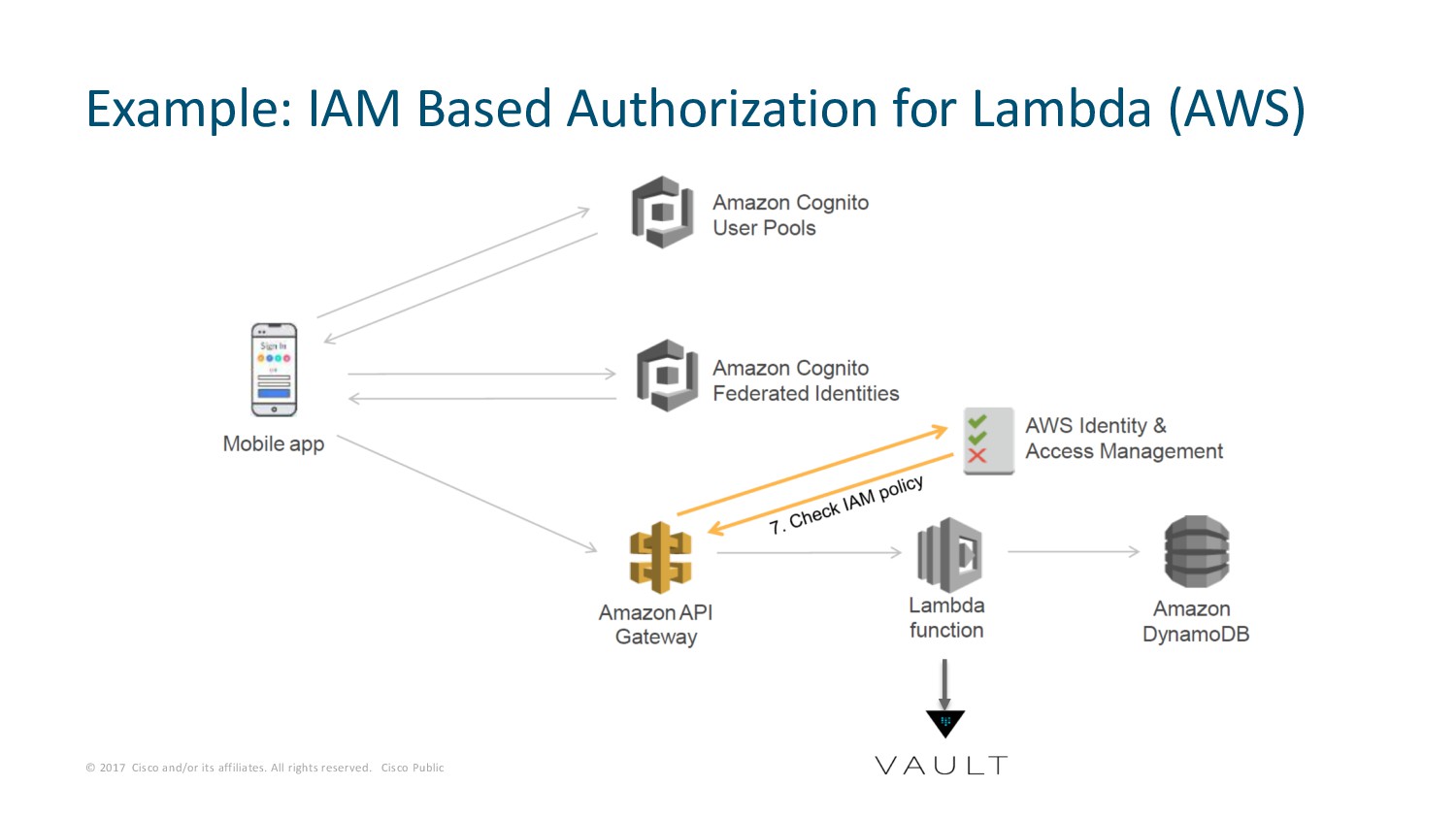
Public Credentials are misused to gain unauthorized access Mitigation • Remove hard-coded and default credentials • Credentials in scripts and source code repositories • Credentials in Docker repositories • Use Role based Access • No need to manage credentials • 3rd party integration credential • Use Key/Secret Management Service 2. Credential Management
Public • Secure the messaging (E.g. SNS, SQS) • Proper access control for each component • Secure the triggers • E.g. of insecure trigger: Misconfiguring an SNS to be public and triggering an action 3. Secure Configurations
Public • Responsible for third party packages • Use latest versions • Keep patched • Trusted third party package supply • Keep Inventory 4. Secure Third Party Packages
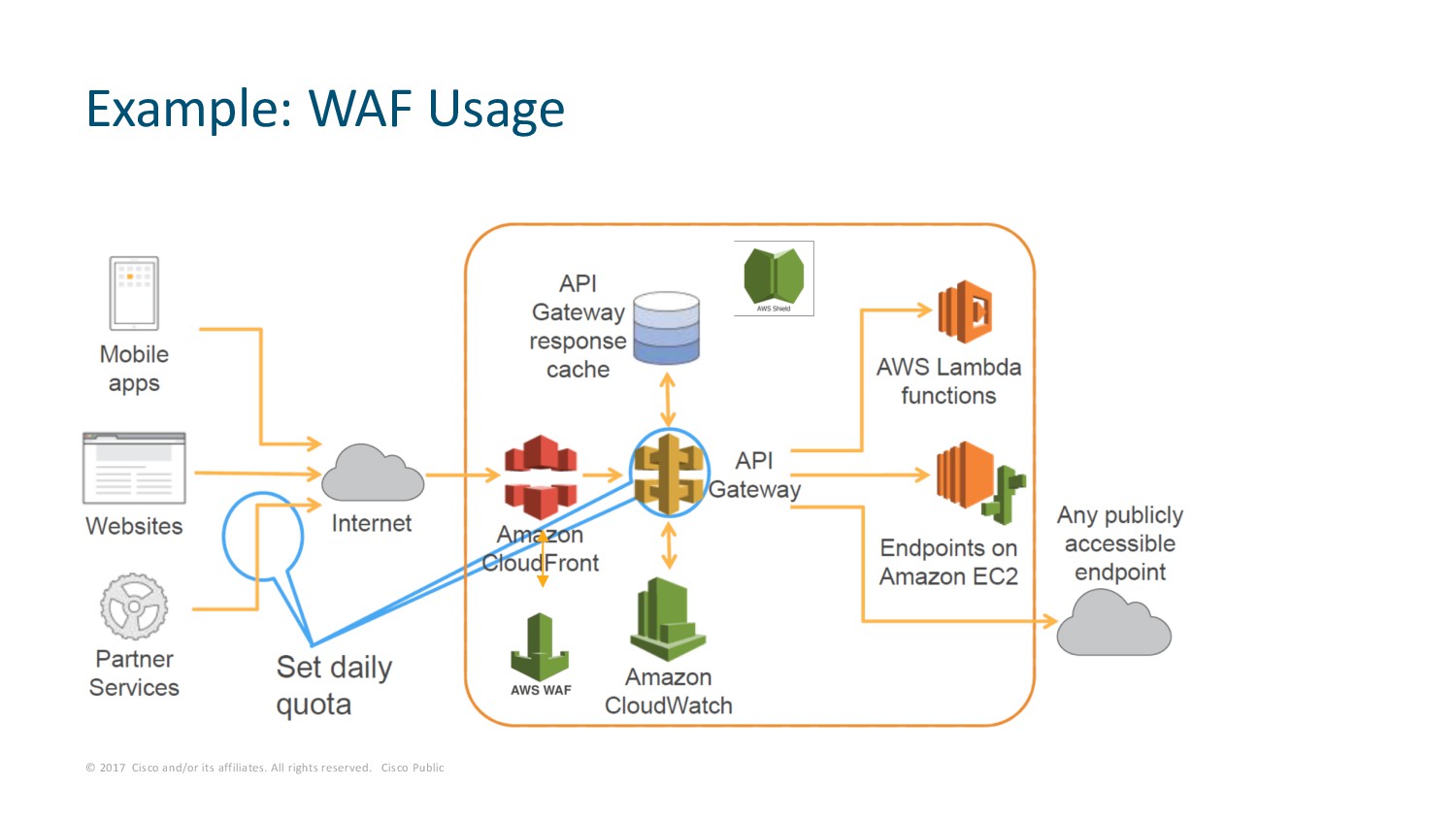
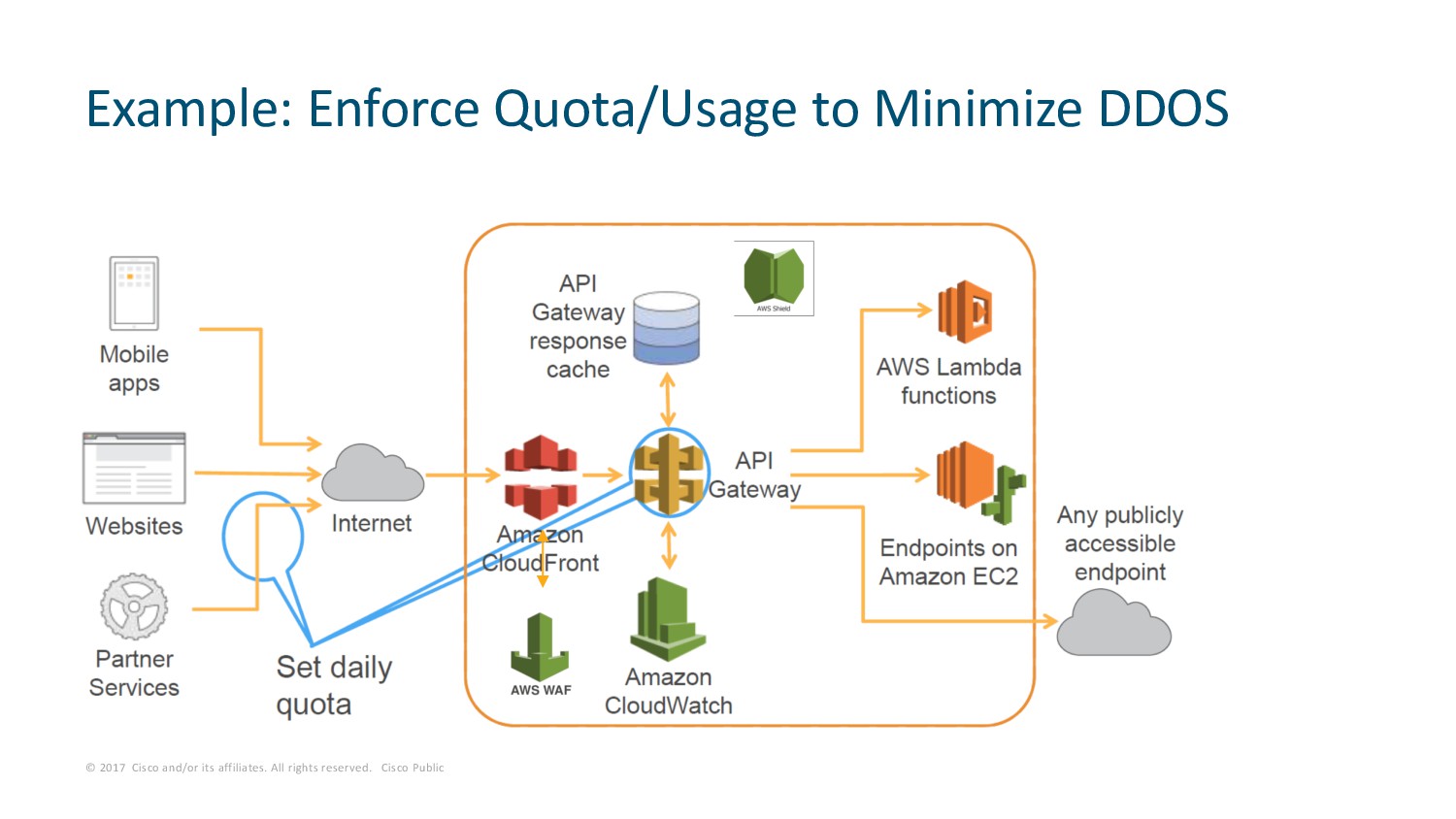
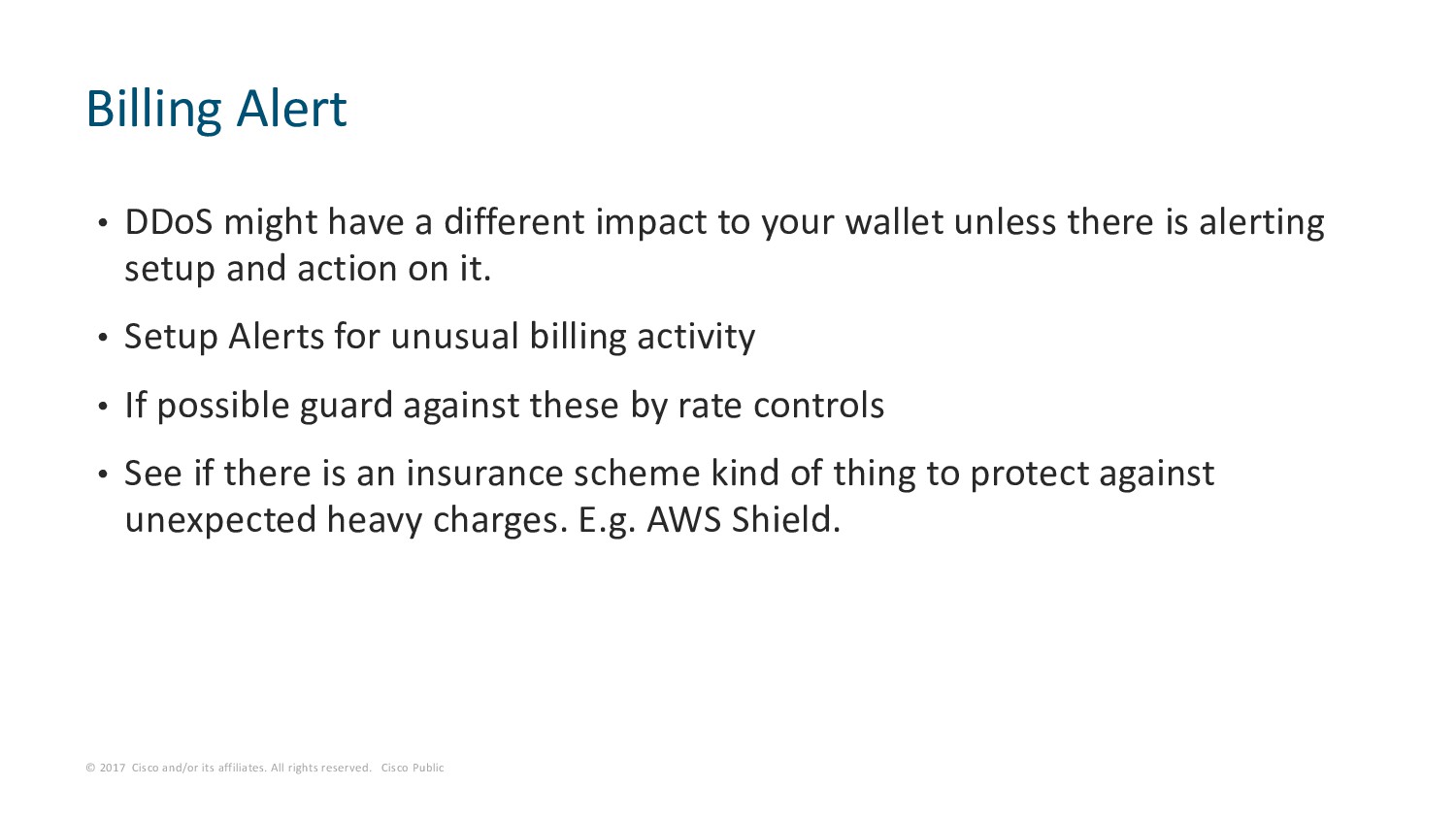
Public • DDoS might have a different impact to your wallet unless there is alerting setup and action on it. • Setup Alerts for unusual billing activity • If possible guard against these by rate controls • See if there is an insurance scheme kind of thing to protect against unexpected heavy charges. E.g. AWS Shield. Billing Alert
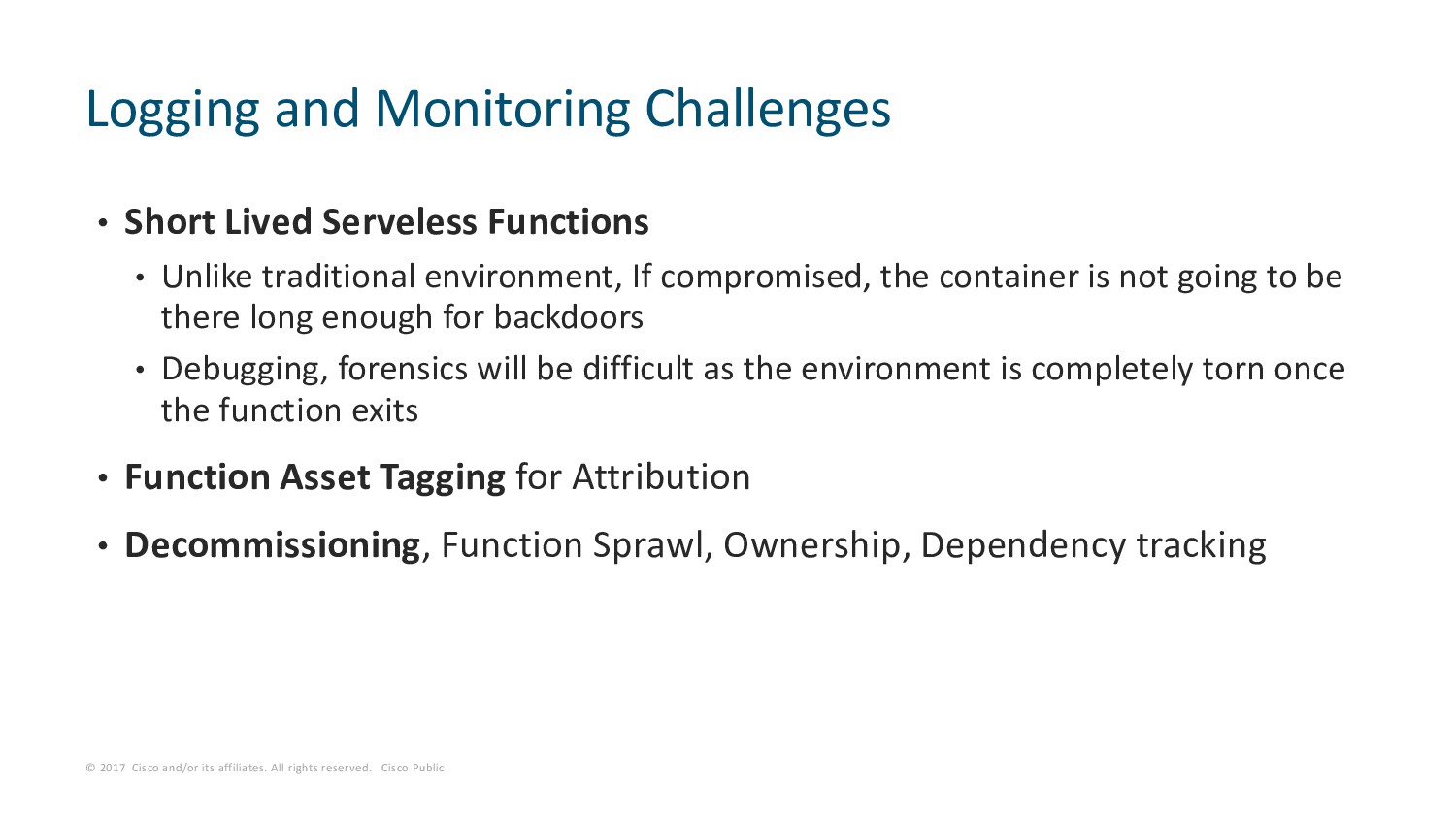
Public • Short Lived Serveless Functions • Unlike traditional environment, If compromised, the container is not going to be there long enough for backdoors • Debugging, forensics will be difficult as the environment is completely torn once the function exits • Function Asset Tagging for Attribution • Decommissioning, Function Sprawl, Ownership, Dependency tracking Logging and Monitoring Challenges
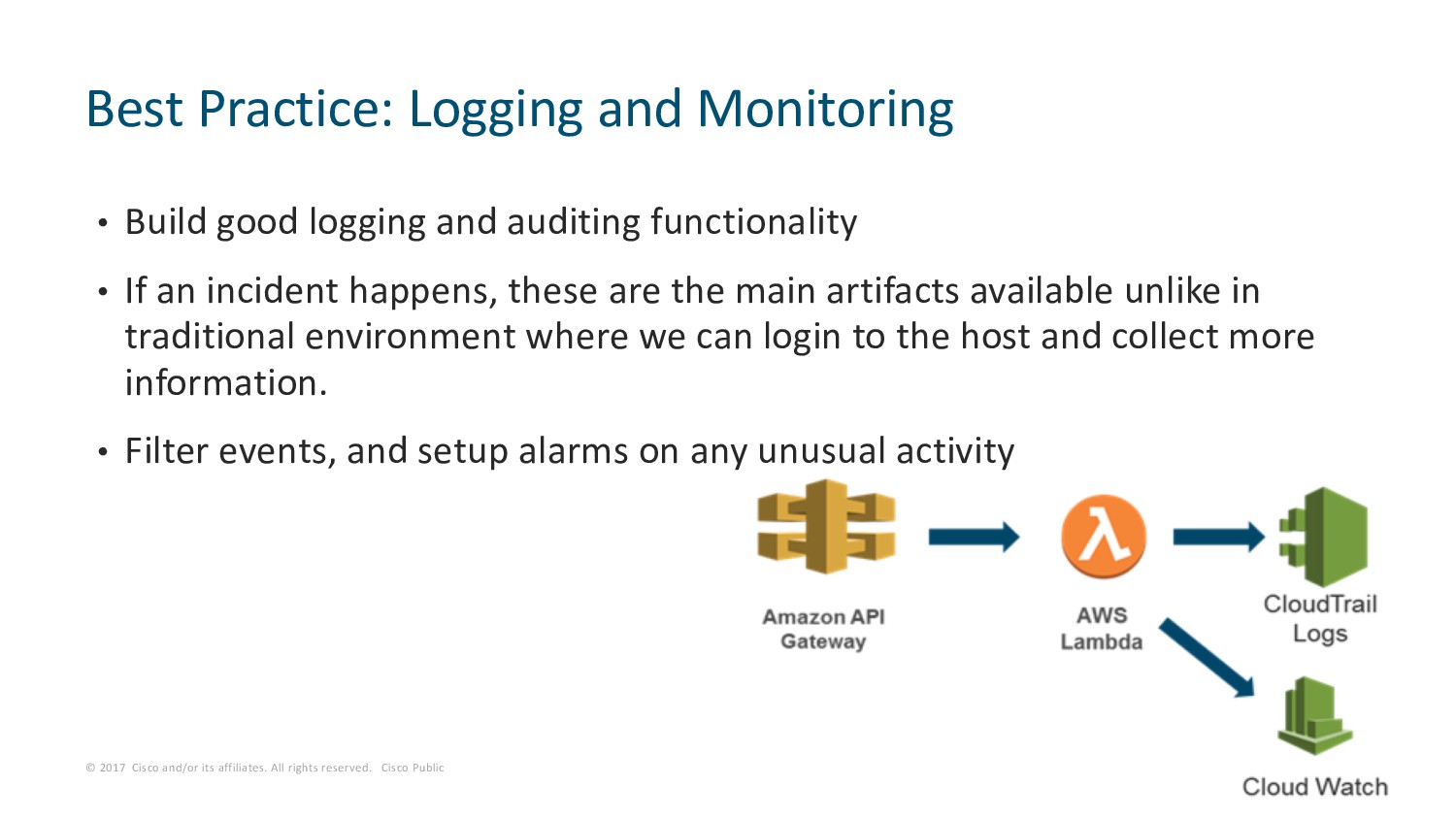
Public • Build good logging and auditing functionality • If an incident happens, these are the main artifacts available unlike in traditional environment where we can login to the host and collect more information. • Filter events, and setup alarms on any unusual activity Best Practice: Logging and Monitoring
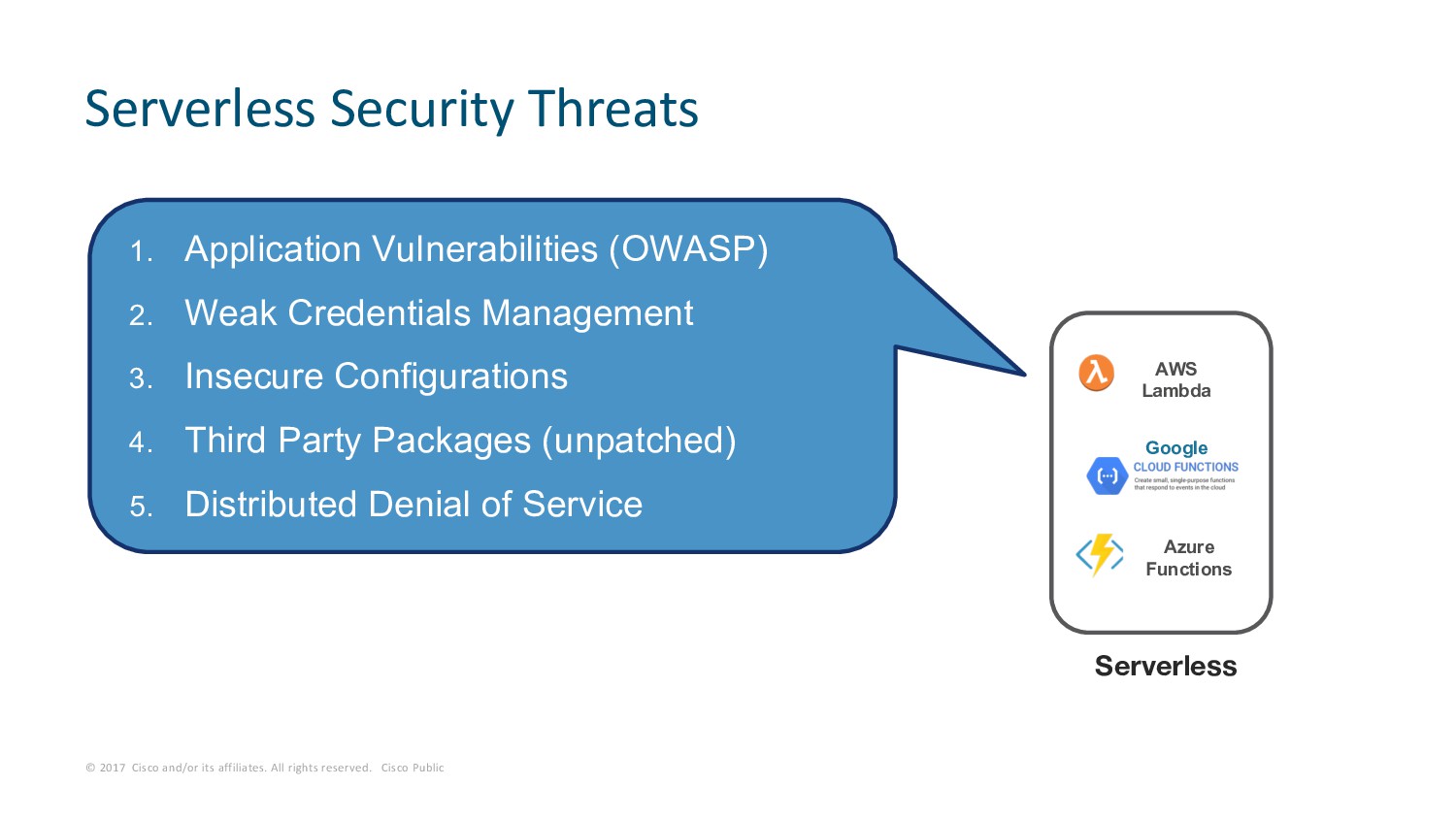
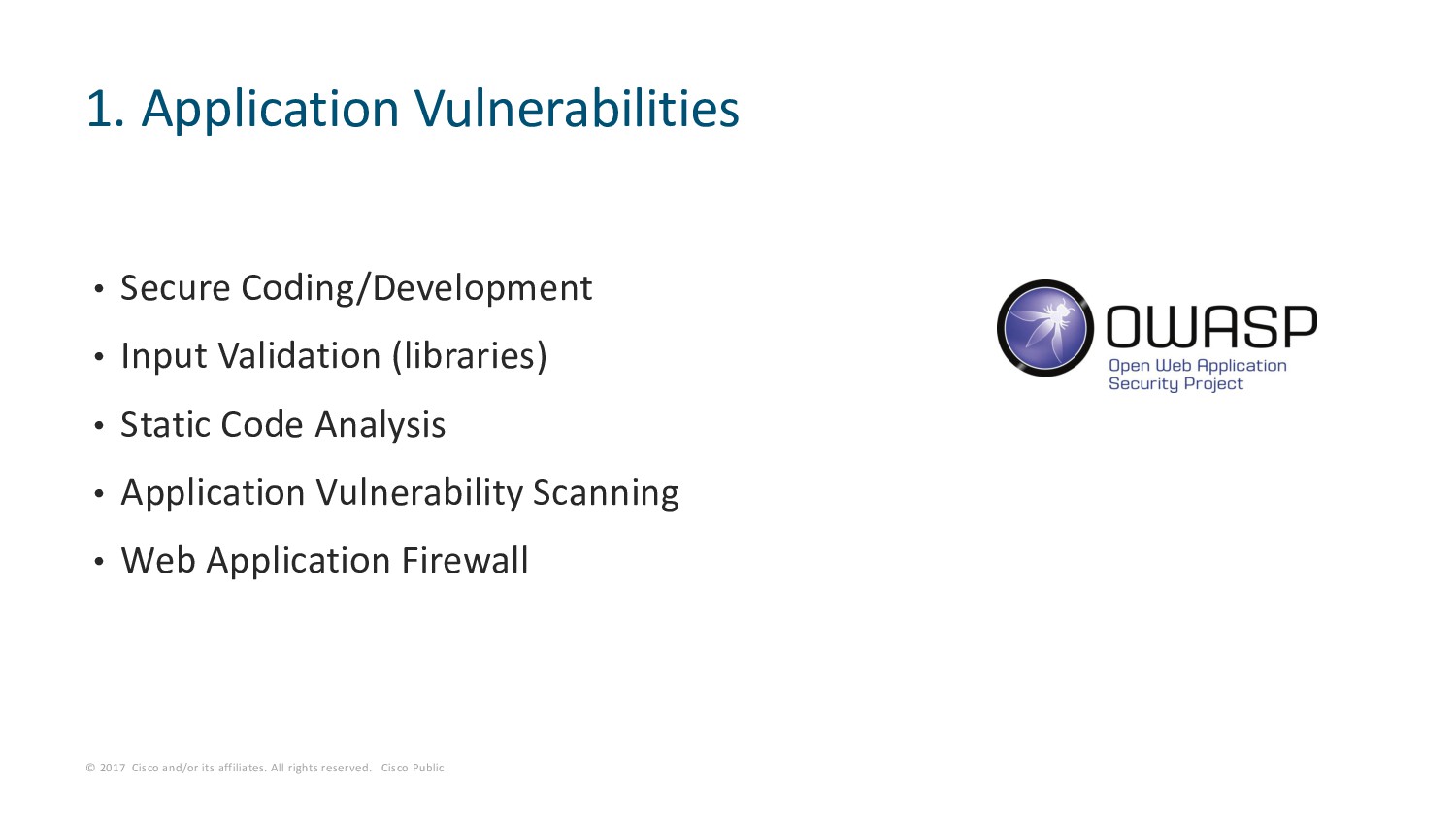
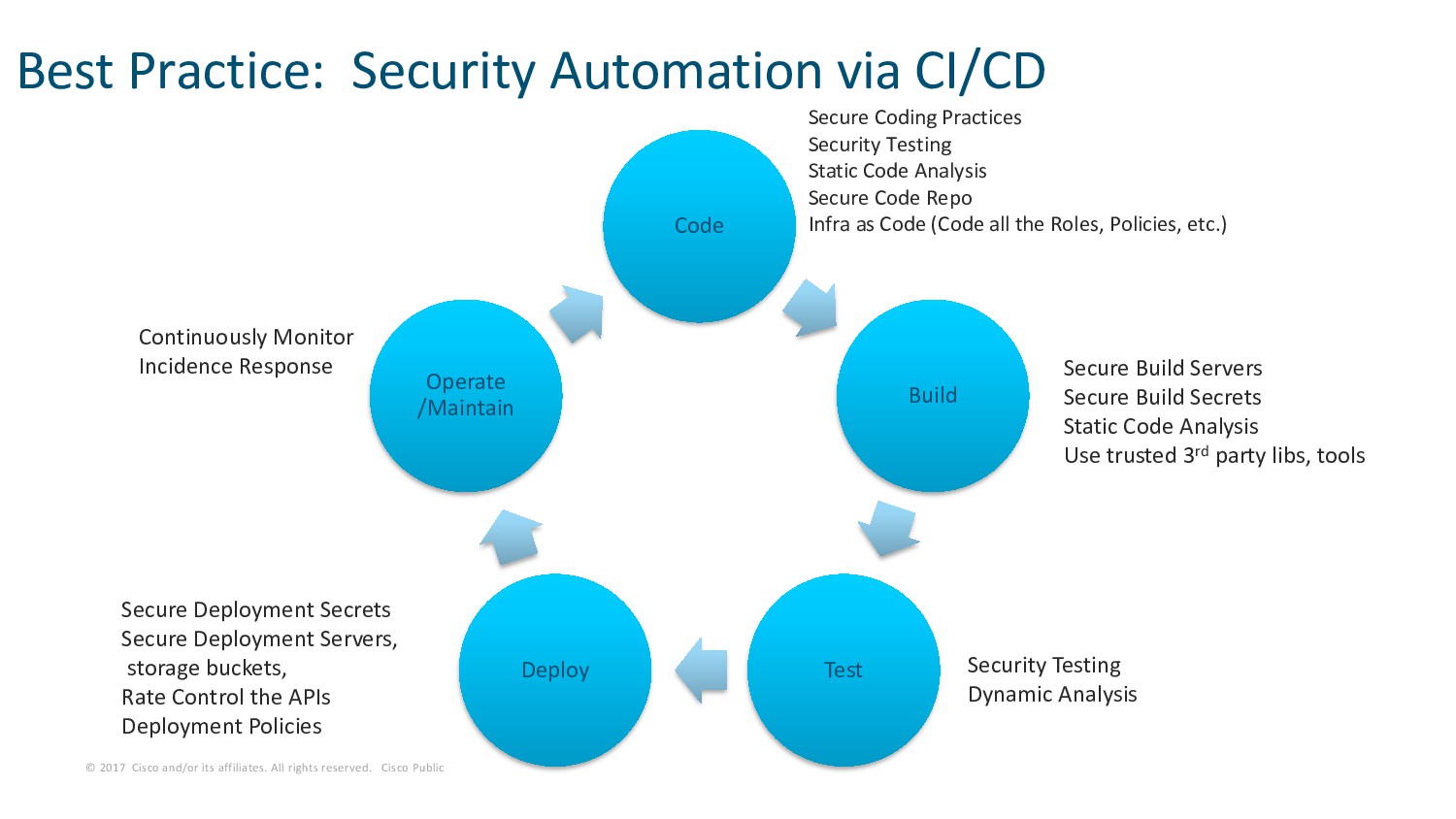
Public • Serverless Functions, New Norm • Understand Responsibility Model • Provider Responsibility - Manage and Secure Servers/OS • Tenant Responsibility I. Application Security II. Credentials Management III. Secure Configurations IV. Third Party Packages V. Distributed Denial of Service • Best Practices • Secure CI/CD Pipeline • Logging and Monitoring Summary

 Your Podcast. Everywhere. Effortlessly.


 edgeroute
 csswizardry
 andyhume
 aleyda
 kastner
 jacobtomlinson
.jpg) cargoodrich
cargoodrich
 madoxten
 katarinadahlin
 cassininazir
 nonsquared
 tenderlove
 aemeredith