Changes to be committed: # (use "git rm --cached <file>..." to unstage) # # new file: index.html # # Changes not staged for commit: # (use "git add <file>..." to update what will be committed) # (use "git checkout -- <file>..." to discard changes in working directory) # # modified: index.html $ git status git status Anzeigen aller geänderten und gelöschten Dateien
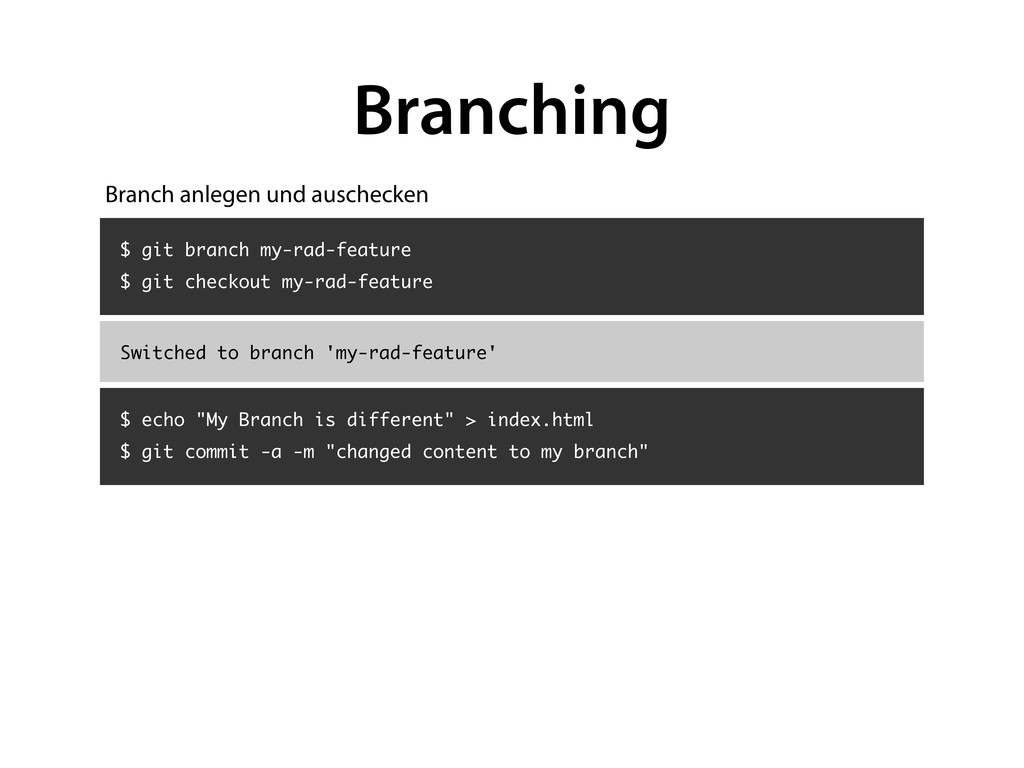
branch 'my-rad-feature' Branching $ echo "My Branch is different" > index.html $ git commit -a -m "changed content to my branch" Branch anlegen und auschecken
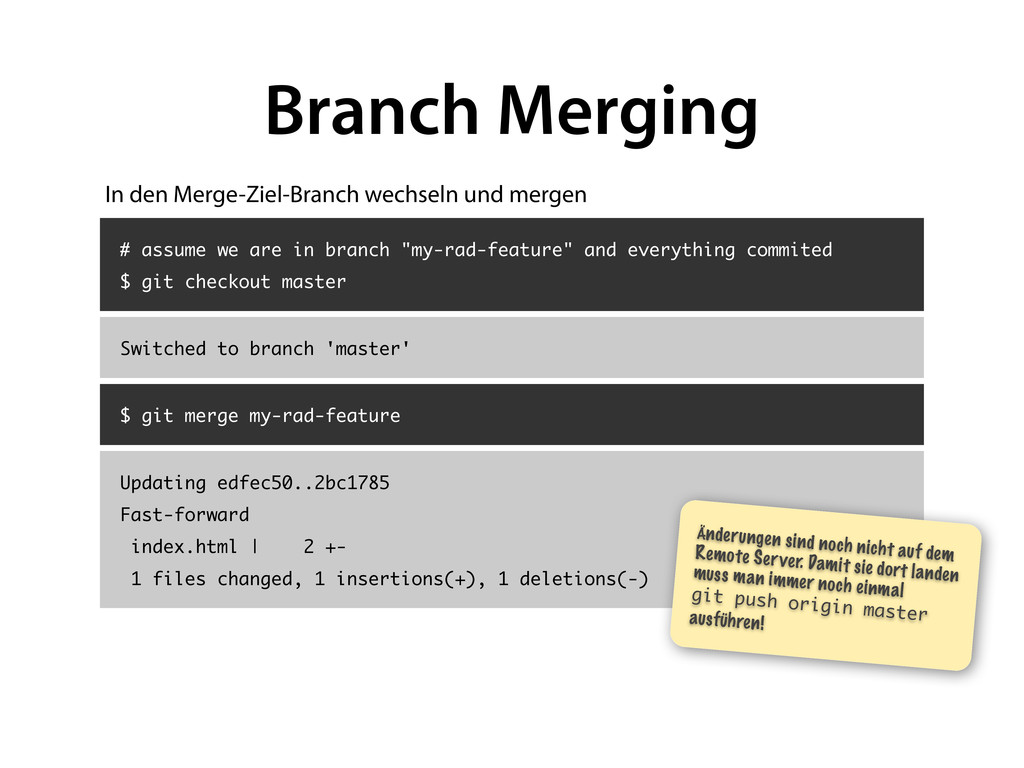
$ git checkout master Switched to branch 'master' Branch Merging $ git merge my-rad-feature Updating edfec50..2bc1785 Fast-forward index.html | 2 +- 1 files changed, 1 insertions(+), 1 deletions(-) Änderungen sind noch nicht auf dem Remote Server. Damit sie dort landen muss man immer noch einmal git push origin master ausführen! In den Merge-Ziel-Branch wechseln und mergen
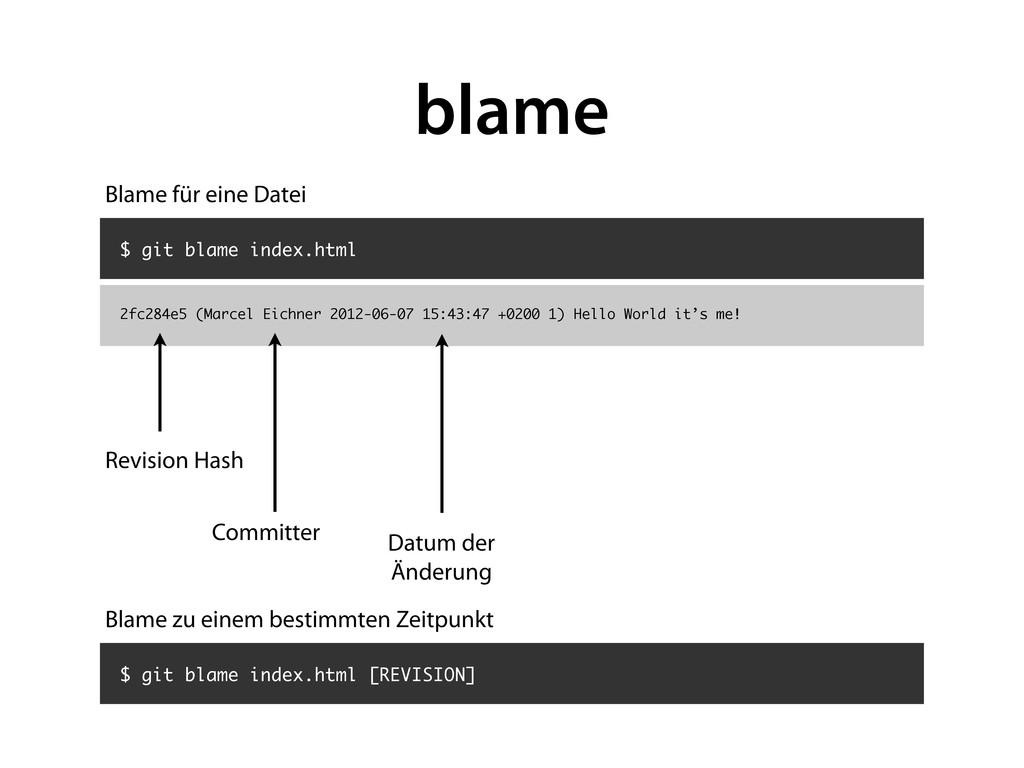
me! $ git blame index.html blame Blame für eine Datei Revision Hash Committer Datum der Änderung $ git blame index.html [REVISION] Blame zu einem bestimmten Zeitpunkt
and author last modified each line of a file SYNOPSIS git blame [-c] [-b] [-l] [--root] [-t] [-f] [-n] [-s] [-e] [-p] [-w] [--incremental] [-L n,m] [-S <revs-file>] [-M] [-C] [-C] [-C] [--since=<date>] [--abbrev=<n>] [<rev> | --contents <file> | --reverse <rev>] [--] <file> DESCRIPTION Annotates each line in the given file with information from the revision which last modified the line. Optionally, start annotating from the given revision. The command can also limit the range of lines annotated. help
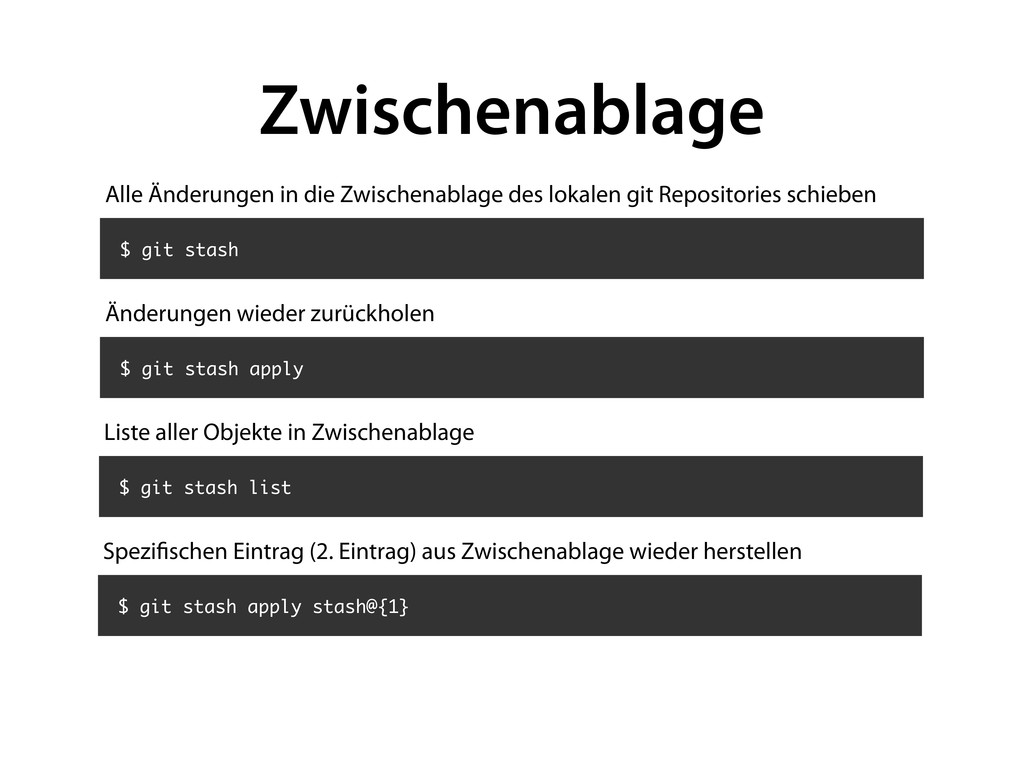
lokalen git Repositories schieben $ git stash apply Änderungen wieder zurückholen $ git stash list Liste aller Objekte in Zwischenablage $ git stash apply stash@{1} Spezi schen Eintrag (2. Eintrag) aus Zwischenablage wieder herstellen


 optim
optim
 oniak3ibm
 yub0n
yub0n
 sorah
sorah
 kawashimo0
 kaityo256
 neuecc
 iwatsukayura
 falcon8823
 rkaga
rkaga
 hollycummins
 econanringo
 addyosmani
 kimpetersen
 samtorres
 samanthasiow
 jdejongh
 tamaranovitovic
 rkendrick25
 nikkihalliwell
 jacobtomlinson
.png) helenjbeal
helenjbeal
 brettharned
 jonyablonski


![Git ([ɡɪt], engl. Blödmann) ist eine freie Software zur verteilten](https://files.speakerdeck.com/presentations/6c4401806deb0130423e22000a8f87fb/slide_2.jpg)
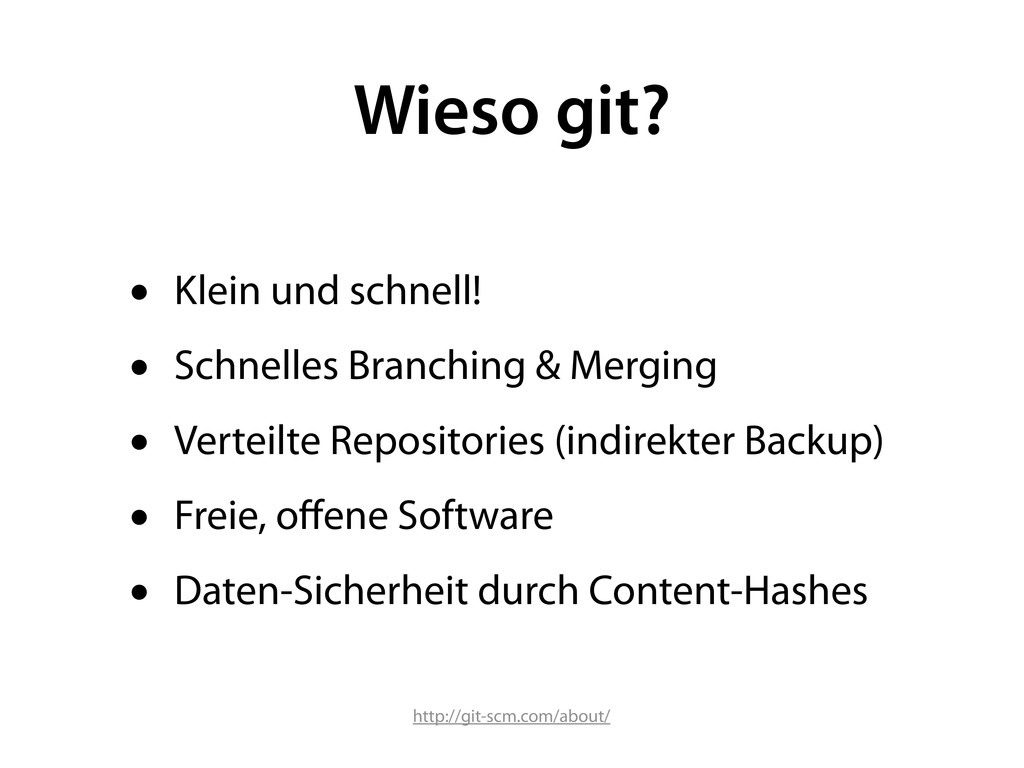
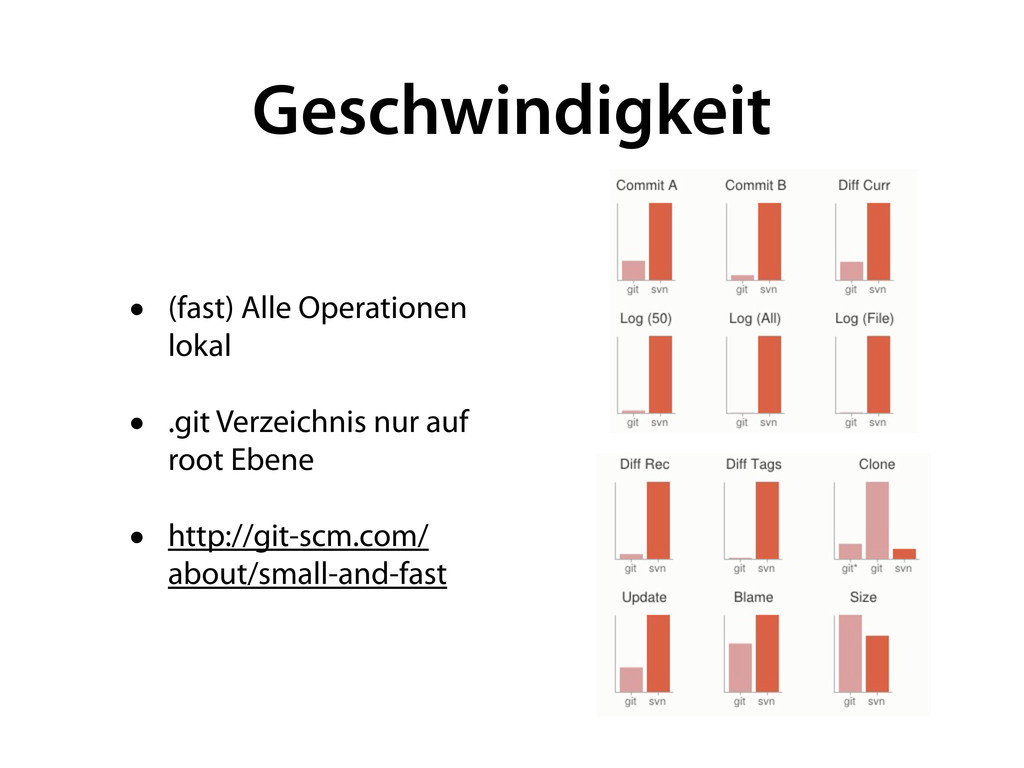

![# ~/.gitconfig [user] name = Marcel Eichner email = [email protected]](https://files.speakerdeck.com/presentations/6c4401806deb0130423e22000a8f87fb/slide_11.jpg)
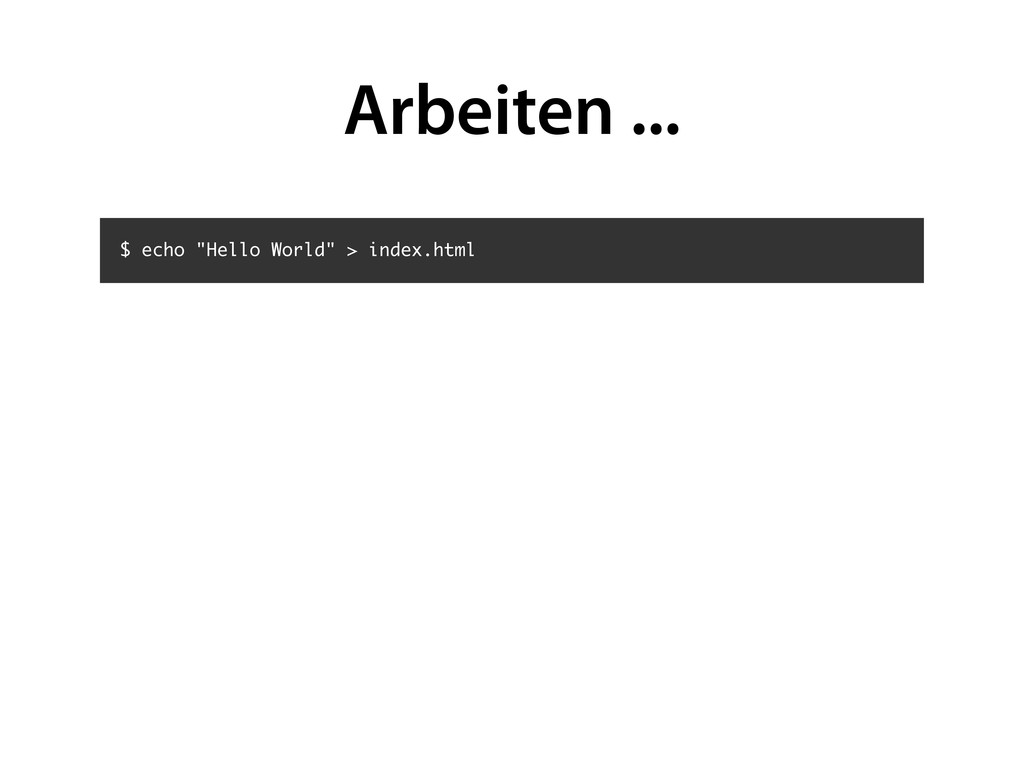
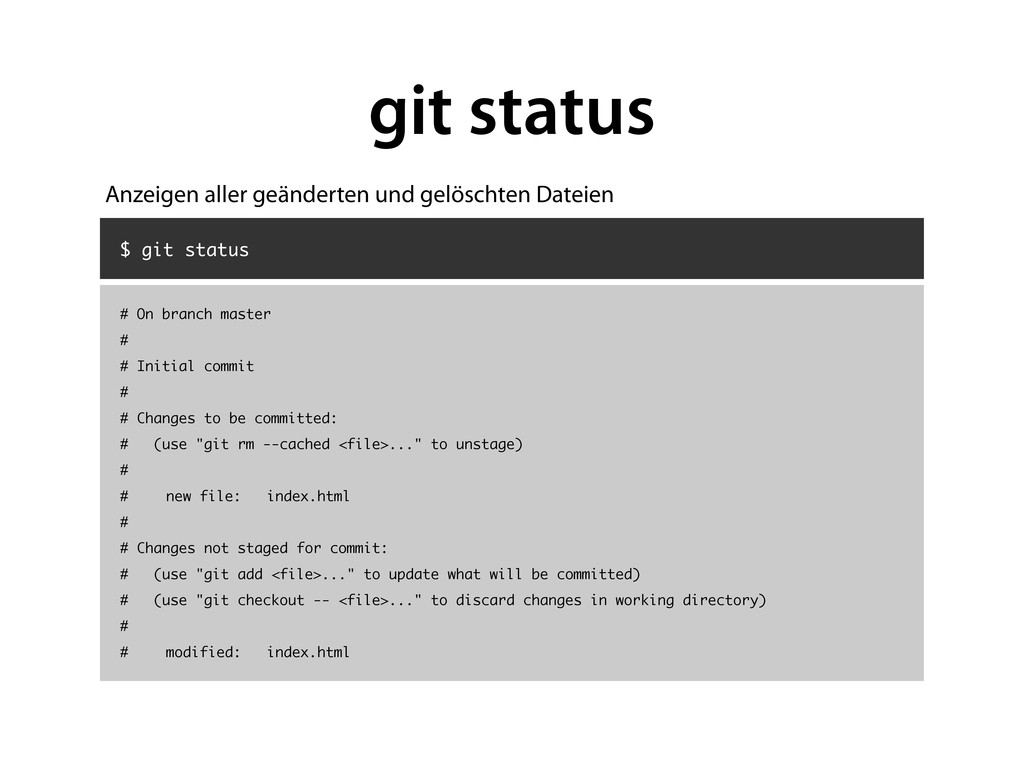
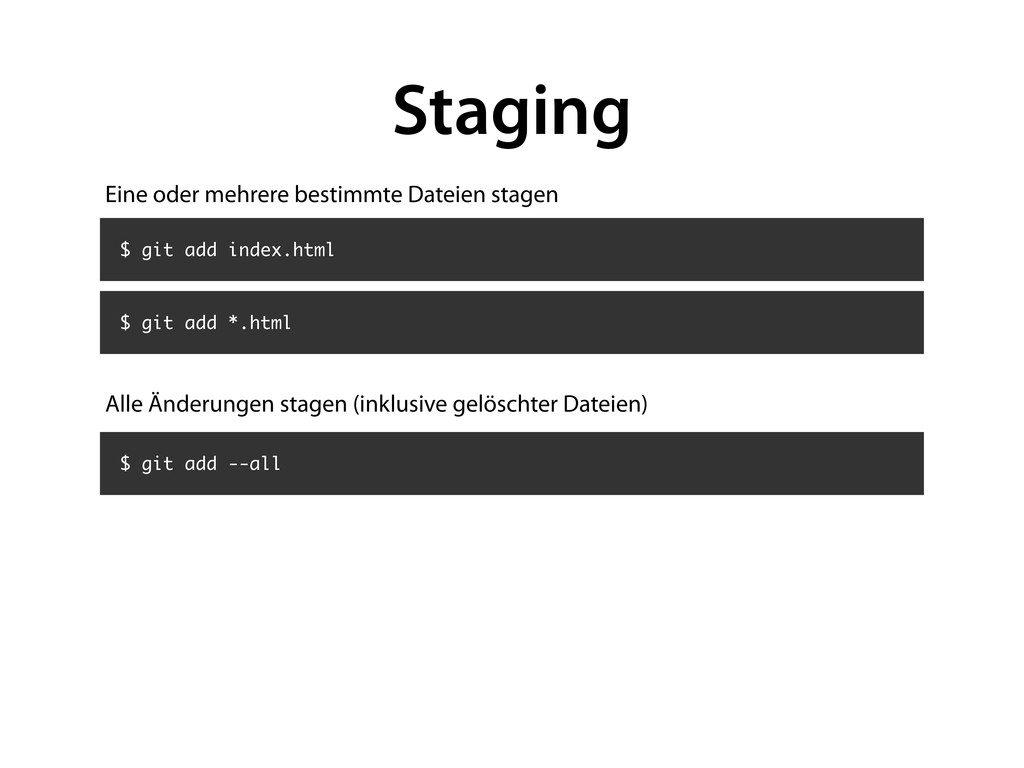
![[master 7626937] changed 1 files changed, 1 insertions(+), 1 deletions(-)](https://files.speakerdeck.com/presentations/6c4401806deb0130423e22000a8f87fb/slide_16.jpg)
![$ git commit -a -m "My Message" [master 7626937] changed](https://files.speakerdeck.com/presentations/6c4401806deb0130423e22000a8f87fb/slide_17.jpg)
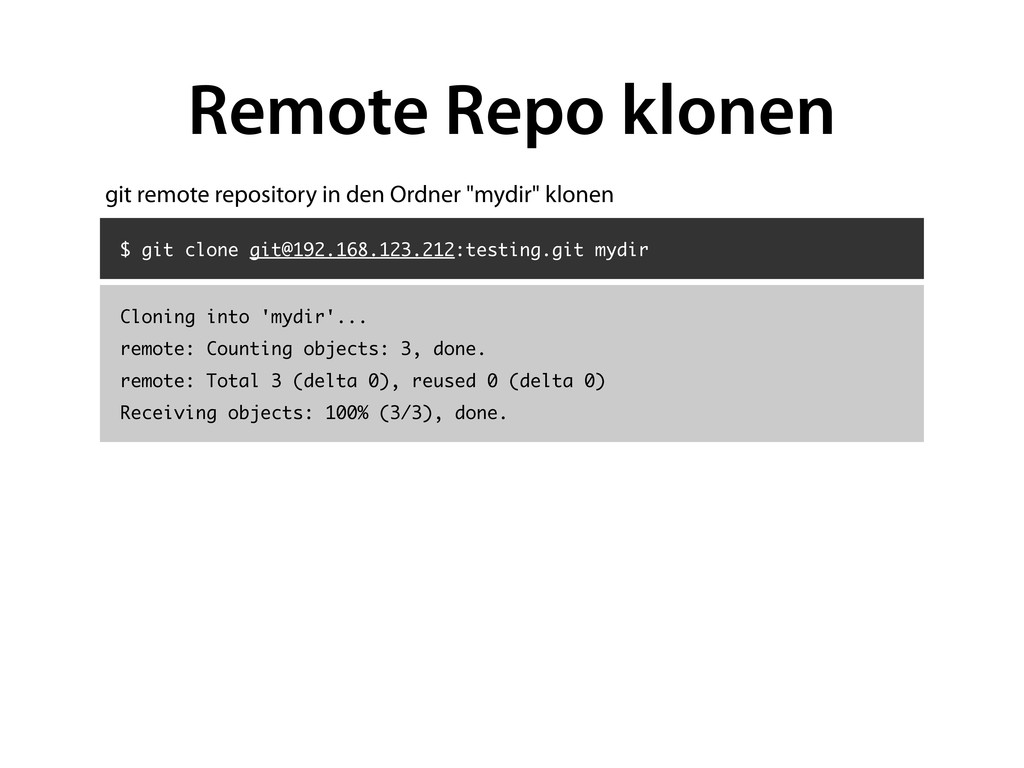
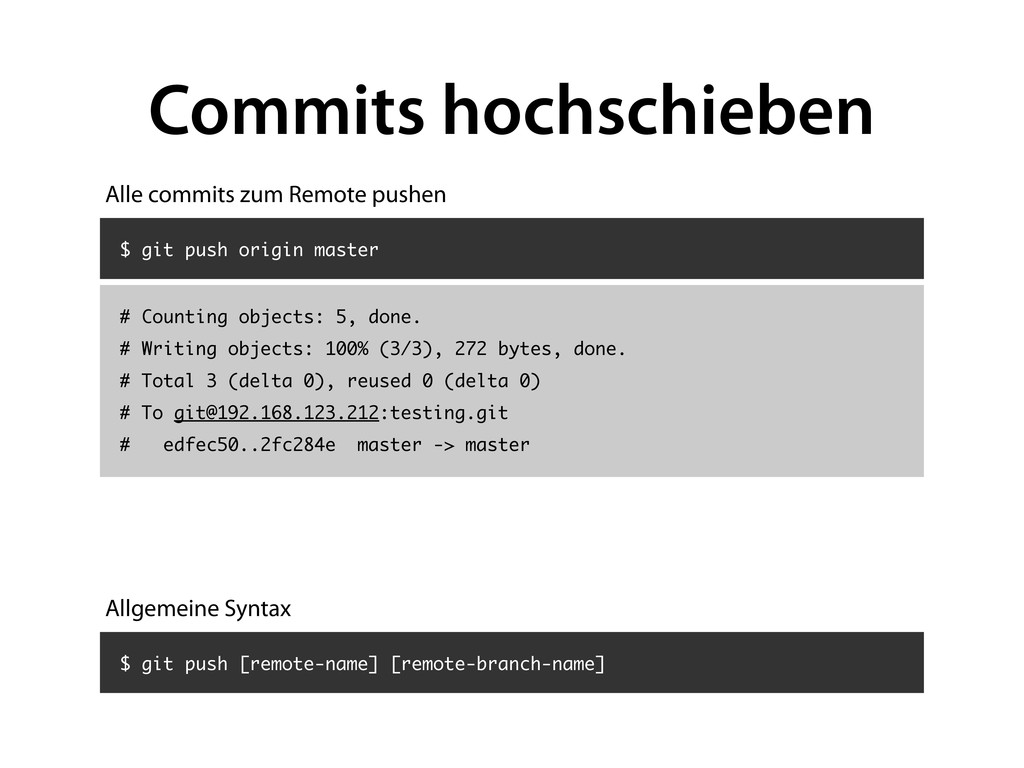
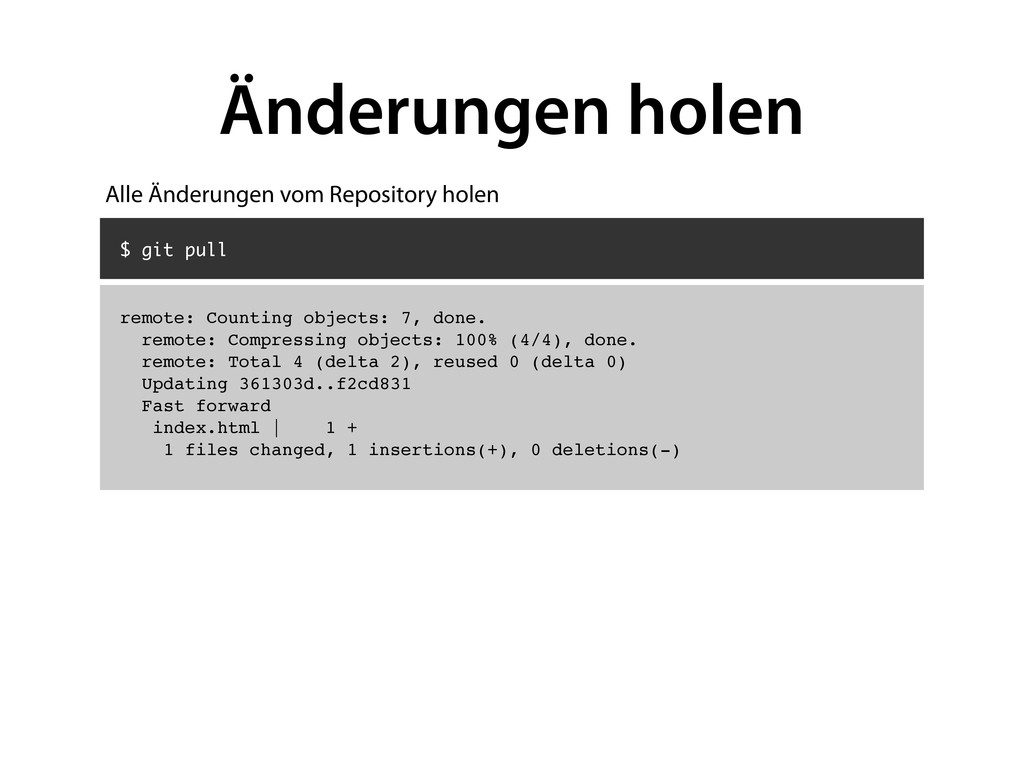
![$ git remote add origin [email protected]:testing.git $ git push origin](https://files.speakerdeck.com/presentations/6c4401806deb0130423e22000a8f87fb/slide_26.jpg)

![$ git log commit edfec504eb864dc667f3f5b9d301617036d15f3a Author: Marcel Eichner <[email protected]> Date:](https://files.speakerdeck.com/presentations/6c4401806deb0130423e22000a8f87fb/slide_28.jpg)
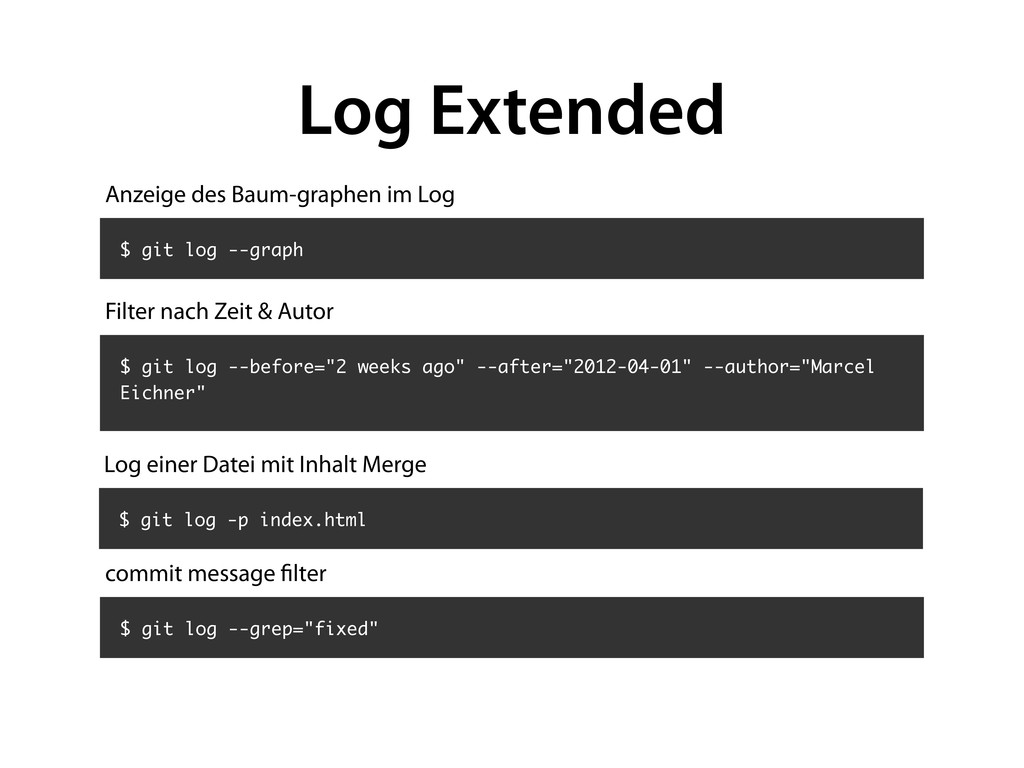
![$ git [command] --help NAME git-blame - Show what revision](https://files.speakerdeck.com/presentations/6c4401806deb0130423e22000a8f87fb/slide_32.jpg)


![Fragen? • E-Mail: [email protected] • Twitter: @ephigenia](https://files.speakerdeck.com/presentations/6c4401806deb0130423e22000a8f87fb/slide_49.jpg)