Upgrade to Pro — share decks privately, control downloads, hide ads and more …

Web Accessibility: What is it, how is it done

Web Accessibility: What is it, how is it done

We can't imagine our lives without internet. Now, at the click of a mouse, the world can be "at your fingertips"—that is, if you can use a mouse... and see the screen... If not, WE will have to help! We will familiarize ourselves with the meaning of accessibility, common problems, the standards for web accessibility, and look at solutions and real project experiences to make websites accessible.

Avatar for HenrikBak

HenrikBak

June 08, 2015

Other Decks in Technology

Transcript

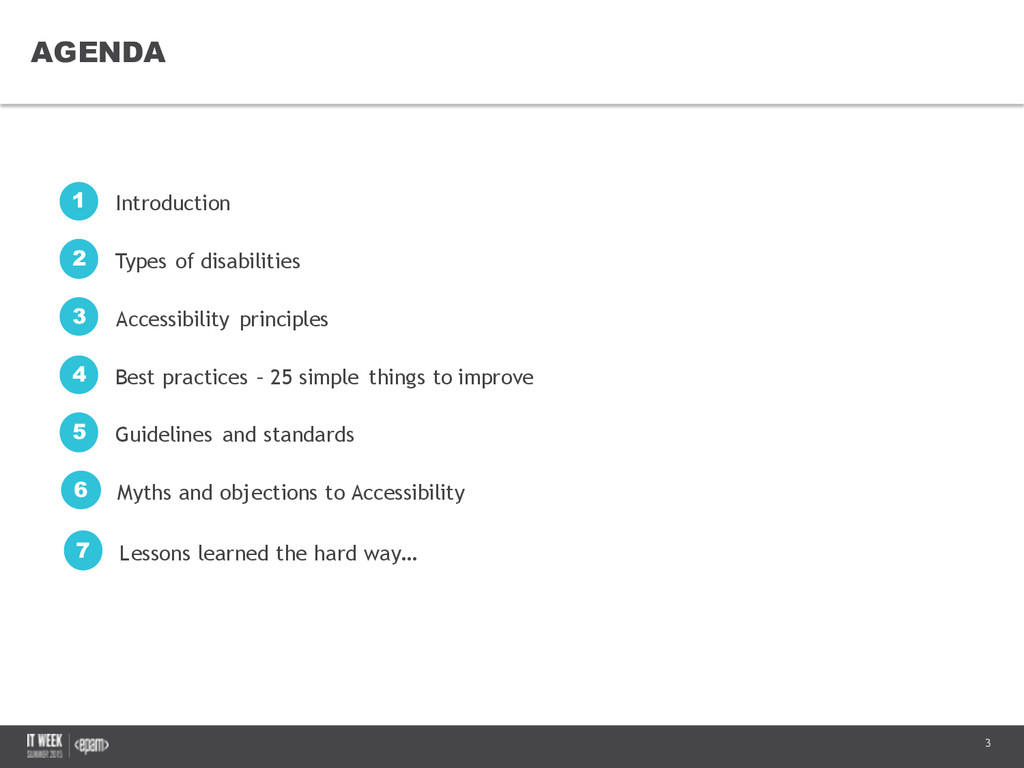
  1. 3 AGENDA Confidential Introduction 1 Types of disabilities 2 Accessibility

    principles 3 Best practices – 25 simple things to improve 4 Guidelines and standards 5 Lessons learned the hard way… 7 Myths and objections to Accessibility 6
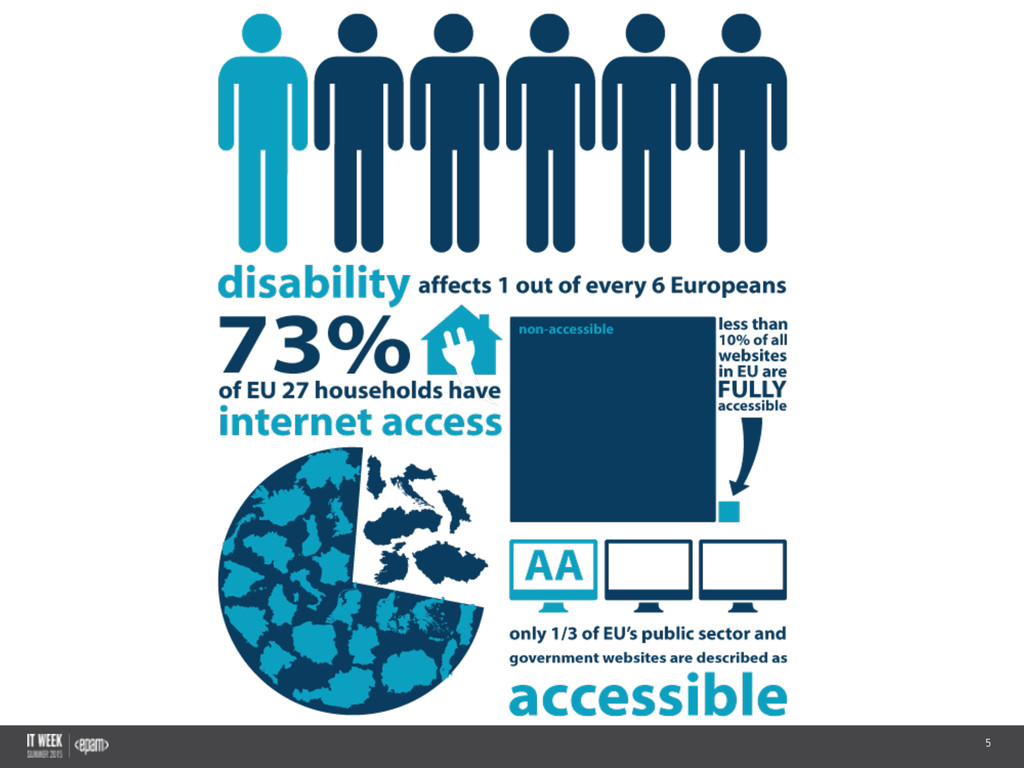
  2. 4 ACCESSIBILITY MATTERS Confidential This  is  a  digital  world:  news,

     social  media,  banking,  shopping,   entertainment,  etc...  – but  only  if  it’s  accessible!
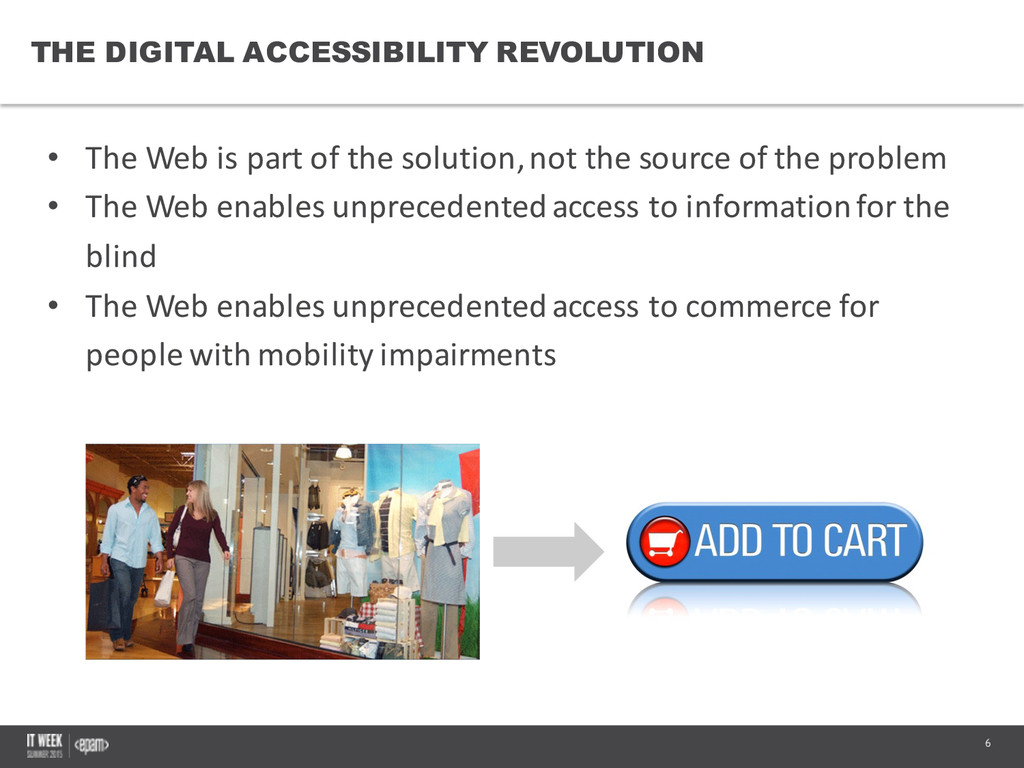
  3. 6 THE DIGITAL ACCESSIBILITY REVOLUTION • The  Web  is  part

     of  the  solution,  not  the  source  of  the  problem • The  Web  enables  unprecedented  access  to  information  for  the   blind • The  Web  enables  unprecedented  access  to  commerce  for   people  with  mobility  impairments Confidential
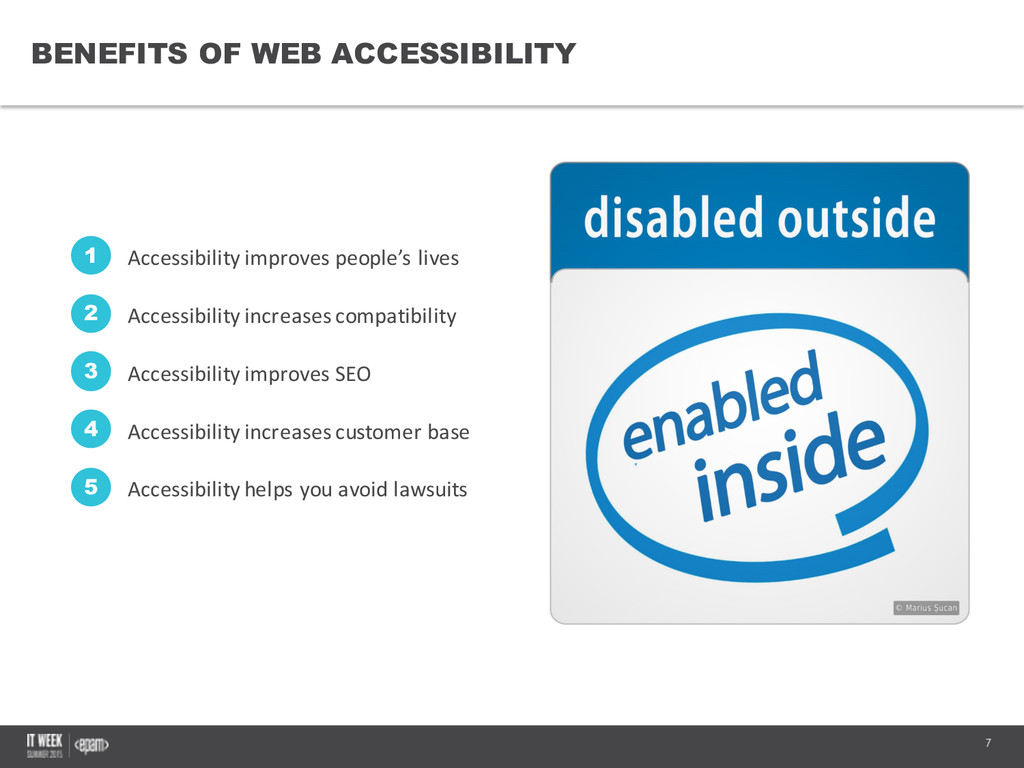
  4. 7 BENEFITS OF WEB ACCESSIBILITY Confidential Accessibility  improves  people’s  lives

    1 Accessibility  increases  compatibility 2 Accessibility  improves  SEO 3 Accessibility  increases  customer  base 4 Accessibility  helps  you  avoid  lawsuits 5
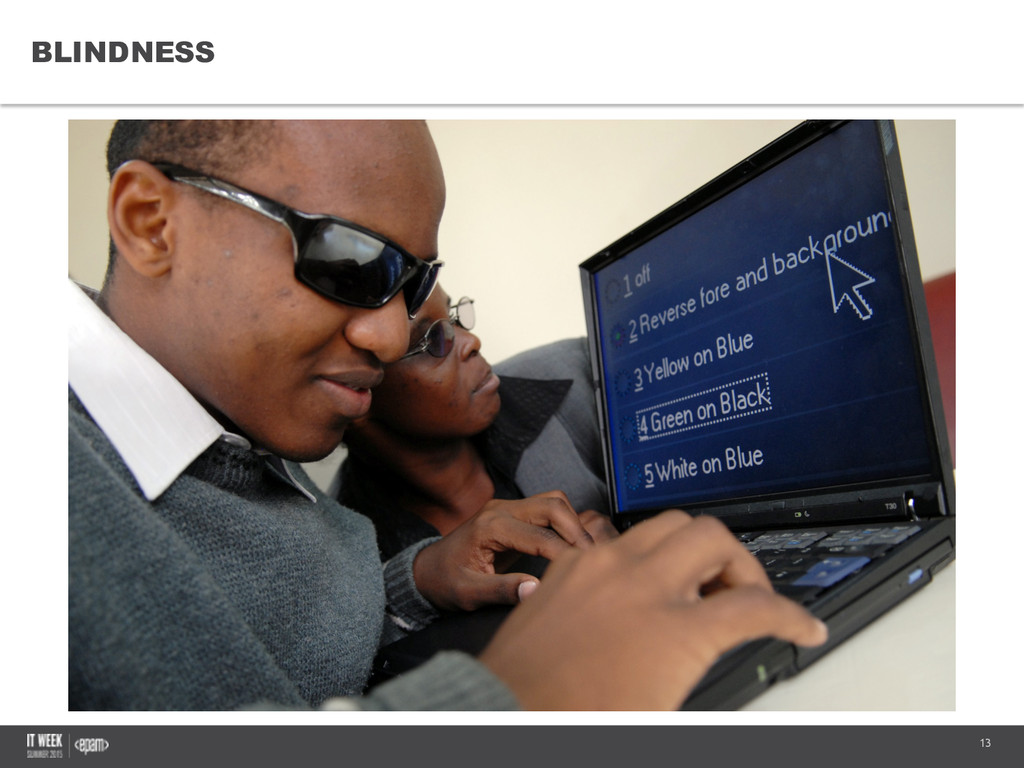
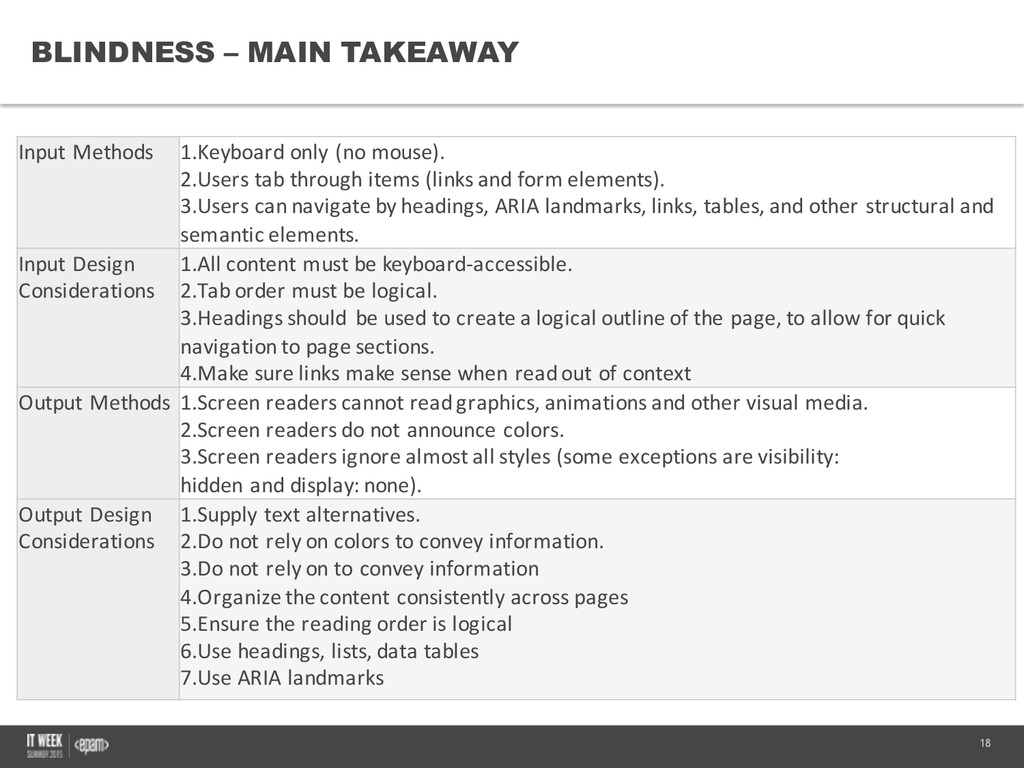
  5. 18 BLINDNESS – MAIN TAKEAWAY Confidential Input  Methods 1.Keyboard  only

     (no  mouse). 2.Users  tab  through  items  (links  and  form  elements). 3.Users  can  navigate  by  headings,  ARIA  landmarks,  links,  tables,  and  other  structural  and   semantic  elements. Input  Design   Considerations 1.All  content  must  be  keyboard-­‐accessible. 2.Tab  order  must  be  logical. 3.Headings  should  be  used  to  create  a  logical  outline  of  the  page,  to  allow  for  quick   navigation  to  page  sections. 4.Make  sure  links  make  sense  when  read  out  of  context Output  Methods 1.Screen  readers  cannot  read  graphics,  animations  and  other  visual  media. 2.Screen  readers  do  not  announce  colors. 3.Screen  readers  ignore  almost  all  styles  (some  exceptions  are visibility:   hidden and display:  none). Output  Design   Considerations 1.Supply  text  alternatives. 2.Do  not  rely  on  colors  to  convey  information. 3.Do  not  rely  on  to  convey  information 4.Organize  the  content  consistently  across  pages 5.Ensure  the  reading  order  is  logical 6.Use  headings,  lists,  data  tables 7.Use  ARIA  landmarks
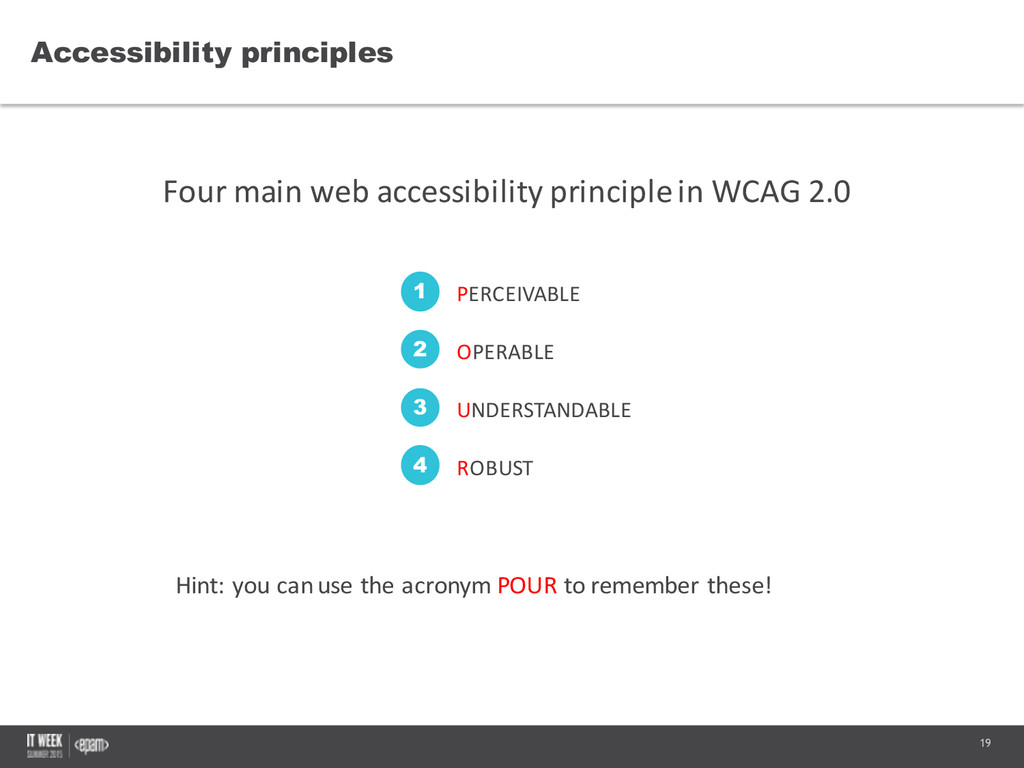
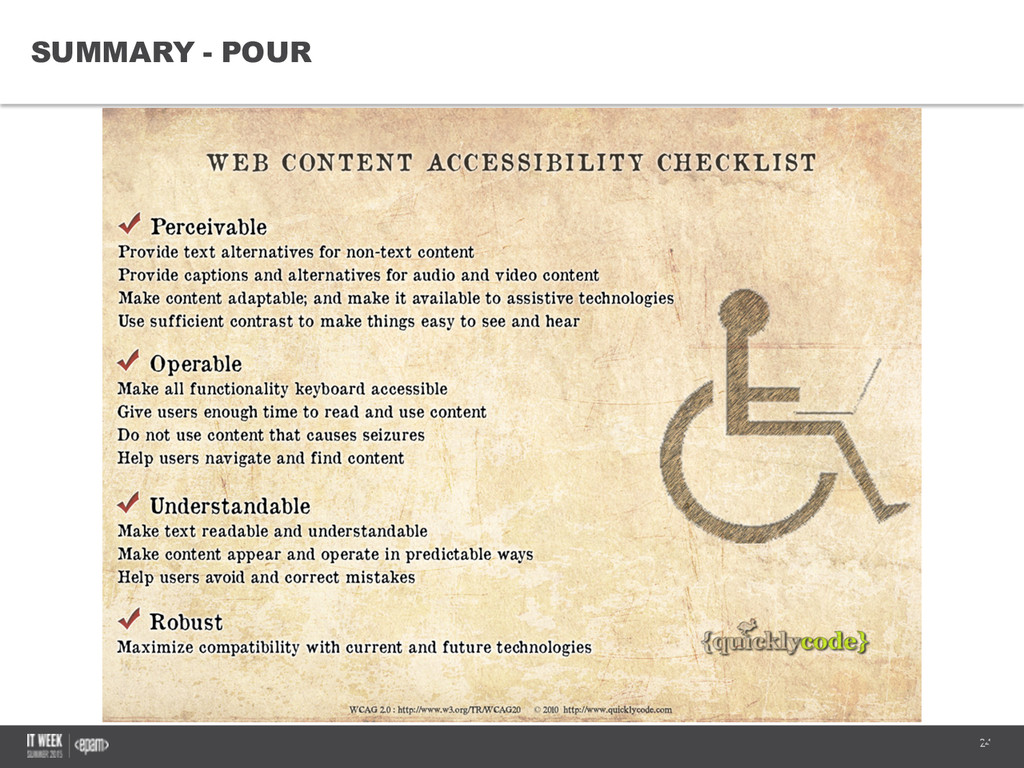
  6. 19 Accessibility principles Four  main  web  accessibility  principle  in  WCAG

     2.0 Confidential Hint:  you  can  use  the  acronym  POUR to  remember  these! PERCEIVABLE 1 OPERABLE 2 UNDERSTANDABLE 3 ROBUST 4
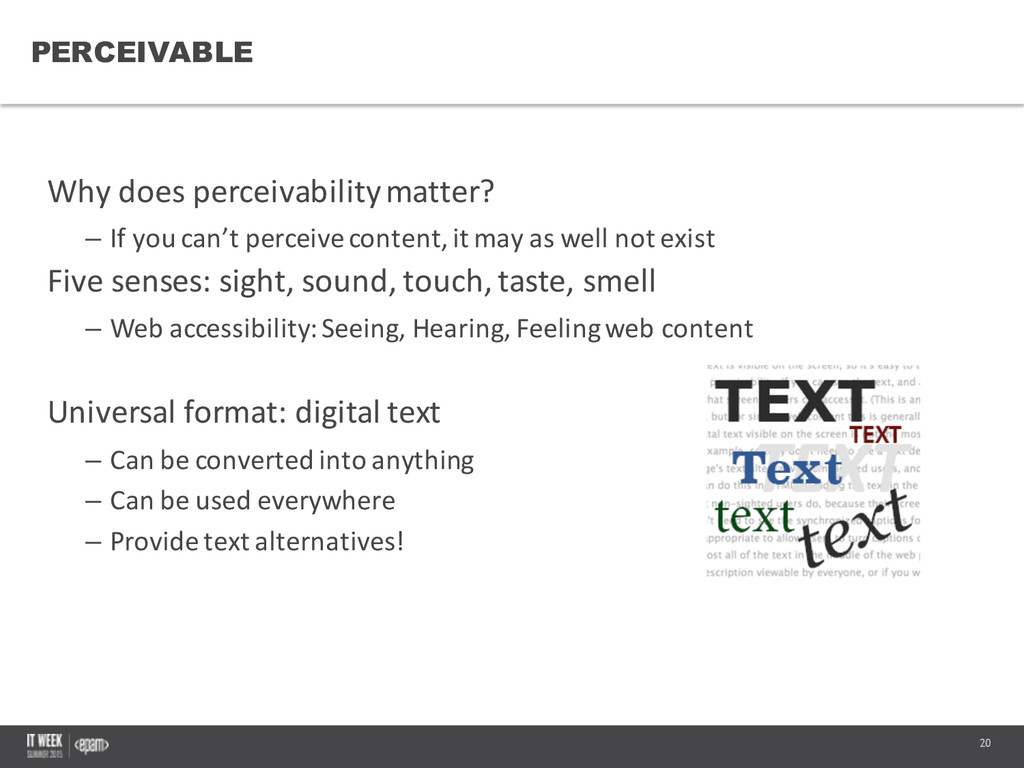
  7. 20 PERCEIVABLE Why  does  perceivabilitymatter? – If  you  can’t  perceive

     content,  it  may  as  well  not  exist Five  senses:  sight,  sound,  touch,  taste,  smell – Web  accessibility:  Seeing,  Hearing,  Feeling  web  content Universal  format:  digital  text – Can  be  converted  into  anything – Can  be  used  everywhere – Provide  text  alternatives! Confidential
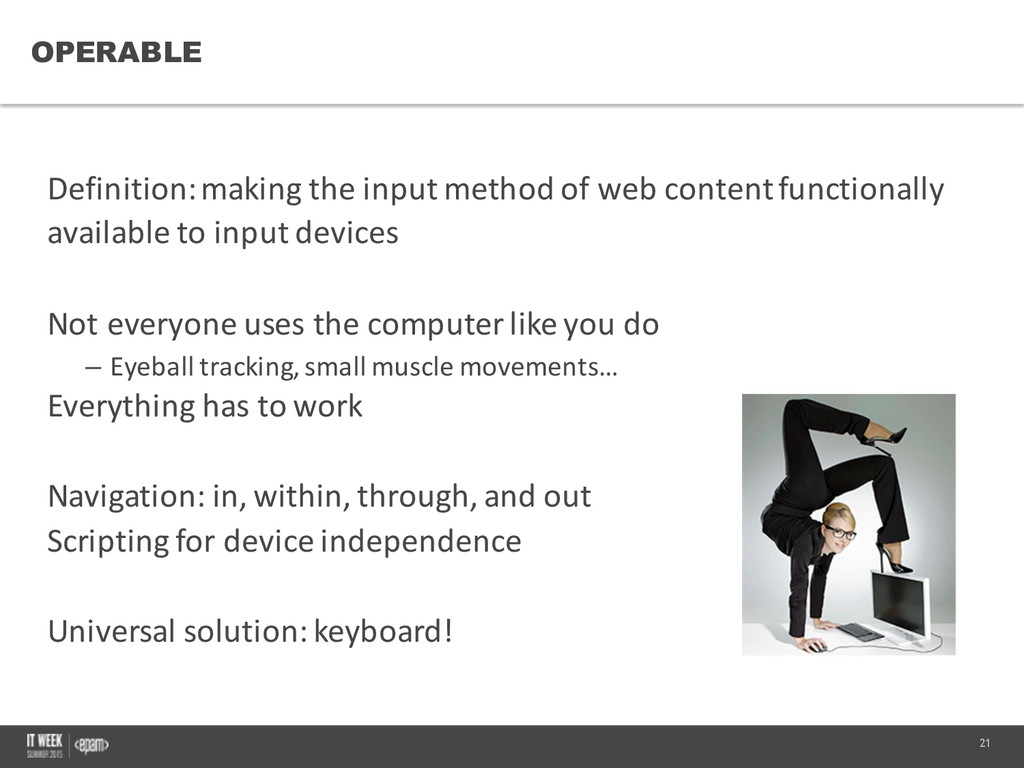
  8. 21 OPERABLE Definition:  making  the  input  method  of  web  content

     functionally   available  to  input  devices Not  everyone  uses  the  computer  like  you  do – Eyeball  tracking,  small  muscle  movements… Everything  has  to  work Navigation:  in,  within,  through,  and  out Scripting  for  device  independence Universal  solution:  keyboard! Confidential
  9. 22 UNDERSTANDABLE Making  content  &  interfaces  that  people  can  comprehend
    – Terms  and  conditions,  anyone?  J Specify  the  language – <html  lang=„en”>,  <span  lang=„fr”> Simplify  the  reading  or  vocabulary  level Limit/avoid  unfamiliar  or  complex  concepts/terminology Make  the  site  consistent  and  predictable Provide  instuctions,  hints,  contextual  help  – and  feedback! Confidential
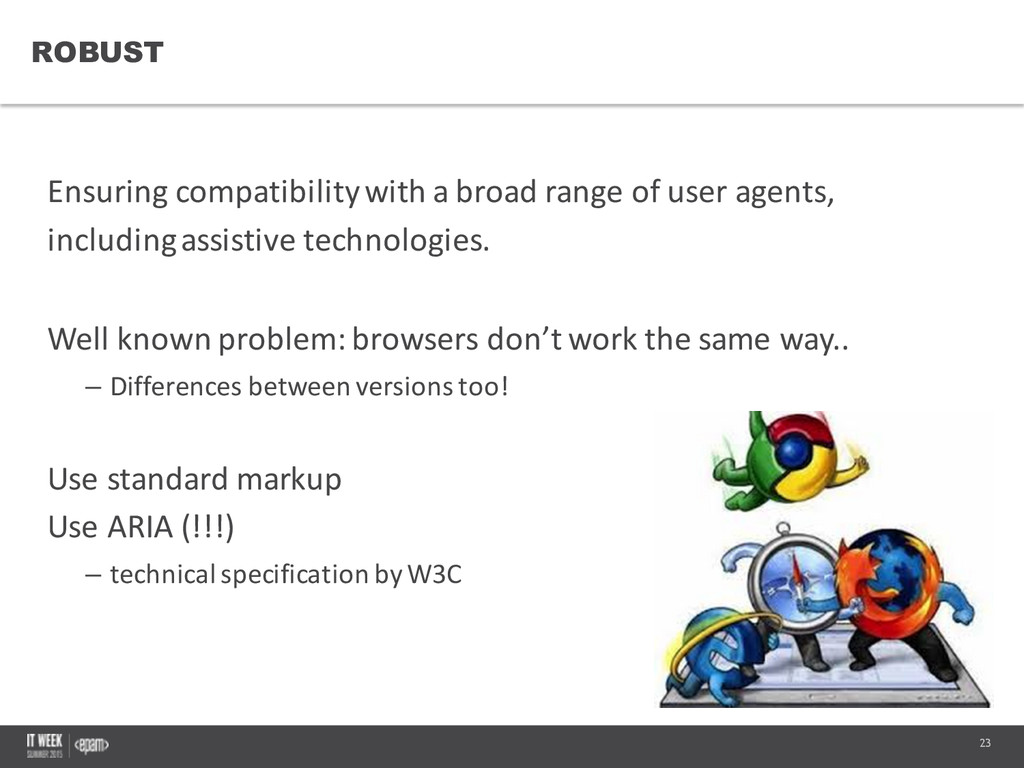
  10. 23 ROBUST Ensuring compatibilitywith  a  broad  range  of  user  agents,

      including  assistive  technologies. Well  known  problem:  browsers  don’t  work  the  same  way.. – Differences  between  versions  too! Use  standard  markup Use  ARIA  (!!!) – technical  specification  by  W3C Confidential
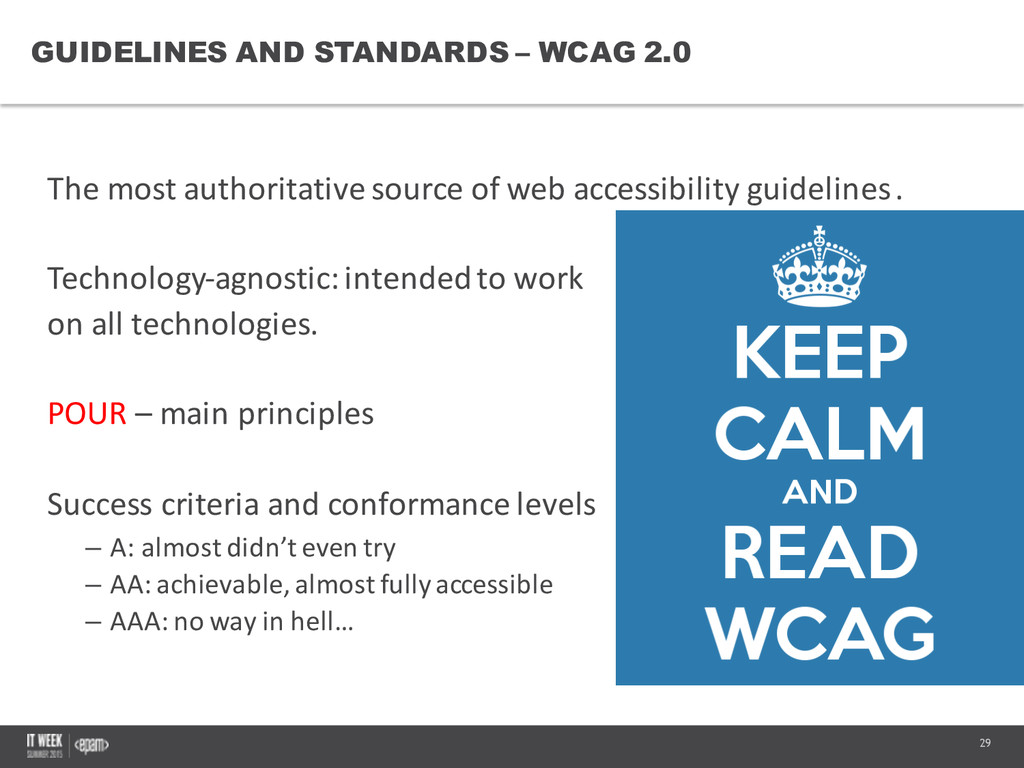
  11. 29 GUIDELINES AND STANDARDS – WCAG 2.0 The  most  authoritative

     source  of  web  accessibility  guidelines. Technology-­‐agnostic:  intended  to  work on  all  technologies. POUR – main  principles Success  criteria  and  conformance  levels – A:  almost  didn’t  even  try – AA:  achievable,  almost  fully  accessible – AAA:  no  way  in  hell… Confidential
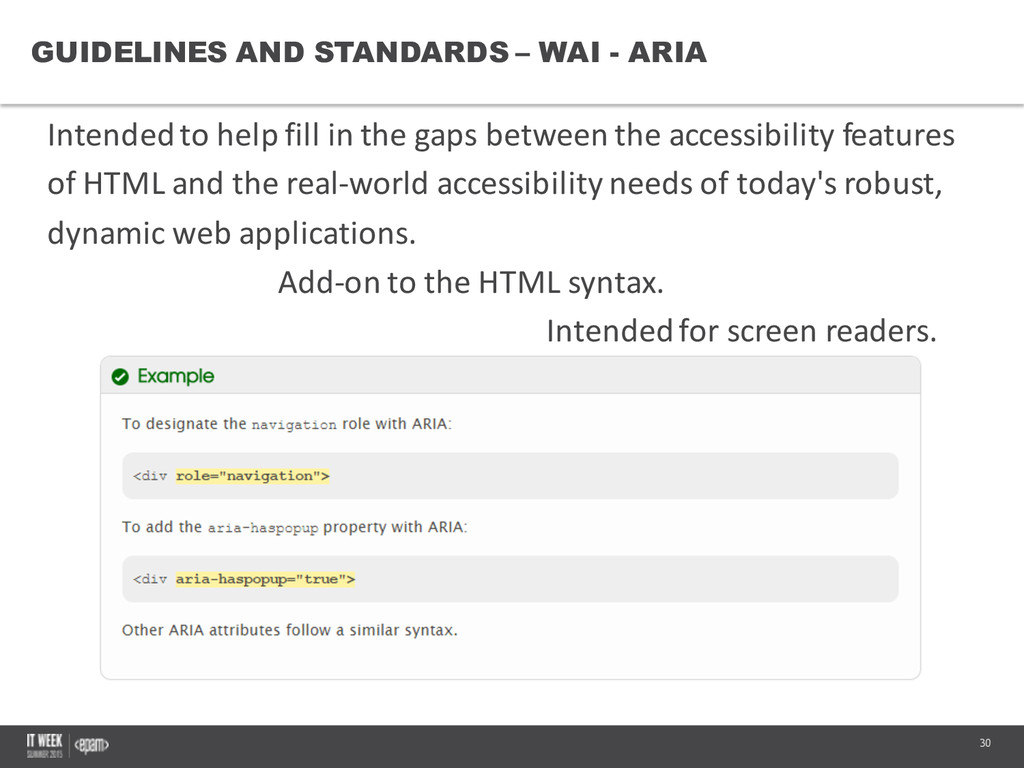
  12. 30 GUIDELINES AND STANDARDS – WAI -­ ARIA Intended  to

     help  fill  in  the  gaps  between  the  accessibility  features   of  HTML  and  the  real-­‐world  accessibility  needs  of  today's  robust,   dynamic  web  applications. Add-­‐on  to  the  HTML  syntax. Intended  for  screen  readers. Confidential
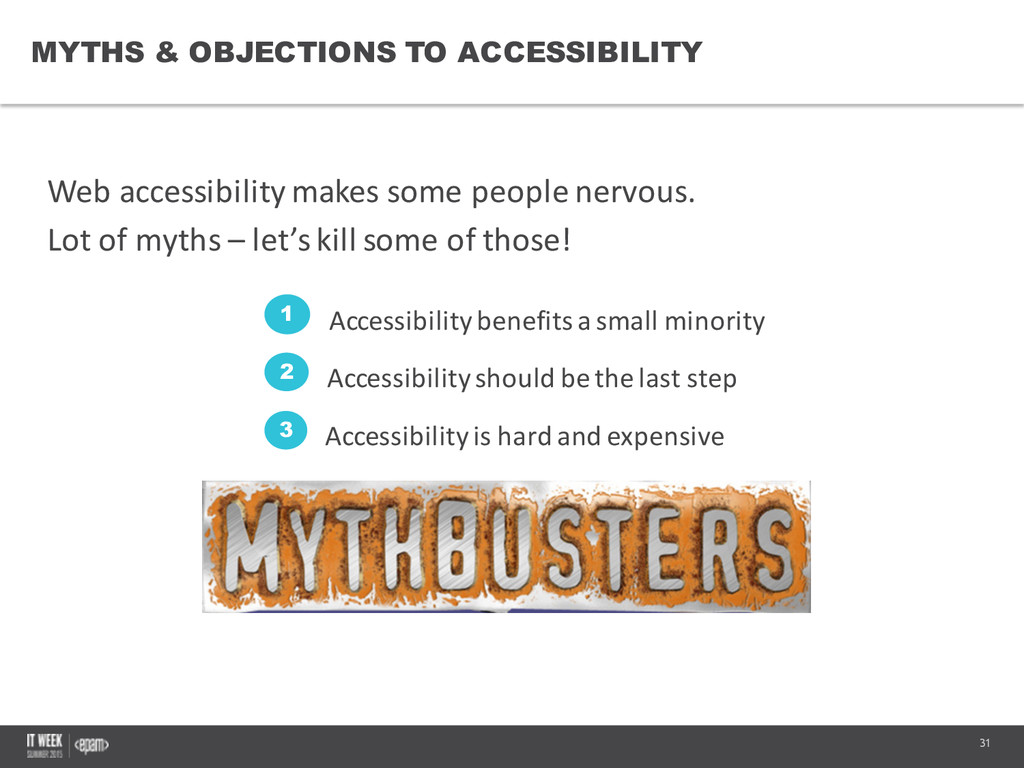
  13. 31 MYTHS & OBJECTIONS TO ACCESSIBILITY Web  accessibility  makes  some

     people  nervous. Lot  of  myths  – let’s  kill  some  of  those! Confidential Accessibility  benefits  a  small  minority 1 Accessibility  should  be  the  last  step 2 Accessibility  is  hard  and  expensive 3
  14. 32 ACCESSIBILITY BENEFITS A SMALL MINORITY Truth:  Accessibility  benefits  a

     wide  variety  of  people! -­‐ The  same  principles also  apply  for  mobile  sites -­‐ Unified  design  with  standards -­‐ Easier  for  SEO -­‐ Better  for  old  people People  with  disabilities  make  up  about  20%  of  the  population! Confidential
  15. 33 ACCESSIBILITY SHOULD BE THE LAST STEP Truth:  Designing  for

     accessibility  is  much  easier  (and  cheaper)   than  retrofitting  for  accessibility! -­‐ Easier  to  design  than  redo -­‐ Complete  redesign  needed  sometimes -­‐ Refactor  and  maintainability -­‐ Takes  only  a  bit  of  extra  forethought,  but  saves  a  lot  of  work  to   do  it  from  the  beginning. Confidential
  16. 34 ACCESSIBILITY IS HARD & EXPENSIVE Truth:  The  cost  of

     accessibility  is  reasonable  when  compared  to   the  cost  of  the  alternatives! -­‐ It’s  expensive  to  redo  everything  – this  is  why  you  design  it  with   accessibility  in  mind -­‐ Accessibility  is  easy,  and  really,  a  moral  obligation -­‐ Lawsuits  are  always  more  expensive,  and  you  don’t  want  to  pay   lawyers  when  you  can  pay  engineers…   -­‐ PR:  an  accessible  site  is  free  publicity Confidential
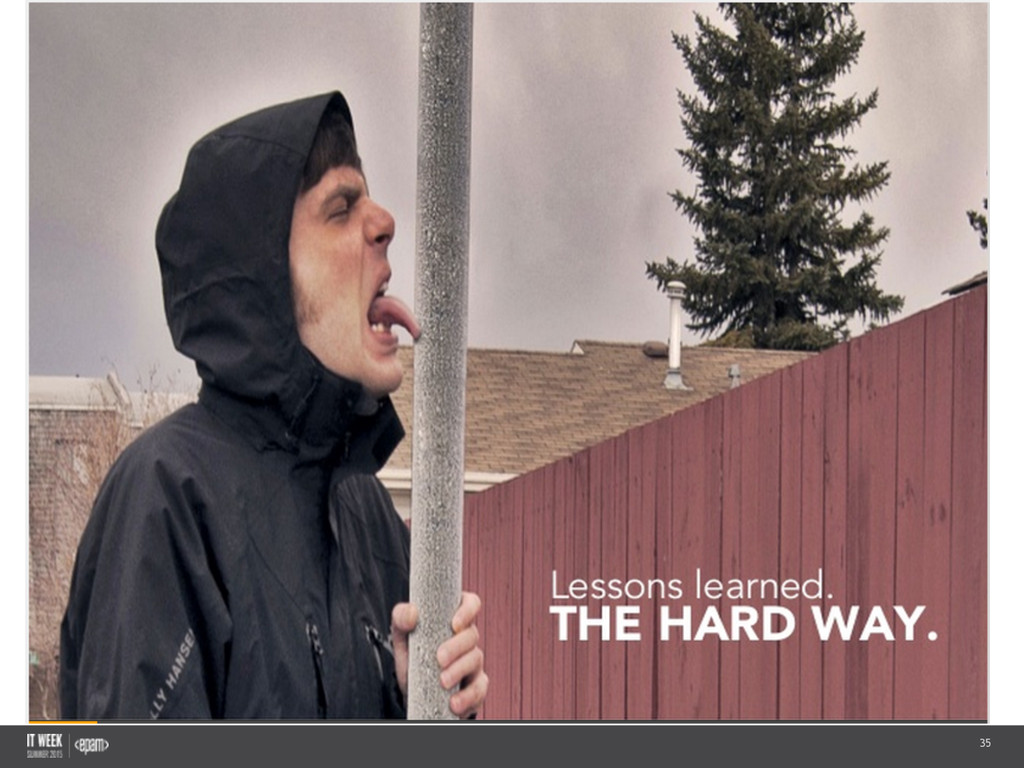
  17. 35

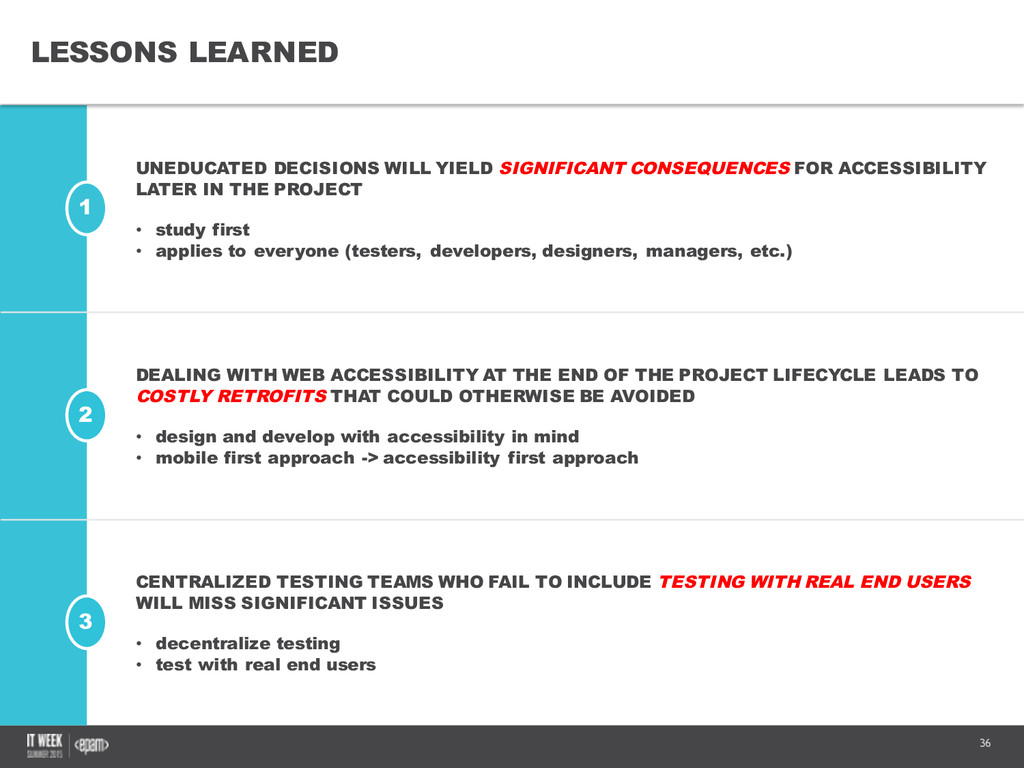
  18. 36 2 1 3 LESSONS LEARNED UNEDUCATED DECISIONS WILL YIELD

    SIGNIFICANT CONSEQUENCES FOR ACCESSIBILITY LATER IN THE PROJECT • study first • applies to everyone (testers, developers, designers, managers, etc.) DEALING WITH WEB ACCESSIBILITY AT THE END OF THE PROJECT LIFECYCLE LEADS TO COSTLY RETROFITS THAT COULD OTHERWISE BE AVOIDED • design and develop with accessibility in mind • mobile first approach -­> accessibility first approach CENTRALIZED TESTING TEAMS WHO FAIL TO INCLUDE TESTING WITH REAL END USERS WILL MISS SIGNIFICANT ISSUES • decentralize testing • test with real end users
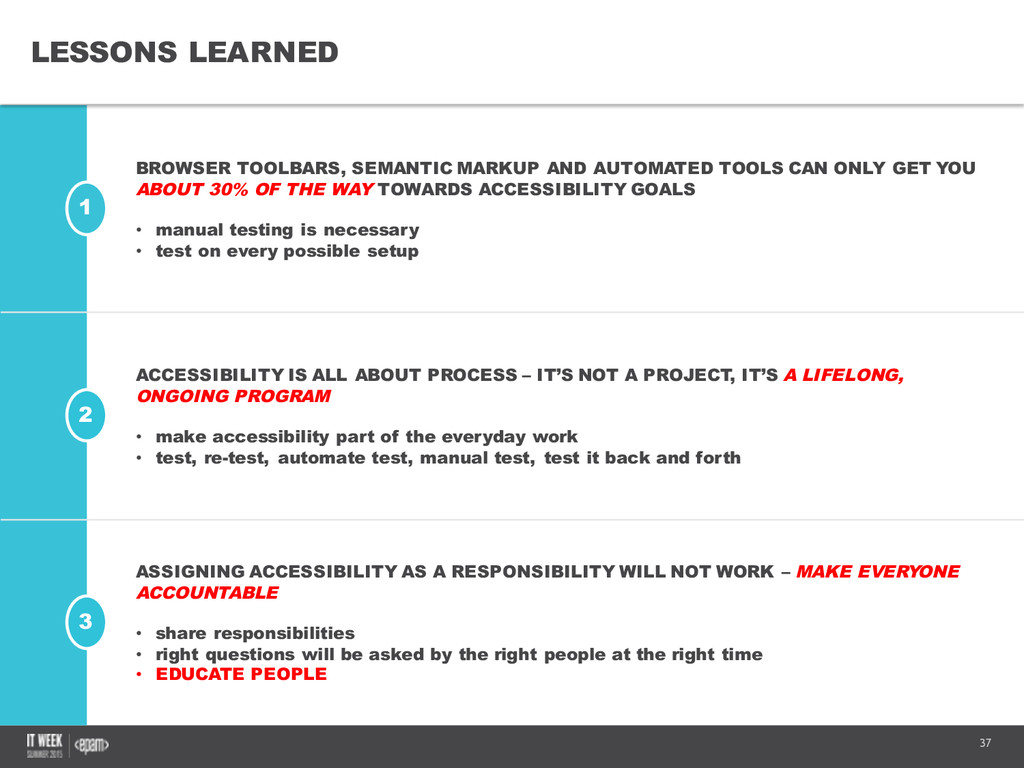
  19. 37 2 1 3 LESSONS LEARNED BROWSER TOOLBARS, SEMANTIC MARKUP

    AND AUTOMATED TOOLS CAN ONLY GET YOU ABOUT 30% OF THE WAY TOWARDS ACCESSIBILITY GOALS • manual testing is necessary • test on every possible setup ACCESSIBILITY IS ALL ABOUT PROCESS – IT’S NOT A PROJECT, IT’S A LIFELONG, ONGOING PROGRAM • make accessibility part of the everyday work • test, re-­test, automate test, manual test, test it back and forth ASSIGNING ACCESSIBILITY AS A RESPONSIBILITY WILL NOT WORK – MAKE EVERYONE ACCOUNTABLE • share responsibilities • right questions will be asked by the right people at the right time • EDUCATE PEOPLE
  20. 38 • Let  me  ask  first:  what  did  you  learn?

     What  was  the  most   interesting  thing? • Your  turn  – ask  questions! Questions Confidential Thank  you  for  your  attention!