Talk presented at the DevFest Nantes 2k14
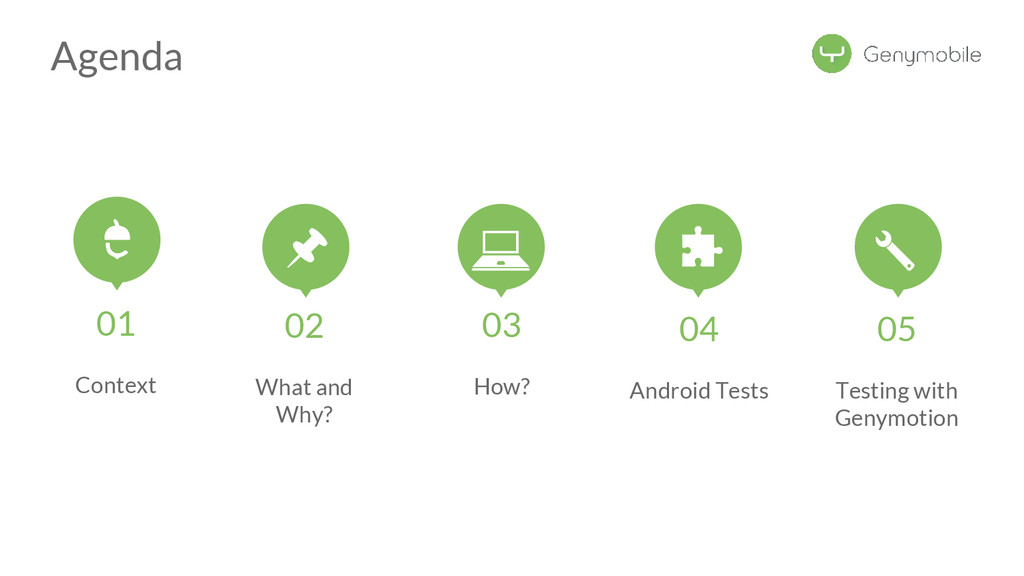
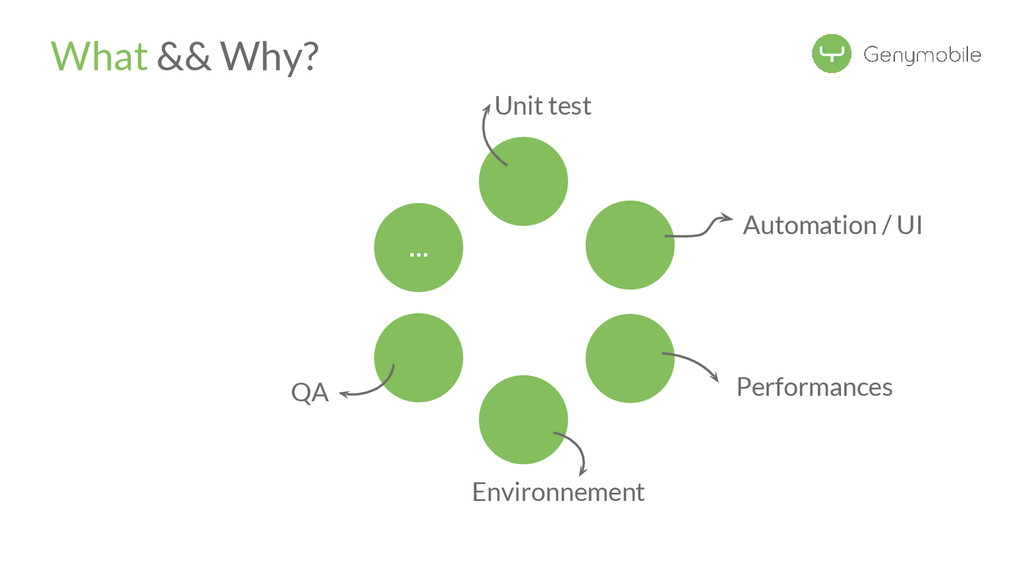
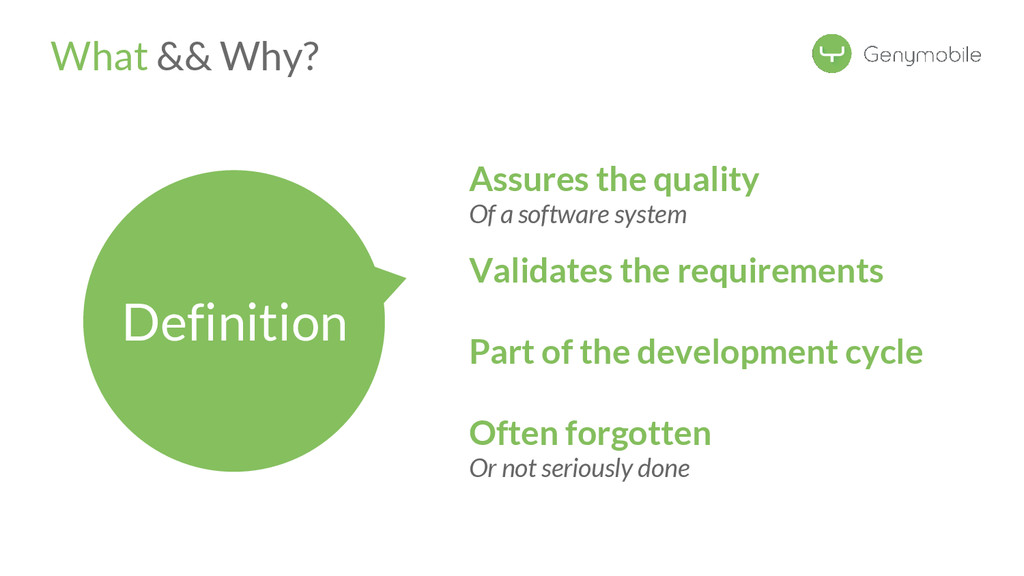
Why tests are good && how to do tests
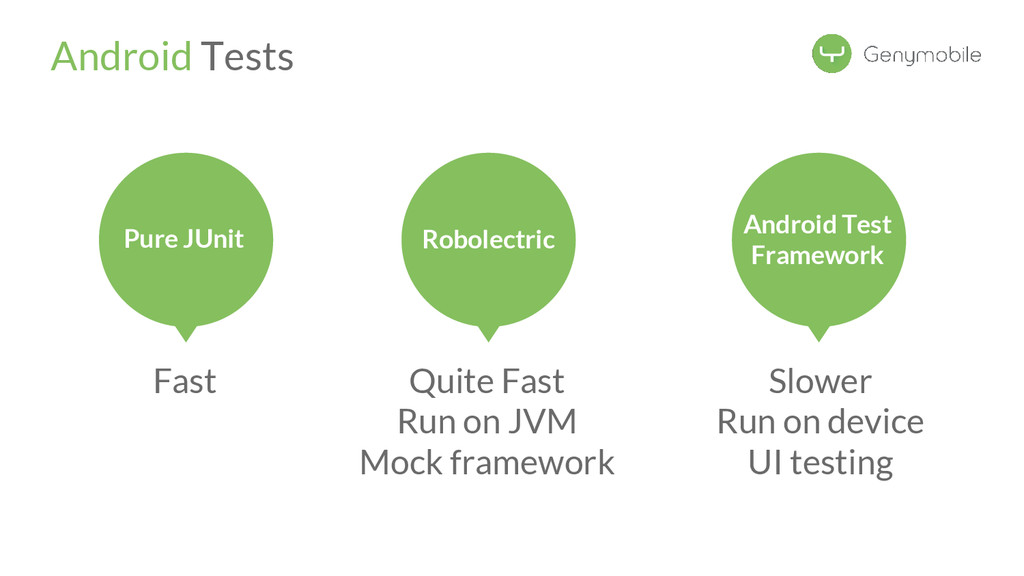
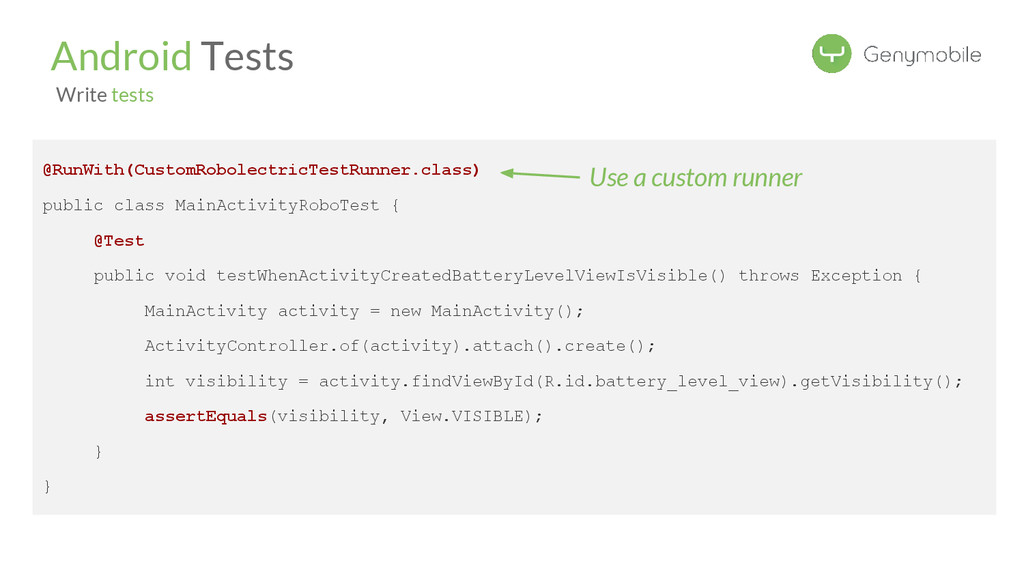
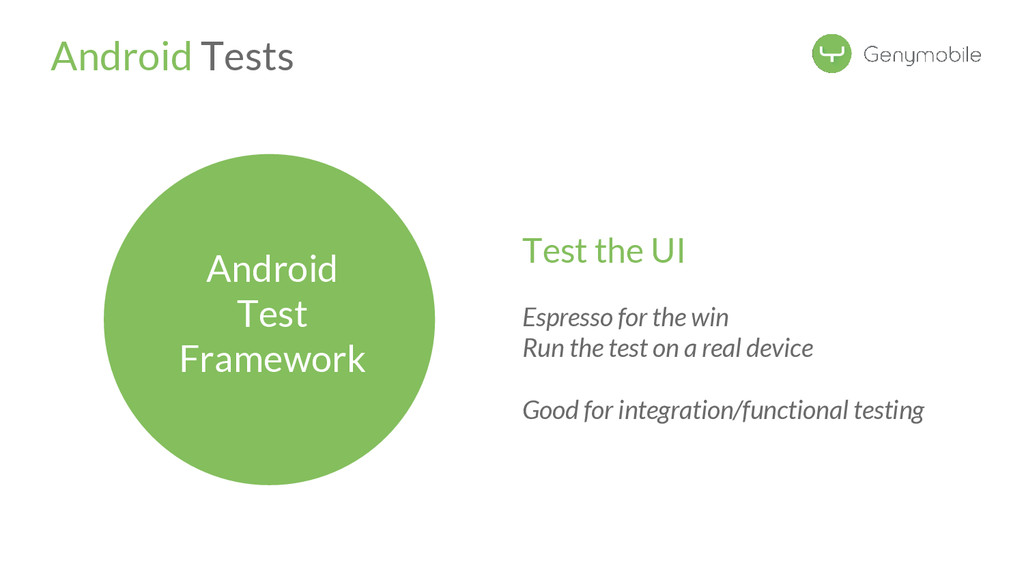
How to tests on Android (unit tests AND integration tests)
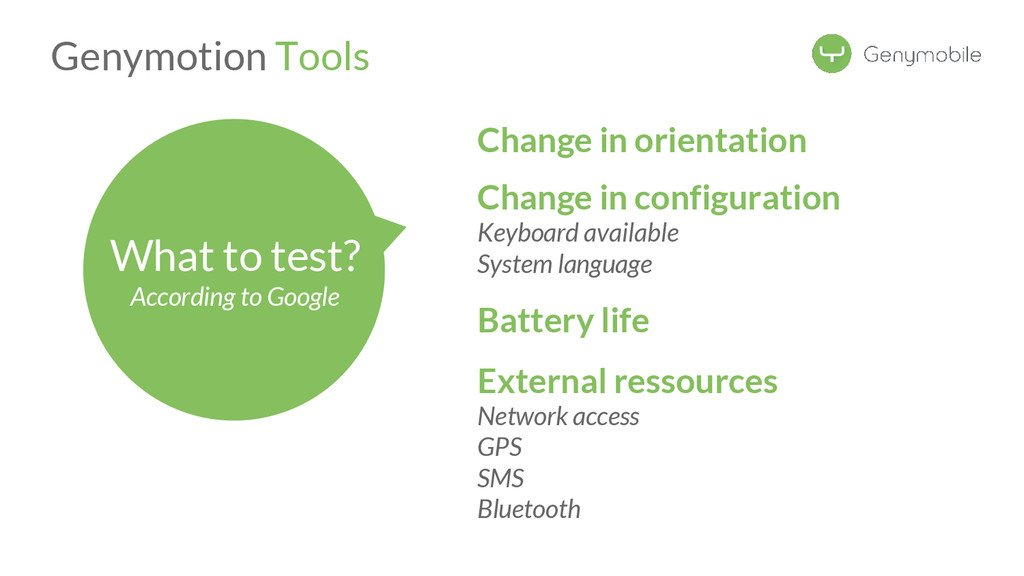
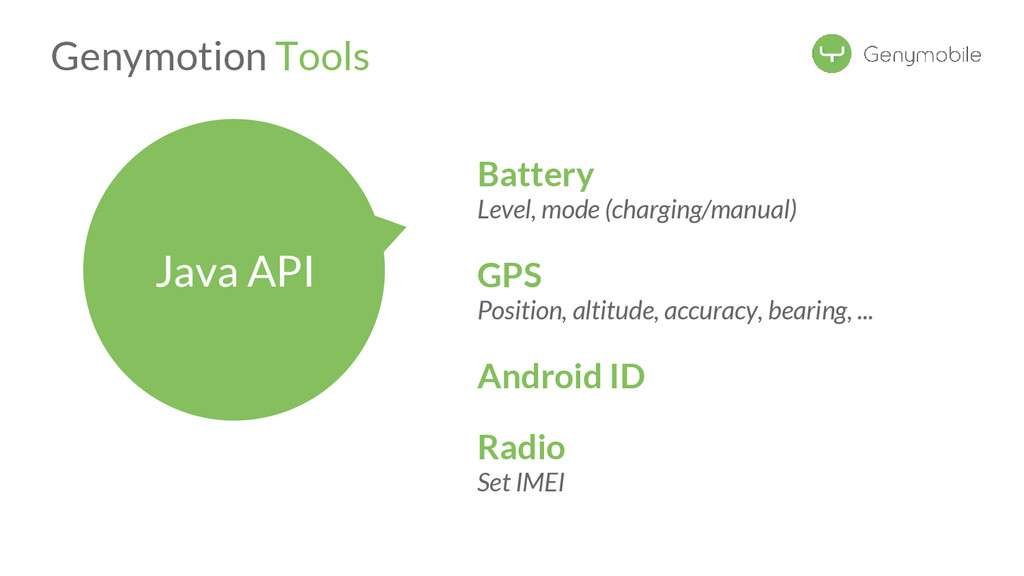
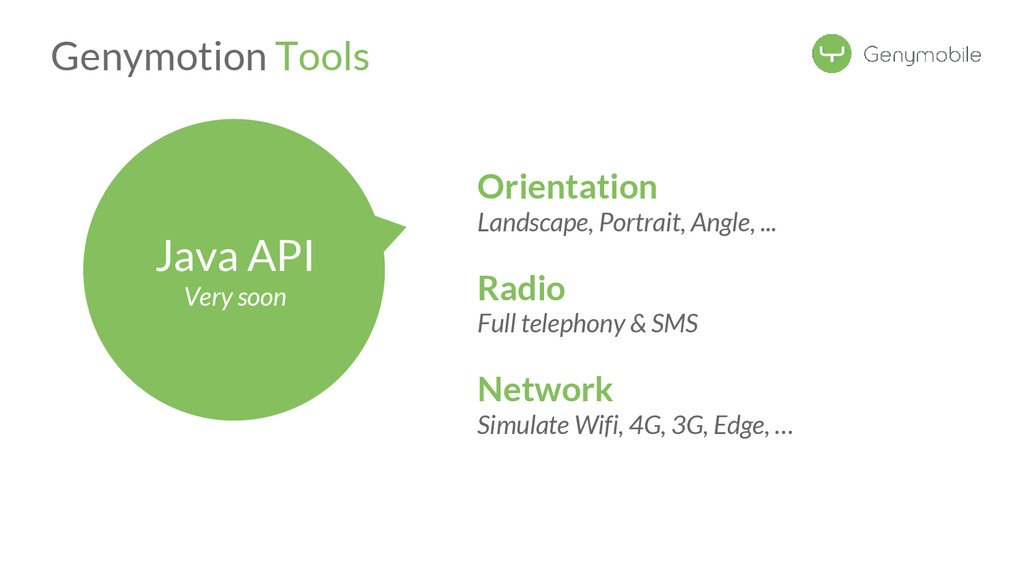
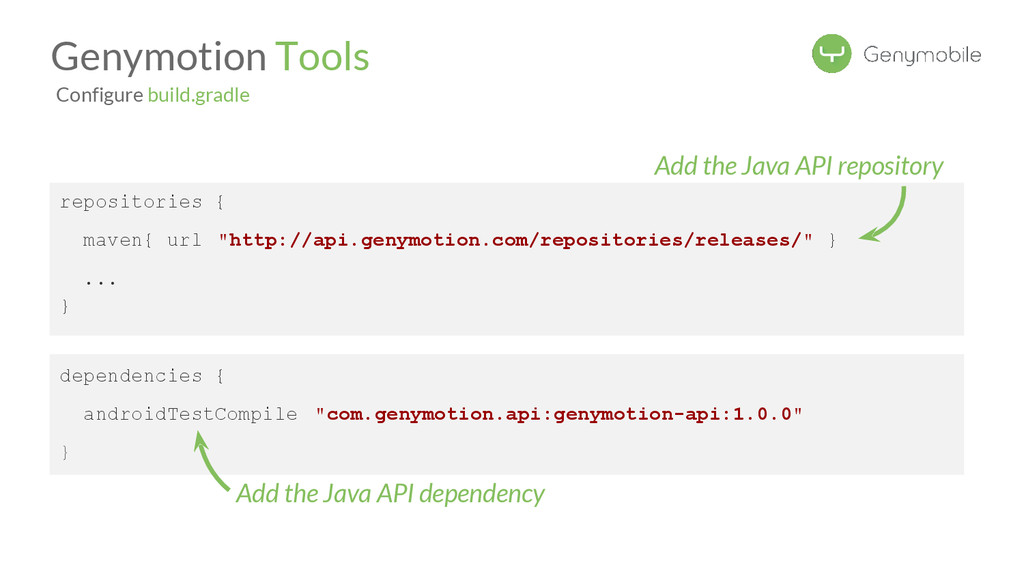
How to go further with Genymotion
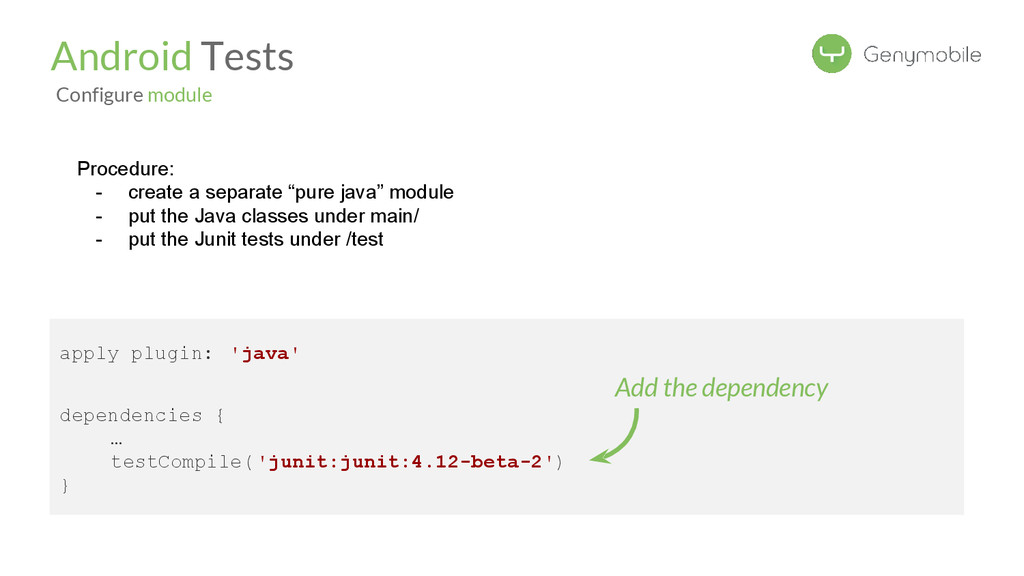
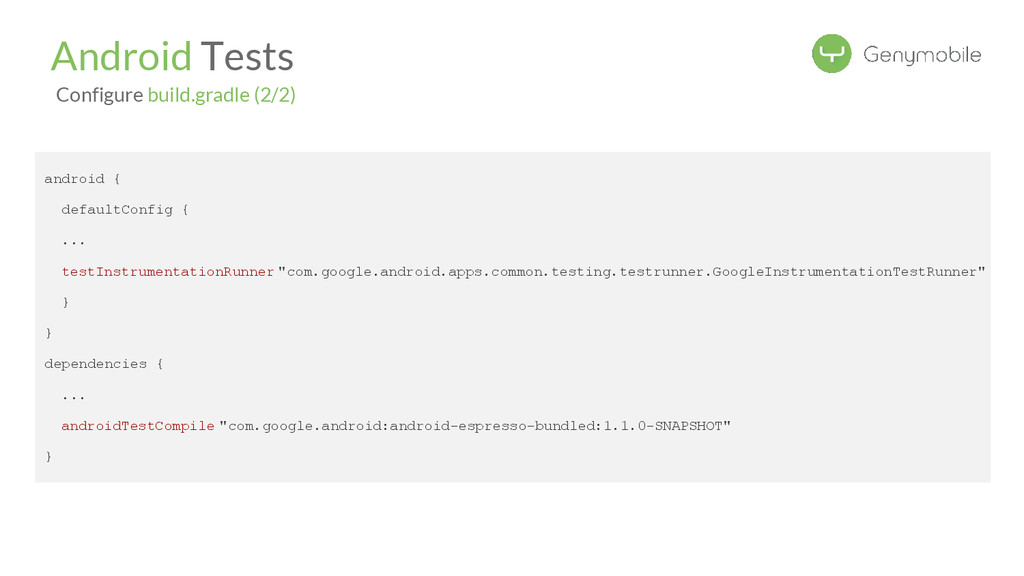
dependency Android Tests Configure module Procedure: - create a separate “pure java” module - put the Java classes under main/ - put the Junit tests under /test
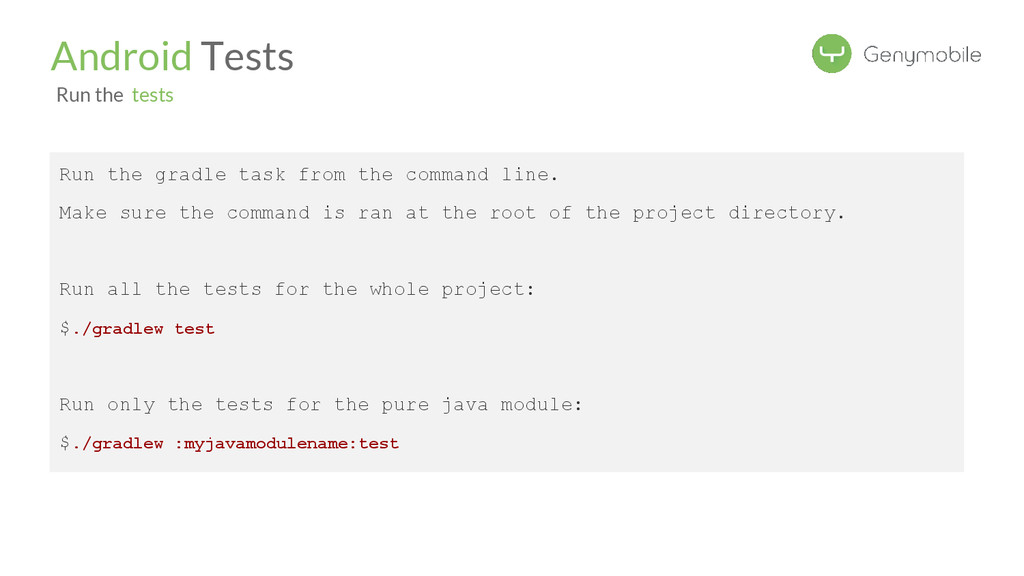
the command is ran at the root of the project directory. Run all the tests for the whole project: $./gradlew test Run only the tests for the pure java module: $./gradlew :myjavamodulename:test Android Tests Run the tests
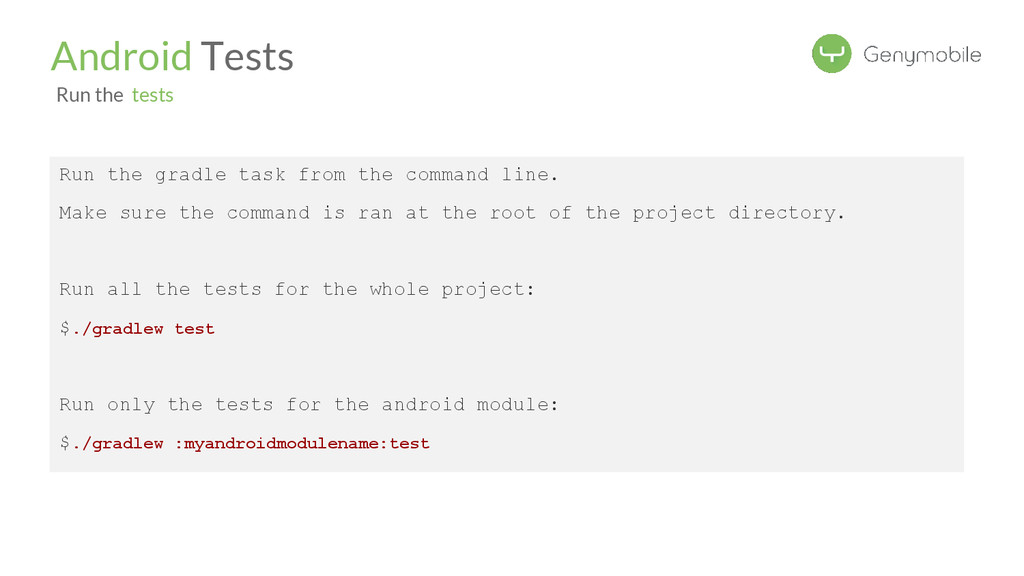
the command is ran at the root of the project directory. Run all the tests for the whole project: $./gradlew test Run only the tests for the android module: $./gradlew :myandroidmodulename:test Android Tests Run the tests
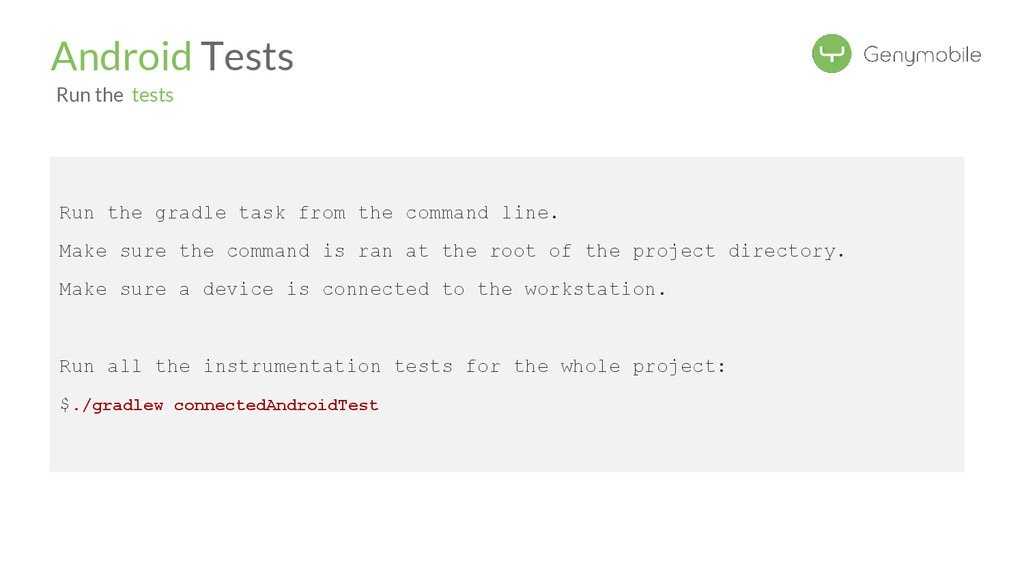
the command is ran at the root of the project directory. Make sure a device is connected to the workstation. Run all the instrumentation tests for the whole project: $./gradlew connectedAndroidTest Android Tests Run the tests
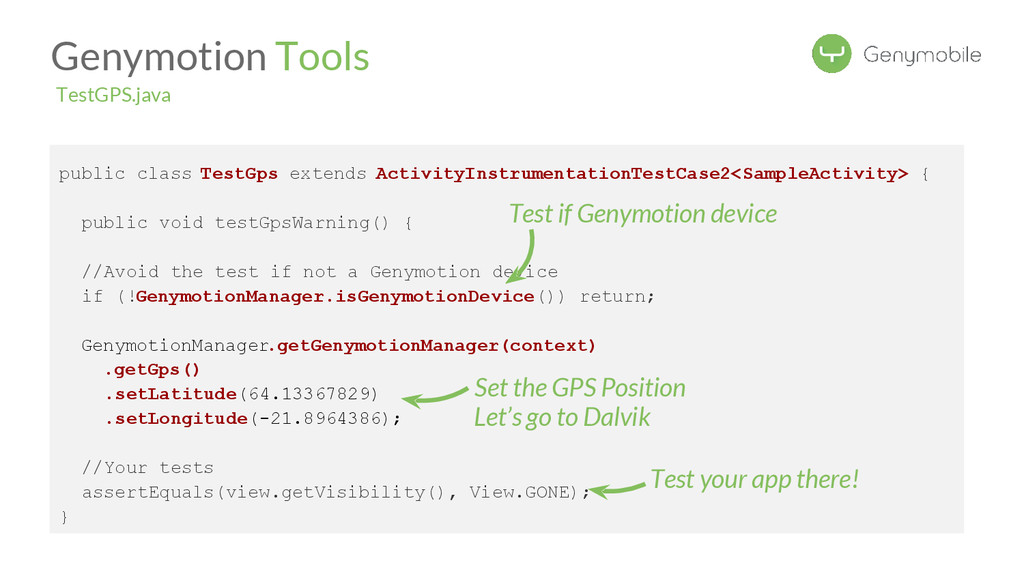
//Avoid the test if not a Genymotion device if (!GenymotionManager.isGenymotionDevice()) return; GenymotionManager.getGenymotionManager(context) .getGps() .setLatitude(64.13367829) .setLongitude(-21.8964386); //Your tests assertEquals(view.getVisibility(), View.GONE); } Test if Genymotion device Set the GPS Position Genymotion Tools TestGPS.java Test your app there! Let’s go to Dalvik


 florentnoel
 morizo_1984
 marcoroth
 a_matsuda
 nao_randd
 hschwentner
 oku053
 kishida
 iwiwi
iwiwi
 y0hgi
y0hgi
 kinopeee
 guaca
guaca
 gurzu
gurzu
 maltzj
 morganepeng
 marktimemedia
 sonatard
 chrislema
 inesmontani
 moore
moore
 mojombo
 tammyeverts
 tamaranovitovic
 sugarenia