Upgrade to Pro — share decks privately, control downloads, hide ads and more …

KPI Dashboard Blueprint: From Metrics to Decisions

Avatar for fusedash fusedash
February 25, 2026
12

KPI Dashboard Blueprint: From Metrics to Decisions

A practical framework for designing KPI dashboards that help teams decide what to do next. Covers decision statements, outcomes vs drivers vs guardrails, layout (what → why), drilldowns, and review cadence.

Guide: https://fusedash.ai/blog/post/how-to-build-a-kpi-dashboard-that-drives-decisions
Dashboard builder: https://fusedash.ai/dashboards

Avatar for fusedash

fusedash

February 25, 2026

Transcript

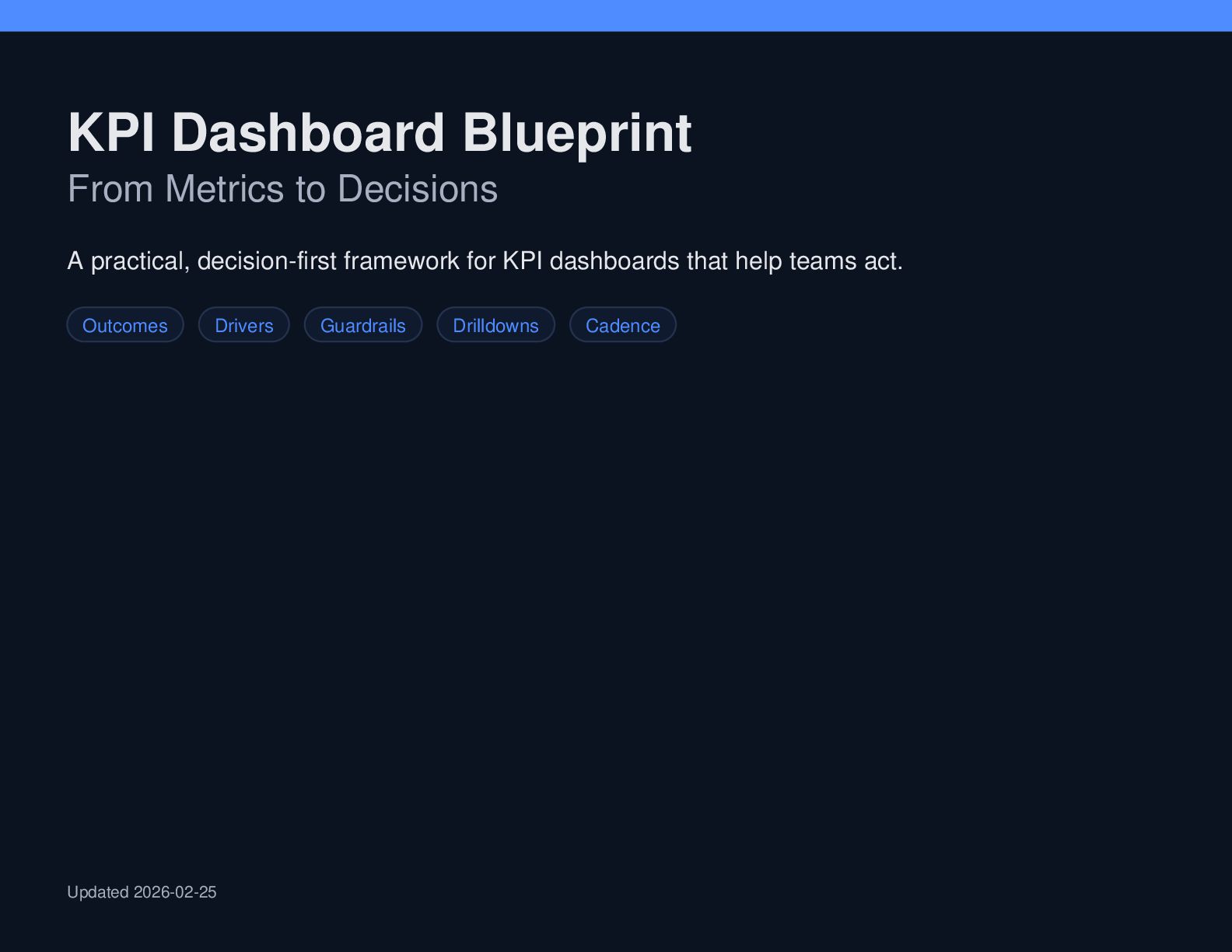
  1. KPI Dashboard Blueprint From Metrics to Decisions A practical, decision-first

    framework for KPI dashboards that help teams act. Outcomes Drivers Guardrails Drilldowns Cadence Updated 2026-02-25
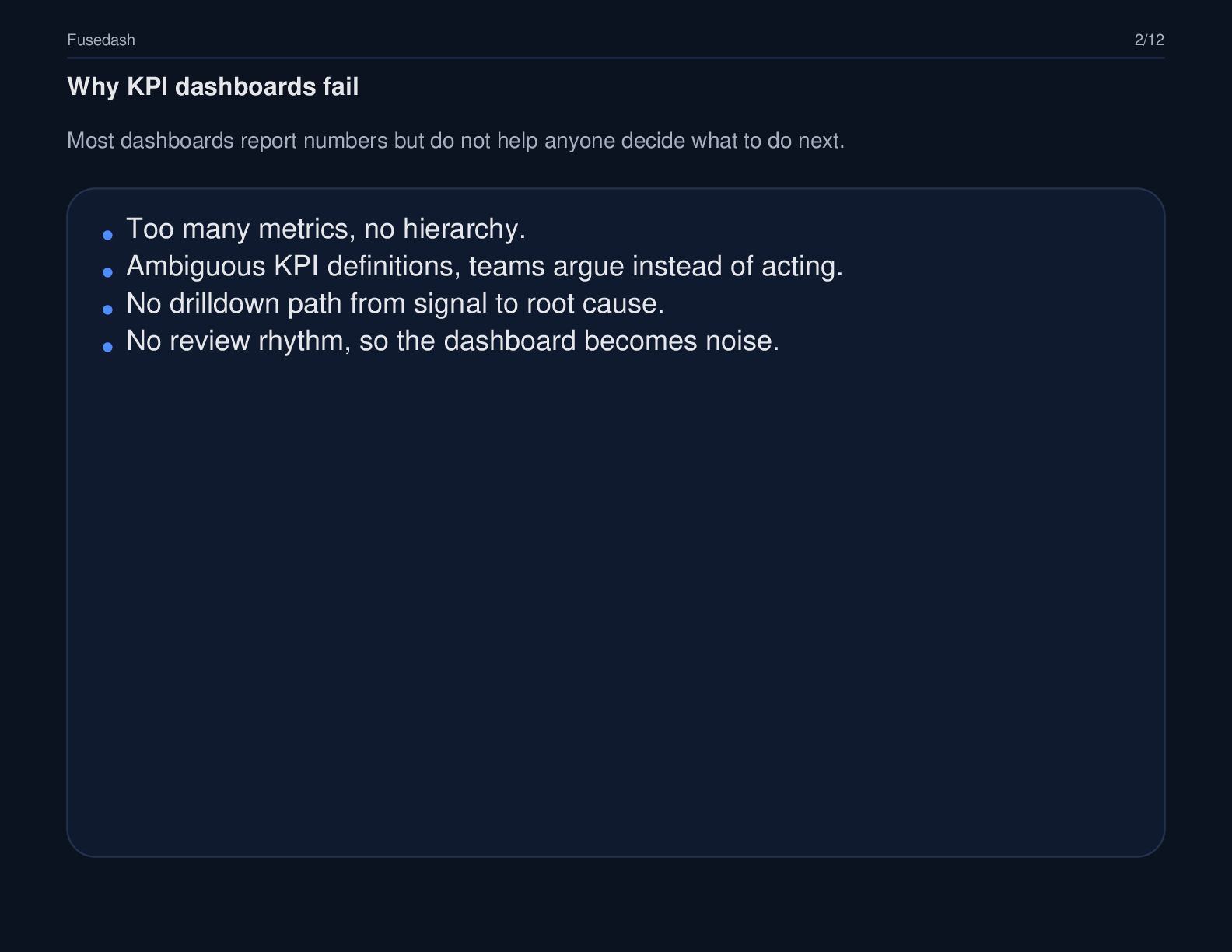
  2. Fusedash 2/12 Why KPI dashboards fail Most dashboards report numbers

    but do not help anyone decide what to do next. Too many metrics, no hierarchy. Ambiguous KPI definitions, teams argue instead of acting. No drilldown path from signal to root cause. No review rhythm, so the dashboard becomes noise.
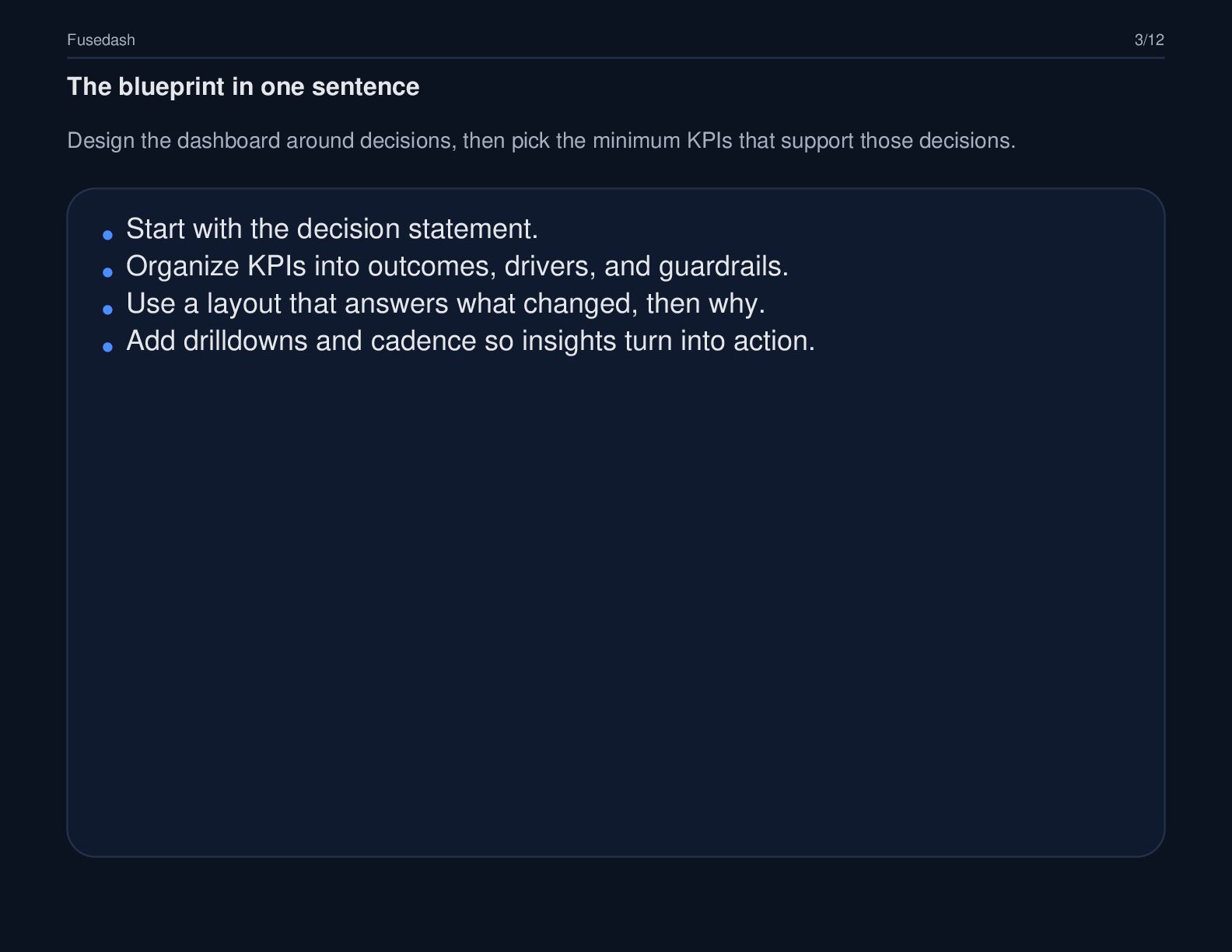
  3. Fusedash 3/12 The blueprint in one sentence Design the dashboard

    around decisions, then pick the minimum KPIs that support those decisions. Start with the decision statement. Organize KPIs into outcomes, drivers, and guardrails. Use a layout that answers what changed, then why. Add drilldowns and cadence so insights turn into action.
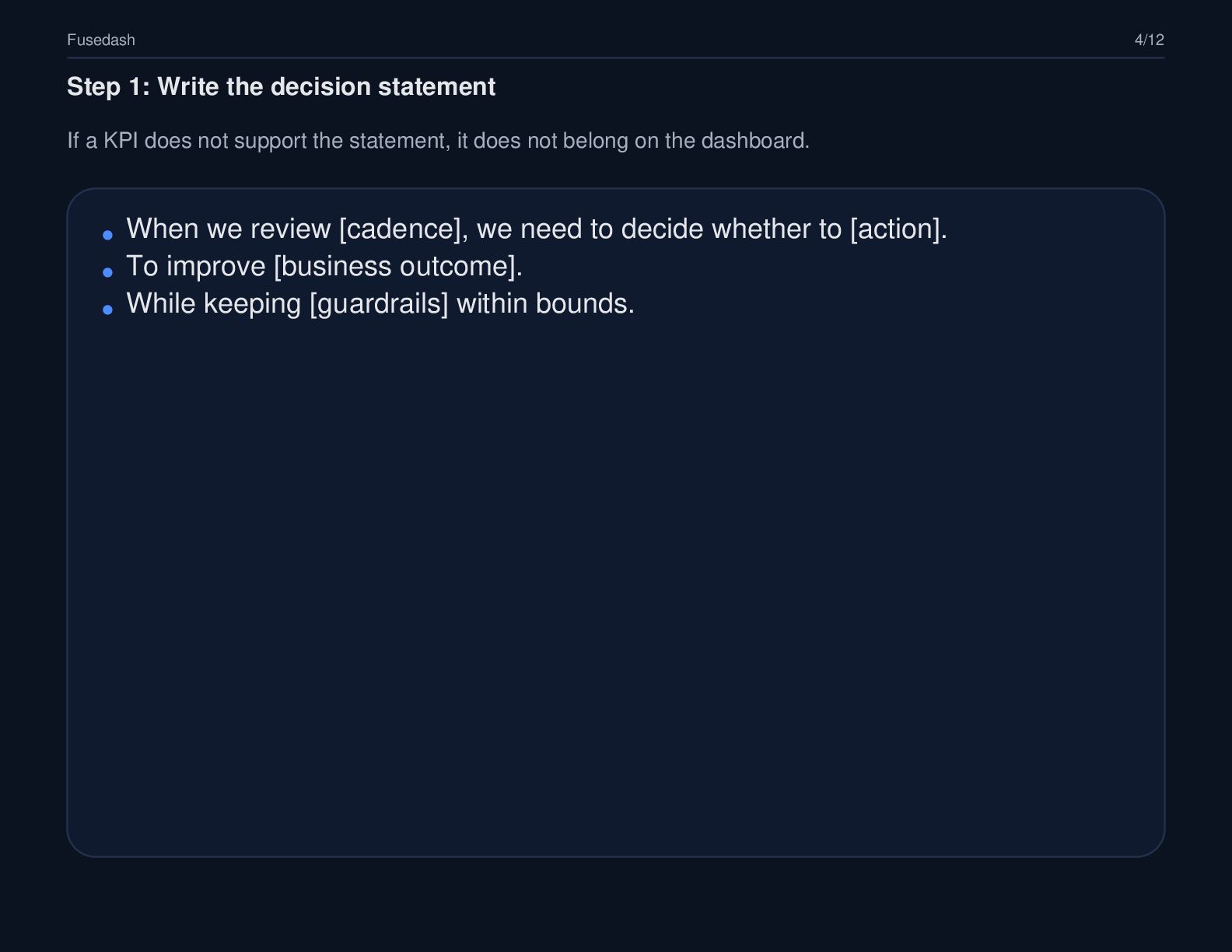
  4. Fusedash 4/12 Step 1: Write the decision statement If a

    KPI does not support the statement, it does not belong on the dashboard. When we review [cadence], we need to decide whether to [action]. To improve [business outcome]. While keeping [guardrails] within bounds.
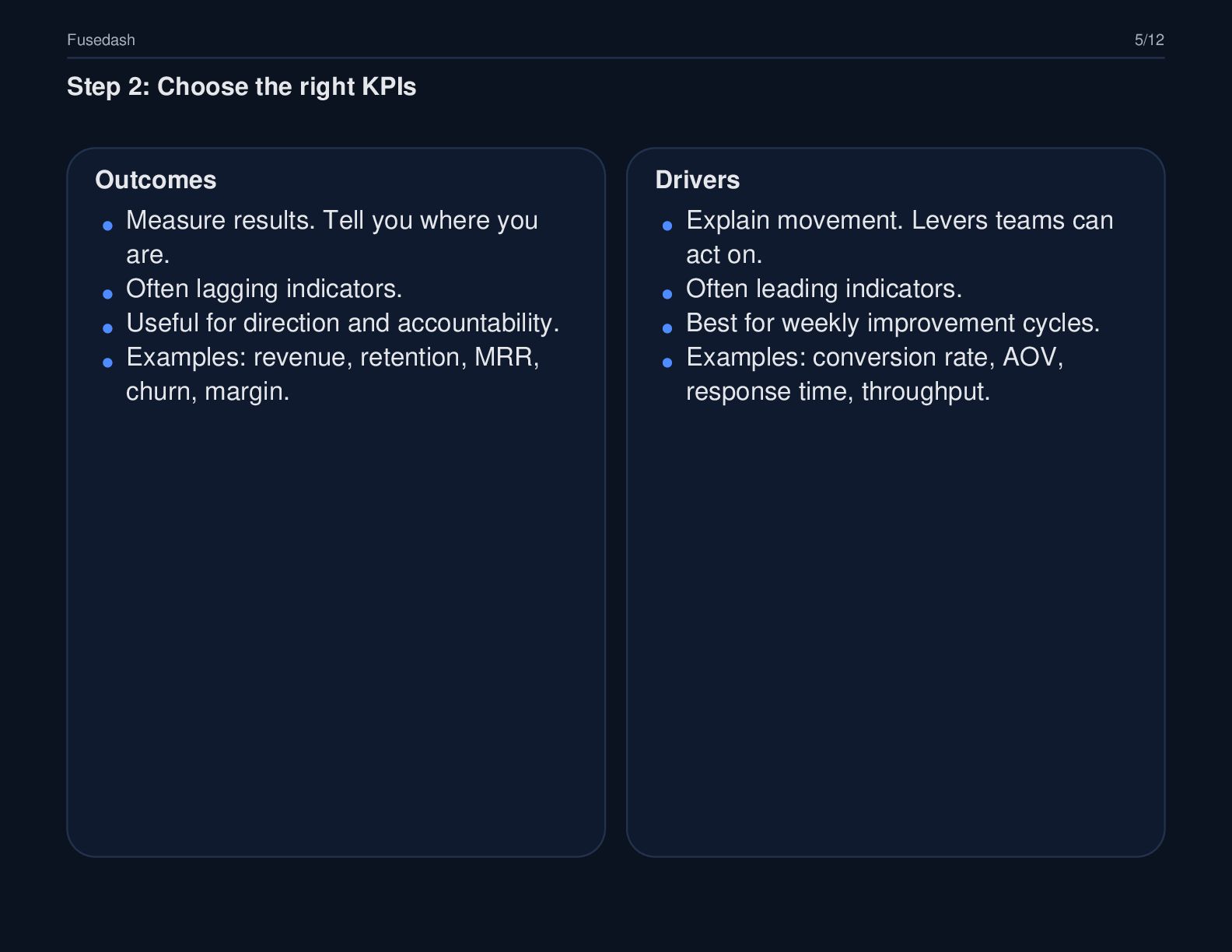
  5. Fusedash 5/12 Step 2: Choose the right KPIs Outcomes Drivers

    Measure results. Tell you where you are. Often lagging indicators. Useful for direction and accountability. Examples: revenue, retention, MRR, churn, margin. Explain movement. Levers teams can act on. Often leading indicators. Best for weekly improvement cycles. Examples: conversion rate, AOV, response time, throughput.
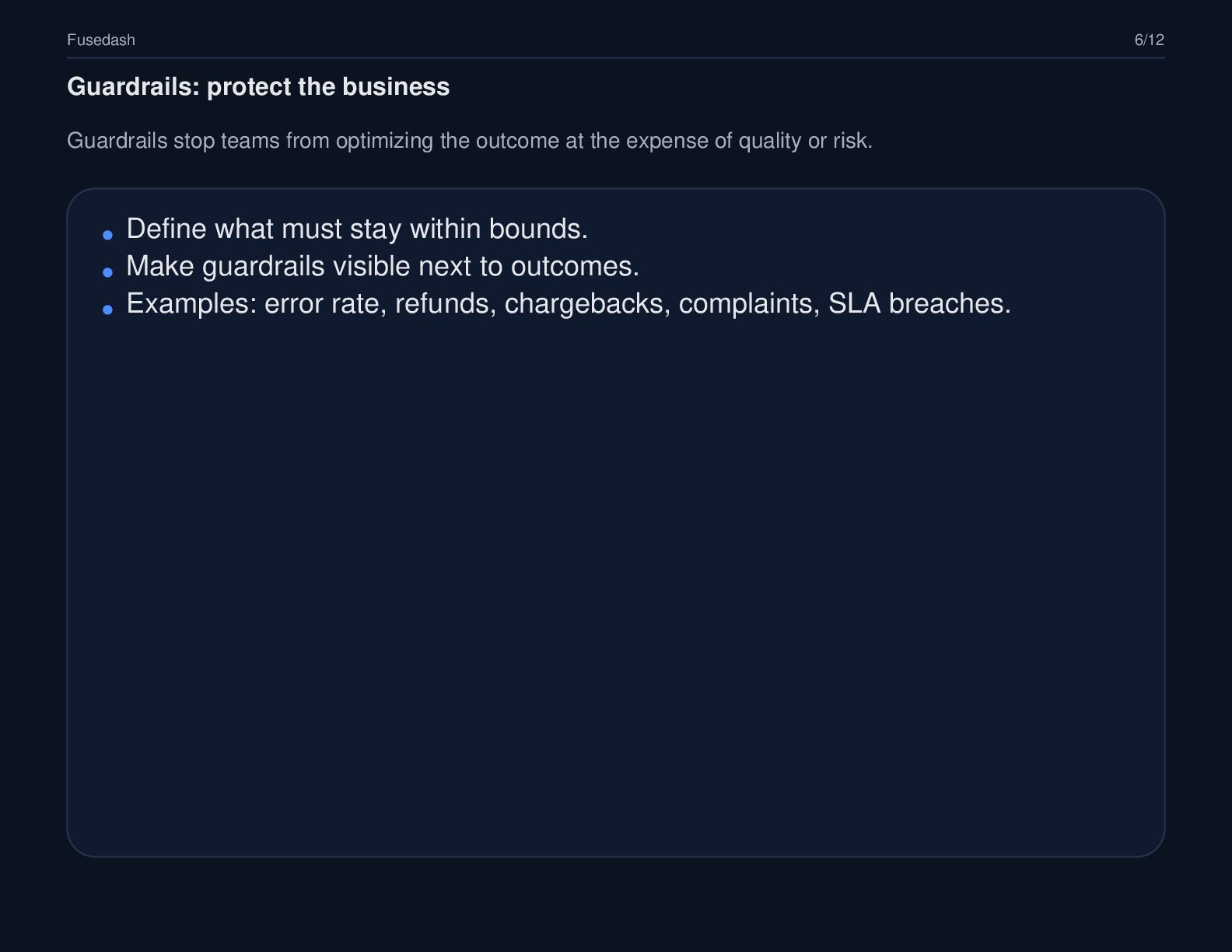
  6. Fusedash 6/12 Guardrails: protect the business Guardrails stop teams from

    optimizing the outcome at the expense of quality or risk. Define what must stay within bounds. Make guardrails visible next to outcomes. Examples: error rate, refunds, chargebacks, complaints, SLA breaches.
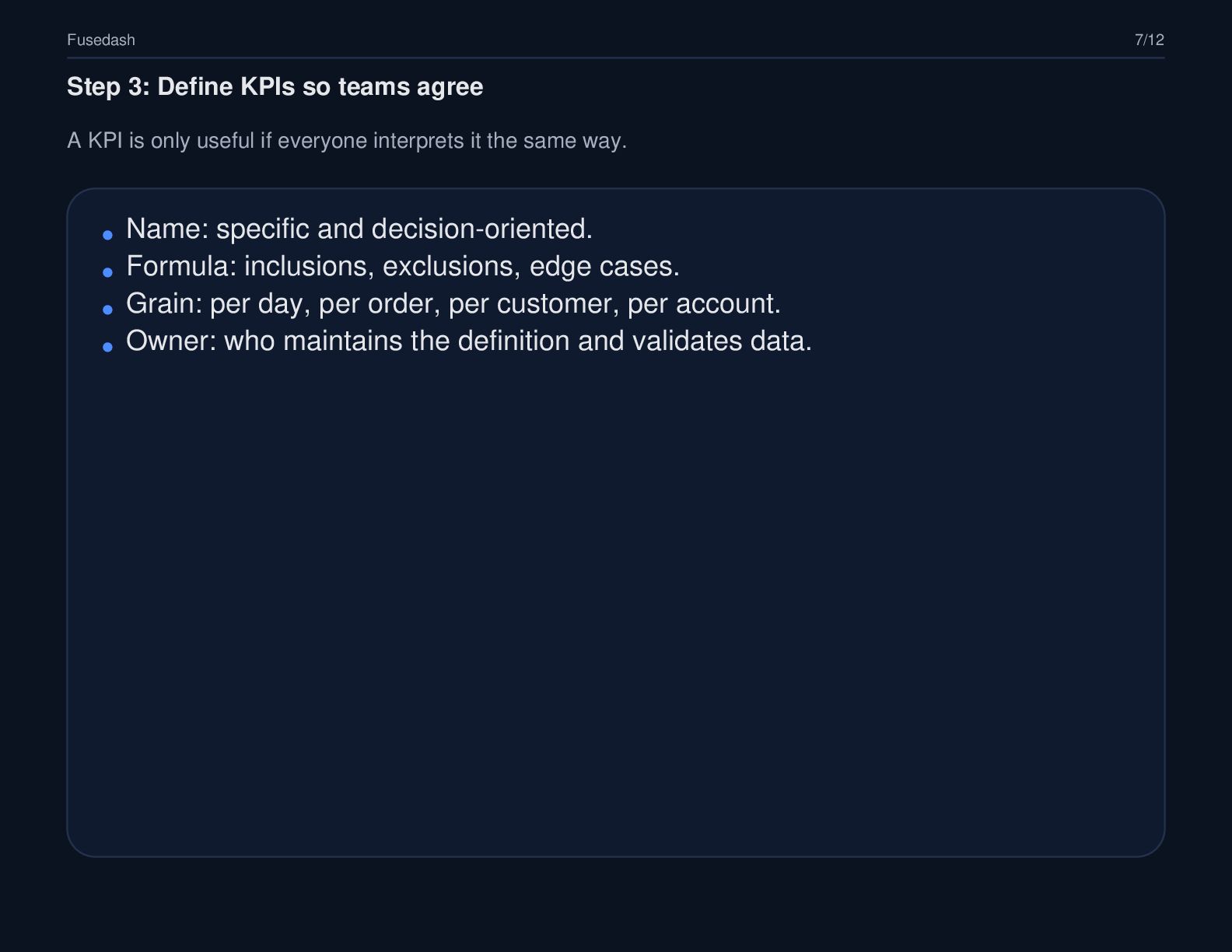
  7. Fusedash 7/12 Step 3: Define KPIs so teams agree A

    KPI is only useful if everyone interprets it the same way. Name: specific and decision-oriented. Formula: inclusions, exclusions, edge cases. Grain: per day, per order, per customer, per account. Owner: who maintains the definition and validates data.
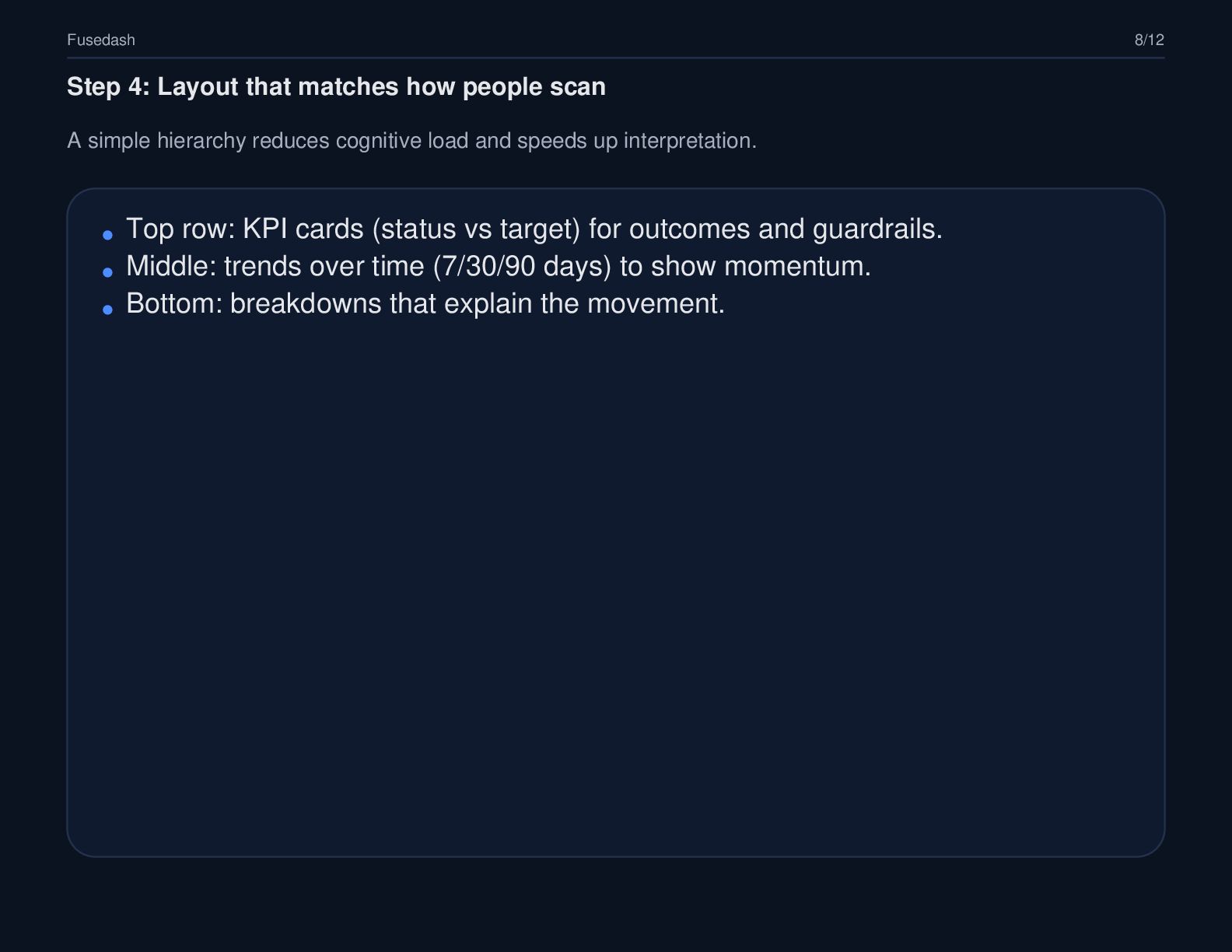
  8. Fusedash 8/12 Step 4: Layout that matches how people scan

    A simple hierarchy reduces cognitive load and speeds up interpretation. Top row: KPI cards (status vs target) for outcomes and guardrails. Middle: trends over time (7/30/90 days) to show momentum. Bottom: breakdowns that explain the movement.
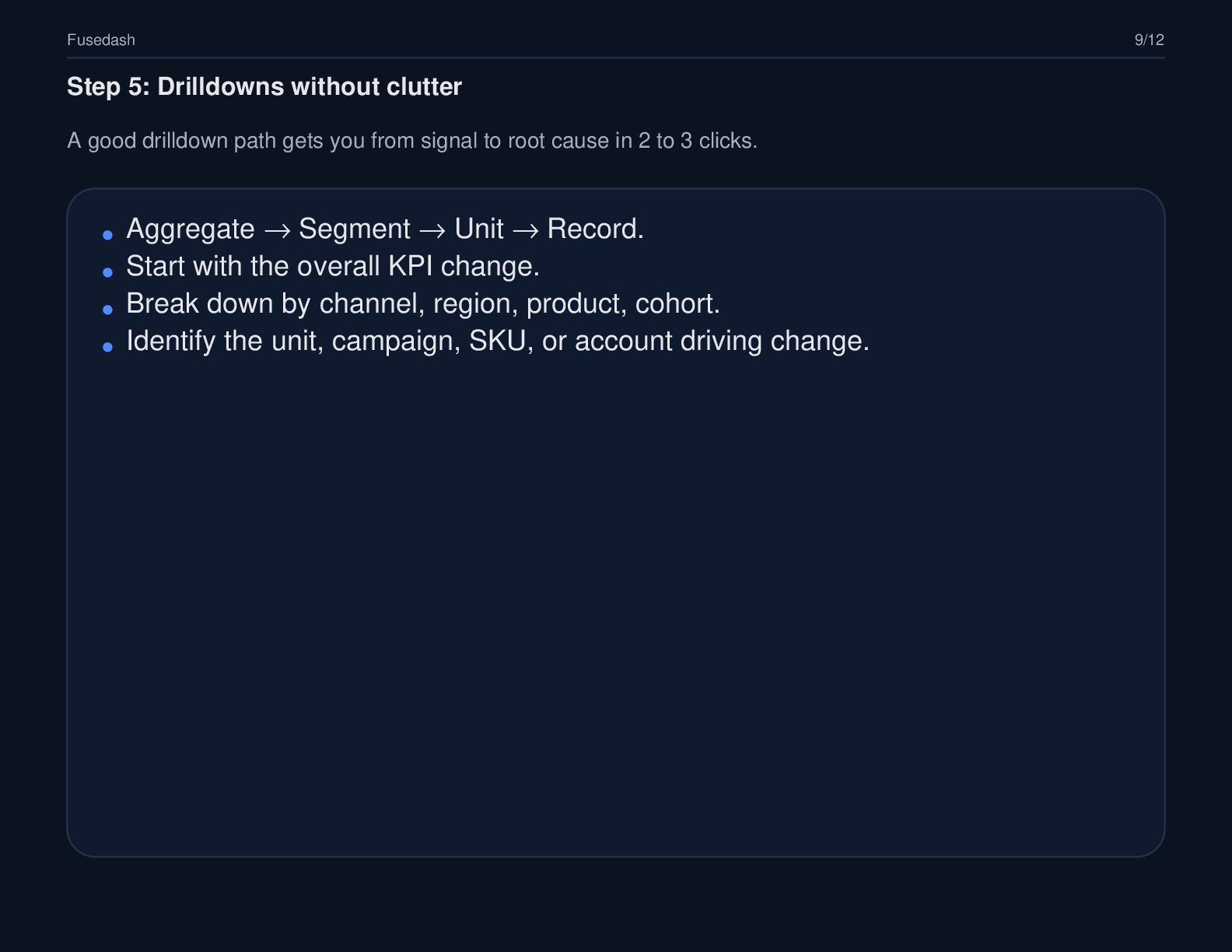
  9. Fusedash 9/12 Step 5: Drilldowns without clutter A good drilldown

    path gets you from signal to root cause in 2 to 3 clicks. Aggregate → Segment → Unit → Record. Start with the overall KPI change. Break down by channel, region, product, cohort. Identify the unit, campaign, SKU, or account driving change.
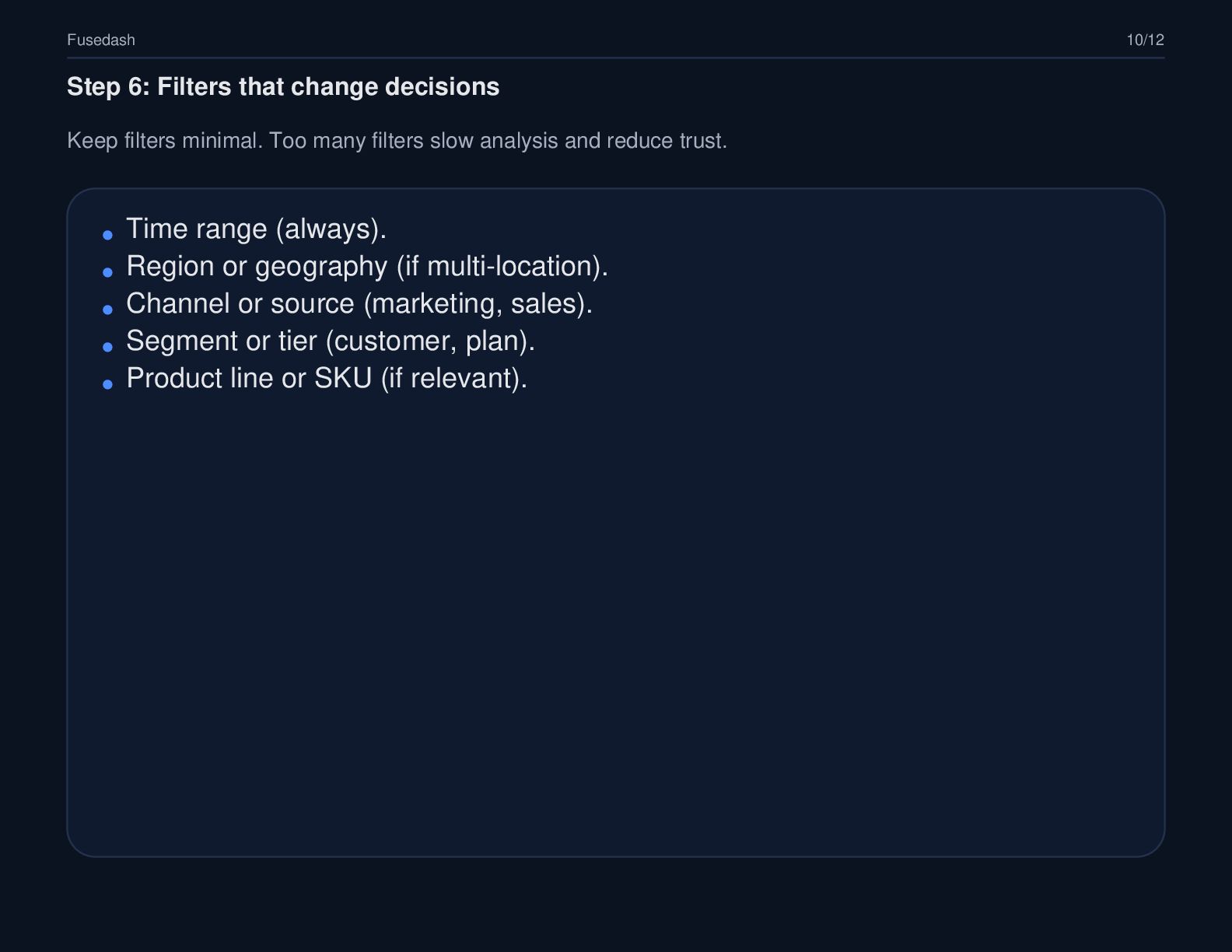
  10. Fusedash 10/12 Step 6: Filters that change decisions Keep filters

    minimal. Too many filters slow analysis and reduce trust. Time range (always). Region or geography (if multi-location). Channel or source (marketing, sales). Segment or tier (customer, plan). Product line or SKU (if relevant).
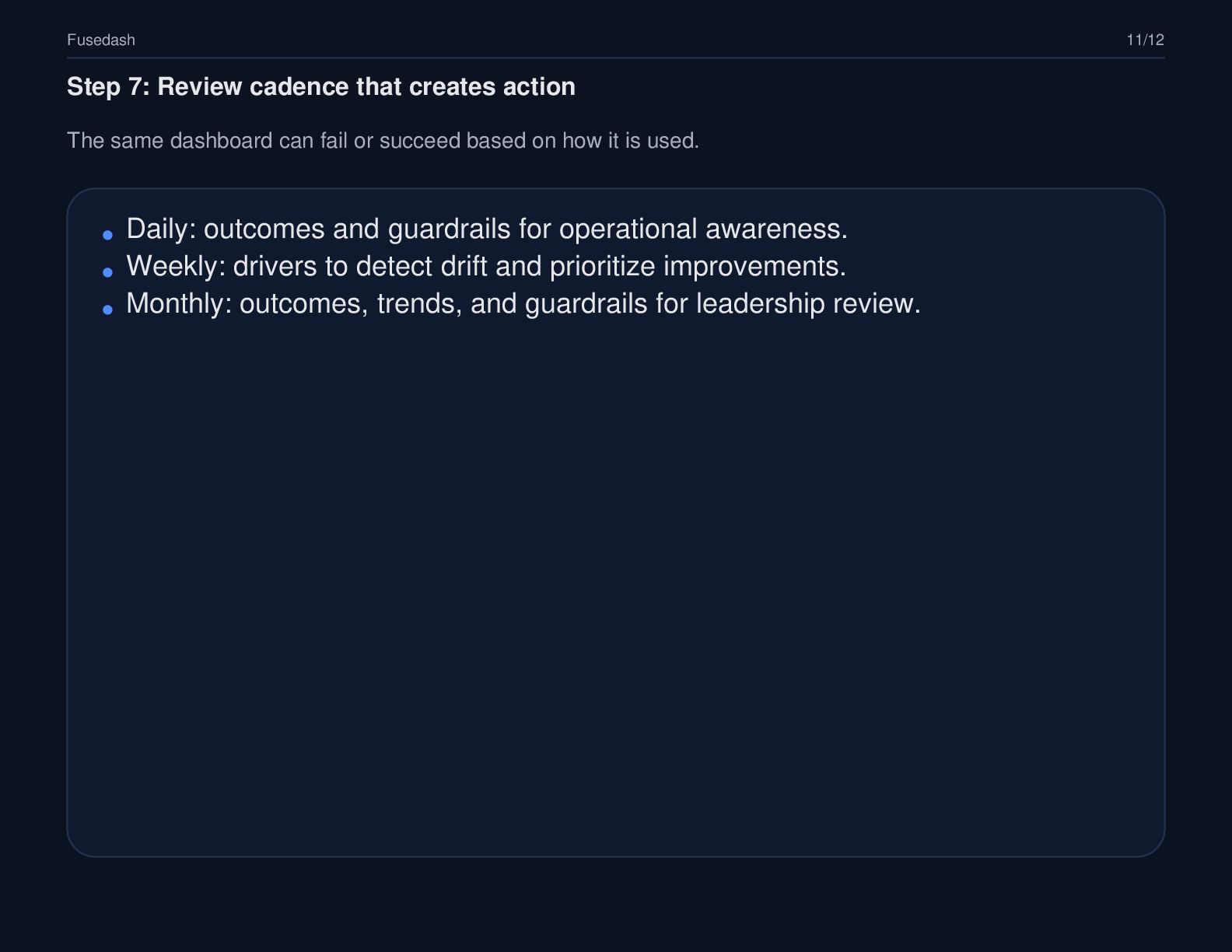
  11. Fusedash 11/12 Step 7: Review cadence that creates action The

    same dashboard can fail or succeed based on how it is used. Daily: outcomes and guardrails for operational awareness. Weekly: drivers to detect drift and prioritize improvements. Monthly: outcomes, trends, and guardrails for leadership review.
  12. Fusedash 12/12 Resources Want the full guide and templates? These

    links expand the blueprint with examples, checklists, and workflows. Guide: https://fusedash.ai/blog/post/how-to-build-a-kpi-dashboard-that-drives-decisions Dashboard builder: https://fusedash.ai/dashboards Real-time interface: https://fusedash.ai/real-time-interface Upload this deck to Speaker Deck and keep the same links in the description.