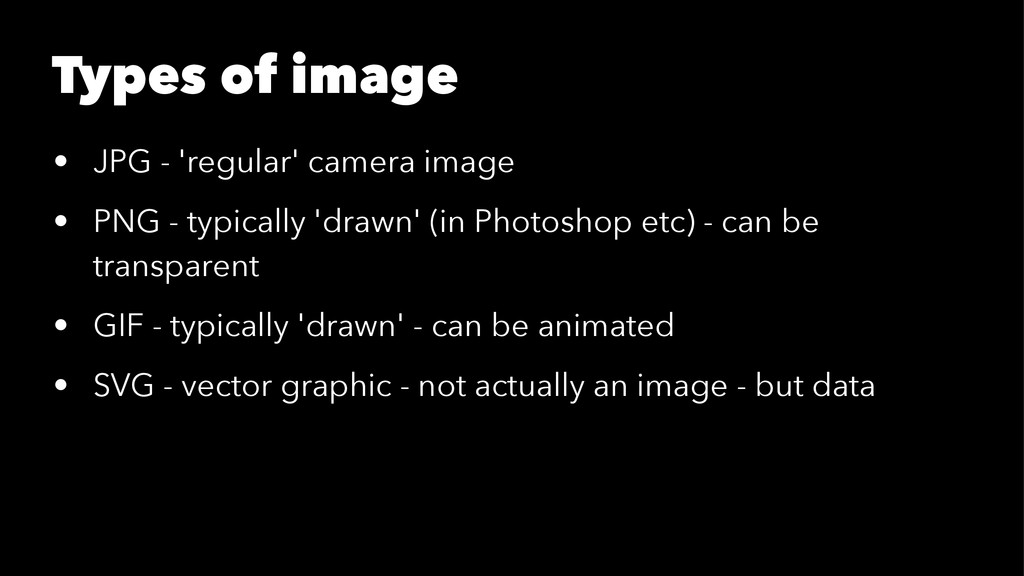
PNG - typically 'drawn' (in Photoshop etc) - can be transparent • GIF - typically 'drawn' - can be animated • SVG - vector graphic - not actually an image - but data
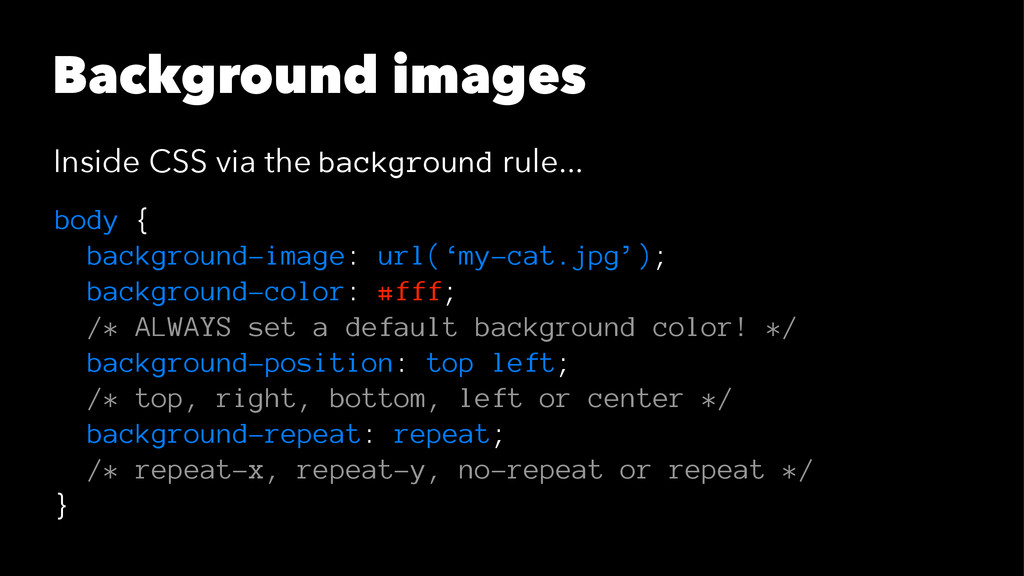
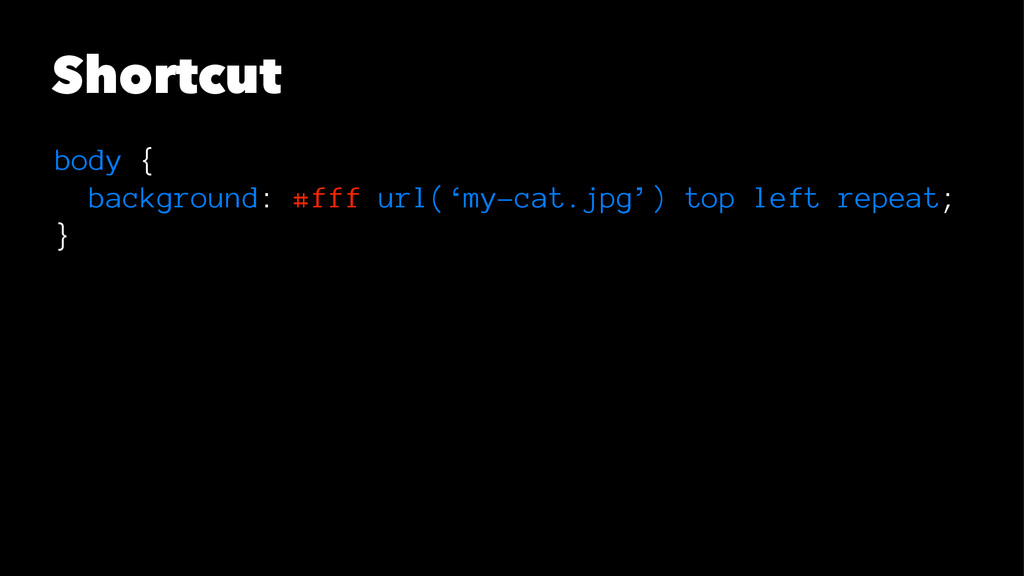
background-image: url(‘my-cat.jpg’); background-color: #fff; /* ALWAYS set a default background color! */ background-position: top left; /* top, right, bottom, left or center */ background-repeat: repeat; /* repeat-x, repeat-y, no-repeat or repeat */ }


 gclssvglx
 namiki64
 yut0naga1_fa
 raspython3
 kaminashi
 bitkey
 tokuty
 mhrtech
 kentarofujii
 genda
genda
 yahonda
 yu23ki14
 akhino
 apolaine
 chriscoyier
 kimpetersen
 skipperchong
 greggifford
 szymonslowik
 aleyda
 katarinadahlin
 baasie
 bryan
bryan
 cassininazir
 sarafernandez