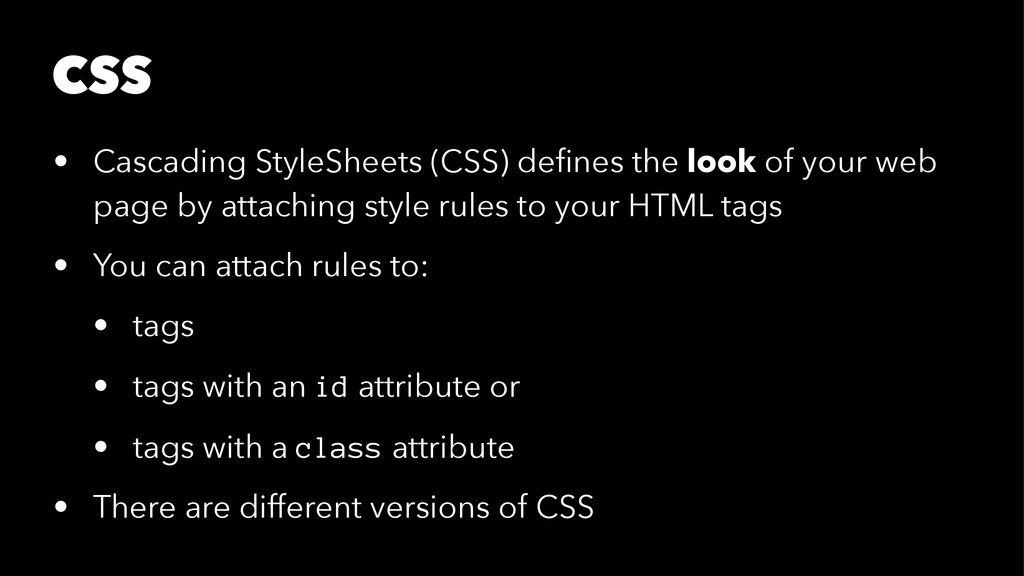
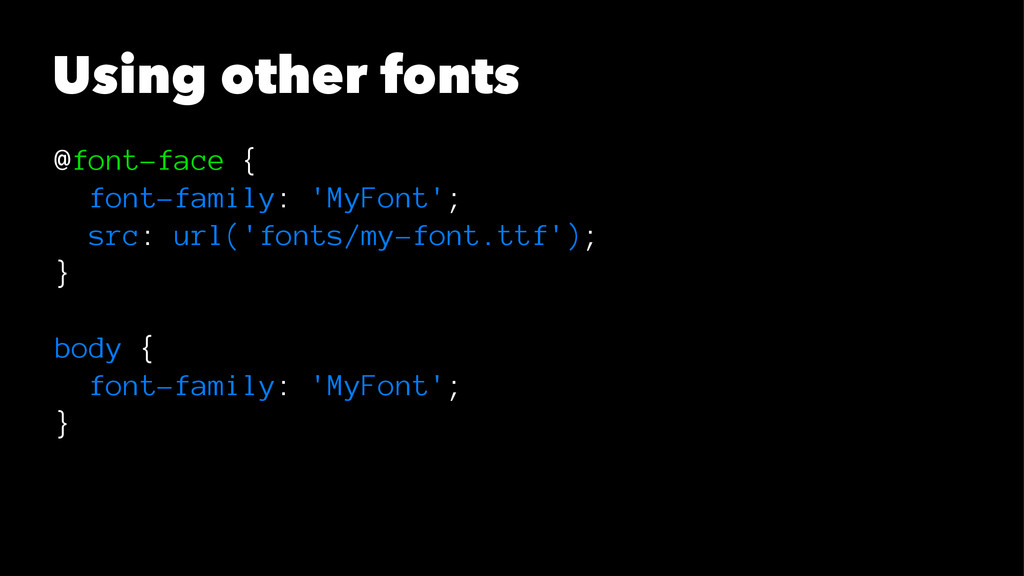
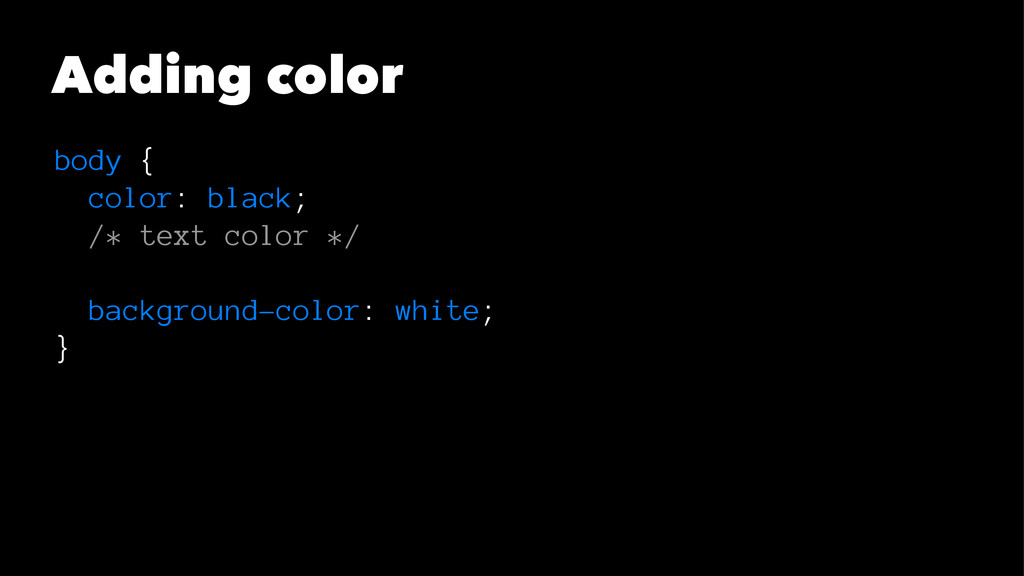
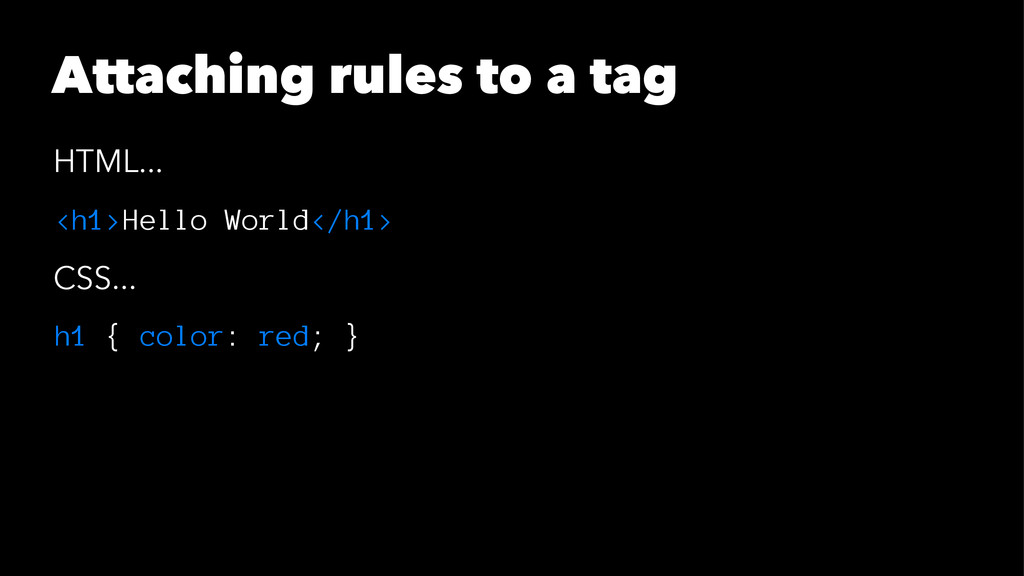
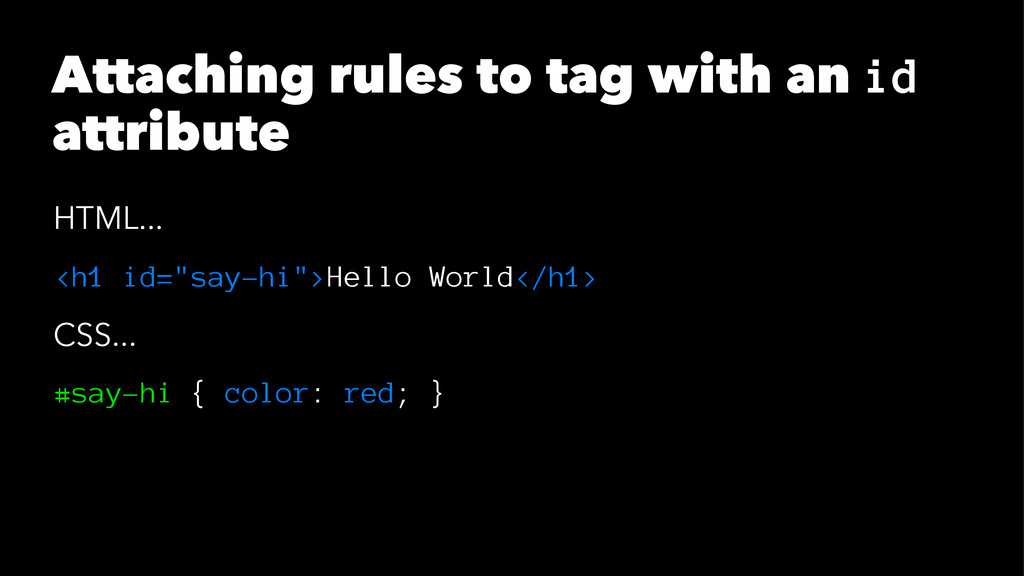
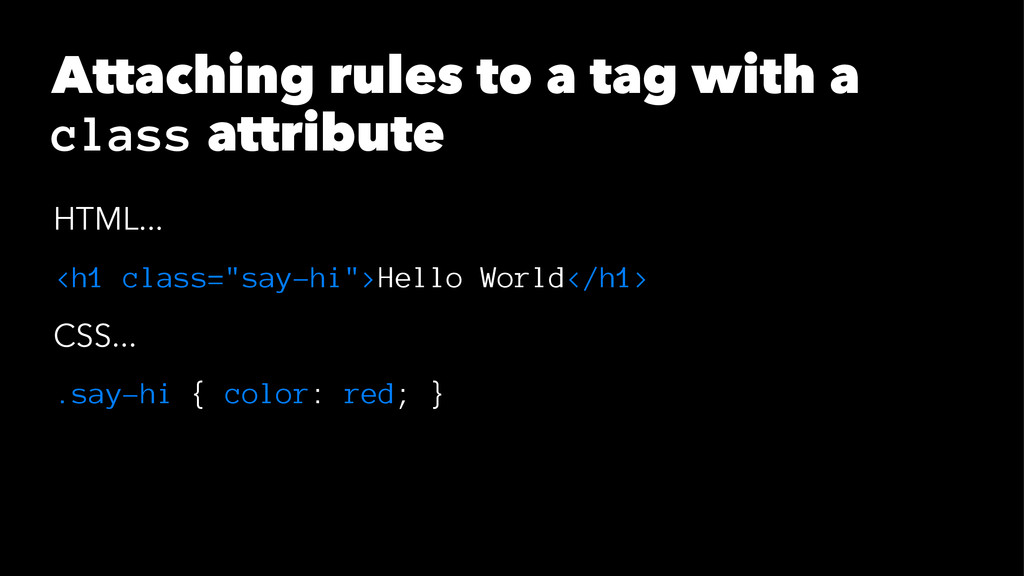
web page by attaching style rules to your HTML tags • You can attach rules to: • tags • tags with an id attribute or • tags with a class attribute • There are different versions of CSS
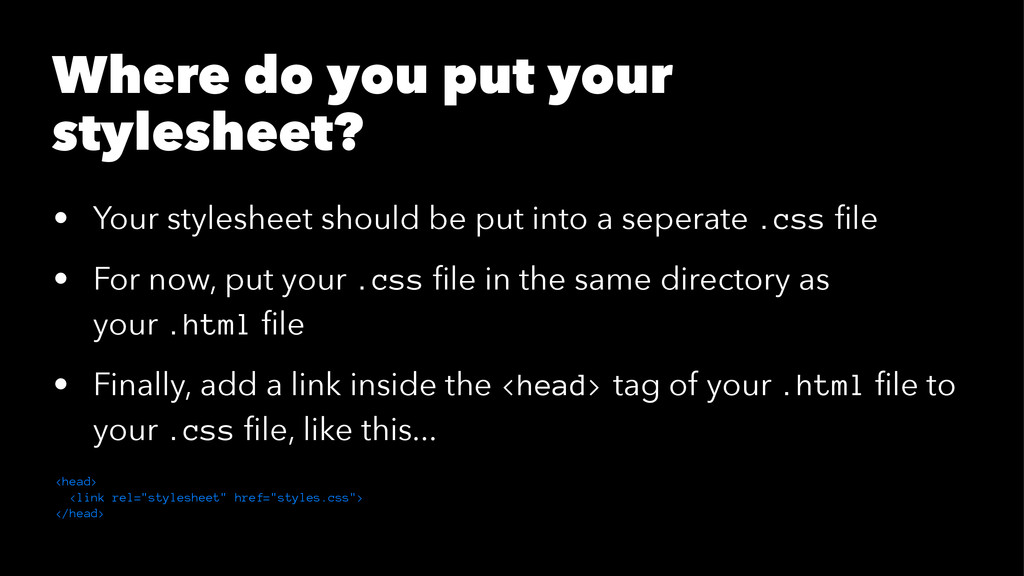
be put into a seperate .css file • For now, put your .css file in the same directory as your .html file • Finally, add a link inside the <head> tag of your .html file to your .css file, like this... <head> <link rel="stylesheet" href="styles.css"> </head>


 gclssvglx
 ivry_presentationmaterials
 kentapapa
 kenichiodo
 satomasahiro2005
 satoshi7
 bgpat
bgpat
 makocchi
 persolserverworks
 glaforge
 jozono
 tomokusaba
 koukihosaka
 tammyeverts
 axbom
axbom
 uxyall
 mfonobong
 eileencodes
 62gerente
 bkeepers
 lynnandtonic
 destraynor
 aleyda