Upgrade to Pro — share decks privately, control downloads, hide ads and more …

Level 1 - Week 1

Sponsored · SiteGround - Reliable hosting with speed, security, and support you can count on.

Level 1 - Week 1

Avatar for Graham Lewis

Graham Lewis

June 23, 2015

More Decks by Graham Lewis

Other Decks in Technology

Transcript

  1. What are we going to learn? • HTML/CSS basics •

    Links • Images & Video • Lists • Forms
  2. What are we going to build? • A portfolio website

    with these pages: • Home/portfolio • About • Contact • Blog
  3. How is this going to work? 1. Tutorials - 60

    mins • 30-40 mins - explanation and live-coding • 20-30 mins - hands-on - you will be writing code! 2. Drop in sessions - 60 mins
  4. Drop in sessions • Just drop in! • Idea is

    to help you with anything you're stuck with and for you to ask questions • You can just sit a code if you like • Please make good use of this time
  5. What do I expect of you? • You will get

    challenges each week - please complete them • This should take anywhere between 1 and 3 hours • As much additional play time as you can get
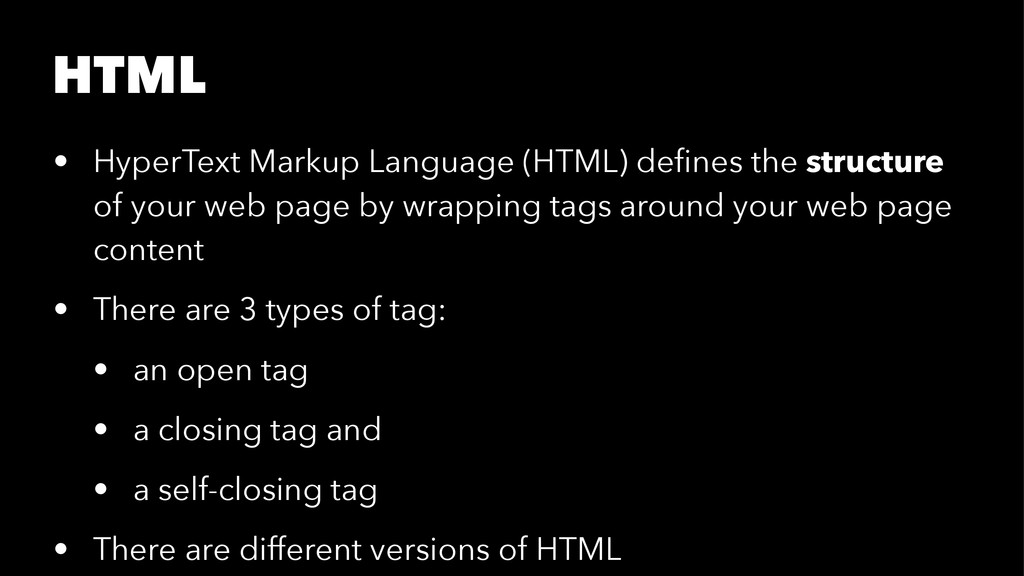
  6. HTML • HyperText Markup Language (HTML) defines the structure of

    your web page by wrapping tags around your web page content • There are 3 types of tag: • an open tag • a closing tag and • a self-closing tag • There are different versions of HTML
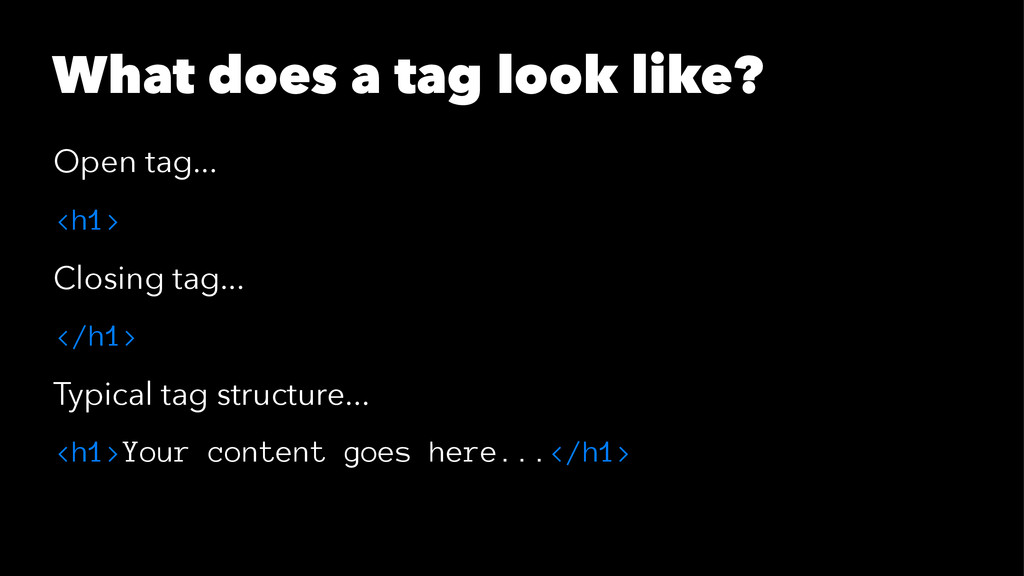
  7. What does a tag look like? Open tag... <h1> Closing

    tag... </h1> Typical tag structure... <h1>Your content goes here...</h1>
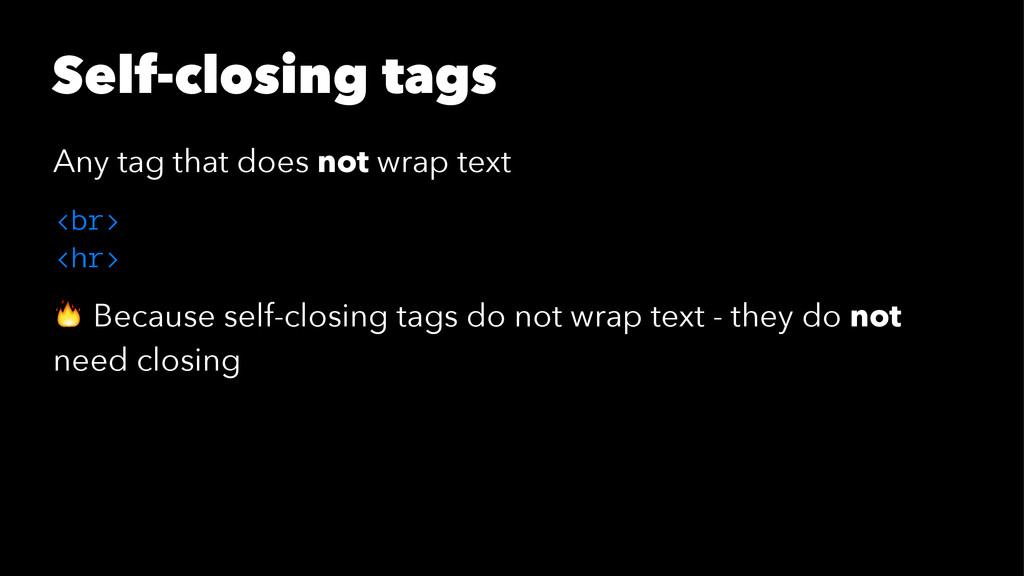
  8. Self-closing tags Any tag that does not wrap text <br>

    <hr> ! Because self-closing tags do not wrap text - they do not need closing
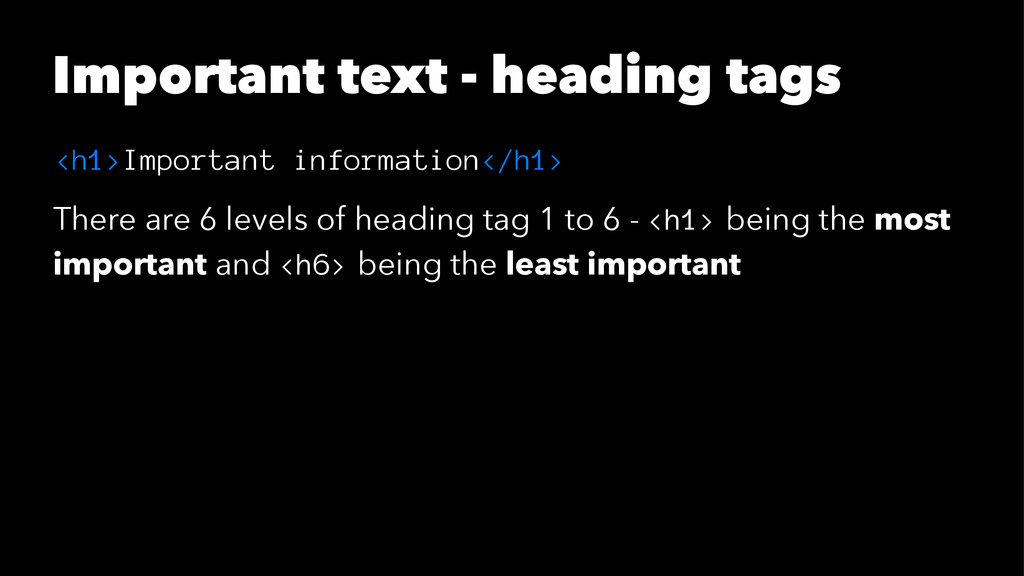
  9. Important text - heading tags <h1>Important information</h1> There are 6

    levels of heading tag 1 to 6 - <h1> being the most important and <h6> being the least important
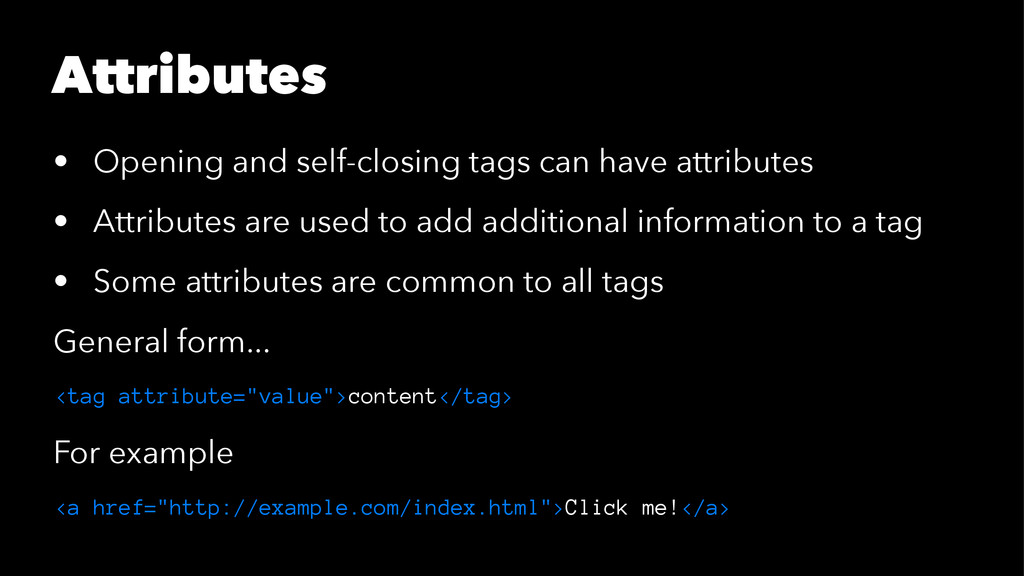
  10. Attributes • Opening and self-closing tags can have attributes •

    Attributes are used to add additional information to a tag • Some attributes are common to all tags General form... <tag attribute="value">content</tag> For example <a href="http://example.com/index.html">Click me!</a>
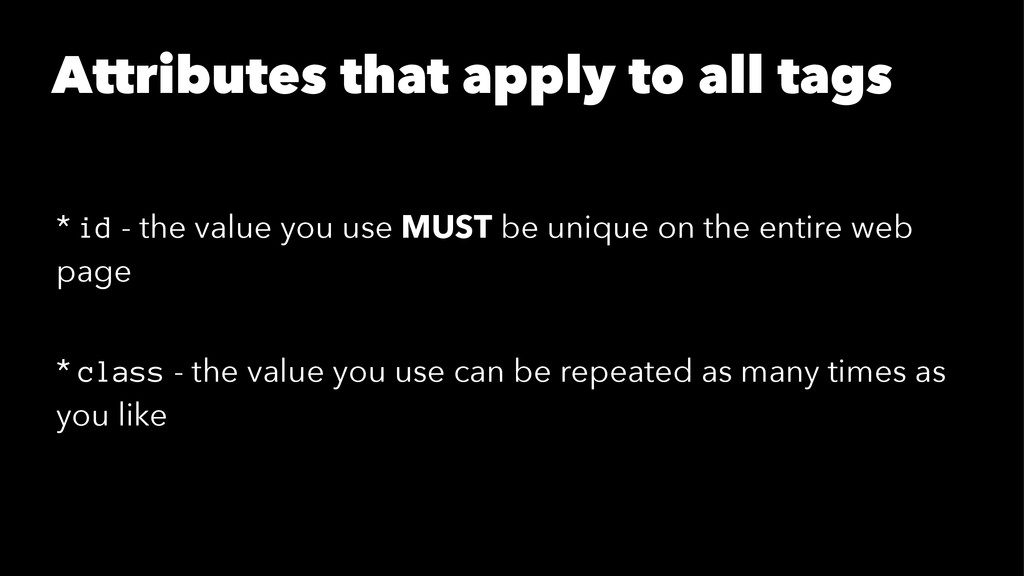
  11. Attributes that apply to all tags * id - the

    value you use MUST be unique on the entire web page * class - the value you use can be repeated as many times as you like
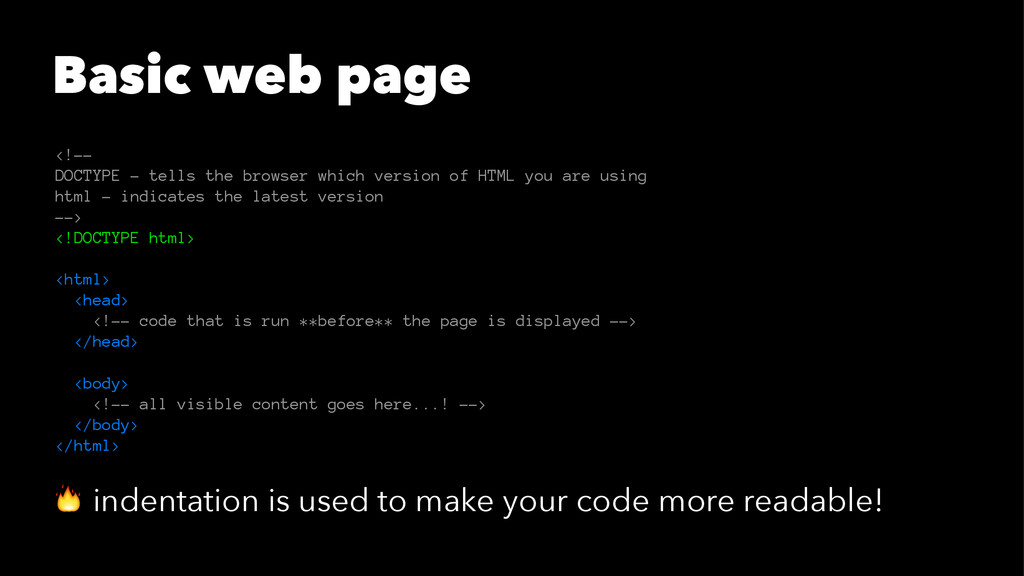
  12. Basic web page <!-- DOCTYPE - tells the browser which

    version of HTML you are using html - indicates the latest version --> <!DOCTYPE html> <html> <head> <!-- code that is run **before** the page is displayed --> </head> <body> <!-- all visible content goes here...! --> </body> </html> ! indentation is used to make your code more readable!
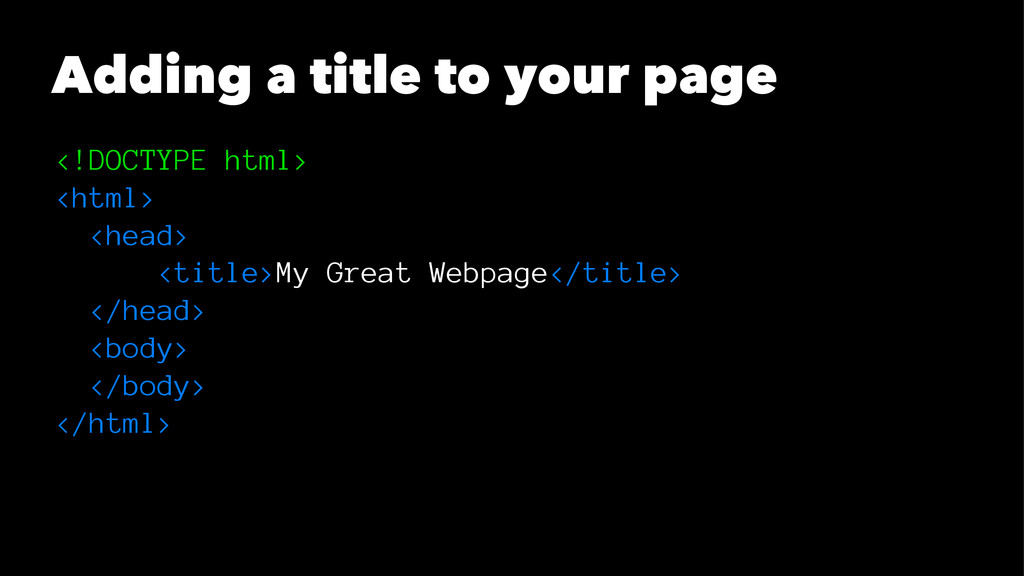
  13. Adding a title to your page <!DOCTYPE html> <html> <head>

    <title>My Great Webpage</title> </head> <body> </body> </html>