Upgrade to Pro
— share decks privately, control downloads, hide ads and more …
Speaker Deck
Sign up for free
Menu
Search
Features
All features
Private URLs
Password Protection
Custom URLS
Scheduled publishing
Remove Branding
Restrict embedding
Deck Collections
Notes
Features
All features
Private URLs
Password Protection
Custom URLS
Scheduled publishing
Remove Branding
Restrict embedding
Deck Collections
Notes
Explore
Featured decks
Featured speakers
Programming
Technology
Storyboards
Explore
Featured decks
Featured speakers
Programming
Technology
Storyboards
Pricing
Search
Sign in
Sign up for free
How to Fast Organize by File Format
Search
Sponsored
·
Your Podcast. Everywhere. Effortlessly.
Share. Educate. Inspire. Entertain. You do you. We'll handle the rest.
→
genelab_999
June 02, 2025
12
0
Share
Embed
Copy iframe code
Copy JS code
Copy link
Start on current slide
How to Fast Organize by File Format
How to Fast Organize by File Format
genelab_999
June 02, 2025
More Decks by genelab_999
See All by genelab_999
claude_opus_46_vs_gpt_53_codex
genelab_999
0
9
Mac vs Windows: ディスプレイ不具合比較 (HDMI / DP)
genelab_999
0
9
How to specify colors in image generation
genelab_999
0
15
Considerations on AI and Copyright
genelab_999
0
12
Demucs Easy Set Up Guide
genelab_999
0
55
Featured
See All Featured
The Limits of Empathy - UXLibs8
cassininazir
2
720
We Are The Robots
honzajavorek
0
400
[SF Ruby Conf 2025] Rails X
palkan
3
1.5k
DevOps and Value Stream Thinking: Enabling flow, efficiency and business value
helenjbeal
2
410
The Cult of Friendly URLs
andyhume
79
7k
The Mindset for Success: Future Career Progression
greggifford
PRO
0
540
Utilizing Notion as your number one productivity tool
mfonobong
4
620
Building Flexible Design Systems
yeseniaperezcruz
330
41k
Mobile First: as difficult as doing things right
swwweet
225
10k
GraphQLとの向き合い方2022年版
quramy
50
15k
Dealing with People You Can't Stand - Big Design 2015
cassininazir
367
27k
SEOcharity - Dark patterns in SEO and UX: How to avoid them and build a more ethical web
sarafernandez
0
300
Transcript
写真・動画ファイル自動整理 スクリプト 写真愛好家やビデオグラファーの皆さん、撮影後のファイル整理に悩んでい ませんか? このプレゼンテーションでは、撮影時間ごとに自動的にファイルを整理する シェルスクリプトをご紹介します。 GeneLab
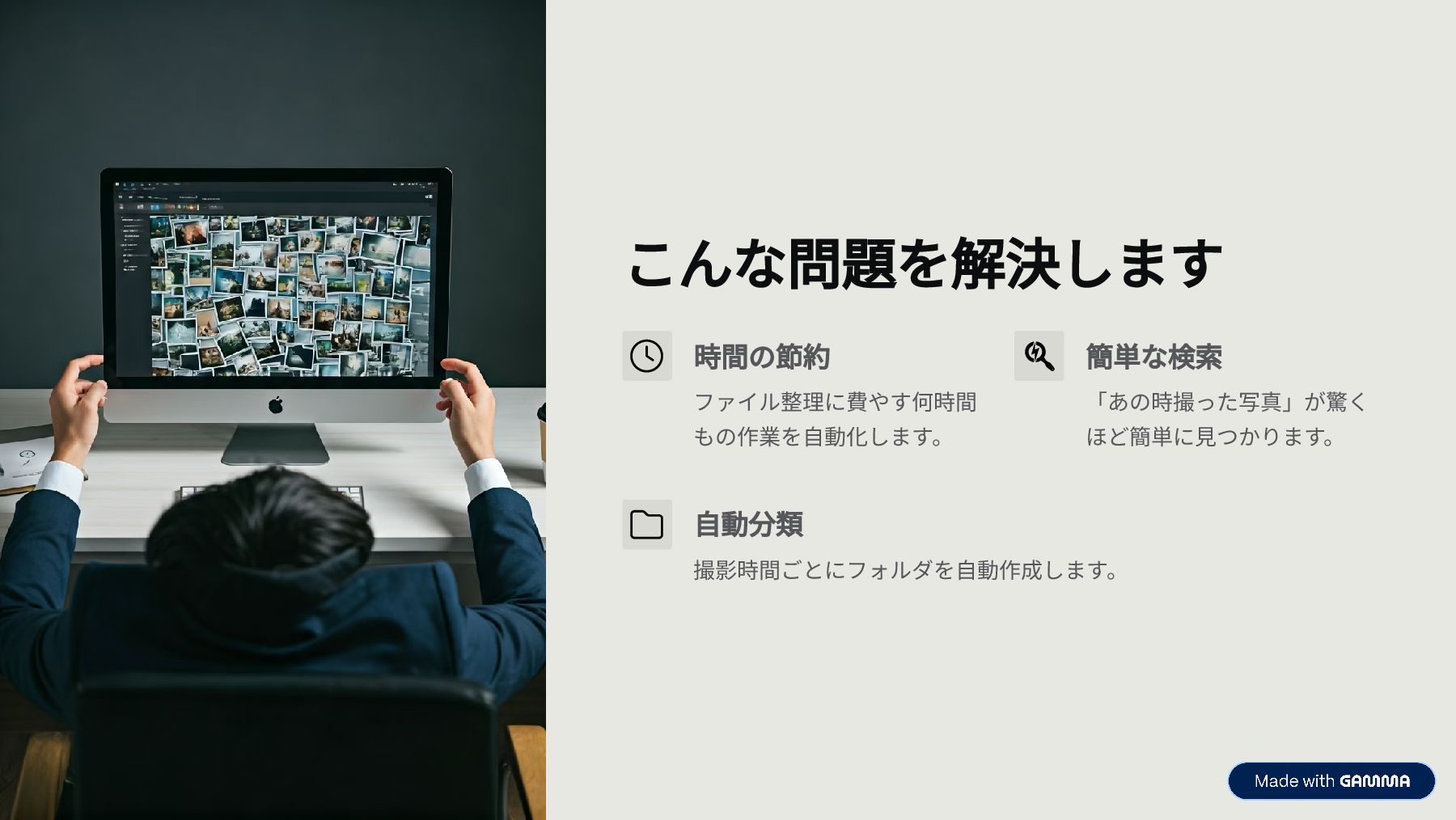
こんな問題を解決します 時間の節約 ファイル整理に費やす何時間 もの作業を自動化します。 簡単な検索 「あの時撮った写真」が驚く ほど簡単に見つかります。 自動分類 撮影時間ごとにフォルダを自動作成します。
こんな方におすすめです 写真・動画撮影者 カメラやスマホで大量の写真・動画を撮影す る方 整理好きな方 撮影データを時系列で整理したい方 自動化希望者 ファイル整理作業を自動化したい方 プログラミング初心者 シェルスクリプトの実用例を知りたい方
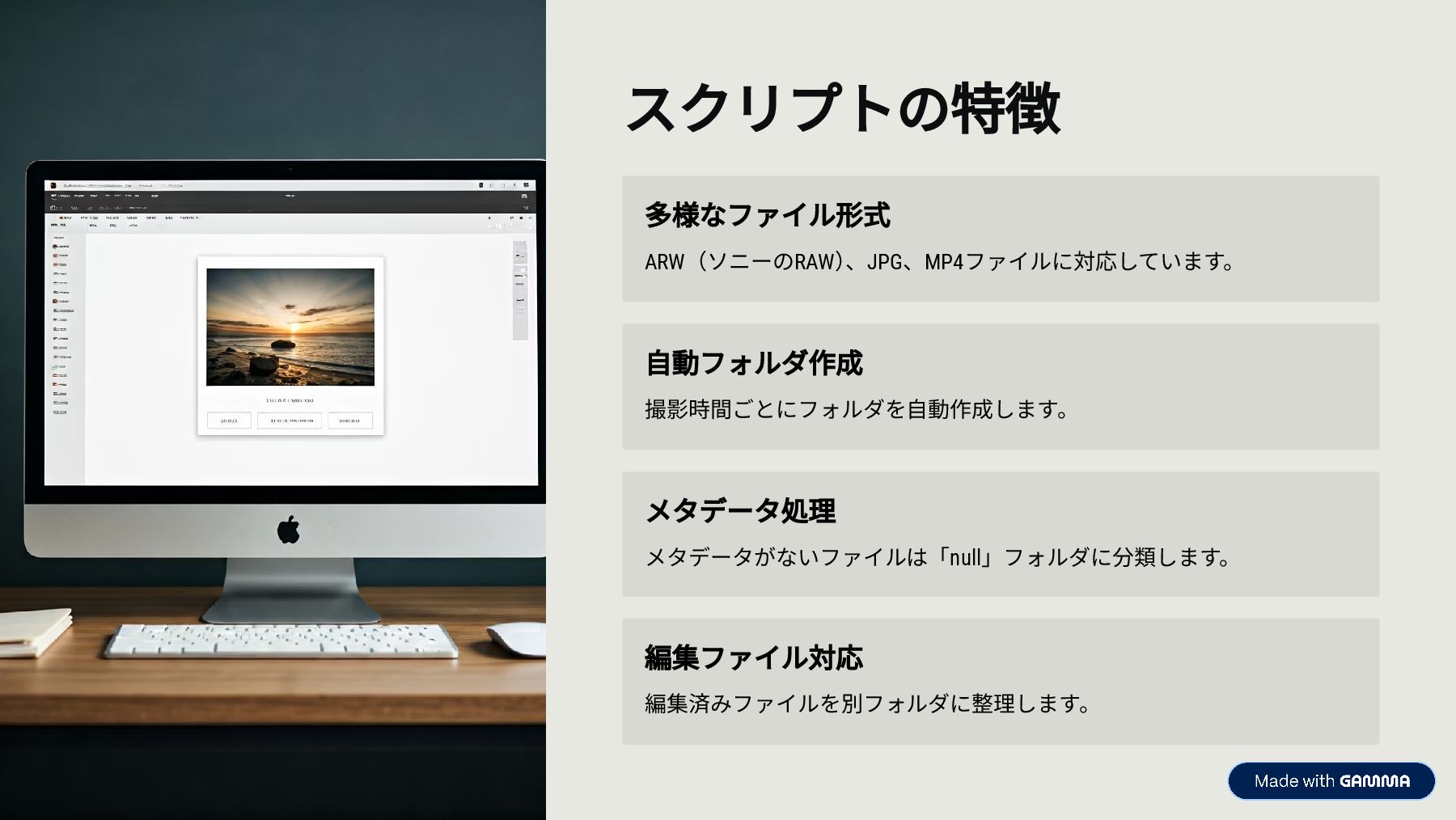
スクリプトの特徴 多様なファイル形式 ARW(ソニーのRAW) 、JPG、MP4ファイルに対応しています。 自動フォルダ作成 撮影時間ごとにフォルダを自動作成します。 メタデータ処理 メタデータがないファイルは「null」フォルダに分類します。 編集ファイル対応 編集済みファイルを別フォルダに整理します。
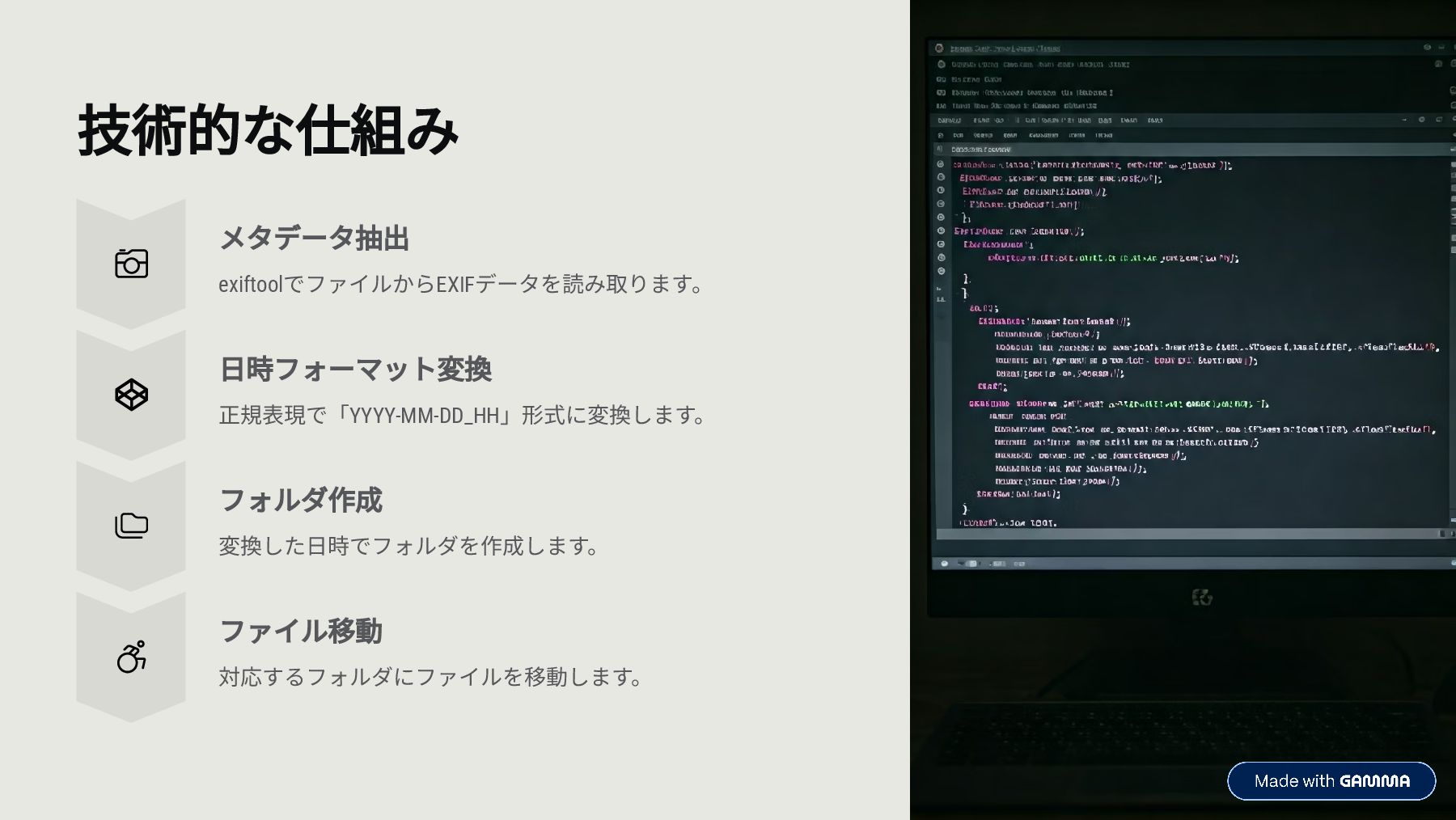
技術的な仕組み メタデータ抽出 exiftoolでファイルからEXIFデータを読み取ります。 日時フォーマット変換 正規表現で「YYYY-MM-DD_HH」形式に変換します。 フォルダ作成 変換した日時でフォルダを作成します。 ファイル移動 対応するフォルダにファイルを移動します。
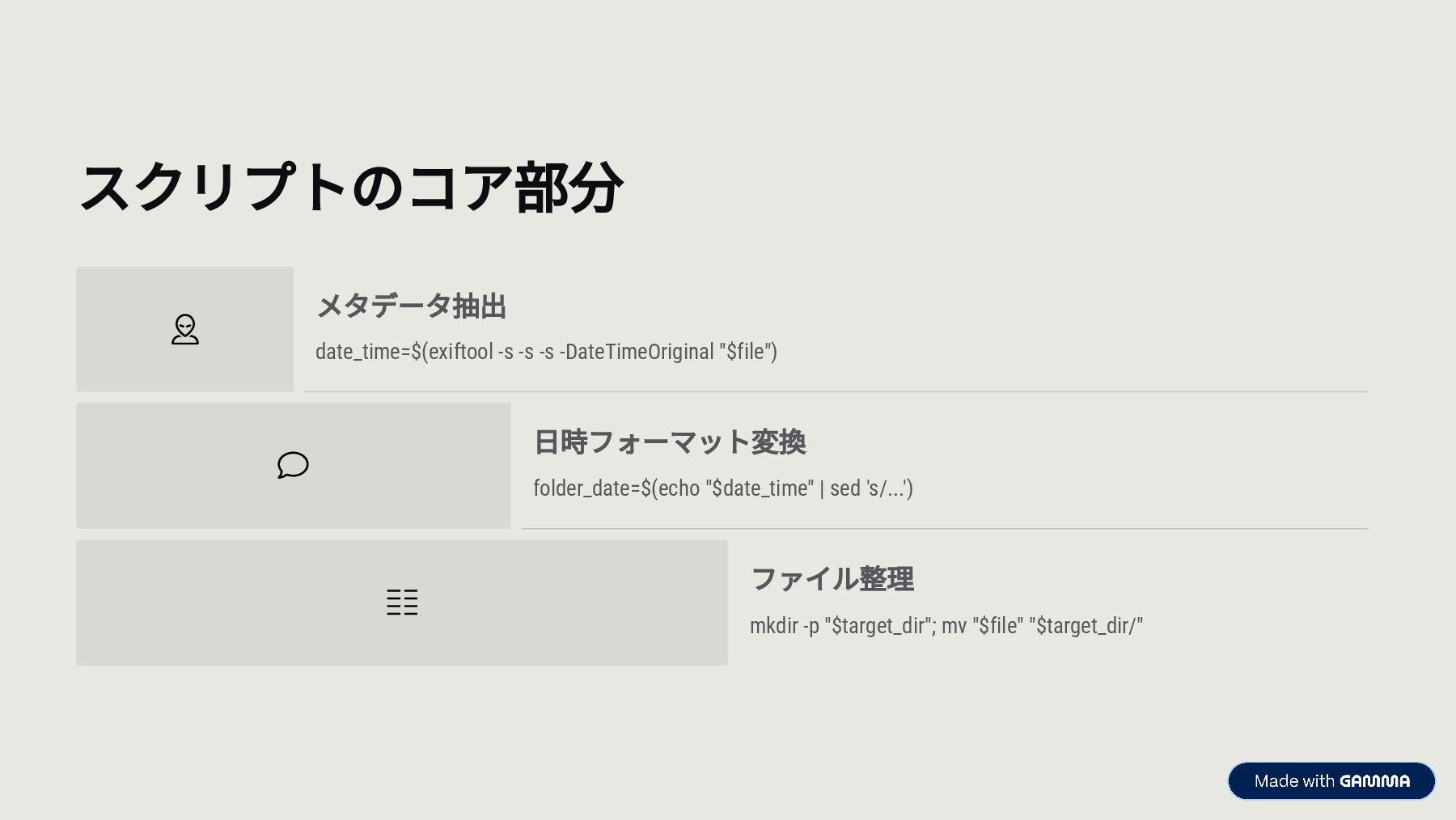
スクリプトのコア部分 メタデータ抽出 date_time=$(exiftool -s -s -s -DateTimeOriginal "$file") 日時フォーマット変換 folder_date=$(echo
"$date_time" | sed 's/...') ファイル整理 mkdir -p "$target_dir"; mv "$file" "$target_dir/"
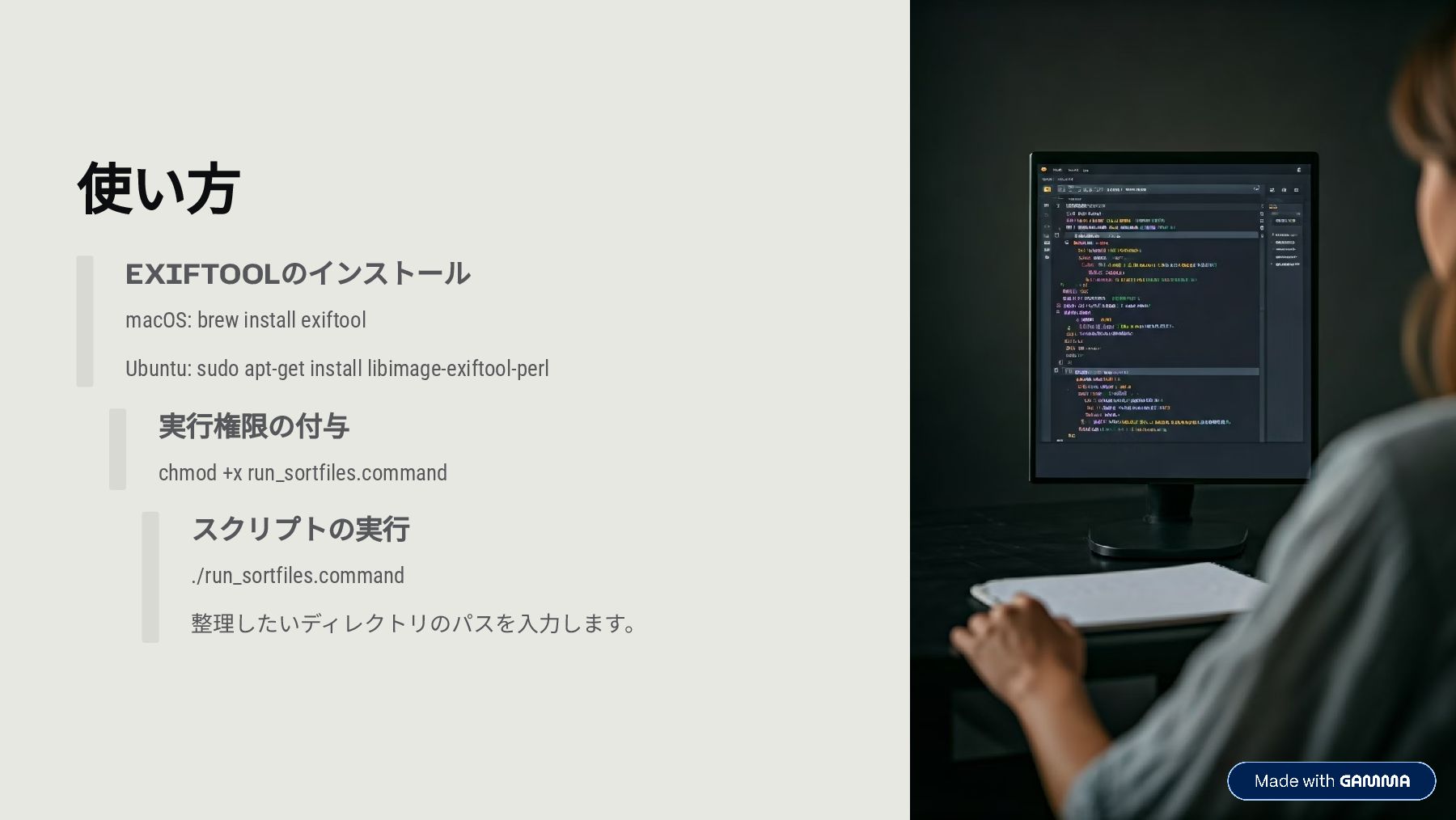
使い方 EXIFTOOLのインストール macOS: brew install exiftool Ubuntu: sudo apt-get install
libimage-exiftool-perl 実行権限の付与 chmod +x run_sortfiles.command スクリプトの実行 ./run_sortfiles.command 整理したいディレクトリのパスを入力します。
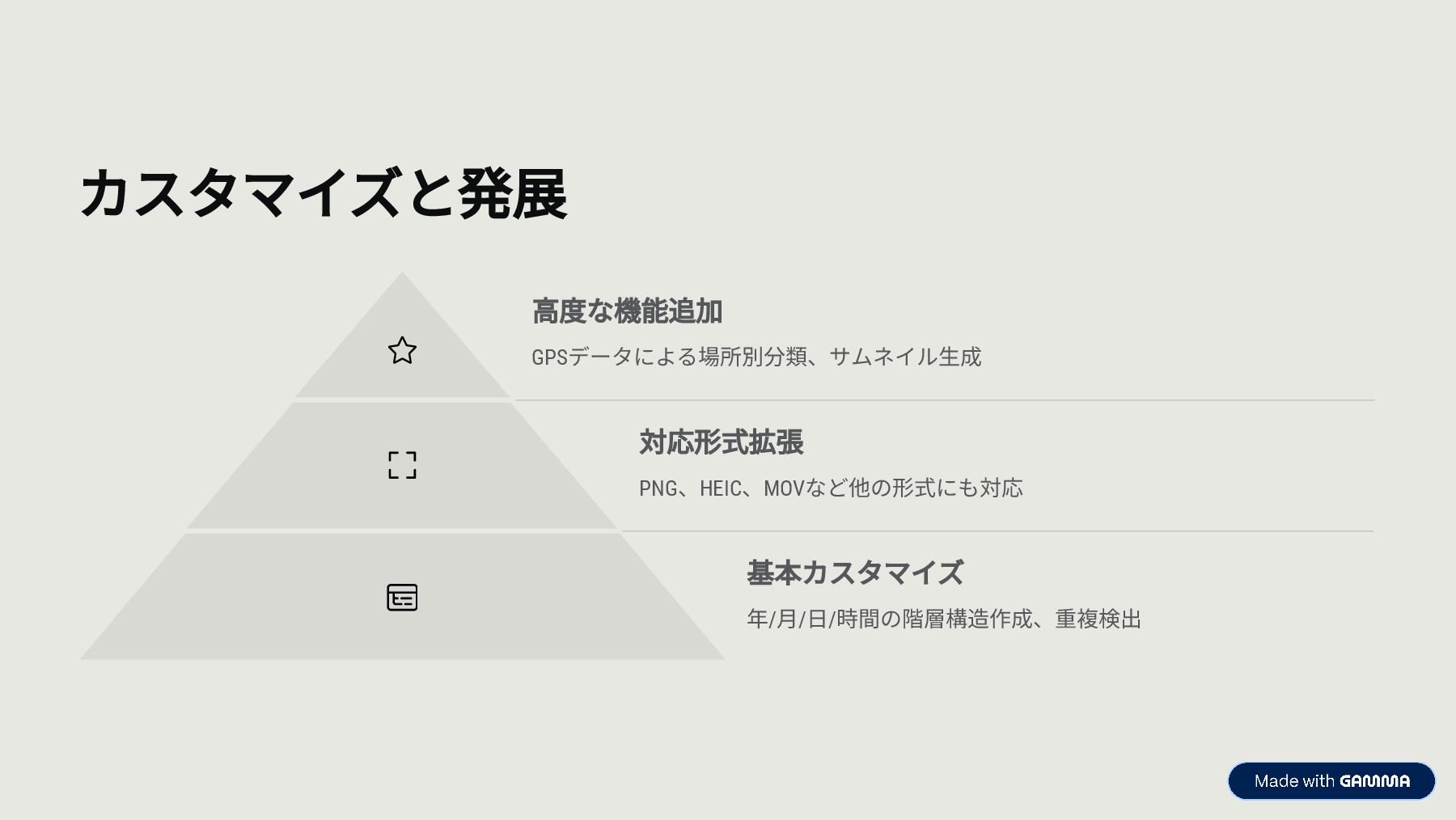
カスタマイズと発展 高度な機能追加 GPSデータによる場所別分類、サムネイル生成 対応形式拡張 PNG、HEIC、MOVなど他の形式にも対応 基本カスタマイズ 年/月/日/時間の階層構造作成、重複検出


 genelab_999
 cassininazir
 honzajavorek
 palkan
.png) helenjbeal
helenjbeal
 andyhume
 greggifford
 mfonobong
 yeseniaperezcruz
 swwweet
 quramy
 sarafernandez