Upgrade to Pro
— share decks privately, control downloads, hide ads and more …
Speaker Deck
Sign up for free
Menu
Search
Features
All features
Private URLs
Password Protection
Custom URLS
Scheduled publishing
Remove Branding
Restrict embedding
Deck Collections
Notes
Features
All features
Private URLs
Password Protection
Custom URLS
Scheduled publishing
Remove Branding
Restrict embedding
Deck Collections
Notes
Explore
Featured decks
Featured speakers
Programming
Technology
Storyboards
Explore
Featured decks
Featured speakers
Programming
Technology
Storyboards
Pricing
Search
Sign in
Sign up for free
空間情報システムⅠ
Search
GENTSU
July 14, 2016
51
0
Share
Embed
Copy iframe code
Copy JS code
Copy link
Start on current slide
空間情報システムⅠ
GENTSU
July 14, 2016
Featured
See All Featured
The Limits of Empathy - UXLibs8
cassininazir
2
720
The Curious Case for Waylosing
cassininazir
1
570
Breaking role norms: Why Content Design is so much more than writing copy - Taylor Woolridge
uxyall
1
450
How GitHub (no longer) Works
holman
316
150k
Redefining SEO in the New Era of Traffic Generation
szymonslowik
1
480
BBQ
matthewcrist
90
10k
Distributed Sagas: A Protocol for Coordinating Microservices
caitiem20
333
23k
Building Better People: How to give real-time feedback that sticks.
wjessup
371
20k
Digital Projects Gone Horribly Wrong (And the UX Pros Who Still Save the Day) - Dean Schuster
uxyall
1
3.4k
Leveraging Curiosity to Care for An Aging Population
cassininazir
1
540
Reflections from 52 weeks, 52 projects
jeffersonlam
356
22k
How to make the Groovebox
asonas
2
2.5k
Transcript
OPEN STREET MAP における マッピング作業のマニュアル 空間情報システム1 1A116087 源通 晃太
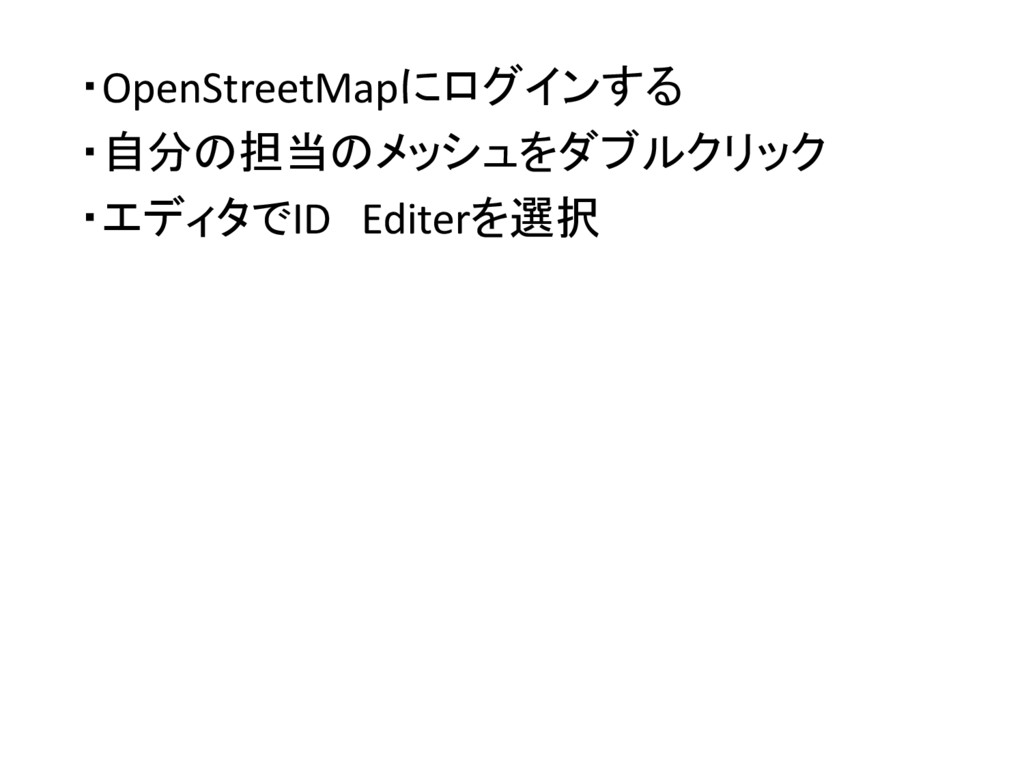
・OpenStreetMapにログインする ・自分の担当のメッシュをダブルクリック ・エディタでID Editerを選択
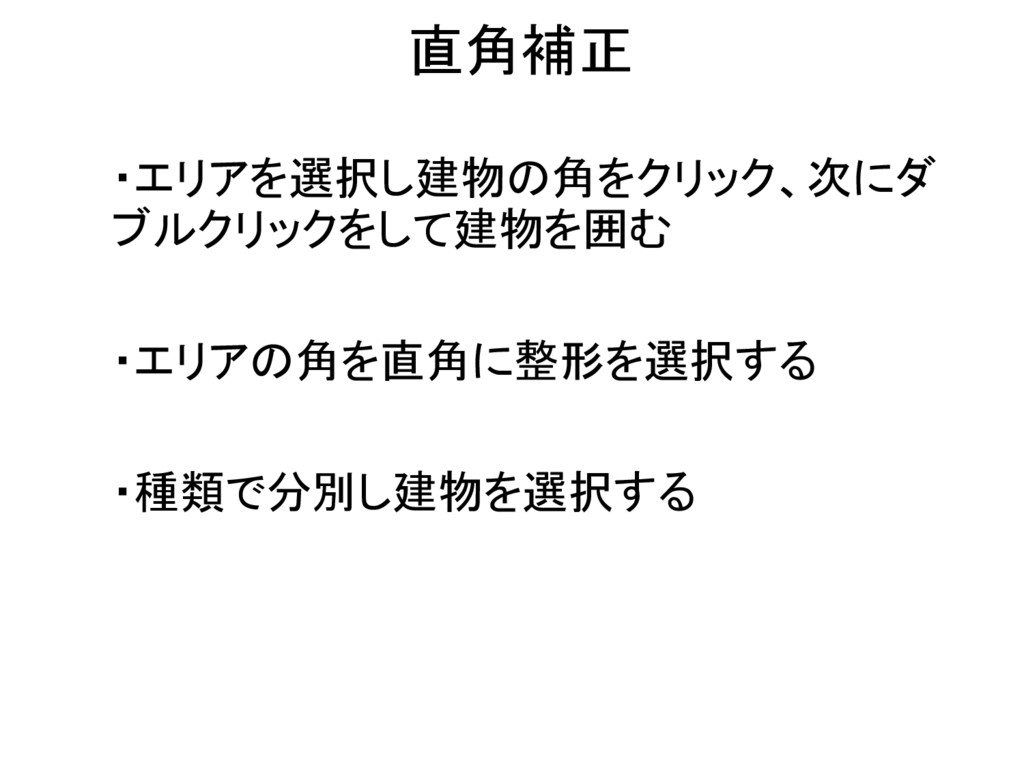
直角補正 ・エリアを選択し建物の角をクリック、次にダ ブルクリックをして建物を囲む ・エリアの角を直角に整形を選択する ・種類で分別し建物を選択する
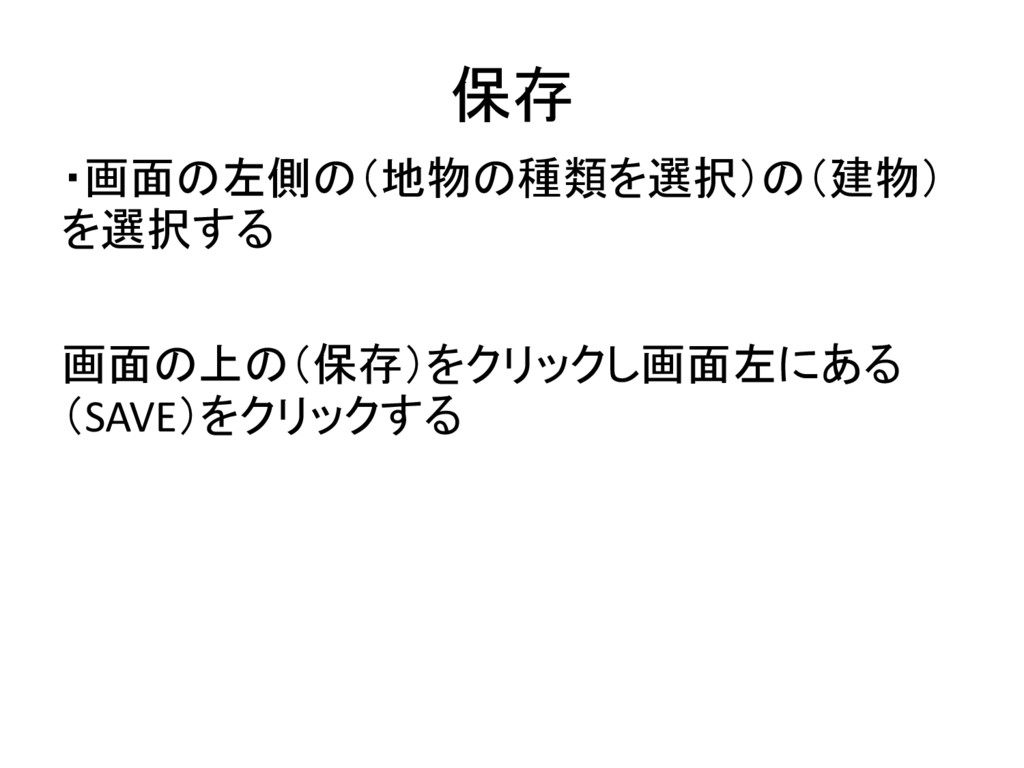
保存 ・画面の左側の(地物の種類を選択)の(建物) を選択する 画面の上の(保存)をクリックし画面左にある (SAVE)をクリックする
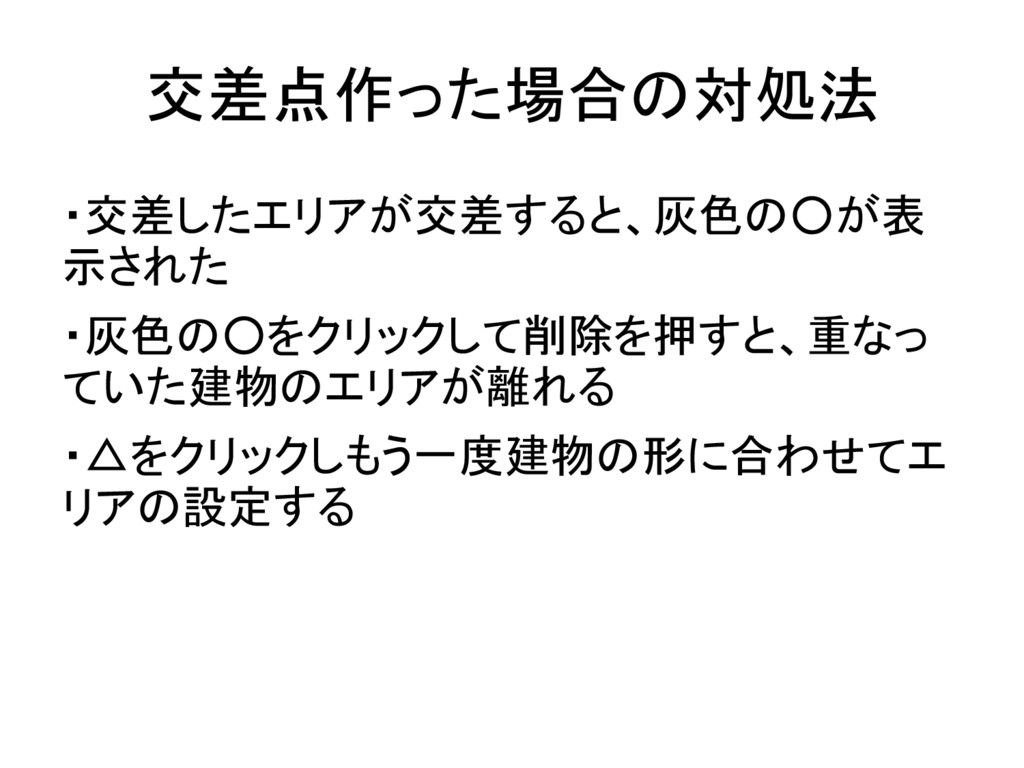
交差点作った場合の対処法 ・交差したエリアが交差すると、灰色の◦が表 示された ・灰色の◦をクリックして削除を押すと、重なっ ていた建物のエリアが離れる ・△をクリックしもう一度建物の形に合わせてエ リアの設定する
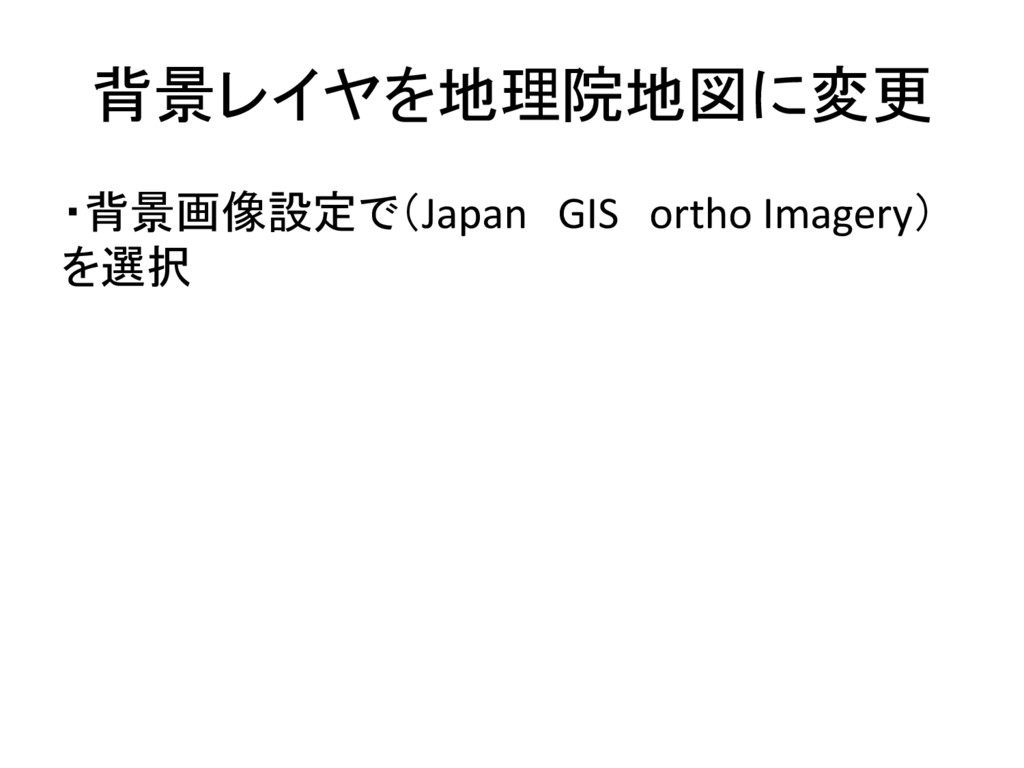
背景レイヤを地理院地図に変更 ・背景画像設定で(Japan GIS ortho Imagery) を選択
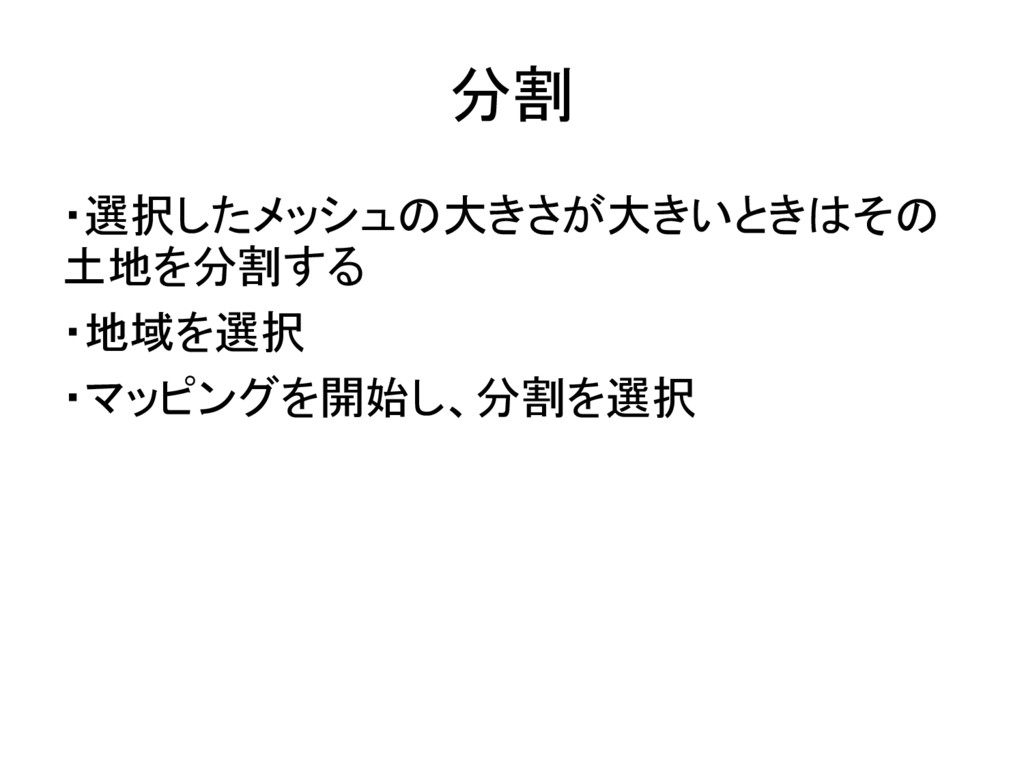
分割 ・選択したメッシュの大きさが大きいときはその 土地を分割する ・地域を選択 ・マッピングを開始し、分割を選択
タスク完了 ・最後にタスク完了ボタンをクリックしマッピング


 cassininazir
 uxyall
 holman
 szymonslowik
 matthewcrist
 caitiem20
 wjessup
 jeffersonlam
 asonas