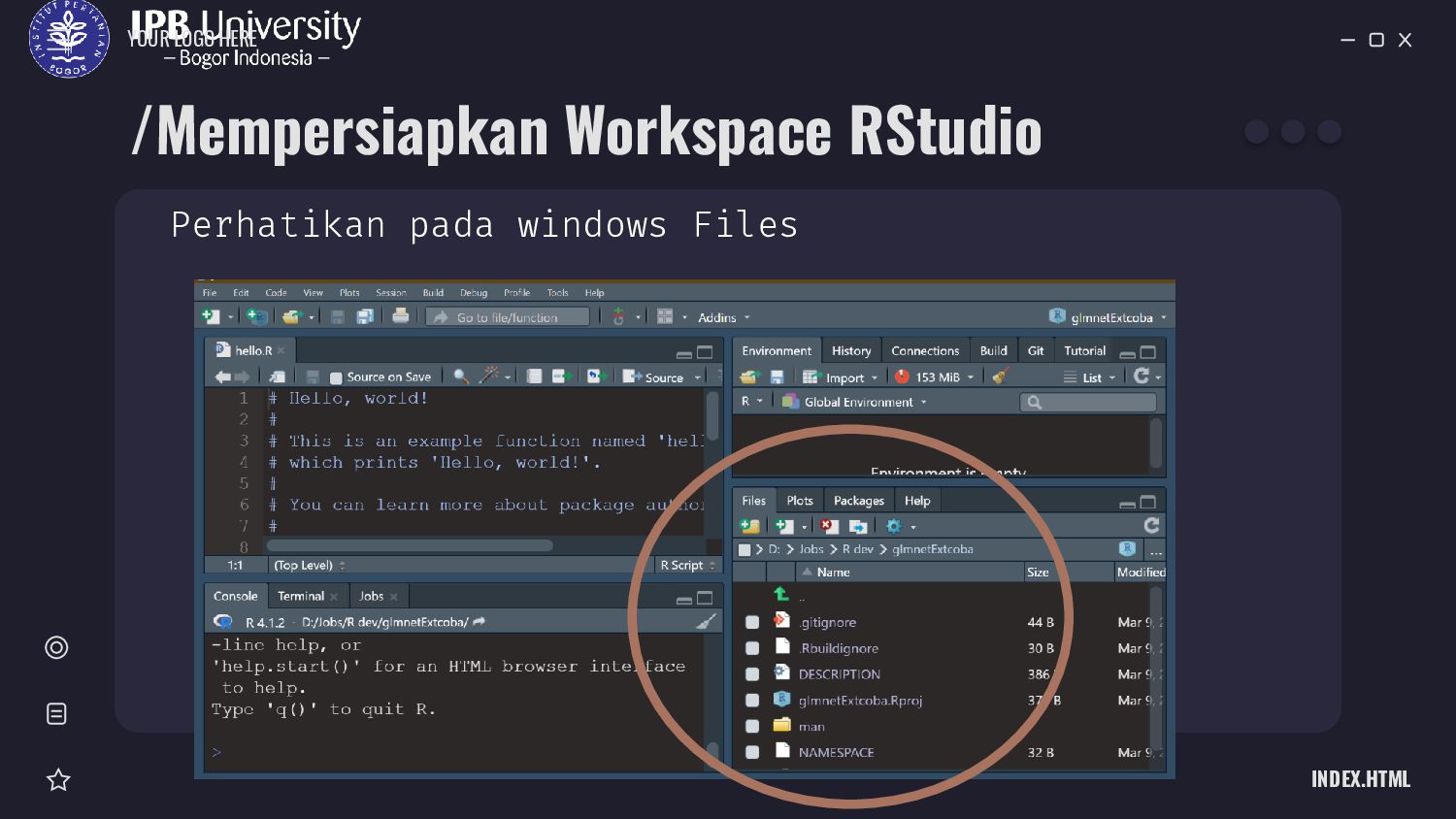
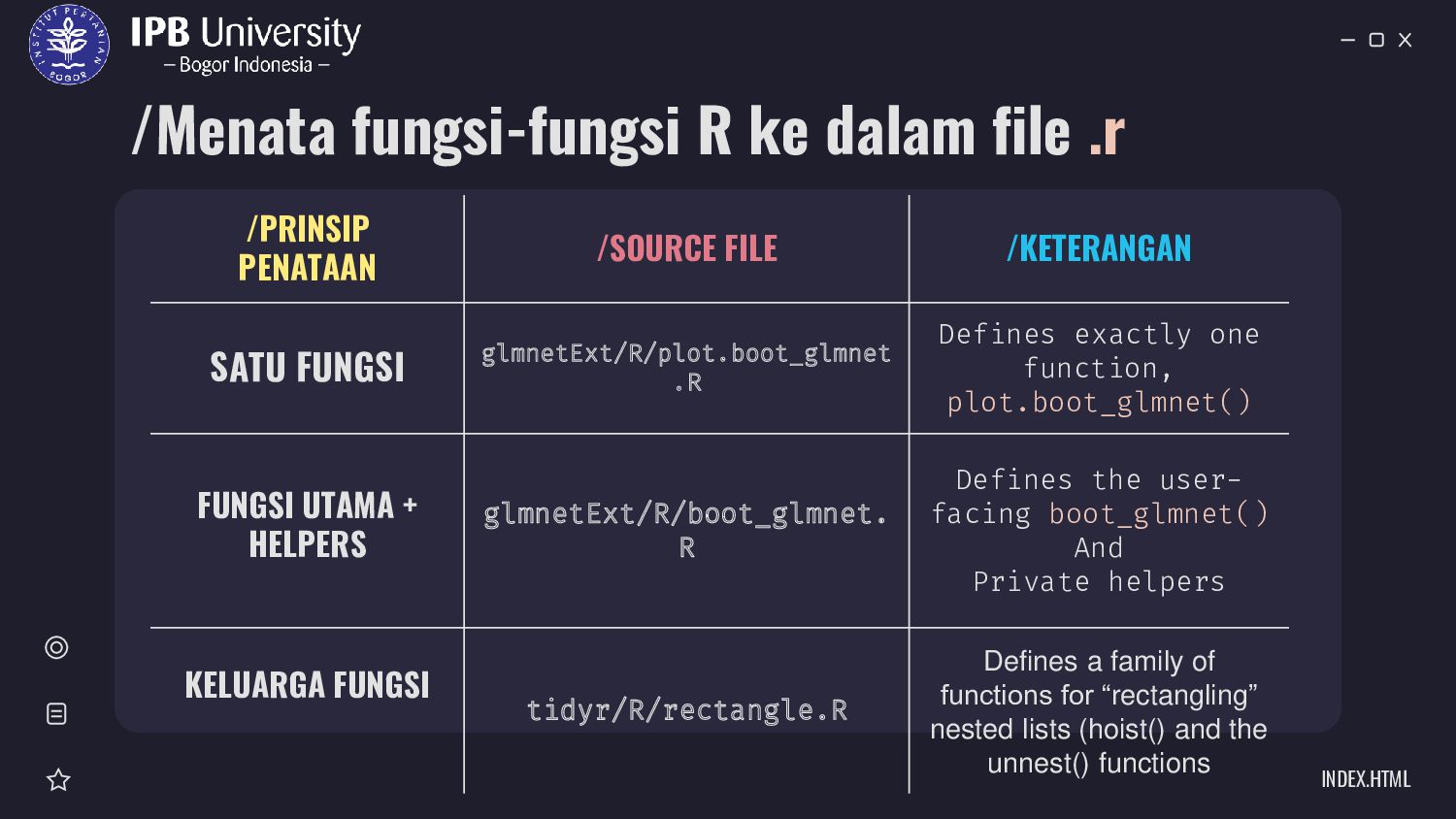
/SOURCE FILE /KETERANGAN SATU FUNGSI glmnetExt/R/plot.boot_glmnet .R Defines exactly one function, plot.boot_glmnet() FUNGSI UTAMA + HELPERS glmnetExt/R/boot_glmnet. R Defines the user- facing boot_glmnet() And Private helpers KELUARGA FUNGSI tidyr/R/rectangle.R Defines a family of functions for “rectangling” nested lists (hoist() and the unnest() functions
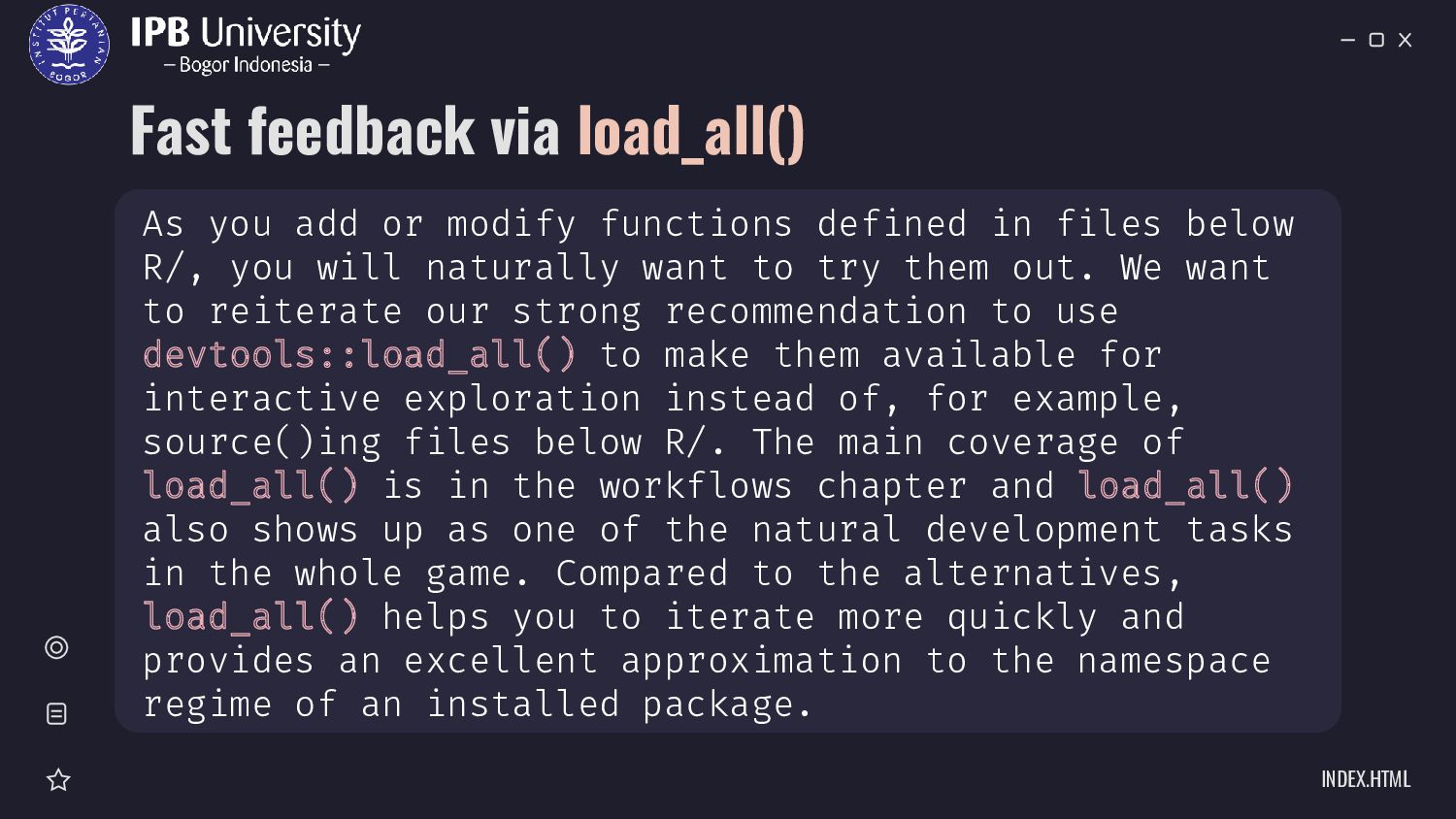
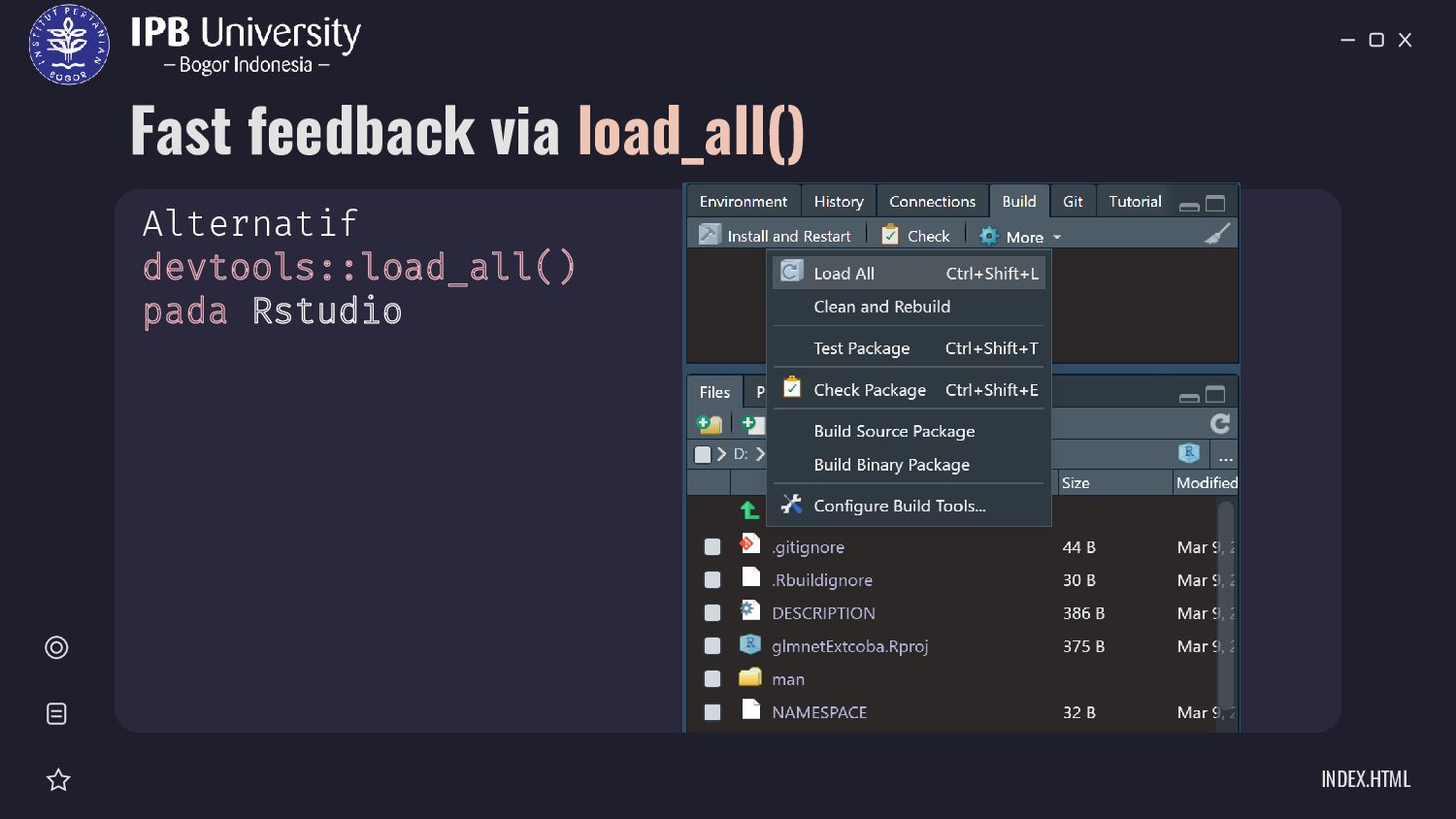
functions defined in files below R/, you will naturally want to try them out. We want to reiterate our strong recommendation to use devtools::load_all() to make them available for interactive exploration instead of, for example, source()ing files below R/. The main coverage of load_all() is in the workflows chapter and load_all() also shows up as one of the natural development tasks in the whole game. Compared to the alternatives, load_all() helps you to iterate more quickly and provides an excellent approximation to the namespace regime of an installed package.
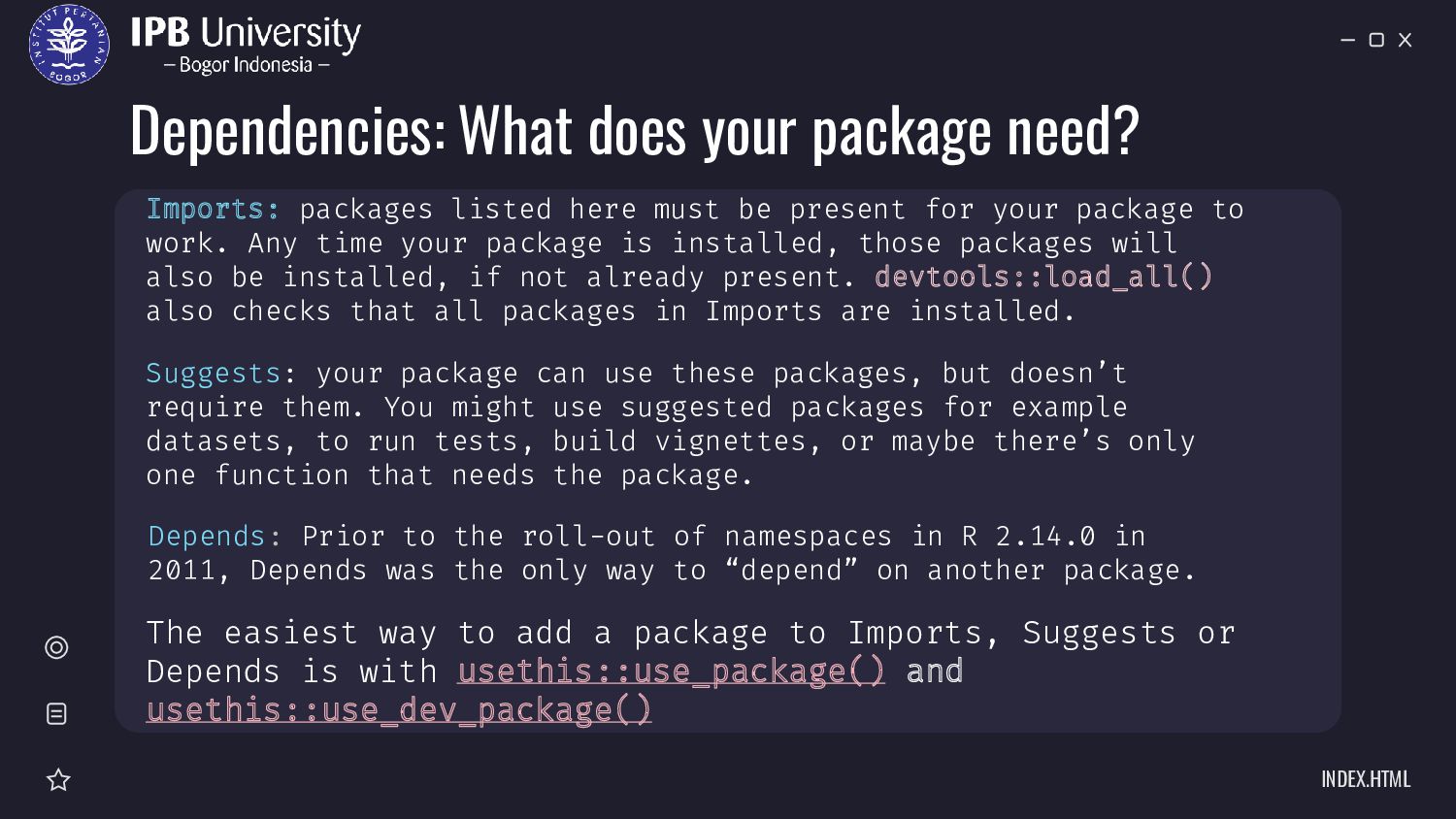
can use these packages, but doesn’t require them. You might use suggested packages for example datasets, to run tests, build vignettes, or maybe there’s only one function that needs the package. Imports: packages listed here must be present for your package to work. Any time your package is installed, those packages will also be installed, if not already present. devtools::load_all() also checks that all packages in Imports are installed. Depends: Prior to the roll-out of namespaces in R 2.14.0 in 2011, Depends was the only way to “depend” on another package. The easiest way to add a package to Imports, Suggests or Depends is with usethis::use_package() and usethis::use_dev_package()
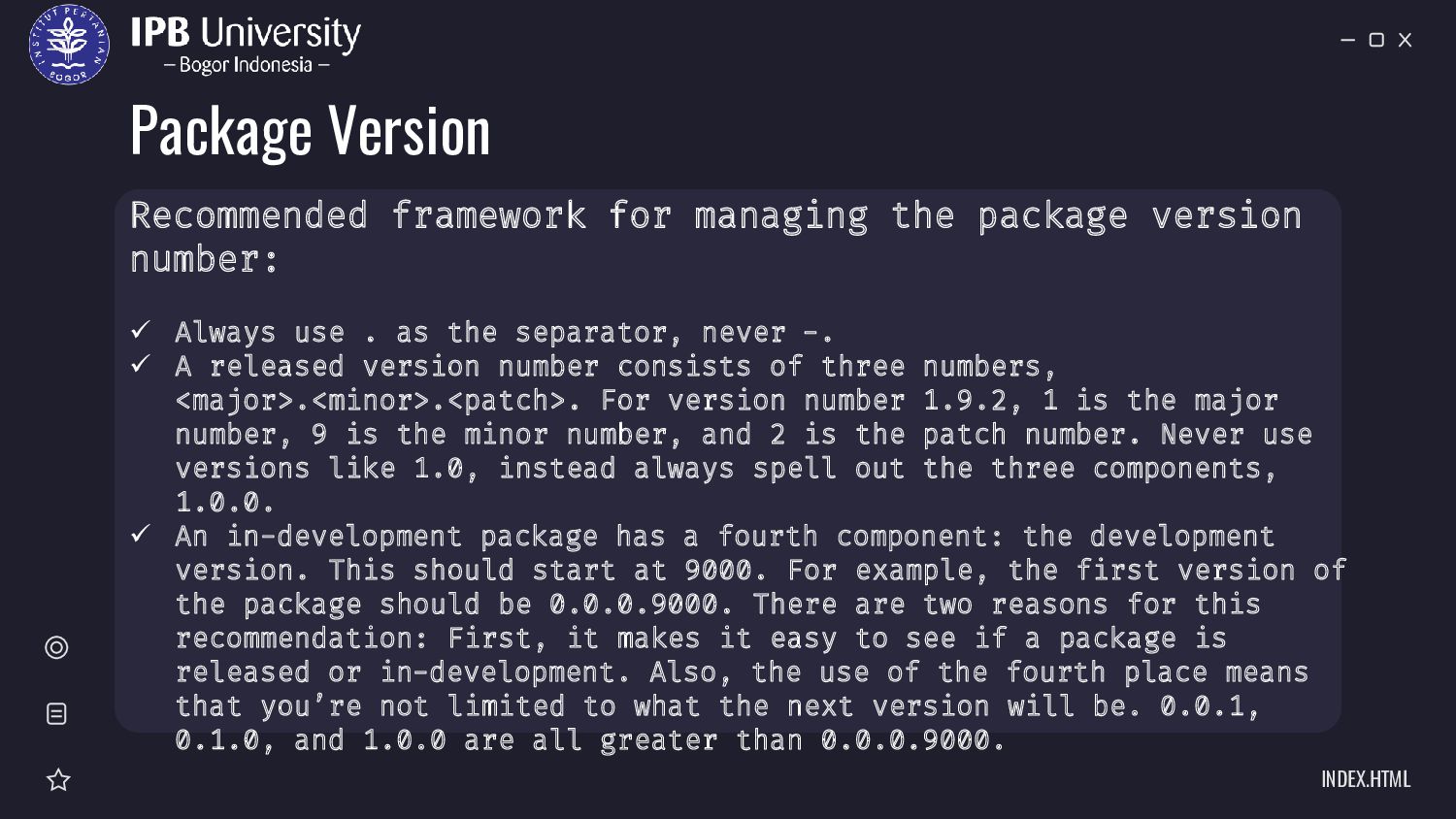
number: ✓ Always use . as the separator, never -. ✓ A released version number consists of three numbers, <major>.<minor>.<patch>. For version number 1.9.2, 1 is the major number, 9 is the minor number, and 2 is the patch number. Never use versions like 1.0, instead always spell out the three components, 1.0.0. ✓ An in-development package has a fourth component: the development version. This should start at 9000. For example, the first version of the package should be 0.0.0.9000. There are two reasons for this recommendation: First, it makes it easy to see if a package is released or in-development. Also, the use of the fourth place means that you’re not limited to what the next version will be. 0.0.1, 0.1.0, and 1.0.0 are all greater than 0.0.0.9000.
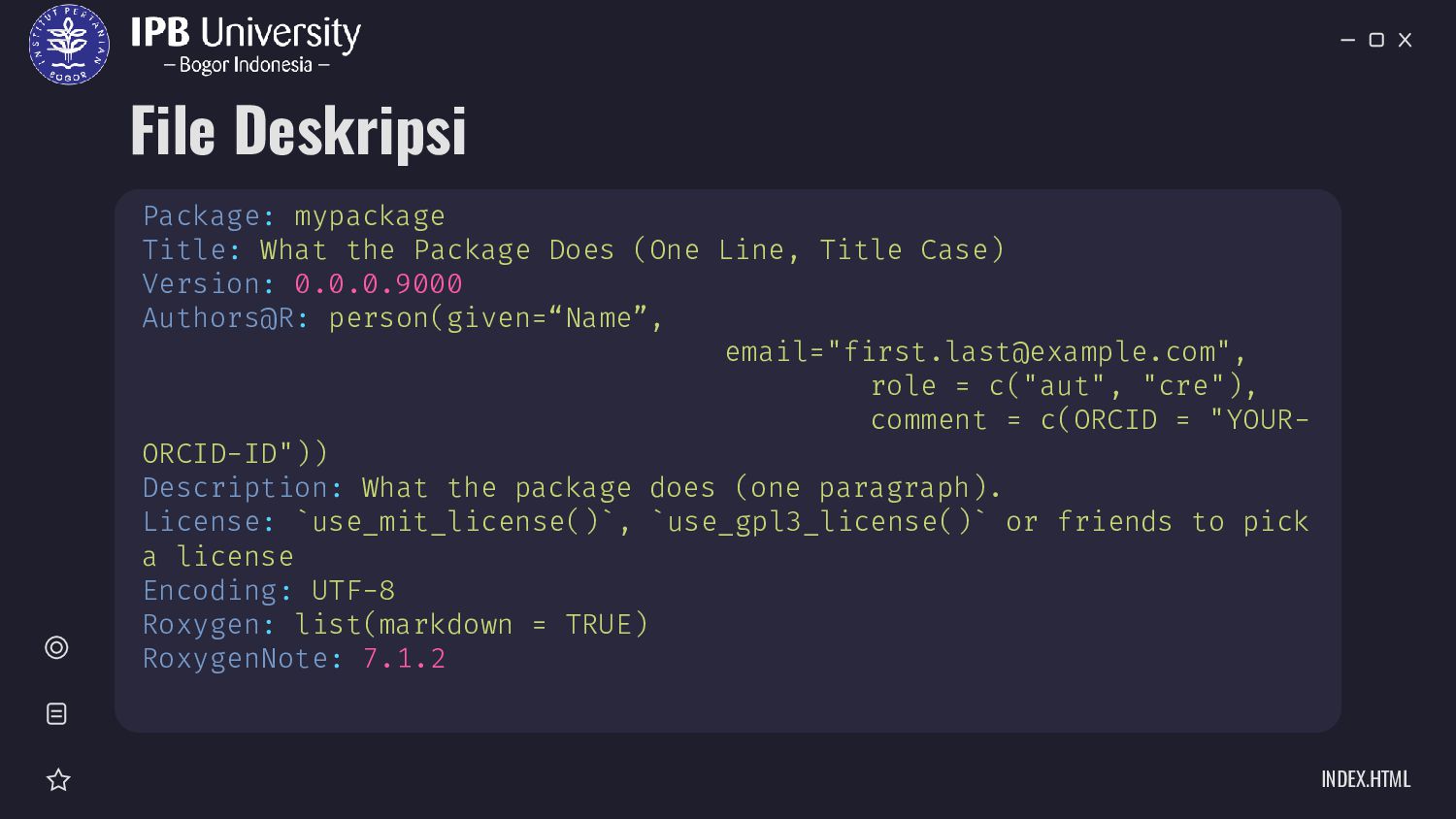
people can use your code with minimal restrictions, choose the MIT license with use_mit_license(). ➢ If you want a copyleft license so that all derivatives and bundles of your code are also open source, choose the GPLv3 license with use_gpl_license(). ➢ If your package primarily contains data, not code, and you want minimal restrictions, choose the CC0 license with use_cc0_license(). Or if you want to require attribution when your data is used, choose the CC BY license by calling use_ccby_license().
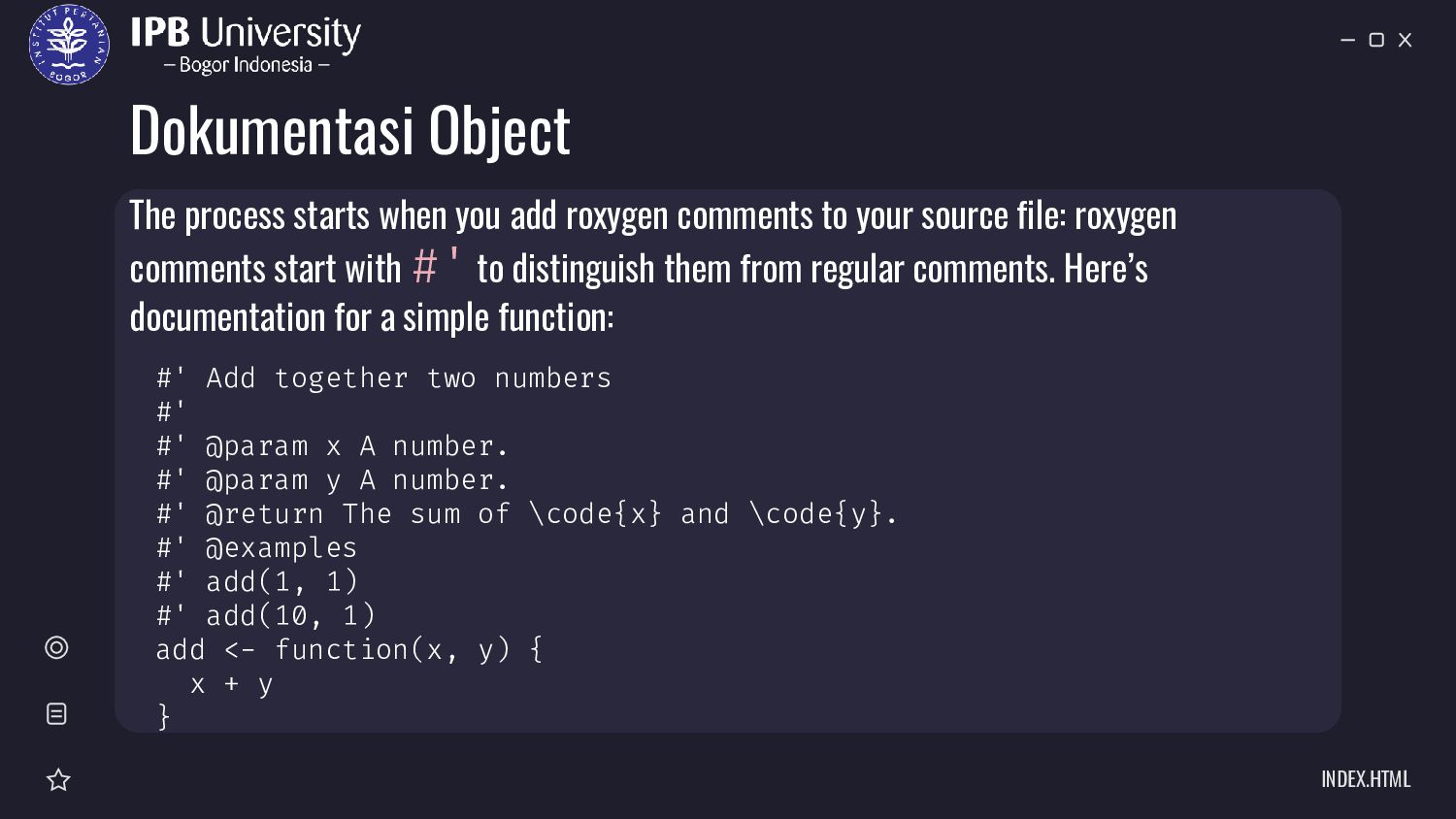
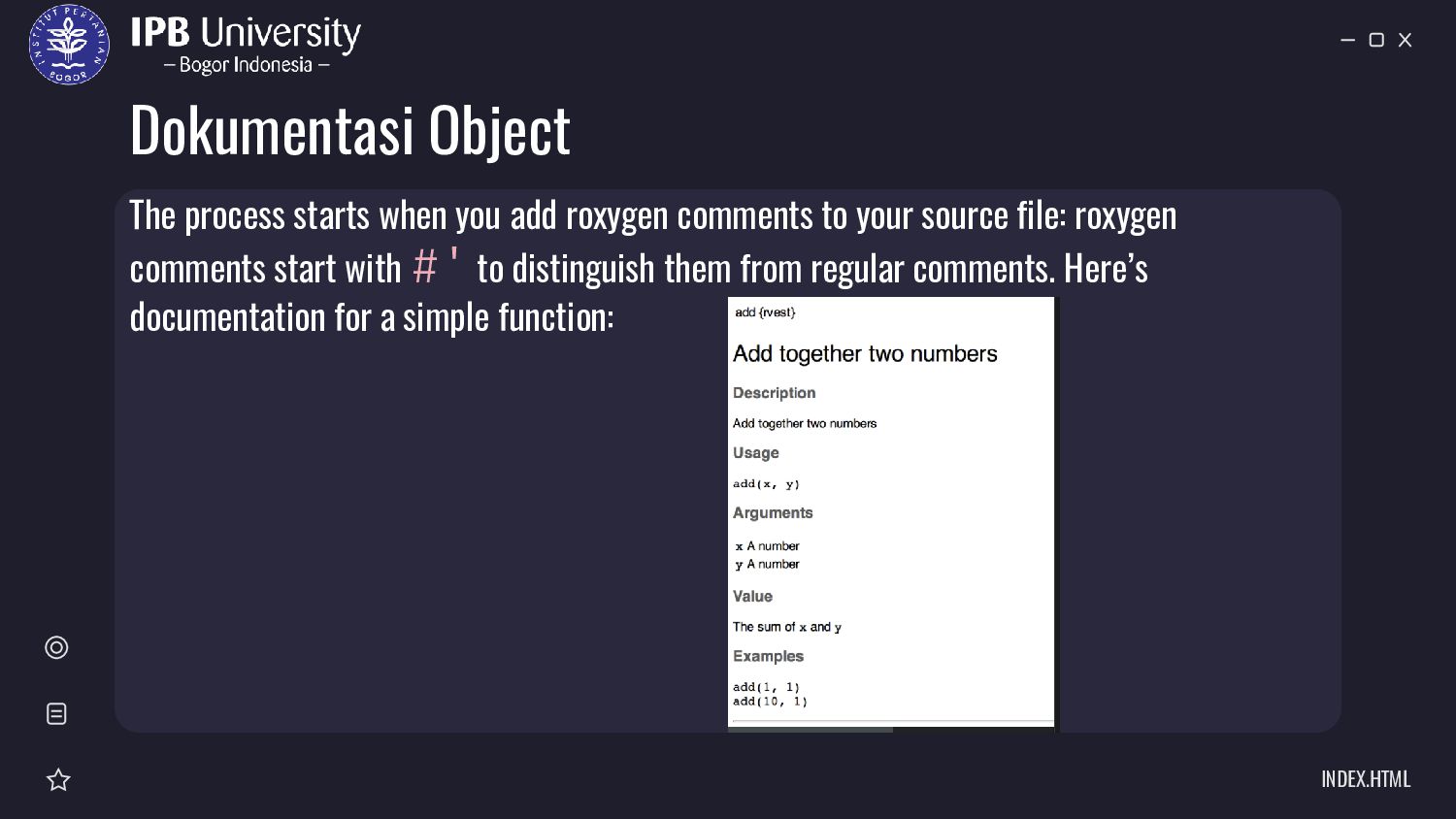
@param x A number. #' @param y A number. #' @return The sum of \code{x} and \code{y}. #' @examples #' add(1, 1) #' add(10, 1) add <- function(x, y) { x + y } The process starts when you add roxygen comments to your source file: roxygen comments start with #' to distinguish them from regular comments. Here’s documentation for a simple function:
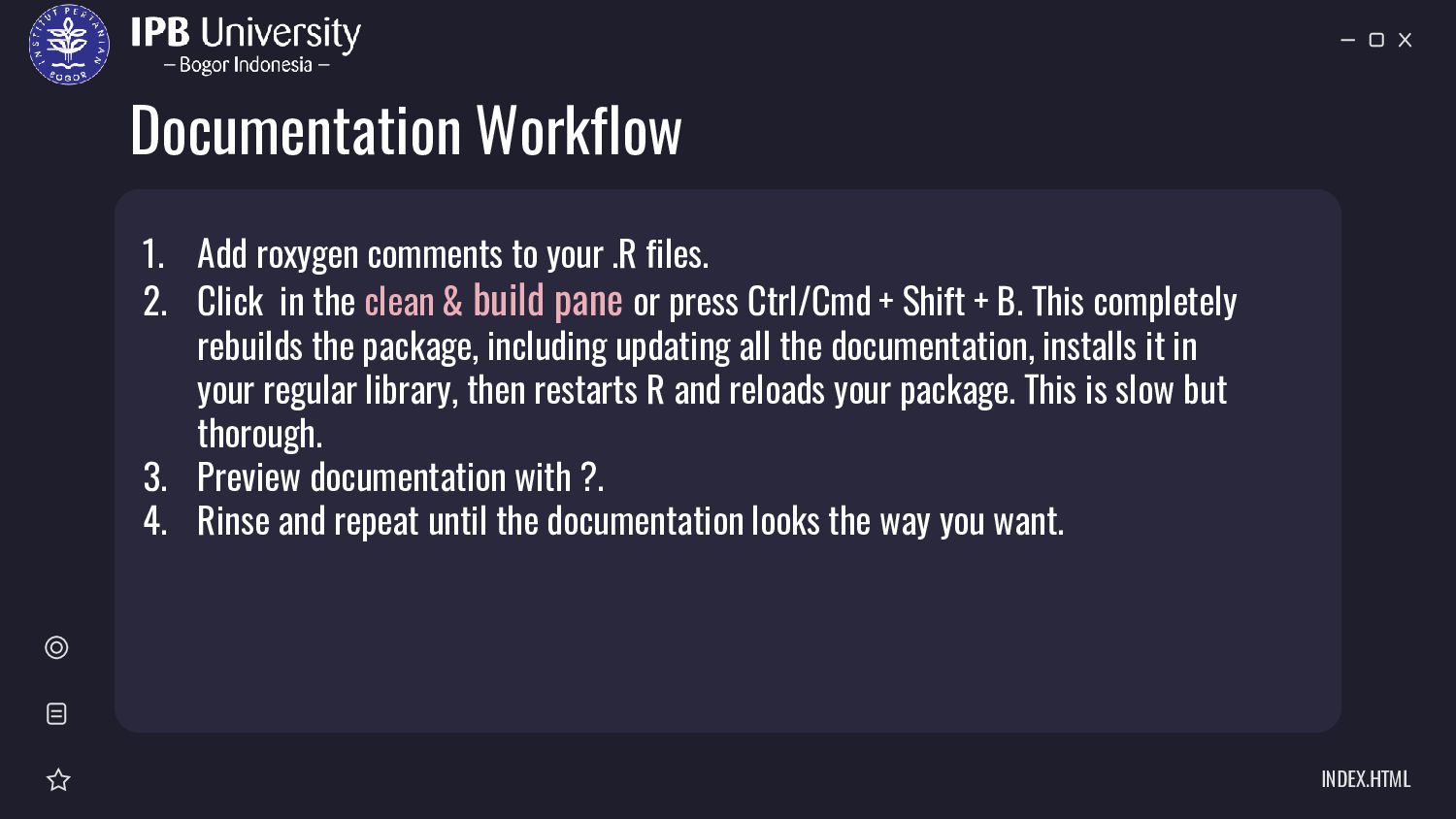
files. 2. Click in the clean & build pane or press Ctrl/Cmd + Shift + B. This completely rebuilds the package, including updating all the documentation, installs it in your regular library, then restarts R and reloads your package. This is slow but thorough. 3. Preview documentation with ?. 4. Rinse and repeat until the documentation looks the way you want.
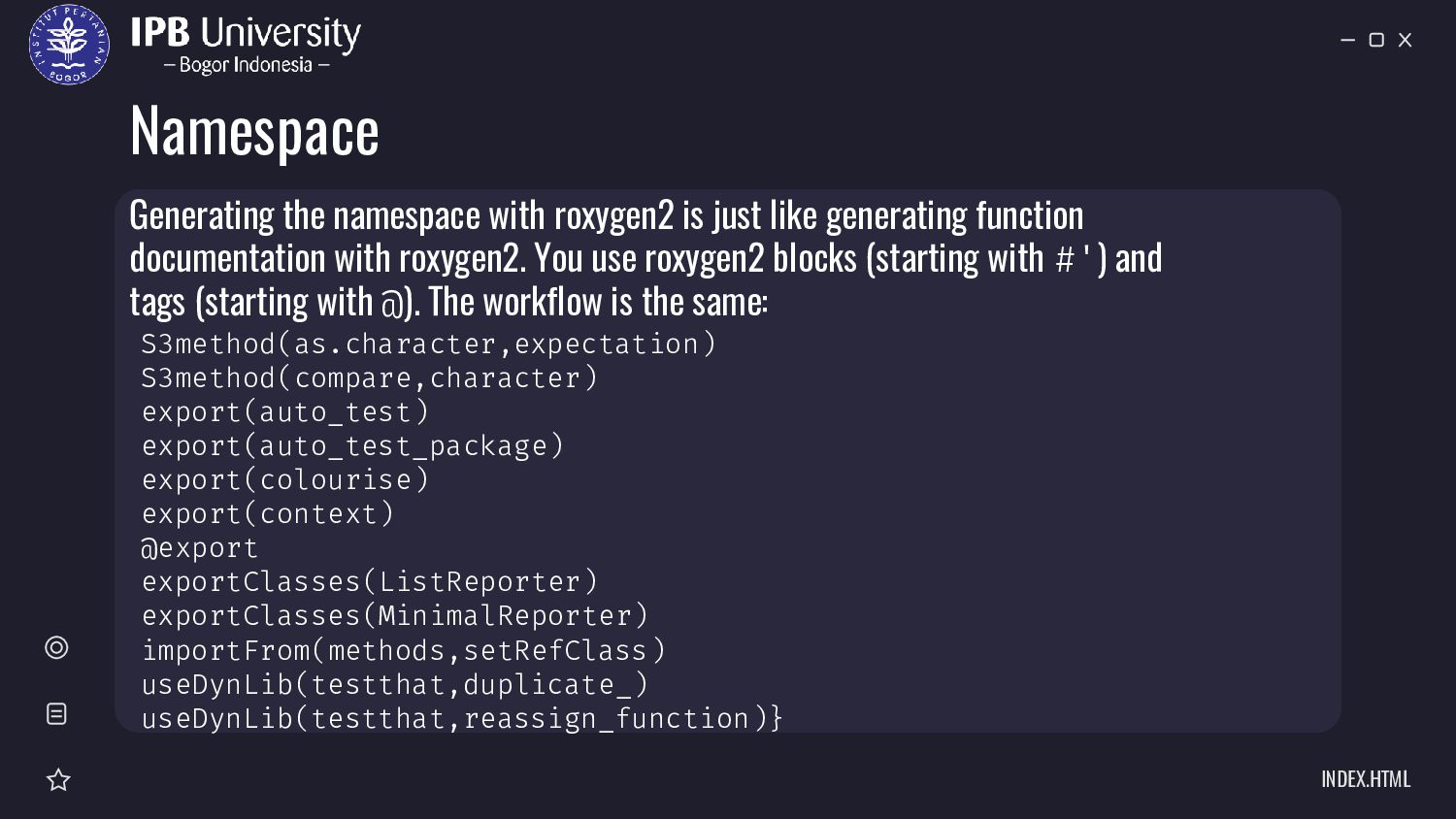
exportClasses(MinimalReporter) importFrom(methods,setRefClass) useDynLib(testthat,duplicate_) useDynLib(testthat,reassign_function)} Generating the namespace with roxygen2 is just like generating function documentation with roxygen2. You use roxygen2 blocks (starting with #') and tags (starting with @). The workflow is the same:
Four describe exports: export(): export functions (including S3 and S4 generics). exportPattern(): export all functions that match a pattern. exportClasses(), exportMethods(): export S4 classes and methods. S3method(): export S3 methods. And four describe imports: import(): import all functions from a package. importFrom(): import selected functions (including S4 generics). importClassesFrom(), importMethodsFrom(): import S4 classes and methods. useDynLib(): import a function from C. This is described in more detail in compiled code.
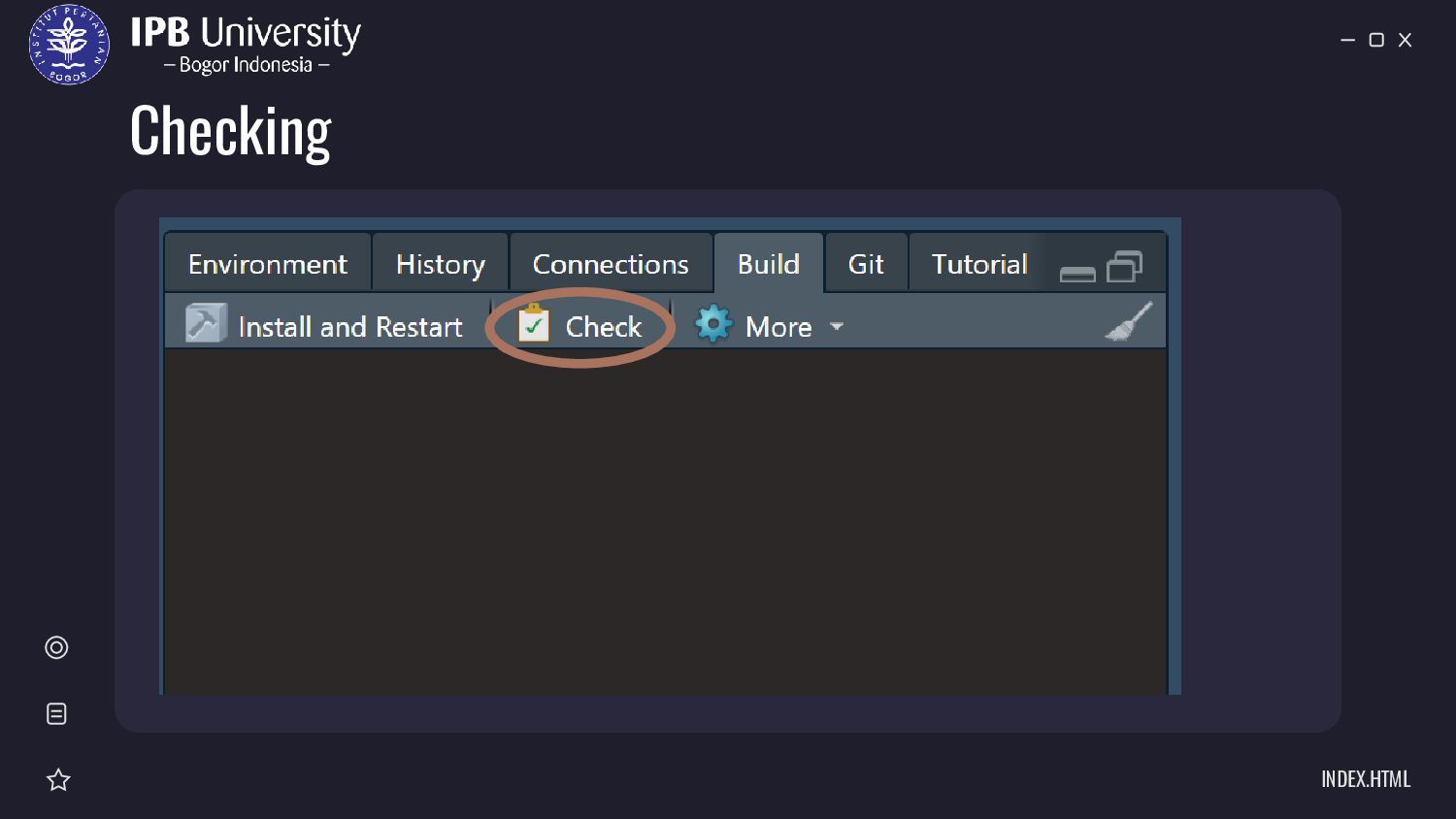
dari output sintaks tersebut devtools::release(). Uji coba terlebih dahulu di beberapa platfrom (Windows, Linux, Mac) dengan menjalankan devtools::check_rhub()


 gerrydito
 marcoroth
 a_matsuda
 colorful12
 n_takehata
 htkym
htkym
 naokihaba
 iwatsukayura
 akihisaikeda
 tosite
 panda728
 drumath2237
 yukiny
 samlambert
 codingconduct
 tamaranovitovic
 raygrieselhuber
 szymonslowik
 tammielis
 davidcarrasco
 portentint
 inesmontani
 caitiem20
 rkendrick25