Upgrade to Pro — share decks privately, control downloads, hide ads and more …

Functional Validation with Arrow and Bow

Functional Validation with Arrow and Bow

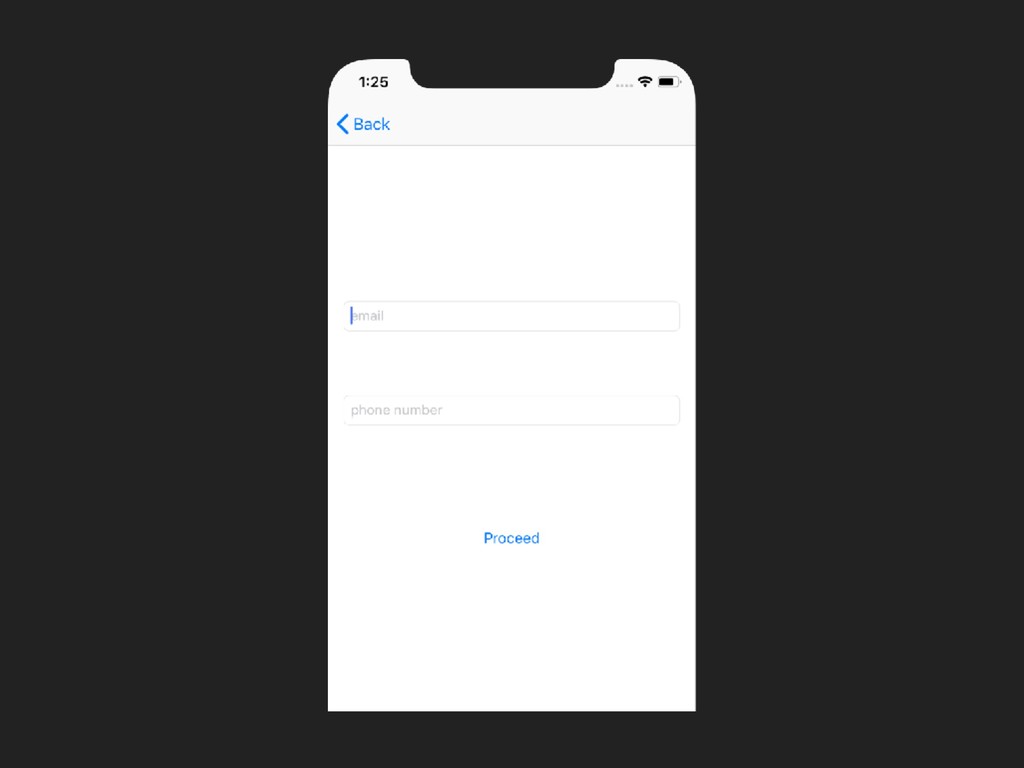
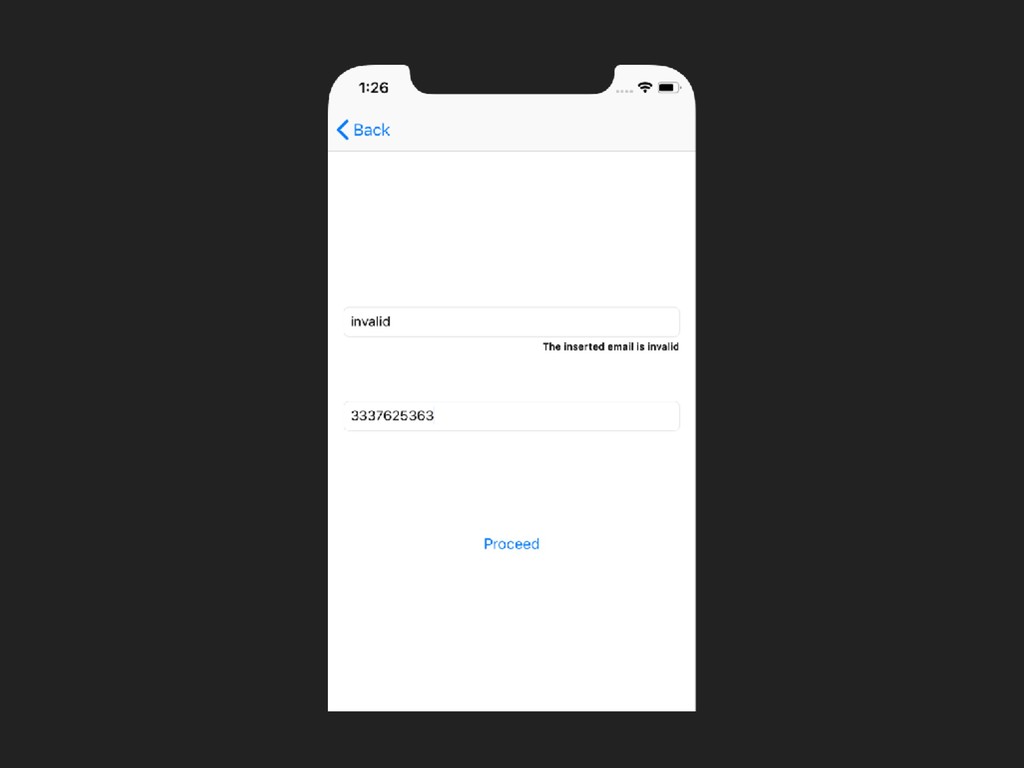
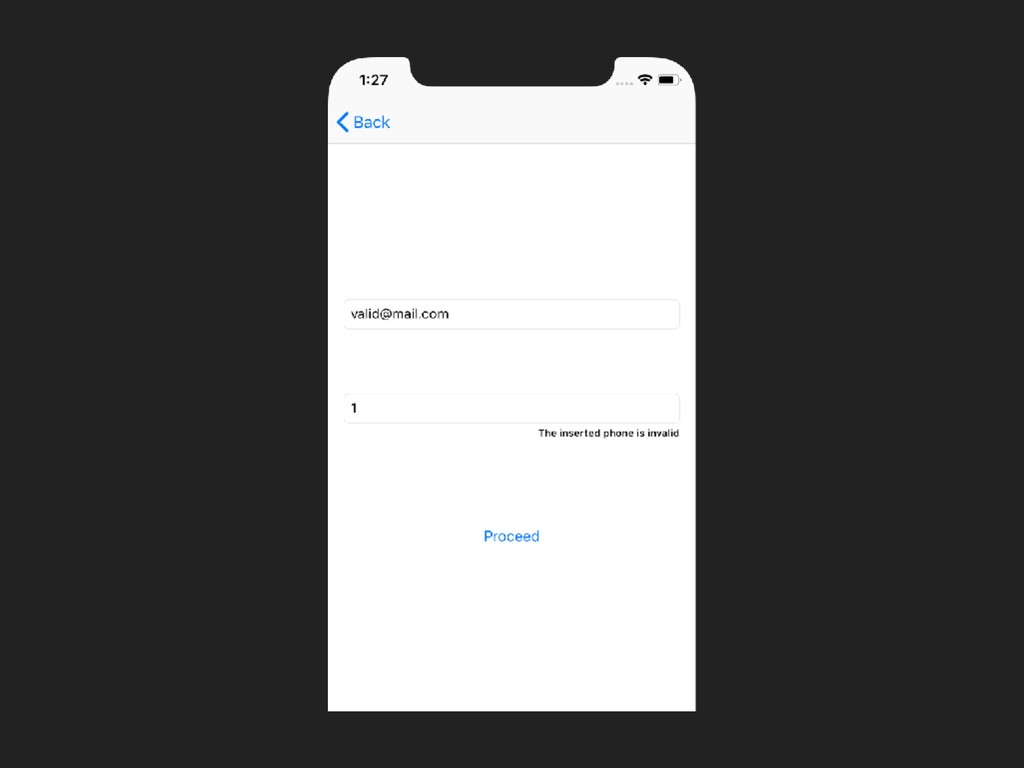
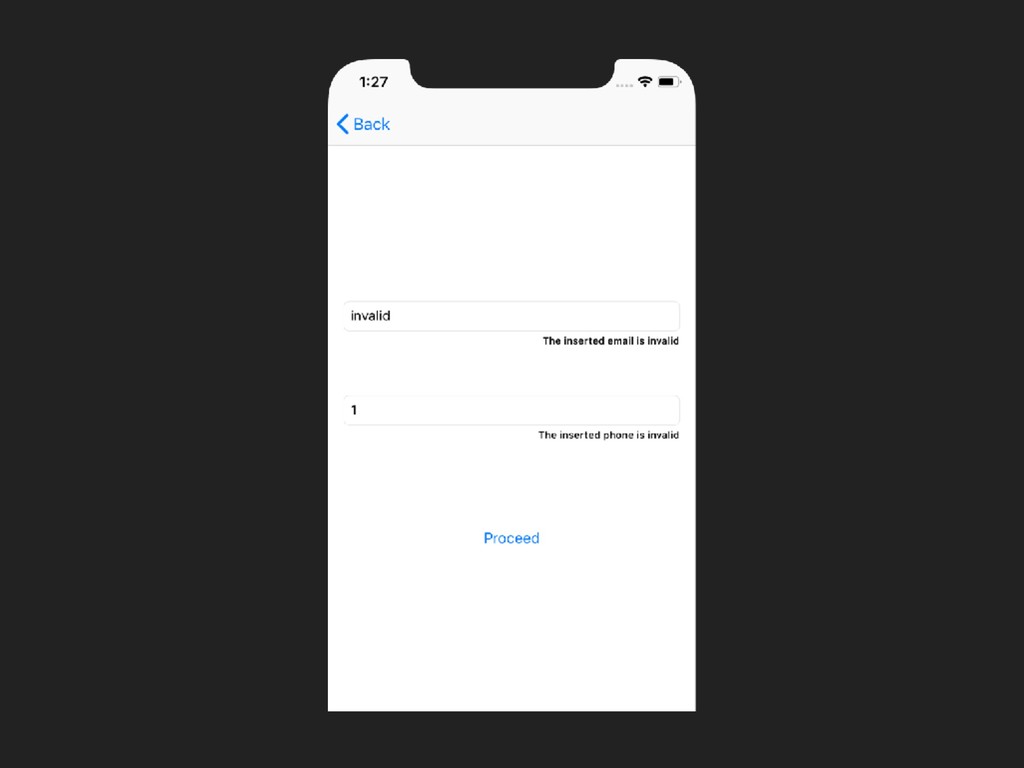
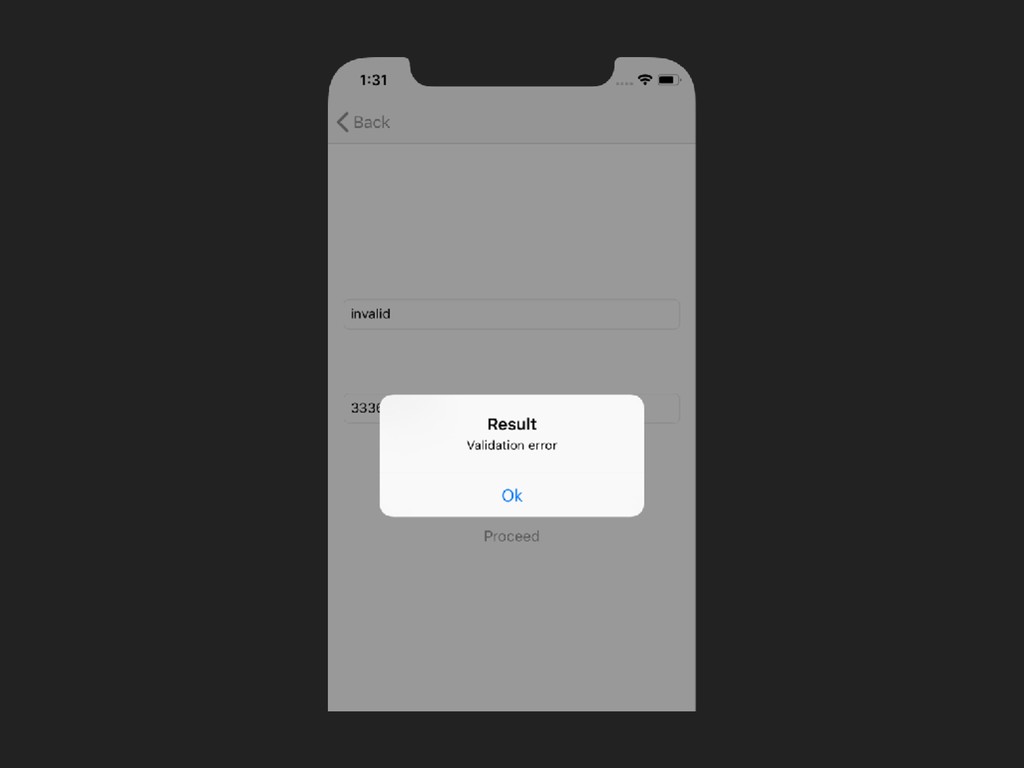
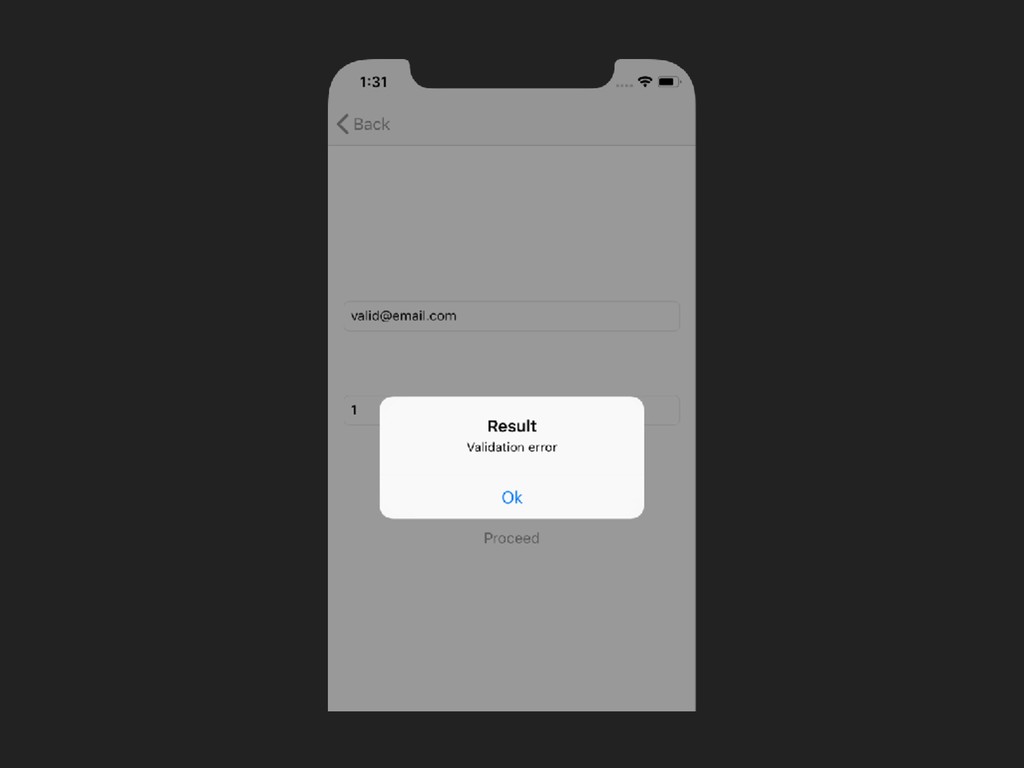
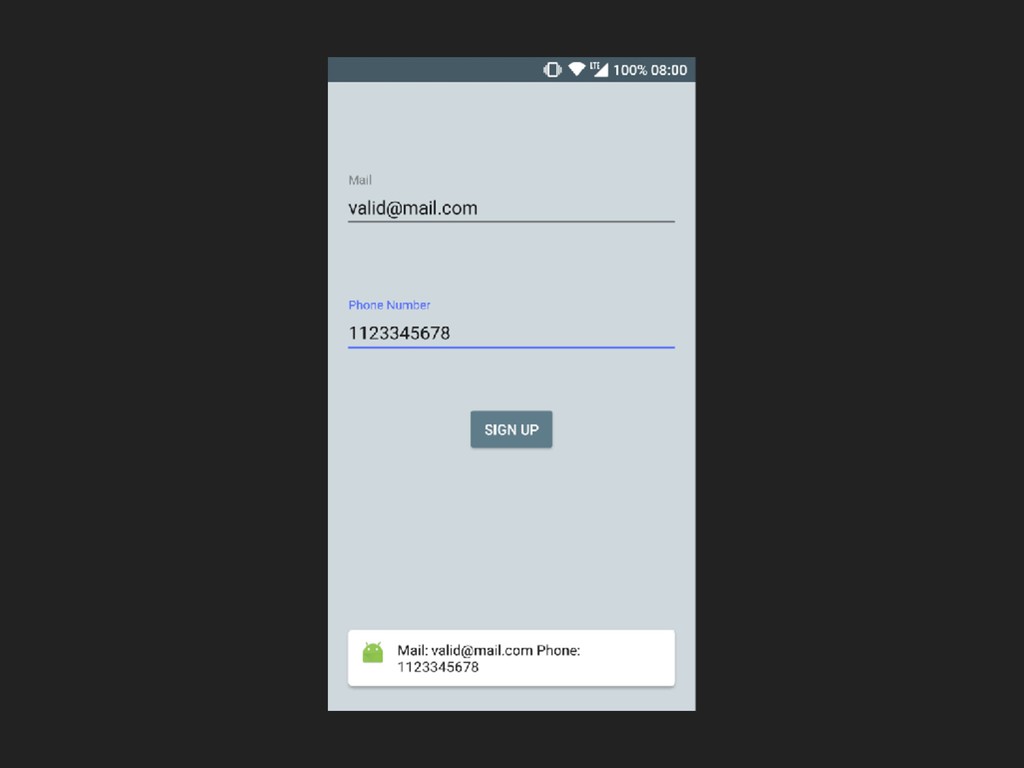
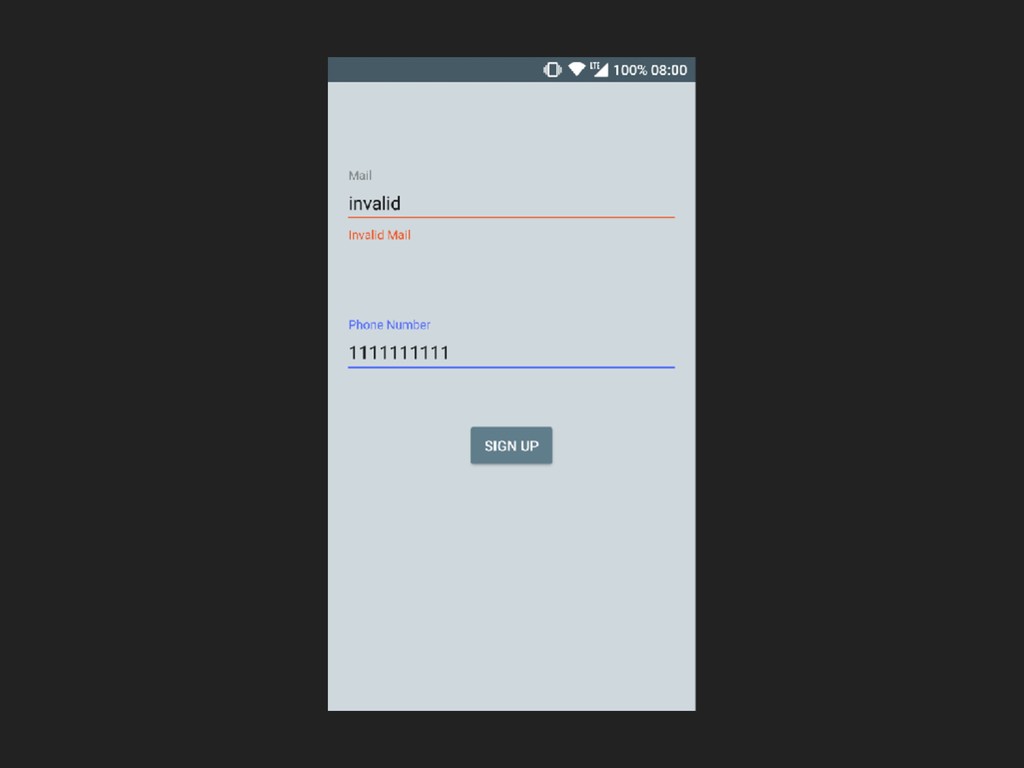
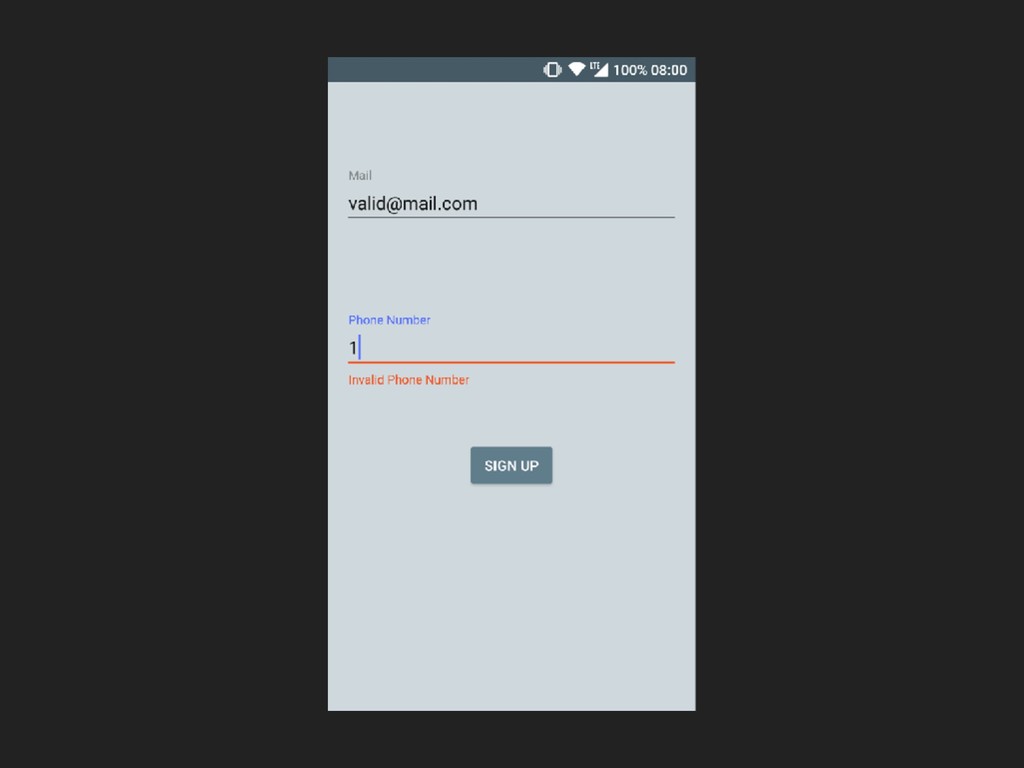
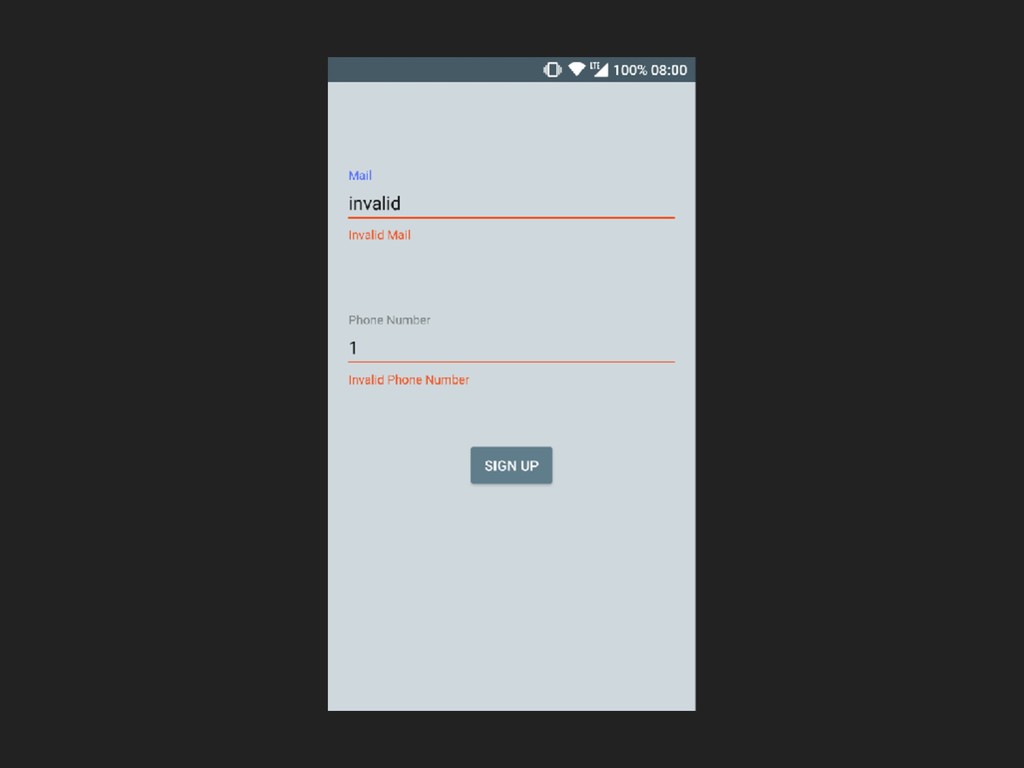
Examples of validation of two fields in a mobile application using Arrow (Android) and Bow (iOS) frameworks.
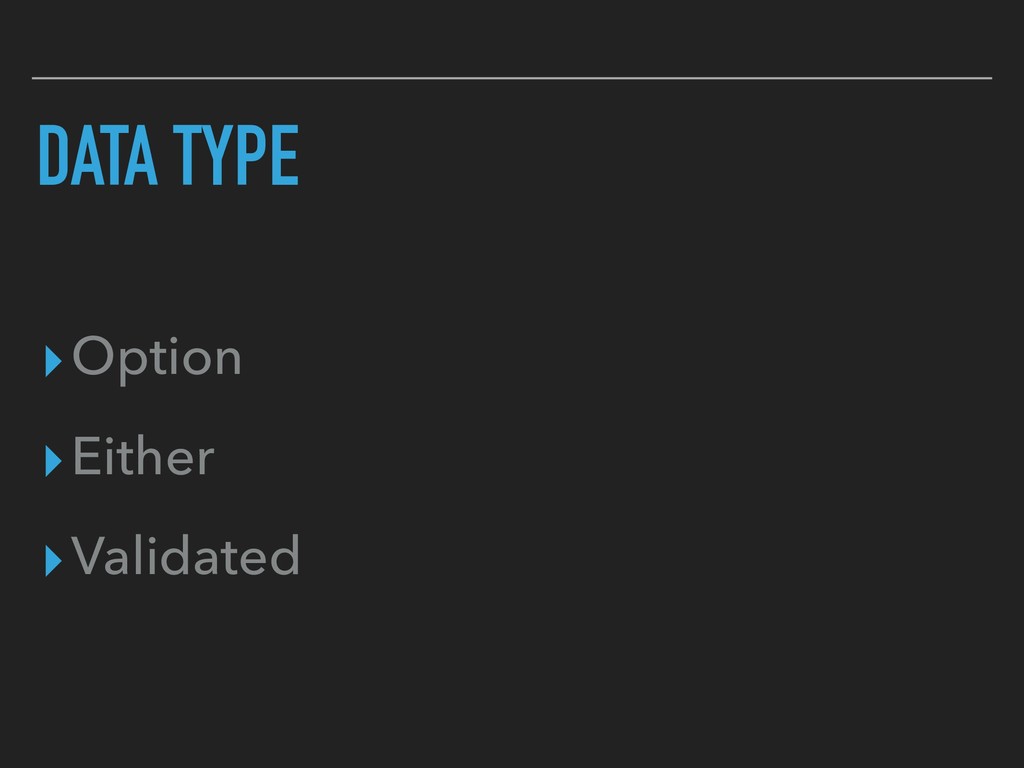
The examples in code show how to perform validation with Option, Either and Validated data types.
Examples are in Swift and Kotlin.

Avatar for Giovanni Catania

Giovanni Catania

April 13, 2019

Other Decks in Programming

Transcript

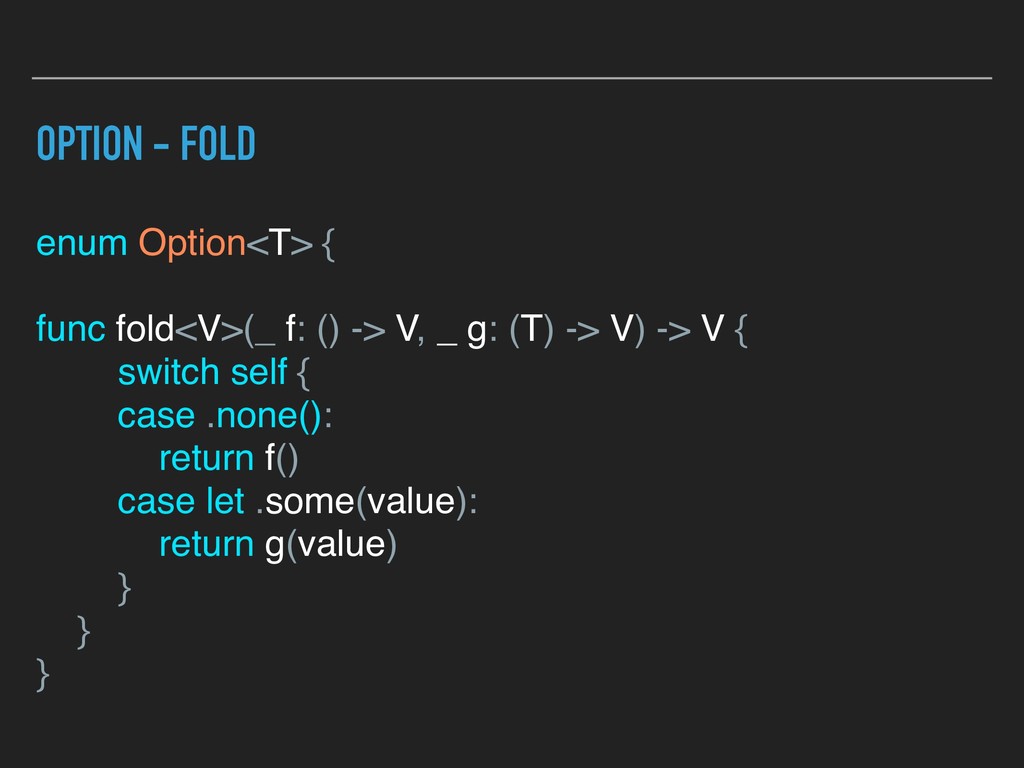
  1. OPTION - FOLD enum Option<T> { func fold<V>(_ f: ()

    -> V, _ g: (T) -> V) -> V { switch self { case .none(): return f() case let .some(value): return g(value) } } }
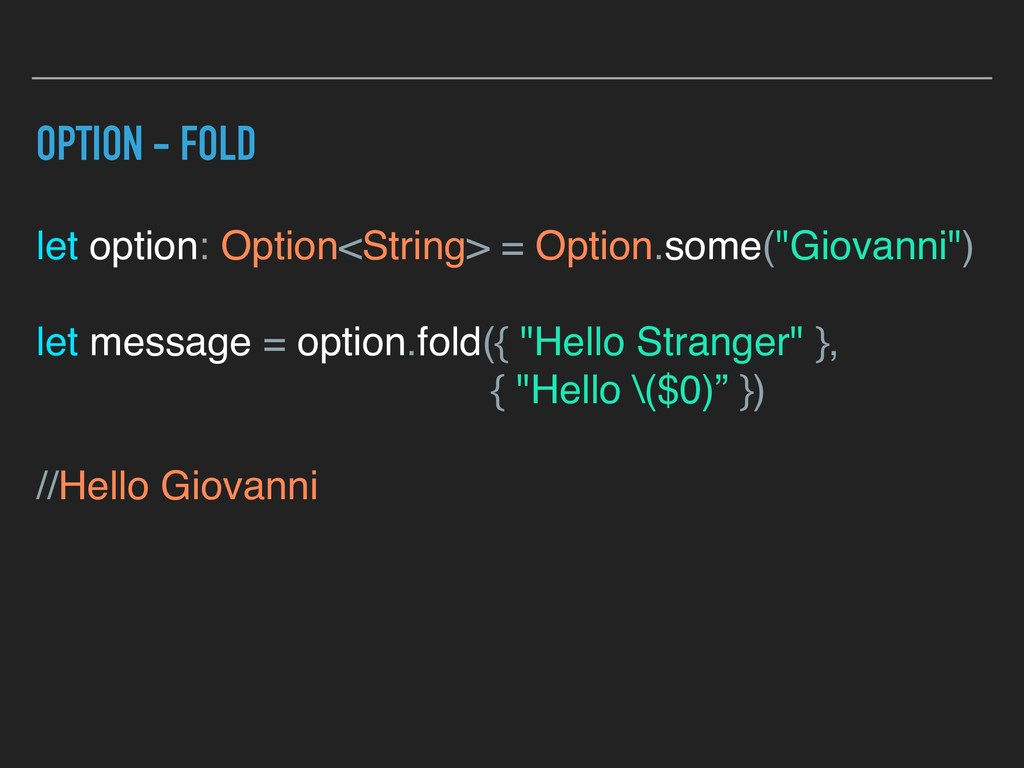
  2. OPTION - FOLD let option: Option<String> = Option.some("Giovanni") let message

    = option.fold({ "Hello Stranger" }, { "Hello \($0)” }) //Hello Giovanni
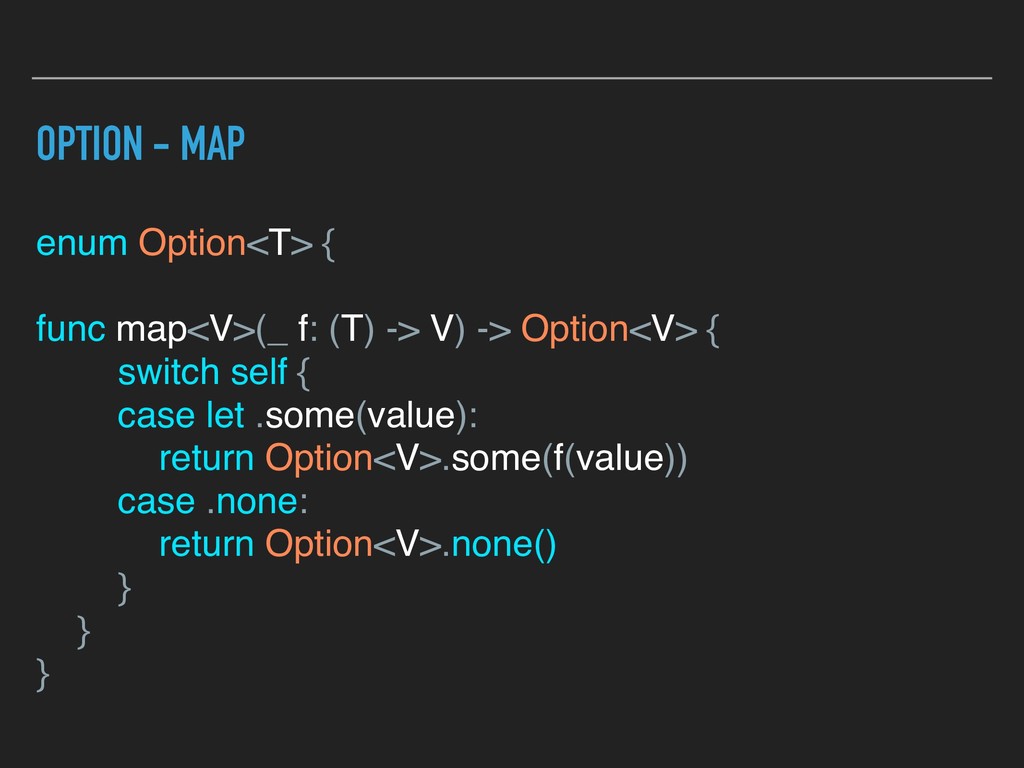
  3. OPTION - MAP enum Option<T> { func map<V>(_ f: (T)

    -> V) -> Option<V> { switch self { case let .some(value): return Option<V>.some(f(value)) case .none: return Option<V>.none() } } }
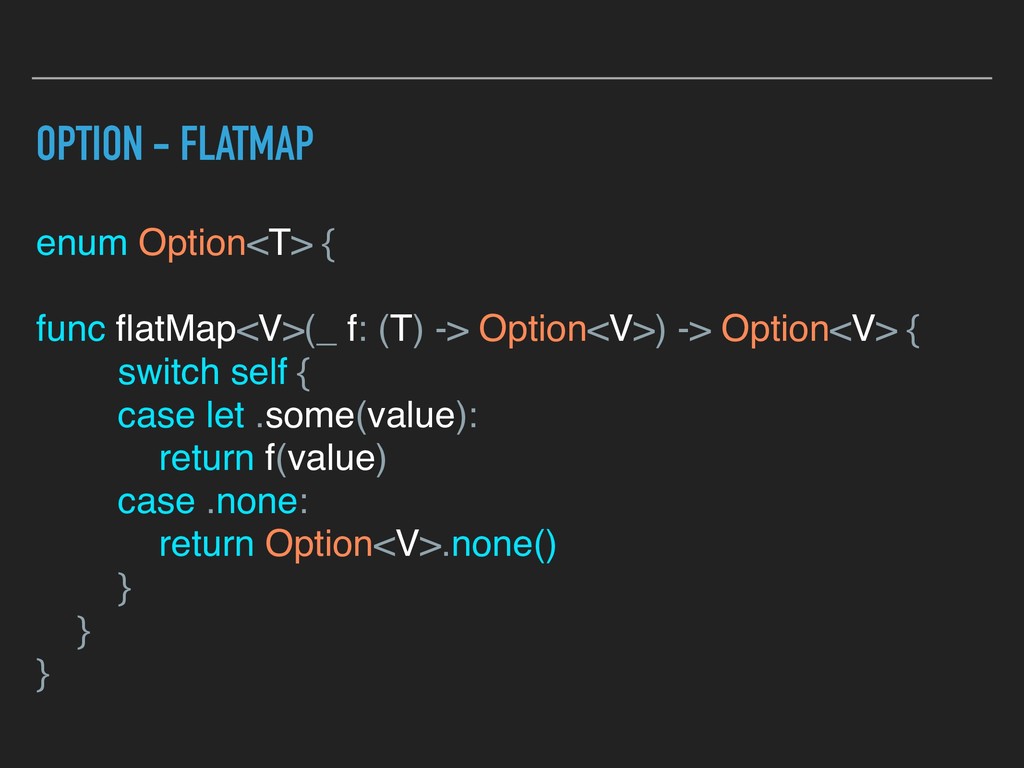
  4. OPTION - FLATMAP enum Option<T> { func flatMap<V>(_ f: (T)

    -> Option<V>) -> Option<V> { switch self { case let .some(value): return f(value) case .none: return Option<V>.none() } } }
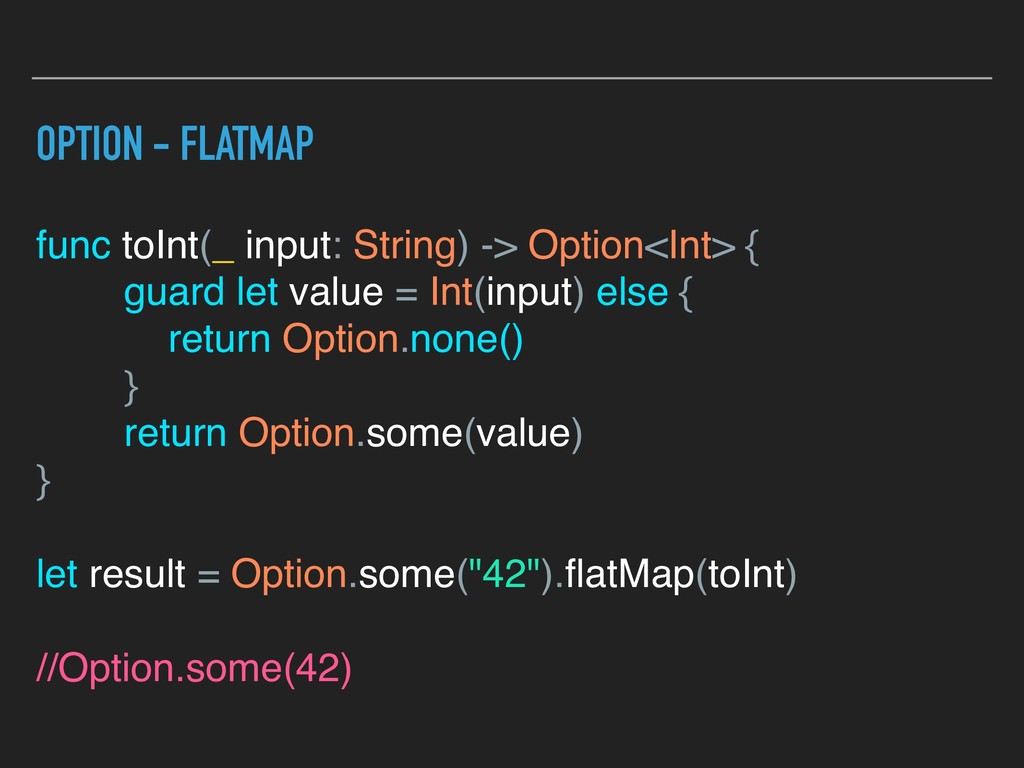
  5. OPTION - FLATMAP func toInt(_ input: String) -> Option<Int> {

    guard let value = Int(input) else { return Option.none() } return Option.some(value) } let result = Option.some("42").flatMap(toInt) //Option.some(42)
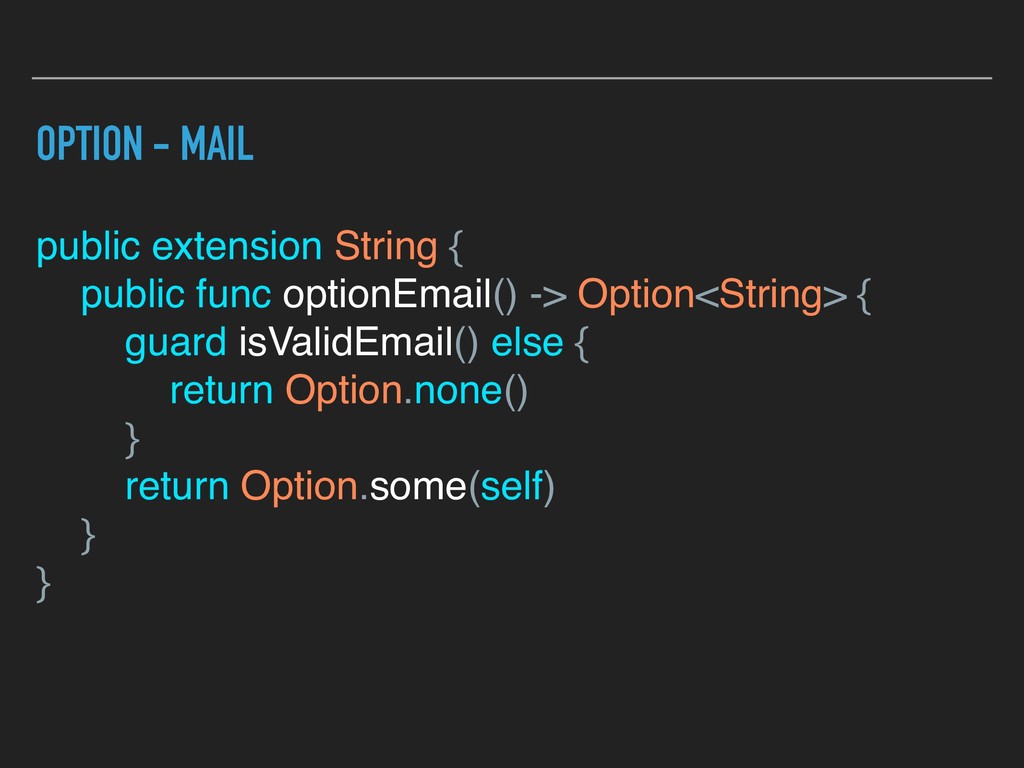
  6. OPTION - MAIL public extension String { public func optionEmail()

    -> Option<String> { guard isValidEmail() else { return Option.none() } return Option.some(self) } }
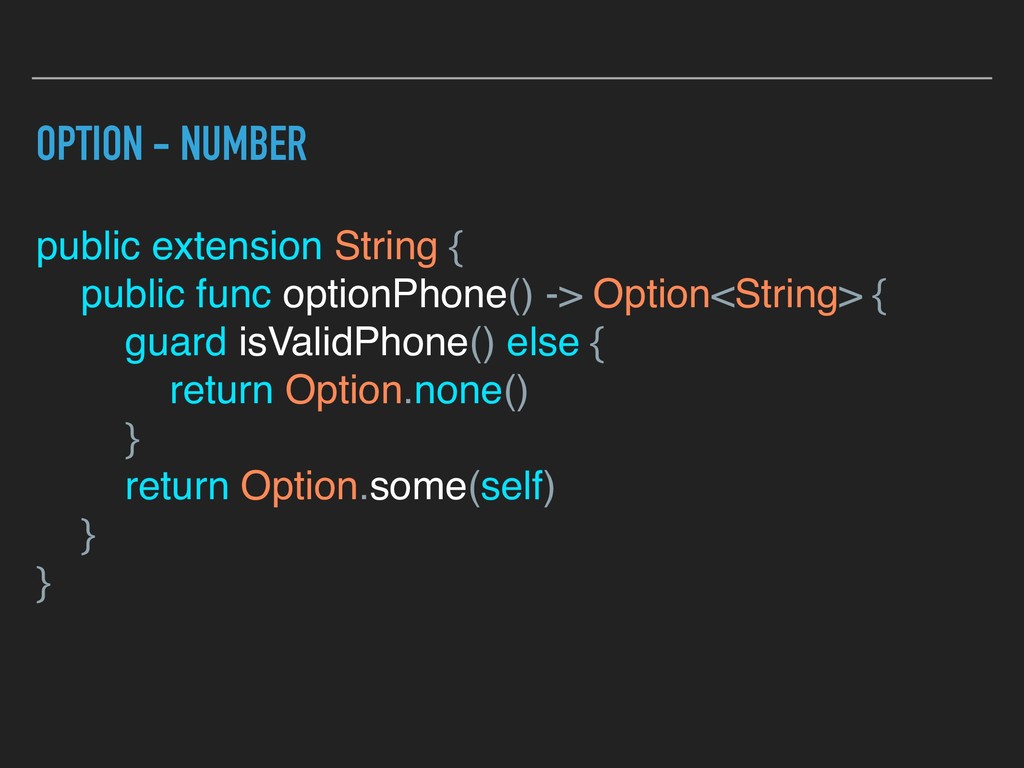
  7. OPTION - NUMBER public extension String { public func optionPhone()

    -> Option<String> { guard isValidPhone() else { return Option.none() } return Option.some(self) } }
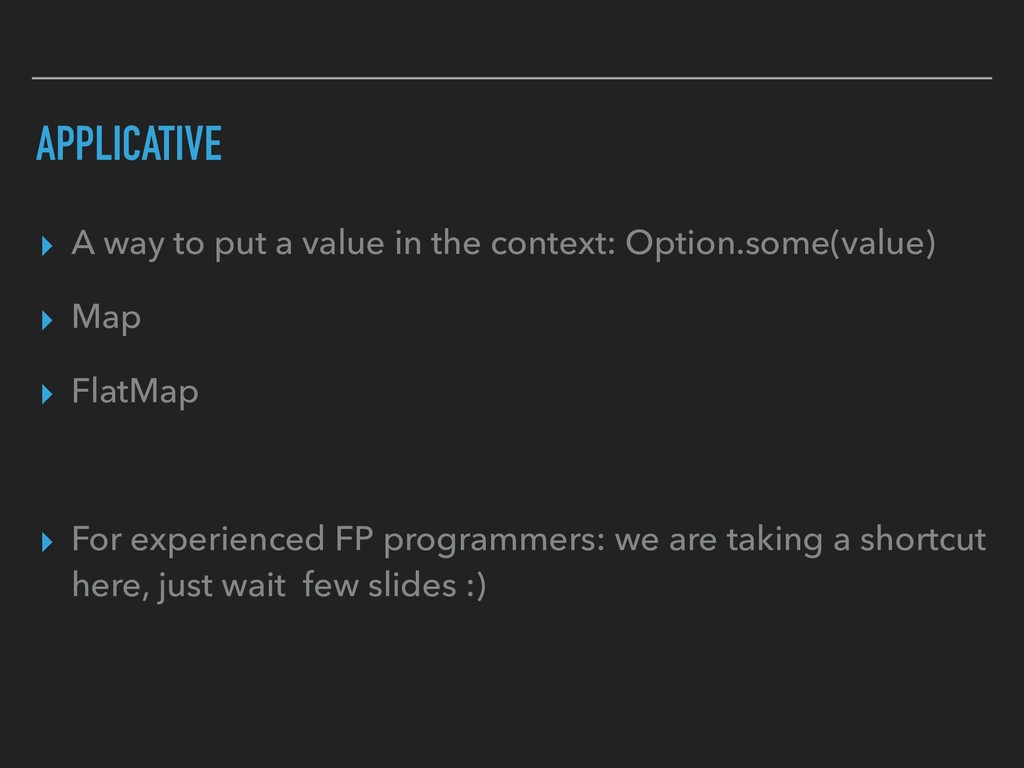
  8. APPLICATIVE ▸ A way to put a value in the

    context: Option.some(value) ▸ Map ▸ FlatMap ▸ For experienced FP programmers: we are taking a shortcut here, just wait few slides :)
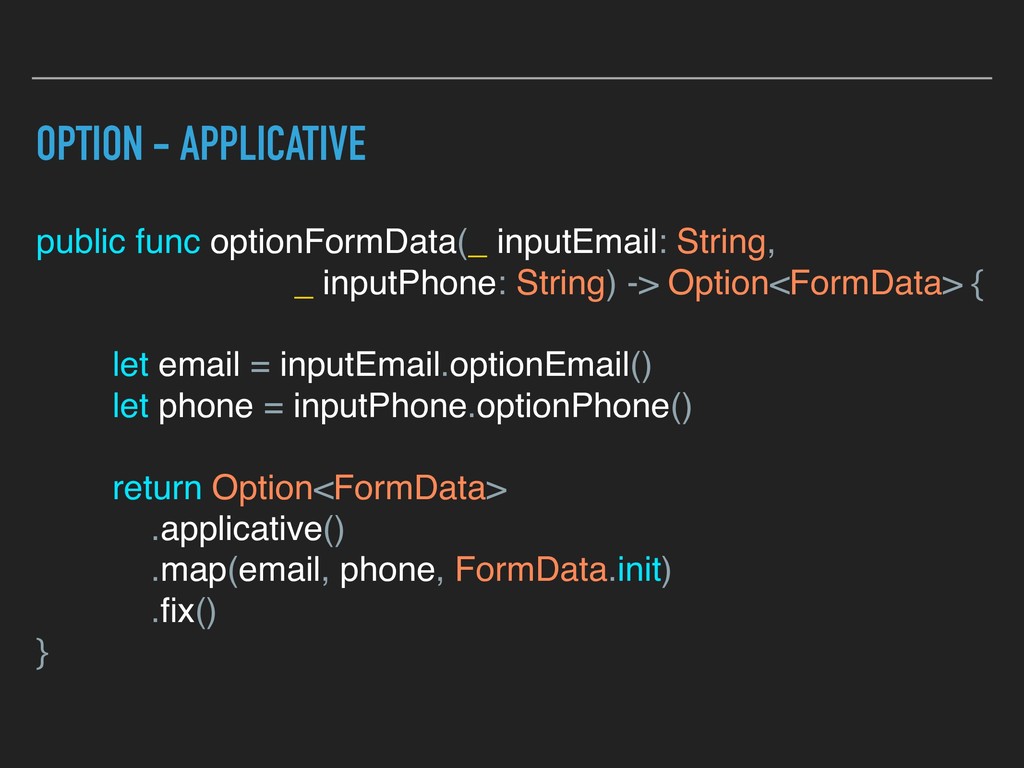
  9. OPTION - APPLICATIVE public func optionFormData(_ inputEmail: String, _ inputPhone:

    String) -> Option<FormData> { let email = inputEmail.optionEmail() let phone = inputPhone.optionPhone() return Option<FormData> .applicative() .map(email, phone, FormData.init) .fix() }
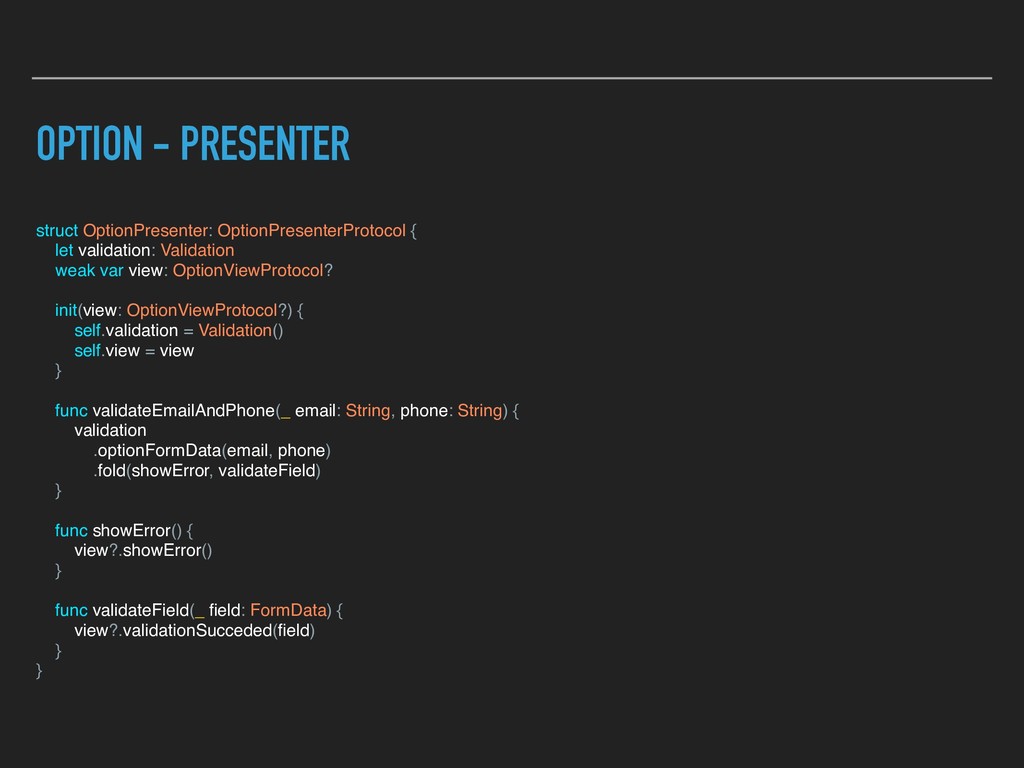
  10. OPTION - PRESENTER struct OptionPresenter: OptionPresenterProtocol { let validation: Validation

    weak var view: OptionViewProtocol? init(view: OptionViewProtocol?) { self.validation = Validation() self.view = view } func validateEmailAndPhone(_ email: String, phone: String) { validation .optionFormData(email, phone) .fold(showError, validateField) } func showError() { view?.showError() } func validateField(_ field: FormData) { view?.validationSucceded(field) } }
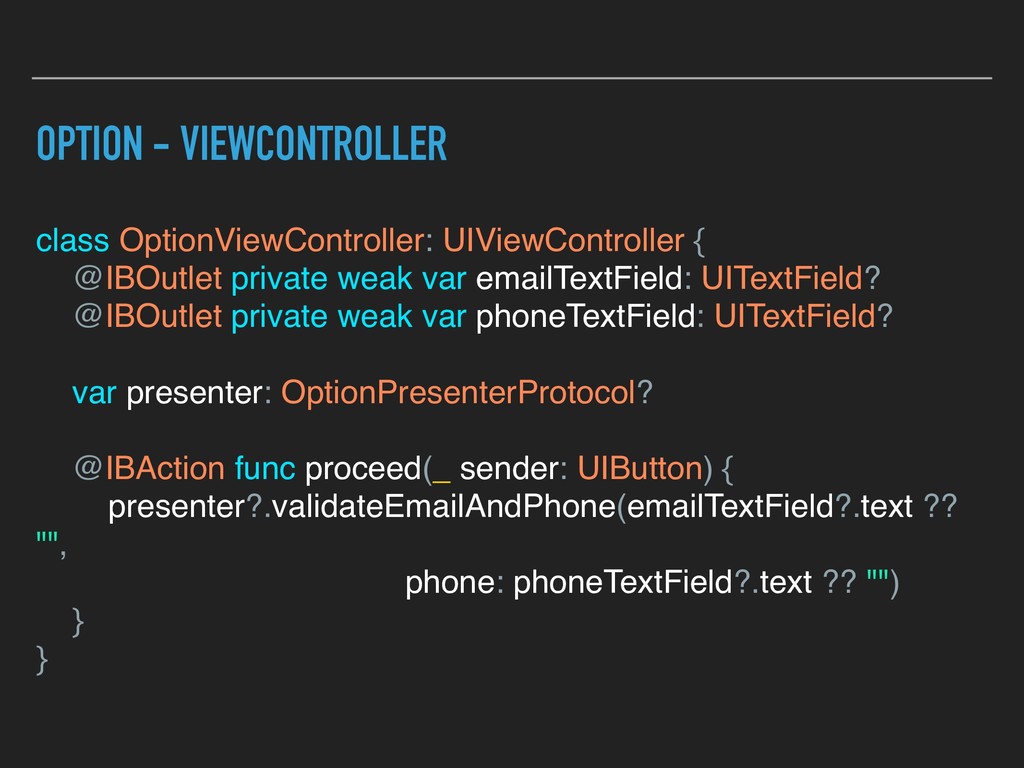
  11. OPTION - VIEWCONTROLLER class OptionViewController: UIViewController { @IBOutlet private weak

    var emailTextField: UITextField? @IBOutlet private weak var phoneTextField: UITextField? var presenter: OptionPresenterProtocol? @IBAction func proceed(_ sender: UIButton) { presenter?.validateEmailAndPhone(emailTextField?.text ?? "", phone: phoneTextField?.text ?? "") } }
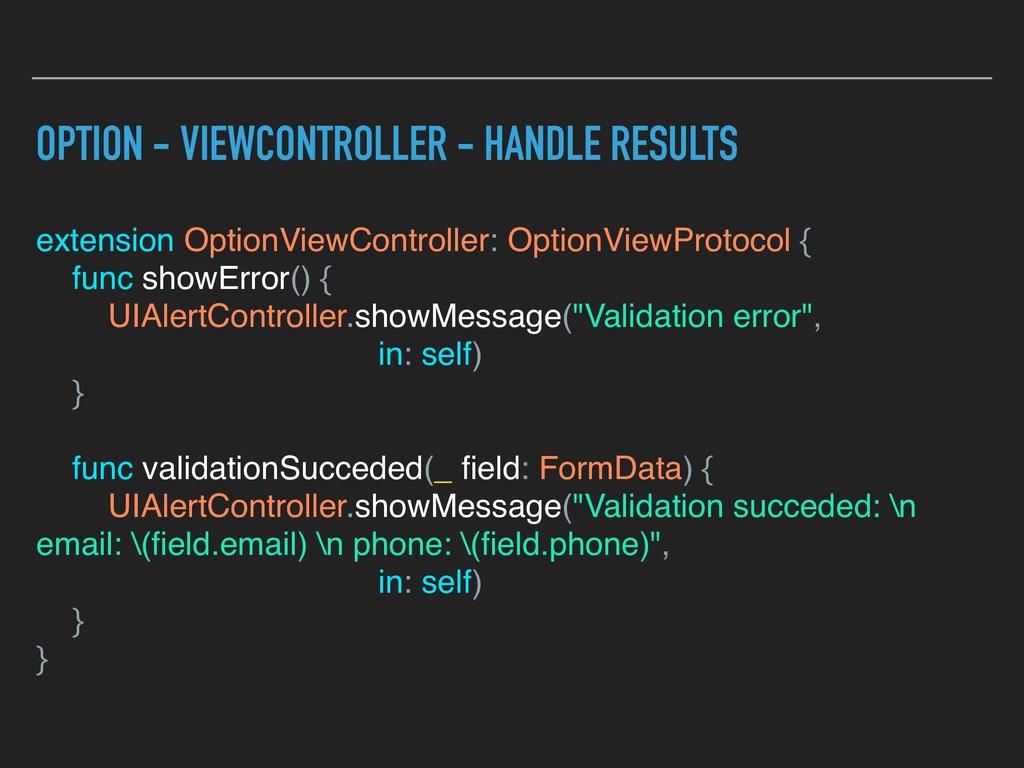
  12. OPTION - VIEWCONTROLLER - HANDLE RESULTS extension OptionViewController: OptionViewProtocol {

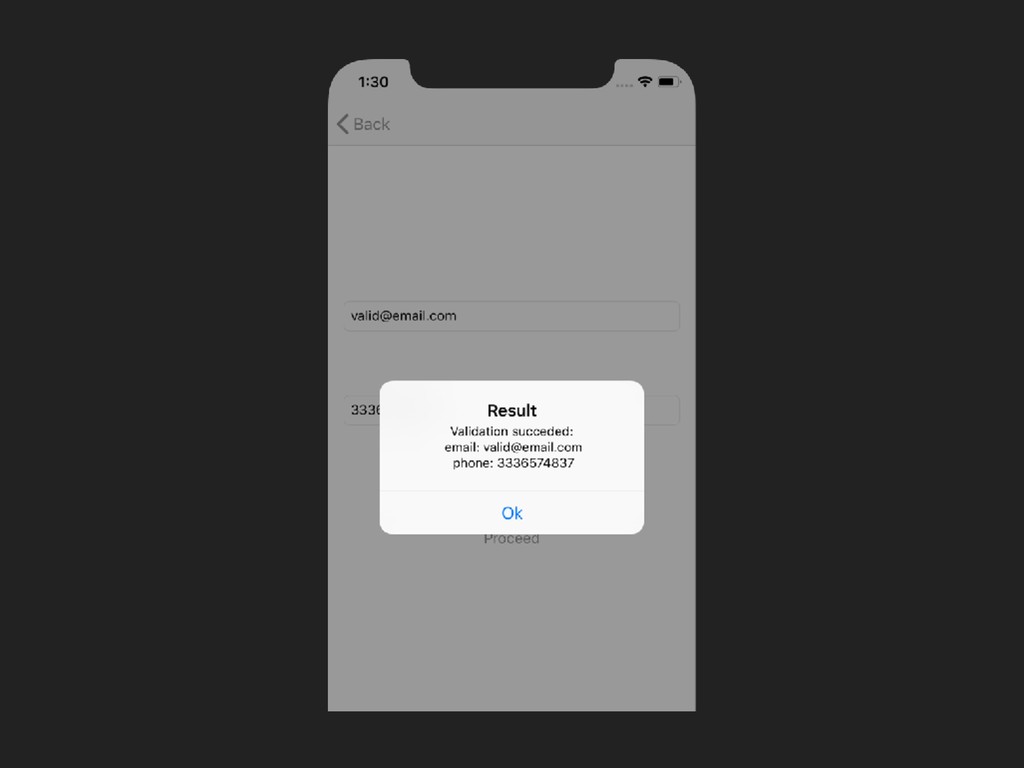
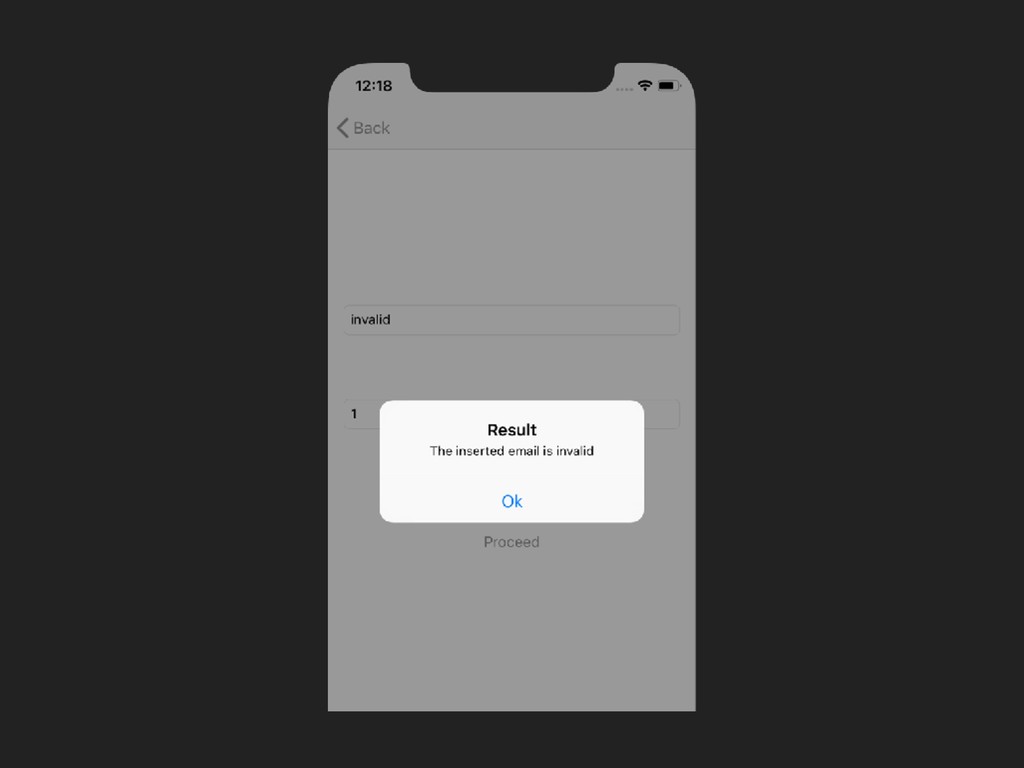
    func showError() { UIAlertController.showMessage("Validation error", in: self) } func validationSucceded(_ field: FormData) { UIAlertController.showMessage("Validation succeded: \n email: \(field.email) \n phone: \(field.phone)", in: self) } }
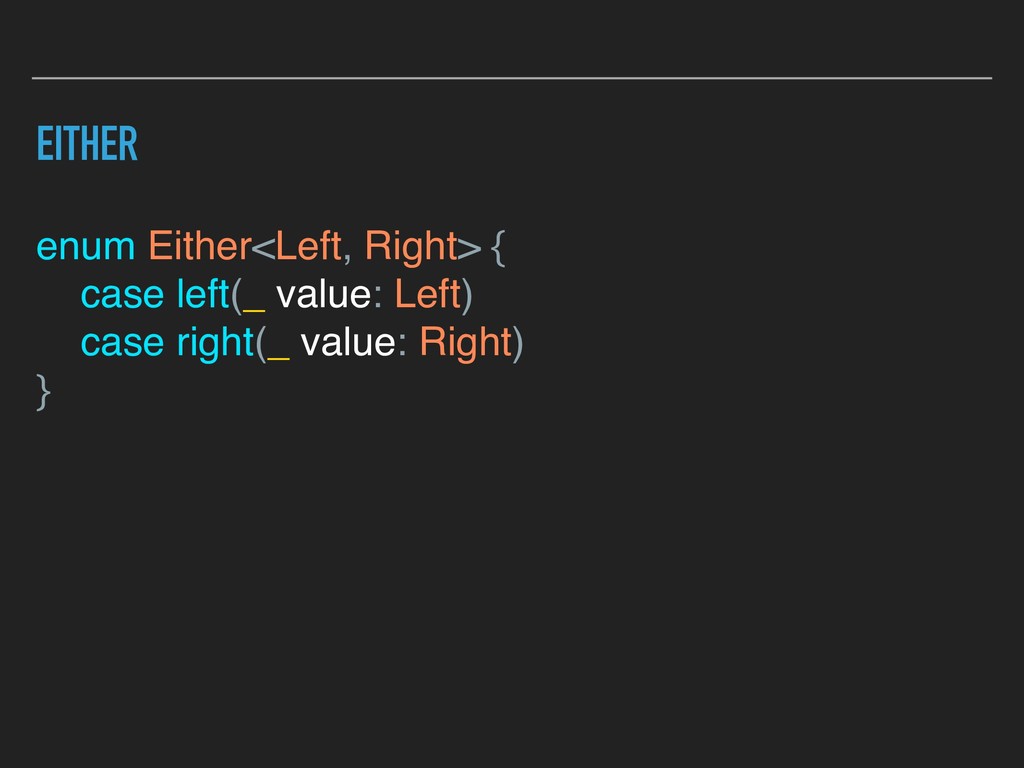
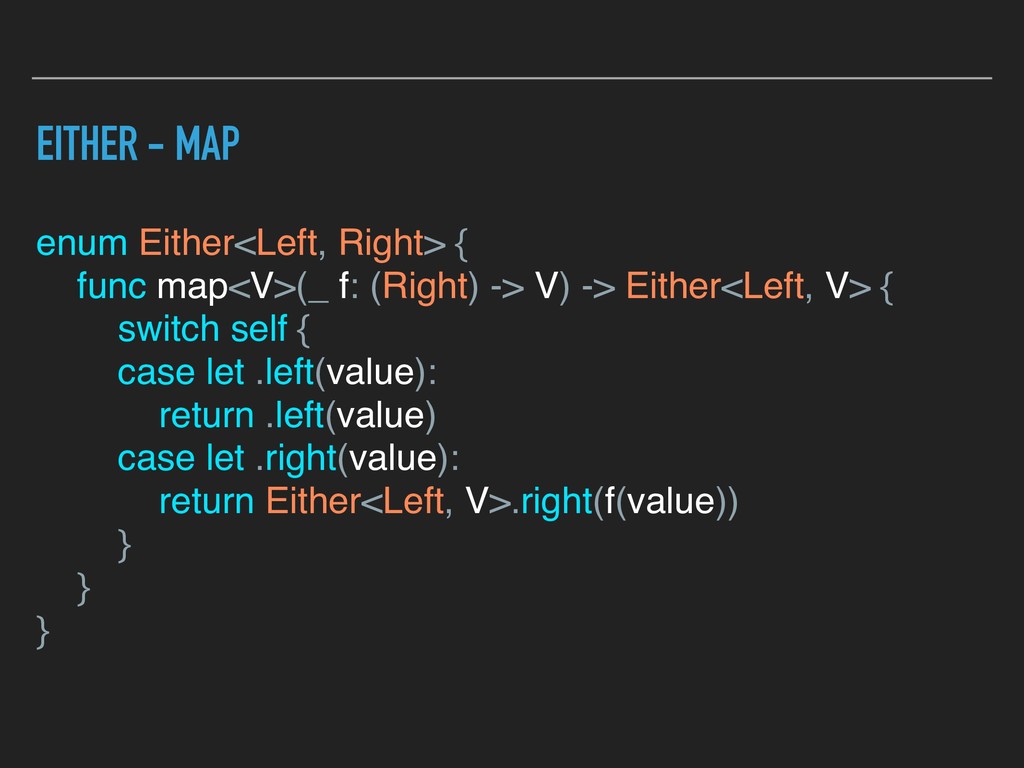
  13. EITHER - MAP enum Either<Left, Right> { func map<V>(_ f:

    (Right) -> V) -> Either<Left, V> { switch self { case let .left(value): return .left(value) case let .right(value): return Either<Left, V>.right(f(value)) } } }
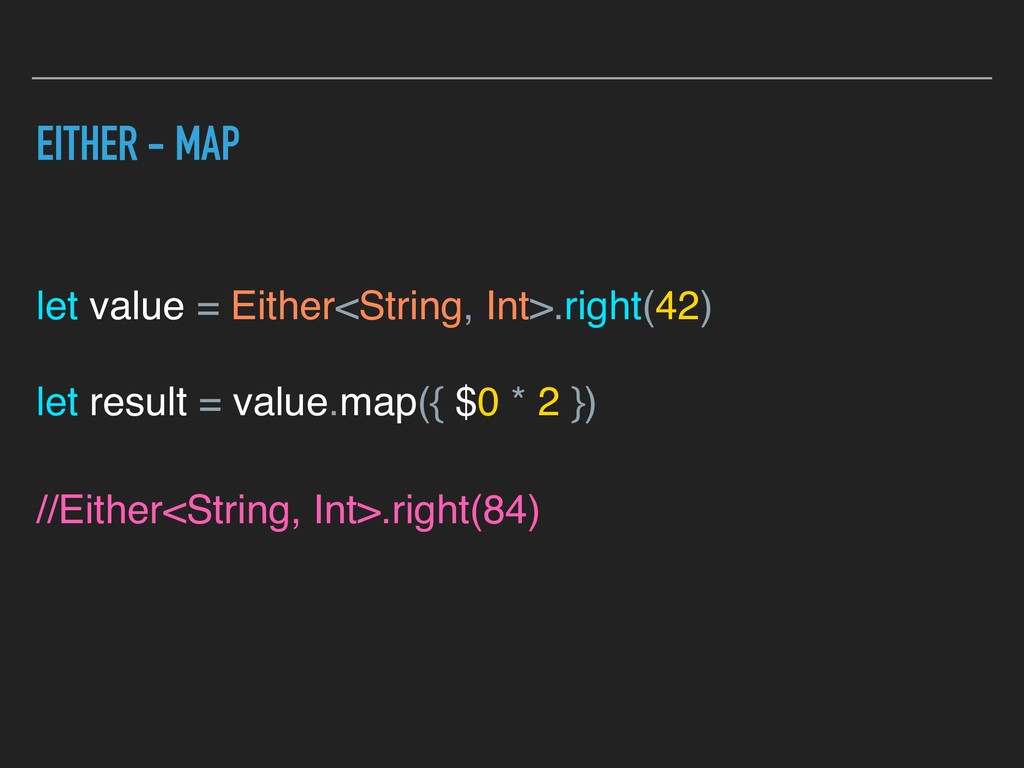
  14. EITHER - MAP let value = Either<String, Int>.right(42) let result

    = value.map({ $0 * 2 }) //Either<String, Int>.right(84)
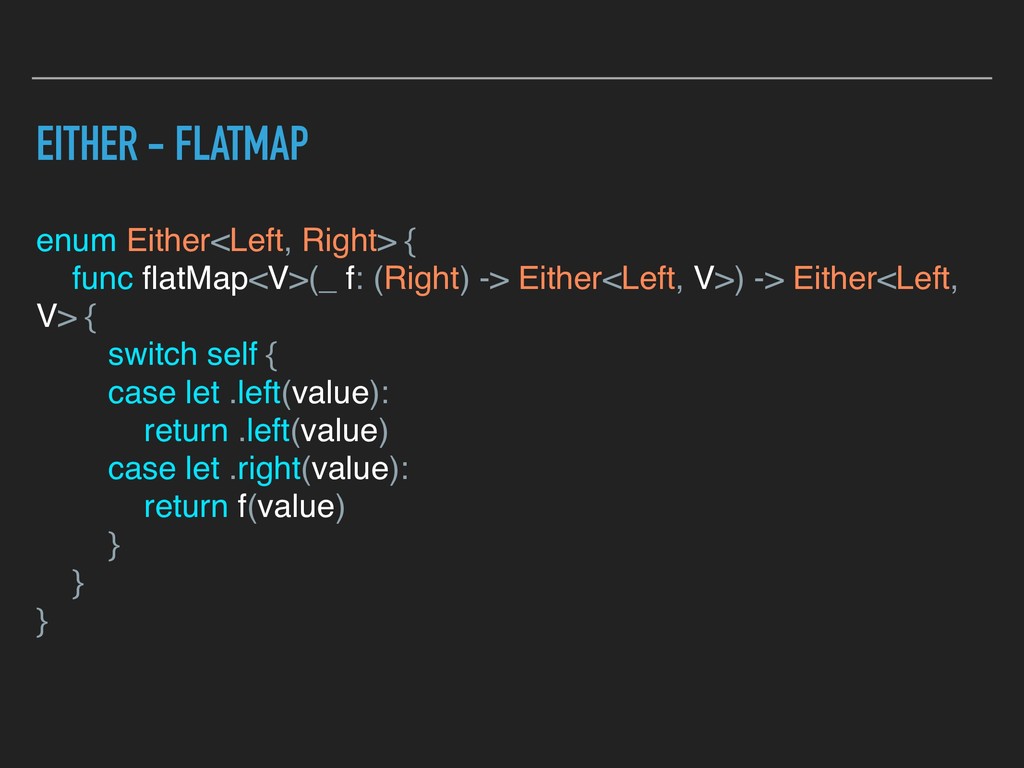
  15. EITHER - FLATMAP enum Either<Left, Right> { func flatMap<V>(_ f:

    (Right) -> Either<Left, V>) -> Either<Left, V> { switch self { case let .left(value): return .left(value) case let .right(value): return f(value) } } }
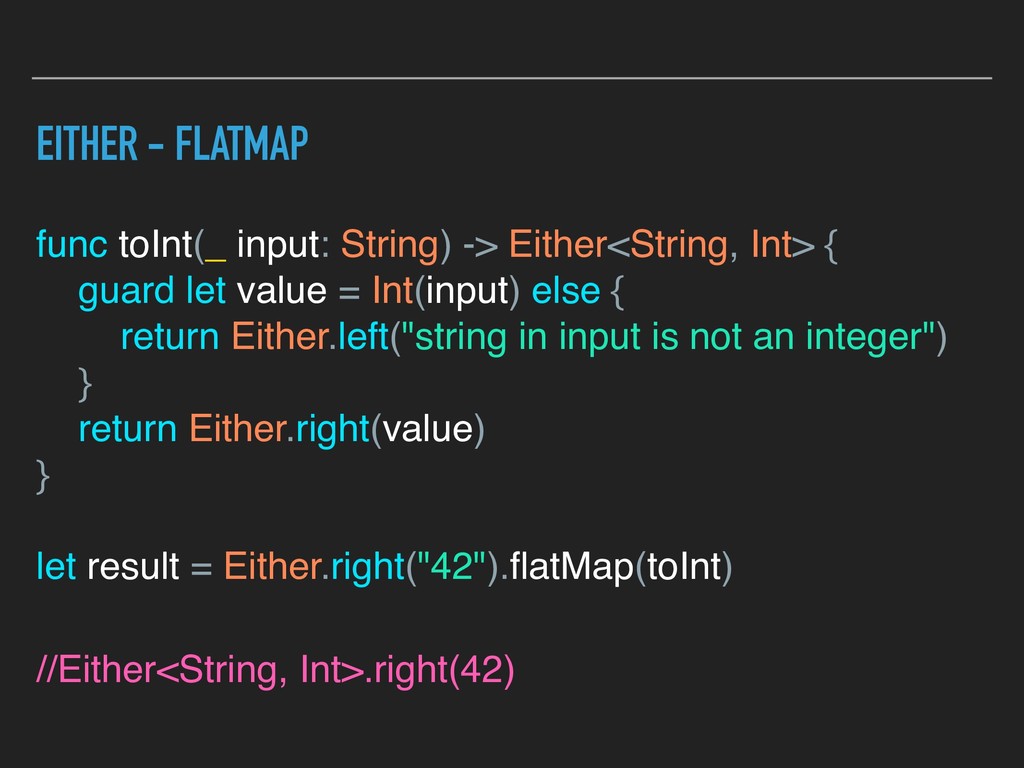
  16. EITHER - FLATMAP func toInt(_ input: String) -> Either<String, Int>

    { guard let value = Int(input) else { return Either.left("string in input is not an integer") } return Either.right(value) } let result = Either.right("42").flatMap(toInt) //Either<String, Int>.right(42)
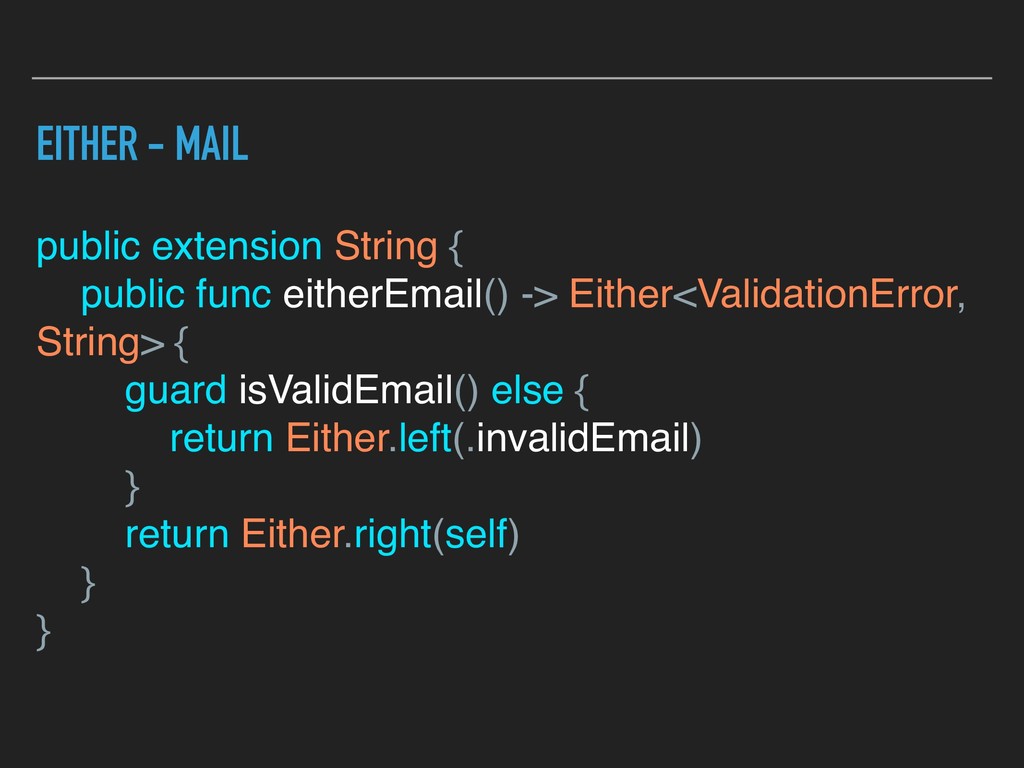
  17. EITHER - MAIL public extension String { public func eitherEmail()

    -> Either<ValidationError, String> { guard isValidEmail() else { return Either.left(.invalidEmail) } return Either.right(self) } }
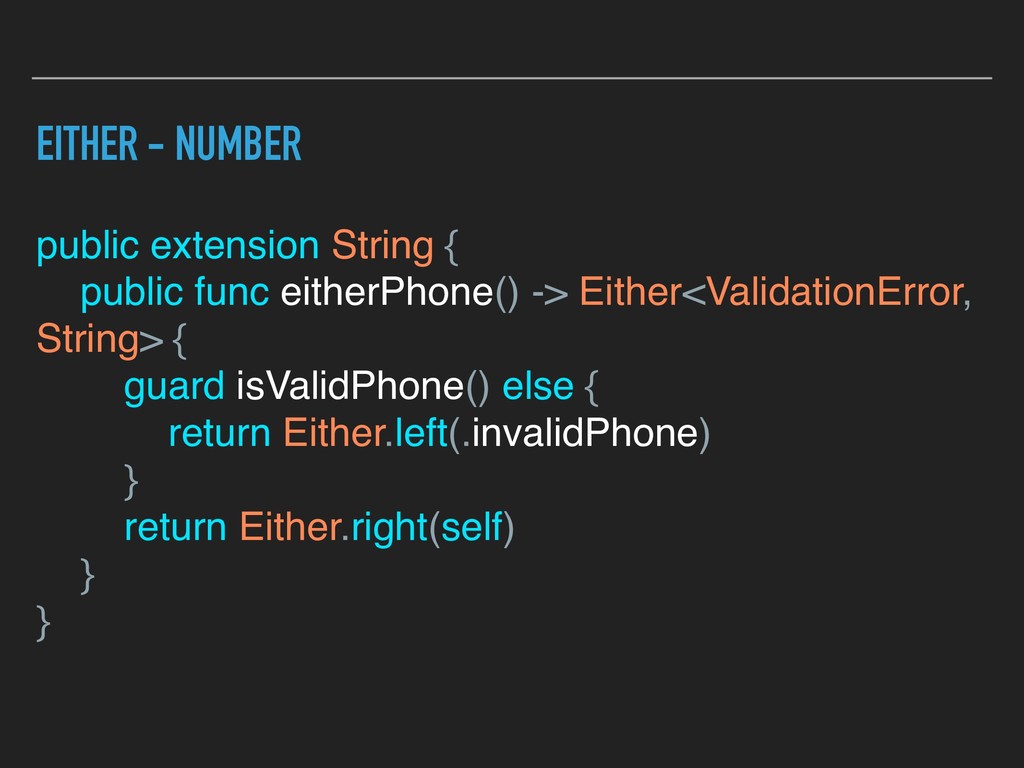
  18. EITHER - NUMBER public extension String { public func eitherPhone()

    -> Either<ValidationError, String> { guard isValidPhone() else { return Either.left(.invalidPhone) } return Either.right(self) } }
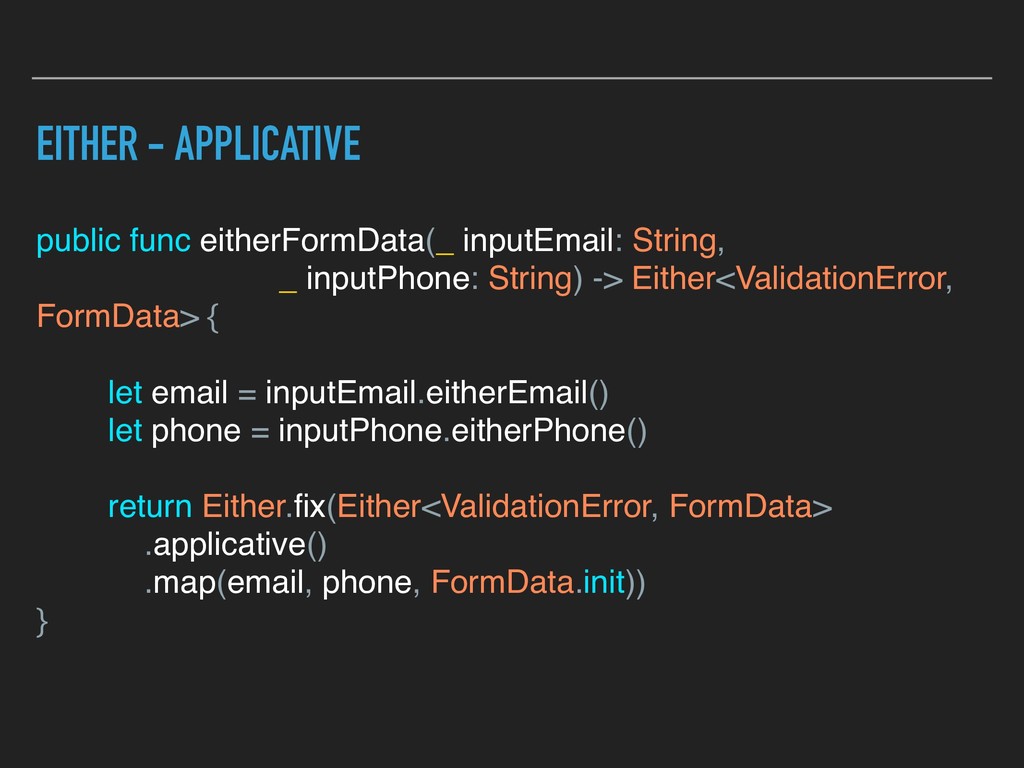
  19. EITHER - APPLICATIVE public func eitherFormData(_ inputEmail: String, _ inputPhone:

    String) -> Either<ValidationError, FormData> { let email = inputEmail.eitherEmail() let phone = inputPhone.eitherPhone() return Either.fix(Either<ValidationError, FormData> .applicative() .map(email, phone, FormData.init)) }
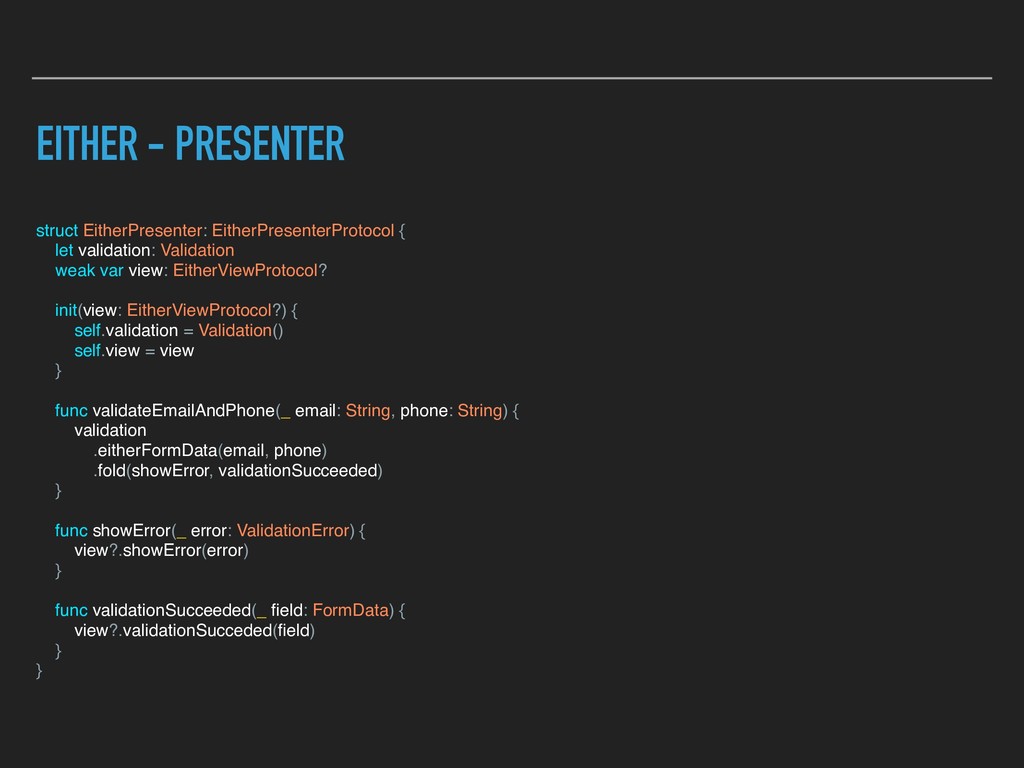
  20. EITHER - PRESENTER struct EitherPresenter: EitherPresenterProtocol { let validation: Validation

    weak var view: EitherViewProtocol? init(view: EitherViewProtocol?) { self.validation = Validation() self.view = view } func validateEmailAndPhone(_ email: String, phone: String) { validation .eitherFormData(email, phone) .fold(showError, validationSucceeded) } func showError(_ error: ValidationError) { view?.showError(error) } func validationSucceeded(_ field: FormData) { view?.validationSucceded(field) } }
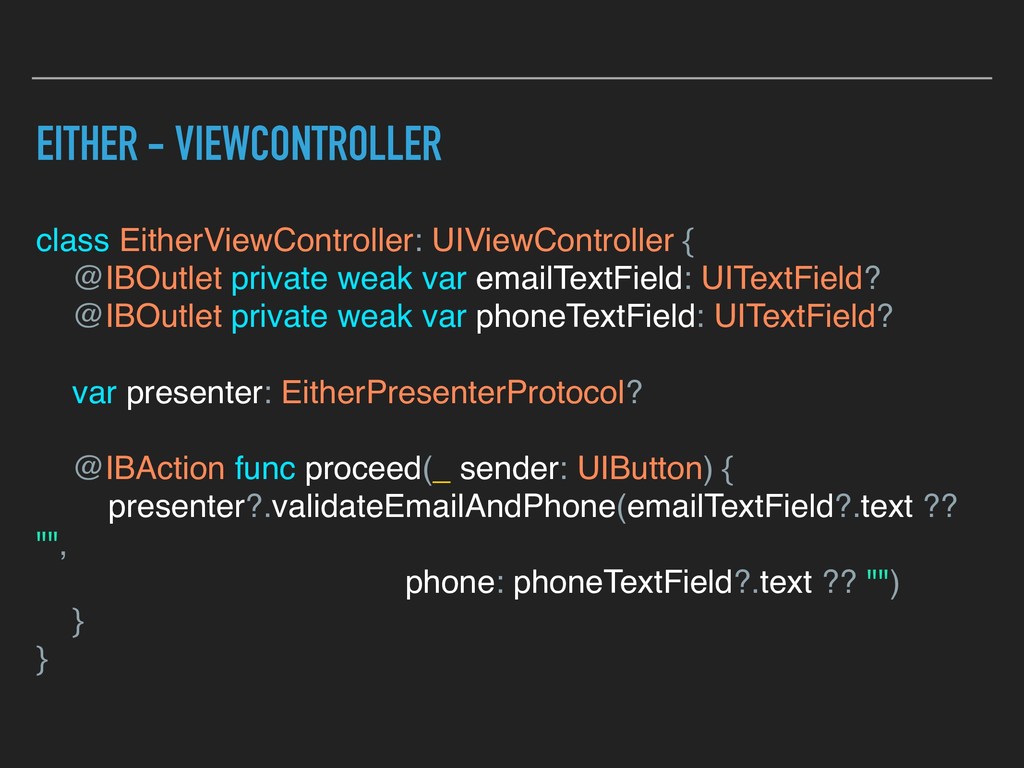
  21. EITHER - VIEWCONTROLLER class EitherViewController: UIViewController { @IBOutlet private weak

    var emailTextField: UITextField? @IBOutlet private weak var phoneTextField: UITextField? var presenter: EitherPresenterProtocol? @IBAction func proceed(_ sender: UIButton) { presenter?.validateEmailAndPhone(emailTextField?.text ?? "", phone: phoneTextField?.text ?? "") } }
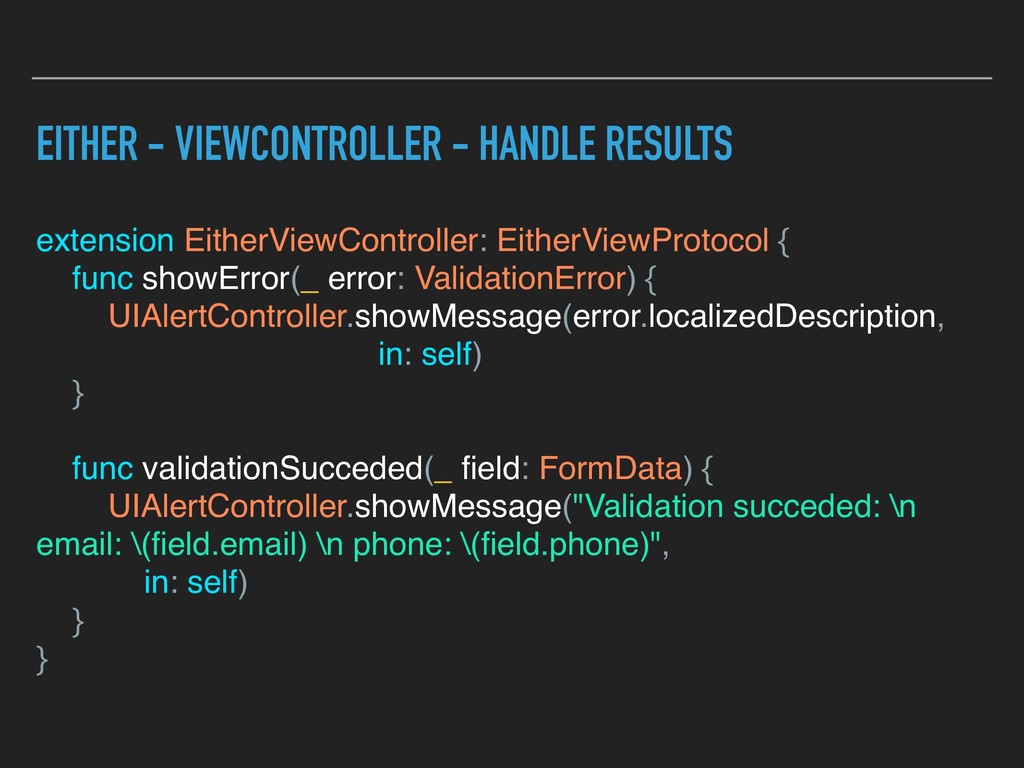
  22. EITHER - VIEWCONTROLLER - HANDLE RESULTS extension EitherViewController: EitherViewProtocol {

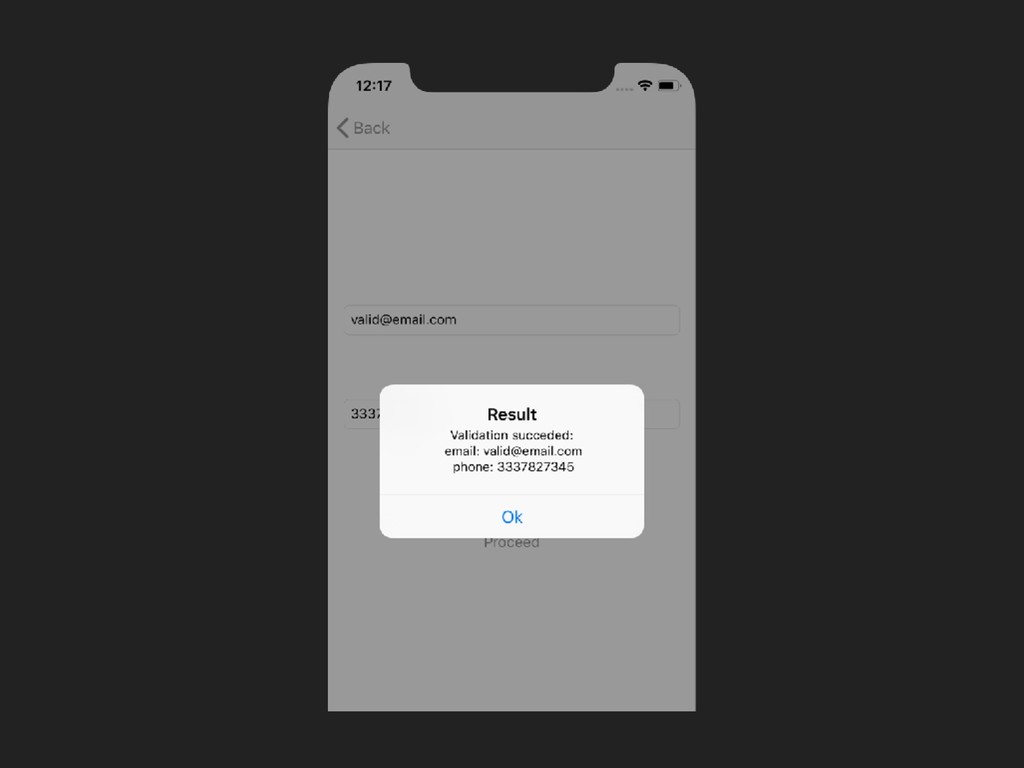
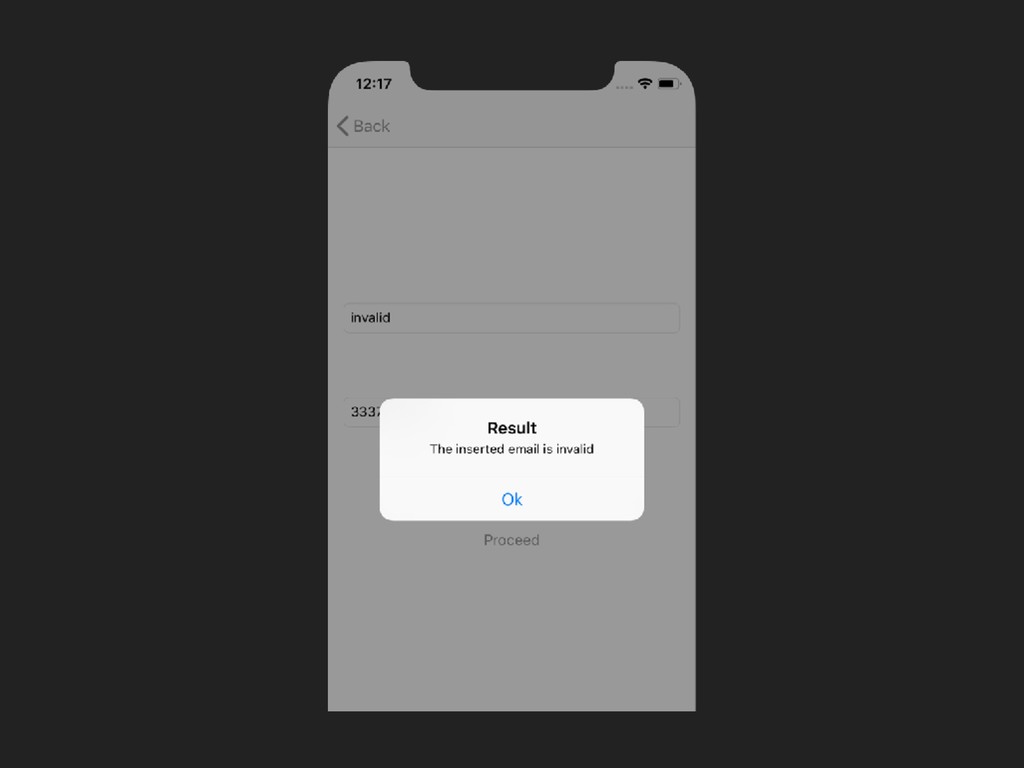
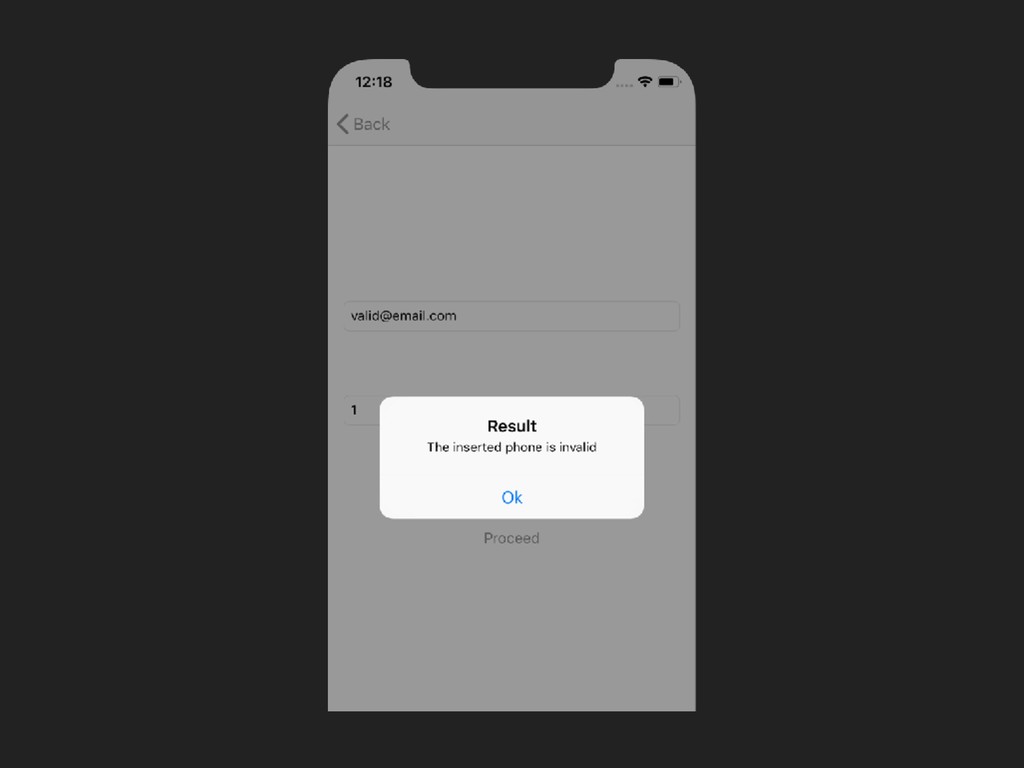
    func showError(_ error: ValidationError) { UIAlertController.showMessage(error.localizedDescription, in: self) } func validationSucceded(_ field: FormData) { UIAlertController.showMessage("Validation succeded: \n email: \(field.email) \n phone: \(field.phone)", in: self) } }
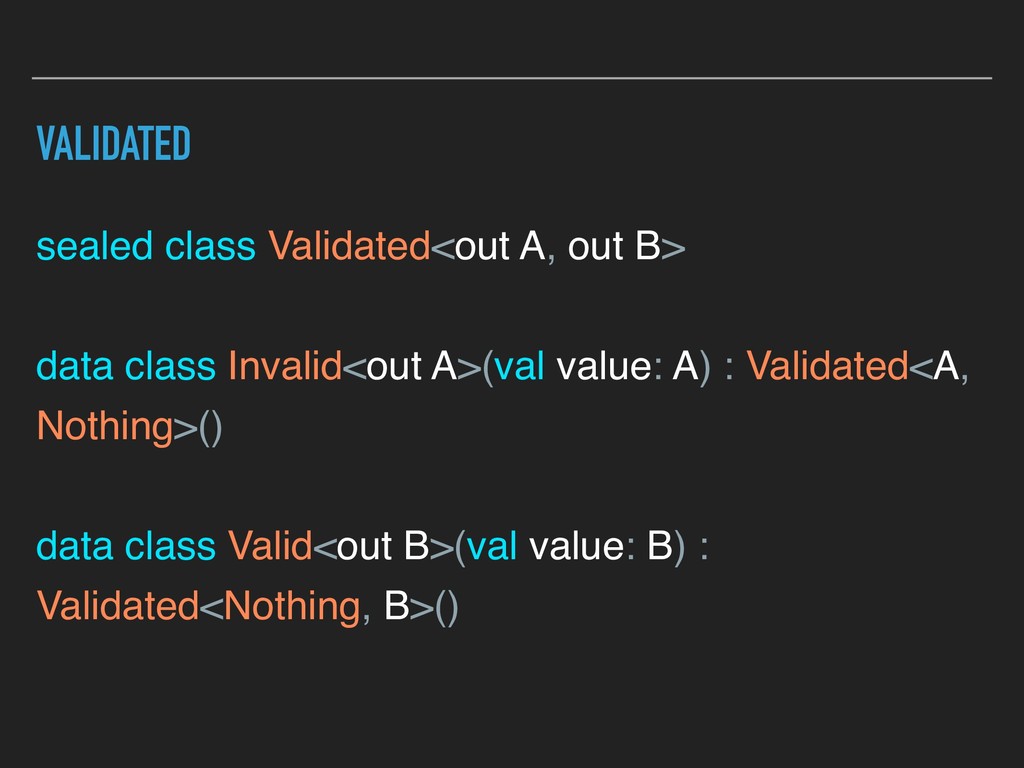
  23. VALIDATED sealed class Validated<out A, out B> data class Invalid<out

    A>(val value: A) : Validated<A, Nothing>() data class Valid<out B>(val value: B) : Validated<Nothing, B>()
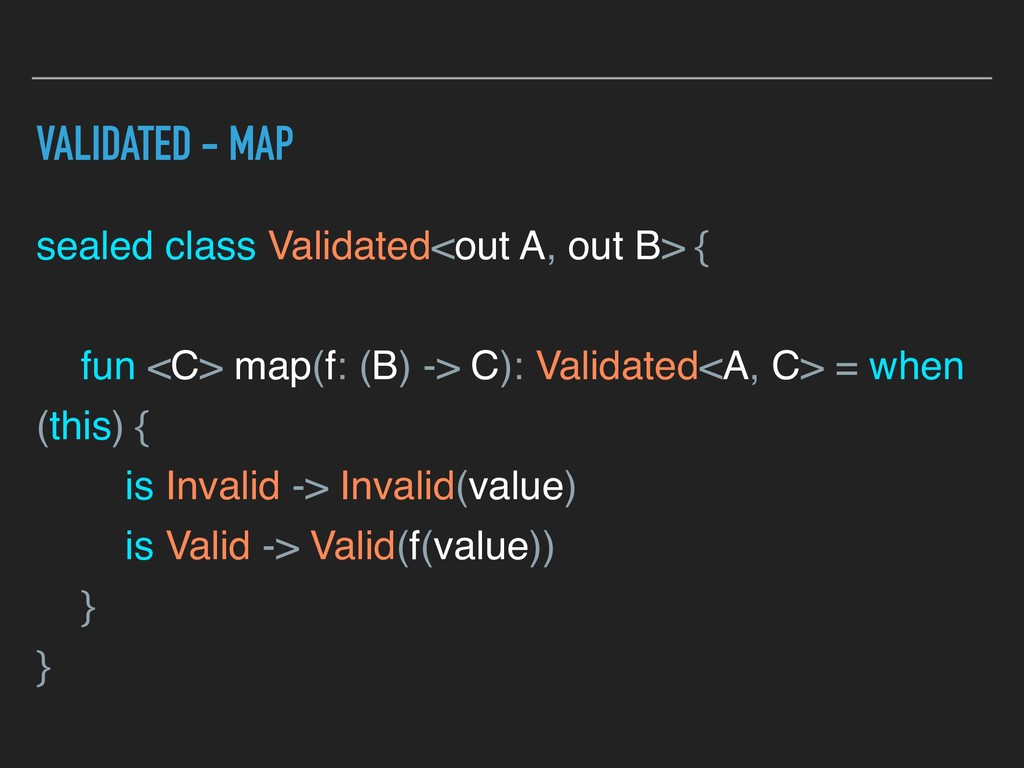
  24. VALIDATED - MAP sealed class Validated<out A, out B> {

    fun <C> map(f: (B) -> C): Validated<A, C> = when (this) { is Invalid -> Invalid(value) is Valid -> Valid(f(value)) } }
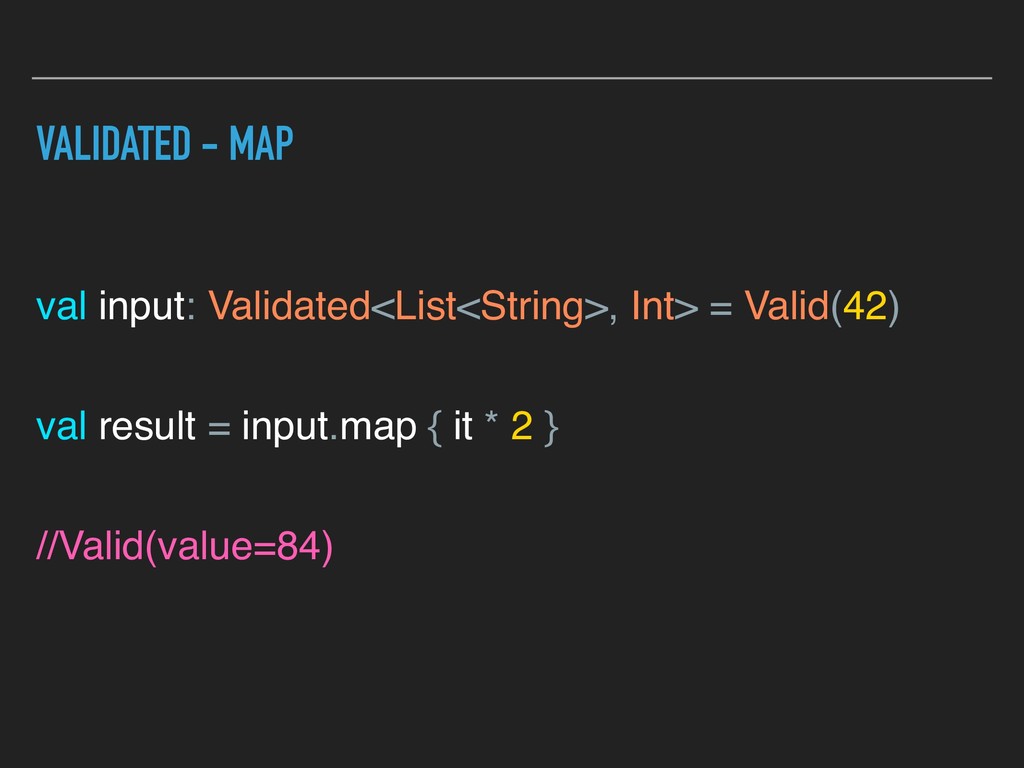
  25. VALIDATED - MAP val input: Validated<List<String>, Int> = Valid(42) val

    result = input.map { it * 2 } //Valid(value=84)
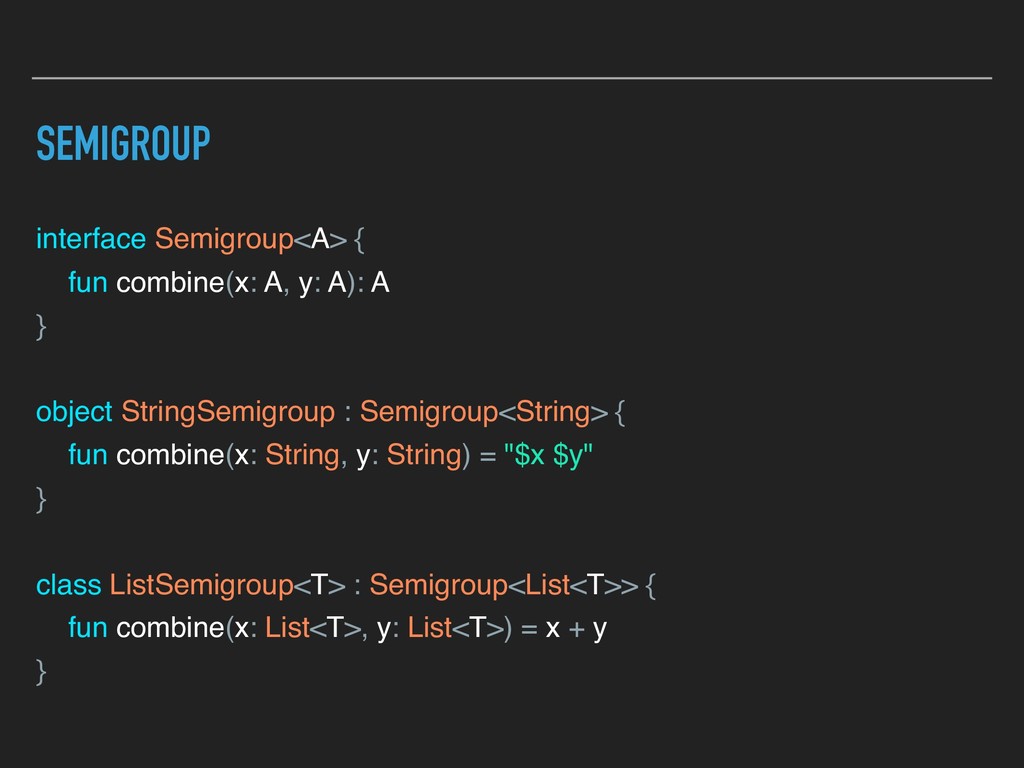
  26. SEMIGROUP interface Semigroup<A> { fun combine(x: A, y: A): A

    } object StringSemigroup : Semigroup<String> { fun combine(x: String, y: String) = "$x $y" } class ListSemigroup<T> : Semigroup<List<T>> { fun combine(x: List<T>, y: List<T>) = x + y }
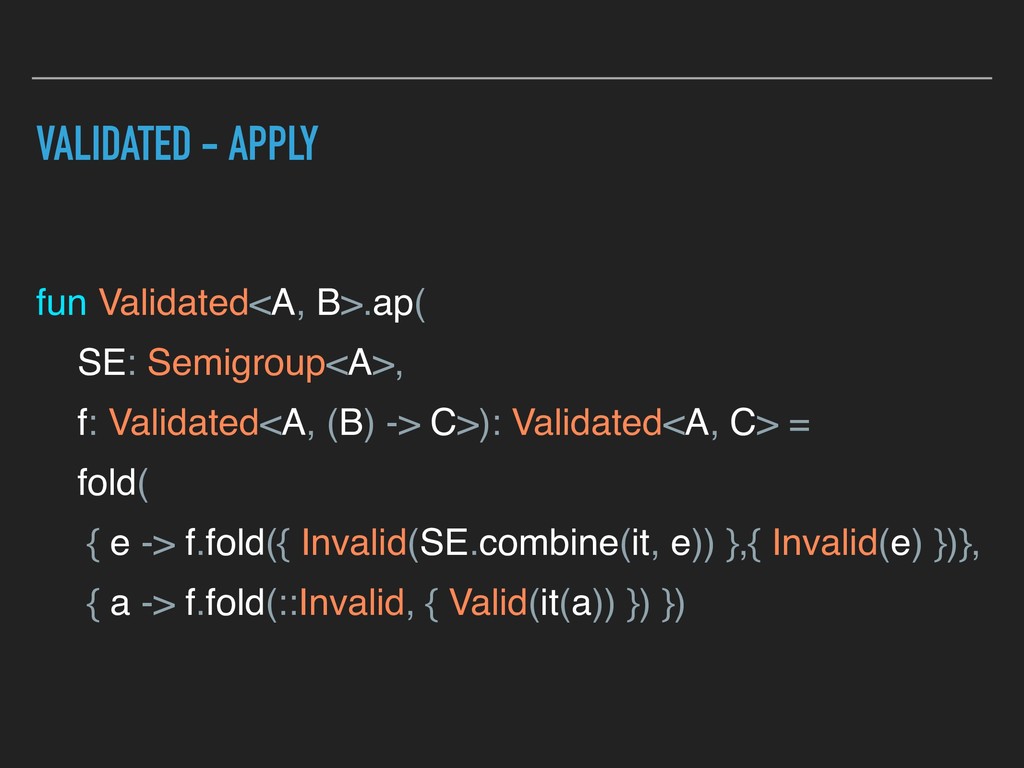
  27. VALIDATED - APPLY fun Validated<A, B>.ap( SE: Semigroup<A>, f: Validated<A,

    (B) -> C>): Validated<A, C> = fold( { e -> f.fold({ Invalid(SE.combine(it, e)) },{ Invalid(e) })}, { a -> f.fold(::Invalid, { Valid(it(a)) }) })
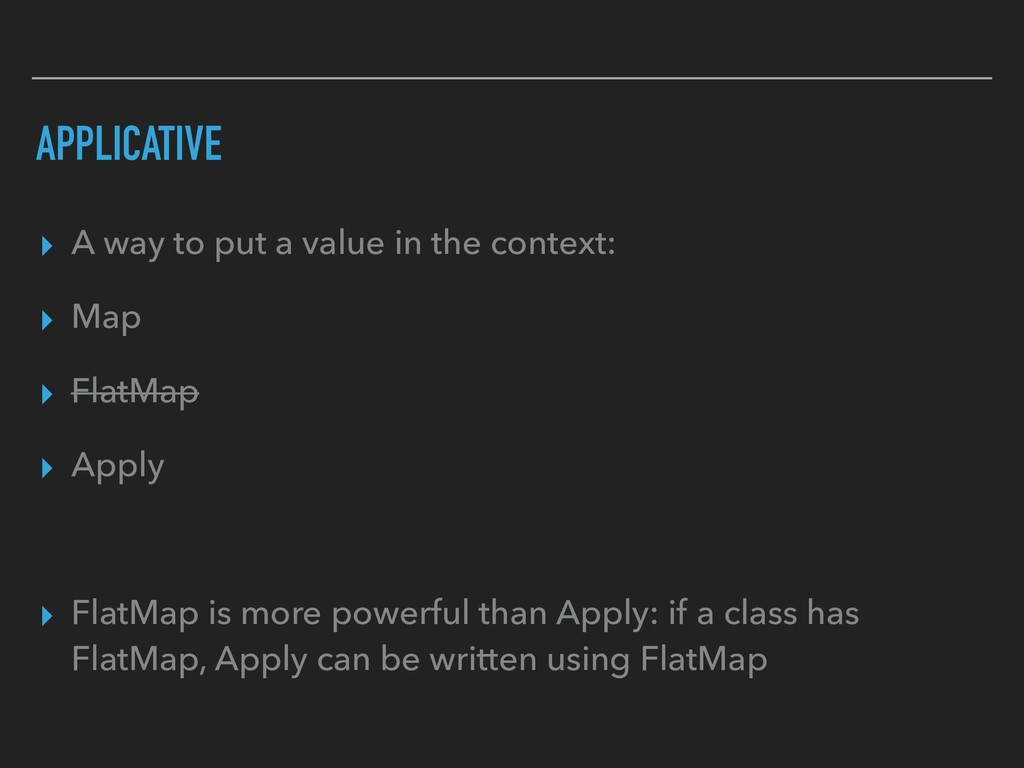
  28. APPLICATIVE ▸ A way to put a value in the

    context: ▸ Map ▸ FlatMap ▸ Apply ▸ FlatMap is more powerful than Apply: if a class has FlatMap, Apply can be written using FlatMap
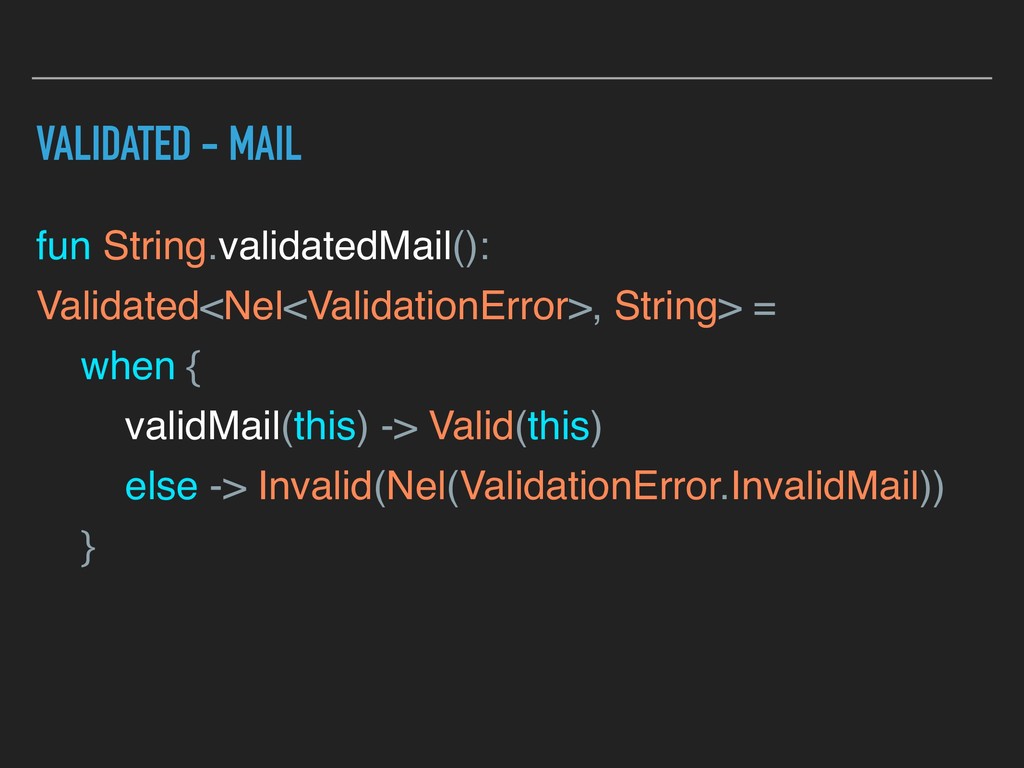
  29. VALIDATED - MAIL fun String.validatedMail(): Validated<Nel<ValidationError>, String> = when {

    validMail(this) -> Valid(this) else -> Invalid(Nel(ValidationError.InvalidMail)) }
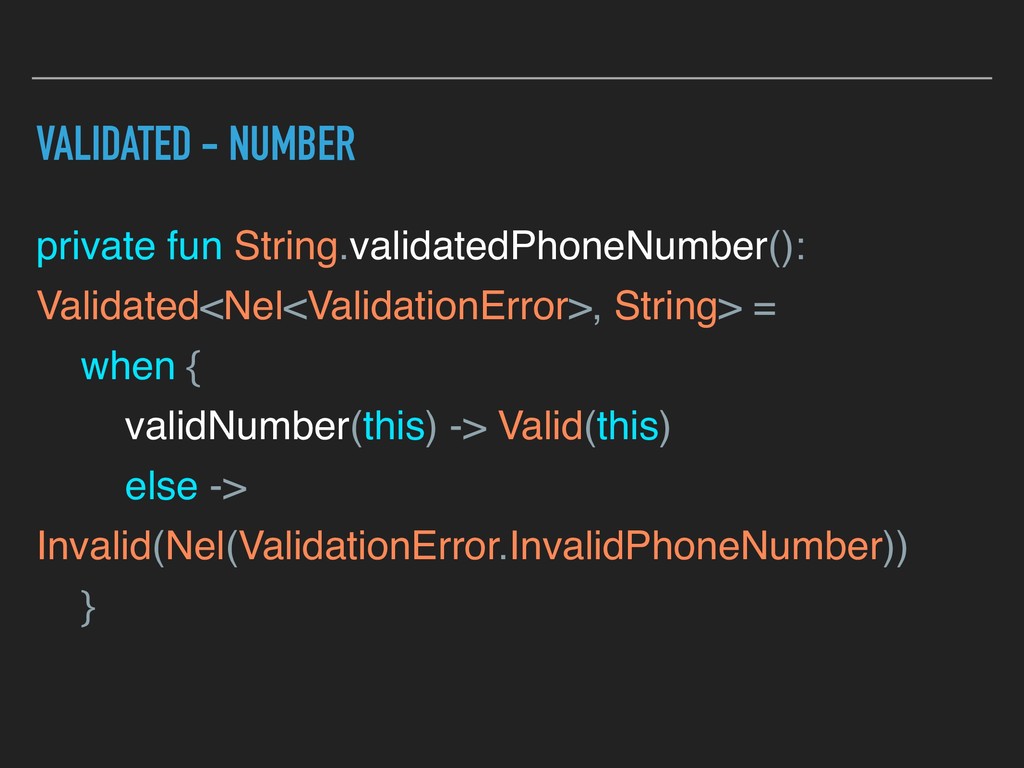
  30. VALIDATED - NUMBER private fun String.validatedPhoneNumber(): Validated<Nel<ValidationError>, String> = when

    { validNumber(this) -> Valid(this) else -> Invalid(Nel(ValidationError.InvalidPhoneNumber)) }
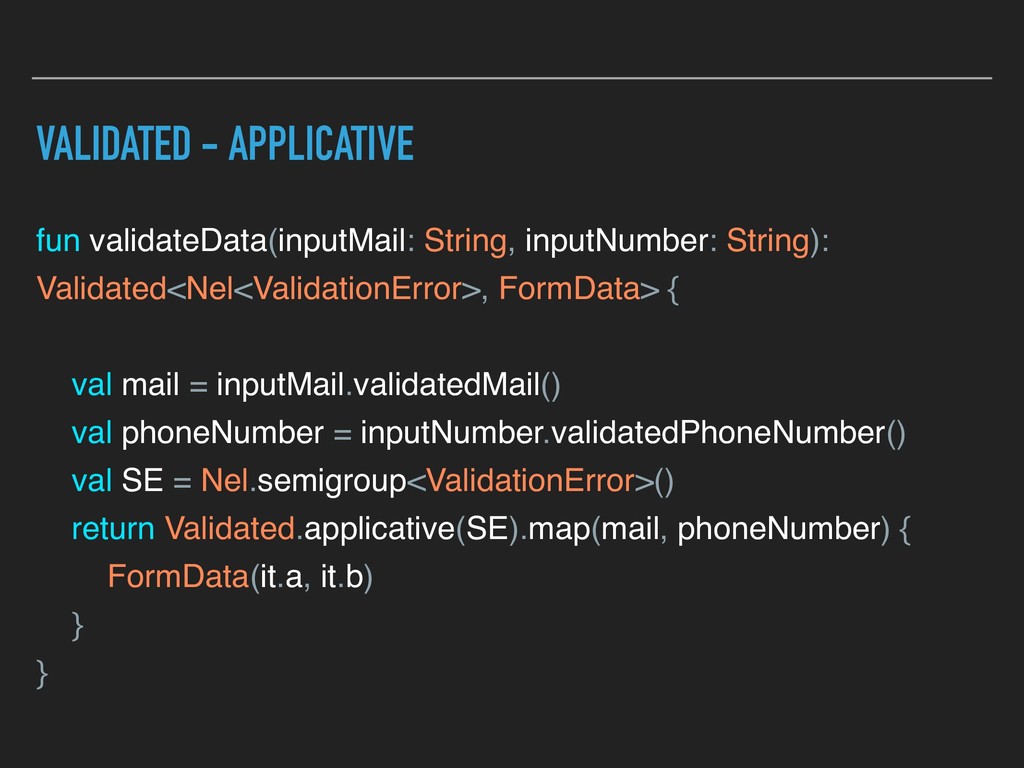
  31. VALIDATED - APPLICATIVE fun validateData(inputMail: String, inputNumber: String): Validated<Nel<ValidationError>, FormData>

    { val mail = inputMail.validatedMail() val phoneNumber = inputNumber.validatedPhoneNumber() val SE = Nel.semigroup<ValidationError>() return Validated.applicative(SE).map(mail, phoneNumber) { FormData(it.a, it.b) } }
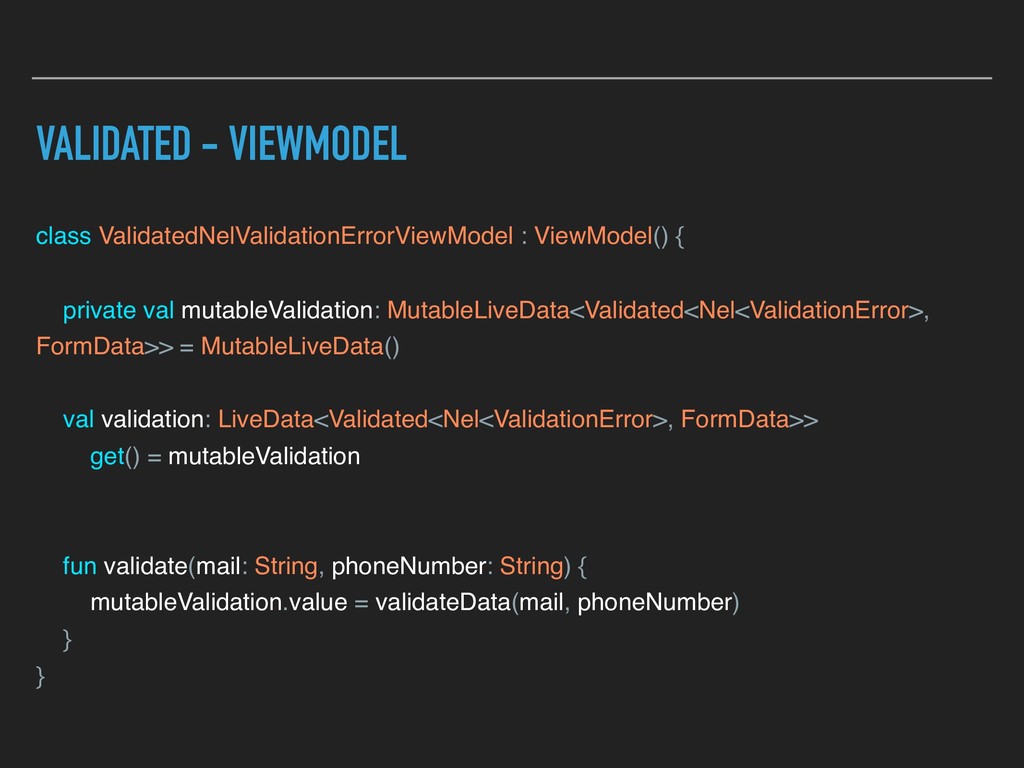
  32. VALIDATED - VIEWMODEL class ValidatedNelValidationErrorViewModel : ViewModel() { private val

    mutableValidation: MutableLiveData<Validated<Nel<ValidationError>, FormData>> = MutableLiveData() val validation: LiveData<Validated<Nel<ValidationError>, FormData>> get() = mutableValidation fun validate(mail: String, phoneNumber: String) { mutableValidation.value = validateData(mail, phoneNumber) } }
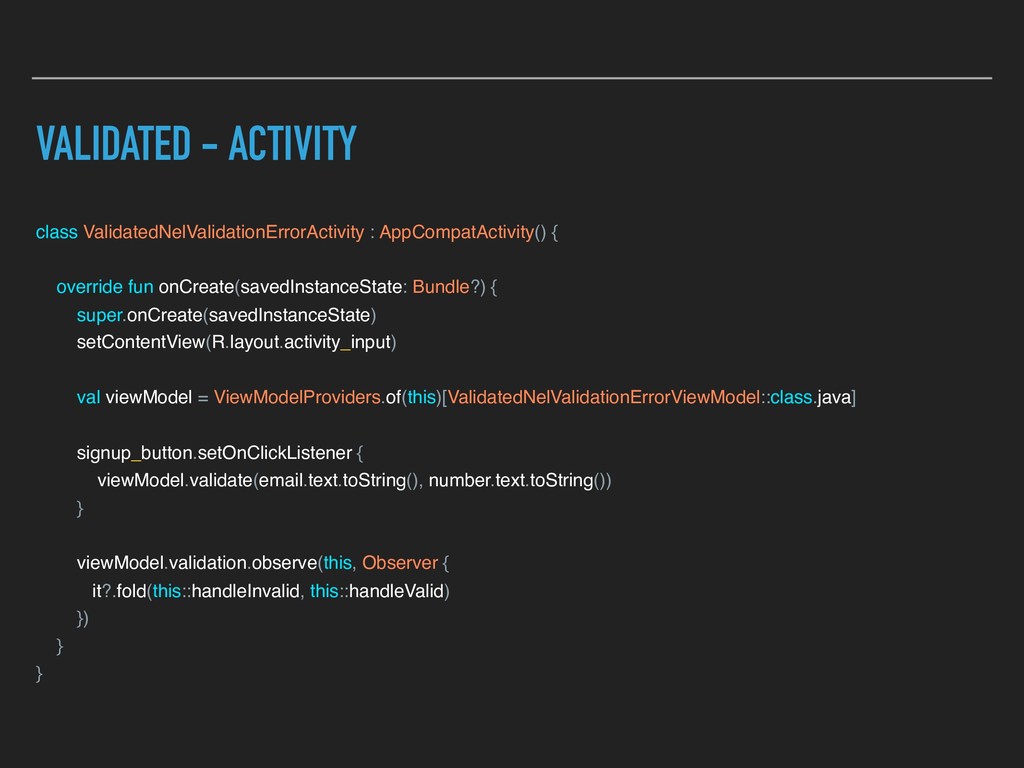
  33. VALIDATED - ACTIVITY class ValidatedNelValidationErrorActivity : AppCompatActivity() { override fun

    onCreate(savedInstanceState: Bundle?) { super.onCreate(savedInstanceState) setContentView(R.layout.activity_input) val viewModel = ViewModelProviders.of(this)[ValidatedNelValidationErrorViewModel::class.java] signup_button.setOnClickListener { viewModel.validate(email.text.toString(), number.text.toString()) } viewModel.validation.observe(this, Observer { it?.fold(this::handleInvalid, this::handleValid) }) } }
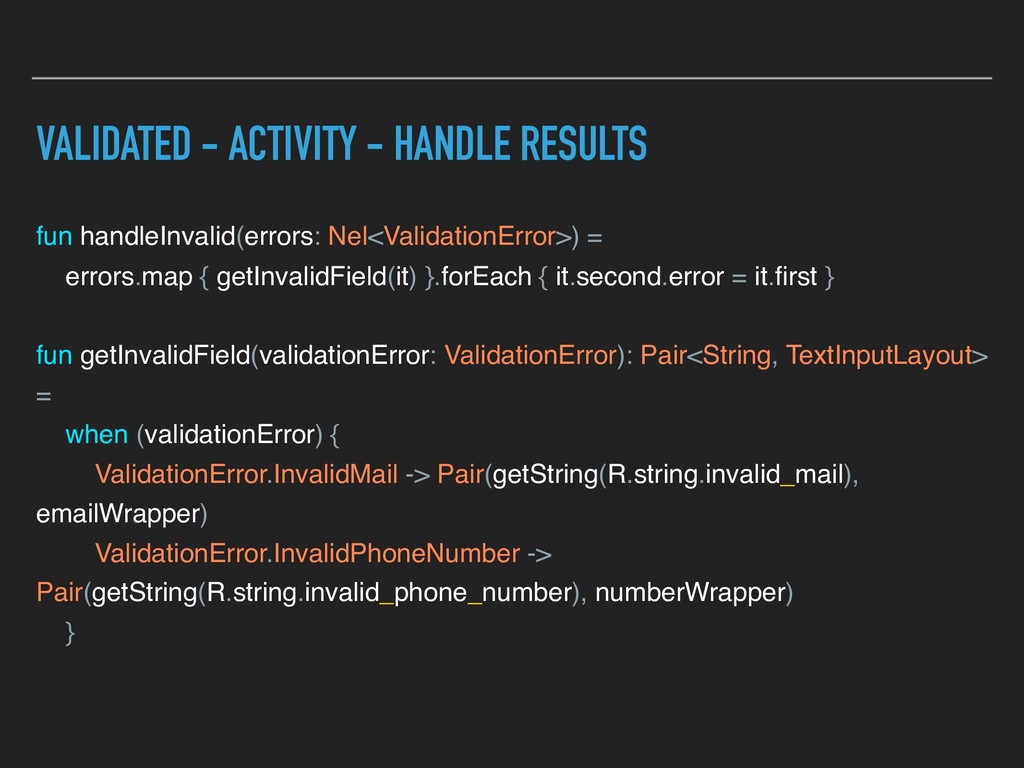
  34. VALIDATED - ACTIVITY - HANDLE RESULTS fun handleInvalid(errors: Nel<ValidationError>) =

    errors.map { getInvalidField(it) }.forEach { it.second.error = it.first } fun getInvalidField(validationError: ValidationError): Pair<String, TextInputLayout> = when (validationError) { ValidationError.InvalidMail -> Pair(getString(R.string.invalid_mail), emailWrapper) ValidationError.InvalidPhoneNumber -> Pair(getString(R.string.invalid_phone_number), numberWrapper) }
  35. RECAP ▸ Each data type has his own logic ▸

    We can write less code combining existing methods ▸ This is just the beginning :)