Upgrade to Pro — share decks privately, control downloads, hide ads and more …

Nativescript 101

Avatar for GreenhornDeveloper GreenhornDeveloper
October 24, 2017
23

Nativescript 101

Avatar for GreenhornDeveloper

GreenhornDeveloper

October 24, 2017

Transcript

  1. Who Are You? Writes native mobile apps? Writes Ionic or

    Hybrid Apps Wants to use Nativescript for prod? @halpin_io
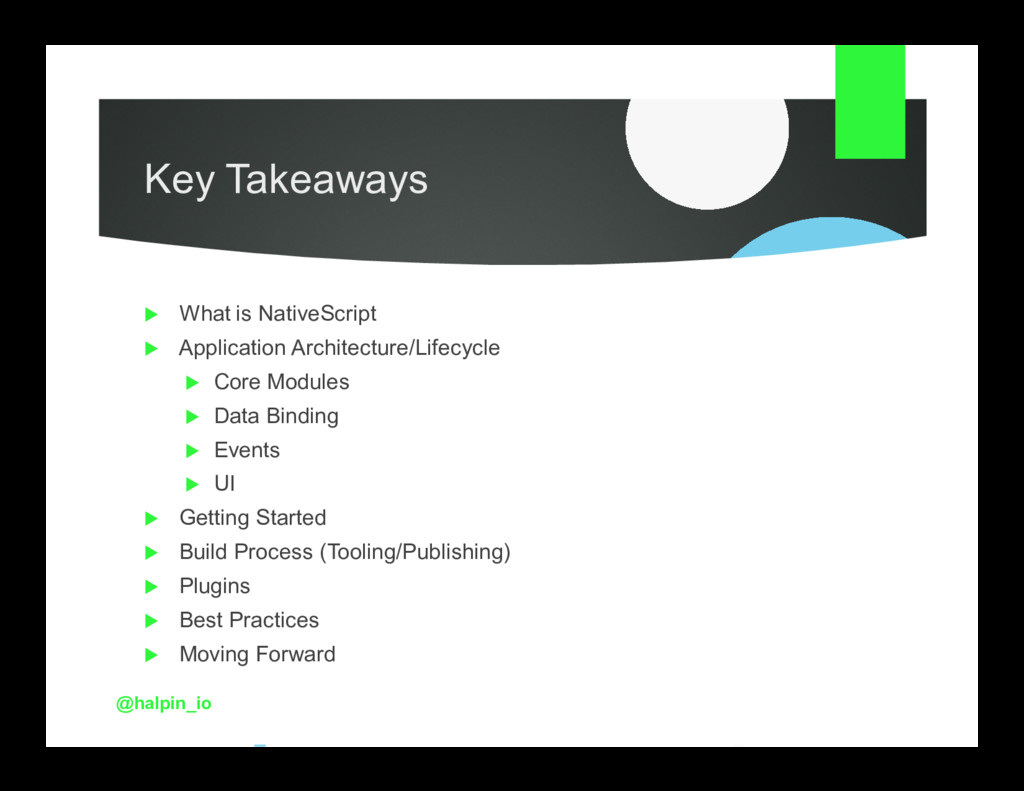
  2. Key Takeaways What is NativeScript Application Architecture/Lifecycle Core Modules Data

    Binding Events UI Getting Started Build Process (Tooling/Publishing) Plugins Best Practices Moving Forward @halpin_io
  3. History Lesson Open source framework for creating IOS and Android

    Apps Maintained by Telerik Leverages Plain JS, Typescript or Angular @halpin_io
  4. What is Cool About NativeScript? You don’t have to learn

    Java or Swift One Codebase Use existing skills! @halpin_io
  5. Why Use NativeScript? Don’t want to learn Java/Swift Want to

    build apps fast Only want 1 code base Native Features: Offline Support Device APIs App Monetization Home Screen Availability @halpin_io
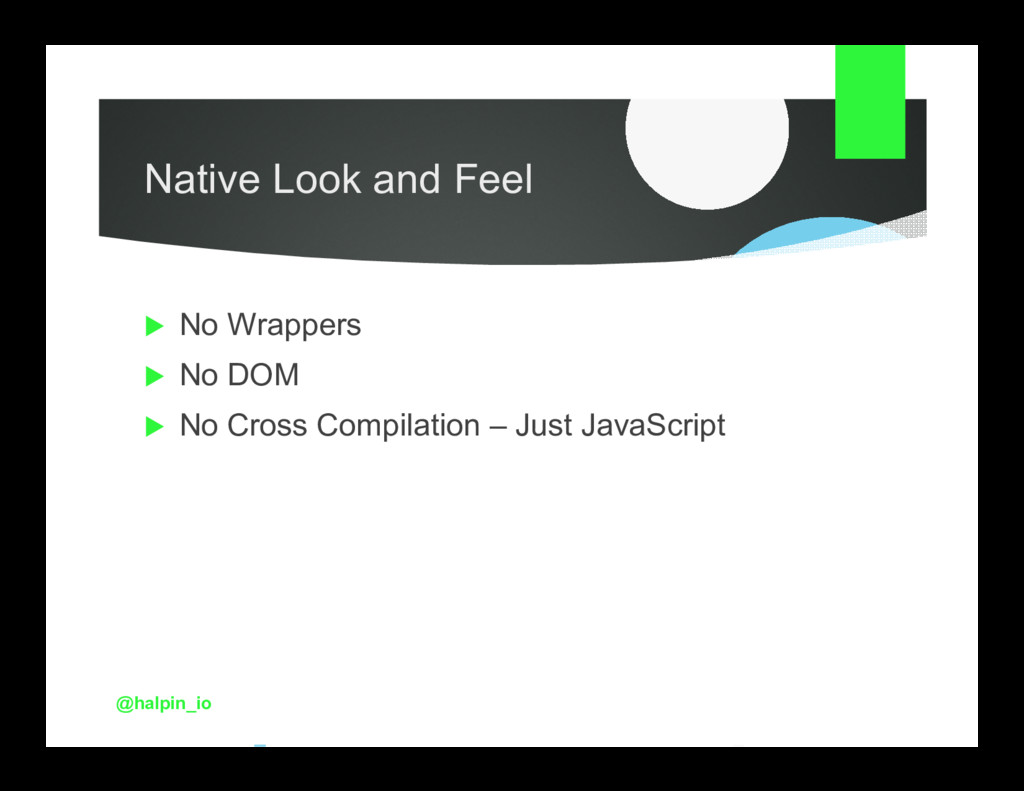
  6. Native Look and Feel No Wrappers No DOM No Cross

    Compilation – Just JavaScript @halpin_io
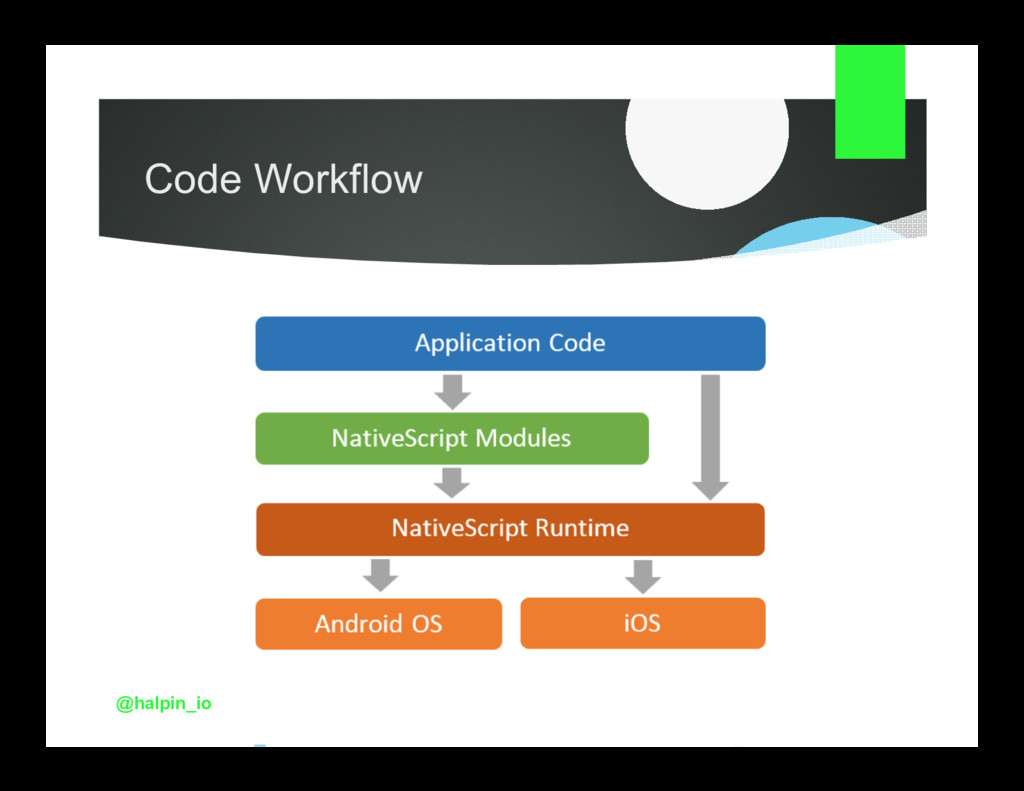
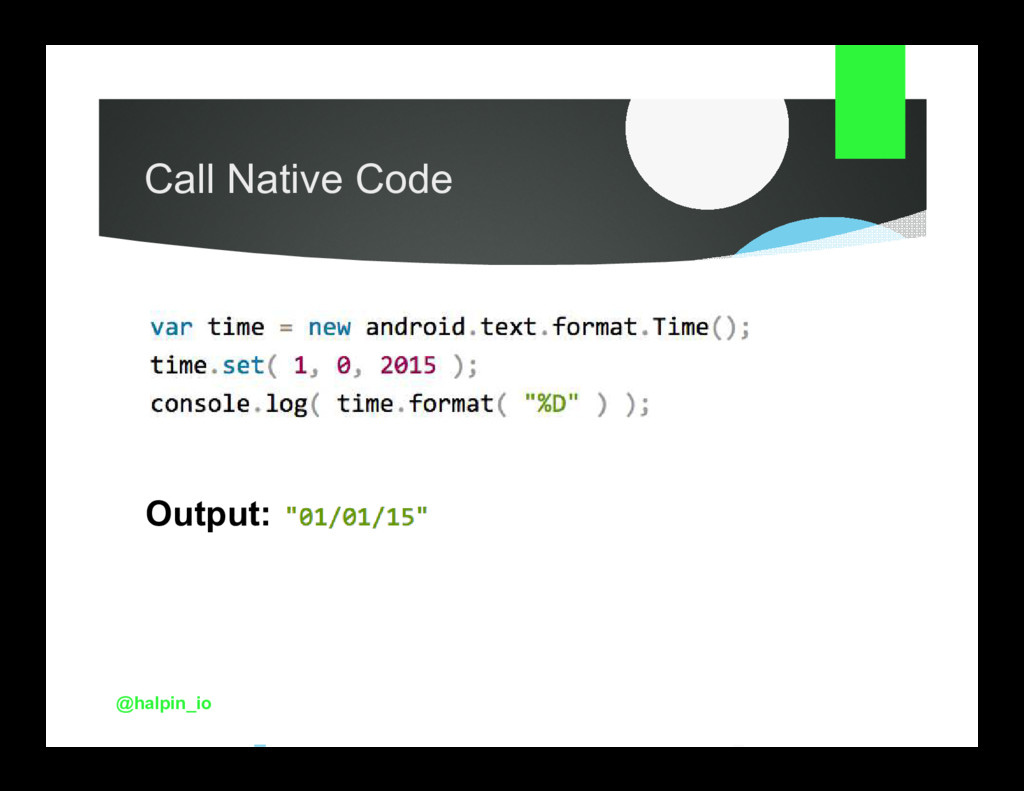
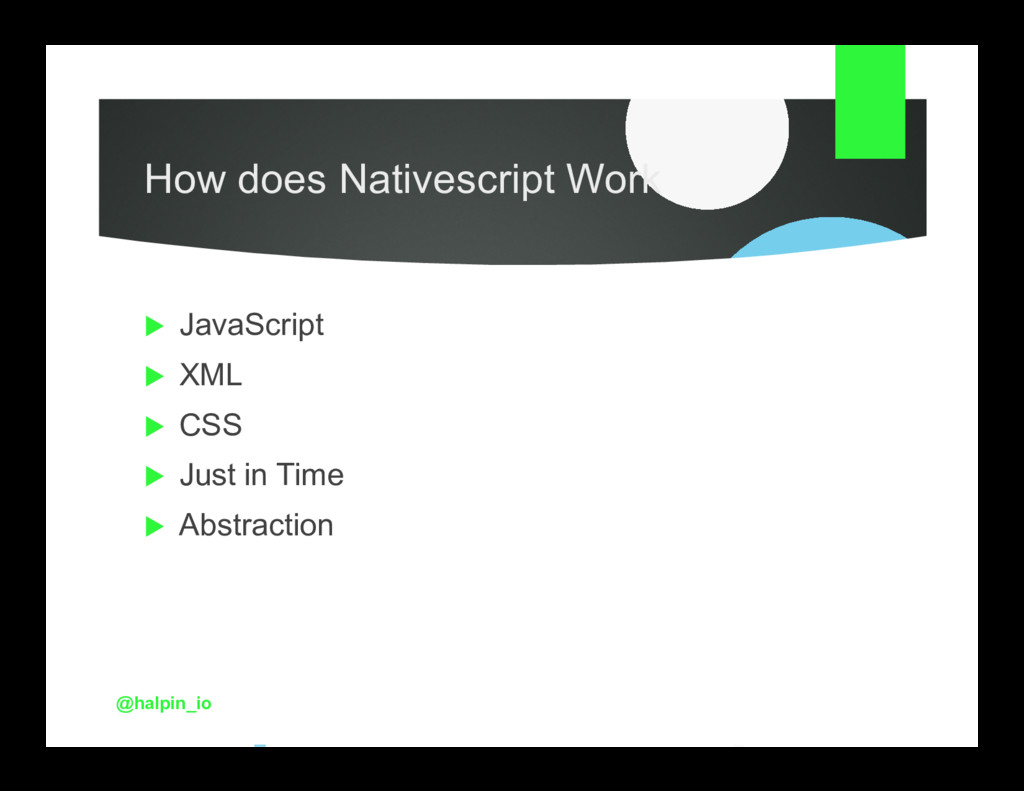
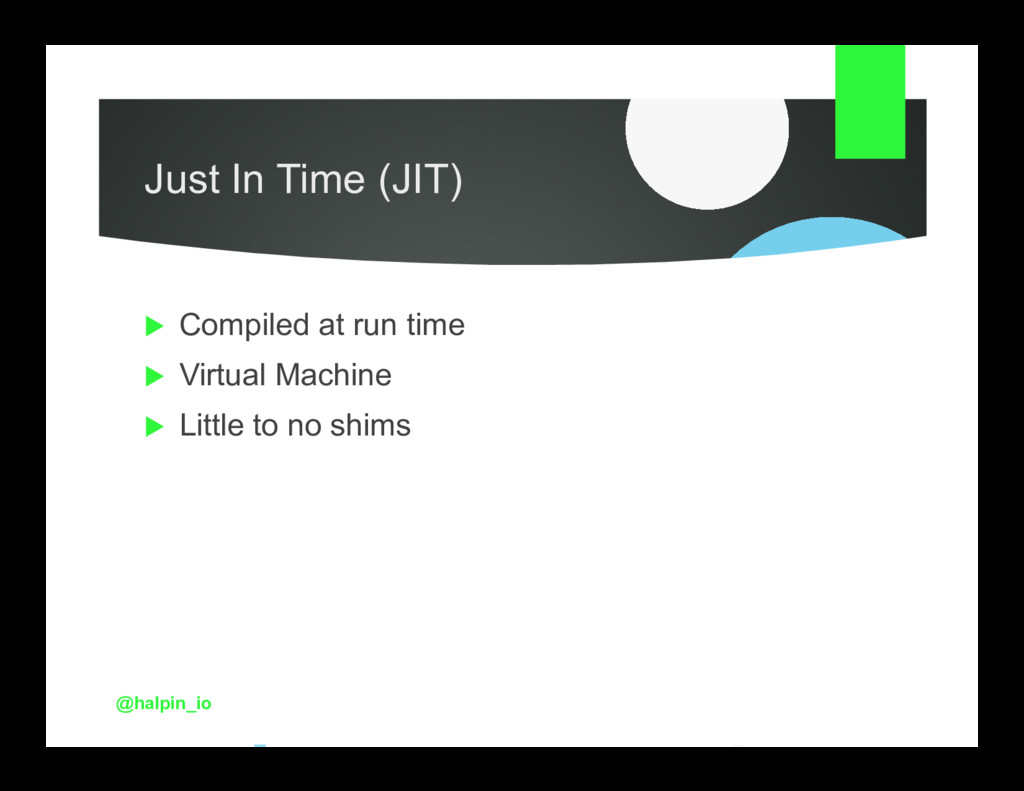
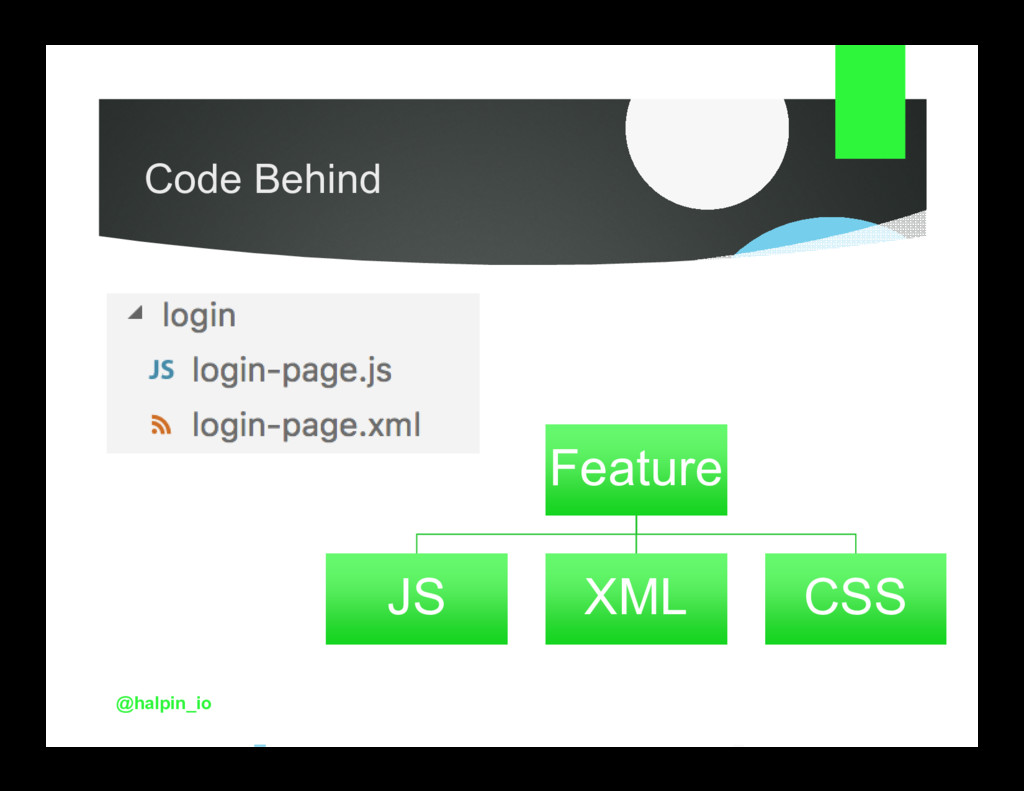
  7. How does Nativescript Work JavaScript, XML, CSS Just in Time

    Pages and Navigation Abstraction @halpin_io
  8. Why is Nativescript Cool? You only need to know JavaScript!

    One code, 3 platforms Functions like a native app (because it is) @halpin_io
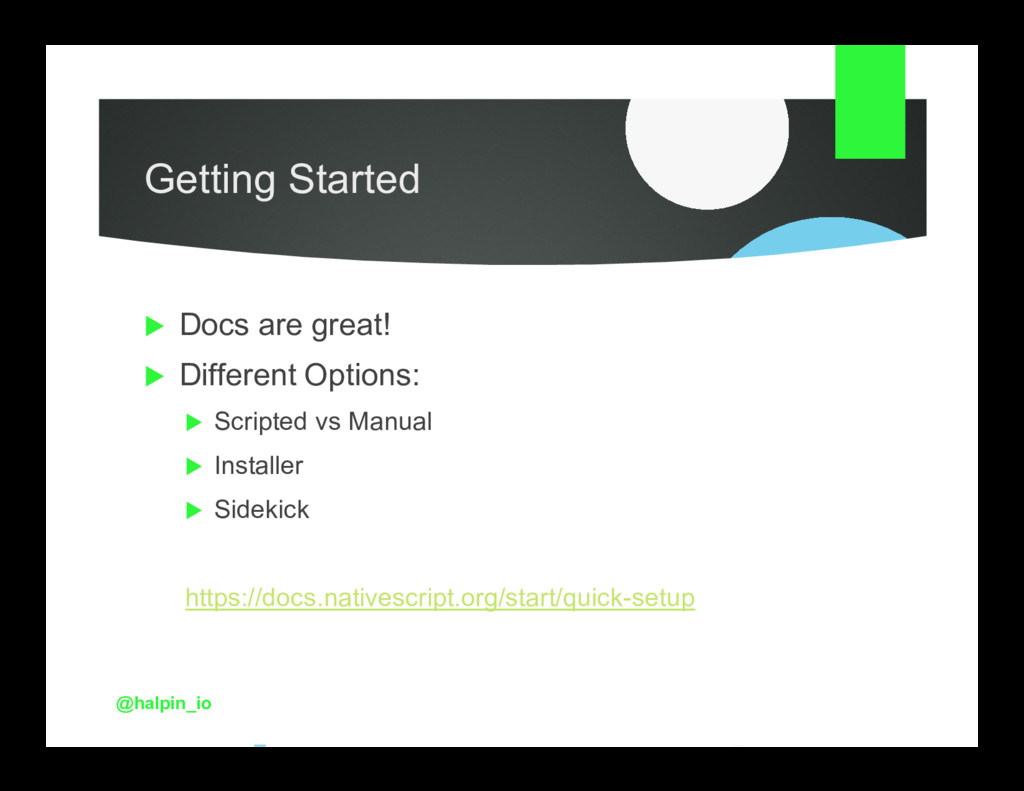
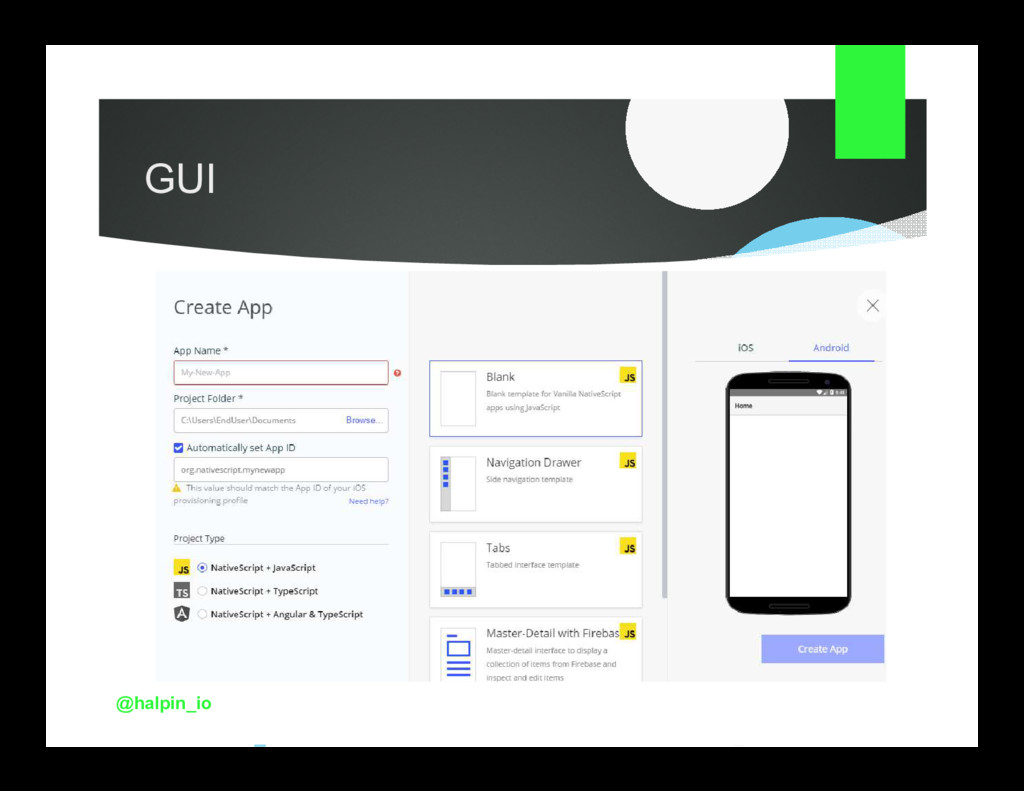
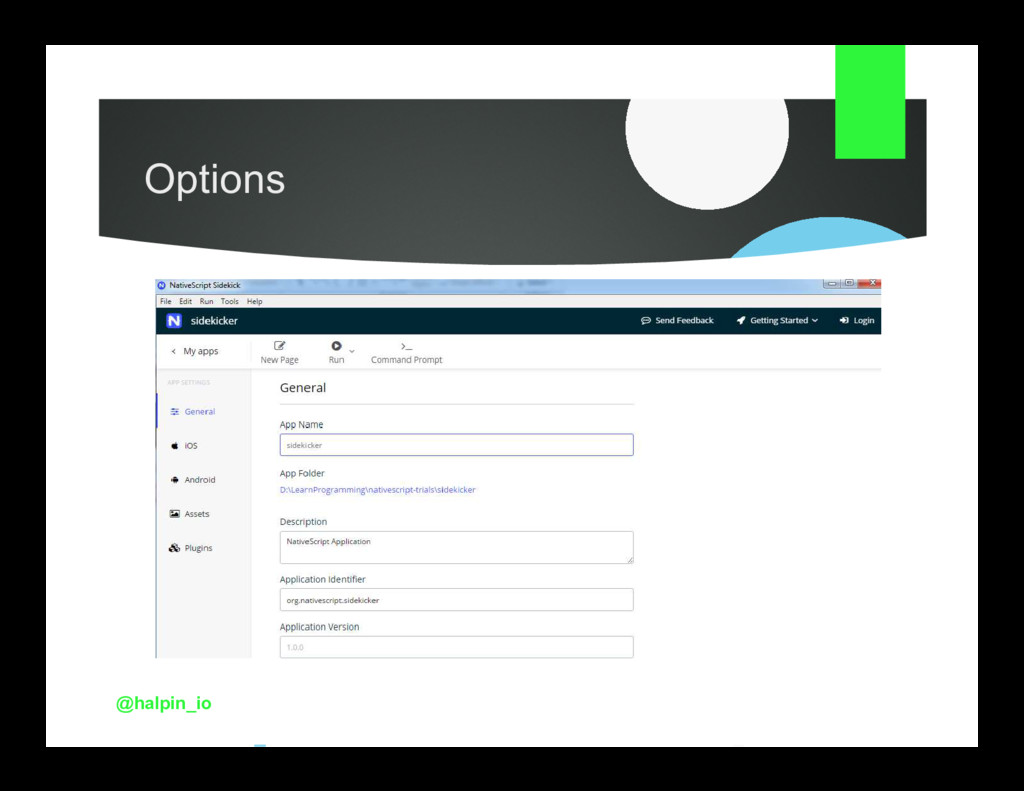
  9. Getting Started Docs are great! Different Options: Scripted vs Manual

    Installer Sidekick https://docs.nativescript.org/start/quick-setup @halpin_io
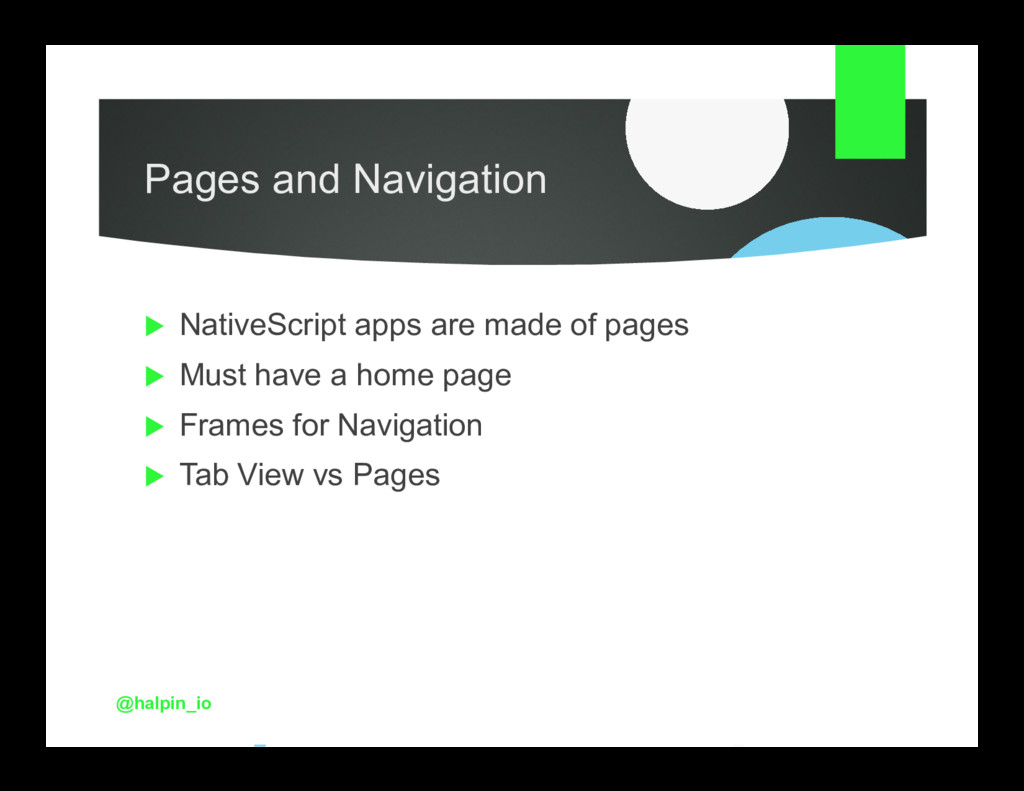
  10. Pages and Navigation NativeScript apps are made of pages Must

    have a home page Frames for Navigation Tab View vs Pages @halpin_io
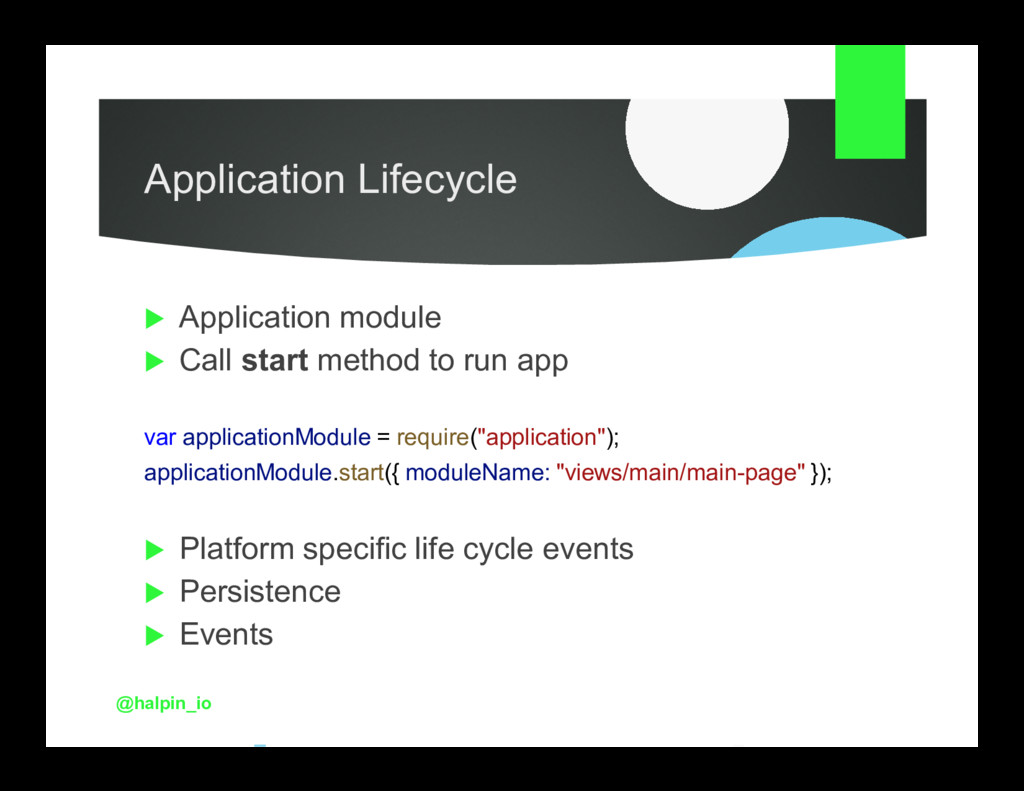
  11. Application Lifecycle Application module Call start method to run app

    var applicationModule = require("application"); applicationModule.start({ moduleName: "views/main/main-page" }); Platform specific life cycle events Persistence Events @halpin_io
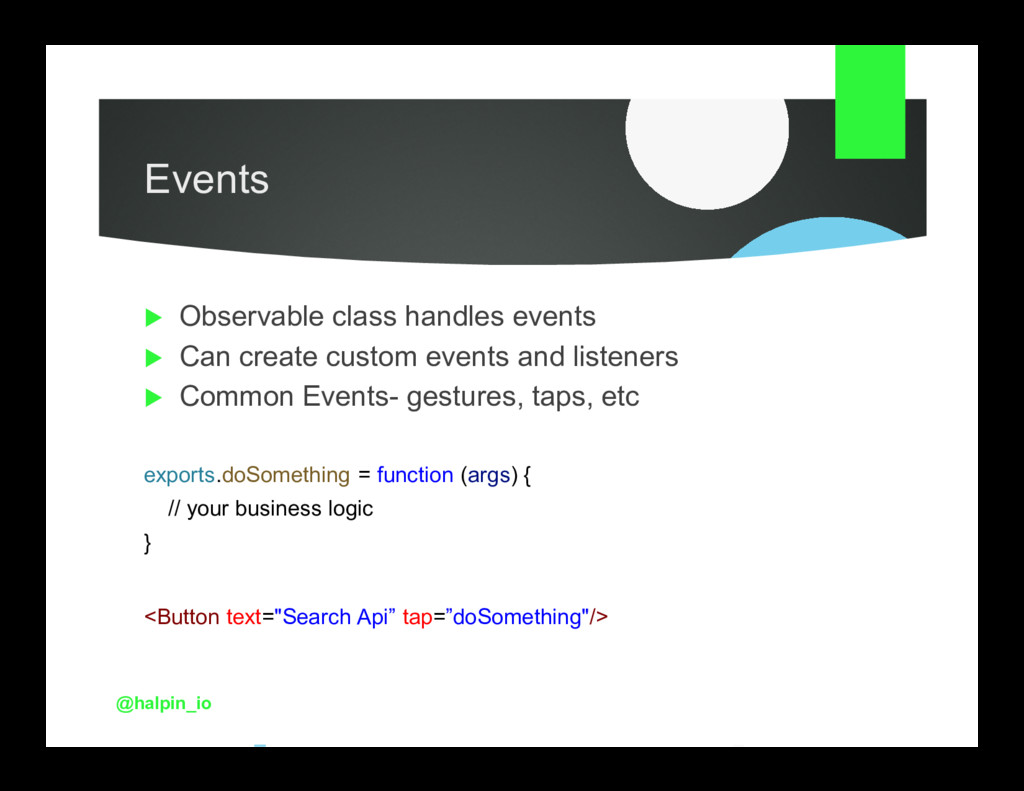
  12. Events Observable class handles events Can create custom events and

    listeners Common Events- gestures, taps, etc exports.doSomething = function (args) { // your business logic } <Button text="Search Api” tap=”doSomething"/> @halpin_io
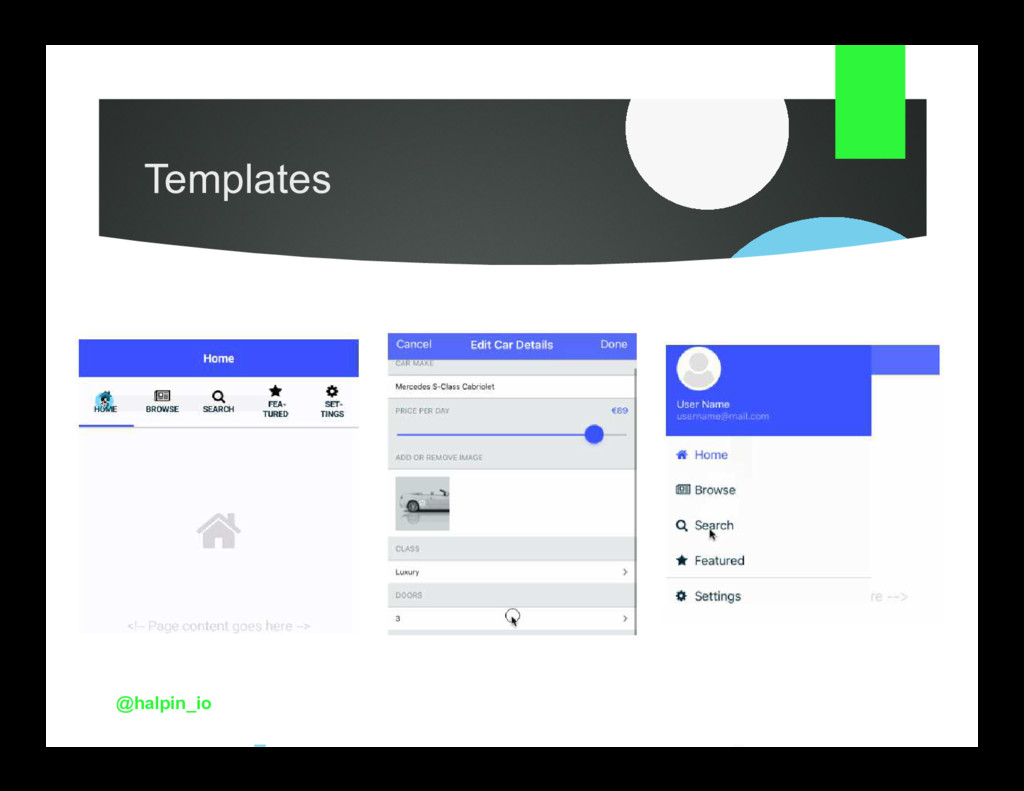
  13. Templates Javascript, Typescript, Angular/Typescript Custom Templates 3 Template Types- Tab,

    Navigation, Master Detail 3 Template Flavors- Javascript, Typescript, Angular @halpin_io
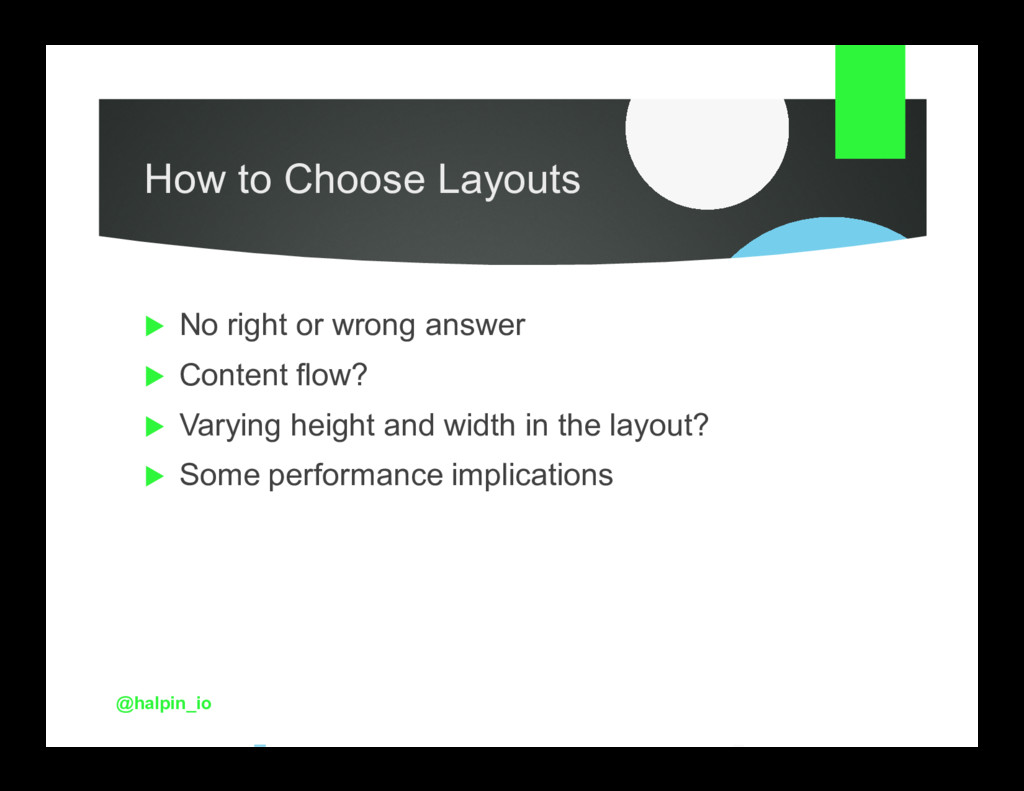
  14. How to Choose Layouts No right or wrong answer Content

    flow? Varying height and width in the layout? Some performance implications @halpin_io
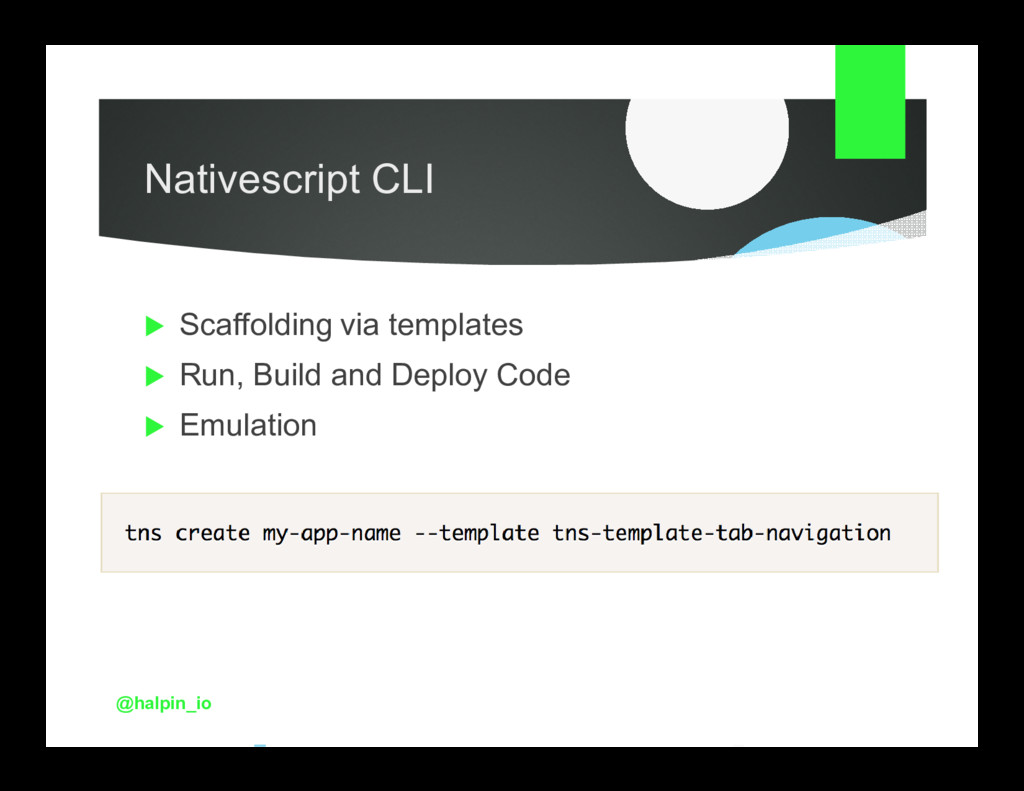
  15. The Process Install Node.js (if not already installed) Install SDKS

    for iOS/Android Install NativeScript CLI Create project Create, configure and run emulators Deployment
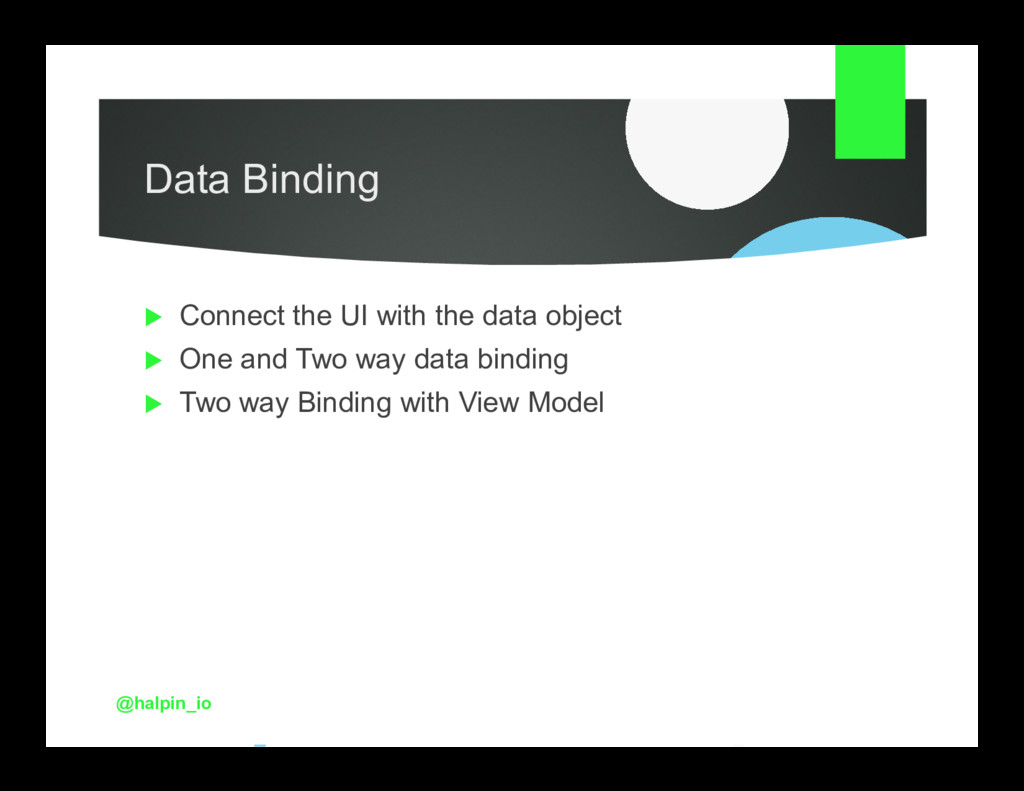
  16. Data Binding Connect the UI with the data object One

    and Two way data binding Two way Binding with View Model @halpin_io
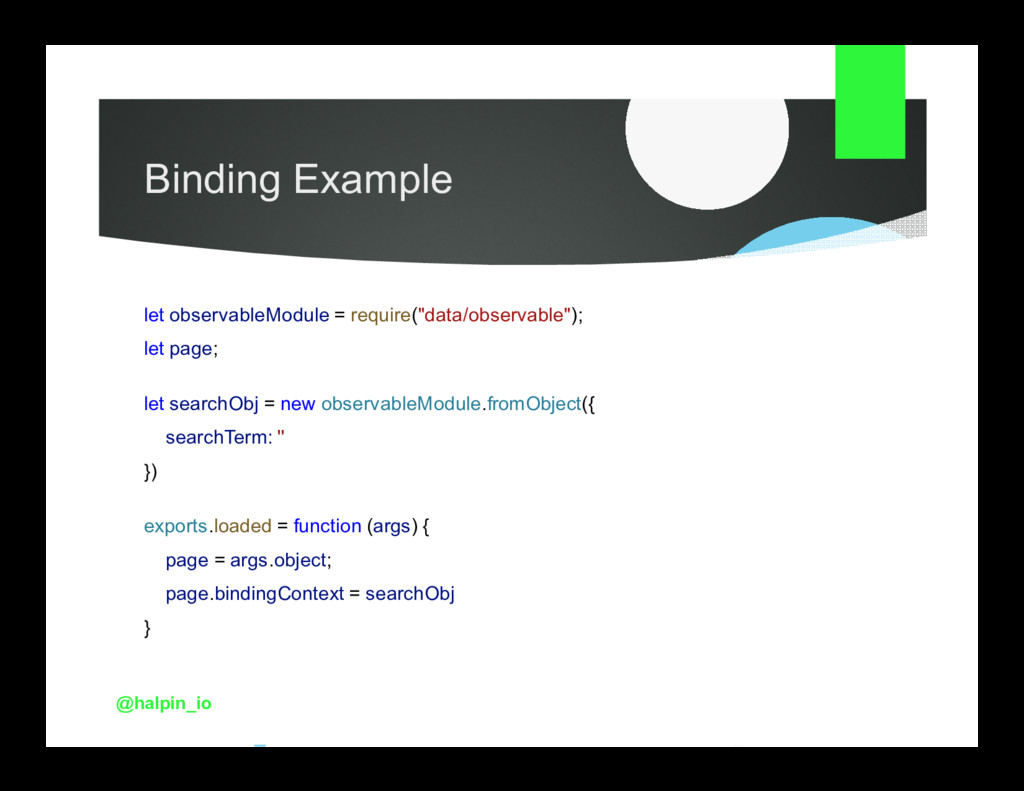
  17. Binding Example let observableModule = require("data/observable"); let page; let searchObj

    = new observableModule.fromObject({ searchTerm: '' }) exports.loaded = function (args) { page = args.object; page.bindingContext = searchObj } @halpin_io
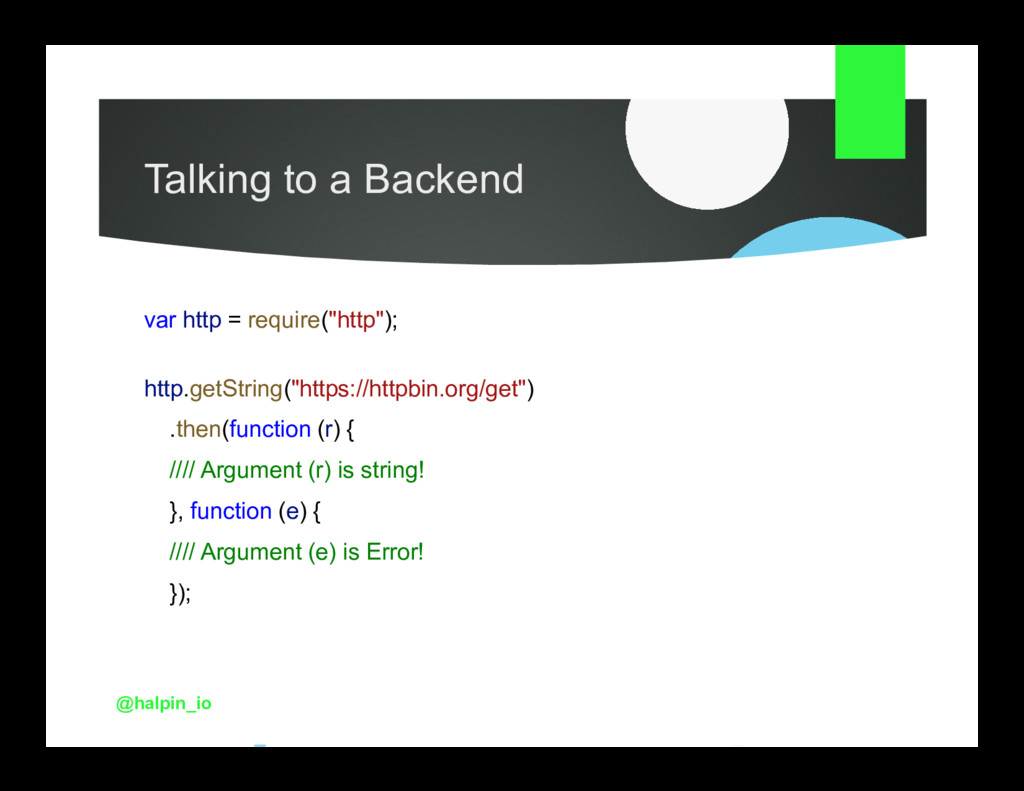
  18. Talking to a Backend var http = require("http"); http.getString("https://httpbin.org/get") .then(function

    (r) { //// Argument (r) is string! }, function (e) { //// Argument (e) is Error! }); @halpin_io
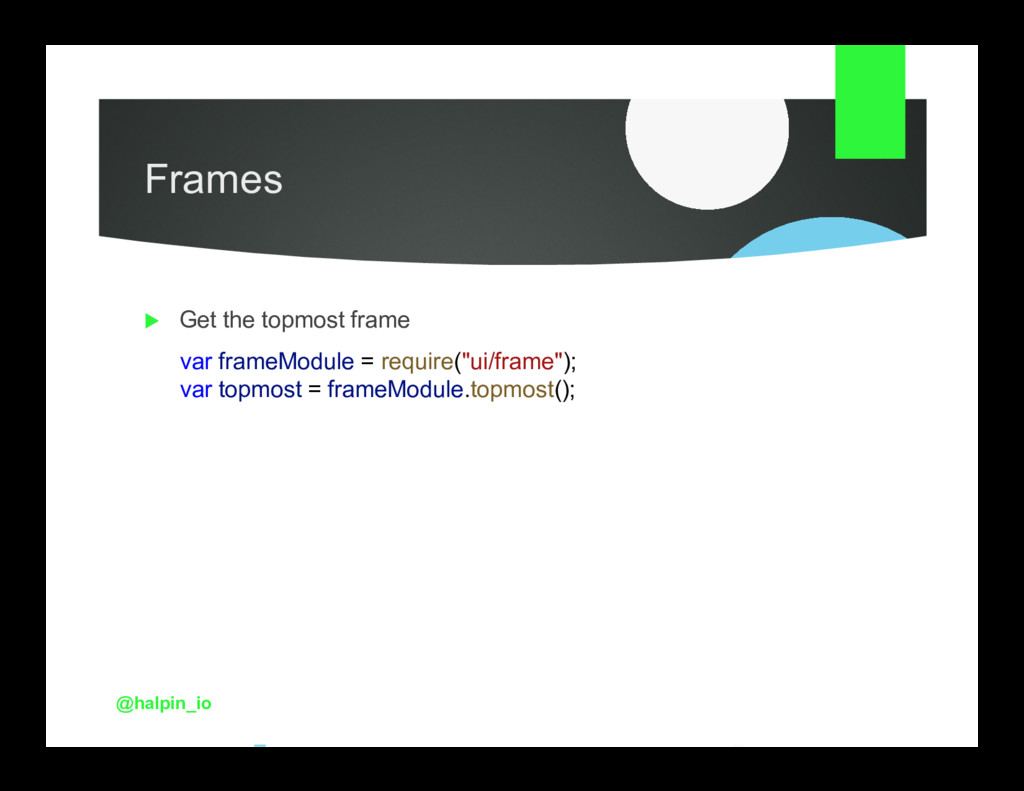
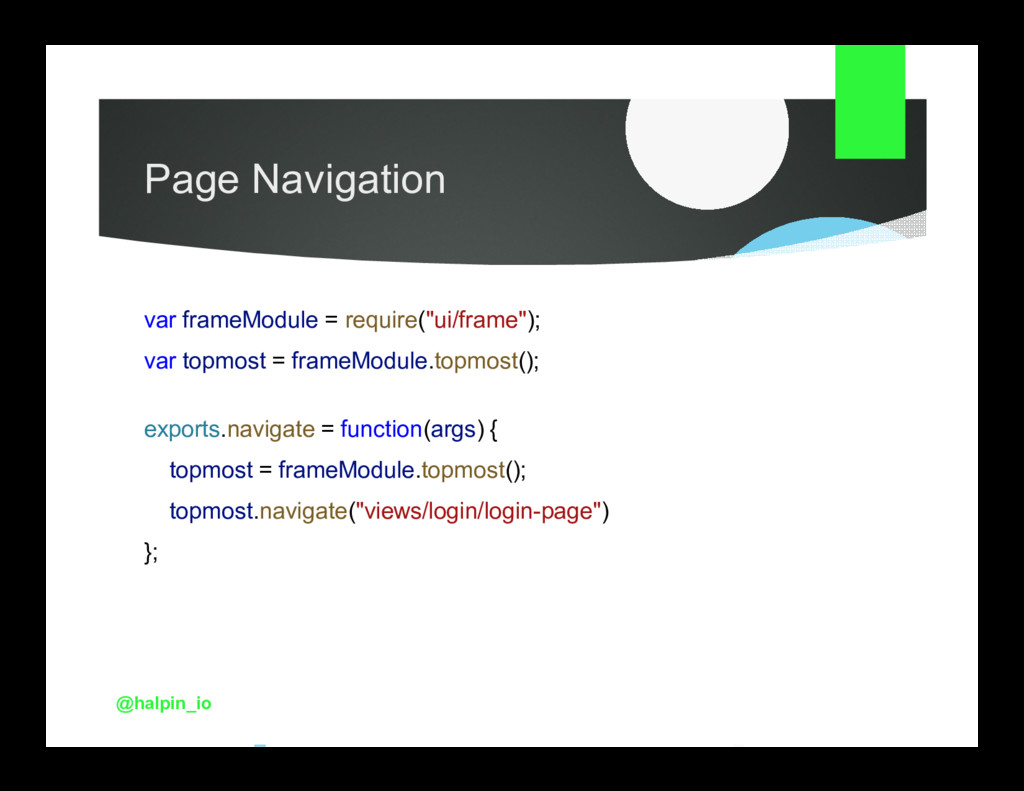
  19. Page Navigation var frameModule = require("ui/frame"); var topmost = frameModule.topmost();

    exports.navigate = function(args) { topmost = frameModule.topmost(); topmost.navigate("views/login/login-page") }; @halpin_io
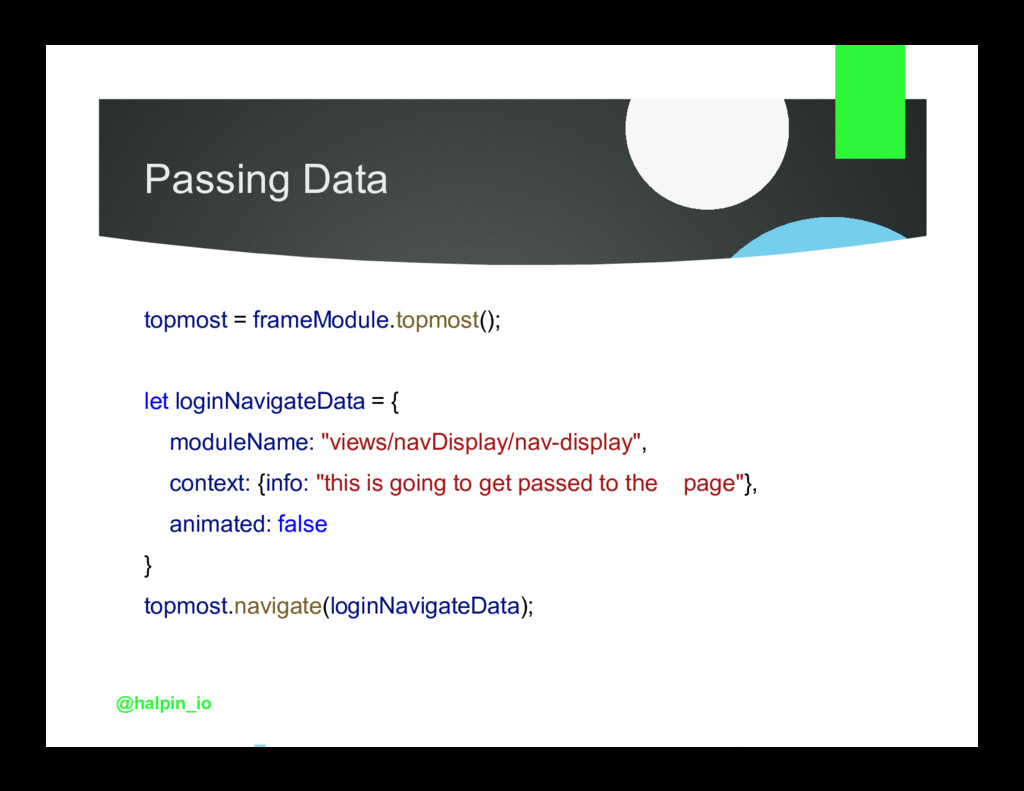
  20. Passing Data topmost = frameModule.topmost(); let loginNavigateData = { moduleName:

    "views/navDisplay/nav-display", context: {info: "this is going to get passed to the page"}, animated: false } topmost.navigate(loginNavigateData); @halpin_io
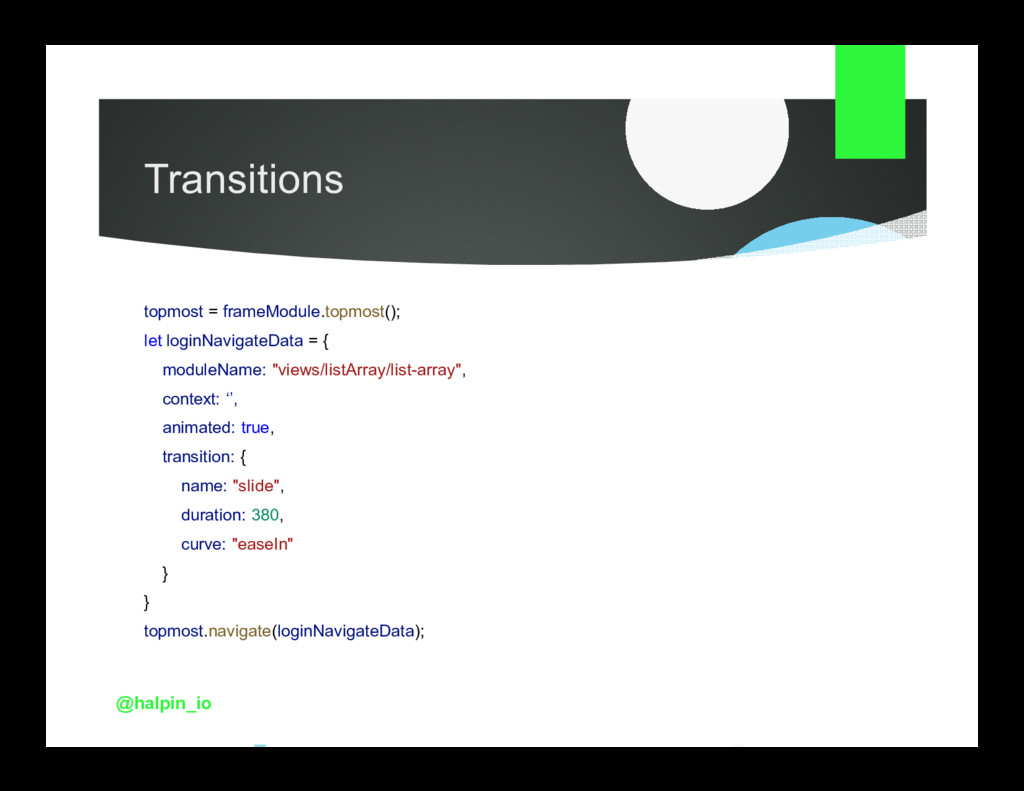
  21. Transitions topmost = frameModule.topmost(); let loginNavigateData = { moduleName: "views/listArray/list-array",

    context: ‘’, animated: true, transition: { name: "slide", duration: 380, curve: "easeIn" } } topmost.navigate(loginNavigateData); @halpin_io
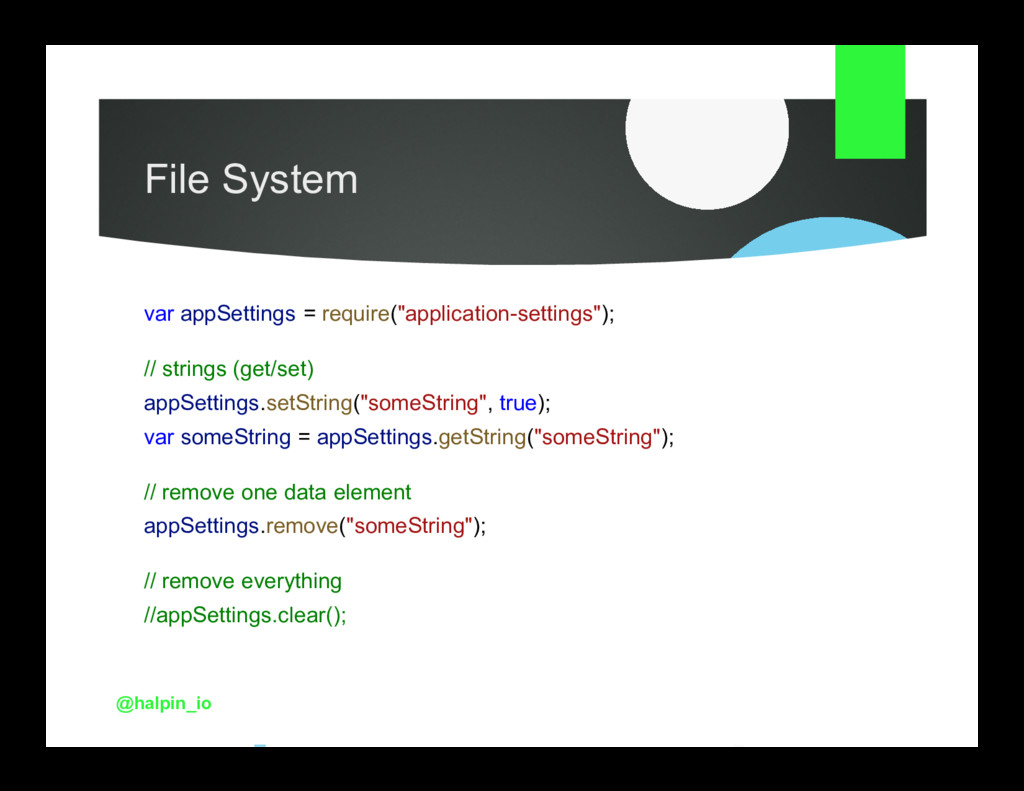
  22. File System var appSettings = require("application-settings"); // strings (get/set) appSettings.setString("someString",

    true); var someString = appSettings.getString("someString"); // remove one data element appSettings.remove("someString"); // remove everything //appSettings.clear(); @halpin_io
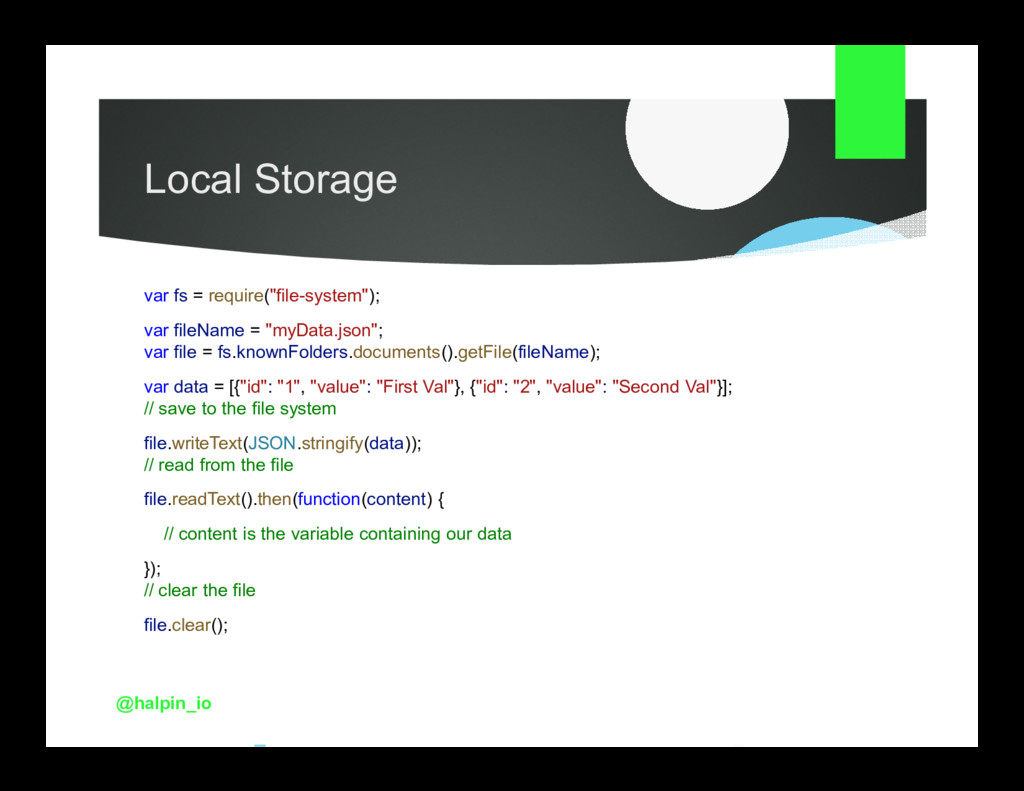
  23. Local Storage var fs = require("file-system"); var fileName = "myData.json";

    var file = fs.knownFolders.documents().getFile(fileName); var data = [{"id": "1", "value": "First Val"}, {"id": "2", "value": "Second Val"}]; // save to the file system file.writeText(JSON.stringify(data)); // read from the file file.readText().then(function(content) { // content is the variable containing our data }); // clear the file file.clear(); @halpin_io
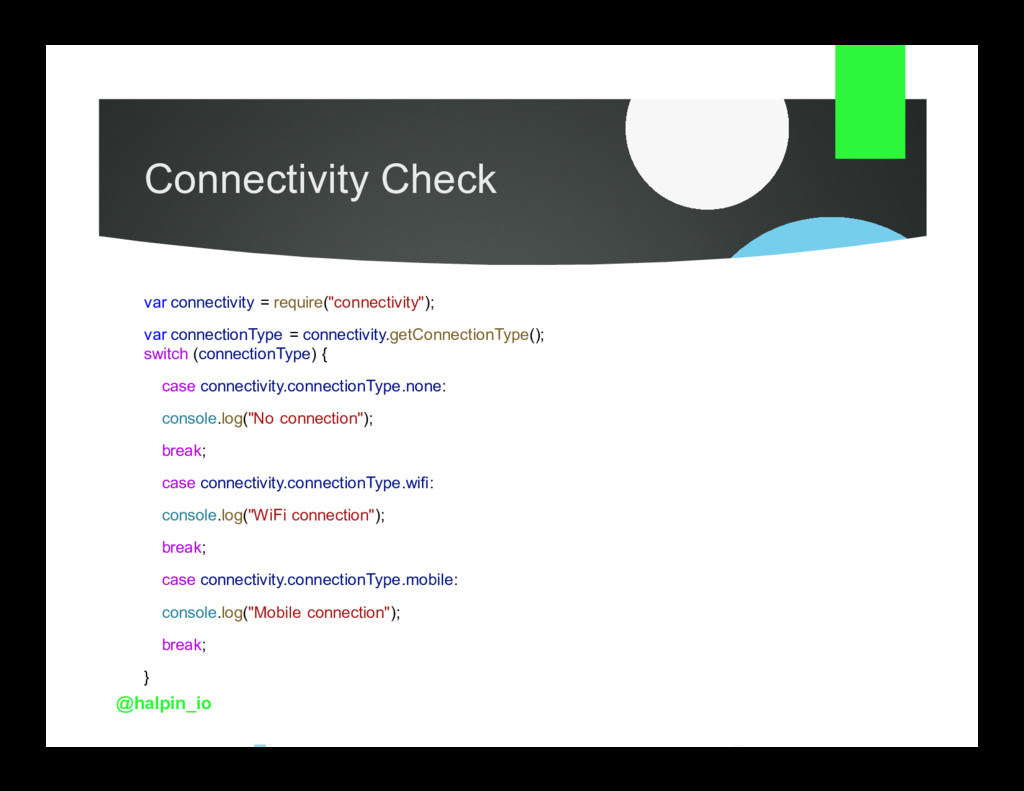
  24. Connectivity Check var connectivity = require("connectivity"); var connectionType = connectivity.getConnectionType();

    switch (connectionType) { case connectivity.connectionType.none: console.log("No connection"); break; case connectivity.connectionType.wifi: console.log("WiFi connection"); break; case connectivity.connectionType.mobile: console.log("Mobile connection"); break; } @halpin_io
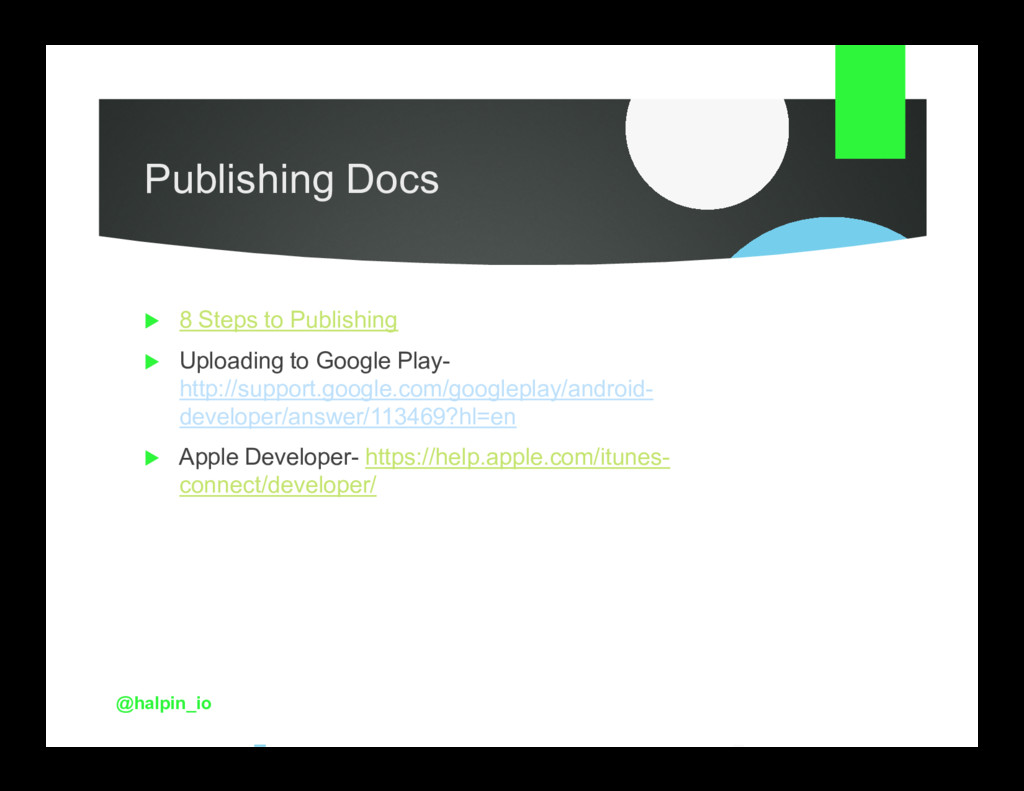
  25. Publishing Docs 8 Steps to Publishing Uploading to Google Play-

    http://support.google.com/googleplay/android- developer/answer/113469?hl=en Apple Developer- https://help.apple.com/itunes- connect/developer/ @halpin_io
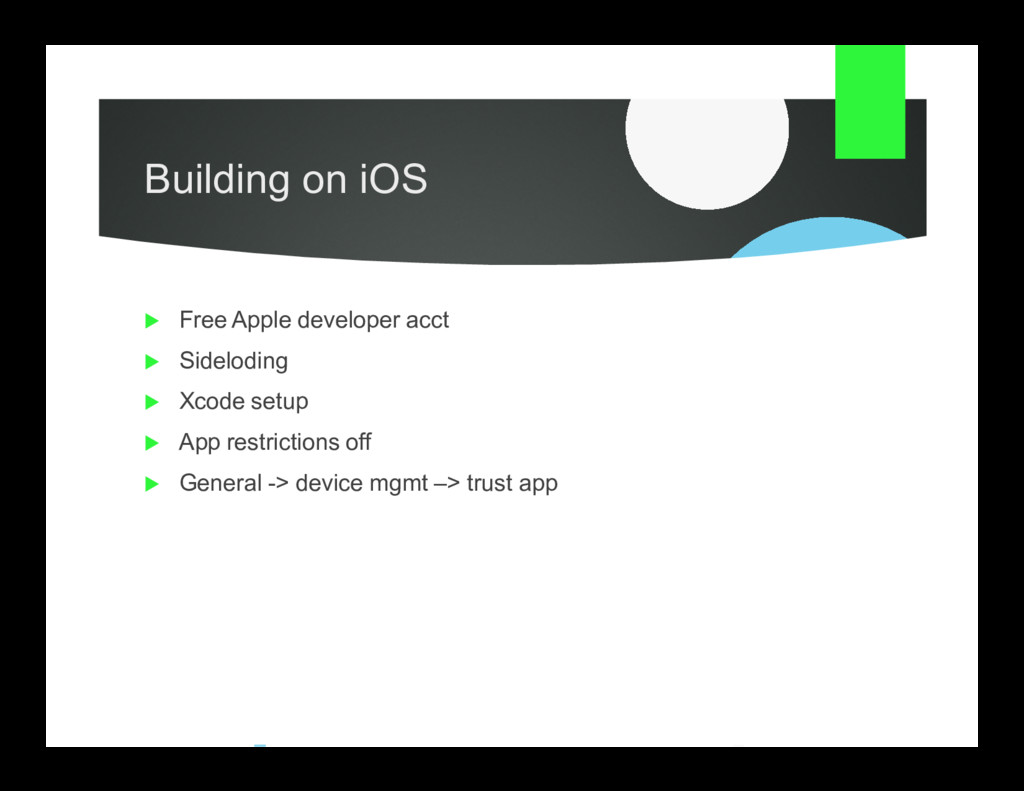
  26. Building on iOS Free Apple developer acct Sideloding Xcode setup

    App restrictions off General -> device mgmt –> trust app
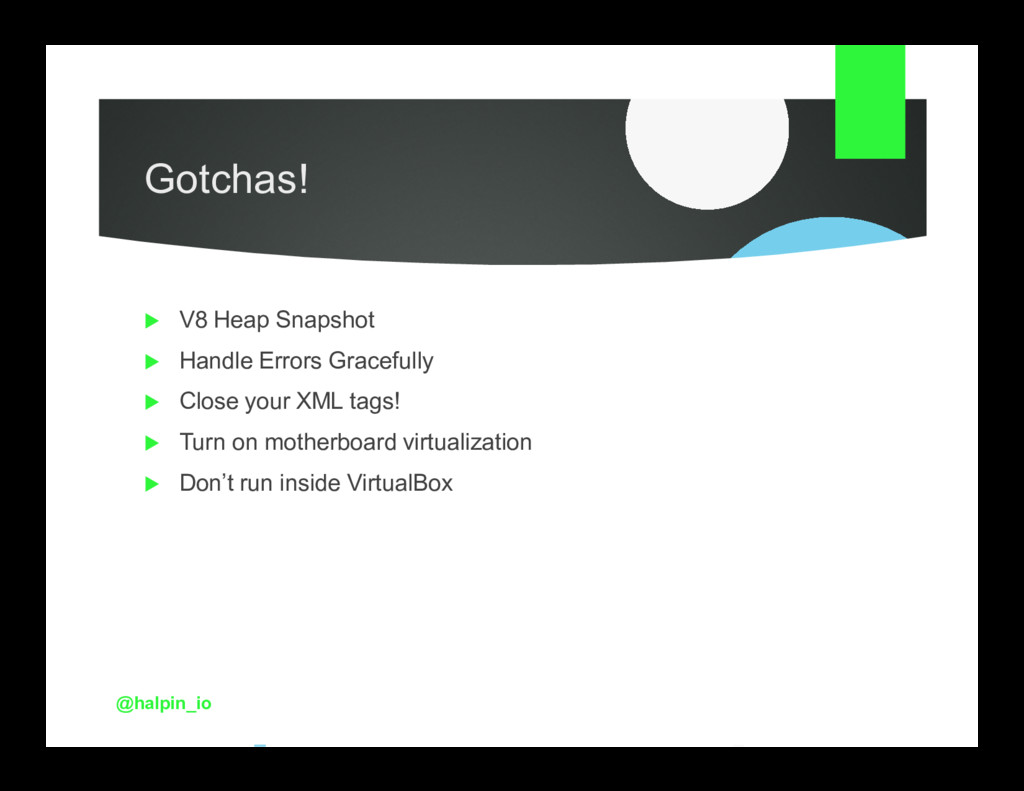
  27. Gotchas! V8 Heap Snapshot Handle Errors Gracefully Close your XML

    tags! Turn on motherboard virtualization Don’t run inside VirtualBox @halpin_io
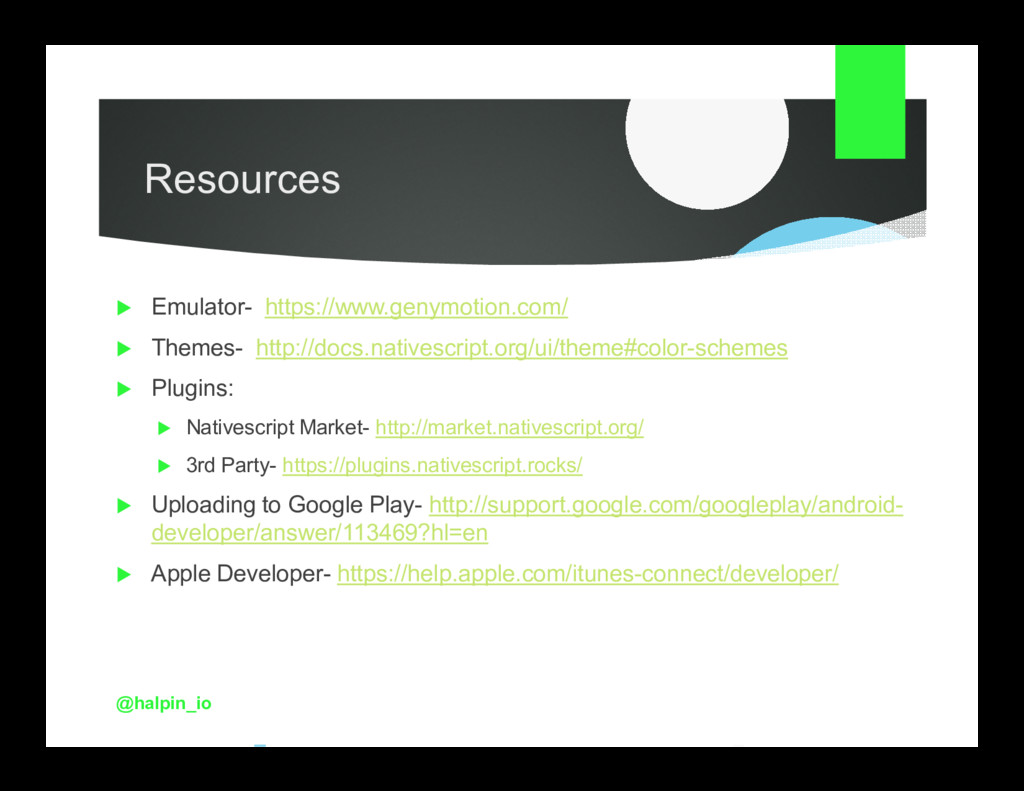
  28. Resources Emulator- https://www.genymotion.com/ Themes- http://docs.nativescript.org/ui/theme#color-schemes Plugins: Nativescript Market- http://market.nativescript.org/ 3rd

    Party- https://plugins.nativescript.rocks/ Uploading to Google Play- http://support.google.com/googleplay/android- developer/answer/113469?hl=en Apple Developer- https://help.apple.com/itunes-connect/developer/ @halpin_io