Upgrade to Pro
— share decks privately, control downloads, hide ads and more …
Speaker Deck
Sign up for free
Menu
Search
Features
All features
Private URLs
Password Protection
Custom URLS
Scheduled publishing
Remove Branding
Restrict embedding
Deck Collections
Notes
Features
All features
Private URLs
Password Protection
Custom URLS
Scheduled publishing
Remove Branding
Restrict embedding
Deck Collections
Notes
Explore
Featured decks
Featured speakers
Programming
Technology
Storyboards
Explore
Featured decks
Featured speakers
Programming
Technology
Storyboards
Pricing
Search
Sign in
Sign up for free
What's new in UICollectionView
Search
Masaki Haga
June 13, 2019
Programming
790
0
Share
Embed
Copy iframe code
Copy JS code
Copy link
Start on current slide
What's new in UICollectionView
Masaki Haga
June 13, 2019
More Decks by Masaki Haga
See All by Masaki Haga
Create “Dynamic” Feeling Transition
hagmas
0
49
UIStackView Animation
hagmas
0
360
Other Decks in Programming
See All in Programming
Augmenting AI with the Power of Jakarta EE
ivargrimstad
0
400
AWSに止められる覚悟してますか?
morizo_1984
2
500
20260914 AIエージェント時代のPlatform Engineering LLM基盤とプロダクトの責務境界線
kanfab1
7
2.4k
技術的負債を組織課題として解く-増えすぎたマイクロサービスとの戦い-
reimaru
1
2.6k
AGENTS.md Is Not Enough: Build Skills, Don't Download Them
lx_t
0
130
App Storeの外へ──日本のiOSサイドローディング入門 for iOSDC Japan 2026
yuukiw00w
0
290
カツオ、ご期待ください
suneo3476
0
140
JPUG勉強会 OSSデータベースの内部構造を理解しよう(第2回)
oga5
0
290
そのリトライ、死んだコネクションを使い回していませんか ── GoのHTTPクライアントとHTTP/2を実プロダクト障害から学び直す
myus4a
0
380
Are APIs Still Relevant in the AI Era?
soyuka
0
410
GemmaをJevのように使ってみる / Use Gemma like Jev
kishida
5
520
テストを司るデーモンに会いに行く 〜隔離した仮想マシンでテストを通すまで〜
h1d3mun3
1
600
Featured
See All Featured
Taking LLMs out of the black box: A practical guide to human-in-the-loop distillation
inesmontani
PRO
3
2.4k
Tips & Tricks on How to Get Your First Job In Tech
honzajavorek
1
780
A better future with KSS
kneath
240
18k
How to Get Subject Matter Experts Bought In and Actively Contributing to SEO & PR Initiatives.
livdayseo
0
200
No one is an island. Learnings from fostering a developers community.
thoeni
21
3.8k
Practical Tips for Bootstrapping Information Extraction Pipelines
honnibal
25
2.1k
Documentation Writing (for coders)
carmenintech
77
5.6k
Responsive Adventures: Dirty Tricks From The Dark Corners of Front-End
smashingmag
254
22k
Leading Effective Engineering Teams in the AI Era
addyosmani
9
2.7k
Being A Developer After 40
akosma
91
590k
The Curious Case for Waylosing
cassininazir
1
550
Visualizing Your Data: Incorporating Mongo into Loggly Infrastructure
mongodb
50
10k
Transcript
What’s new in UICollectionView Masaki Haga
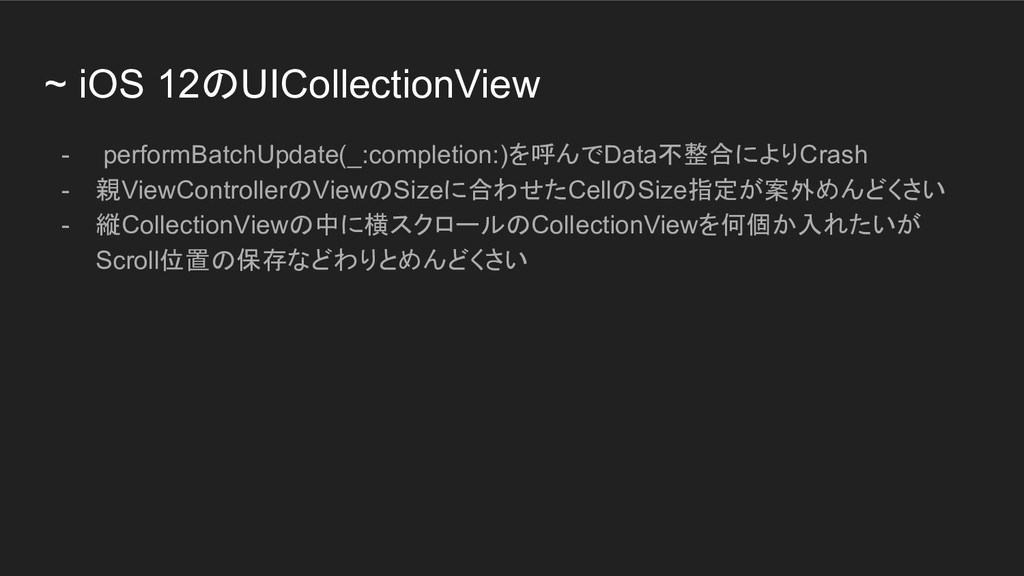
~ iOS 12のUICollectionView - performBatchUpdate(_:completion:)を呼んでData不整合によりCrash - 親ViewControllerのViewのSizeに合わせたCellのSize指定が案外めんどくさい - 縦CollectionViewの中に横スクロールのCollectionViewを何個か入れたいが Scroll位置の保存などわりとめんどくさい
新しいUICollectionView - Data Source - Layout
Apple公式のコード Using Collection View Compositional Layouts and Diffable Data Sources
Data Source - [Old] UICollectionViewDataSource - reloadData() or performBatchUpdate(:_completion:) -
UICollectionViewDiffableDataSource & NSDiffableDataSourceSnapshot - apply() - collectionViewへの差分反映はFramework側でhandleしてもらえるようになった。
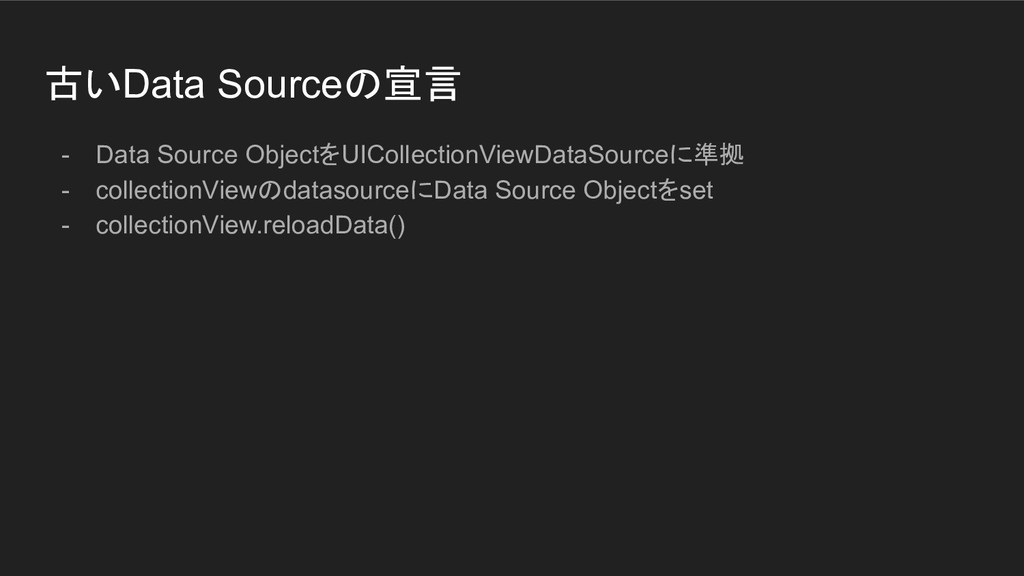
古いData Sourceの宣言 - Data Source ObjectをUICollectionViewDataSourceに準拠 - collectionViewのdatasourceにData Source Objectをset
- collectionView.reloadData()
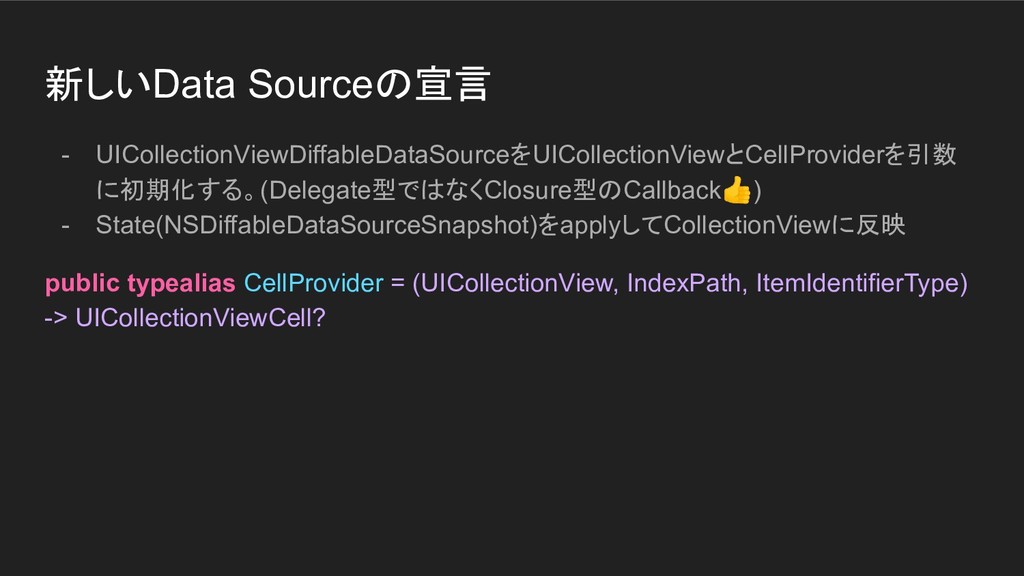
新しいData Sourceの宣言 - UICollectionViewDiffableDataSourceをUICollectionViewとCellProviderを引数 に初期化する。(Delegate型ではなくClosure型のCallback) - State(NSDiffableDataSourceSnapshot)をapplyしてCollectionViewに反映 public typealias CellProvider
= (UICollectionView, IndexPath, ItemIdentifierType) -> UICollectionViewCell?
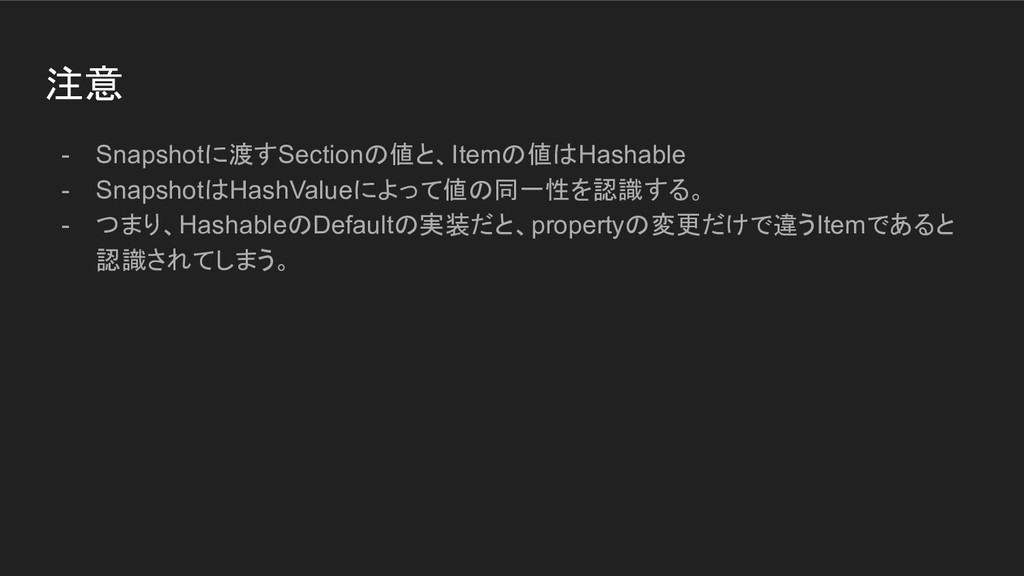
注意 - Snapshotに渡すSectionの値と、Itemの値はHashable - SnapshotはHashValueによって値の同一性を認識する。 - つまり、HashableのDefaultの実装だと、propertyの変更だけで違うItemであると 認識されてしまう。
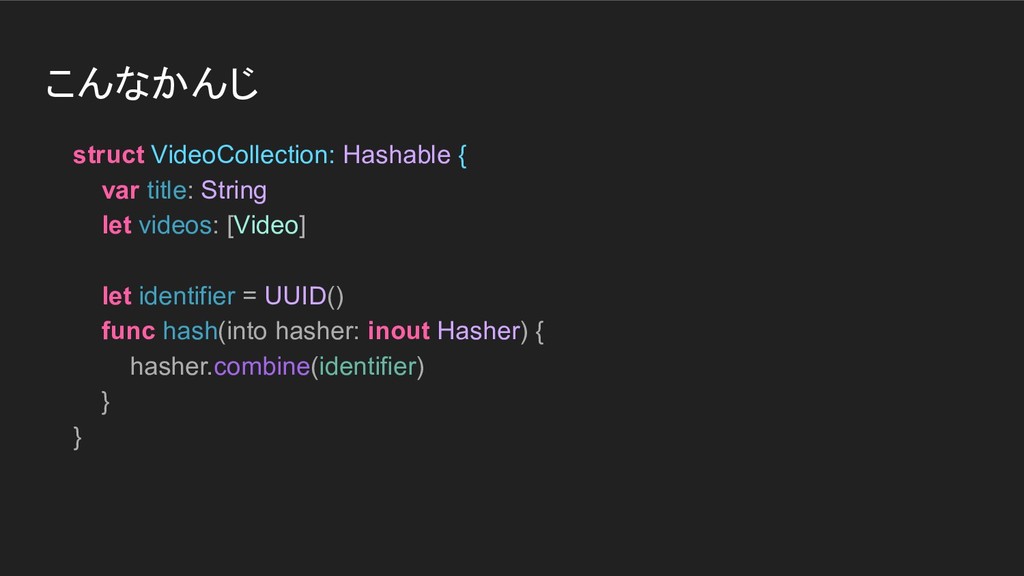
こんなかんじ struct VideoCollection: Hashable { var title: String let videos:
[Video] let identifier = UUID() func hash(into hasher: inout Hasher) { hasher.combine(identifier) } }
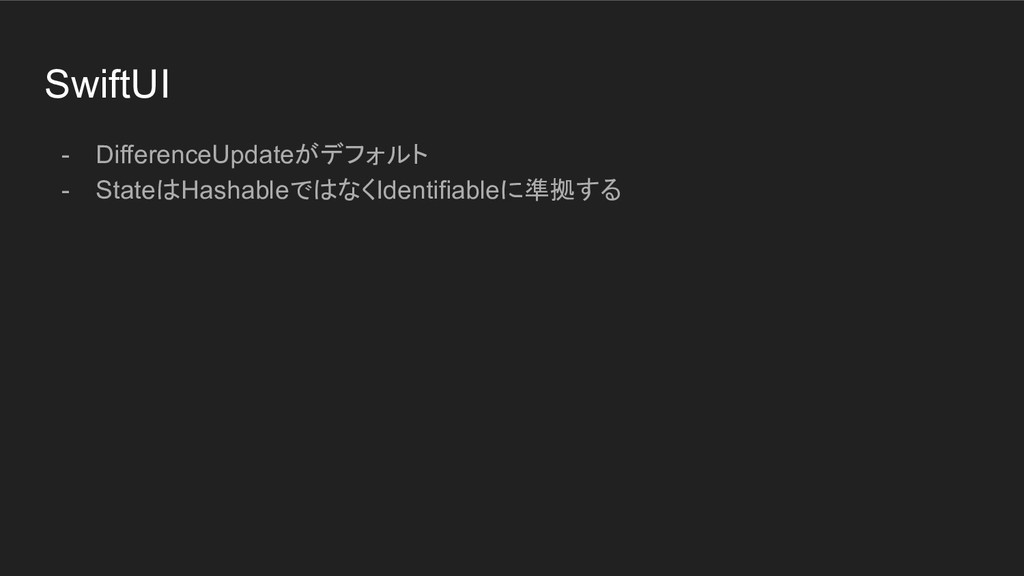
SwiftUI - DifferenceUpdateがデフォルト - StateはHashableではなくIdentifiableに準拠する
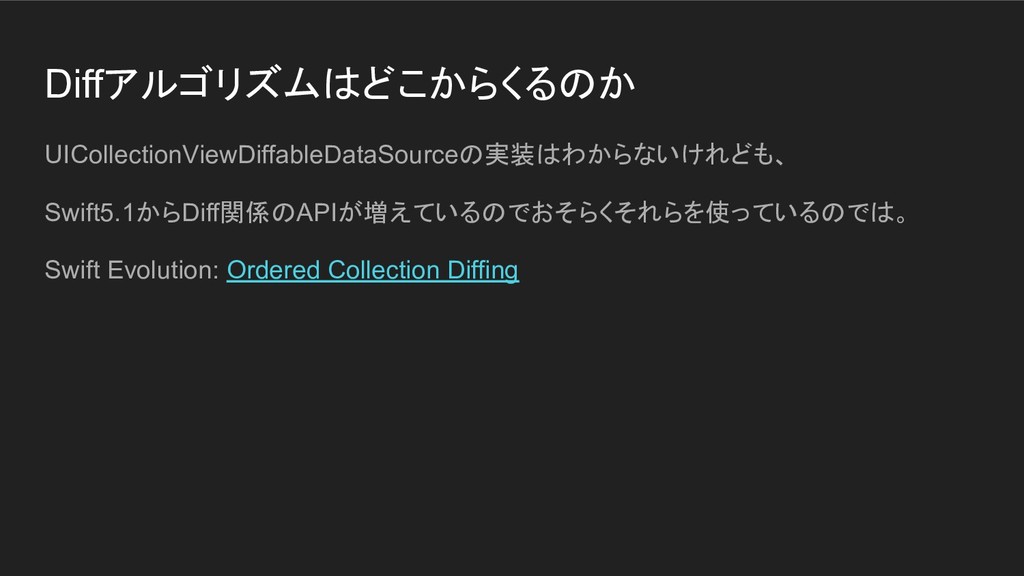
Diffアルゴリズムはどこからくるのか UICollectionViewDiffableDataSourceの実装はわからないけれども、 Swift5.1からDiff関係のAPIが増えているのでおそらくそれらを使っているのでは。 Swift Evolution: Ordered Collection Diffing
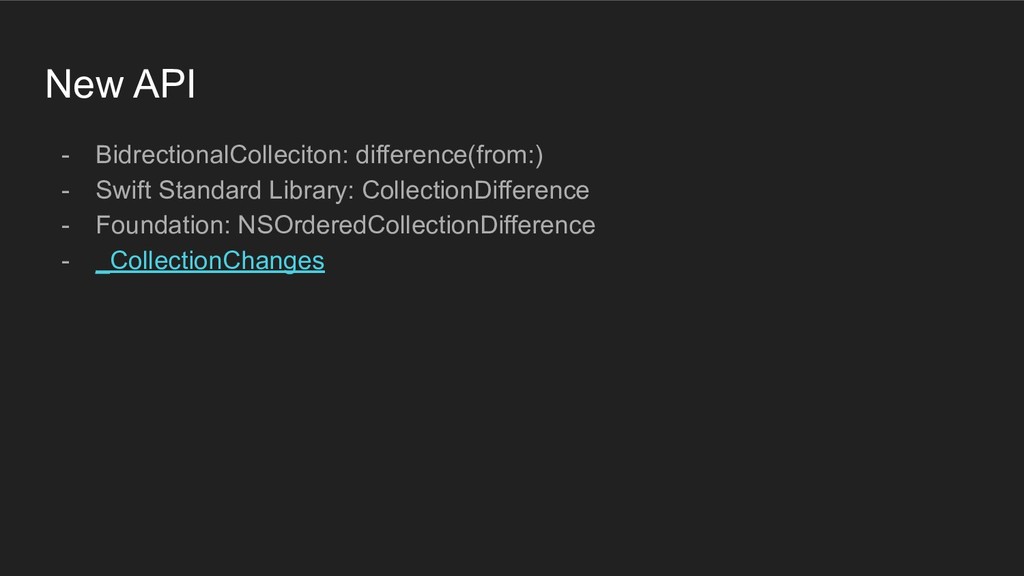
New API - BidrectionalColleciton: difference(from:) - Swift Standard Library: CollectionDifference
- Foundation: NSOrderedCollectionDifference - _CollectionChanges
Layout - [Old] UICollectionViewFlowLayout + UICollectionViewDelegateFlowLayout - New APIs -
UICollectionViewCompositionalLayout - NSCollectionLayoutSection - NSCollectionLayoutGroup - NSCollectionLayoutItem - NSCollectionLayoutSize - Section > Group > Item
古いLayoutの宣言 - UICollectionViewFlowLayout もしくはCustom UICollectionViewLayout - Delegateからサイズ情報などを返す
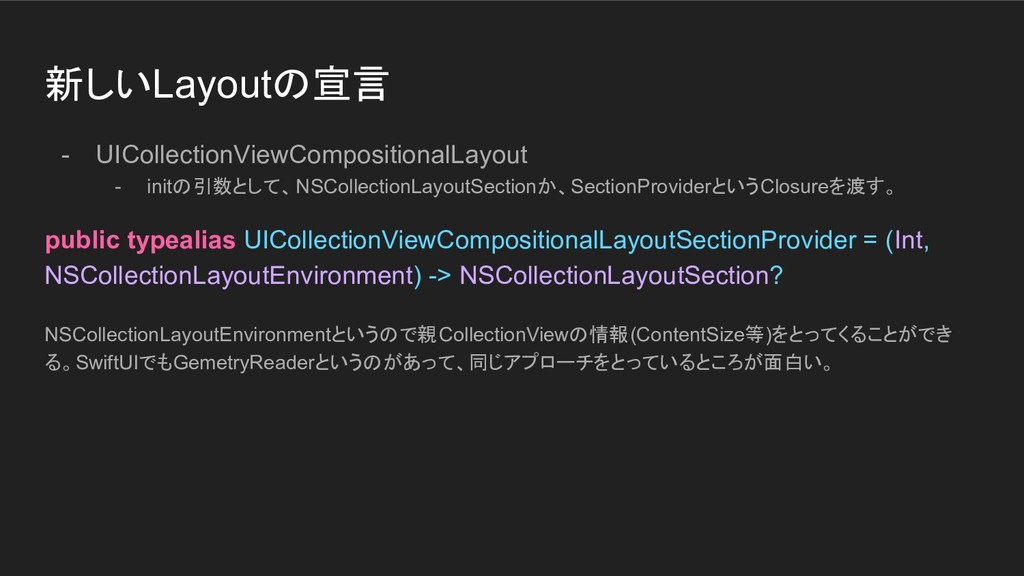
新しいLayoutの宣言 - UICollectionViewCompositionalLayout - initの引数として、NSCollectionLayoutSectionか、SectionProviderというClosureを渡す。 public typealias UICollectionViewCompositionalLayoutSectionProvider = (Int,
NSCollectionLayoutEnvironment) -> NSCollectionLayoutSection? NSCollectionLayoutEnvironmentというので親CollectionViewの情報(ContentSize等)をとってくることができ る。SwiftUIでもGemetryReaderというのがあって、同じアプローチをとっているところが面白い。
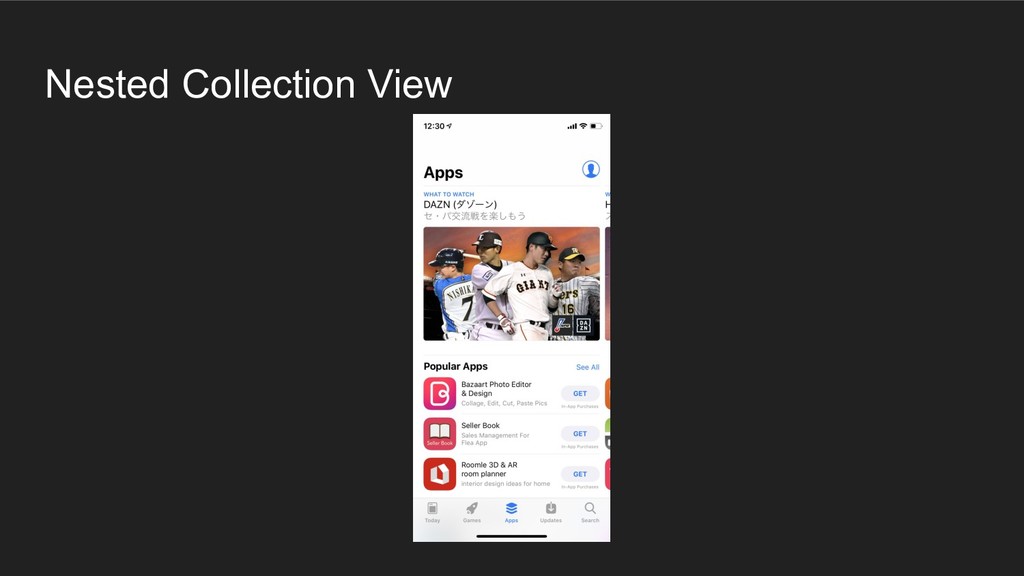
Nested Collection View
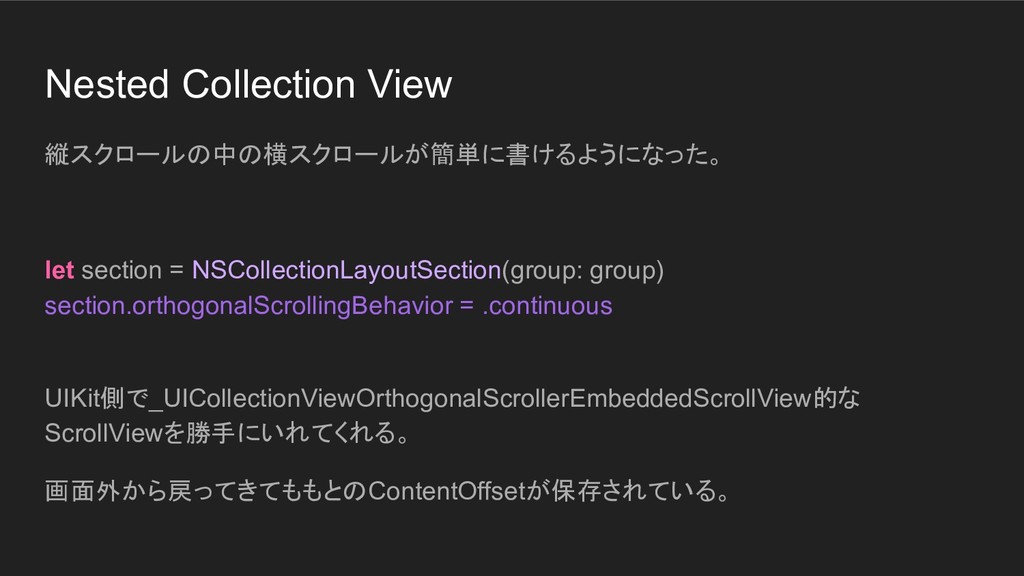
Nested Collection View 縦スクロールの中の横スクロールが簡単に書けるようになった。 let section = NSCollectionLayoutSection(group: group) section.orthogonalScrollingBehavior
= .continuous UIKit側で_UICollectionViewOrthogonalScrollerEmbeddedScrollView的な ScrollViewを勝手にいれてくれる。 画面外から戻ってきてももとのContentOffsetが保存されている。
Reference - Advances in Collection View Layout - Advances in
UI Data Sources


 hagmas
 ivargrimstad
 morizo_1984
 kanfab1
 reimaru
 lx_t
lx_t
 yuukiw00w
 suneo3476
 oga5
oga5
 myus4a
 soyuka
 kishida
 h1d3mun3
 inesmontani
 honzajavorek
 kneath
 livdayseo
 thoeni
 honnibal
 carmenintech
 smashingmag
 addyosmani
 akosma
 cassininazir
 mongodb


![Data Source - [Old] UICollectionViewDataSource - reloadData() or performBatchUpdate(:_completion:) -](https://files.speakerdeck.com/presentations/0058bee1db3f4de69295c4bb68742ef4/slide_4.jpg)
![Layout - [Old] UICollectionViewFlowLayout + UICollectionViewDelegateFlowLayout - New APIs -](https://files.speakerdeck.com/presentations/0058bee1db3f4de69295c4bb68742ef4/slide_12.jpg)