Upgrade to Pro — share decks privately, control downloads, hide ads and more …

Language Server 使ってる? 〜VSCode と Zed の場合〜 / Are ...

Language Server 使ってる? 〜VSCode と Zed の場合〜 / Are you using a Language Server? ~For VS Code and Zed~

Language Server の機能を使うための実装の違い、という観点で VSCode と Zed を眺めました(Zed の宣伝 LT です)。

Avatar for NAGATA Hiroaki

NAGATA Hiroaki

June 12, 2026

More Decks by NAGATA Hiroaki

Other Decks in Programming

Transcript

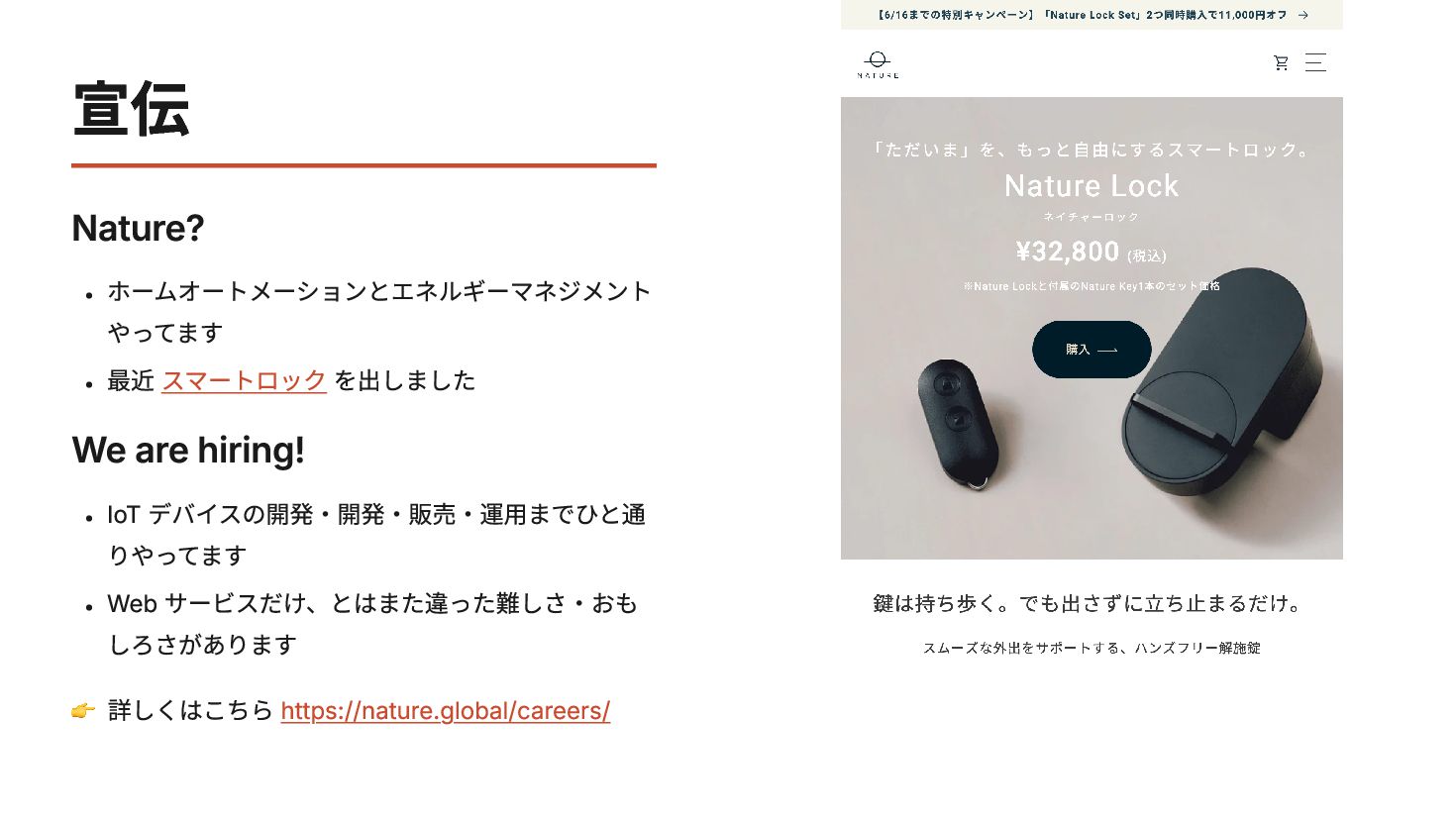
  1. 宣伝 Nature? ホームオートメーションとエネルギーマネジメント やってます 最近 スマートロック を出しました We are hiring!

    IoT デバイスの開発・開発・販売・運用までひと通 りやってます Web サービスだけ、とはまた違った難しさ・おも しろさがあります 👉️ 詳しくはこちら https://nature.global/careers/
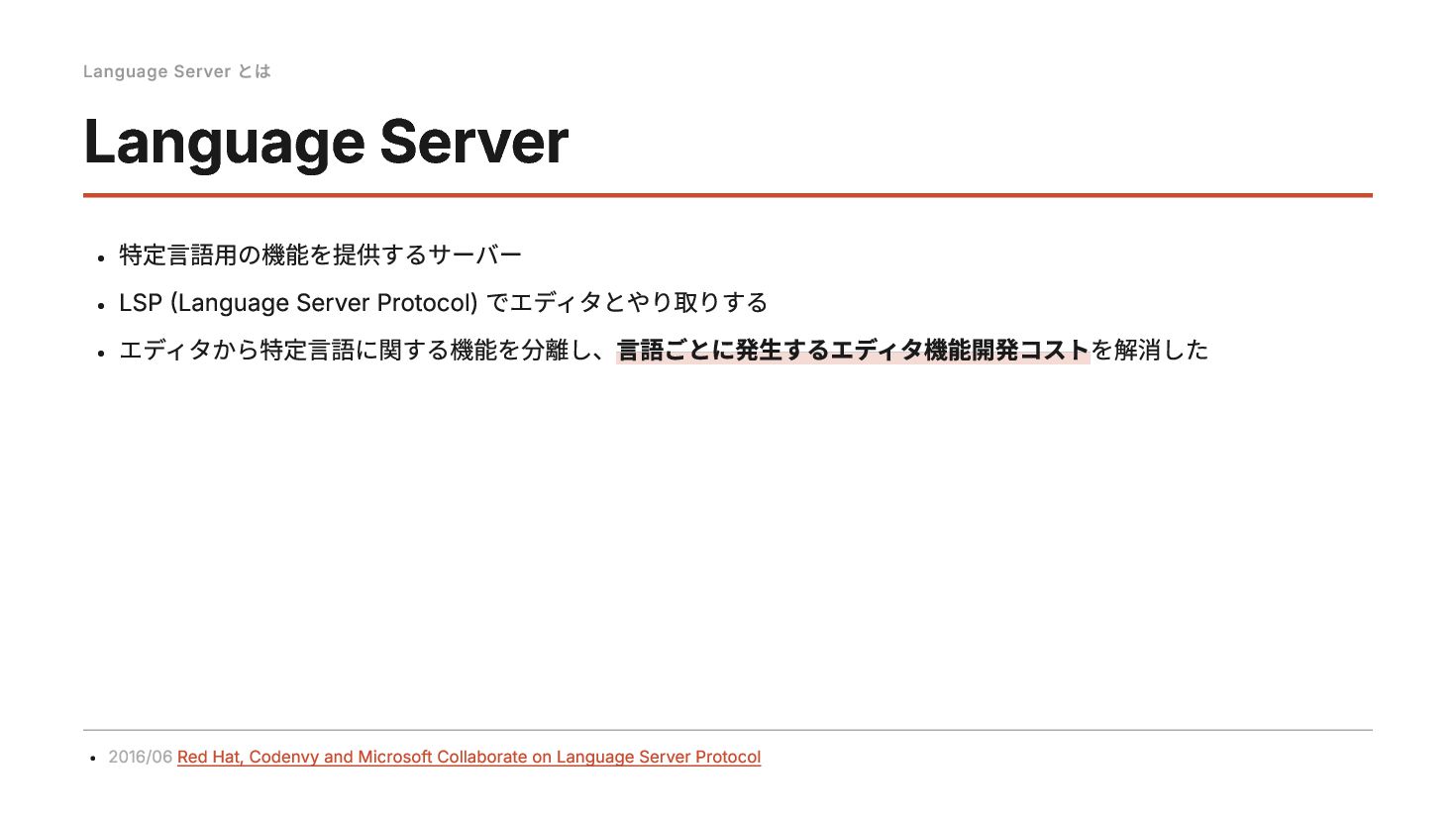
  2. Language Server とは Language Server 特定言語用の機能を提供するサーバー LSP (Language Server Protocol)

    でエディタとやり取りする エディタから特定言語に関する機能を分離し、言語ごとに発生するエディタ機能開発コストを解消した 2016/06 Red Hat, Codenvy and Microsoft Collaborate on Language Server Protocol
  3. Language Server とは gopls Go 公式の Language Server 実装 「ごーぷりーず」と読みます

    これ使っとけば OK Gopls: The language server for Go - The Go Programming Language
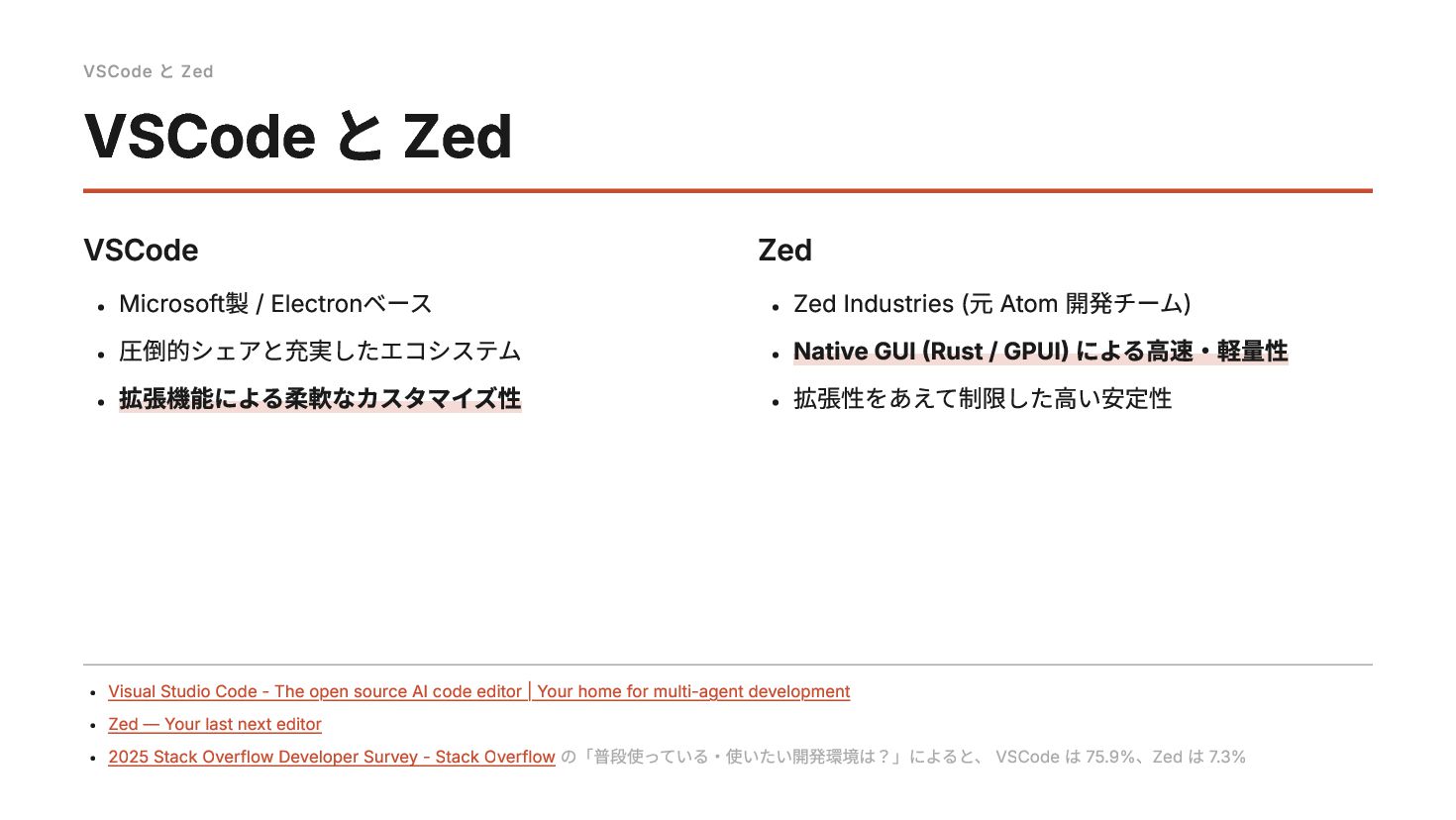
  4. VSCode と Zed VSCode Microsoft製 / Electronベース 圧倒的シェアと充実したエコシステム 拡張機能による柔軟なカスタマイズ性 Zed

    Zed Industries (元 Atom 開発チーム) Native GUI (Rust / GPUI) による高速・軽量性 拡張性をあえて制限した高い安定性 VSCode と Zed Visual Studio Code - The open source AI code editor | Your home for multi-agent development Zed — Your last next editor 2025 Stack Overflow Developer Survey - Stack Overflow の「普段使っている・使いたい開発環境は?」によると、 VSCode は 75.9%、Zed は 7.3%
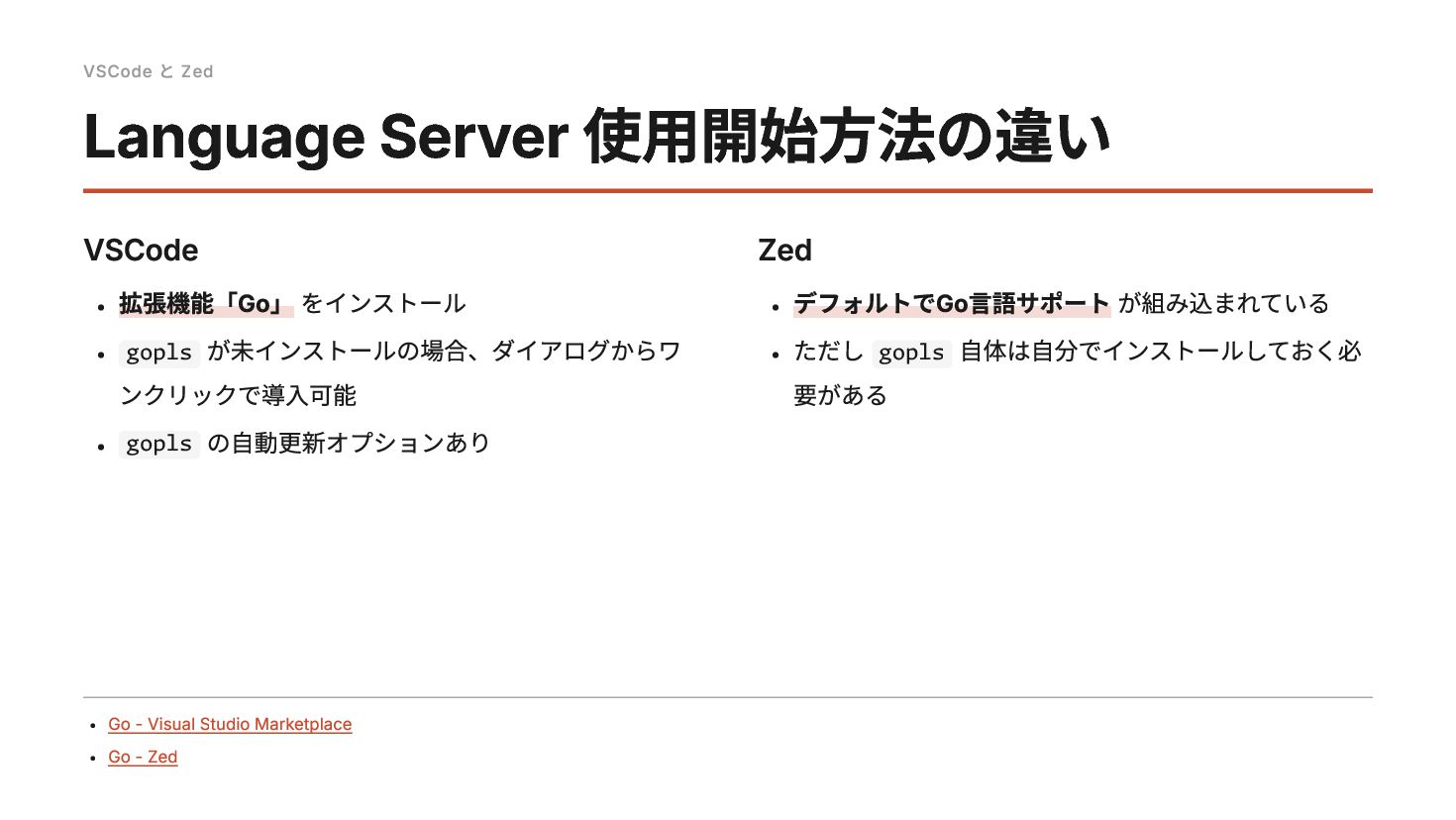
  5. VSCode と Zed VSCode 拡張機能「Go」 をインストール gopls が未インストールの場合、ダイアログからワ ンクリックで導入可能 gopls

    の自動更新オプションあり Zed デフォルトでGo言語サポート が組み込まれている ただし gopls 自体は自分でインストールしておく必 要がある Language Server 使用開始方法の違い Go - Visual Studio Marketplace Go - Zed
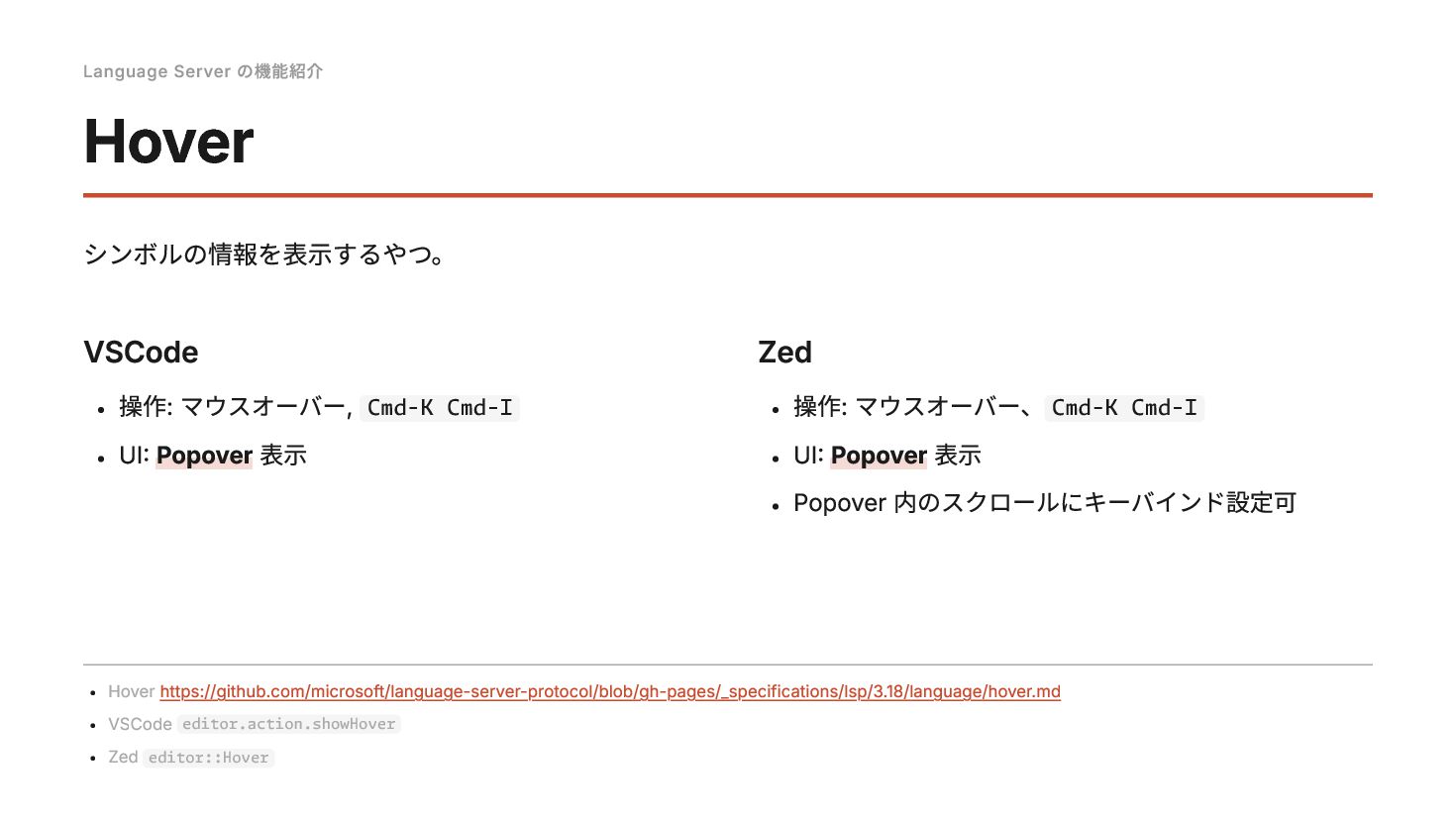
  6. Language Server の機能紹介 Hover シンボルの情報を表示するやつ。 VSCode 操作: マウスオーバー, Cmd-K Cmd-I

    UI: Popover 表示 Zed 操作: マウスオーバー、 Cmd-K Cmd-I UI: Popover 表示 Popover 内のスクロールにキーバインド設定可 Hover https://github.com/microsoft/language-server-protocol/blob/gh-pages/_specifications/lsp/3.18/language/hover.md VSCode editor.action.showHover Zed editor::Hover
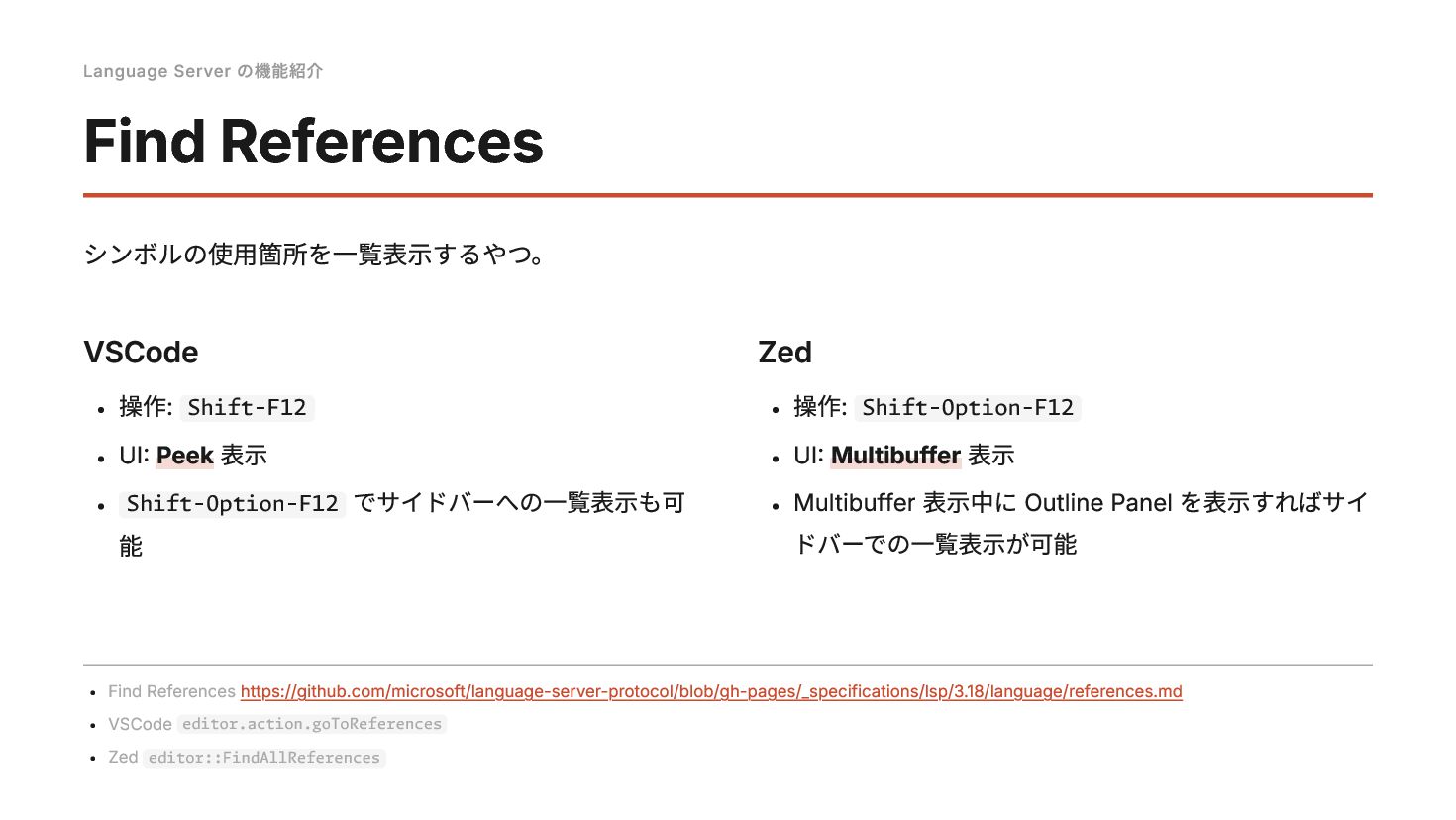
  7. Language Server の機能紹介 Find References シンボルの使用箇所を一覧表示するやつ。 VSCode 操作: Shift-F12 UI:

    Peek 表示 Shift-Option-F12 でサイドバーへの一覧表示も可 能 Zed 操作: Shift-Option-F12 UI: Multibuffer 表示 Multibuffer 表示中に Outline Panel を表示すればサイ ドバーでの一覧表示が可能 Find References https://github.com/microsoft/language-server-protocol/blob/gh-pages/_specifications/lsp/3.18/language/references.md VSCode editor.action.goToReferences Zed editor::FindAllReferences
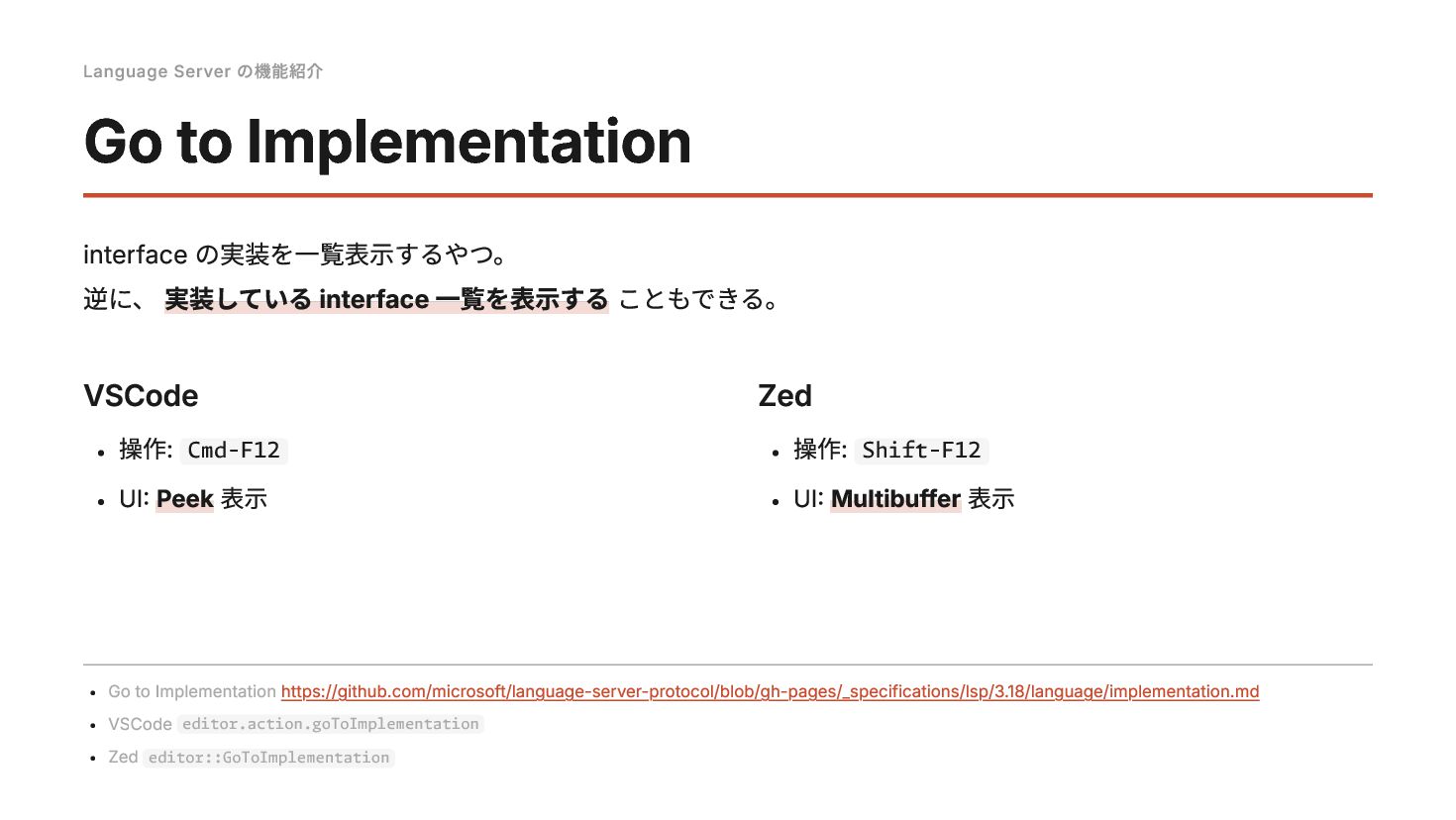
  8. Language Server の機能紹介 Go to Implementation interface の実装を一覧表示するやつ。 逆に、 実装している

    interface 一覧を表示する こともできる。 VSCode 操作: Cmd-F12 UI: Peek 表示 Zed 操作: Shift-F12 UI: Multibuffer 表示 Go to Implementation https://github.com/microsoft/language-server-protocol/blob/gh-pages/_specifications/lsp/3.18/language/implementation.md VSCode editor.action.goToImplementation Zed editor::GoToImplementation
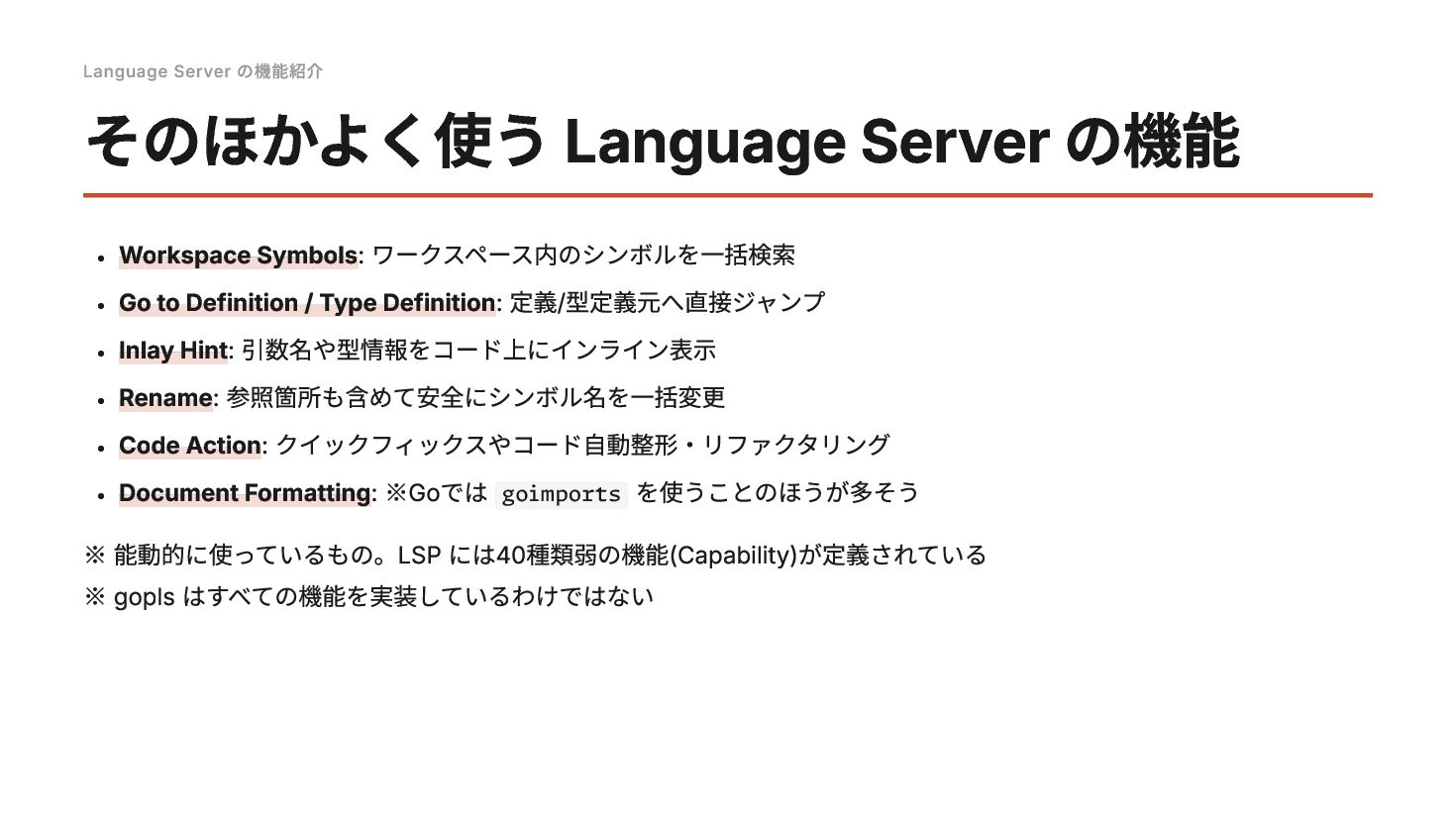
  9. Language Server の機能紹介 そのほかよく使う Language Server の機能 Workspace Symbols: ワークスペース内のシンボルを一括検索

    Go to Definition / Type Definition: 定義/型定義元へ直接ジャンプ Inlay Hint: 引数名や型情報をコード上にインライン表示 Rename: 参照箇所も含めて安全にシンボル名を一括変更 Code Action: クイックフィックスやコード自動整形・リファクタリング Document Formatting: ※Goでは goimports を使うことのほうが多そう ※ 能動的に使っているもの。LSP には40種類弱の機能(Capability)が定義されている ※ gopls はすべての機能を実装しているわけではない