Upgrade to Pro
— share decks privately, control downloads, hide ads and more …
Speaker Deck
Sign up for free
Menu
Search
Features
All features
Private URLs
Password Protection
Custom URLS
Scheduled publishing
Remove Branding
Restrict embedding
Deck Collections
Notes
Features
All features
Private URLs
Password Protection
Custom URLS
Scheduled publishing
Remove Branding
Restrict embedding
Deck Collections
Notes
Explore
Featured decks
Featured speakers
Programming
Technology
Storyboards
Explore
Featured decks
Featured speakers
Programming
Technology
Storyboards
Pricing
Search
Sign in
Sign up for free
A Hitchhiker's guide to Spacemacs
Search
Sponsored
·
Ship Features Fearlessly
Turn features on and off without deploys. Used by thousands of Ruby developers.
→
Hemanth Haridas
April 14, 2020
Programming
59
1
Share
Embed
Copy iframe code
Copy JS code
Copy link
Start on current slide
A Hitchhiker's guide to Spacemacs
An introduction to Spacemacs
Hemanth Haridas
April 14, 2020
More Decks by Hemanth Haridas
See All by Hemanth Haridas
File Uploading with ActiveStorage
hhemanth
1
61
Other Decks in Programming
See All in Programming
TechTown - Creating Composable Callables in Contemporary C++
rollbear
0
130
C#の現在地 進化の歴史と、AI時代の.NET Everywhere
neuecc
5
5.2k
[Dev Group Paris Octobre 26] Agentforce, SIforce, Claudeforce, Slackbot… on s'y retrouve ?
nabondance
0
110
コードで差別化できない時代の ソフトウェアエンジニアリング / Software Engineering in an Era Where Code Doesn’t Differentiate
kishida
2
180
[JA] Domain Modeling with Vanilla Rails: 「操作」から再考するRailsの設計論
yasaichi
2
370
AIで開発が速くなった先で、開発チームは何を目指すか
shihochan
0
1.5k
Kotlinの15年とServer-Side Kotlin
n_takehata
1
150
Jetpack Compose Mechanisms
skydoves
3
820
HTML-in-Canvasで作る未来のWeb UI表現
clockmaker
5
5.1k
Next.js: The final boss of Web Performance
guaca
0
270
外から家のPCの電源入れたい!をPHPで解決する
kawashimo0
1
140
IBM Bob Dojo #1 仕様駆動開発入門
oniak3ibm
PRO
0
390
Featured
See All Featured
The Straight Up "How To Draw Better" Workshop
denniskardys
239
140k
The Art of Programming - Codeland 2020
erikaheidi
57
14k
Code Reviewing Like a Champion
maltzj
529
40k
So, you think you're a good person
axbom
PRO
2
2.2k
Refactoring Trust on Your Teams (GOTO; Chicago 2020)
rmw
35
3.8k
The Mindset for Success: Future Career Progression
greggifford
PRO
0
540
Discover your Explorer Soul
emna__ayadi
2
1.3k
A designer walks into a library…
pauljervisheath
211
25k
The Director’s Chair: Orchestrating AI for Truly Effective Learning
tmiket
1
330
HU Berlin: Industrial-Strength Natural Language Processing with spaCy and Prodigy
inesmontani
PRO
0
760
Save Time (by Creating Custom Rails Generators)
garrettdimon
PRO
33
5.2k
Typedesign – Prime Four
hannesfritz
42
3.2k
Transcript
A Hitchhiker’s guide to Spacemacs Hemanth Haridas
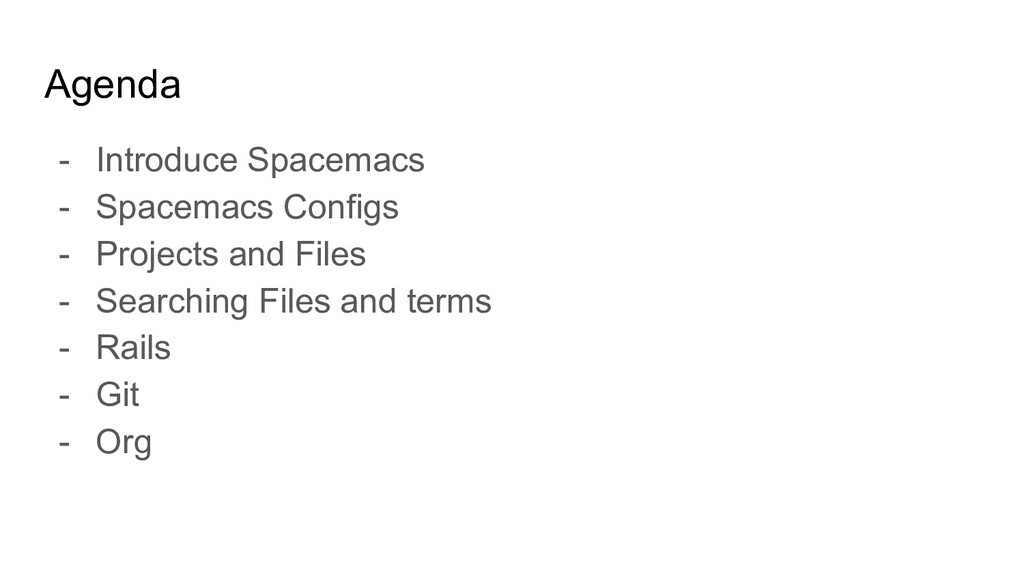
Agenda - Introduce Spacemacs - Spacemacs Configs - Projects and
Files - Searching Files and terms - Rails - Git - Org
Heads Up - This is only a small introduction. -
I started using Spacemacs only 4 weeks ago. - I haven’t started using Spacemacs for all my projects
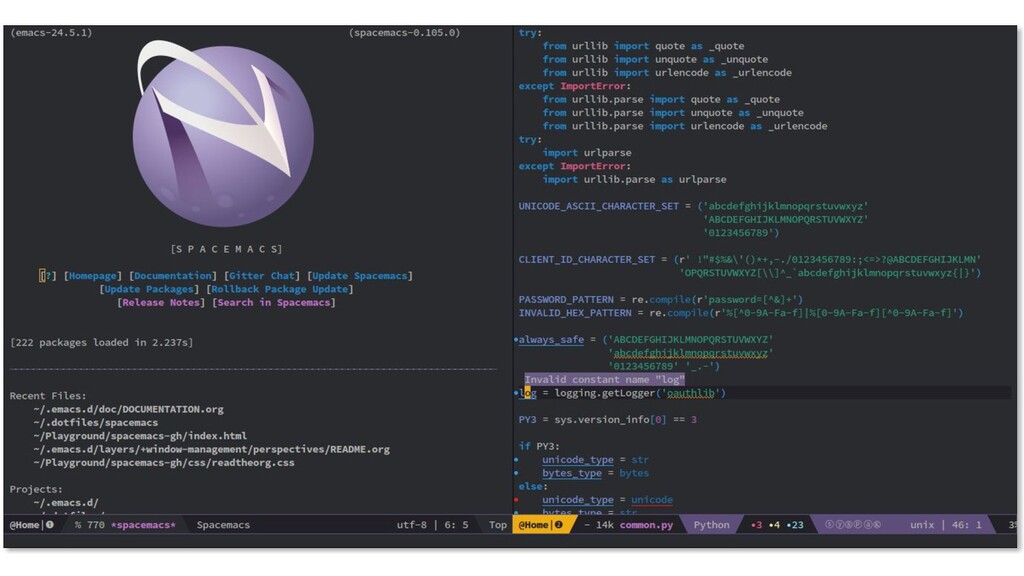
Few tools - Example
None
The best editor is neither Emacs nor Vim, it's Emacs
and Vim!
Ergonomics Mnemonics Consistency
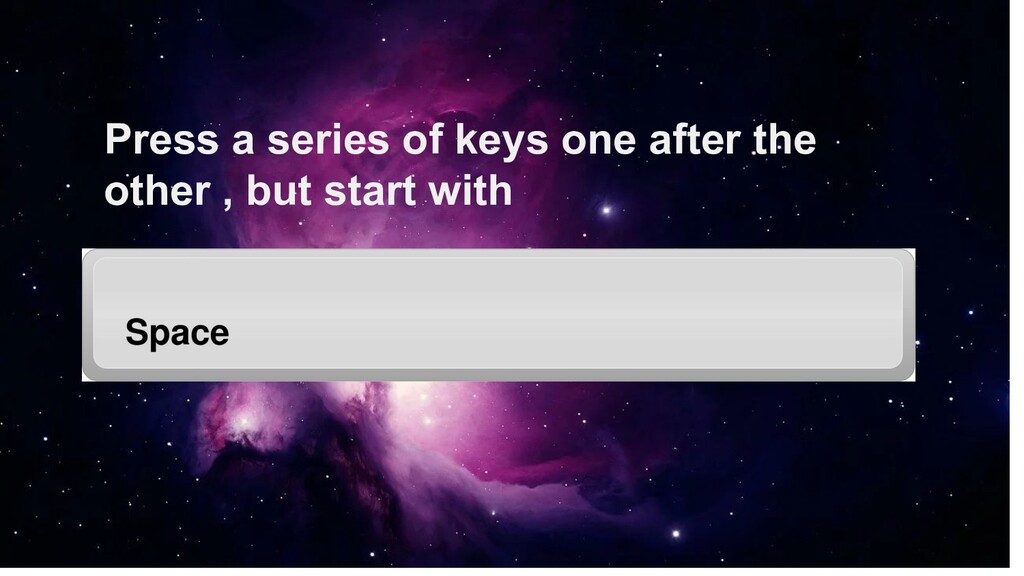
Press a series of keys one after the other ,
but start with
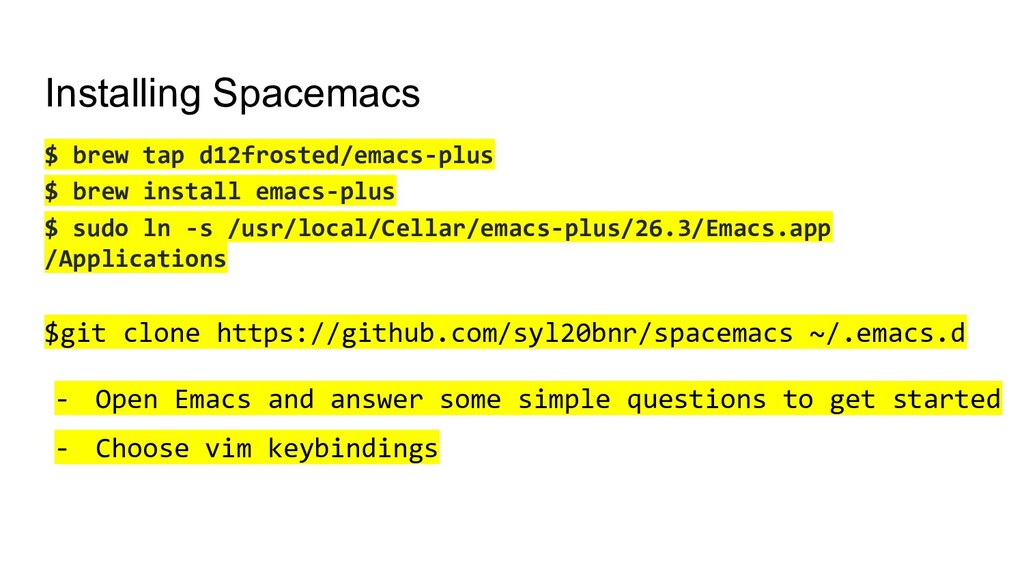
Installing Spacemacs $ brew tap d12frosted/emacs-plus $ brew install emacs-plus
$ sudo ln -s /usr/local/Cellar/emacs-plus/26.3/Emacs.app /Applications $git clone https://github.com/syl20bnr/spacemacs ~/.emacs.d - Open Emacs and answer some simple questions to get started - Choose vim keybindings
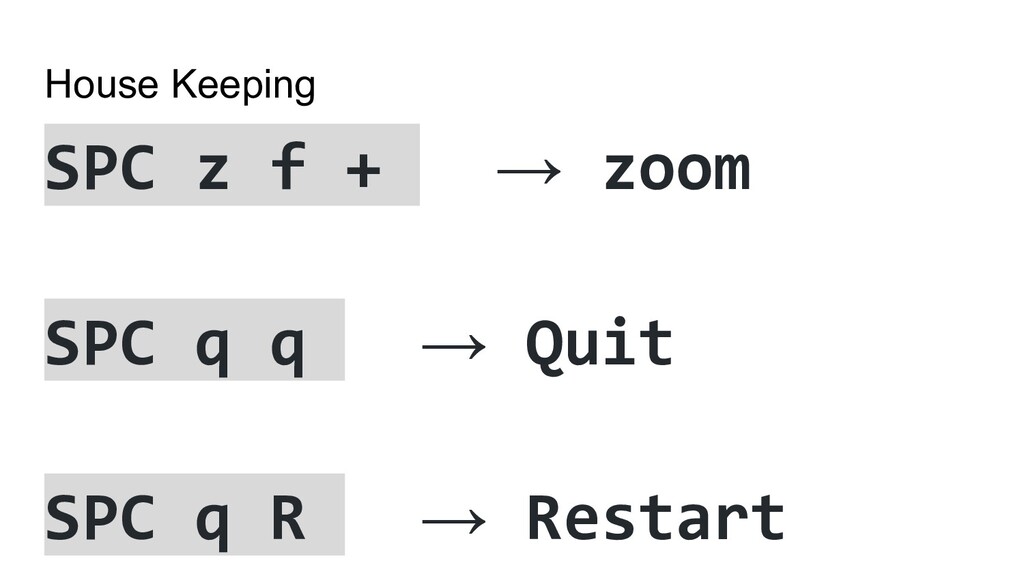
House Keeping SPC z f + → zoom SPC q
q → Quit SPC q R → Restart
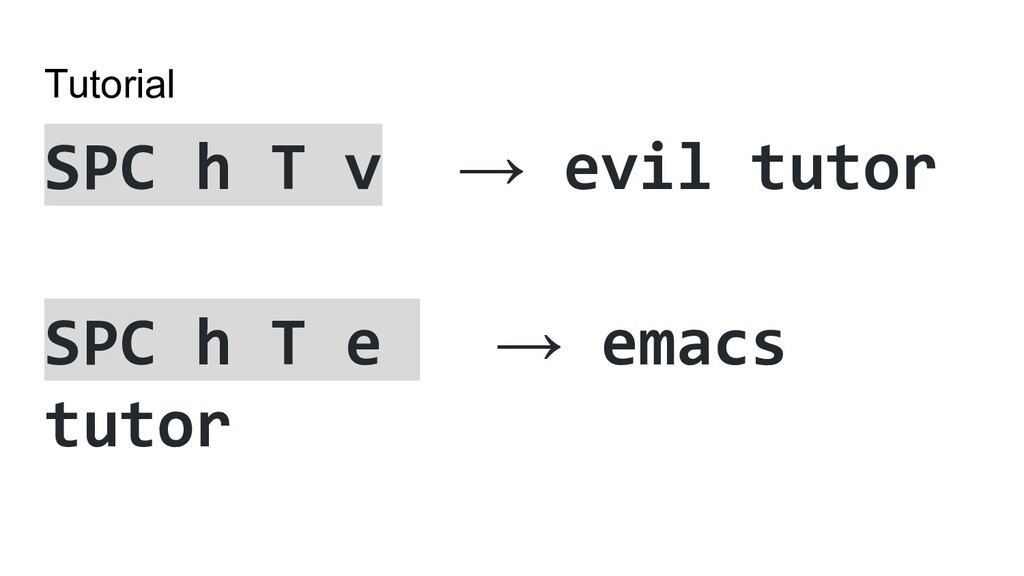
Tutorial SPC h T v → evil tutor SPC h
T e → emacs tutor
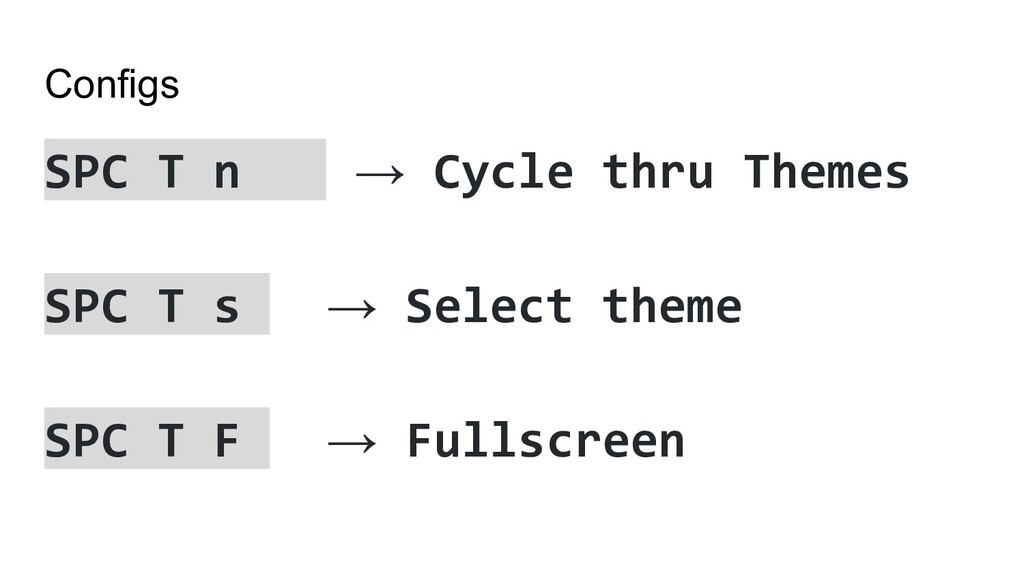
Configs SPC T n → Cycle thru Themes SPC T
s → Select theme SPC T F → Fullscreen
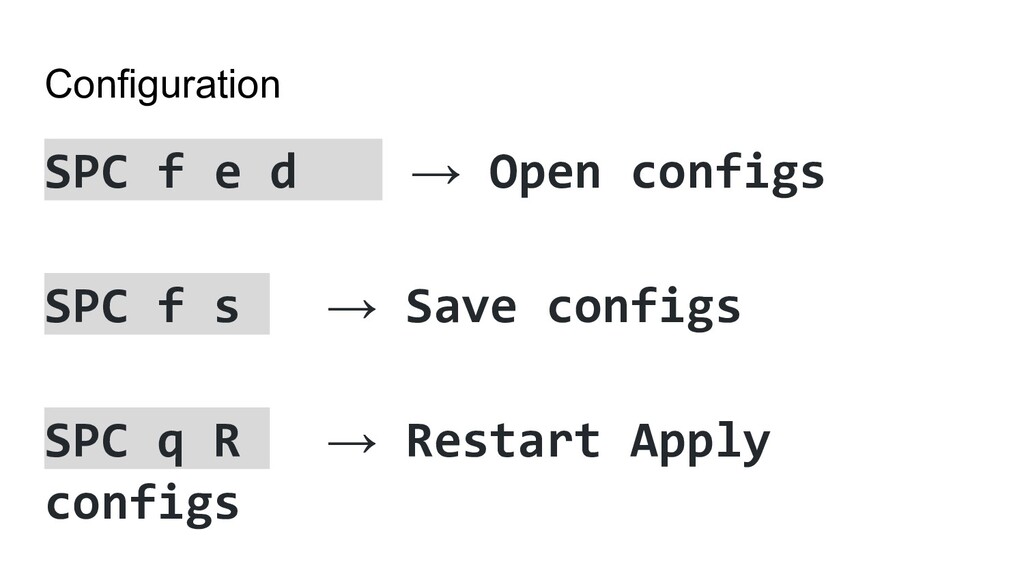
Configuration SPC f e d → Open configs SPC f
s → Save configs SPC q R → Restart Apply configs
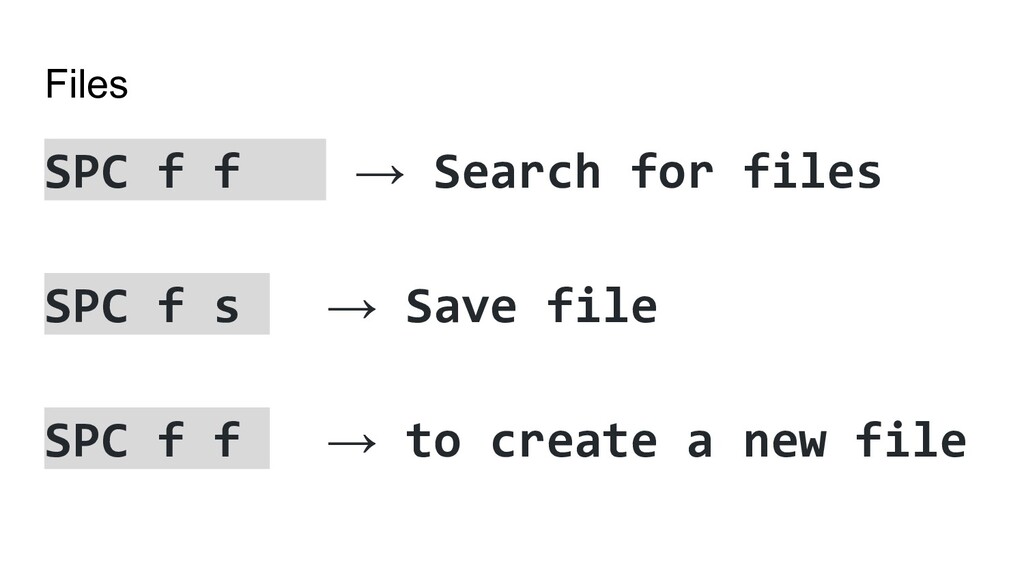
Files SPC f f → Search for files SPC f
s → Save file SPC f f → to create a new file
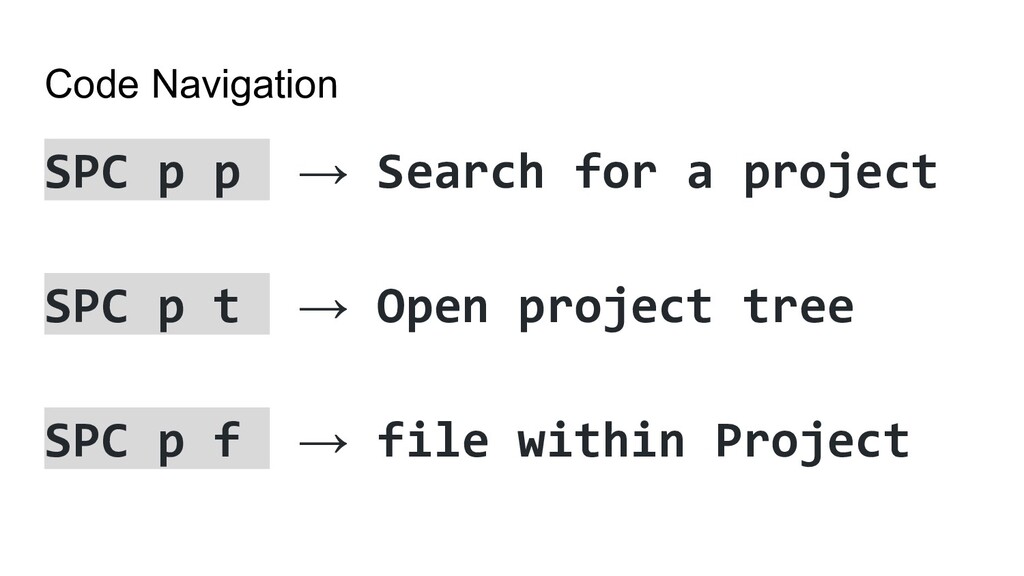
Code Navigation SPC p p → Search for a project
SPC p t → Open project tree SPC p f → file within Project
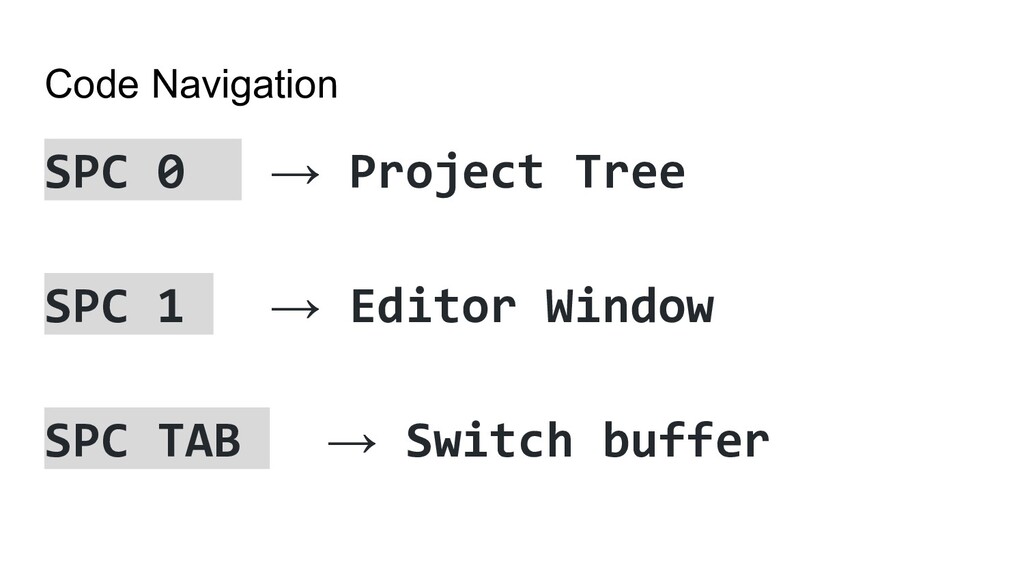
Code Navigation SPC 0 → Project Tree SPC 1 →
Editor Window SPC TAB → Switch buffer
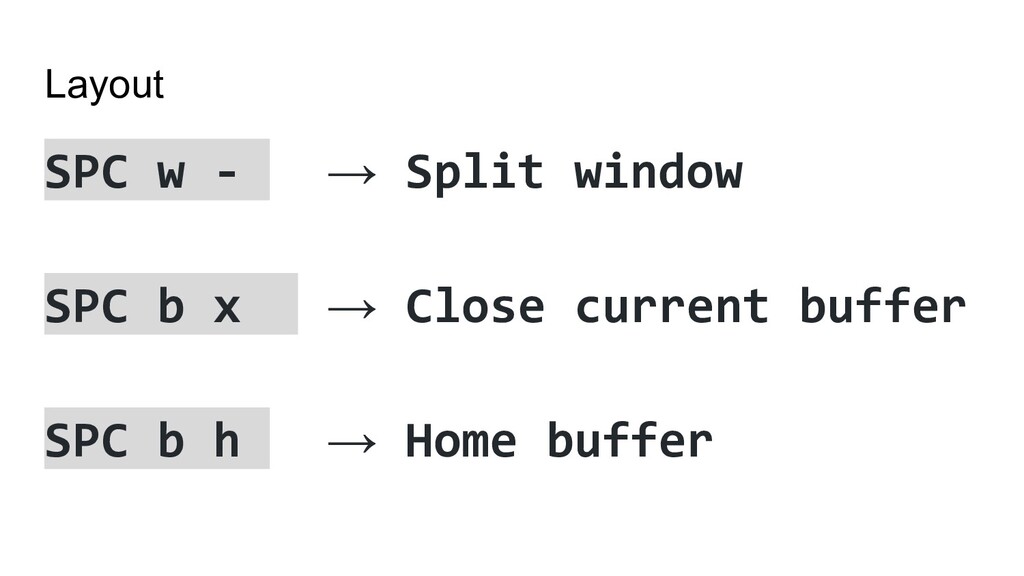
Layout SPC w - → Split window SPC b x
→ Close current buffer SPC b h → Home buffer
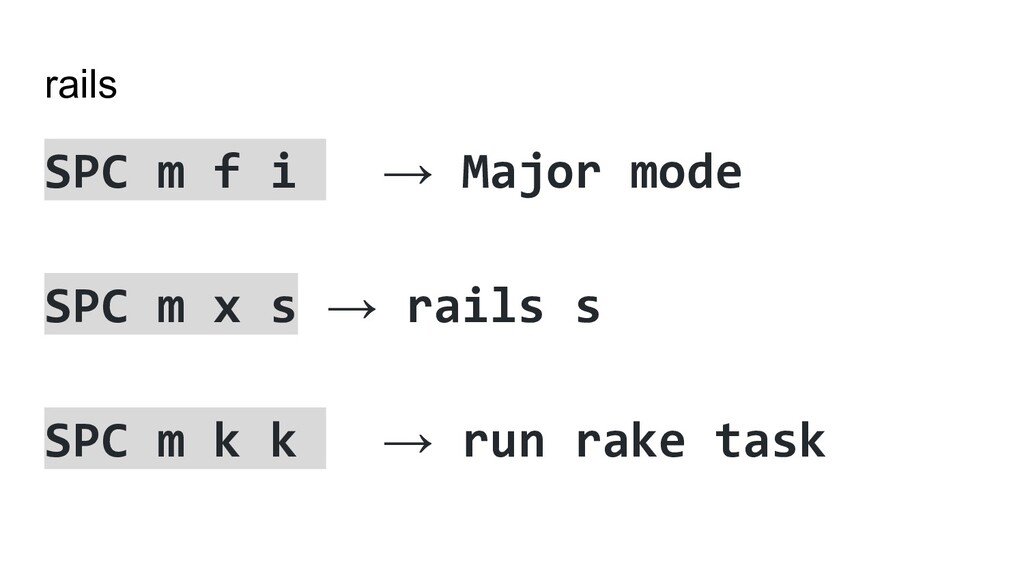
rails SPC m f i → Major mode SPC m
x s → rails s SPC m k k → run rake task
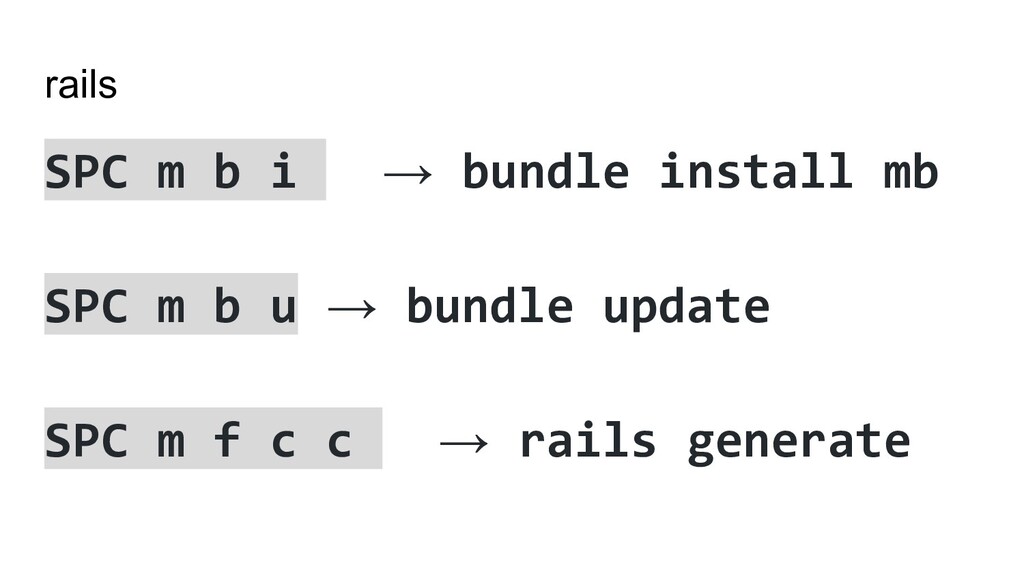
rails SPC m b i → bundle install mb SPC
m b u → bundle update SPC m f c c → rails generate
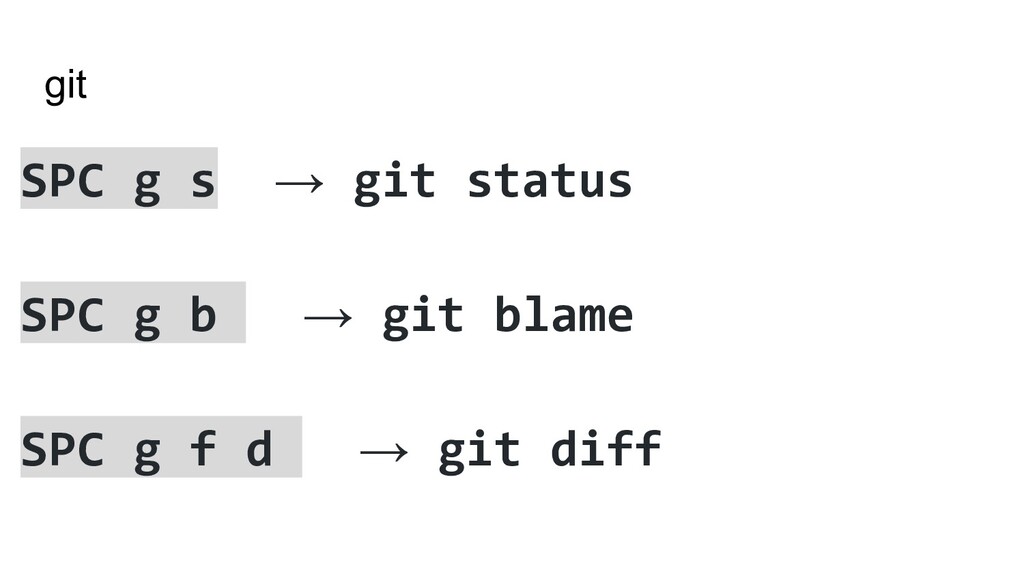
git SPC g s → git status SPC g b
→ git blame SPC g f d → git diff
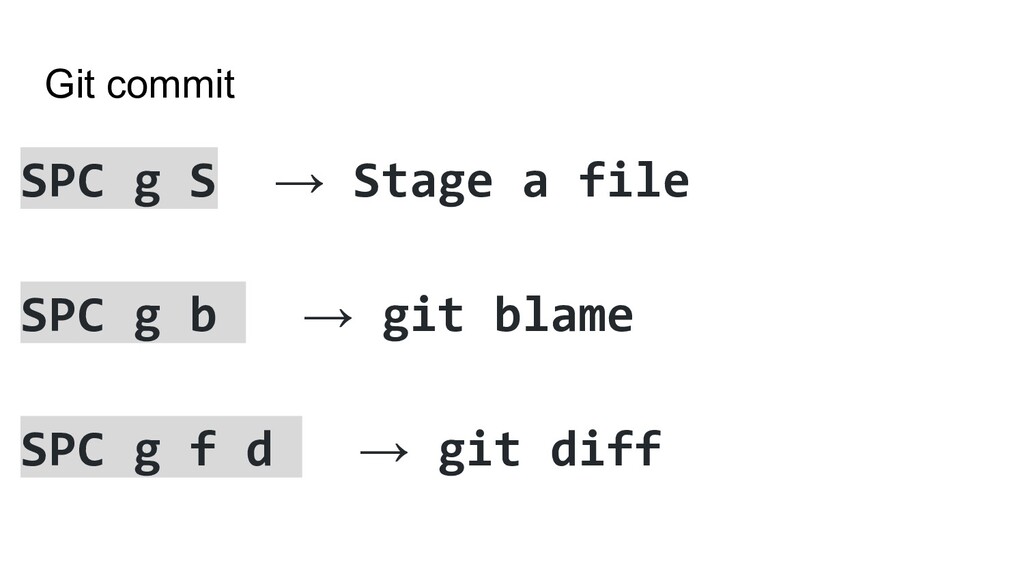
Git commit SPC g S → Stage a file SPC
g b → git blame SPC g f d → git diff
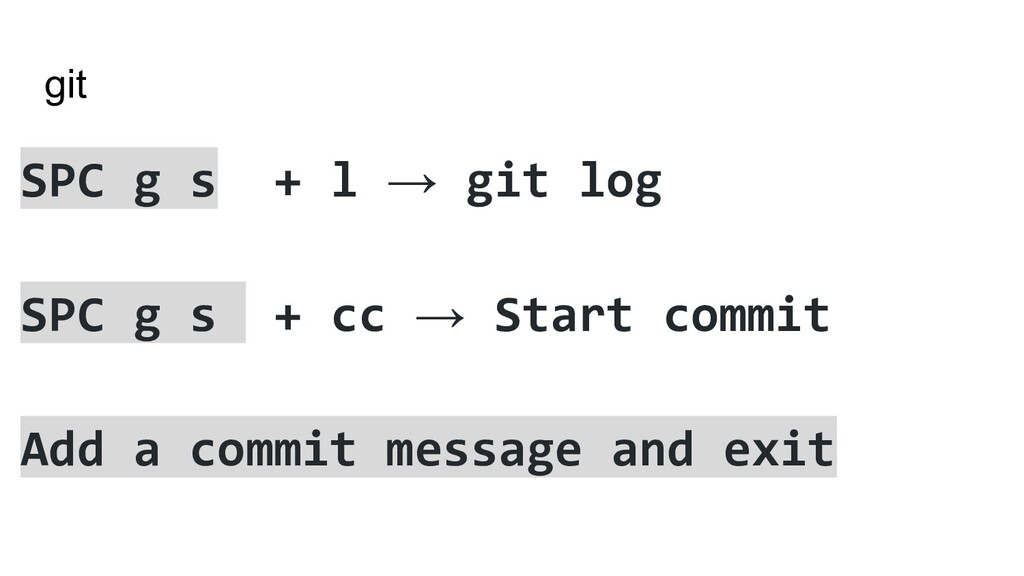
git SPC g s + l → git log SPC
g s + cc → Start commit Add a commit message and exit
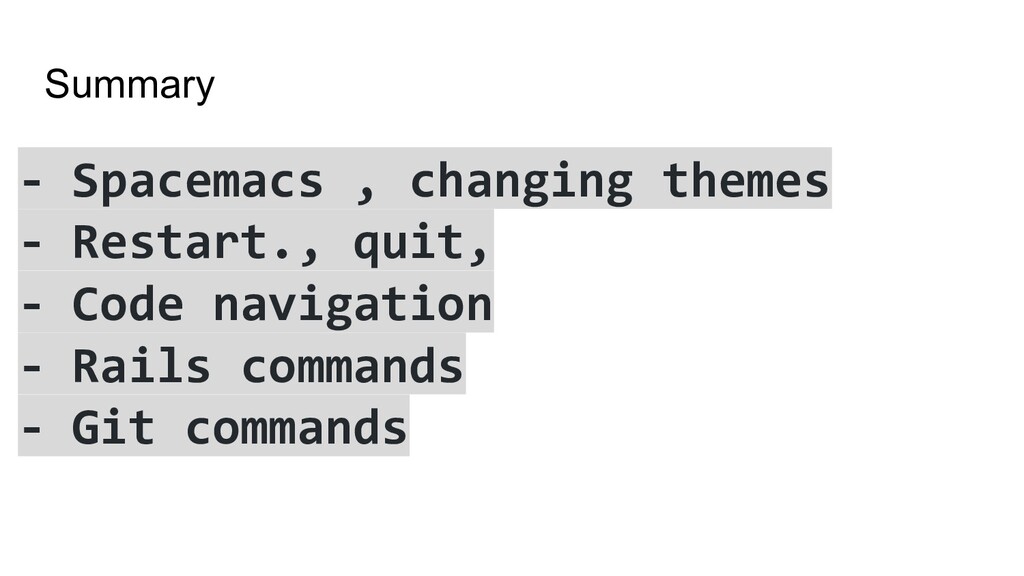
Summary - Spacemacs , changing themes - Restart., quit, -
Code navigation - Rails commands - Git commands
Org Mode


 hhemanth
 rollbear
 neuecc
 nabondance
 kishida
 yasaichi
 shihochan
 n_takehata
 skydoves
 clockmaker
 guaca
guaca
 kawashimo0
 oniak3ibm
 denniskardys
 erikaheidi
 maltzj
 axbom
axbom
 rmw
rmw
 greggifford
 emna__ayadi
 pauljervisheath
 tmiket
 inesmontani
 garrettdimon
 hannesfritz