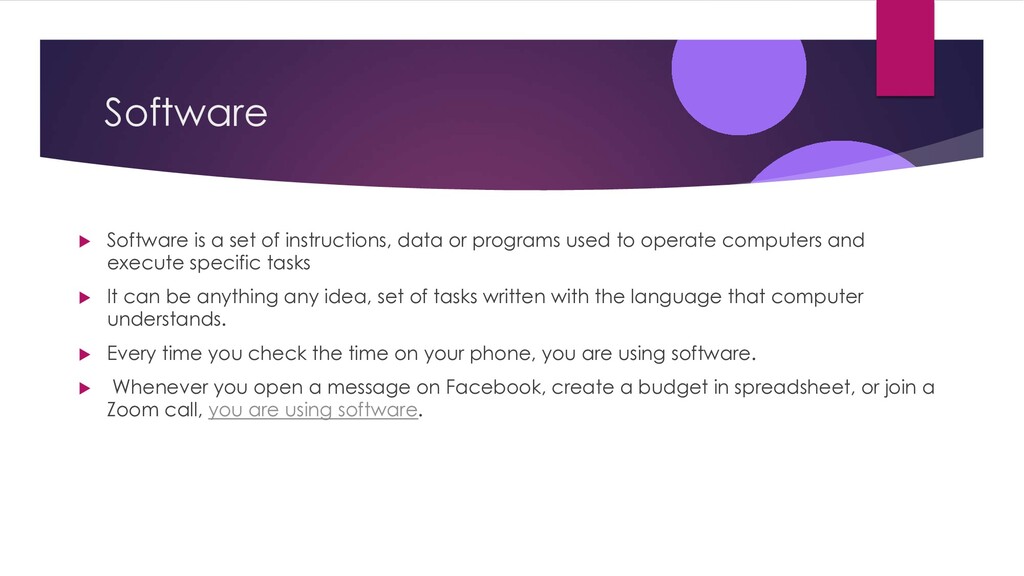
programs used to operate computers and execute specific tasks u It can be anything any idea, set of tasks written with the language that computer understands. u Every time you check the time on your phone, you are using software. u Whenever you open a message on Facebook, create a budget in spreadsheet, or join a Zoom call, you are using software.
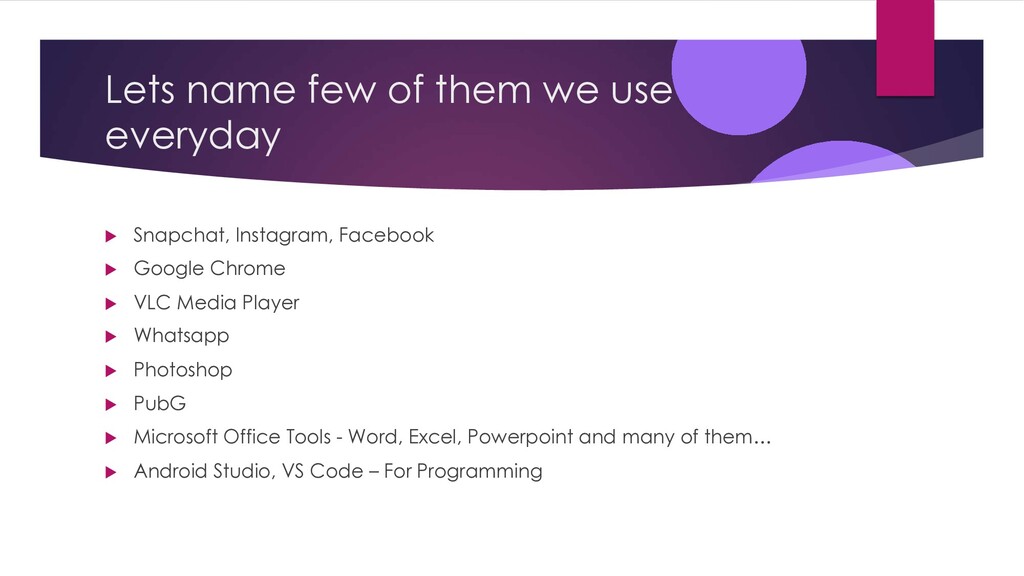
Instagram, Facebook u Google Chrome u VLC Media Player u Whatsapp u Photoshop u PubG u Microsoft Office Tools - Word, Excel, Powerpoint and many of them… u Android Studio, VS Code – For Programming
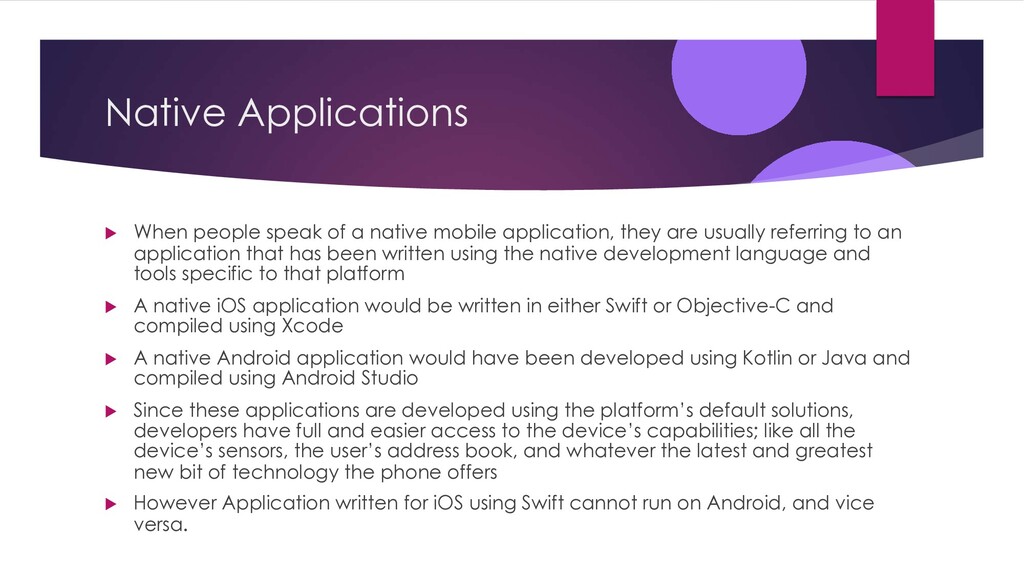
application, they are usually referring to an application that has been written using the native development language and tools specific to that platform u A native iOS application would be written in either Swift or Objective-C and compiled using Xcode u A native Android application would have been developed using Kotlin or Java and compiled using Android Studio u Since these applications are developed using the platform’s default solutions, developers have full and easier access to the device’s capabilities; like all the device’s sensors, the user’s address book, and whatever the latest and greatest new bit of technology the phone offers u However Application written for iOS using Swift cannot run on Android, and vice versa.
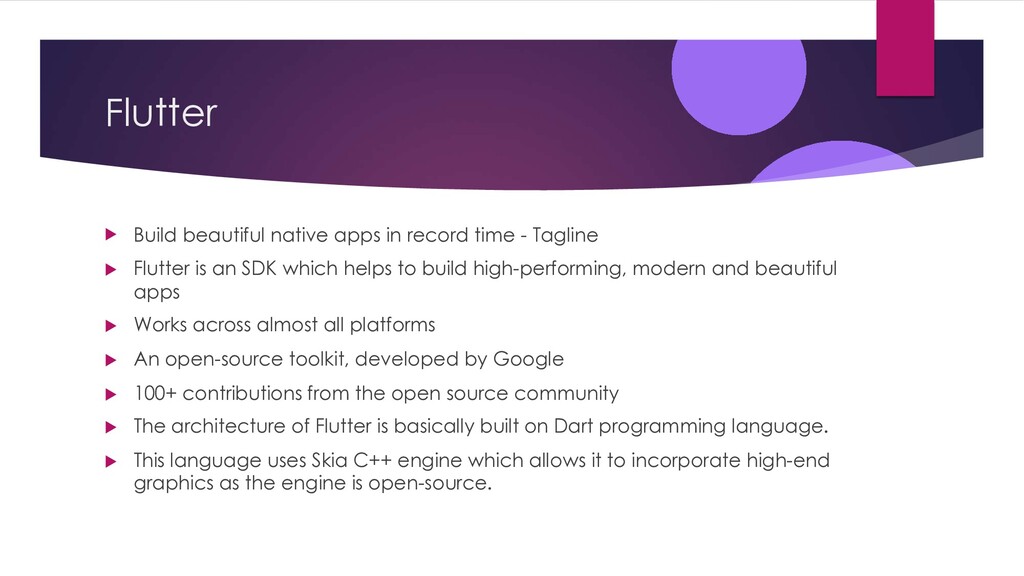
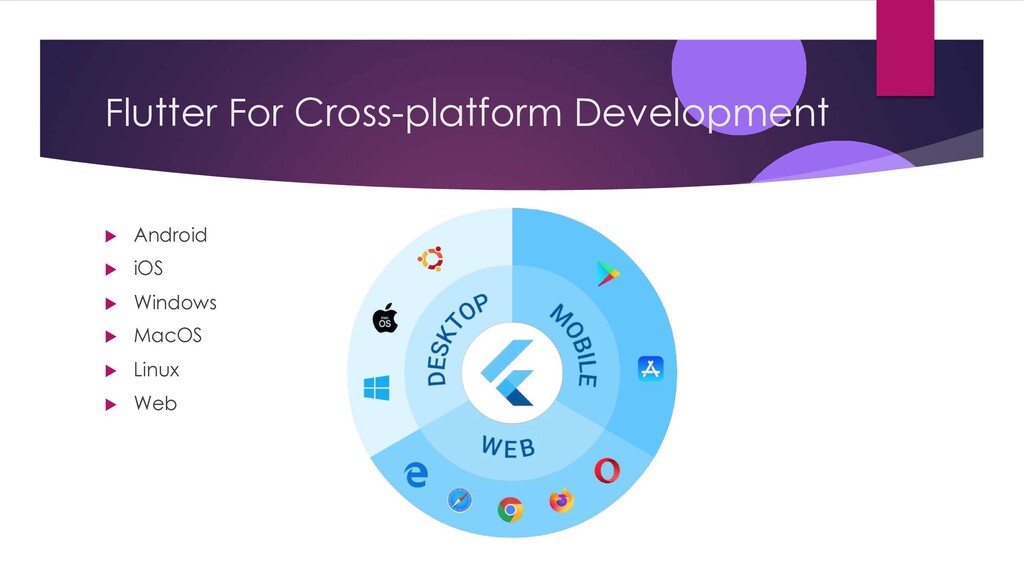
Tagline u Flutter is an SDK which helps to build high-performing, modern and beautiful apps u Works across almost all platforms u An open-source toolkit, developed by Google u 100+ contributions from the open source community u The architecture of Flutter is basically built on Dart programming language. u This language uses Skia C++ engine which allows it to incorporate high-end graphics as the engine is open-source.
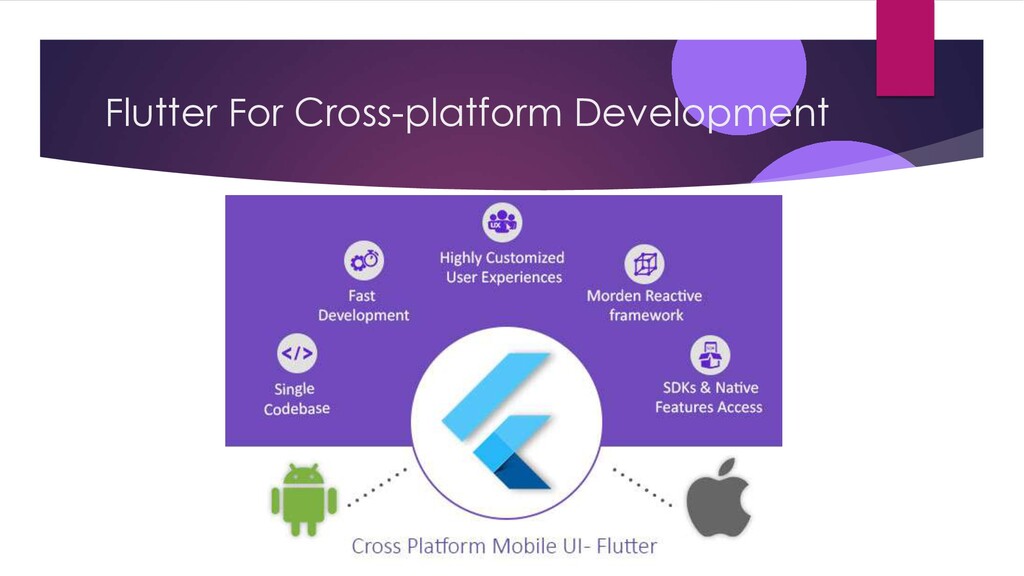
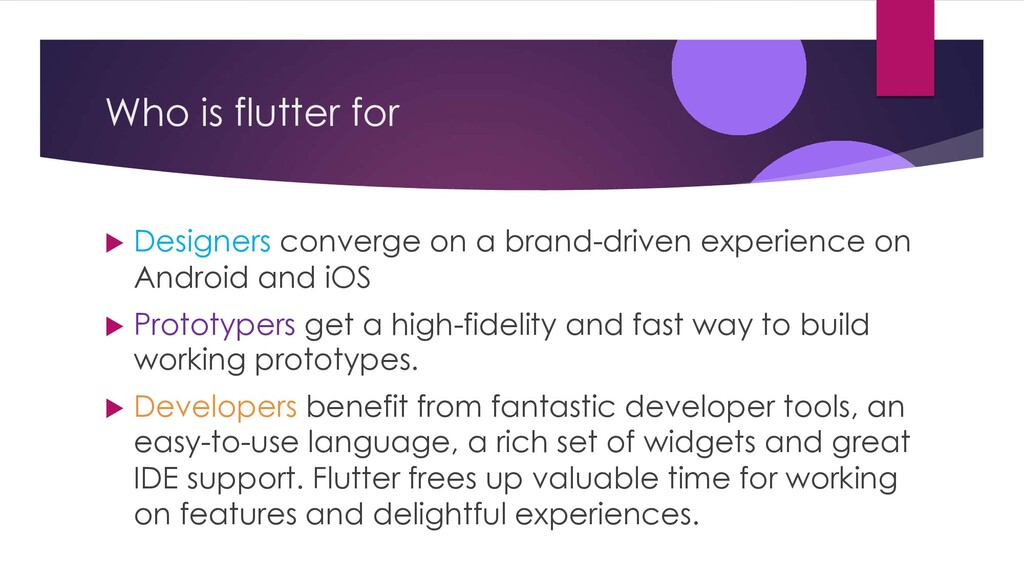
experience on Android and iOS u Prototypers get a high-fidelity and fast way to build working prototypes. u Developers benefit from fantastic developer tools, an easy-to-use language, a rich set of widgets and great IDE support. Flutter frees up valuable time for working on features and delightful experiences.
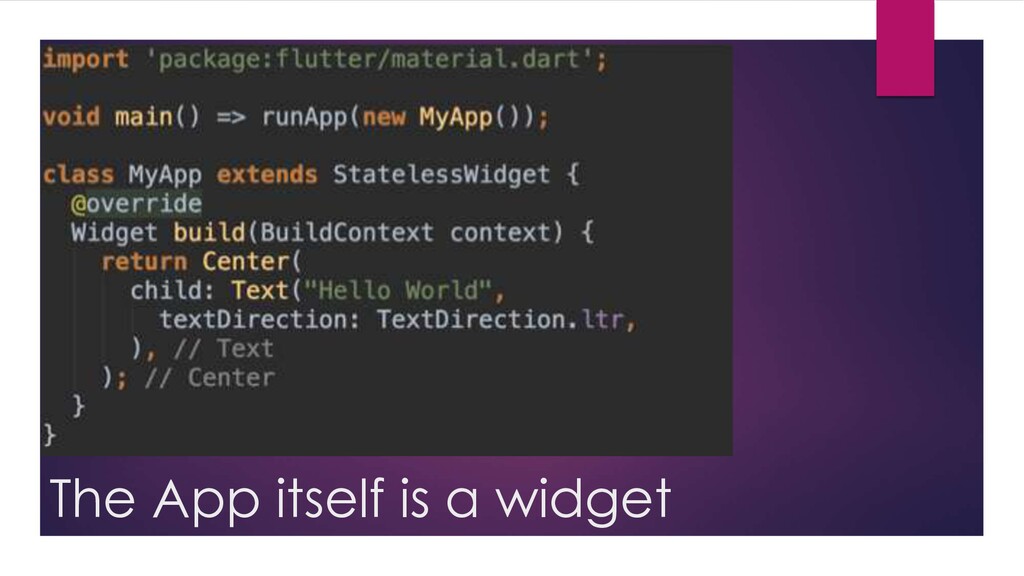
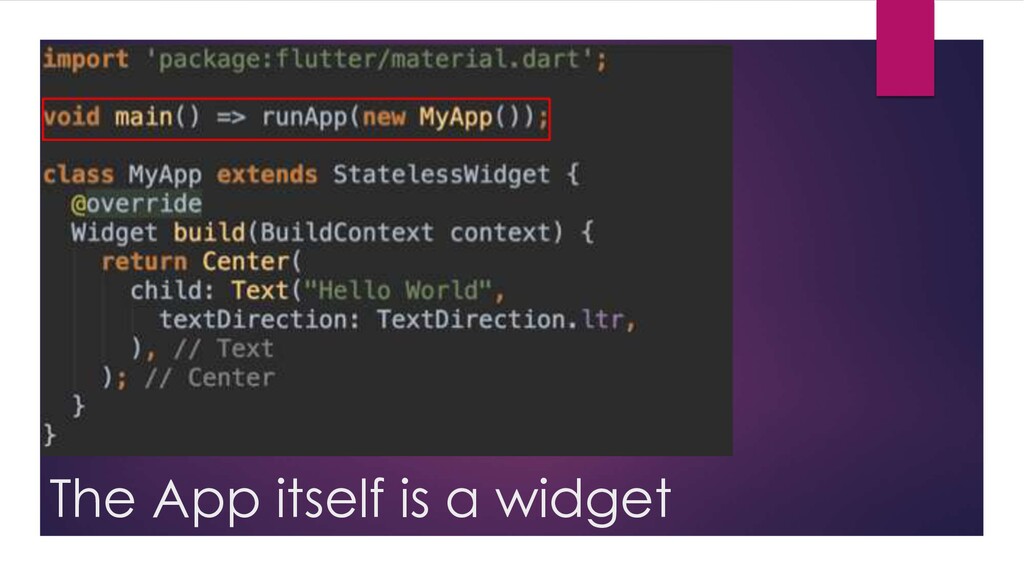
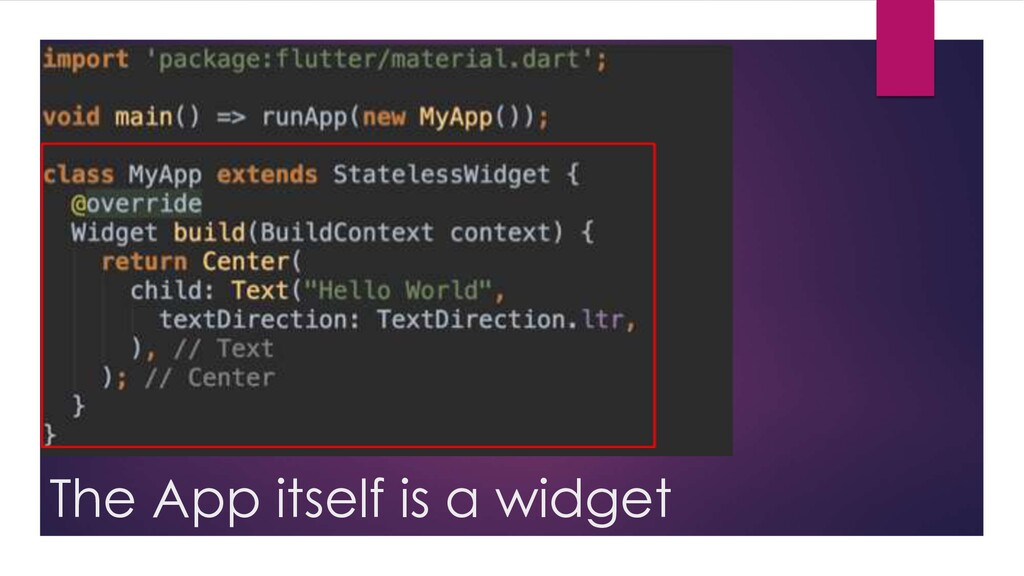
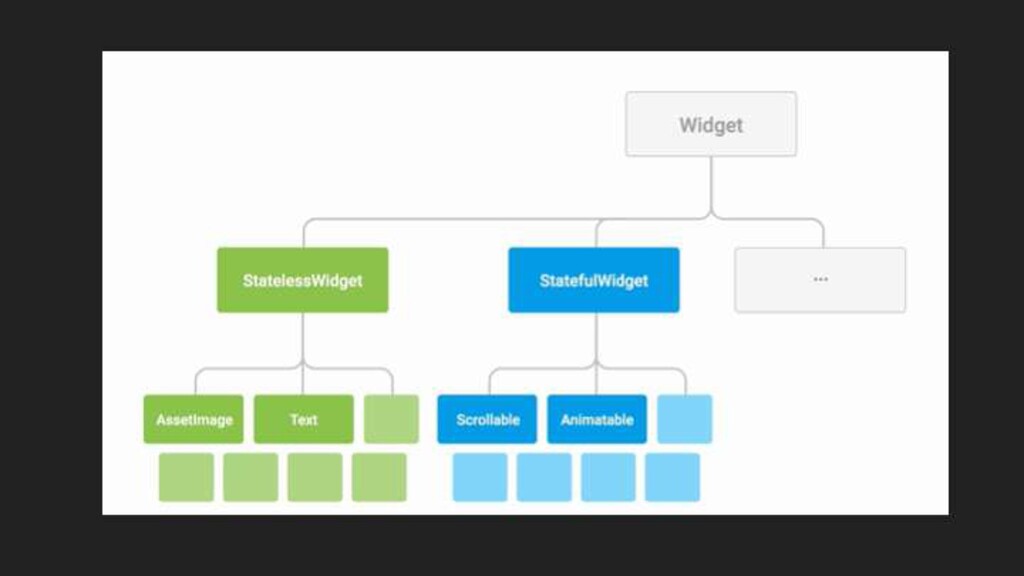
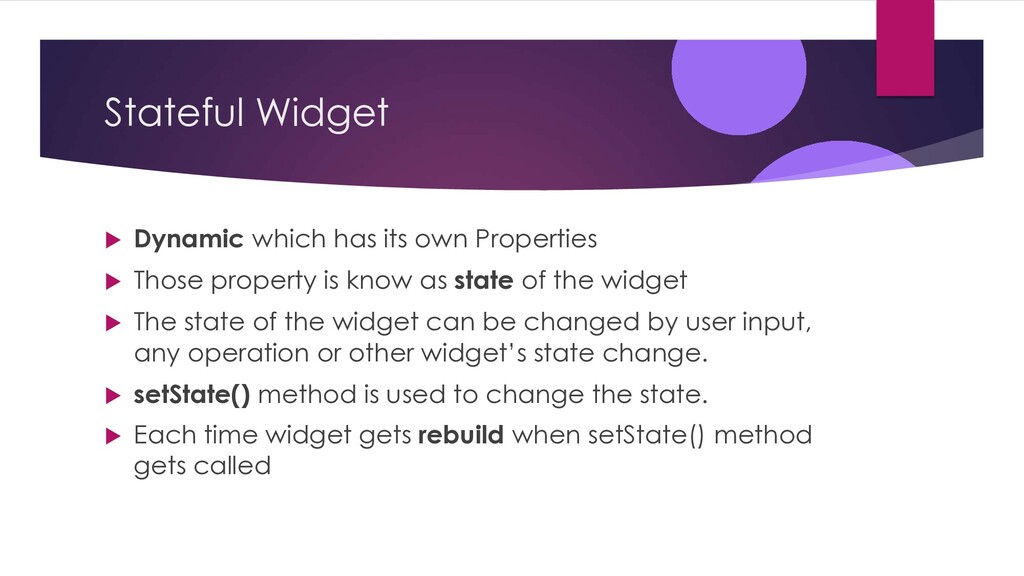
Those property is know as state of the widget u The state of the widget can be changed by user input, any operation or other widget’s state change. u setState() method is used to change the state. u Each time widget gets rebuild when setState() method gets called


 kenichiodo
 4o1sobblue
 mohab1
 kash1064
 odashi
 ivry_presentationmaterials
 endonanana
 ishikawa_satoru
 teamlab
 techtekt
 keeg
keeg
 ryanjones
 reverentgeek
 csswizardry
 malarkey
 mojombo
 deanohume
 shpigford
 inesmontani
 mkilby
 quramy
 lara
lara
 codingconduct
![Getting Started with Software Development & Flutter [email protected] @ideepdave Deep](https://files.speakerdeck.com/presentations/f8cc12d02f3549159b805528b30a54c1/slide_0.jpg)