Upgrade to Pro — share decks privately, control downloads, hide ads and more …

Picumo - Photo-to-Video Templates and Creation ...

Sponsored · Your Podcast. Everywhere. Effortlessly. Share. Educate. Inspire. Entertain. You do you. We'll handle the rest. →

Picumo - Photo-to-Video Templates and Creation Workflow

A five-slide overview of Picumo's photo-to-video templates and creation workflow.

Website: https://picumo.com/
Support: [email protected]

The slides explain the two portrait slots in Hotel Lobby, the single dog replacement in La Calabaza, photo upload requirements, example quality and credit options, and the creation-history and MP4 download steps. Browsing template previews is free. Video generation uses paid credits.

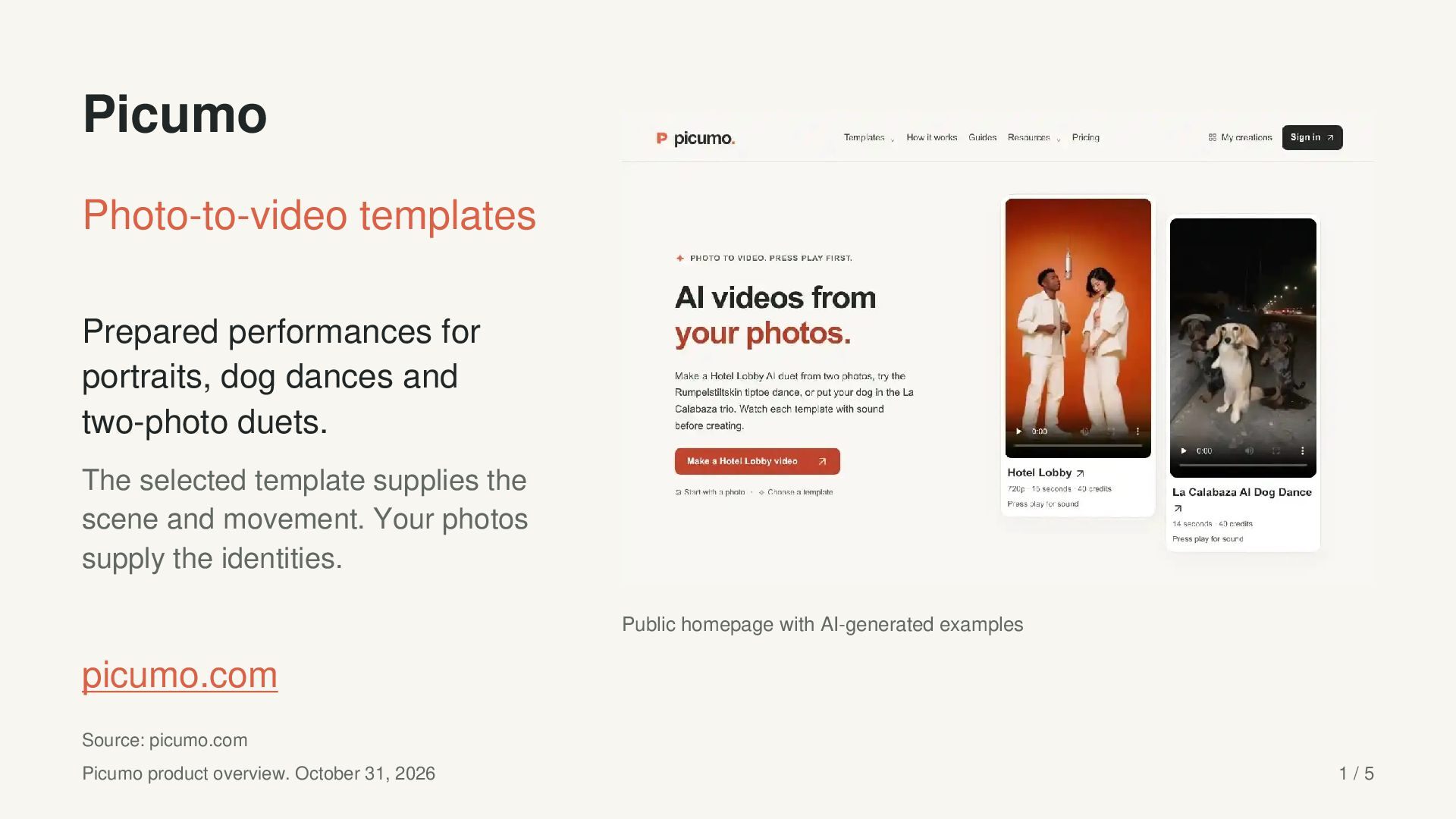
Based on public product pages checked on October 31, 2026. The homepage screenshot shows AI-generated examples. Generated results can vary from the displayed examples.

Marvin Tang

October 31, 2026

Transcript

5 slides
  1. Picumo Photo-to-video templates Prepared performances for portraits, dog dances and

    two-photo duets. The selected template supplies the scene and movement. Your photos supply the identities. Public homepage with AI-generated examples picumo.com Source: picumo.com Picumo product overview. October 31, 2026 1/5
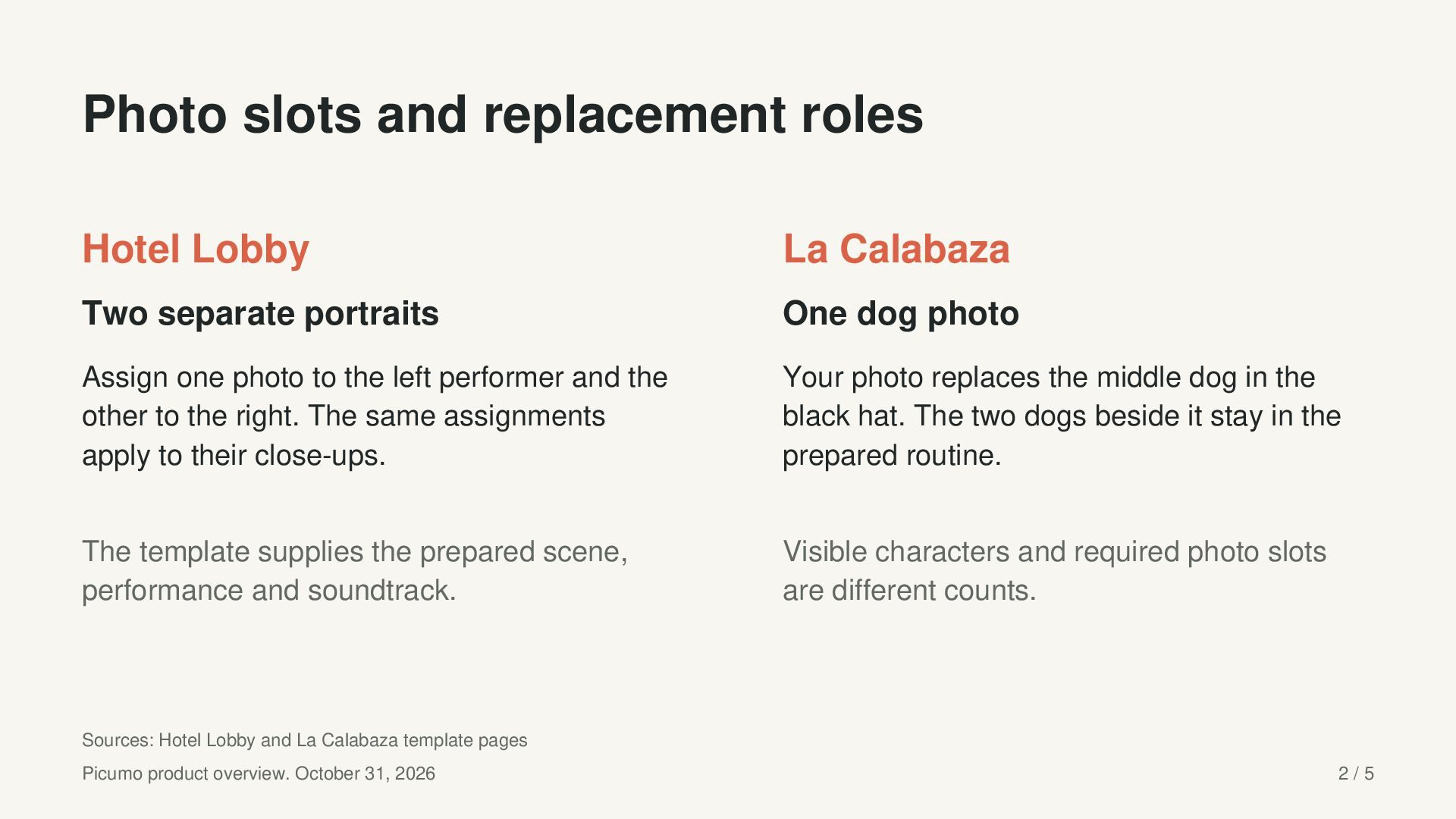
  2. Photo slots and replacement roles Hotel Lobby La Calabaza Two

    separate portraits One dog photo Assign one photo to the left performer and the other to the right. The same assignments apply to their close-ups. Your photo replaces the middle dog in the black hat. The two dogs beside it stay in the prepared routine. The template supplies the prepared scene, performance and soundtrack. Visible characters and required photo slots are different counts. Sources: Hotel Lobby and La Calabaza template pages Picumo product overview. October 31, 2026 2/5
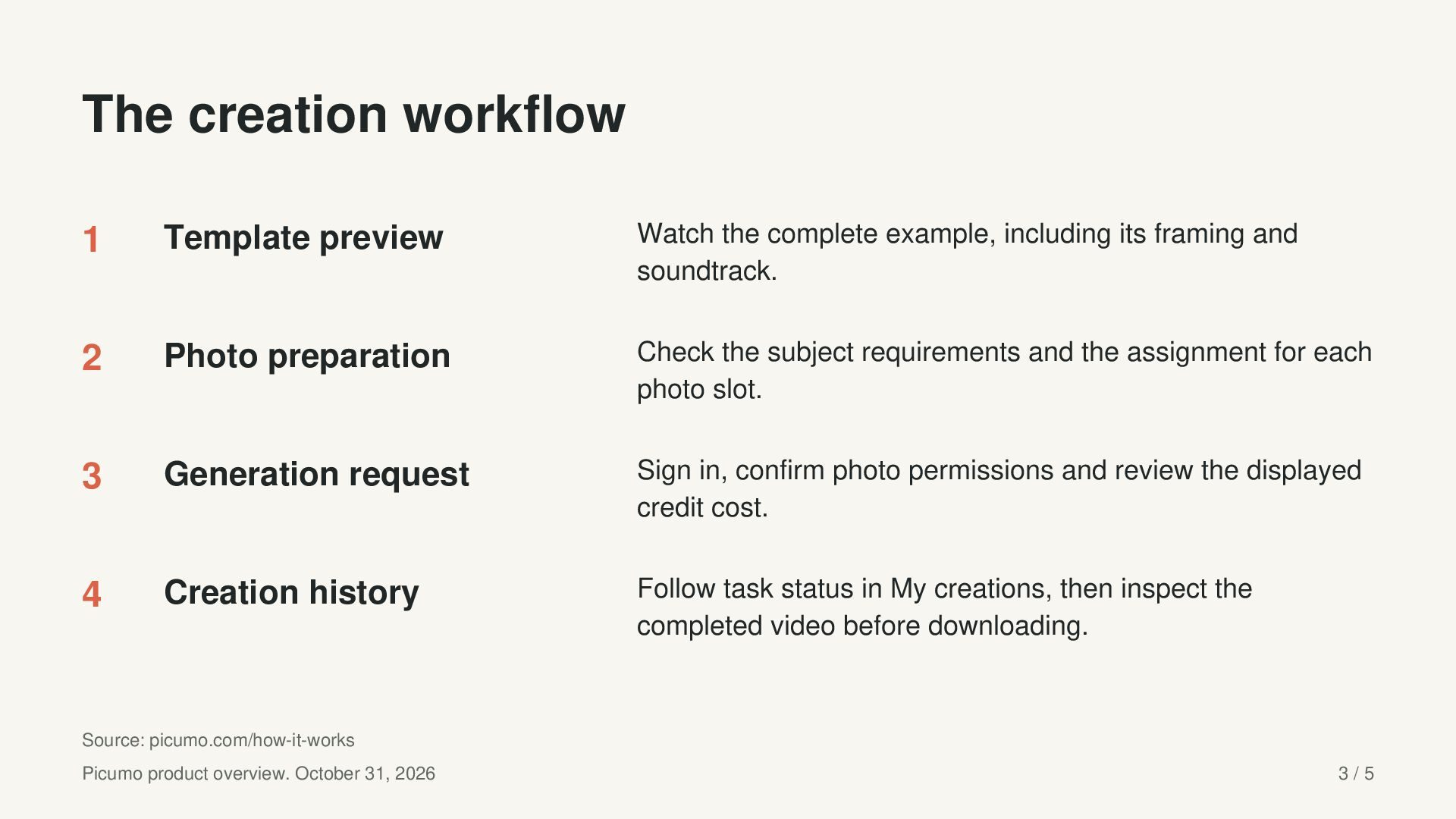
  3. The creation workflow 1 Template preview Watch the complete example,

    including its framing and soundtrack. 2 Photo preparation Check the subject requirements and the assignment for each photo slot. 3 Generation request Sign in, confirm photo permissions and review the displayed credit cost. 4 Creation history Follow task status in My creations, then inspect the completed video before downloading. Source: picumo.com/how-it-works Picumo product overview. October 31, 2026 3/5
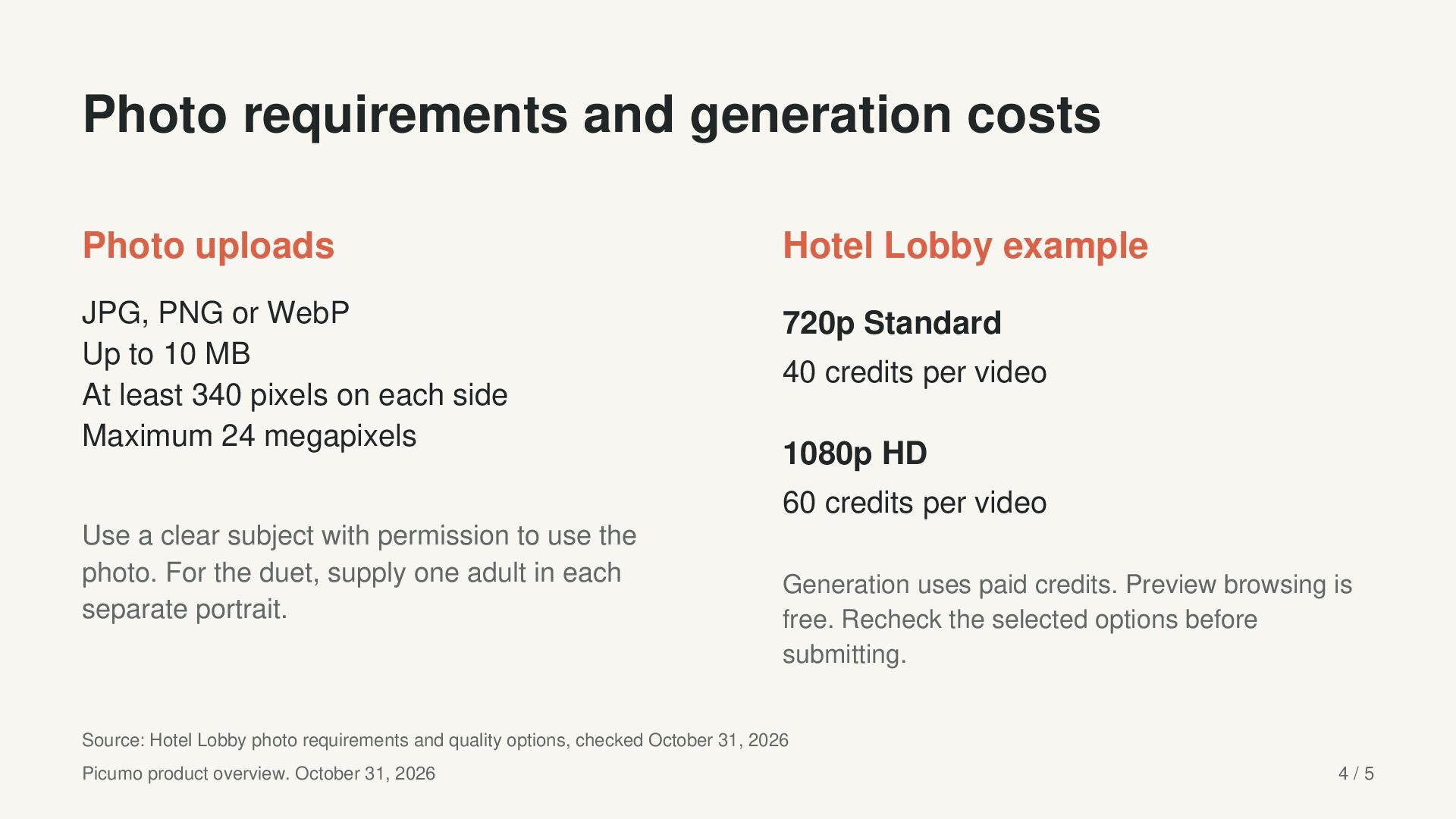
  4. Photo requirements and generation costs Photo uploads Hotel Lobby example

    JPG, PNG or WebP Up to 10 MB At least 340 pixels on each side Maximum 24 megapixels 720p Standard 40 credits per video 1080p HD 60 credits per video Use a clear subject with permission to use the photo. For the duet, supply one adult in each separate portrait. Generation uses paid credits. Preview browsing is free. Recheck the selected options before submitting. Source: Hotel Lobby photo requirements and quality options, checked October 31, 2026 Picumo product overview. October 31, 2026 4/5
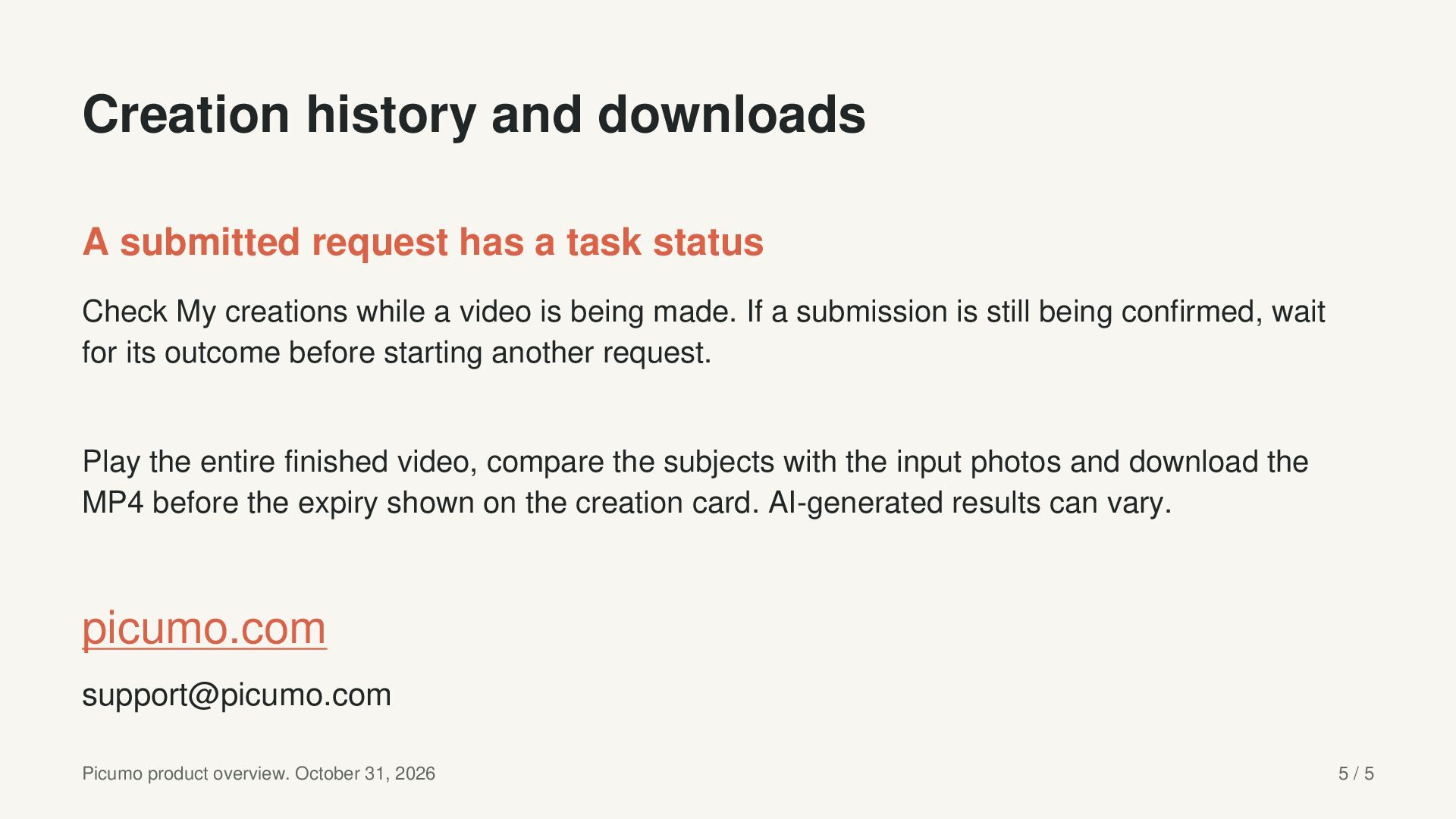
  5. Creation history and downloads A submitted request has a task

    status Check My creations while a video is being made. If a submission is still being confirmed, wait for its outcome before starting another request. Play the entire finished video, compare the subjects with the input photos and download the MP4 before the expiry shown on the creation card. AI-generated results can vary. picumo.com [email protected] Picumo product overview. October 31, 2026 5/5

More Decks by Marvin Tang

Other Decks in Technology