Upgrade to Pro — share decks privately, control downloads, hide ads and more …

NoSQL, No Server, No Problem - Clent Side ORM's

Sponsored · Your Podcast. Everywhere. Effortlessly. Share. Educate. Inspire. Entertain. You do you. We'll handle the rest. →

NoSQL, No Server, No Problem - Clent Side ORM's

A very brief overview of Javascript ORM's and why you want to use one.

Avatar for Jason Maggard

Jason Maggard

December 05, 2019

Other Decks in Technology

Transcript

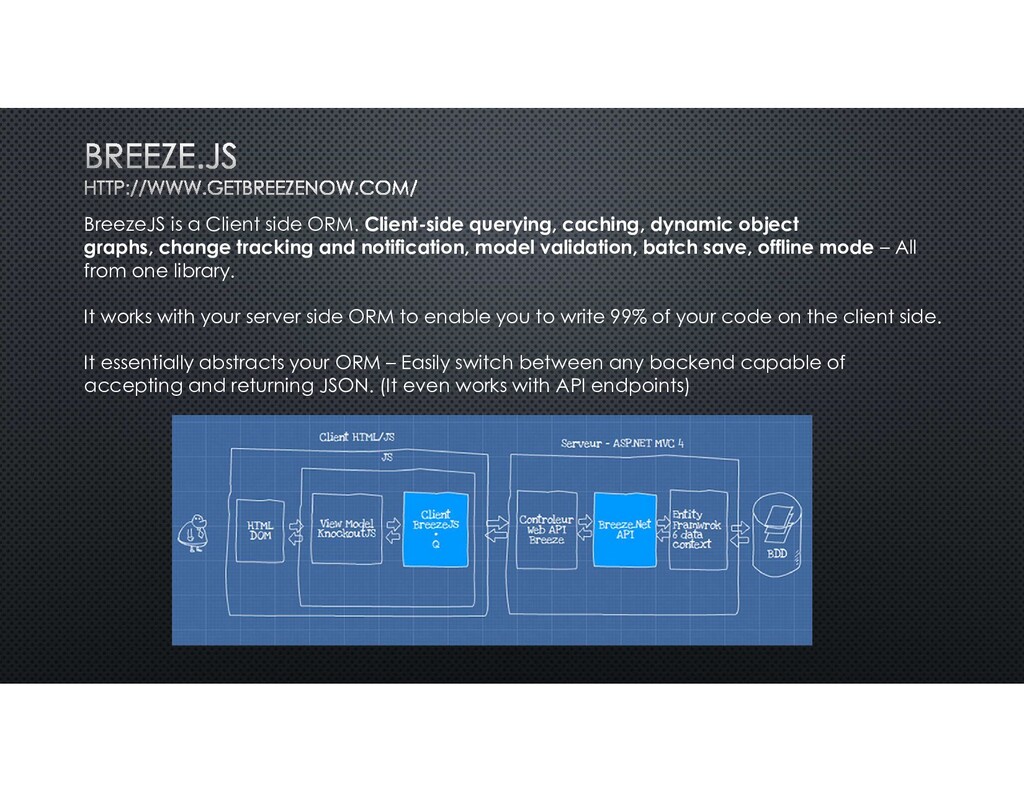
  1. BreezeJS is a Client side ORM. Client-side querying, caching, dynamic

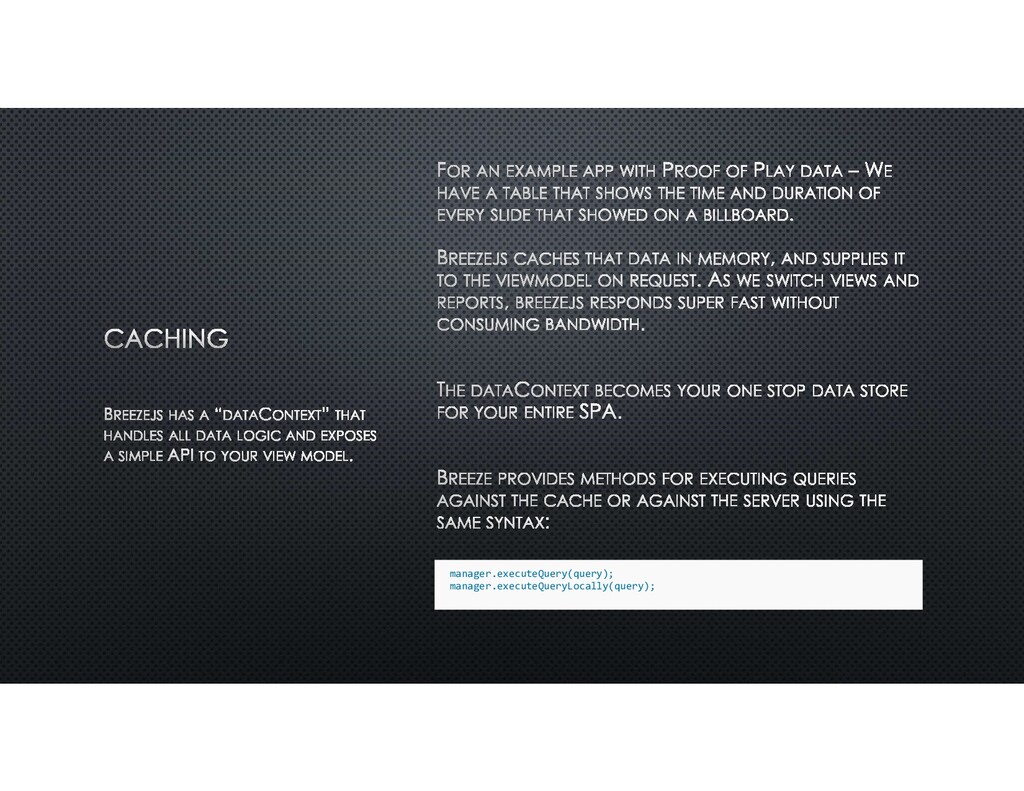
    object graphs, change tracking and notification, model validation, batch save, offline mode – All from one library. It works with your server side ORM to enable you to write 99% of your code on the client side. It essentially abstracts your ORM – Easily switch between any backend capable of accepting and returning JSON. (It even works with API endpoints)
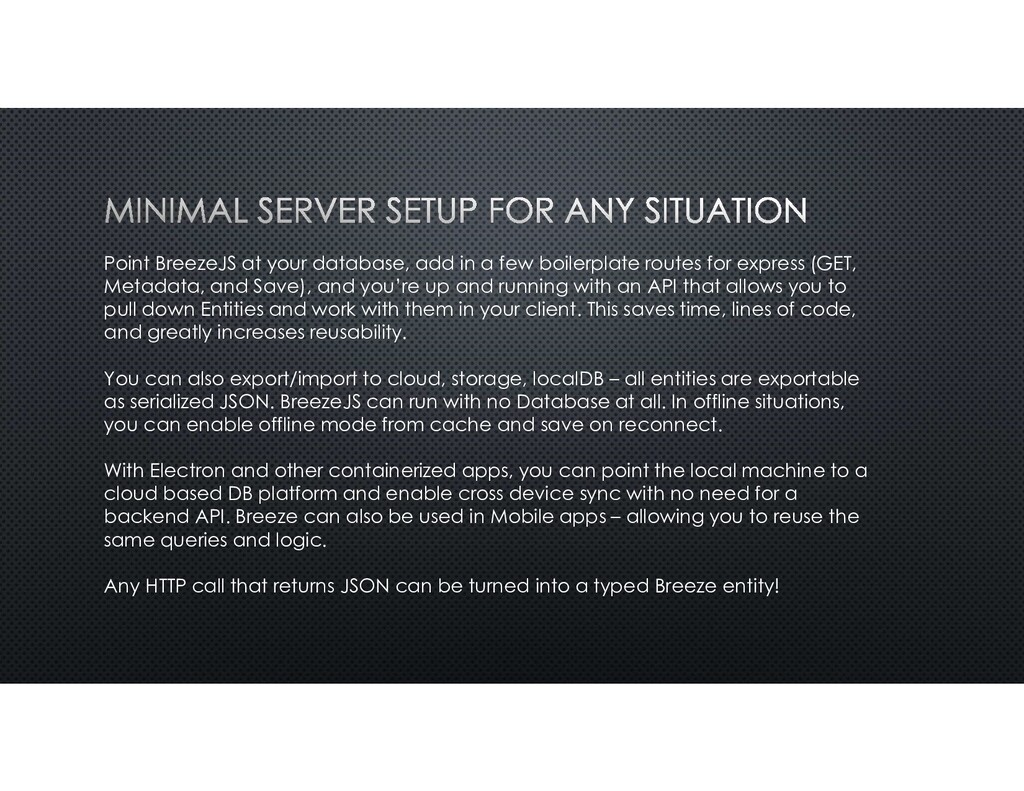
  2. Point BreezeJS at your database, add in a few boilerplate

    routes for express (GET, Metadata, and Save), and you’re up and running with an API that allows you to pull down Entities and work with them in your client. This saves time, lines of code, and greatly increases reusability. You can also export/import to cloud, storage, localDB – all entities are exportable as serialized JSON. BreezeJS can run with no Database at all. In offline situations, you can enable offline mode from cache and save on reconnect. With Electron and other containerized apps, you can point the local machine to a cloud based DB platform and enable cross device sync with no need for a backend API. Breeze can also be used in Mobile apps – allowing you to reuse the same queries and logic. Any HTTP call that returns JSON can be turned into a typed Breeze entity!
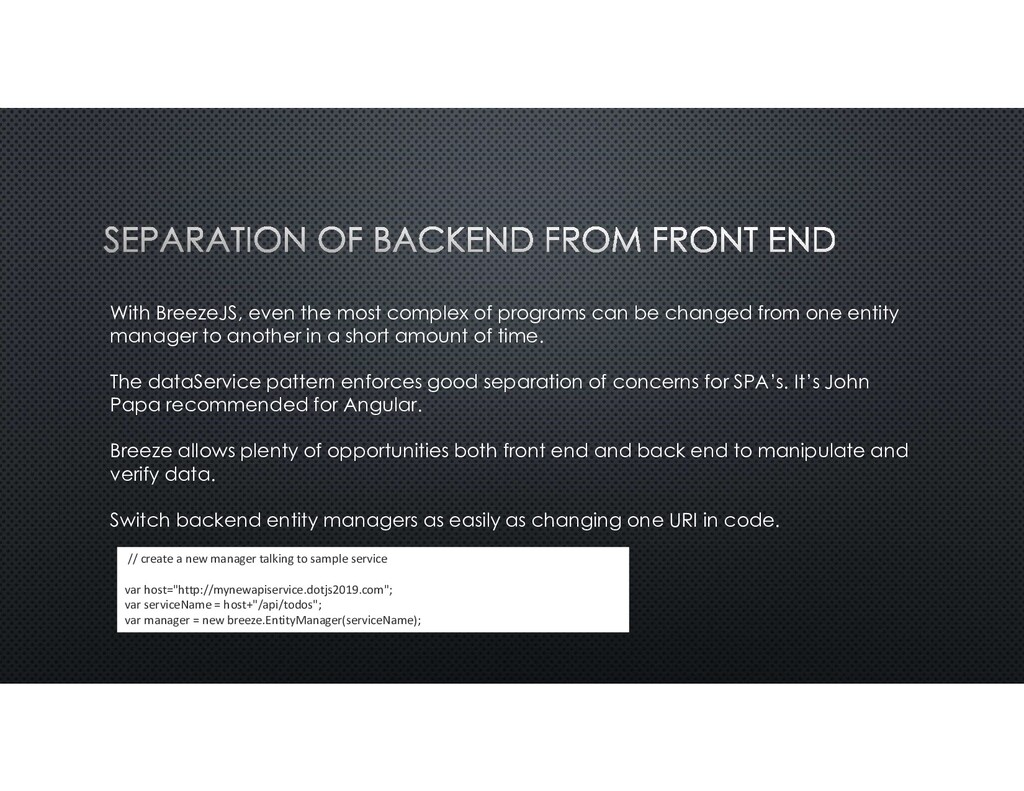
  3. With BreezeJS, even the most complex of programs can be

    changed from one entity manager to another in a short amount of time. The dataService pattern enforces good separation of concerns for SPA’s. It’s John Papa recommended for Angular. Breeze allows plenty of opportunities both front end and back end to manipulate and verify data. Switch backend entity managers as easily as changing one URI in code. // create a new manager talking to sample service var host="http://mynewapiservice.dotjs2019.com"; var serviceName = host+"/api/todos"; var manager = new breeze.EntityManager(serviceName);
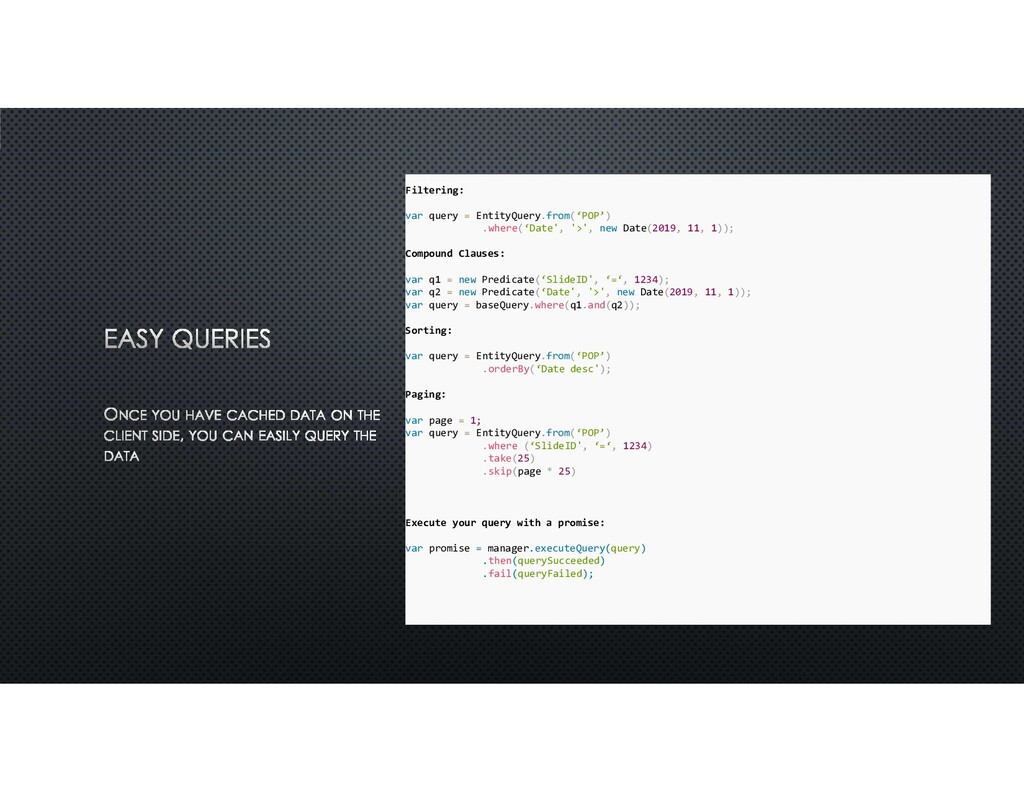
  4. Filtering: var query = EntityQuery.from(‘POP’) .where(‘Date', '>', new Date(2019, 11,

    1)); Compound Clauses: var q1 = new Predicate(‘SlideID', ‘=‘, 1234); var q2 = new Predicate(‘Date', '>', new Date(2019, 11, 1)); var query = baseQuery.where(q1.and(q2)); Sorting: var query = EntityQuery.from(‘POP’) .orderBy(‘Date desc'); Paging: var page = 1; var query = EntityQuery.from(‘POP’) .where (‘SlideID', ‘=‘, 1234) .take(25) .skip(page * 25) Execute your query with a promise: var promise = manager.executeQuery(query) .then(querySucceeded) .fail(queryFailed);
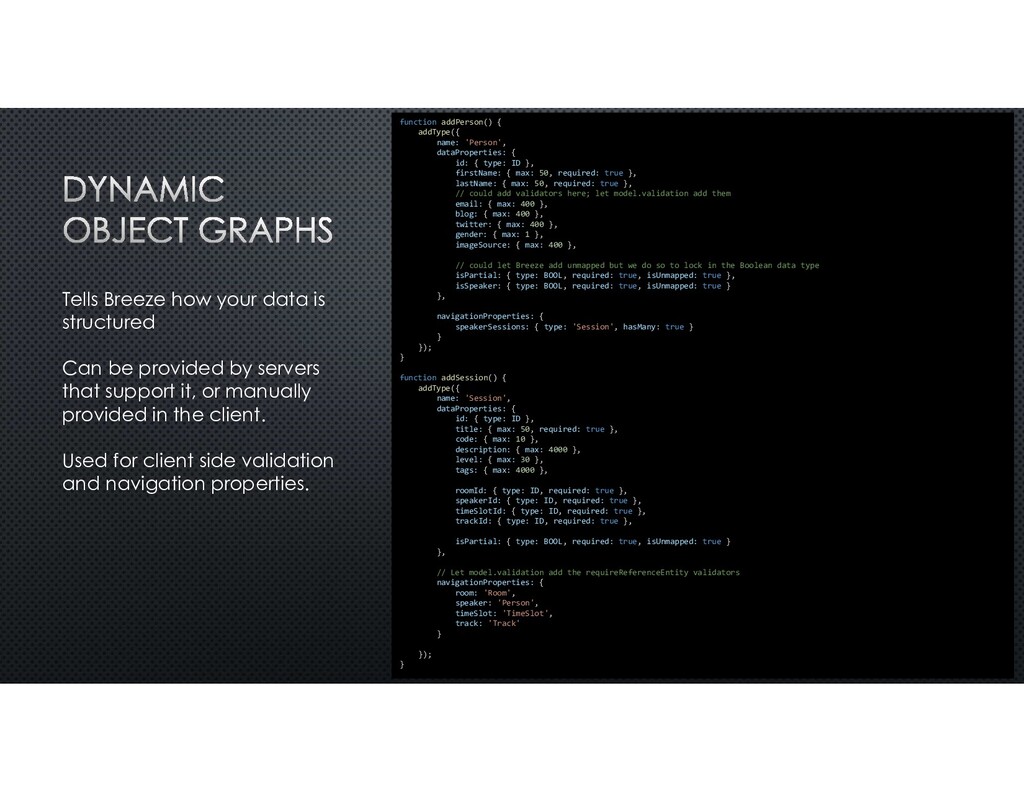
  5. Tells Breeze how your data is structured Can be provided

    by servers that support it, or manually provided in the client. Used for client side validation and navigation properties. function addPerson() { addType({ name: 'Person', dataProperties: { id: { type: ID }, firstName: { max: 50, required: true }, lastName: { max: 50, required: true }, // could add validators here; let model.validation add them email: { max: 400 }, blog: { max: 400 }, twitter: { max: 400 }, gender: { max: 1 }, imageSource: { max: 400 }, // could let Breeze add unmapped but we do so to lock in the Boolean data type isPartial: { type: BOOL, required: true, isUnmapped: true }, isSpeaker: { type: BOOL, required: true, isUnmapped: true } }, navigationProperties: { speakerSessions: { type: 'Session', hasMany: true } } }); } function addSession() { addType({ name: 'Session', dataProperties: { id: { type: ID }, title: { max: 50, required: true }, code: { max: 10 }, description: { max: 4000 }, level: { max: 30 }, tags: { max: 4000 }, roomId: { type: ID, required: true }, speakerId: { type: ID, required: true }, timeSlotId: { type: ID, required: true }, trackId: { type: ID, required: true }, isPartial: { type: BOOL, required: true, isUnmapped: true } }, // Let model.validation add the requireReferenceEntity validators navigationProperties: { room: 'Room', speaker: 'Person', timeSlot: 'TimeSlot', track: 'Track' } }); }
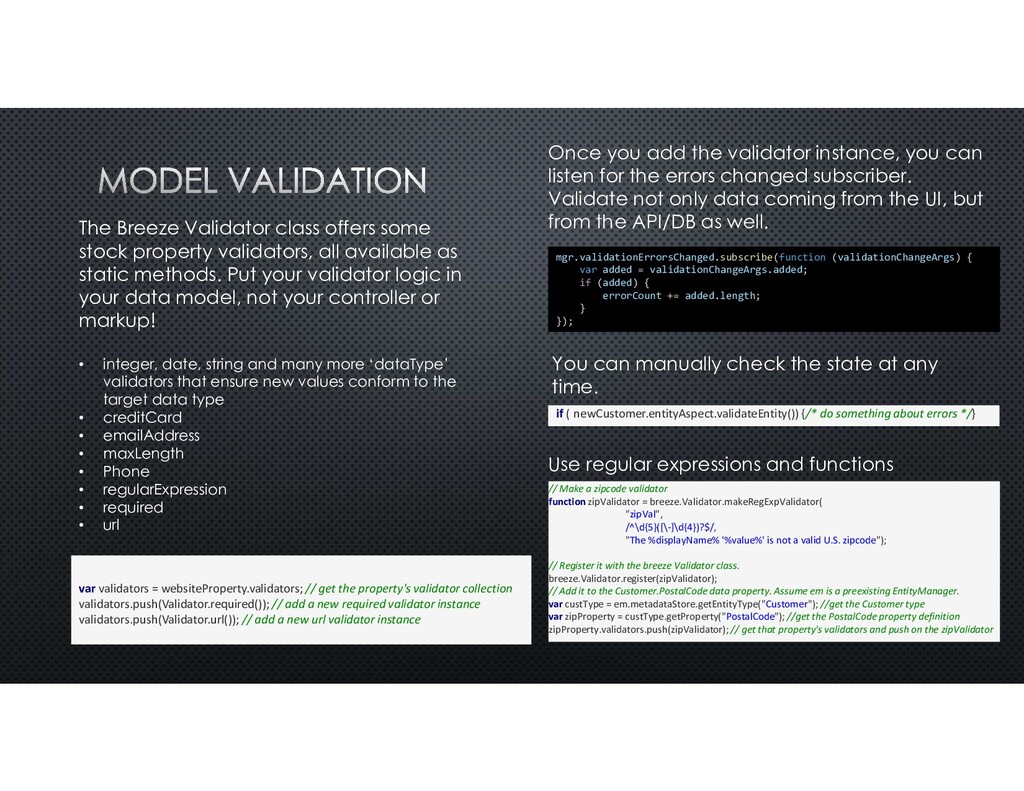
  6. The Breeze Validator class offers some stock property validators, all

    available as static methods. Put your validator logic in your data model, not your controller or markup! • integer, date, string and many more ‘dataType’ validators that ensure new values conform to the target data type • creditCard • emailAddress • maxLength • Phone • regularExpression • required • url // Make a zipcode validator function zipValidator = breeze.Validator.makeRegExpValidator( "zipVal", /^\d{5}([\-]\d{4})?$/, "The %displayName% '%value%' is not a valid U.S. zipcode"); // Register it with the breeze Validator class. breeze.Validator.register(zipValidator); // Add it to the Customer.PostalCode data property. Assume em is a preexisting EntityManager. var custType = em.metadataStore.getEntityType("Customer"); //get the Customer type var zipProperty = custType.getProperty("PostalCode"); //get the PostalCode property definition zipProperty.validators.push(zipValidator); // get that property's validators and push on the zipValidator Use regular expressions and functions if (!newCustomer.entityAspect.validateEntity()) {/* do something about errors */} You can manually check the state at any time. var validators = websiteProperty.validators; // get the property's validator collection validators.push(Validator.required()); // add a new required validator instance validators.push(Validator.url()); // add a new url validator instance mgr.validationErrorsChanged.subscribe(function (validationChangeArgs) { var added = validationChangeArgs.added; if (added) { errorCount += added.length; } }); Once you add the validator instance, you can listen for the errors changed subscriber. Validate not only data coming from the UI, but from the API/DB as well.
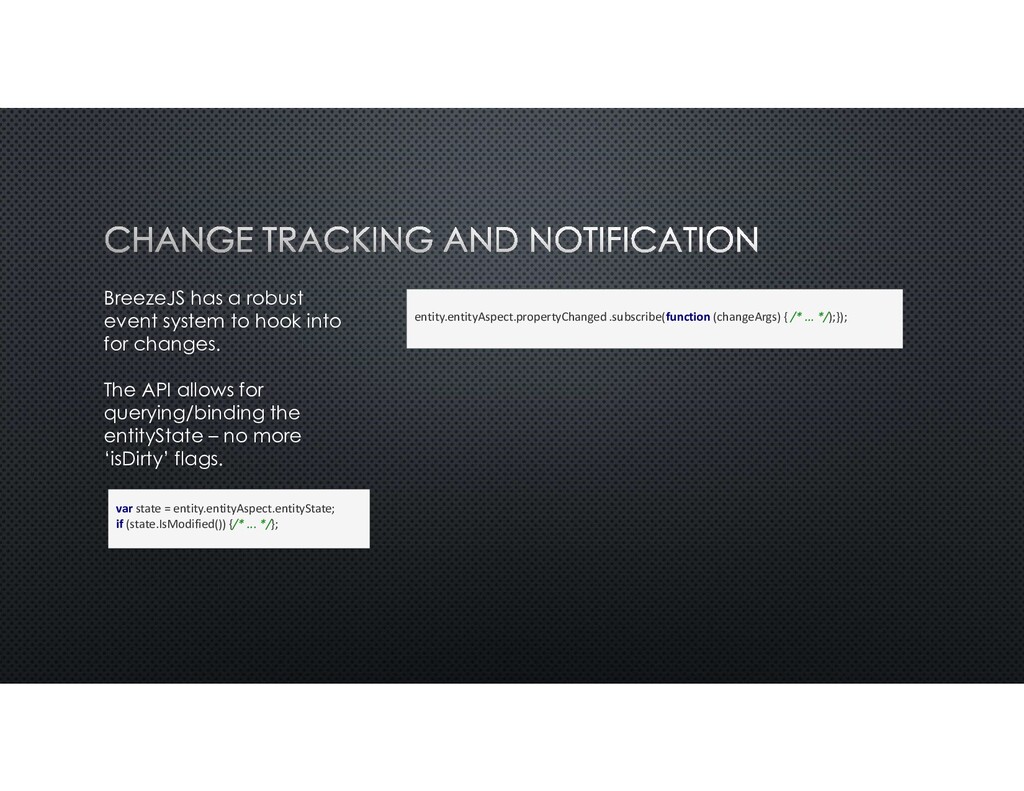
  7. BreezeJS has a robust event system to hook into for

    changes. The API allows for querying/binding the entityState – no more ‘isDirty’ flags. var state = entity.entityAspect.entityState; if (state.IsModified()) {/* ... */}; entity.entityAspect.propertyChanged .subscribe(function (changeArgs) { /* ... */);});
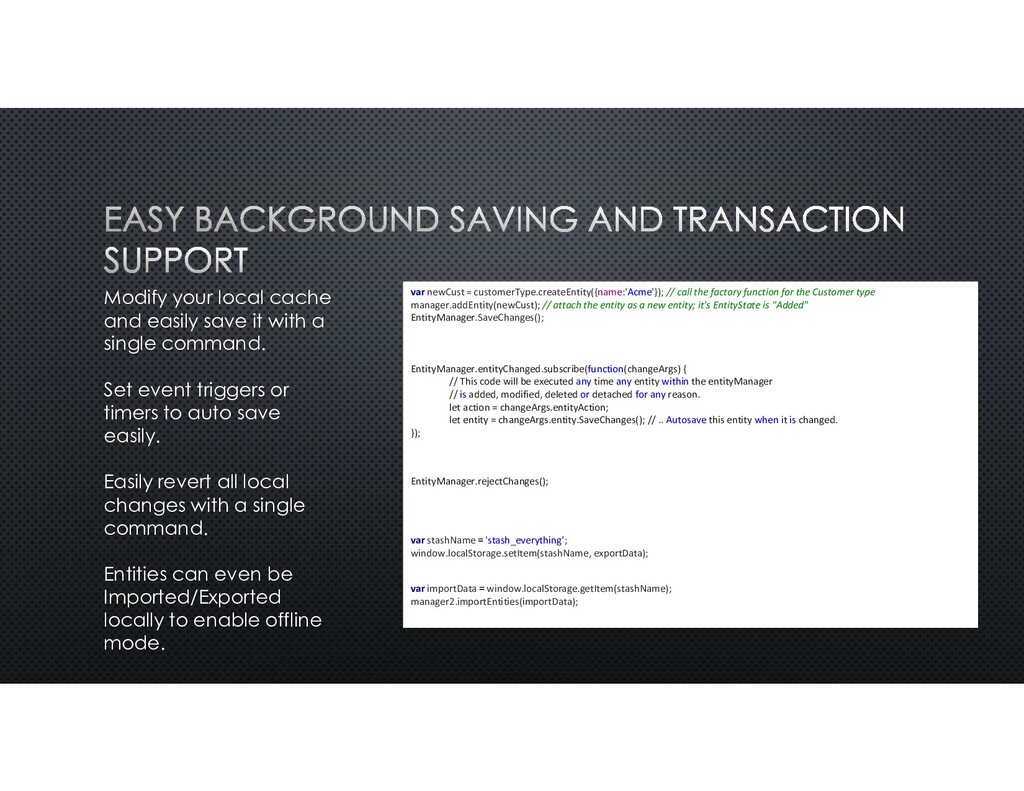
  8. Modify your local cache and easily save it with a

    single command. Set event triggers or timers to auto save easily. Easily revert all local changes with a single command. Entities can even be Imported/Exported locally to enable offline mode. var newCust = customerType.createEntity({name:'Acme'}); // call the factory function for the Customer type manager.addEntity(newCust); // attach the entity as a new entity; it's EntityState is "Added" EntityManager.SaveChanges(); EntityManager.entityChanged.subscribe(function(changeArgs) { // This code will be executed any time any entity within the entityManager // is added, modified, deleted or detached for any reason. let action = changeArgs.entityAction; let entity = changeArgs.entity.SaveChanges(); // .. Autosave this entity when it is changed. }); EntityManager.rejectChanges(); var stashName = 'stash_everything’; window.localStorage.setItem(stashName, exportData); var importData = window.localStorage.getItem(stashName); manager2.importEntities(importData);
  9. Fort Monroe Sign Survey A quick phone app that allowed

    us to capture over 1,000 signs and markers on Fort Monroe, output a Google Maps and PDF report for bidding. Competed in 3 days using Breeze to connect to MySql. The ShineEMC player – Glow An electron app running on a windows desktop with a direct MySQL conection. BreezeJS allowed us to cache and manage complex scheduling in remote locations with poor network reliability. BreezeJS’s intelligent caching and offline capabilities allowed us to run offline for months. The refined data access model made tasks like uploading 1,000’s of Proof of Play entries trivial.