Upgrade to Pro
— share decks privately, control downloads, hide ads and more …
Speaker Deck
Sign up for free
Menu
Search
Features
All features
Private URLs
Password Protection
Custom URLS
Scheduled publishing
Remove Branding
Restrict embedding
Deck Collections
Notes
Features
All features
Private URLs
Password Protection
Custom URLS
Scheduled publishing
Remove Branding
Restrict embedding
Deck Collections
Notes
Explore
Featured decks
Featured speakers
Programming
Technology
Storyboards
Explore
Featured decks
Featured speakers
Programming
Technology
Storyboards
Pricing
Search
Sign in
Sign up for free
CPOSC2012 final.pdf
Search
Jason May
October 27, 2012
25
0
Share
Embed
Copy iframe code
Copy JS code
Copy link
Start on current slide
CPOSC2012 final.pdf
Jason May
October 27, 2012
Featured
See All Featured
Designing for humans not robots
tammielis
254
26k
Evolution of real-time – Irina Nazarova, EuRuKo, 2024
irinanazarova
9
1.6k
Dominate Local Search Results - an insider guide to GBP, reviews, and Local SEO
greggifford
PRO
0
370
From π to Pie charts
rasagy
1
400
Fireside Chat
paigeccino
43
4.1k
We Are The Robots
honzajavorek
0
400
Leo the Paperboy
mayatellez
10
2.4k
Into the Great Unknown - MozCon
thekraken
41
2.8k
Optimizing for Happiness
mojombo
378
71k
The untapped power of vector embeddings
frankvandijk
2
1.9k
Improving Core Web Vitals using Speculation Rules API
sergeychernyshev
21
1.7k
What's in a price? How to price your products and services
michaelherold
247
13k
Transcript
Why We Love Git Jason May
Why We Love Git We can expressively track content among
multiple endpoints.
Why We Love Git We can expressively track content among
multiple endpoints.
Why We Love Git We can expressively track content among
multiple endpoints.
Why We Love Git We can expressively track content among
multiple endpoints.
Why We Love Git We can expressively track content among
multiple endpoints.
Why We Love Git We can expressively track content among
multiple endpoints.
Commits are a form of documentation.
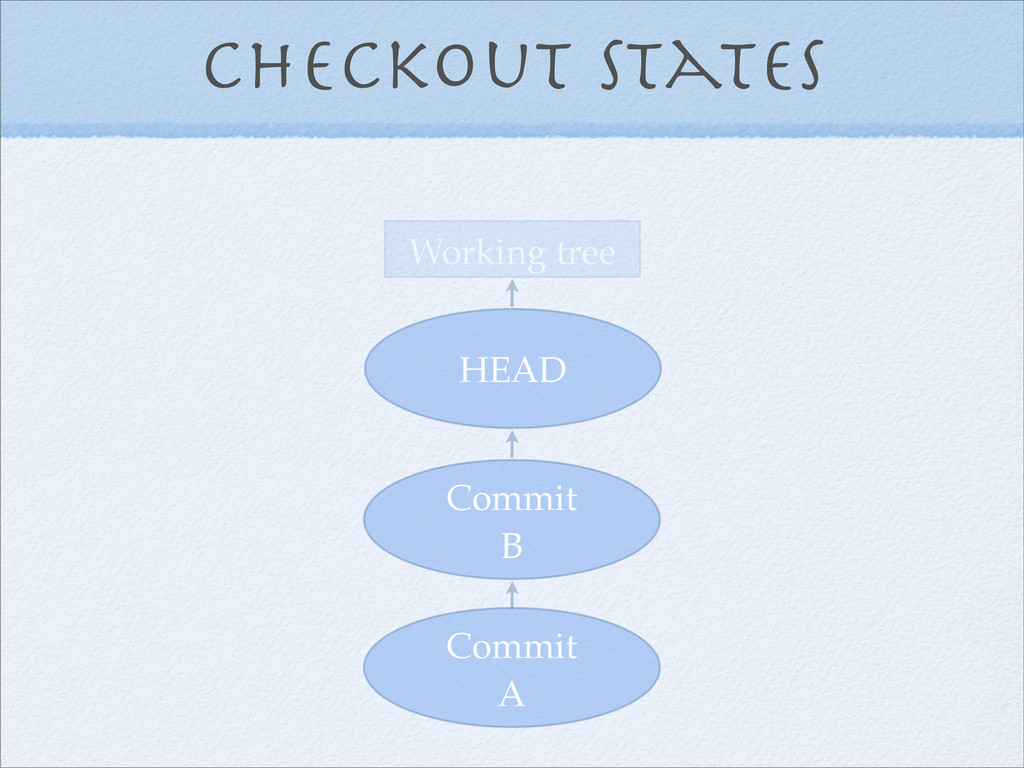
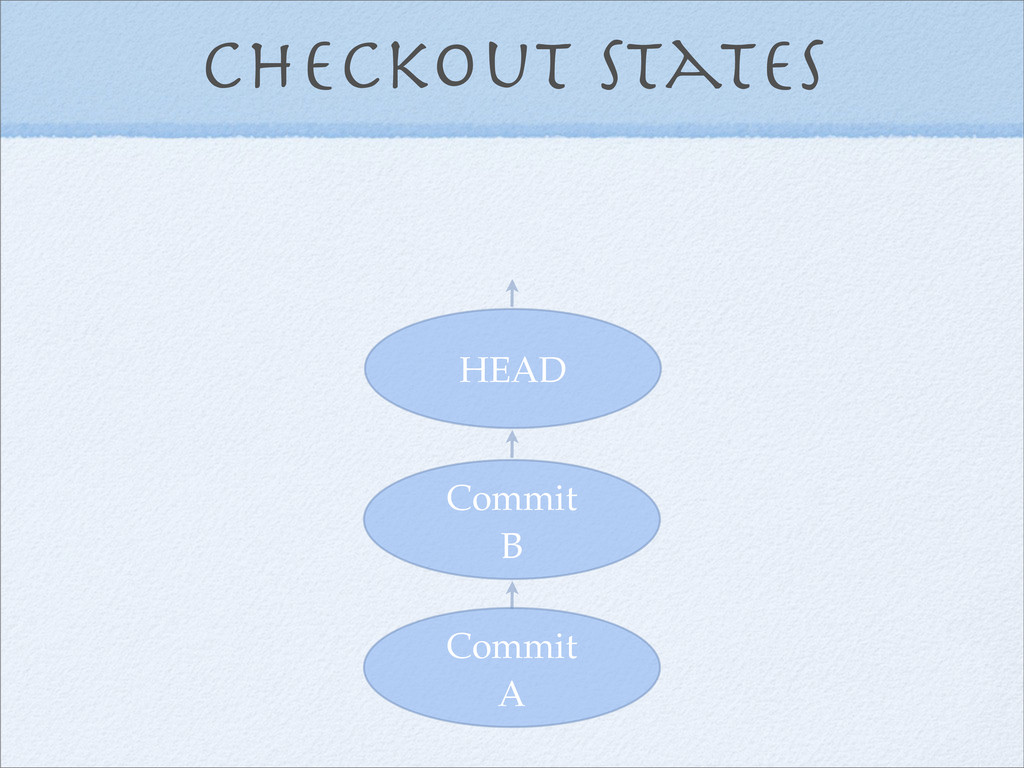
Checkout states “HEAD”
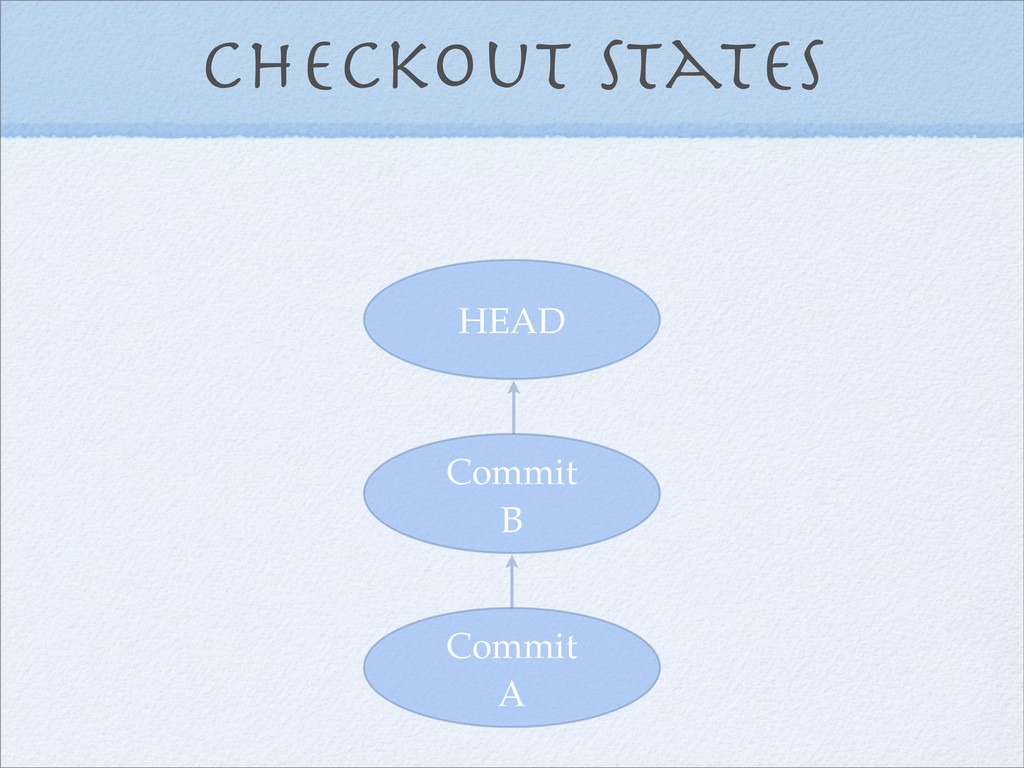
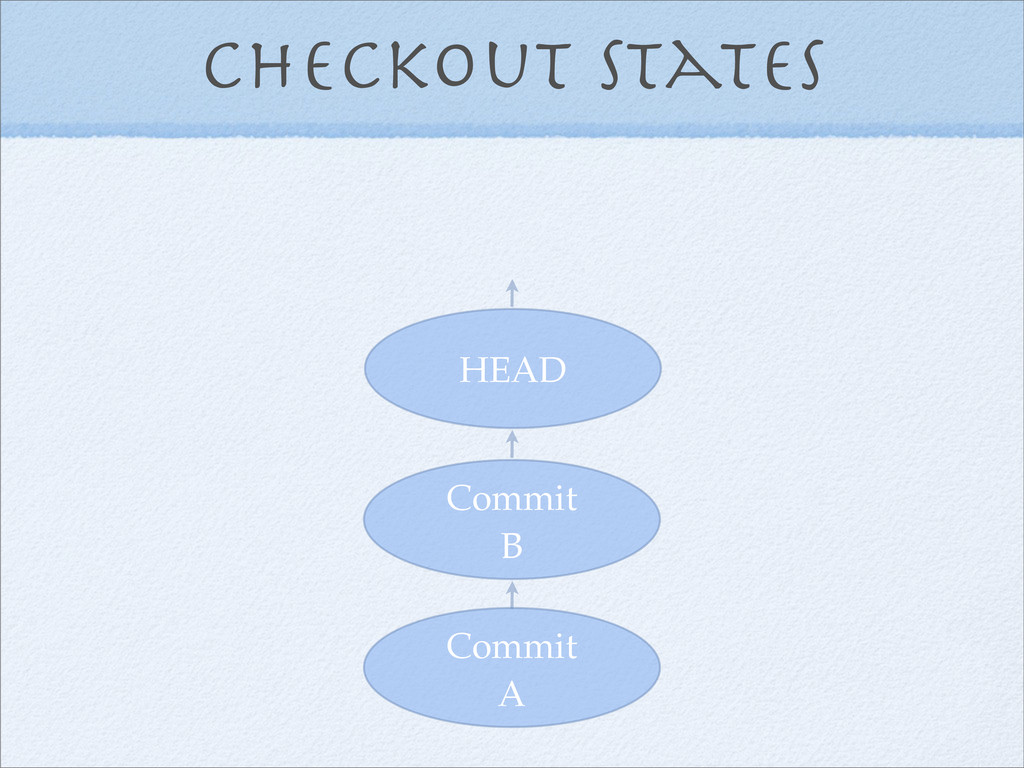
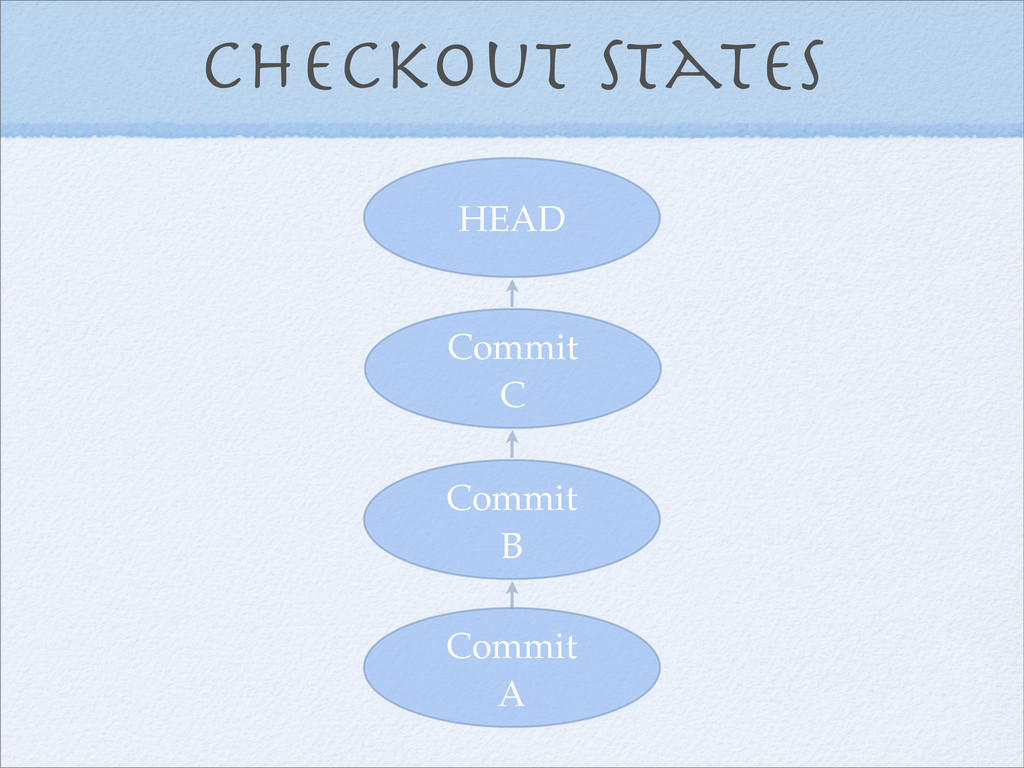
Checkout states Commit A Commit B HEAD
Checkout states “HEAD” The working tree
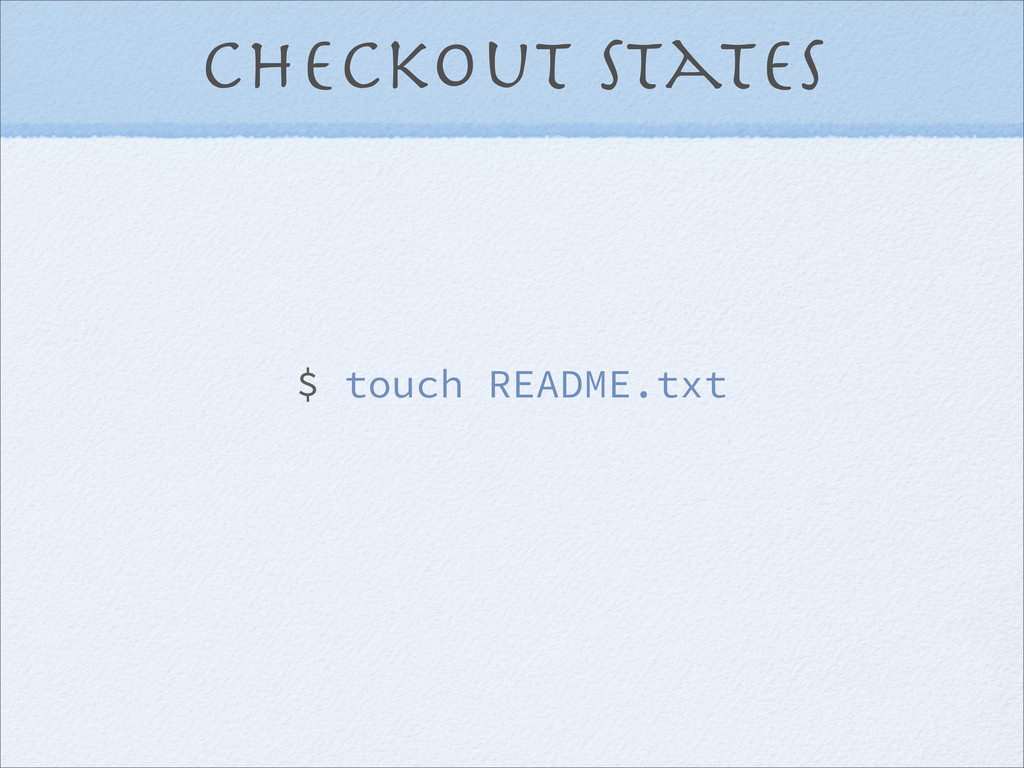
Checkout states $ touch README.txt
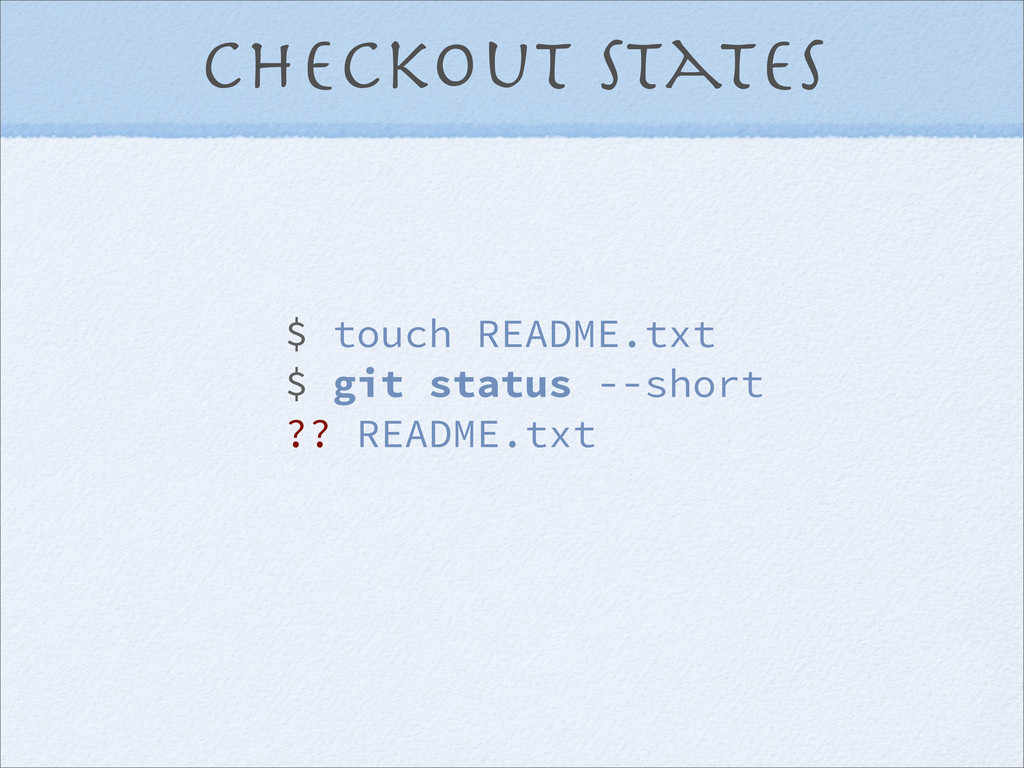
Checkout states $ touch README.txt $ git status --short ??
README.txt
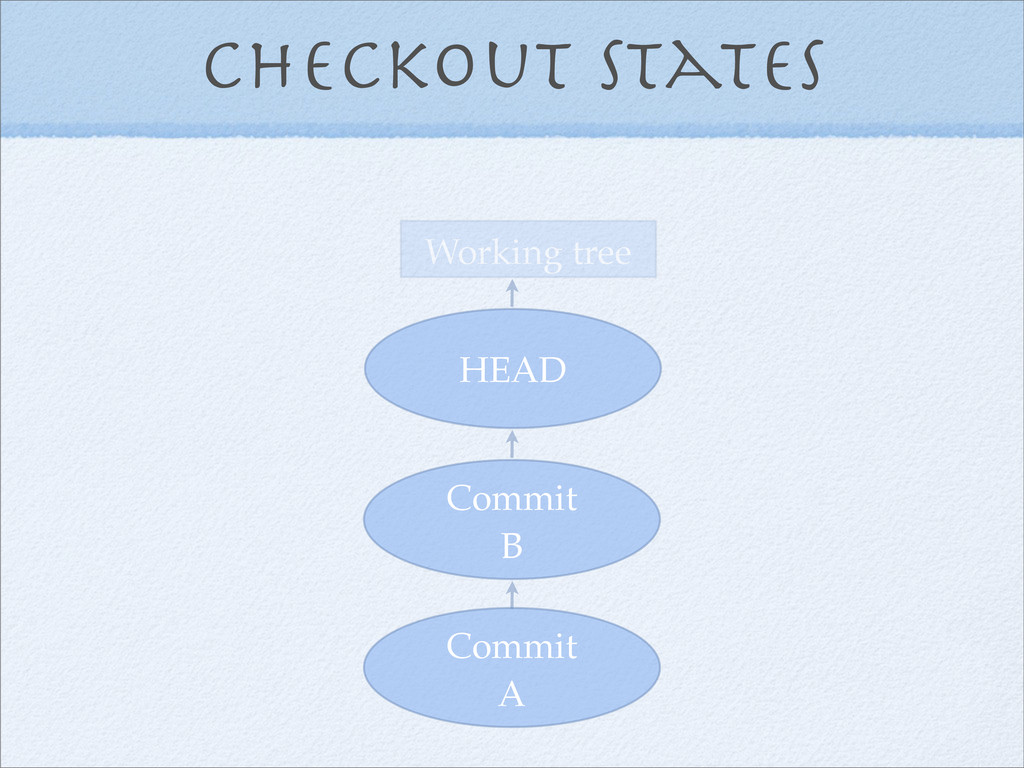
Checkout states Commit A Commit B HEAD Working tree
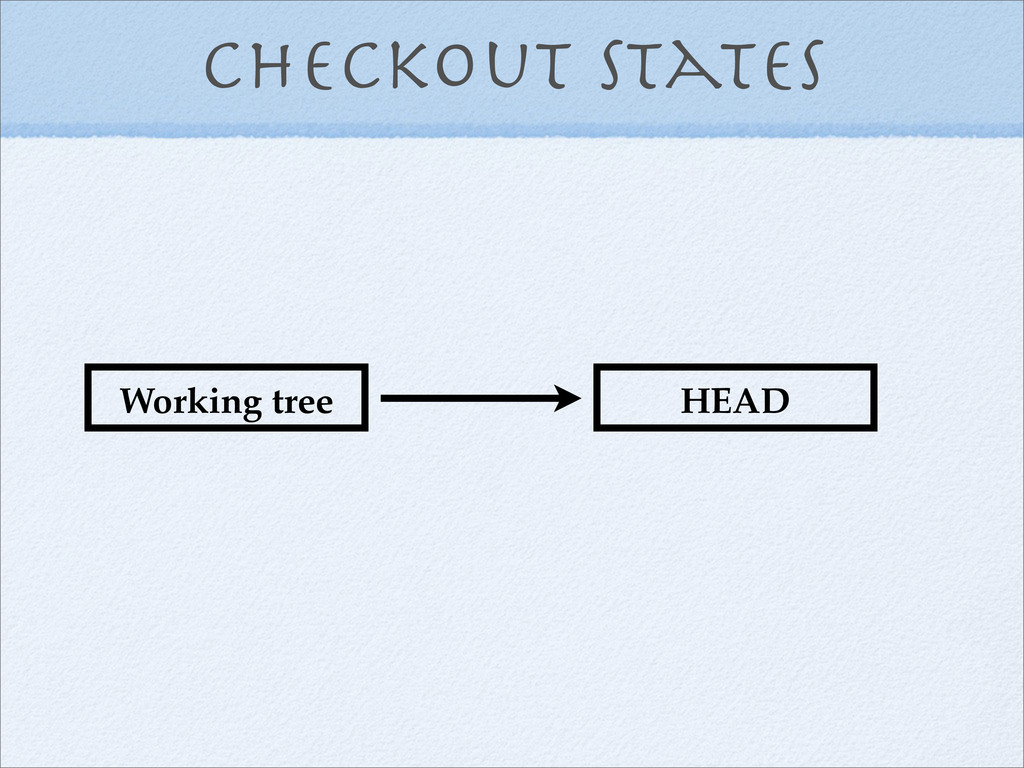
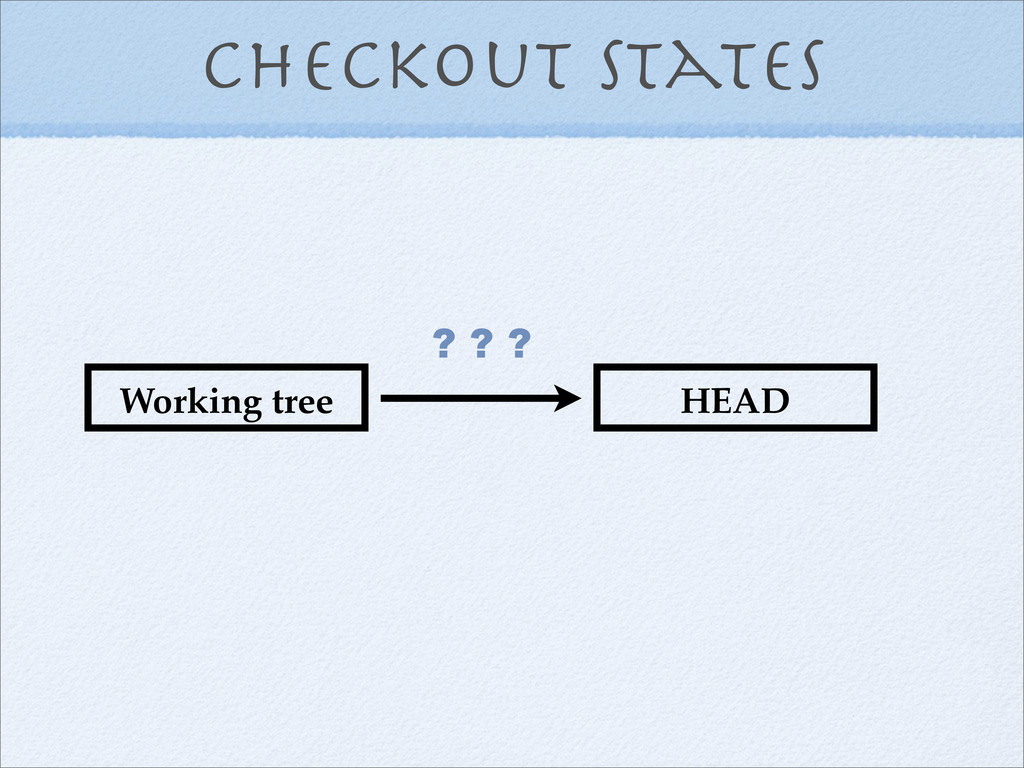
Checkout states Working tree HEAD
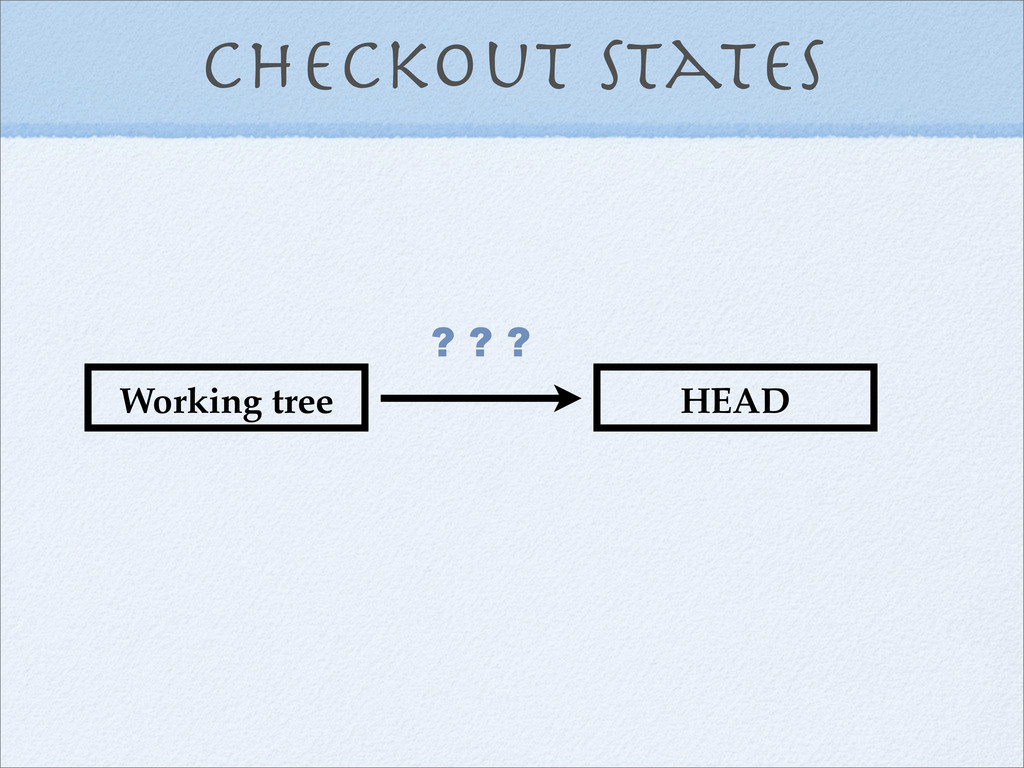
Checkout states Working tree HEAD ? ? ?
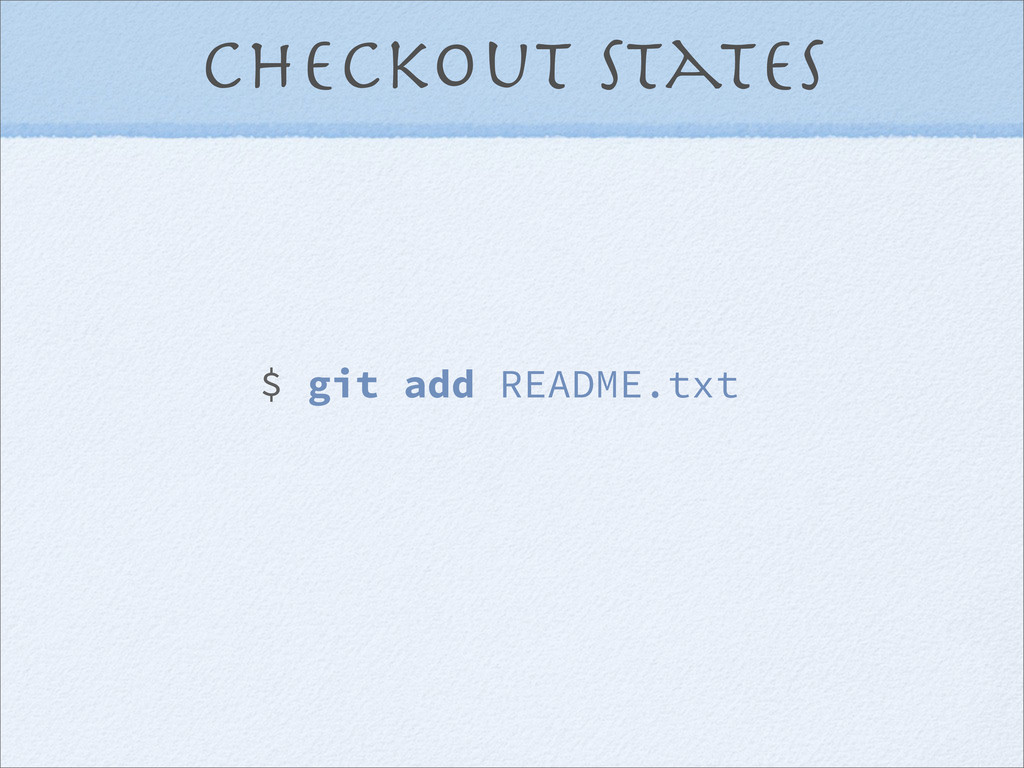
Checkout states $ git add README.txt
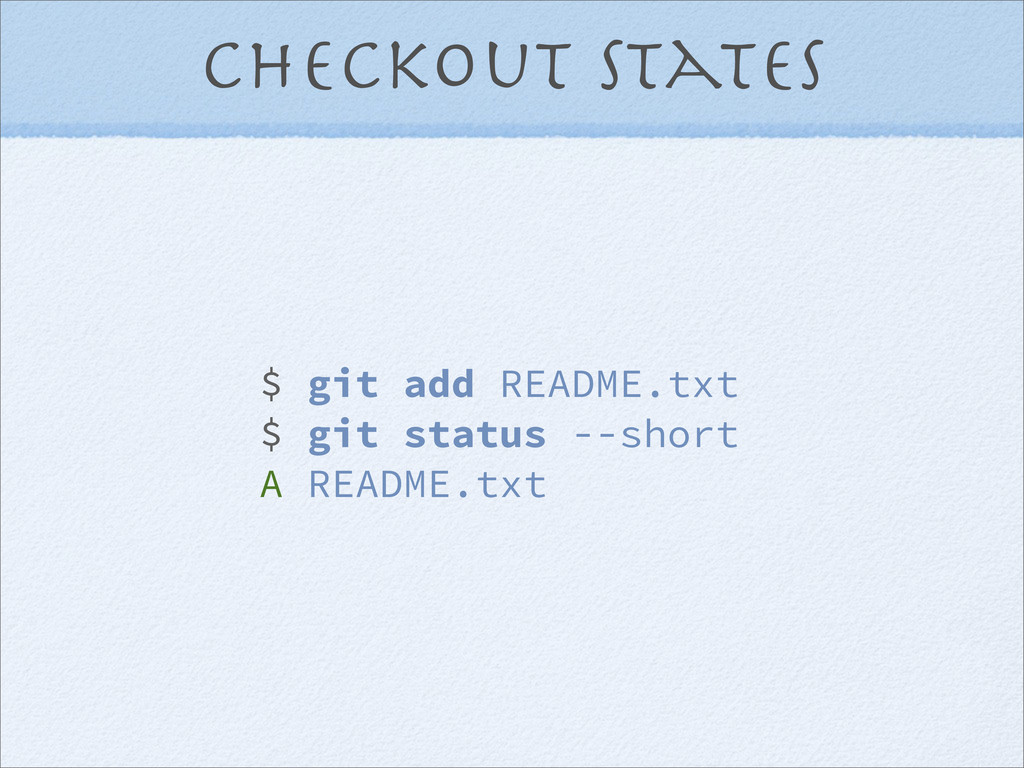
Checkout states $ git add README.txt $ git status --short
A README.txt
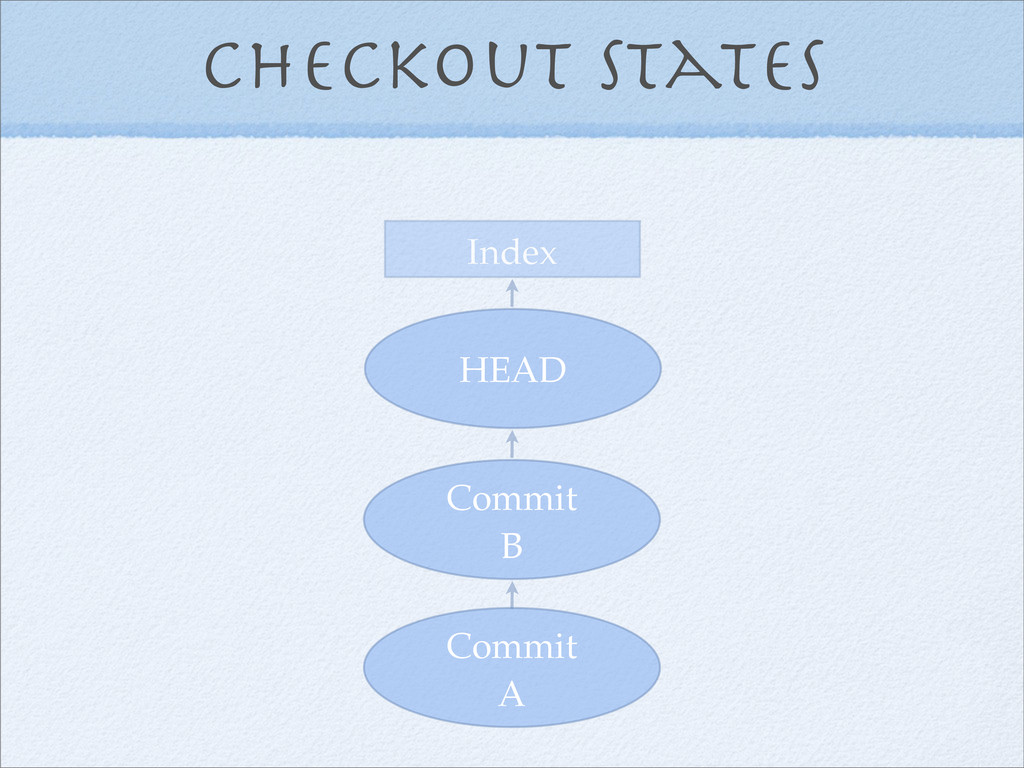
Checkout states The Index!
Checkout states Commit A Commit B HEAD Working tree
Checkout states Commit A Commit B HEAD
Checkout states Commit A Commit B HEAD
Checkout states Commit A Commit B HEAD Index
Checkout states Working tree HEAD ? ? ?
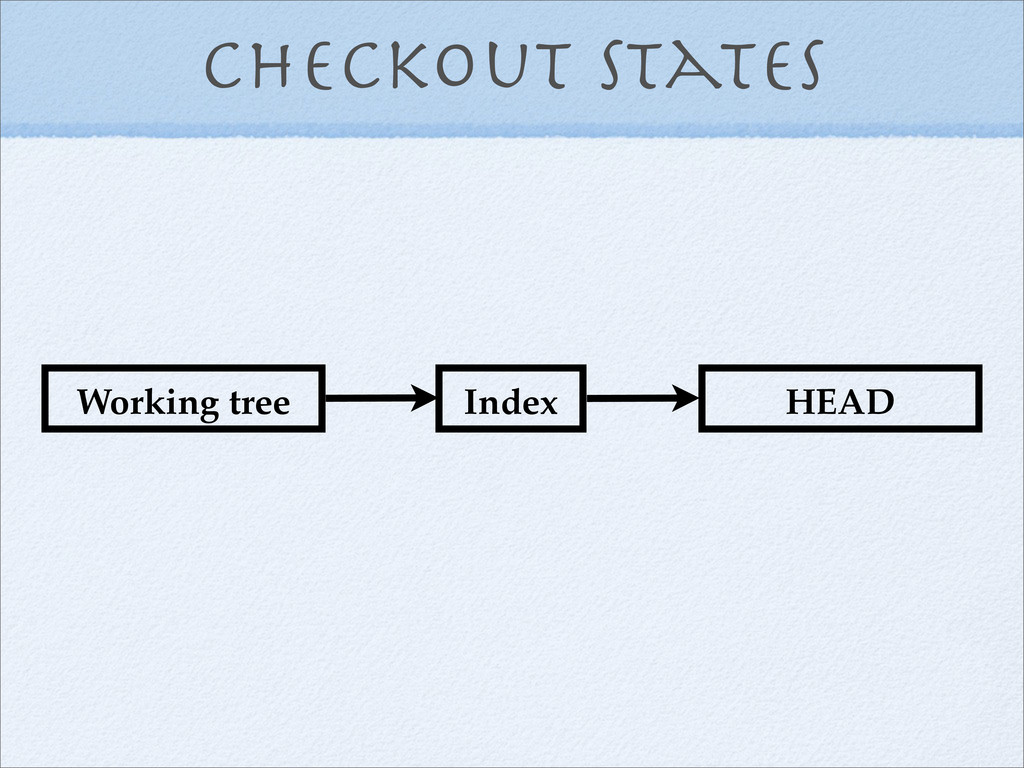
Checkout states Working tree HEAD Index
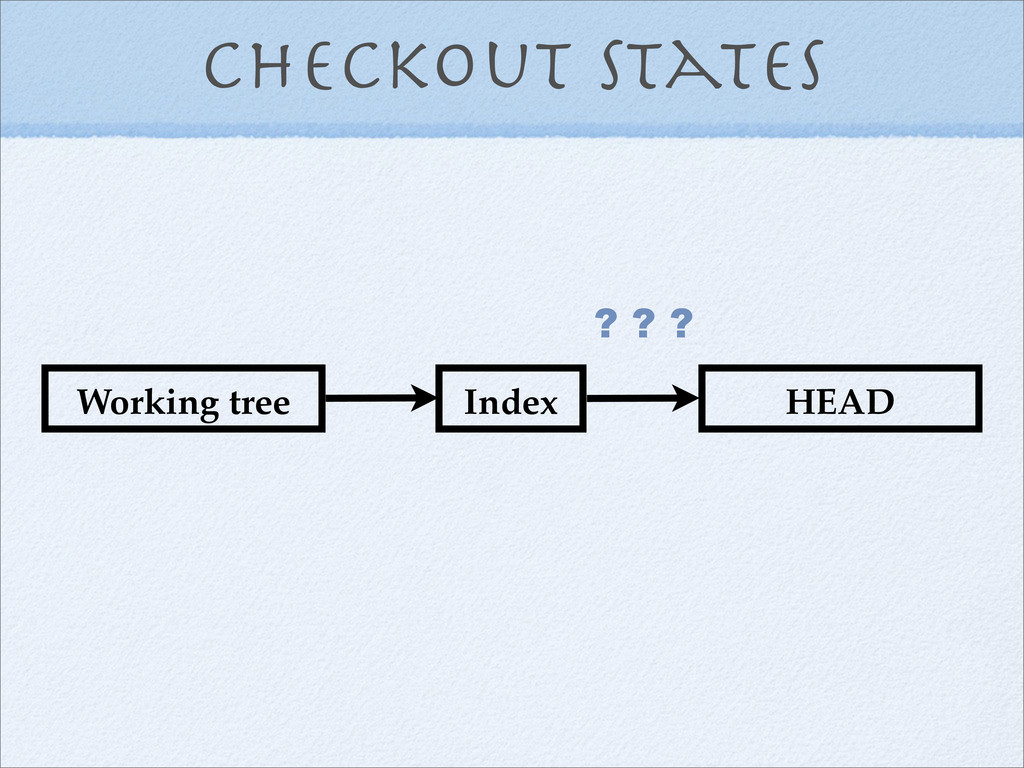
Checkout states Working tree HEAD Index ? ? ?
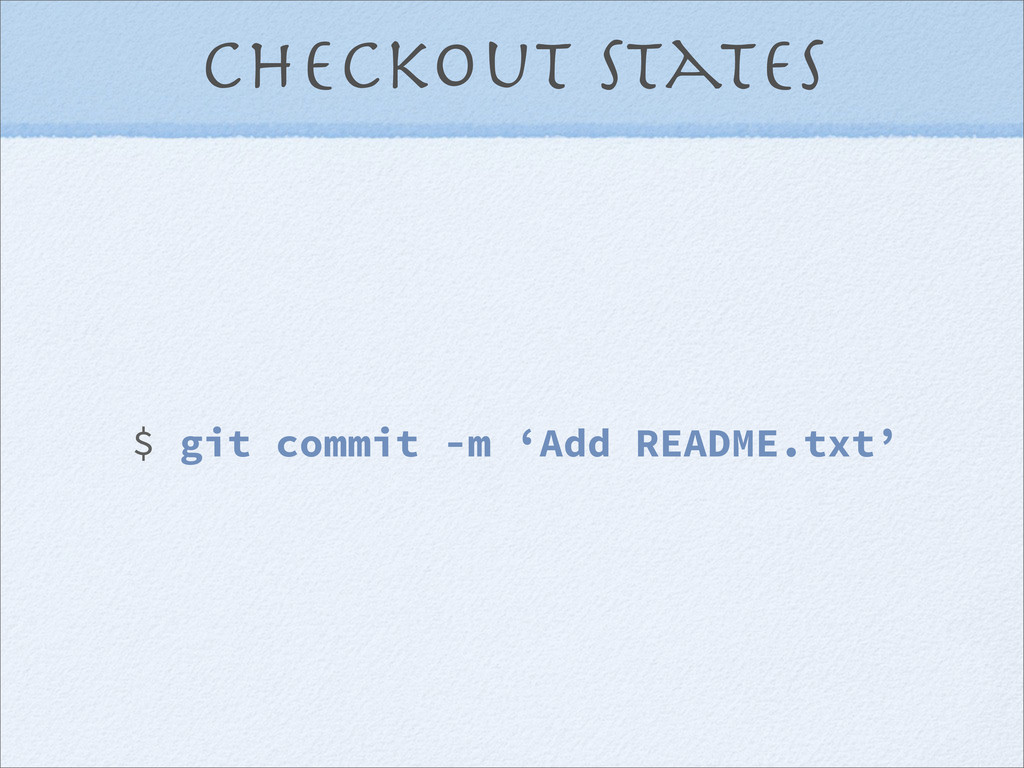
Checkout states $ git commit -m ‘Add README.txt’
Checkout states $ git commit
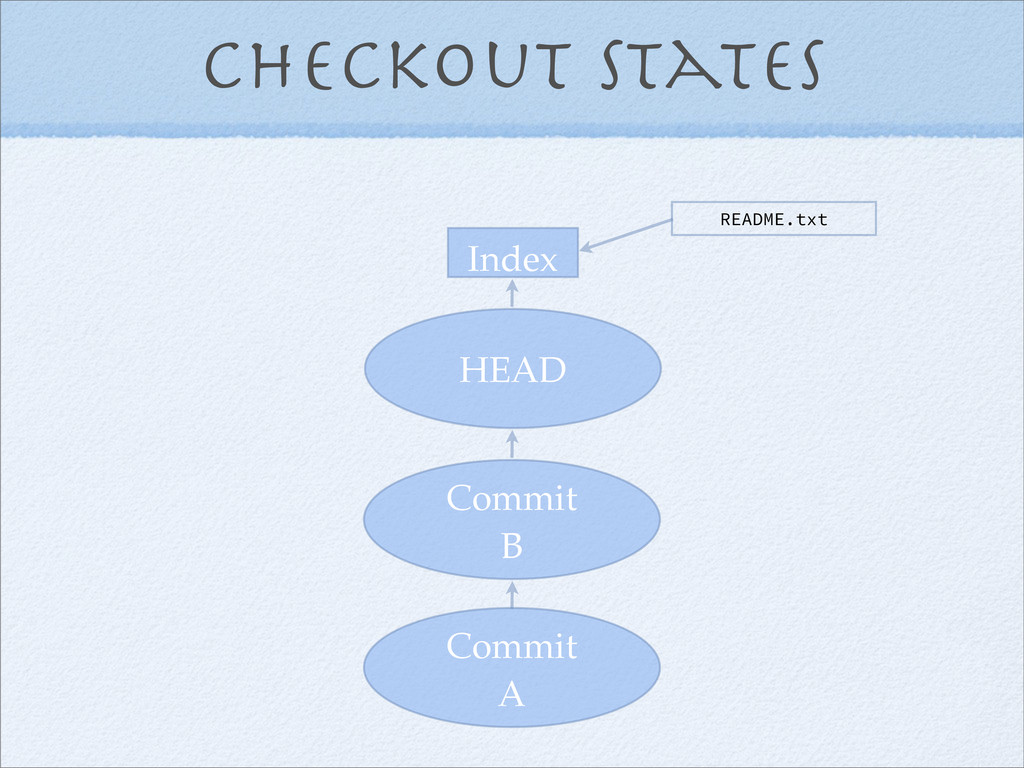
Checkout states Commit A Commit B HEAD Index README.txt
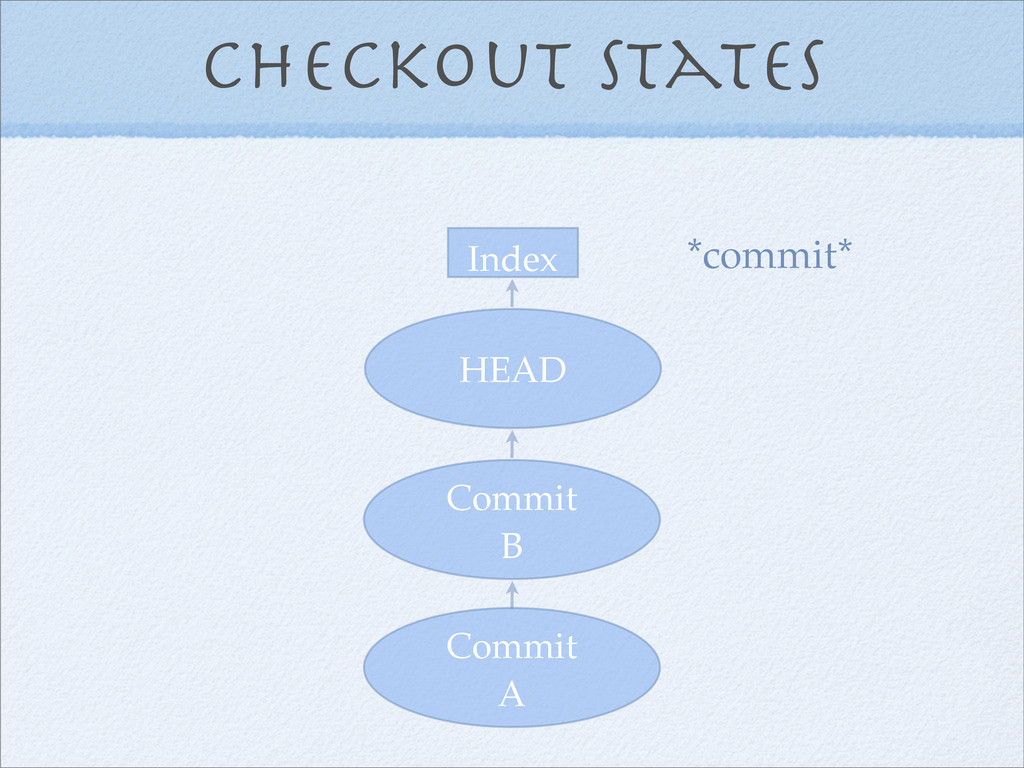
Checkout states Commit A Commit B Index *commit* HEAD
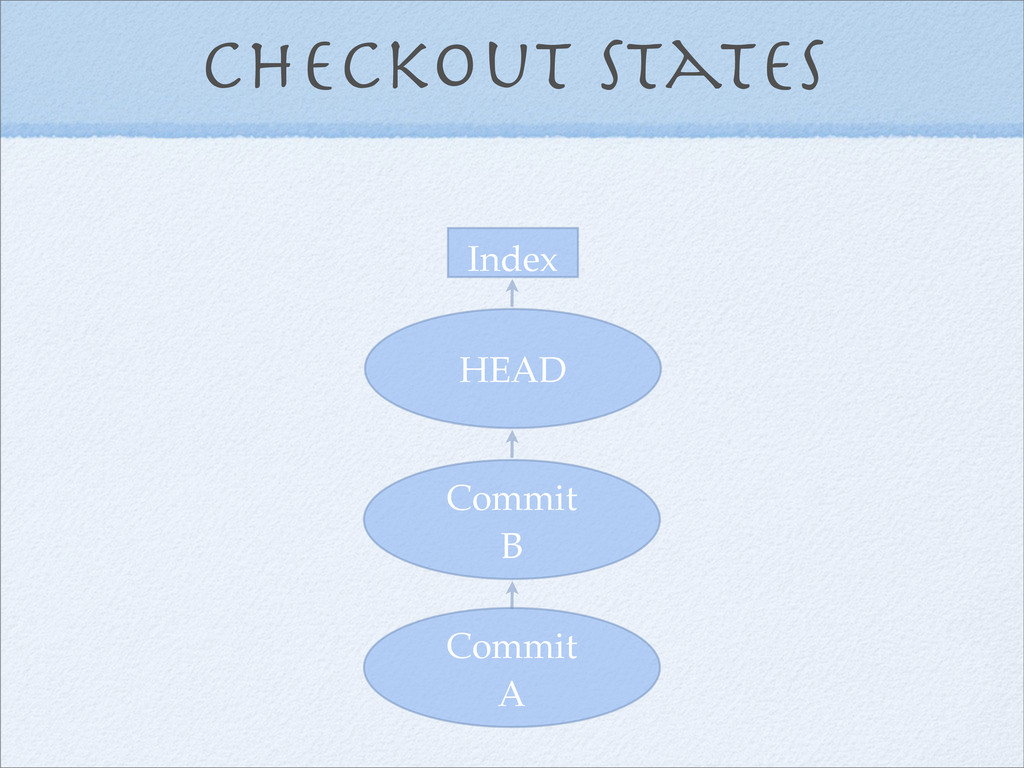
Checkout states Commit A Commit B Index HEAD
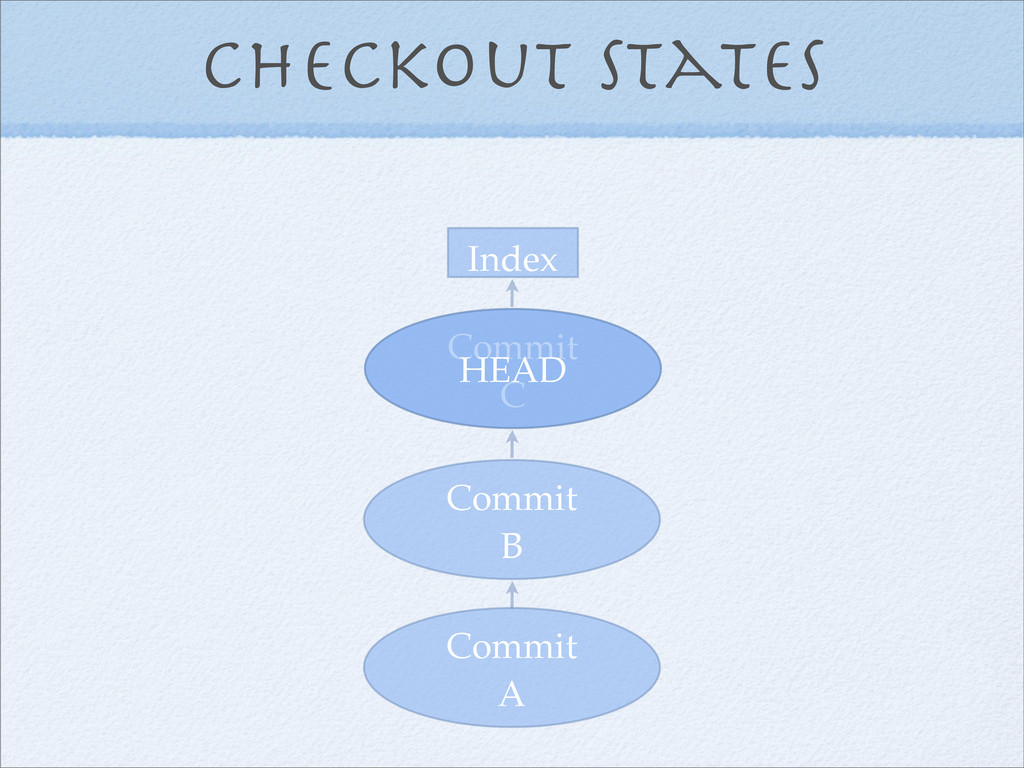
Checkout states Commit A Commit B Index Commit C HEAD
Checkout states Commit A Commit B Index Commit C HEAD
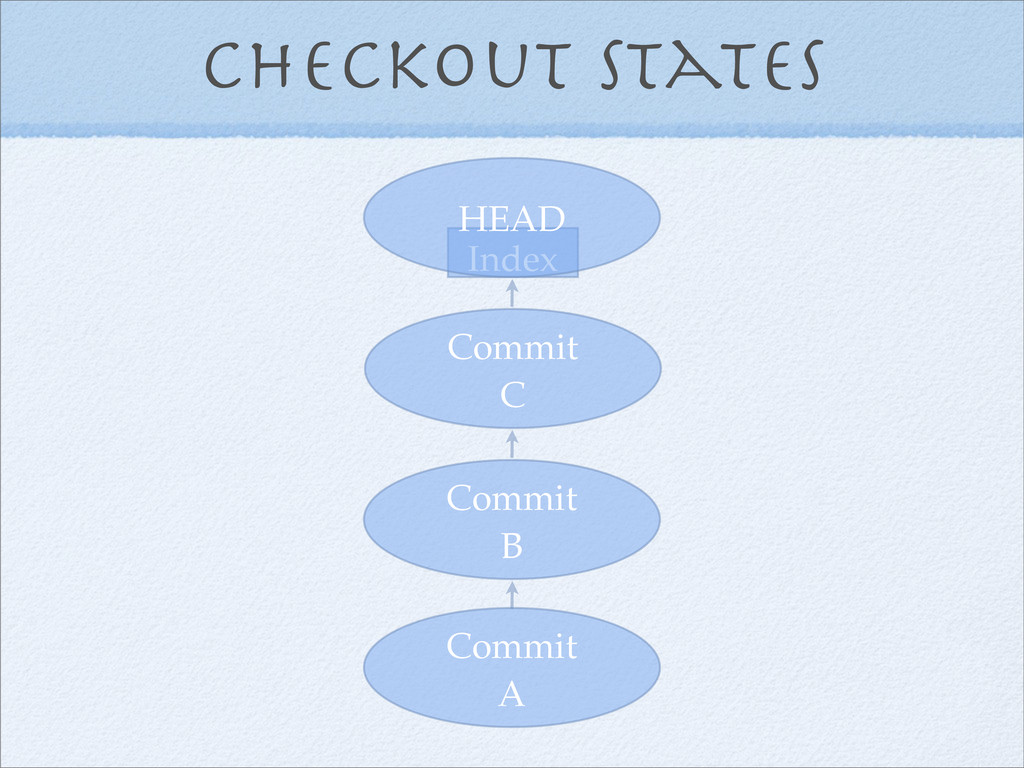
Checkout states Commit A Commit B Commit C HEAD
The concept of a ref
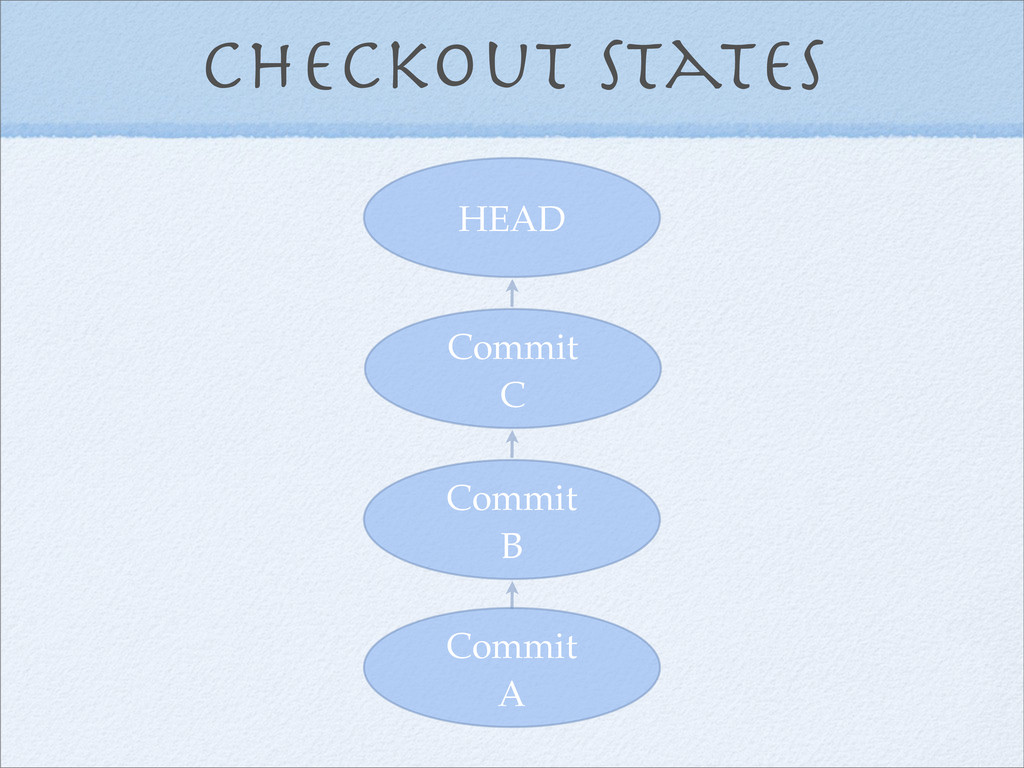
Checkout states Commit A Commit B Commit C HEAD
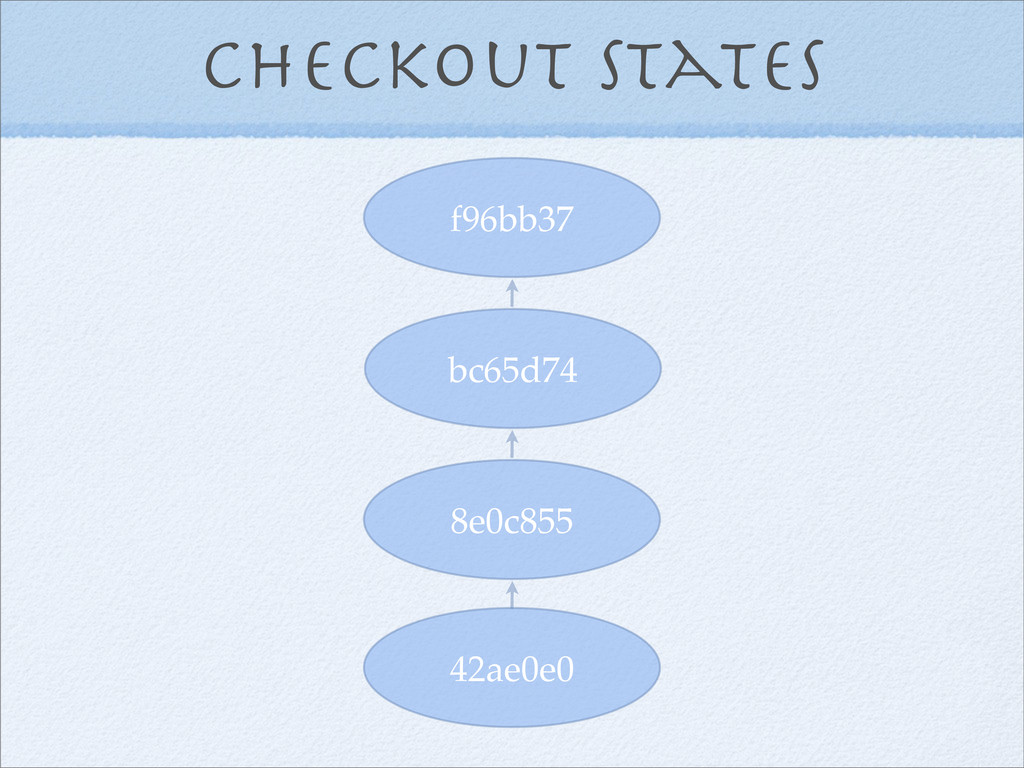
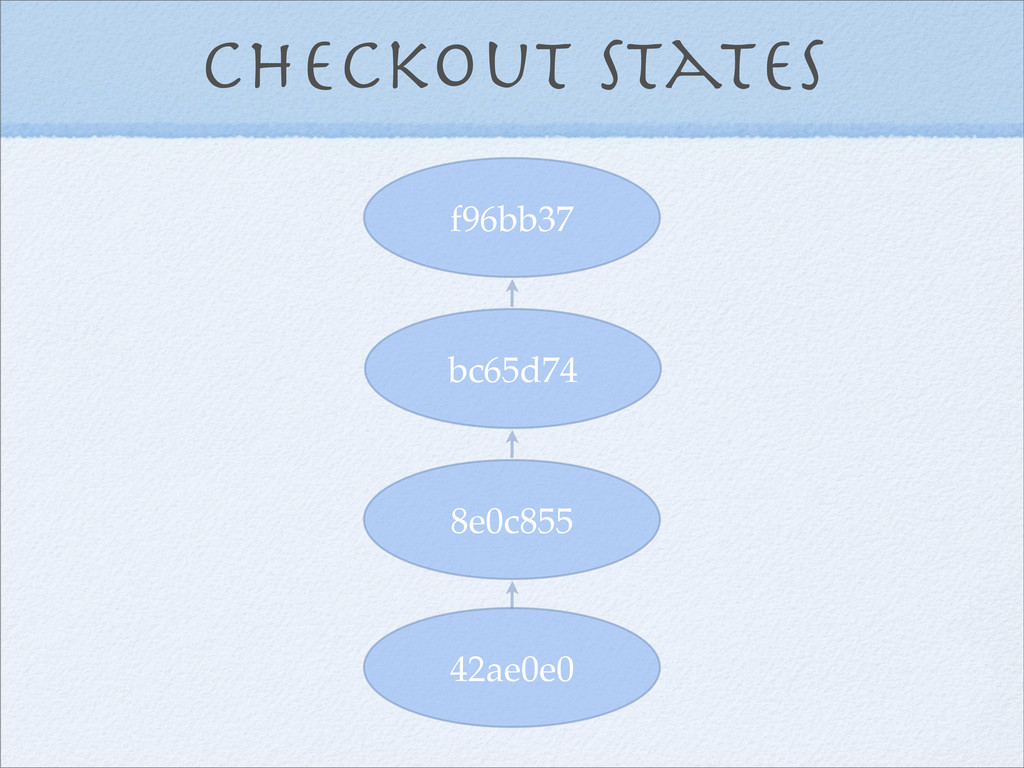
Checkout states 42ae0e0 8e0c855 bc65d74 f96bb37
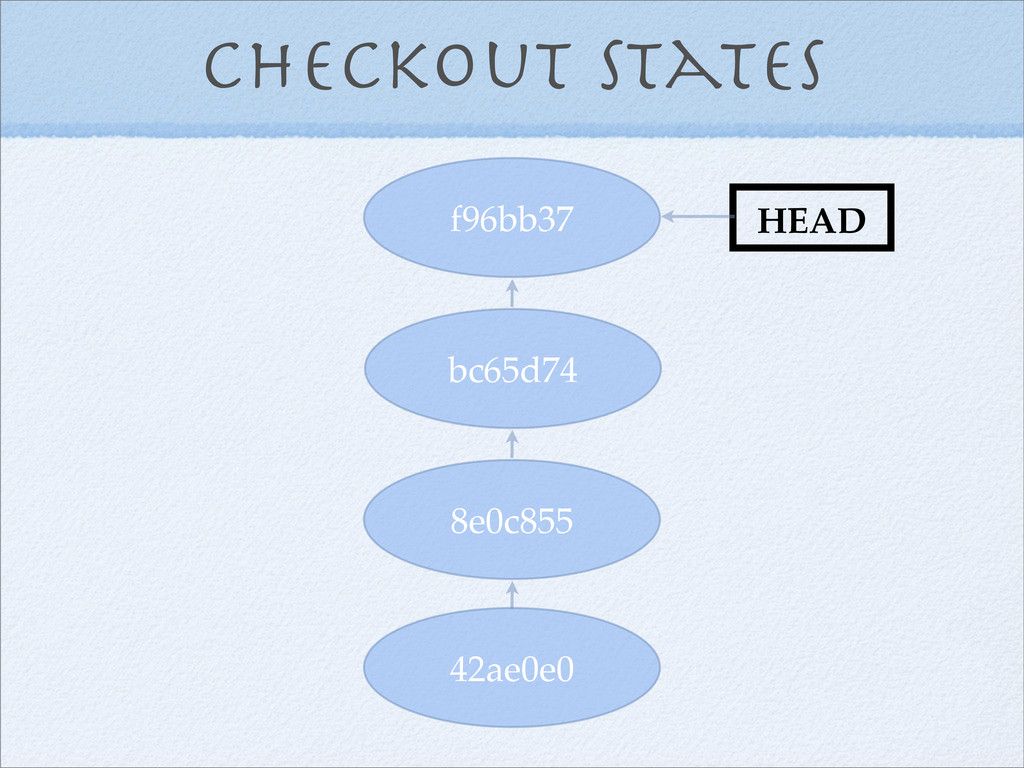
Checkout states 42ae0e0 8e0c855 bc65d74 f96bb37 HEAD
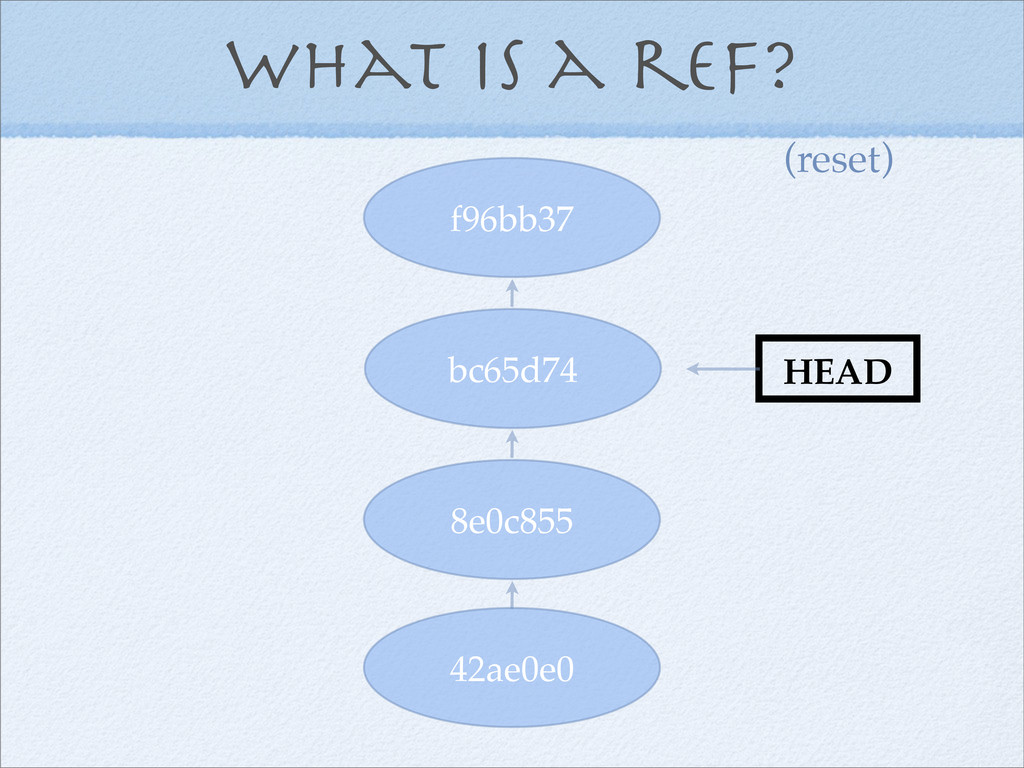
HEAD What is a ref?
my-branch What is a ref?
origin/my-branch What is a ref?
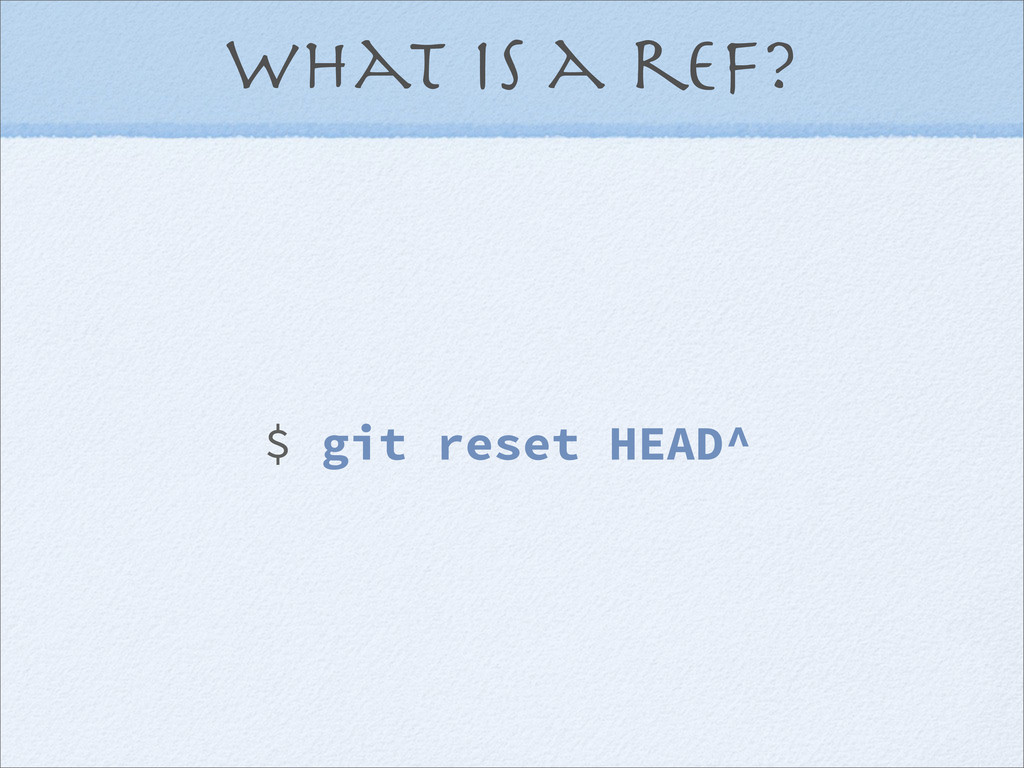
What is a ref? $ git reset HEAD^
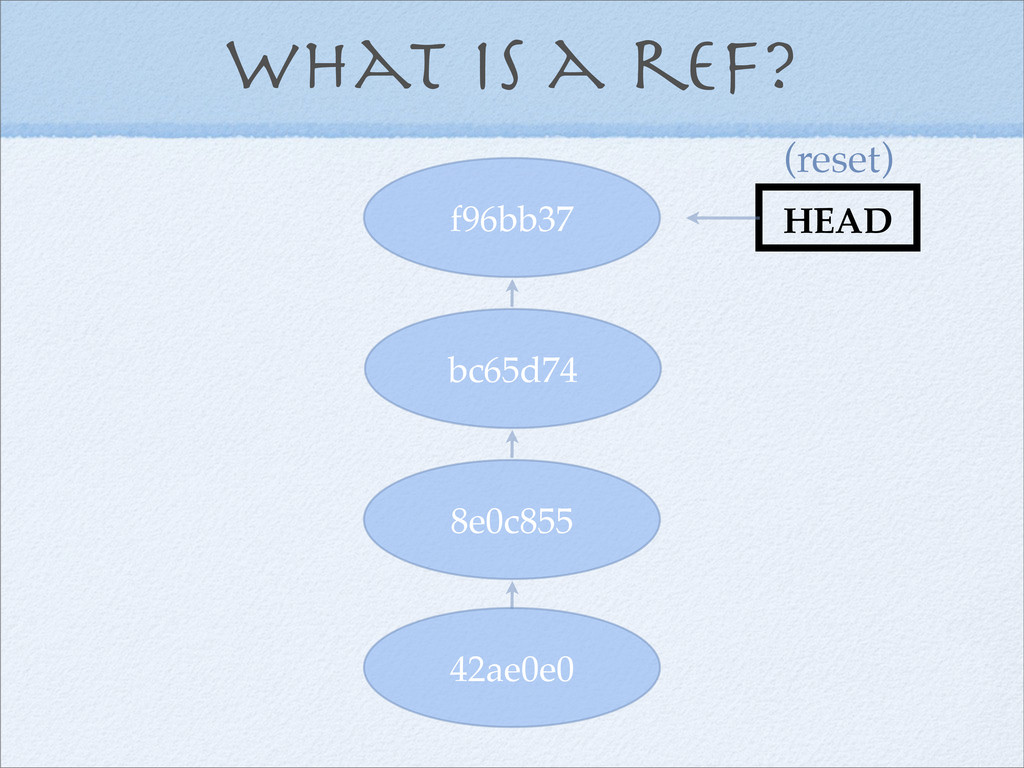
What is a ref? 42ae0e0 8e0c855 bc65d74 f96bb37 HEAD (reset)
What is a ref? 42ae0e0 8e0c855 bc65d74 f96bb37 HEAD (reset)
Remotes
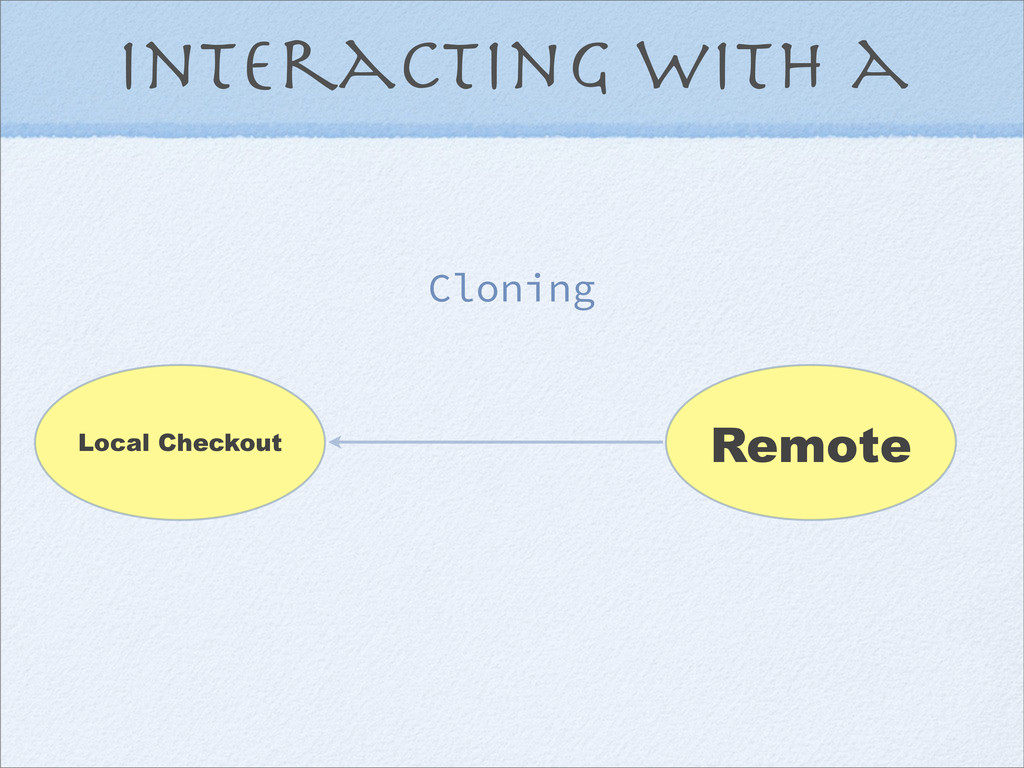
Interacting with a Remote
Interacting with a Remote
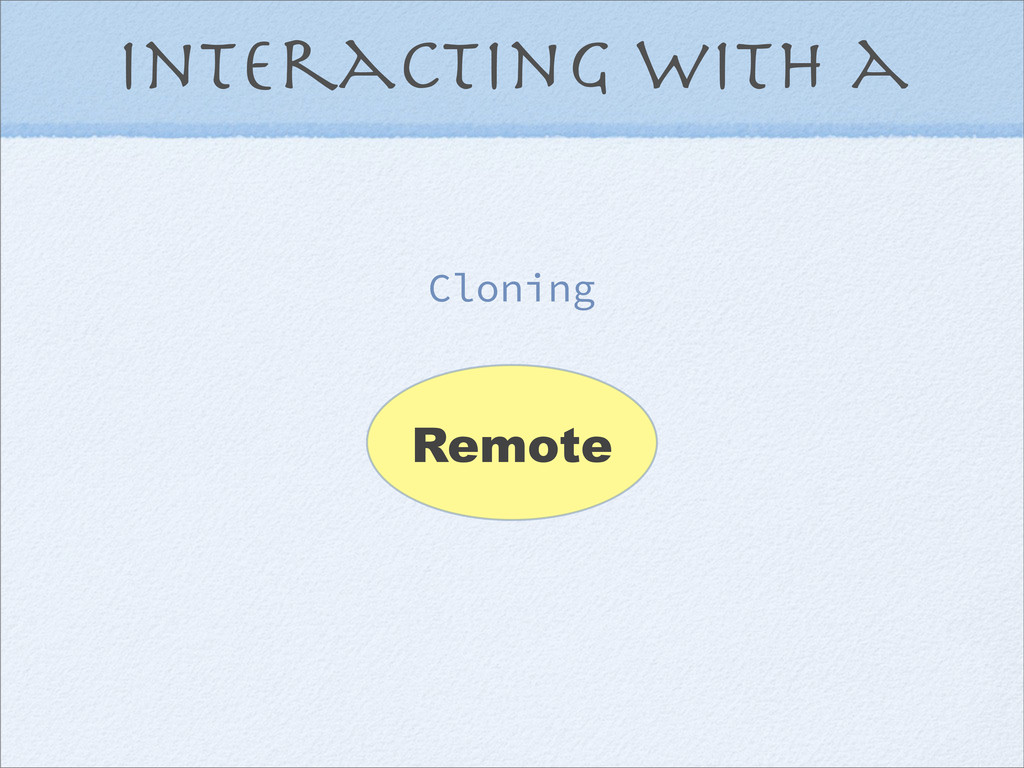
Interacting with a Cloning Remote
Interacting with a Local Checkout Cloning Remote
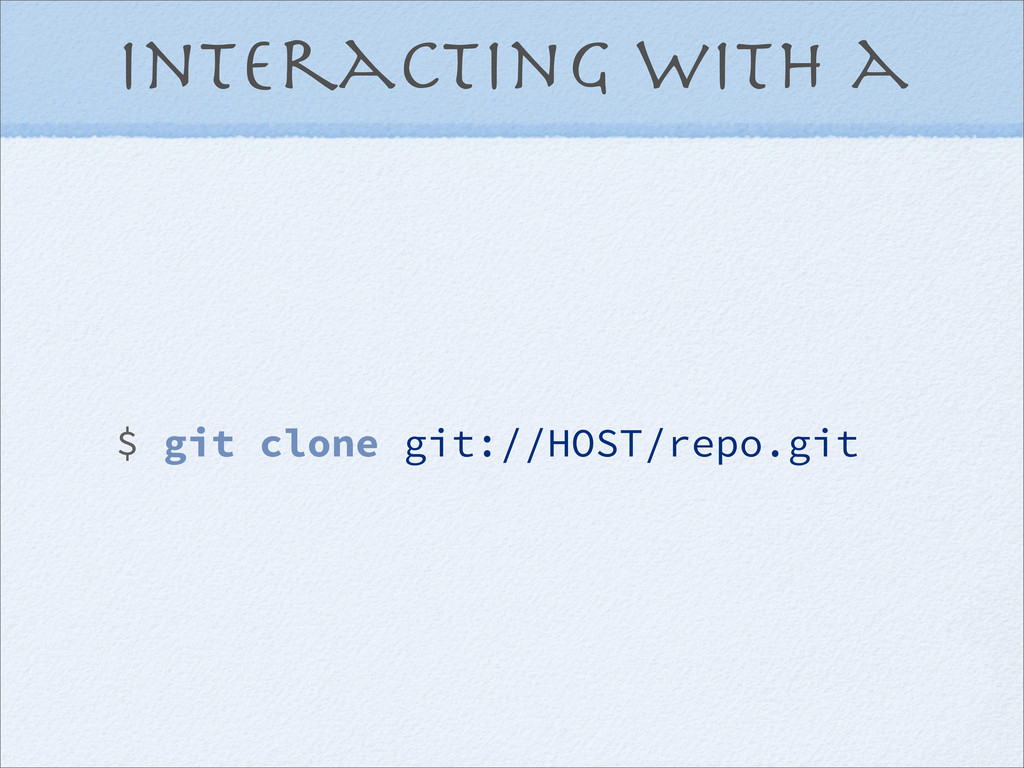
Interacting with a $ git clone git://HOST/repo.git
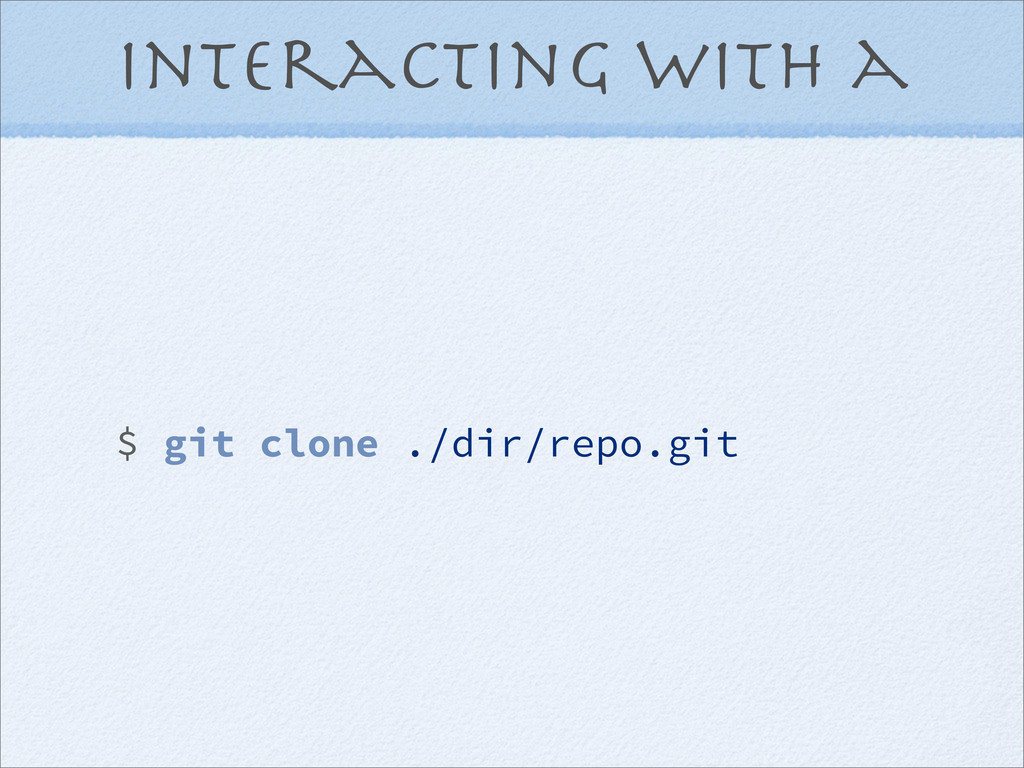
Interacting with a $ git clone ./dir/repo.git
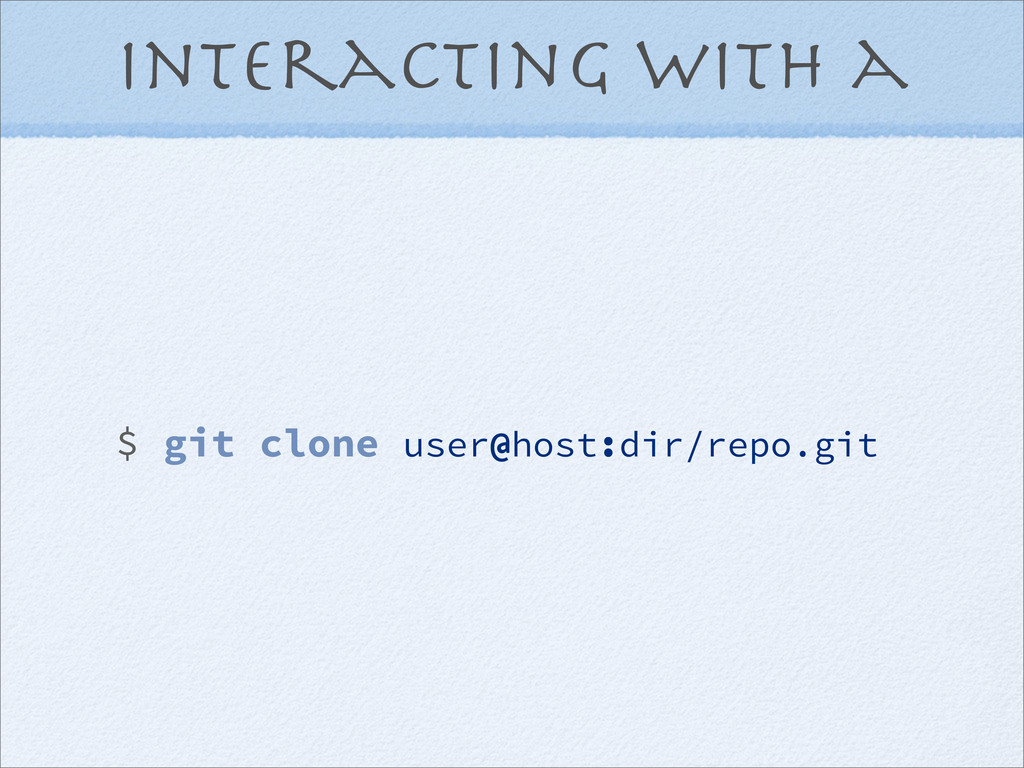
Interacting with a $ git clone user@host:dir/repo.git
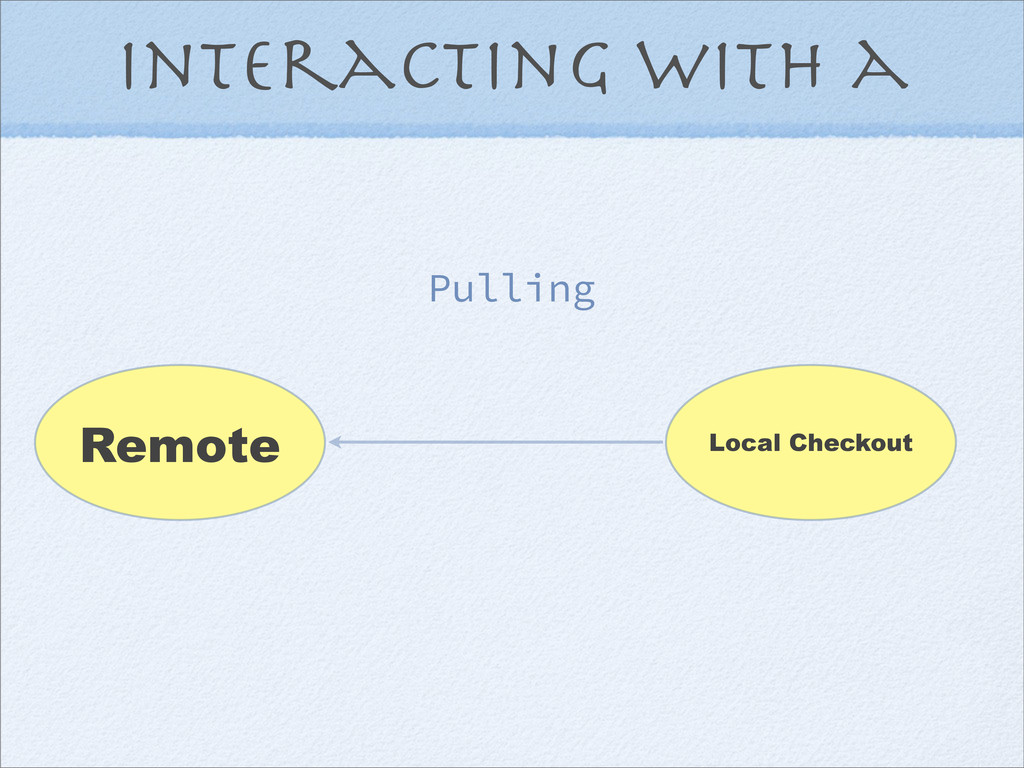
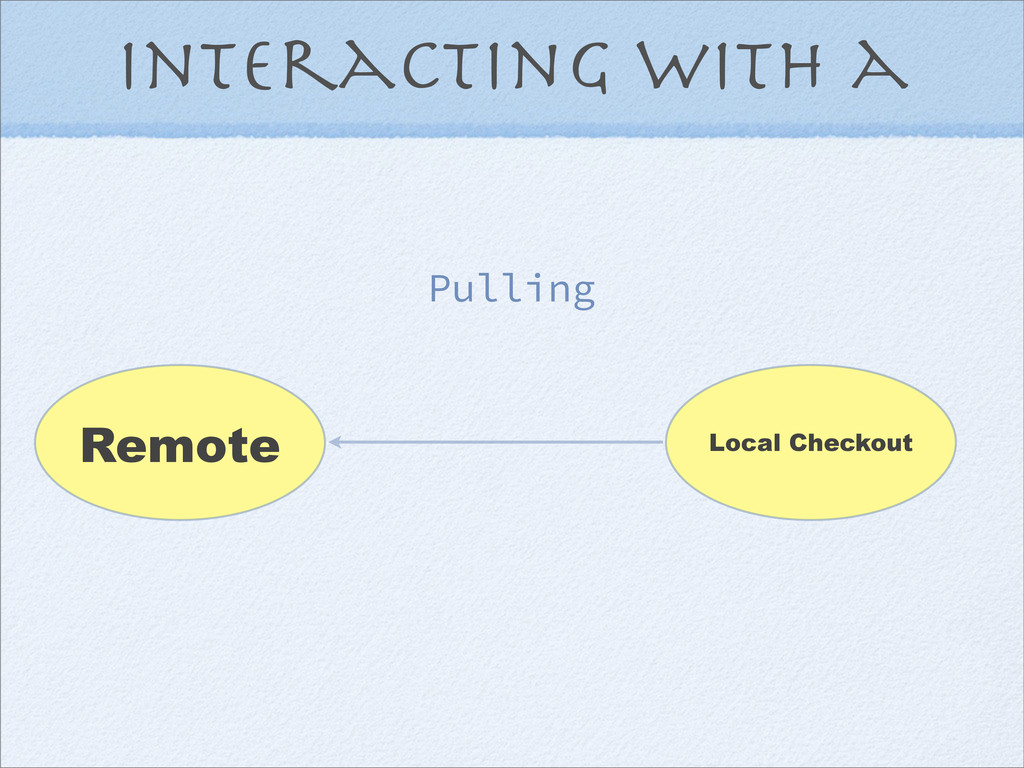
Interacting with a Pulling Local Checkout Remote
Interacting with a Pulling Local Checkout Remote
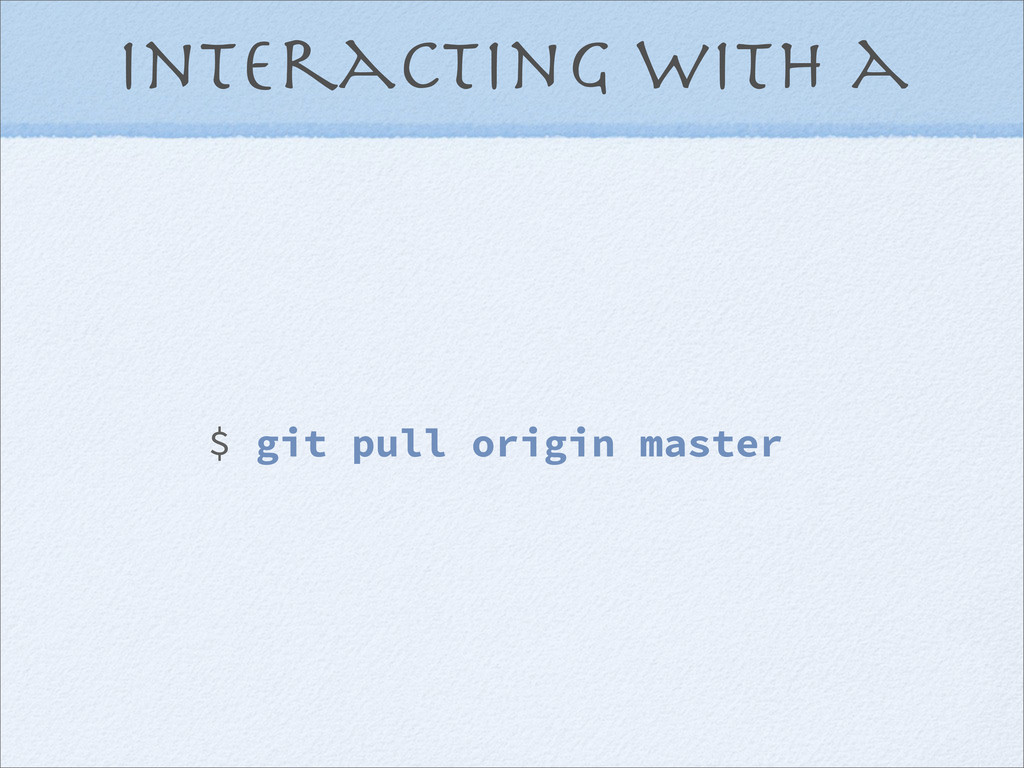
Interacting with a $ git pull origin master
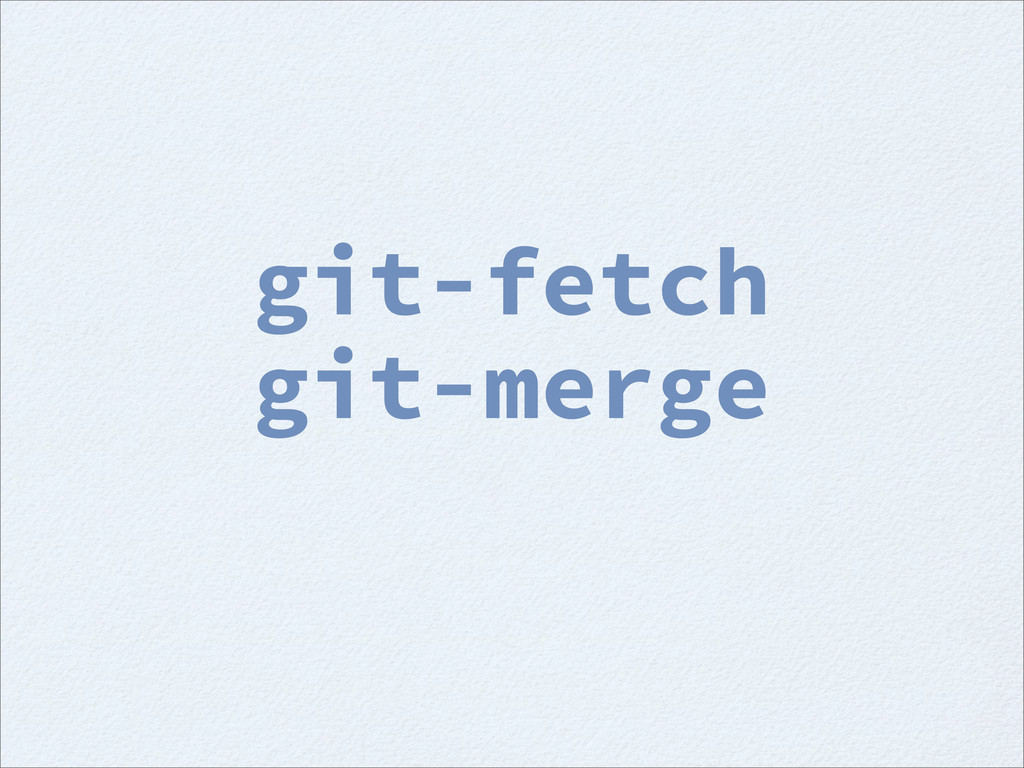
git-fetch
git-fetch git-merge
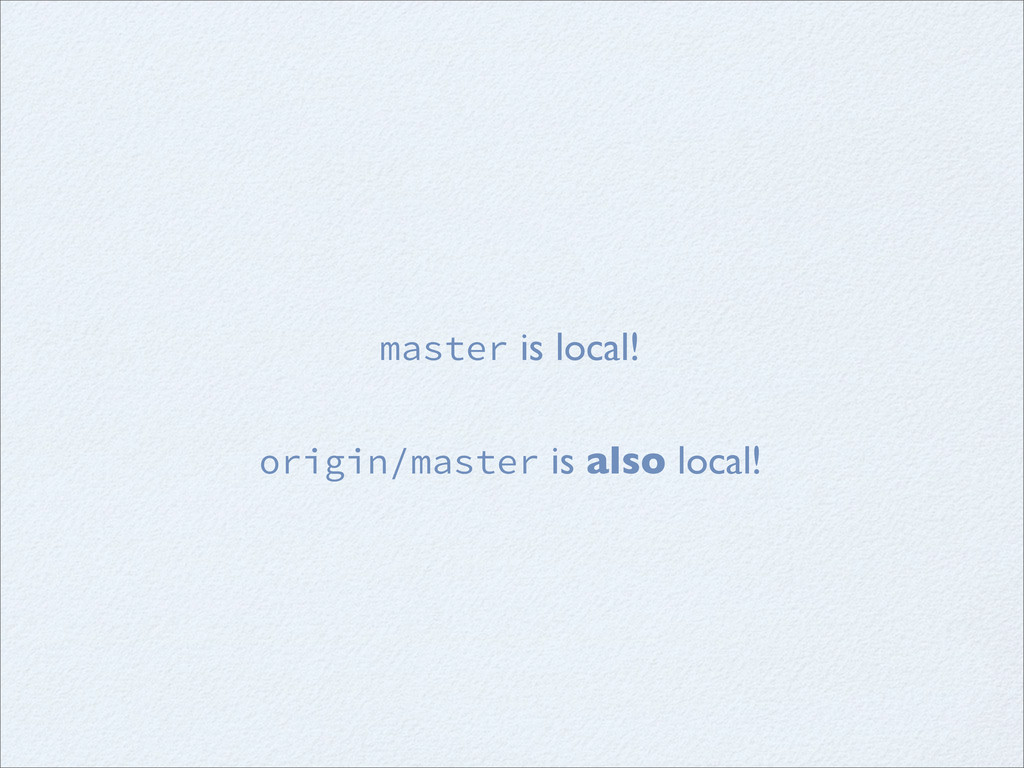
master is local! origin/master is also local!
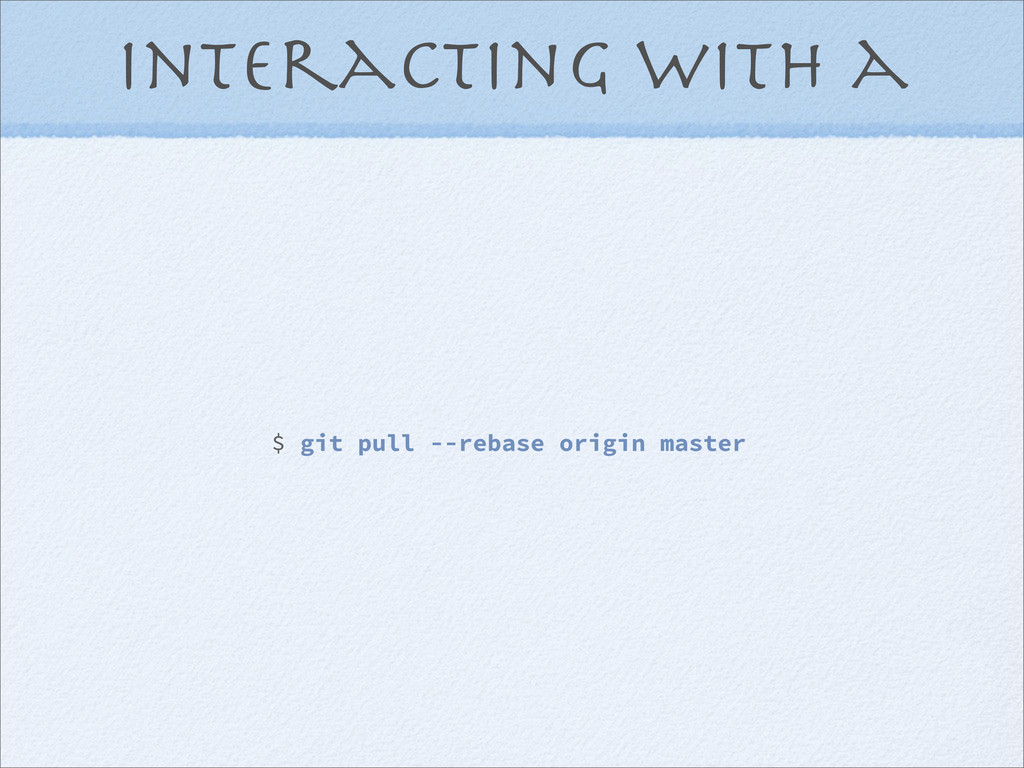
Interacting with a $ git pull --rebase origin master
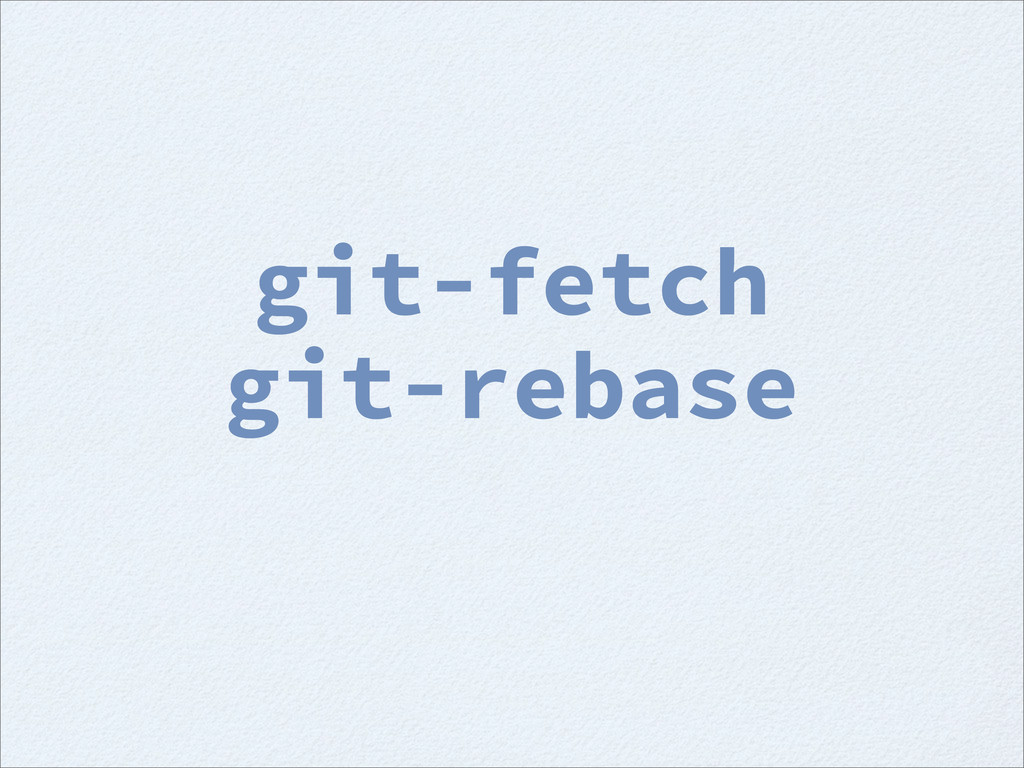
git-fetch git-rebase
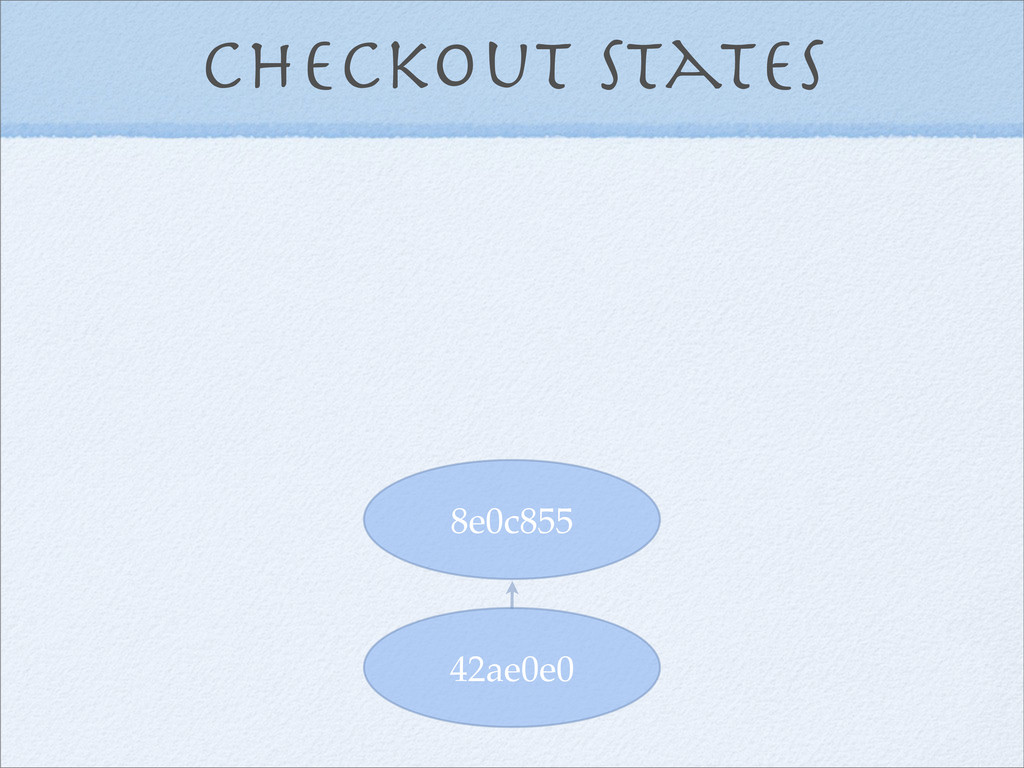
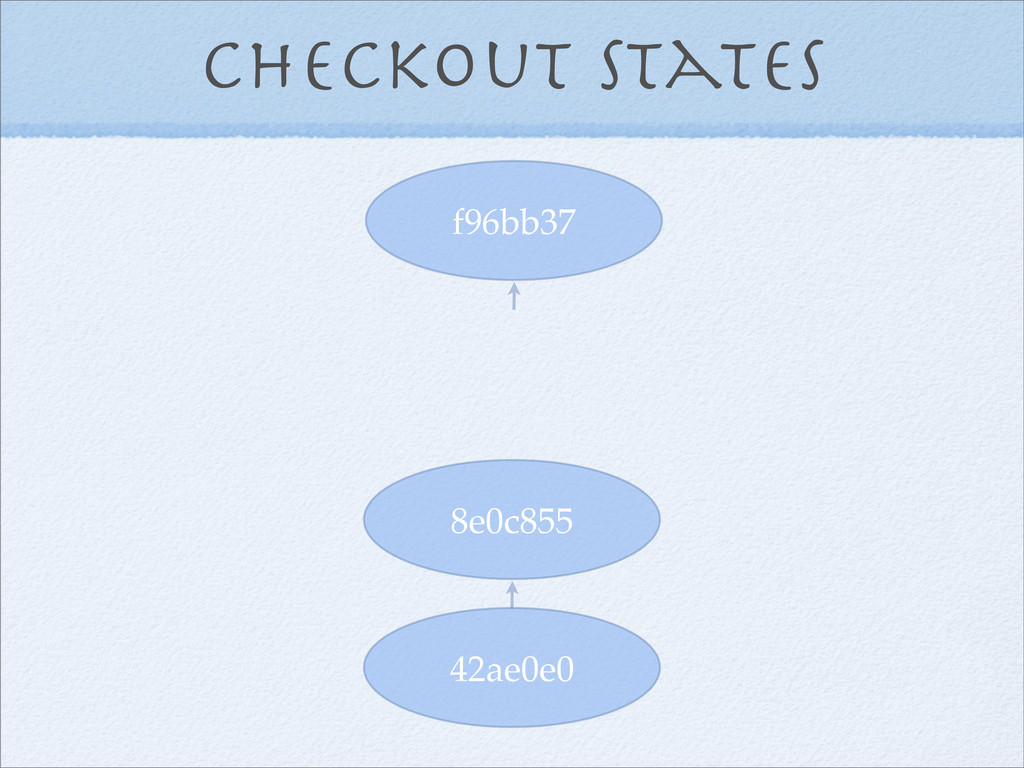
Checkout states 42ae0e0 8e0c855
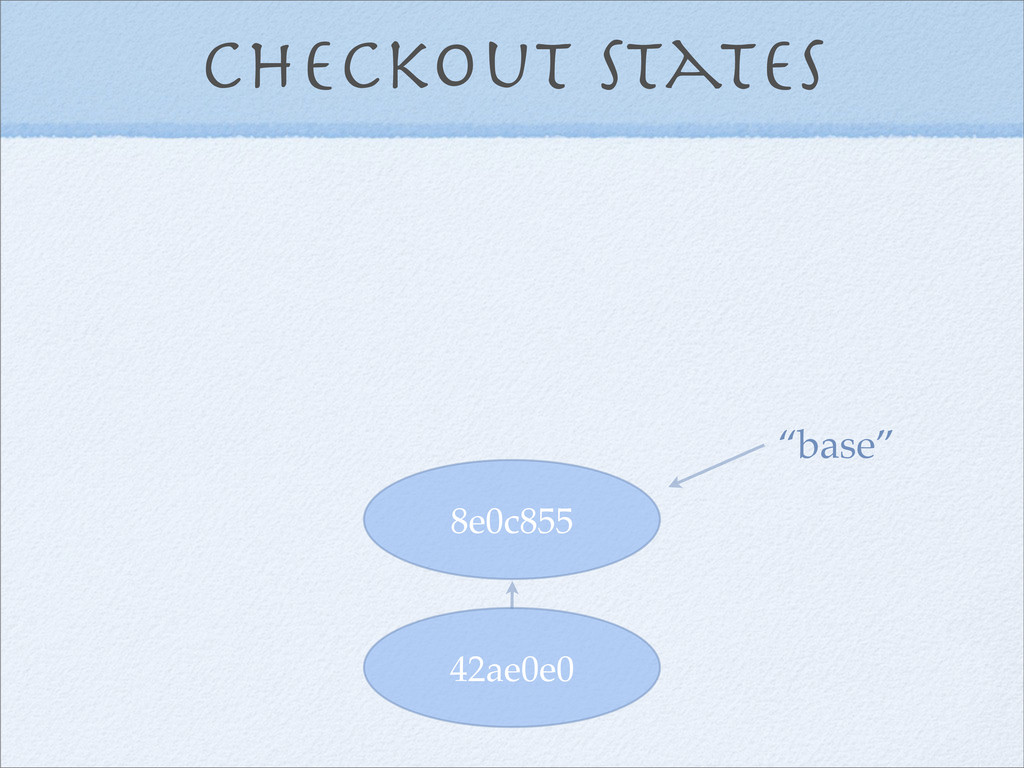
Checkout states 42ae0e0 8e0c855 “base”
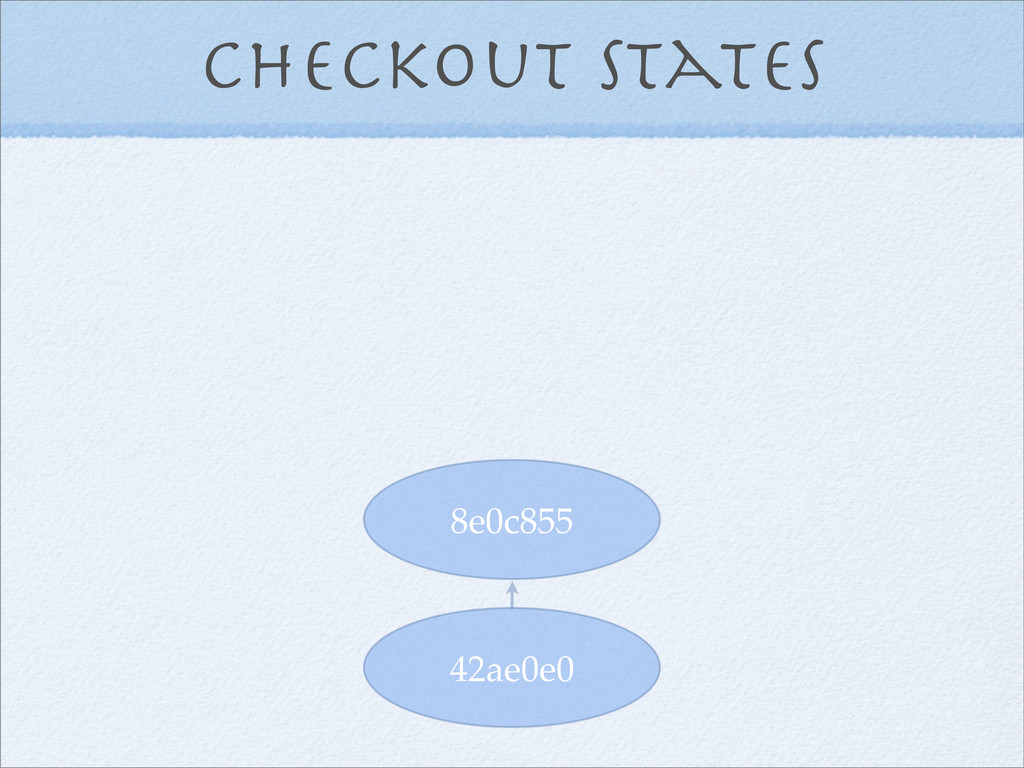
Checkout states 42ae0e0 8e0c855
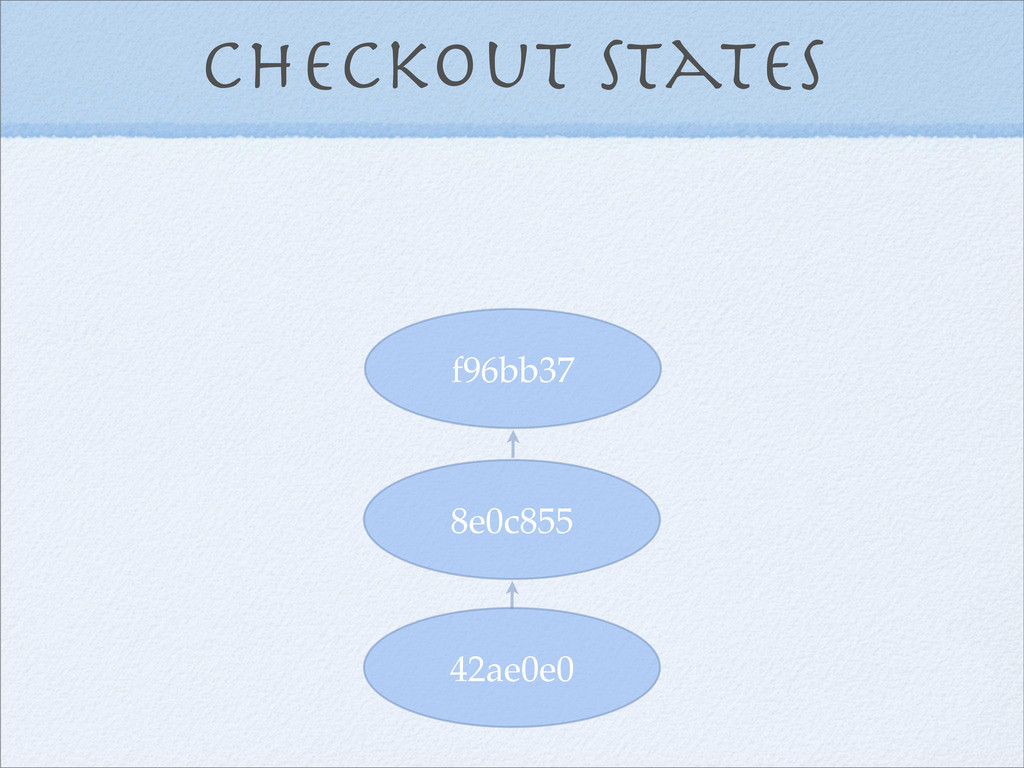
Checkout states 42ae0e0 8e0c855 f96bb37
Checkout states 42ae0e0 8e0c855 f96bb37
Checkout states 42ae0e0 8e0c855 bc65d74 f96bb37
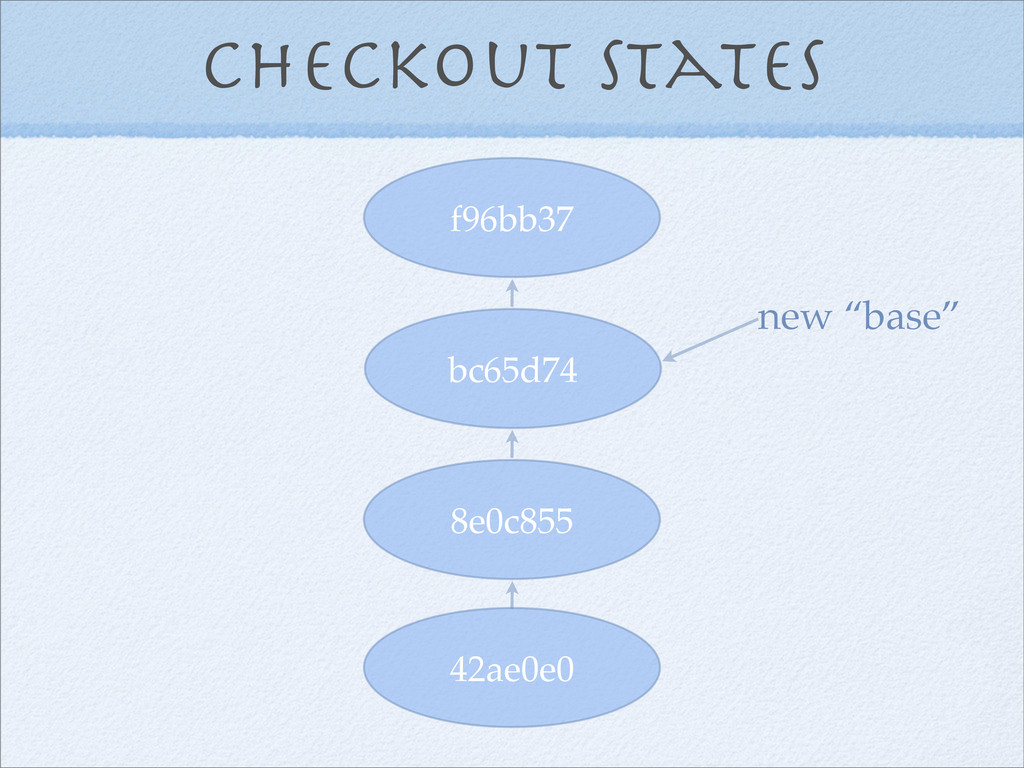
Checkout states 42ae0e0 8e0c855 bc65d74 f96bb37 new “base”
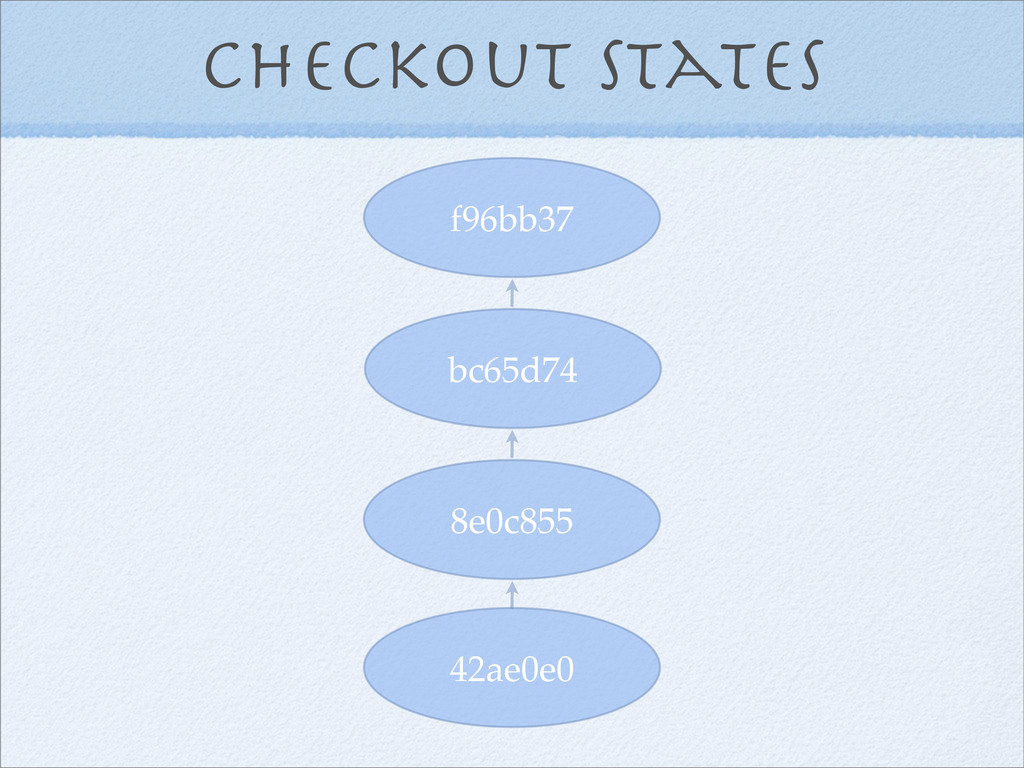
Checkout states 42ae0e0 8e0c855 bc65d74 f96bb37
Interacting with a $ git push origin master
Decentralization is great, but it is still good to create
a structure of authority. Workflow
Workflow gitolite
Workflow
git-flow
git-flow features
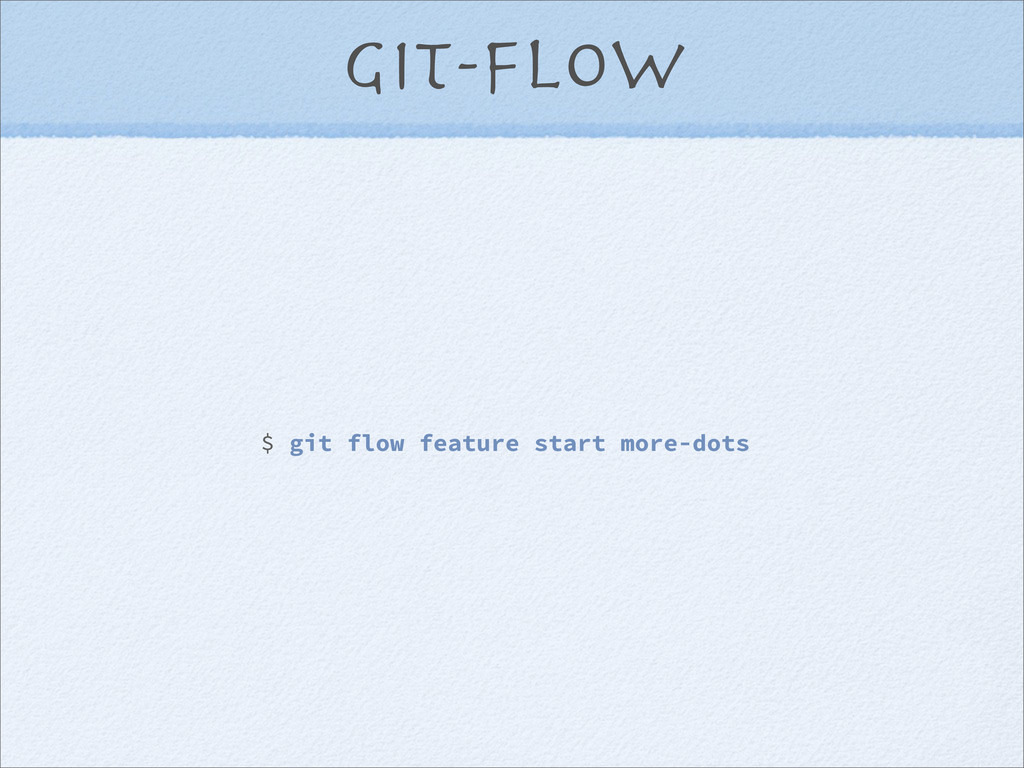
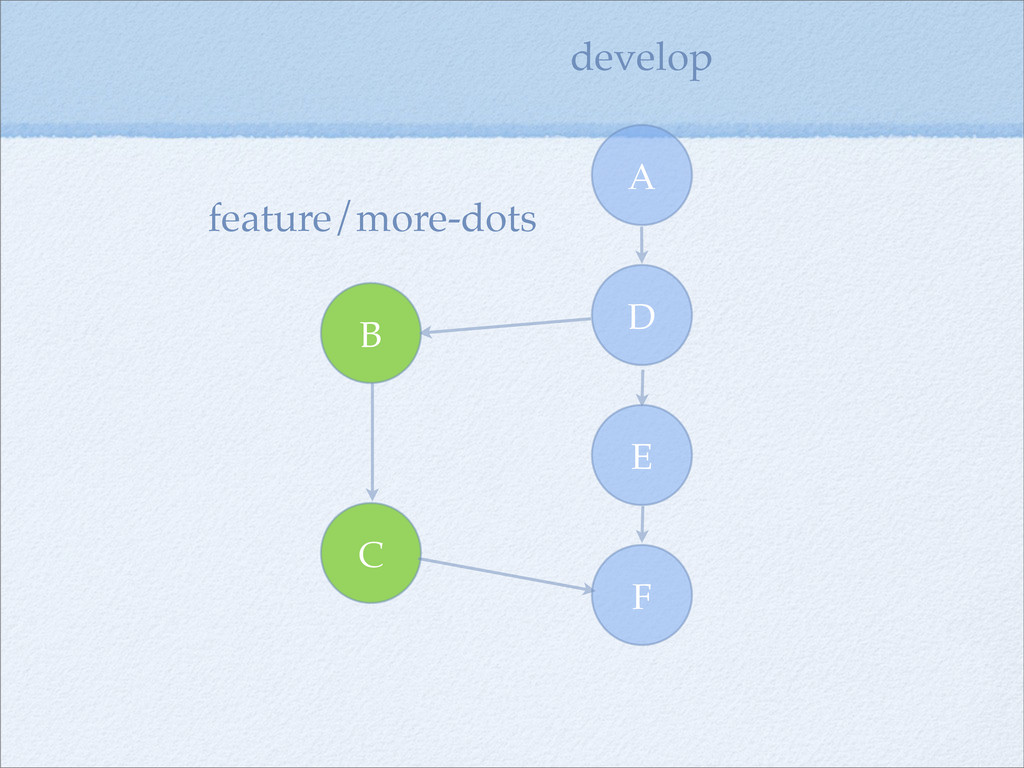
git-flow $ git flow feature start more-dots
F E D A B C develop feature/more-dots
git-flow releases
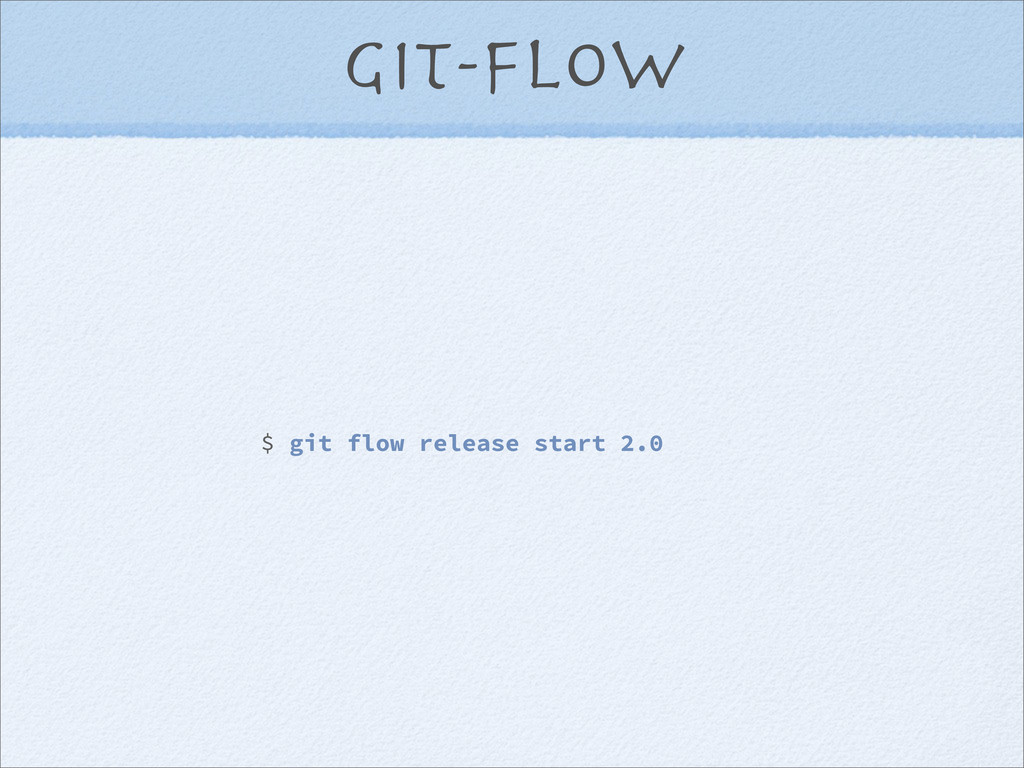
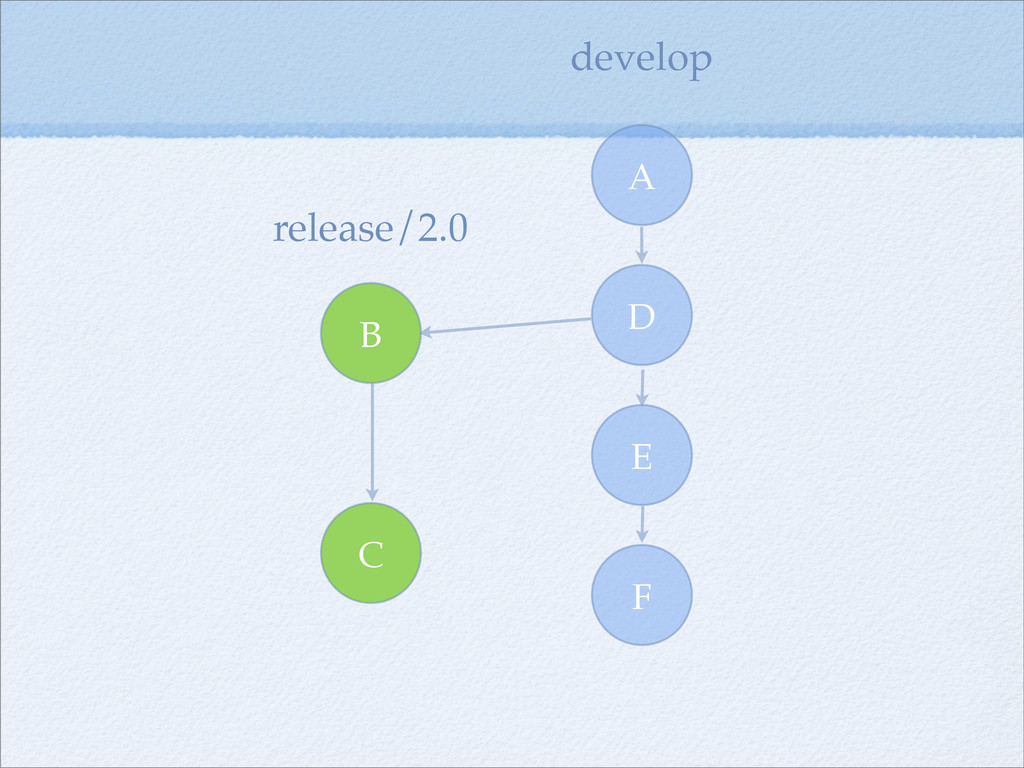
git-flow $ git flow release start 2.0
F E D A develop release/2.0 B C
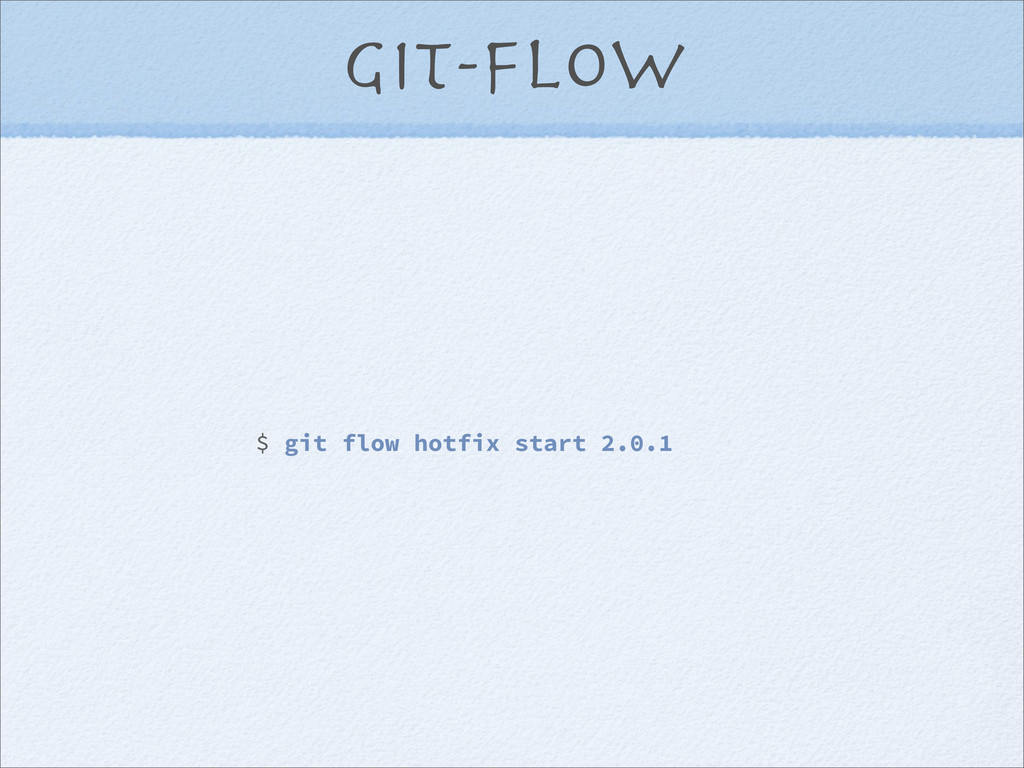
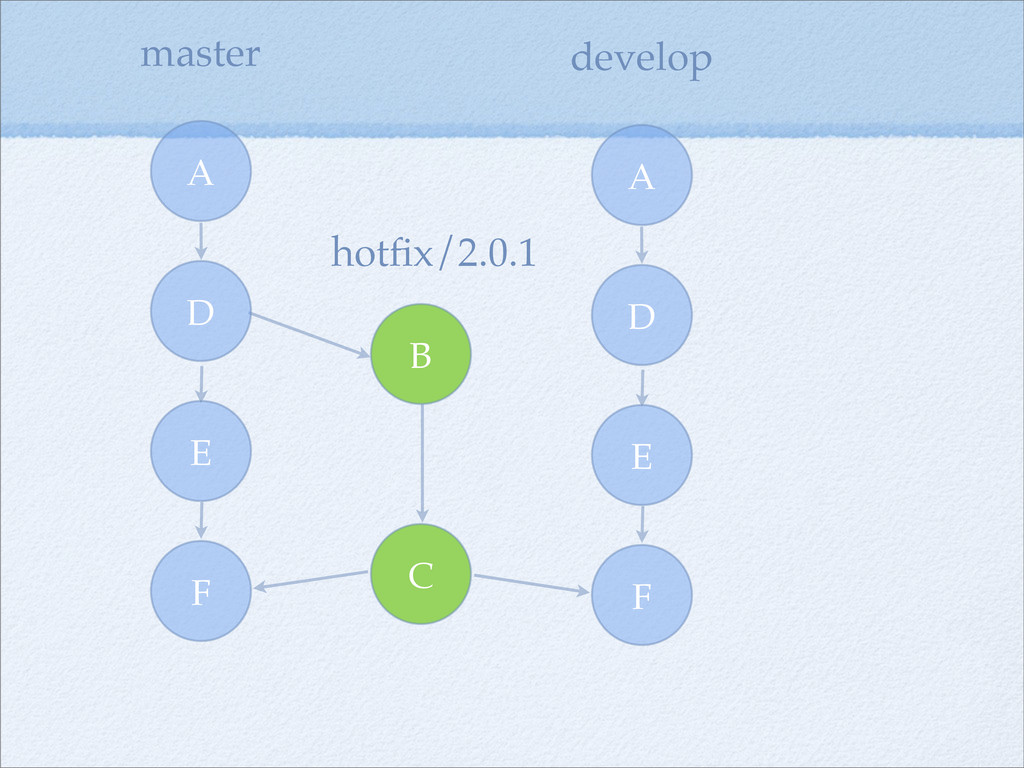
git-flow hotfixes
git-flow $ git flow hotfix start 2.0.1
F E D A develop hotfix/2.0.1 B C F E
D A master
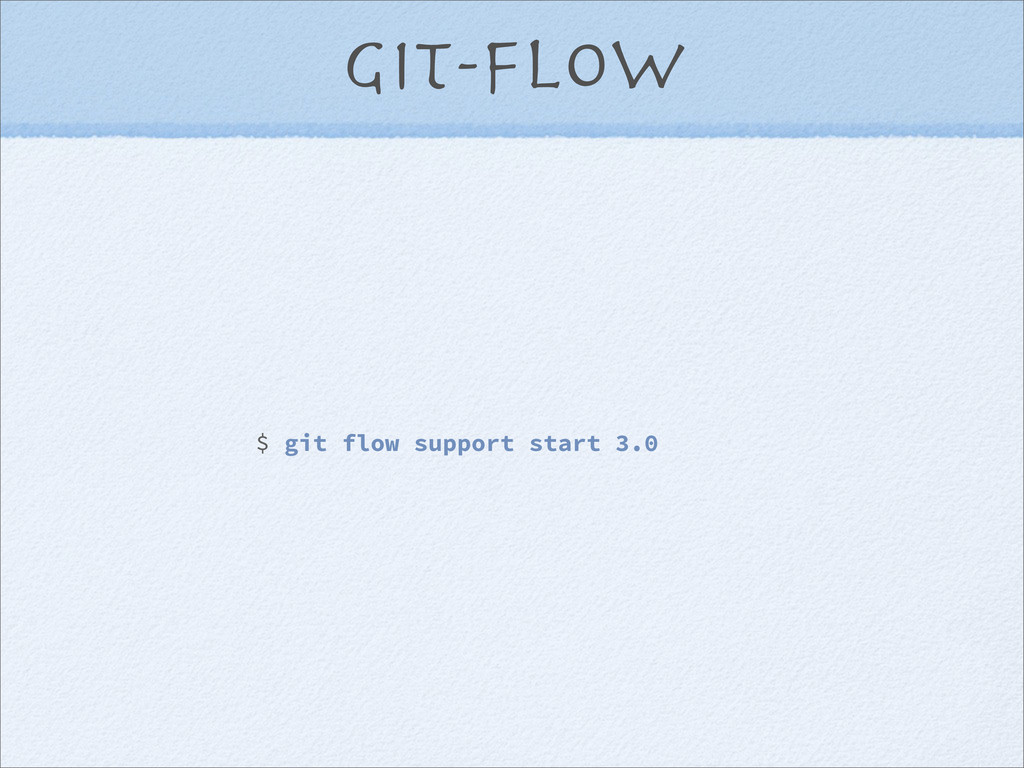
git-flow support
git-flow $ git flow support start 3.0
git’s philosophy
Immutable branches
Rewriting history
Is history ever lost?
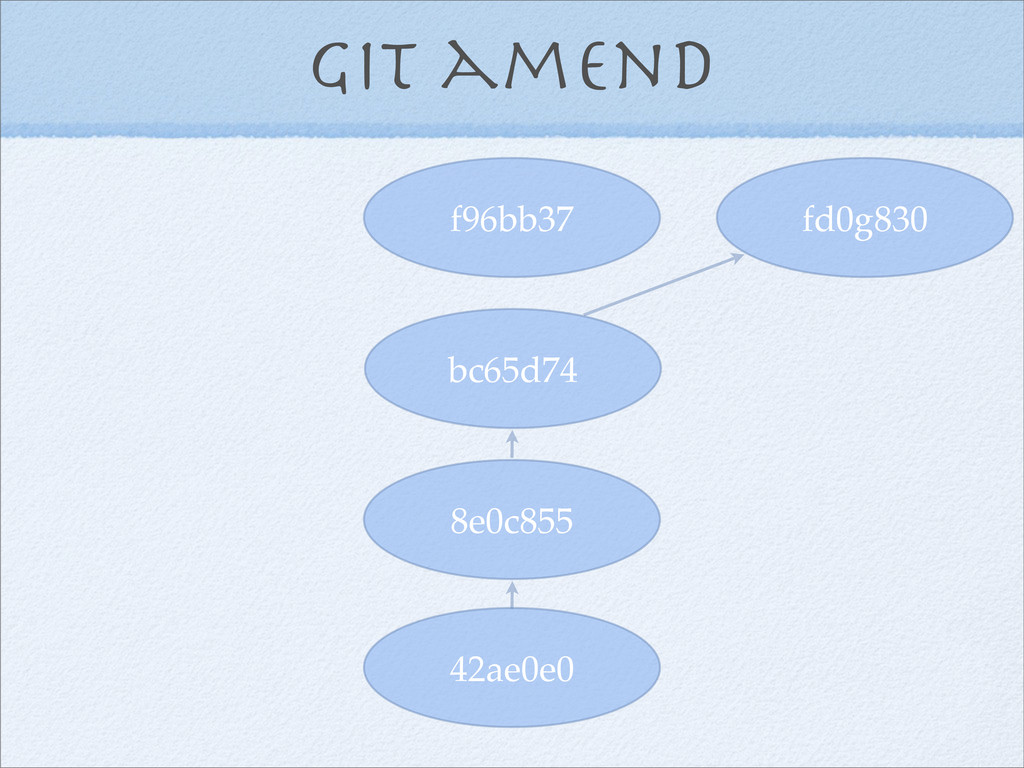
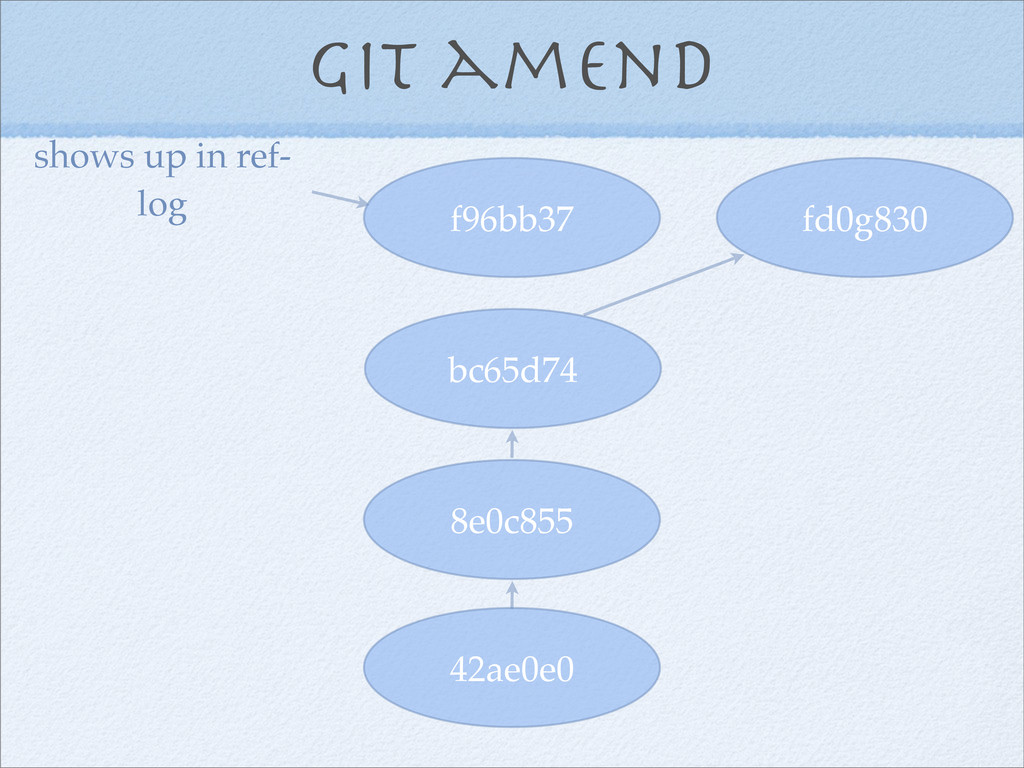
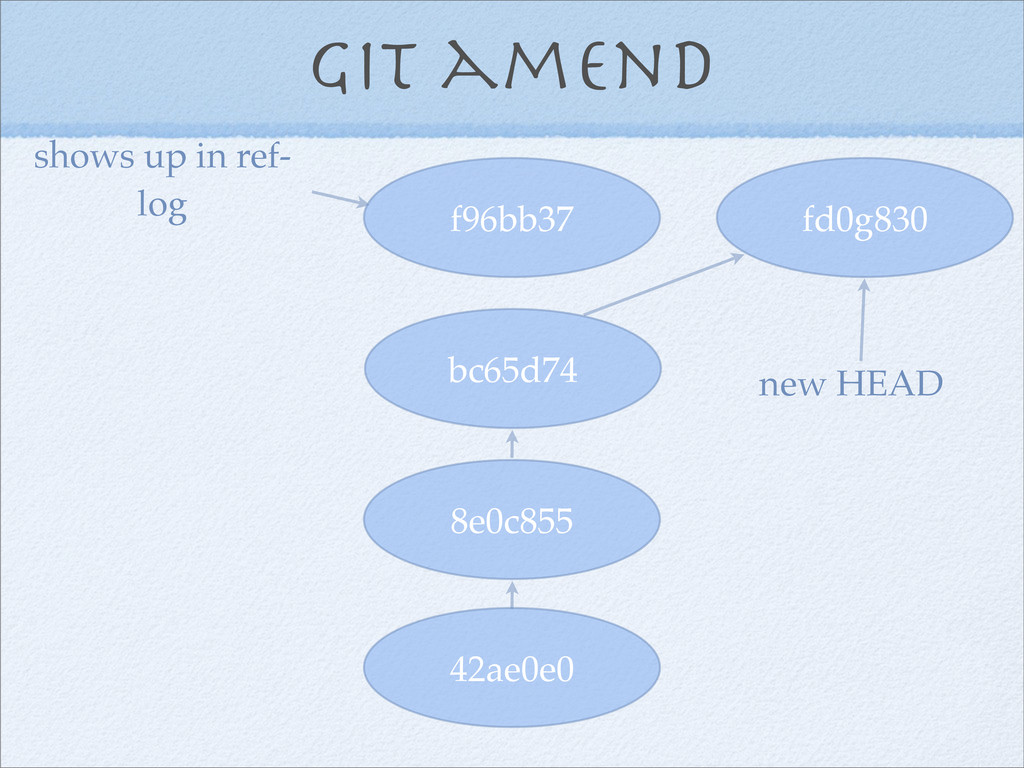
The ref log
Example: git commit -- amend
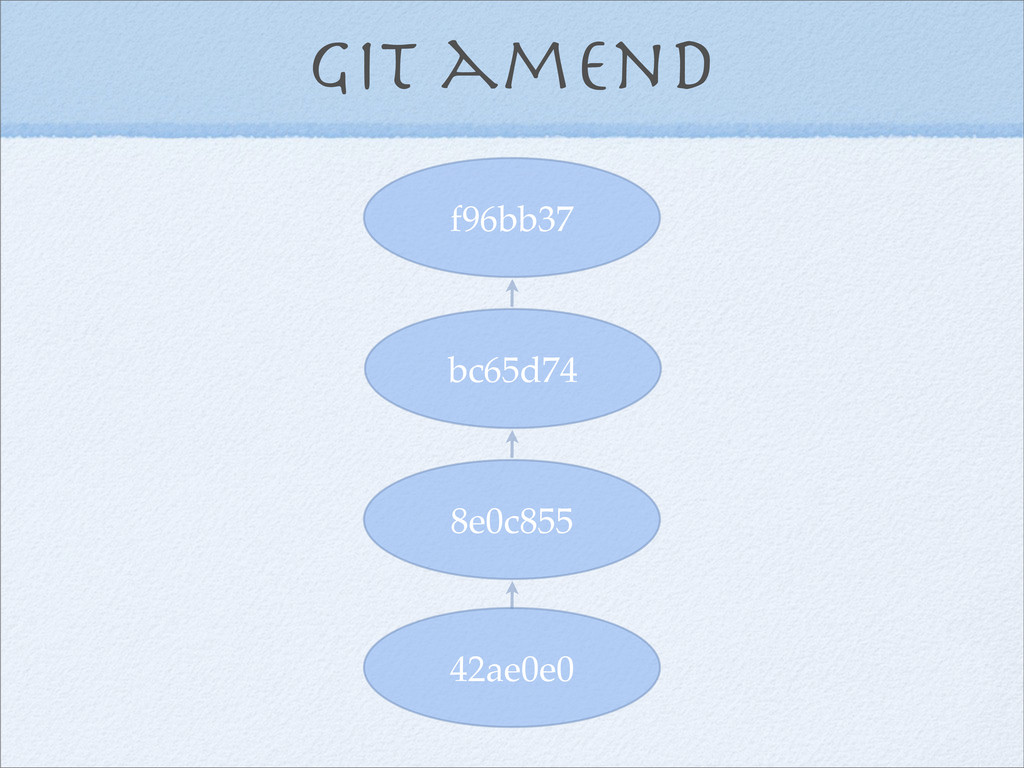
Git amend 42ae0e0 8e0c855 bc65d74 f96bb37
Git amend 42ae0e0 8e0c855 bc65d74 f96bb37 fd0g830
Git amend 42ae0e0 8e0c855 bc65d74 f96bb37 fd0g830 shows up in
ref- log
Git amend 42ae0e0 8e0c855 bc65d74 f96bb37 fd0g830 shows up in
ref- log new HEAD
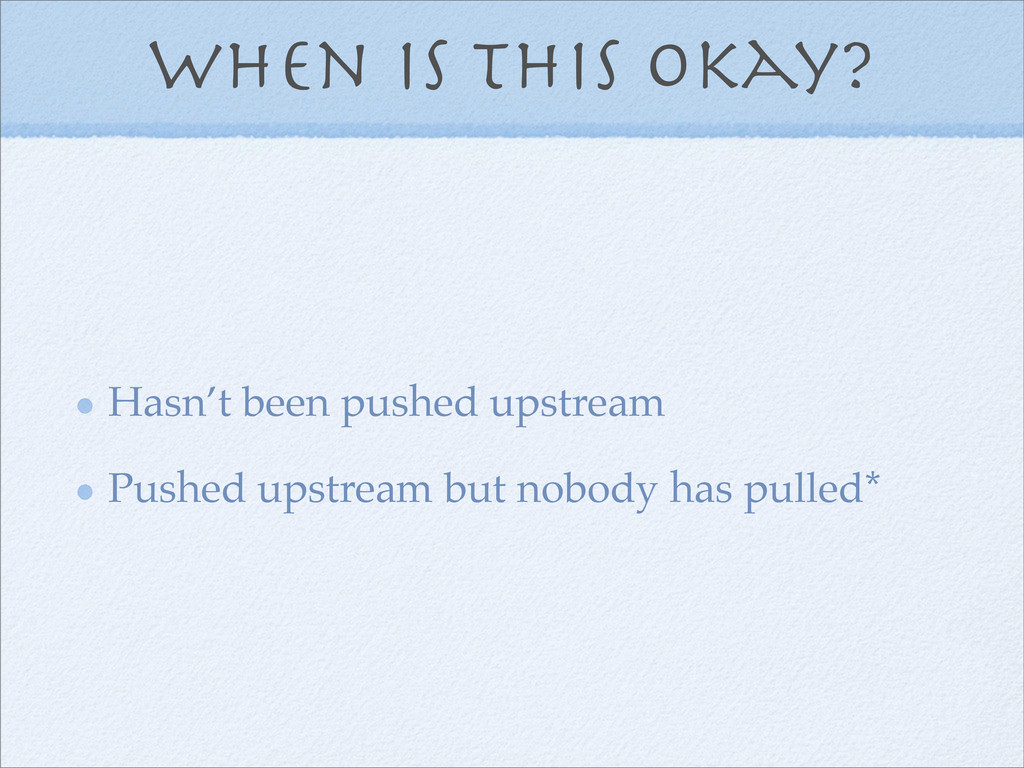
When is this okay? Hasn’t been pushed upstream Pushed upstream
but nobody has pulled*
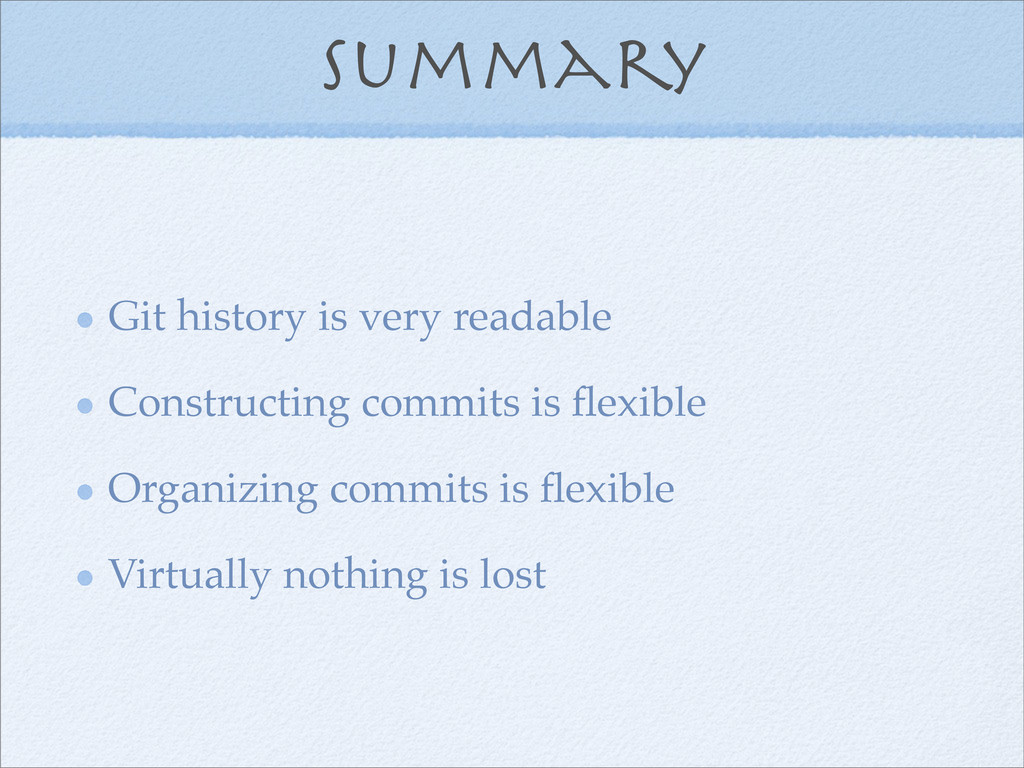
Summary Git history is very readable Constructing commits is flexible
Organizing commits is flexible Virtually nothing is lost


 tammielis
 irinanazarova
 greggifford
 rasagy
 paigeccino
 honzajavorek
 mayatellez
 thekraken
 mojombo
 frankvandijk
 sergeychernyshev
 michaelherold