Upgrade to Pro — share decks privately, control downloads, hide ads and more …

Introduction to Swift for iOS

Sponsored · Your Podcast. Everywhere. Effortlessly. Share. Educate. Inspire. Entertain. You do you. We'll handle the rest. →

Introduction to Swift for iOS

Original talk by Ana María Márquez and Javier de Silóniz, presented at Betabeers Cadiz on July 2015.

An introduction to coding in Swift for iOS, covering the basics of the language and some of the cool stuff we can achieve with it.

Slides and coding examples in English.

More Decks by Javier de Silóniz Sandino

Other Decks in Programming

Transcript

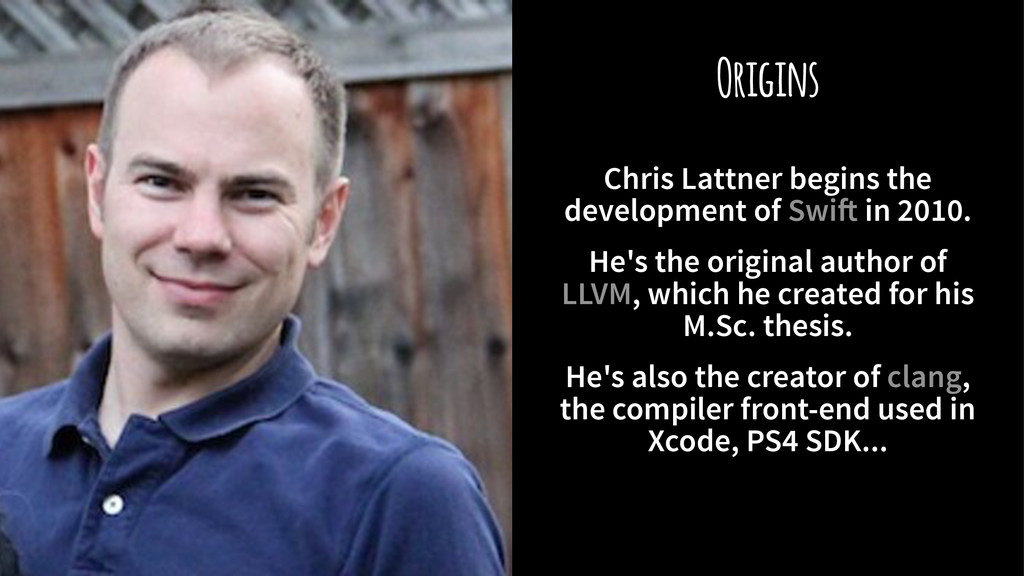
  1. Origins Chris Lattner begins the development of Swi! in 2010.

    He's the original author of LLVM, which he created for his M.Sc. thesis. He's also the creator of clang, the compiler front-end used in Xcode, PS4 SDK...
  2. Origins Chris Lattner begins the development of Swi! in 2010.

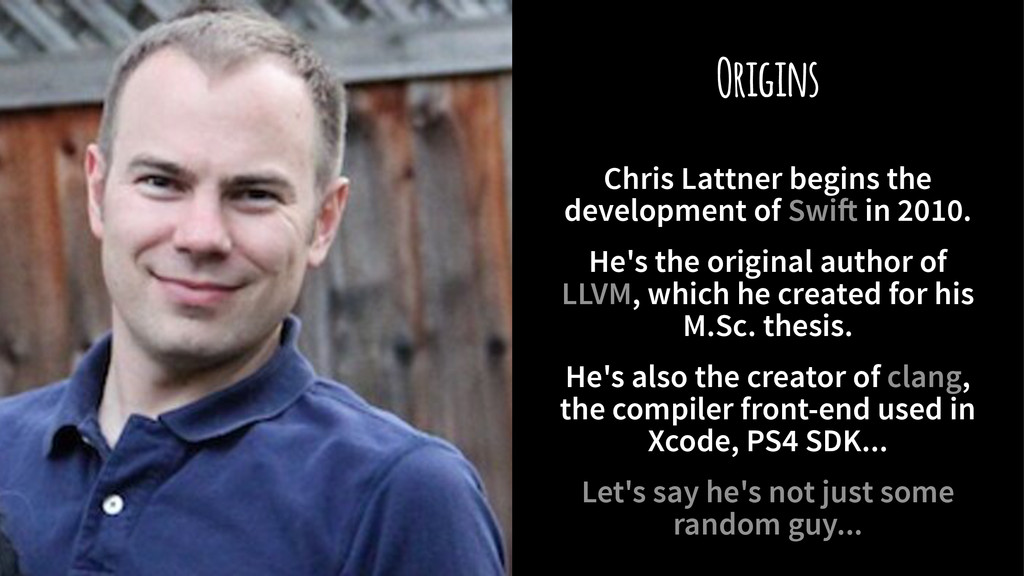
    He's the original author of LLVM, which he created for his M.Sc. thesis. He's also the creator of clang, the compiler front-end used in Xcode, PS4 SDK... Let's say he's not just some random guy...
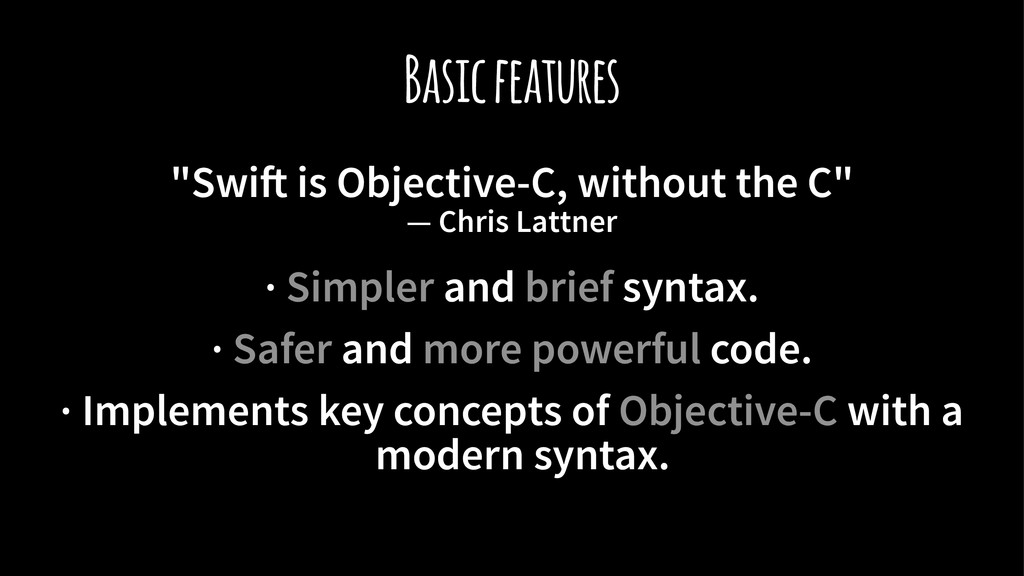
  3. Basic features "Swi! is Objective-C, without the C" — Chris

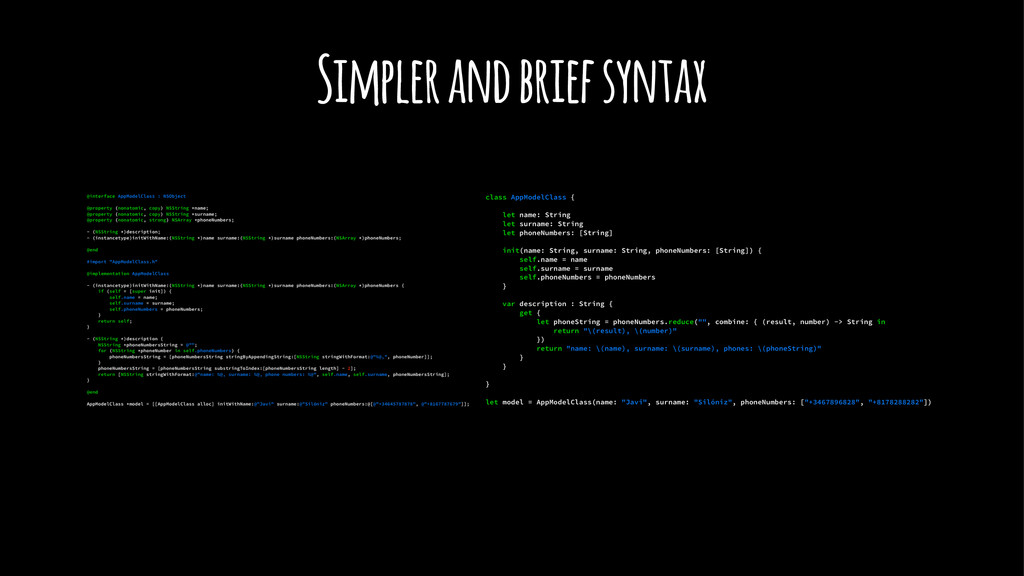
    Lattner · Simpler and brief syntax. · Safer and more powerful code. · Implements key concepts of Objective-C with a modern syntax.
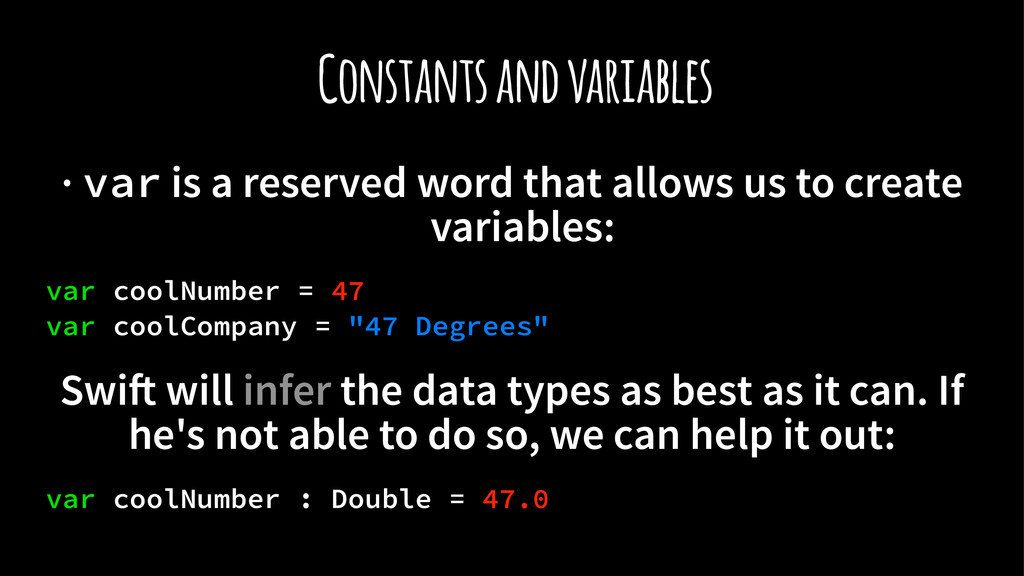
  4. Constants and variables · var is a reserved word that

    allows us to create variables: var coolNumber = 47 var coolCompany = "47 Degrees" Swi! will infer the data types as best as it can. If he's not able to do so, we can help it out: var coolNumber : Double = 47.0
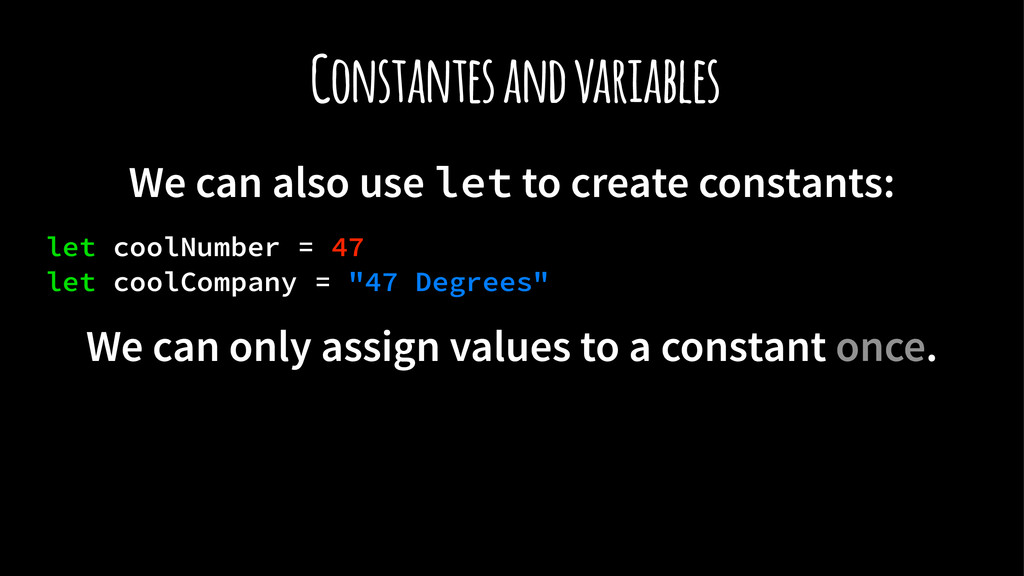
  5. Constantes and variables We can also use let to create

    constants: let coolNumber = 47 let coolCompany = "47 Degrees" We can only assign values to a constant once.
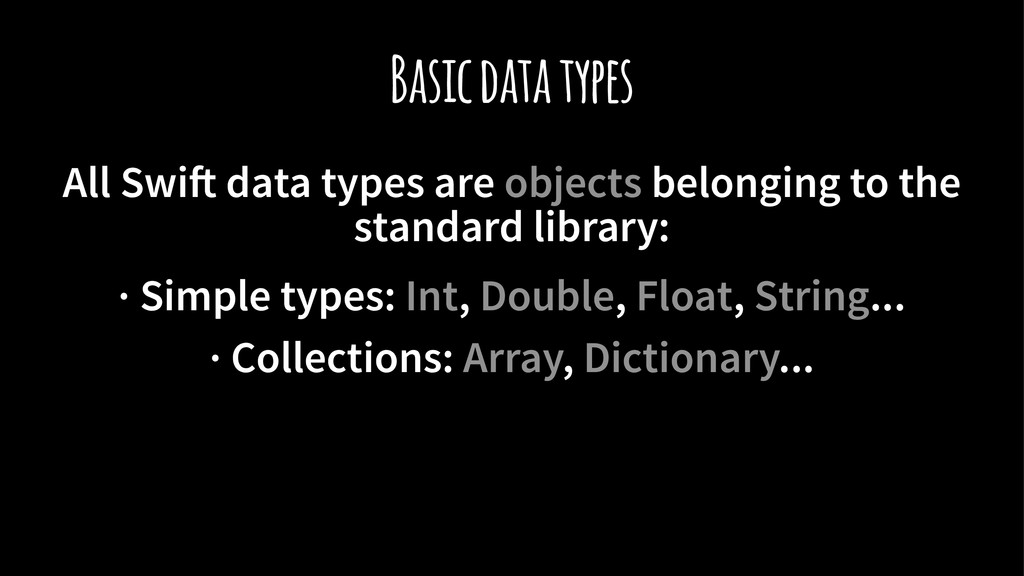
  6. Basic data types All Swi! data types are objects belonging

    to the standard library: · Simple types: Int, Double, Float, String... · Collections: Array, Dictionary...
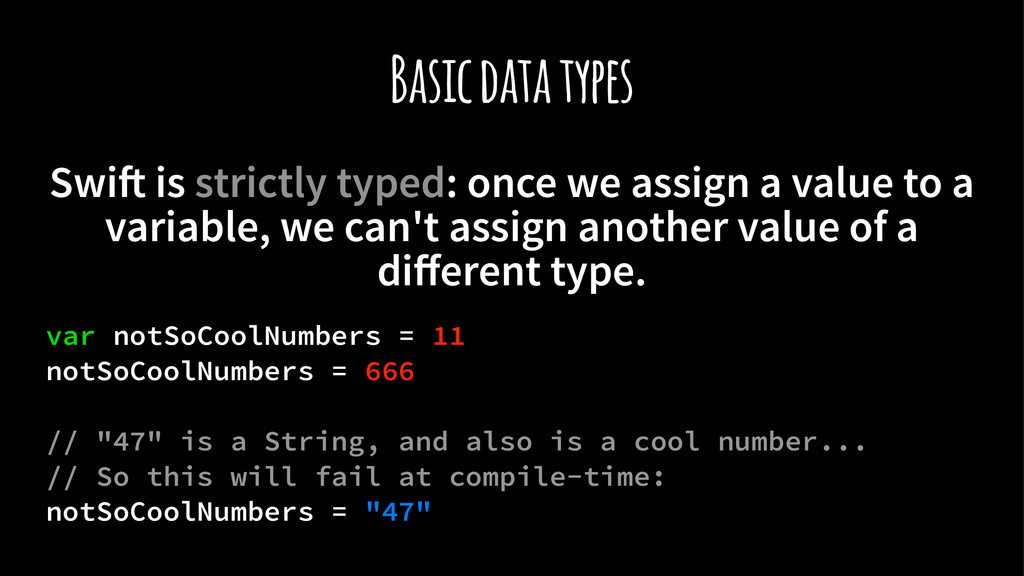
  7. Basic data types Swi! is strictly typed: once we assign

    a value to a variable, we can't assign another value of a different type. var notSoCoolNumbers = 11 notSoCoolNumbers = 666 // "47" is a String, and also is a cool number... // So this will fail at compile-time: notSoCoolNumbers = "47"
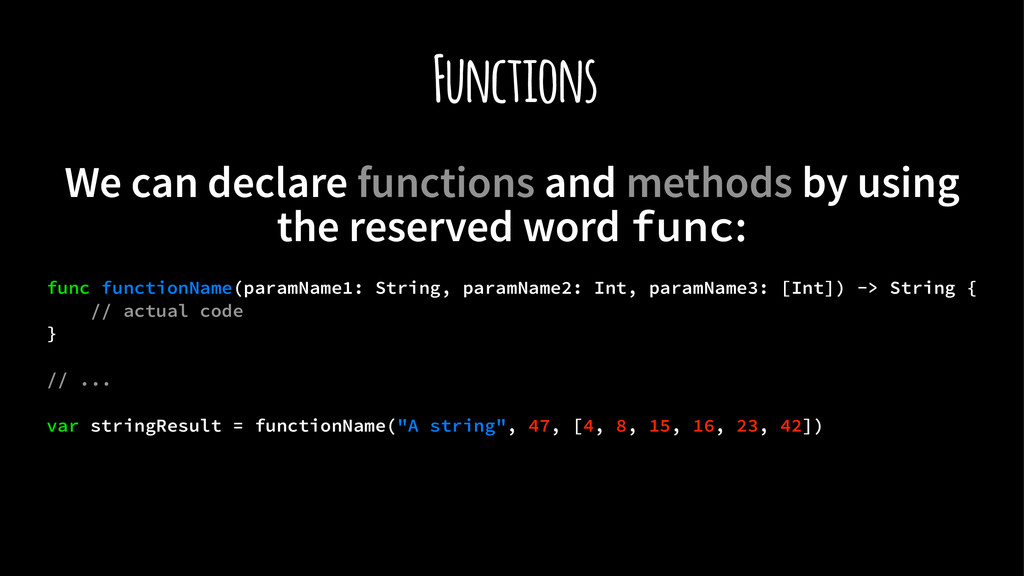
  8. Functions We can declare functions and methods by using the

    reserved word func: func functionName(paramName1: String, paramName2: Int, paramName3: [Int]) -> String { // actual code } // ... var stringResult = functionName("A string", 47, [4, 8, 15, 16, 23, 42])
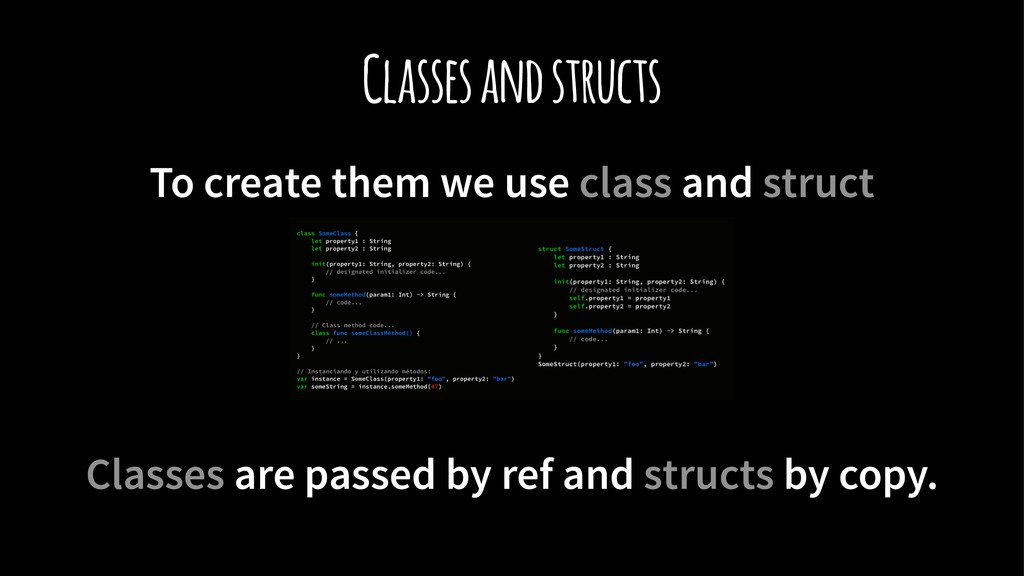
  9. Classes and structs To create them we use class and

    struct Classes are passed by ref and structs by copy.
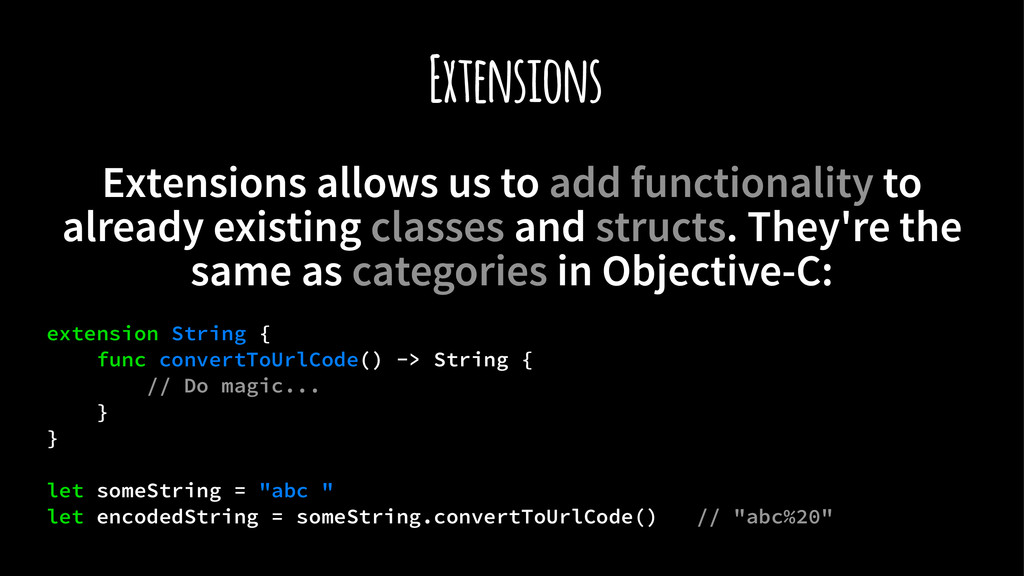
  10. Extensions Extensions allows us to add functionality to already existing

    classes and structs. They're the same as categories in Objective-C: extension String { func convertToUrlCode() -> String { // Do magic... } } let someString = "abc " let encodedString = someString.convertToUrlCode() // "abc%20"
  11. Functions as first-class citizens In Swi! functions are treated the

    same way as any other data type. We can: · Assign them to variables · Pass them as parameters to other functions · Return functions from other functions
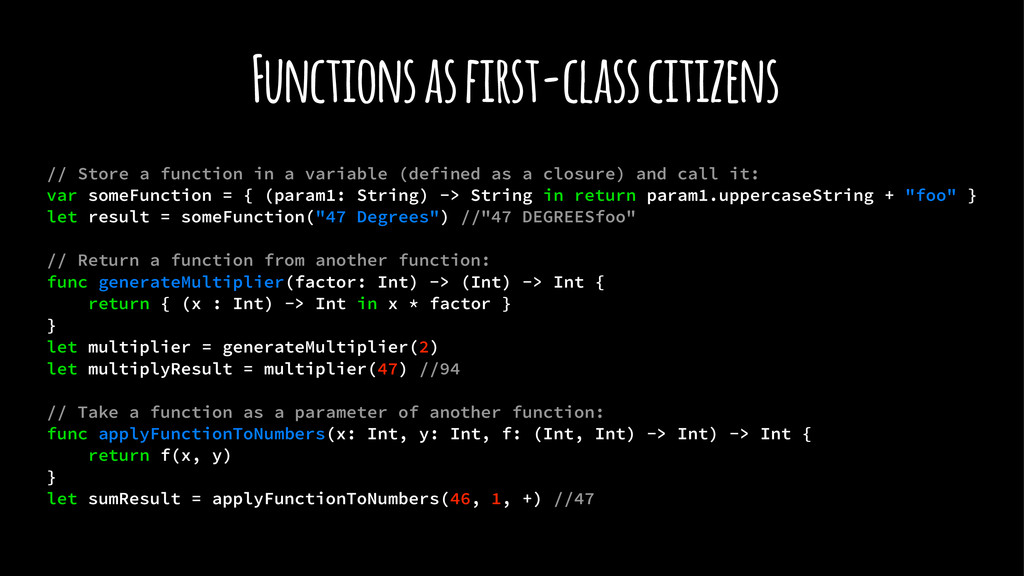
  12. Functions as first-class citizens // Store a function in a

    variable (defined as a closure) and call it: var someFunction = { (param1: String) -> String in return param1.uppercaseString + "foo" } let result = someFunction("47 Degrees") //"47 DEGREESfoo" // Return a function from another function: func generateMultiplier(factor: Int) -> (Int) -> Int { return { (x : Int) -> Int in x * factor } } let multiplier = generateMultiplier(2) let multiplyResult = multiplier(47) //94 // Take a function as a parameter of another function: func applyFunctionToNumbers(x: Int, y: Int, f: (Int, Int) -> Int) -> Int { return f(x, y) } let sumResult = applyFunctionToNumbers(46, 1, +) //47
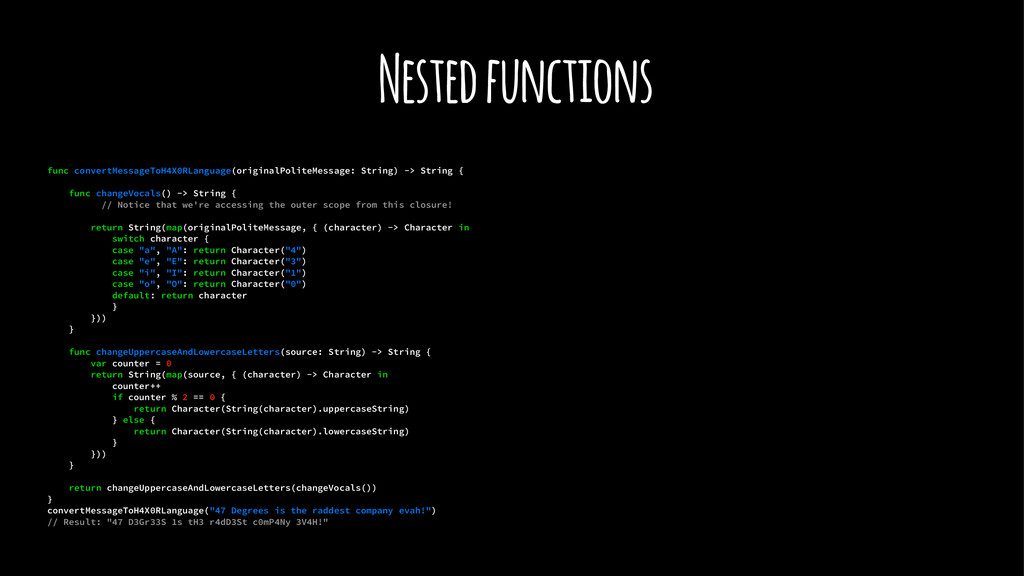
  13. Nested functions func convertMessageToH4X0RLanguage(originalPoliteMessage: String) -> String { func changeVocals()

    -> String { // Notice that we're accessing the outer scope from this closure! return String(map(originalPoliteMessage, { (character) -> Character in switch character { case "a", "A": return Character("4") case "e", "E": return Character("3") case "i", "I": return Character("1") case "o", "O": return Character("0") default: return character } })) } func changeUppercaseAndLowercaseLetters(source: String) -> String { var counter = 0 return String(map(source, { (character) -> Character in counter++ if counter % 2 == 0 { return Character(String(character).uppercaseString) } else { return Character(String(character).lowercaseString) } })) } return changeUppercaseAndLowercaseLetters(changeVocals()) } convertMessageToH4X0RLanguage("47 Degrees is the raddest company evah!") // Result: "47 D3Gr33S 1s tH3 r4dD3St c0mP4Ny 3V4H!"
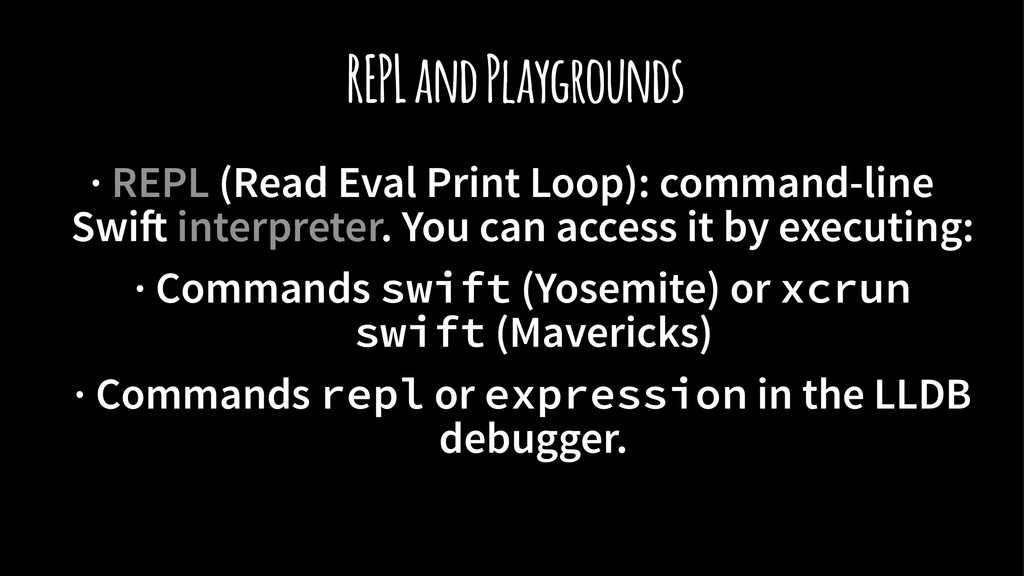
  14. REPL and Playgrounds · REPL (Read Eval Print Loop): command-line

    Swi! interpreter. You can access it by executing: · Commands swift (Yosemite) or xcrun swift (Mavericks) · Commands repl or expression in the LLDB debugger.
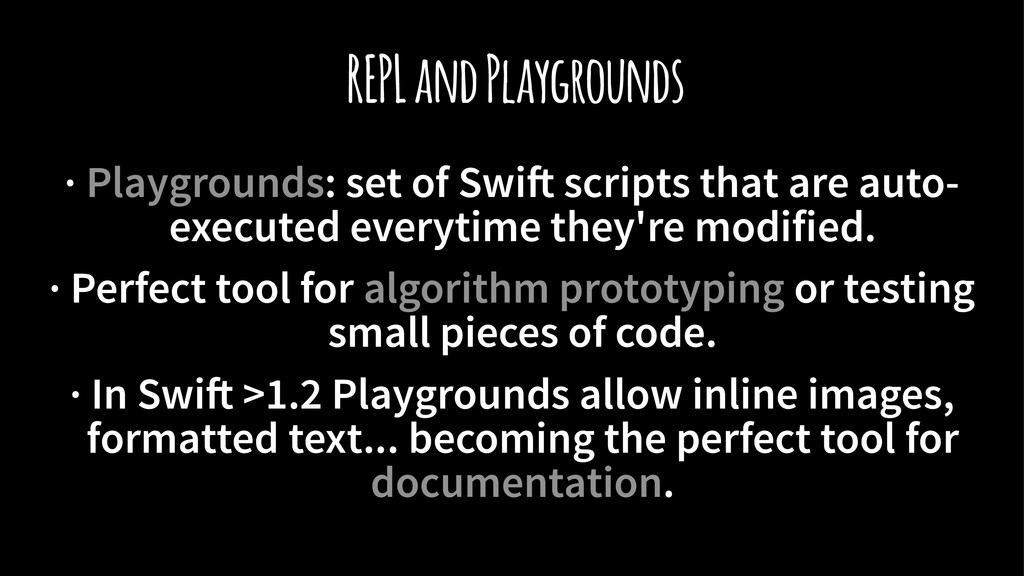
  15. REPL and Playgrounds · Playgrounds: set of Swi! scripts that

    are auto- executed everytime they're modified. · Perfect tool for algorithm prototyping or testing small pieces of code. · In Swi! >1.2 Playgrounds allow inline images, formatted text... becoming the perfect tool for documentation.
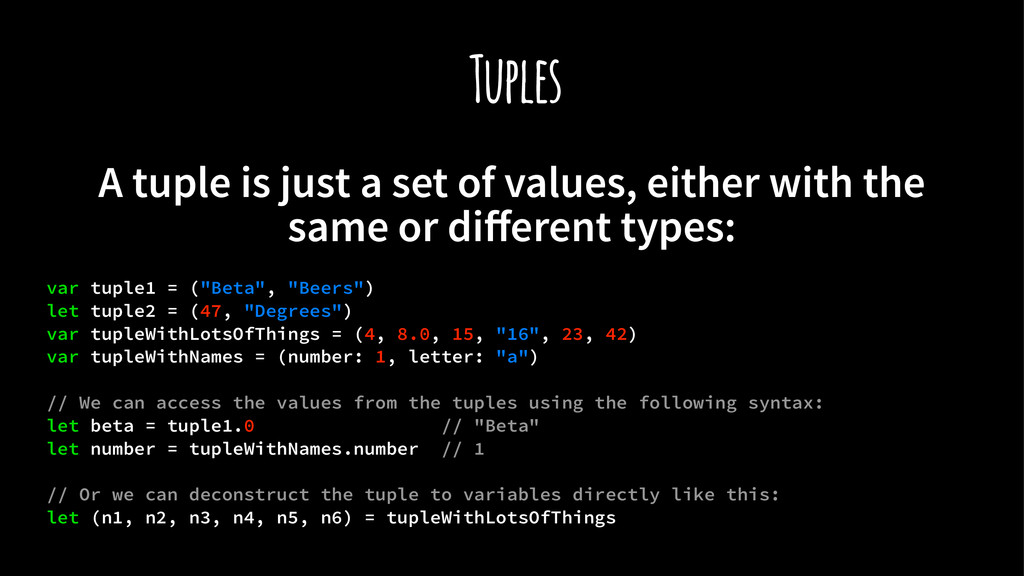
  16. Tuples A tuple is just a set of values, either

    with the same or different types: var tuple1 = ("Beta", "Beers") let tuple2 = (47, "Degrees") var tupleWithLotsOfThings = (4, 8.0, 15, "16", 23, 42) var tupleWithNames = (number: 1, letter: "a") // We can access the values from the tuples using the following syntax: let beta = tuple1.0 // "Beta" let number = tupleWithNames.number // 1 // Or we can deconstruct the tuple to variables directly like this: let (n1, n2, n3, n4, n5, n6) = tupleWithLotsOfThings
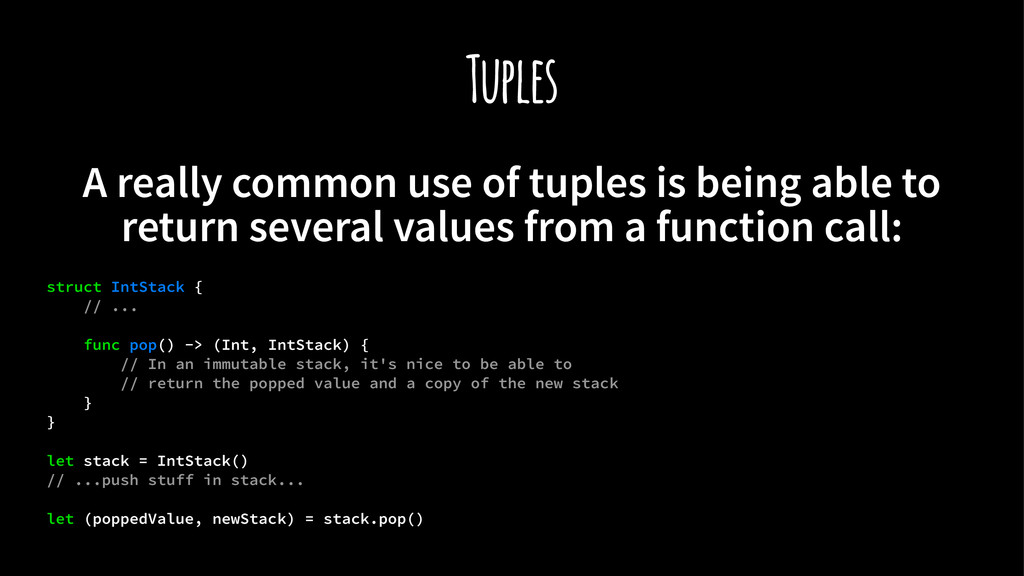
  17. Tuples A really common use of tuples is being able

    to return several values from a function call: struct IntStack { // ... func pop() -> (Int, IntStack) { // In an immutable stack, it's nice to be able to // return the popped value and a copy of the new stack } } let stack = IntStack() // ...push stuff in stack... let (poppedValue, newStack) = stack.pop()
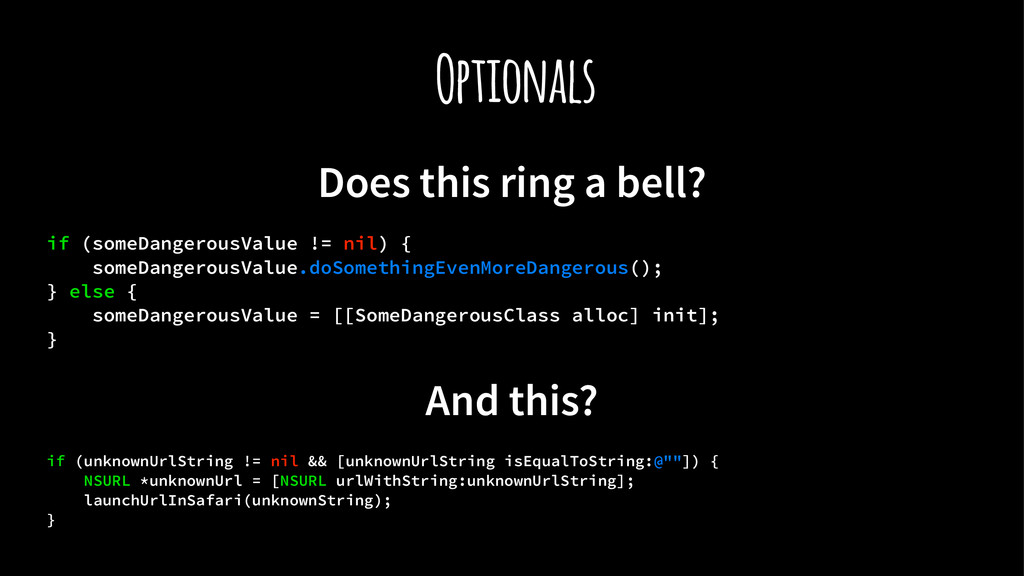
  18. Optionals Does this ring a bell? if (someDangerousValue != nil)

    { someDangerousValue.doSomethingEvenMoreDangerous(); } else { someDangerousValue = [[SomeDangerousClass alloc] init]; } And this? if (unknownUrlString != nil && [unknownUrlString isEqualToString:@""]) { NSURL *unknownUrl = [NSURL urlWithString:unknownUrlString]; launchUrlInSafari(unknownString); }
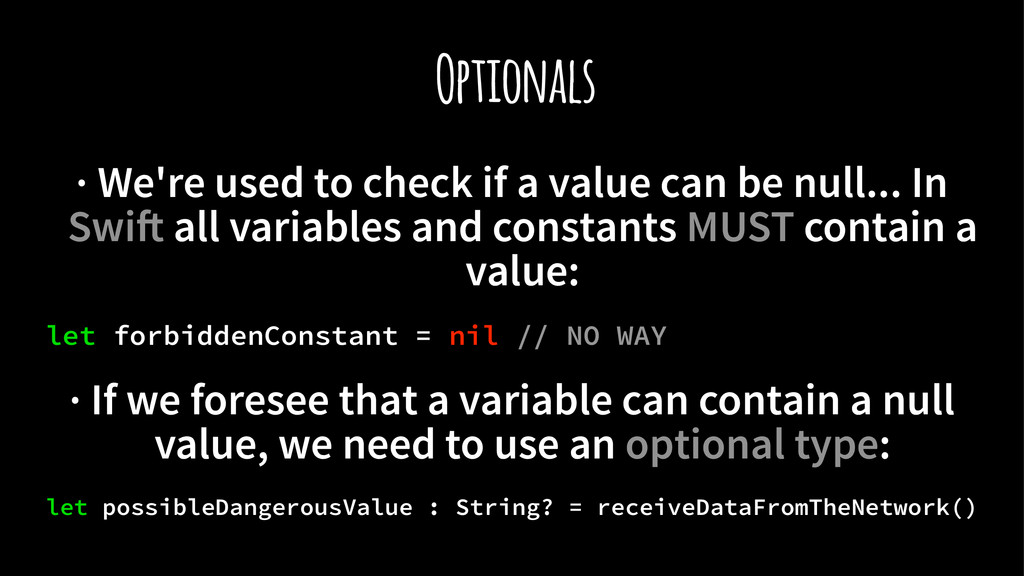
  19. Optionals · We're used to check if a value can

    be null... In Swi! all variables and constants MUST contain a value: let forbiddenConstant = nil // NO WAY · If we foresee that a variable can contain a null value, we need to use an optional type: let possibleDangerousValue : String? = receiveDataFromTheNetwork()
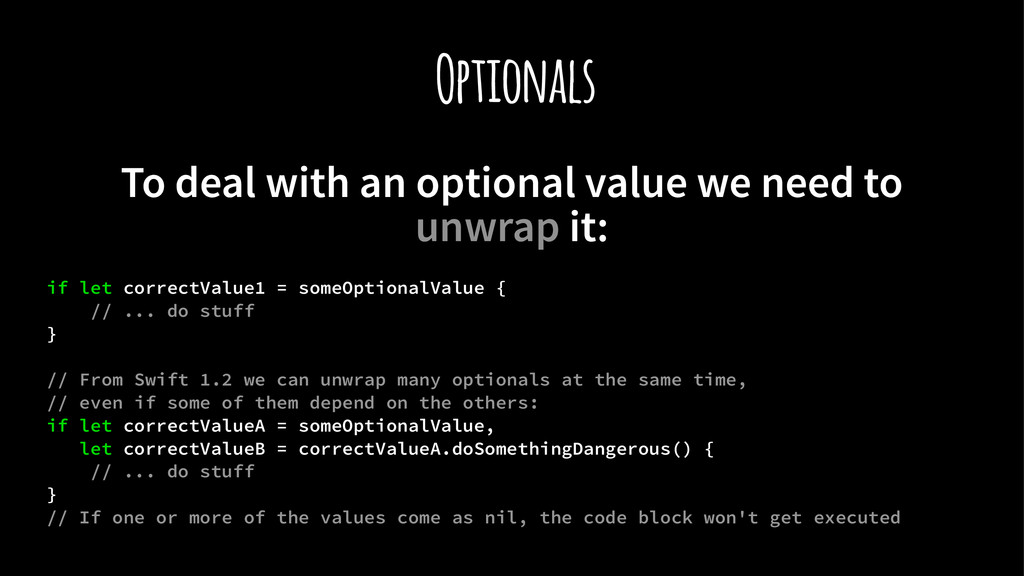
  20. Optionals To deal with an optional value we need to

    unwrap it: if let correctValue1 = someOptionalValue { // ... do stuff } // From Swift 1.2 we can unwrap many optionals at the same time, // even if some of them depend on the others: if let correctValueA = someOptionalValue, let correctValueB = correctValueA.doSomethingDangerous() { // ... do stuff } // If one or more of the values come as nil, the code block won't get executed
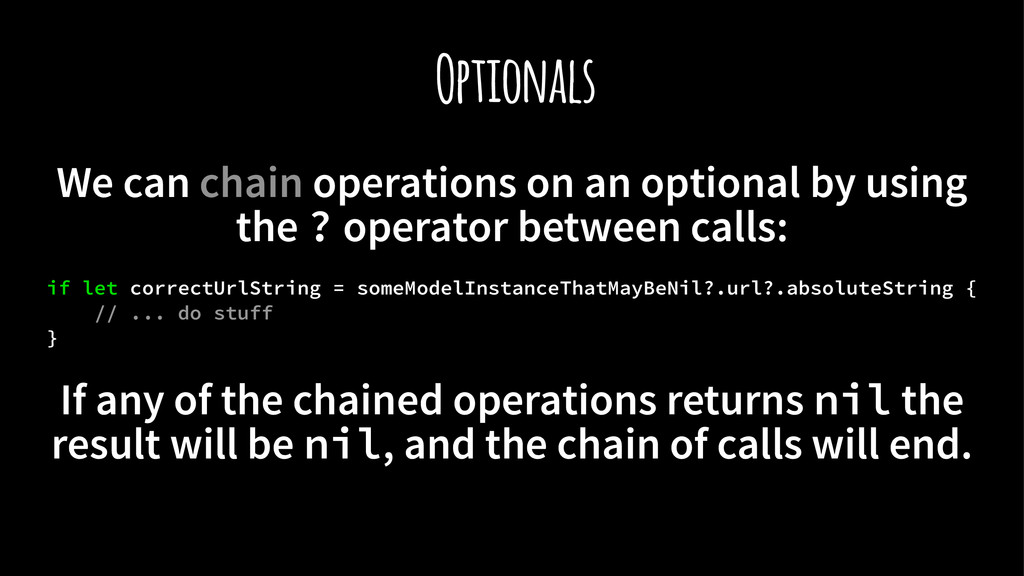
  21. Optionals We can chain operations on an optional by using

    the ? operator between calls: if let correctUrlString = someModelInstanceThatMayBeNil?.url?.absoluteString { // ... do stuff } If any of the chained operations returns nil the result will be nil, and the chain of calls will end.
  22. Pattern Matching Swi! code makes an extensive use of the

    switch control structure just like C and other languages...
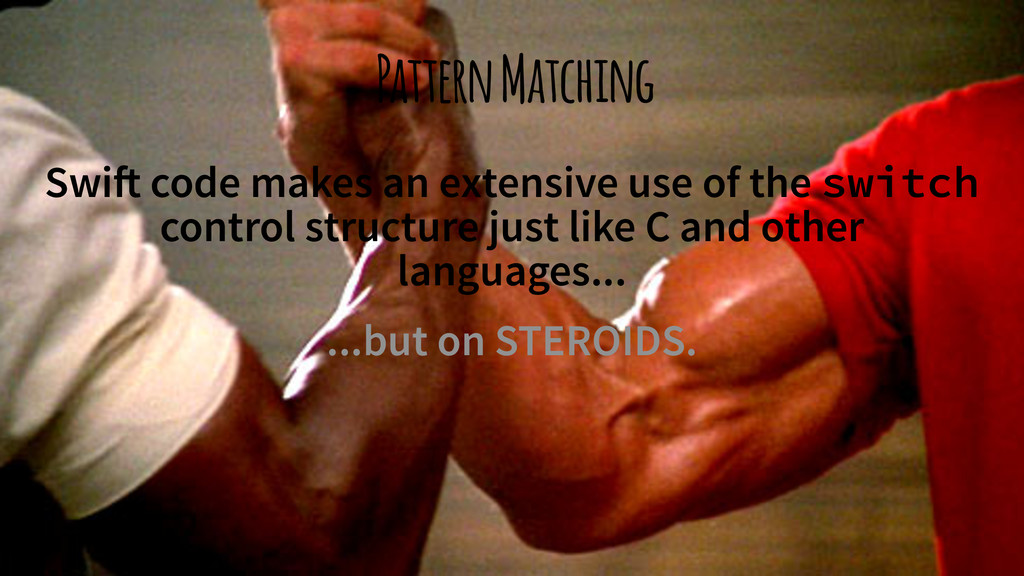
  23. Pattern Matching Swi! code makes an extensive use of the

    switch control structure just like C and other languages... ...but on STEROIDS.
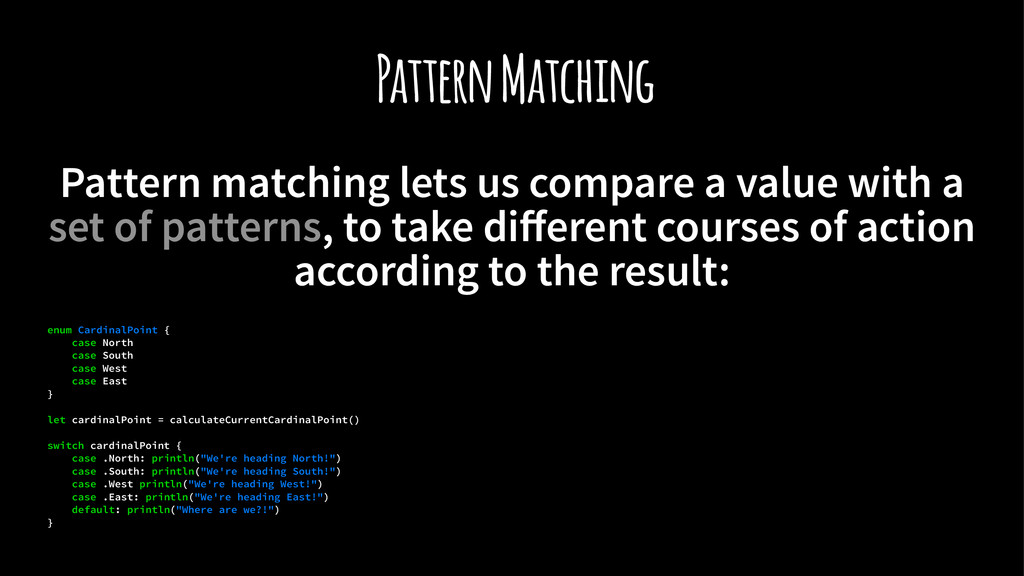
  24. Pattern Matching Pattern matching lets us compare a value with

    a set of patterns, to take different courses of action according to the result: enum CardinalPoint { case North case South case West case East } let cardinalPoint = calculateCurrentCardinalPoint() switch cardinalPoint { case .North: println("We're heading North!") case .South: println("We're heading South!") case .West println("We're heading West!") case .East: println("We're heading East!") default: println("Where are we?!") }
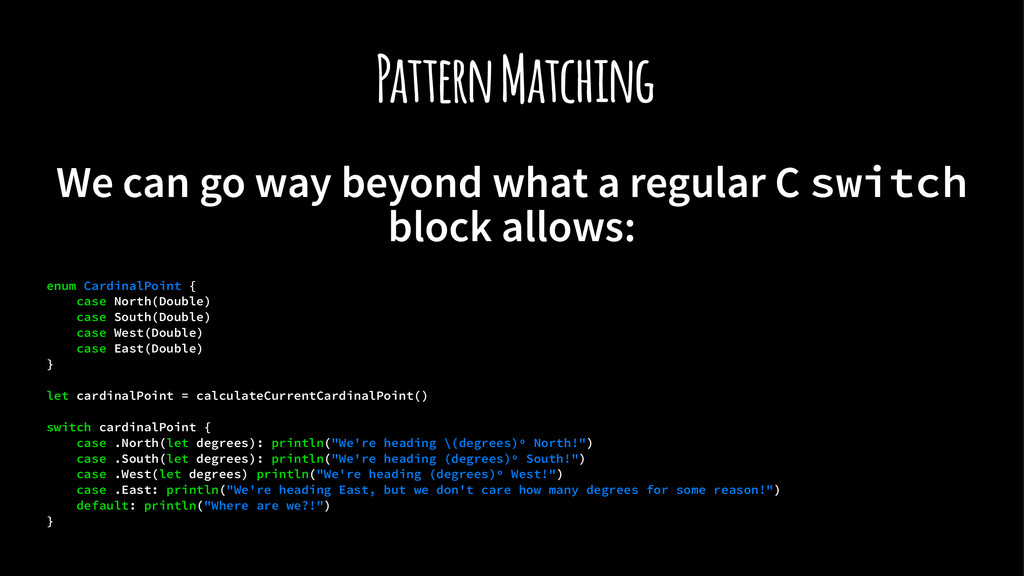
  25. Pattern Matching We can go way beyond what a regular

    C switch block allows: enum CardinalPoint { case North(Double) case South(Double) case West(Double) case East(Double) } let cardinalPoint = calculateCurrentCardinalPoint() switch cardinalPoint { case .North(let degrees): println("We're heading \(degrees)º North!") case .South(let degrees): println("We're heading (degrees)º South!") case .West(let degrees) println("We're heading (degrees)º West!") case .East: println("We're heading East, but we don't care how many degrees for some reason!") default: println("Where are we?!") }
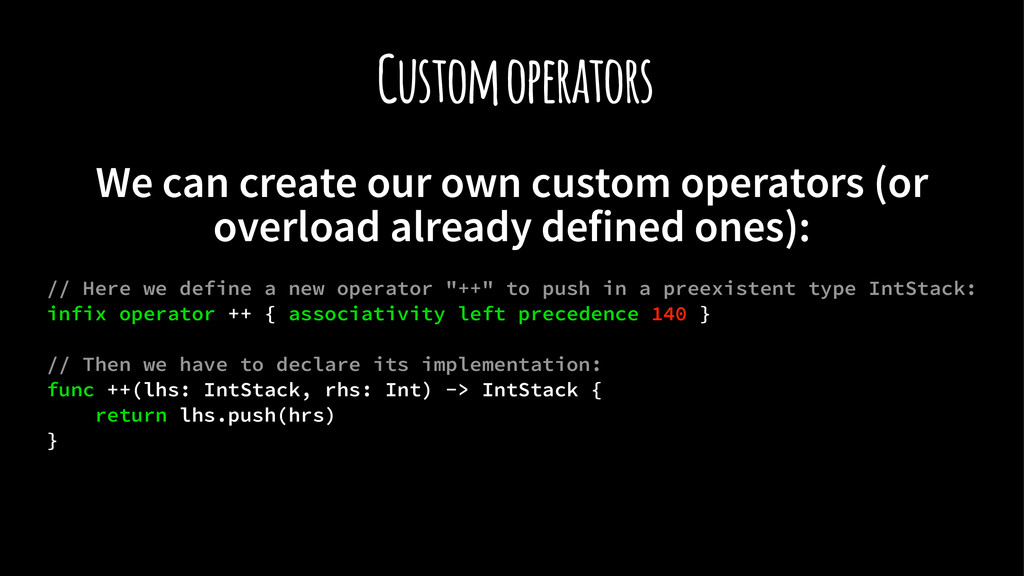
  26. Custom operators We can create our own custom operators (or

    overload already defined ones): // Here we define a new operator "++" to push in a preexistent type IntStack: infix operator ++ { associativity left precedence 140 } // Then we have to declare its implementation: func ++(lhs: IntStack, rhs: Int) -> IntStack { return lhs.push(hrs) }
  27. Second Bridge Swi! features allow our code to be cleaner,

    safer and more functional: In fact our intention from 47 Degrees is to make Swi! even more functional, and that's why we're developing Second Bridge.
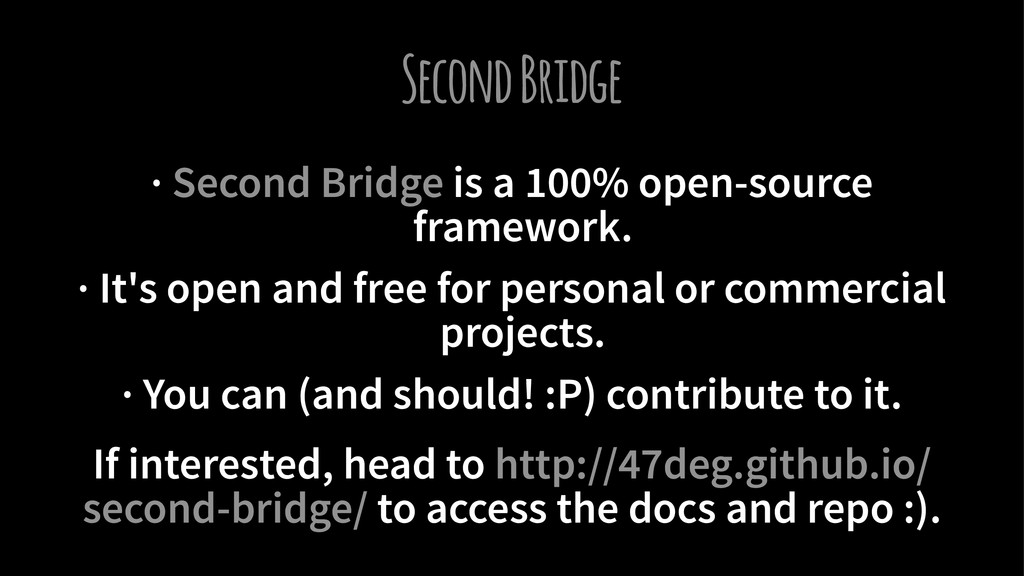
  28. Second Bridge · Second Bridge is a 100% open-source framework.

    · It's open and free for personal or commercial projects. · You can (and should! :P) contribute to it. If interested, head to http://47deg.github.io/ second-bridge/ to access the docs and repo :).