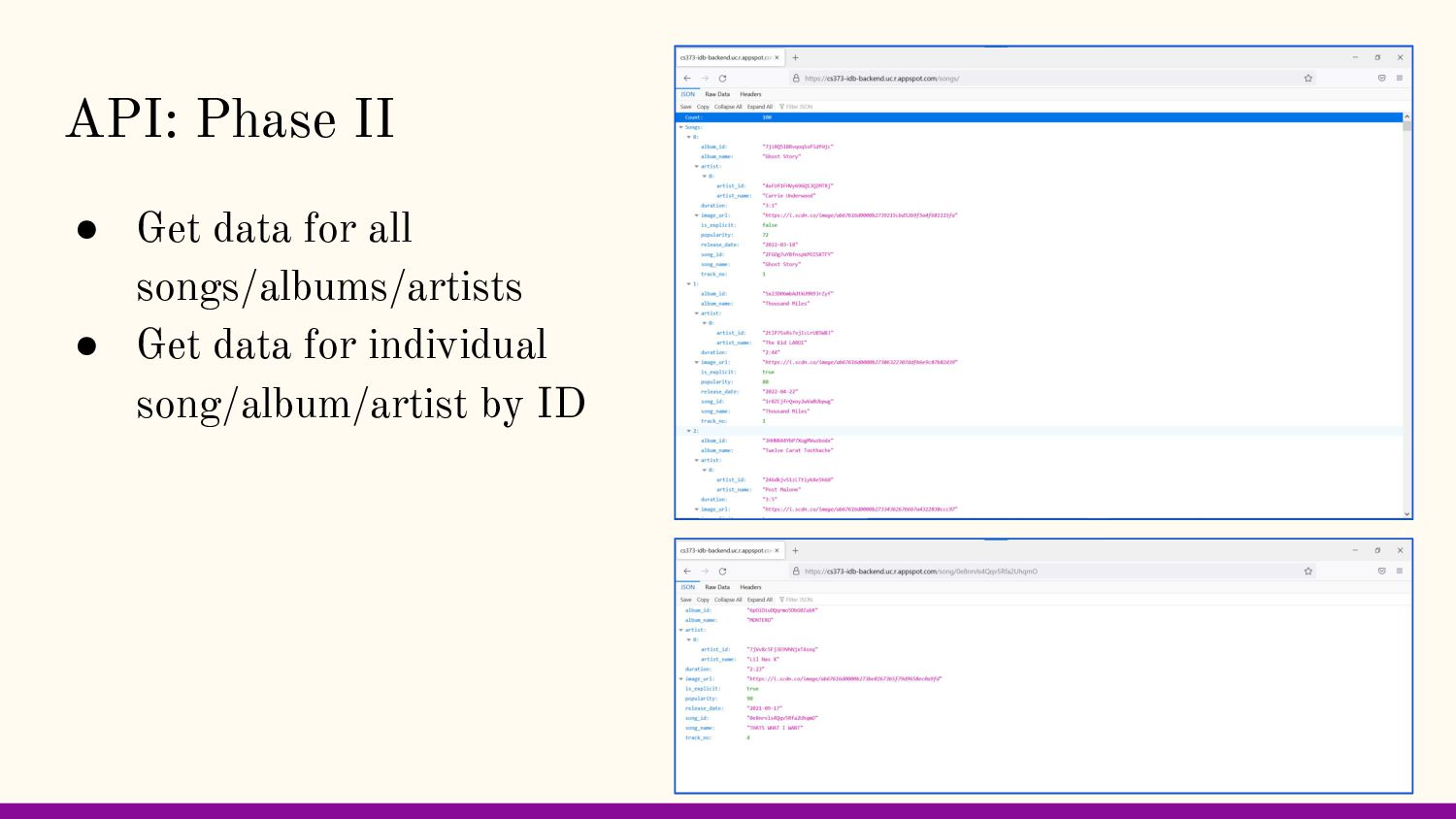
about songs, albums, and artists in a convenient, aesthetically pleasing way for users to consume. Users can search for their interests or explore new content.
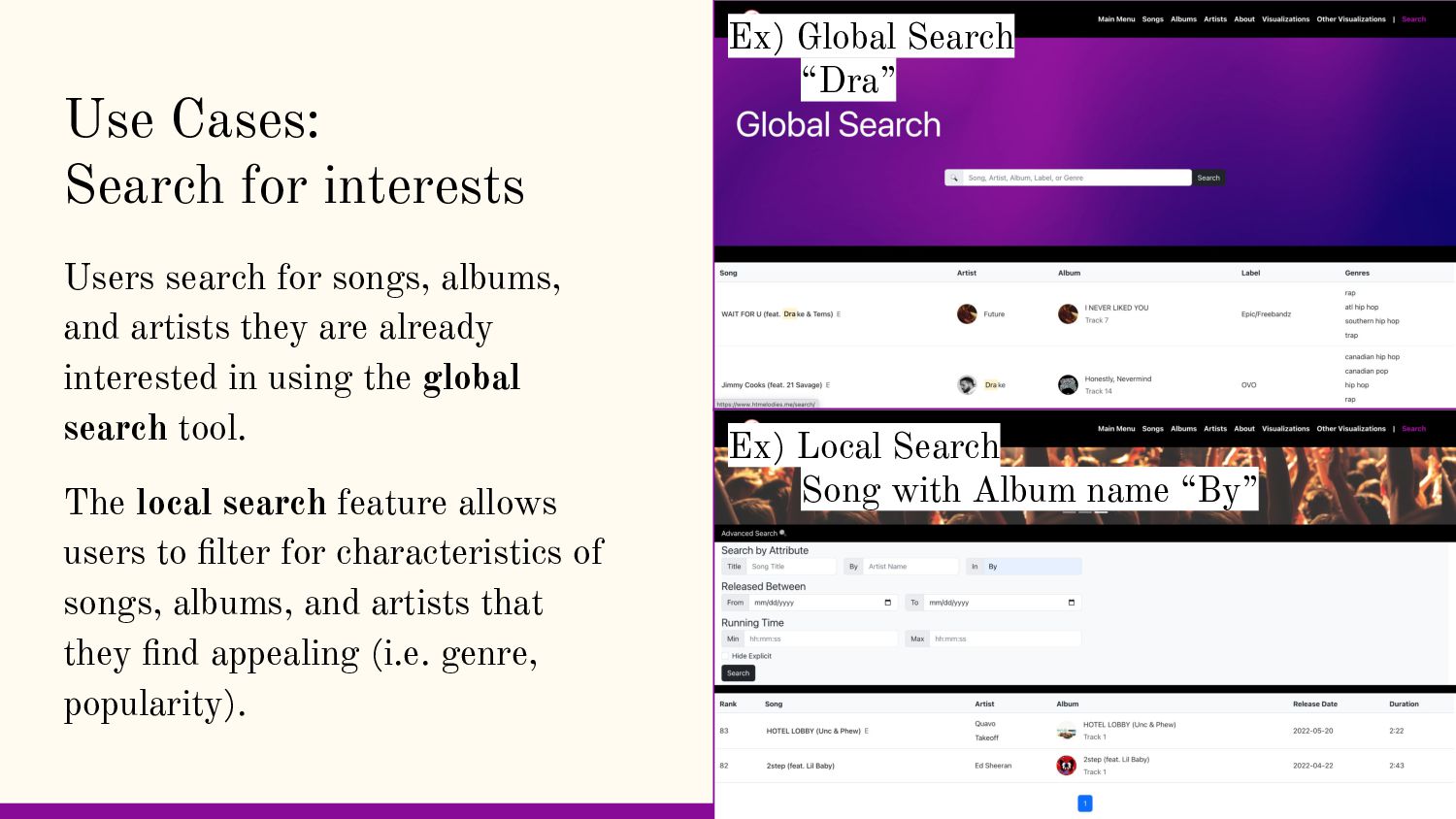
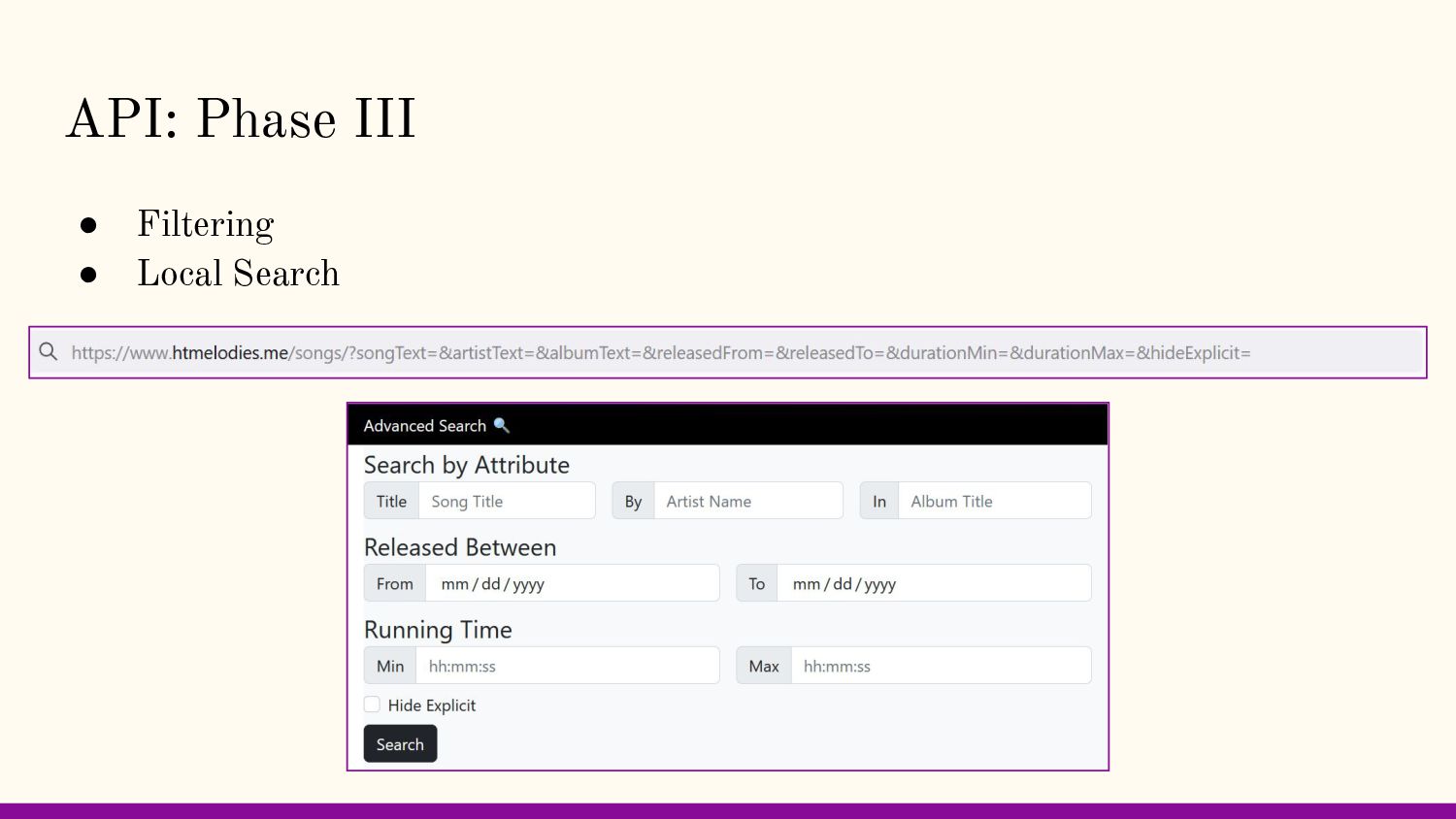
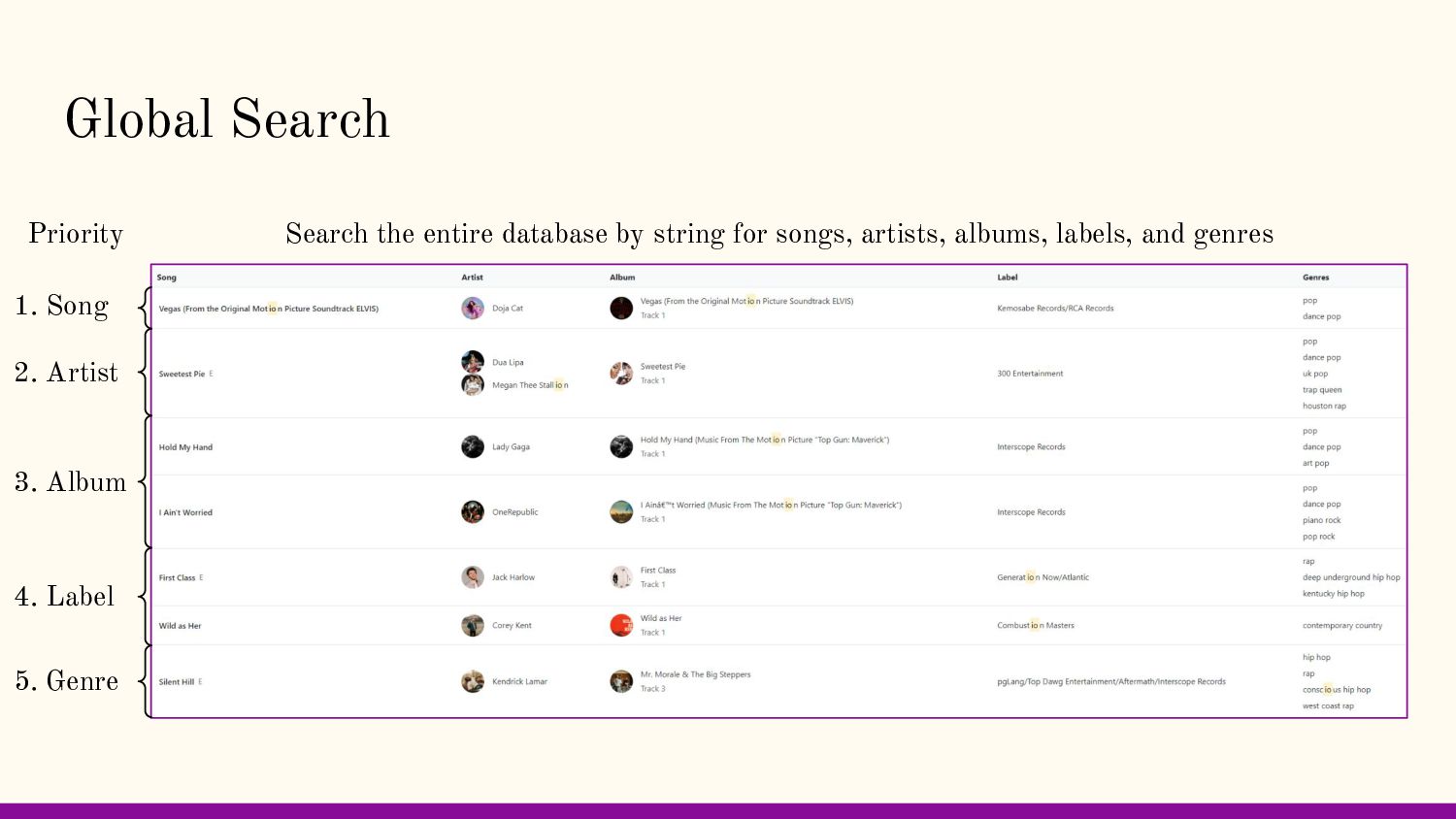
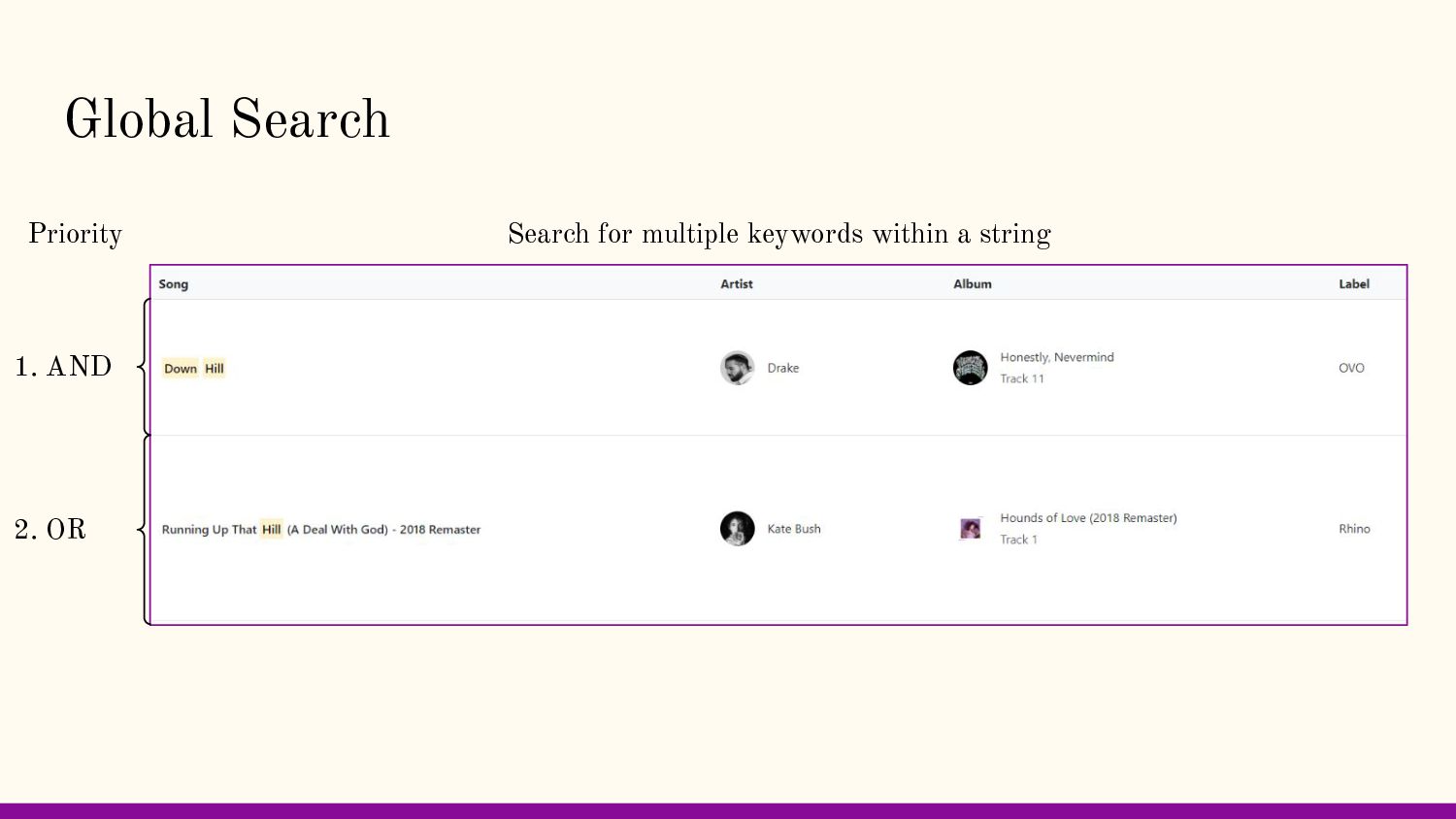
and artists they are already interested in using the global search tool. The local search feature allows users to filter for characteristics of songs, albums, and artists that they find appealing (i.e. genre, popularity). Ex) Global Search “Dra” Ex) Local Search Song with Album name “By”
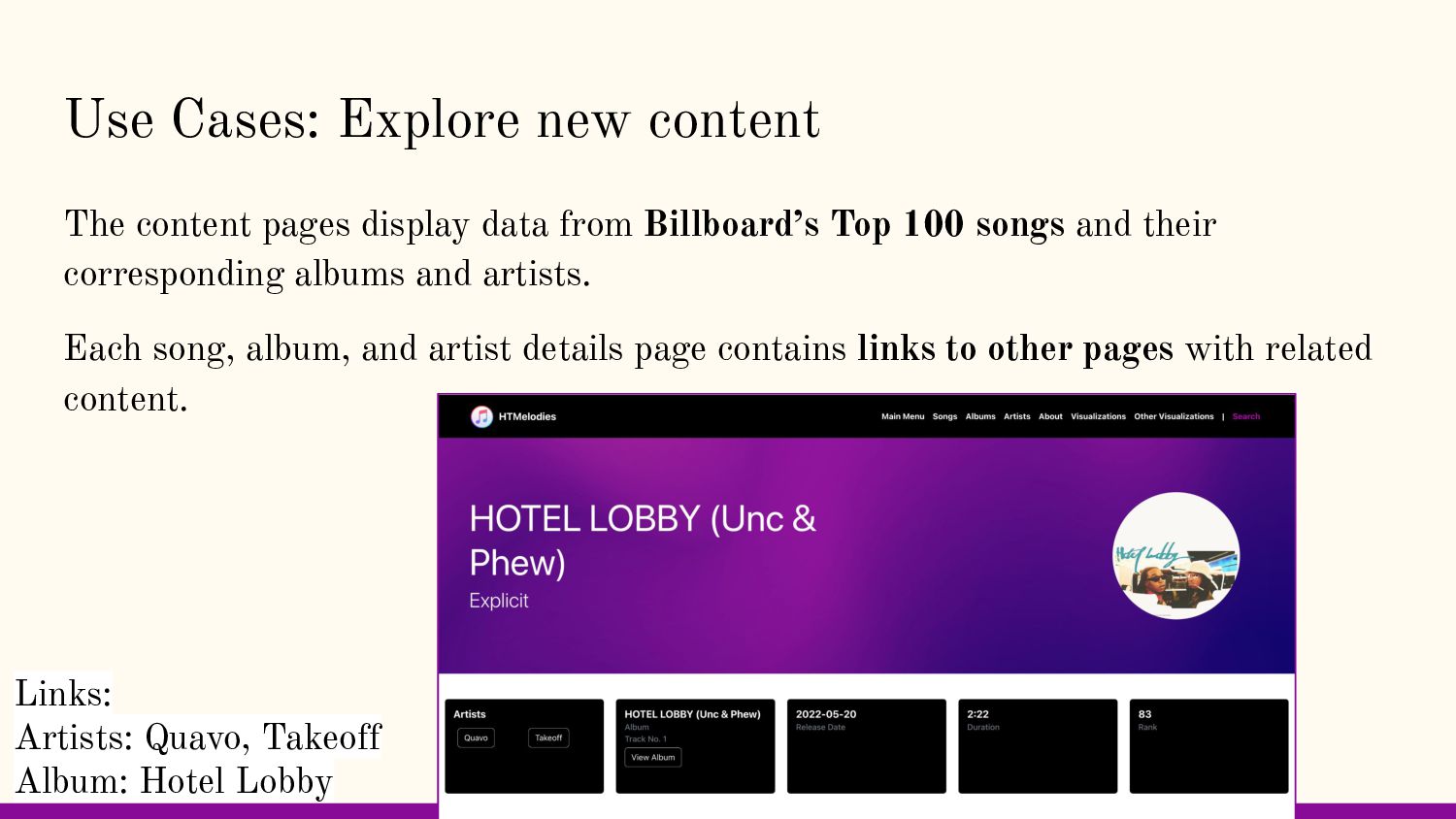
from Billboard’s Top 100 songs and their corresponding albums and artists. Each song, album, and artist details page contains links to other pages with related content. Links: Artists: Quavo, Takeoff Album: Hotel Lobby
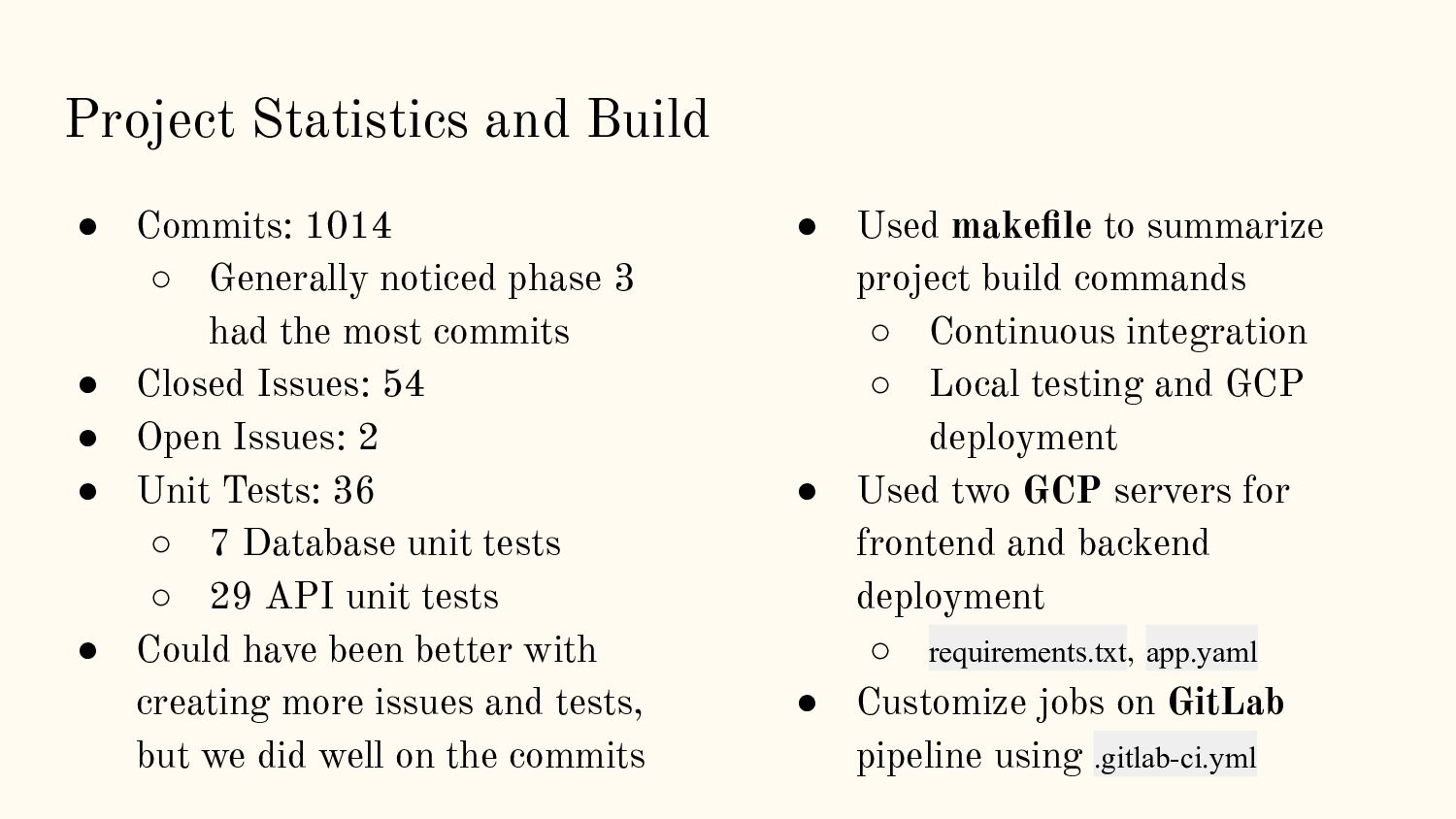
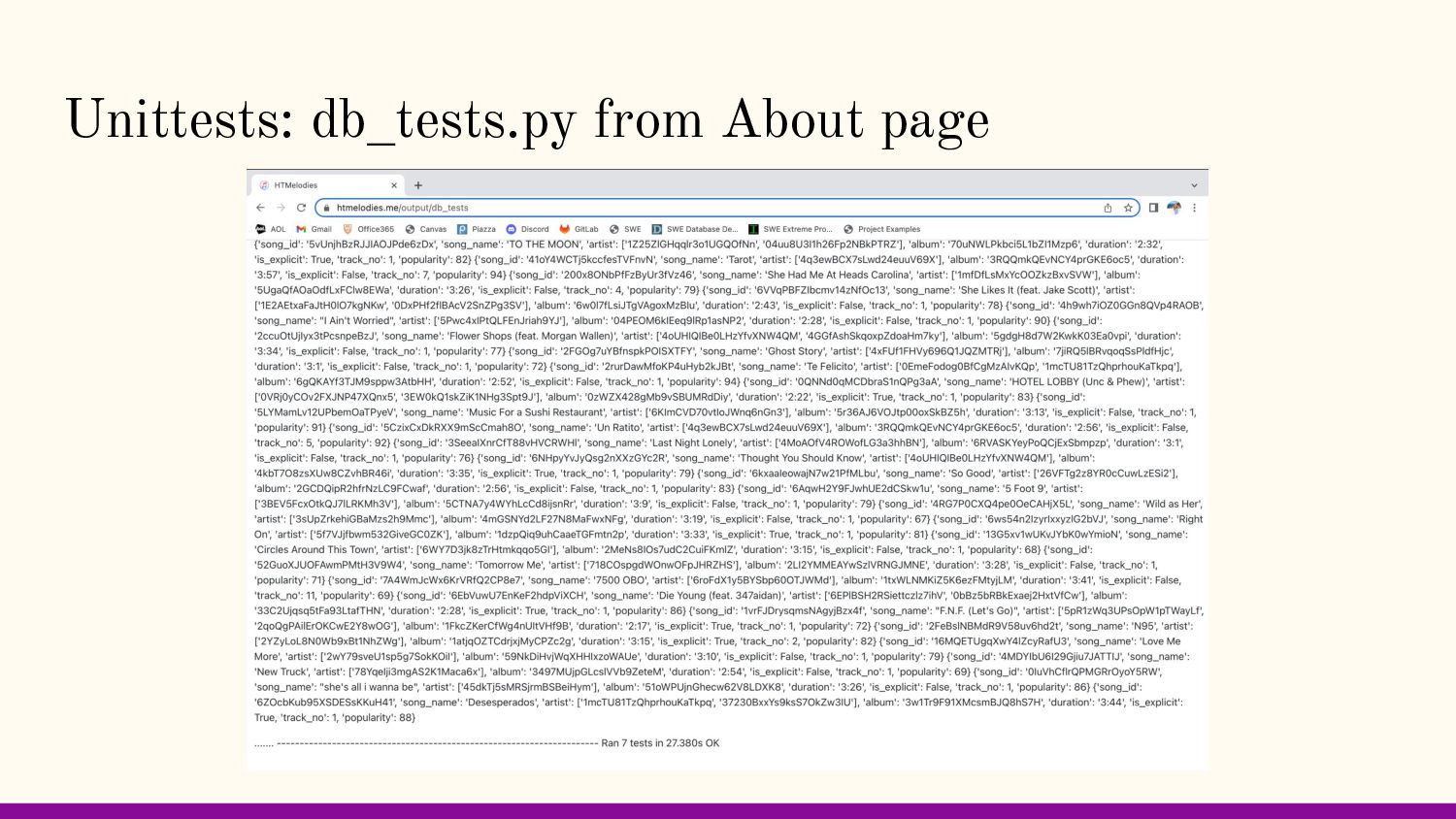
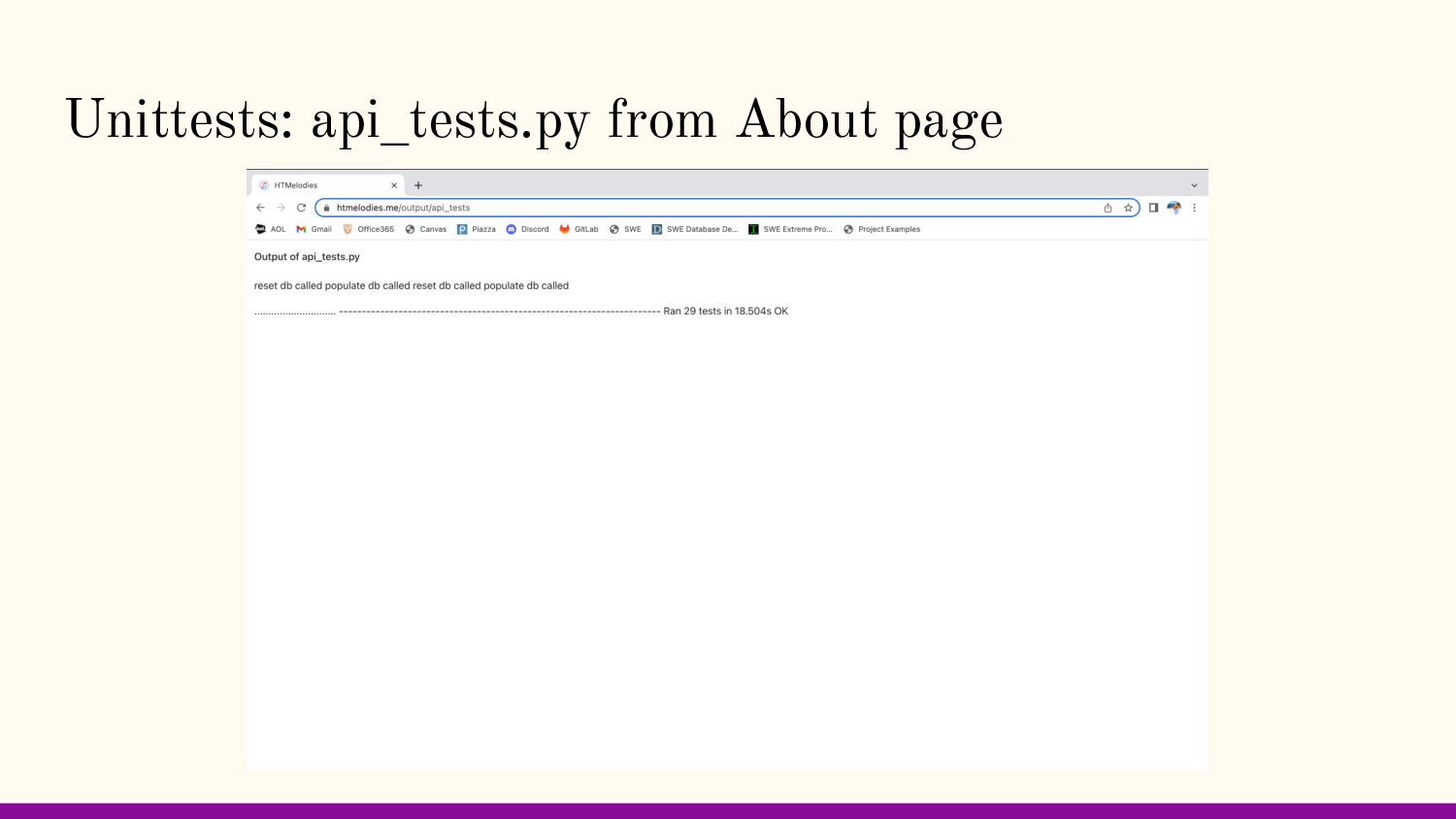
phase 3 had the most commits • Closed Issues: 54 • Open Issues: 2 • Unit Tests: 36 ◦ 7 Database unit tests ◦ 29 API unit tests • Could have been better with creating more issues and tests, but we did well on the commits • Used makefile to summarize project build commands ◦ Continuous integration ◦ Local testing and GCP deployment • Used two GCP servers for frontend and backend deployment ◦ requirements.txt, app.yaml • Customize jobs on GitLab pipeline using .gitlab-ci.yml
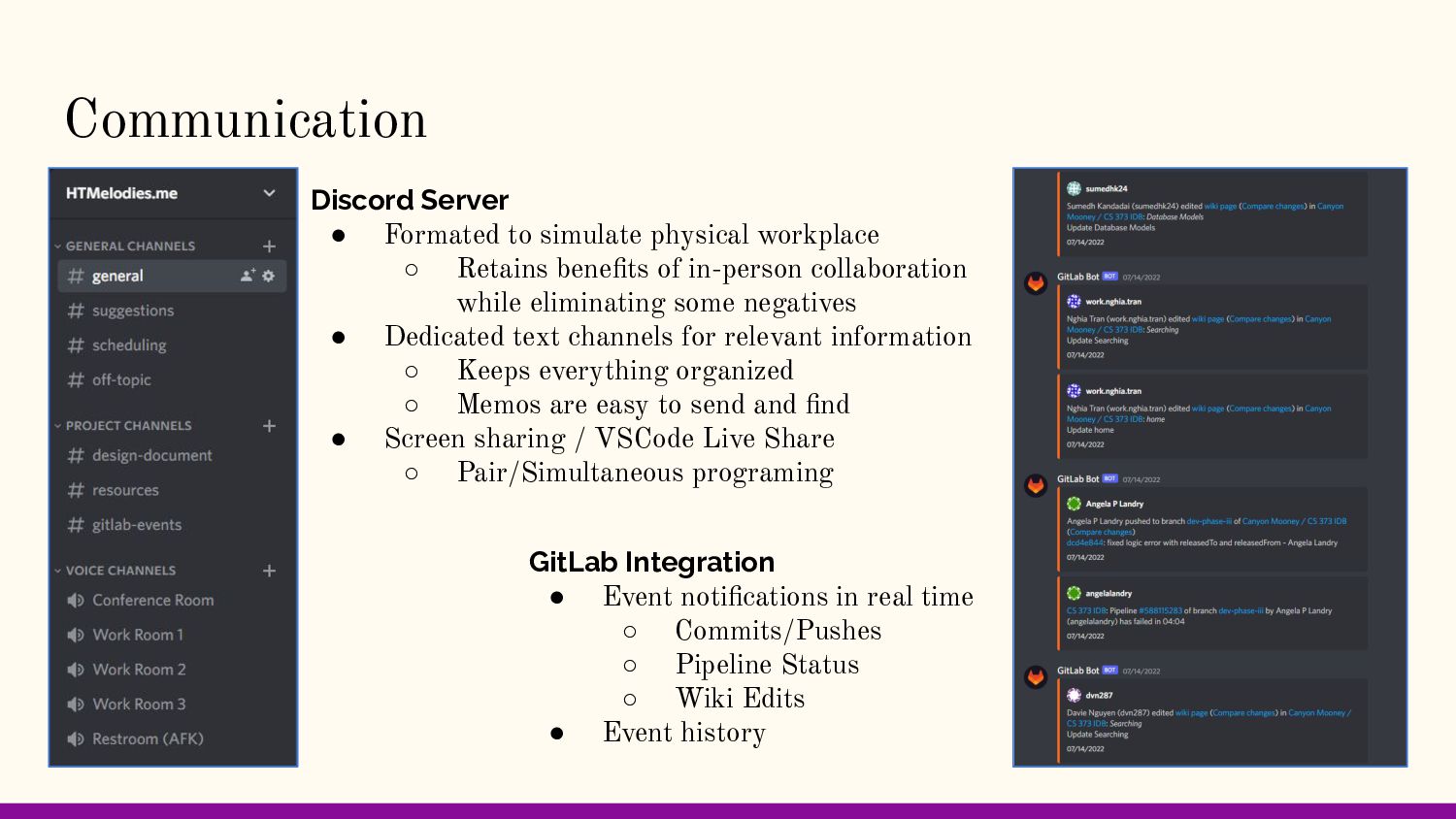
Retains benefits of in-person collaboration while eliminating some negatives • Dedicated text channels for relevant information ◦ Keeps everything organized ◦ Memos are easy to send and find • Screen sharing / VSCode Live Share ◦ Pair/Simultaneous programing GitLab Integration • Event notifications in real time ◦ Commits/Pushes ◦ Pipeline Status ◦ Wiki Edits • Event history
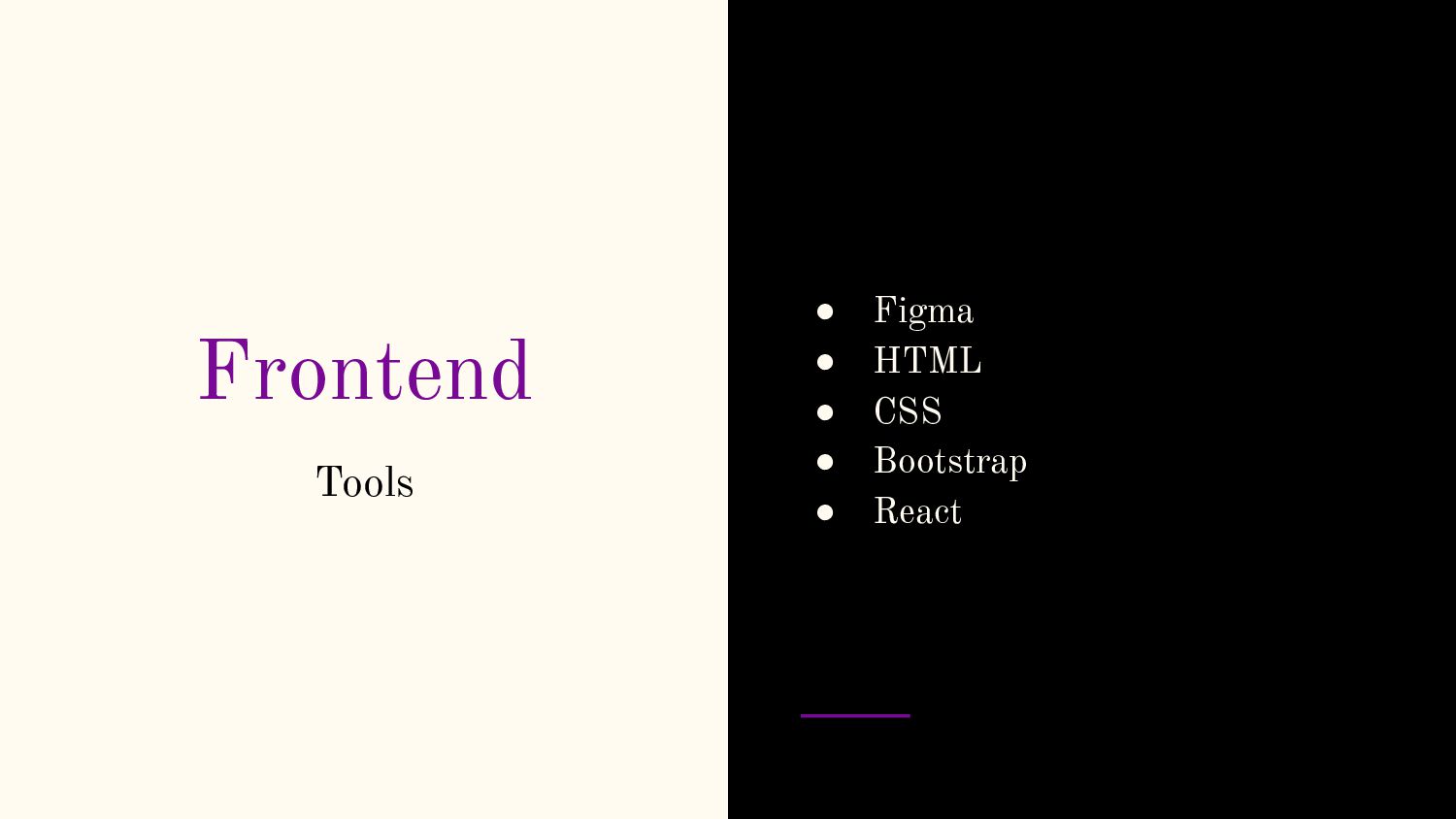
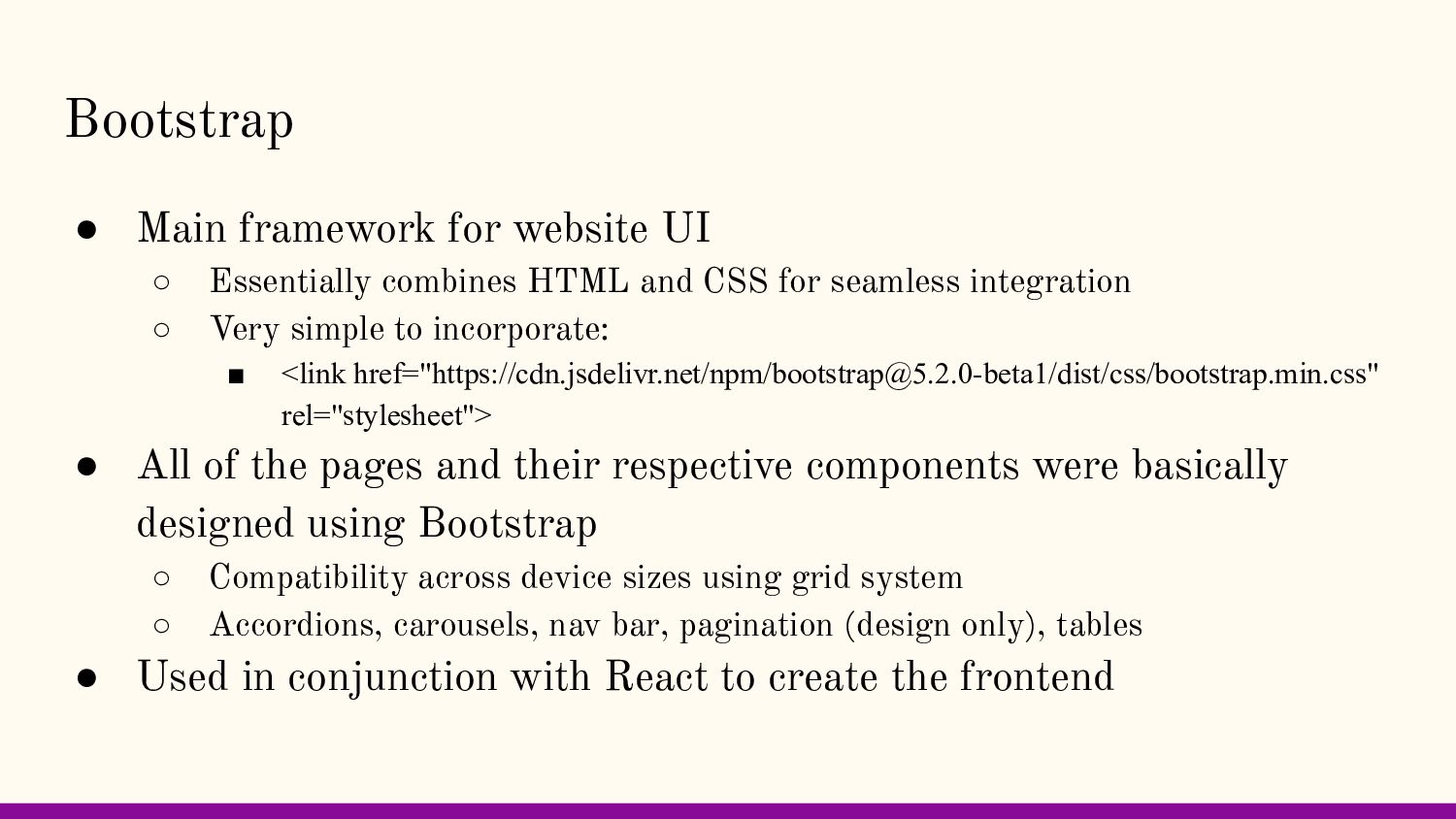
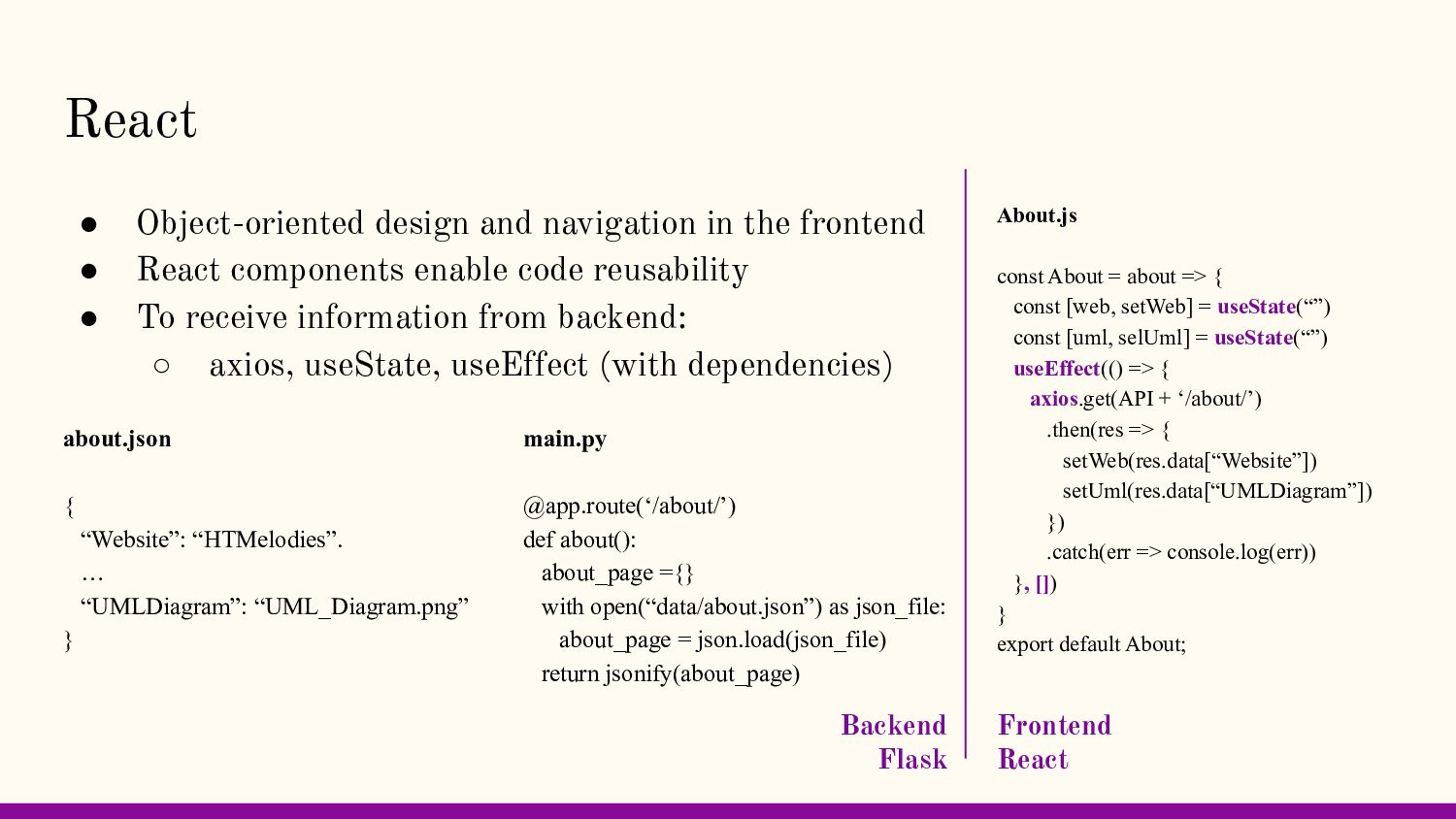
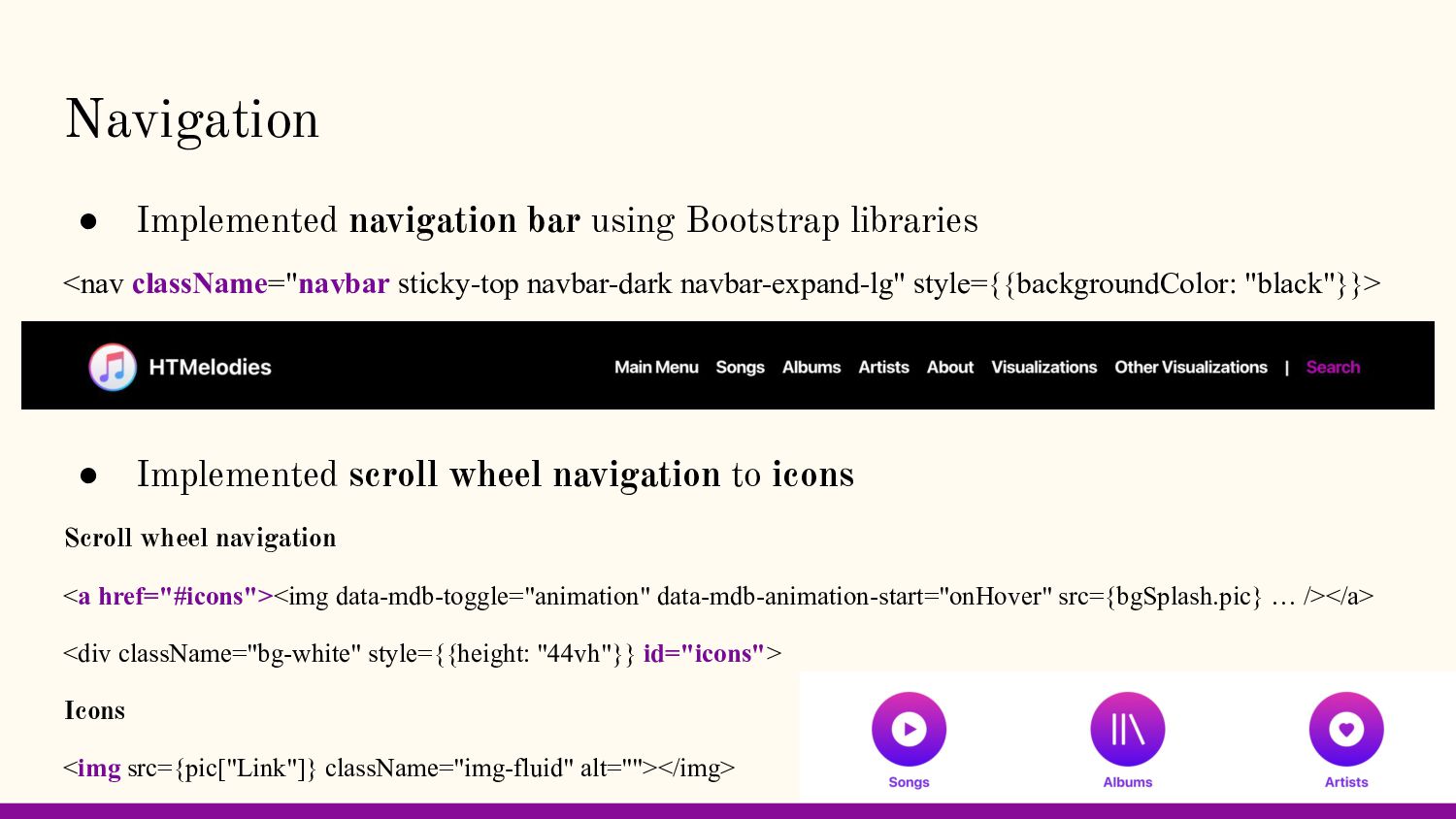
HTML and CSS for seamless integration ◦ Very simple to incorporate: ▪ <link href="https://cdn.jsdelivr.net/npm/[email protected]/dist/css/bootstrap.min.css" rel="stylesheet"> • All of the pages and their respective components were basically designed using Bootstrap ◦ Compatibility across device sizes using grid system ◦ Accordions, carousels, nav bar, pagination (design only), tables • Used in conjunction with React to create the frontend
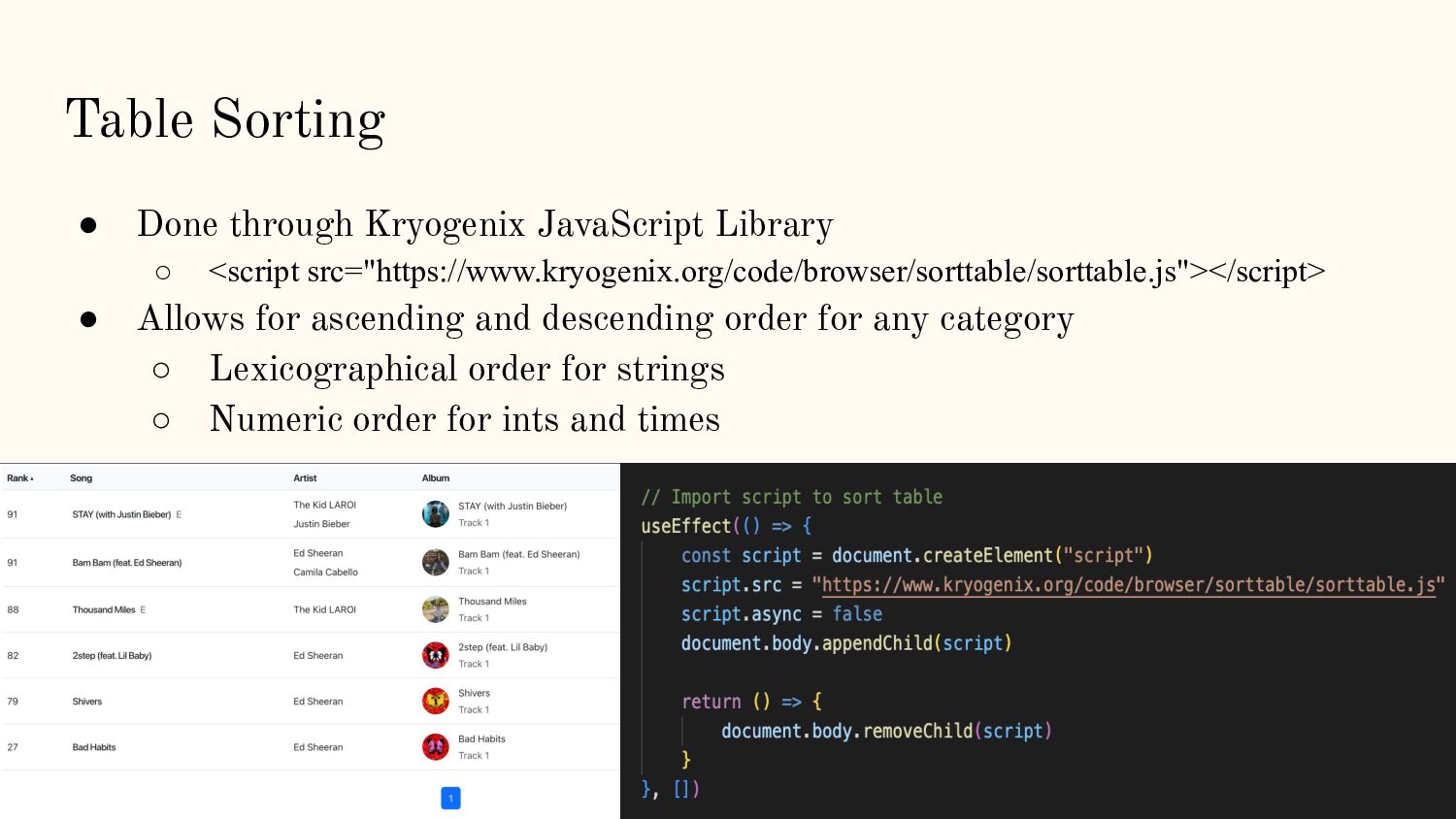
src="https://www.kryogenix.org/code/browser/sorttable/sorttable.js"></script> • Allows for ascending and descending order for any category ◦ Lexicographical order for strings ◦ Numeric order for ints and times
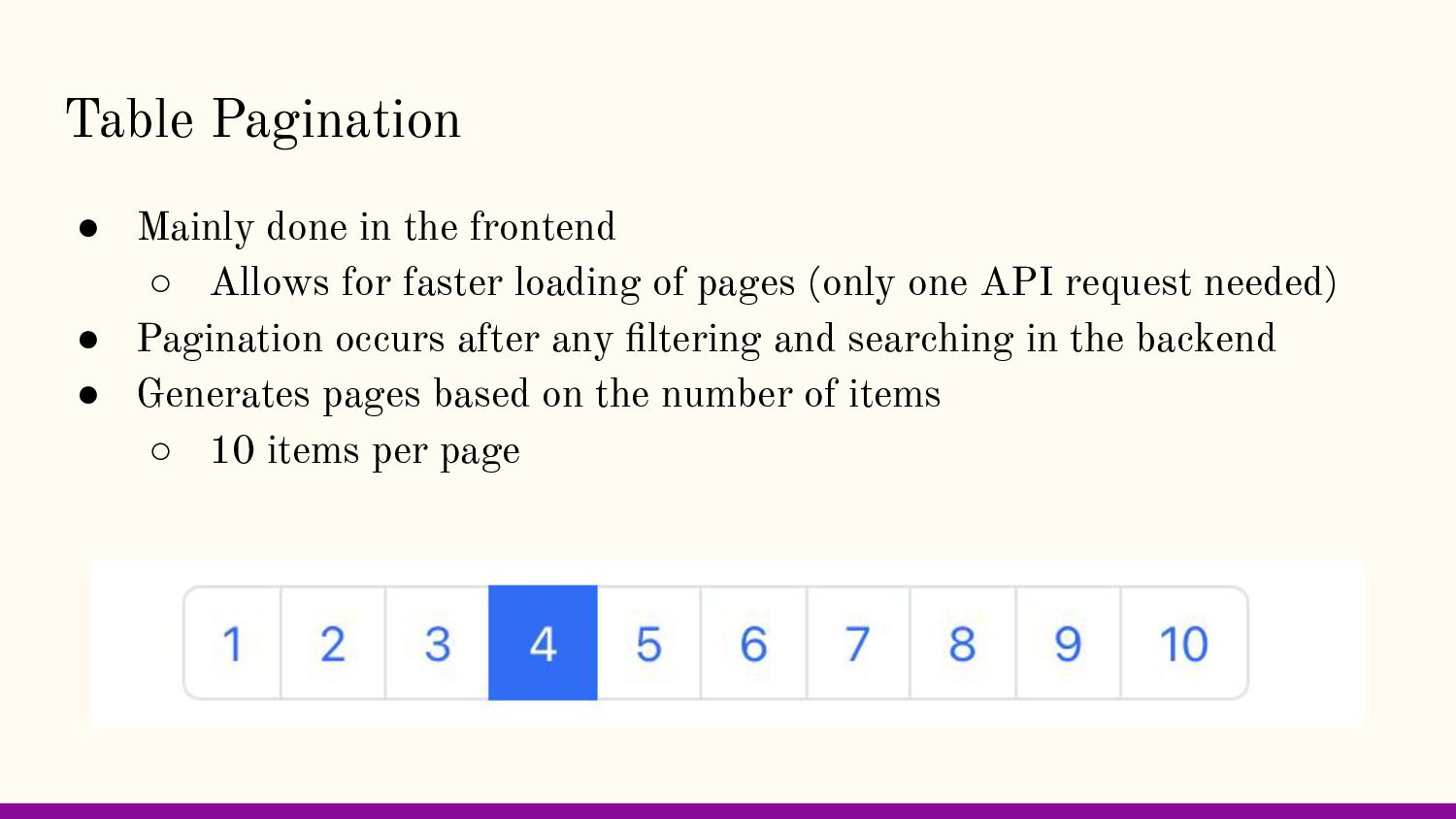
for faster loading of pages (only one API request needed) • Pagination occurs after any filtering and searching in the backend • Generates pages based on the number of items ◦ 10 items per page
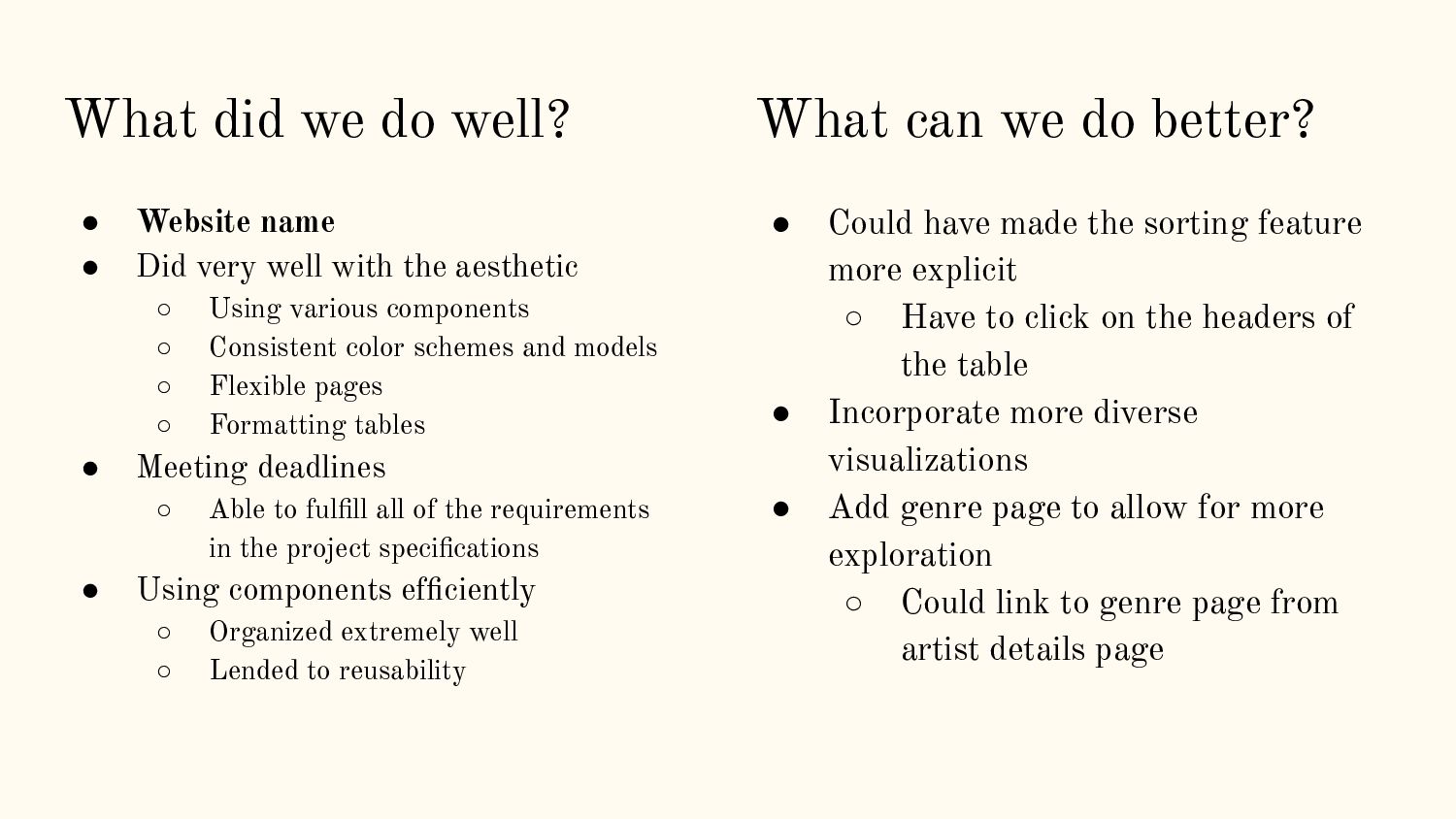
very well with the aesthetic ◦ Using various components ◦ Consistent color schemes and models ◦ Flexible pages ◦ Formatting tables • Meeting deadlines ◦ Able to fulfill all of the requirements in the project specifications • Using components efficiently ◦ Organized extremely well ◦ Lended to reusability What can we do better? • Could have made the sorting feature more explicit ◦ Have to click on the headers of the table • Incorporate more diverse visualizations • Add genre page to allow for more exploration ◦ Could link to genre page from artist details page
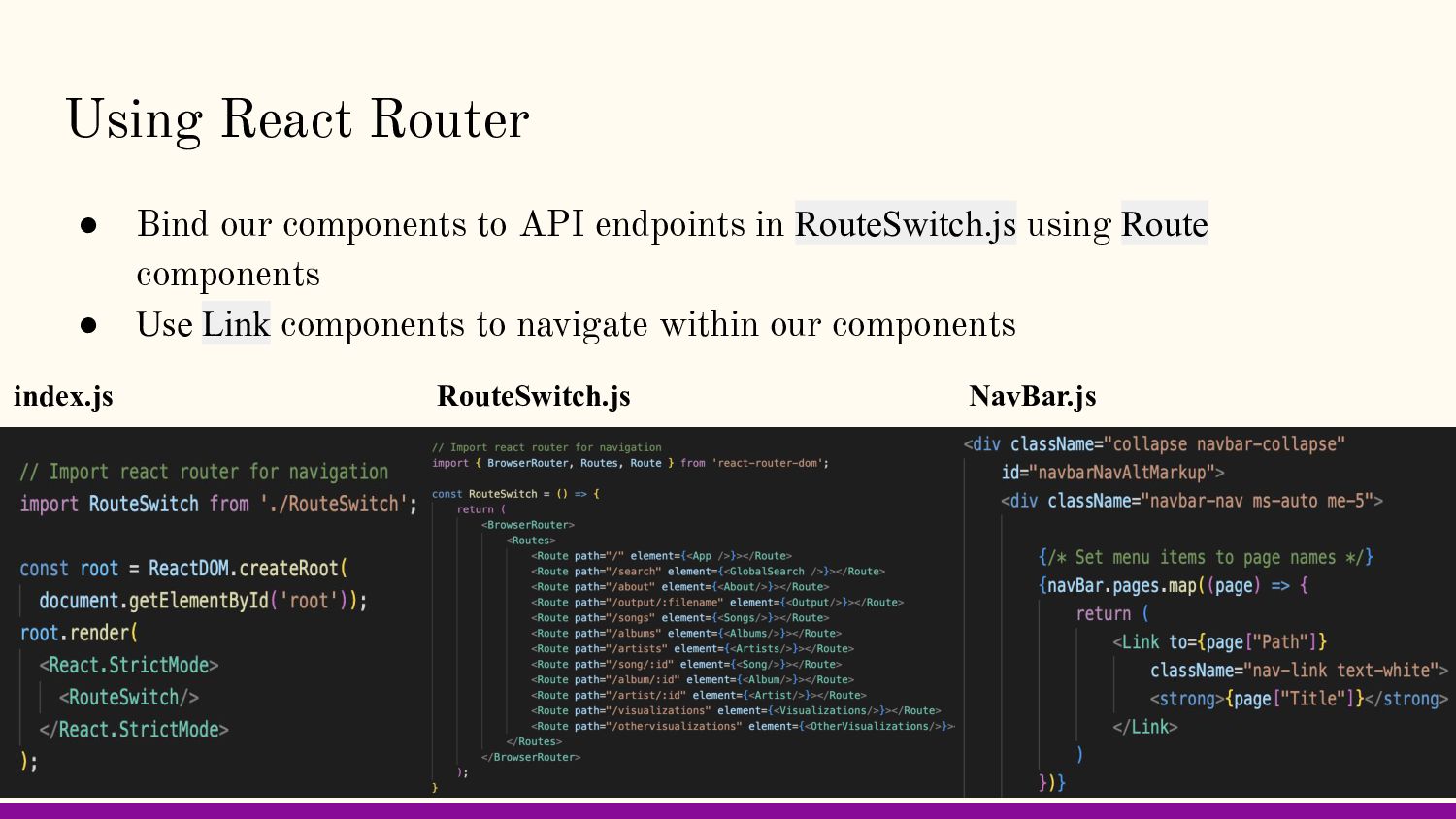
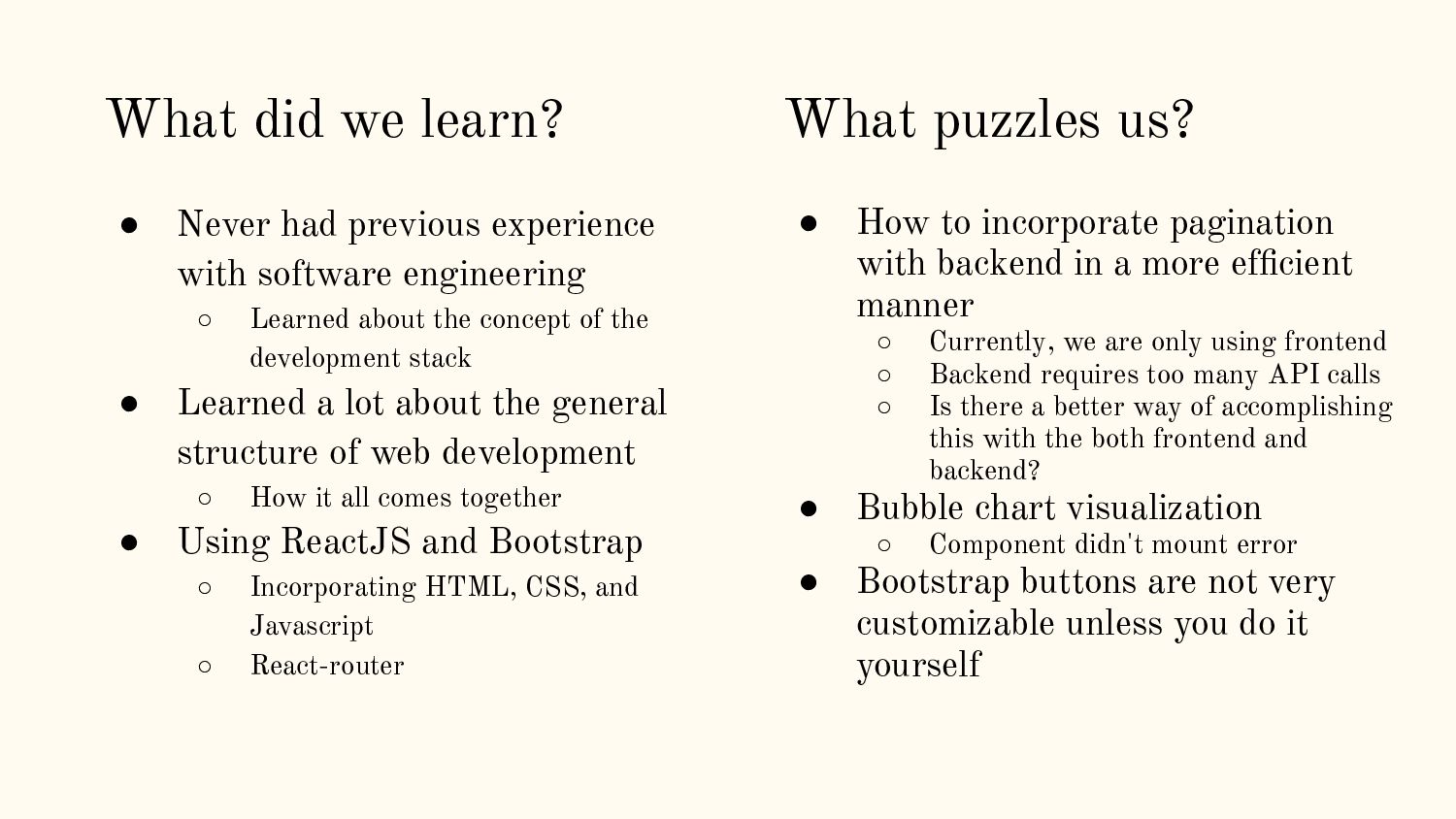
efficient manner ◦ Currently, we are only using frontend ◦ Backend requires too many API calls ◦ Is there a better way of accomplishing this with the both frontend and backend? • Bubble chart visualization ◦ Component didn't mount error • Bootstrap buttons are not very customizable unless you do it yourself What puzzles us? • Never had previous experience with software engineering ◦ Learned about the concept of the development stack • Learned a lot about the general structure of web development ◦ How it all comes together • Using ReactJS and Bootstrap ◦ Incorporating HTML, CSS, and Javascript ◦ React-router What did we learn?
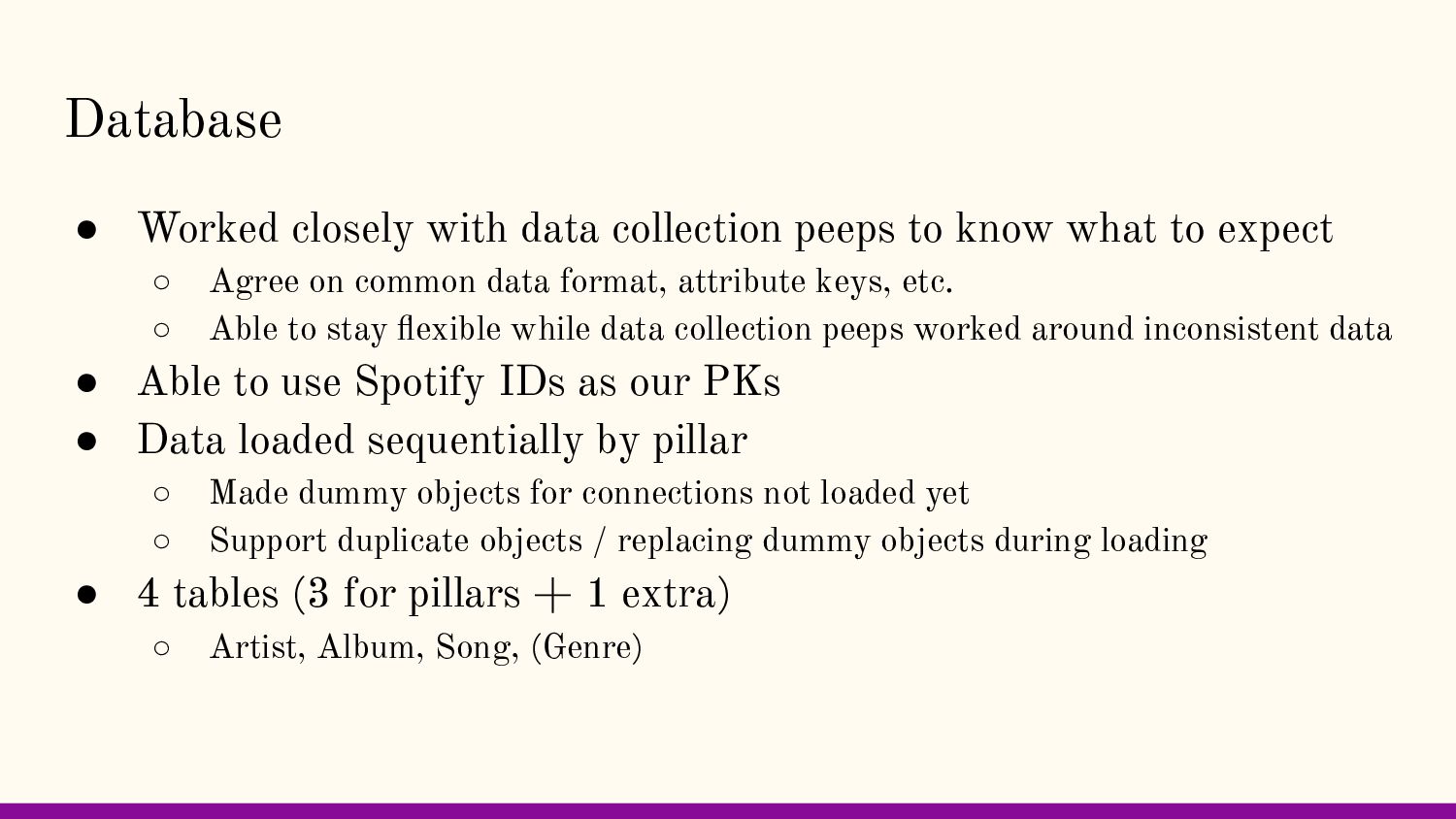
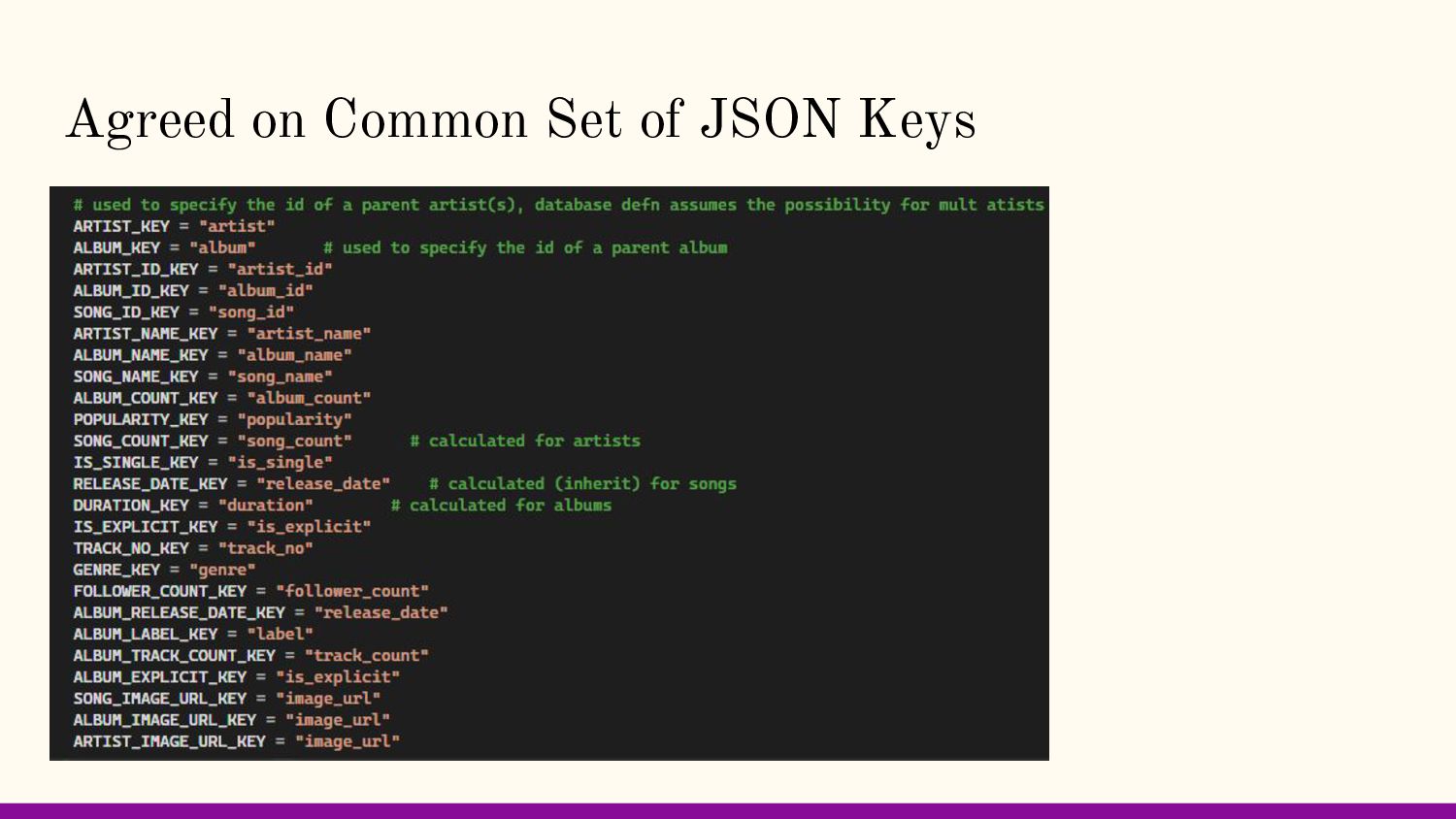
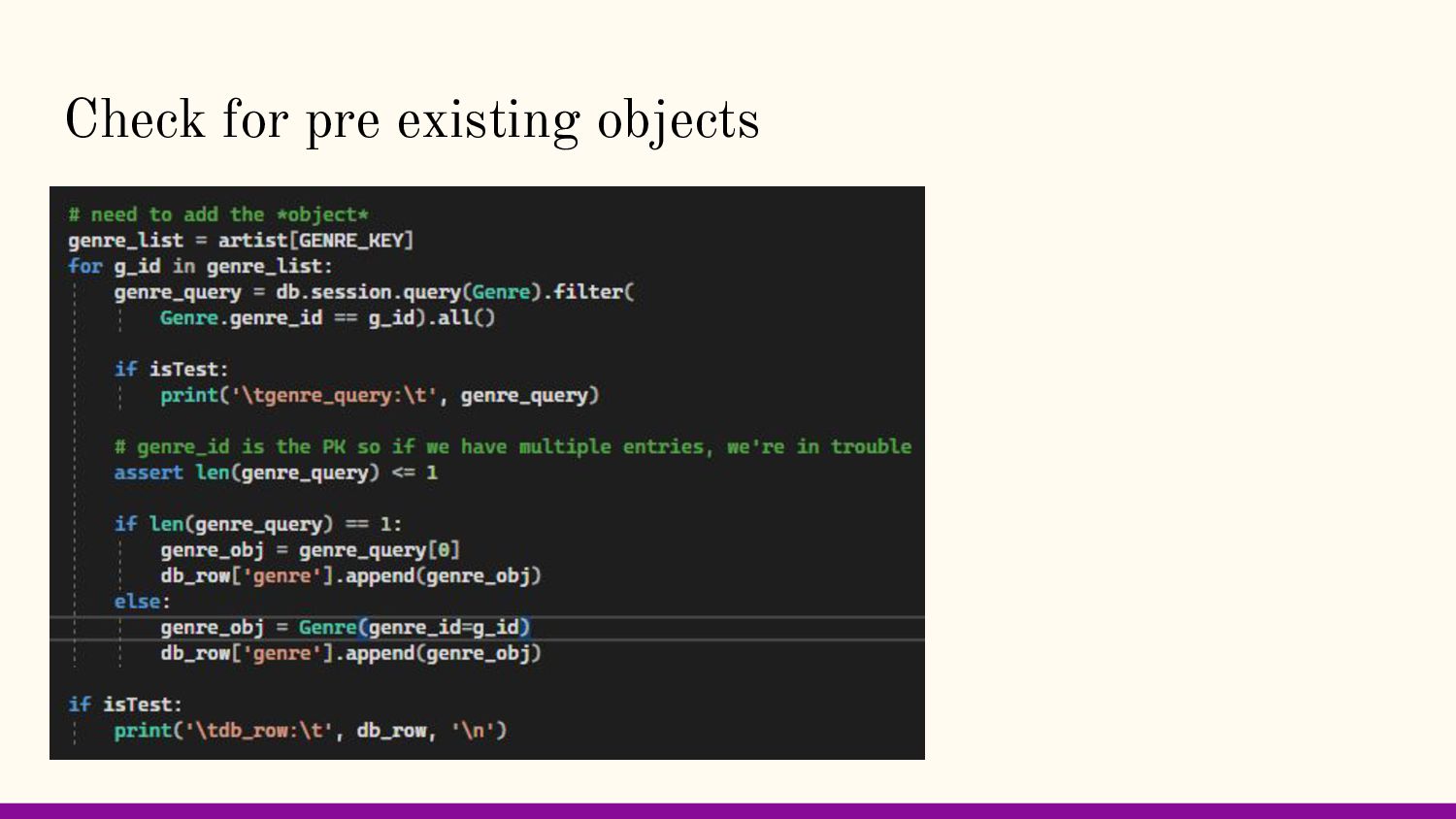
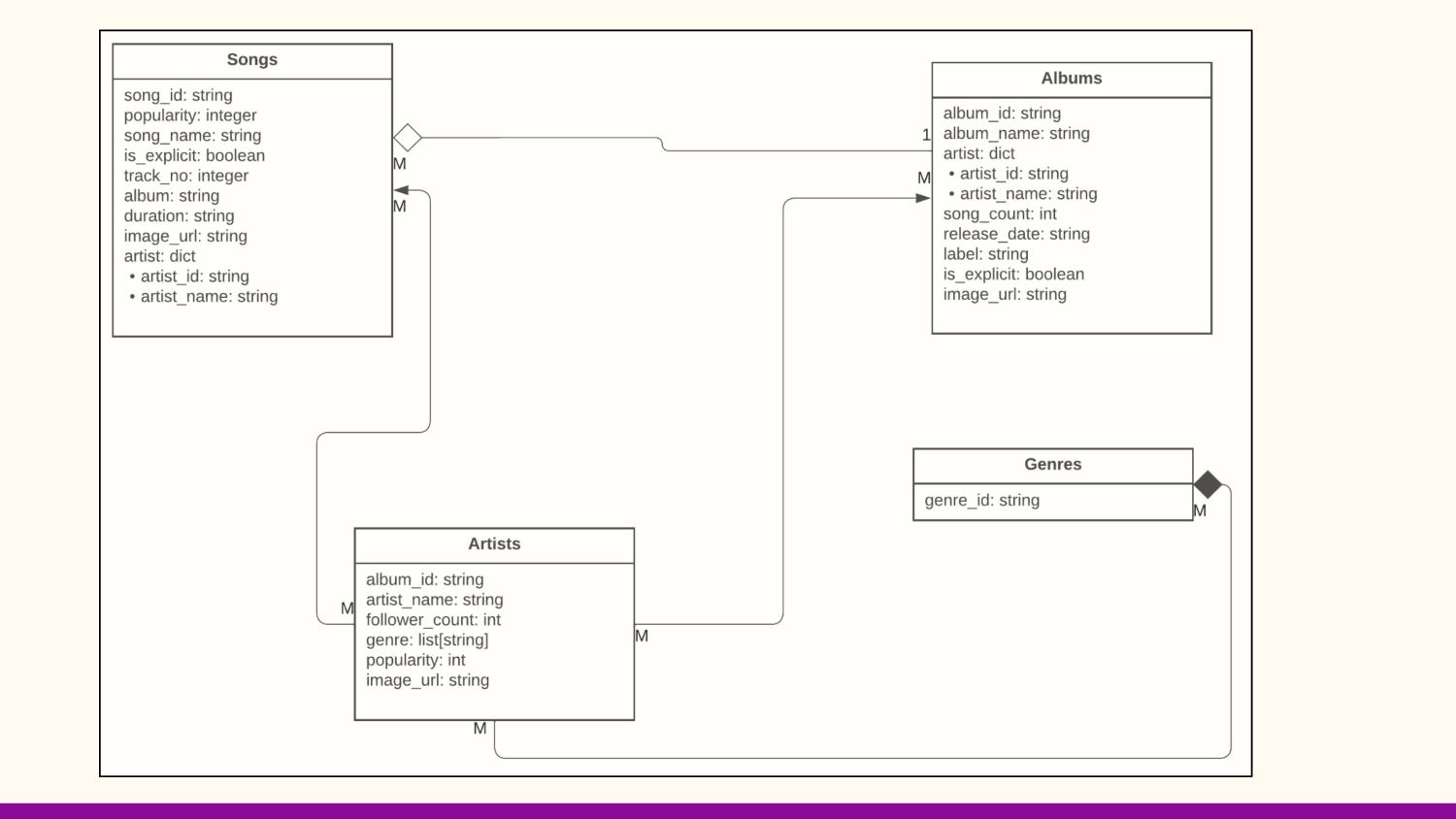
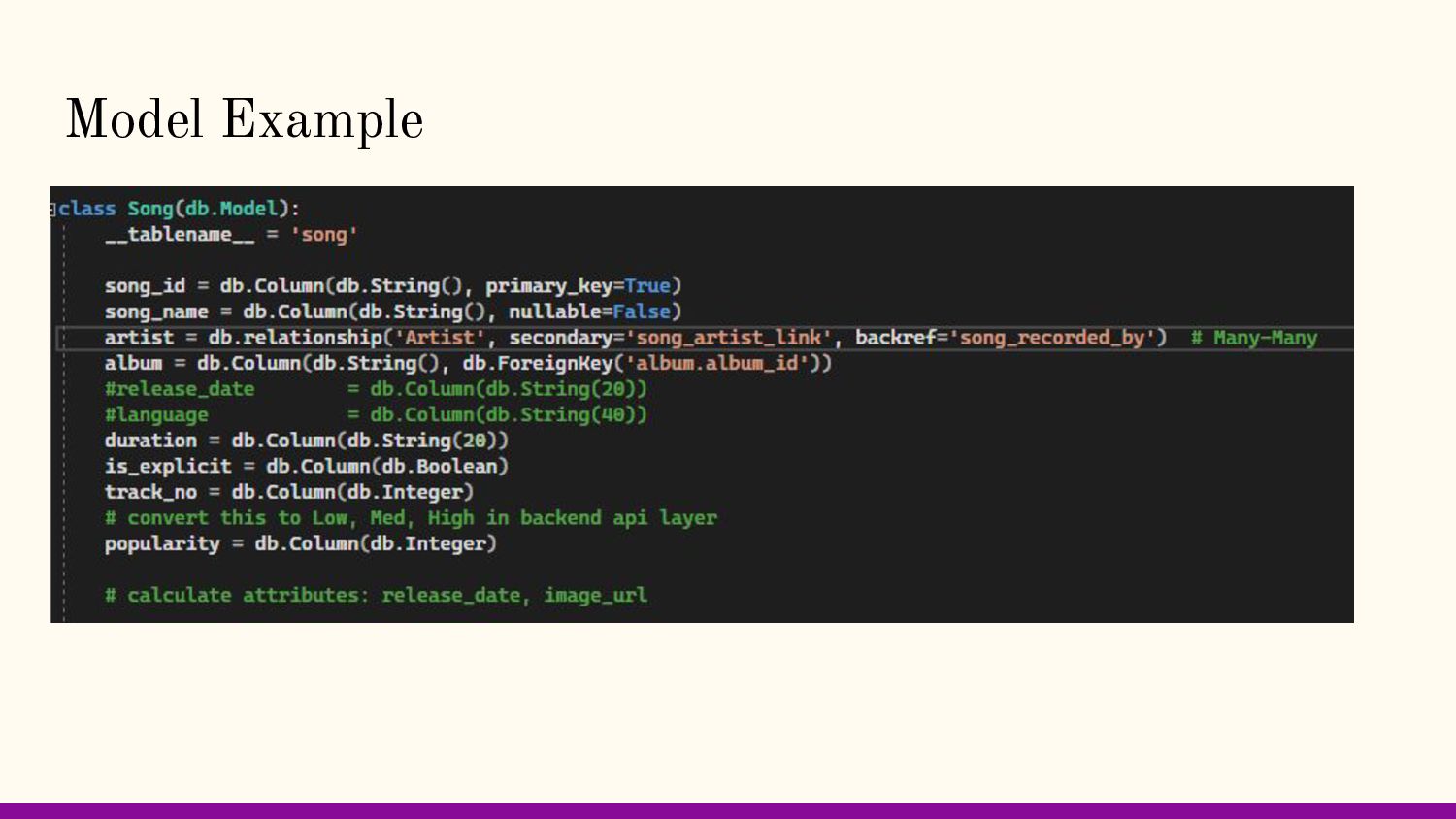
what to expect ◦ Agree on common data format, attribute keys, etc. ◦ Able to stay flexible while data collection peeps worked around inconsistent data • Able to use Spotify IDs as our PKs • Data loaded sequentially by pillar ◦ Made dummy objects for connections not loaded yet ◦ Support duplicate objects / replacing dummy objects during loading • 4 tables (3 for pillars + 1 extra) ◦ Artist, Album, Song, (Genre)
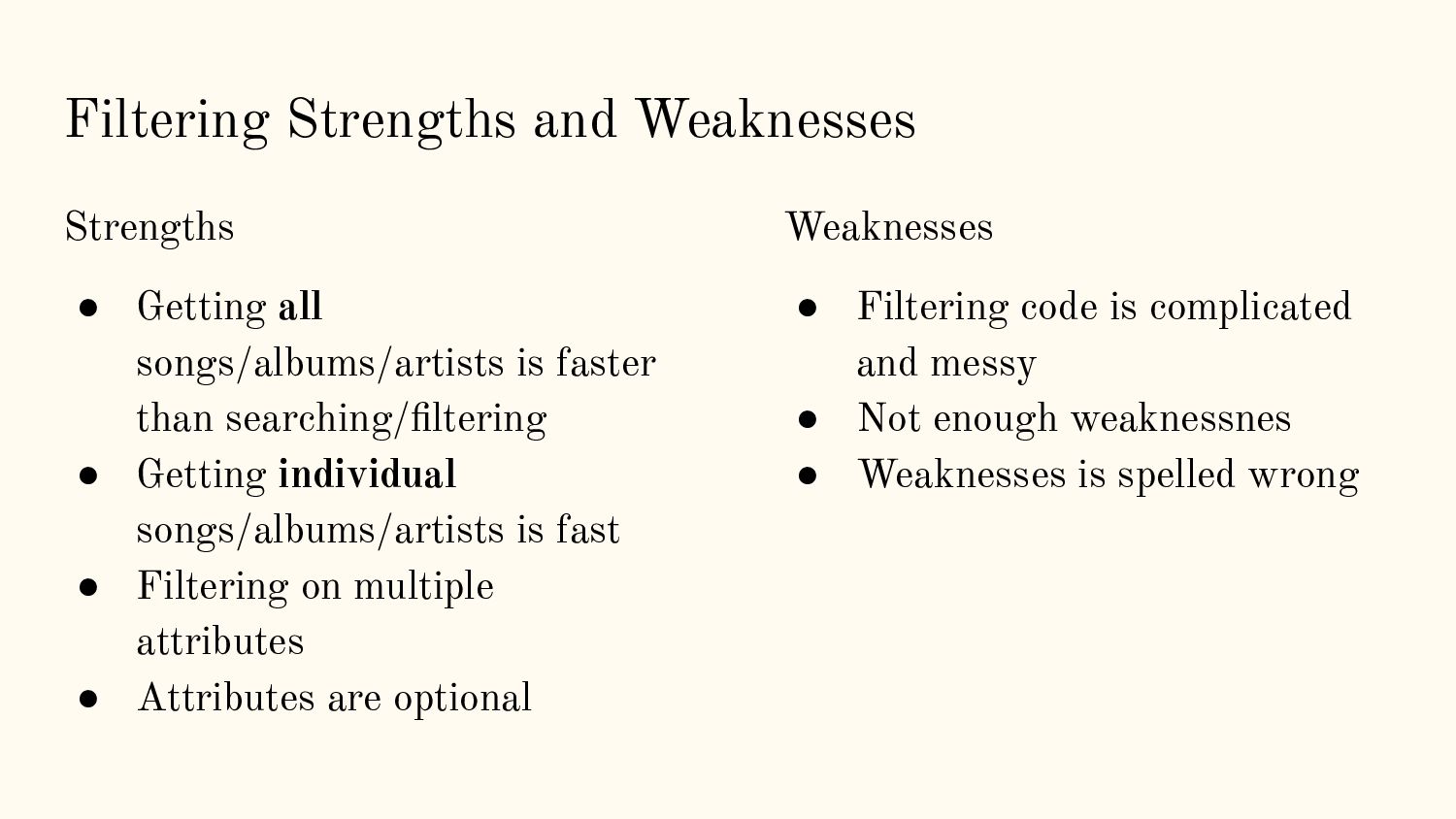
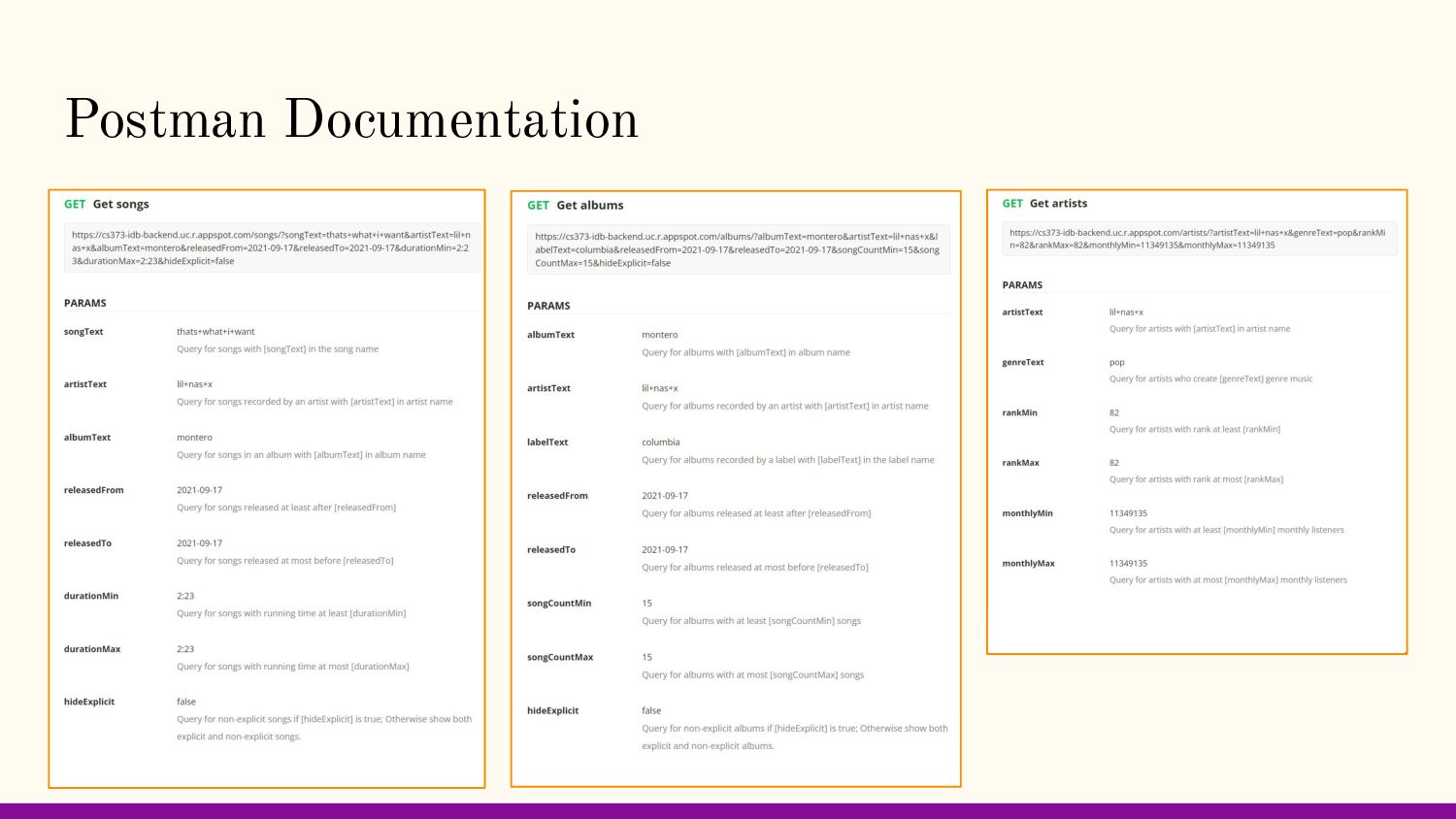
faster than searching/filtering • Getting individual songs/albums/artists is fast • Filtering on multiple attributes • Attributes are optional Weaknesses • Filtering code is complicated and messy • Not enough weaknessnes • Weaknesses is spelled wrong
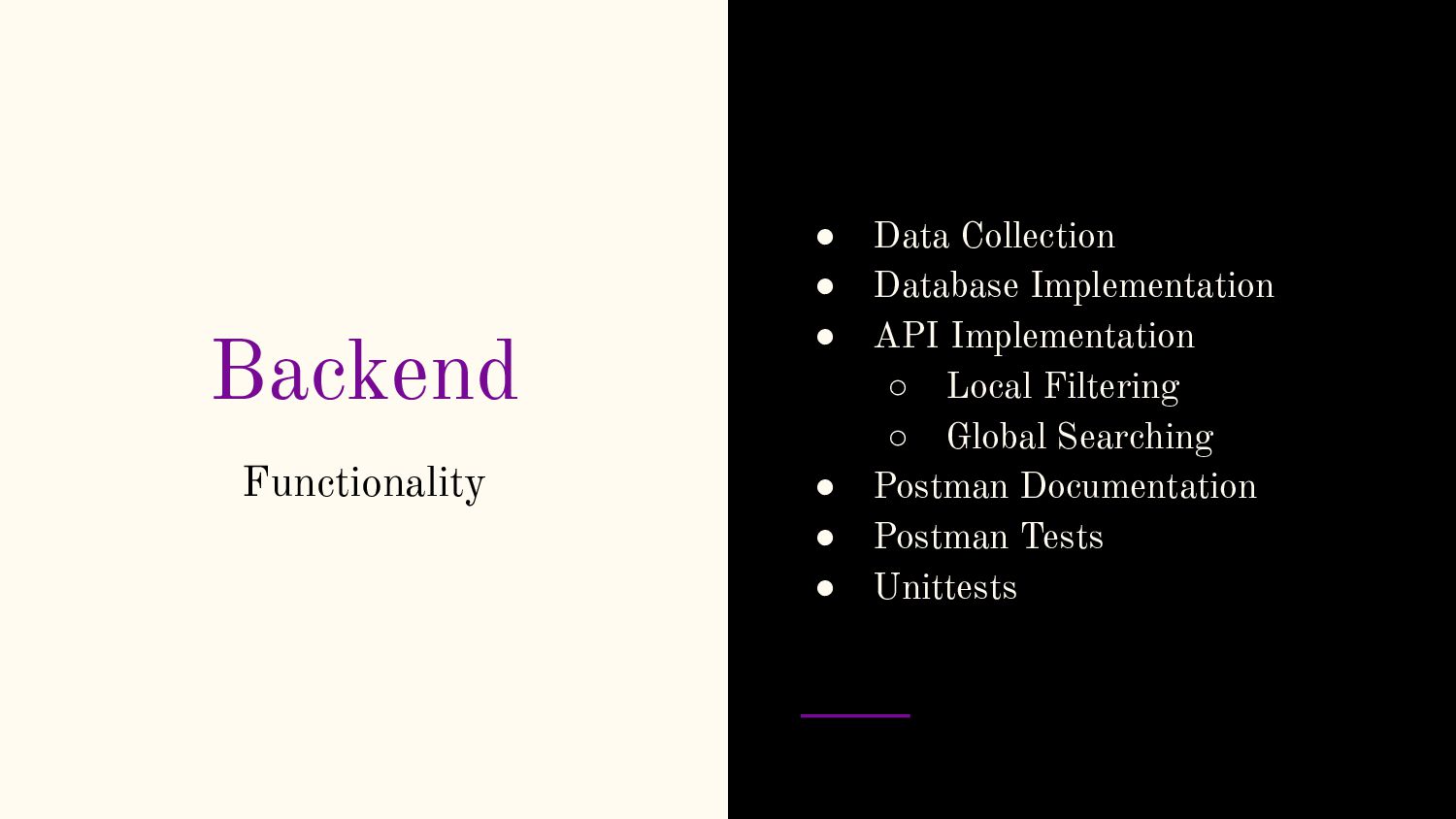
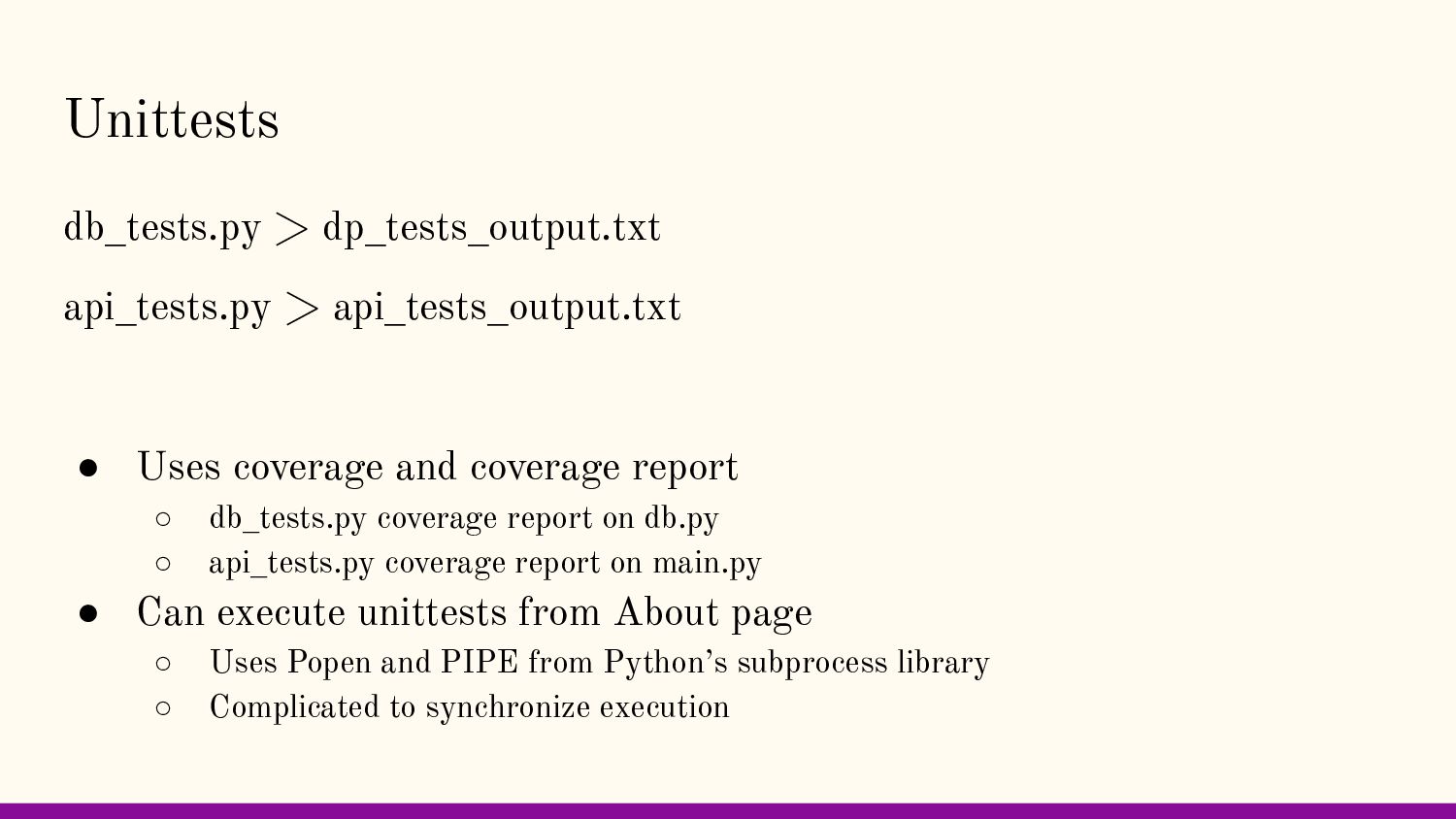
and coverage report ◦ db_tests.py coverage report on db.py ◦ api_tests.py coverage report on main.py • Can execute unittests from About page ◦ Uses Popen and PIPE from Python’s subprocess library ◦ Complicated to synchronize execution
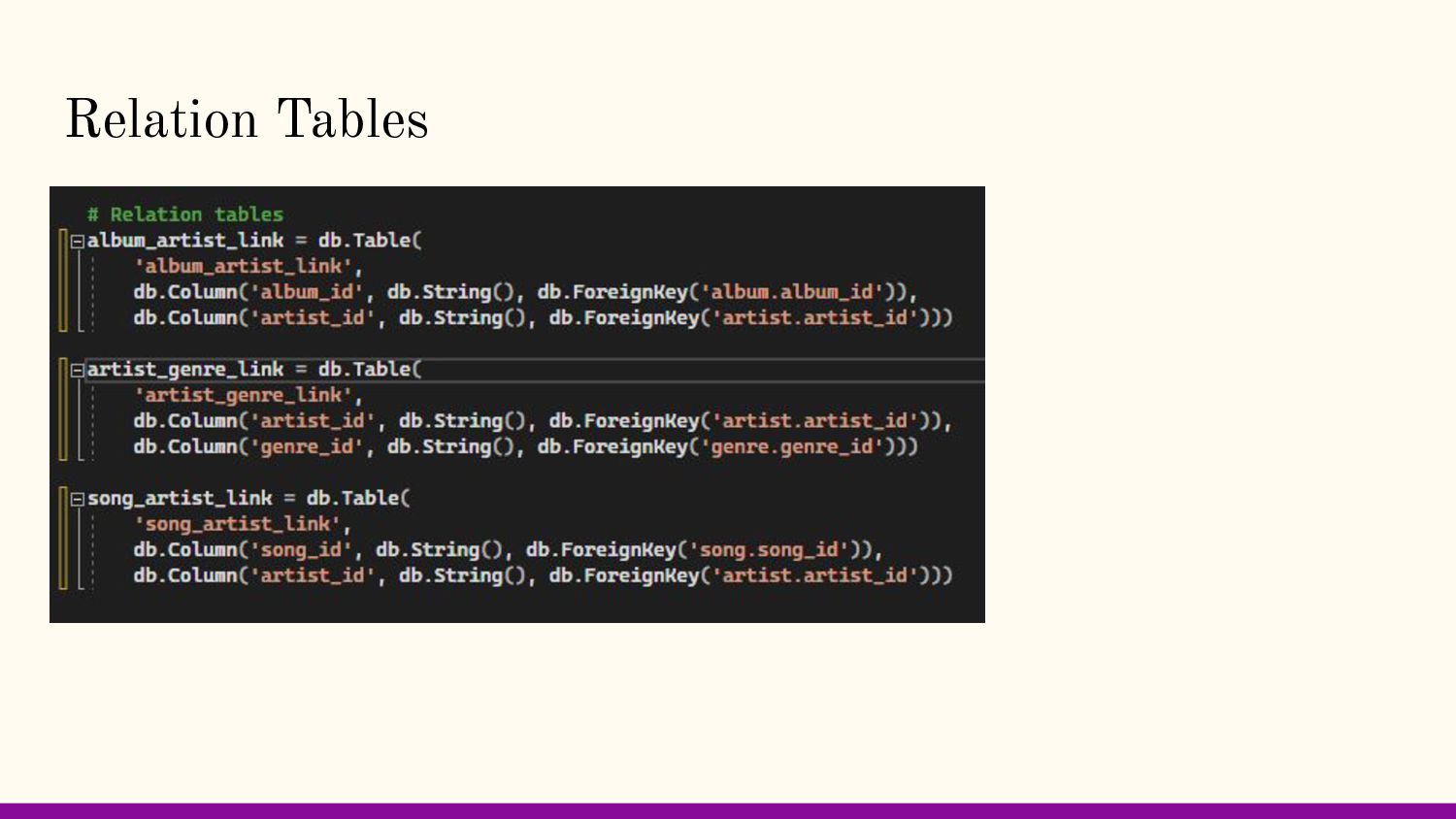
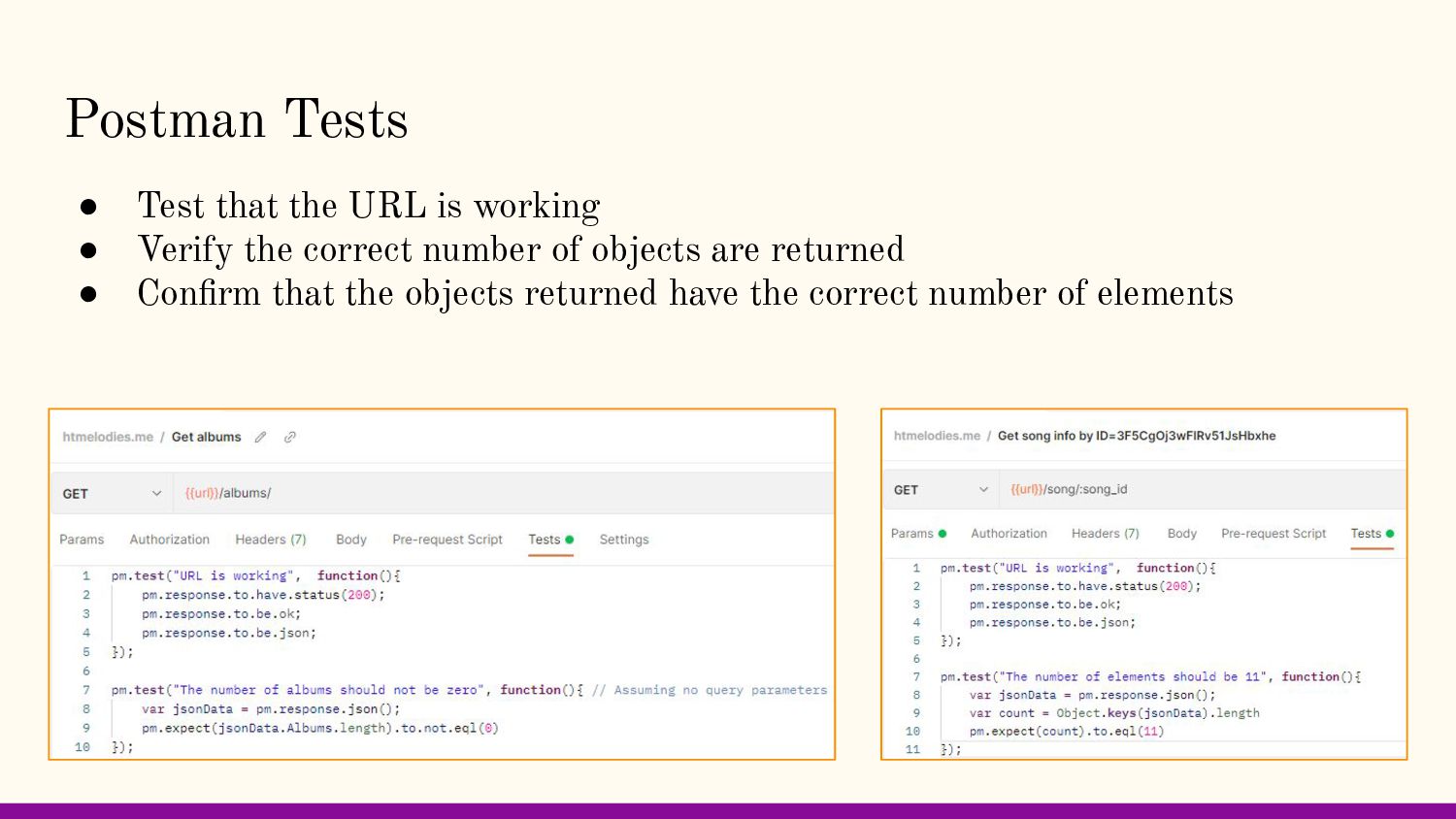
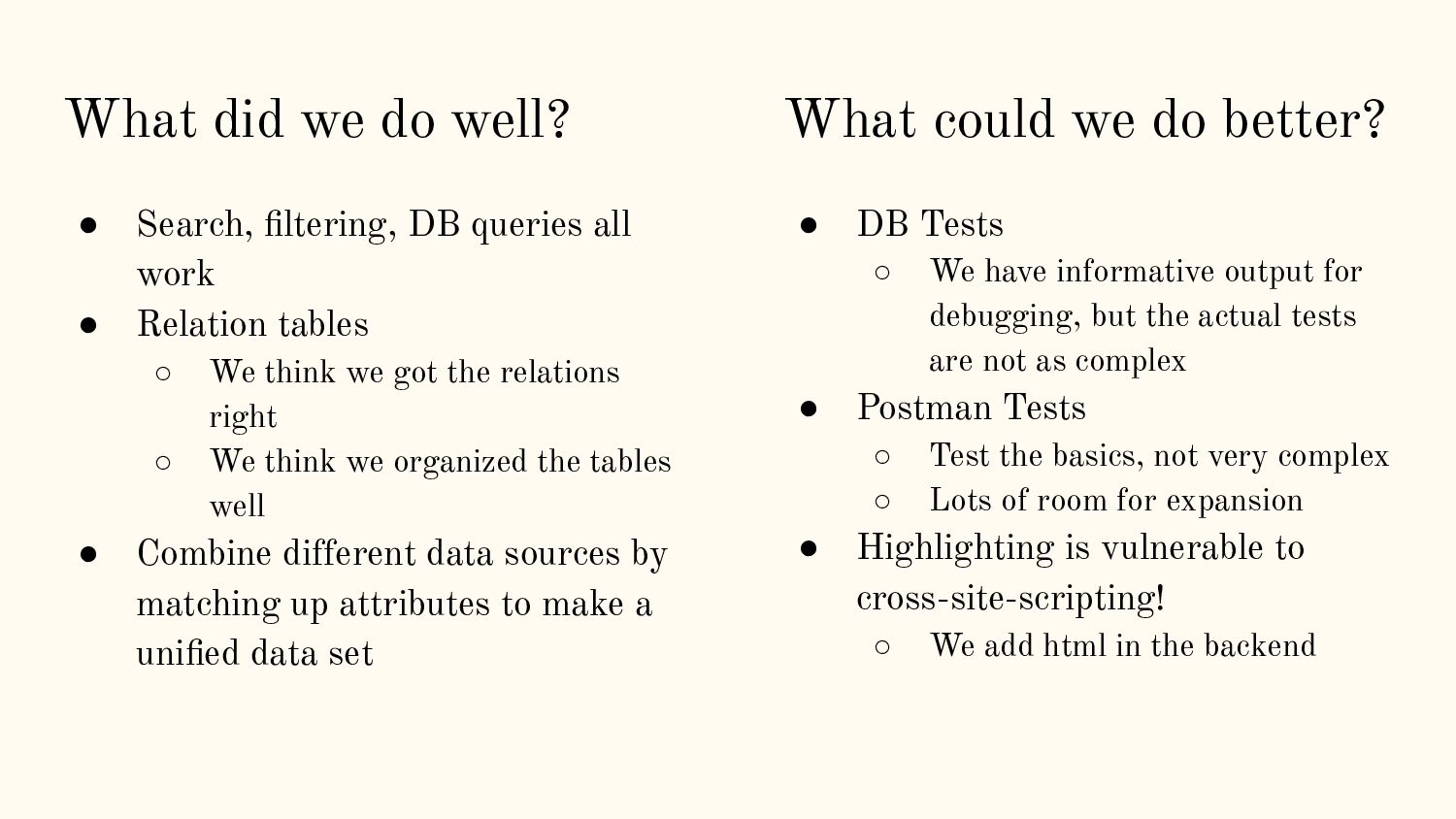
all work • Relation tables ◦ We think we got the relations right ◦ We think we organized the tables well • Combine different data sources by matching up attributes to make a unified data set • DB Tests ◦ We have informative output for debugging, but the actual tests are not as complex • Postman Tests ◦ Test the basics, not very complex ◦ Lots of room for expansion • Highlighting is vulnerable to cross-site-scripting! ◦ We add html in the backend What could we do better?
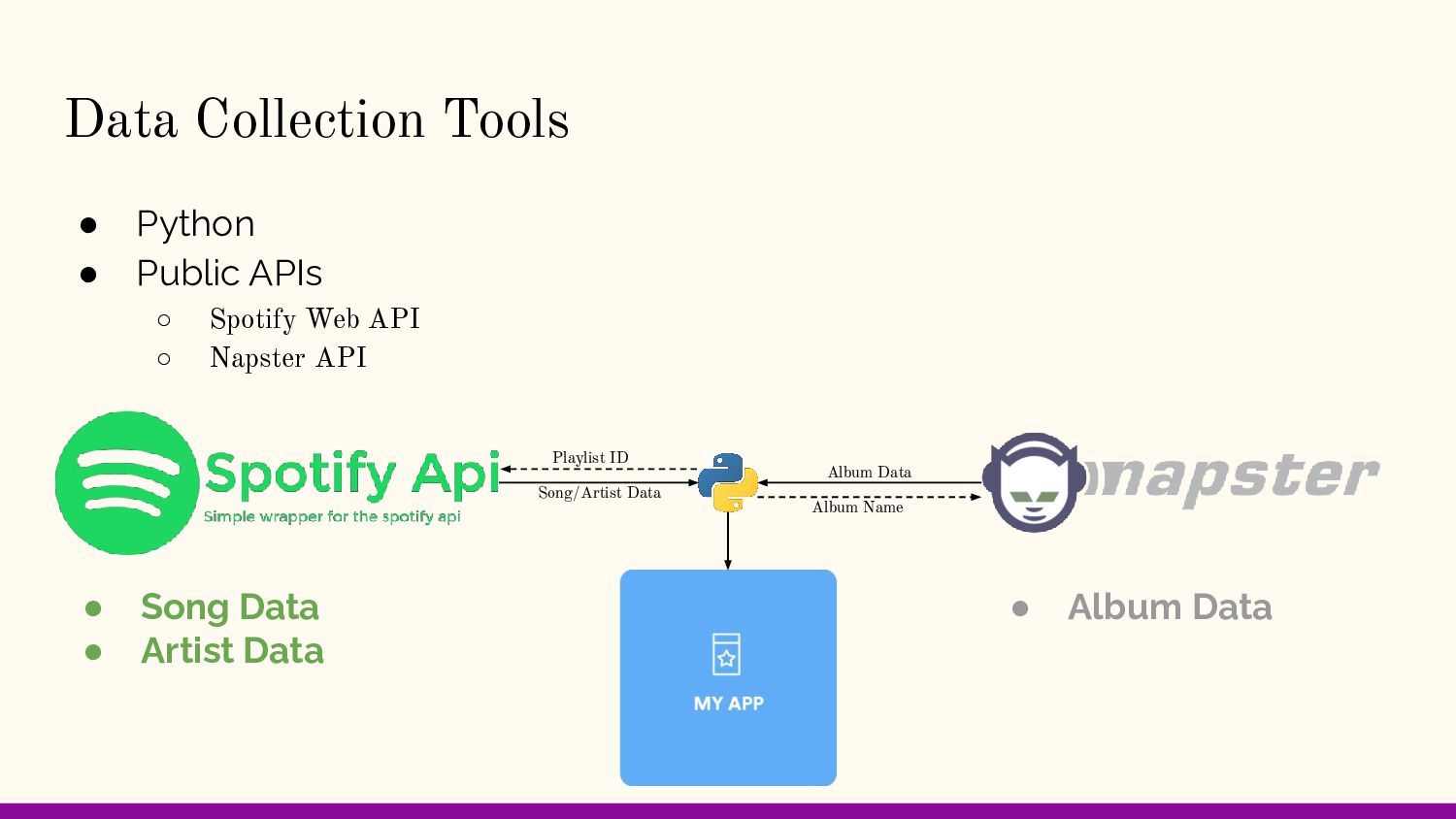
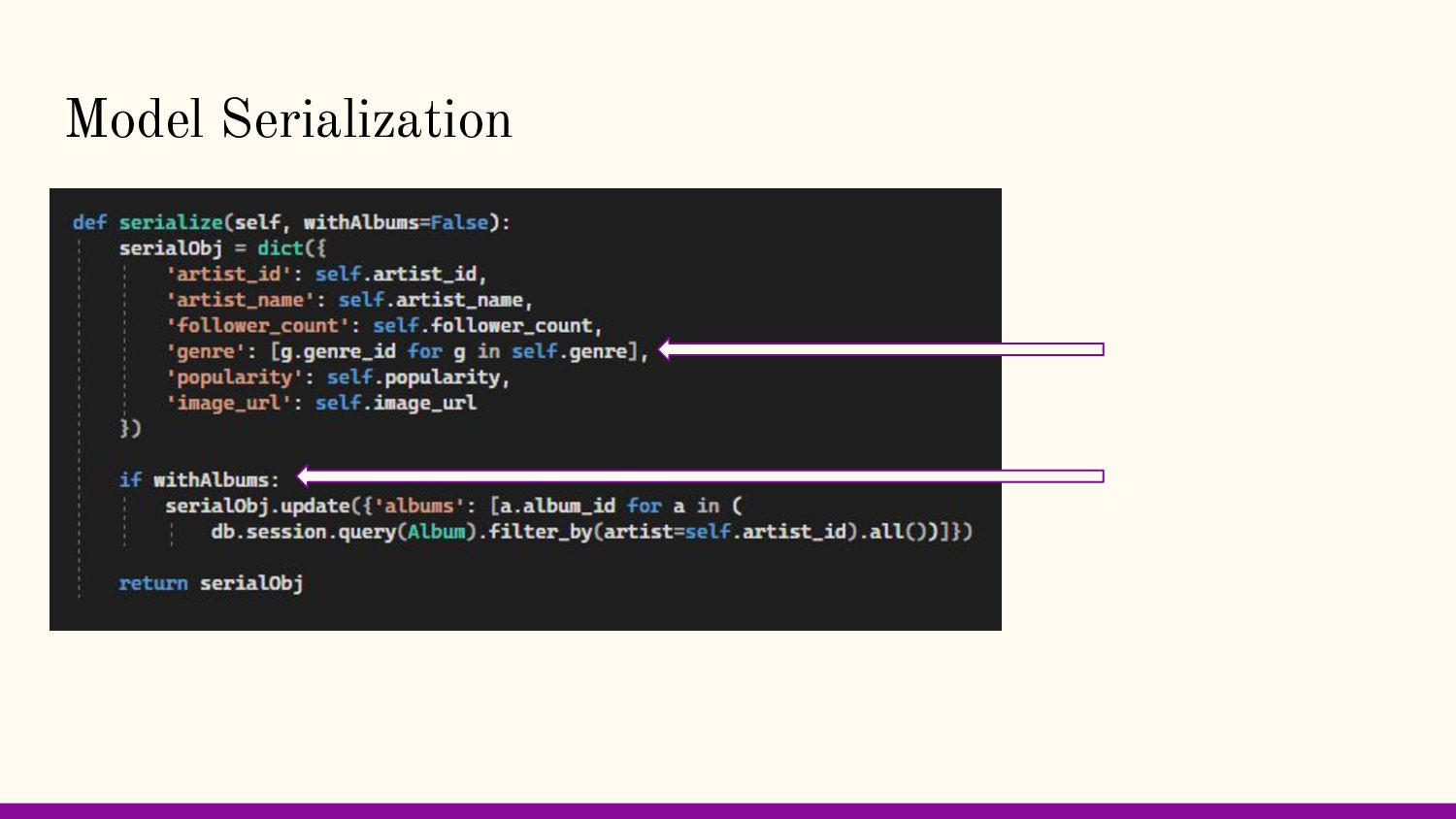
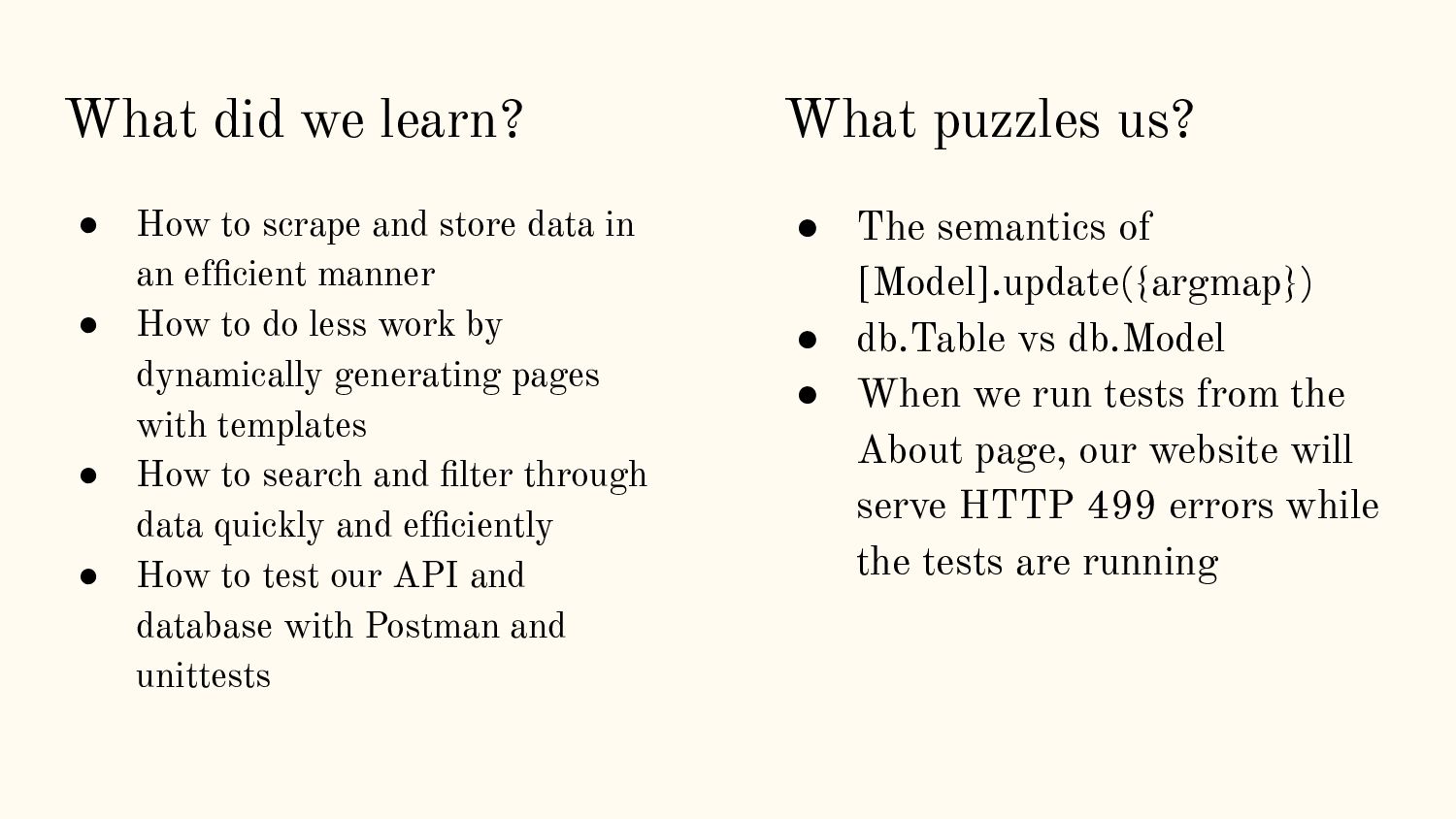
data in an efficient manner • How to do less work by dynamically generating pages with templates • How to search and filter through data quickly and efficiently • How to test our API and database with Postman and unittests • The semantics of [Model].update({argmap}) • db.Table vs db.Model • When we run tests from the About page, our website will serve HTTP 499 errors while the tests are running What puzzles us?
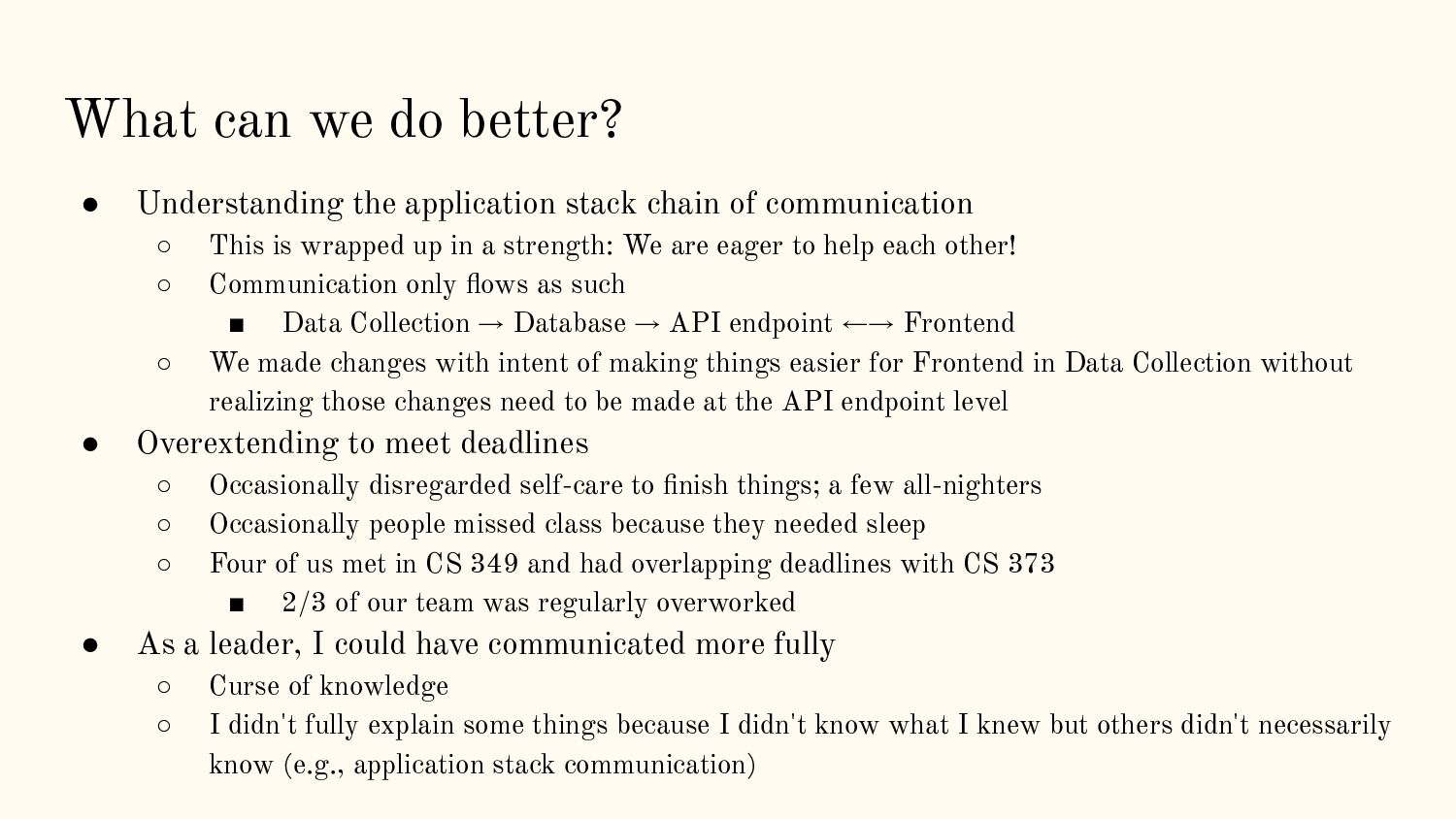
chain of communication ◦ This is wrapped up in a strength: We are eager to help each other! ◦ Communication only flows as such ▪ Data Collection → Database → API endpoint ←→ Frontend ◦ We made changes with intent of making things easier for Frontend in Data Collection without realizing those changes need to be made at the API endpoint level • Overextending to meet deadlines ◦ Occasionally disregarded self-care to finish things; a few all-nighters ◦ Occasionally people missed class because they needed sleep ◦ Four of us met in CS 349 and had overlapping deadlines with CS 373 ▪ 2/3 of our team was regularly overworked • As a leader, I could have communicated more fully ◦ Curse of knowledge ◦ I didn't fully explain some things because I didn't know what I knew but others didn't necessarily know (e.g., application stack communication)
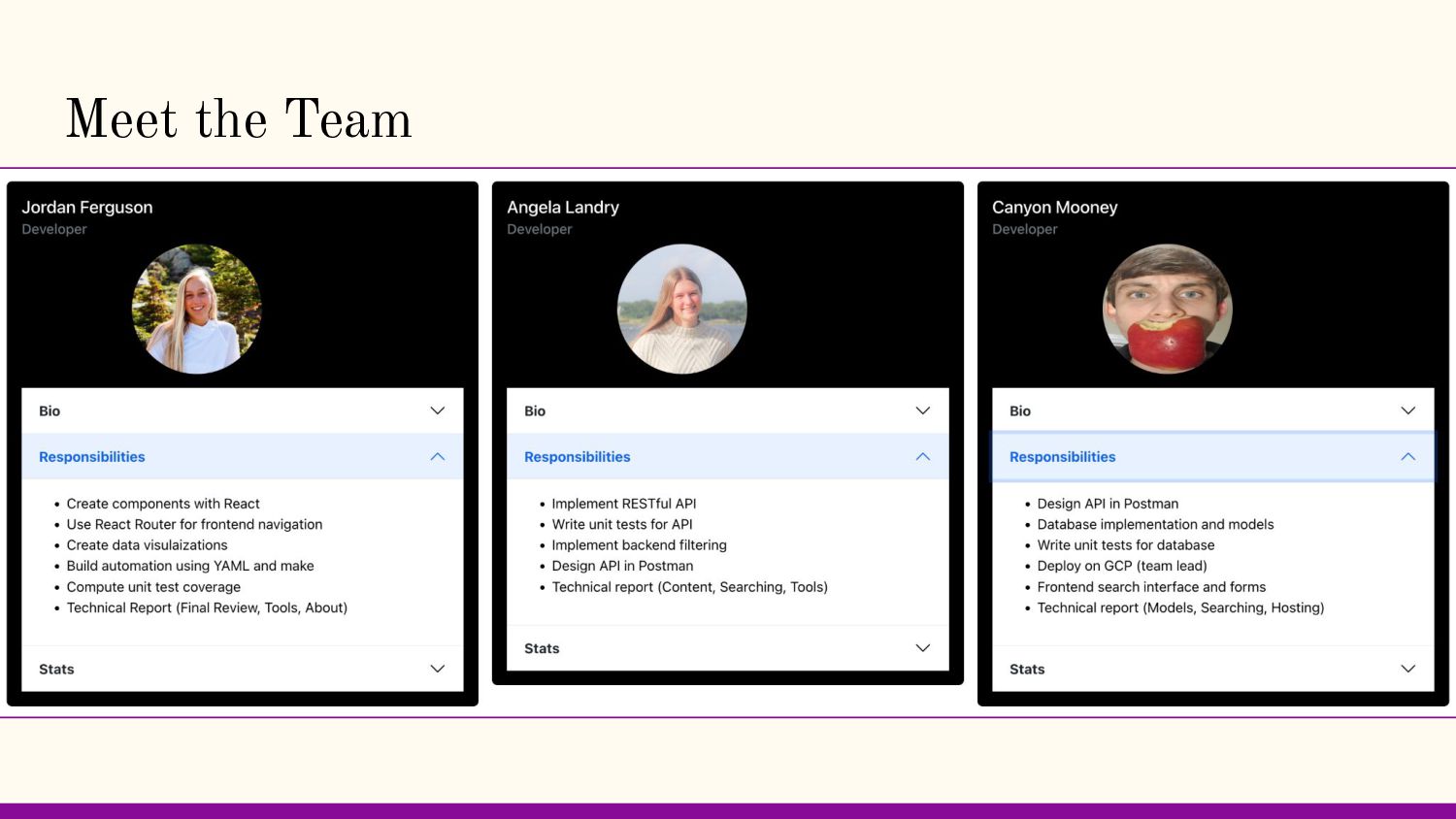
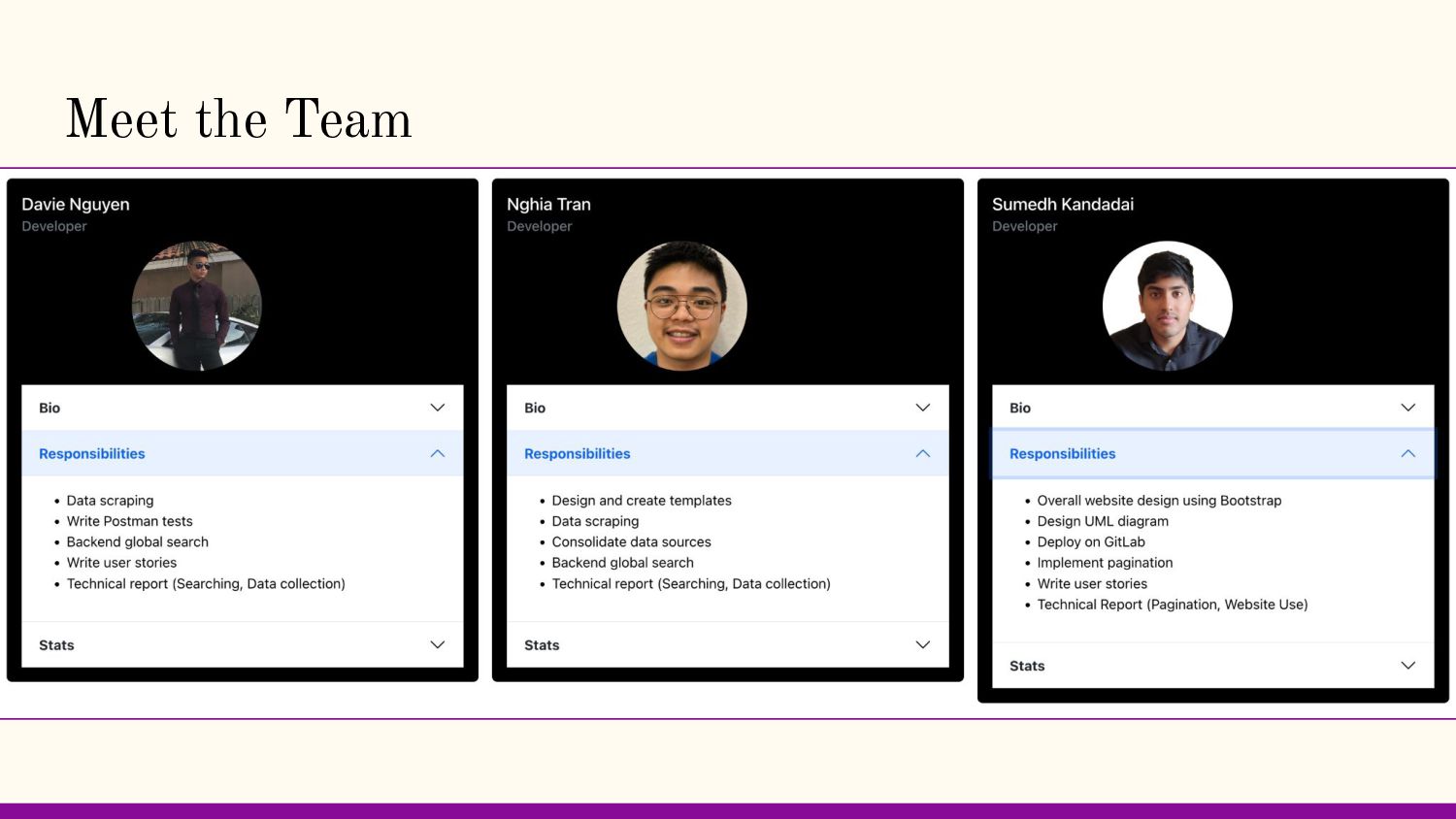
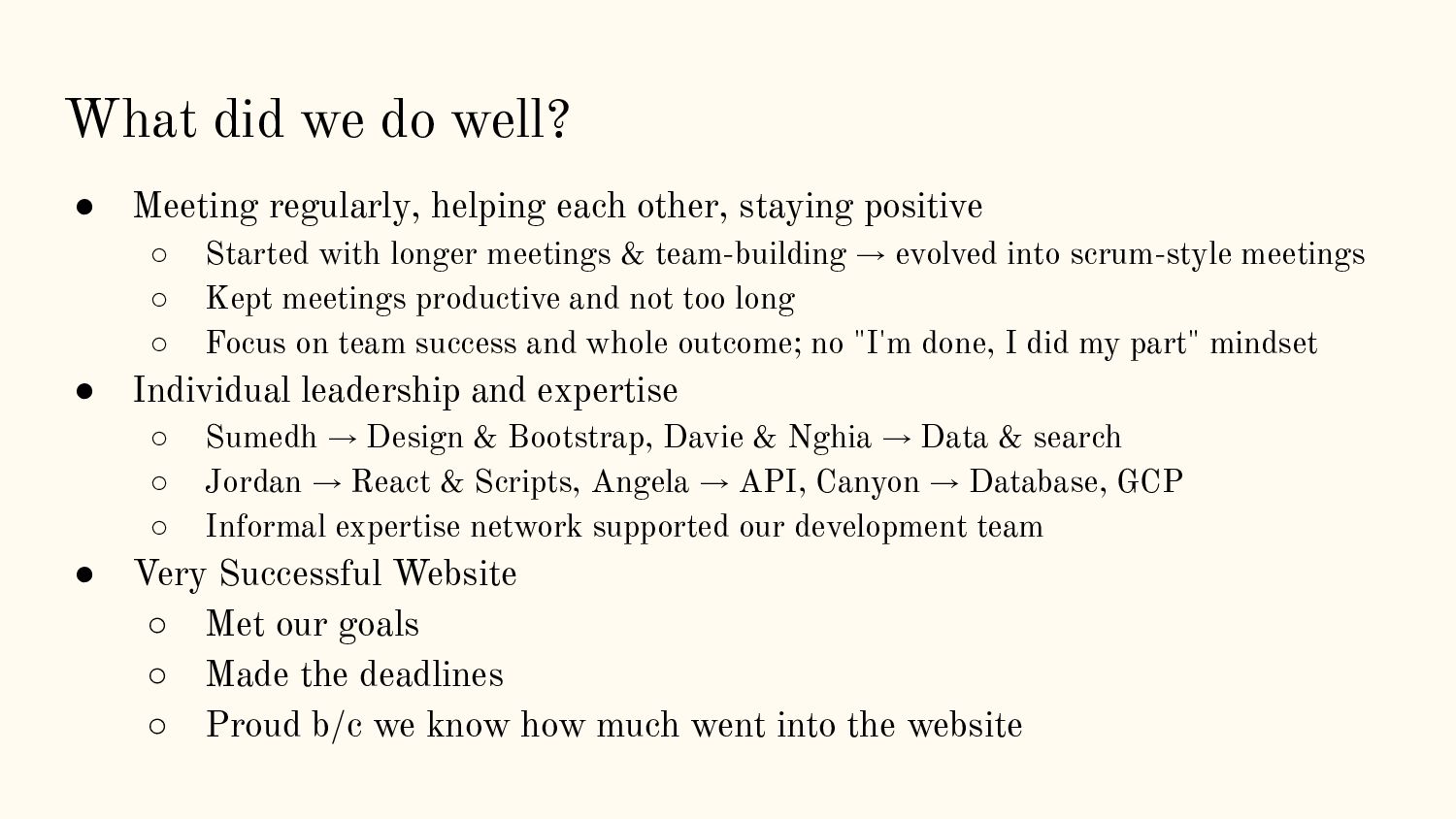
other, staying positive ◦ Started with longer meetings & team-building → evolved into scrum-style meetings ◦ Kept meetings productive and not too long ◦ Focus on team success and whole outcome; no "I'm done, I did my part" mindset • Individual leadership and expertise ◦ Sumedh → Design & Bootstrap, Davie & Nghia → Data & search ◦ Jordan → React & Scripts, Angela → API, Canyon → Database, GCP ◦ Informal expertise network supported our development team • Very Successful Website ◦ Met our goals ◦ Made the deadlines ◦ Proud b/c we know how much went into the website
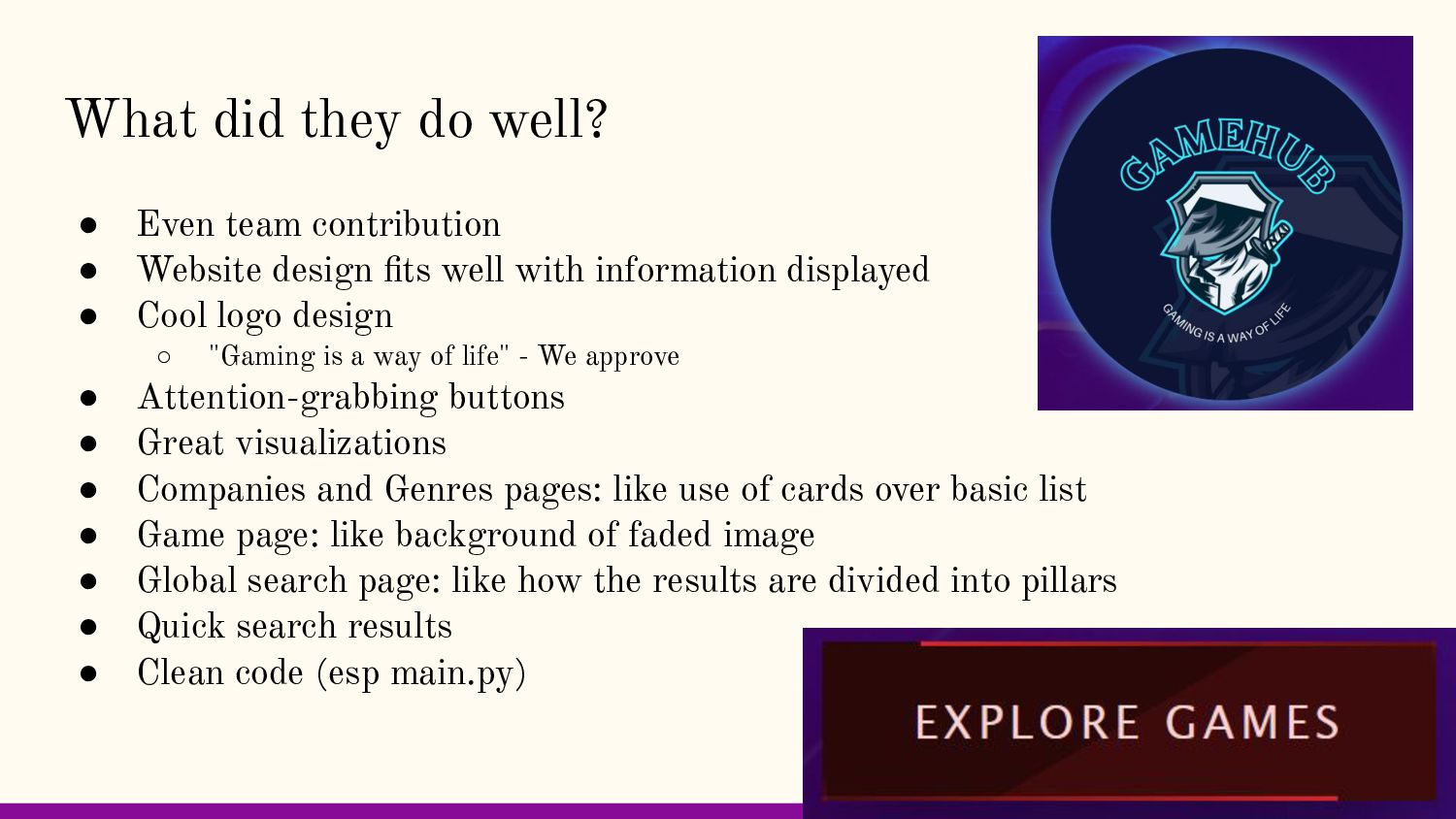
Website design fits well with information displayed • Cool logo design ◦ "Gaming is a way of life" - We approve • Attention-grabbing buttons • Great visualizations • Companies and Genres pages: like use of cards over basic list • Game page: like background of faded image • Global search page: like how the results are divided into pillars • Quick search results • Clean code (esp main.py)
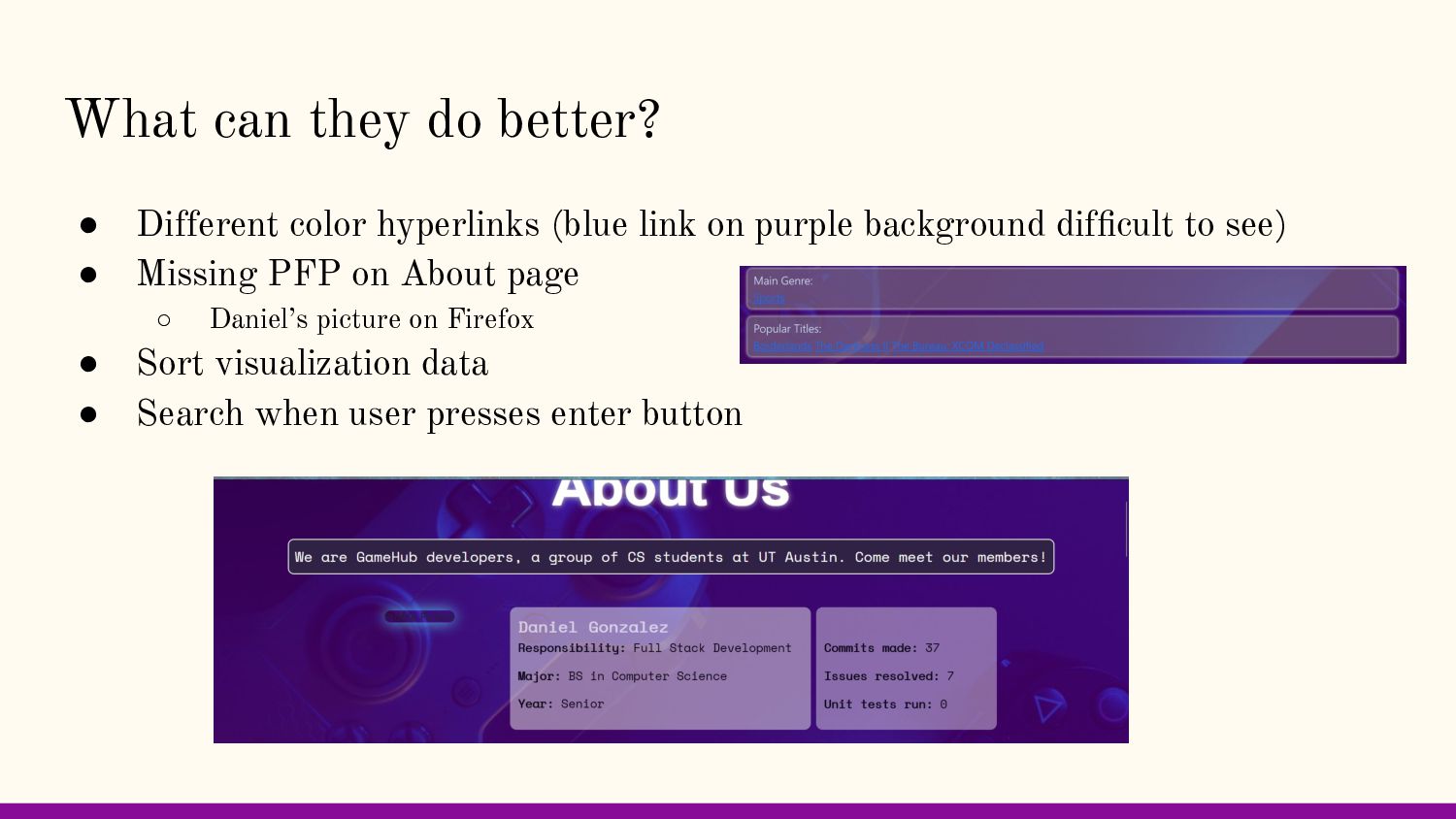
link on purple background difficult to see) • Missing PFP on About page ◦ Daniel’s picture on Firefox • Sort visualization data • Search when user presses enter button
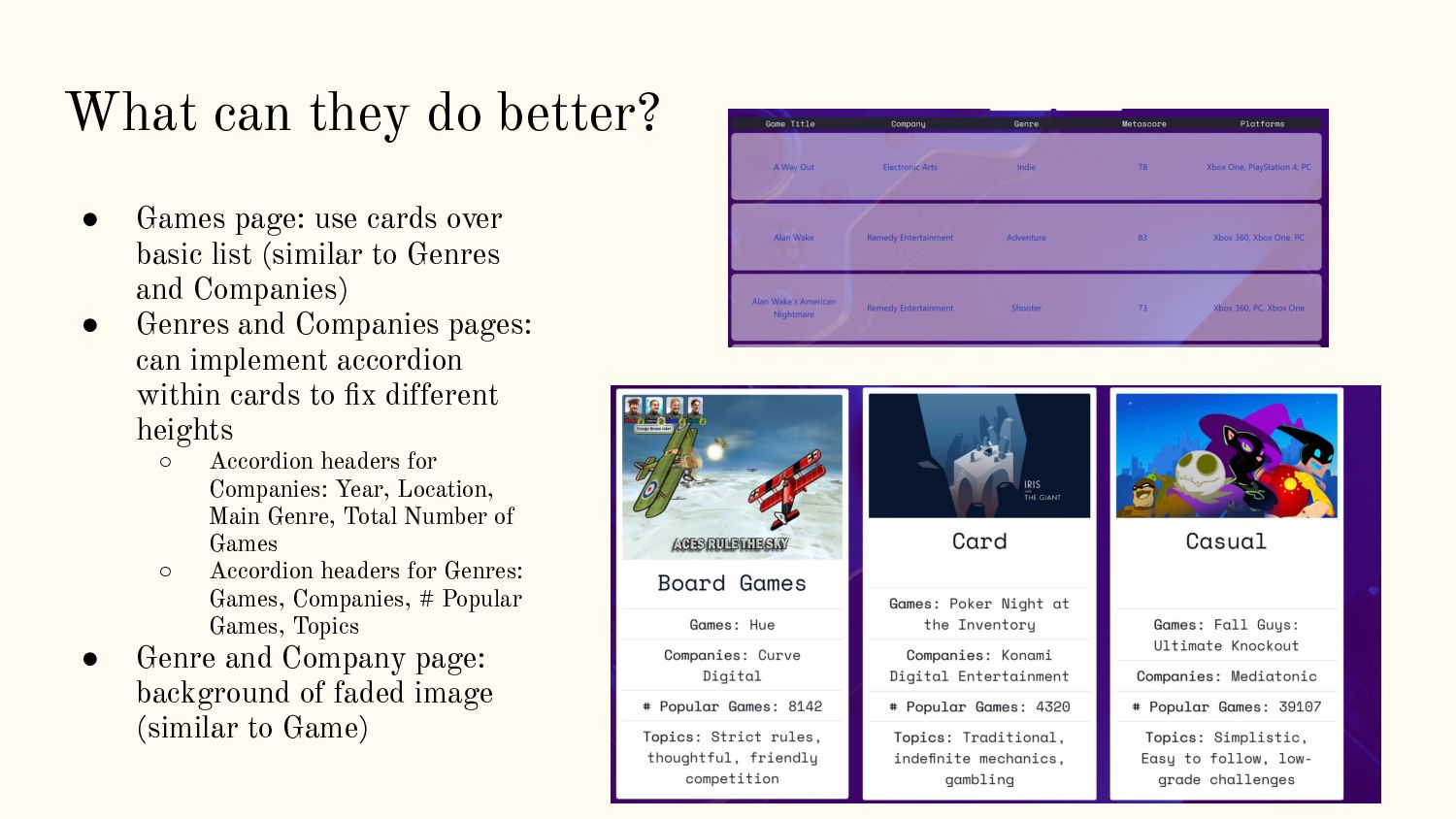
over basic list (similar to Genres and Companies) • Genres and Companies pages: can implement accordion within cards to fix different heights ◦ Accordion headers for Companies: Year, Location, Main Genre, Total Number of Games ◦ Accordion headers for Genres: Games, Companies, # Popular Games, Topics • Genre and Company page: background of faded image (similar to Game)
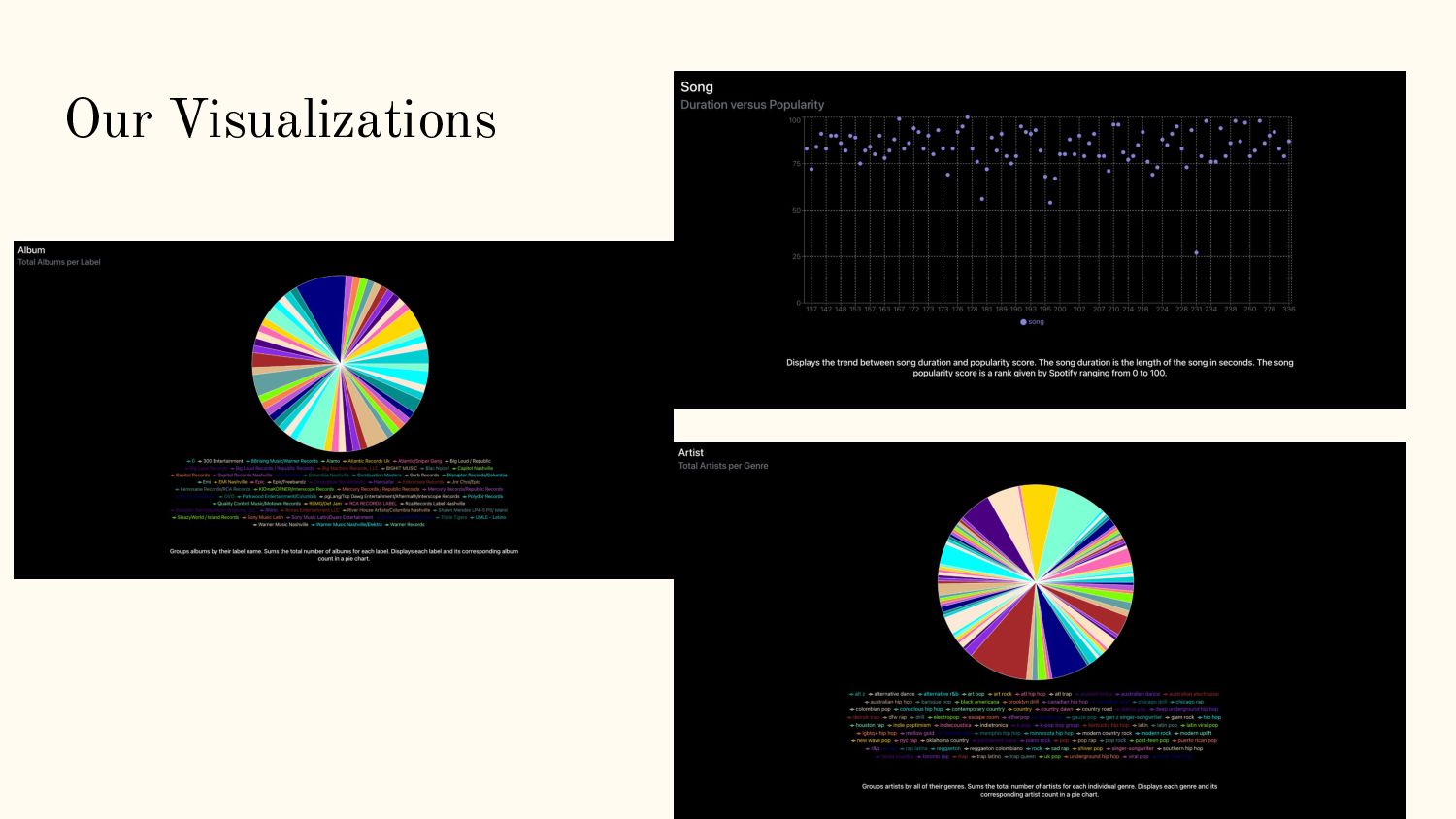
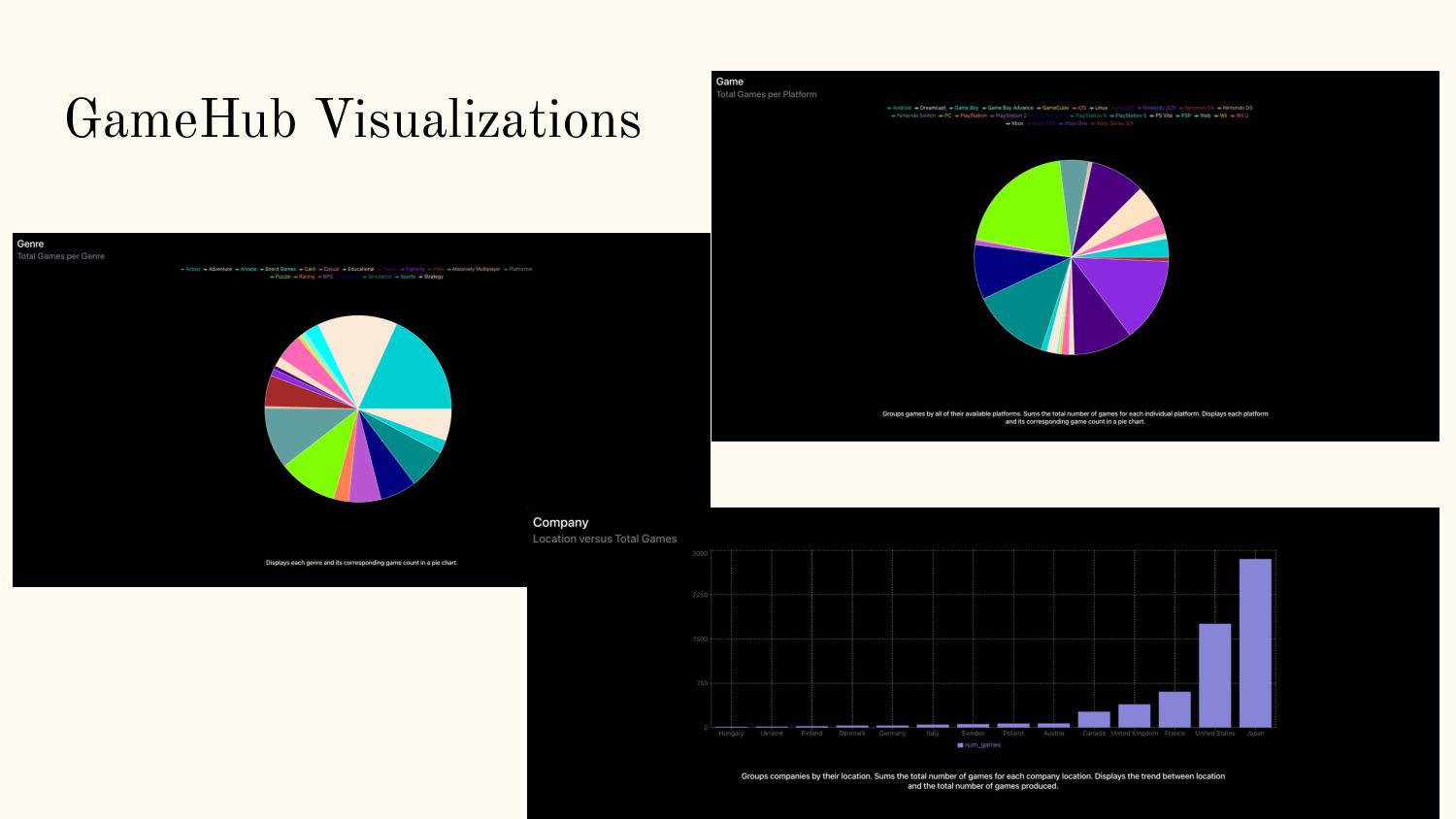
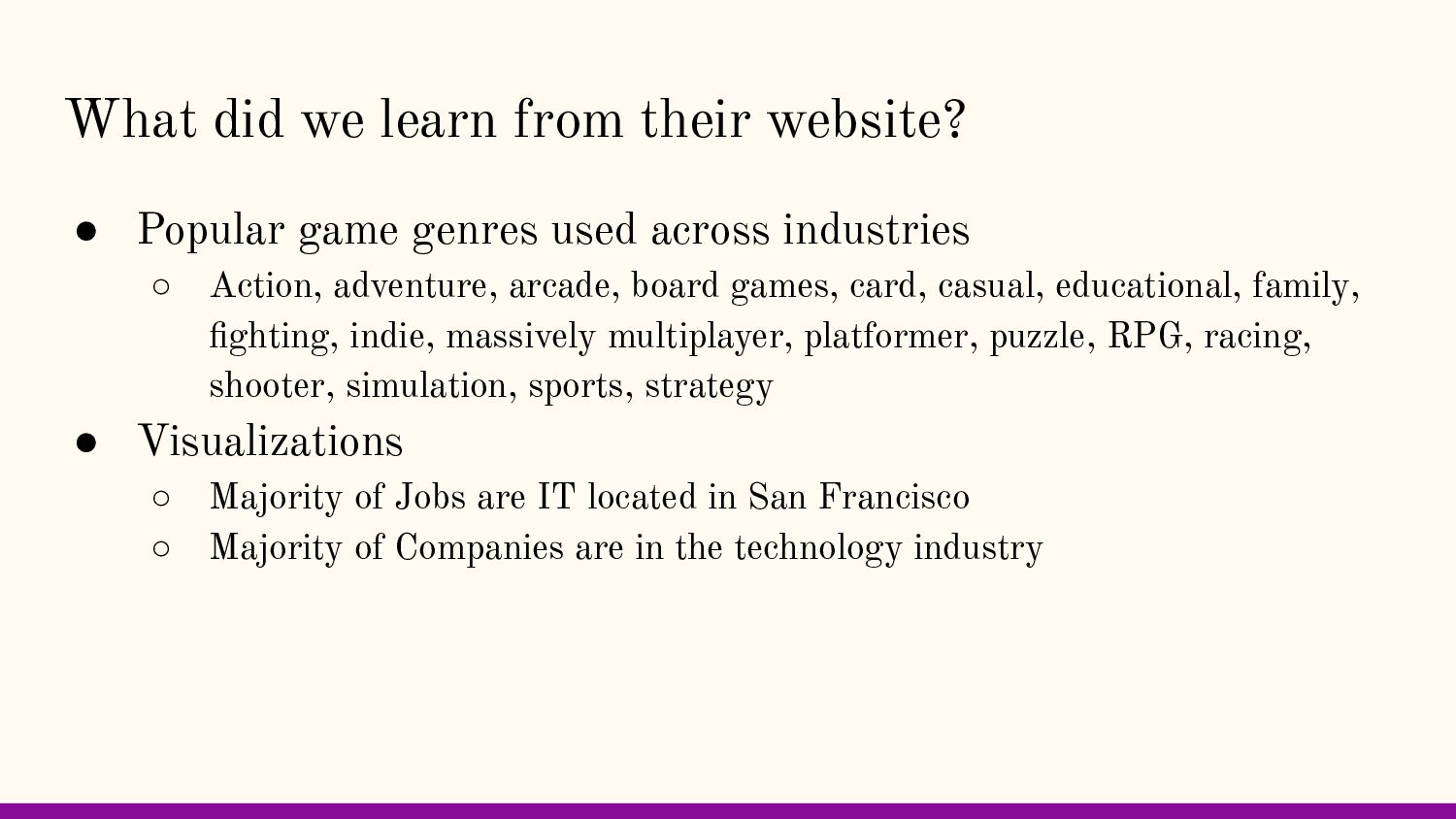
genres used across industries ◦ Action, adventure, arcade, board games, card, casual, educational, family, fighting, indie, massively multiplayer, platformer, puzzle, RPG, racing, shooter, simulation, sports, strategy • Visualizations ◦ Majority of Jobs are IT located in San Francisco ◦ Majority of Companies are in the technology industry
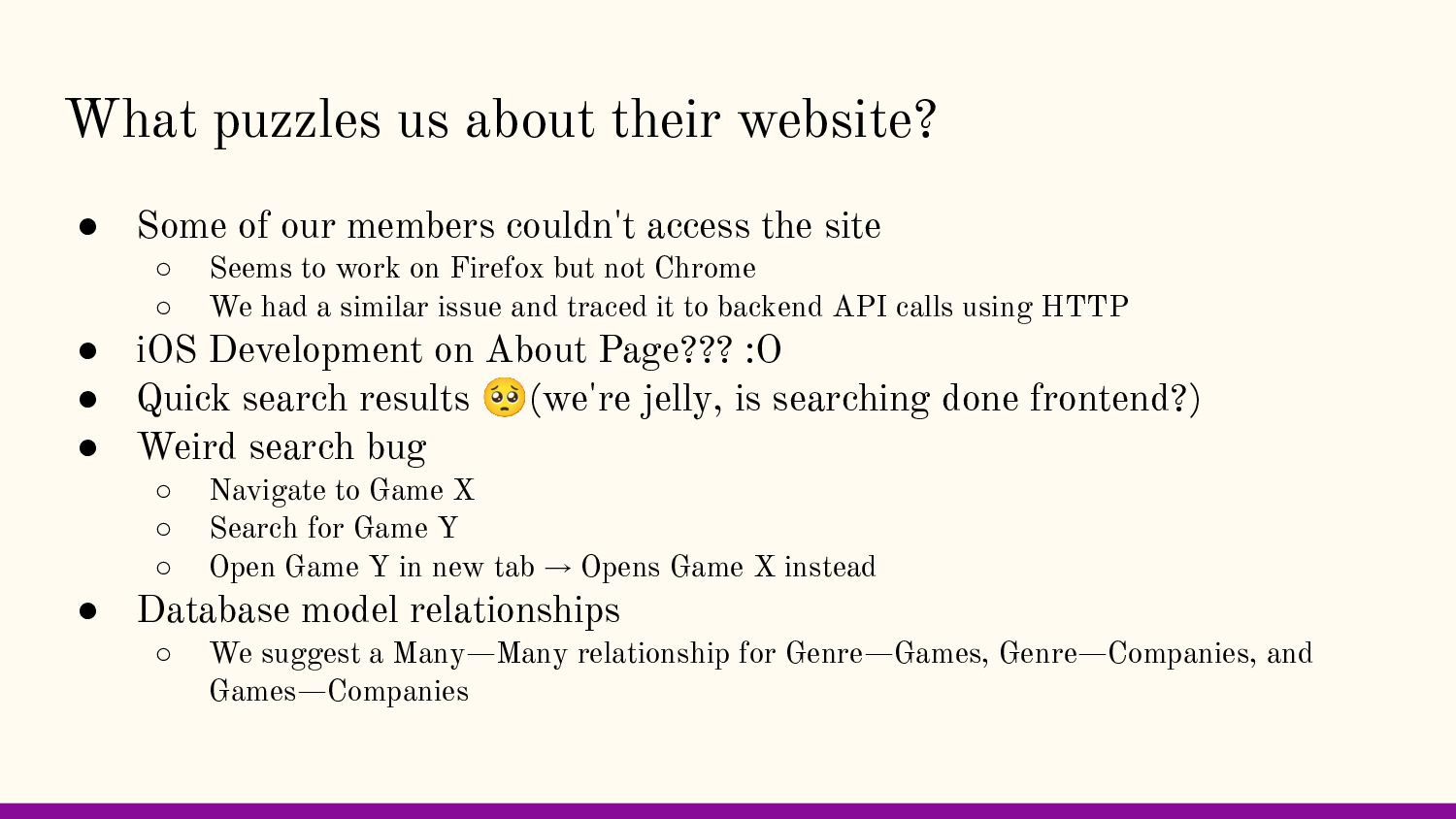
members couldn't access the site ◦ Seems to work on Firefox but not Chrome ◦ We had a similar issue and traced it to backend API calls using HTTP • iOS Development on About Page??? :O • Quick search results 🥺(we're jelly, is searching done frontend?) • Weird search bug ◦ Navigate to Game X ◦ Search for Game Y ◦ Open Game Y in new tab → Opens Game X instead • Database model relationships ◦ We suggest a Many—Many relationship for Genre—Games, Genre—Companies, and Games—Companies


.jpg) cargoodrich
cargoodrich
 mfonobong
 techseoconnect
 bluesmoon
 colly
colly
 jakevdp
 charlesmeaden
 shlominoach
 aemeredith
 pwiseman
 aleyda
 codingconduct